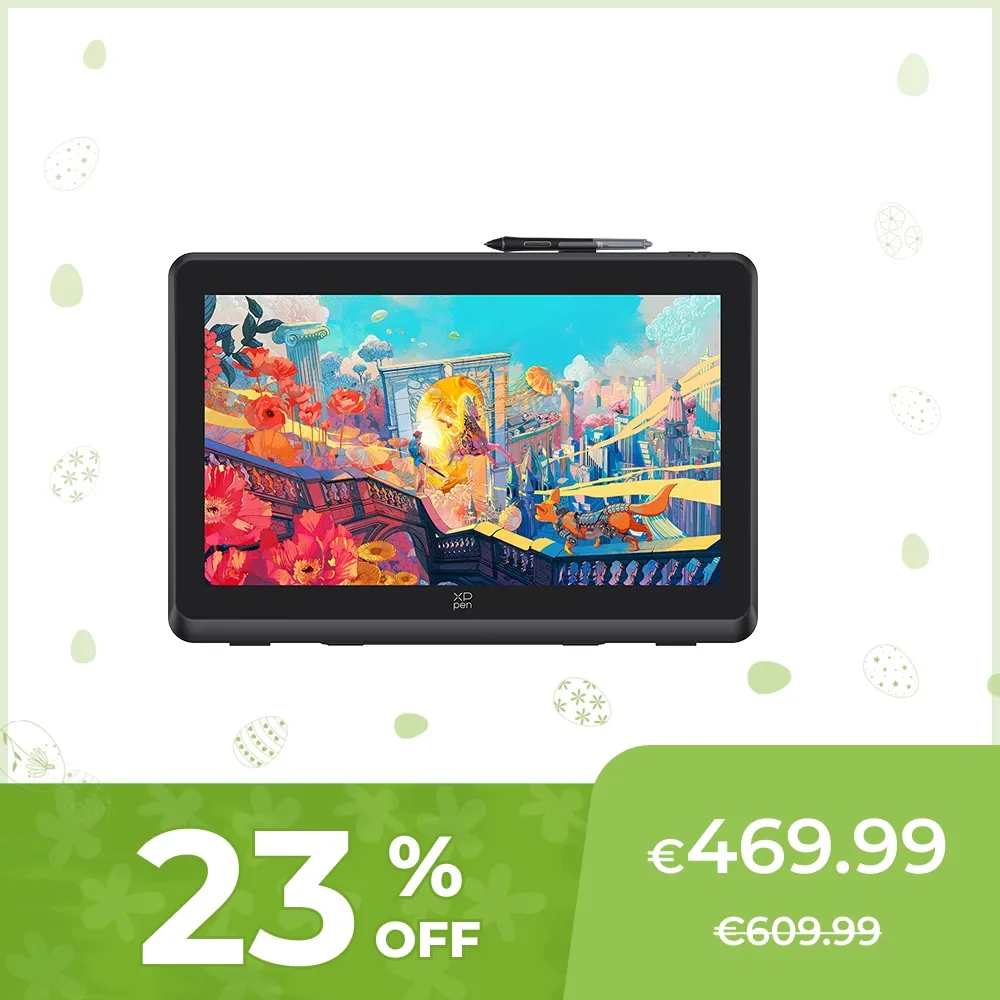
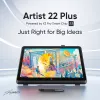
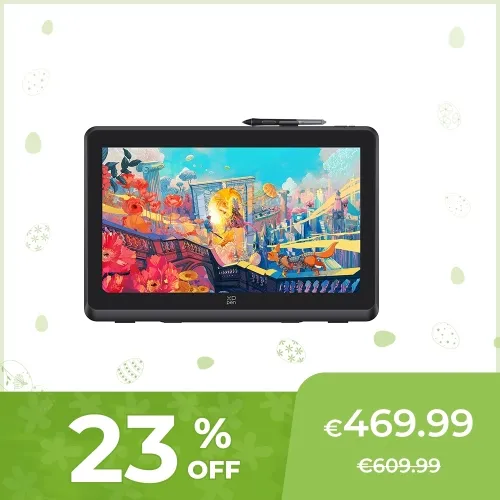
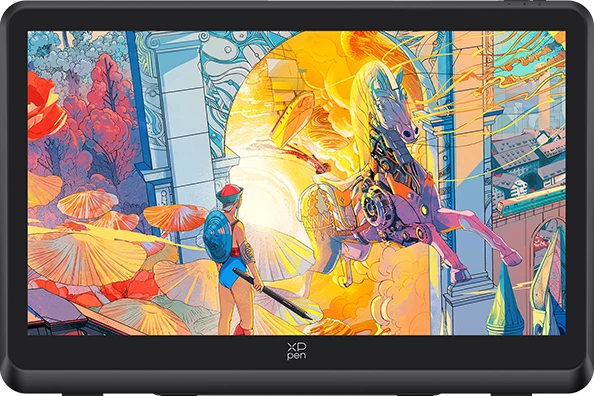
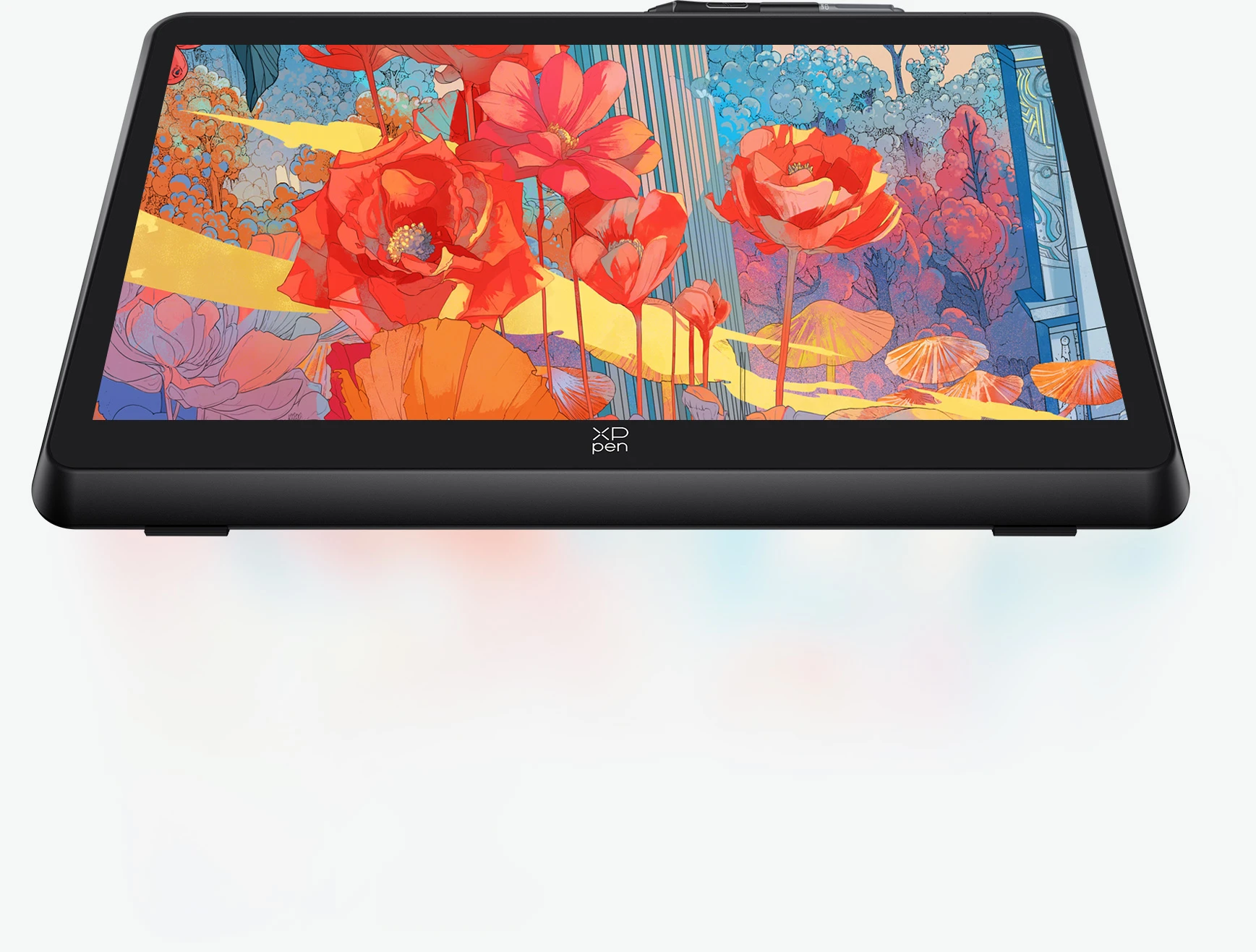
Artist 22 Plus

16K pressure levels, 1920*1080  resolution
130% sRGB Color Gamut Area Ratio, Fully-laminated

€469.99€609.99

❋In stock in the EU warehouse❋

❋24-Month Warranty❋

Free Shipping (Except RS, NO, CY, MT, IS, MC, MK)

Secure payments (Your payment information is processed securely)

Contact (Monday to Friday 10:30am - 6:30pm( PST))

Professional Support (shopeu@xp-pen.com service@xp-pen.com)

Quantity:

Payment icon 0Payment icon 1Payment icon 2Payment icon 3Payment icon 4
seel-icon

Worry-Free Delivery® available with seel

Estimated:
imageimage

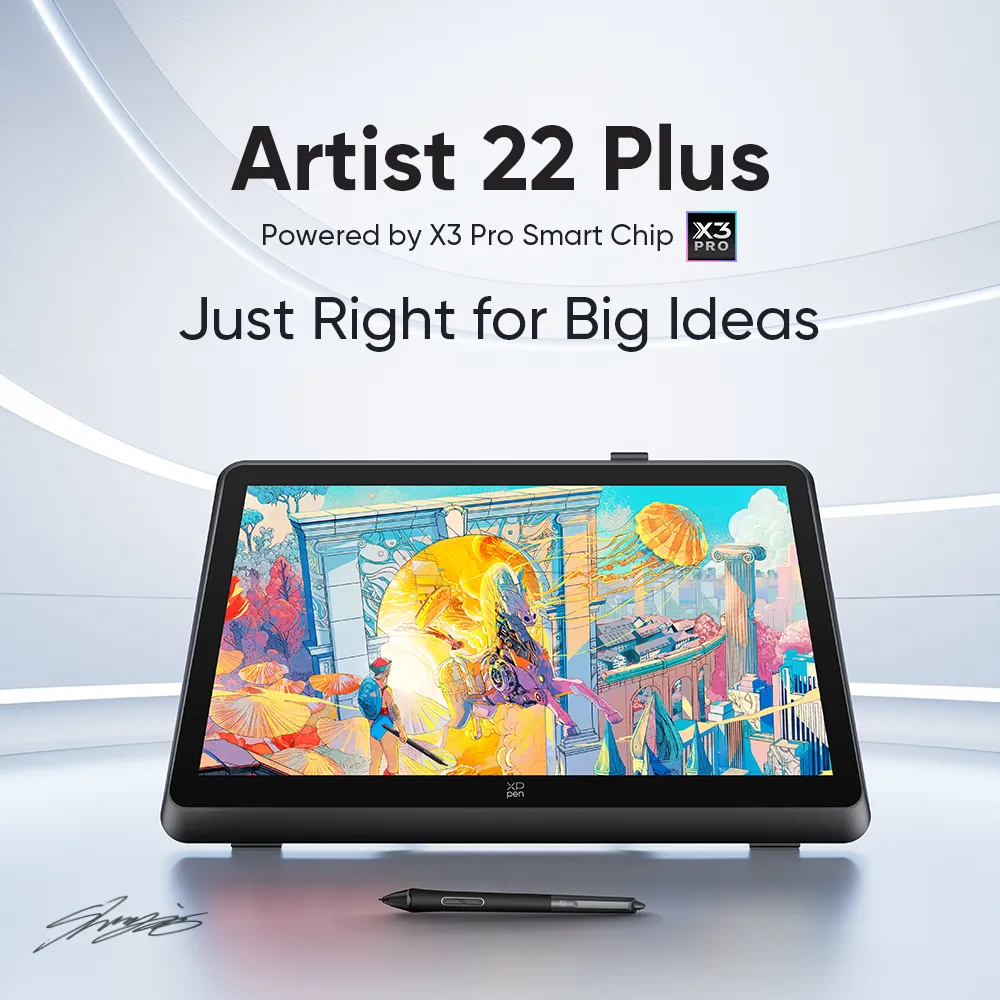
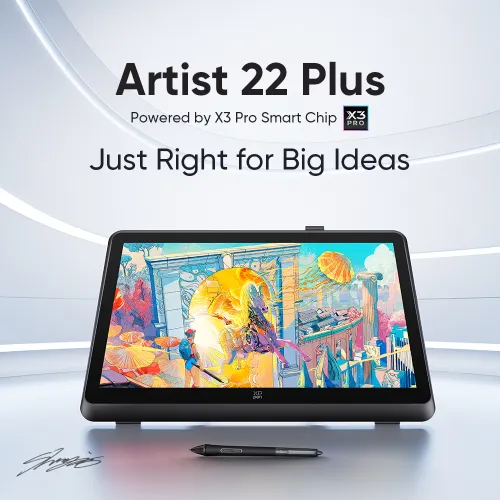
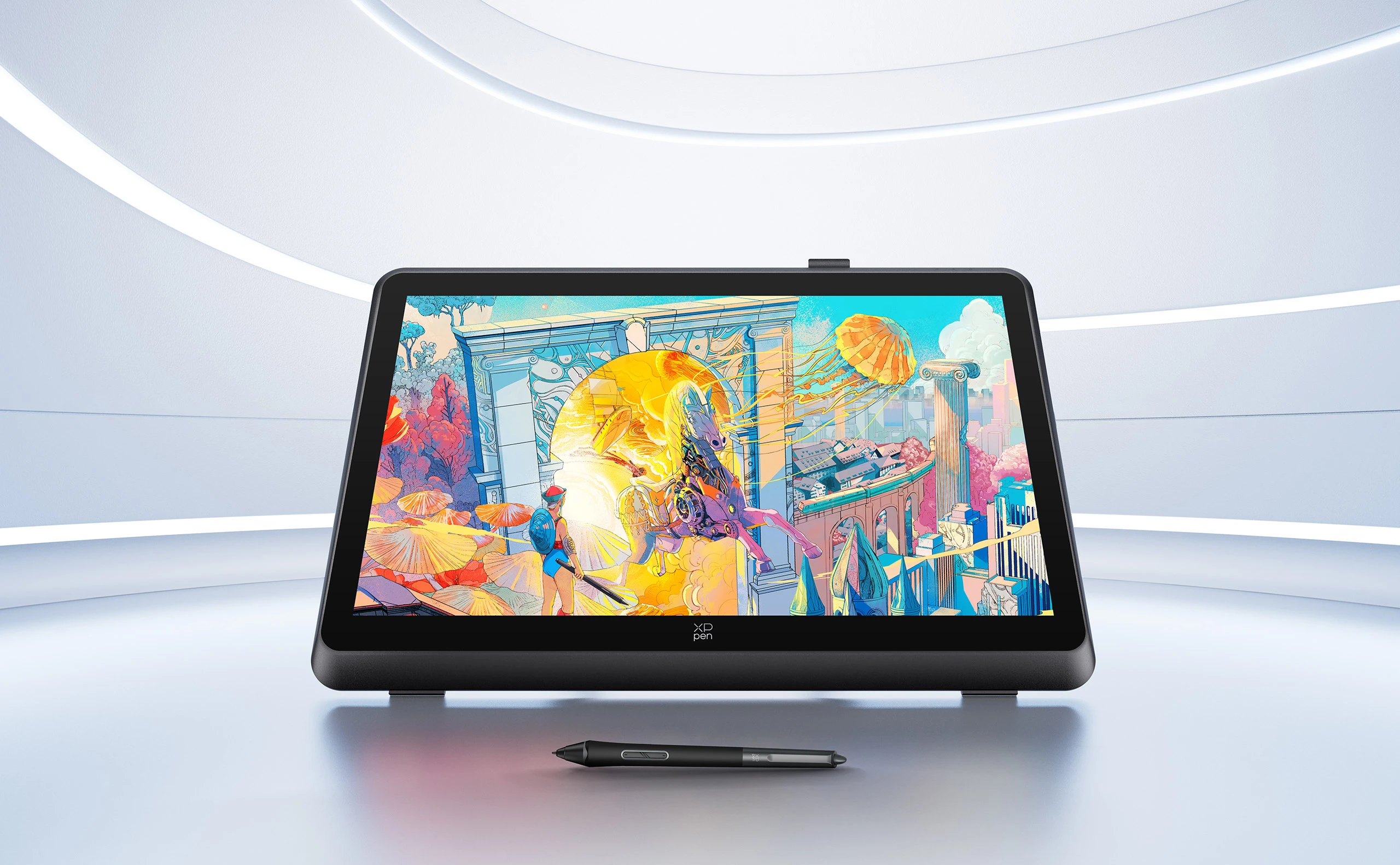
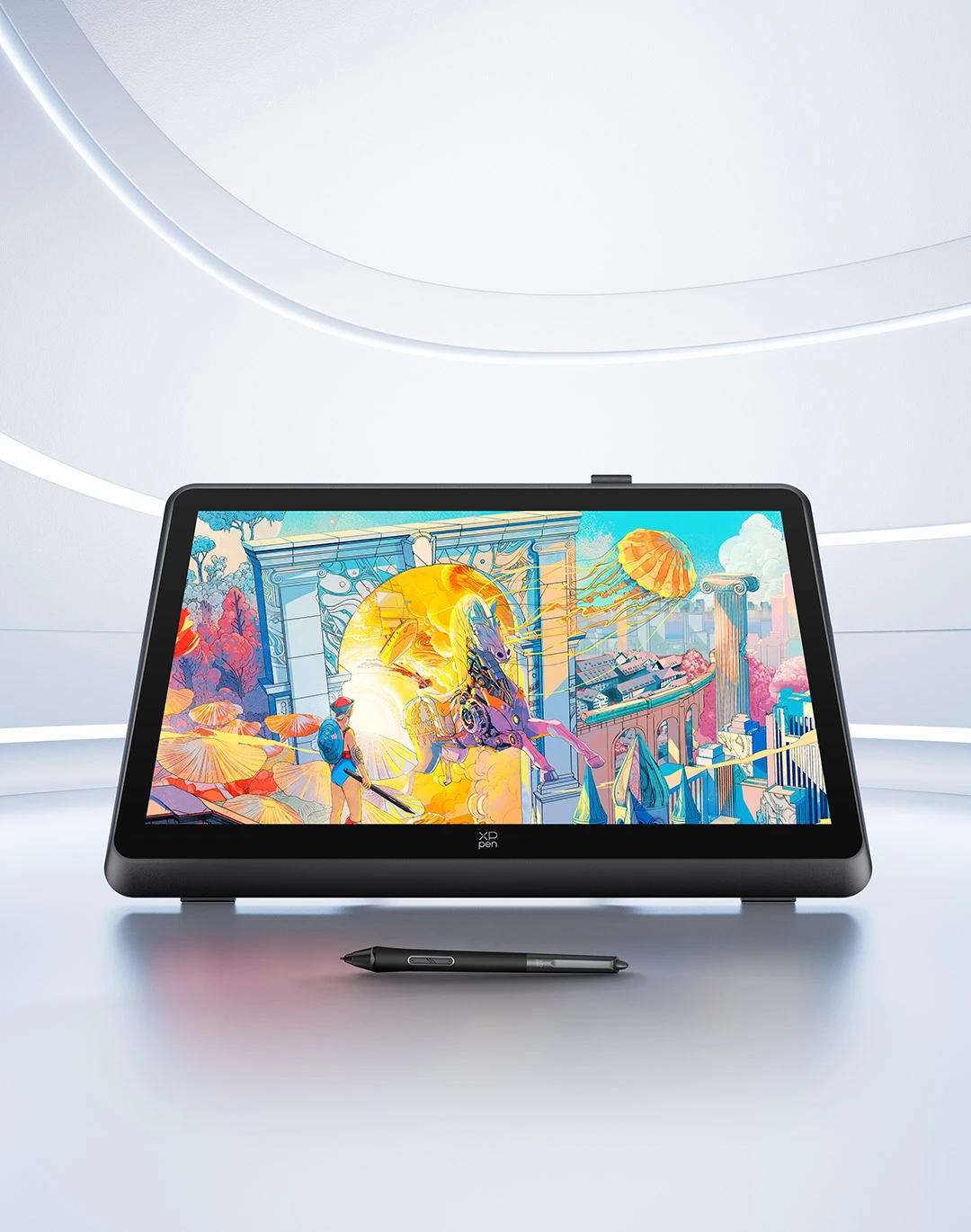
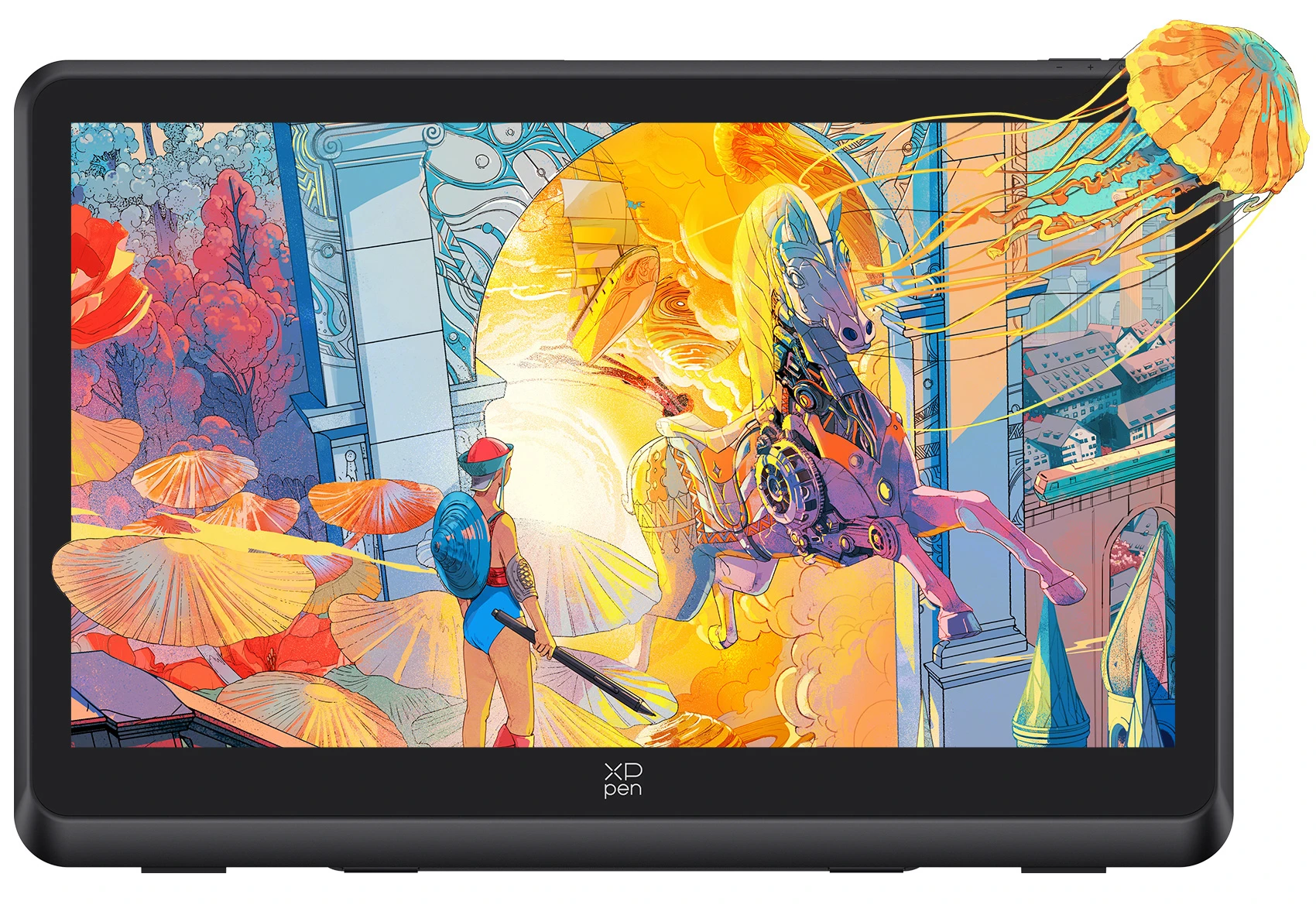
Artist 22 Plus

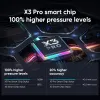
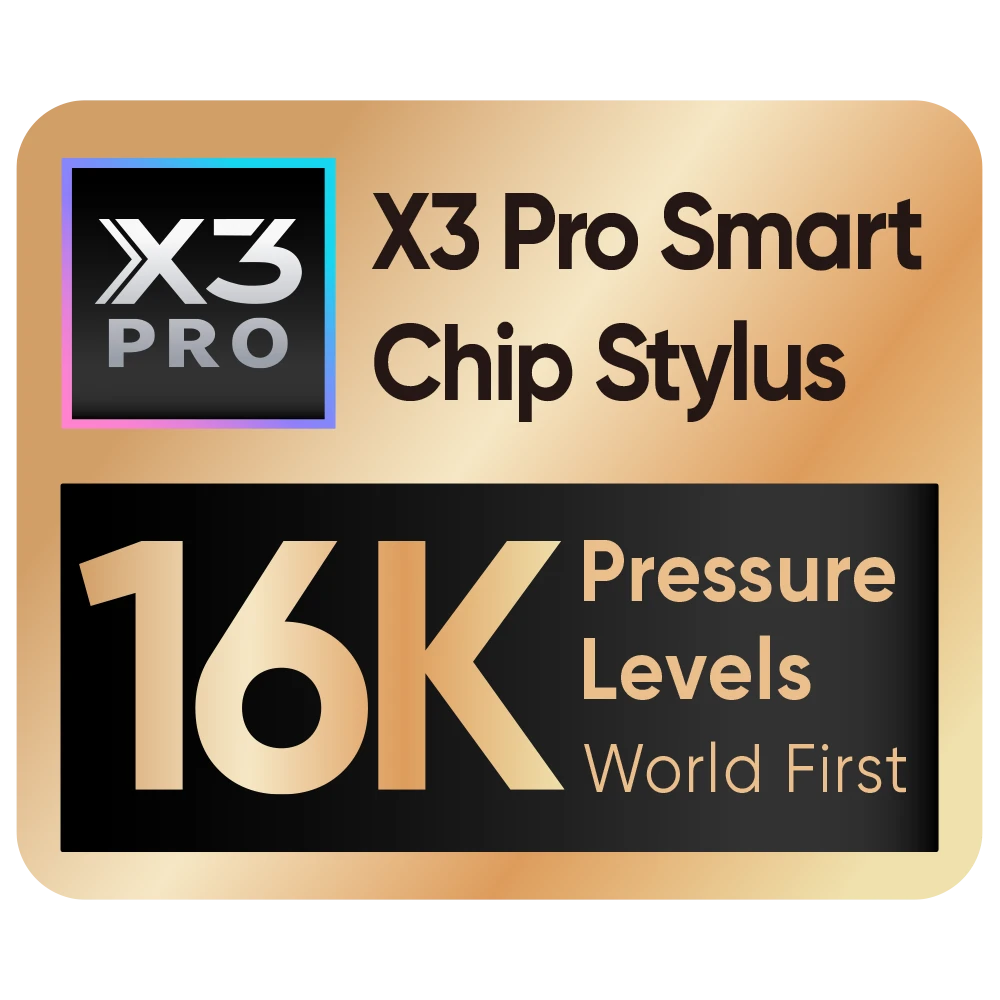
Powered by X3 Pro Smart Chip image

Just Right for Big Ideas

X3 Pro Smart Chip Stylus of 16K pressure levels | 21.5-inch expansive display

X3 Pro Smart Chip Stylus of 16K pressure levels | 21.5-inch expansive display

image

Artwork by world-renowned artist,
Shan Jiang

image

Creativity thrives when inspiration hits and you have

the right device to deliver.

Creativity thrives when inspiration hits and

you have the right device to deliver.

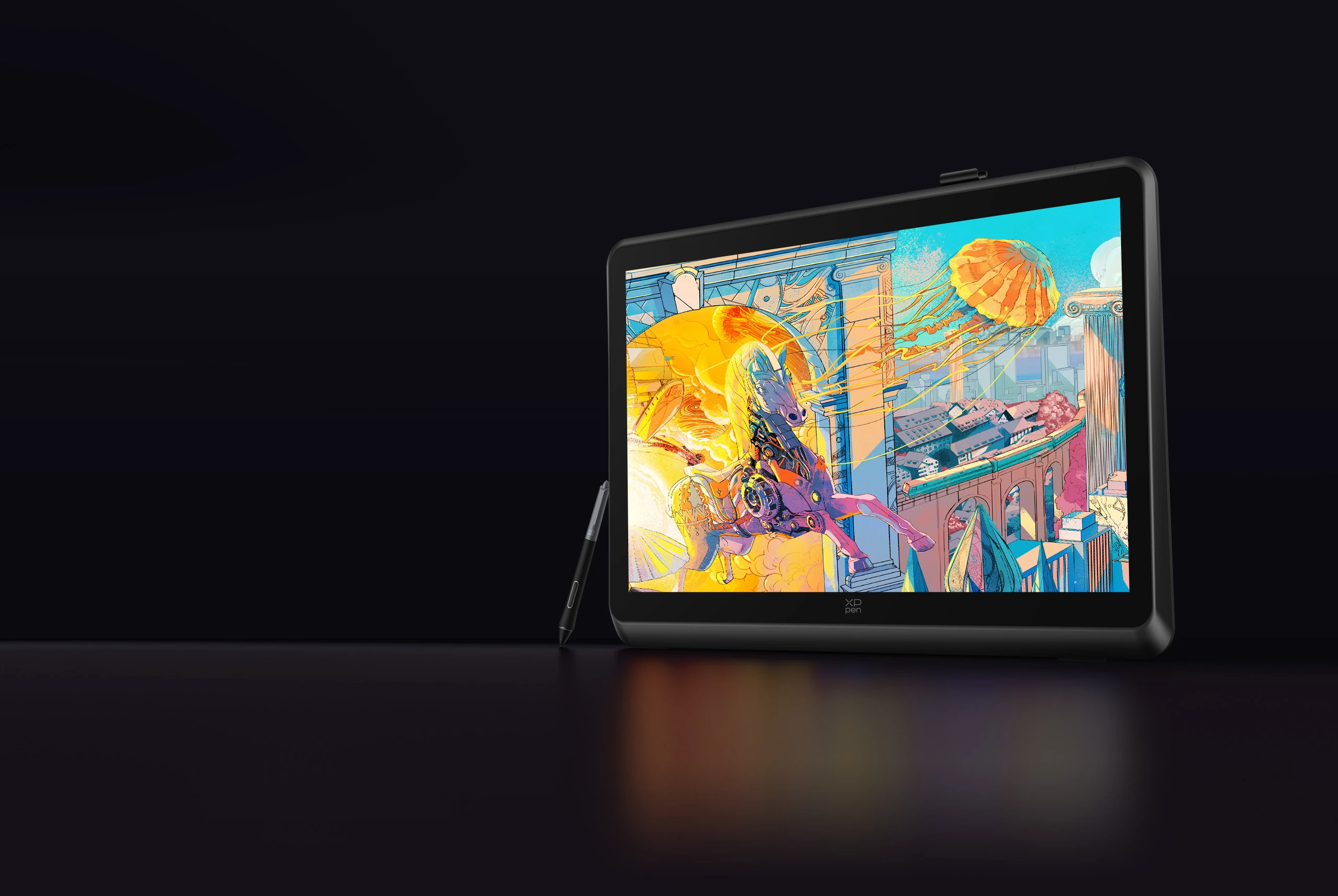
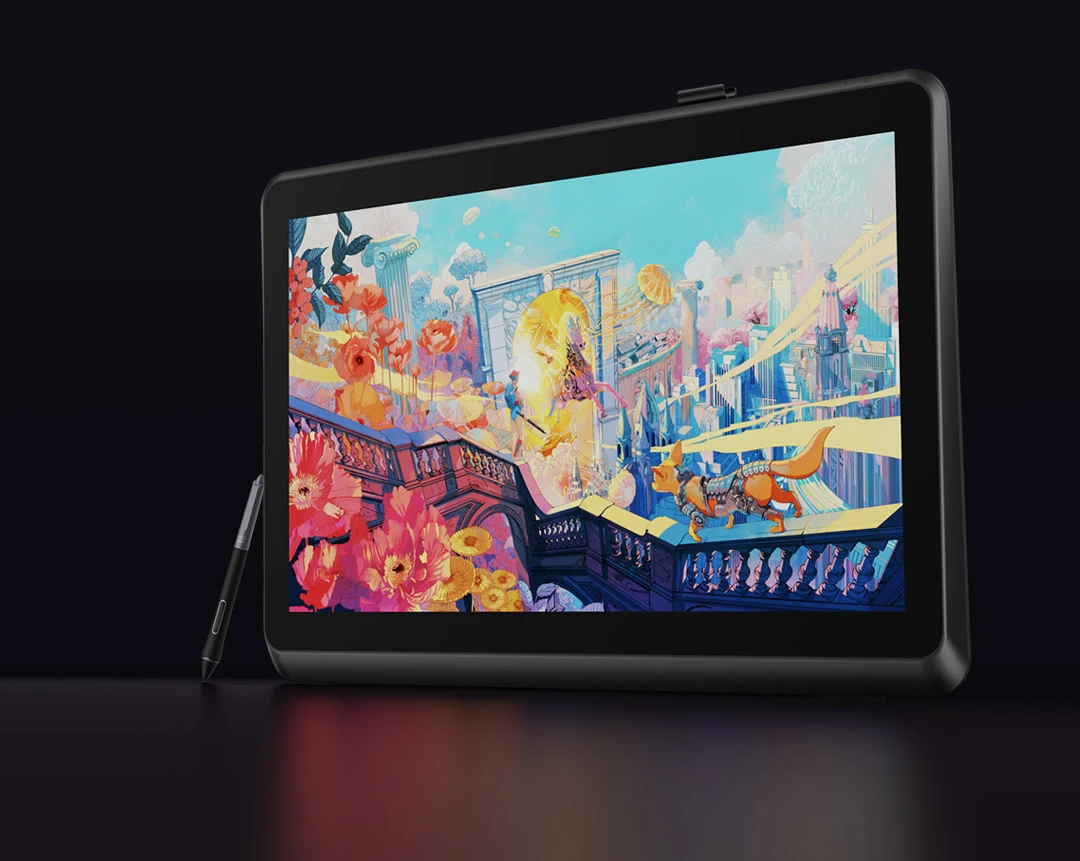
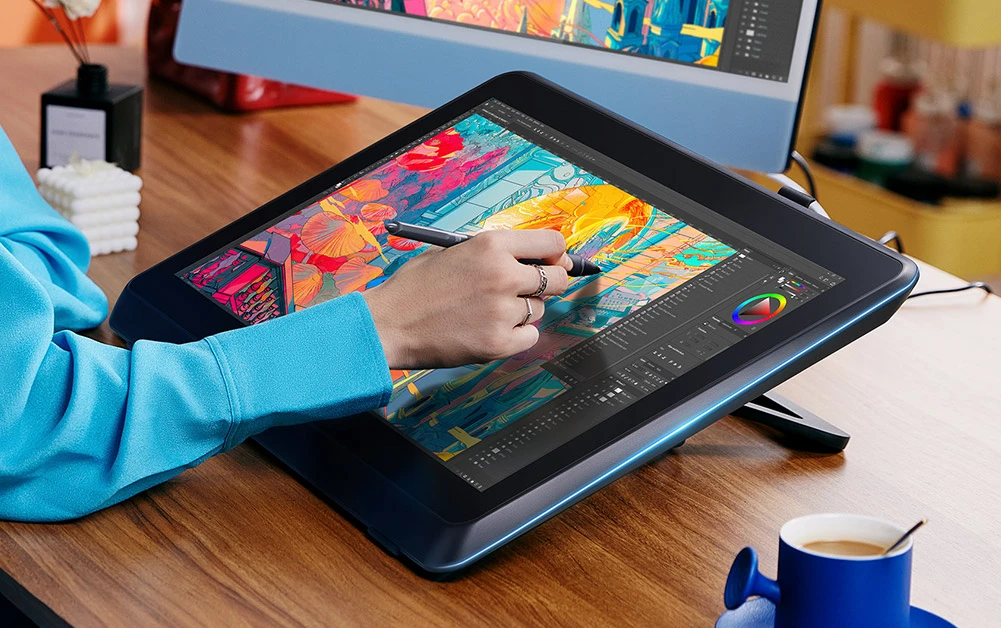
Meet XPPen Artist 22 Plus — featuring a 21.5-inch

expansive canvas for your ideas to run wild, and armed

with X3 Pro Smart Chip Stylus to bring your

expansive canvas for your ideas to run wild,

and armed with X3 Pro Smart Chip Stylus to bring your

imagination to life, precisely and effortlessly.

Time to go big and right!

World's first 16K pressure levels

Brings out the details, precisely like never before.

21.5-inch full screen

Expansive space for your ideas to run wild.

image

X3 Pro
Smart Chip Stylus

Chip powered — Groundbreaking innovation.

image

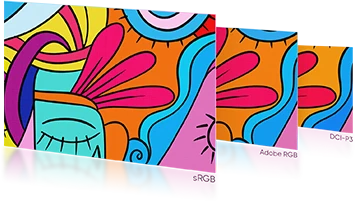
Gamut reduction and 3 color spaces interchangeable

Designed for high-level creation in different scenarios.

image

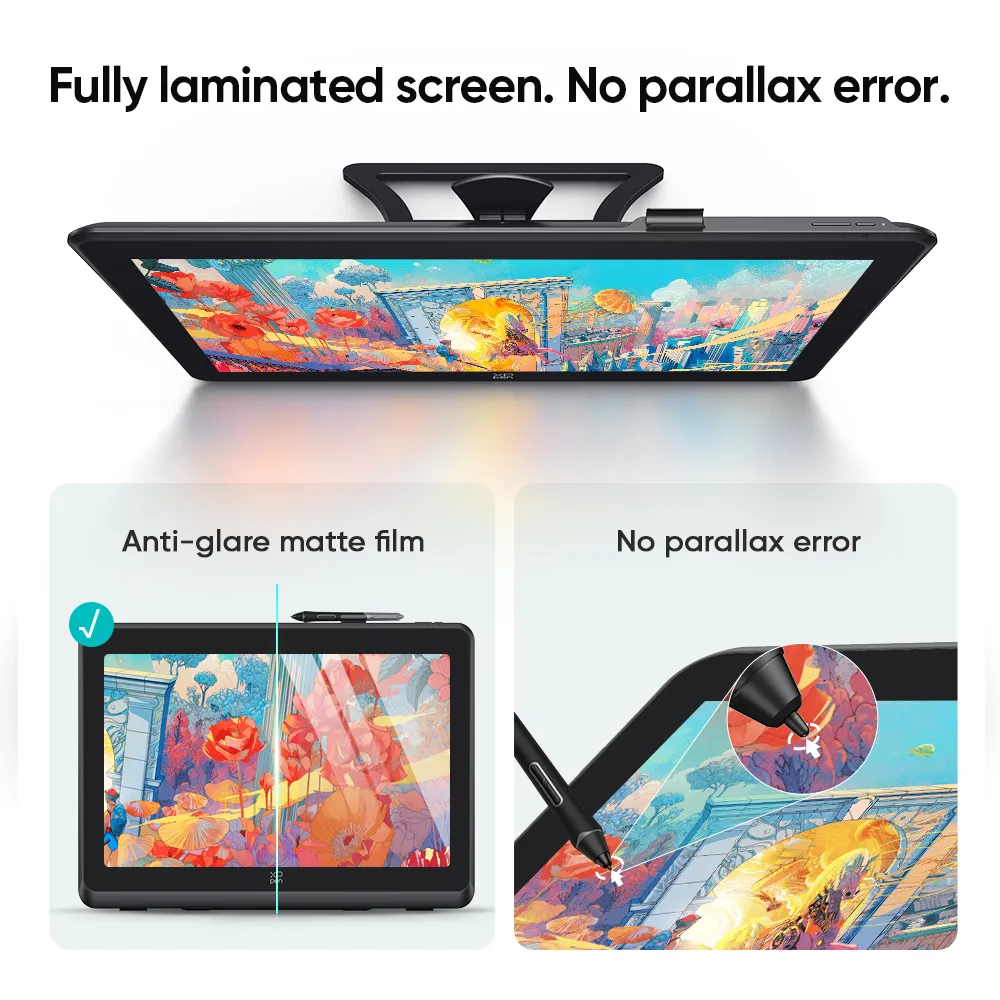
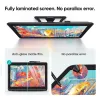
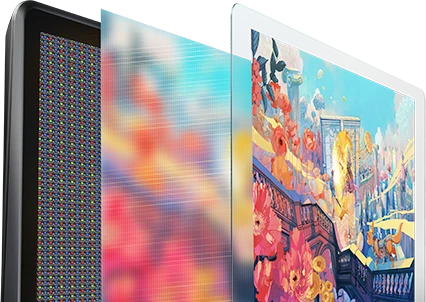
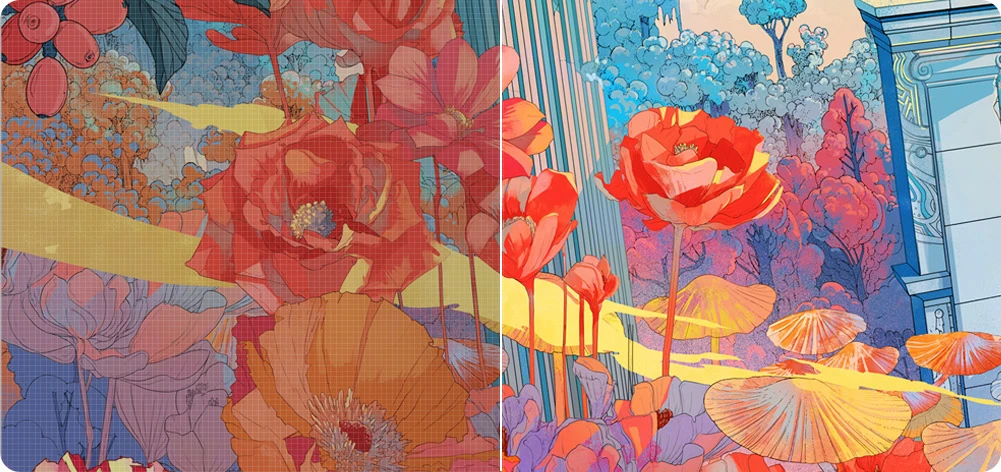
Fully-laminated screen

No parallax error,
precisely positioning every stroke.

image

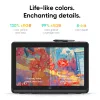
130% sRGB
native color space

Wide color palette.
High color accuracy.

Gamut reduction and 3 color spaces interchangeable

Designed for high-level creation in different scenarios.

image

130% sRGB
native color space

Wide color palette.
High color accuracy.

X-Inspo Wrist Rest

Create in comfort for
hours on end.

Full-function USB-C & HDMI

Connection with ease. Hassle-free.

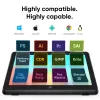
Highly compatible

Works smoothly with various systems and software.

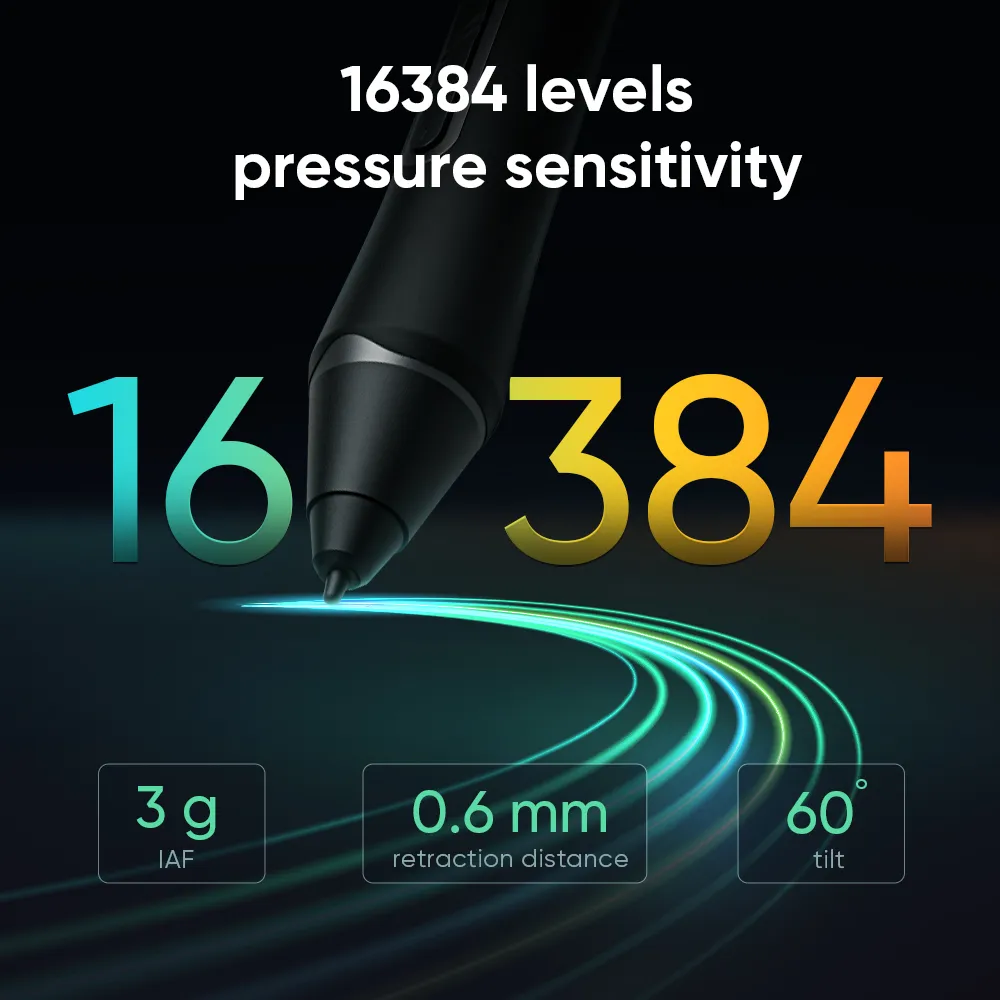
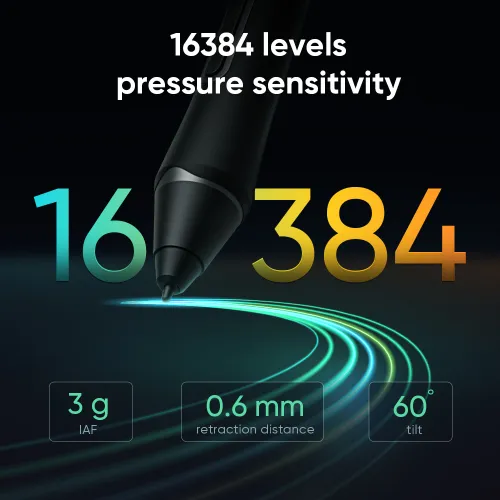
16K pressure levels.
Game-changer in details.

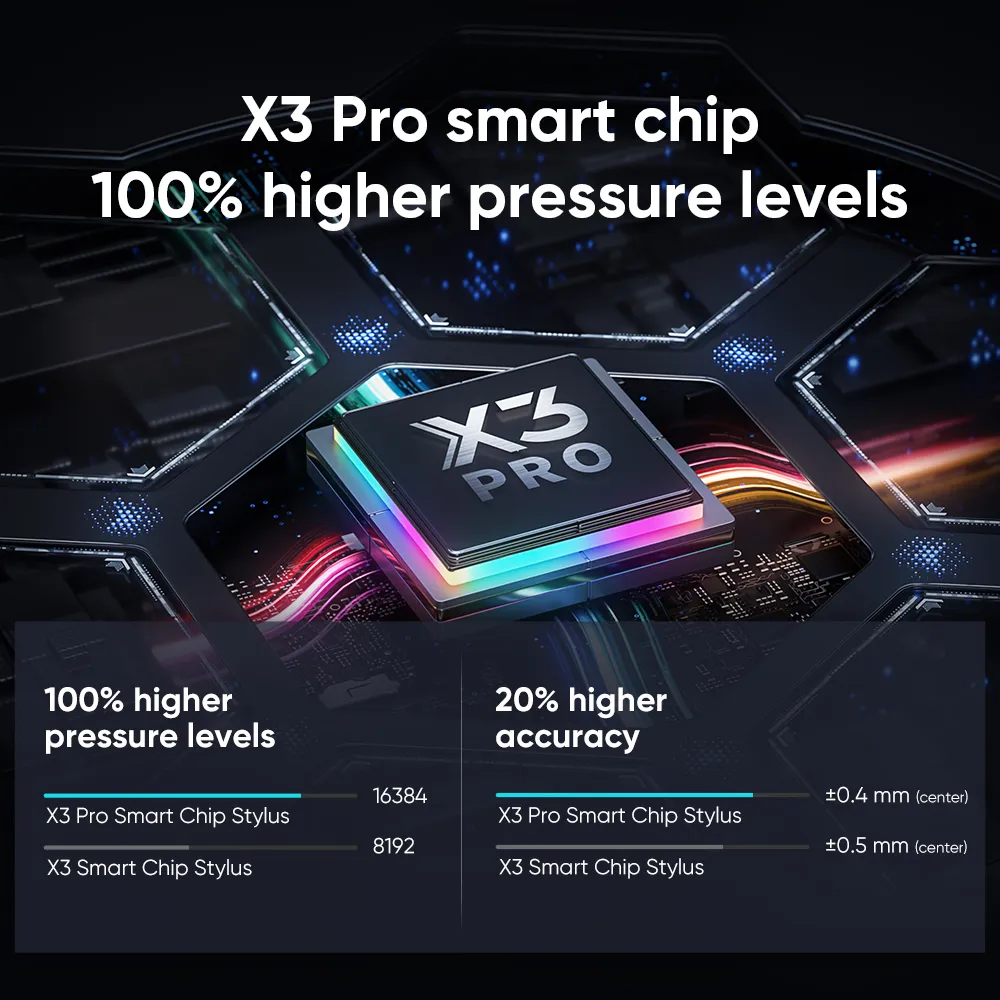
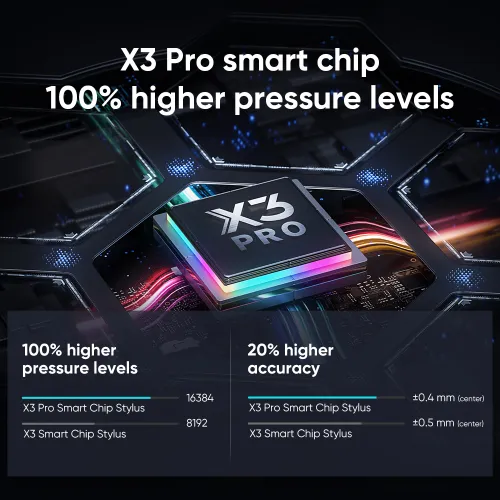
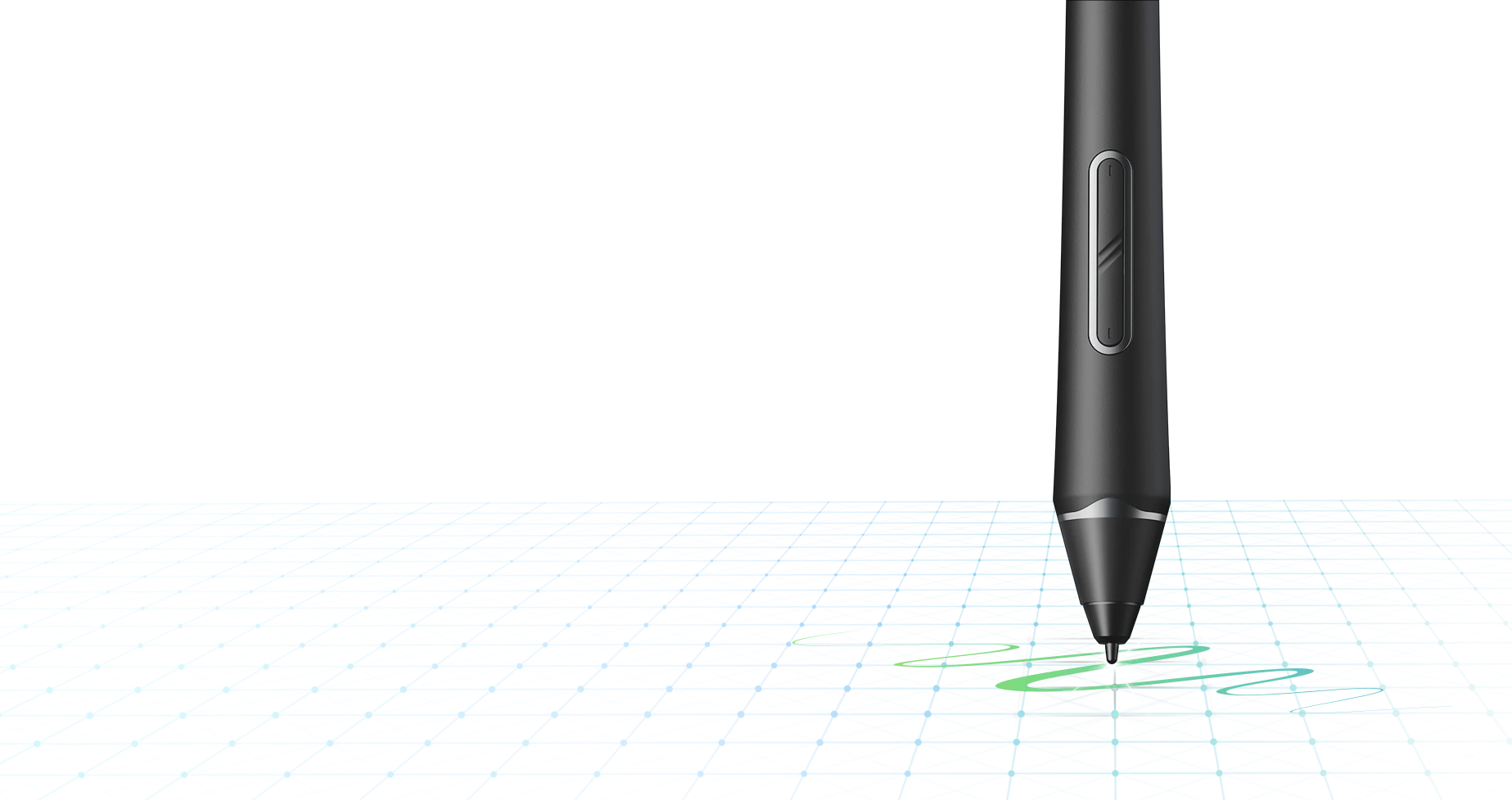
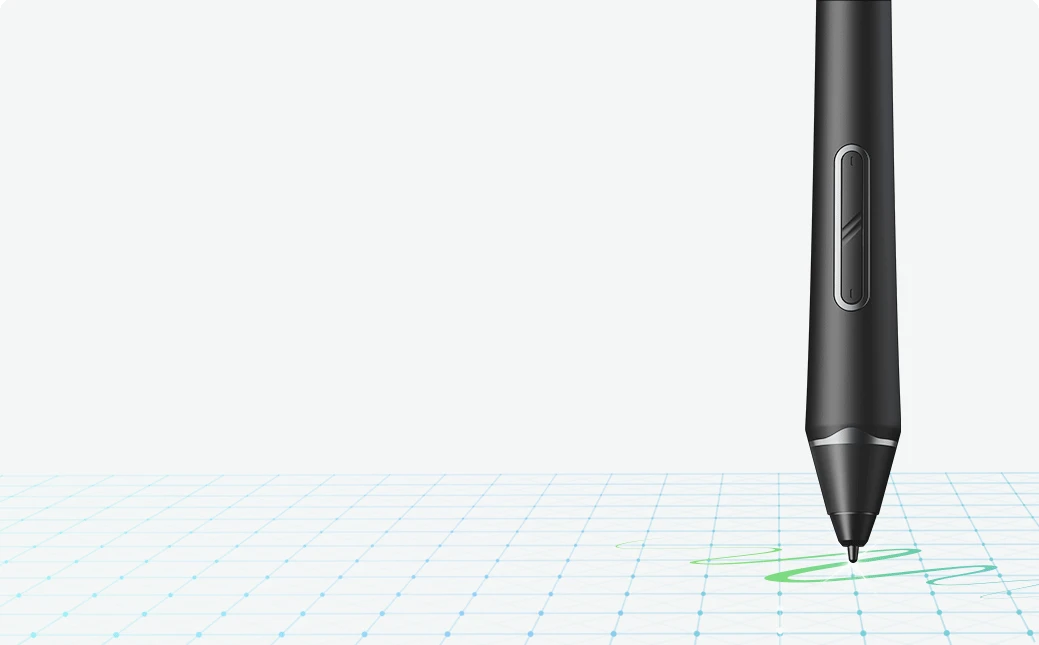
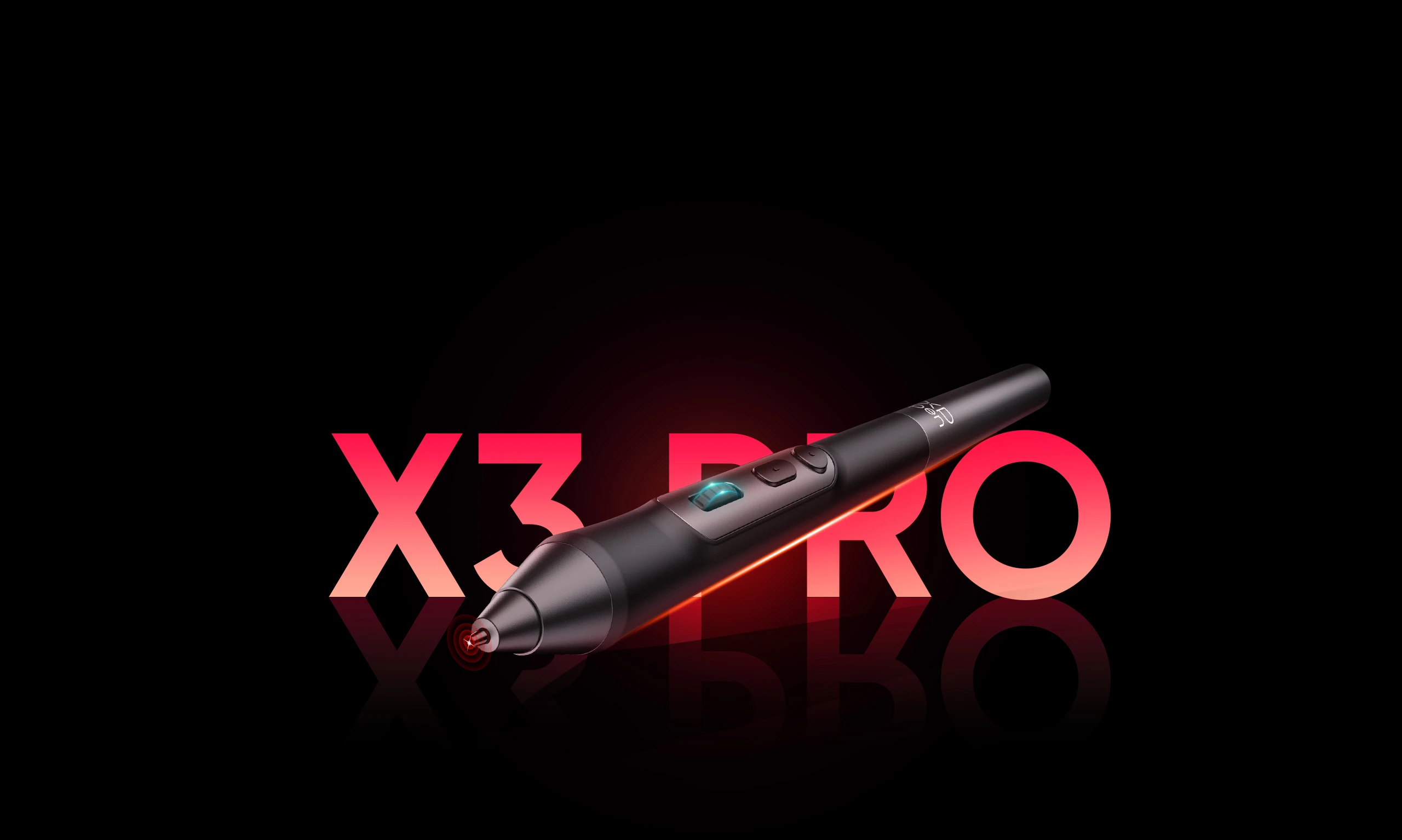
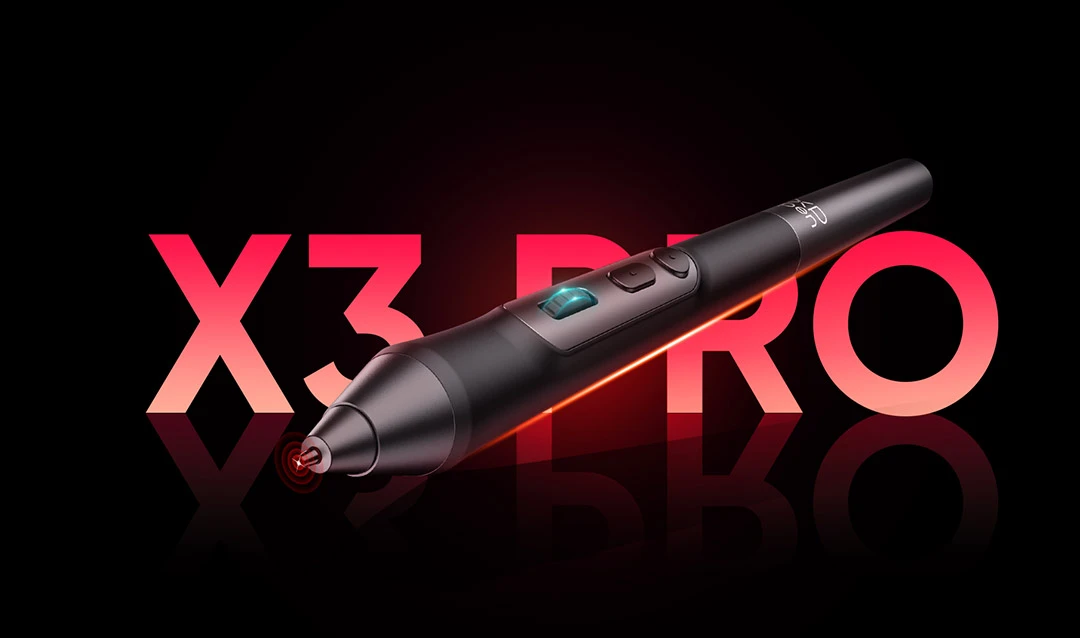
Introducing X3 Pro Smart Chip Stylus, a true breakthrough innovation that boasts industry-first 16K pressure levels —100%* higher than that of its peers. It delivers the smoothest and most precise lines ever, empowering you to excel in hyper-nuanced creation and beyond.

imageimage
image
imageimage

More responsive.
More accurate.

Accuracy increases by 20%*, bringing out every art
project precisely what you want. Virtually no lag or
broken lines. Smooth and efficient.

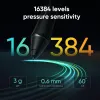
3g*

IAF

0.6mm*

retraction distance

60°*

tilt

Accuracy:  ±0.4 mm* (center)

100% higher pressure levels

16384

X3 Pro Smart Chip Stylus

8192

X3 Smart Chip Stylus

20% higher accuracy

±0.4mm

X3 Pro Smart Chip Stylus

(center)

±0.5mm

X3 Smart Chip Stylus

(center)

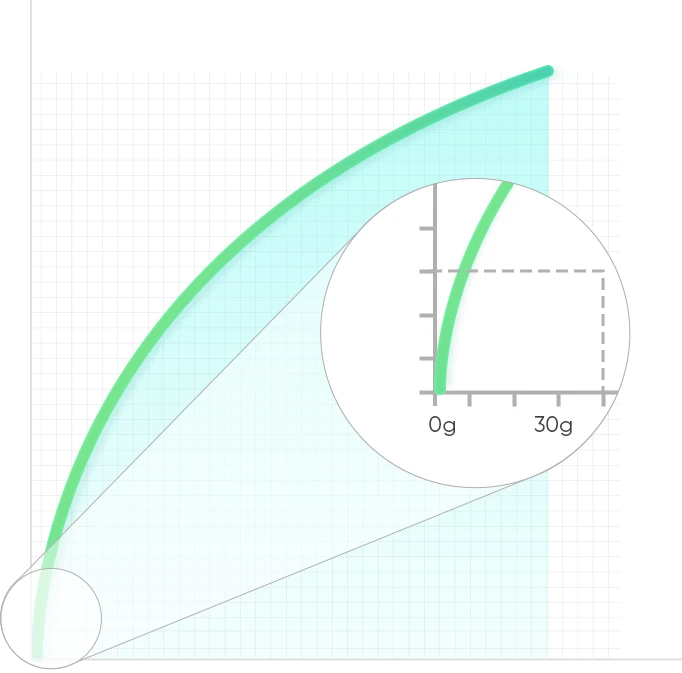
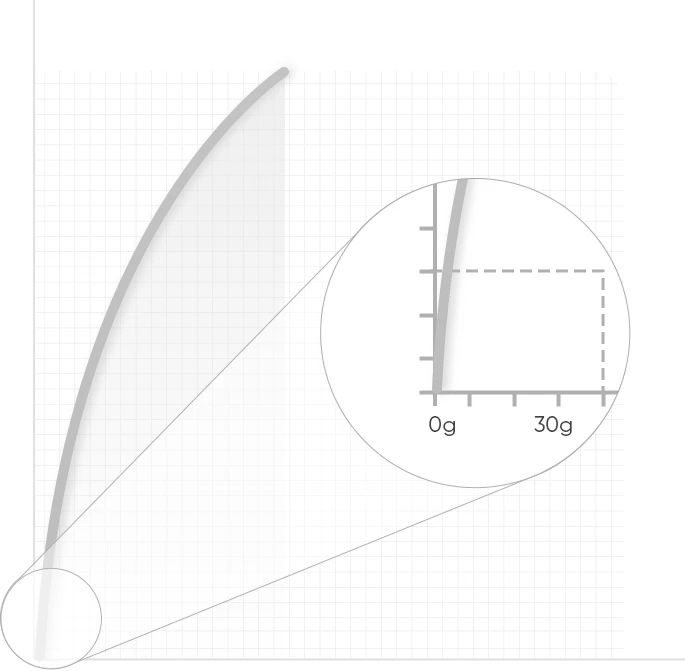
16K pressure sensitivity curve.
More stable and smooth.

As the graphic shows, the pressure sensitivity curve from X3 Pro Smart Chip Stylus exhibits a gradual ascent and a finer pressure
transition. This remarkable feature enhances the accuracy and smoothness of each stroke. In practical use,
it demonstrates exceptional sensitivity and delicacy within the commonly employed pressure range. Moreover,
it surpasses industry standards by excelling in sensing high-pressure levels. When drawing lightly,
it exhibits a higher level of precision in capturing fine details. This similarity to the experience of using a traditional
pencil or pen empowers you with precise control over line thickness with each stroke.

image

XPPen X3 Pro Smart Chip Stylus

16384

400g

image

0

500g

Approx. 400g

Ergonomic pressure curve: perfectly aligned with your drawing habits. Consistent initial pen pressure guaranteed.

image

Others

200g

No Chip
16K Pressure Levels

Approx. 200g

Steep pressure curve: inconsistent initial
pen pressure, partial data loss.

image

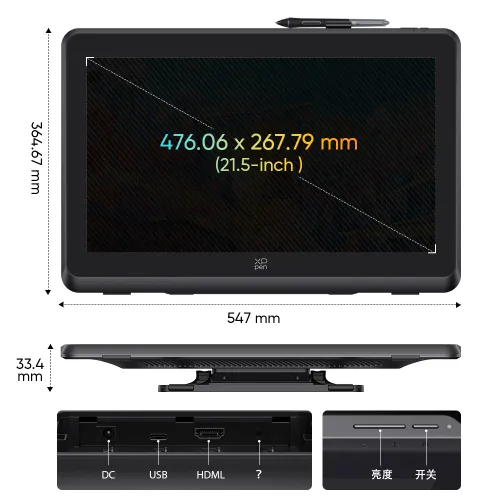
21.5-inch


expansive display.

Space for your
ideas to run wild.

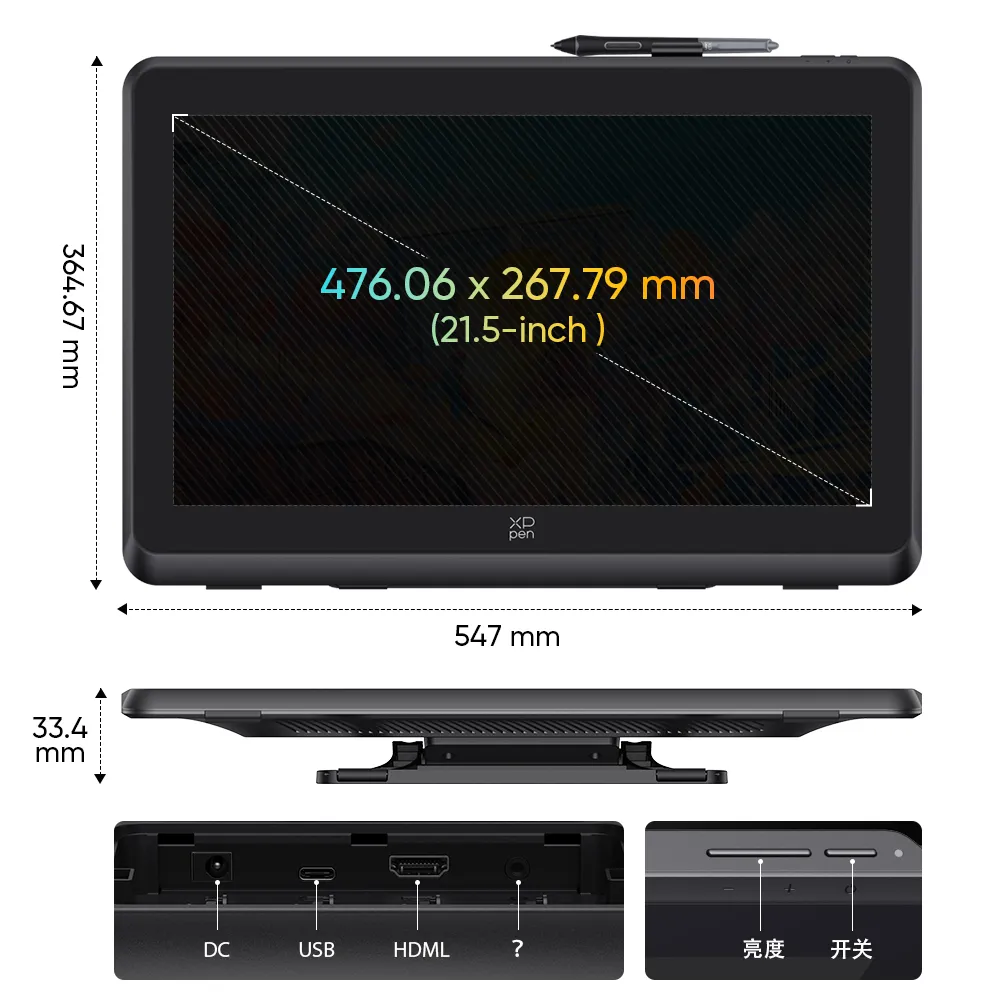
At a 16:9 screen ratio, no buttons or slits, this 21.5-inch spacious canvas gives you a boundless-like immersive sensation.
And presents every detail with maximum clarity at 1920 x 1080 high resolution.

1920 x 1080 resolution

image

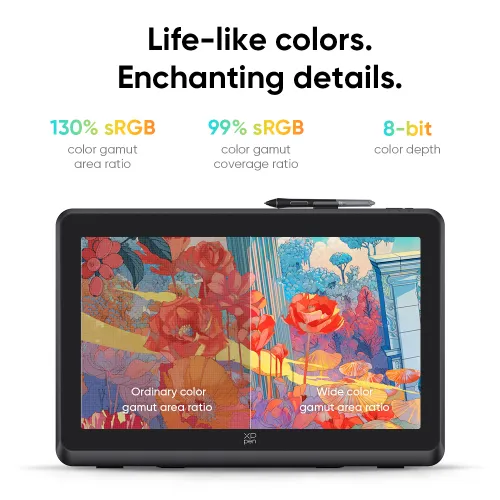
130% sRGB native color space.
Lifelike colors, out of the box.

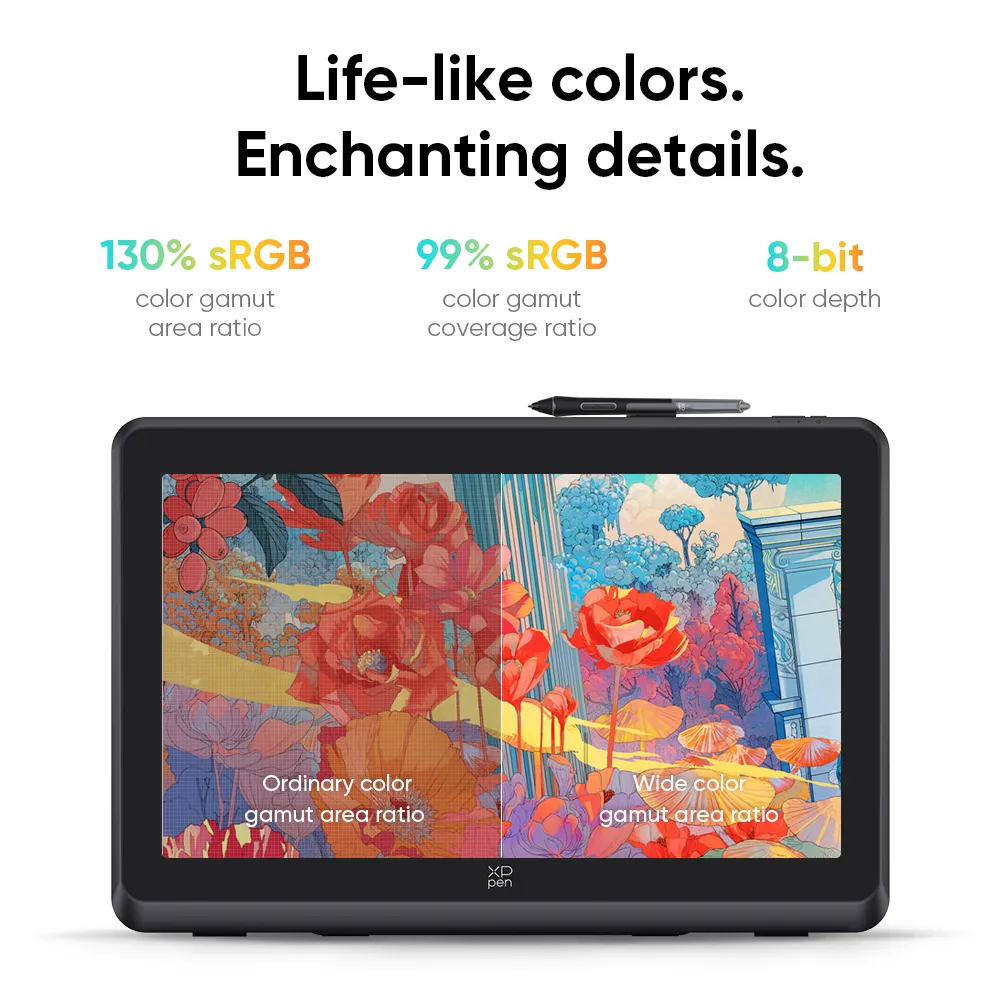
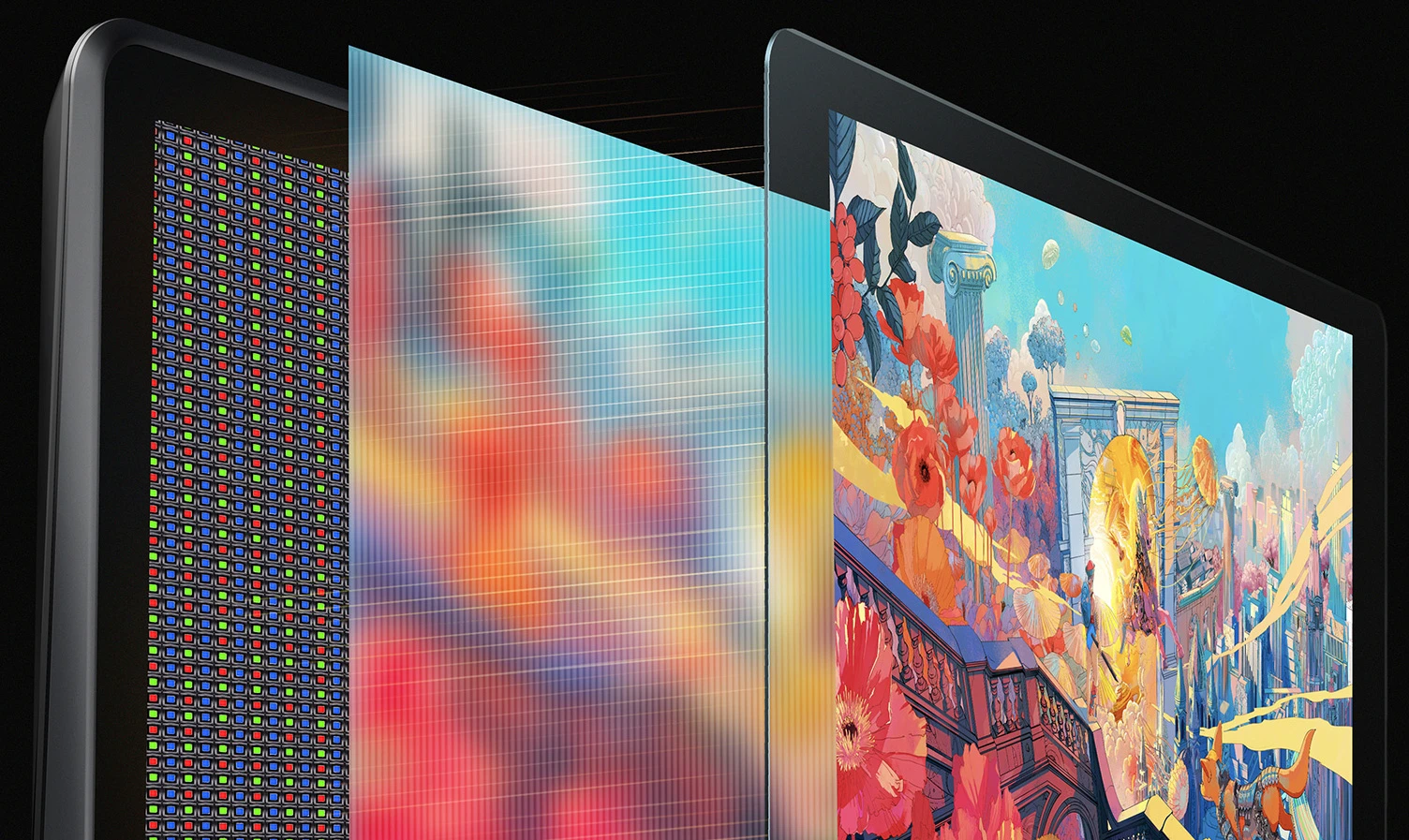
Create boldly in stunning color accuracy and detail at a wide color gamut of 130% sRGB (coverage ratio of
99% sRGB). With its 8-bit color depth, the palette expands to an astonishing range of 16.7 million colors,
ensuring that even the most color-intensive artworks come to life with unparalleled vibrancy and precision.

image

130% sRGB

color gamut area ratio

99% sRGB

color gamut coverage ratio

8-bit

color depth

image
image

Ordinary color gamut area ratio

Wide color gamut area ratio

imageimage

High color accuracy.
Everything on point.

This 21.5-inch expansive display presents accurate color that lines up with what you exactly imagine. Color-precise alignment makes it effortless for high-class creations and brings your wildest ideas to life.

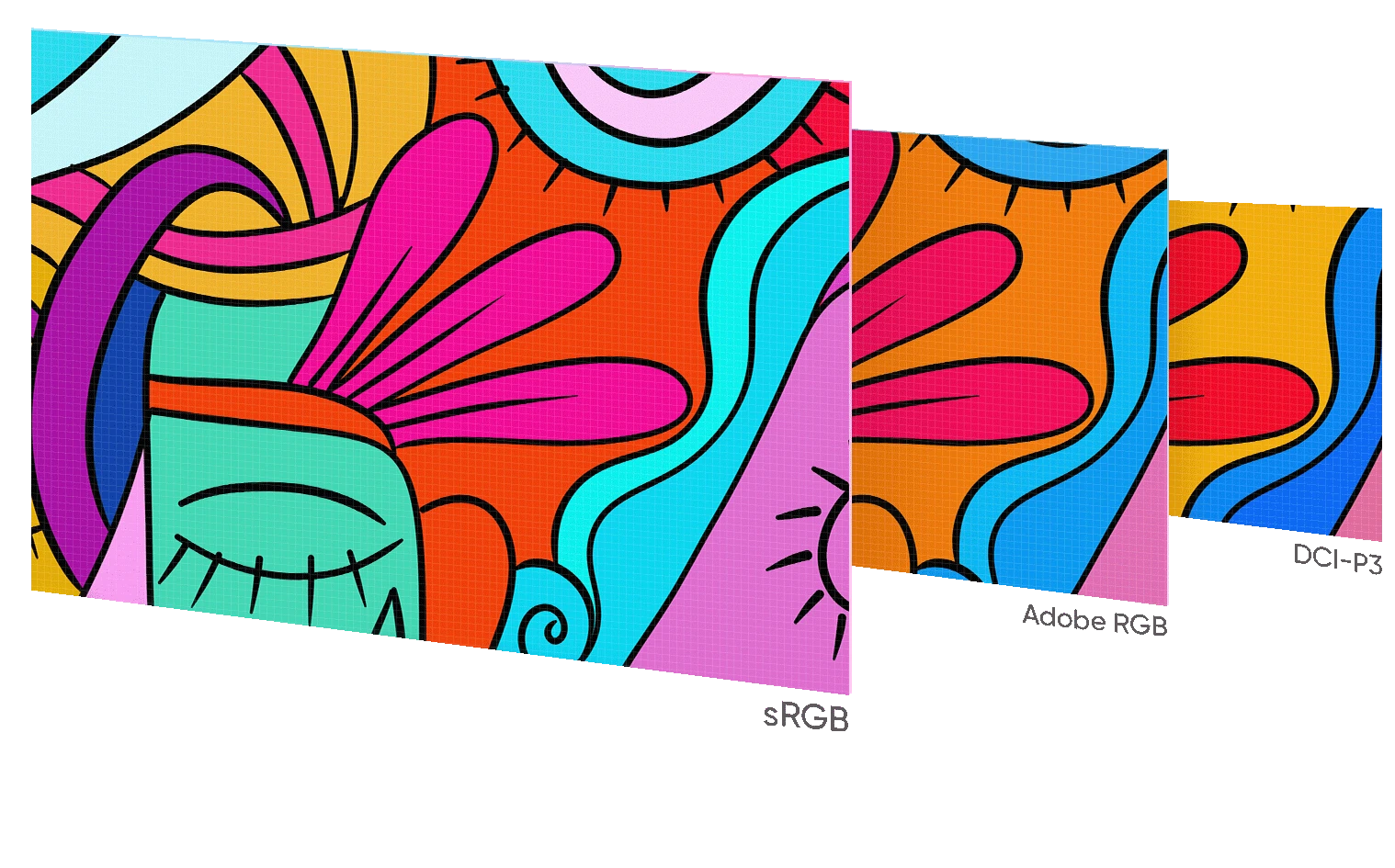
3 color spaces interchangeable.
Designed for high-level creation.

Supports switching among 3 color spaces and gamut reduction to meet demanding display needs in different
scenarios. So creators can have an incredible on-screen drawing experience where colors are sure to impress.

image

* Support the color space switching among sRGB, Adobe RGB, DCI-P3, USER (operate in the driver).

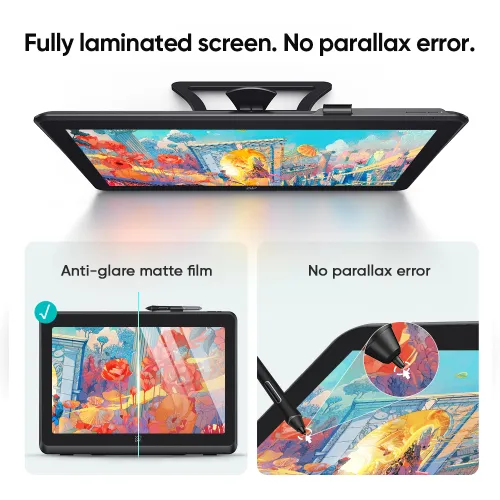
Fully laminated screen.
No parallax error.

The screen and display panel are seamlessly laminated to avoid parallax errors between the stylus nib and
cursor, precisely positioning every single one of your strokes. The anti-glare matte film effectively reduces the
screen glare and eye strain for more focused creation.

image
image

X-Inspo design.
Powers whimsy of
any kind.

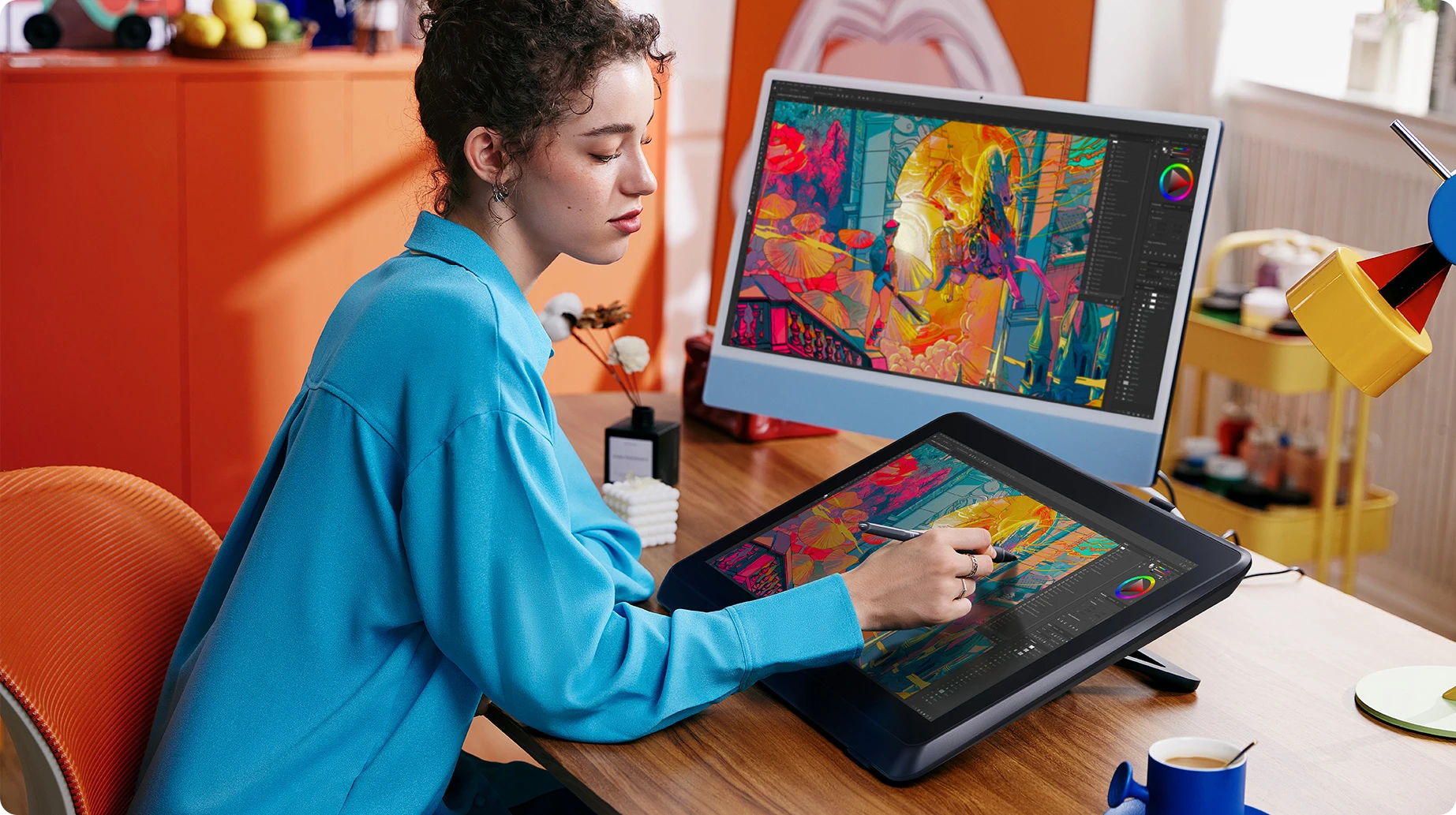
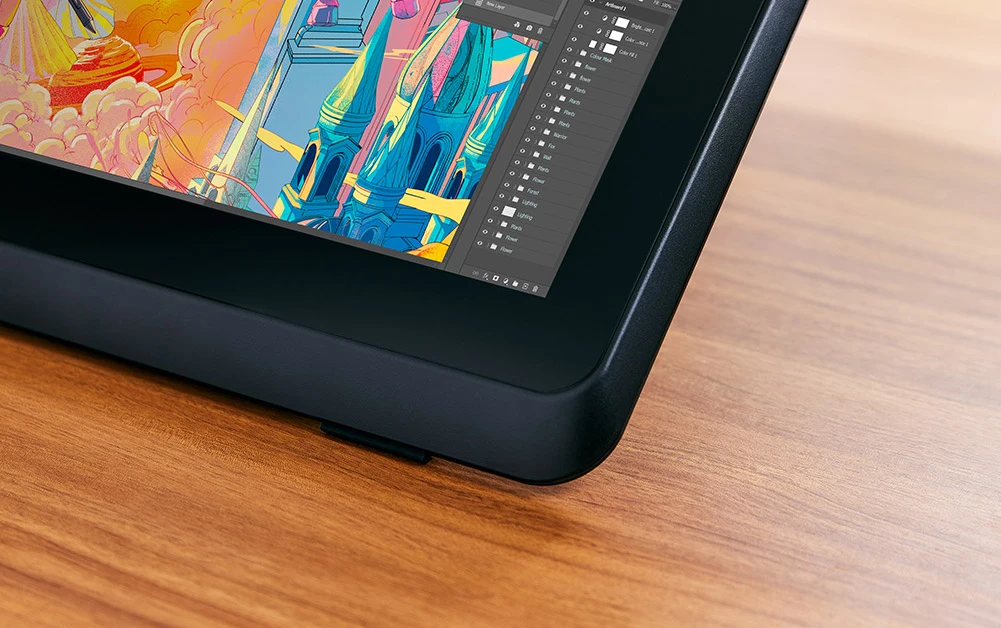
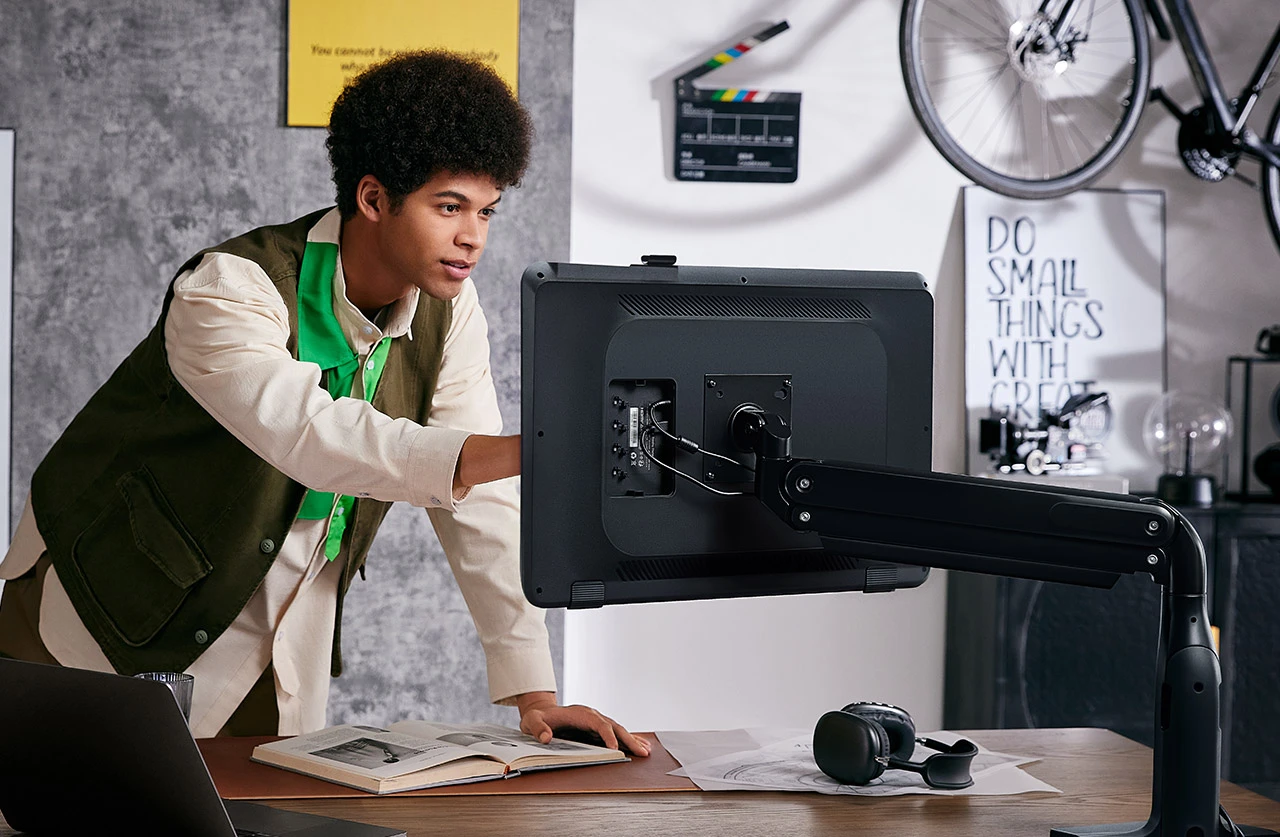
The Artist 22 Plus is a strong statement to X-INNOLAB’s design philosophy — edgy, classy and ergonomic. It’s slim and compact to the extreme of its kind. Capture your sharp ideas like a breeze.

Create in comfort on X-Inspo Wrist Rest.

Designed with ergonomics in mind, this X-Inspo Wrist Rest is built in to perfectly fit your wrist as you work. And you can work for hours on end without strain or discomfort.

X-Inspo design.
Powers whimsy of any kind.

The Artist 22 Plus is a strong statement to X-INNOLAB’s design philosophy — edgy, classy and ergonomic. It’s slim and compact to the extreme of its kind. Capture your sharp ideas like a breeze.

image

Create in comfort on
X-Inspo Wrist Rest.

Designed with ergonomics in mind, this X-Inspo Wrist Rest is built in to perfectly fit your wrist as you work. And you can work for hours on end without strain or discomfort.

image
image

X3 Pro Roller Stylus.*
Flying creativity at your fingertips.

Experience even better stylus performance with X3 Pro Roller Stylus — a new upgrade based on X3 Pro Smart Chip
Stylus. It features a game-changing roller wheel, paired with dual shortcut keys. So you can access all
common functions right on the pen — without clicking the mouse.
And it’s programmable. So you can totally work your way.

image

Default: Upper key - Double click mouse; Down key - Right click mouse; Scroll wheel - Scroll
* Works with Artist 22 Plus. Sold separately.
* Available soon.

Cone-shaped pen grip.
Brings comfort to the next level.

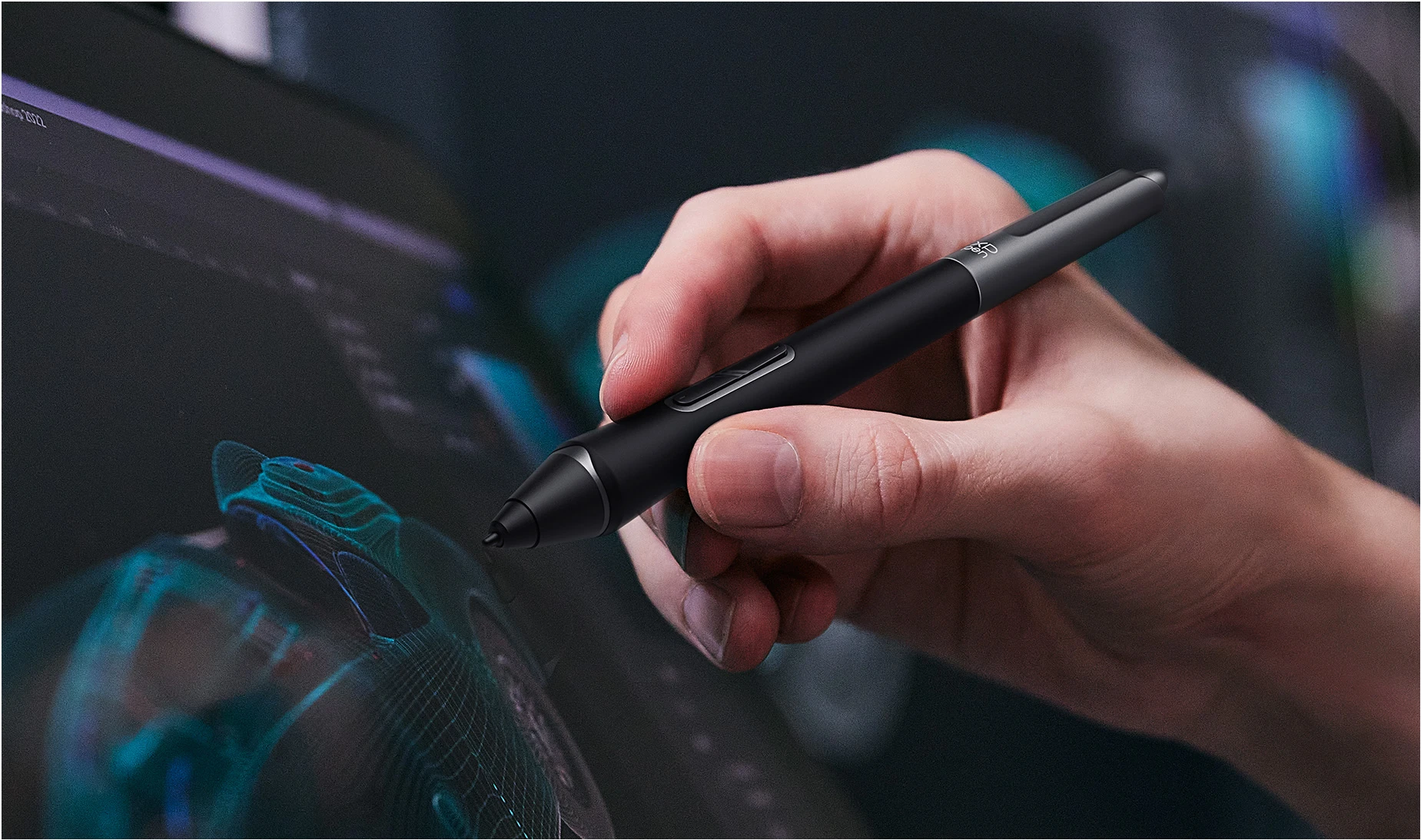
X3 Pro Smart Chip Stylus delivers a balanced in-hand feel, with a replaceable cone-shaped, silica-gel grip to
suit your personal needs. Stay on top of every single stroke.

image

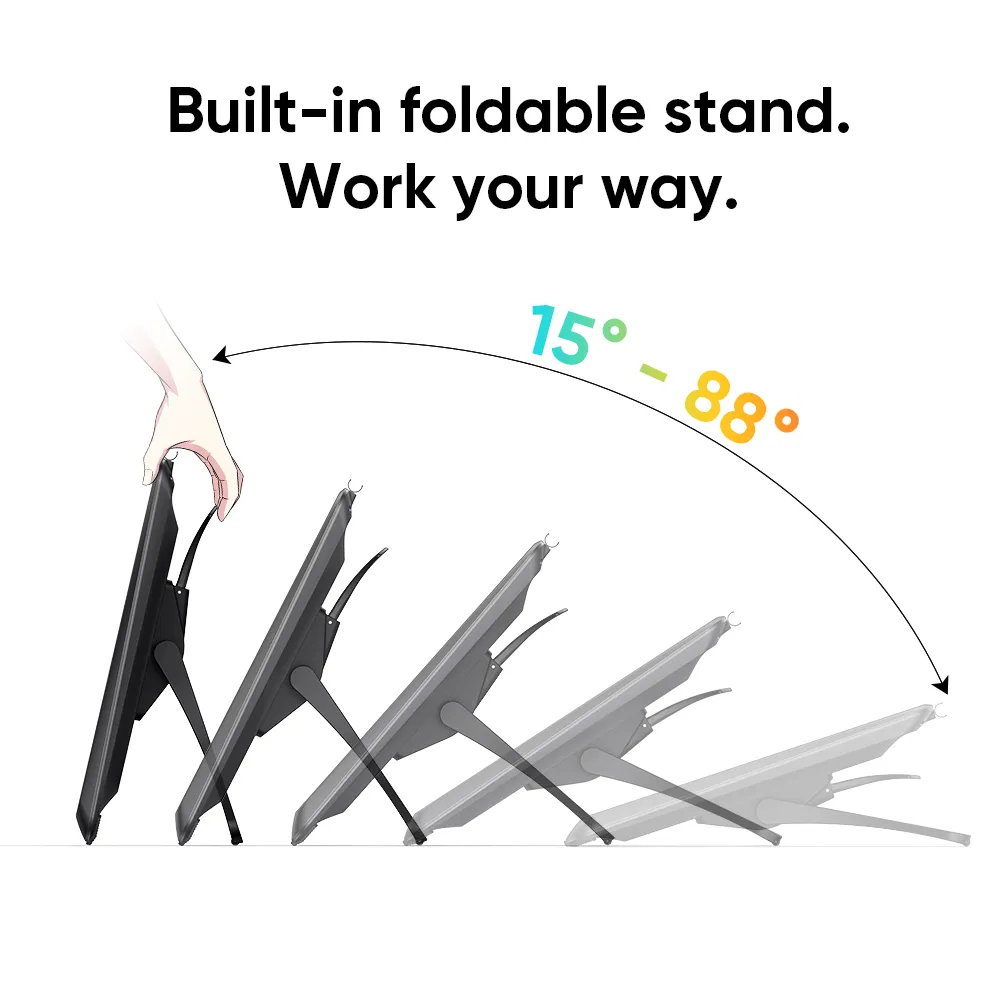
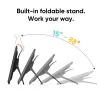
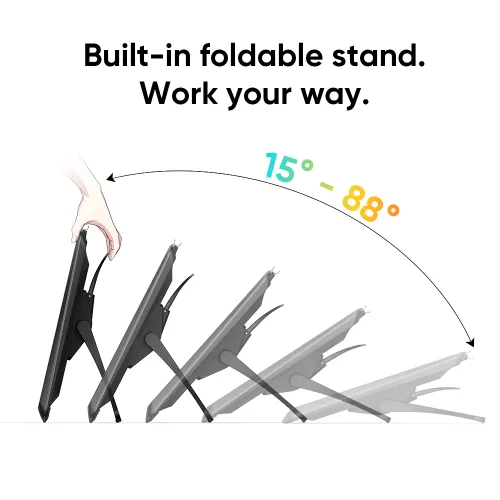
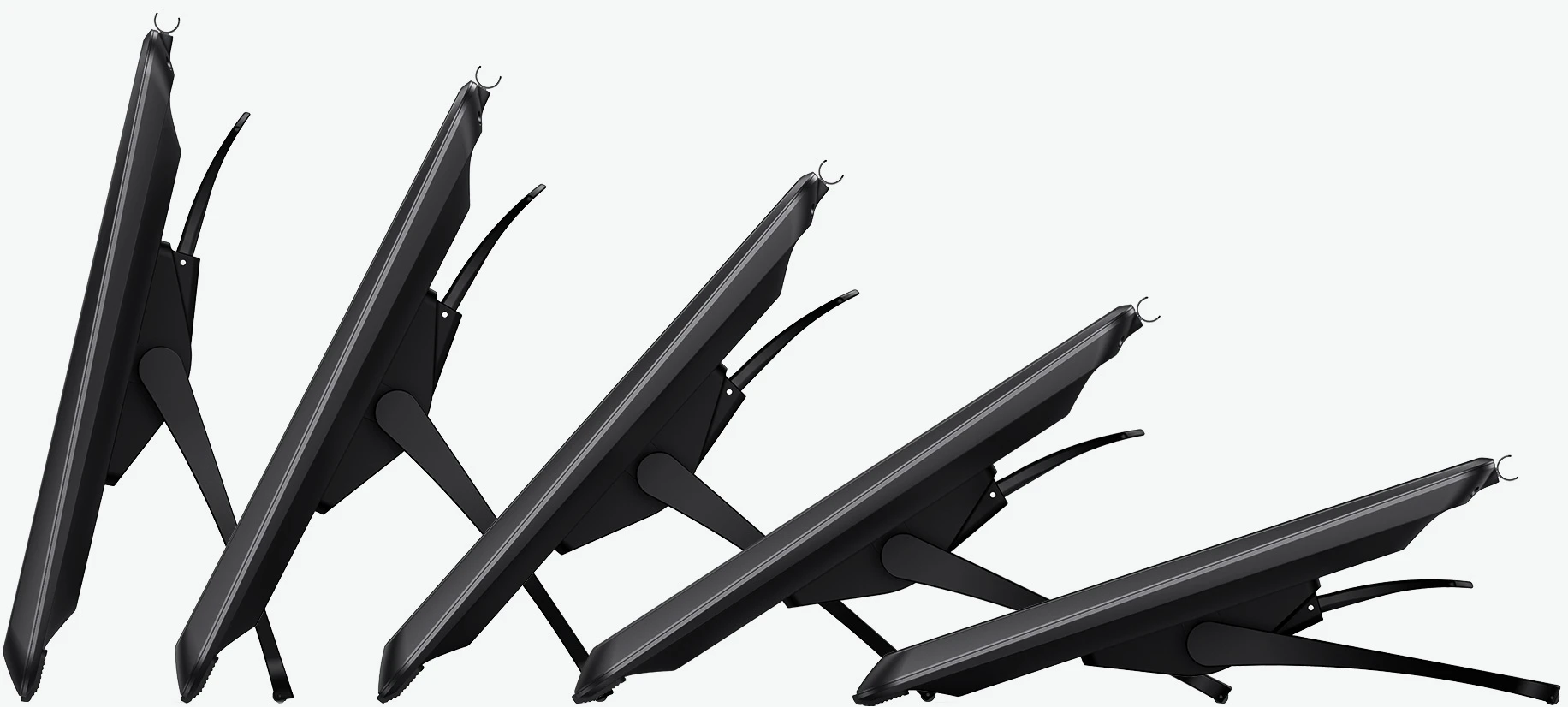
Built-in foldable stand.
Work your way.

The foldable stand makes it flexible to go from 15° to 88° in seconds, and any angle in between. Feel free to
adjust your working posture any way you like, in complete comfort.

image

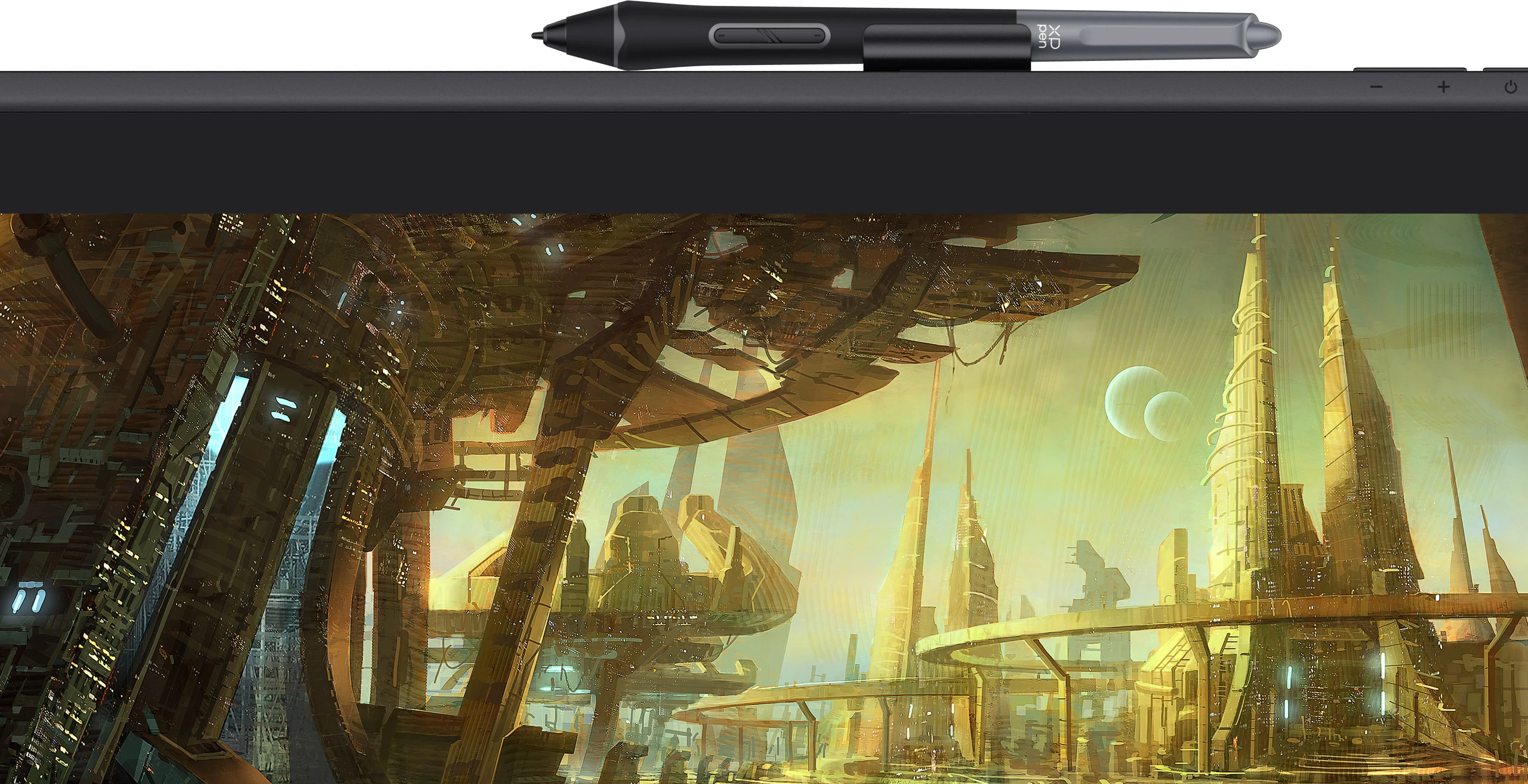
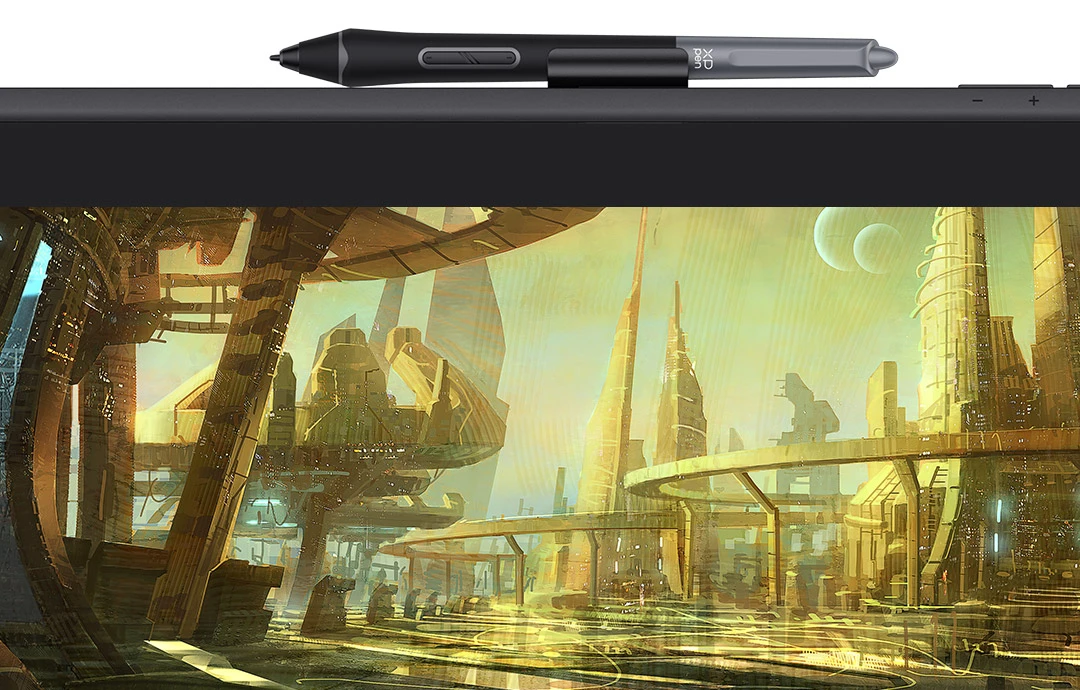
Handy pen clip

A pluggable pen clip sits right on the top providing accommodation for X3 Pro Smart Chip Stylus and pen nibs.
It’s just so easy to pick up your pen, and your inspiration.

imageimage

VESA hole pitch.
Display mounting made easy.

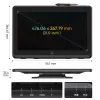
The universal VESA hole pitch can be connected to an external mount of any kind, ranging from clip-ons, through-holes, wall-mounted ones to desk sets. So you can work the way you like — tilt the display to a better angle, maneuver closer for a drawing position that suits you, or push it to the side for free space when needed, and so on. 

VESA size

100x100 mm

image

One display for all fun.

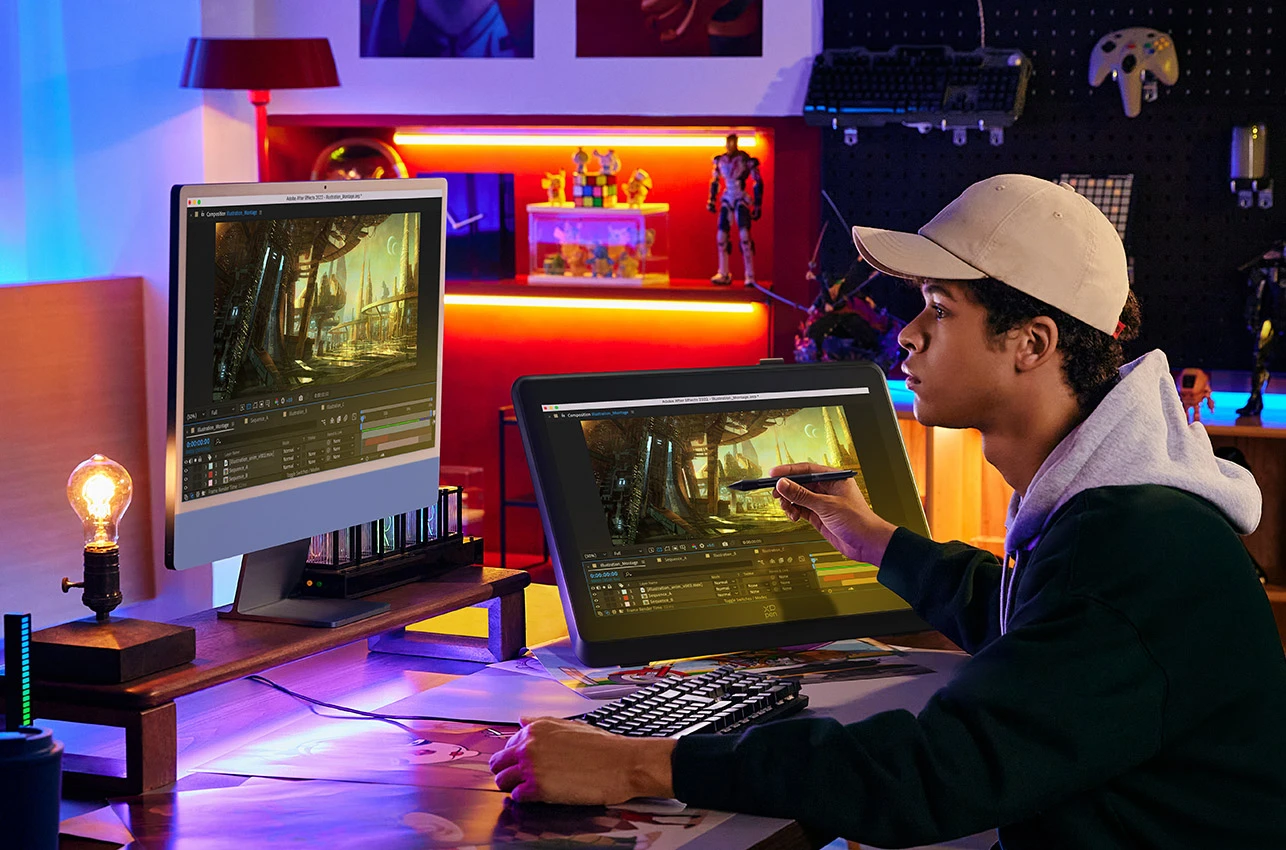
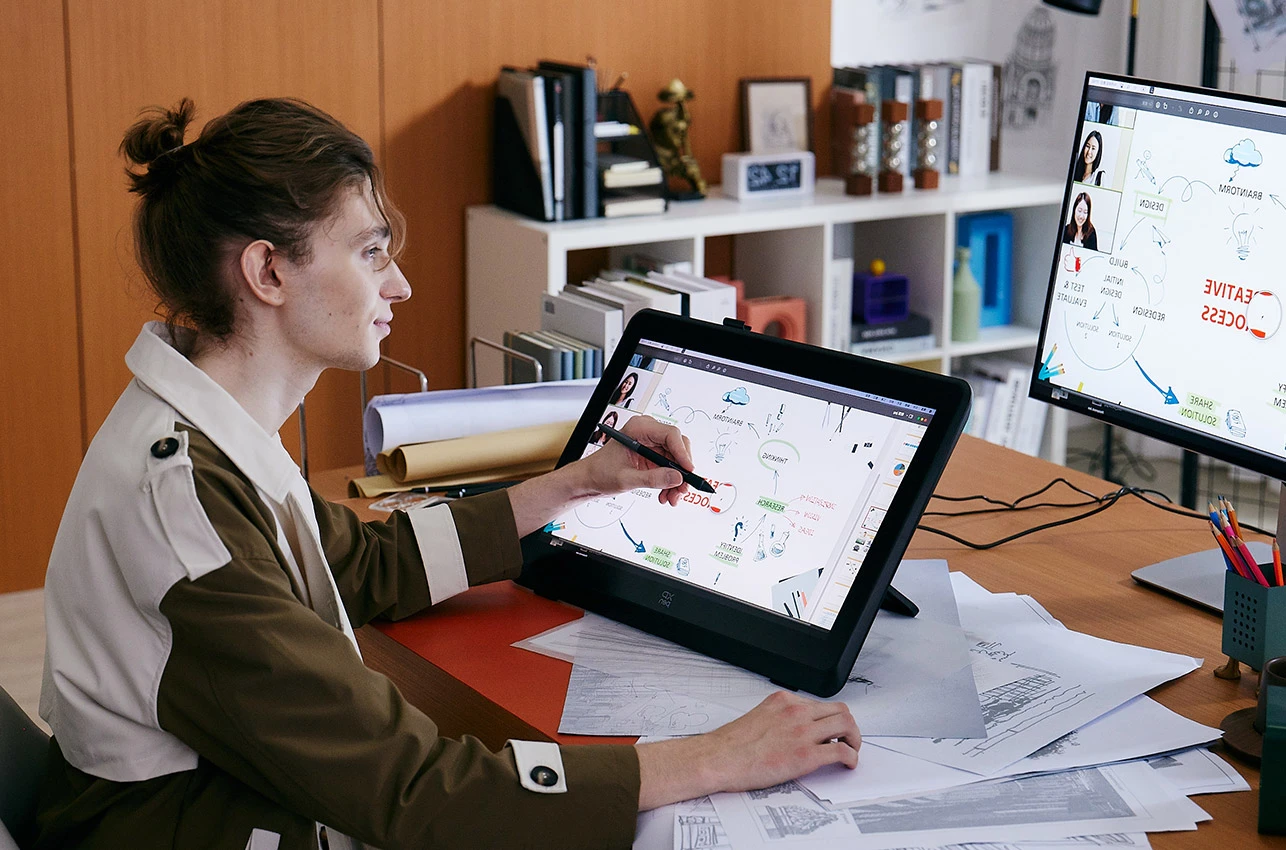
The Artist 22 Plus is more than just a drawing display. Unlock more possibilities by
extending or projecting contents to this 21.5-inch big screen for an expansive,
immersive viewing experience, whether for creation, games, videos,
or entertainment.

Screen split

Helps enhance your work efficiency.

image

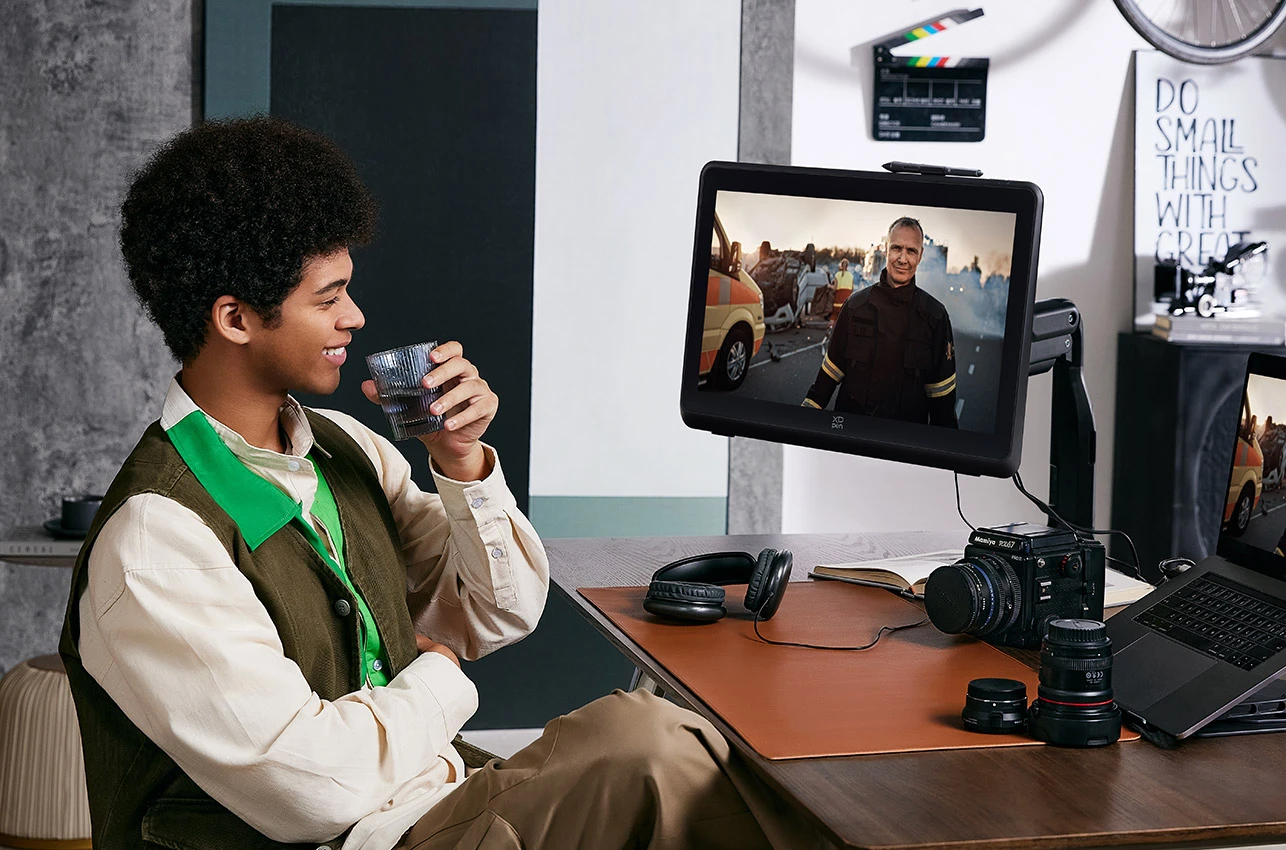
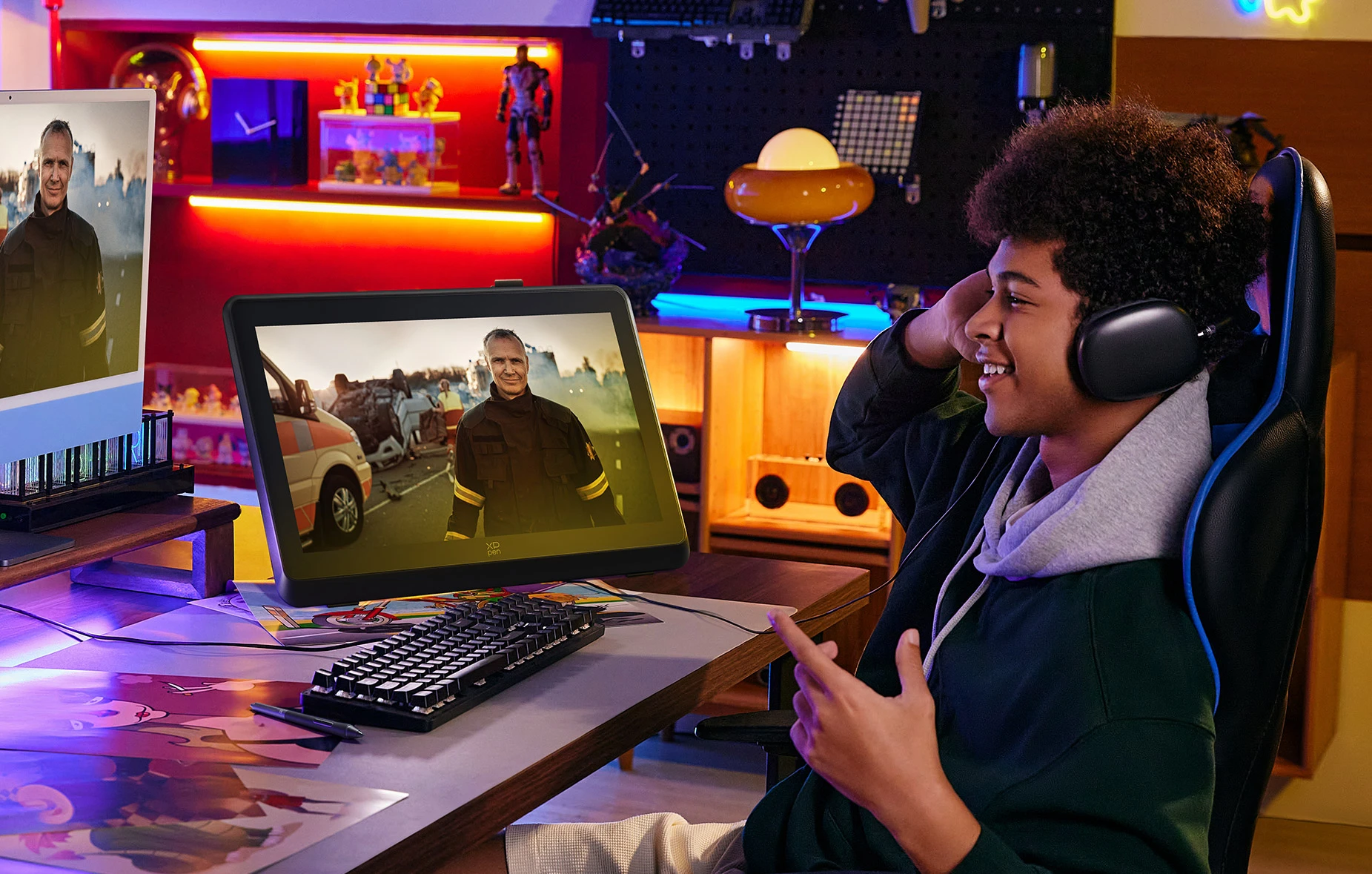
Video mirroring

Sit back and treat yourself to your favorite show.

image

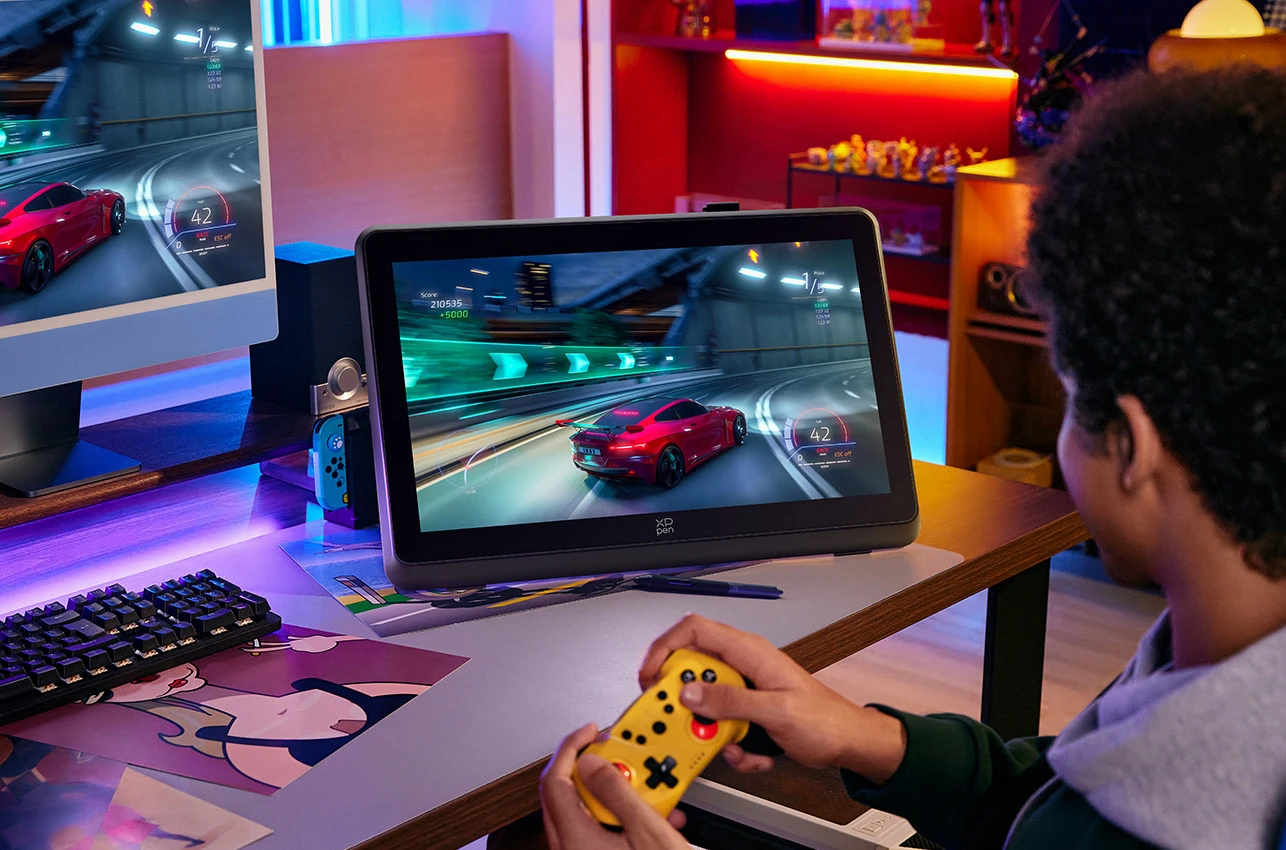
Playing games

Have a more immersive gaming experience on a larger screen.

image

Remote meeting

Facilitates communication with the most natural digital
drawing experience and ease of presentation.

image

Online class

Enjoy interactive classes and real-time collaboration,
with the help of some dedicated apps.

image

Music.
To the ears.

The 3.5 mm audio jack adds a touch of enjoyment to your creative process. Simply plug in your headphones to
immerse yourself in a world of focused creation, free from distractions. And you can also connect it to a speaker
for a pleasant sit-back after hours of drawing.

image

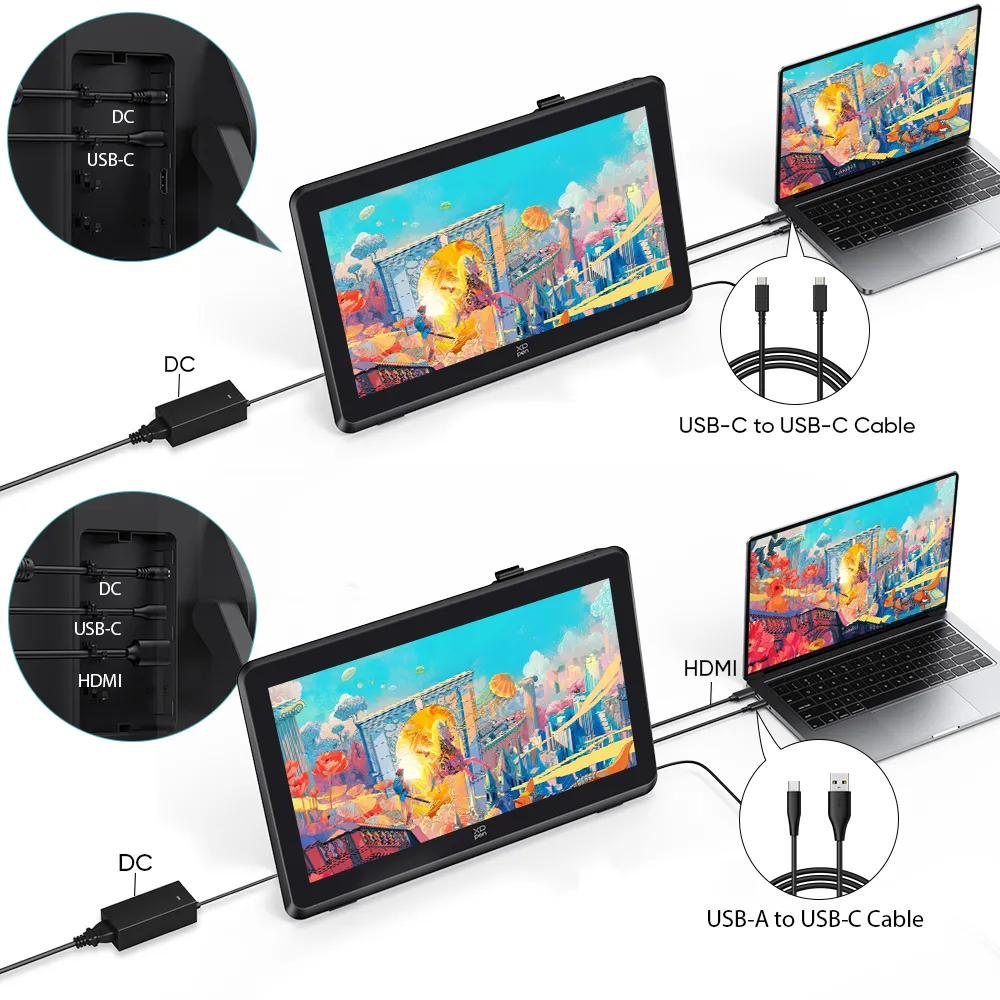
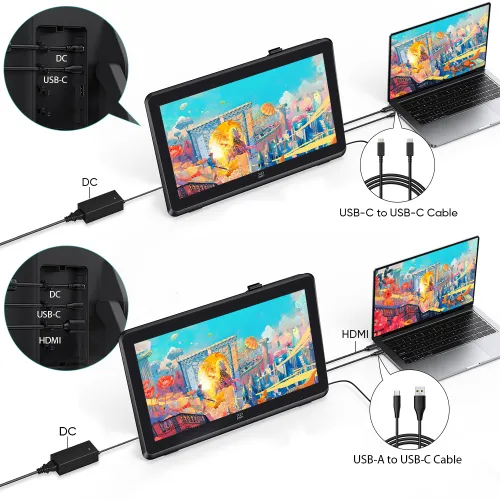
Full-featured USB-C & HDMI ports.
Connection with ease.

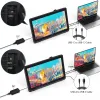
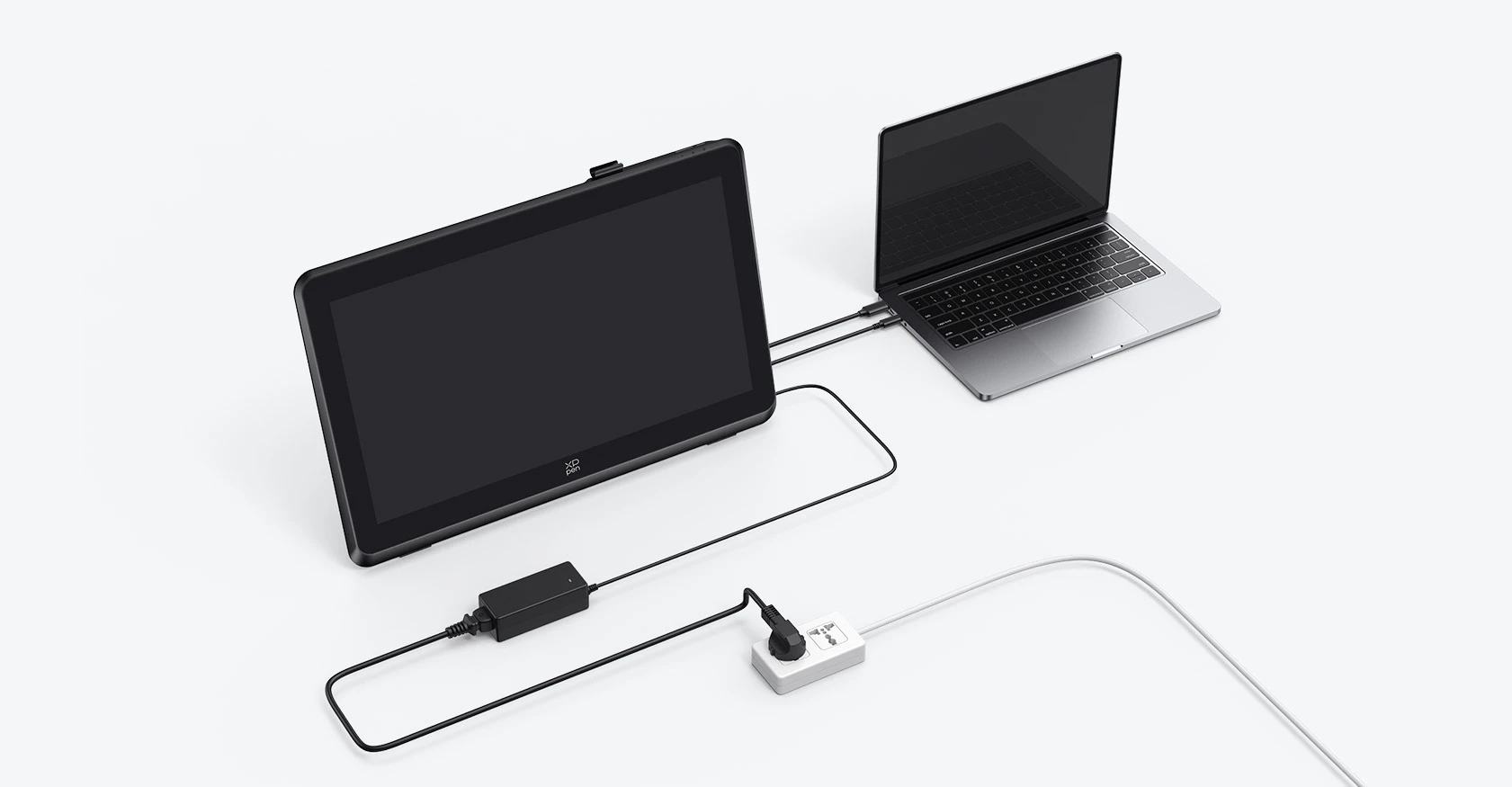
The Artist 22 Plus can be connected to a PC either way — via HDMI cable or full-featured USB-C cable with
reversible plug. Ditch the clutter and keep connected.

image

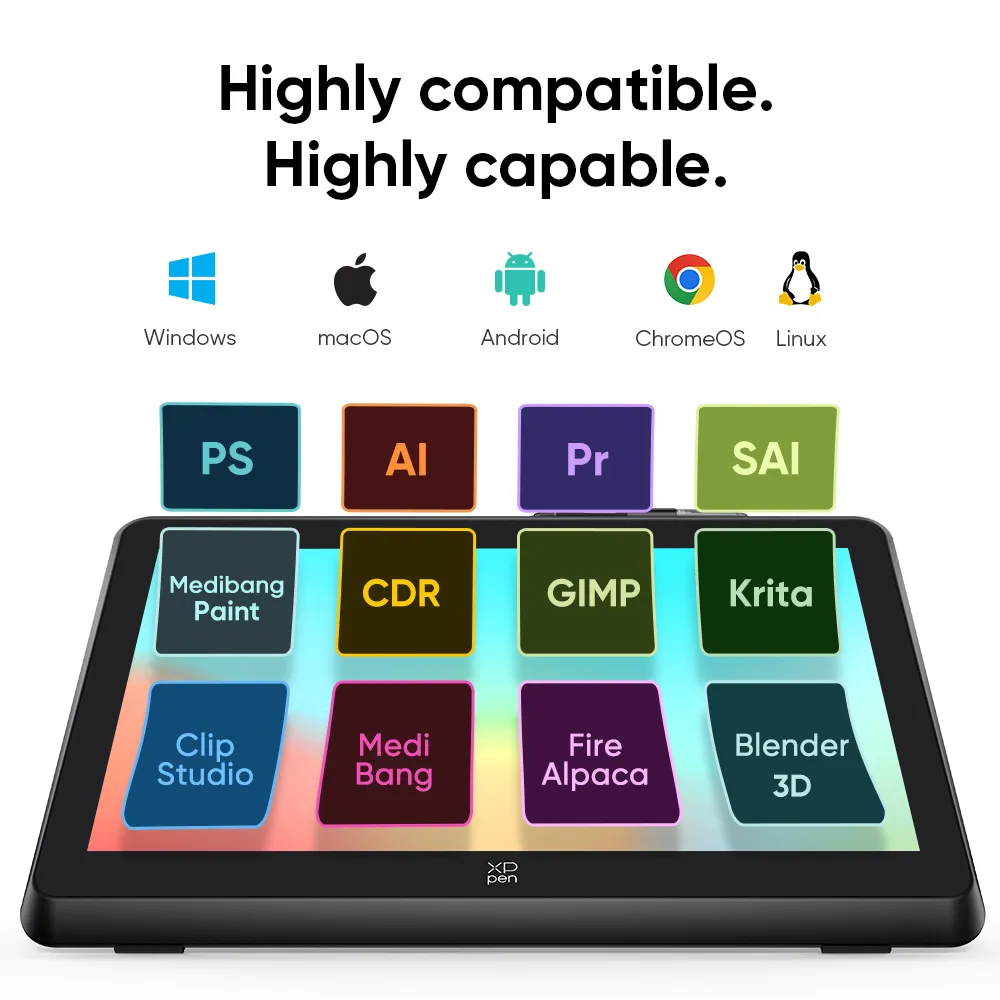
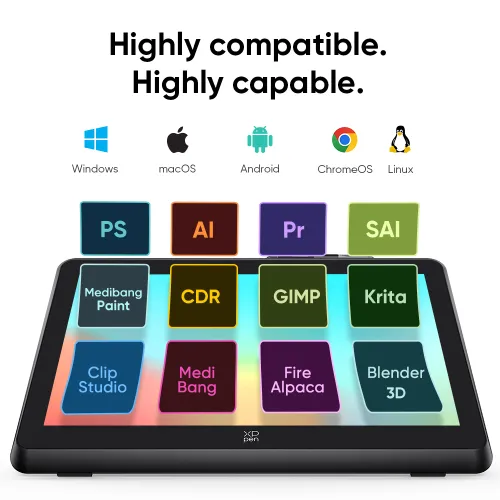
Highly compatible.
Highly capable.

imageimage

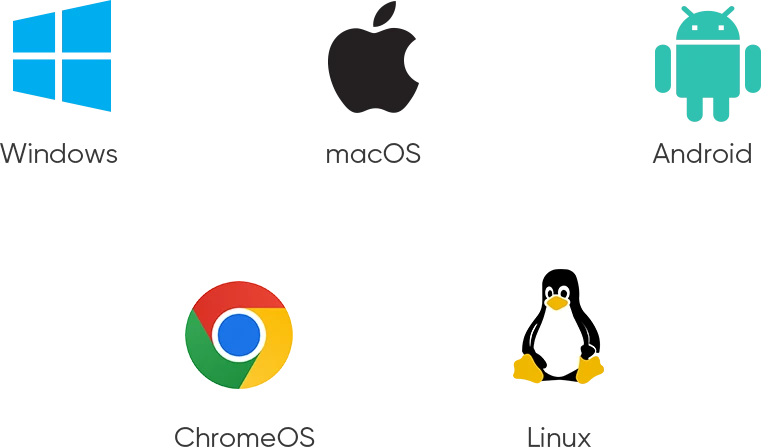
Compatible with Windows 7 (or later), macOS 10.10 (or later), Chrome OS 88 (or later), Android (USB3.1 DP1.2), Linux. Brings more possibilities to your creation.

image

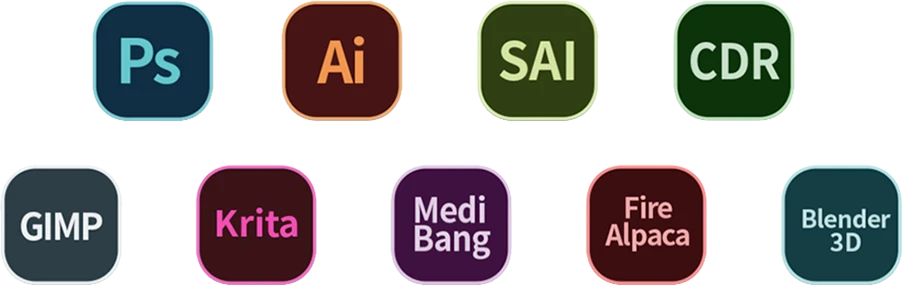
Supports popular digital art software such as Adobe Photoshop, Illustrator, SAI, CDR, GIMP, Krita, MediBang, FireAlpaca, Toonboom, Maya, and Blender3D, etc.

image
Getting started with your
XPPen Artist 22 Plus
Learn more >
image
Artist 22 Plus
comes with one free creative software.
Learn more >

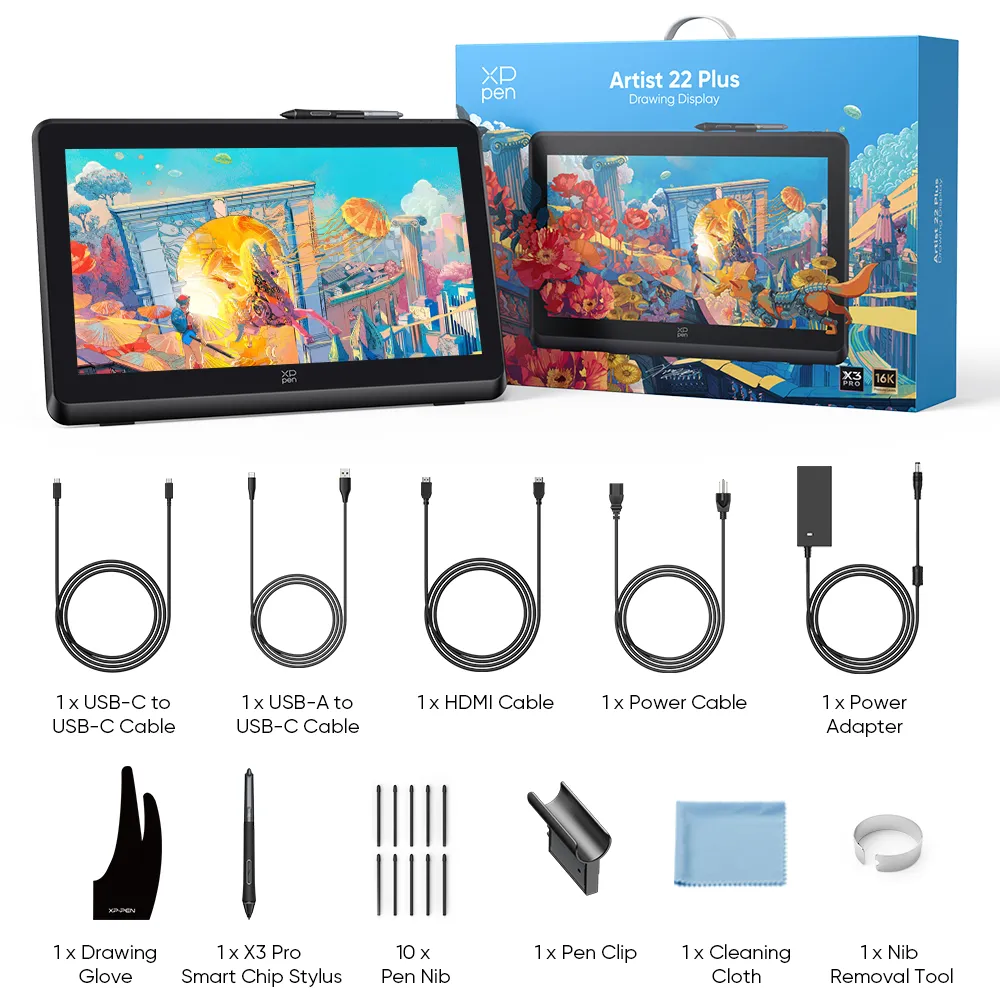
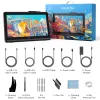
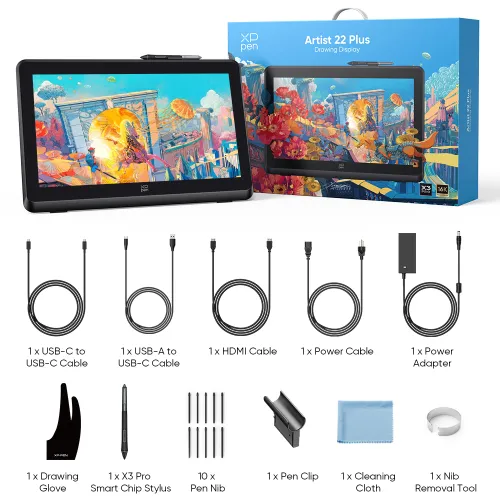
Package Includes

1 x Drawing Display

1 x X3 Pro Smart Chip Stylus

1 x Nib Removal Tool

10 x Pen Nib

1 x Pen Clip

1 x HDMI Cable

1 x USB-C to USB-C Cable

1 x USB-A to USB-C Cable

1 x Power Adapter

1 x Power Cable

1 x Drawing Glove

1 x Cleaning Cloth

1 x Customer Service Card

1 x Quick Guide

1 x Warranty Card

  • Specifications

  • Show more

Linux OSVersionPackage FormatSupported Software
ArchArch Linux2019.12.01(64-bit).deb, .shGIMP, Krita
CentosCentos7.0(64-bit).rpm, .shGIMP
Centos8(64-bit).rpm, .shGIMP, Krita
Debiandebian-9.5.0-amd64-netinst(64-bit).deb, .shGIMP, Krita
elementary OSelementary OS 5.0(64-bit).deb, .shGIMP, Krita
ezgo Linuxezgo14(64-bit).deb, .shGIMP, Krita
FedoraFedora32(64-bit).rpm, .shGIMP, Krita
MageiaMageia-7.1(64-bit).rpm, .shGIMP, Krita
Manjaromanjaro-xfce-20.1.2-201019(64-bit).deb, .shGIMP
Mintlinuxmint-18.2-cinnamon-64bit.deb, .shGIMP, Krita
OpenSUSEopenSUSE-Tumbleweed(64-bit).rpm, .shGIMP, Krita
Pop!_OSpop-os_19.10(64-bit).deb, .shGIMP, Krita
Red HatRed Hat7(64-bit).rpm, .shGIMP
UbuntuUbuntu14.04(64-bit).deb, .shGIMP, Krita
Ubuntu16.04(64-bit).deb, .shGIMP, Krita
Ubuntu17.04(64-bit).deb, .shGIMP, Krita
Ubuntu18.04(64-bit).deb, .shGIMP, Krita
Ubuntu19.04(64-bit).deb, .shGIMP, Krita
Ubuntu20.04(64-bit).deb, .shGIMP, Krita
FunctionKrita 4.3.0Gimp 2.10.20Inkscape 0.92
Pen Pressure Sensitivity
Tilt
Mouse Function
Eraser Button
(Stylus:PH01, P06)
Switch between Pen
and Eraser Modes
*If you have any further queries, please do not hesitate to contact us at service@xp-pen.com.

Linux OS

Arch
Version
Arch Linux2019.12.01(64-bit)
Package Format
.deb, .sh
Supported Software
GIMP, Krita
Centos
Version
Centos7.0(64-bit)
Centos8(64-bit)
Package Format
.rpm, .sh
.rpm, .sh
Supported Software
GIMP
GIMP, Krita
Debian
Version
debian-9.5.0-amd64-netinst(64-bit)
Package Format
.deb, .sh
Supported Software
GIMP, Krita
elementary OS
Version
elementary OS 5.0(64-bit)
Package Format
.deb, .sh
Supported Software
GIMP, Krita
ezgo Linux
Version
ezgo14(64-bit)
Package Format
.deb, .sh
Supported Software
GIMP, Krita
Fedora
Version
Fedora32(64-bit)
Package Format
.rpm, .sh
Supported Software
GIMP, Krita
Mageia
Version
Mageia-7.1(64-bit)
Package Format
.rpm, .sh
Supported Software
GIMP, Krita
Manjaro
Version
manjaro-xfce-20.1.2-201019(64-bit)
Package Format
.deb, .sh
Supported Software
GIMP
Mint
Version
linuxmint-18.2-cinnamon-64bit
Package Format
.deb, .sh
Supported Software
GIMP, Krita
OpenSUSE
Version
openSUSE-Tumbleweed(64-bit)
Package Format
.rpm, .sh
Supported Software
GIMP, Krita
Pop!_OS
Version
pop-os_19.10(64-bit)
Package Format
.deb, .sh
Supported Software
GIMP, Krita
Red Hat
Version
Red Hat7(64-bit)
Package Format
.rpm, .sh
Supported Software
GIMP
Ubuntu
Version
Ubuntu14.04(64-bit)
Ubuntu16.04(64-bit)
Ubuntu17.04(64-bit)
Ubuntu18.04(64-bit)
Ubuntu19.04(64-bit)
Ubuntu20.04(64-bit)
Package Format
.deb, .sh
.deb, .sh
.deb, .sh
.deb, .sh
.deb, .sh
.deb, .sh
Supported Software
GIMP, Krita
GIMP, Krita
GIMP, Krita
GIMP, Krita
GIMP, Krita
GIMP, Krita

Function

Pen Pressure Sensitivity
Krita 4.3.0
Gimp 2.10.20
Inkscape 0.92
Tilt
Krita 4.3.0
Gimp 2.10.20
Inkscape 0.92
Mouse Function
Krita 4.3.0
Gimp 2.10.20
Inkscape 0.92
Eraser Button(Stylus:PH01, P06)
Krita 4.3.0
Gimp 2.10.20
Inkscape 0.92
Switch between Penand Eraser Modes
Krita 4.3.0
Gimp 2.10.20
Inkscape 0.92

*If you have any further queries, please do not hesitate to contact us at service@xp-pen.com.

List of compatible Android devices
HUAWEI Mate 10HUAWEI Mate 10 Pro
HUAWEI Mate 20HUAWEI Mate 20 Pro
HUAWEI Mate 20 XHUAWEI Mate 30 Pro
HUAWEI Mate 40HUAWEI Mate 40 pro
HUAWEI Mate 30E Pro 5GHUAWEI P20
HUAWEI P20 ProHUAWEI P30
HUAWEI P30 ProHUAWEI P40
HUAWEI P40 ProHUAWEI P40 Pro+
HUAWEI Mate 50HUAWEI Mate 50 Pro
HUAWEI Mate 40EHUAWEI Mate 40 Pro+
HUAWEI P50 ProHUAWEI P50
HUAWEI P50EHUAWEI Mate X2
HUAWEI Mate Xs2HUAWEI Mate 50E
HUAWEI Mate 40E ProHUAWEI Mate 40 RS
HUAWEI P50 PocketHonor Note10
Honor V20Honor 30pro+
Honor Magic4Honor Magic4 Pro
Samsung Galaxy A90 5GSamsung Galaxy Note9
Samsung Galaxy Note10Samsung Galaxy Note10+ 5G
Samsung Galaxy S8Samsung Galaxy S8+
Samsung Galaxy S9Samsung Galaxy S9+
Samsung Galaxy S10Samsung Galaxy S10+
Samsung Galaxy S10eSamsung Galaxy S20
Samsung Galaxy S20+Samsung Galaxy S20 Ultra
Samsung Galaxy S20 FE 5GSamsung Galaxy S21
Samsung Galaxy S21 FESamsung Galaxy S21 ultra
Samsung Galaxy S22Samsung Galaxy S22 Ultra
Samsung Galaxy Note20Samsung Galaxy Note20 Ultra
Samsung Galaxy Tab S7Samsung Galaxy Tab S7 FE
Samsung Galaxy Tab S5eSamsung Galaxy S21+
Samsung Galaxy S22+Samsung Galaxy S23
Samsung Galaxy S23+Samsung Galaxy S23 Ultra
Samsung Galaxy Z Fold4Samsung W23
Samsung W22Samsung W21
Samsung W20Samsung Galaxy Tab S8
Samsung Galaxy Tab S8+Samsung Galaxy Tab S8 Ultra
Samsung Galaxy Tab S7+Samsung Galaxy Tab S6
Samsung Galaxy Tab S6 Lite
Reviews
0
starstarstarstarstar
Based on 0
starstarstarstarstar
0(0)
starstarstarstarstar
0(0)
starstarstarstarstar
0(0)
starstarstarstarstar
0(0)
starstarstarstarstar
0(0)
no-evaluation No review
Q & A
XFANScu10a7yd
Apr 01 ,2026 PM 19:38 Artist 22 Plus
When will be the next promotion with lower price?
Reply0
XFANSzkzfodxz
Jun 26 ,2025 PM 15:46 Artist 22 Plus
Hi I haven't had a drawing tablet before. And I don't know what size would be comfortable and manageable for me. I'm considering this or the Artist 16(gen 3) because right now they are both on sale. So I just want to know if I decide to buy this and then don't find it comfortable will I be able to send it back and get a refund?
Reply1
Official mall
Jul 28 ,2025 PM 15:07
We have identified the product screen size and product thickness on the product detail page and pictures, you can refer to it. And if you buy and then don\'t find it comfortable, you could open the link: https://www.storexppen.eu/article/9.html to confirm the detail of return policy.
Reply to this review
JohnsoDraws
Feb 09 ,2025 AM 04:18 Artist 22 Plus
When will the artist pro 22 2nd gen be available for Ireland? Why's is there 5 different warrantys with letters and numbers at the end to show the difference. Warranty extension 6/12 months 60E. Warranty extension 6/12 months 60B. Warranty extension 6/12 months 80C Warranty extension 6/12 months 45A. Warranty extension 6/12 months 100D. I want to get this for my Artist pro 22 plus that I just ordered. But don't know which warranty I'm supposed to get
Reply0
XFANSb1j8zt42
Nov 27 ,2024 PM 21:36 Artist 22 Plus
hello i would like to know whats included in the purchase and what needs to be bought separately
Reply1
XFANSb1j8zt42
Nov 27 ,2024 PM 21:37
nevermind
Reply to this review
XFANS6ndt30dn
Oct 20 ,2024 AM 11:05 Artist 22 Plus
I am interested in buying the specific drawing pen display. But I could not locate in the store some screen protectors for this one. Are there any protectors to add to the order? Is there one pre-installed upon purchase?
Reply0
XFANScu10a7yd
Sep 10 ,2024 PM 16:11 Artist 22 Plus
Will there be a Black Friday sale this year? Only then can I buy the drawing monitor.
Reply1
Official mall
Sep 14 ,2024 PM 18:21
Dear customer, Yes. It will. Best wishes XPPen
Reply to this review
XFANSxnw2qk7n
Jan 23 ,2024 PM 19:34 Artist 22 Plus
Hello! Does XPpen work only with USB or HDMI connection to a PC or does it also work with bluetooth or any other wireless connection? Does XPpen work with Ipad9 (10,2")? If yes What kind of connection do they need? Thank you, Csaba Szegedi
Reply1
Official mall
Feb 02 ,2024 PM 17:36
Dear customer, It can support USB-C to USB-C and 3 in 1 cable connections, not wireless or Bluetooth. It is not compatible with the Ipad. Best wishes XPPen
Reply to this review
Payment icon 0Payment icon 1Payment icon 2Payment icon 3Payment icon 4

Copyright©2025 HANVON UGEE (HK) TECHNOLOGY CO., LIMITED All Rights Reserved.

Payment icon 0Payment icon 1Payment icon 2Payment icon 3Payment icon 4