




Getting started with your
XP-Pen Deco Tablet
1/10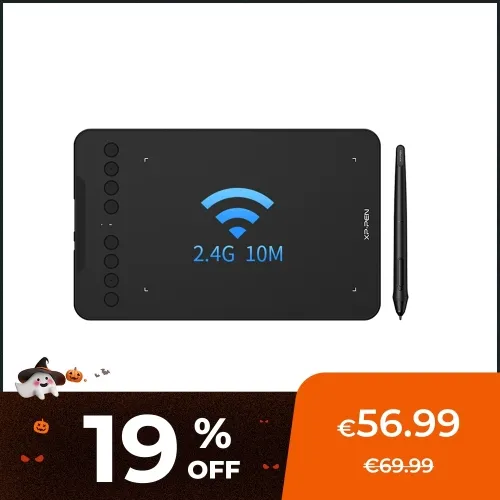
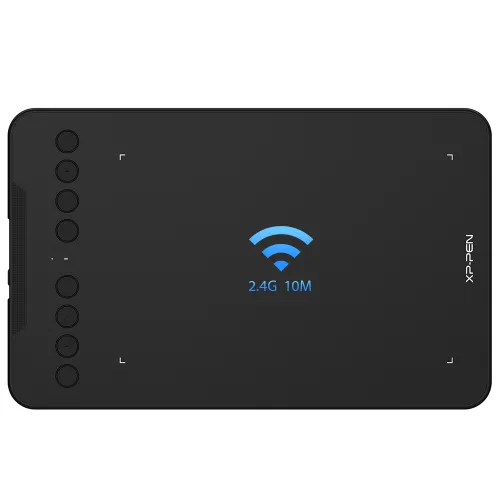
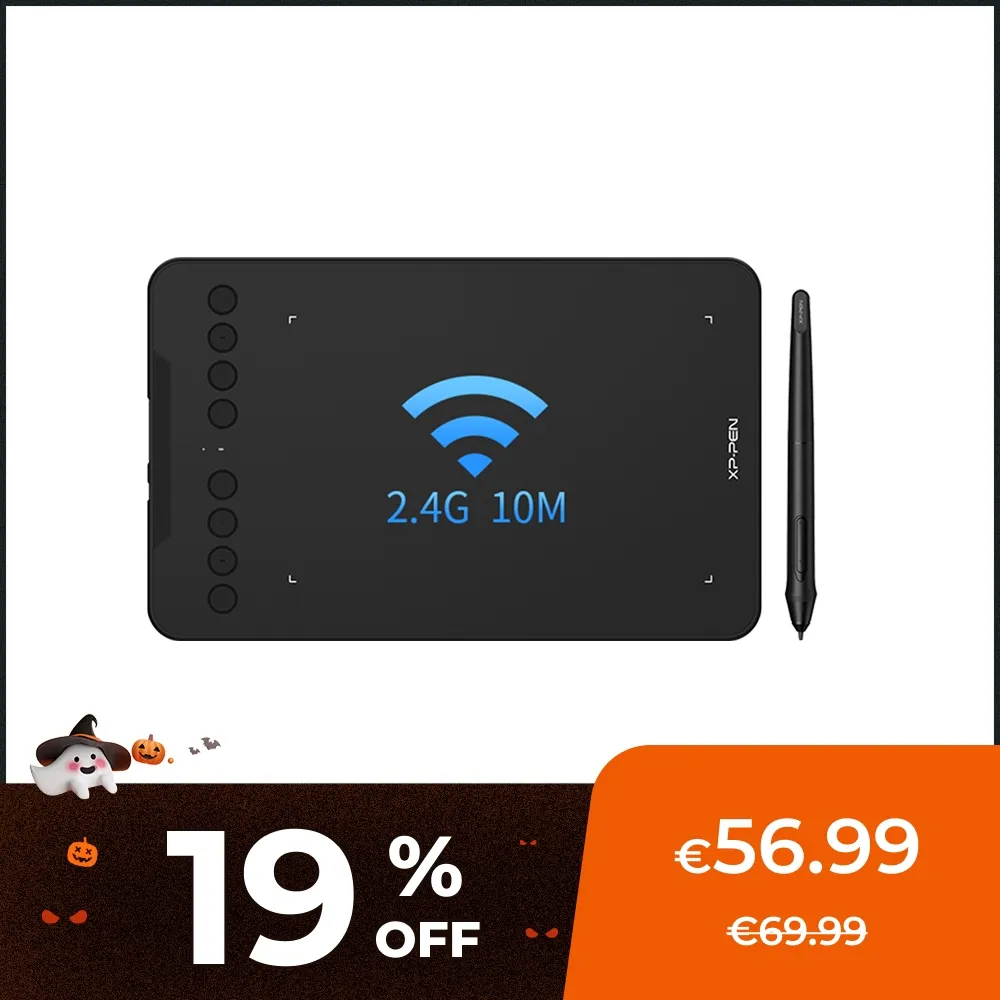
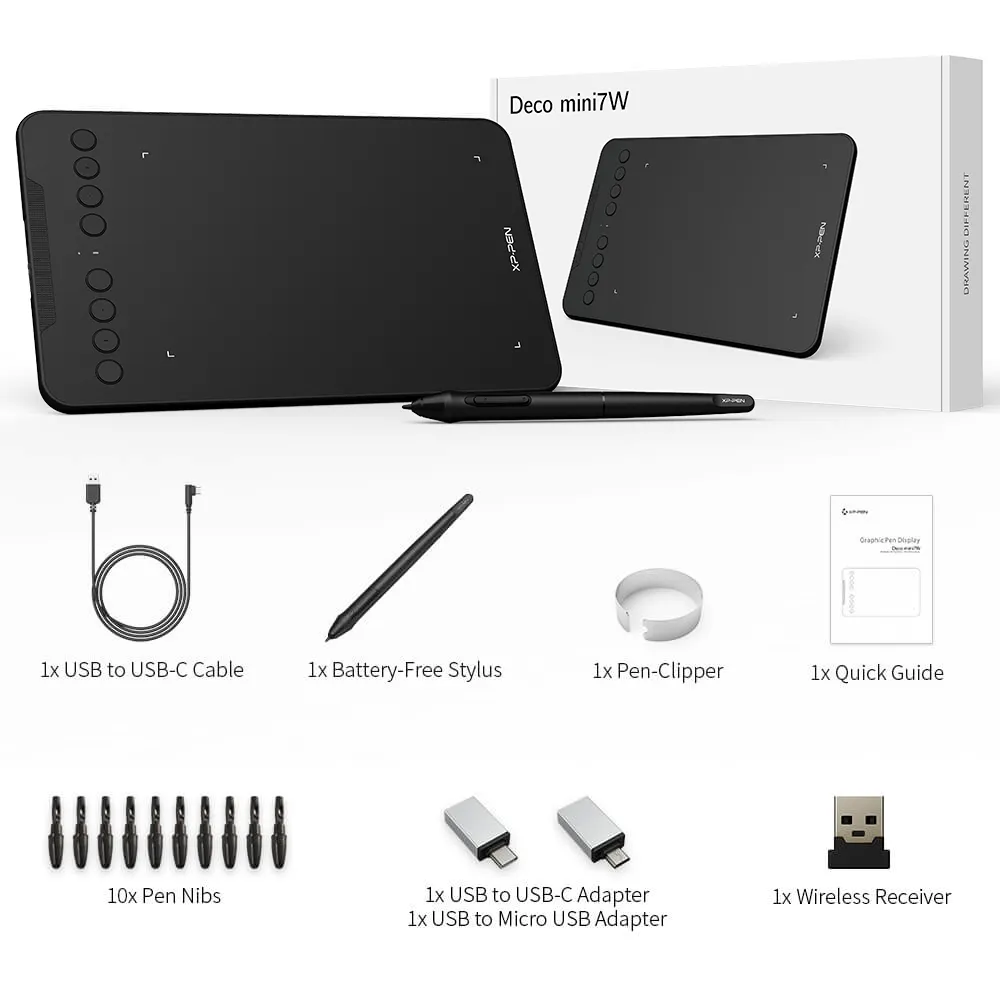
Deco mini7W
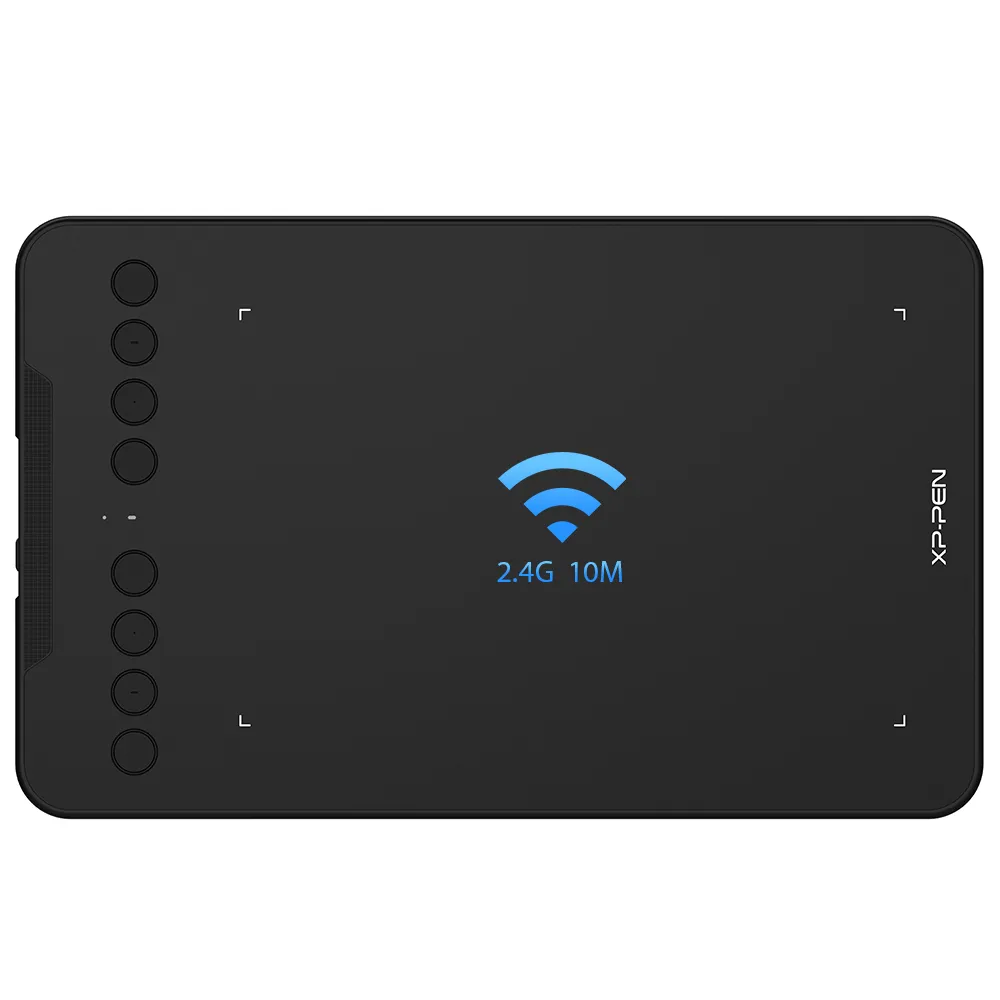
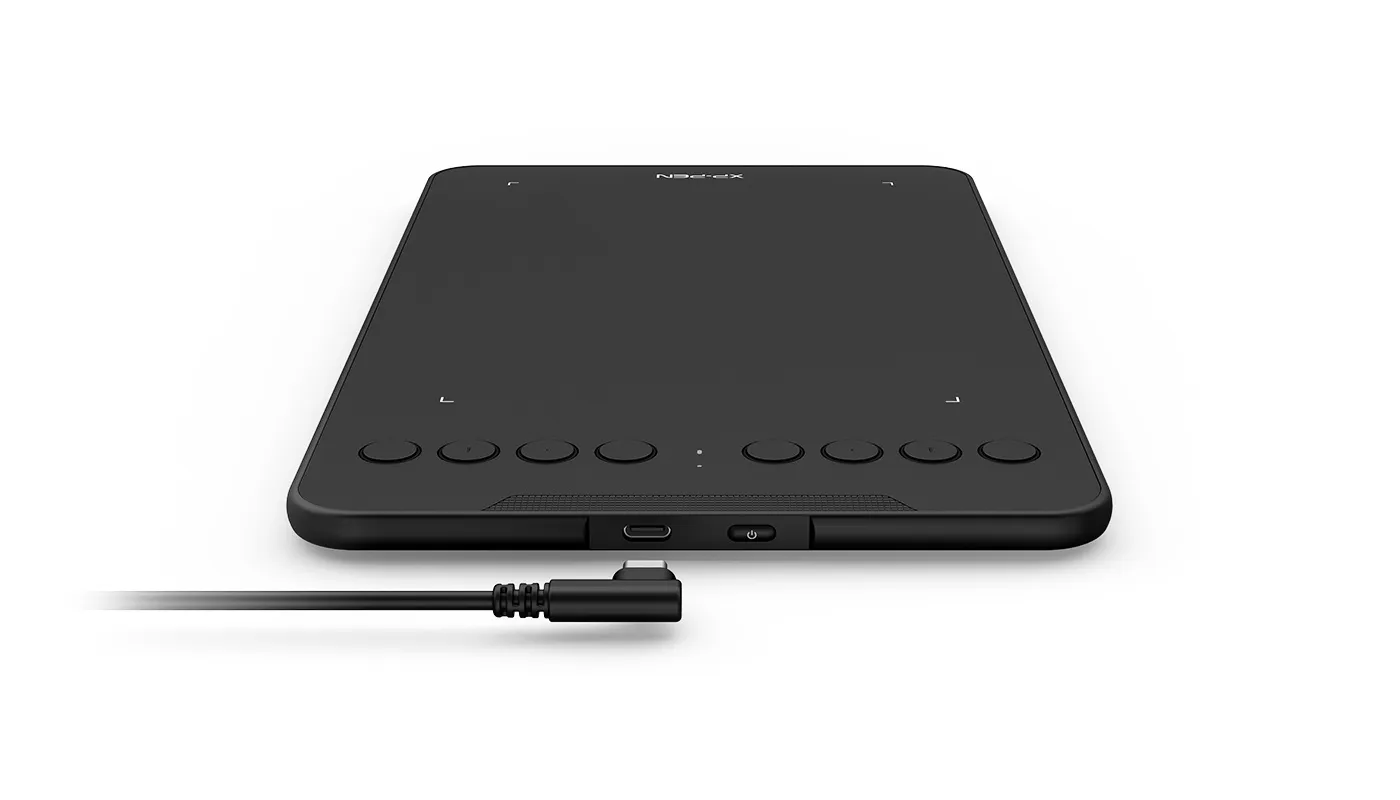
2.4 GHz wireless technology, USB-C to USB-C connection
EMR Stylus Support Tilt and Pressure Function
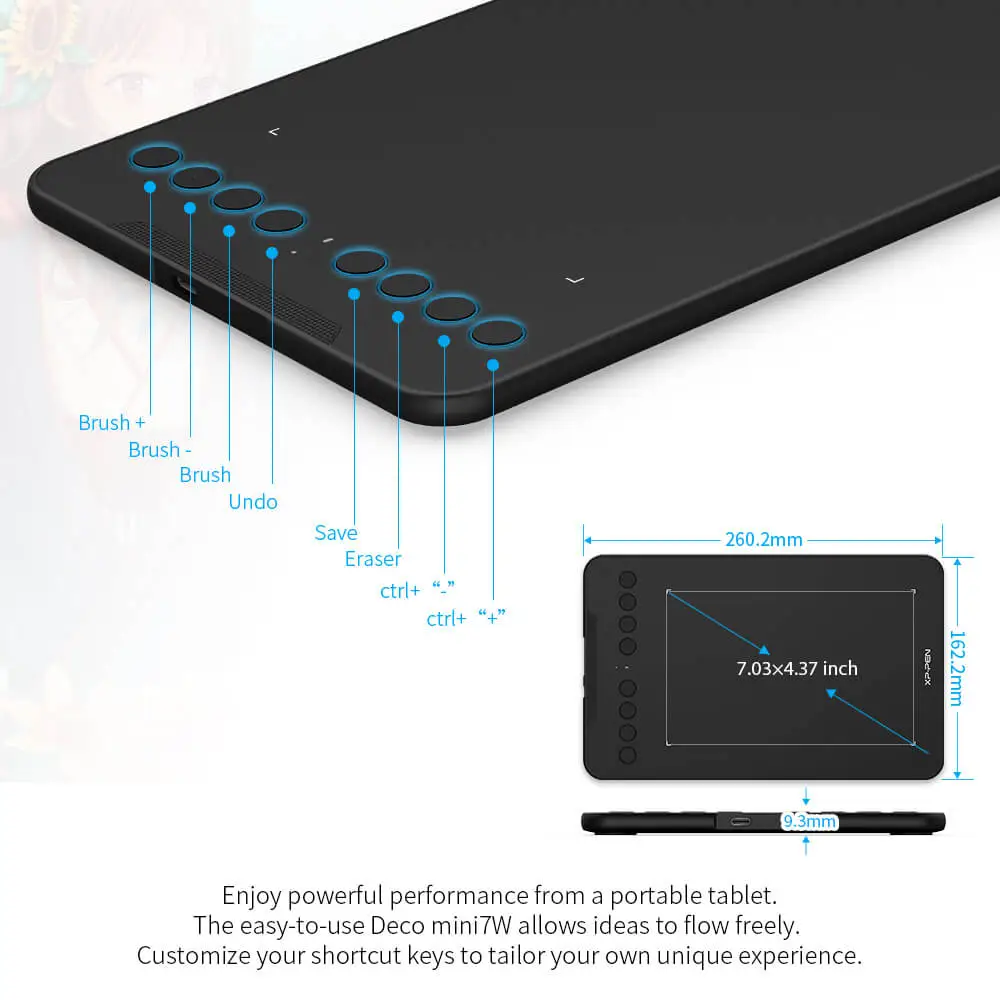
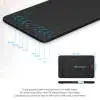
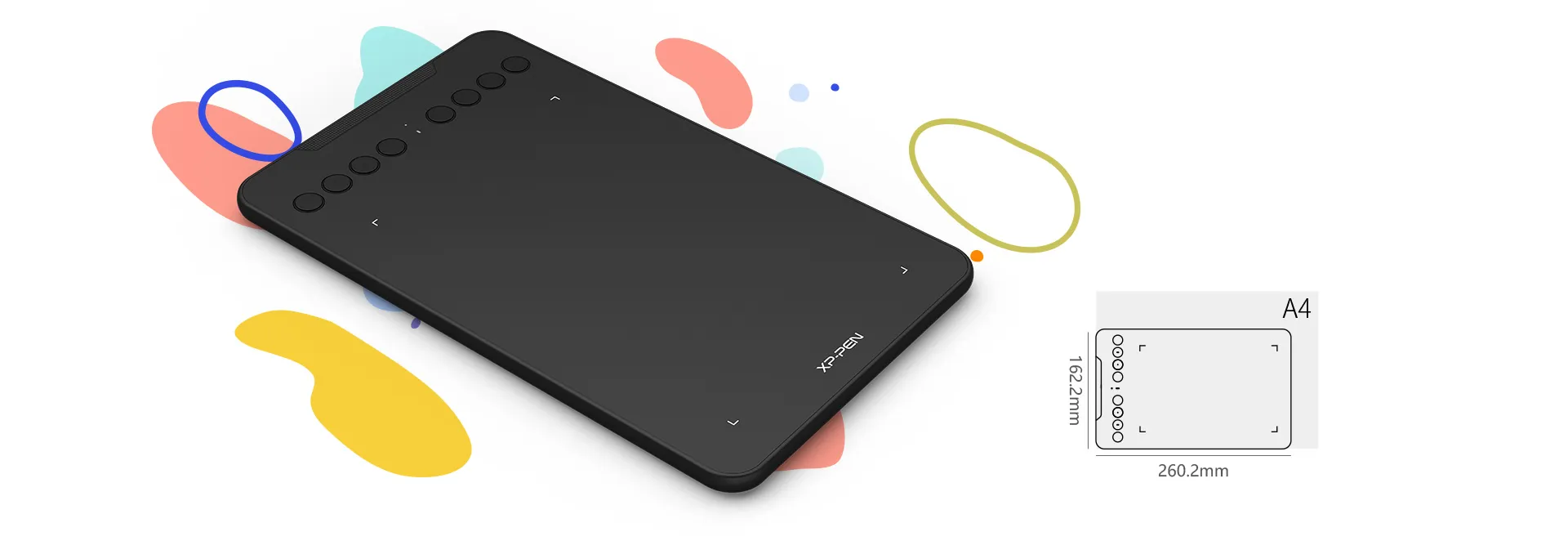
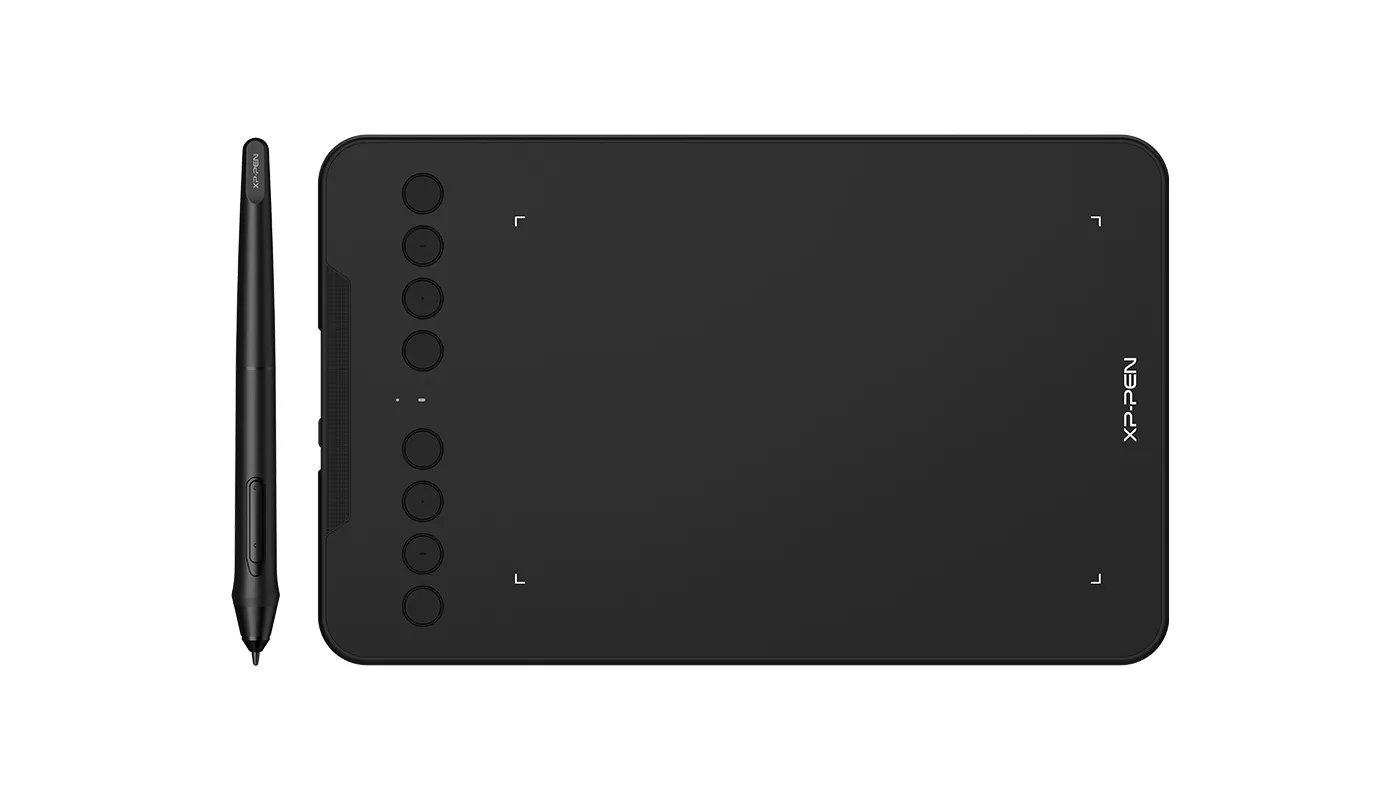
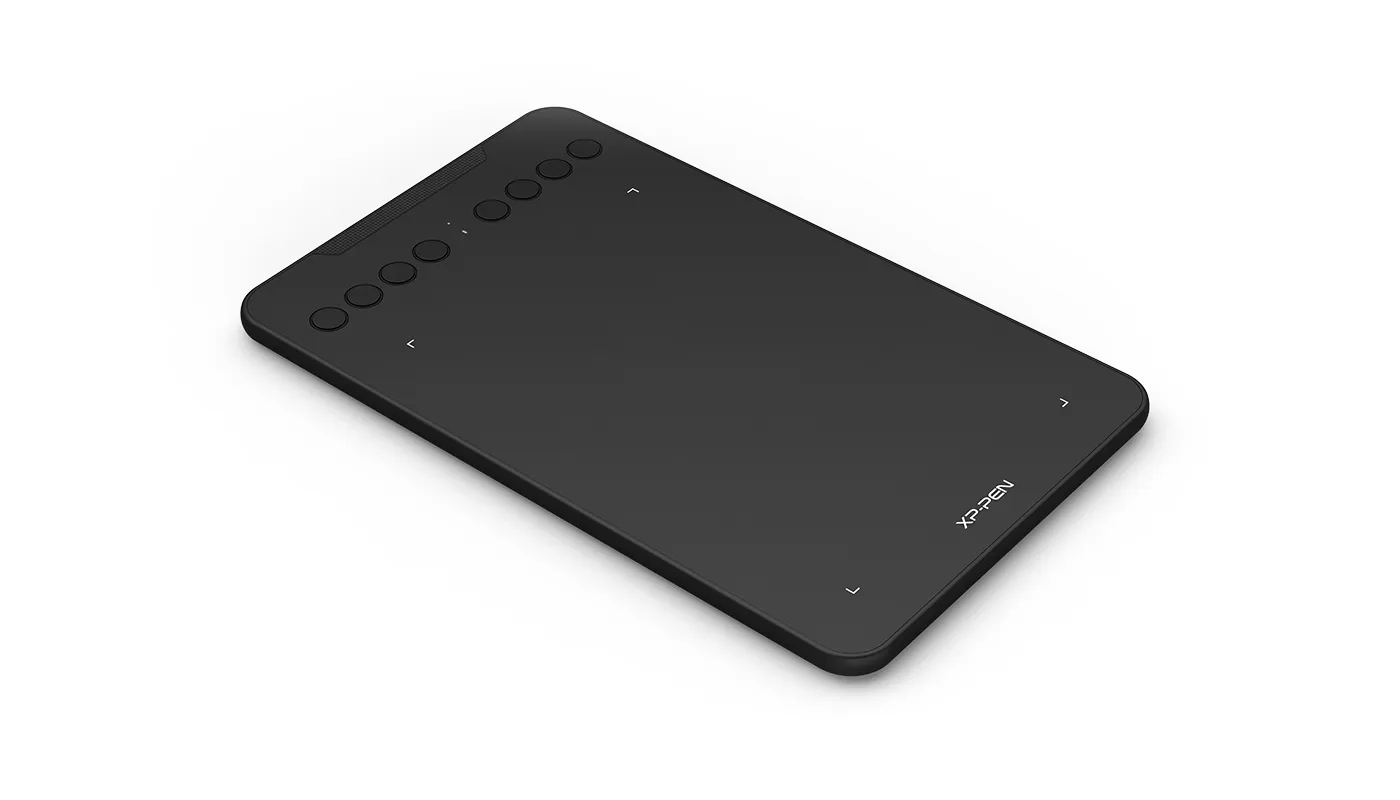
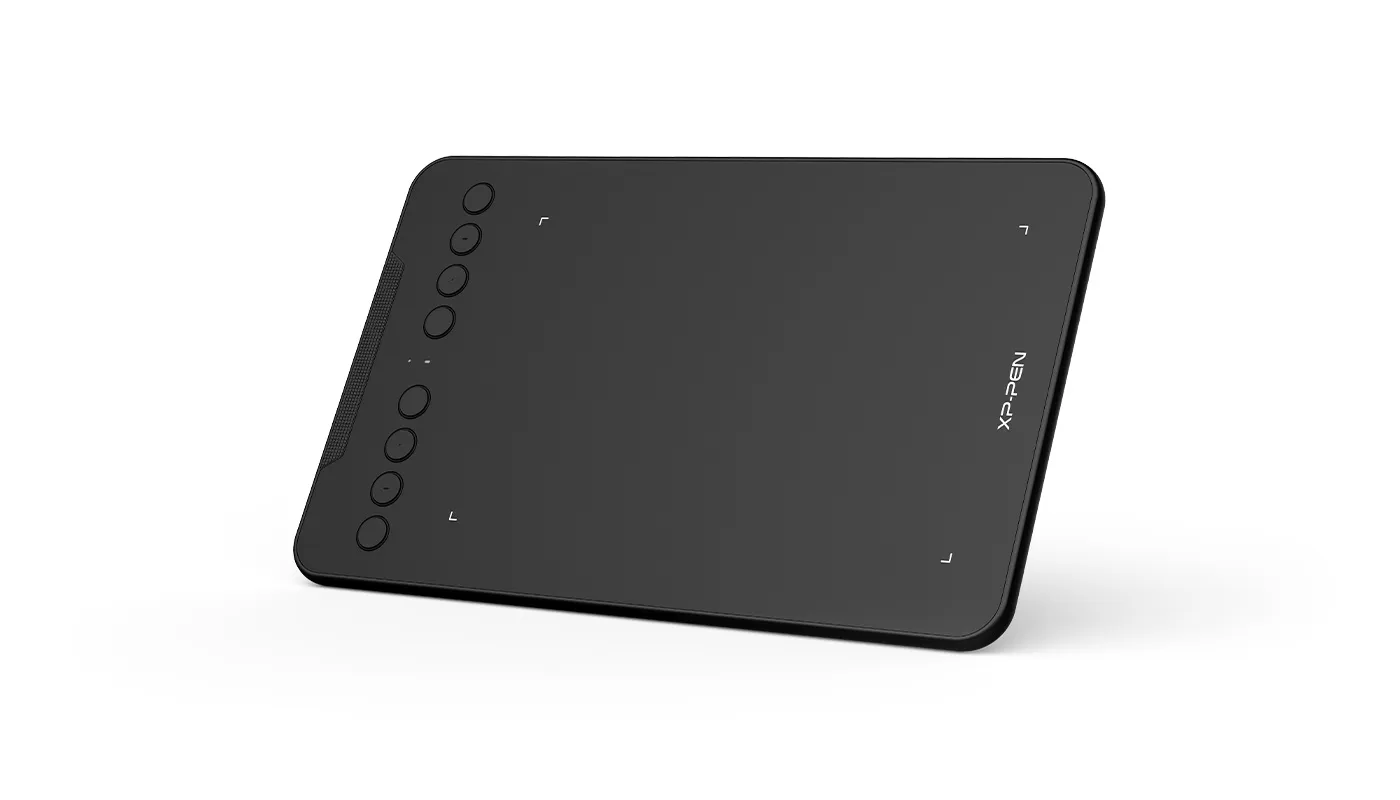
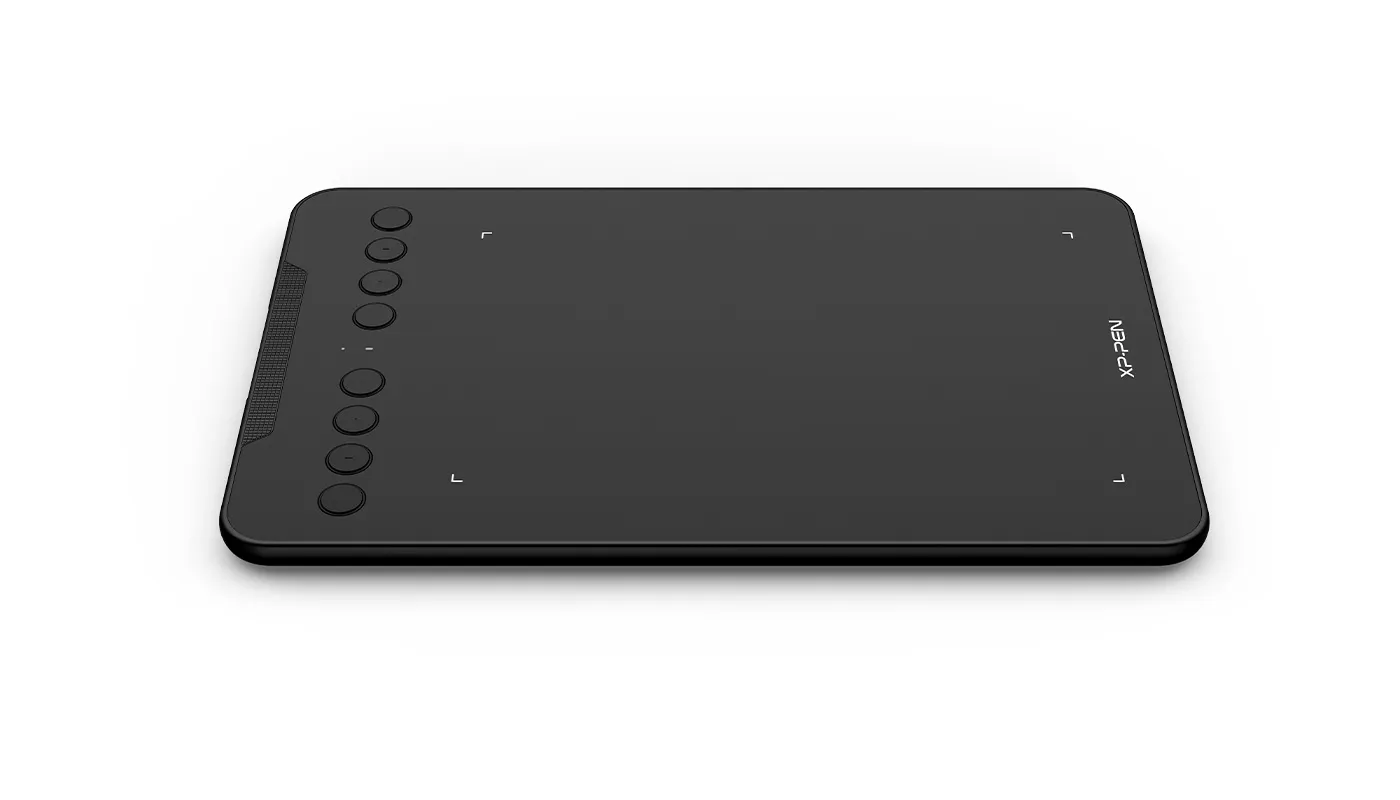
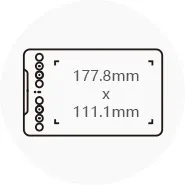
7 x 4.37 inches working area, 8 customizable shortcut keys
€56.99€69.99
❋In stock in EU warehouse❋
❋24-Month Warranty❋
Free Shipping (Except RS, NO, CY, MT, IS, MC, MK)
Secure payments (Your payment information is processed securely)
Contact (Monday to Friday 10:30am - 6:30pm( PST))
Professional Support (shopeu@xp-pen.com service@xp-pen.com)
Optional Products
Quantity:
Total
€56.99
 Log in and purchase to receive an estimated 63 X-Coins






Worry-Free Delivery® available with seel
Estimated:

Deco mini7W
Create anytime,
anywhere
Watch the video >
Unbelievably portable and
incredibly powerful
Enjoy powerful performance from a portable tablet. With the super affordable Deco mini7W, you can capture inspiration as it strikes and have your ideas with you at all times.

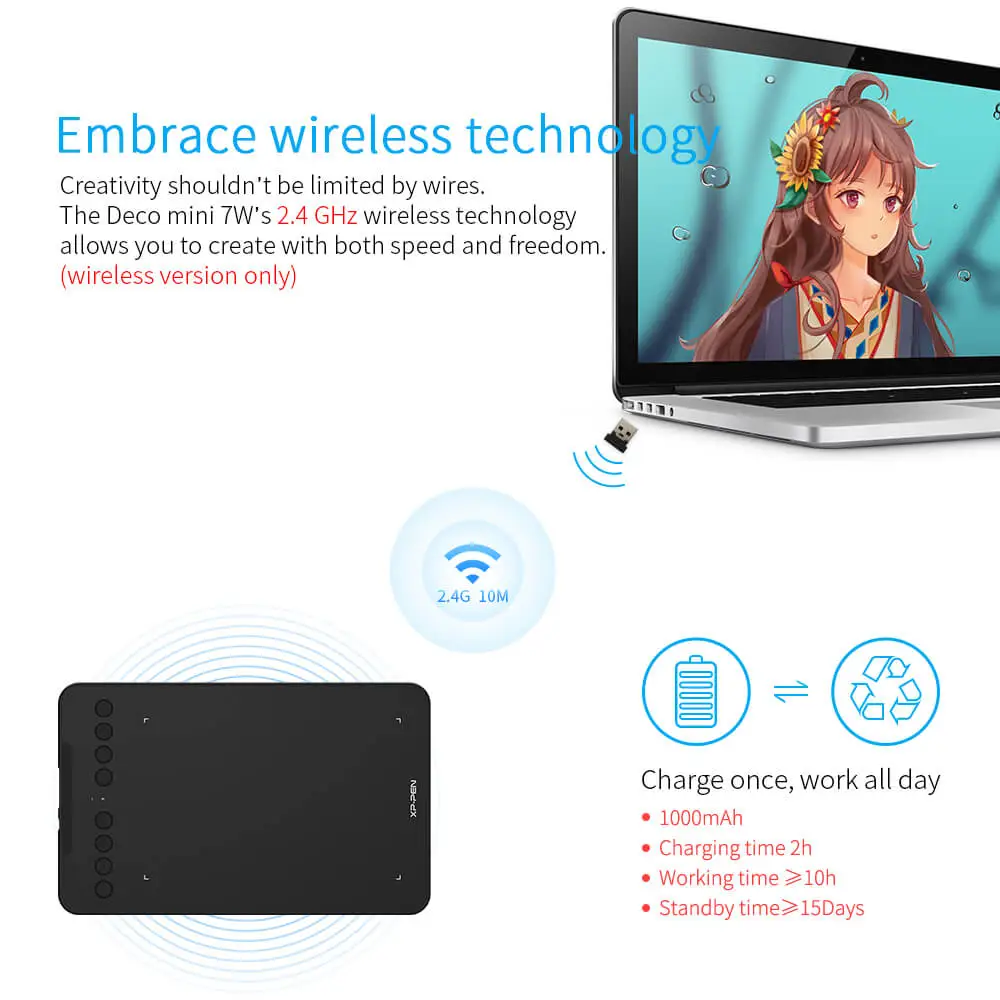
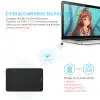
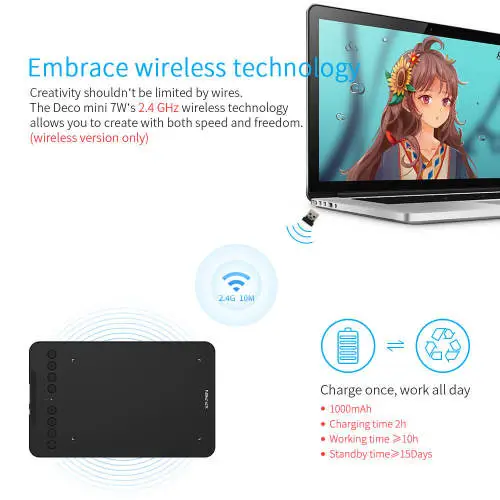
Embrace wireless technology
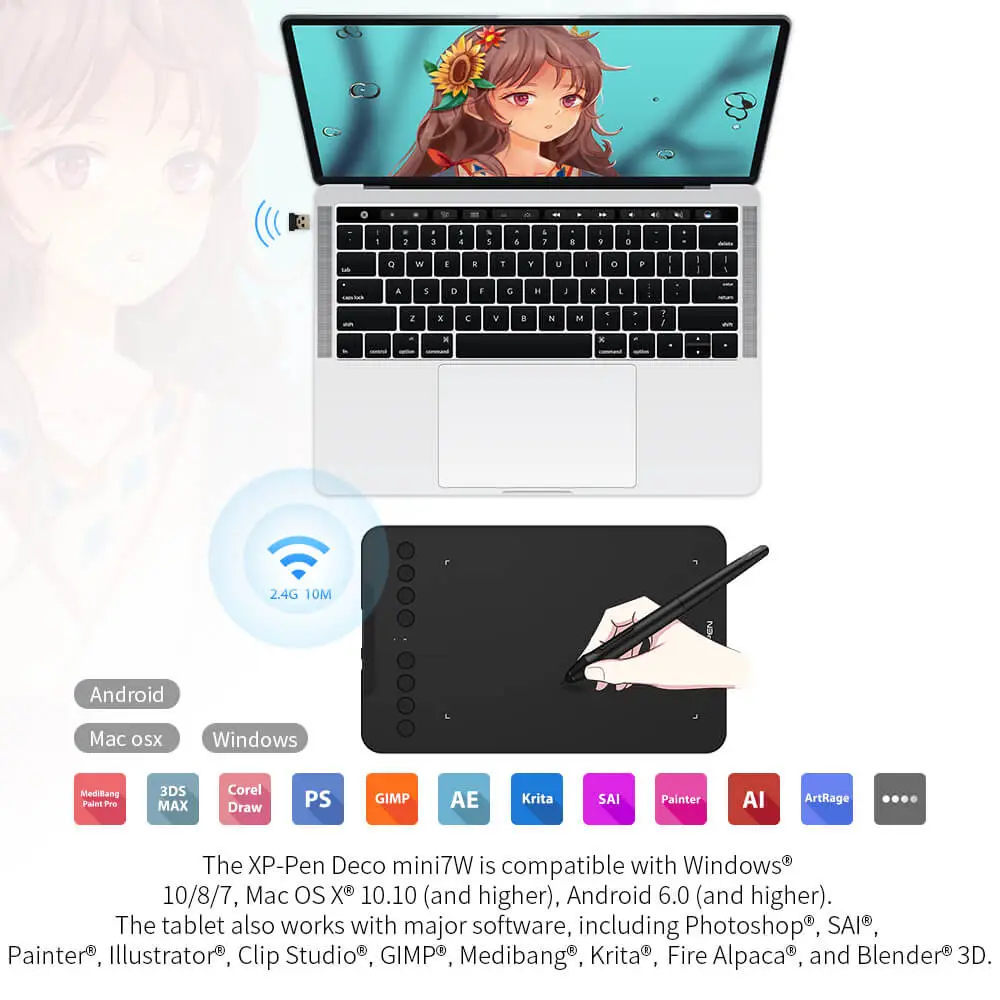
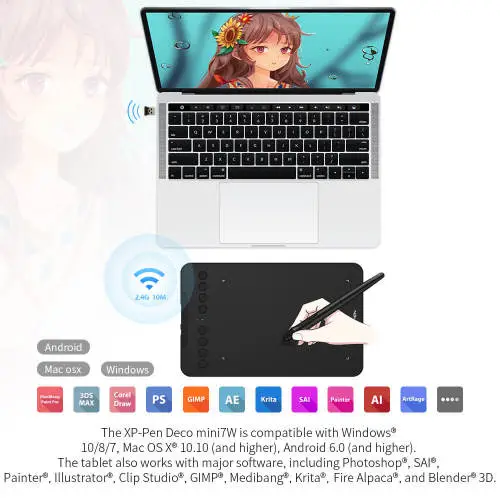
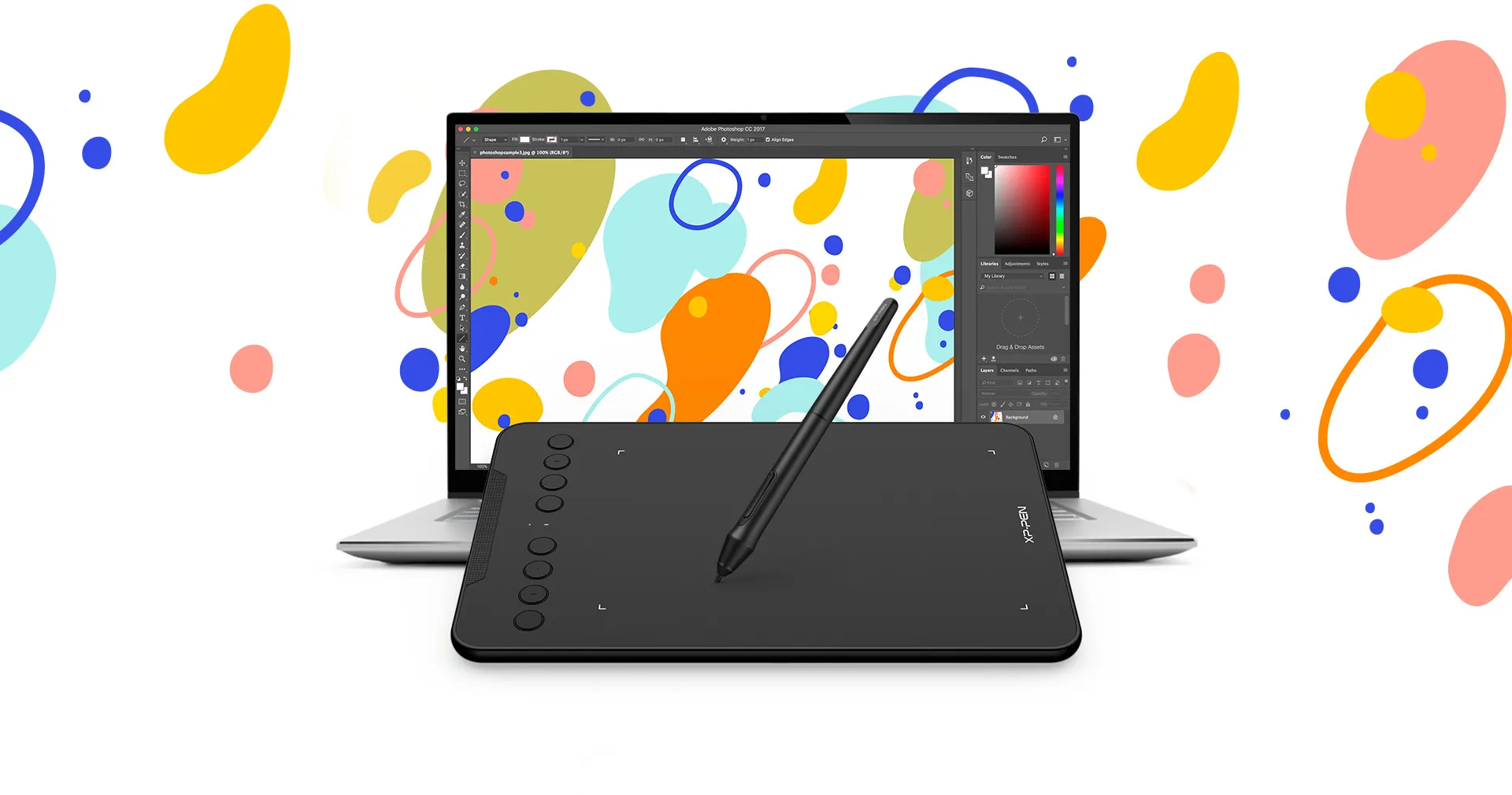
Creativity shouldn’t be limited by wires. The Deco mini7W's 2.4 GHz wireless technology allows you to create with both speed and freedom.
No task or idea is too big
The Deco mini7W is small in size but not in power storage capacity. The tablet's super-long battery life delivers no matter how many tasks and ideas you have.
Work Time ≥ 10 hours
Standby Time ≥ 15 days
No task or idea is too big
The Deco mini7W is small in size but not in power storage capacity. The tablet's super-long battery life delivers no matter how many tasks and ideas you have.

Work Time ≥ 10 hours

Standby Time ≥ 15 days
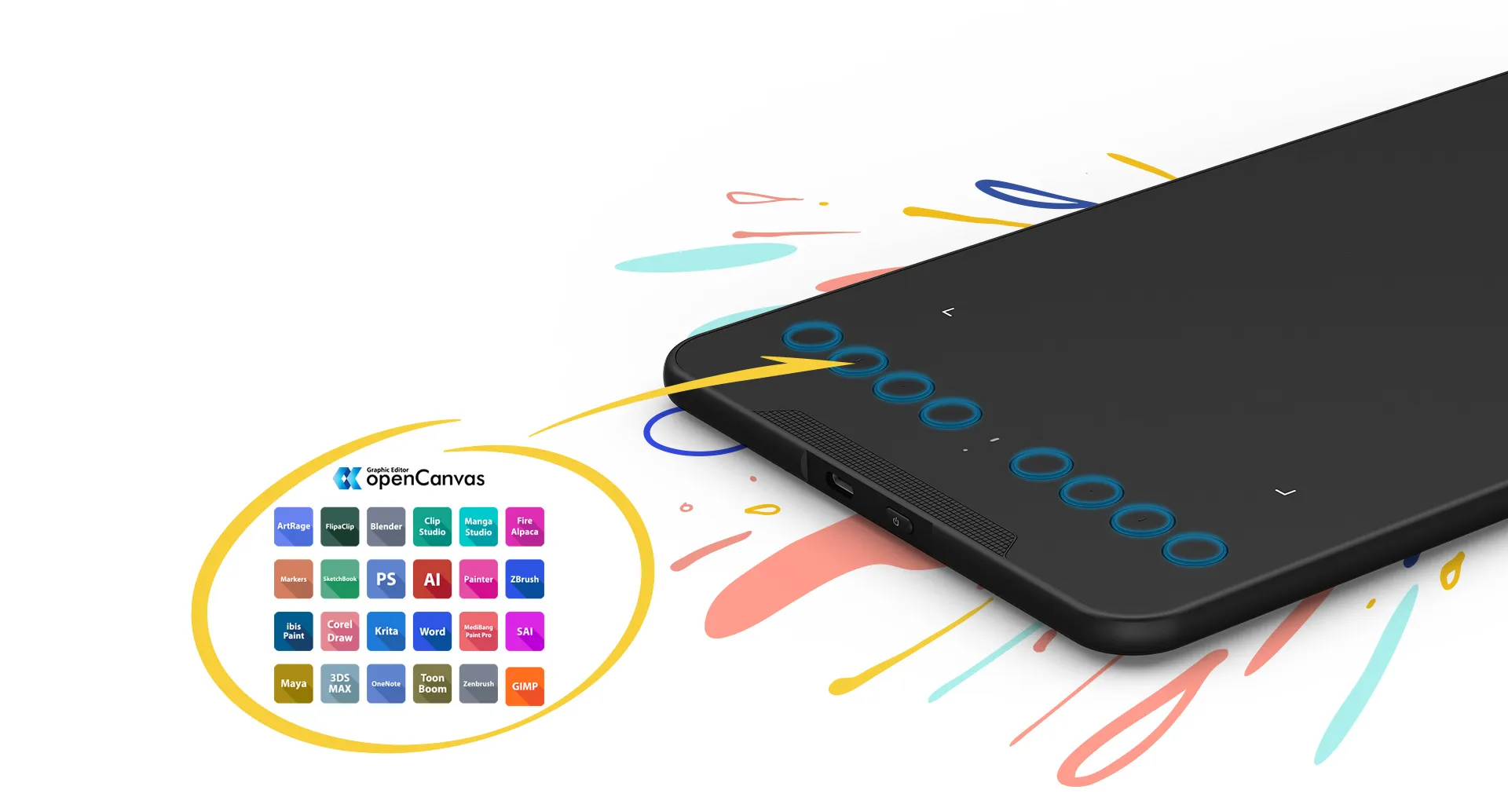
Work smoothly
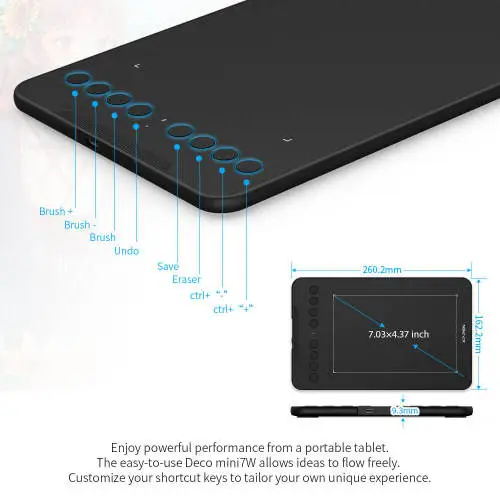
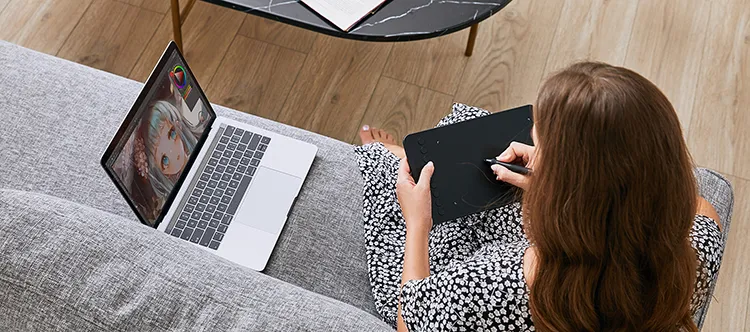
The easy-to-use Deco mini7W allows ideas to flow freely. Customize your shortcut keys to tailor your own unique experience.
Fulfil your creative needs
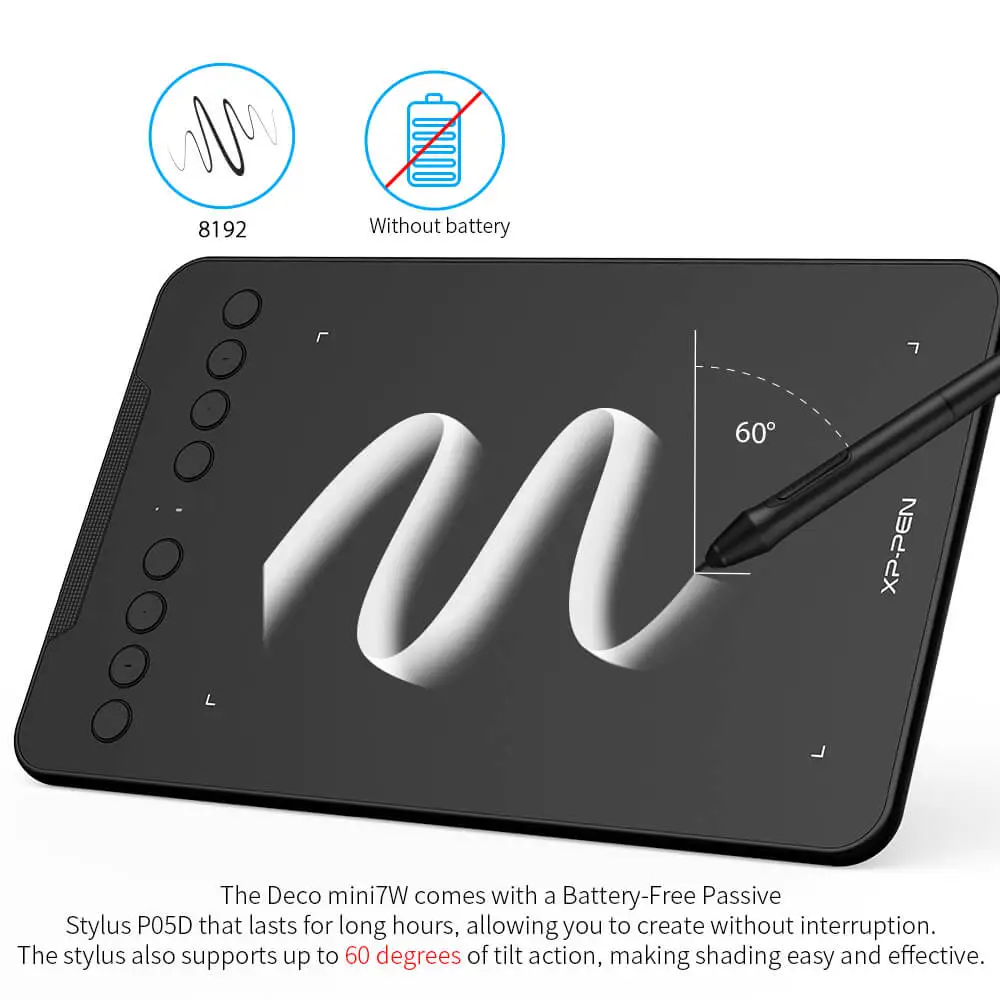
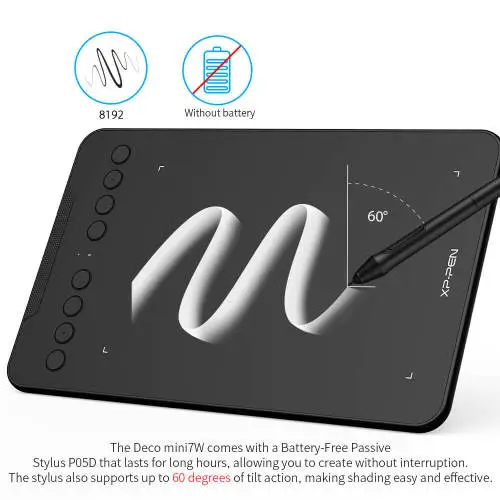
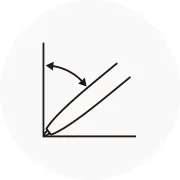
The Deco mini7W comes with a Battery-Free Passive Stylus P05D that lasts for long hours, allowing you to create without interruption. The stylus also supports up to 60 degrees of tilt action, making shading easy and effective.
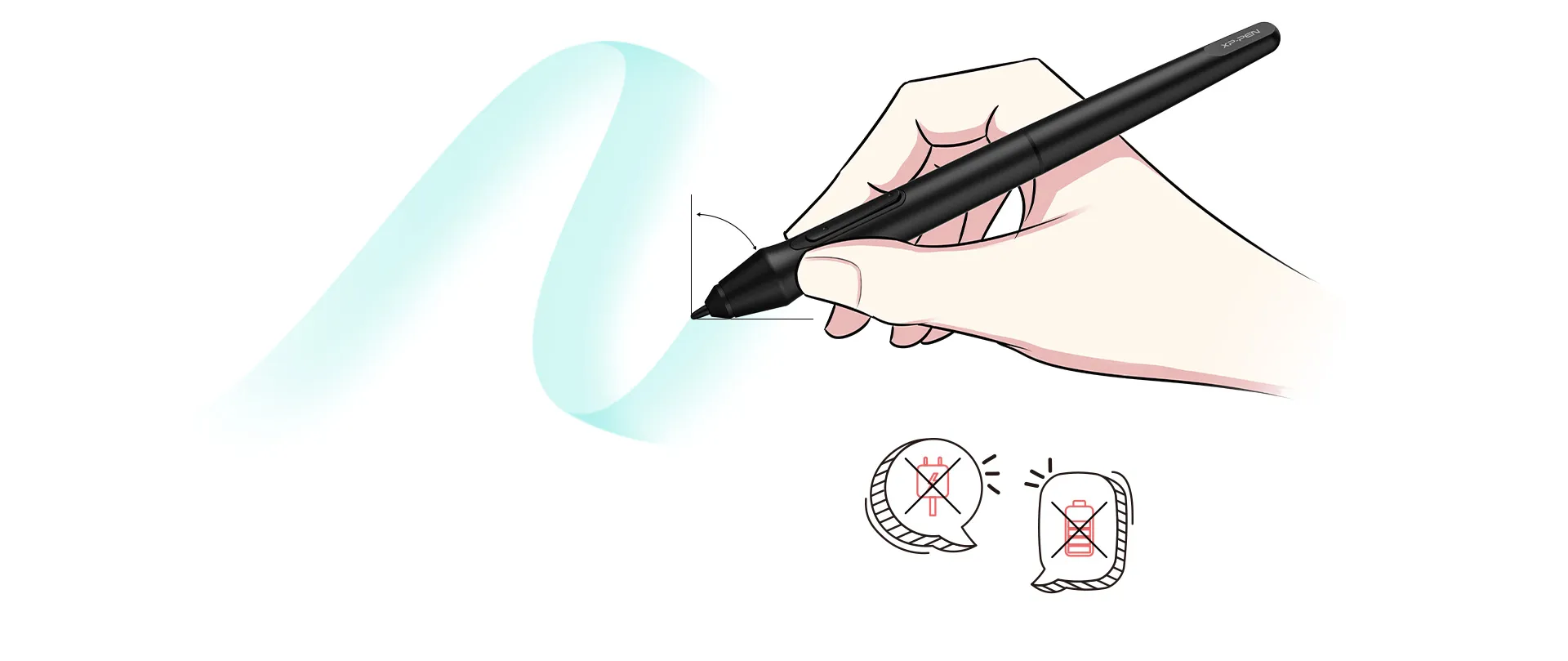
No need charging
No battery
Tilt
Exquisite expression
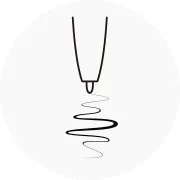
With up to 8,192 pressure sensitivity levels, the stylus creates natural-looking lines of various widths, allowing you to produce exquisite strokes with ease.
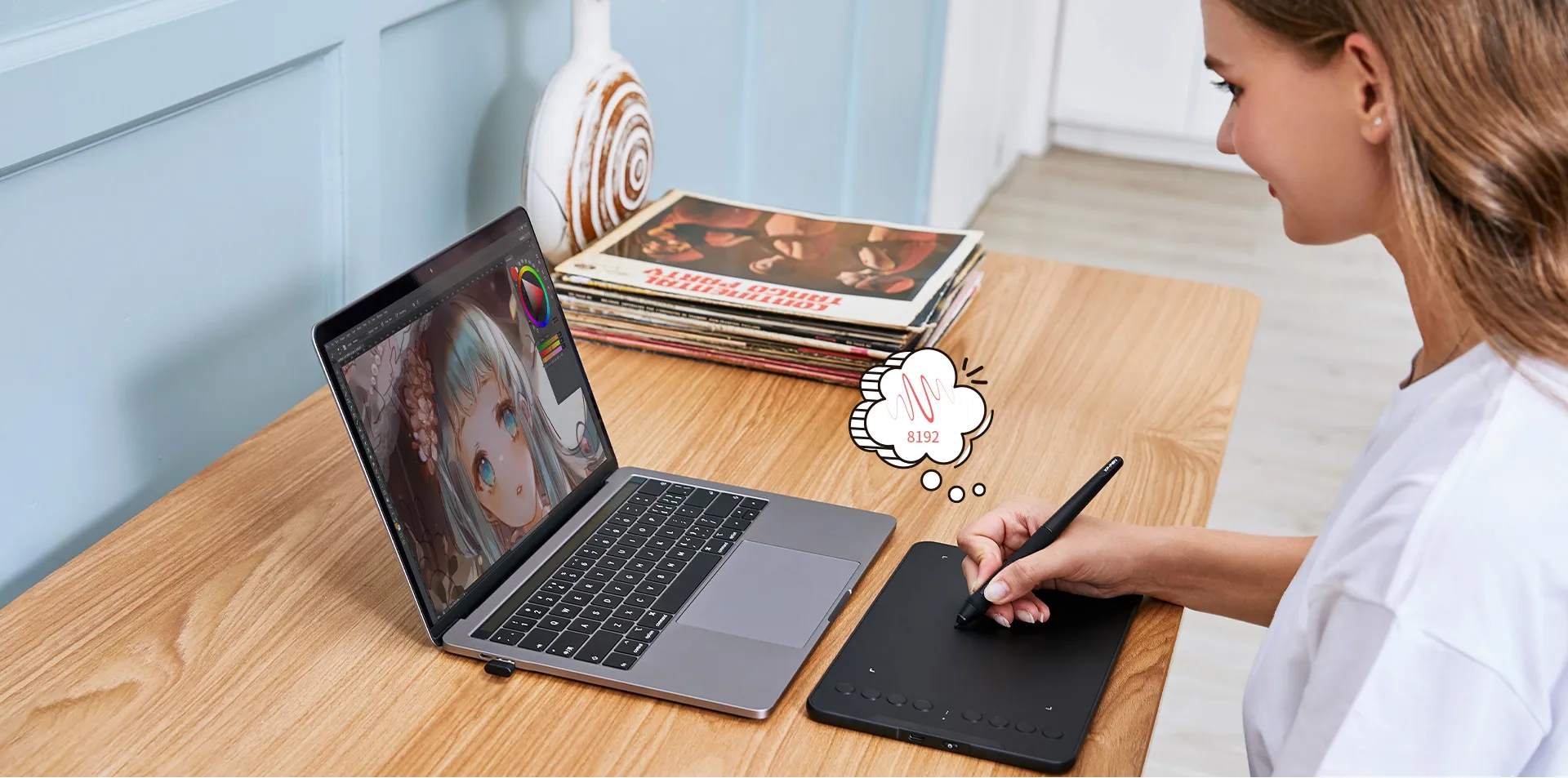
Create with freedom
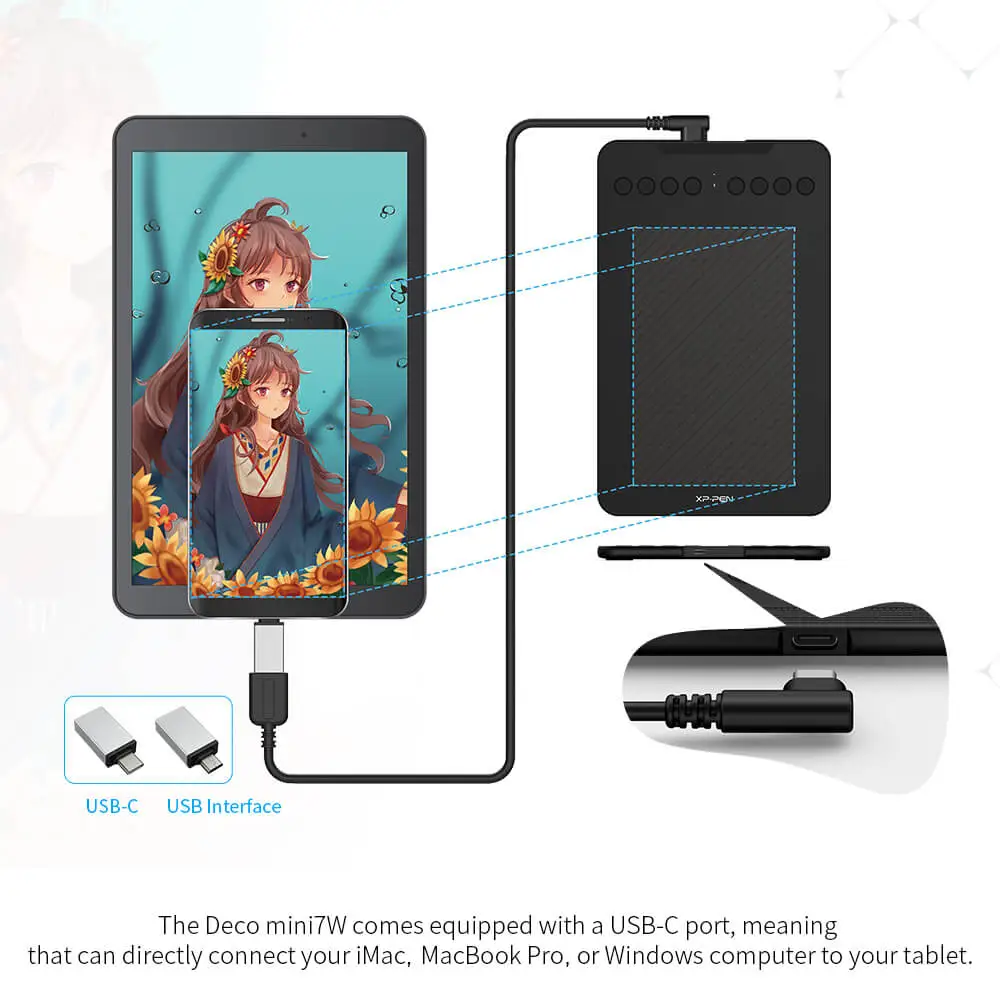
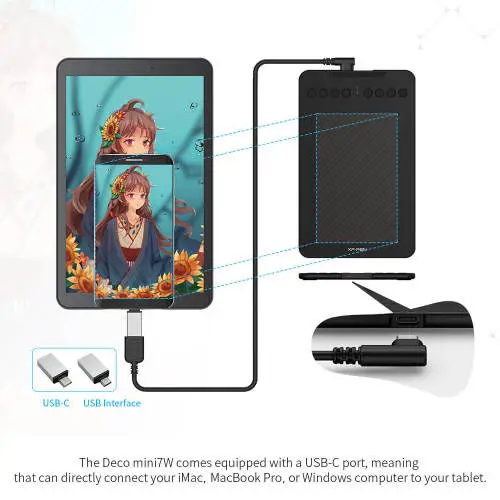
The Deco mini7W is portable and supports connections with Android tablets and mobile phones, enabling you to express yourself with freedom.
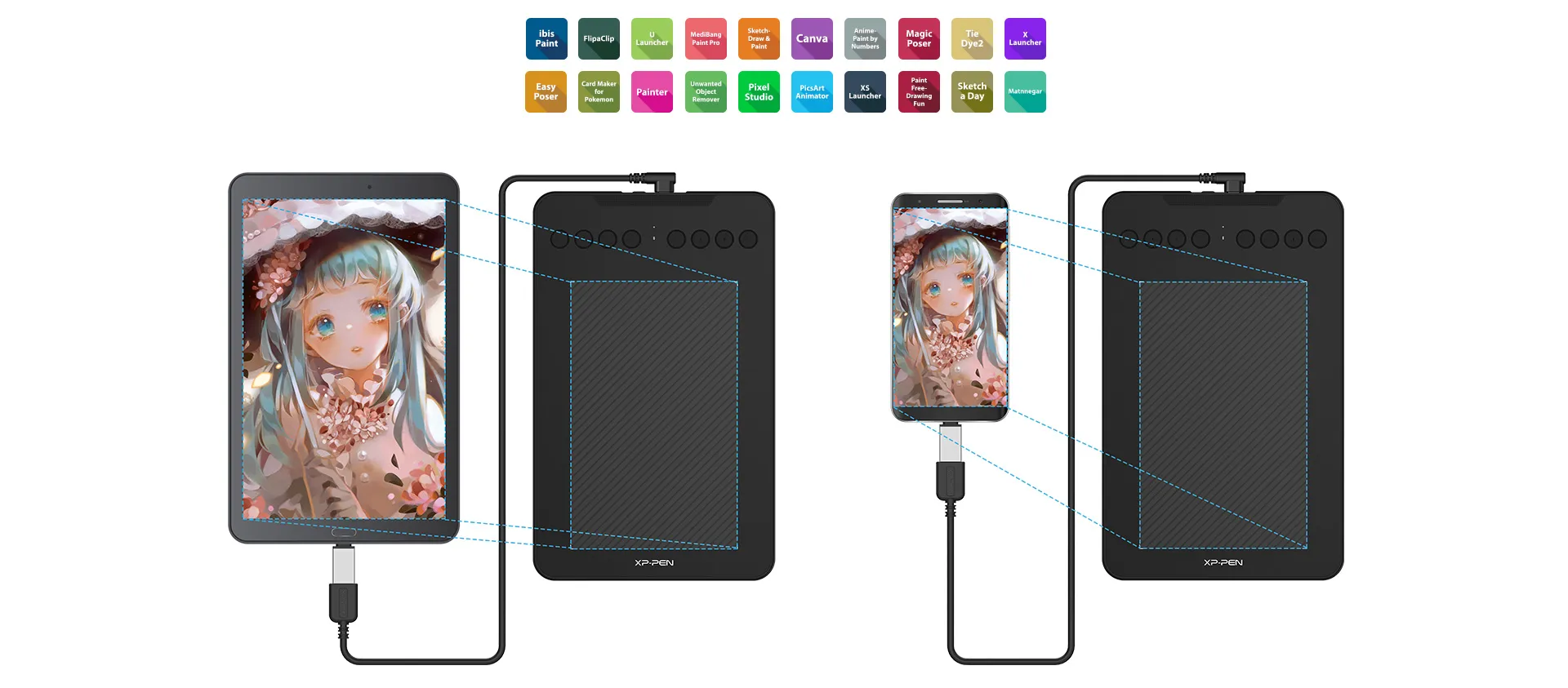
Connect your devices with ease
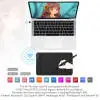
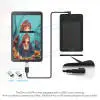
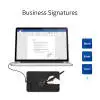
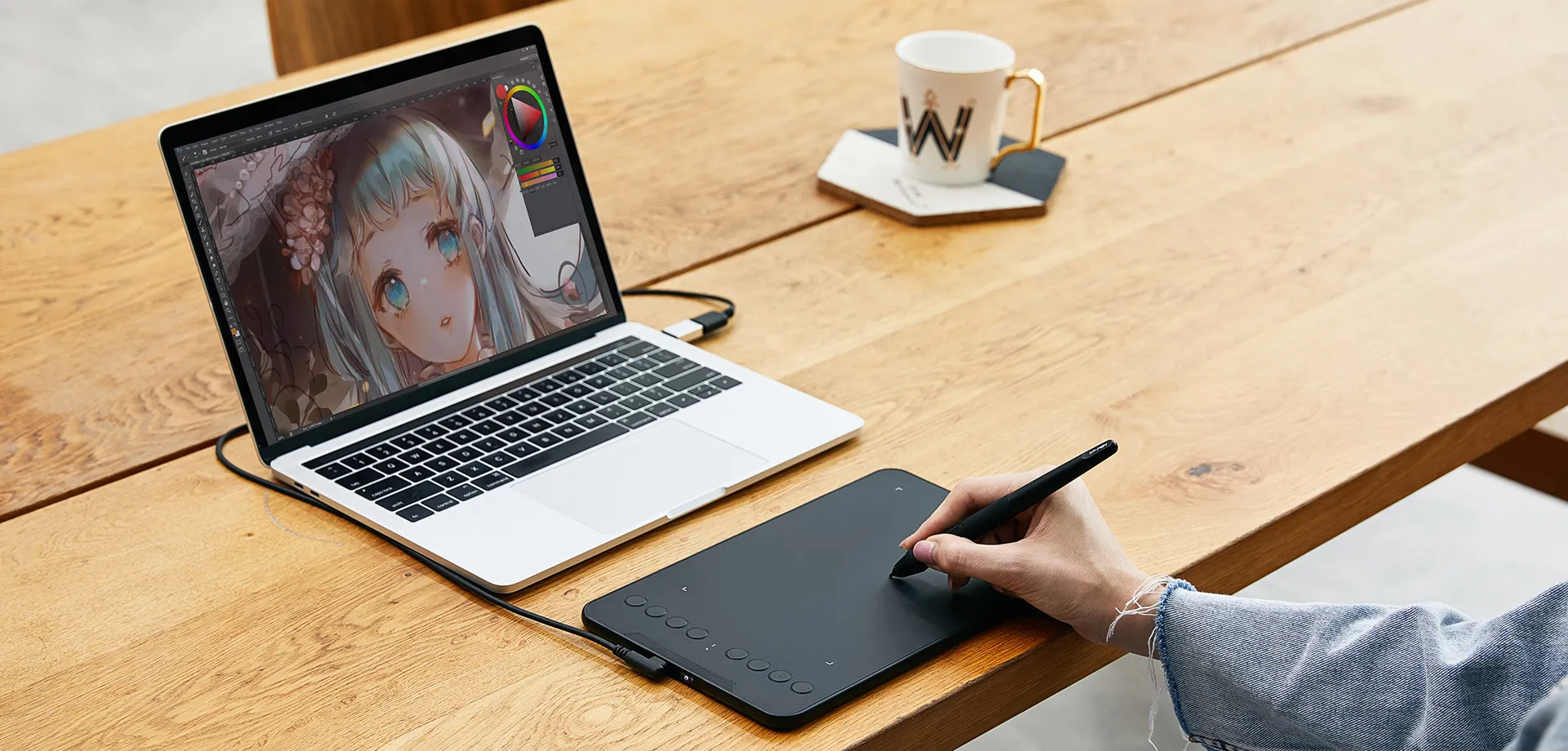
The Deco mini7W comes equipped with a USB-C port, meaning that can directly connect your iMac, MacBook Pro, or Windows computer to your tablet.
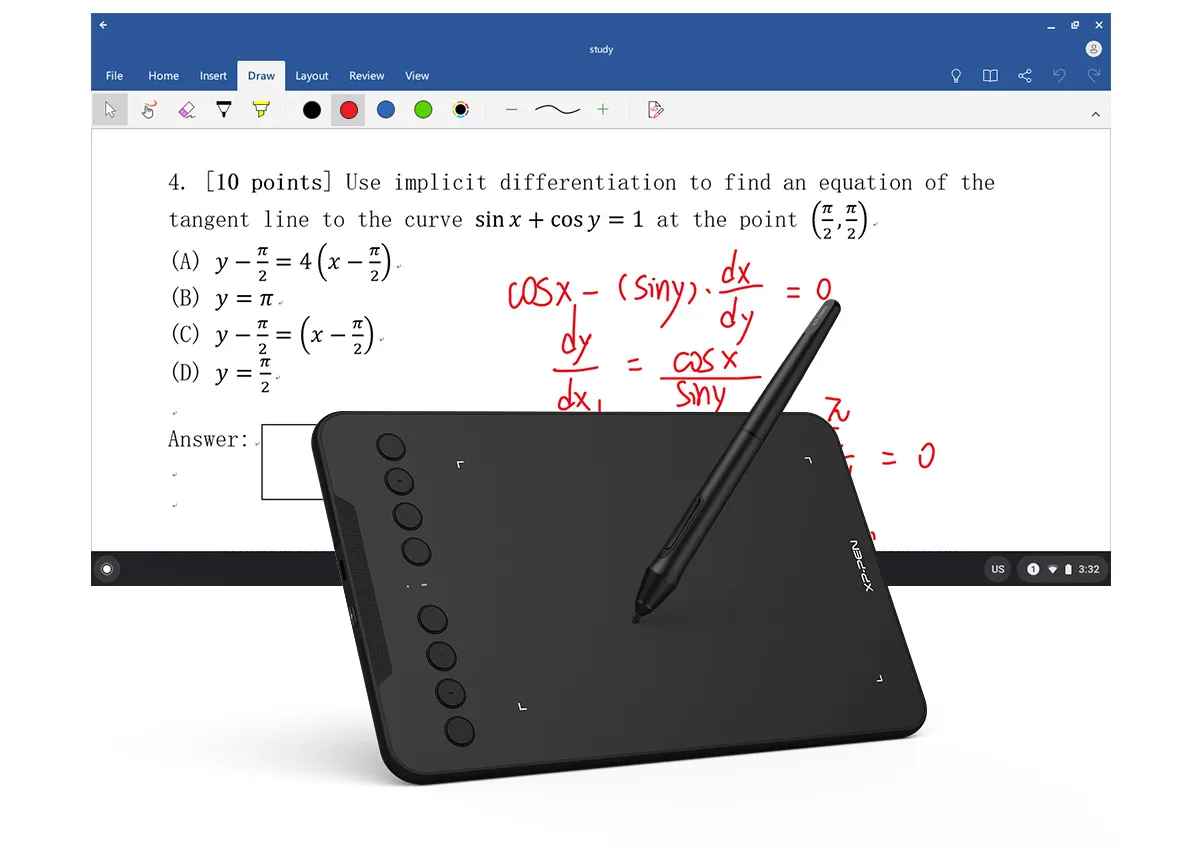
Enhance your Chromebook experience
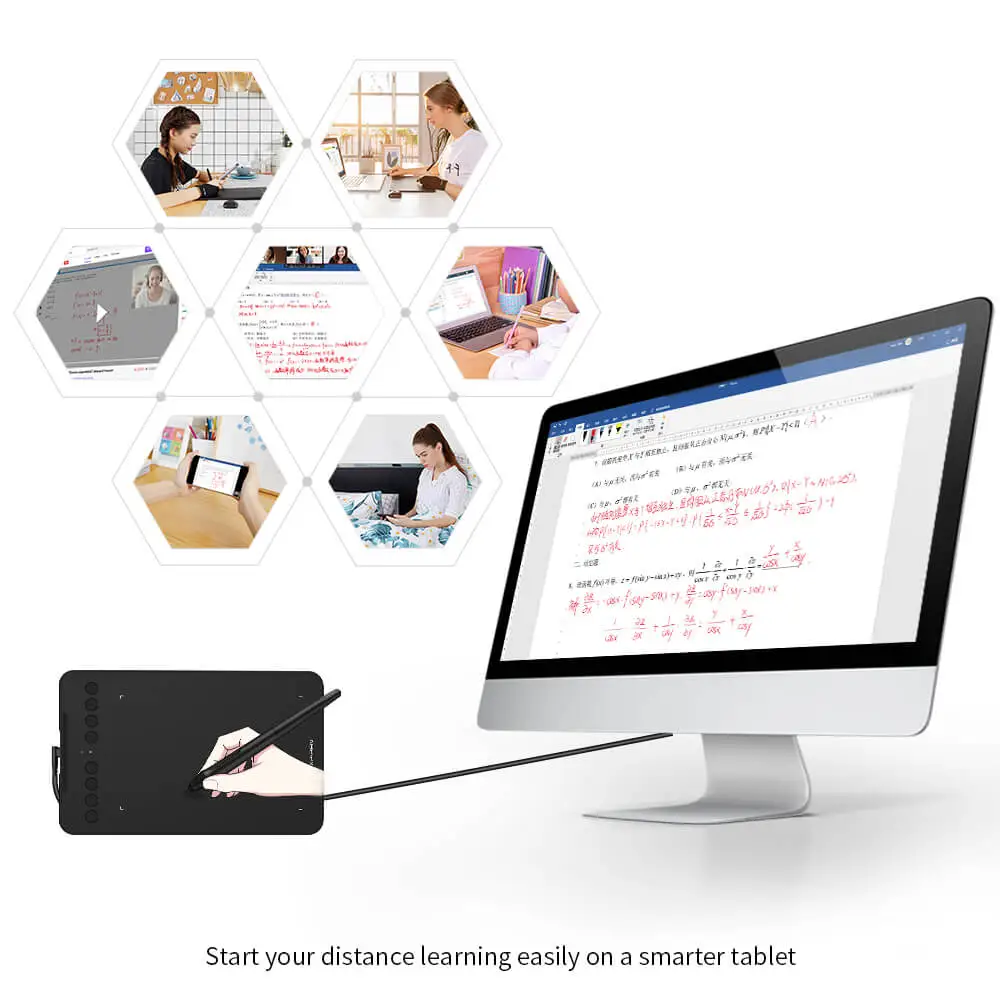
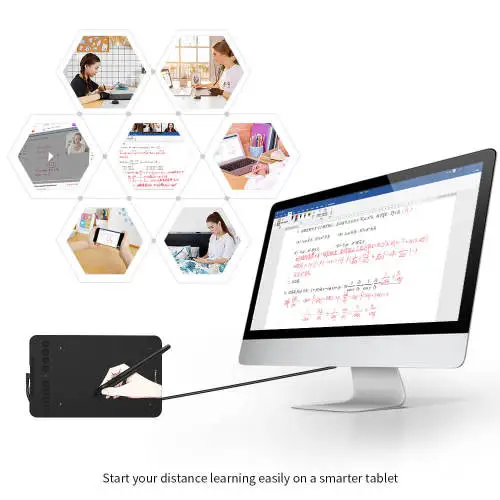
You can now use Chrome OS on your XP-PEN Deco mini7W, allowing you to write and create digitally effortlessly. You can then share and collaborate with teachers and classmates, creating an interactive class atmosphere even in a virtual learning environment. The stylus offers the functionality of a standard mouse, meaning that you can write, edit, draw and navigate on your Chromebook with ease.
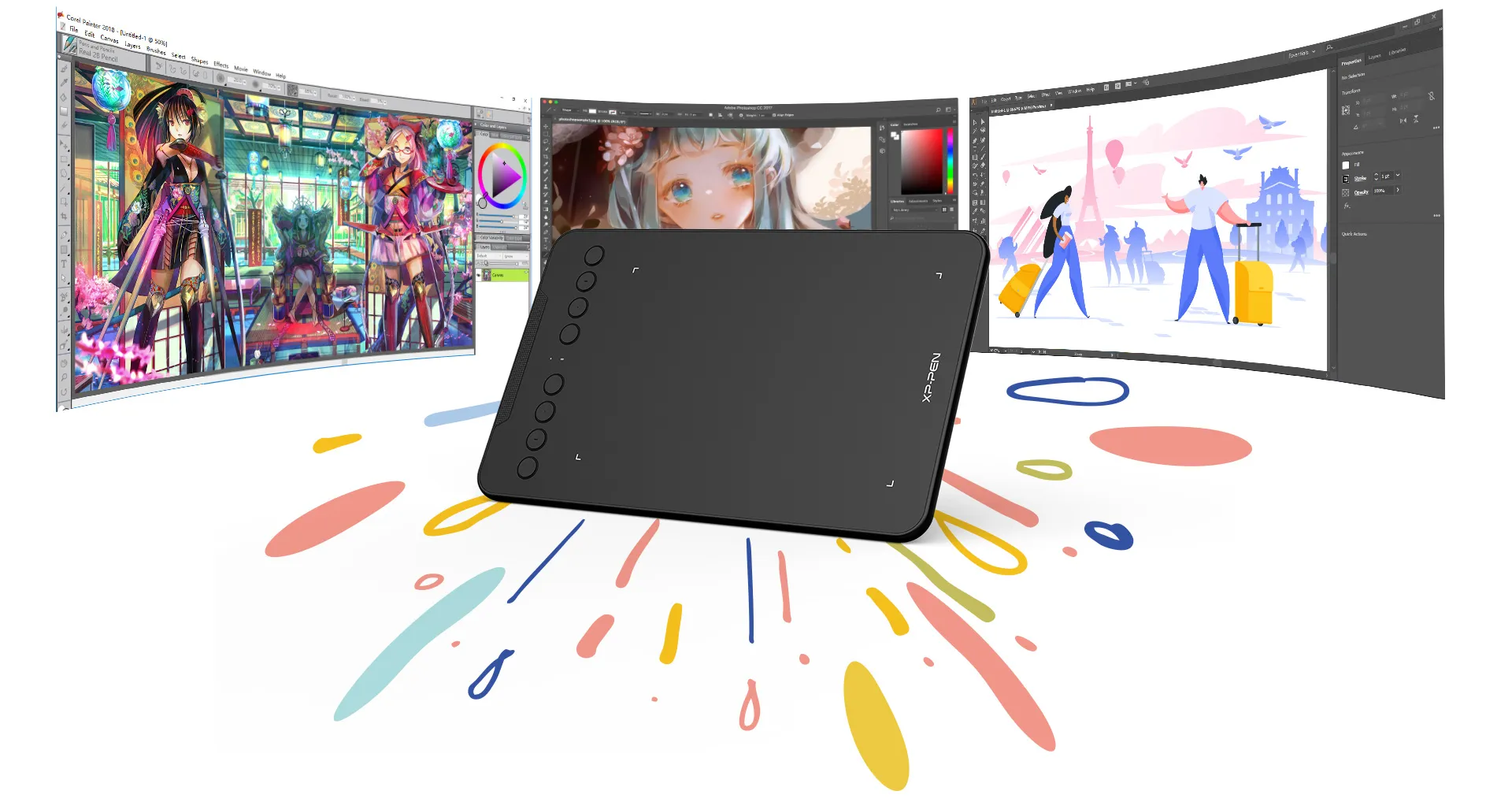
Extensive compatibility
The XP-PEN Deco mini7W is compatible with Windows® 10/8/7, Linux (Detailed versions), Mac OS X 10.10 (and higher), and Android 6.0 (and higher), and Chrome OS 88.0.4324.109. The tablet also works with major software, including Photoshop®, SAI®, Painter®, Illustrator®, Clip Studio®,GIMP®, Medibang®, Krita®, Fire Alpaca®, and Blender® 3D.
* Please update your Chrome OS to 88.0.4324.109 first.
Product Gallery


Specifications
260.2 x 162.2 x 9.3mm
8 Shortcut Keys
2.4GHz
Work Time ≥ 10 hours
Tilt
Battery-free Stylus
8192 levels
Show more

| Linux OS | Version | Package Format | Supported Software |
| Arch | Arch Linux2019.12.01(64-bit) | .deb, .sh | GIMP, Krita |
| Centos | Centos7.0(64-bit) | .rpm, .sh | GIMP |
| Centos8(64-bit) | .rpm, .sh | GIMP, Krita | |
| Debian | debian-9.5.0-amd64-netinst(64-bit) | .deb, .sh | GIMP, Krita |
| elementary OS | elementary OS 5.0(64-bit) | .deb, .sh | GIMP, Krita |
| ezgo Linux | ezgo14(64-bit) | .deb, .sh | GIMP, Krita |
| Fedora | Fedora32(64-bit) | .rpm, .sh | GIMP, Krita |
| Mageia | Mageia-7.1(64-bit) | .rpm, .sh | GIMP, Krita |
| Manjaro | manjaro-xfce-20.1.2-201019(64-bit) | .deb, .sh | GIMP |
| Mint | linuxmint-18.2-cinnamon-64bit | .deb, .sh | GIMP, Krita |
| OpenSUSE | openSUSE-Tumbleweed(64-bit) | .rpm, .sh | GIMP, Krita |
| Pop!_OS | pop-os_19.10(64-bit) | .deb, .sh | GIMP, Krita |
| Red Hat | Red Hat7(64-bit) | .rpm, .sh | GIMP |
| Ubuntu | Ubuntu14.04(64-bit) | .deb, .sh | GIMP, Krita |
| Ubuntu16.04(64-bit) | .deb, .sh | GIMP, Krita | |
| Ubuntu17.04(64-bit) | .deb, .sh | GIMP, Krita | |
| Ubuntu18.04(64-bit) | .deb, .sh | GIMP, Krita | |
| Ubuntu19.04(64-bit) | .deb, .sh | GIMP, Krita | |
| Ubuntu20.04(64-bit) | .deb, .sh | GIMP, Krita |
| Function | Krita 4.3.0 | Gimp 2.10.20 | Inkscape 0.92 |
| Pen Pressure Sensitivity | |||
| Tilt | |||
| Mouse Function | |||
| Eraser Button (Stylus:PH01, P06) | |||
| Switch between Pen and Eraser Modes | |||
| *If you have any further queries, please do not hesitate to contact us at service@xp-pen.com. | |||
Linux OS
Arch
Version
Arch Linux2019.12.01(64-bit)
Package Format
.deb, .sh
Supported Software
GIMP, Krita
Centos
Version
Centos7.0(64-bit)
Centos8(64-bit)
Centos8(64-bit)
Package Format
.rpm, .sh
.rpm, .sh
.rpm, .sh
Supported Software
GIMP
GIMP, Krita
GIMP, Krita
Debian
Version
debian-9.5.0-amd64-netinst(64-bit)
Package Format
.deb, .sh
Supported Software
GIMP, Krita
elementary OS
Version
elementary OS 5.0(64-bit)
Package Format
.deb, .sh
Supported Software
GIMP, Krita
ezgo Linux
Version
ezgo14(64-bit)
Package Format
.deb, .sh
Supported Software
GIMP, Krita
Fedora
Version
Fedora32(64-bit)
Package Format
.rpm, .sh
Supported Software
GIMP, Krita
Mageia
Version
Mageia-7.1(64-bit)
Package Format
.rpm, .sh
Supported Software
GIMP, Krita
Manjaro
Version
manjaro-xfce-20.1.2-201019(64-bit)
Package Format
.deb, .sh
Supported Software
GIMP
Mint
Version
linuxmint-18.2-cinnamon-64bit
Package Format
.deb, .sh
Supported Software
GIMP, Krita
OpenSUSE
Version
openSUSE-Tumbleweed(64-bit)
Package Format
.rpm, .sh
Supported Software
GIMP, Krita
Pop!_OS
Version
pop-os_19.10(64-bit)
Package Format
.deb, .sh
Supported Software
GIMP, Krita
Red Hat
Version
Red Hat7(64-bit)
Package Format
.rpm, .sh
Supported Software
GIMP
Ubuntu
Version
Ubuntu14.04(64-bit)
Ubuntu16.04(64-bit)
Ubuntu17.04(64-bit)
Ubuntu18.04(64-bit)
Ubuntu19.04(64-bit)
Ubuntu20.04(64-bit)
Ubuntu16.04(64-bit)
Ubuntu17.04(64-bit)
Ubuntu18.04(64-bit)
Ubuntu19.04(64-bit)
Ubuntu20.04(64-bit)
Package Format
.deb, .sh
.deb, .sh
.deb, .sh
.deb, .sh
.deb, .sh
.deb, .sh
.deb, .sh
.deb, .sh
.deb, .sh
.deb, .sh
.deb, .sh
Supported Software
GIMP, Krita
GIMP, Krita
GIMP, Krita
GIMP, Krita
GIMP, Krita
GIMP, Krita
GIMP, Krita
GIMP, Krita
GIMP, Krita
GIMP, Krita
GIMP, Krita
Function
Pen Pressure Sensitivity
Krita 4.3.0
Gimp 2.10.20
Inkscape 0.92
Tilt
Krita 4.3.0
Gimp 2.10.20
Inkscape 0.92
Mouse Function
Krita 4.3.0
Gimp 2.10.20
Inkscape 0.92
Eraser Button(Stylus:PH01, P06)
Krita 4.3.0
Gimp 2.10.20
Inkscape 0.92
Switch between Penand Eraser Modes
Krita 4.3.0
Gimp 2.10.20
Inkscape 0.92
*If you have any further queries, please do not hesitate to contact us at service@xp-pen.com.
5.0

Based on 1
100%(1)

0(0)
0(0)
0(0)
0(0)
germal
Feb 28 ,2022 AM 05:13 Deco mini7W
DECOMINI7W
EXCELLENT PRODUCT
Useful(1)+1
Official mall
Mar 02 ,2022 AM 10:55
Dear customer,
Thanks for your feedback.
It\'s so great of you to share your experience with other customers.
If you have any questions, do not hesitate to contact us. We will provide professional help: service@xp-pen.com
Best wishes
XP-Pen
XFANS0hshev78
Jan 18 ,2022 PM 21:27 Deco mini7W
when do i need to push the blue confirm delivery putton?
Reply1
Official mall
Jan 19 ,2022 AM 11:41
Dear customer,
When you get the item, you could push the button.
Best wishes
XP-Pen
Reply to this review
Miia Nykänen
Mar 22 ,2021 PM 15:29 Deco mini7W
Hello!
I've been looking for a drawing tablet for travelling and so far this one looks promising, however there are alot similar tablets and that is why I would like to ask which one you would recommend if you are travelling alot? The tablet should have good sensitivity and ergonomic, not too small or not too big (like working with bit heavier programs like ZBrush and large art in general) and doesn't weight too much.
This Deco Mini 7 (W) looks promising but want to be sure.
Also from which country the product will be shipped to Finland?
Thank you!
Reply1
Official mall
Mar 23 ,2021 PM 13:56
Dear customer,
Thanks for your interest in our product.
Yes. Deco mini 7 W will be suitable for you.
It is in stock in Poland and the shipping time is about 10-20 business days.
Best wishes
XP-Pen
Reply to this review
Neli P.
Mar 20 ,2021 AM 02:04 Deco mini7W
Hello! You mentioned in one of the 2 Q&As that in the package is a glove but i did not see it being mentioned in the "Package Includes" Section, you should add that too in the section :)
Reply1
Official mall
Mar 20 ,2021 AM 10:28
Dear customer,
Sorry to make a mistake. We have corrected the answer.
There is no glove in the package.
If you need it, you could purchase it from this link.https://www.storexppen.eu/buy/37.html
Best wishes
XP-Pen
Reply to this review
Ozhan Genc
Jan 28 ,2021 AM 05:27 Deco mini7W
Does this model work compatible with Ubuntu 20.04?
Reply1
Official mall
Jan 29 ,2021 AM 09:50
Dear customer,
Thanks for your interest in our product.
Yes. It does.
You could download the driver from this link: https://www.xp-pen.com/download-617.html
Best wishes
XP-Pen
Reply to this review
Nikos Smyros
Jan 18 ,2021 PM 17:55 Deco mini7W
Does is it support left handed operation? Does is need glove to work properly?
Reply1
Official mall
Mar 20 ,2021 AM 10:29
Dear customer,
Yes. You could set 180 degree in the driver as the left mode.
There is no glove in the package and you could purchase one from this link. https://www.storexppen.eu/buy/37.html
Best wishes
XP-Pen
Reply to this review