

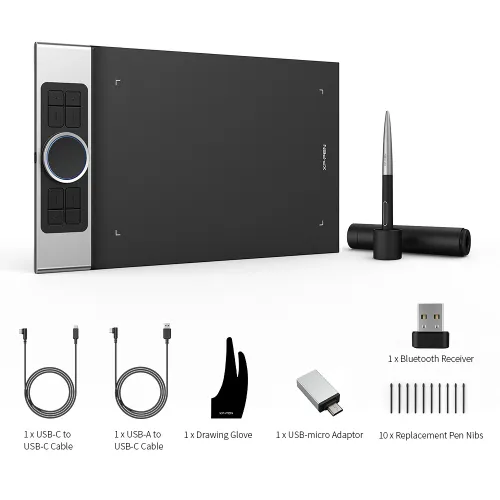
Deco Pro SW/MW
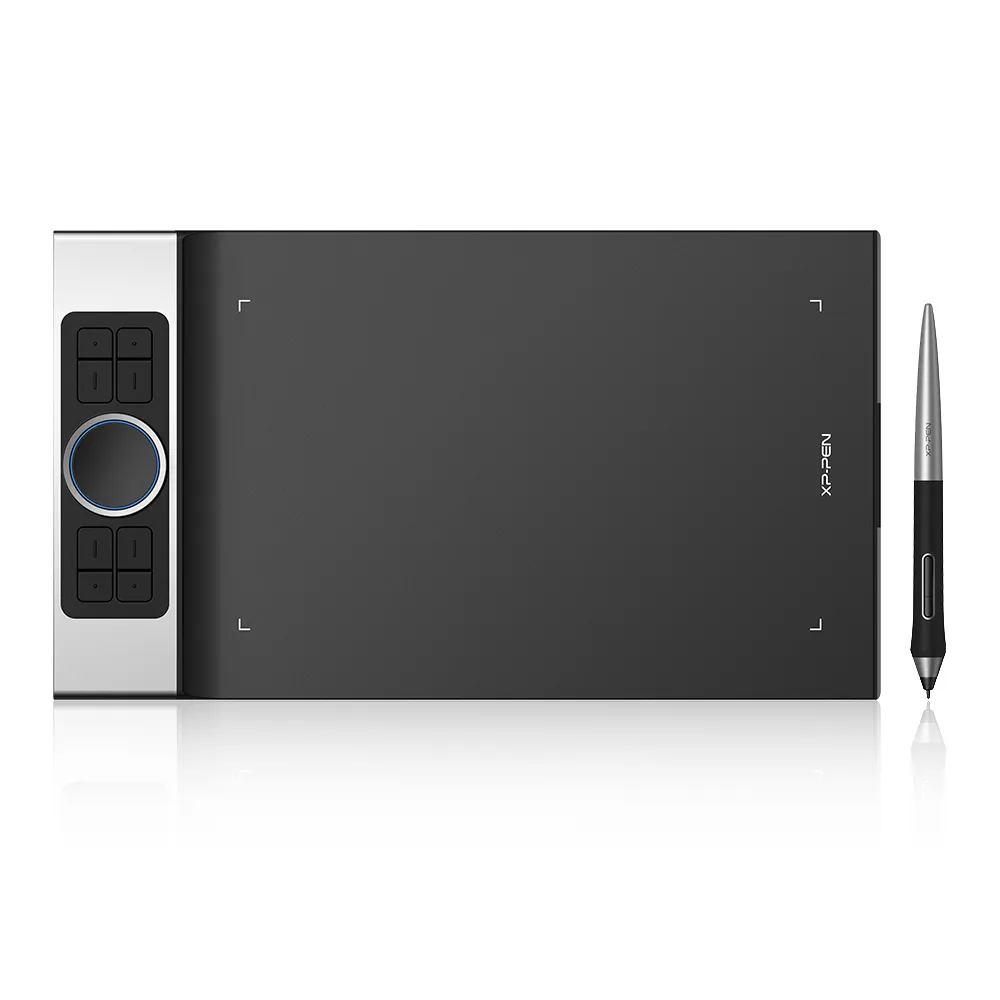
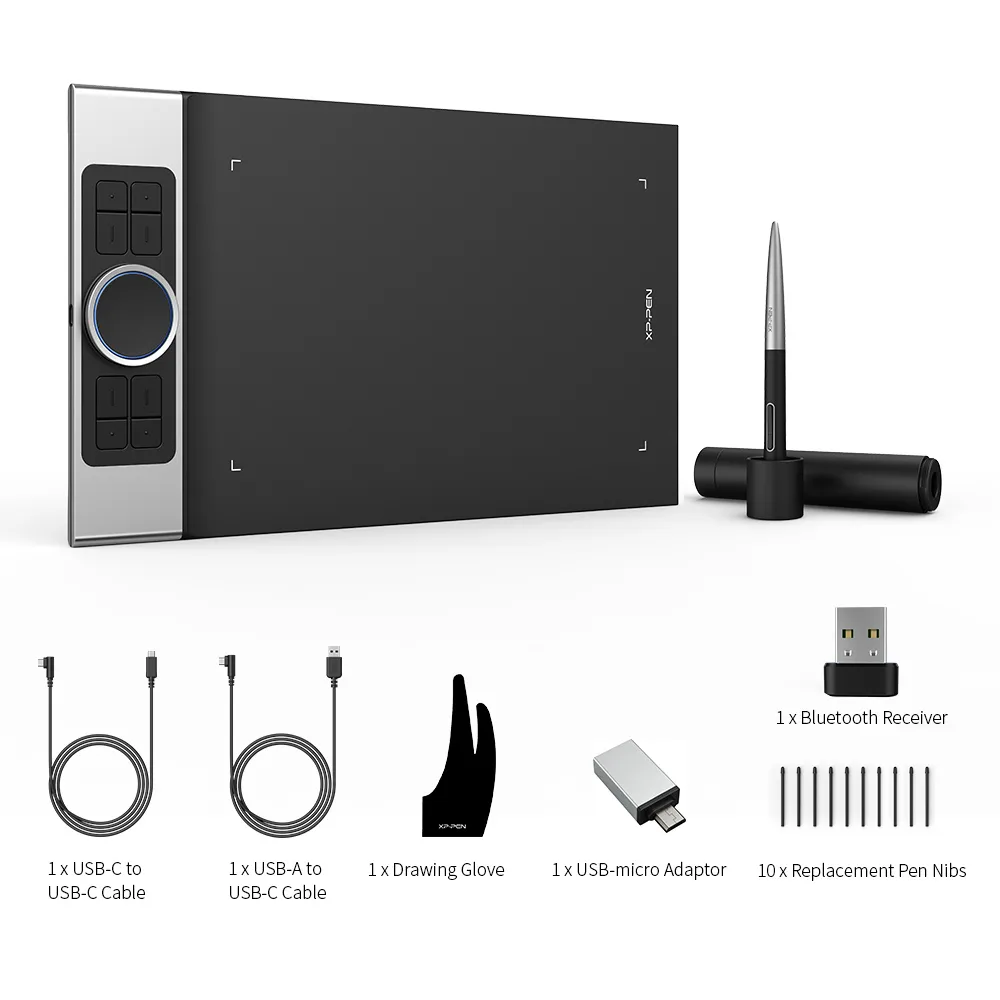
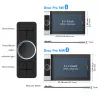
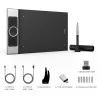
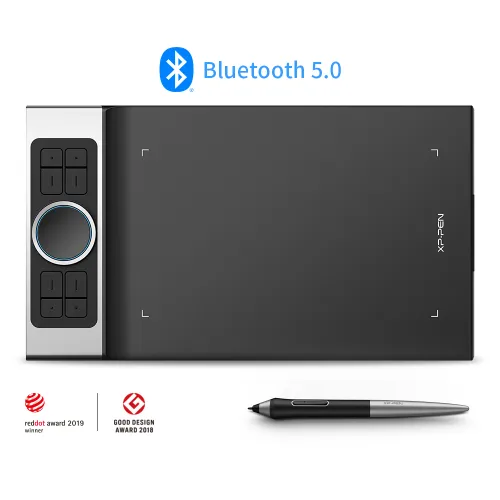
bluetooth and wired connection,two sizes to select
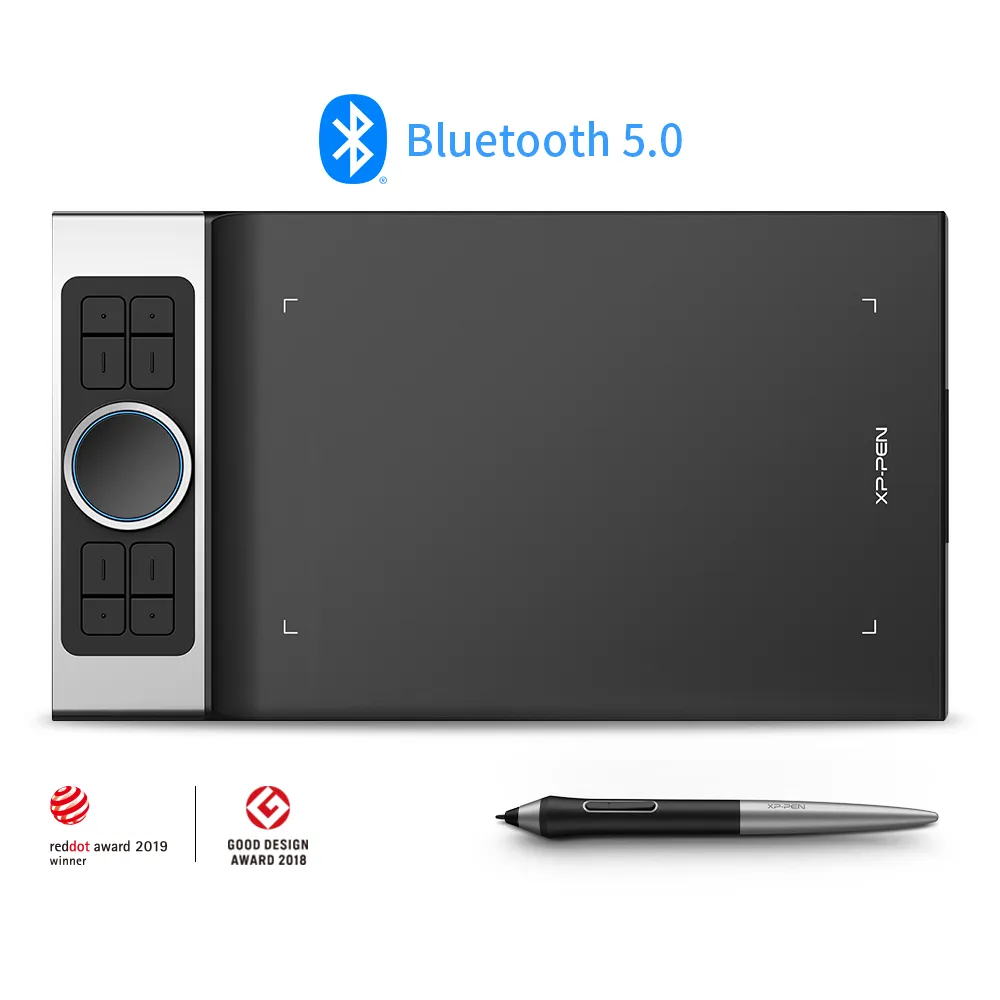
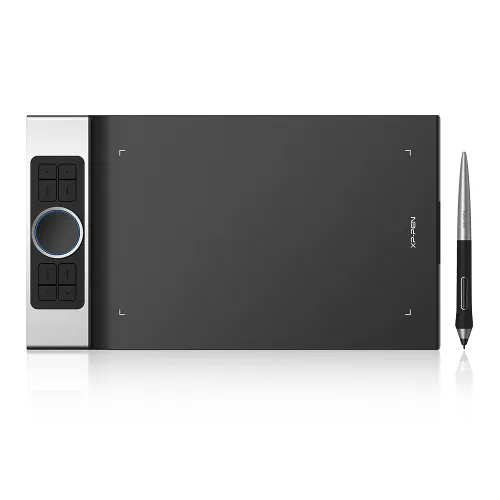
new modern, sleek, and thin design
battery-free stylus features pressure and tilt function
Free Shipping (Except RS, NO, CY, MT, IS, MC, MK)
Secure payments (Your payment information is processed securely)
Contact (Monday to Friday 10:30am - 6:30pm( PST))
Professional Support (shopeu@xp-pen.com service@xp-pen.com)
Quantity:


Worry-Free Delivery® available with seel
Deco Pro Series
Wireless Limitless
Our Deco Pro series of pen tablets has newly launched two wireless Bluetooth models: Deco Pro SW and MW, to expand your creativity. Use its innovative dual wheels and eight shortcut keys to greatly improve your workflow. The ultra-thin and streamlined design has won two international awards. Everything has been meticulously crafted for bringing you the ultimate drawing experience.


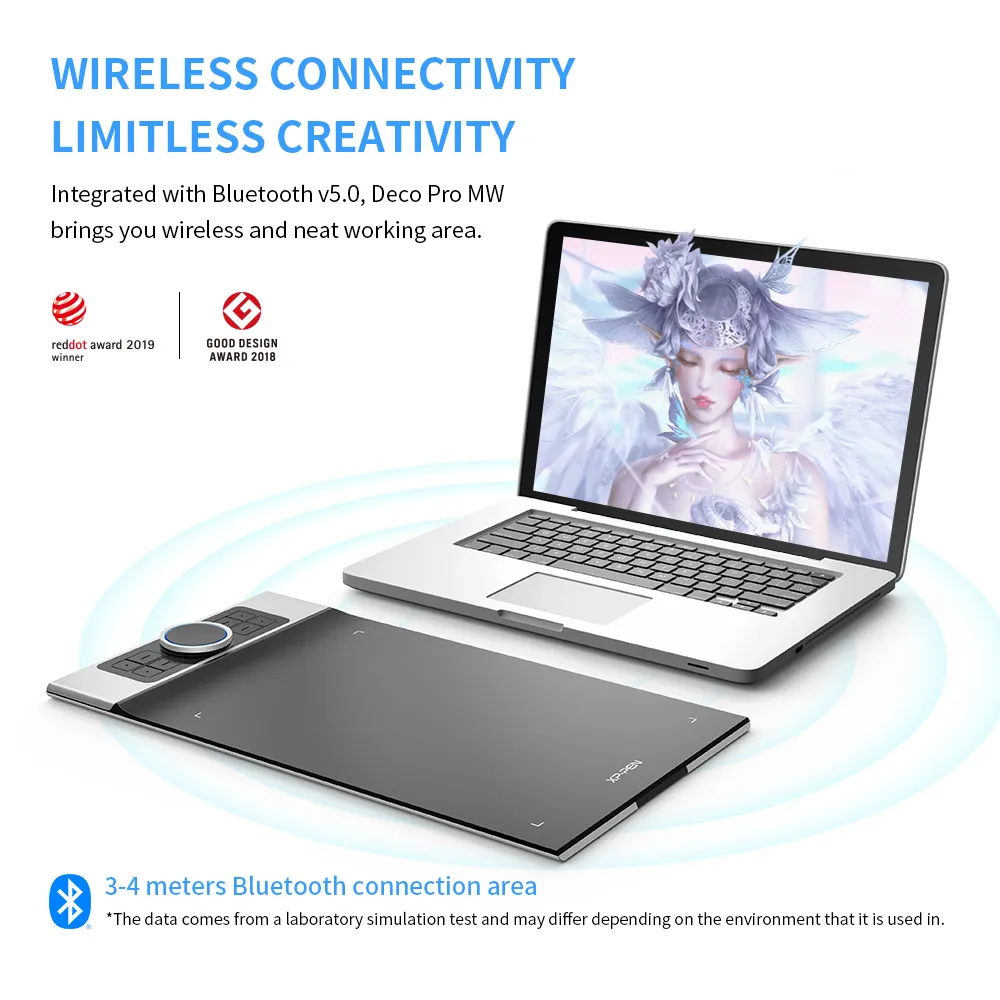
Wireless Connectivity
Limitless Creativity
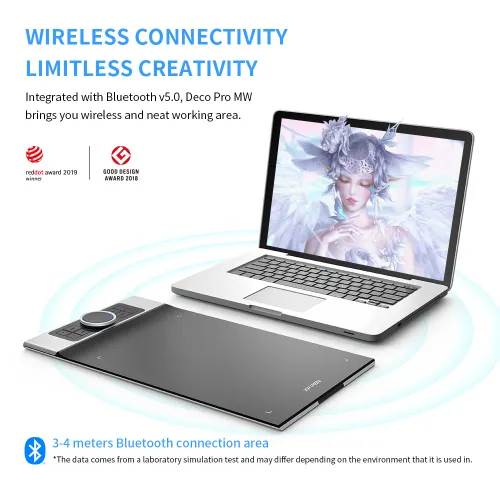
Deco Pro SW and MW are delicately integrated with advanced Bluetooth v5.0 chips for reliable wireless connections. With 3–5 meters of indoor wireless working area, there is more space for your creation. Feel free to capture your inspiration without limitation.
*The data comes from a laboratory simulation test and may differ depending on the environment that it is used in.
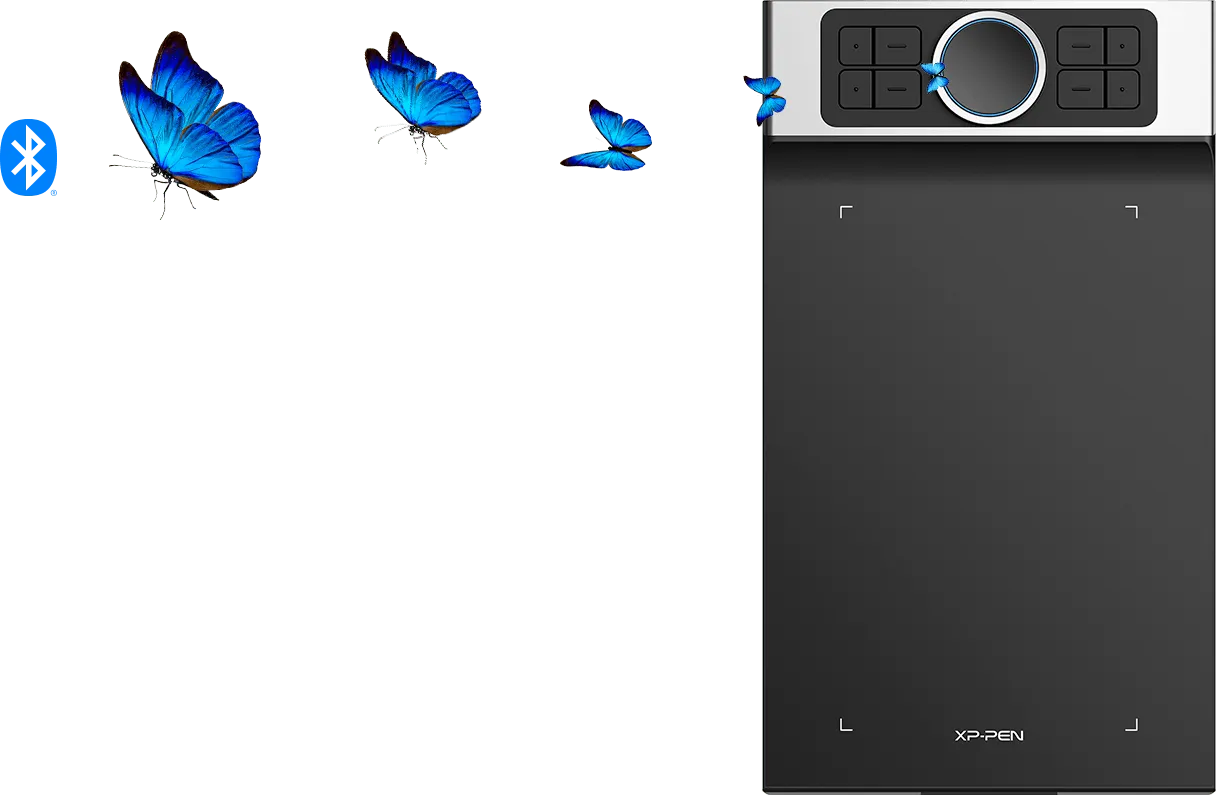
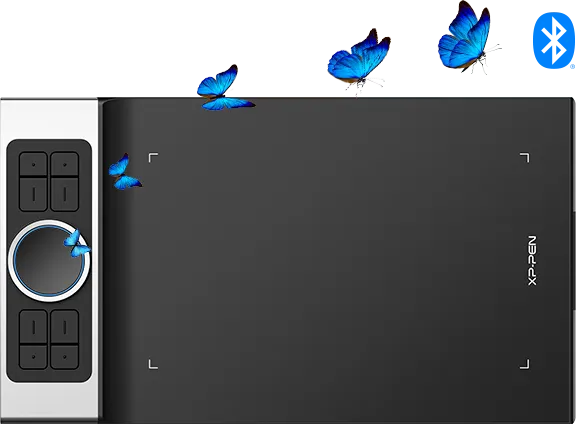
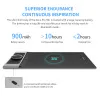
7mm Slim
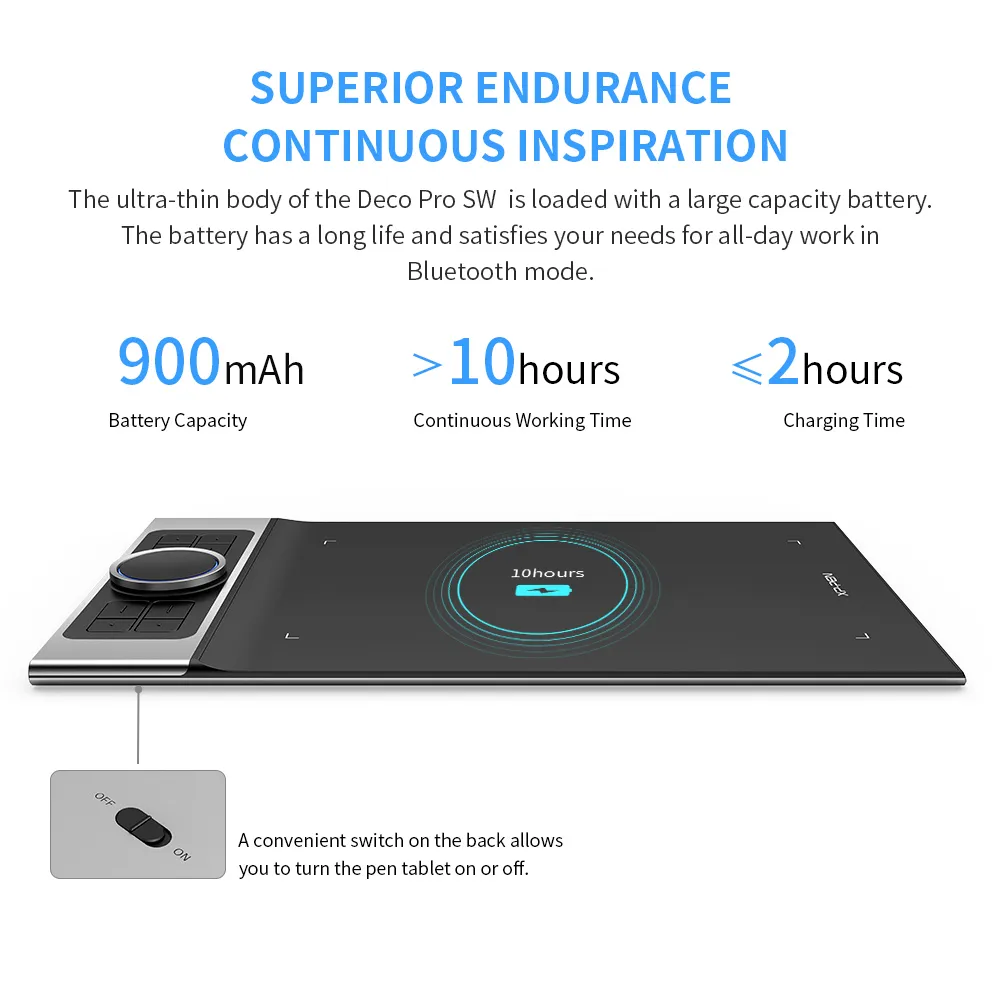
Superior Endurance
Continuous Inspiration
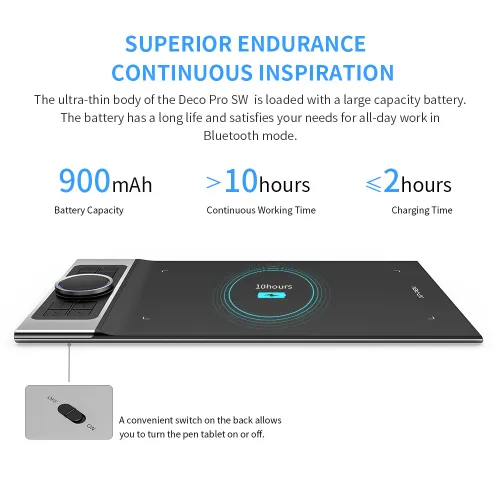
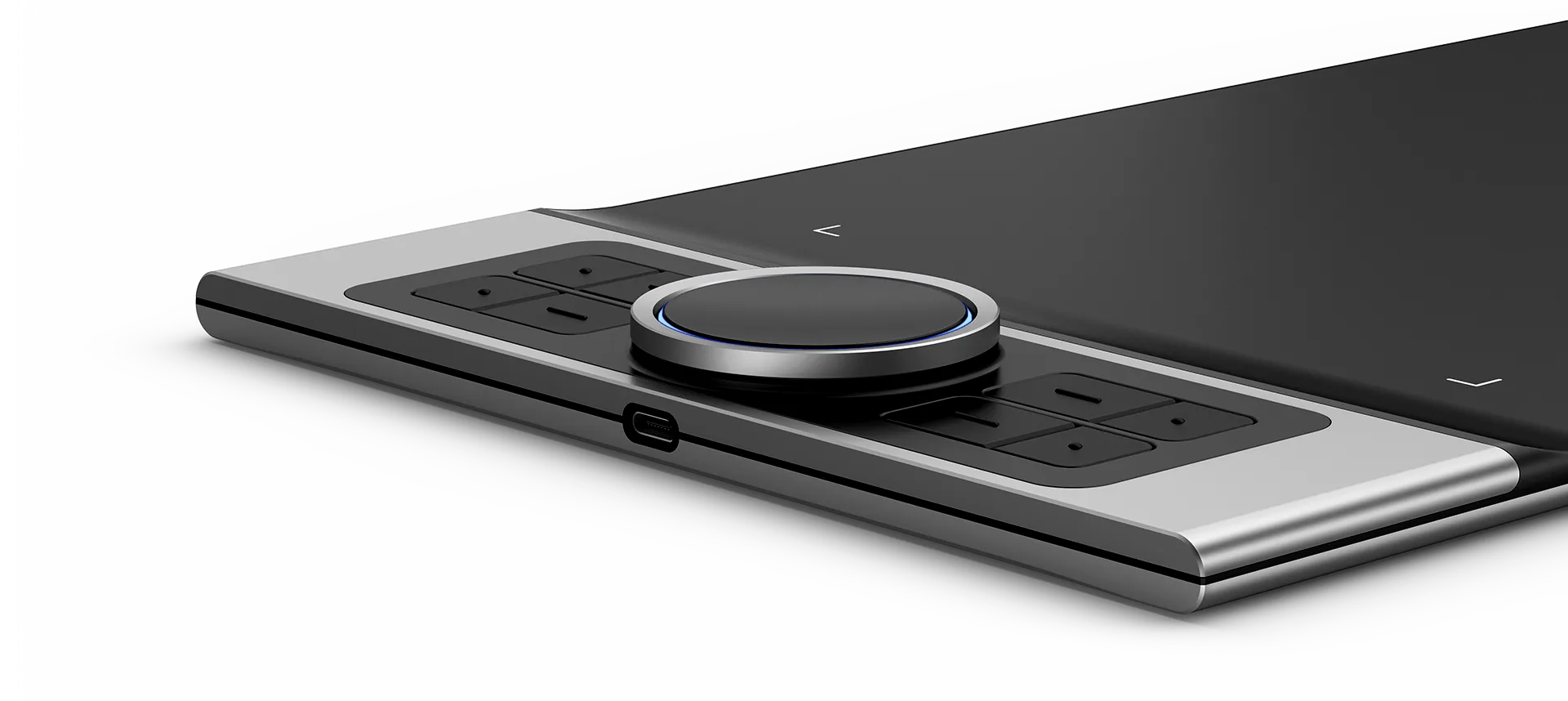
The ultra-thin 7mm body of the Deco Pro SW and MW is loaded with a large capacity battery. The battery has a long life and satisfies your needs for all-day work in Bluetooth mode. A convenient switch on the back allows you to turn the pen tablet on or off. Slim size, mighty endurance.
*The data comes from a laboratory simulation test and may differ depending on the environment that it is used in.
 Hours
Hours

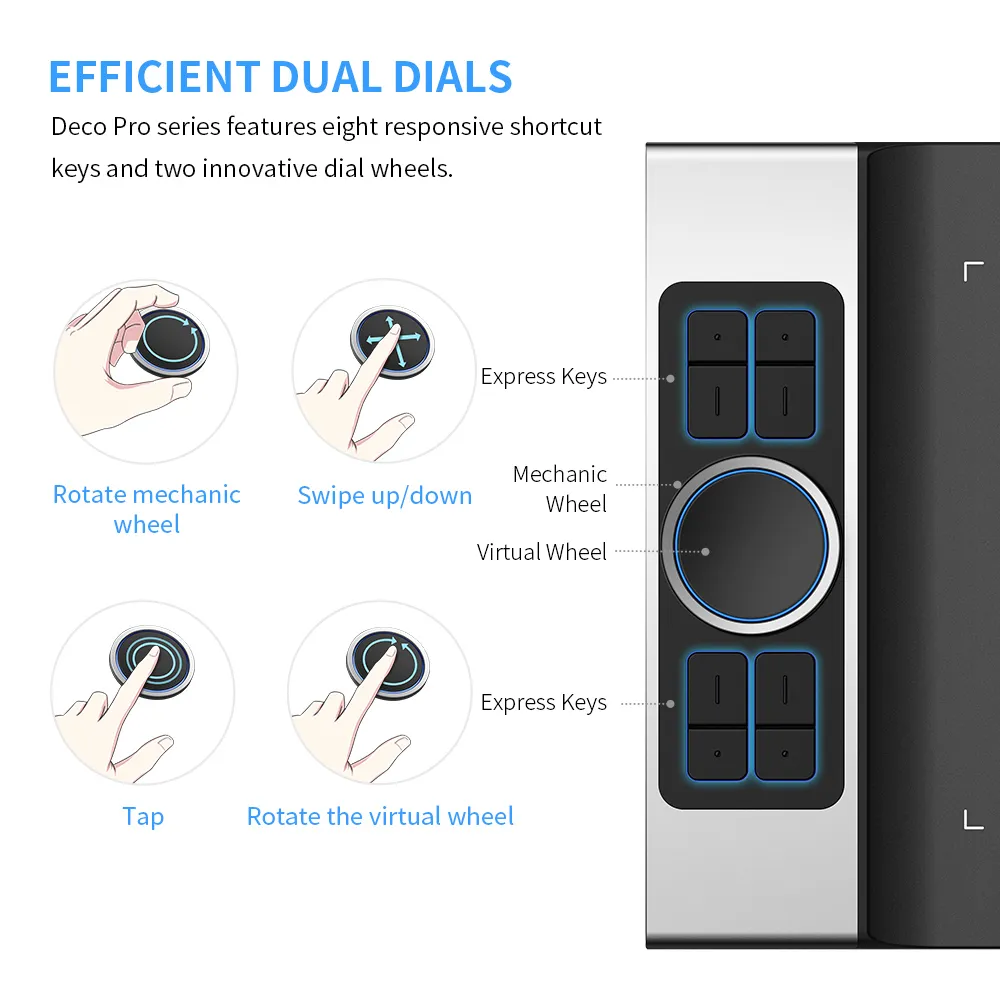
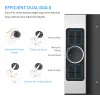
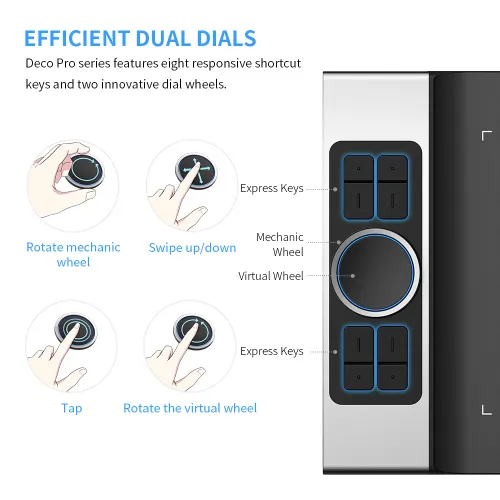
Efficient Dual Dials
Deco Pro series features eight responsive shortcut keys and two innovative dial wheels. You can easily program them to fit and improve your workflow. Map them to different shortcut combinations in different software. With Deco Pro, smarter control, greater achievement.
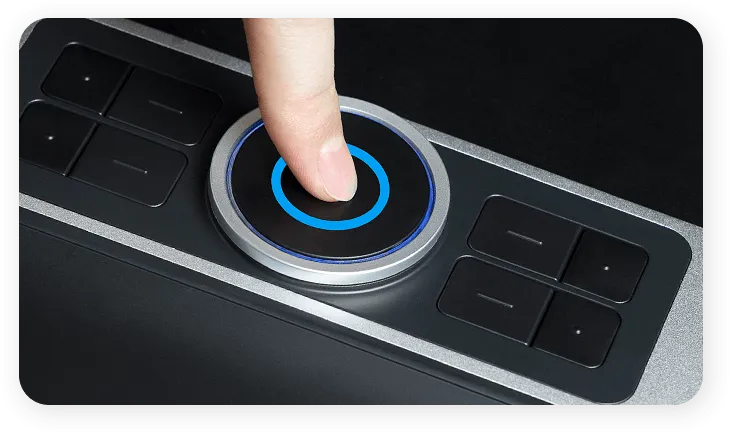
Tap
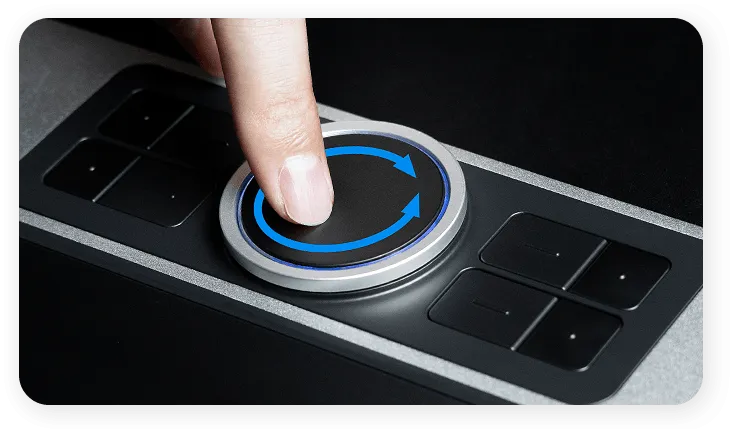
Rotate the virtual wheel
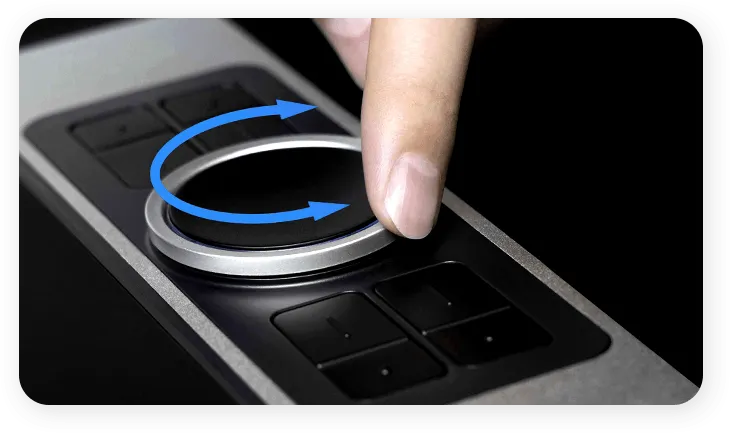
Rotate the mechanic wheel
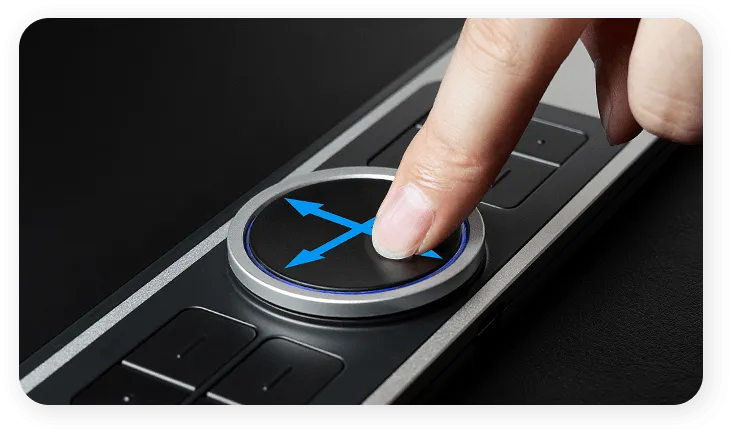
Swipe up/down
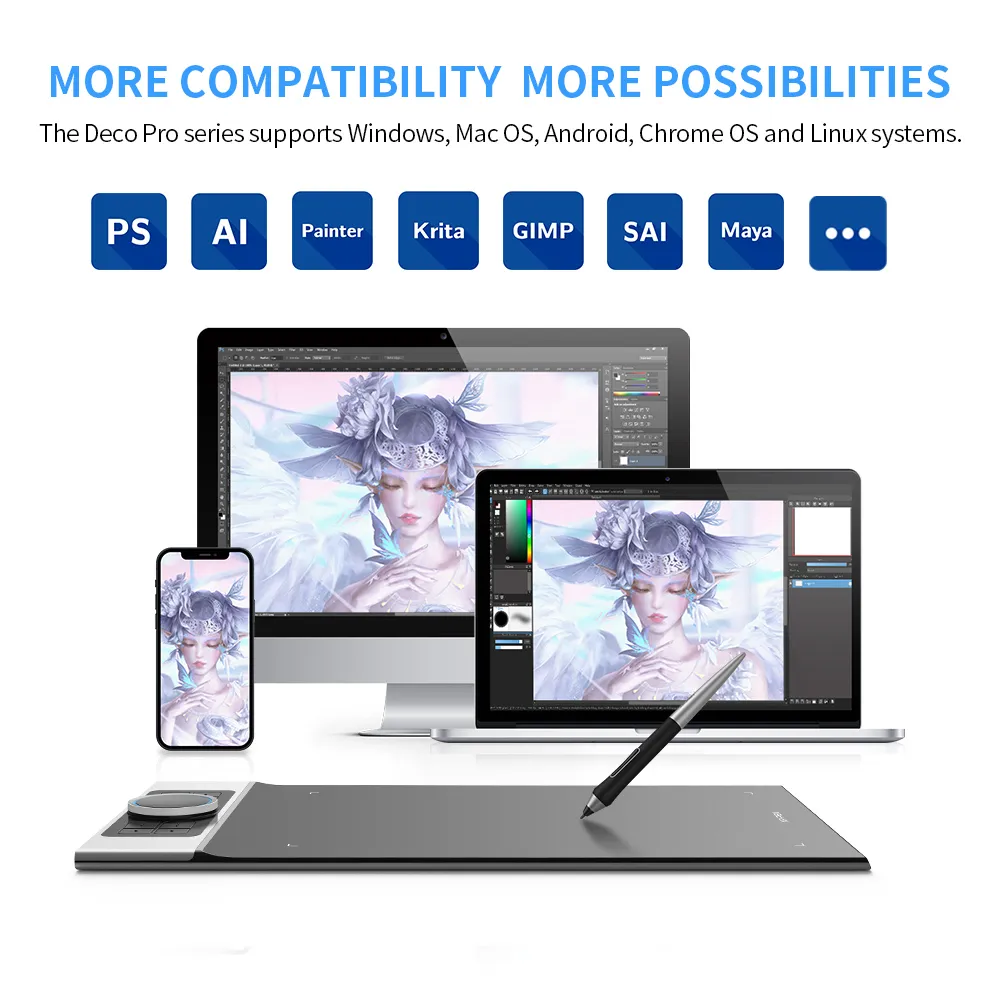
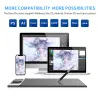
More Compatibility
More Possibilities
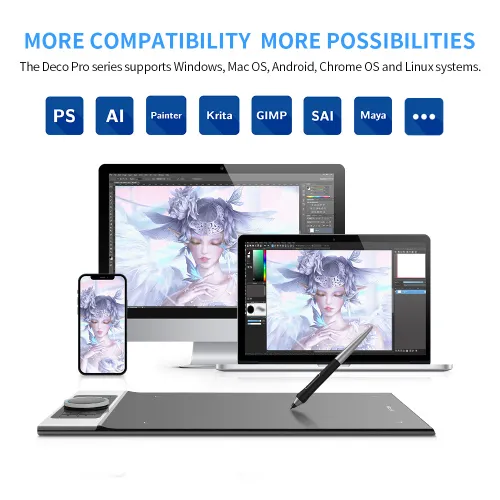
The Deco Pro series supports Windows, Mac OS, Android, Chrome OS and Linux systems.
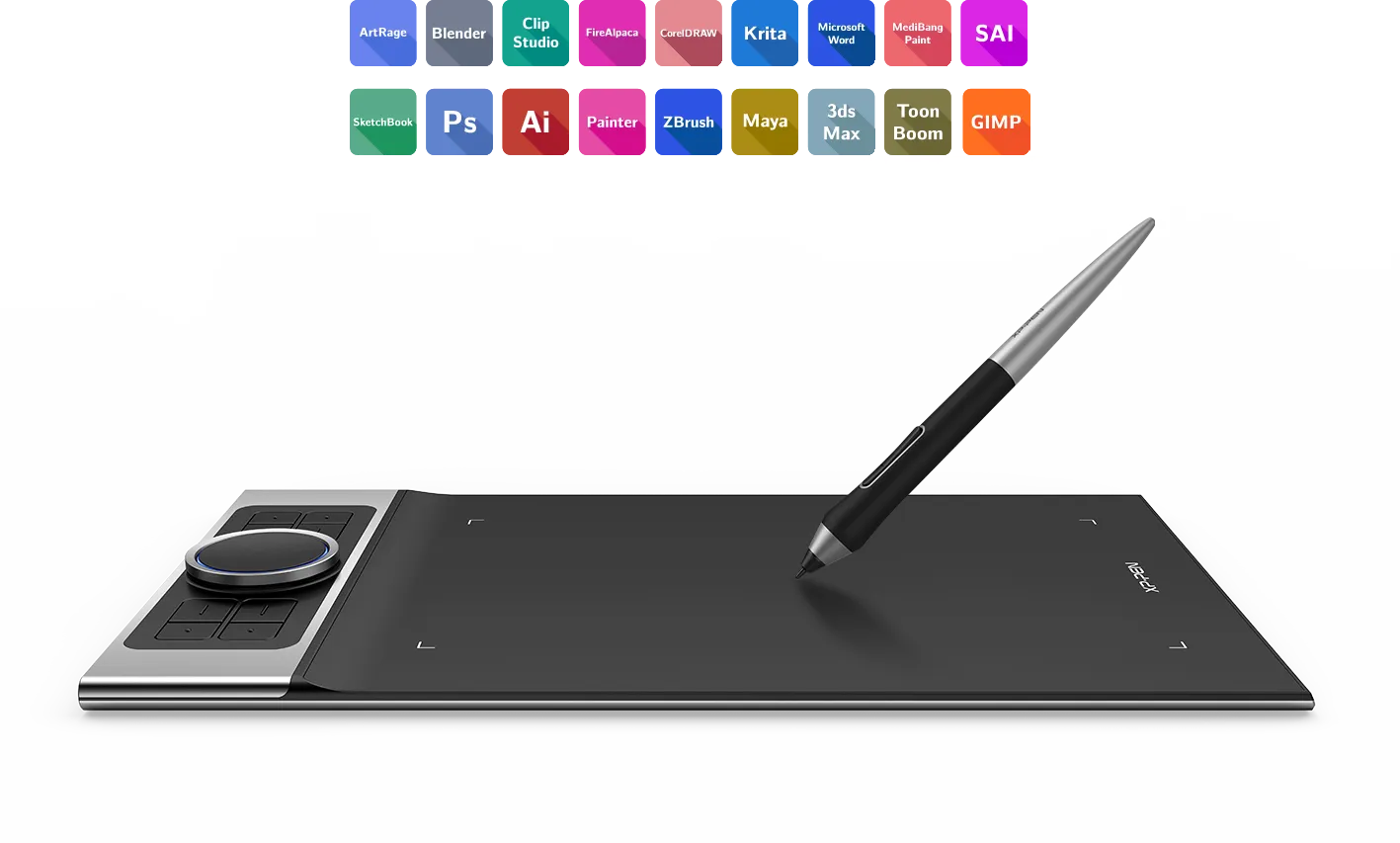
It's compatible with most drawing and design software, including Photoshop, SAI, Painter, Illustrator, and more. Empower your creativity with more possibilities.
*Regarding the connection methods of Deco Pro SW and MW, the Bluetooth connection is available on Windows and Mac OS; the wireless receiver or wired connection is available on Windows, Mac OS, Android, Chrome OS, and Linux systems.
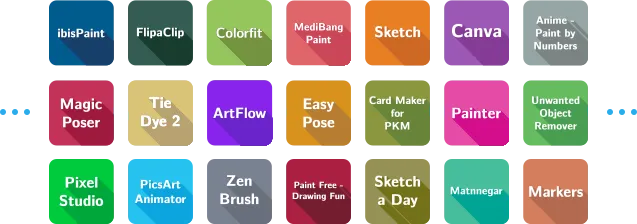
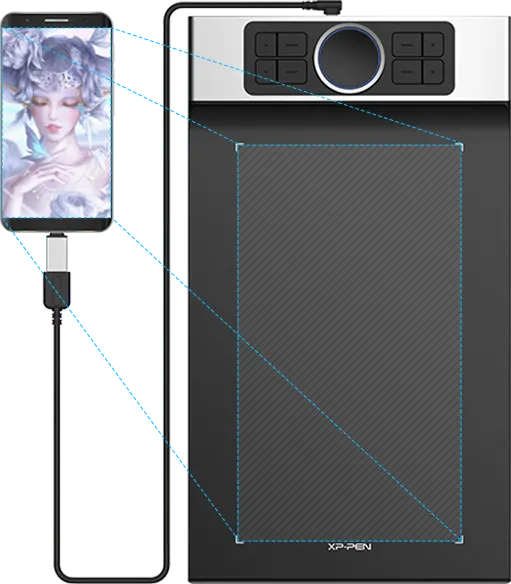
Use with Android applications.
The device is set to vertical mode by default.
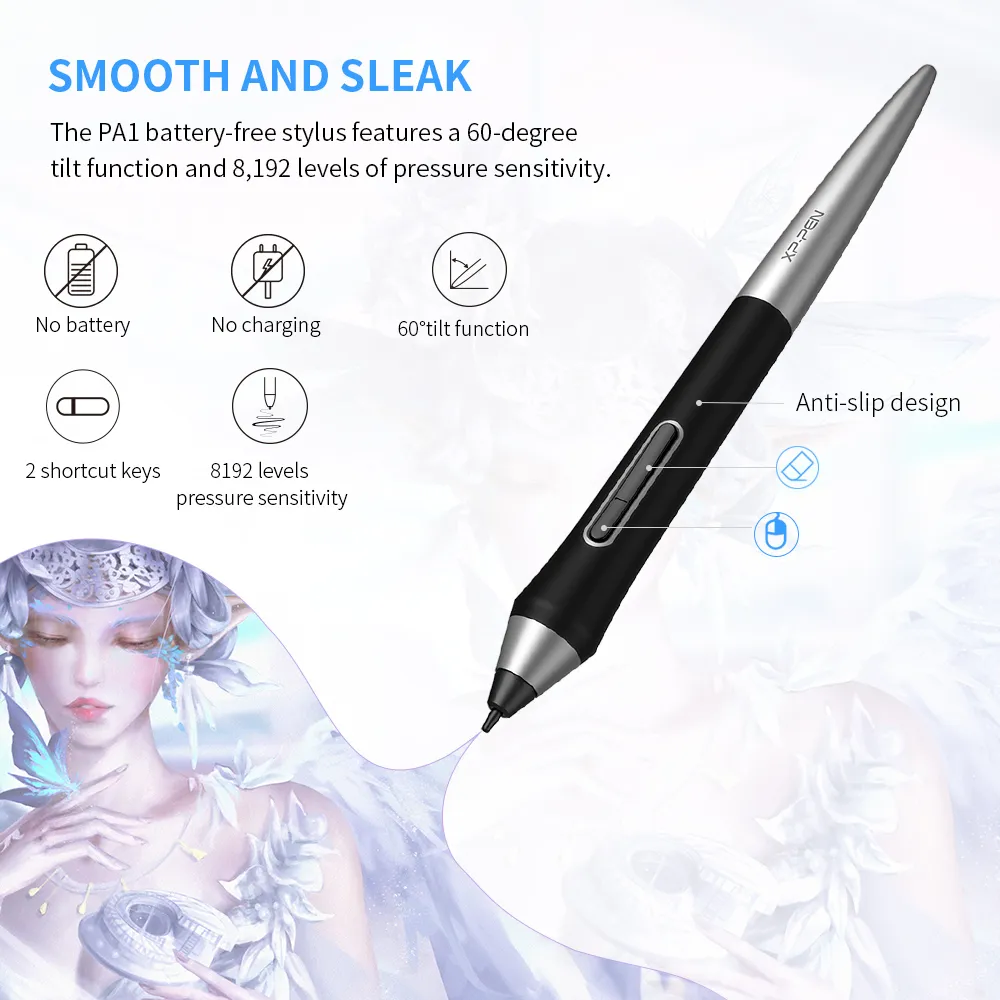
Smooth and Sleek
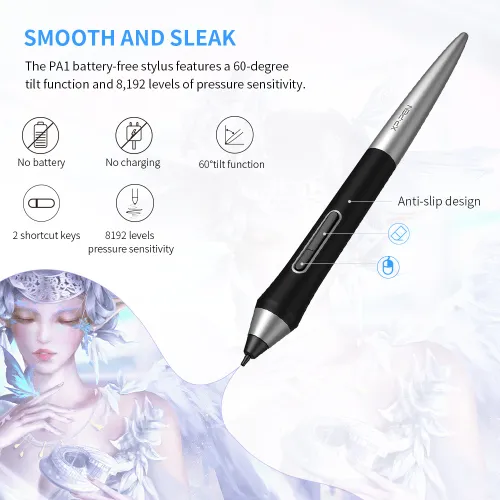
The PA1 battery-free stylus features a 60-degree tilt function and 8,192 levels of pressure sensitivity. You can shadow easily, draw delicate brushstrokes and lines, and express and present every subtle detail.

No battery

No charging
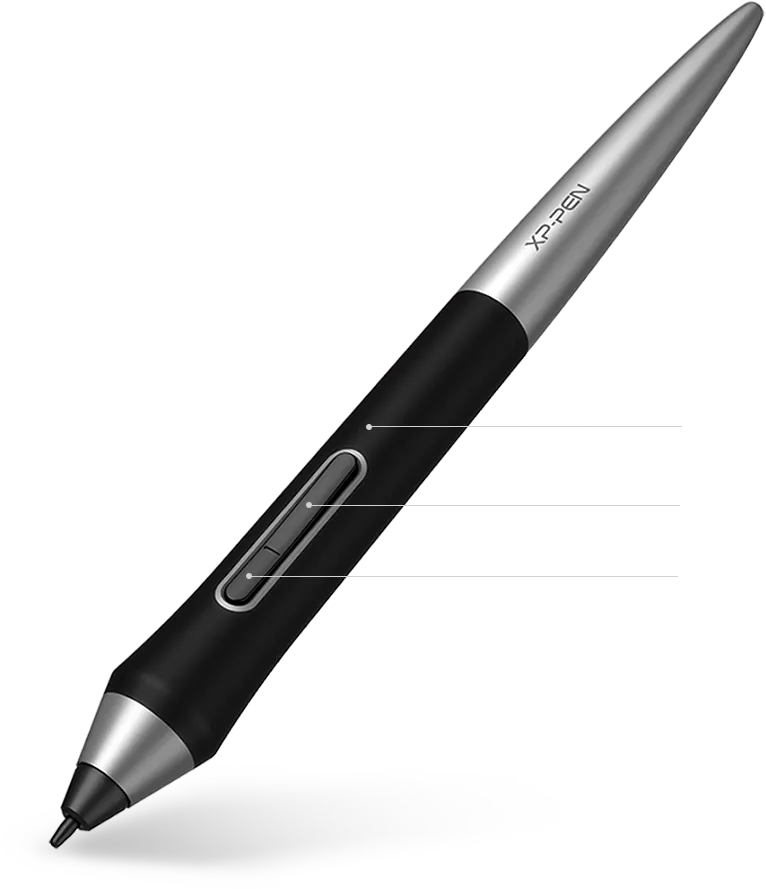
Anti-slip design
One click to switch
Right click
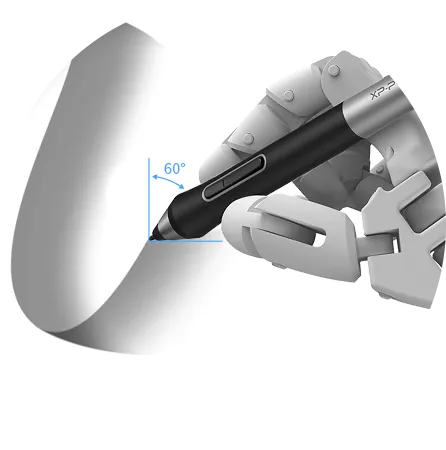
60° tilt
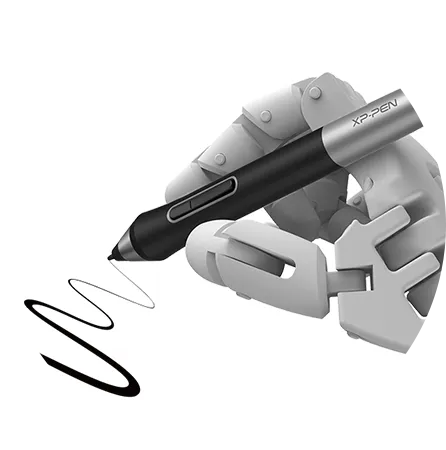
8192 pressure sensitivity levels
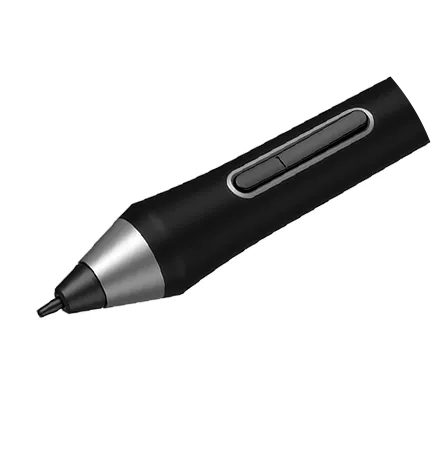
2 shortcut keys
Winner of Two
International Design Awards
Feel the high-class texture and the light weight of the Deco Pro aluminum case. The black and the silver blend perfectly into its streamlined and dual-dial design. Deco Pro series won the 2019 Red Dot Design Award and the 2018 Good Design Award. Complement your splendid artwork with this award-winning design.

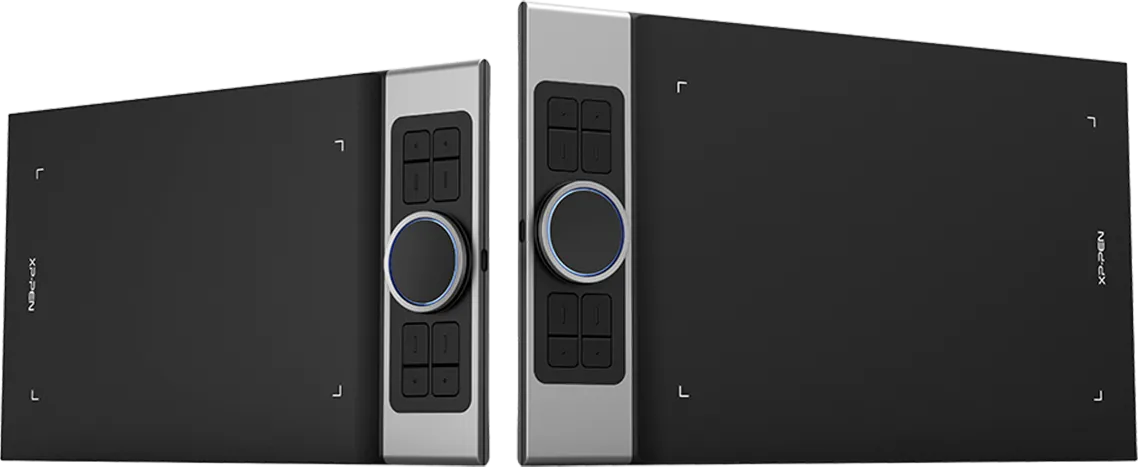
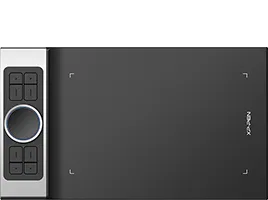
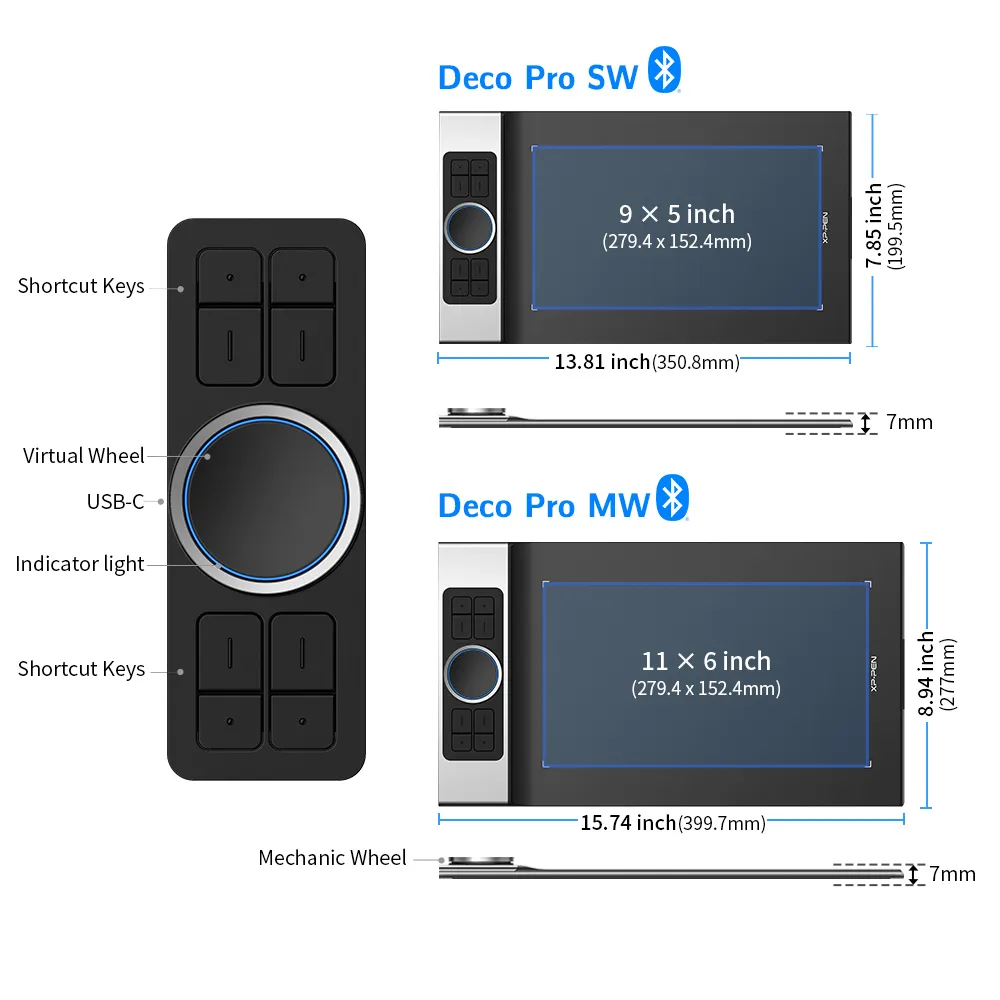
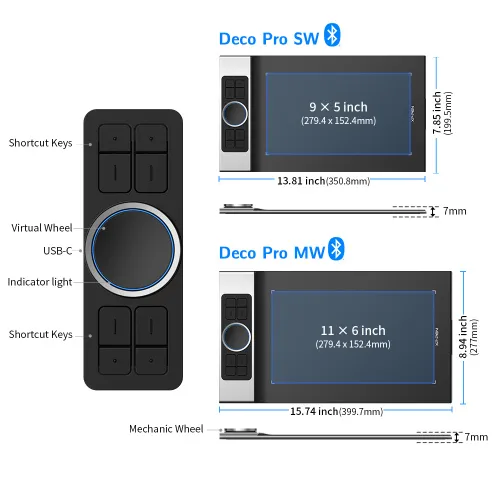
●Dimensions: 350.8 × 199.5 × 16.5mm
●Active Area: 9"× 5"
●PA1 battery-free stylus
●2 wheels & 8 shortcut keys
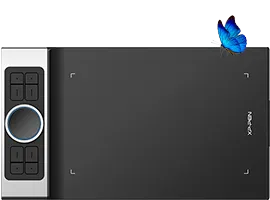

●Dimensions: 350.8 × 199.5 × 16.5mm
●Active Area: 9"× 5"
●Bluetooth v5.0
●PA1 battery-free stylus
●2 wheels & 8 shortcut keys
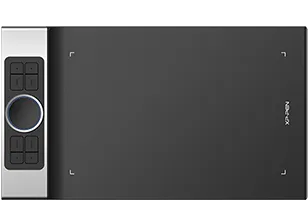
●Dimensions: 399.7 × 227 × 16.5mm
●Active Area: 11"× 6"
●PA1 battery-free stylus
●2 wheels & 8 shortcut keys

●Dimensions: 399.7 × 227 × 16.5mm
●Active Area: 11"× 6"
●Bluetooth v5.0
●PA1 battery-free stylus
●2 wheels and 8 shortcut keys
Show More
| Linux OS | Version | Package Format | Supported Software |
| Arch | Arch Linux2019.12.01(64-bit) | .deb, .sh | GIMP, Krita |
| Centos | Centos7.0(64-bit) | .rpm, .sh | GIMP |
| Centos8(64-bit) | .rpm, .sh | GIMP, Krita | |
| Debian | debian-9.5.0-amd64-netinst(64-bit) | .deb, .sh | GIMP, Krita |
| elementary OS | elementary OS 5.0(64-bit) | .deb, .sh | GIMP, Krita |
| ezgo Linux | ezgo14(64-bit) | .deb, .sh | GIMP, Krita |
| Fedora | Fedora32(64-bit) | .rpm, .sh | GIMP, Krita |
| Mageia | Mageia-7.1(64-bit) | .rpm, .sh | GIMP, Krita |
| Manjaro | manjaro-xfce-20.1.2-201019(64-bit) | .deb, .sh | GIMP |
| Mint | linuxmint-18.2-cinnamon-64bit | .deb, .sh | GIMP, Krita |
| OpenSUSE | openSUSE-Tumbleweed(64-bit) | .rpm, .sh | GIMP, Krita |
| Pop!_OS | pop-os_19.10(64-bit) | .deb, .sh | GIMP, Krita |
| Red Hat | Red Hat7(64-bit) | .rpm, .sh | GIMP |
| Ubuntu | Ubuntu14.04(64-bit) | .deb, .sh | GIMP, Krita |
| Ubuntu16.04(64-bit) | .deb, .sh | GIMP, Krita | |
| Ubuntu17.04(64-bit) | .deb, .sh | GIMP, Krita | |
| Ubuntu18.04(64-bit) | .deb, .sh | GIMP, Krita | |
| Ubuntu19.04(64-bit) | .deb, .sh | GIMP, Krita | |
| Ubuntu20.04(64-bit) | .deb, .sh | GIMP, Krita |
| Function | Krita 4.3.0 | Gimp 2.10.20 | Inkscape 0.92 |
| Pen Pressure Sensitivity | |||
| Tilt | |||
| Mouse Function | |||
| Eraser Button (Stylus:PH01, P06) | |||
| Switch between Pen and Eraser Modes | |||
| *If you have any further queries, please do not hesitate to contact us at service@xp-pen.com. | |||
Linux OS
Centos8(64-bit)
.rpm, .sh
GIMP, Krita
Ubuntu16.04(64-bit)
Ubuntu17.04(64-bit)
Ubuntu18.04(64-bit)
Ubuntu19.04(64-bit)
Ubuntu20.04(64-bit)
.deb, .sh
.deb, .sh
.deb, .sh
.deb, .sh
.deb, .sh
GIMP, Krita
GIMP, Krita
GIMP, Krita
GIMP, Krita
GIMP, Krita
Function
*If you have any further queries, please do not hesitate to contact us at service@xp-pen.com.