


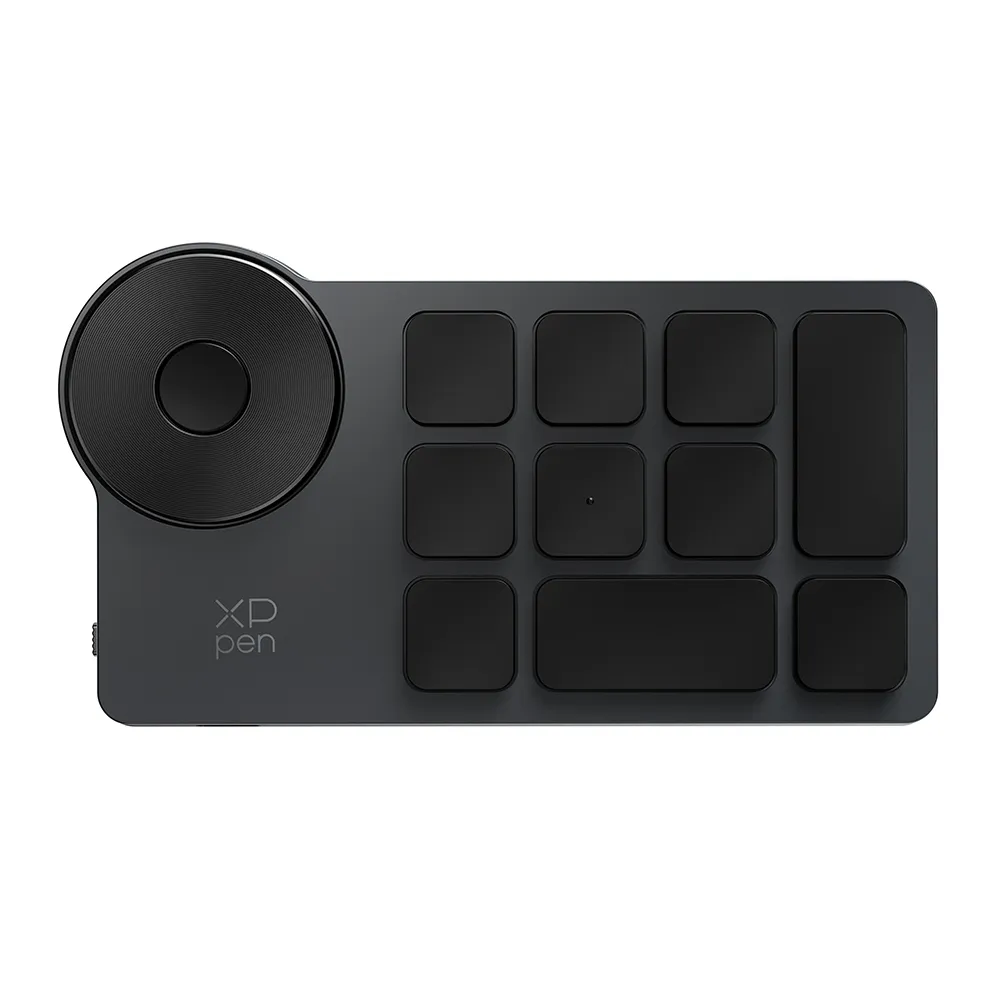
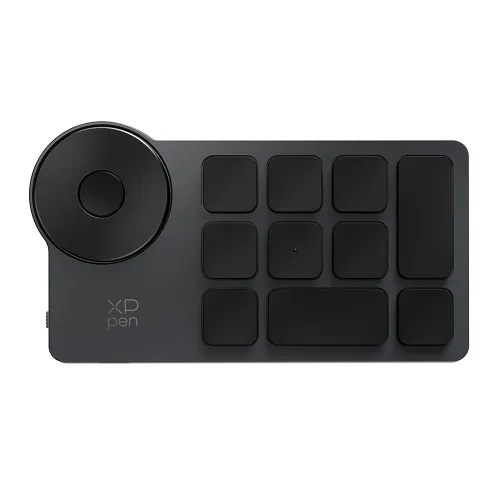
ACK05 Wireless Shortcut Remote
❋In stock in the EU warehouse❋
Free Shipping (Except RS, NO, CY, MT, IS, MC, MK)
Secure payments (Your payment information is processed securely)
Contact (Monday to Friday 10:30am - 6:30pm( PST))
Professional Support (shopeu@xp-pen.com service@xp-pen.com)
Quantity:
 Log in and purchase to receive an estimated 67 X-Coins






Worry-Free Delivery® available with seel
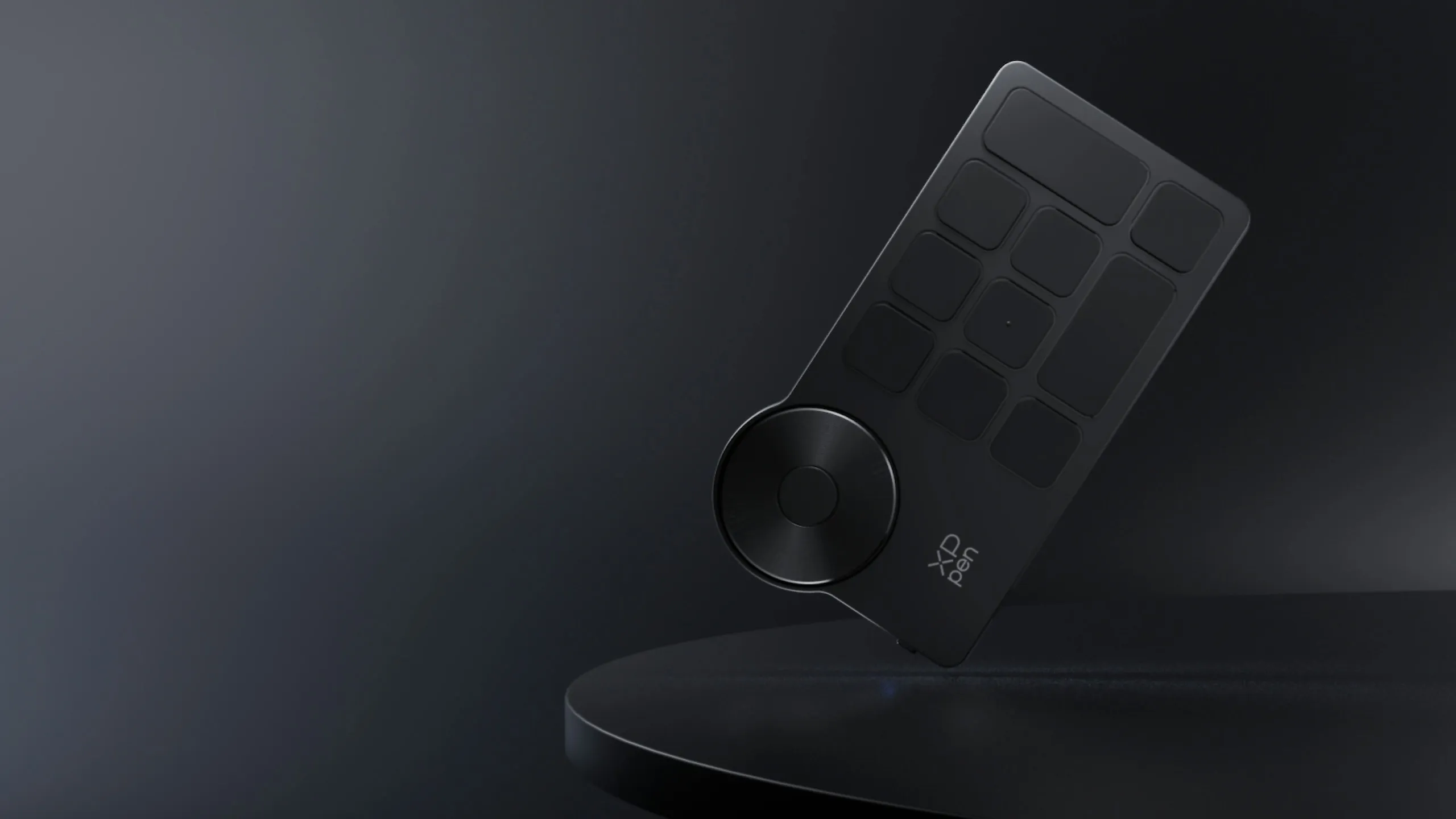
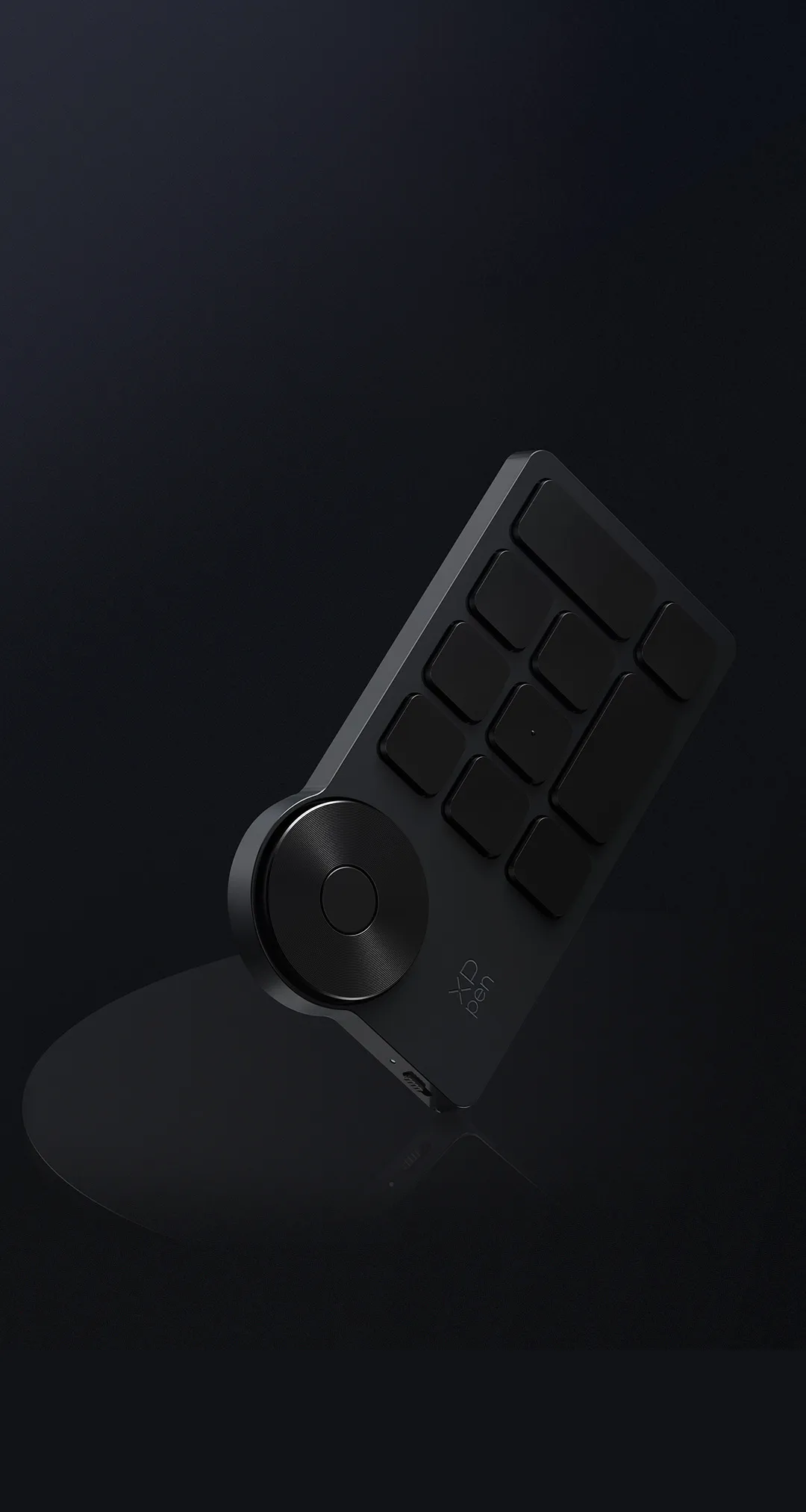
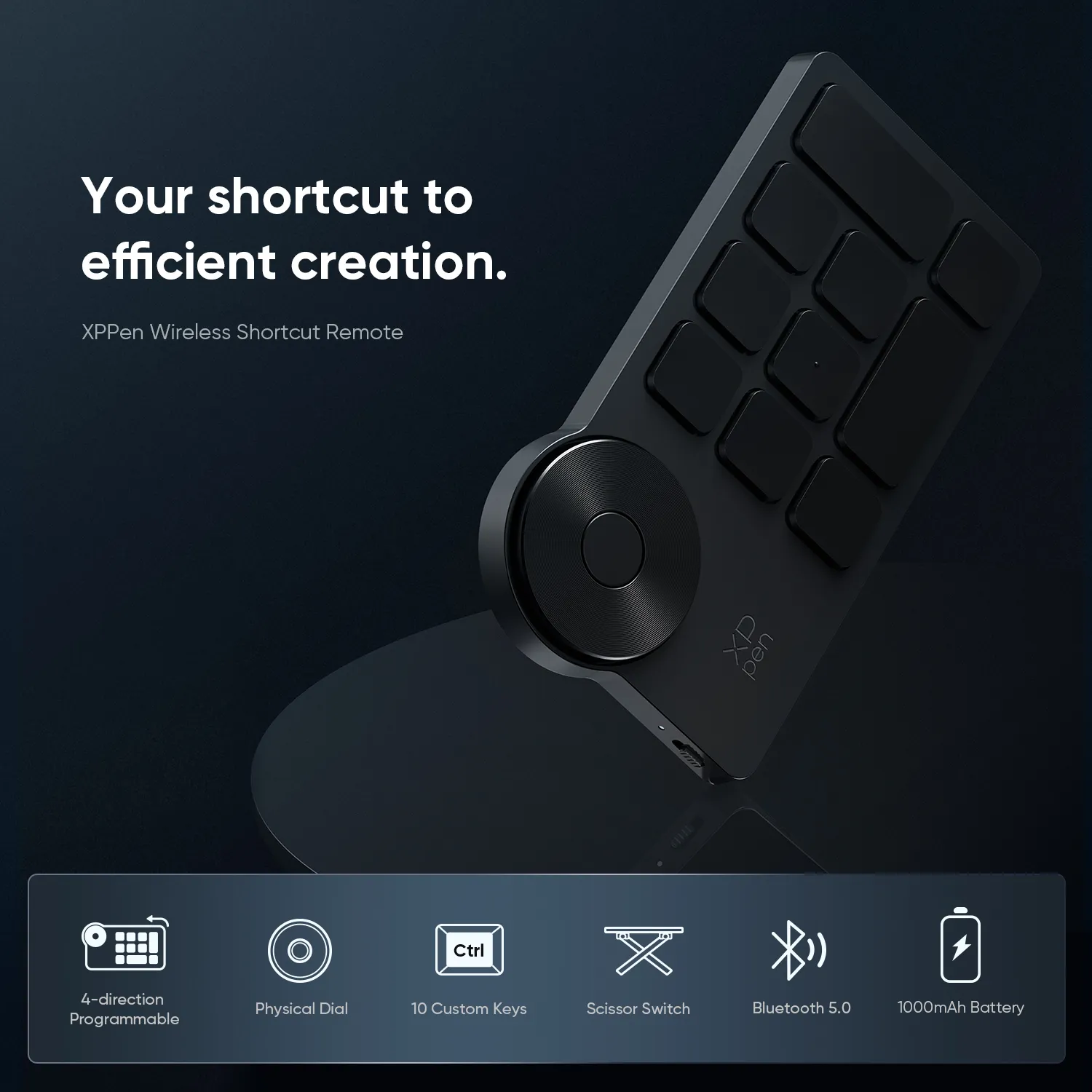
Control handily. Create efficiently.
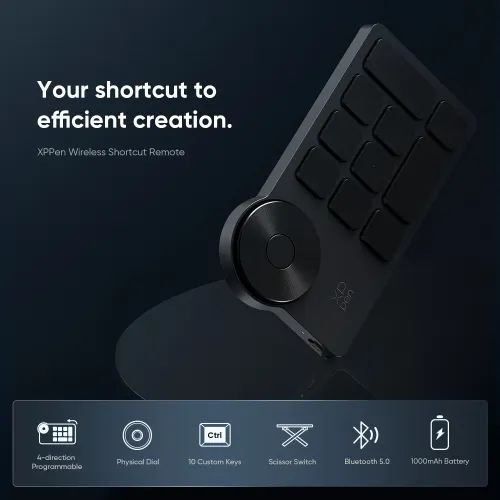
XPPen Wireless Shortcut Remote



4-direction Programmable

Physical Dial

10 Custom Keys

Scissor Switch

Bluetooth 5.0

1000mAh Battery

Compact and Portable

Touch-typing Friendly

Intuitive Driver

Wide Compatibility
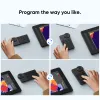
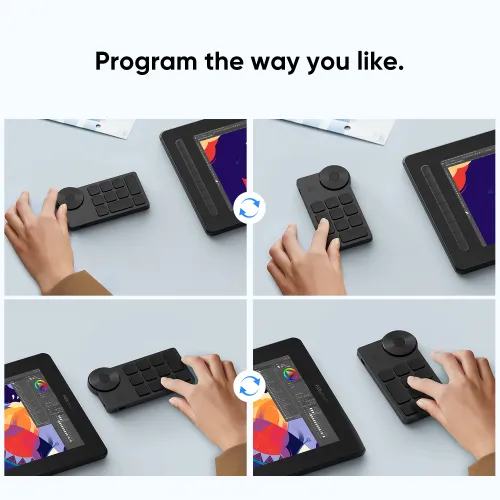
Program the way you like.
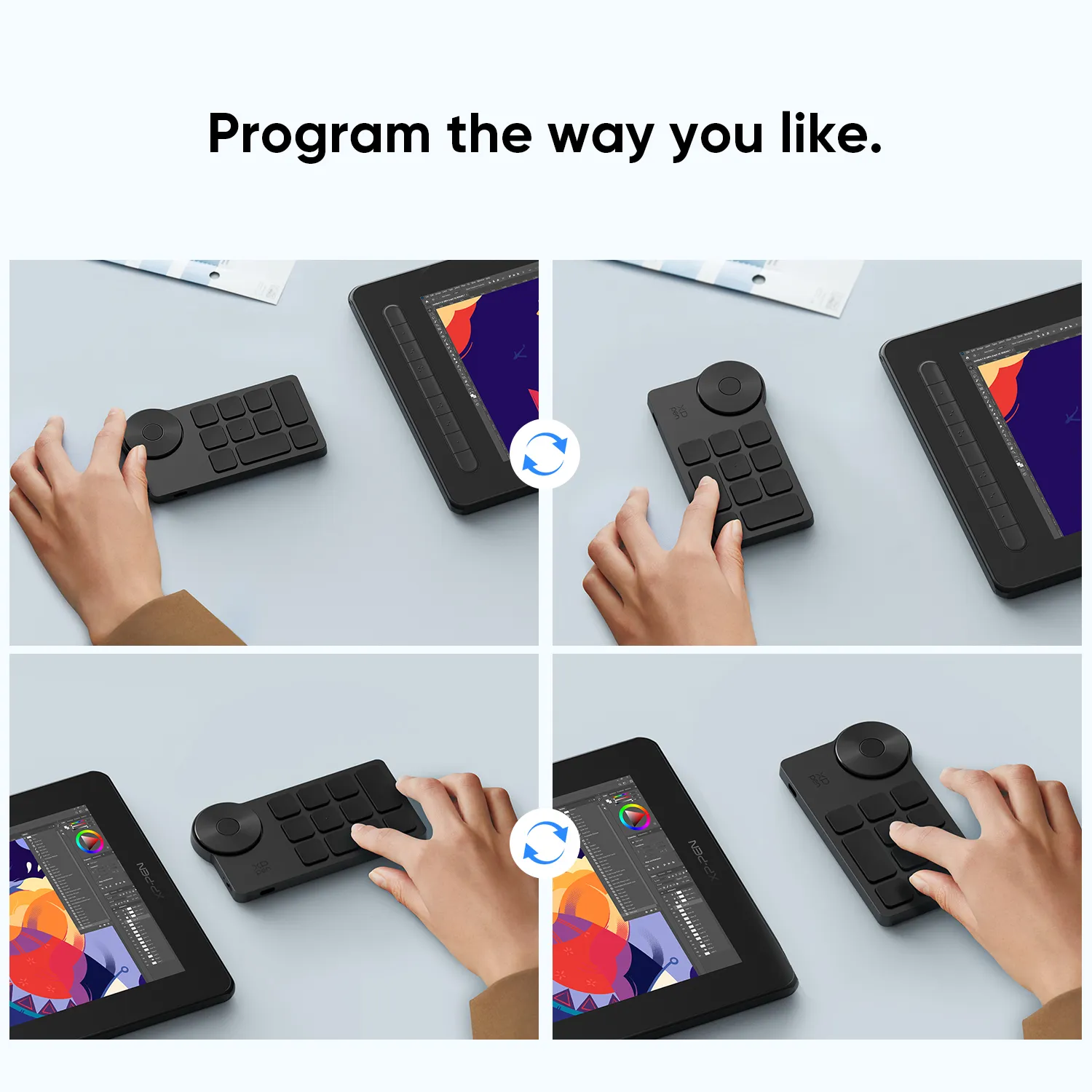
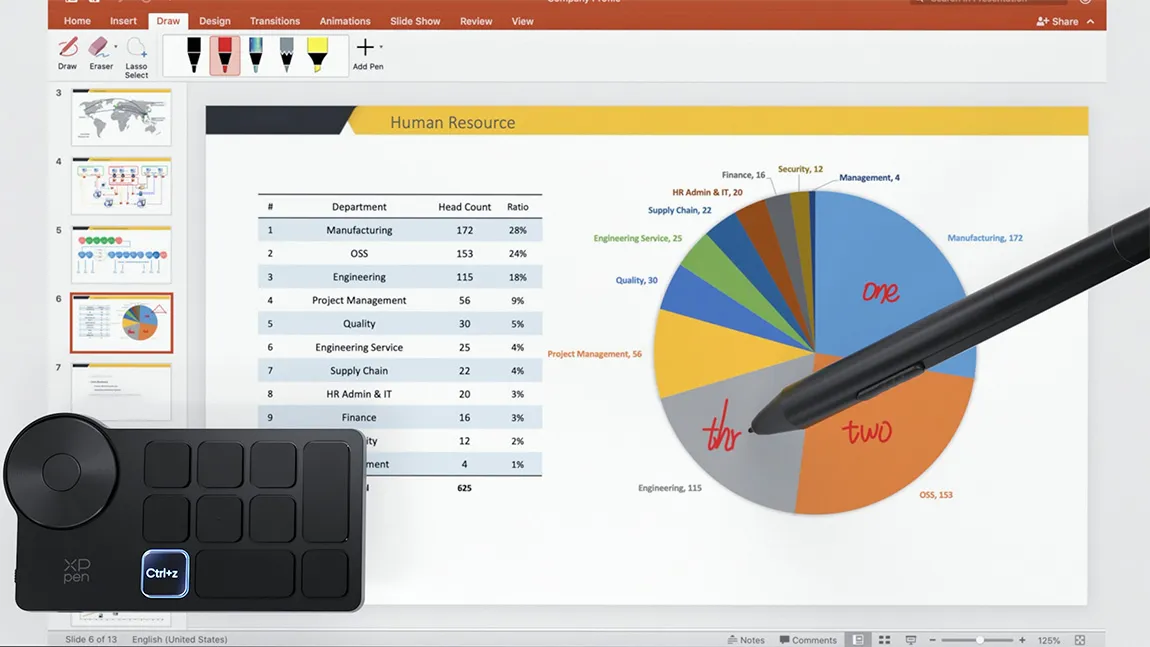
Program the keys at ease (through driver settings) and support preview. Always have the most intuitive shortcut combination whether you turn it right, left, up, or down. One-handed design for easy control.
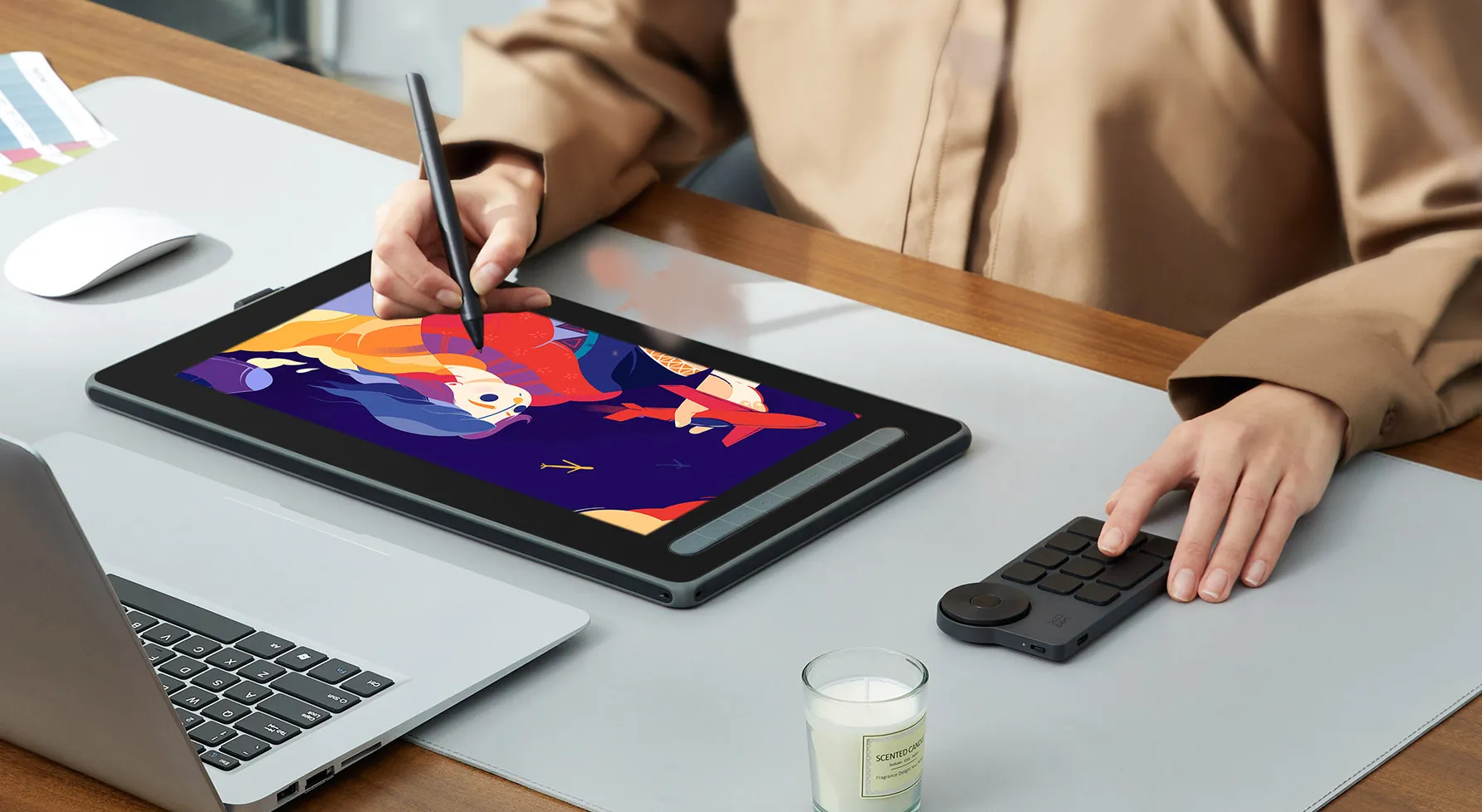
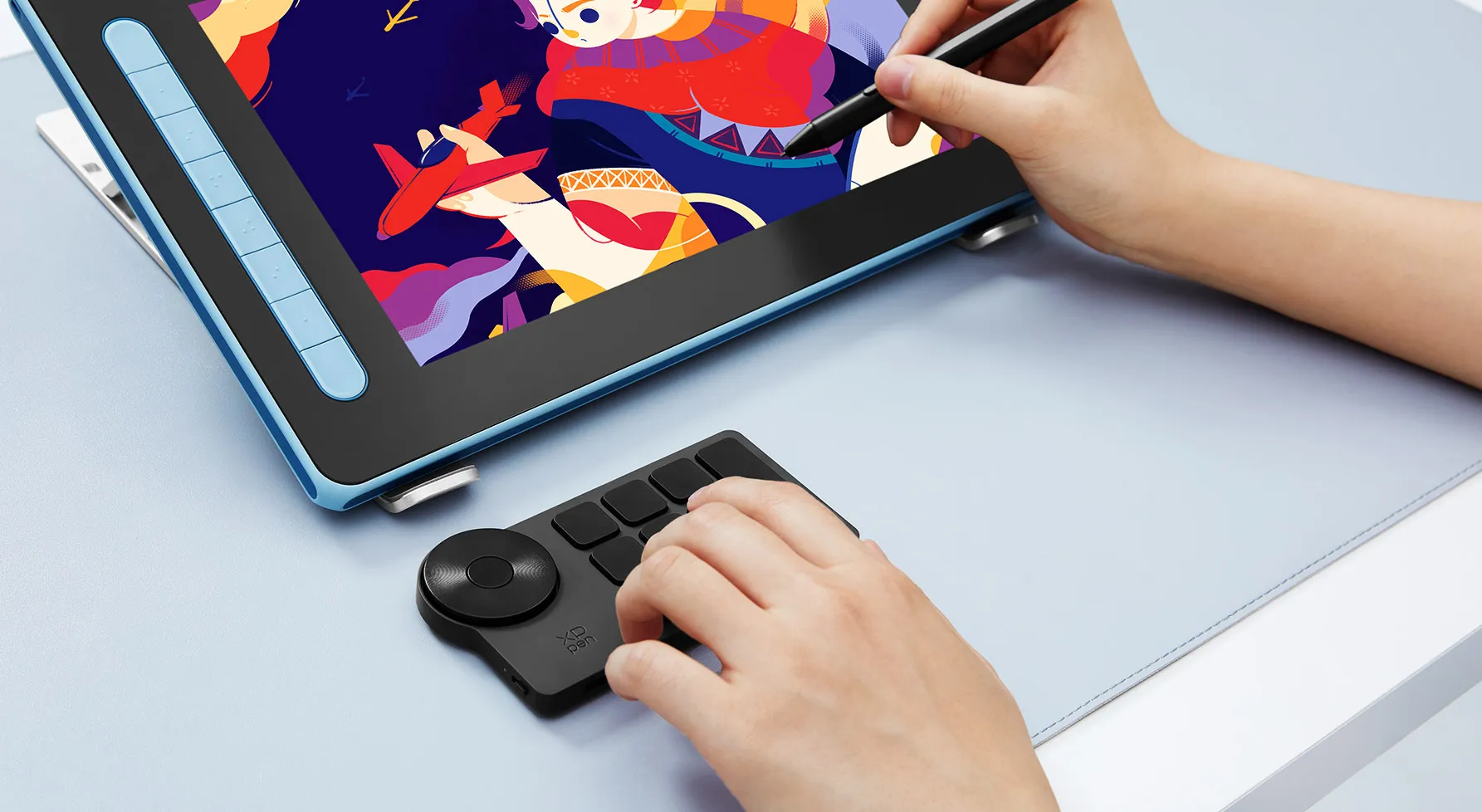
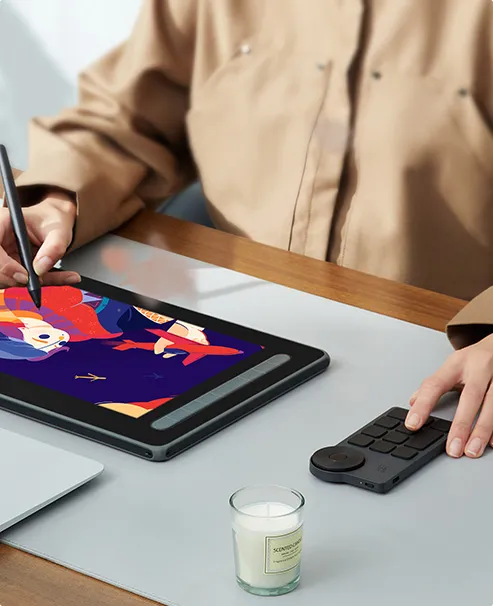
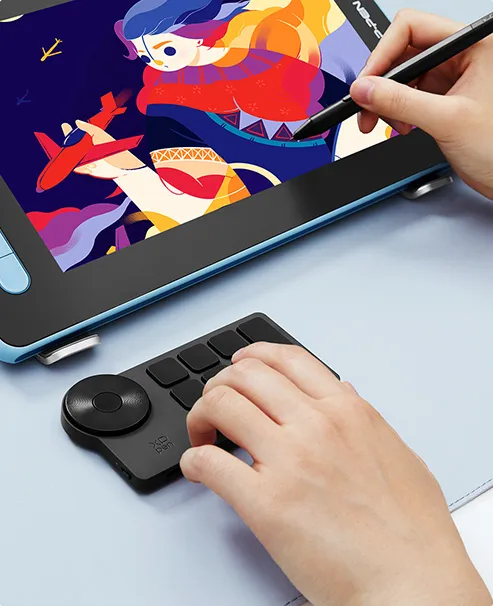
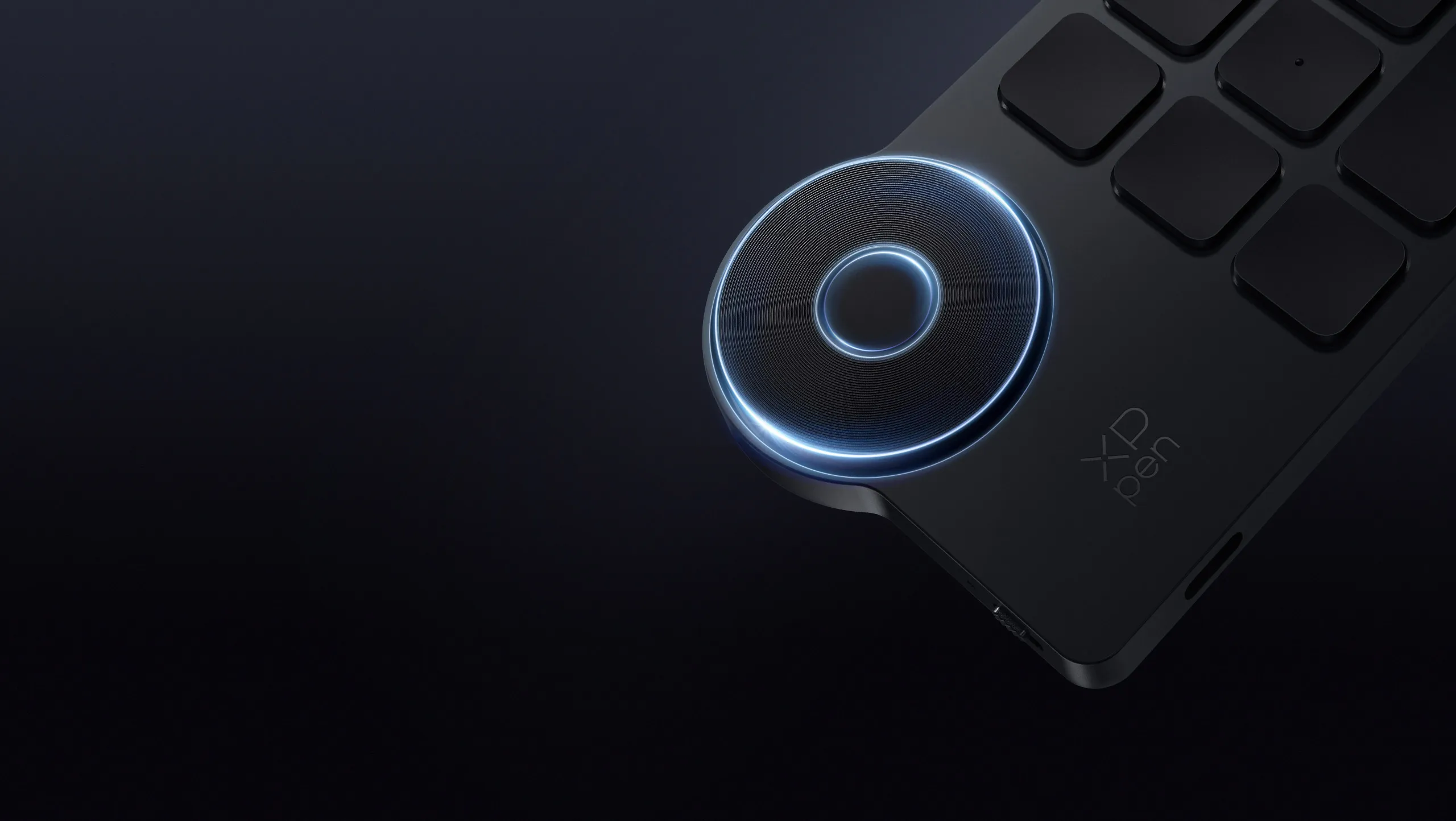
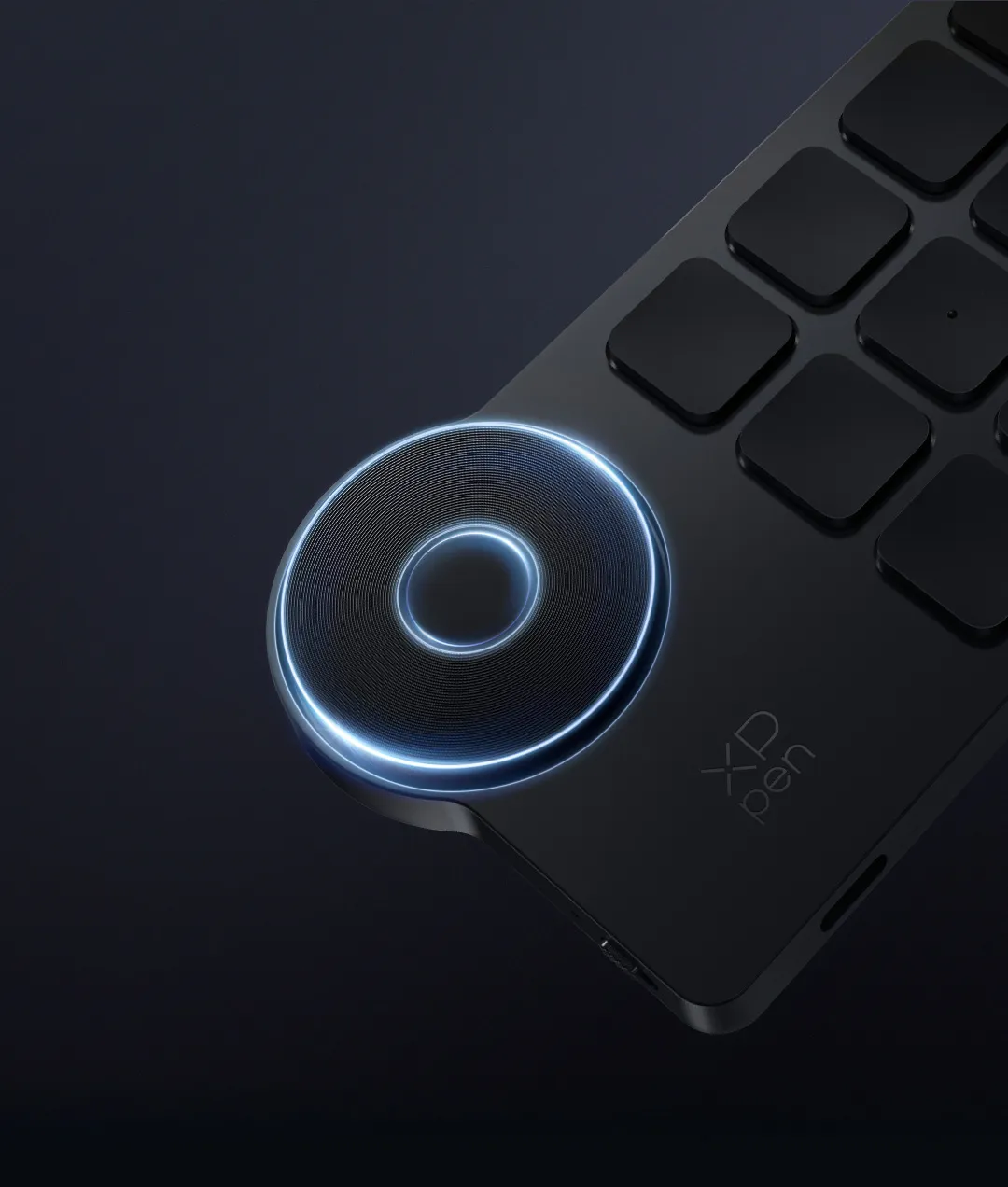
The right amount of damping for incredible fingertip inspiration.
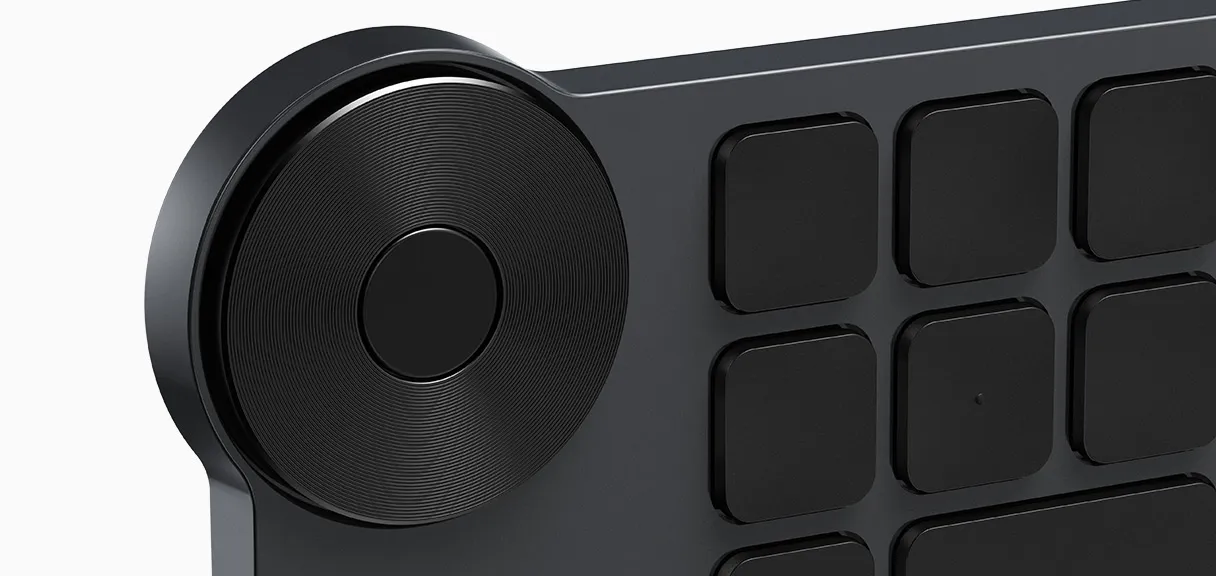
The physical dial provides the right amount of friction for a comfortable rotating experience. Rotating each 1/24 of the dial, you will hear a click sound as clear feedback. Turn the dial to zoom in/out, rotate the canvas, or adjust the brush size, and let your inspiration flow.
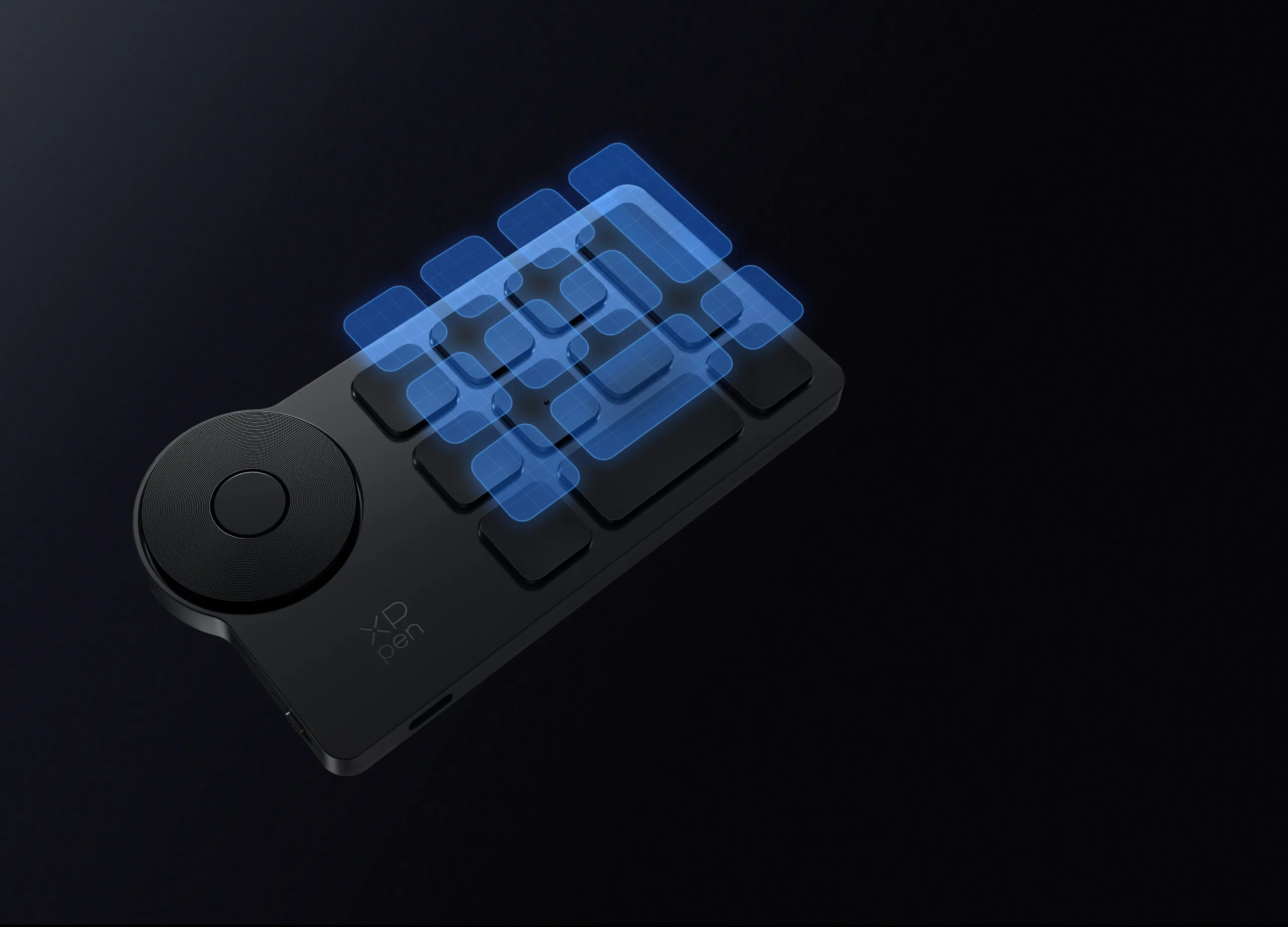

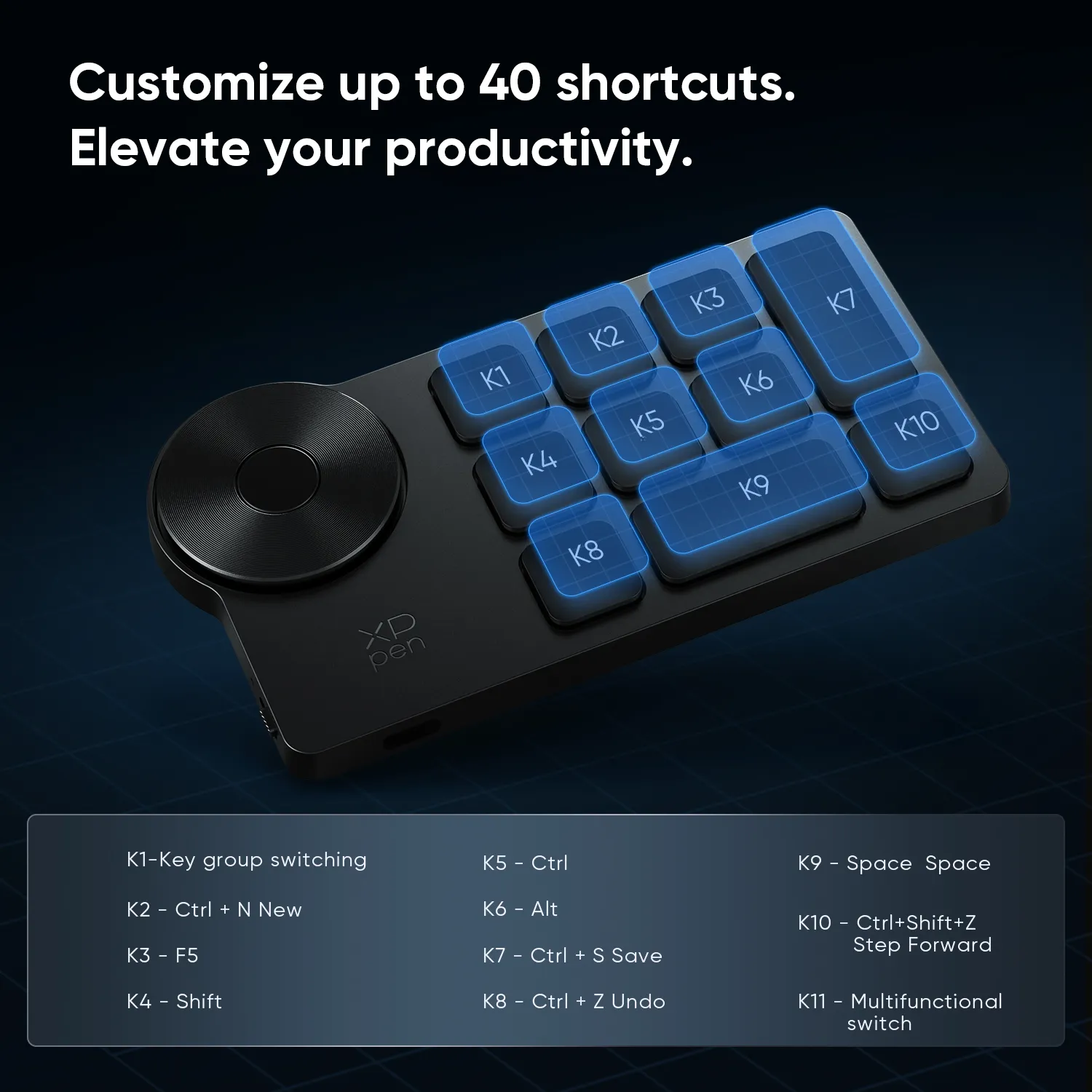
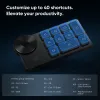
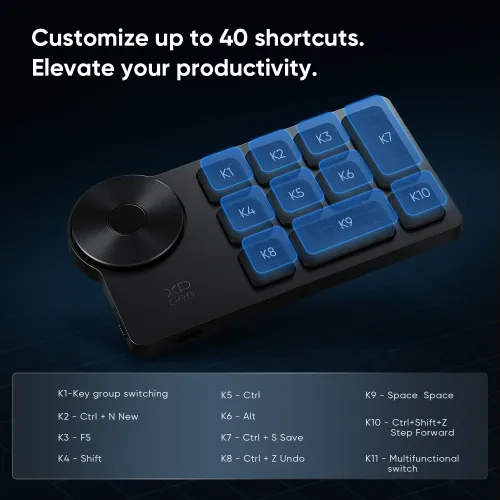
Customize up to 40 shortcuts.
Elevate your productivity.
The Wireless Shortcut Remote has 10 keys. You are allowed to customize 4 sets through the driver -- up to 40 shortcuts. To switch between the sets, you only need to press a single key. Its capability to work with different applications makes itself a powerful productivity tool not only for creation, but also for study, work, and gaming.
Driver default settings
Plug-and-play default settings
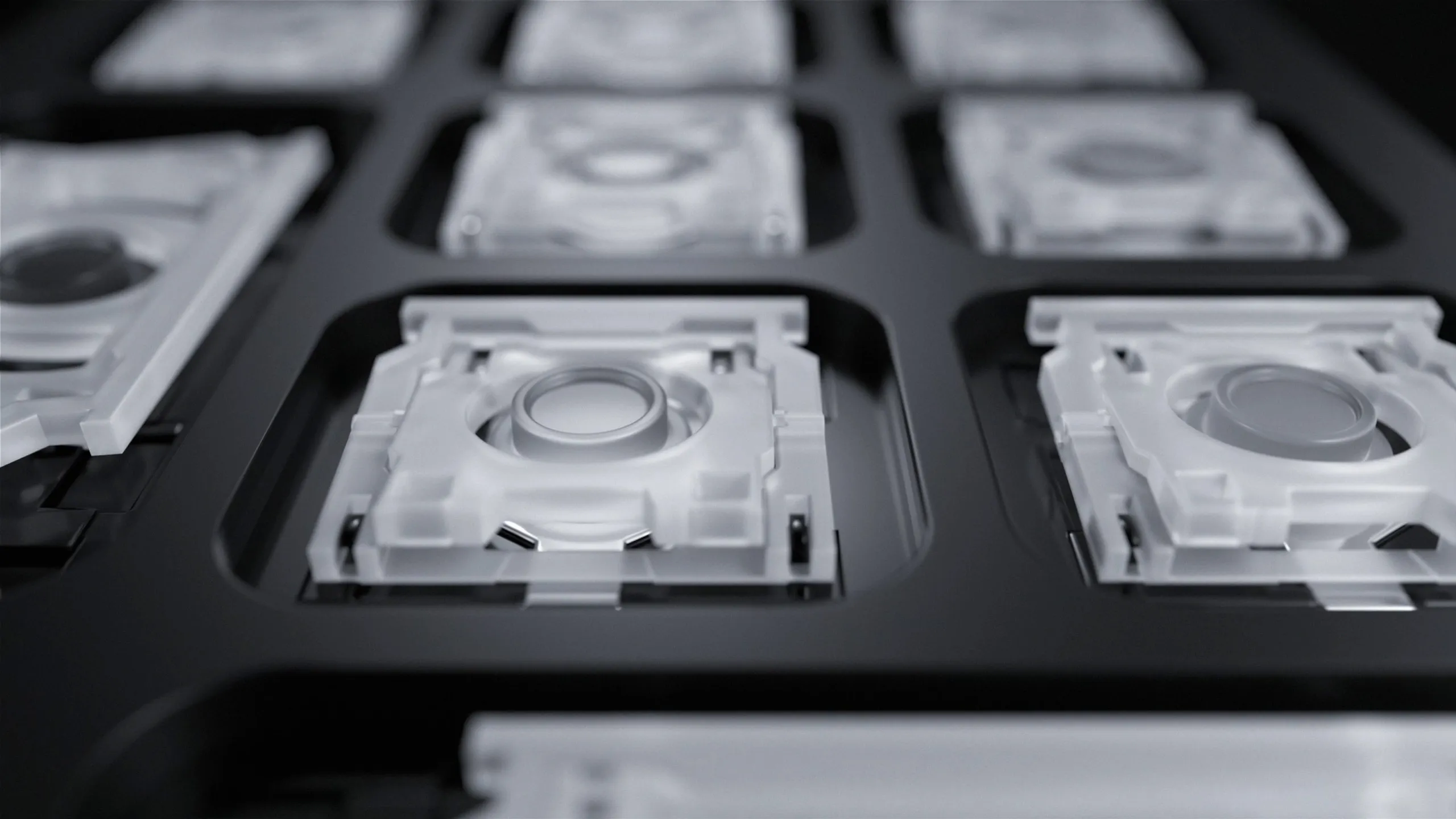
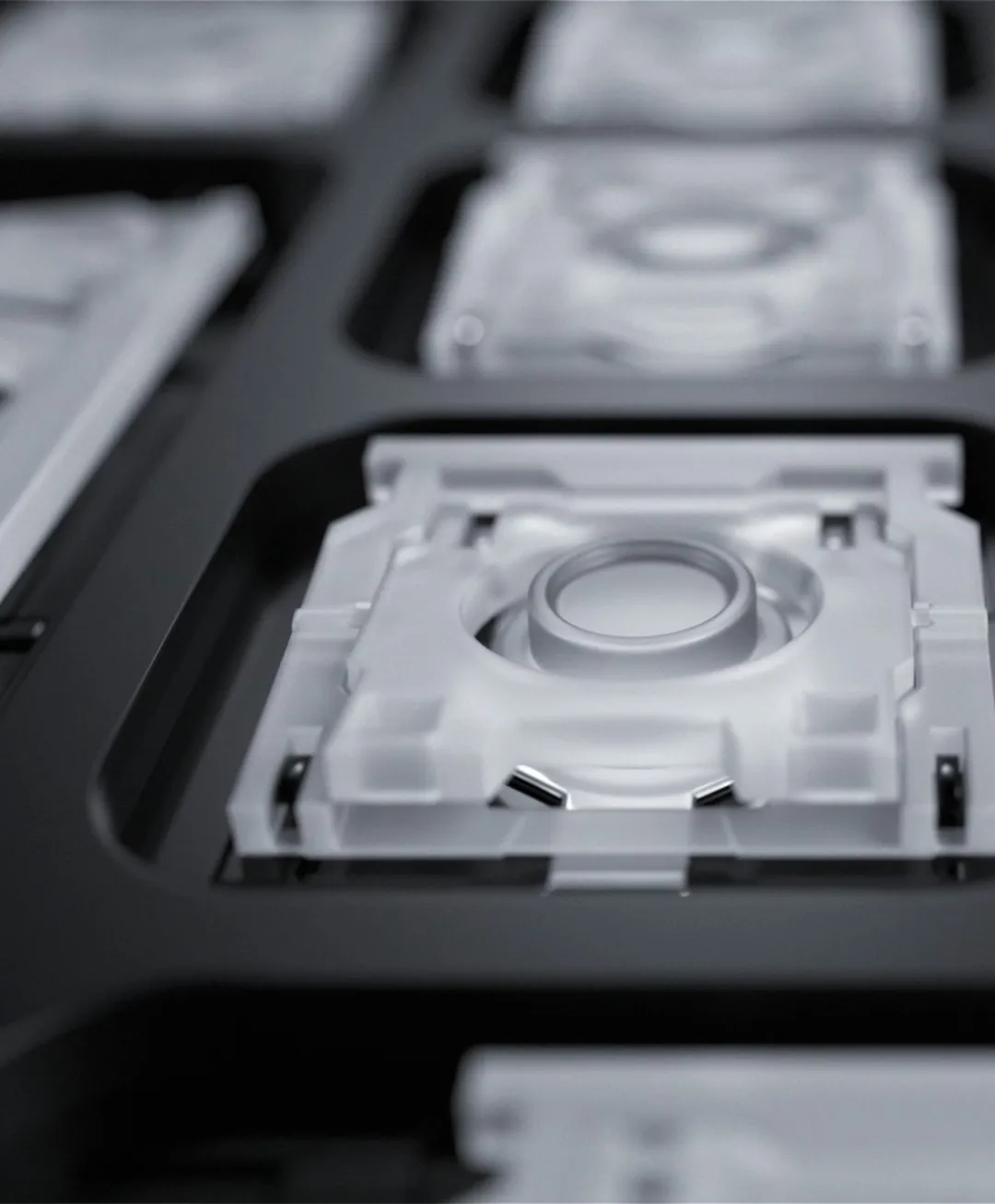
Scissor-switch keys for tactile
and responsive keystrokes.
Scissor switches under the isolated keycaps largely shorten the key travel, enabling faster typing and causing less noise, delivering tactile and responsive keystrokes. With a long lifespan of over 5 million keystrokes, the Wireless Shortcut Remote will endure years of heavy use.
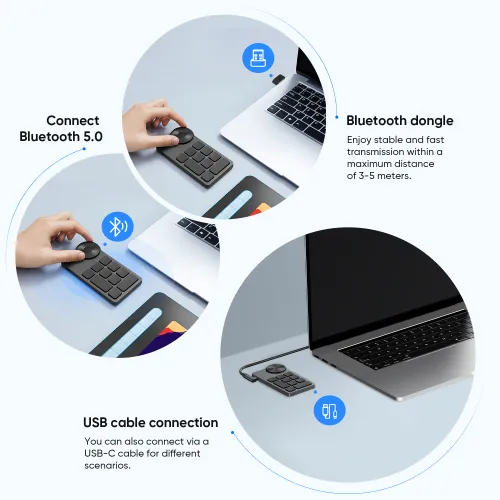
Wired or wireless connection. It's up to you.
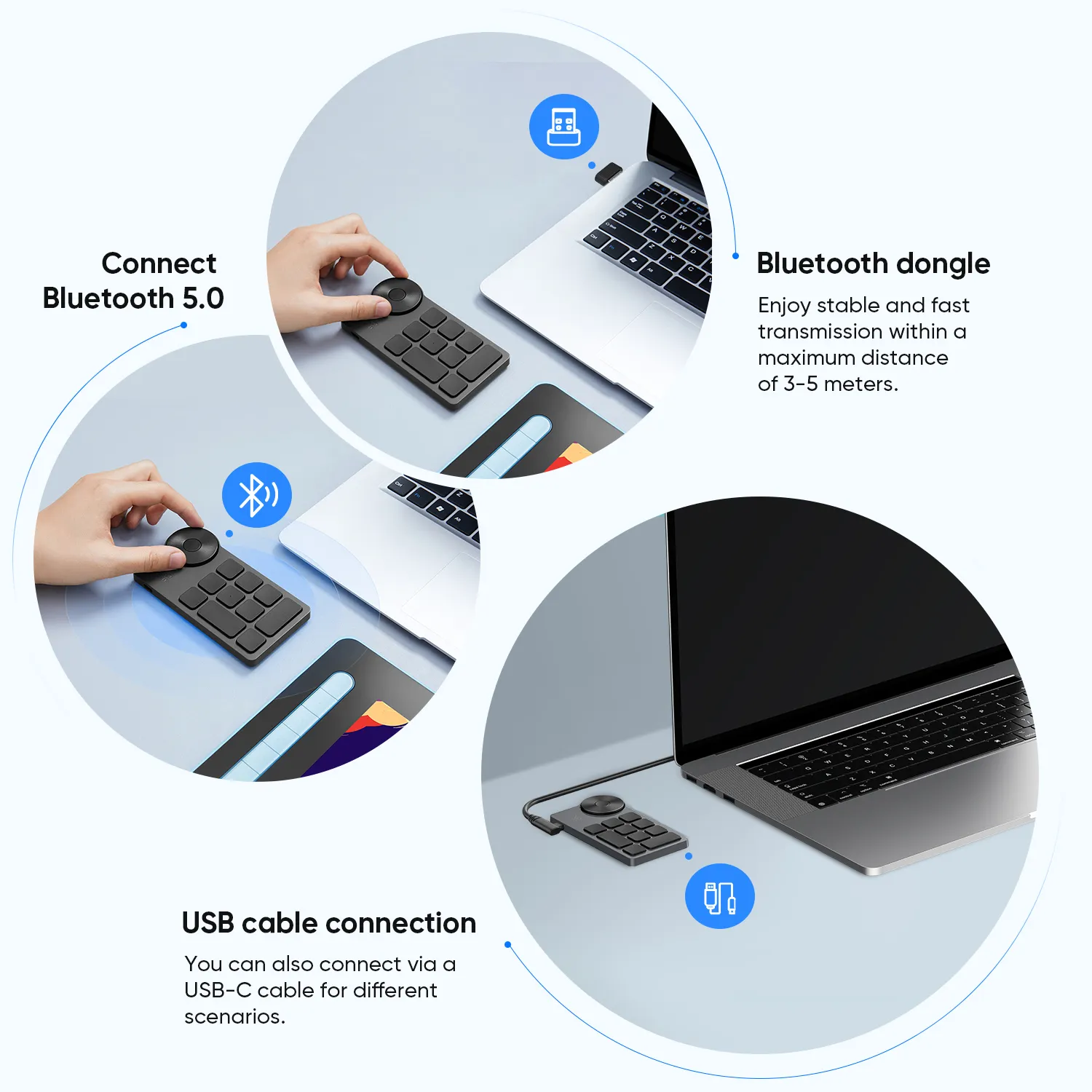
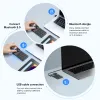
Connect wirelessly via Bluetooth or a Bluetooth dongle, and enjoy stable and fast transmission within a maximum distance of 3-5 meters. You can also change to wired connection via a USB-C cable to adapt to different scenarios.
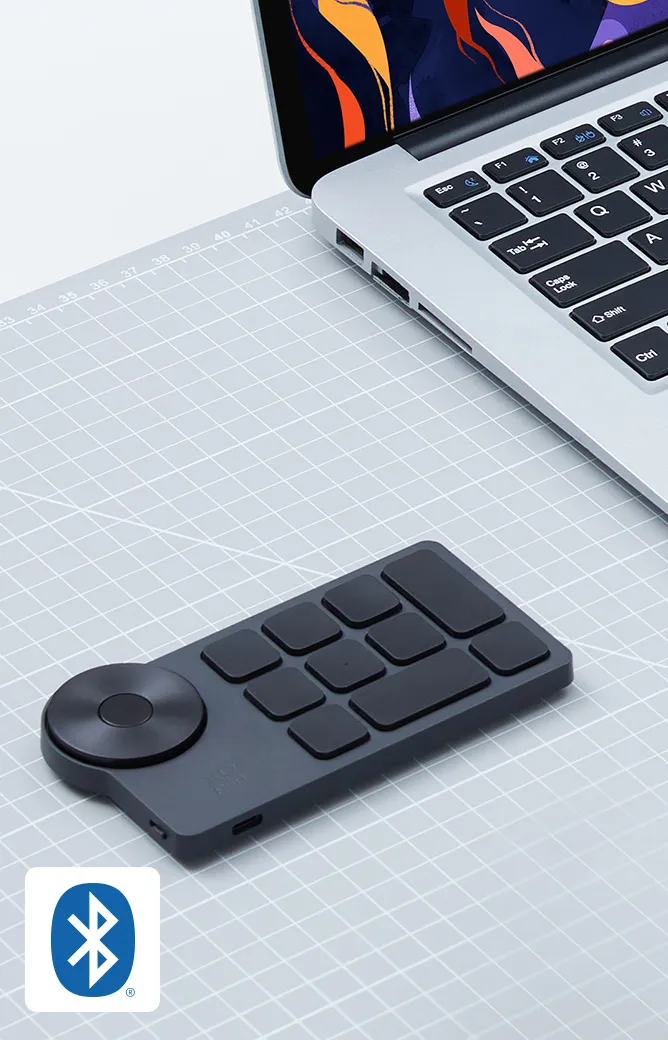
Bluetooth 5.0
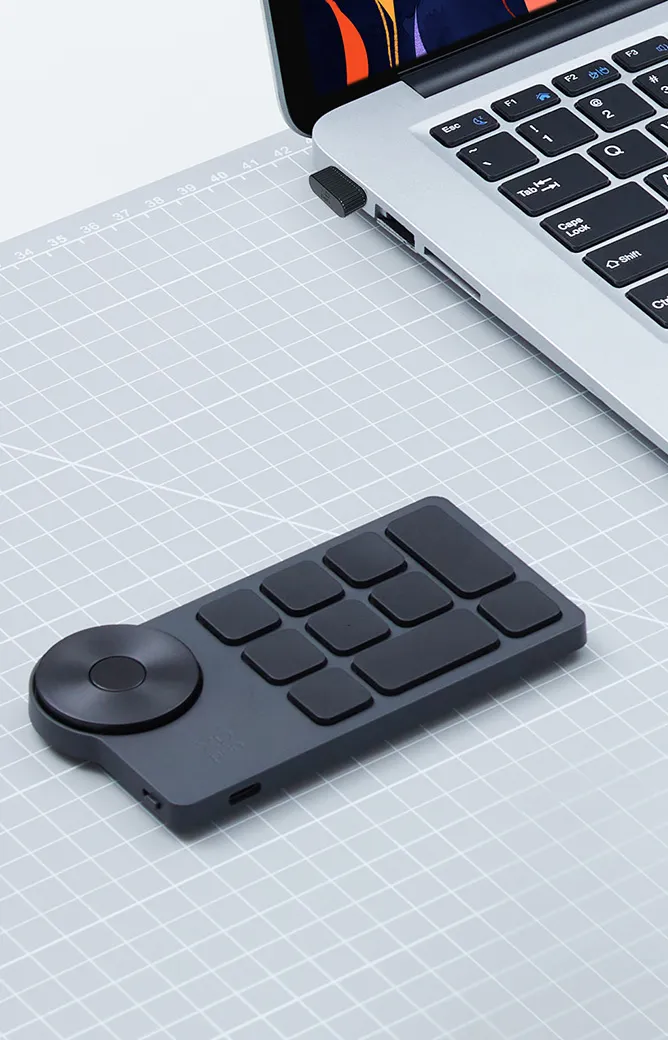
Bluetooth dongle
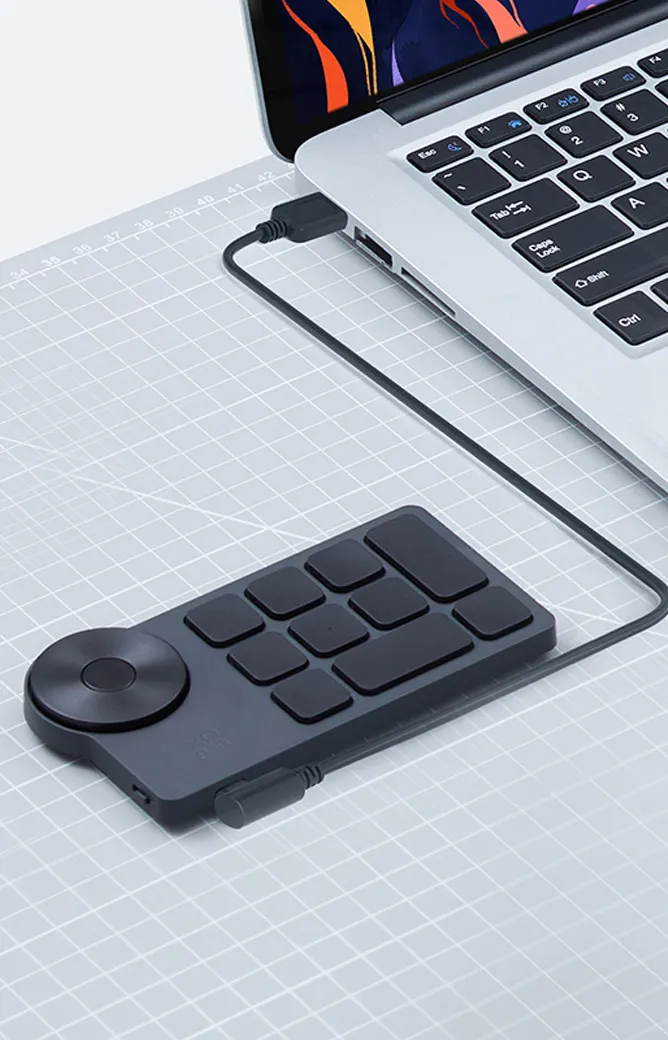
USB-C cable
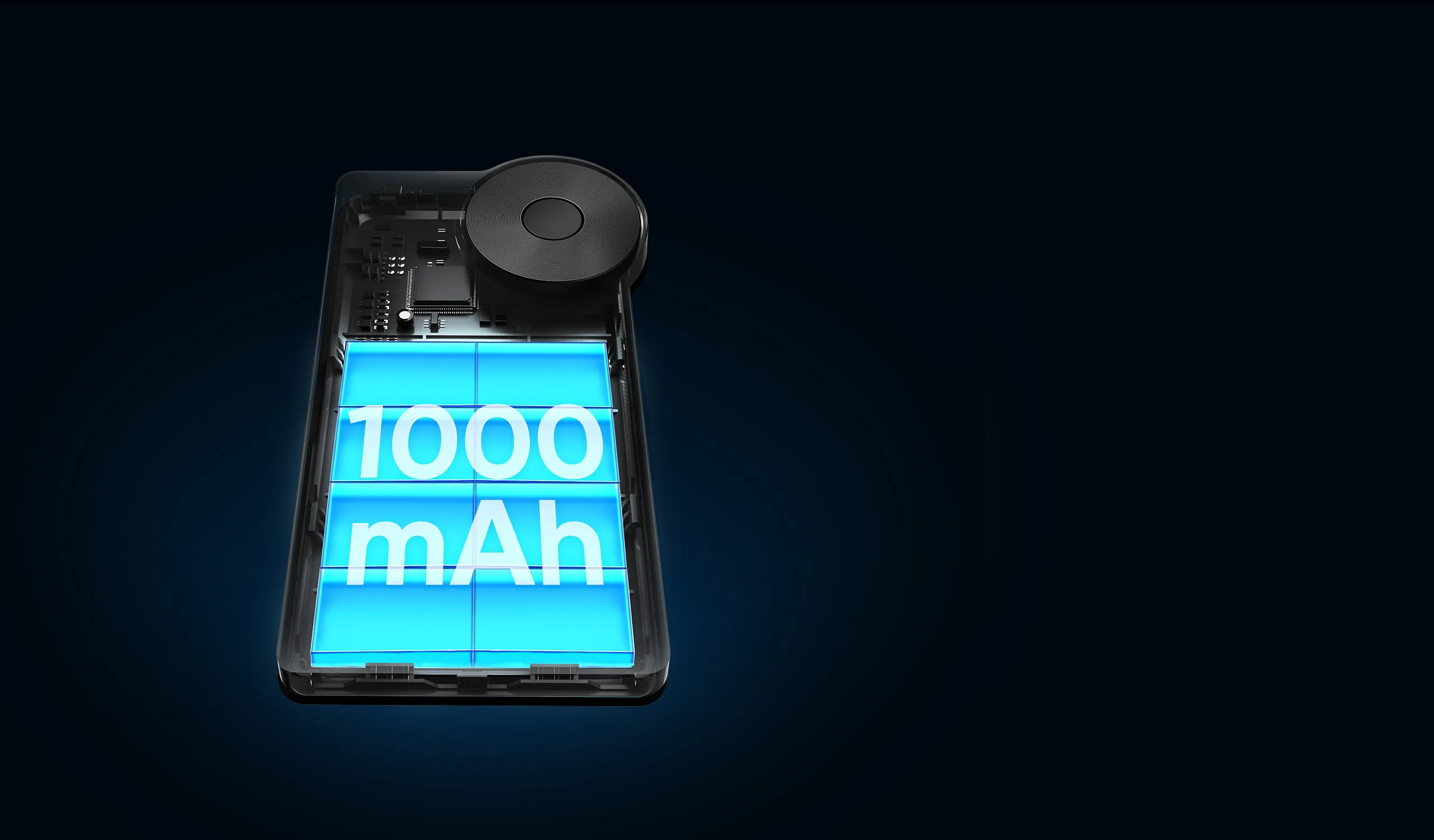
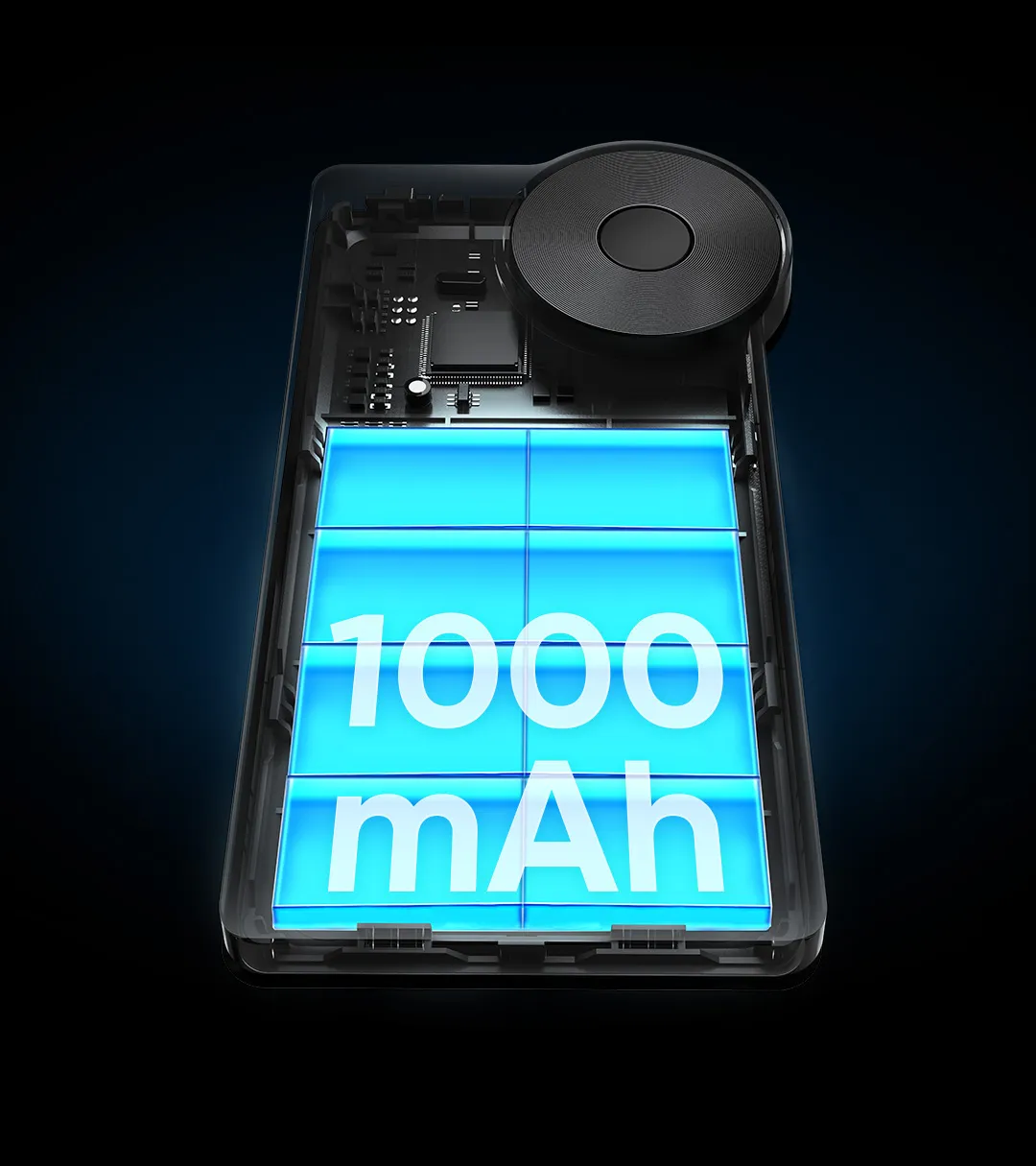
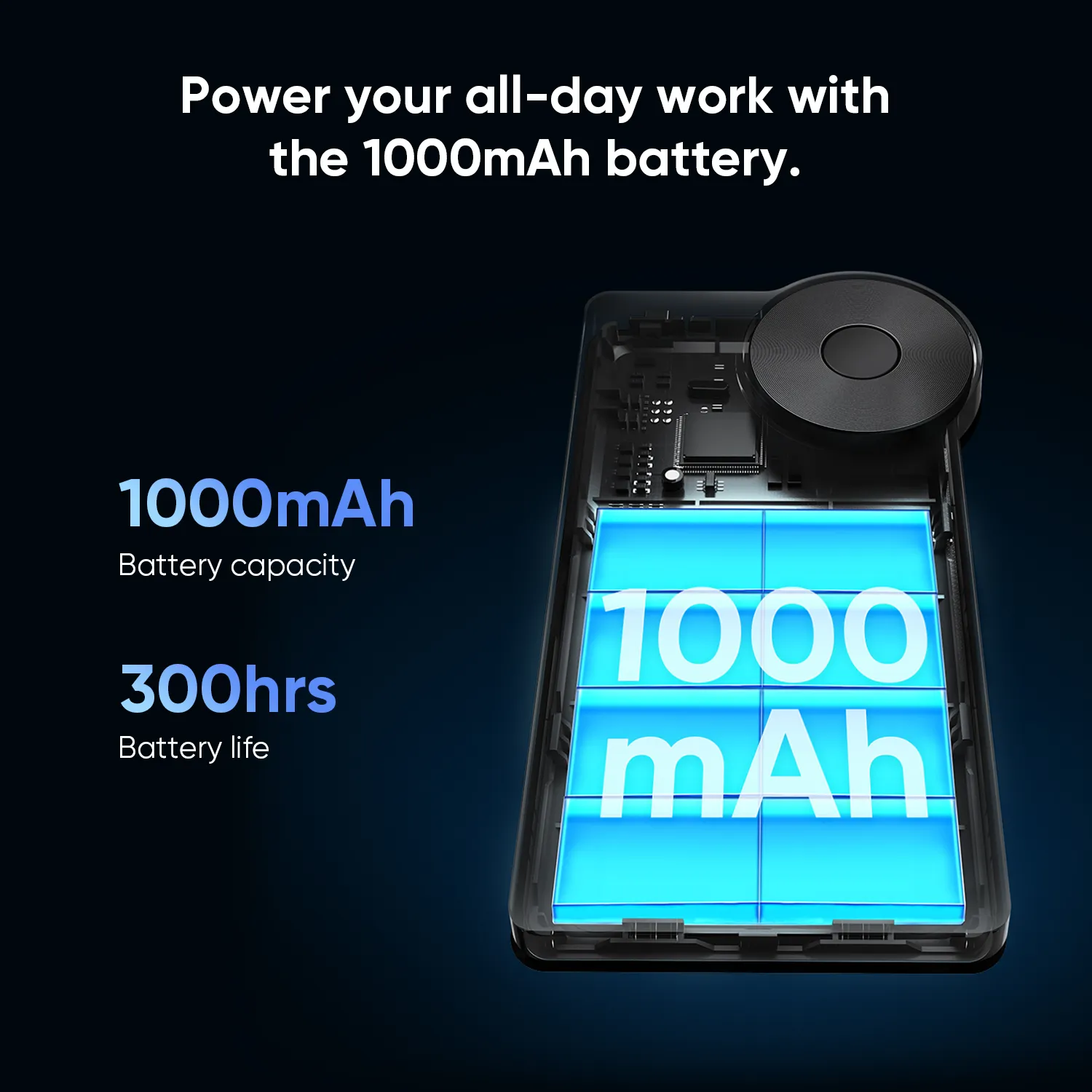
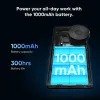
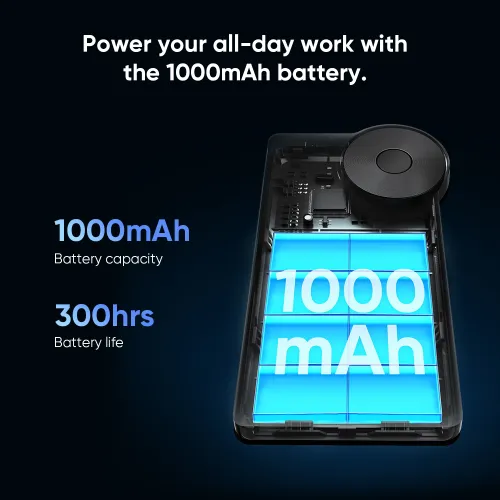
Large 1000mAh battery.
Power you for days on end.
The Wireless Shortcut Remote lasts up to 300 hours on a full charge thanks to its built-in 1000mAh battery. Its standby time is as long as up to 10 months -- Ready to speed up your creation whenever you grab it.
1000mAh
Battery capacity
300 hours
Battery life
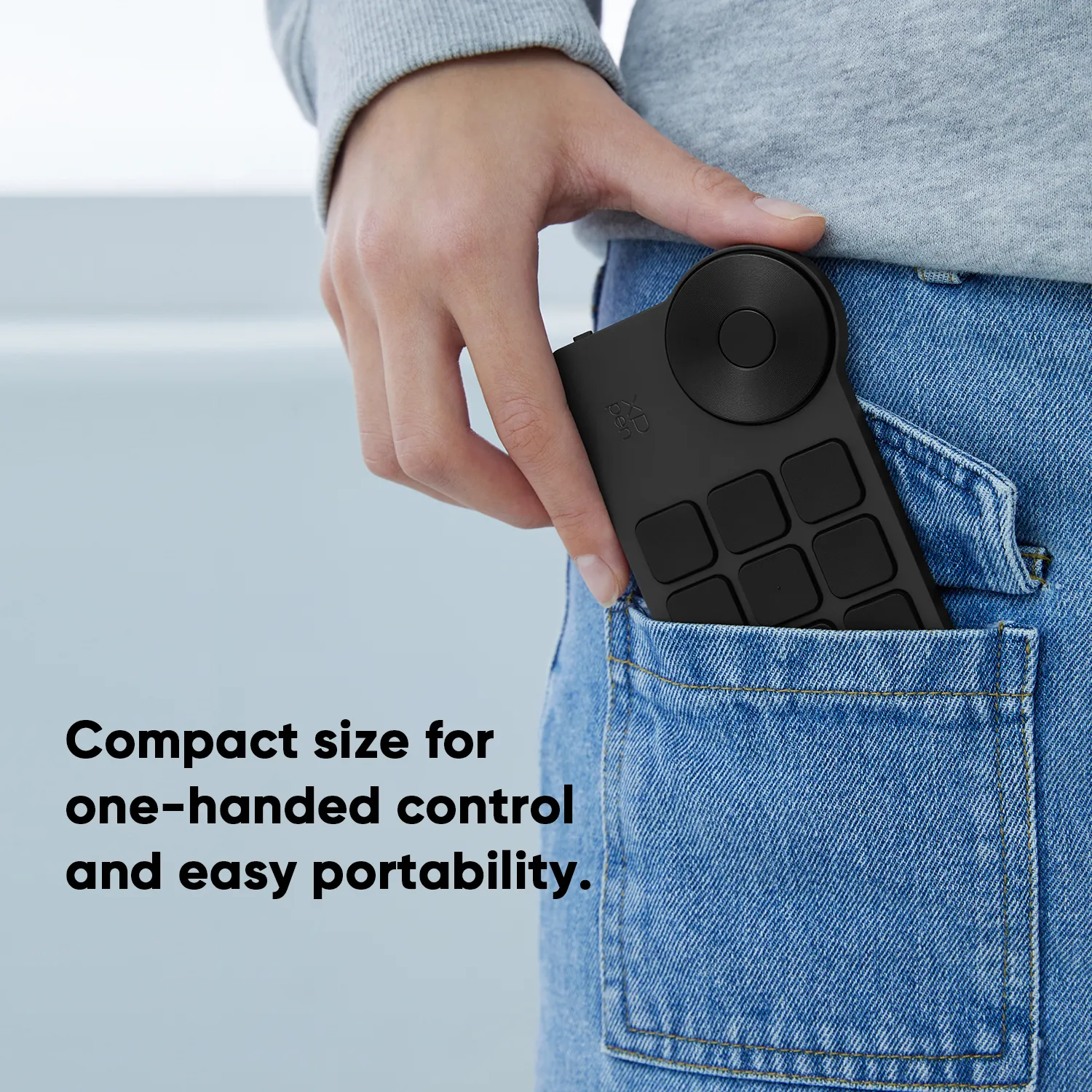
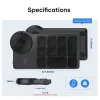
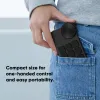
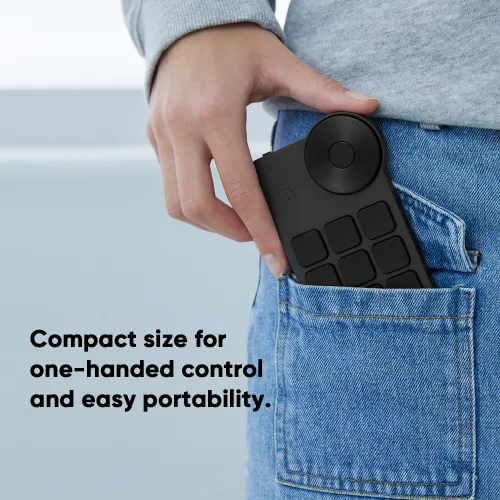
Compact size for
one-handed control.
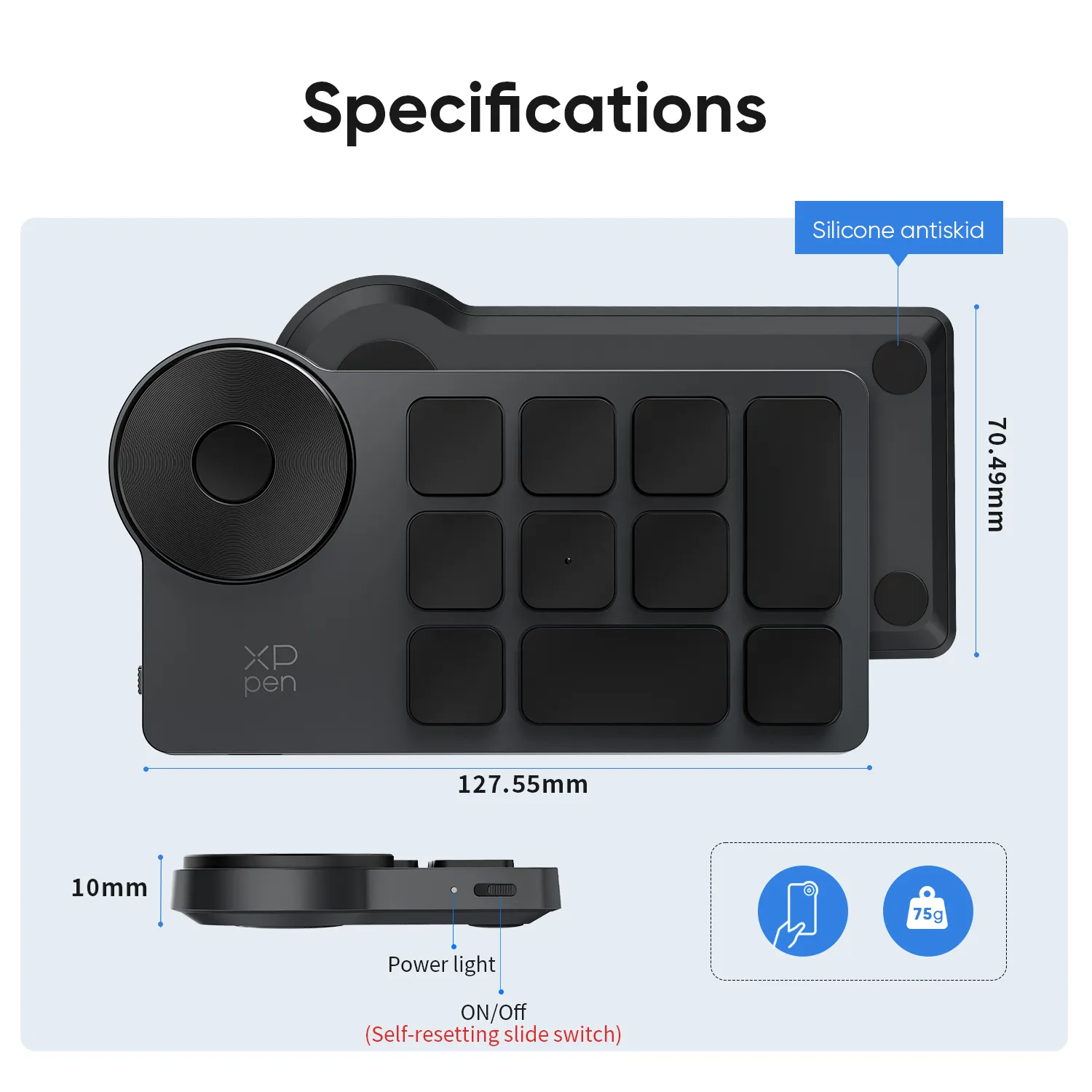
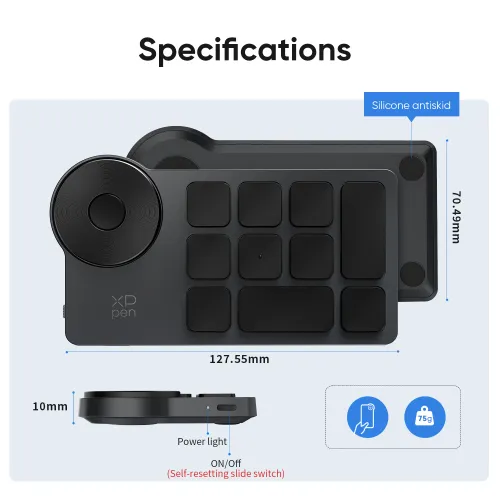
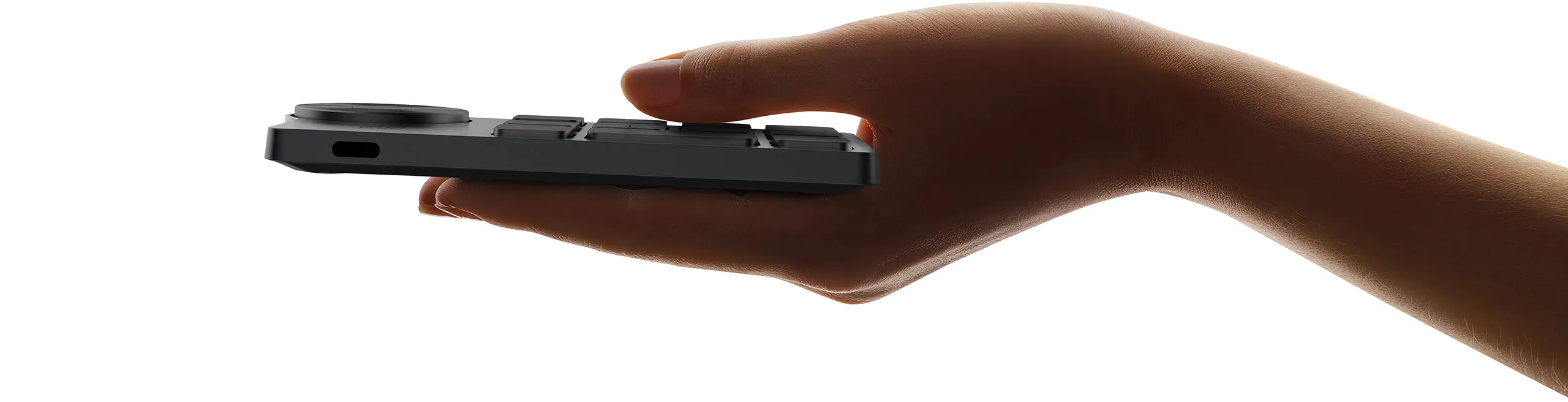
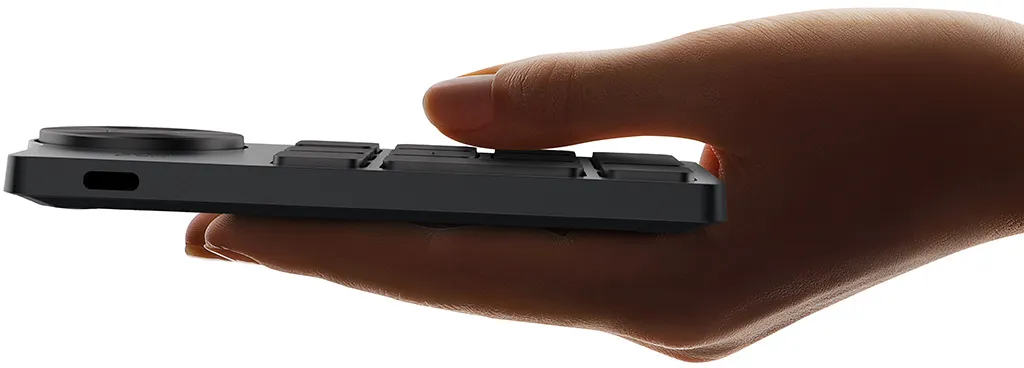
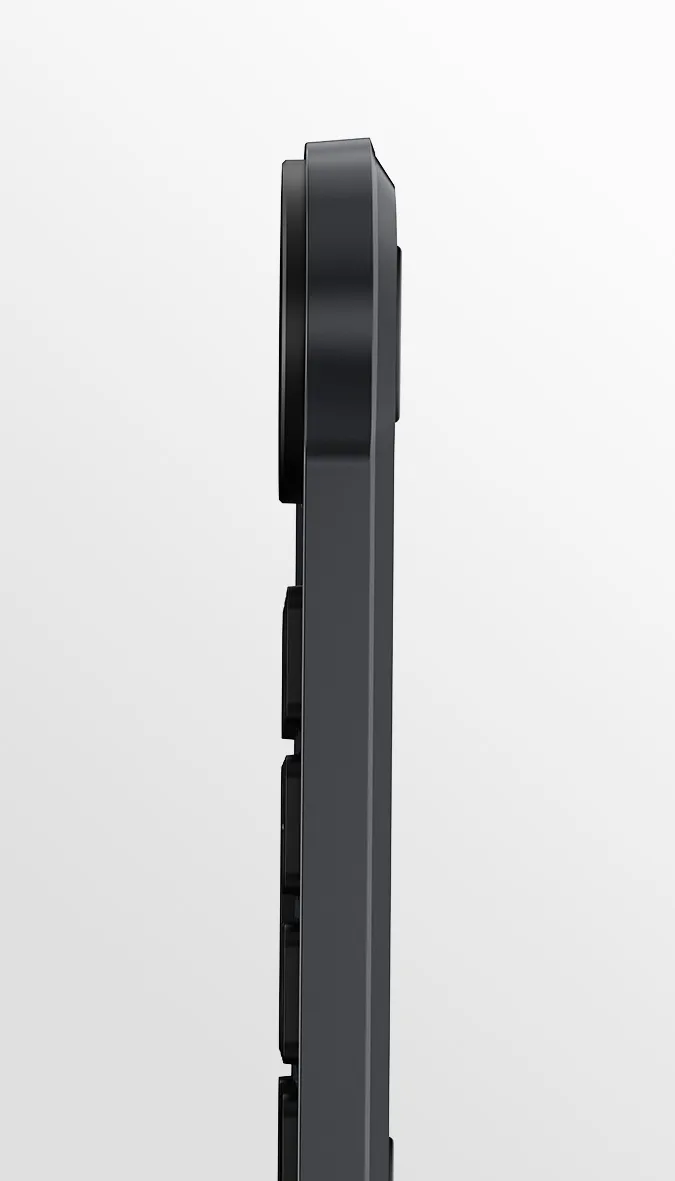
The Wireless Shortcut Remote features a thin profile and weighs only 75g, easy for one hand to hold. Create anywhere, anytime, in a massively efficient way.
127.55 x 70.49 x 10mm
Classic black design. Always match your pro style.
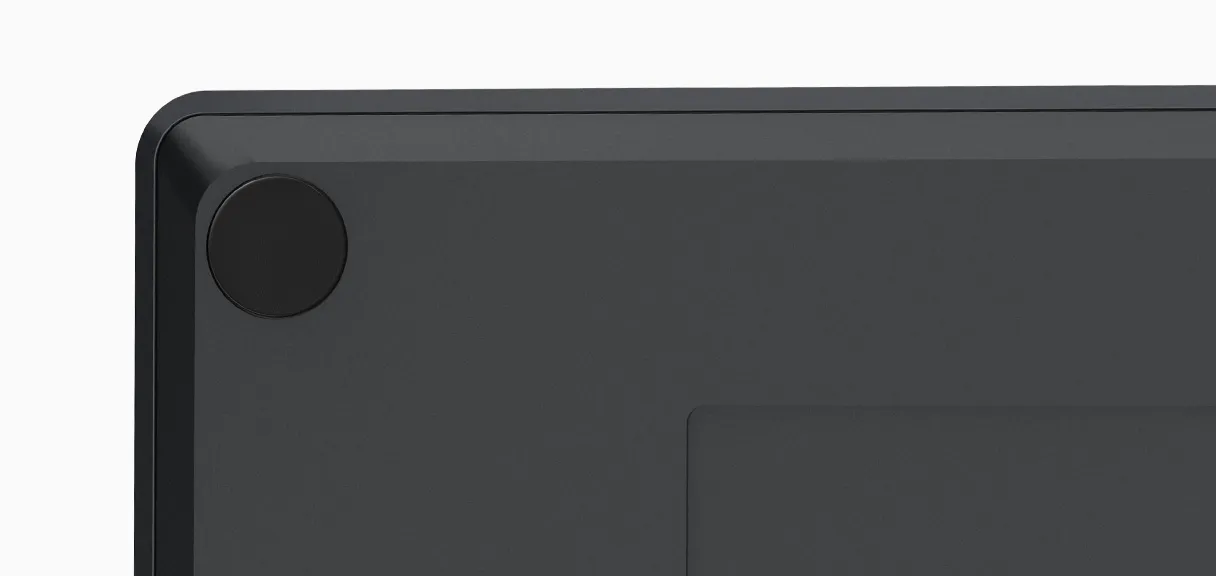
The classic black design manifests your professionalism and always fits your workspace. The keycaps and physical dial are covered with a layer of coating that is resistant to sweat and stains and can endure years of use without losing its shine.
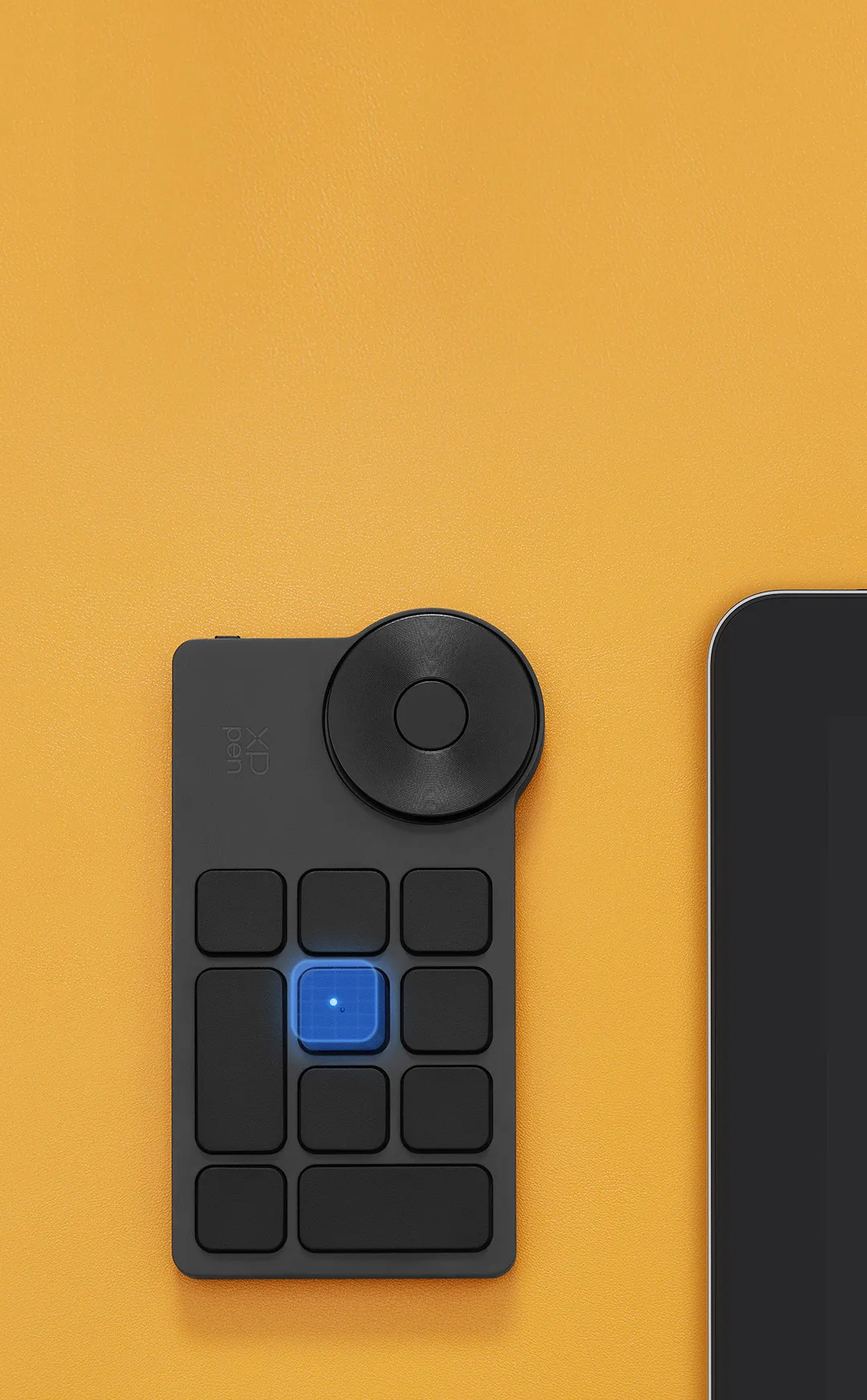
Ergonomic design for touch typing.
Make fast faster.
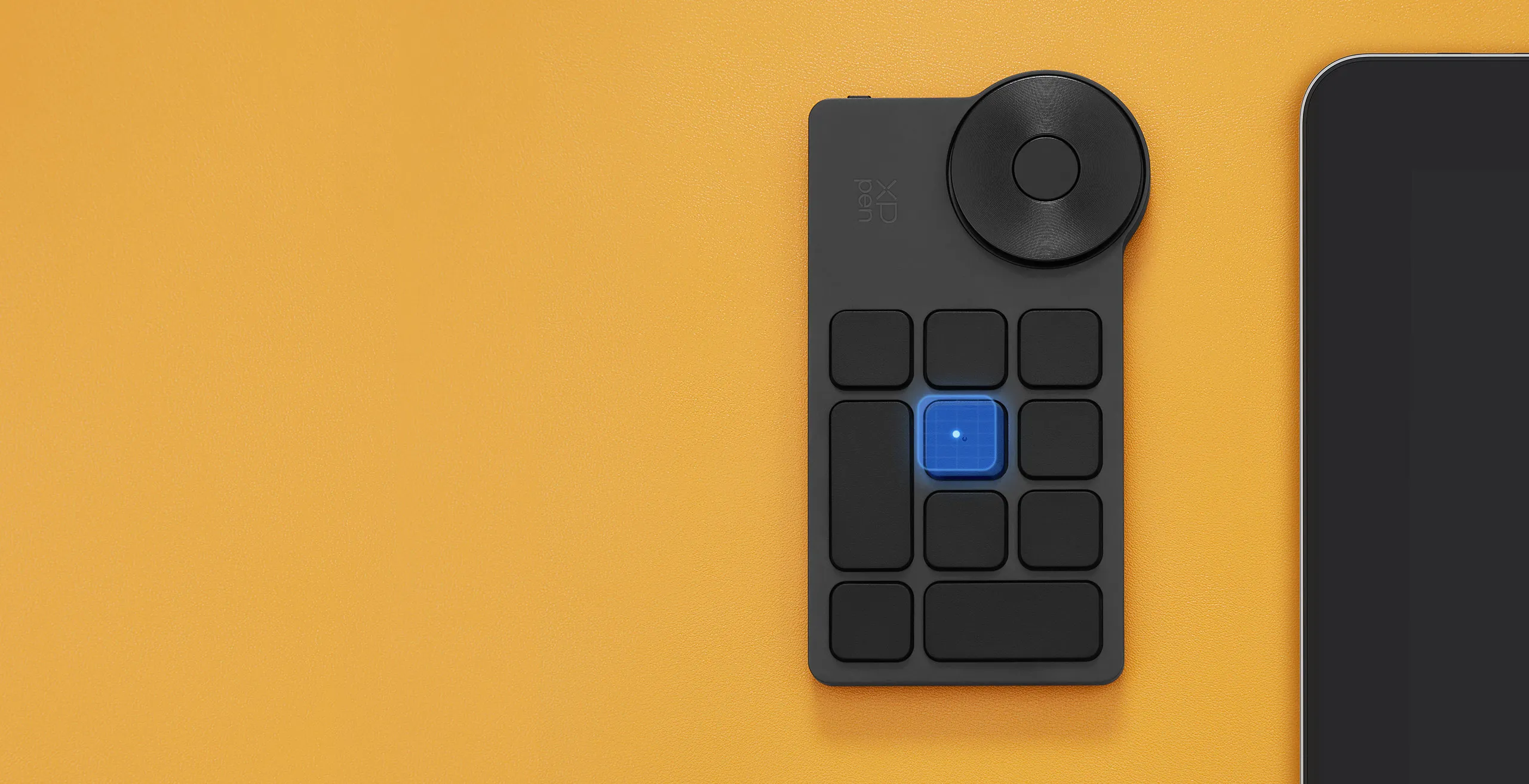
Accelerate your workflow with a little dot protruding on the middle key for easy identification and access without even a glance. Suit both the left-handed and the right-handed.
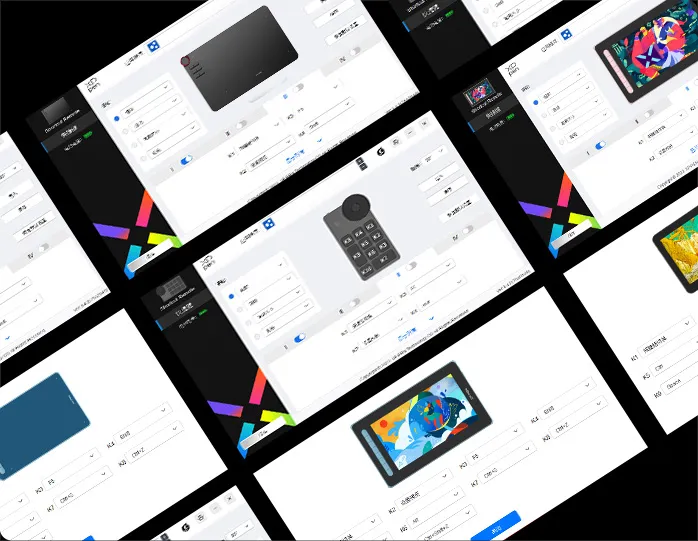
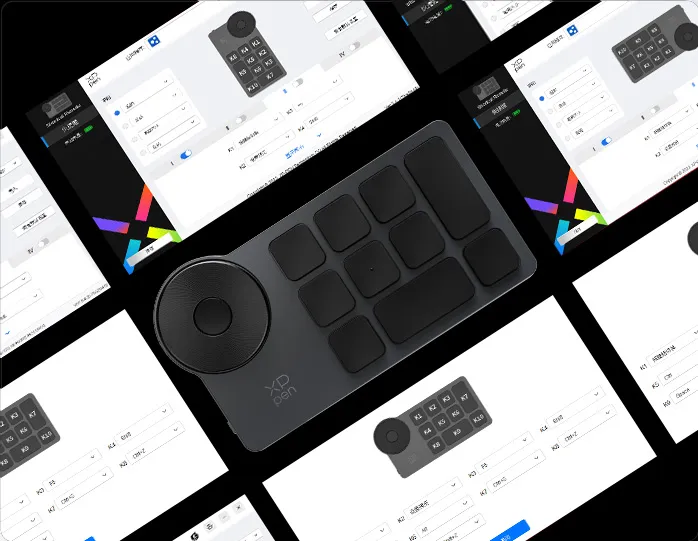
Two driver versions. With redesigned UI.
The redesigned user interface of the driver is pleasingly simple and easy to interact with. Choose between the driver's Full version and Separated version to work the best with your device(s), and unleash your creativity without limits.
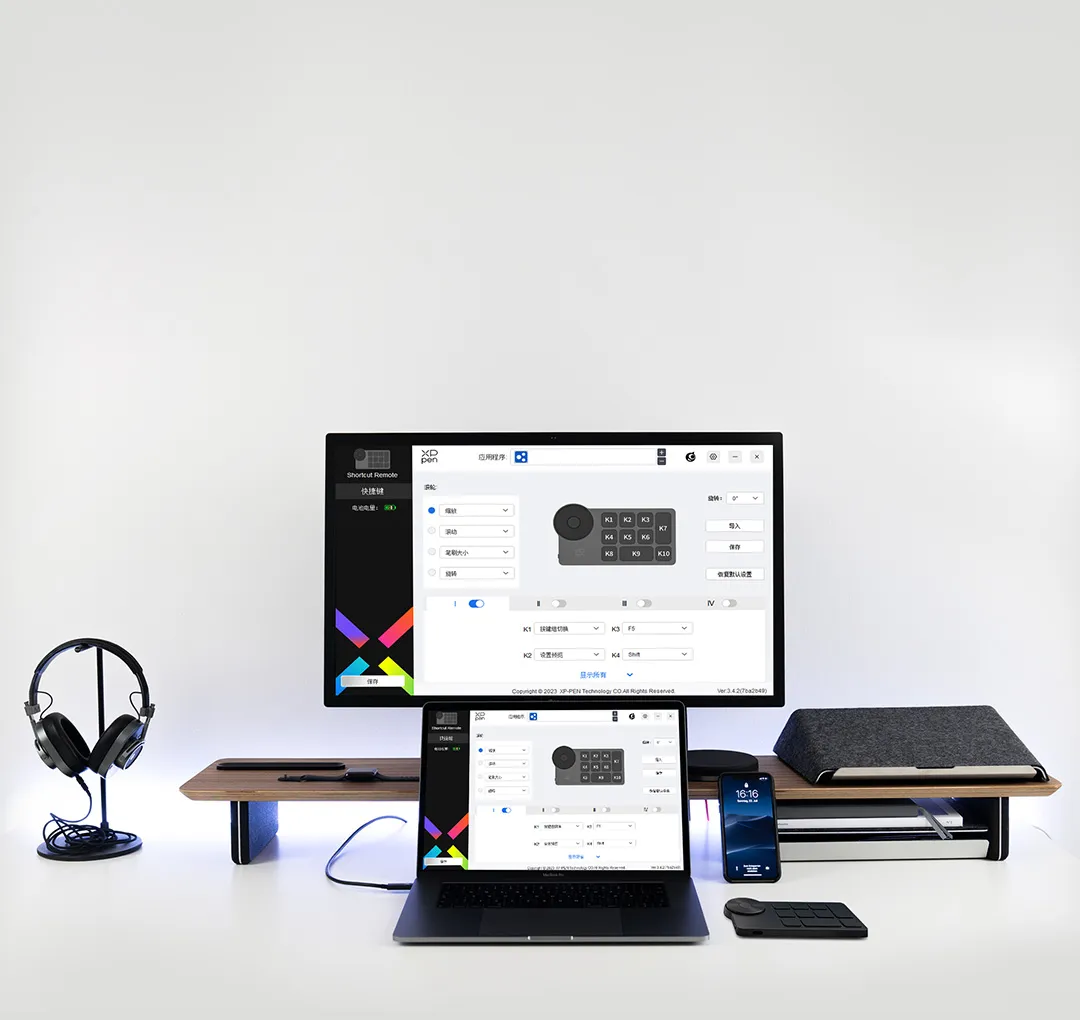
Save locally. Apply across devices.*
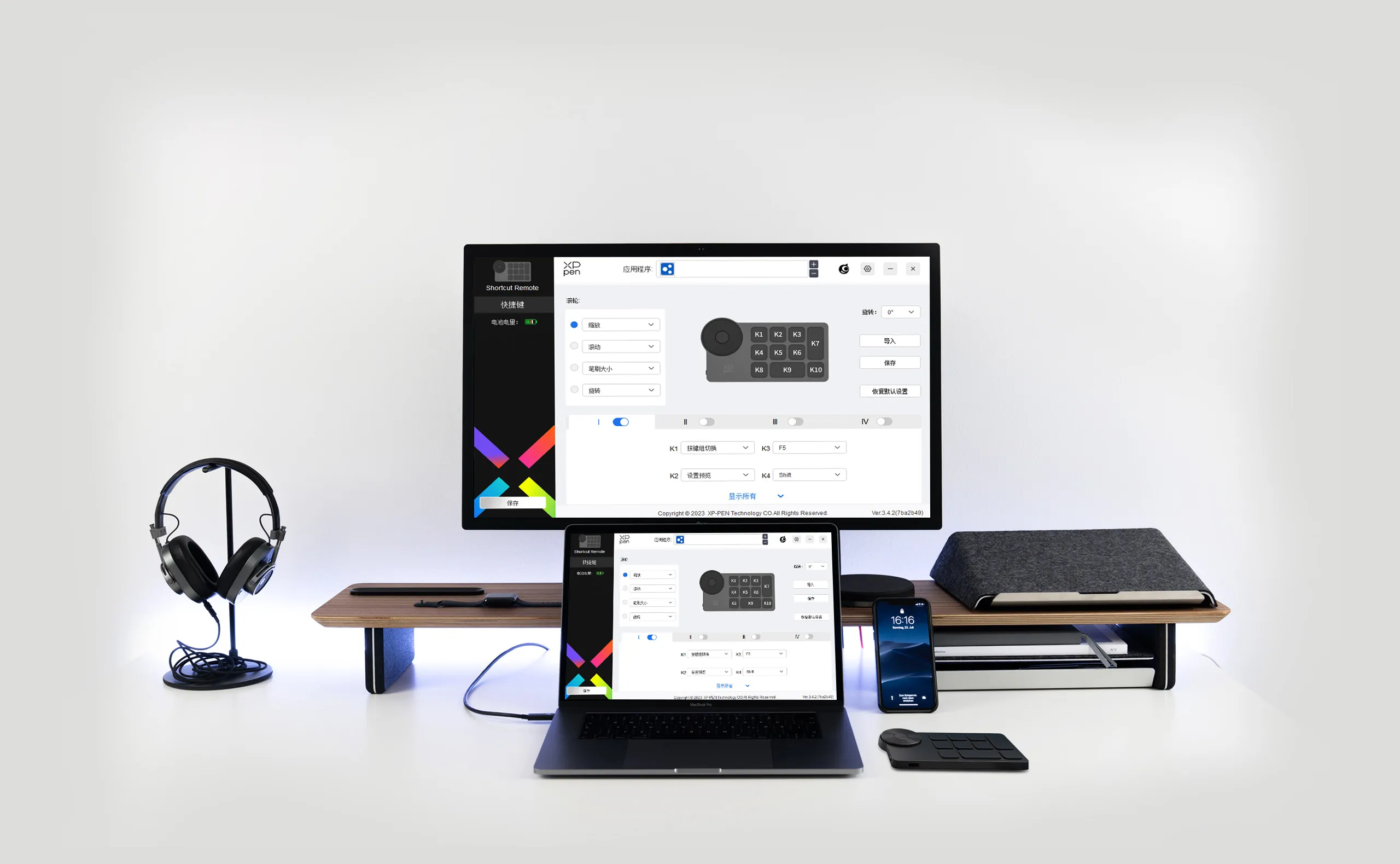
Save custom driver settings in your computer and the Wireless Shortcut Remote. Apply the settings to different devices without programming again.
*Supported only via wired connection
Import: Import settings saved in the Wireless Shortcut Remote to the selected application in the driver.
Save: Save the settings for the current application in the Wireless Shortcut Remote.
Work with various software.
Satisfy diverse creative needs.
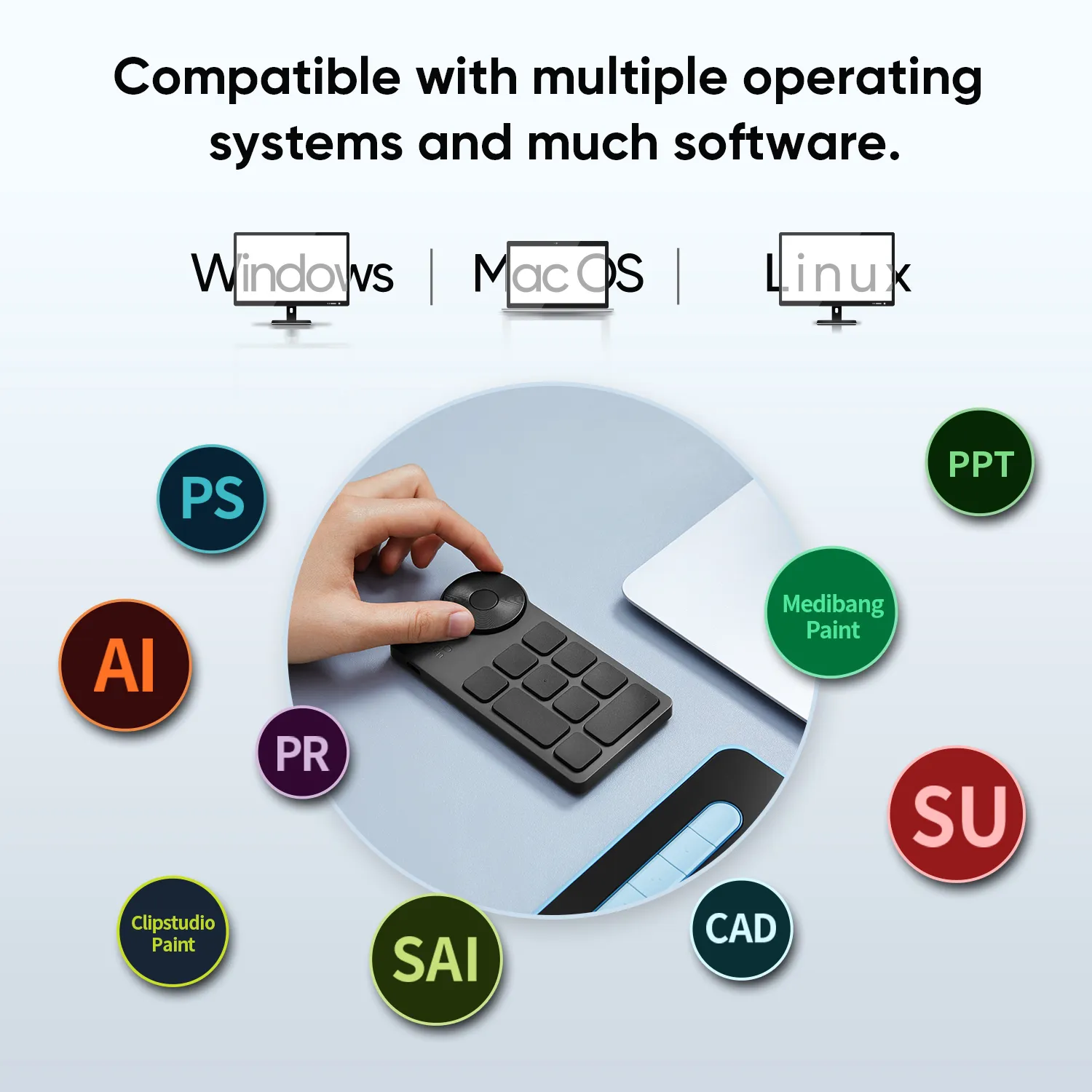
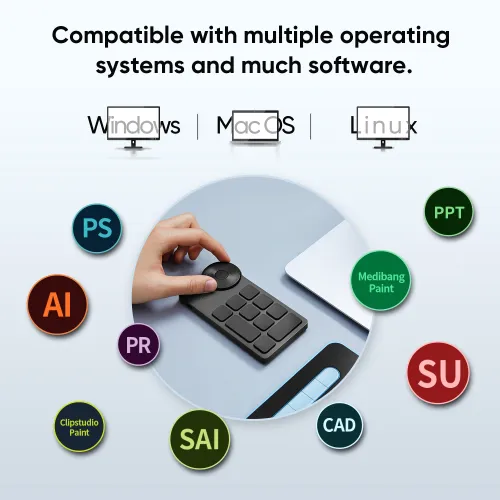
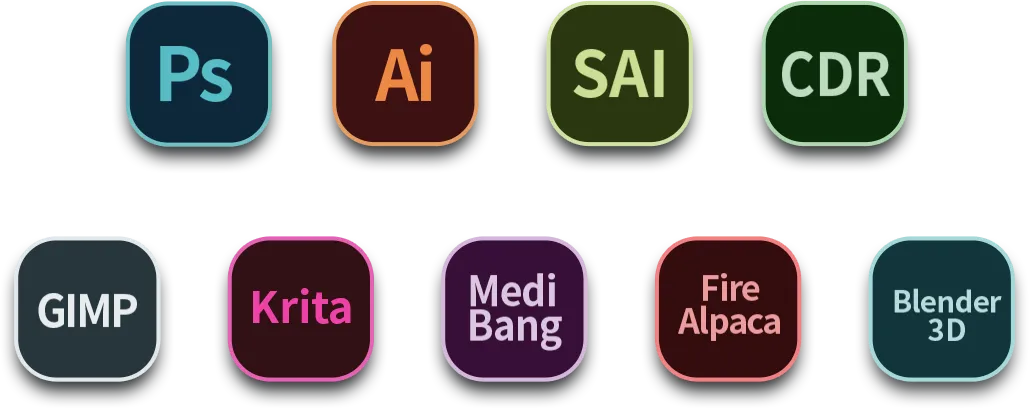
The Wireless Shortcut Remote is an incredible efficiency booster, working with various software for drawing, 2D/3D design, video/audio editing, and more. Useful for creatives such as artists, graphic designers, colorists, editors, and more.
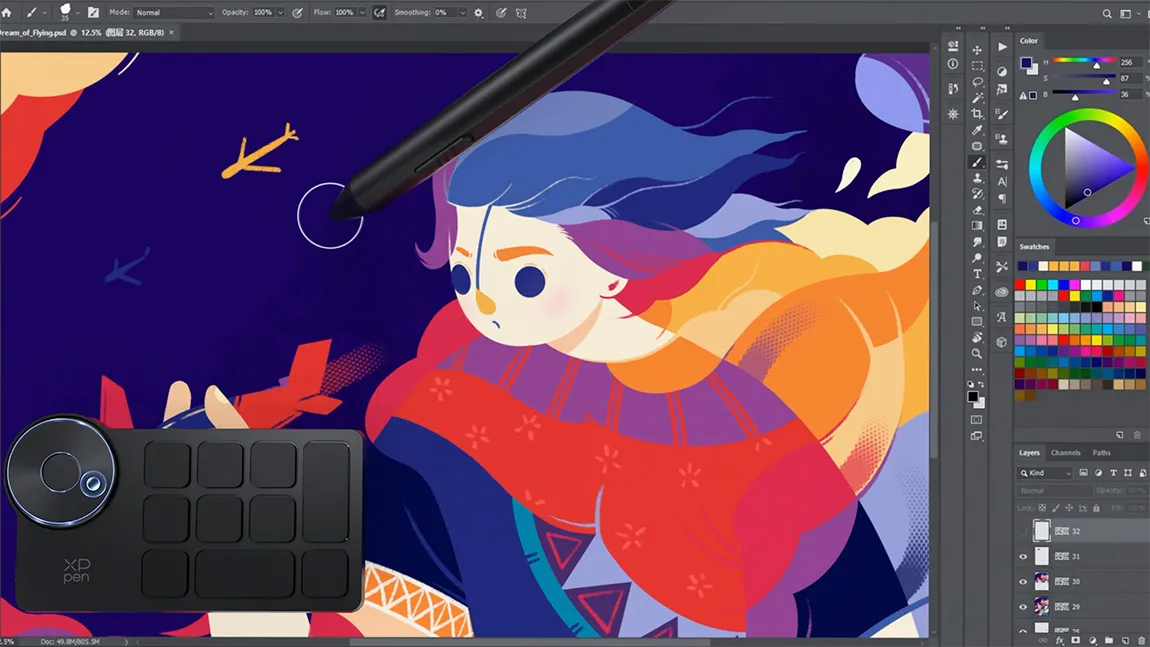
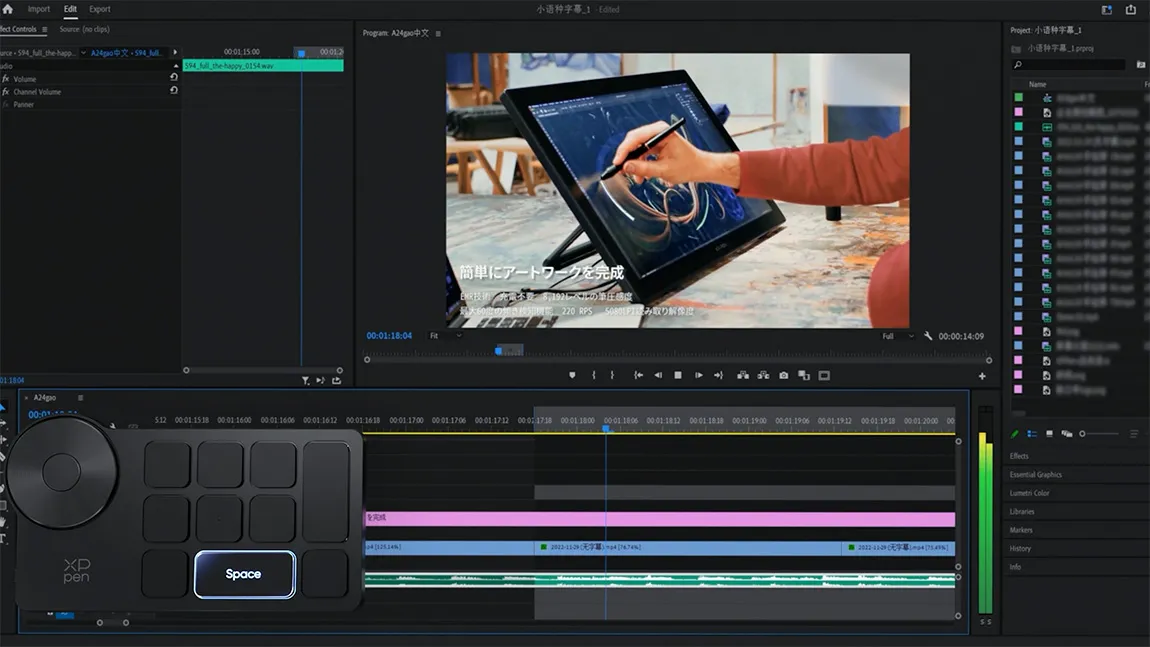
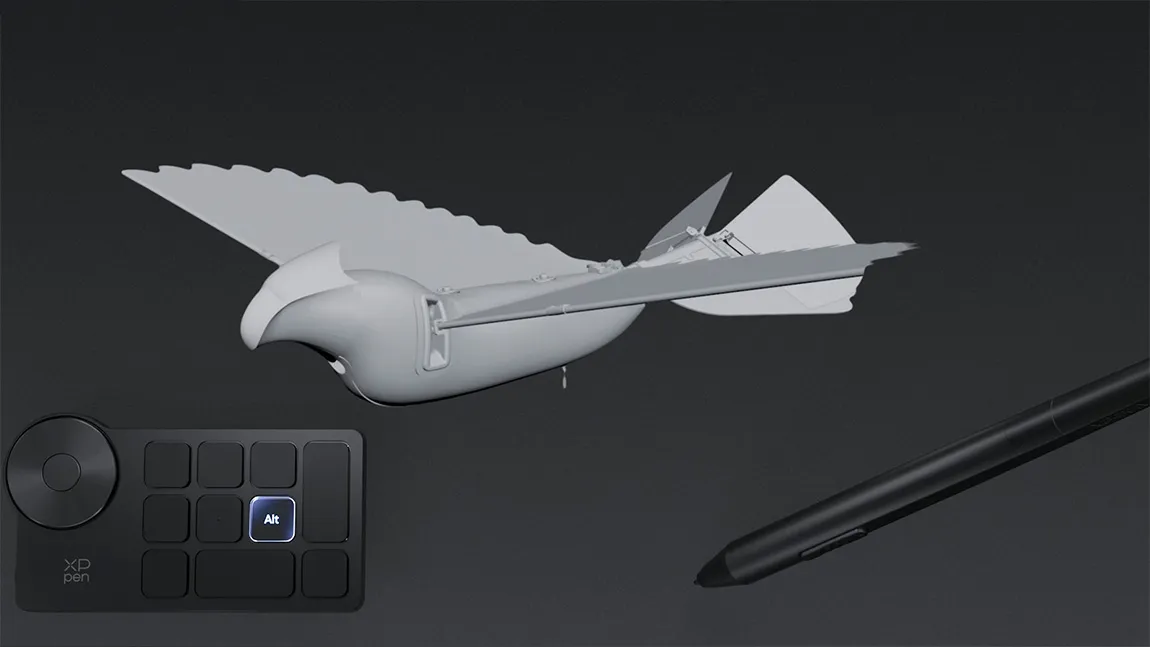


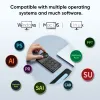
Compatible with multiple operating systems
and much software.
System requirements for wired connection or connection via a Bluetooth dongle:
Windows 7 or later, macOS X 10.10 or later, and Linux.
System requirements for Bluetooth connection:
Windows 10 or later, macOS X 10.10 or later.

Software requirements:Photoshop, Illustrator, Flash, SAI, CAD, Painter, and more.
Specifications
| Name | XPPen Wireless Shortcut Remote | |
| Model | ACK05 | |
| Material | Plastic + silicone | |
| Dimensions | 127.55 x 70.49 x 10mm | |
| Color | Black + grey | |
| Weight | 75g | |
| Battery capacity | 1000mAh/3.7V | |
| Connectivity | Wired, Bluetooth dongle, Bluetooth 5.0 | |
| Shortcut keys | 11 | |
| Battery life | About 300 hours | |
| Interface | USB-C | |
| System requirements | Wired connection, connection via a Bluetooth dongle: Windows 7 or later, macOS X 10.10 or later, or Linux; Bluetooth connection: Windows 10 or later, macOS X 10.10 or later. | |
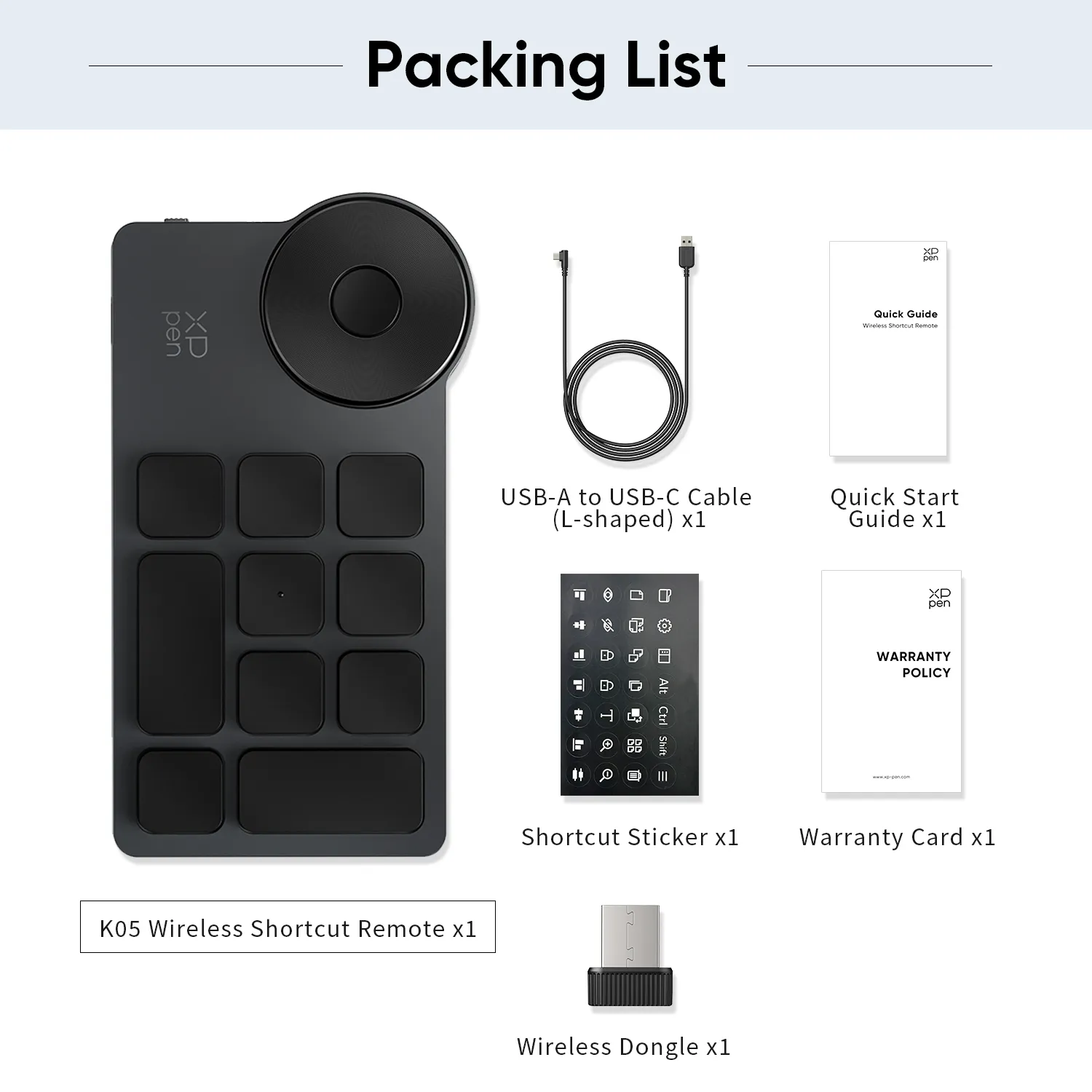
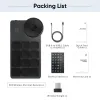
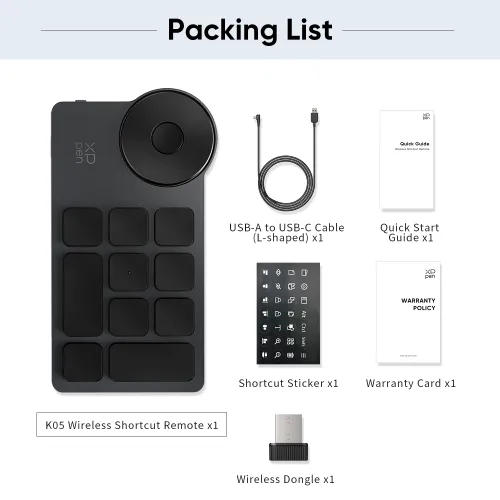
Packing list
ACK05 Wireless Shortcut Remote x1
USB-A to USB-C Cable (L-shaped) x1
Wireless Dongle x1
Shortcut Sticker x1
Quick Start Guide x1
Warranty Card x1
Customer Service Notice Card x1

