


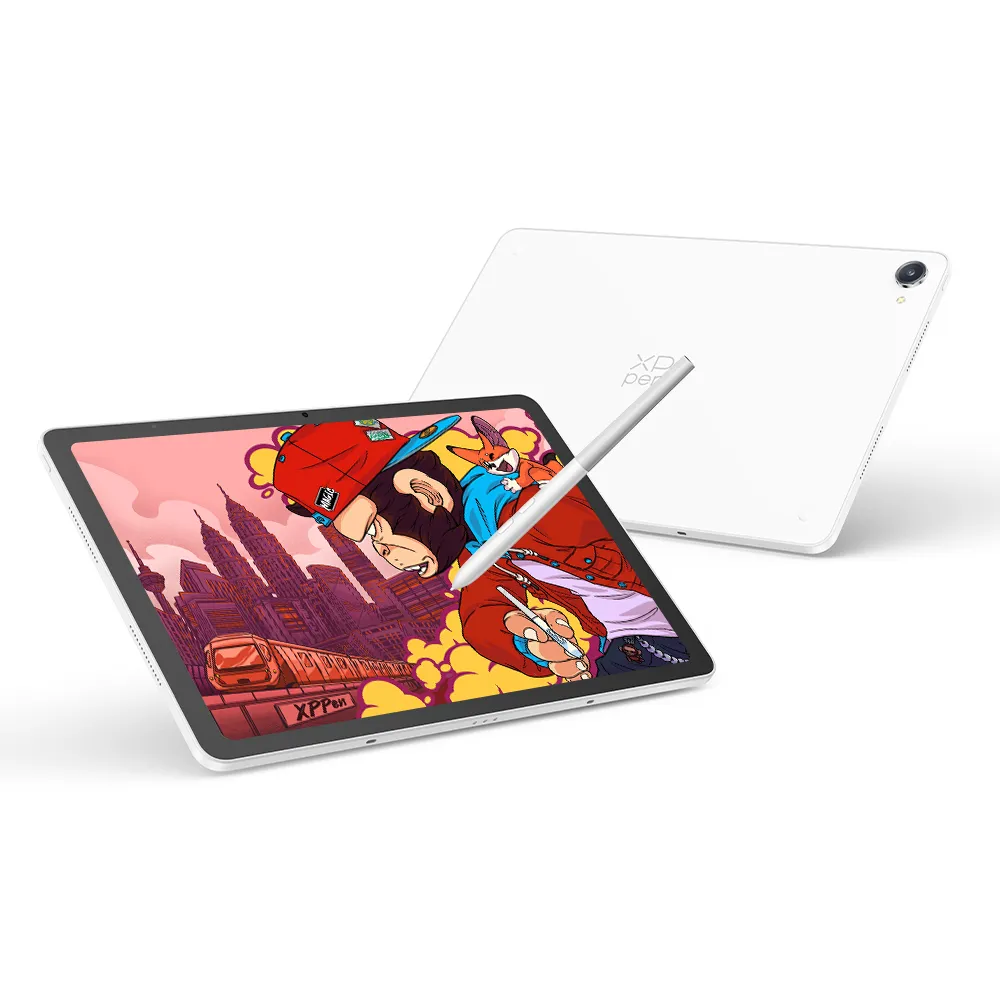





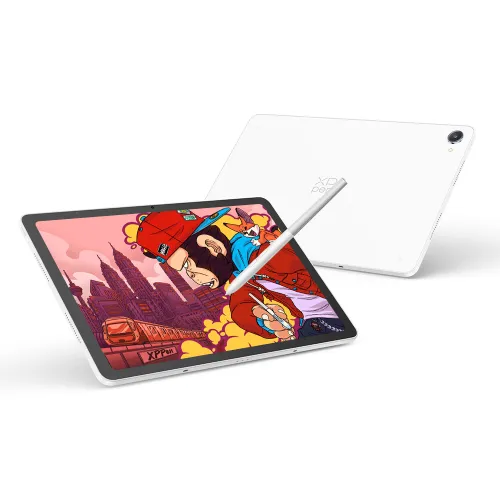

Magic Pro 13 (Standalone Pad)
Drawing Display Mode
X4 Smart Chip Stylus
3K 120Hz Paper-like Display
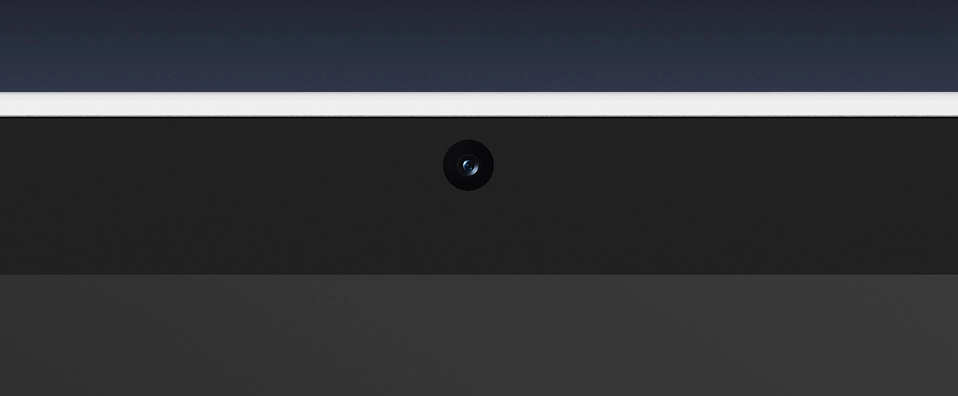
8MP+13MP Front and Rear Cameras
Android 16+ In-house Software Ecosystem
120Hz Refresh Rate
❋In stock in the EU warehouse❋
❋24-Month Warranty❋
Free Shipping (Except RS, NO, CY, MT, IS, MC, MK)
Secure payments (Your payment information is processed securely)
Contact (Monday to Friday 10:30am - 6:30pm( PST))
Professional Support (shopeu@xp-pen.com service@xp-pen.com)
Quantity:
 Log in and purchase to receive an estimated 940 X-Coins





Worry-Free Delivery® available with seel
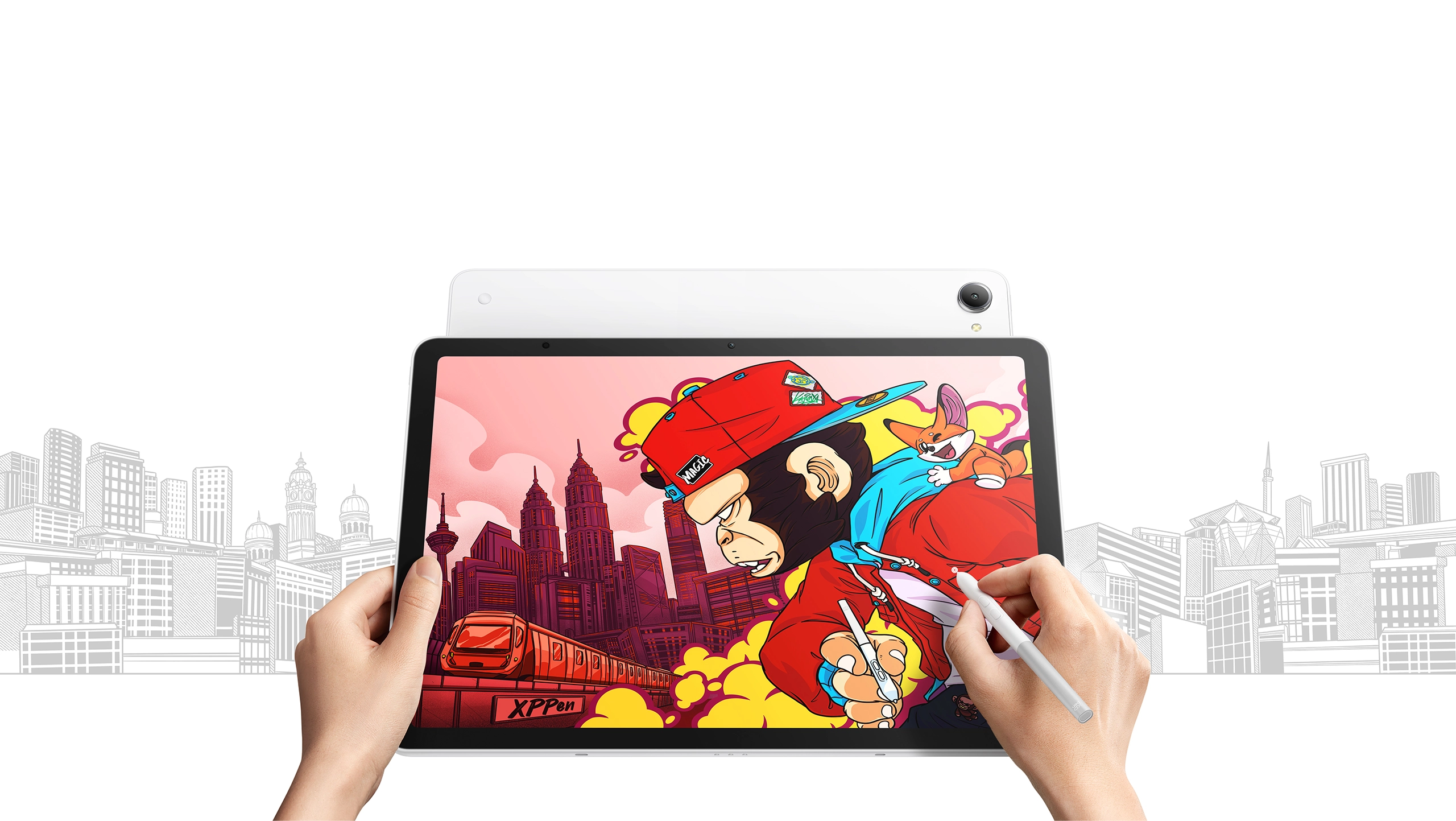
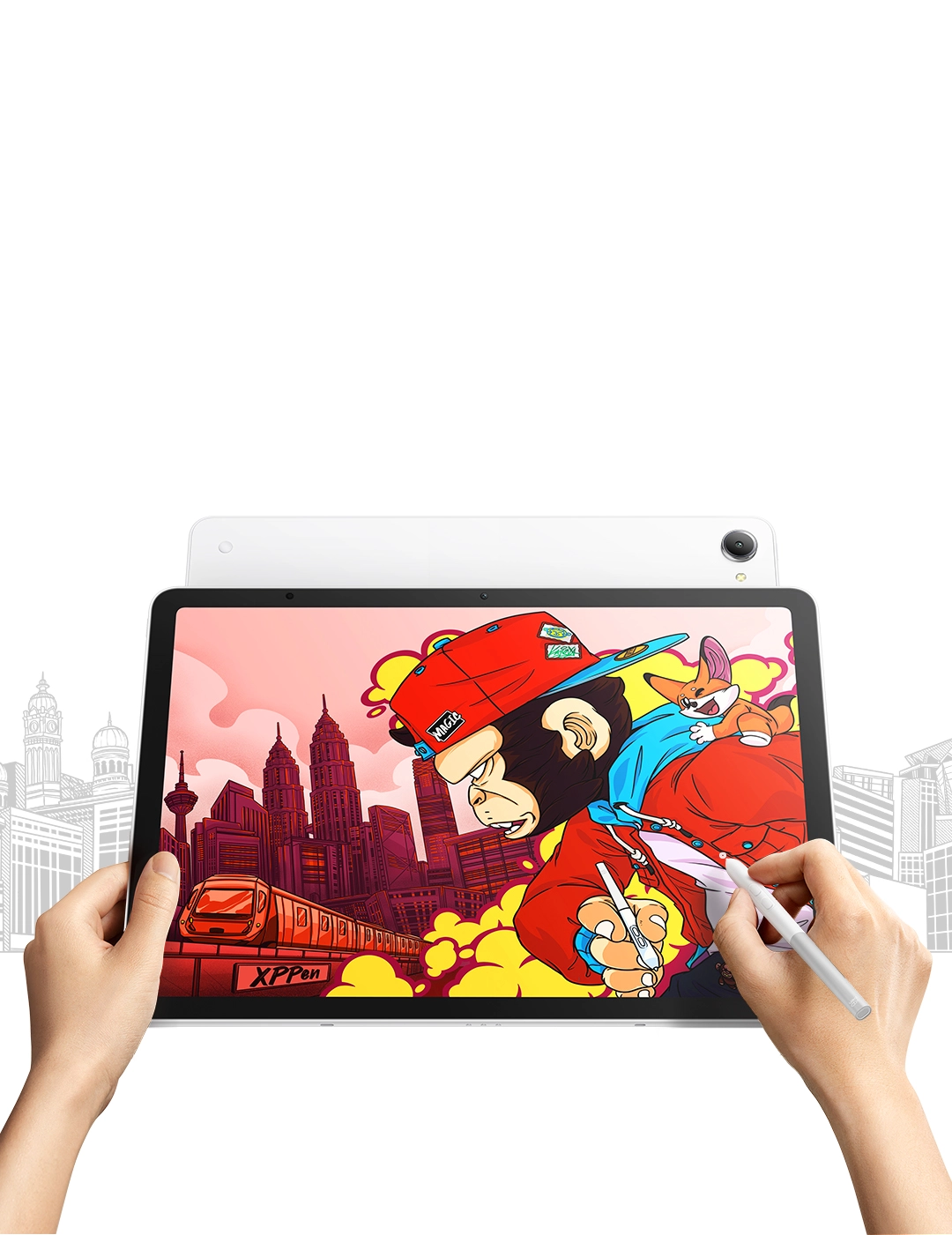
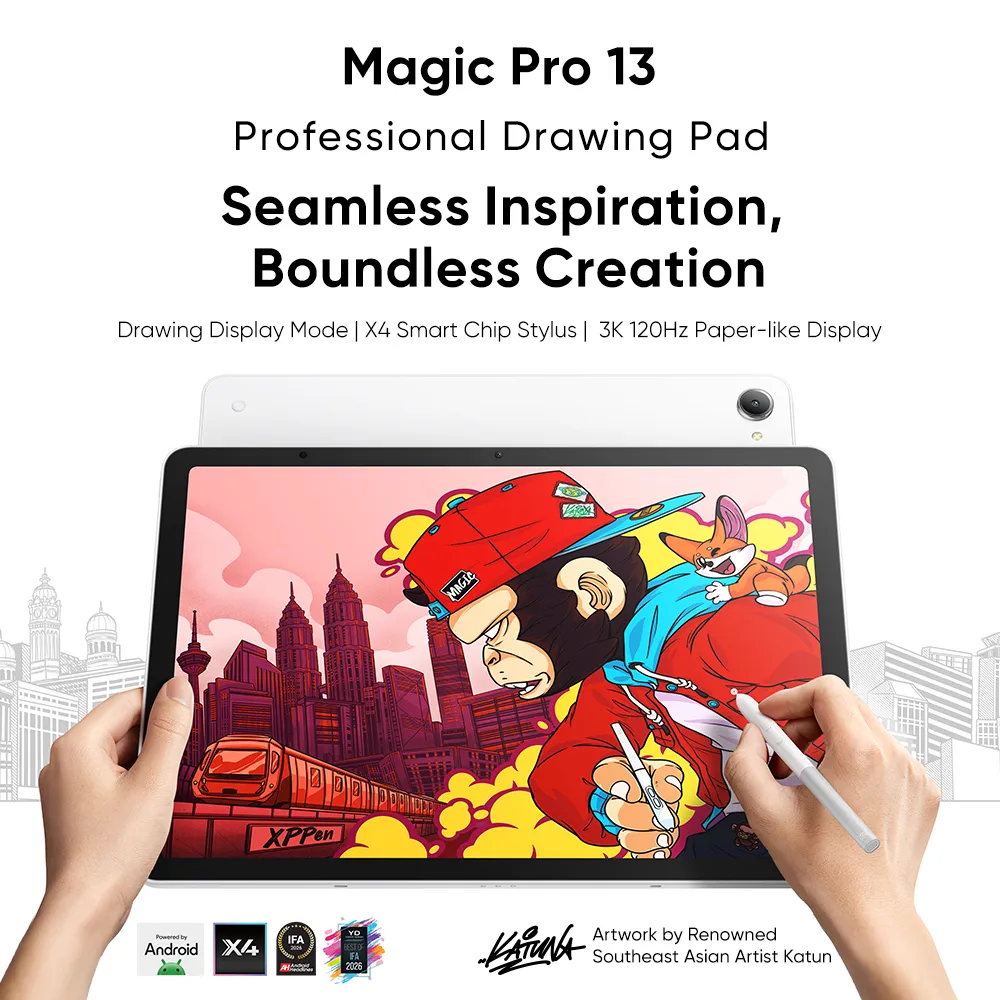
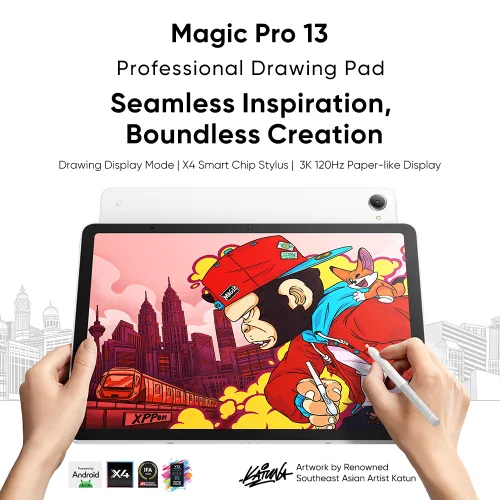
Magic Pro 13
Professional Drawing Pad
Seamless Inspiration, Boundless Creation
Drawing Display Mode | X4 Smart Chip Stylus | 3K 120Hz Paper-like Display


Artwork by Renowned Southeast Asia Artist Katun


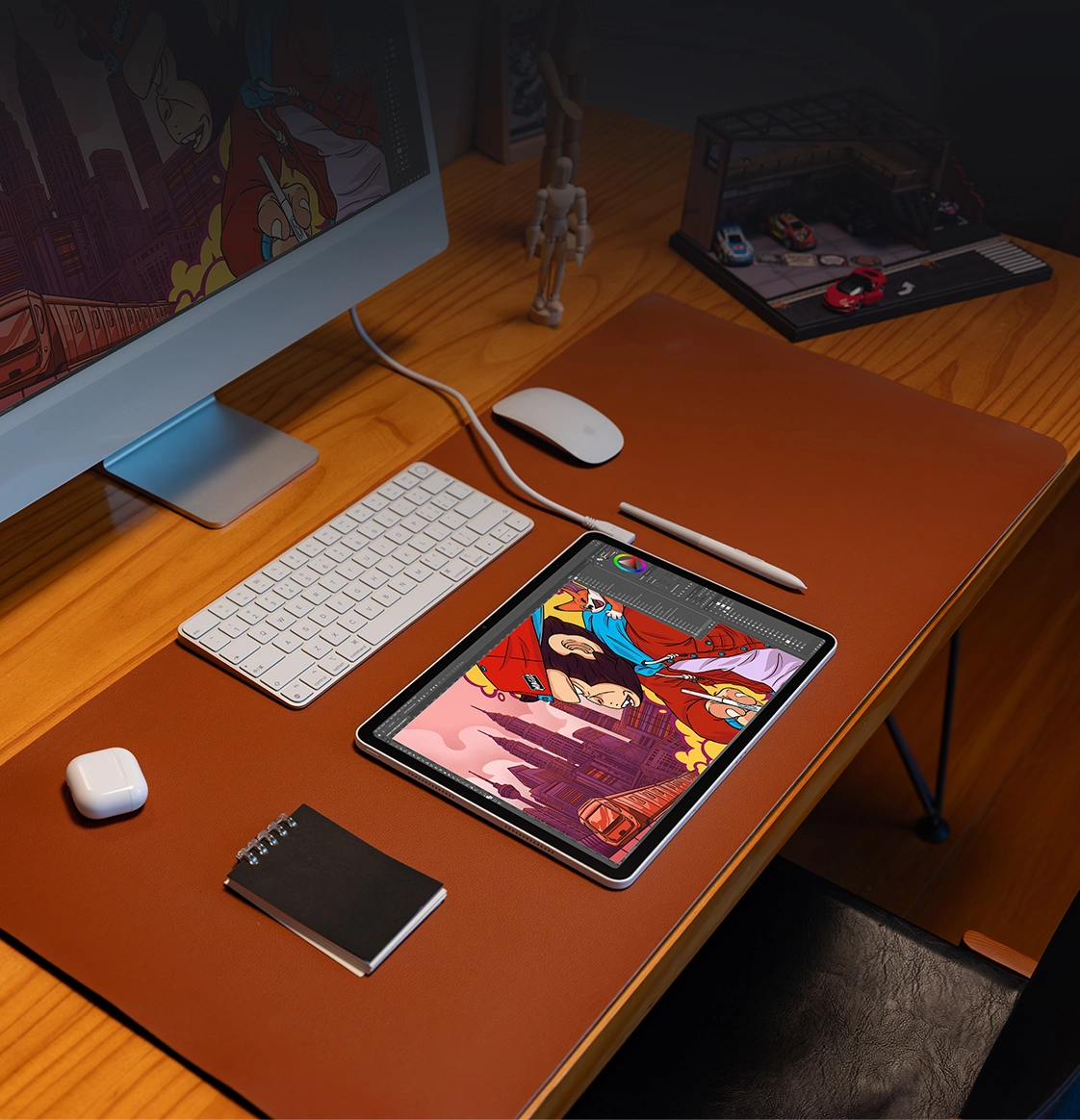
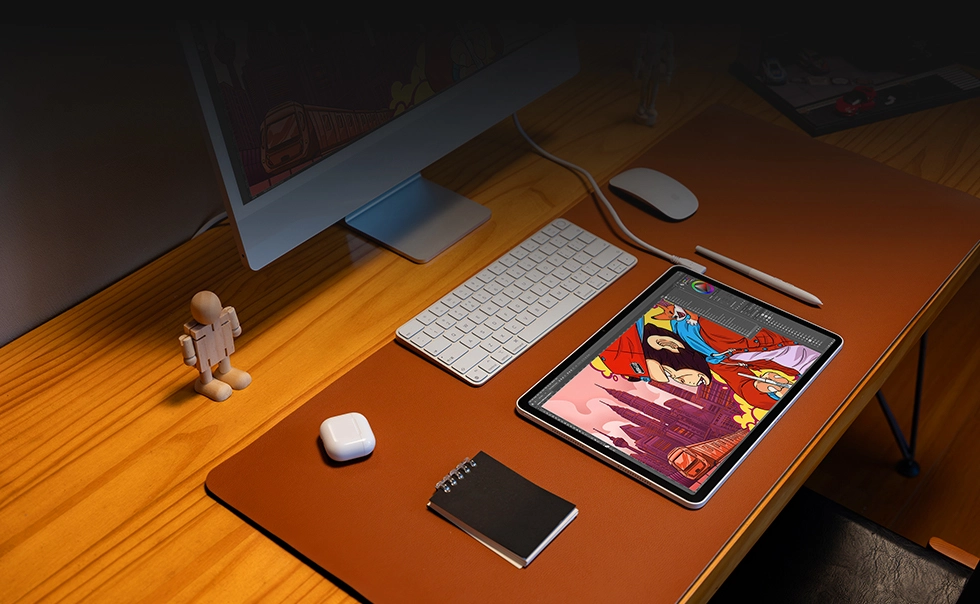
One device, dual modes. The Magic Pro 13 is a next-generation standalone drawing pad that also functions as a professional drawing display.
Its 3K 120Hz paper-like display delivers vivid color and delicate details. Powered by the X4 smart chip stylus with 16K pressure sensitivity and MediaTek Dimensity 8300 processor, every stroke feels smooth and precise.
The industry-first Drawing Display Mode enables simple one-cable PC connectivity. With the Magic Pro 13, creators can work professionally anytime, anywhere.
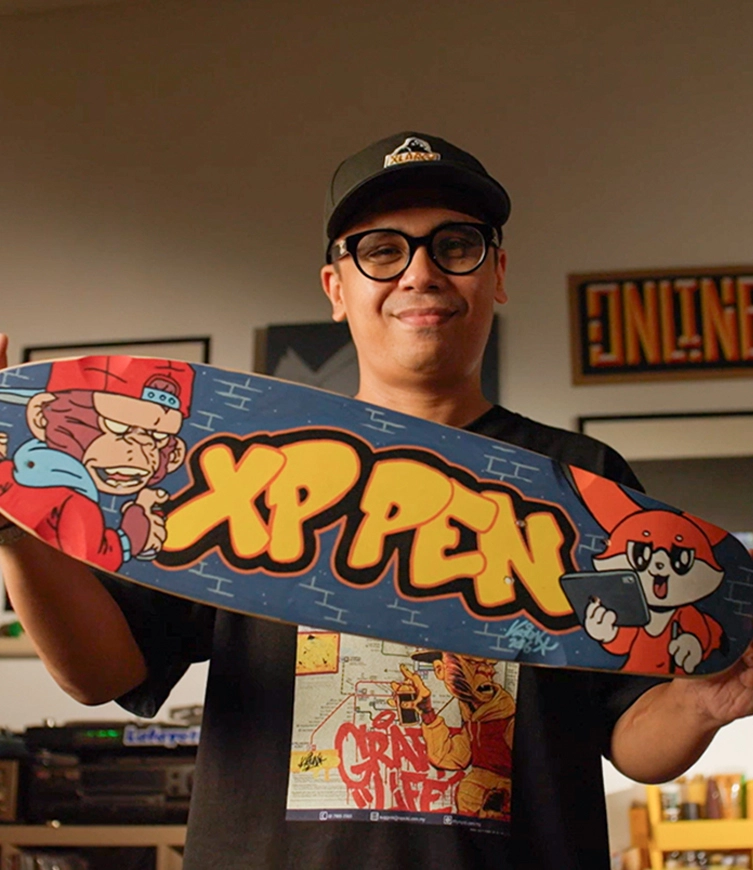
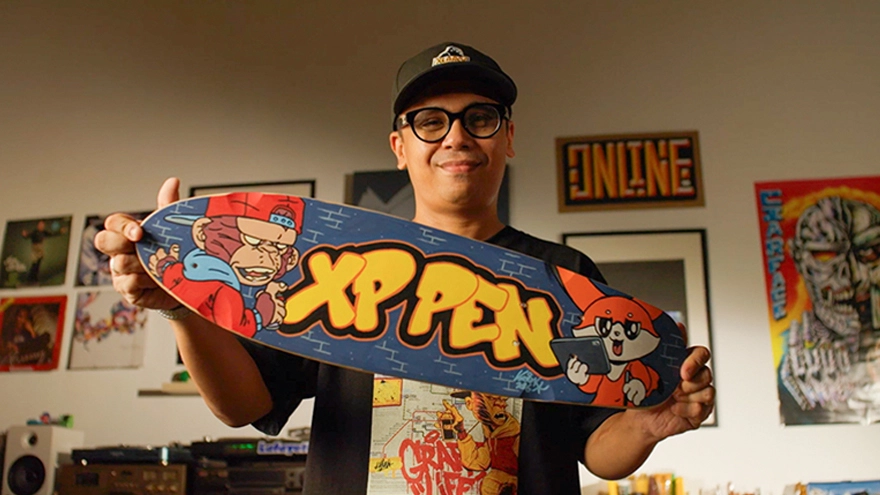
Katun is one of the most influential graffiti artists in Southeast Asia. Raised in Malaysia, he draws inspiration from the country's endangered orangutans and tropical rainforests, blending street culture with contemporary elements to create a highly distinctive and recognizable orangutan character brand.
With deep expertise in illustration, art toys, and graffiti, Katun has founded the art label 4 Stages and has collaborated closely with international brands such as Vans, Marshall, Samsung, and Sony. He has also co-created projects with renowned musicians, including Grammy winners Chris Brown and Post Malone.
XPPen is proud to partner with Katun to launch the Magic Pro 13 professional drawing pad.
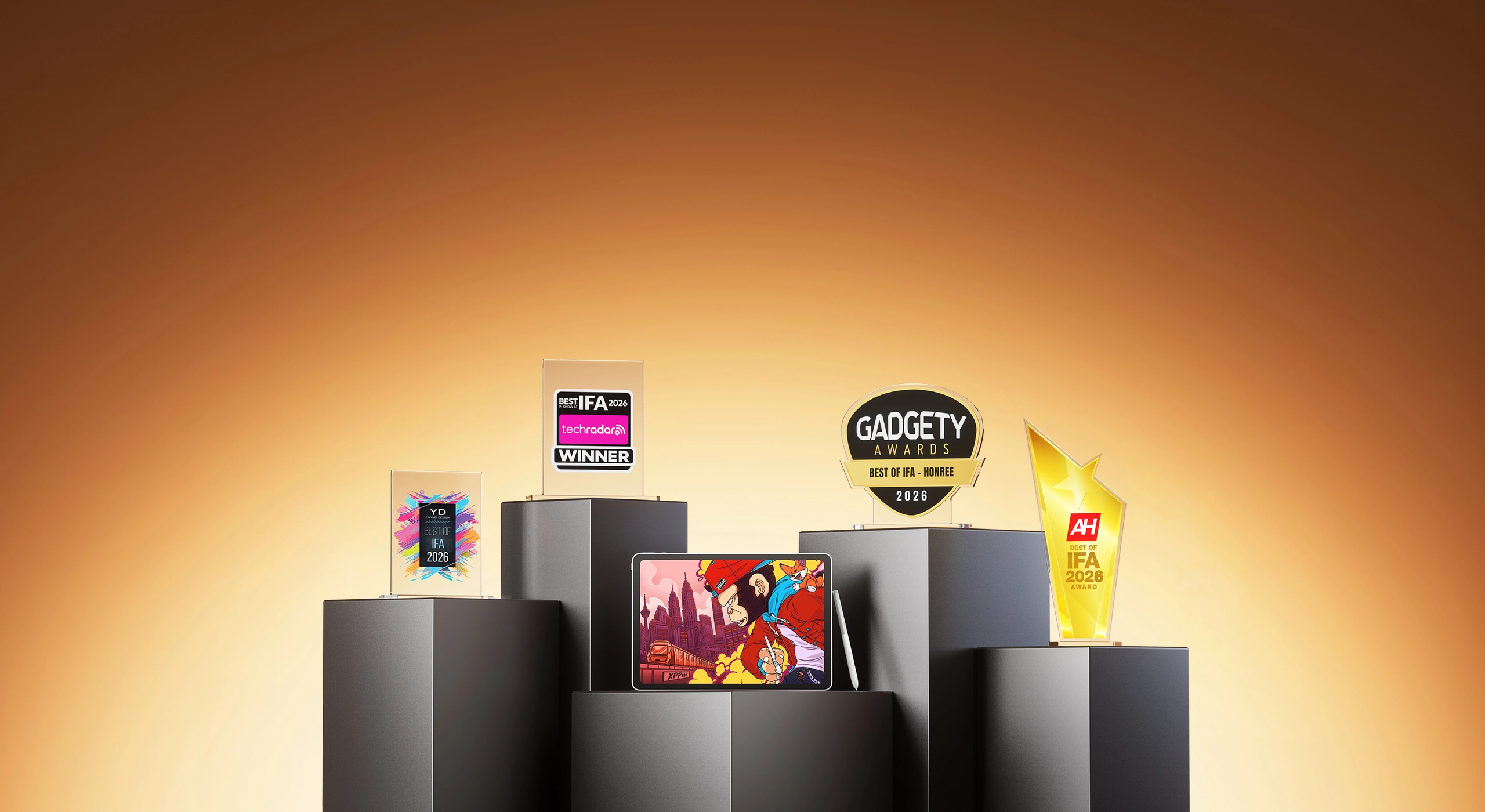
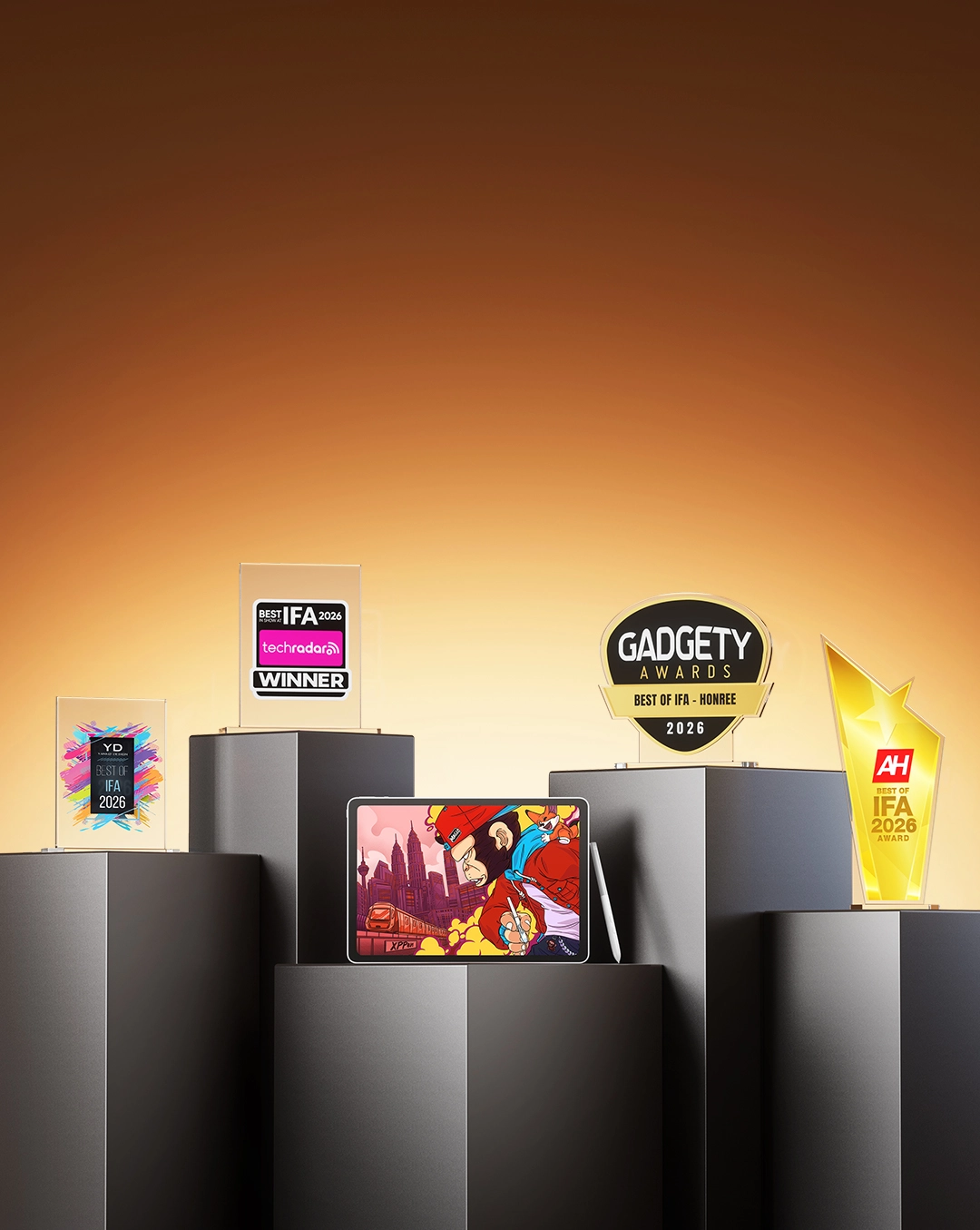

Magic Pro 13 won 4 prestigious "Best of IFA 2026" Awards
Proudly Presenting:
Drawing Display Mode
Transform the Pad into Professional
Drawing Display
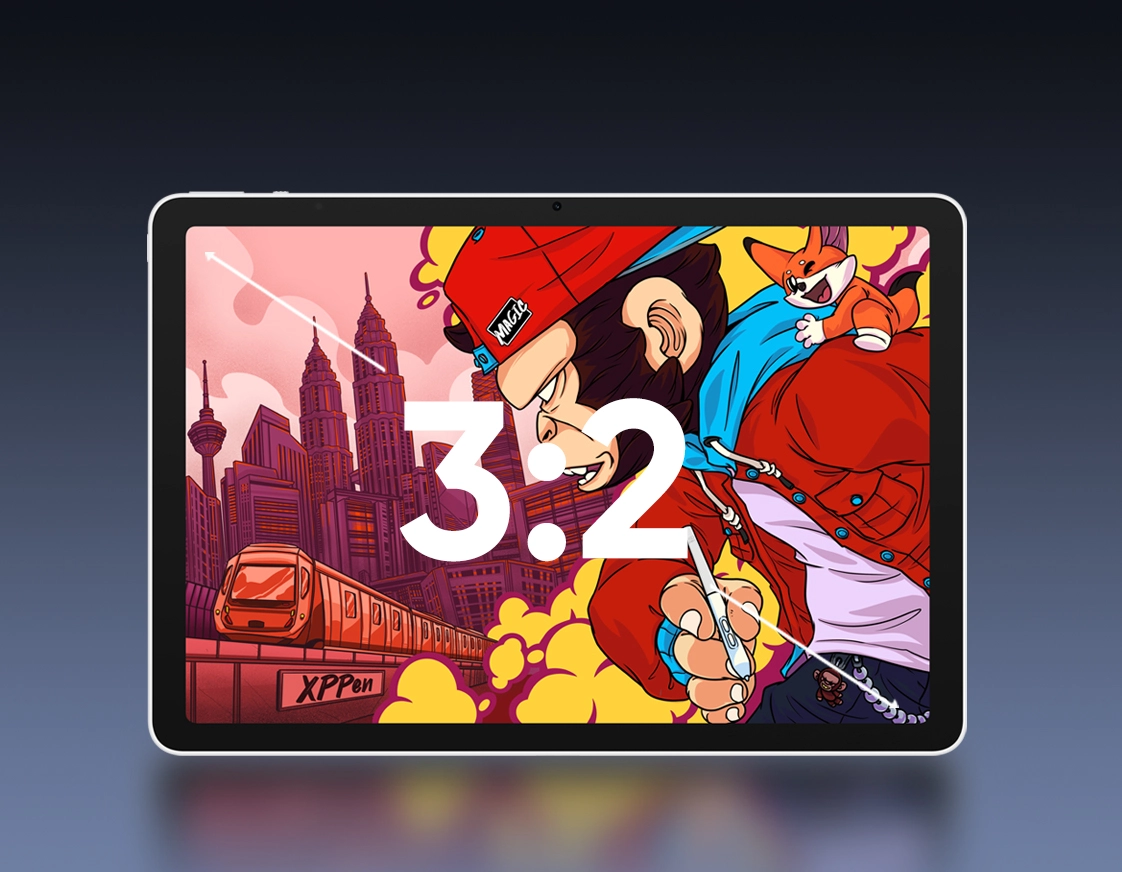
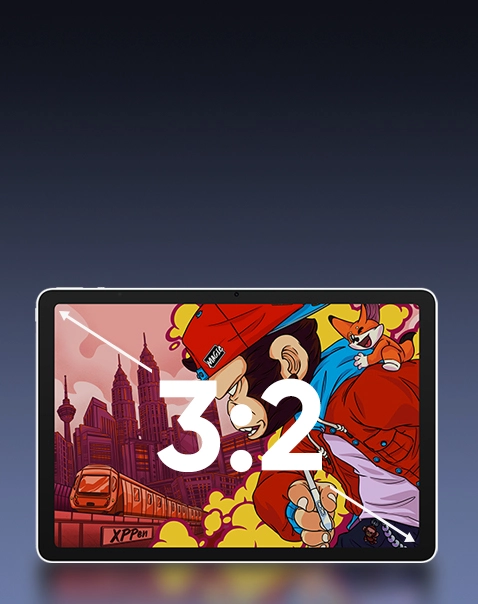
3K Ultra-clear Display
Golden 3:2 Aspect Ratio for Vivid Details
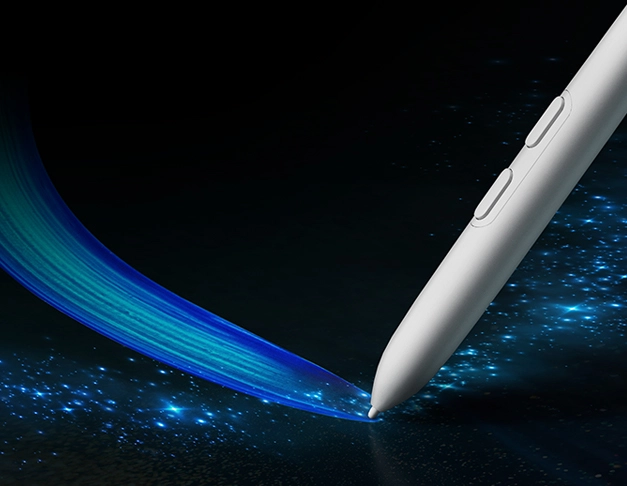
120Hz Refresh Rate
Precise Drawing and Writing, Silky-smooth Operation
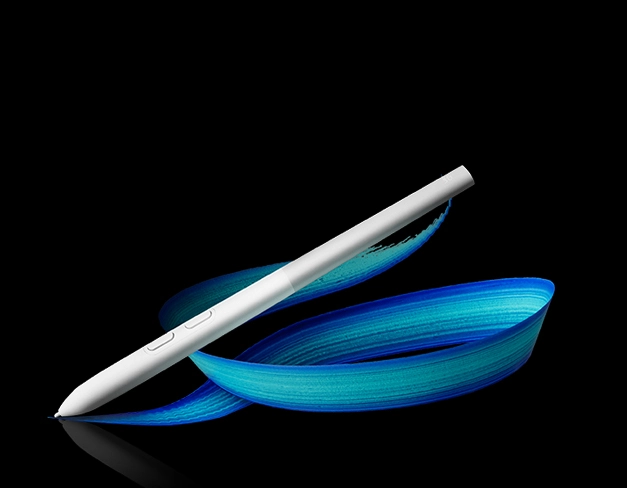
New-gen X4 Smart Chip Stylus
2g Initial Activation Force, 16K Pressure Levels
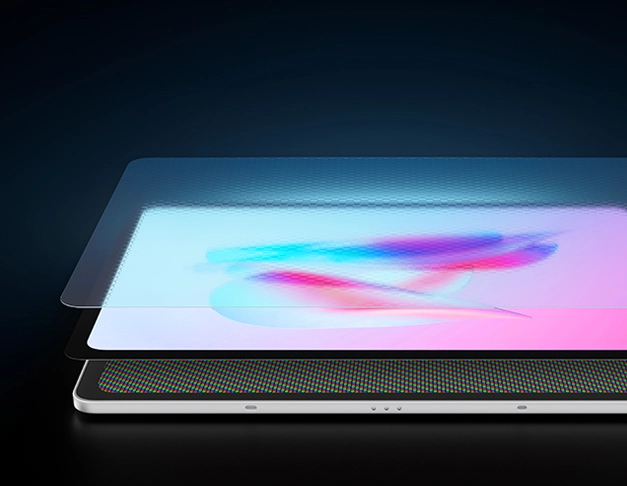
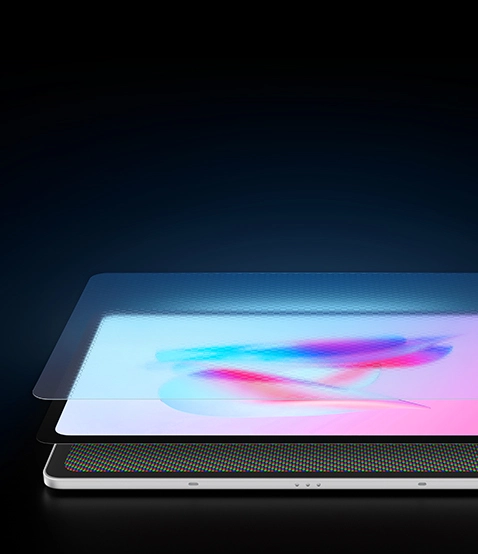
AG+AF Nano-etched Glass
A More Professional Paper-like Display
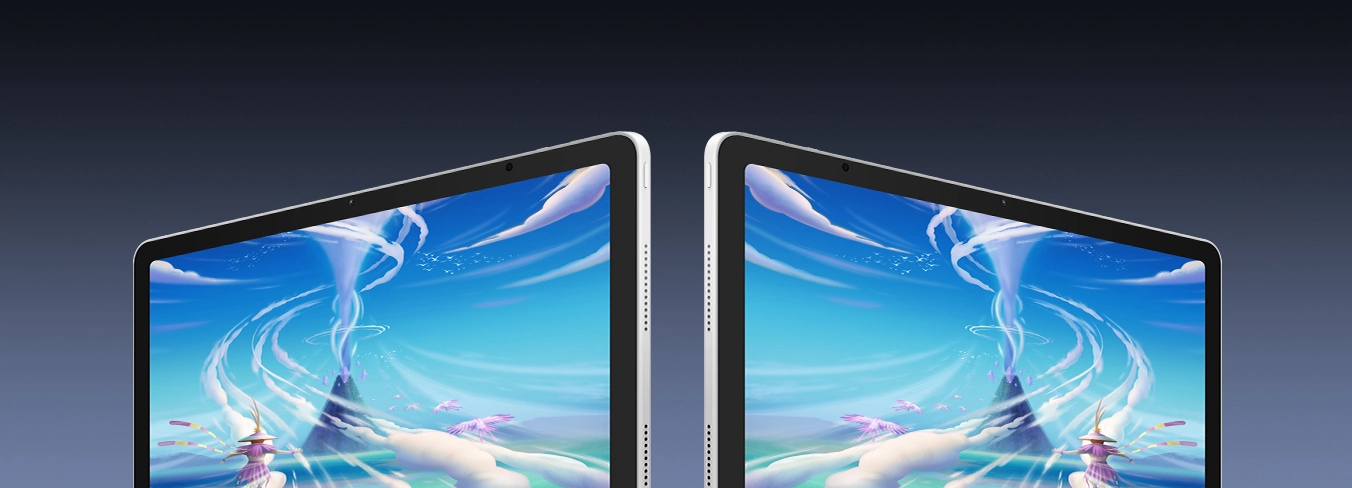
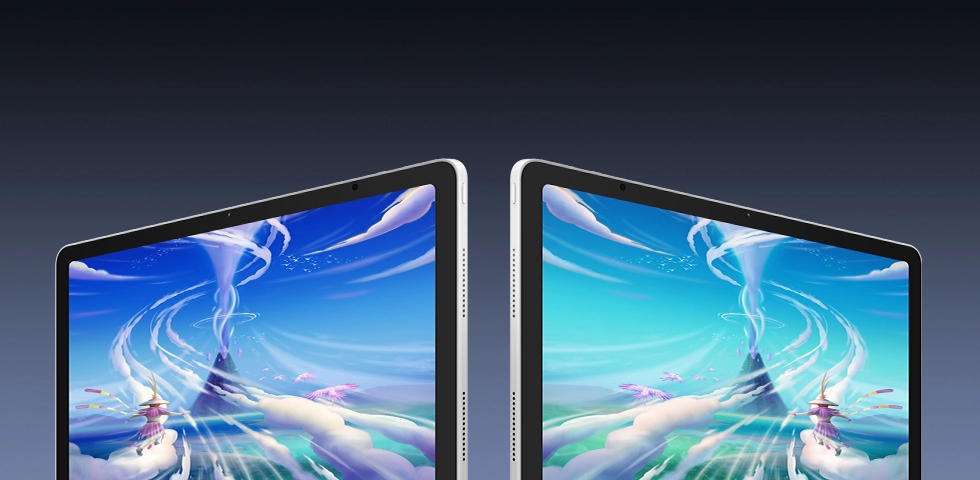
Professional Color Performance
100% sRGB, 96% DCI-P3
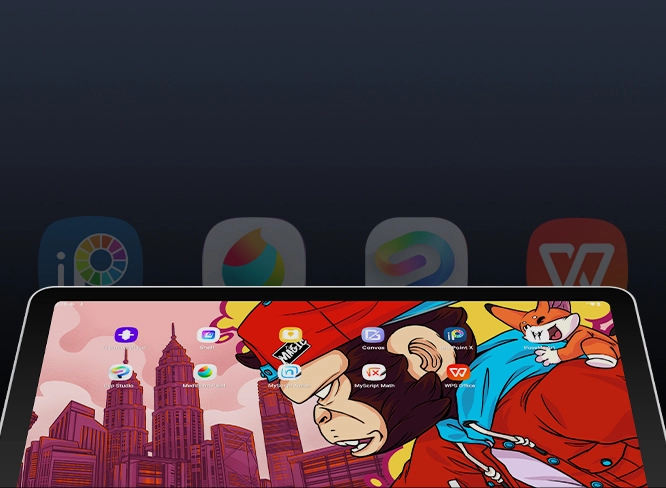
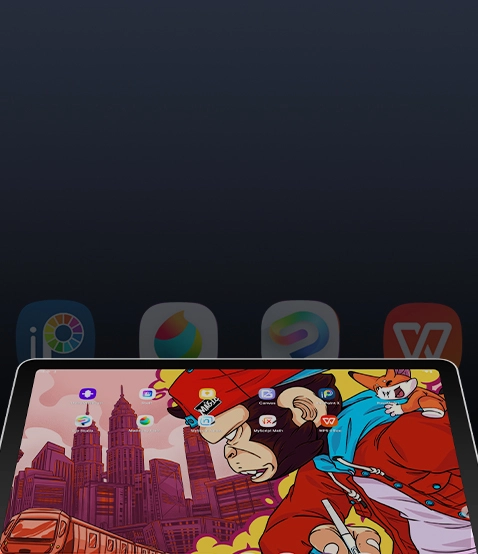
Android 16+ In-house Software Ecosystem
Tailored to Fit More Creative Scenarios
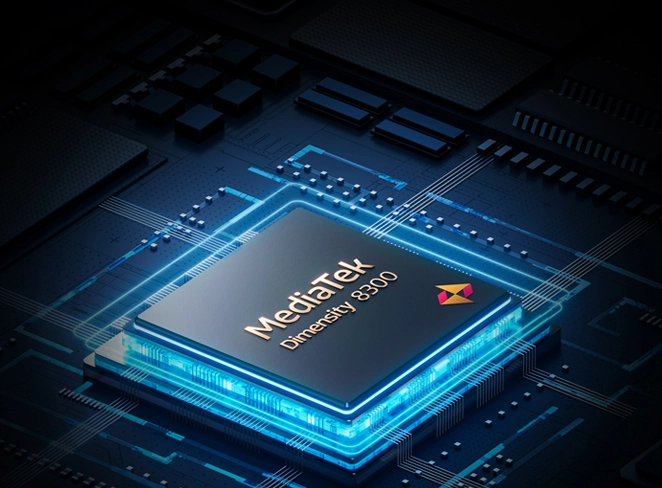
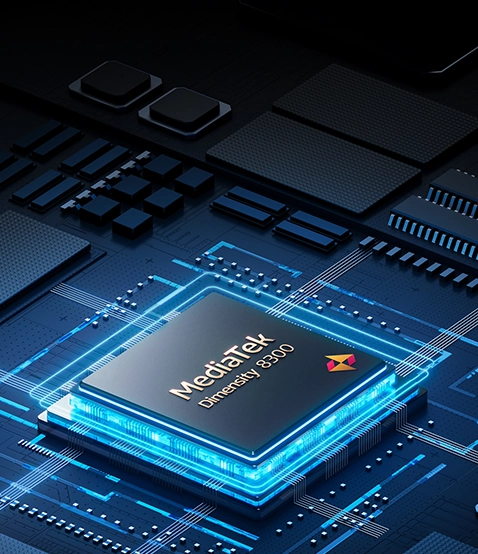
MediaTek Dimensity 8300 Processor
Powerful Performance at Your Command
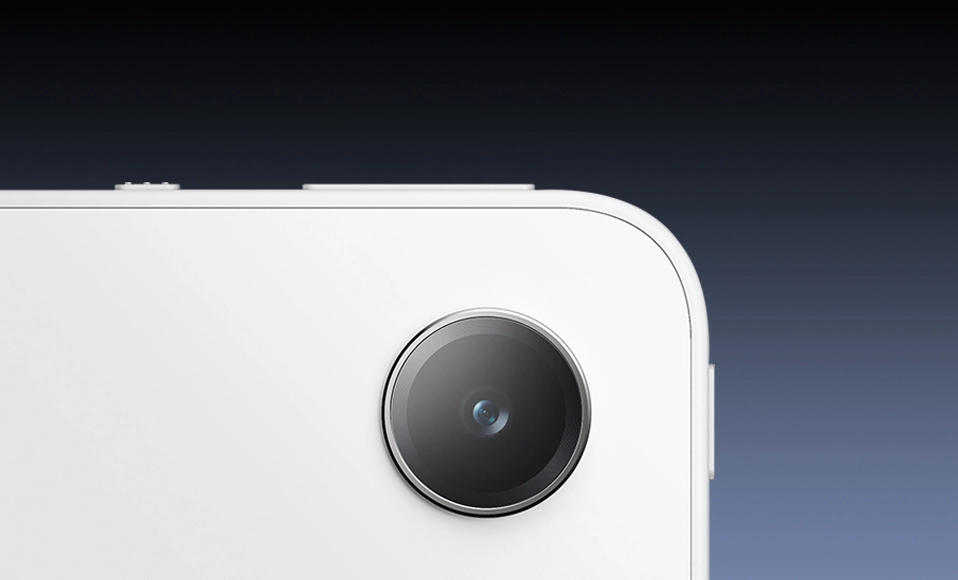
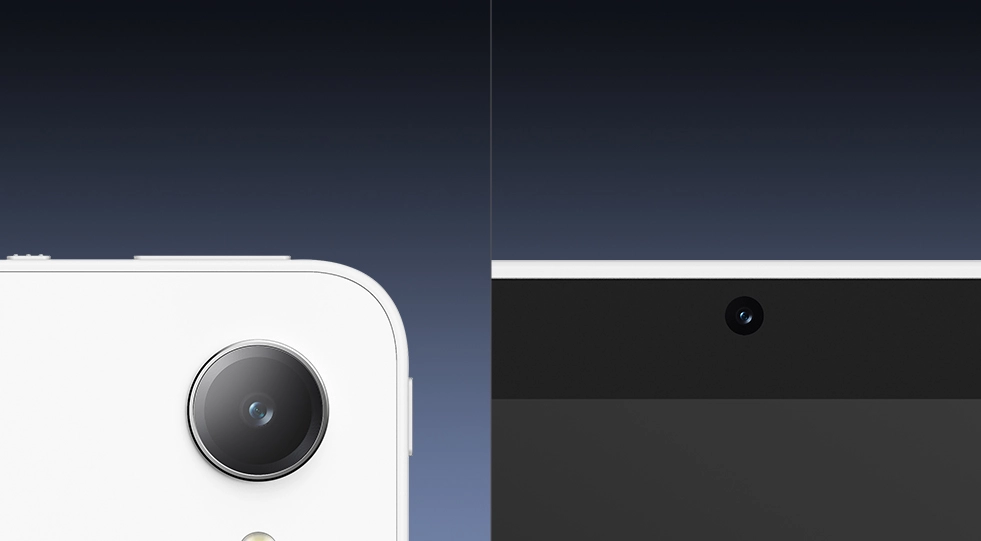
8MP+13MP Front and Rear Cameras
Capture Inspiration Anytime and Anywhere
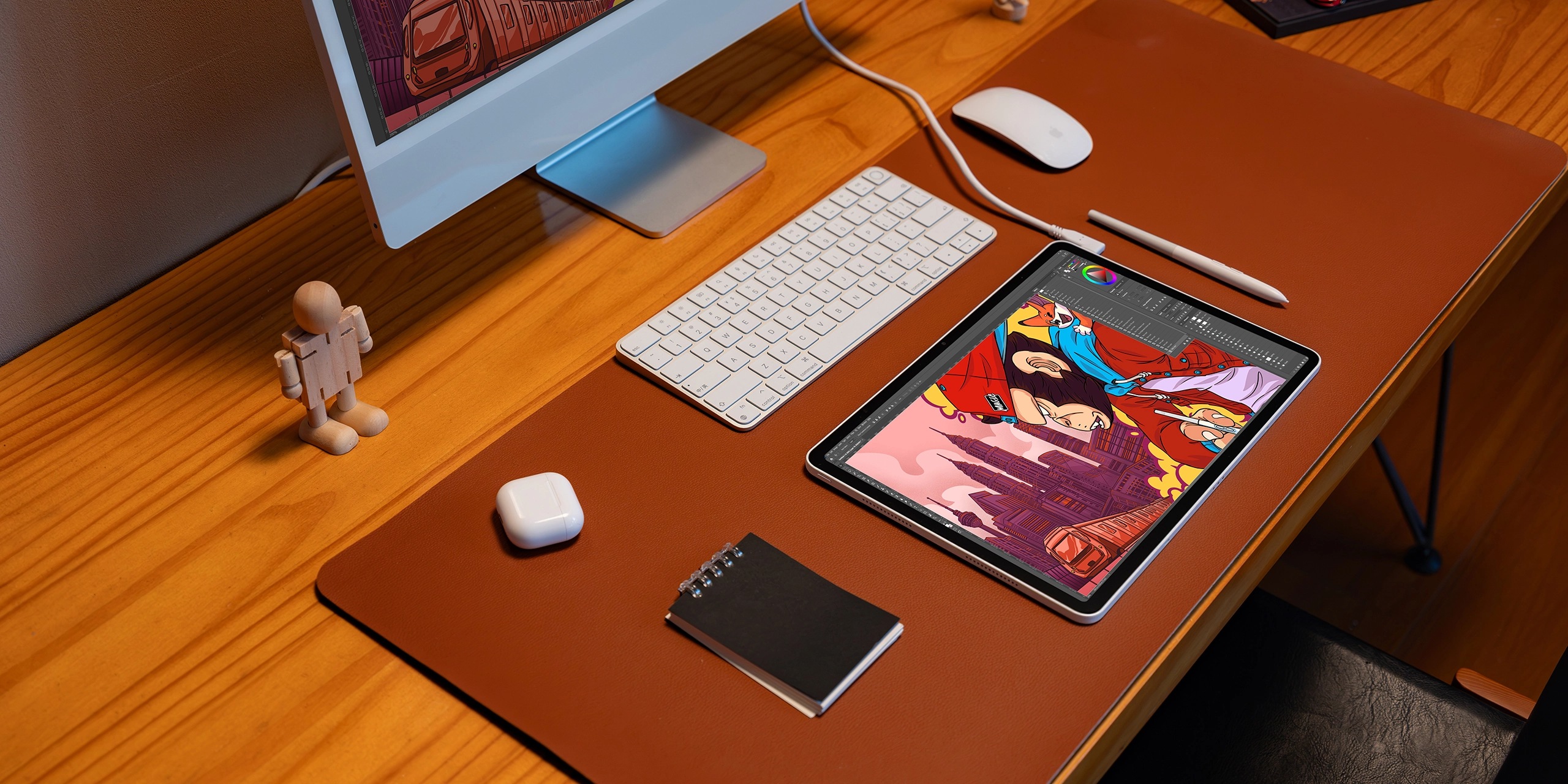
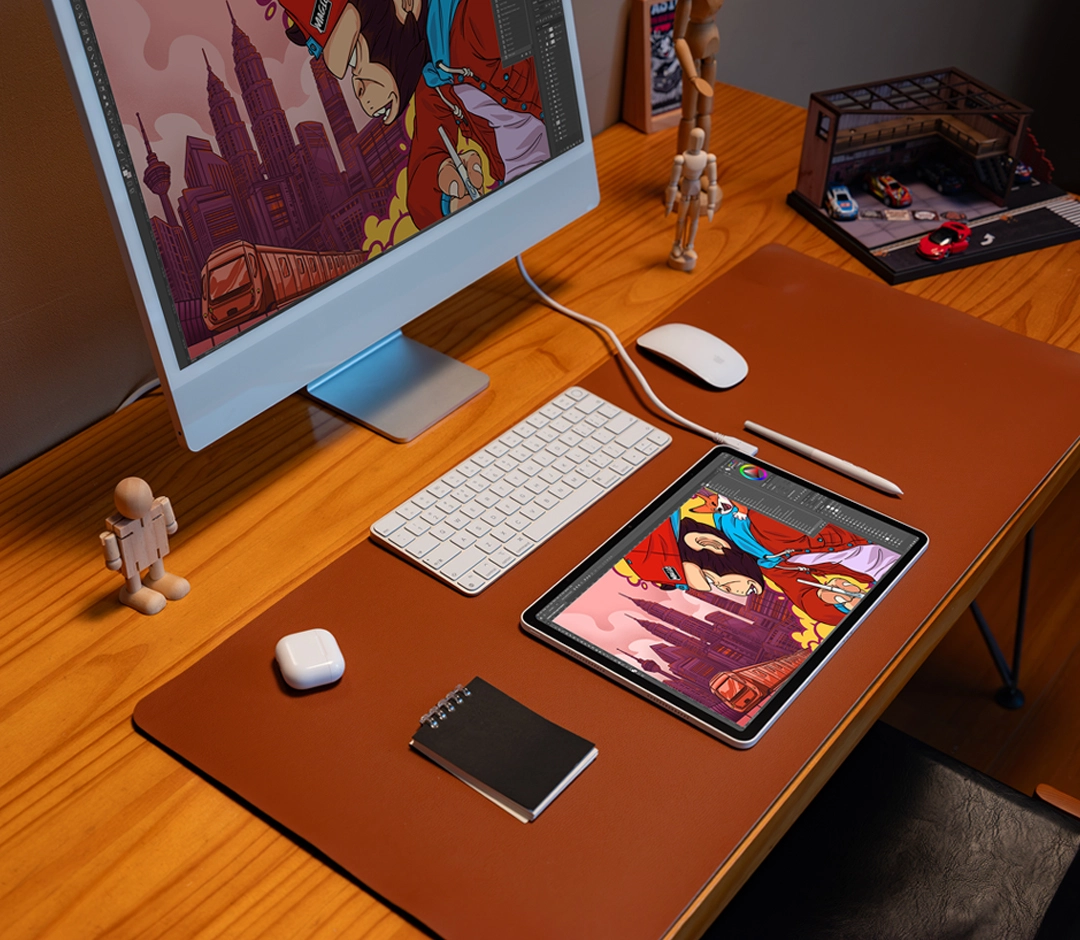
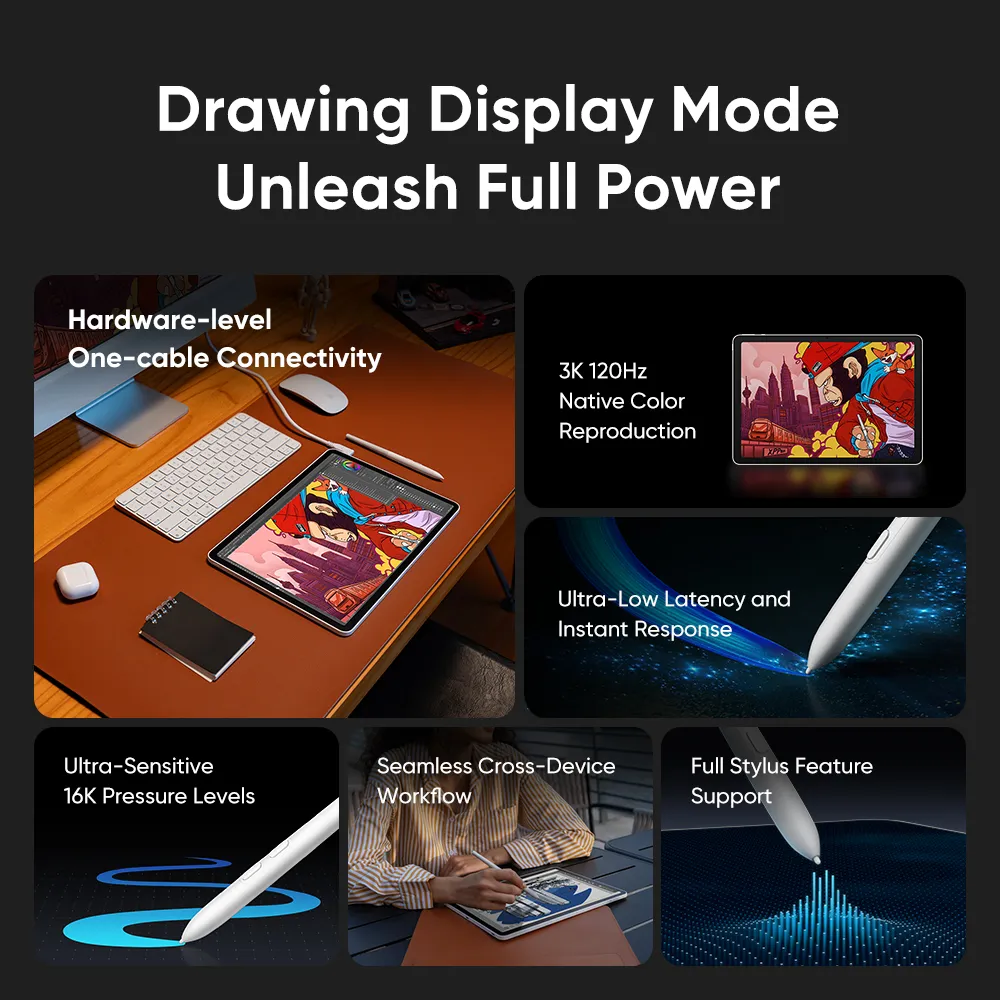
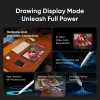
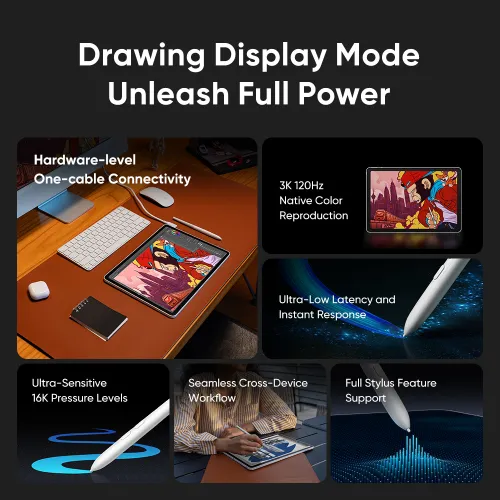
Drawing Display Mode Unleash Full Power
Breaking down device boundaries, the Magic Pro 13 is both a standalone pad for capturing inspiration anytime, anywhere, and a professional drawing display with one-cable connectivity to your PC. Powered by hardware-level solutions, it delivers uncompromised performance with full 3K 120Hz picture quality, ultra-low latency, true-to-life colors, and 16K ultra-sensitive pressure levels. One device, dual modes — unleash your professional creative power at will.
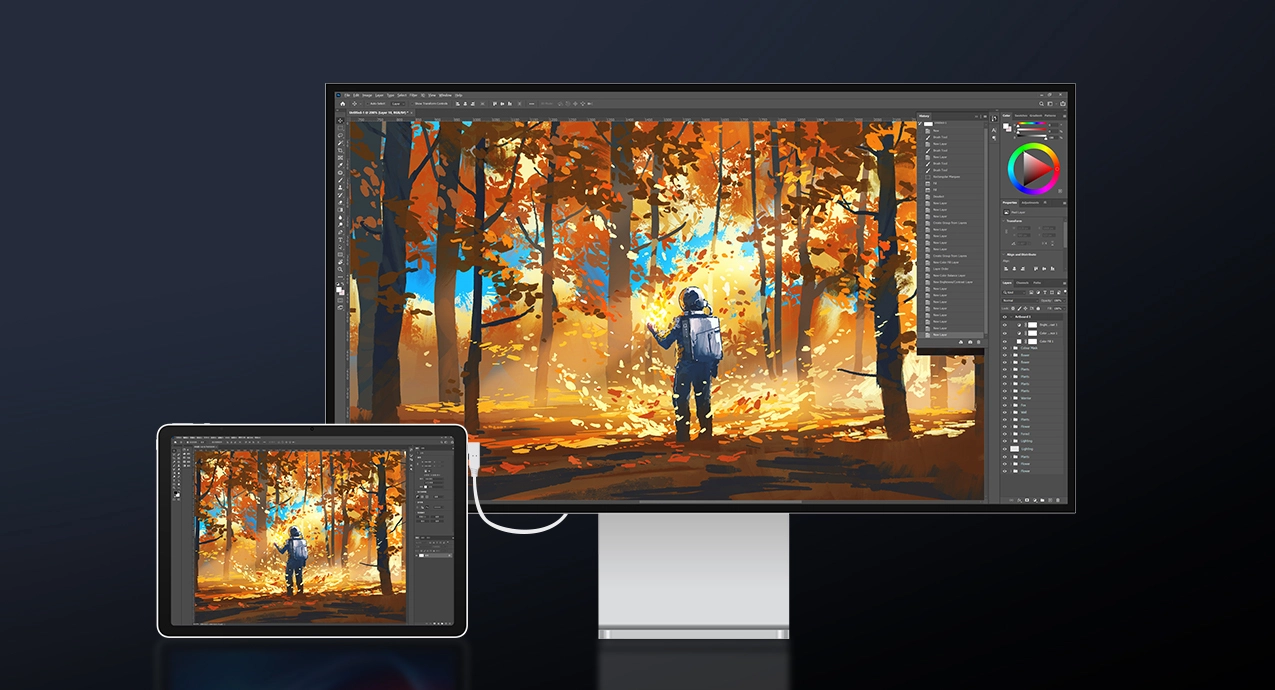
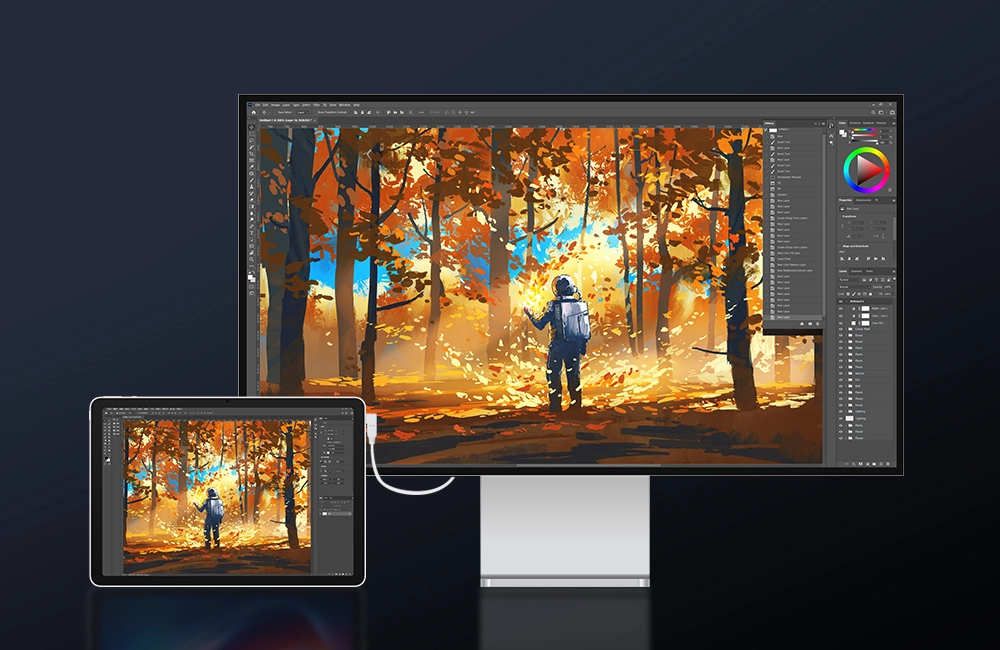
Native Image Quality with No Loss
Supports a refresh rate of up to 120Hz at 3K resolution and native color reproduction, delivering meticulously detailed and precise visuals.
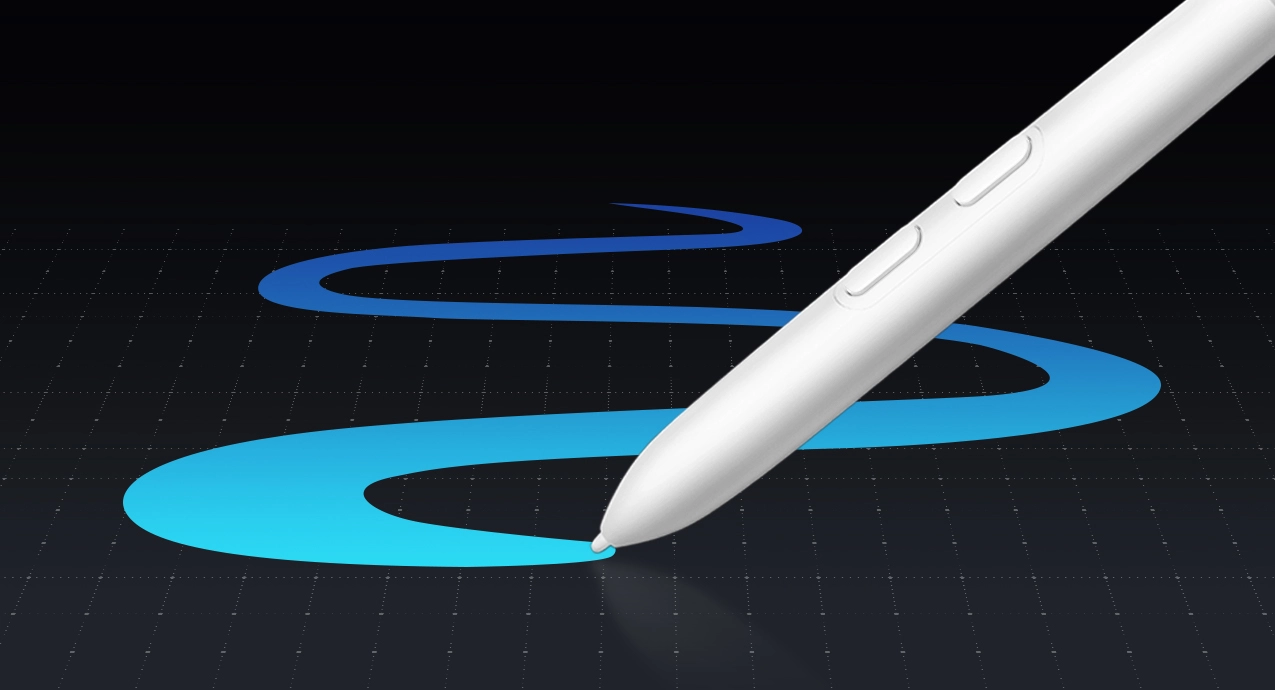
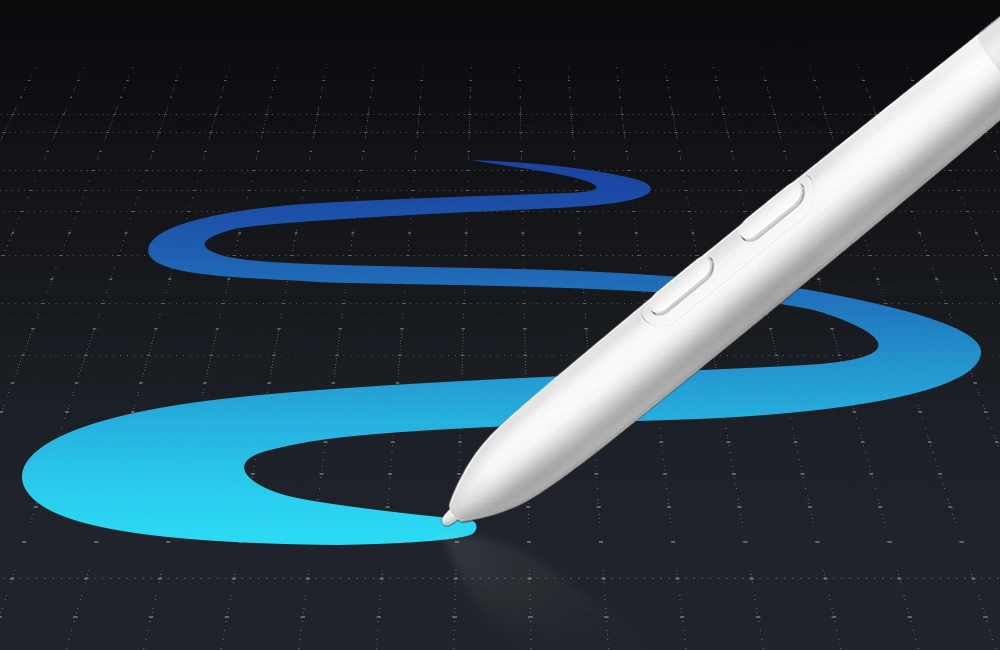
16K Ultra-Sensitive Pressure Levels
Flawlessly maintains professional-grade stylus performance, precisely capturing every micro-variation in pressure and line texture.


Seamless Cross-Device Workflow
Breaks down boundaries between systems and devices, allowing outdoor sketches to seamlessly transition to the PC for further refinement.
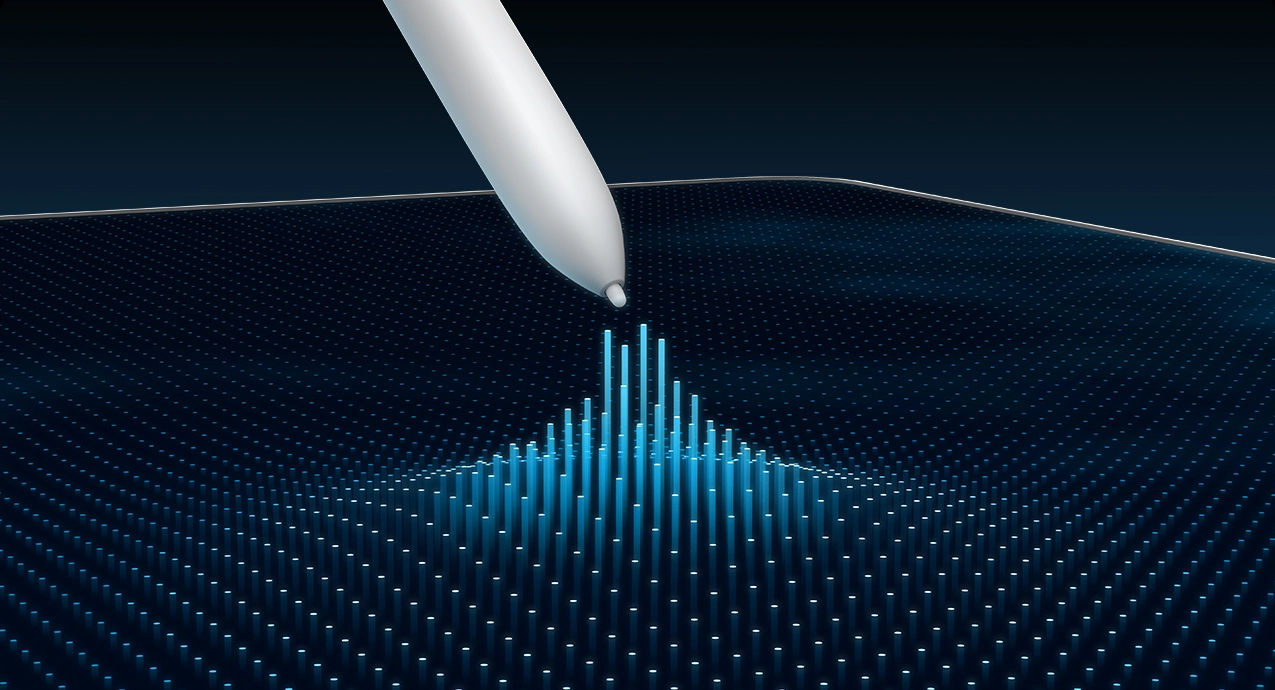
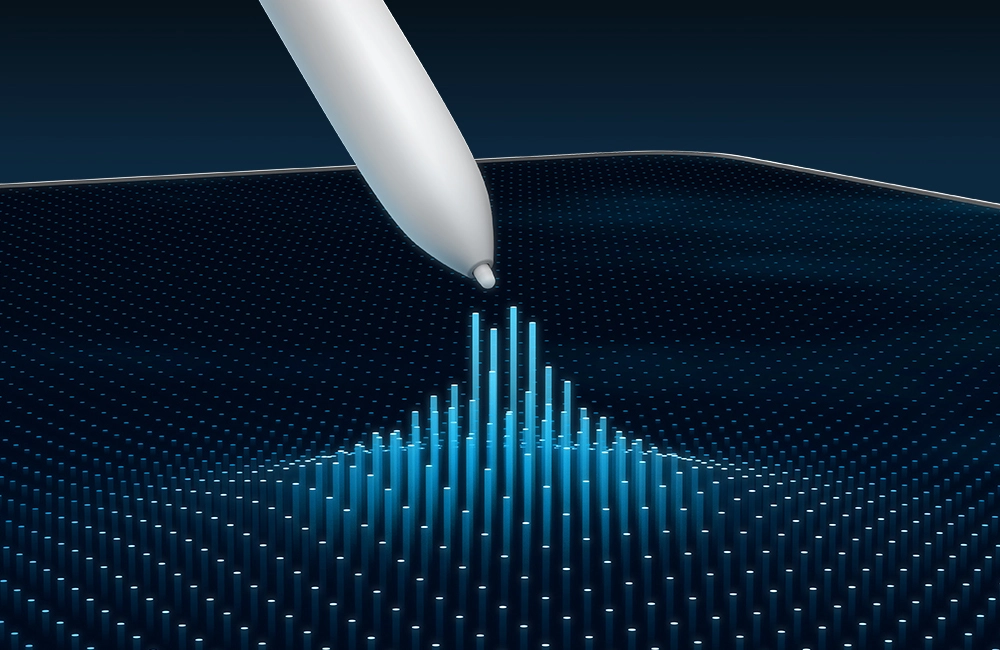
Full Stylus Feature Support
Fully retains the pen-tip hover preview function, with comprehensive support for 16K pressure levels, tilt detection, and customizable barrel buttons, preserving your familiar, professional drawing habits.


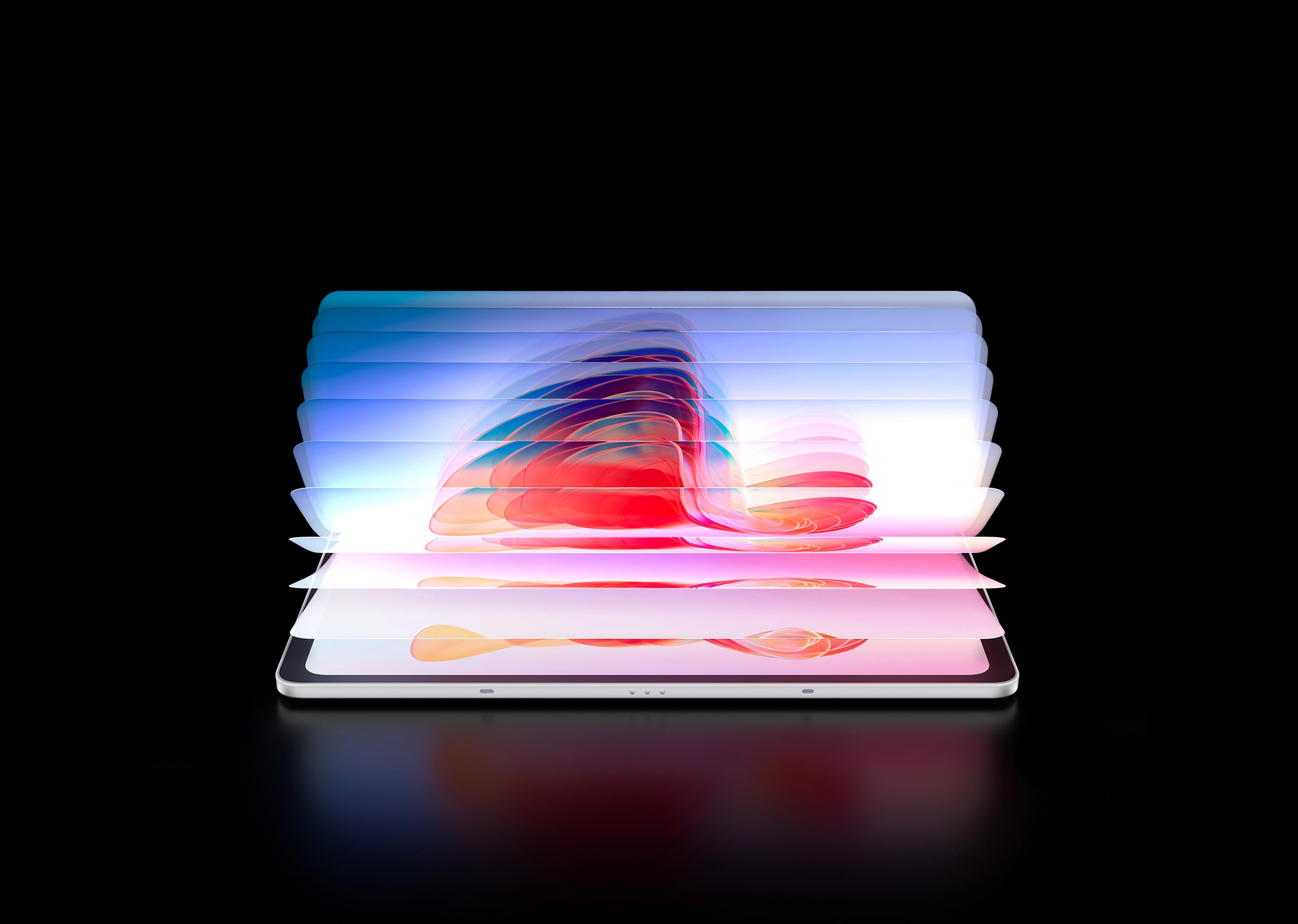
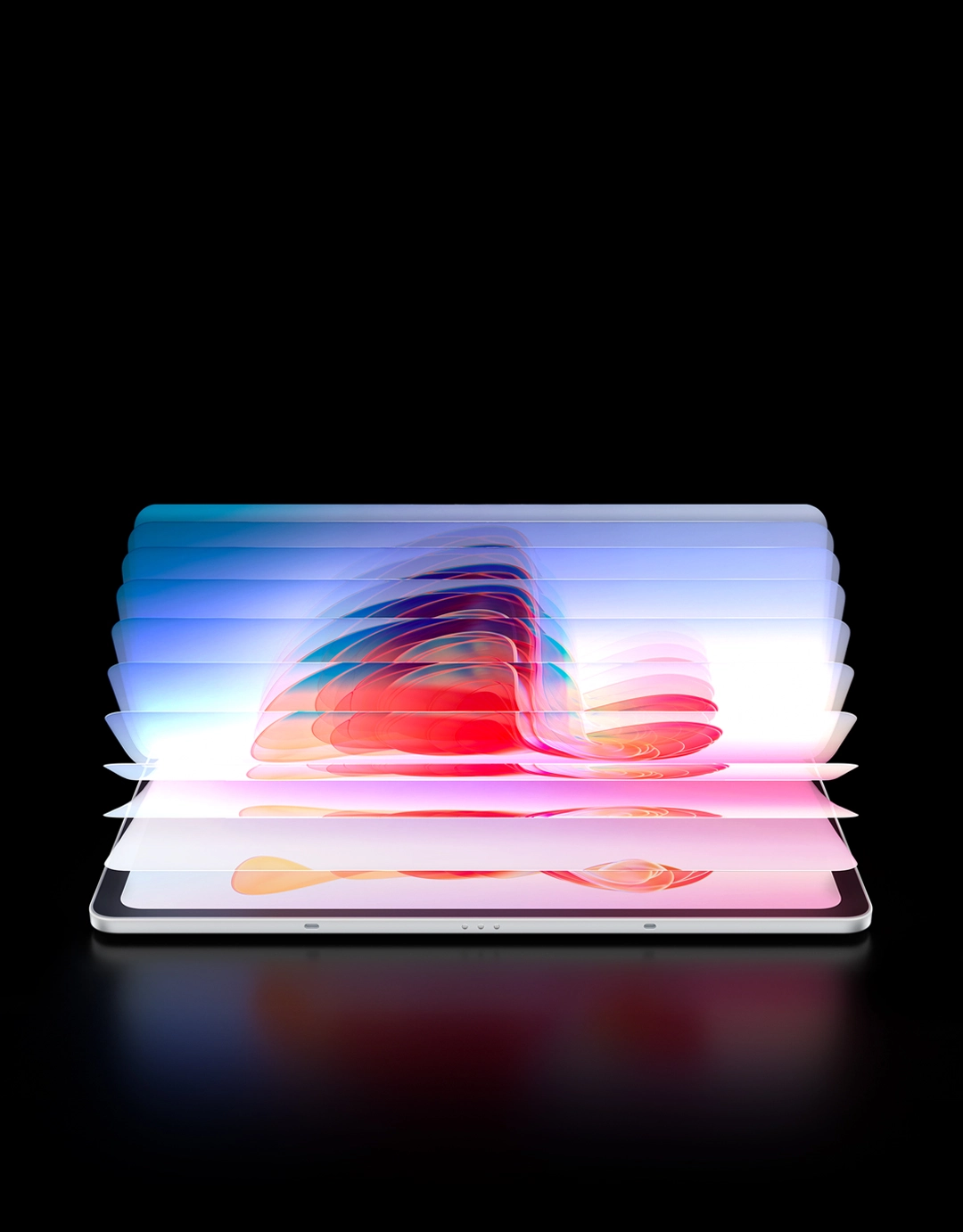
Blazingly Fast, Crystal Clear
Packing a powerful combination of a 120Hz refresh rate and 3K resolution, this professional drawing pad delivers fluid transitions and brings every detail into sharp focus during design or video production. Whether crafting your next masterpiece or showcasing your work, you can stay fully focused without interruption.
3096 x 2064
Resolution
60/90/120Hz
Adjustable Refresh Rate
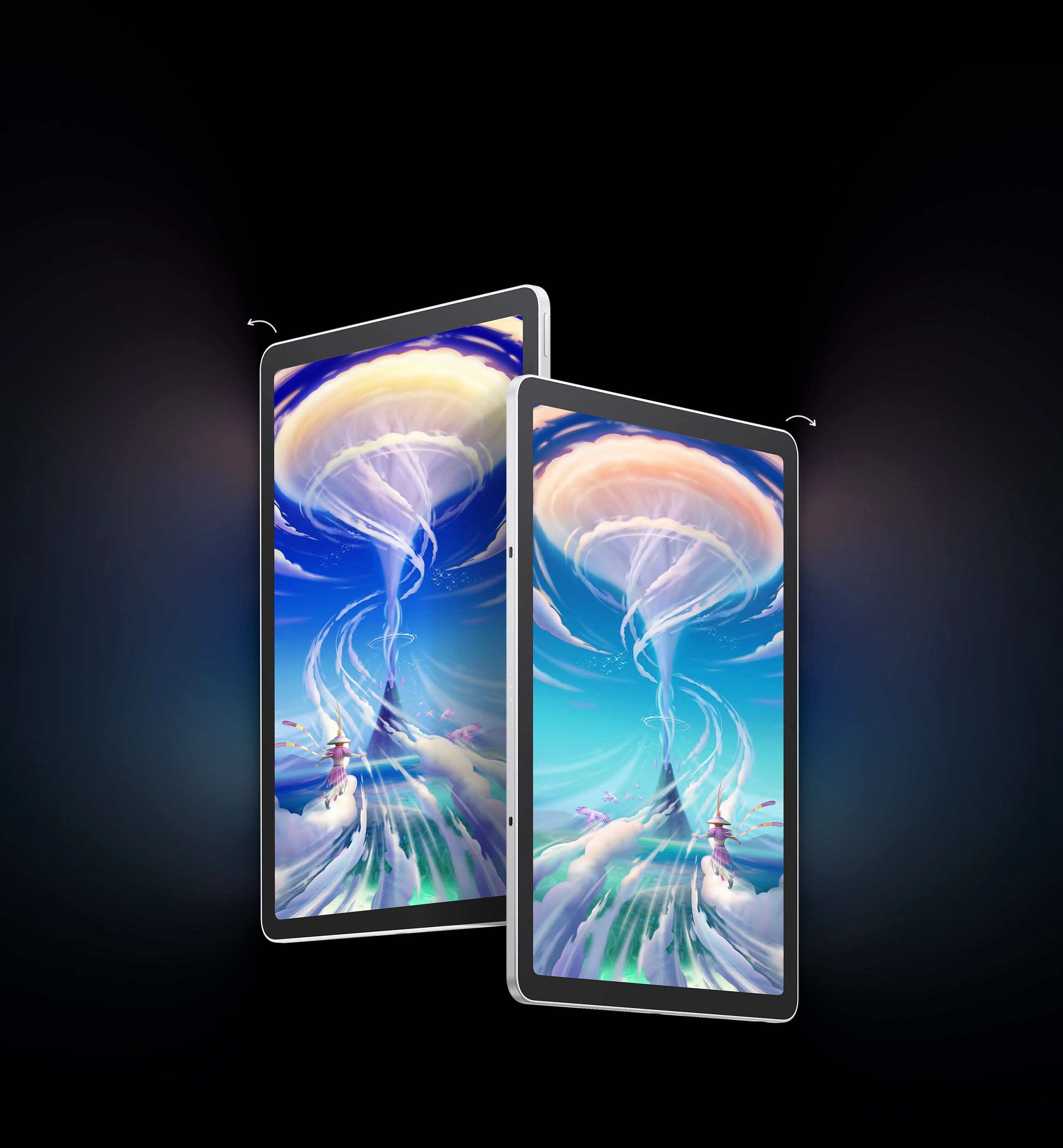
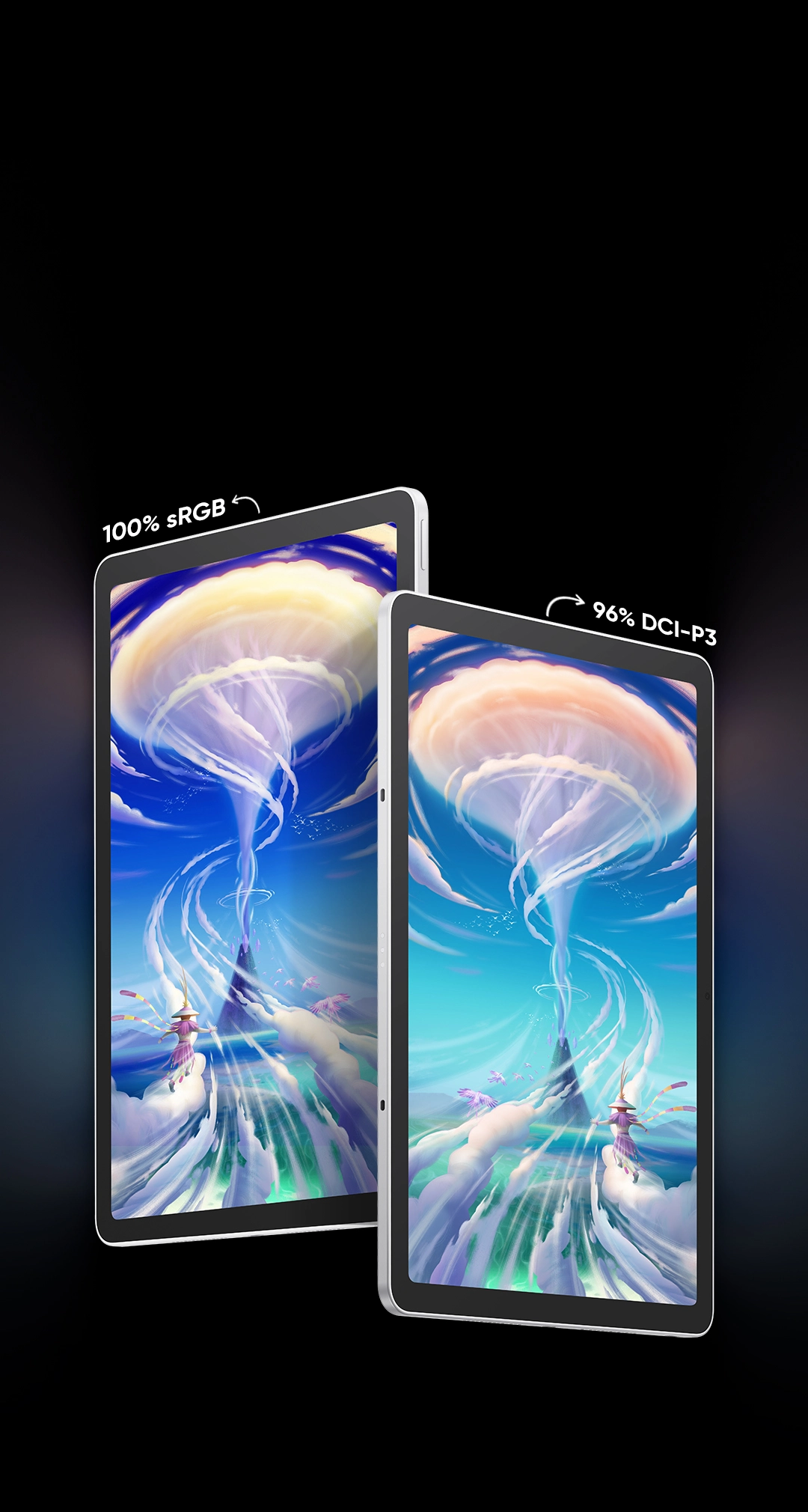
Master Every Color, Master Every Detail
The Magic Pro 13 delivers the professional-grade color gamut standards required for illustration, graphic design, and video post-production. Whether you are a specialized artist or an all-around creator, this display features system-level color gamut switching to ensure you can create with total confidence and minimize color distortion.
New Feature:
System-Level Color Gamut Switching
Freely select the right color gamut to meet more professional creative needs.
100% sRGB
96% DCI-P3
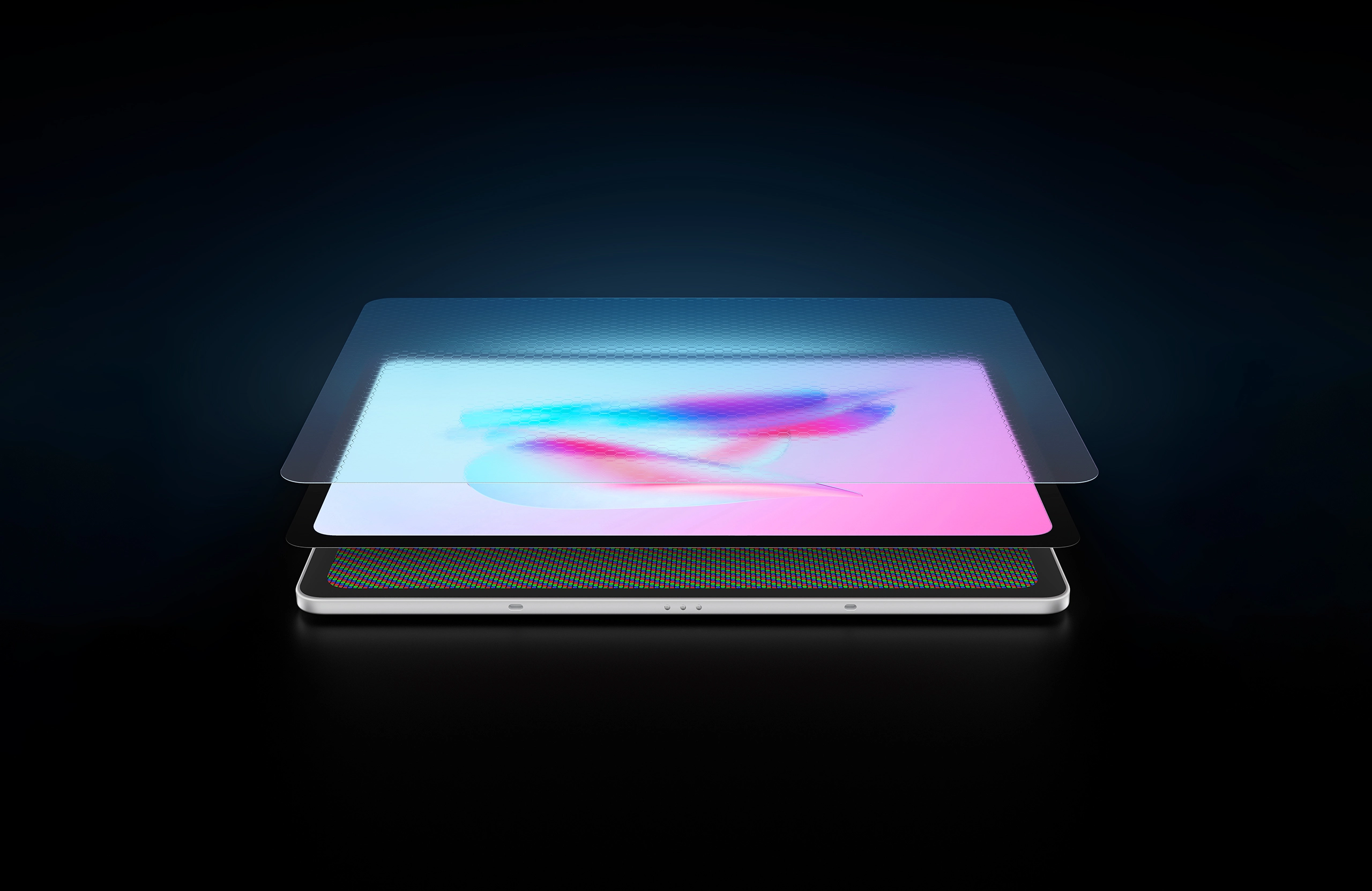
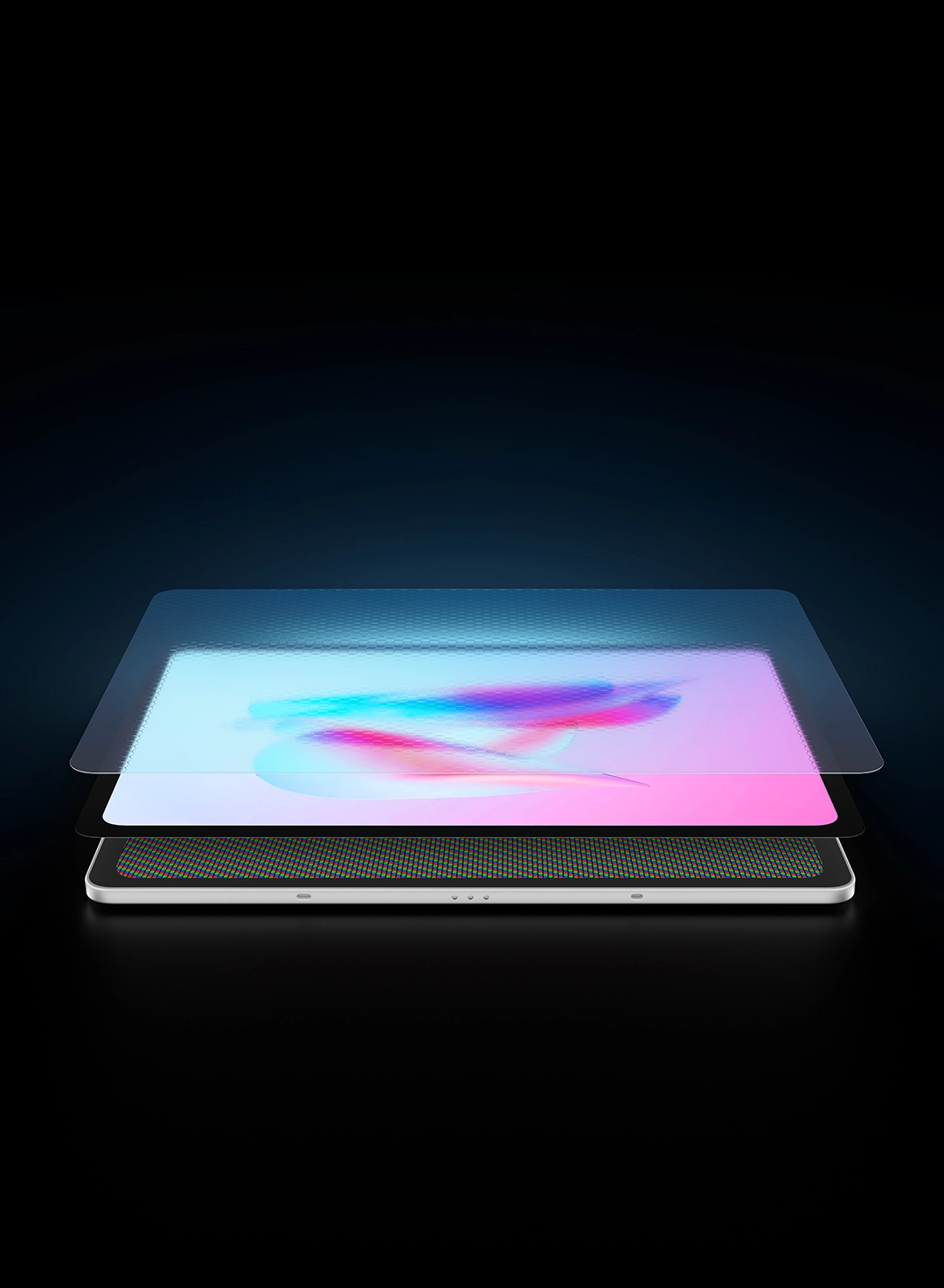
Eye-Care Display with a Paper-Like Feel
Thanks to the AG nano-etched glass and AF coating, the display offers a fine, paper-like touch, making every stroke feel just like creating on real paper. With TÜV SÜD Low Blue Light certification, it balances eye comfort with vibrant colors. Featuring 650 nits peak brightness, you can create effortlessly even under harsh sunlight.

AG+AF
Nano-etched Glass
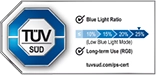
TÜV SÜD Low Blue
Light Certification

650nits
Peak Brightness
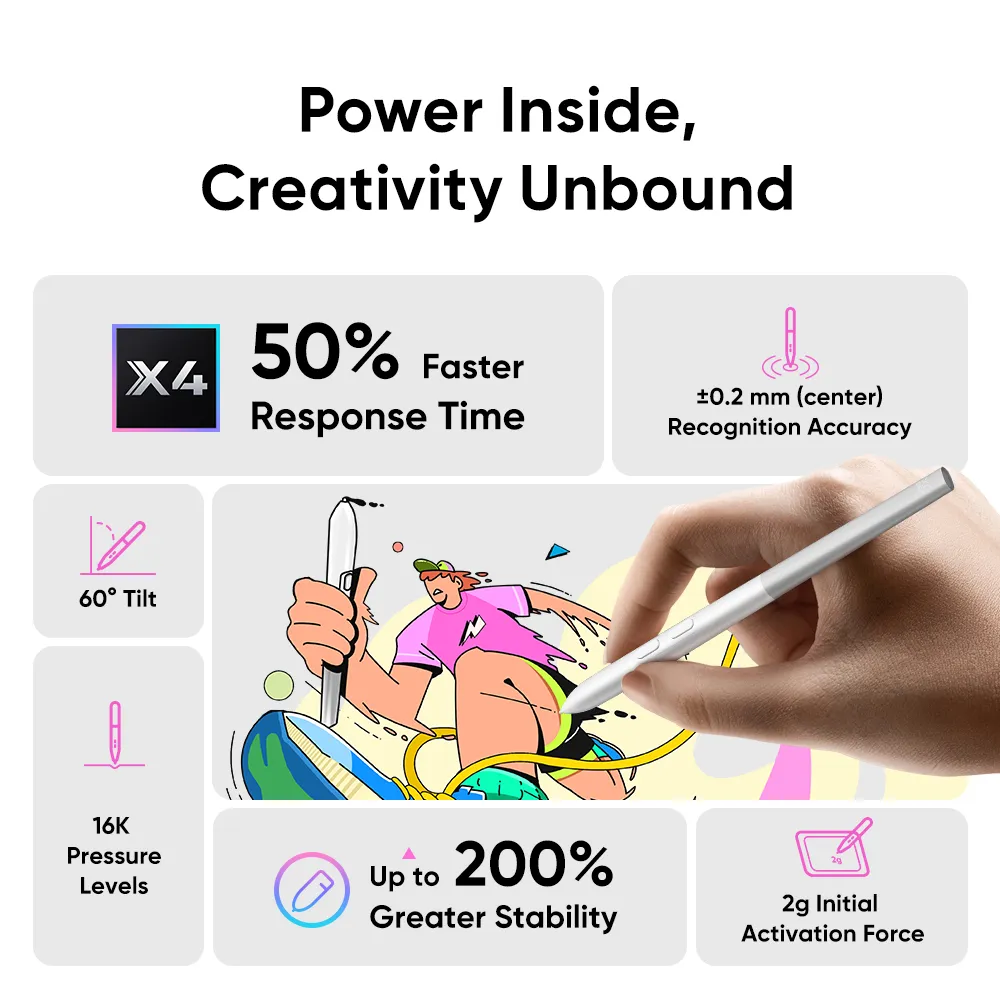
Power Inside, Creativity Unbound
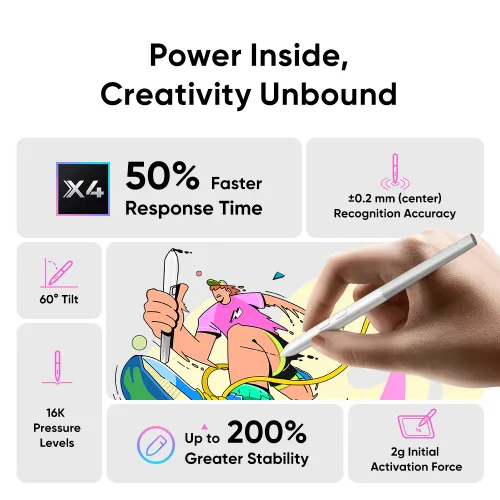
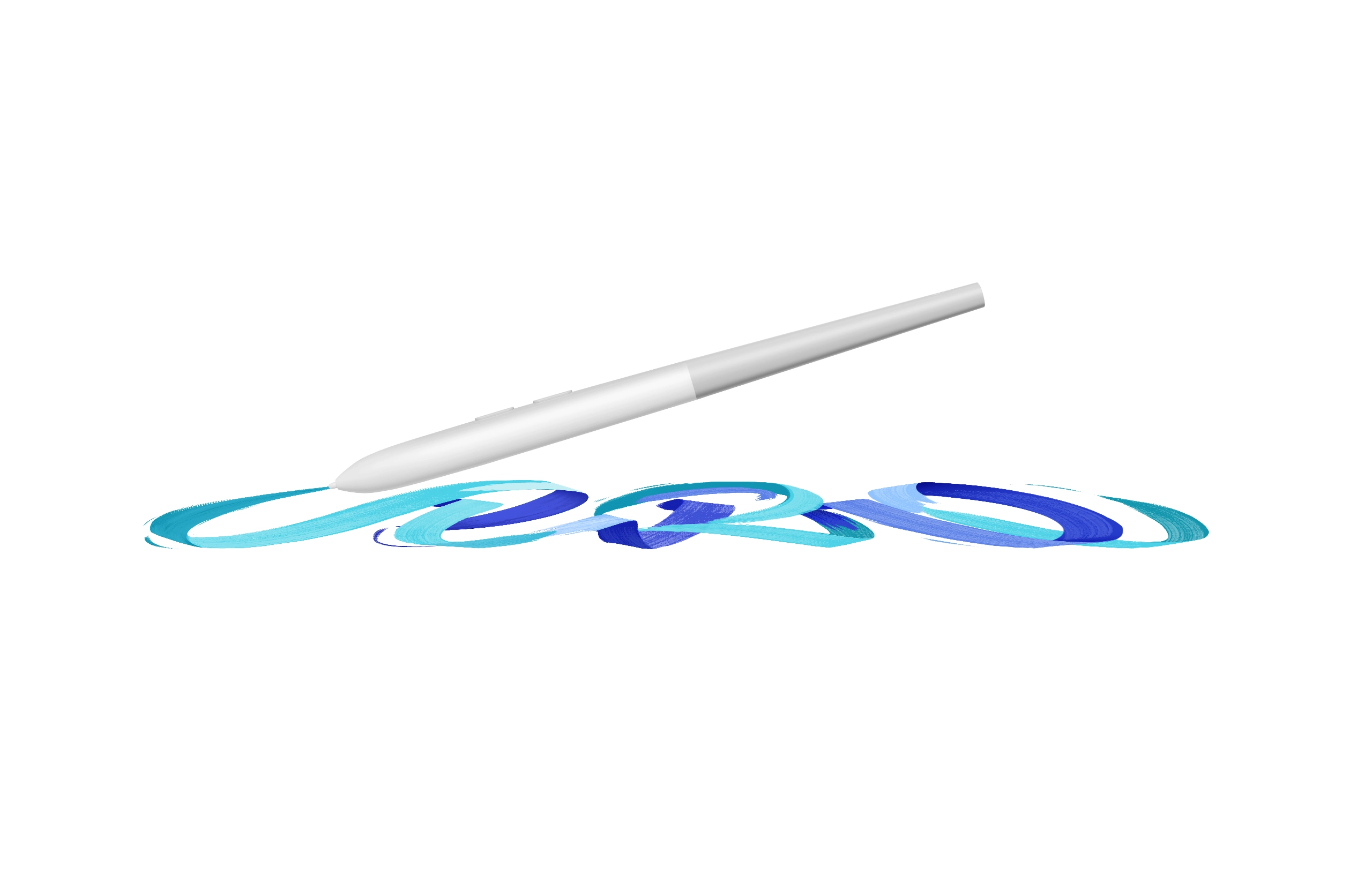
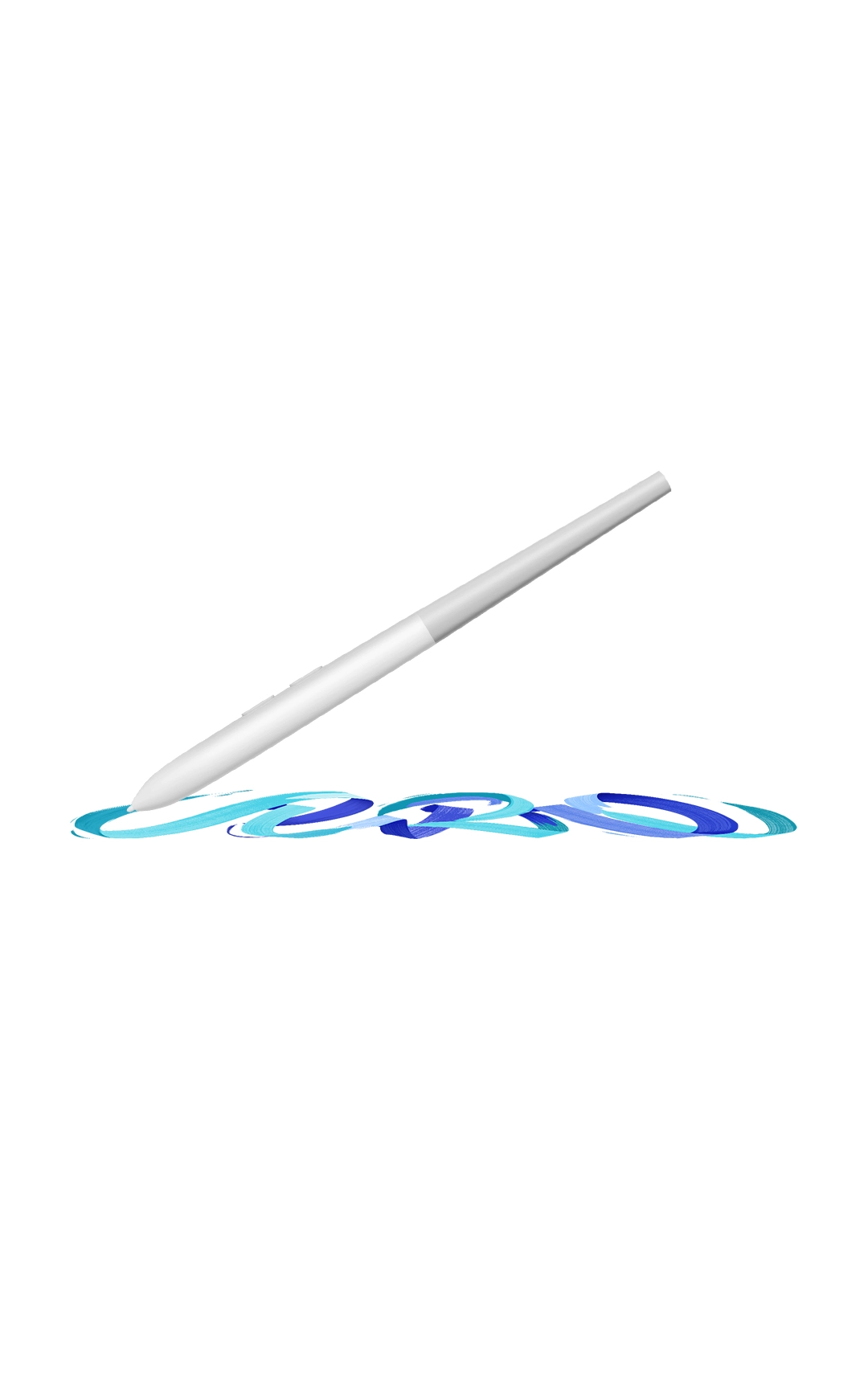
The all-new X4 Smart Chip Stylus is driven by the power-efficient X4 chip that boosts response time by 50%. Thanks to the optimized sensor, the tip travel distance is just 0.3 mm. With a bullet-shaped nib, the stylus delivers fast, stable, and precise strokes throughout your creative process.

Optimized sensor with a 0.3 mm tip travel distance

Power-efficient X4 chip delivers 50% faster response time

Bullet-shaped nib that reduces wobble and boosts stability by 200%
*All data above were taken from laboratory simulation tests and may vary depending on the operating environment.
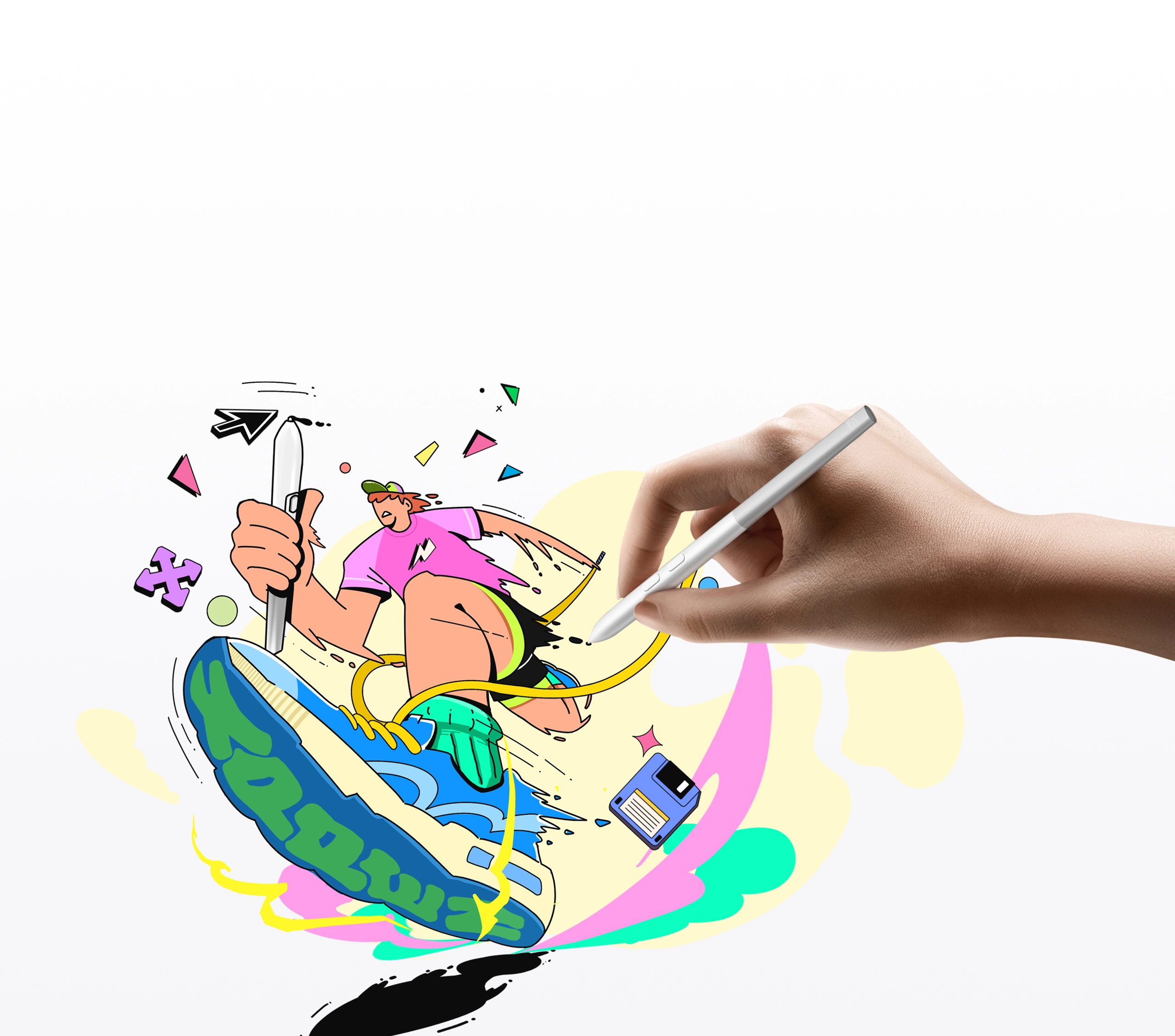

Artistry Restored, Stroke by Stroke
The X4 smart chip stylus features 16K ultra-sensitive pressure levels, 0.2mm recognition accuracy, and a 2g initial activation force, ensuring even the gentlest strokes are faithfully captured. Combined with 60° tilt support, the stylus makes sweeping lines and shading feel as smooth and natural as using a real pen.

60° Tilt

2g Initial Activation Force

16K Pressure Levels

±0.2 mm (center) Recognition Accuracy
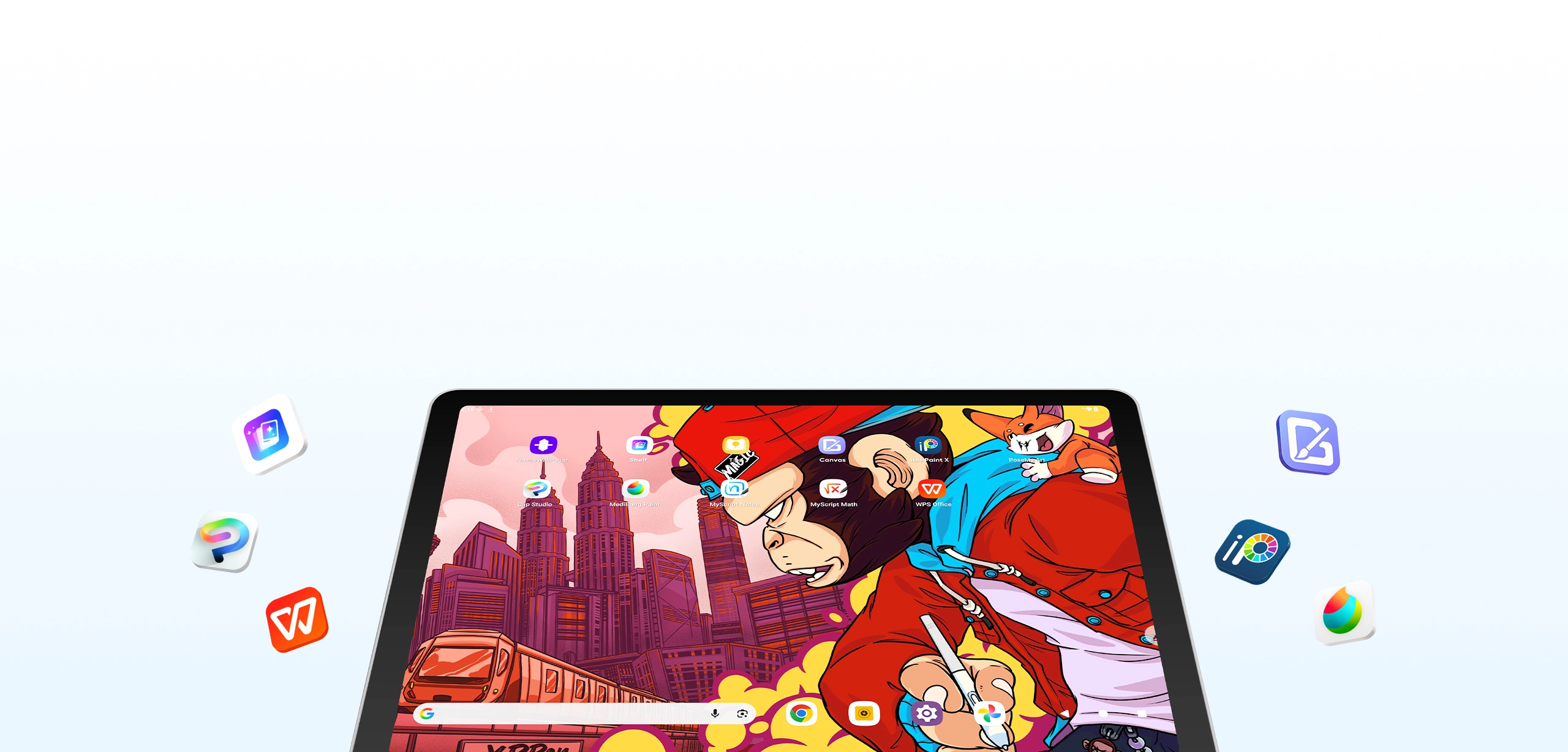
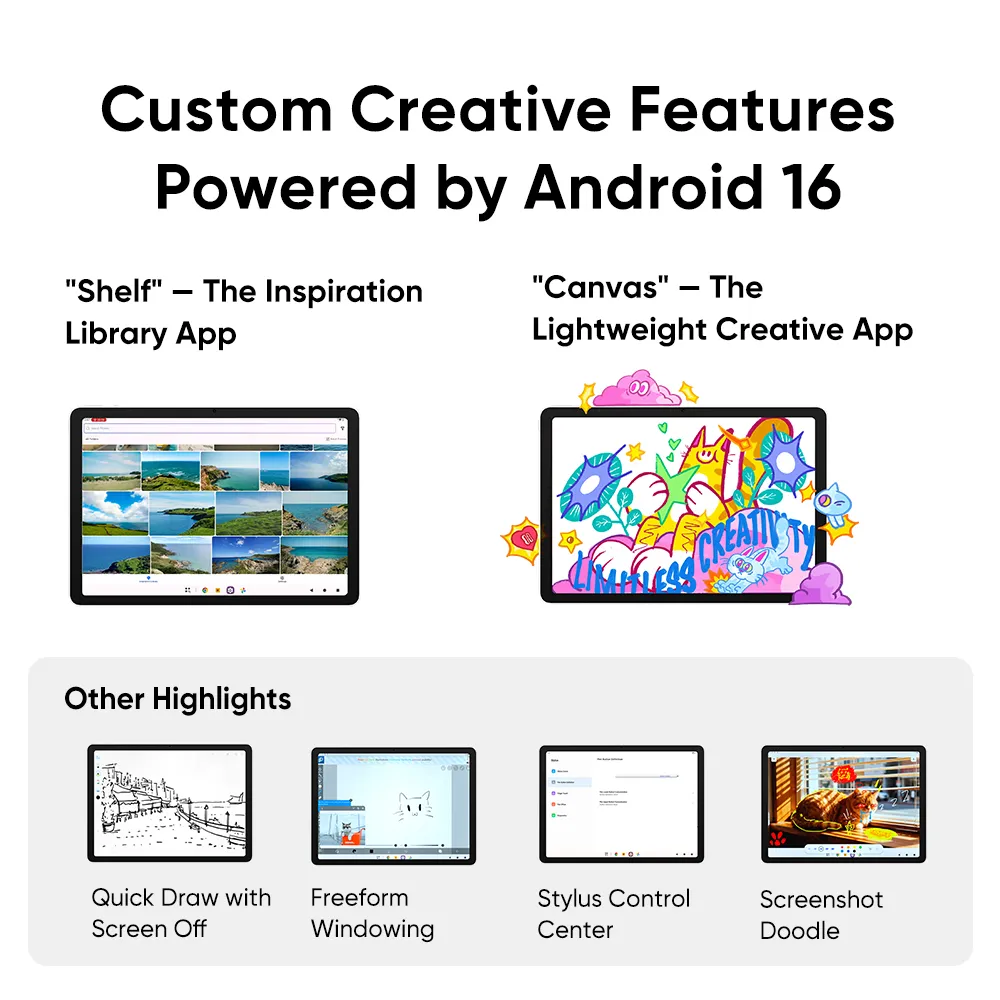
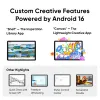
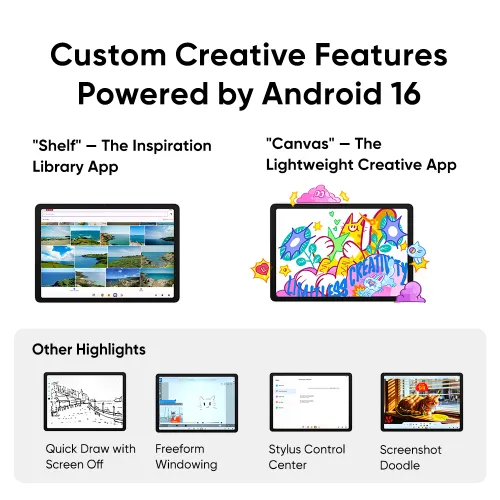
Custom Creative Features Powered by Android 16
Developed entirely in-house on Android 16, this versatile software ecosystem keeps every step of your creative process organized and maximizes productivity.
“Shelf”— The Inspiration Library App for Creators
Automatically tags and smartly archives your assets, allowing precise searches just like a personal digital art library, so every piece of inspiration is instantly within reach.


Smartly generates asset tags with customizable options.
Note down ideas and highlights directly on your assets, with support for searches across your entire library.
Find assets instantly by colors, objects, and other visual elements.
“Canvas”— The
Lightweight Creative App
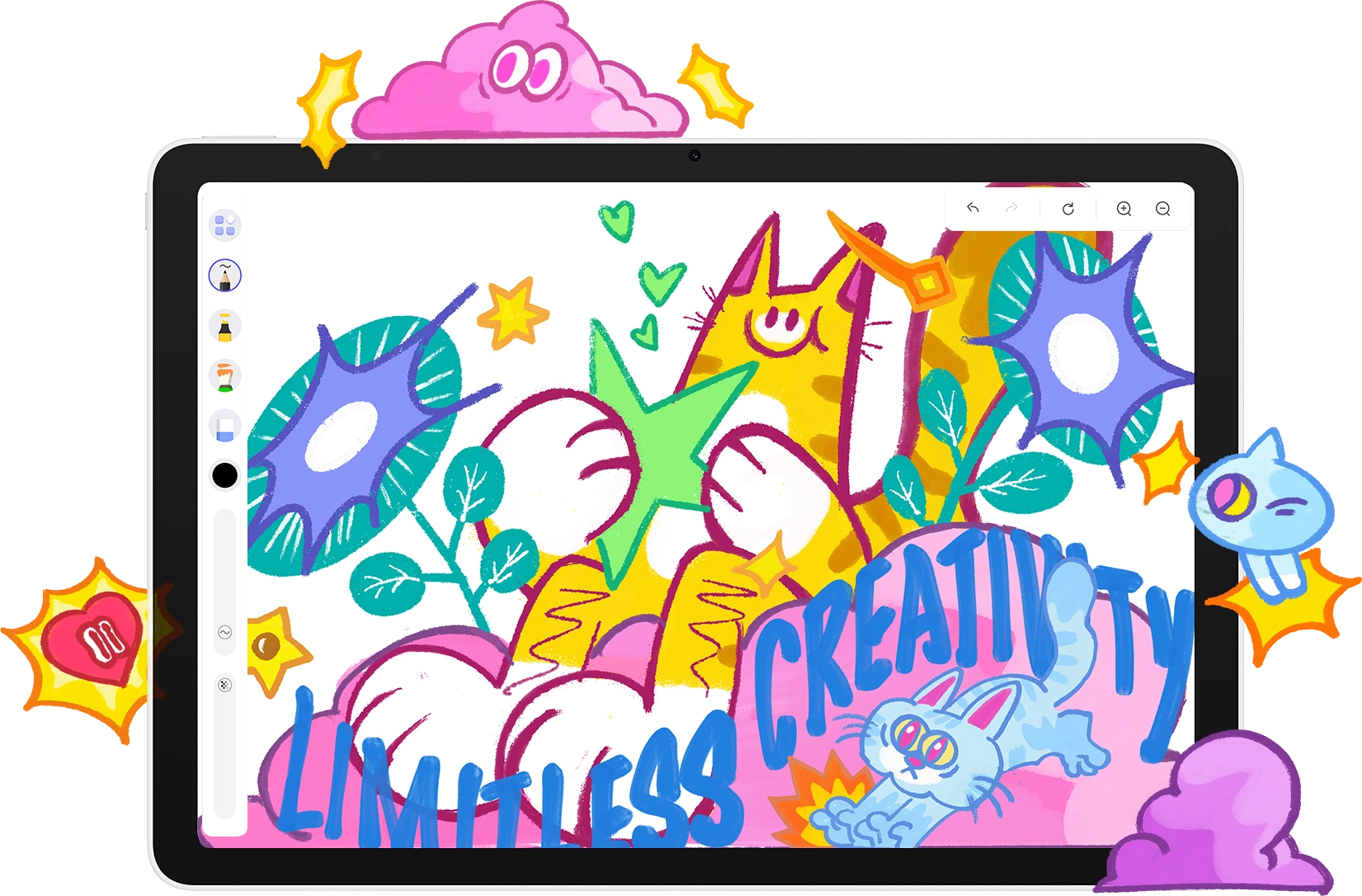
A zero-learning-curve, intuitive drawing tool that strips away complex features, letting you focus entirely on sketching and capturing inspiration for greater creative freedom.
Other Feature Highlights
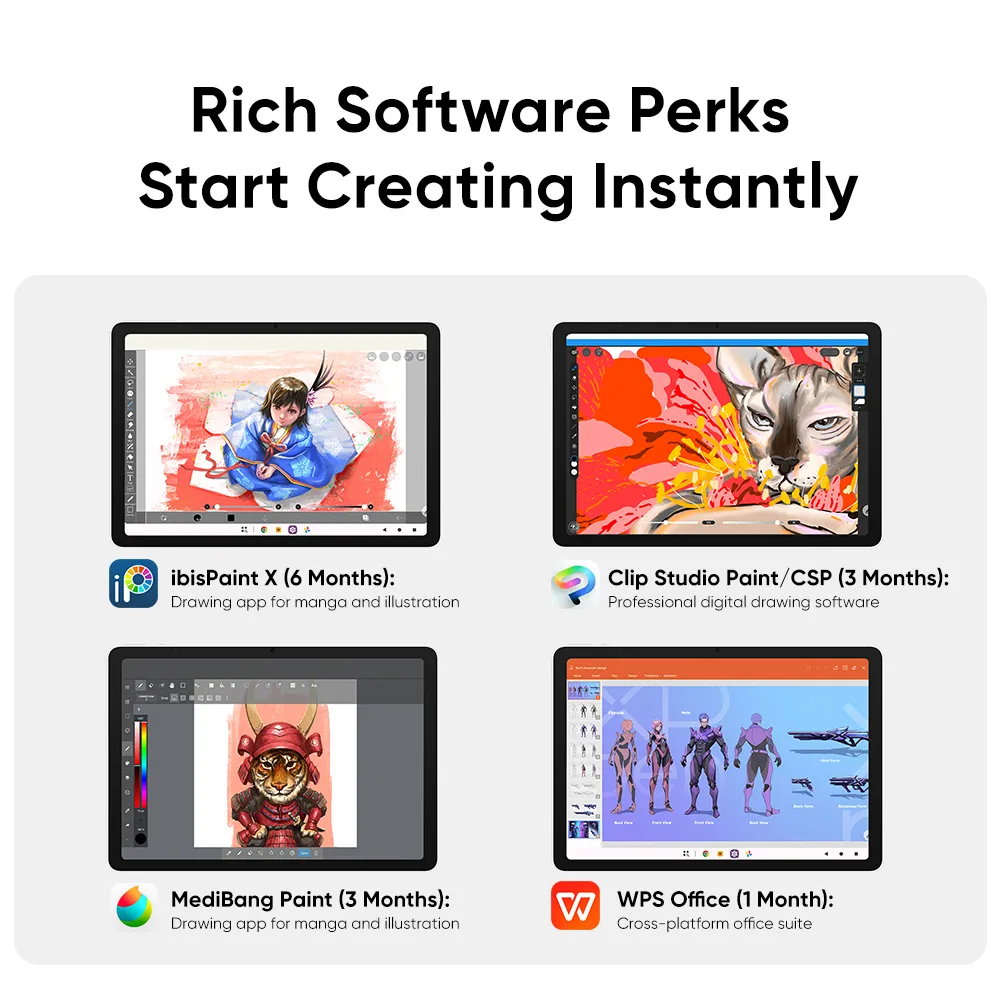
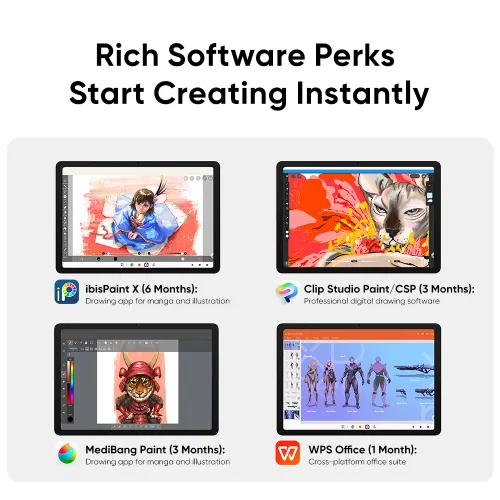
Rich Software Perks Start Creating Instantly
Pre-installed with popular creative software and complimentary premium memberships. Unbox and instantly enjoy full-scale support for drawing, manga, 3D rendering, and more.
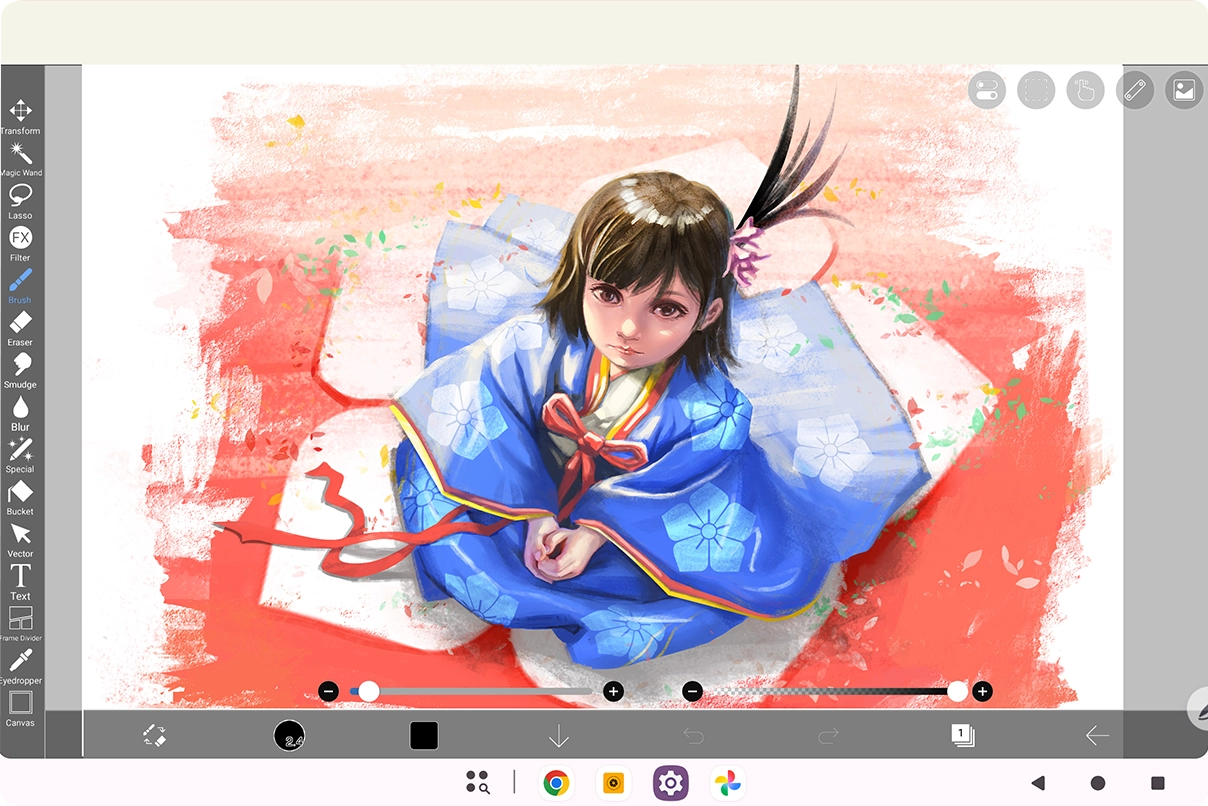
ibisPaint X (6 Months): A globally acclaimed mobile drawing app packed with rich brushes and materials. Start creating anime, manga, and illustrations anytime, anywhere.
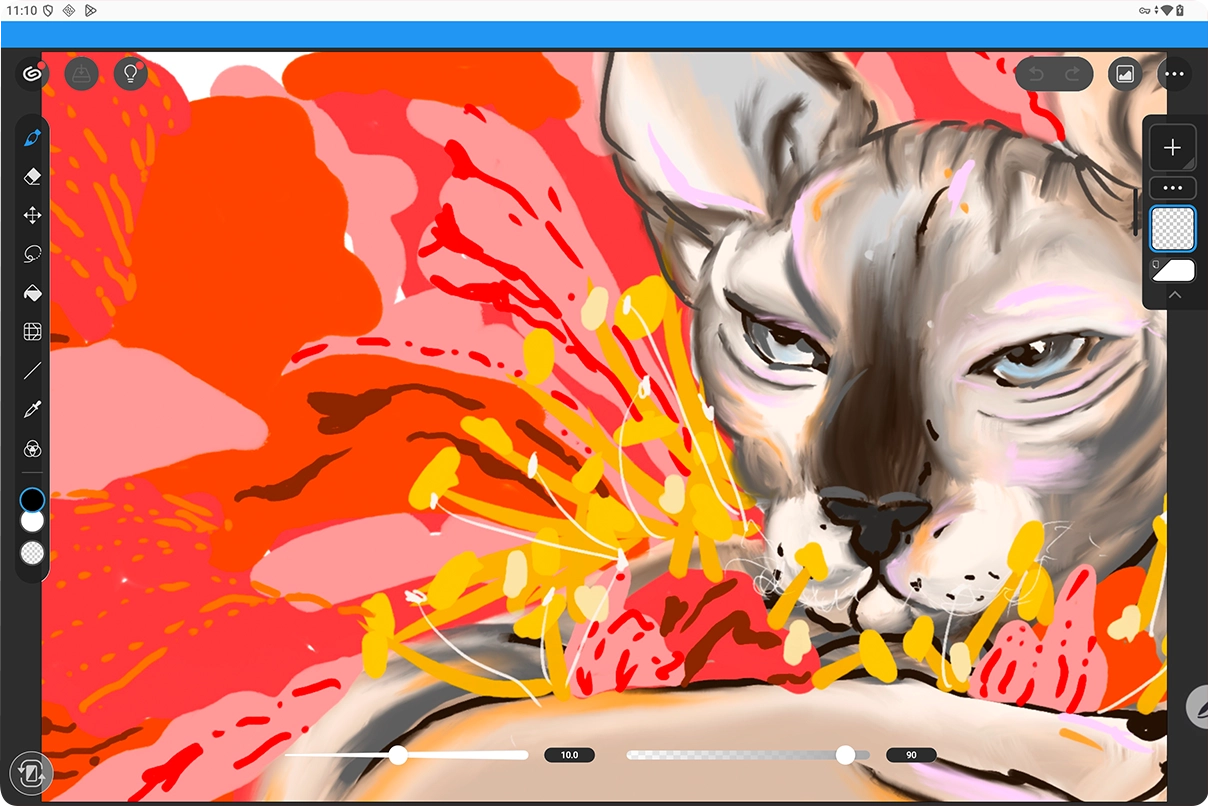
Clip Studio Paint/CSP (3 Months): The go-to professional software for manga and illustration, delivering exceptionally smooth strokes alongside powerful manga layout and drawing tools.
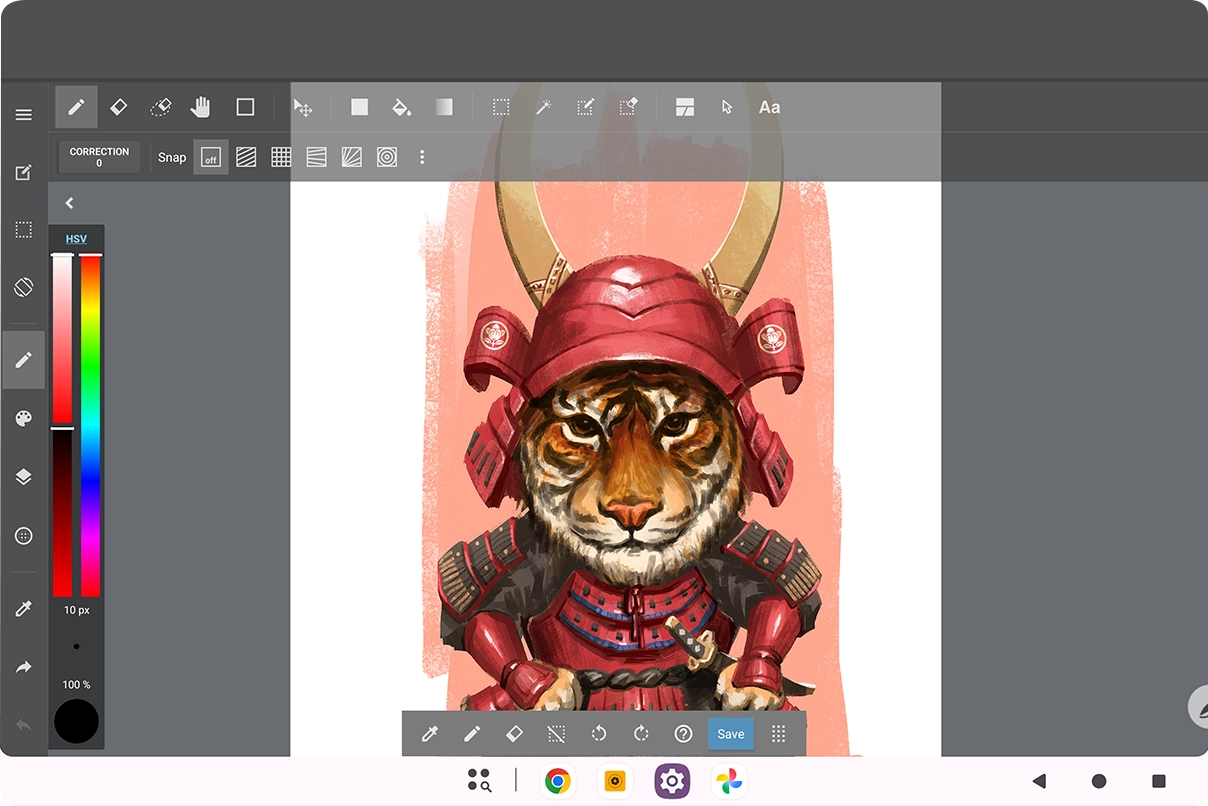
MediBang Paint (3 Months): A cross-platform drawing app designed for manga and illustration creators, featuring a massive library of screen tones and background assets.
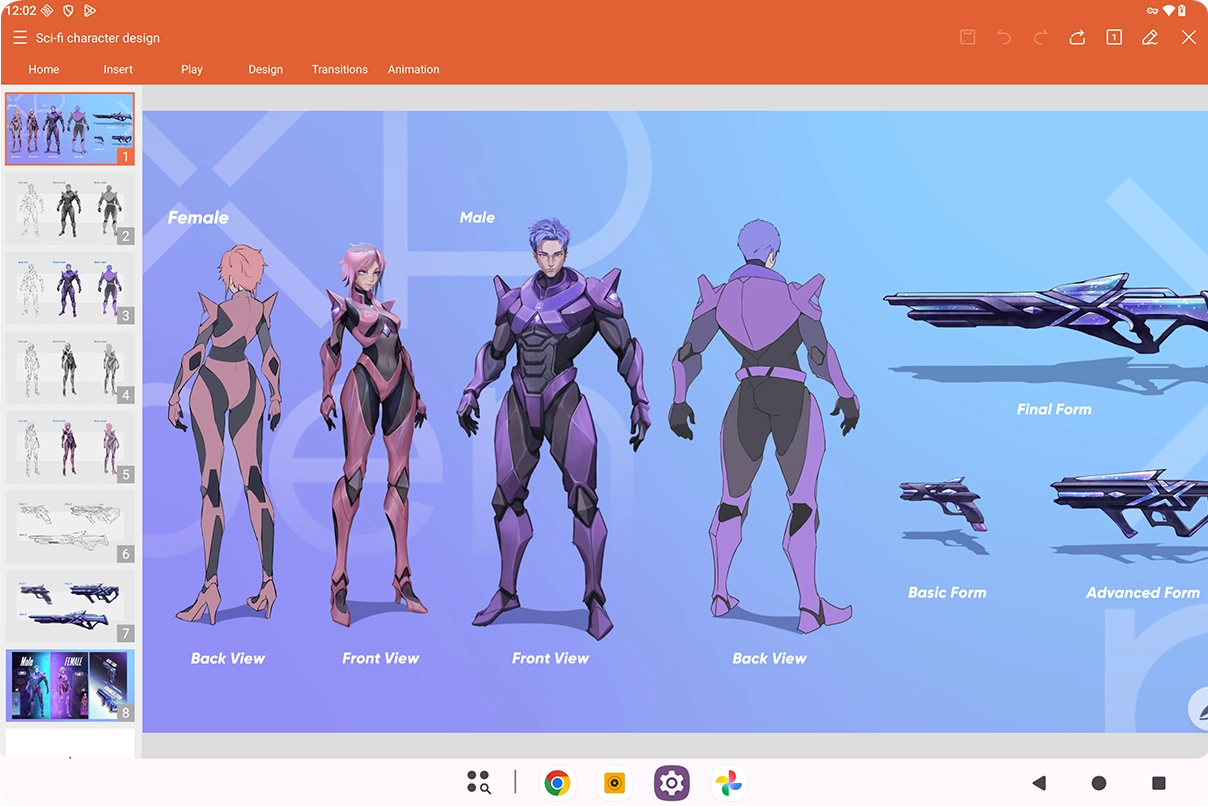
WPS Office (1 Month): A highly efficient, cross-platform office suite. Easily handle documents, presentations, and spreadsheets for all your daily writing and work needs.


*Read the guidelines for free MediBang Paint membership redemption.
*Read the guidelines for free ibisPaint X membership redemption.
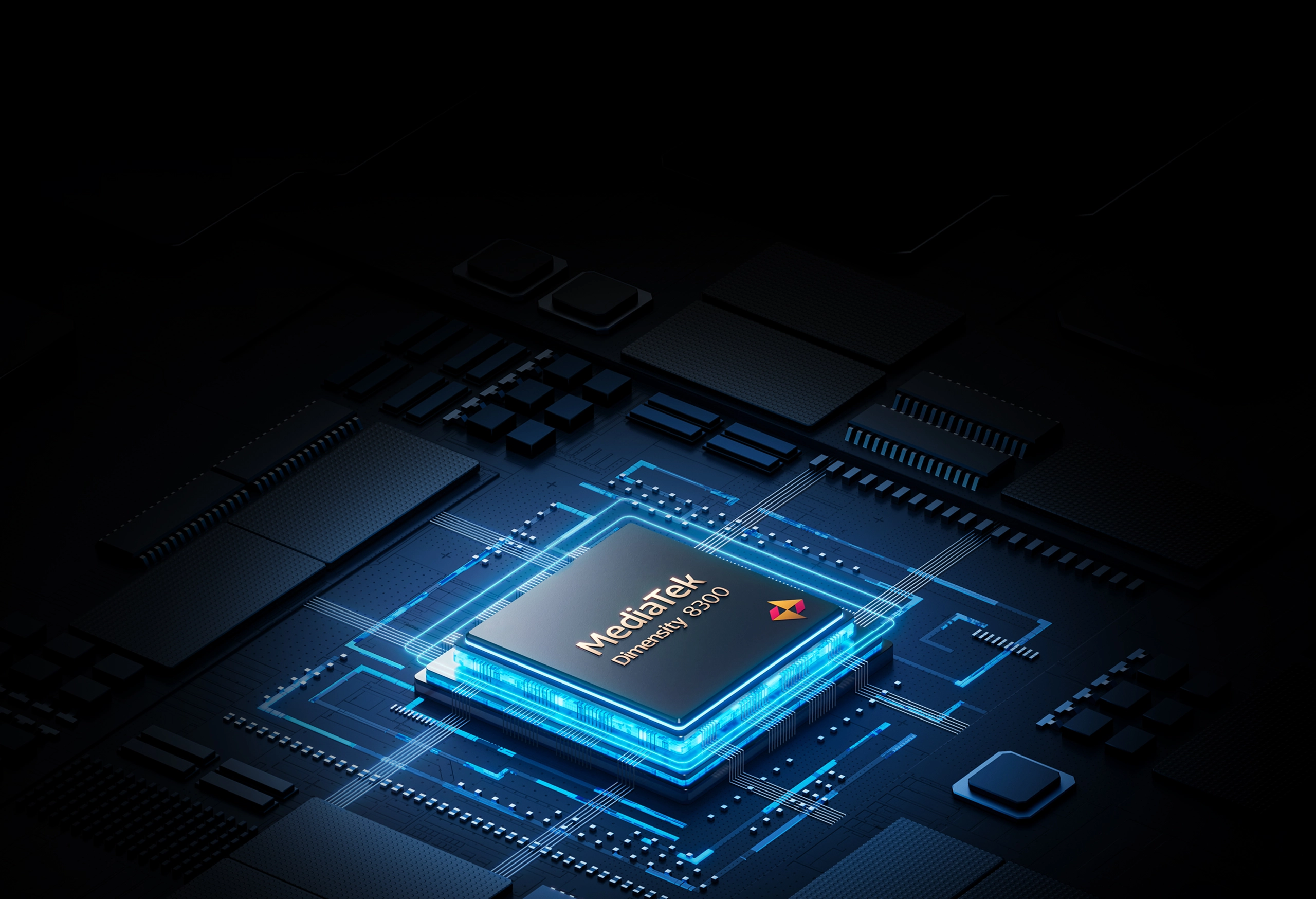
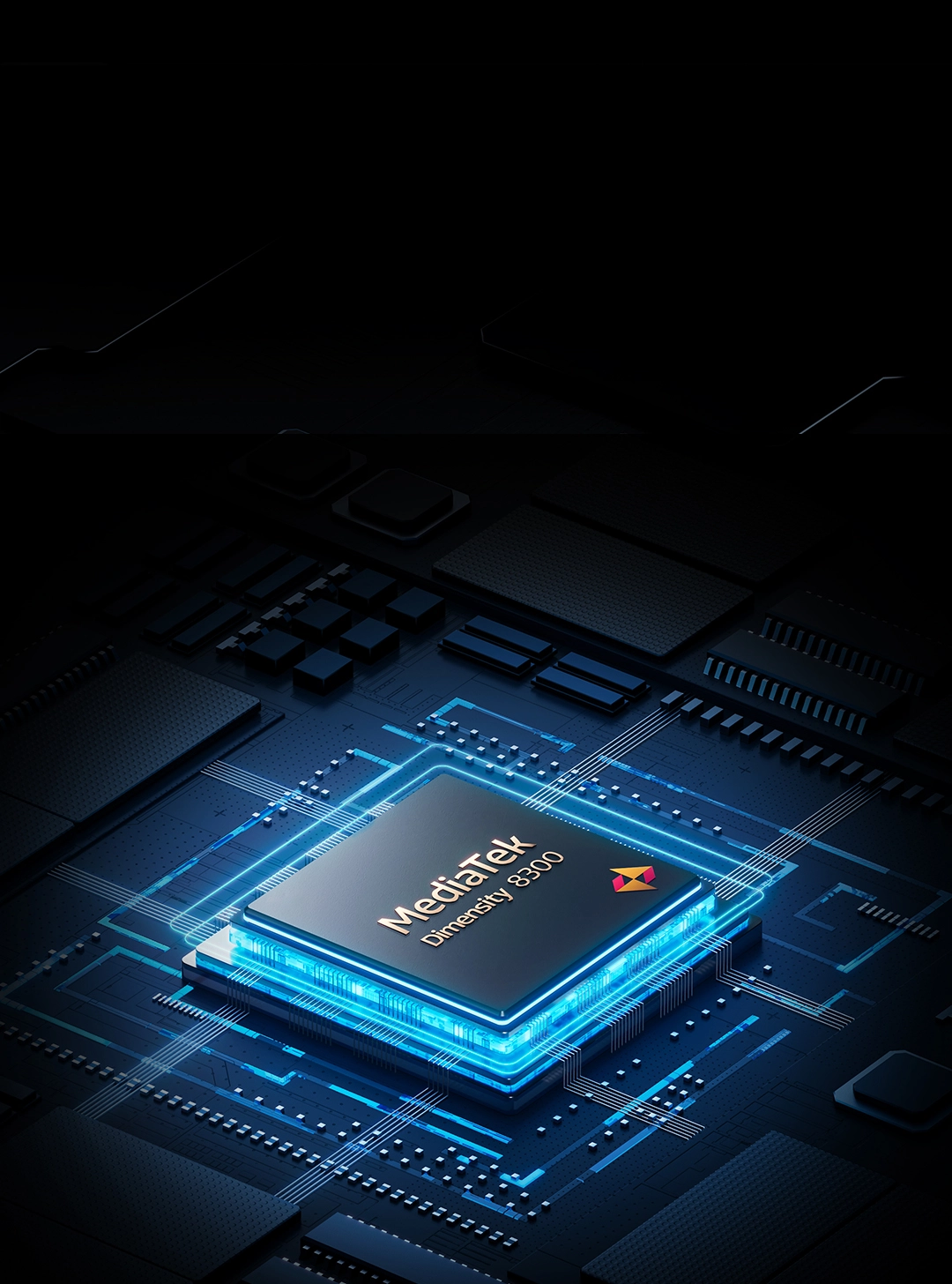
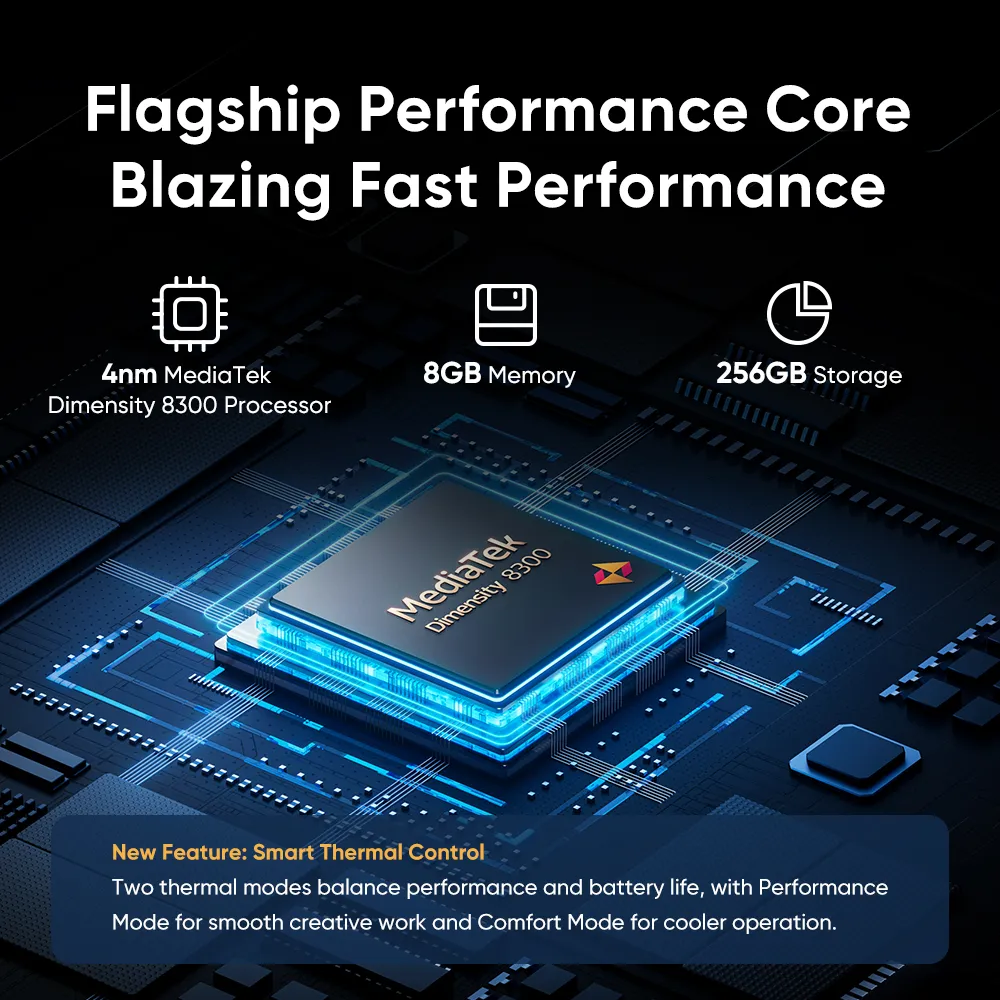
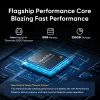
Flagship Performance Core Blazing Fast Performance
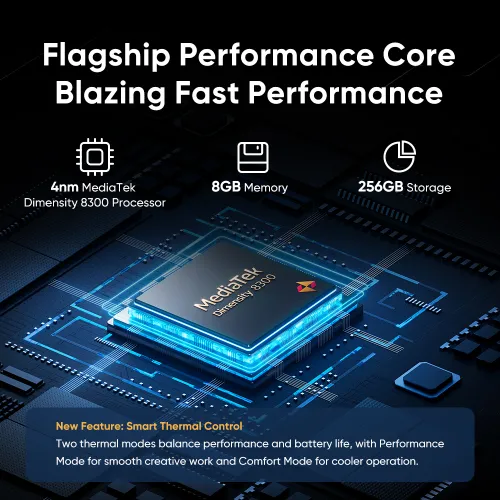
The flagship 4nm MediaTek Dimensity 8300 processor works seamlessly with 8GB memory. Switch seamlessly between apps with minimal lag. The drawing pad comes with 256GB of storage and supports SD card expansion, giving you ample space to store inspirations and creations.

4nm MediaTek Dimensity 8300 Processor

8GB Memory

256GB Storage
New Feature: Smart Thermal Control
It is equipped with two distinct temperature control profiles to balance performance and battery life.

Performance Mode
Delivers maximum performance for creative work

Comfort Mode
Applies stricter temperature control for a more comfortable hands-on experience.
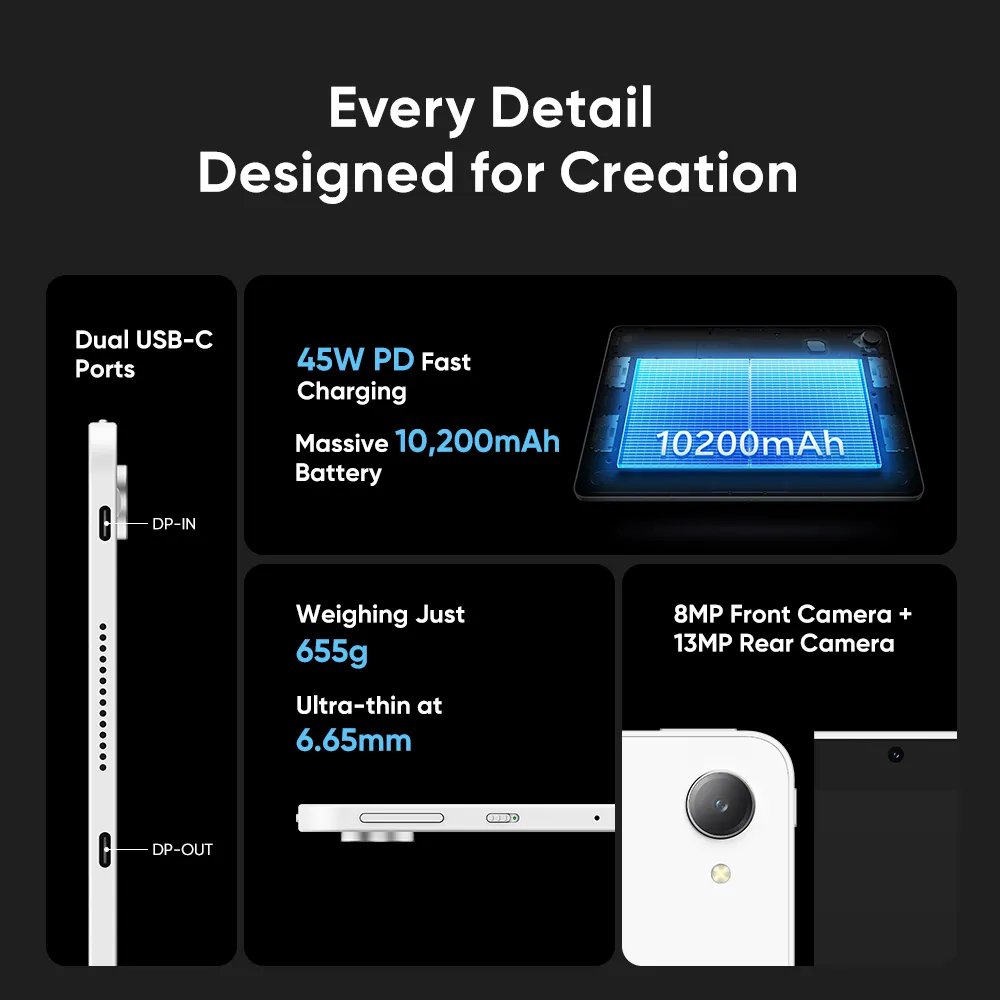
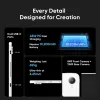
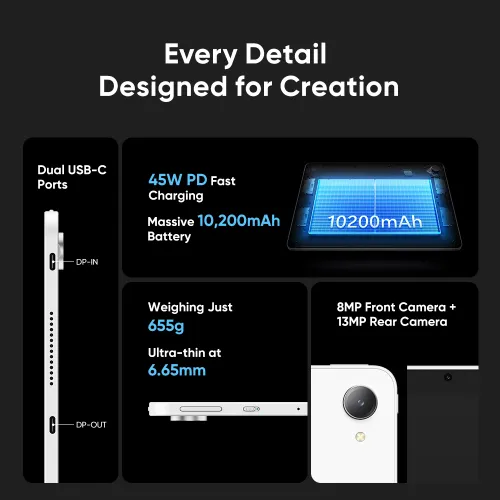
Every Detail Designed for Creation
This all-new professional drawing pad combines a stunning design with a premium finish. Every detail is thoughtfully designed to make your creative process more convenient.
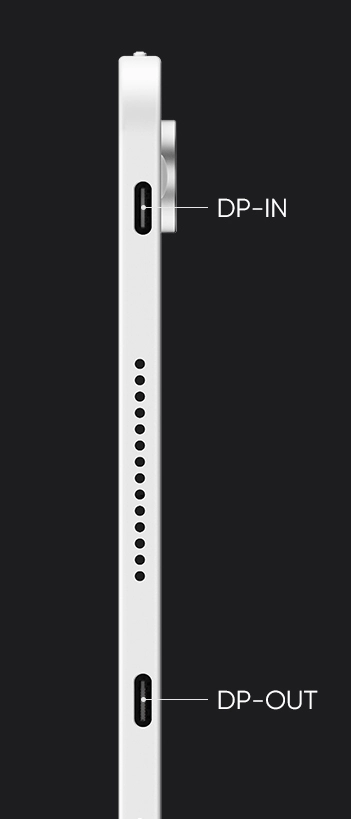
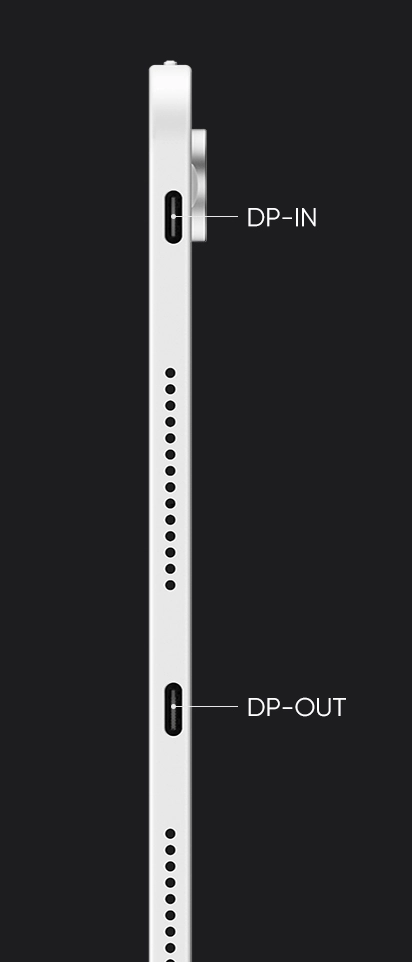
Dual USB-C Ports (both support 45W PD fast charging)
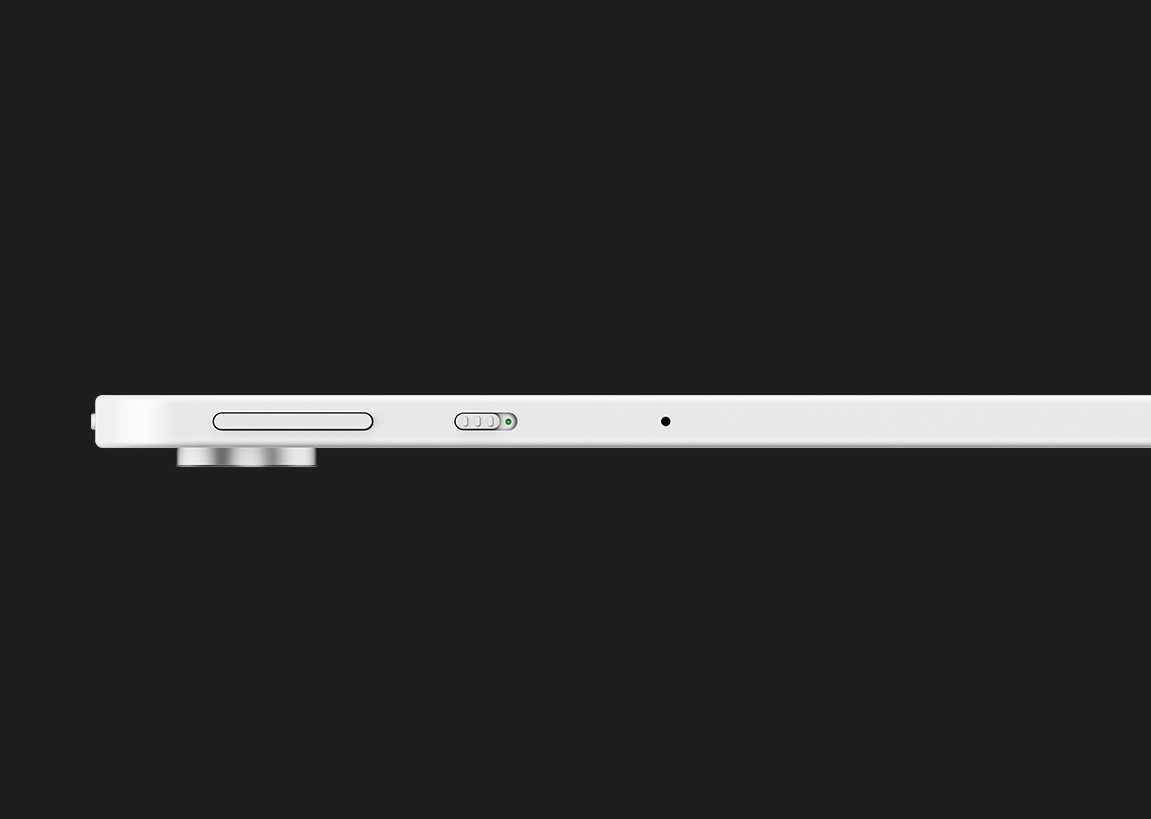
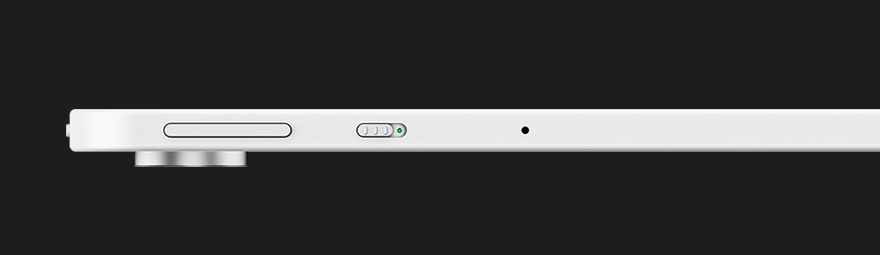
Ultra-thin at 6.65mm
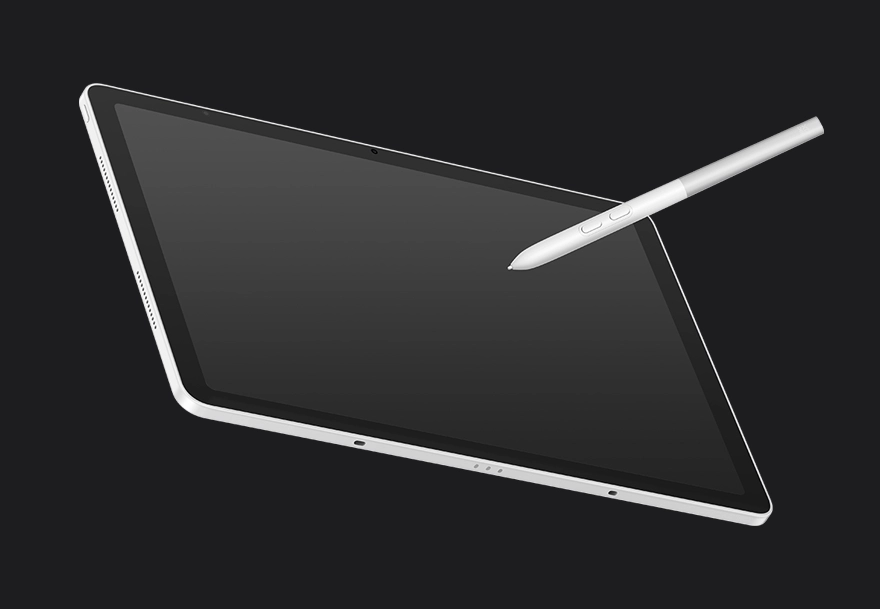
Weighing just 655g
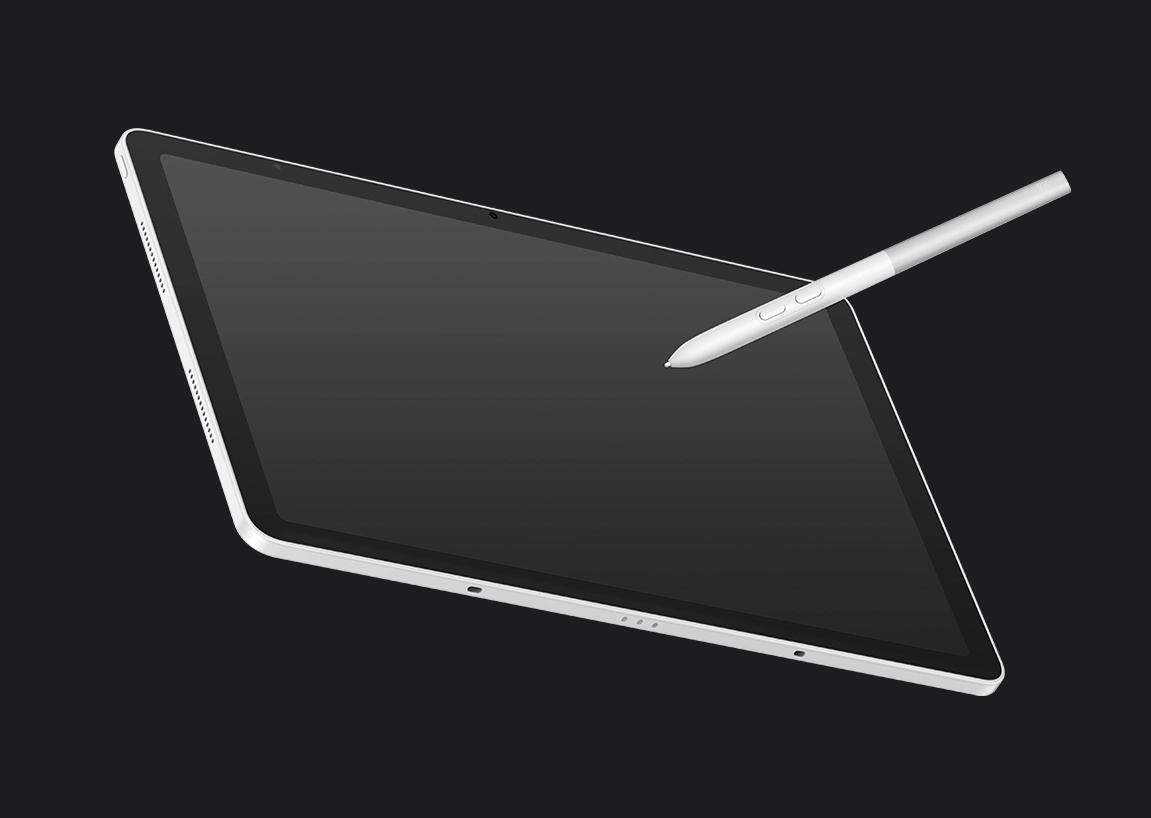
Weighing just 655g


8MP Front Camera
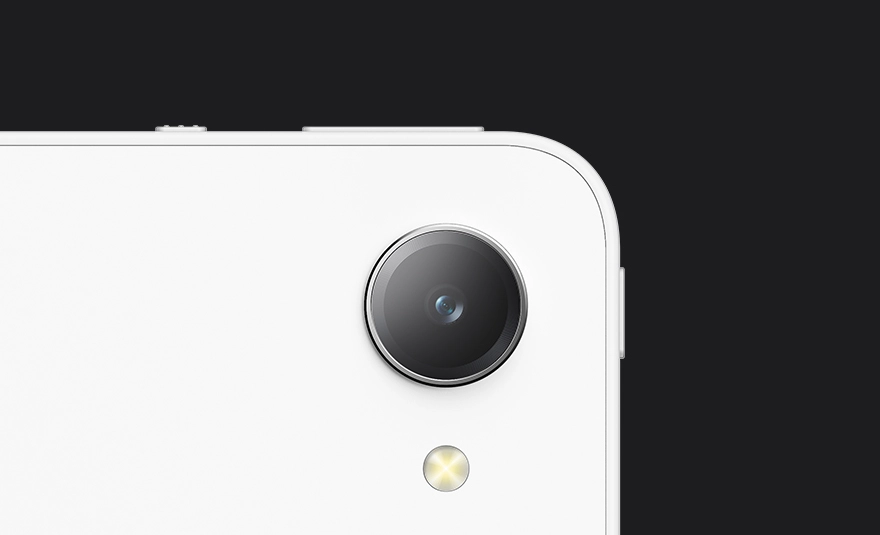
8MP Front Camera + 13MP Rear Camera
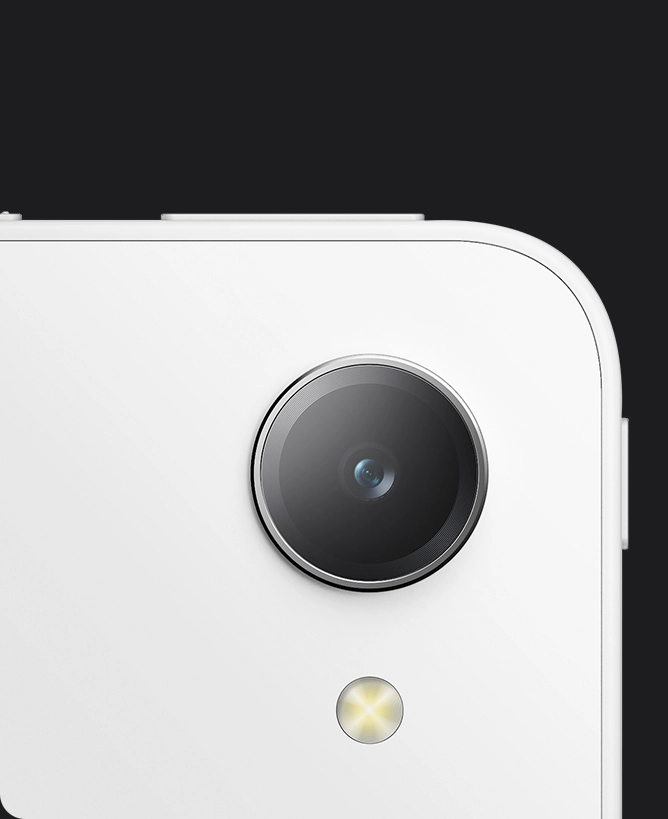
13MP Rear Camera


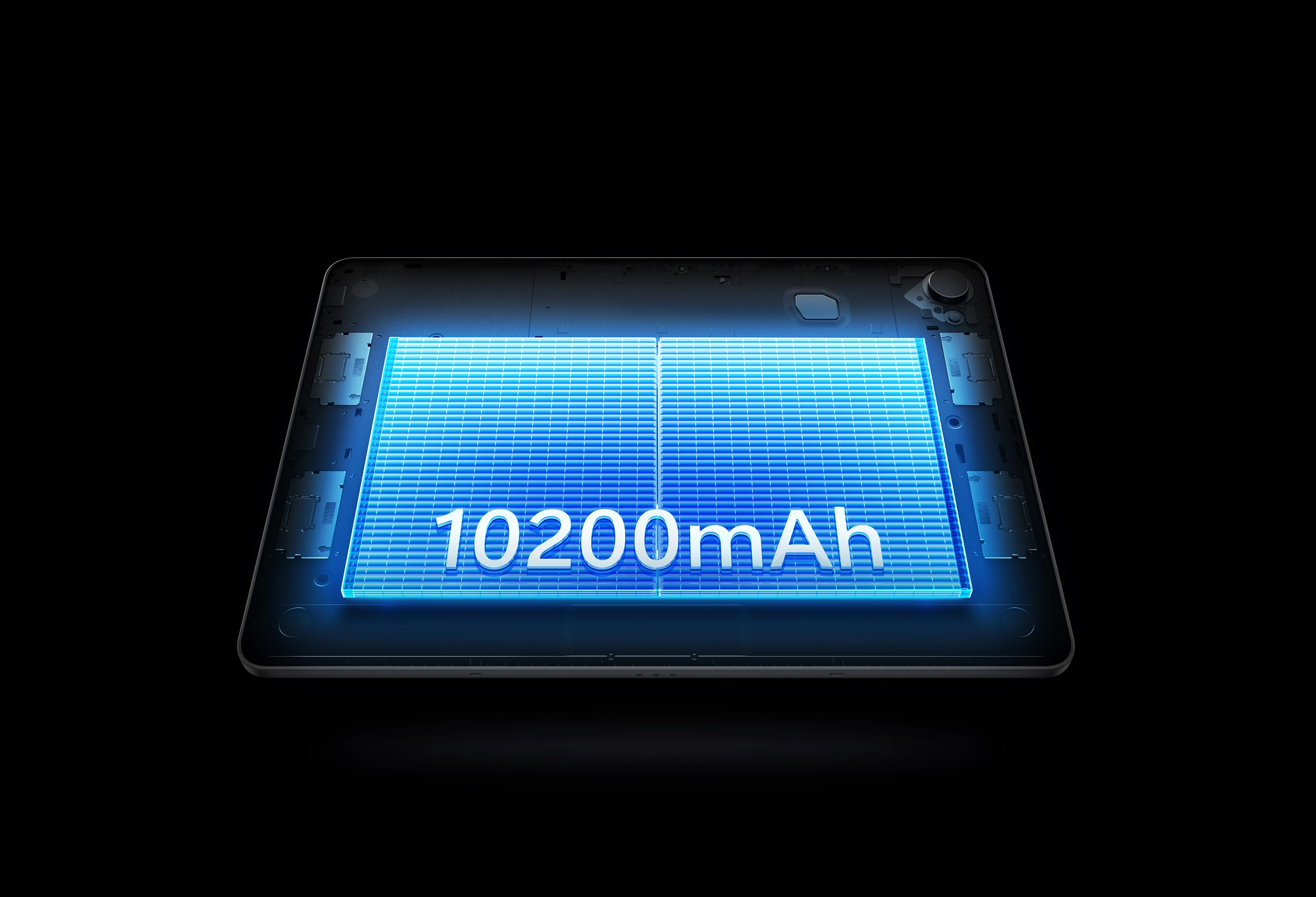
Create Freely, Stay Powered
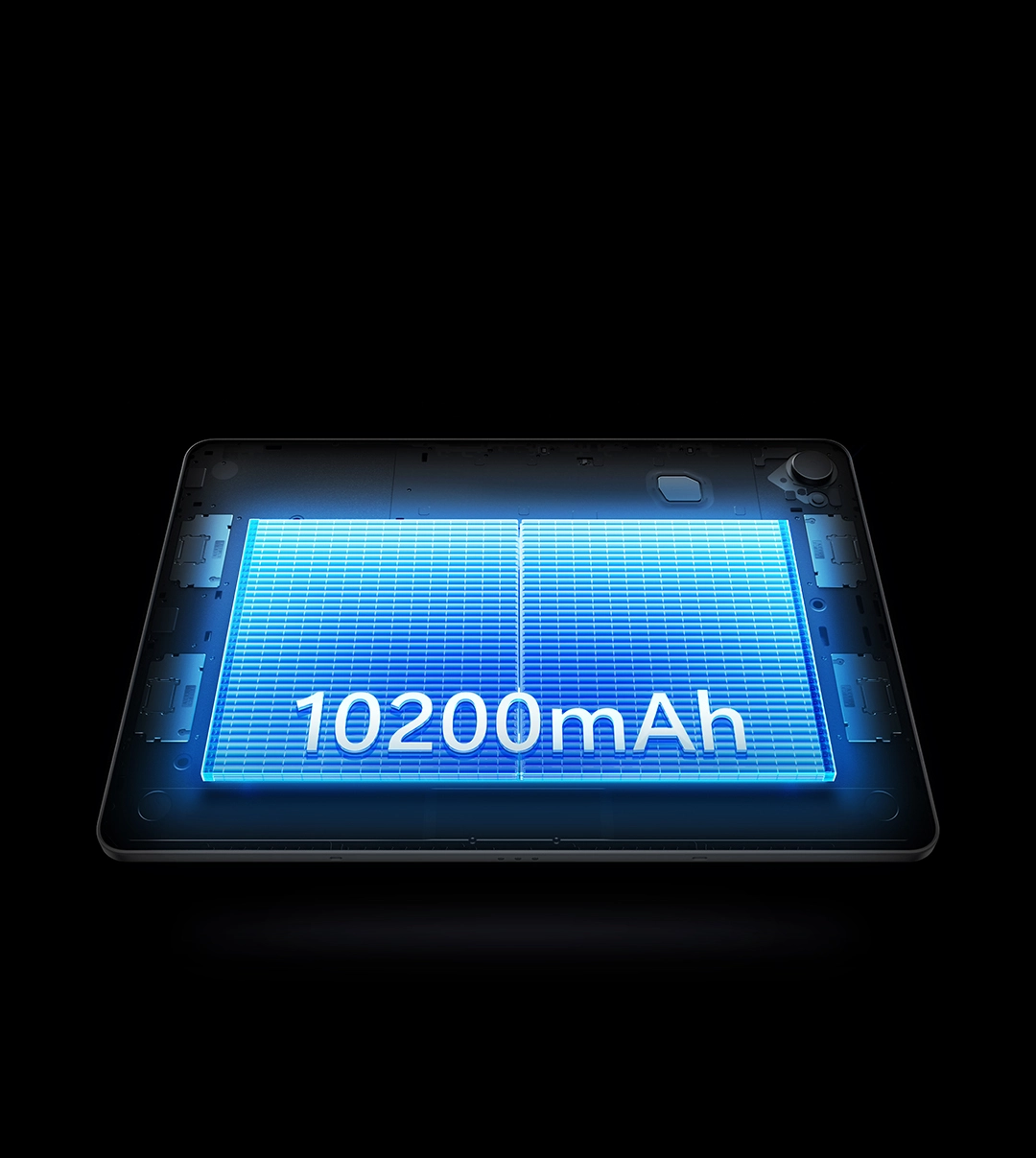
Featuring a 10,200mAh battery and 45W PD fast charging, Magic Pro 13 gives you the confidence to create anywhere, without interruption.
45W PD
Fast Charging
10,200mAh
Massive Battery
Professional Productivity in Every Scenario
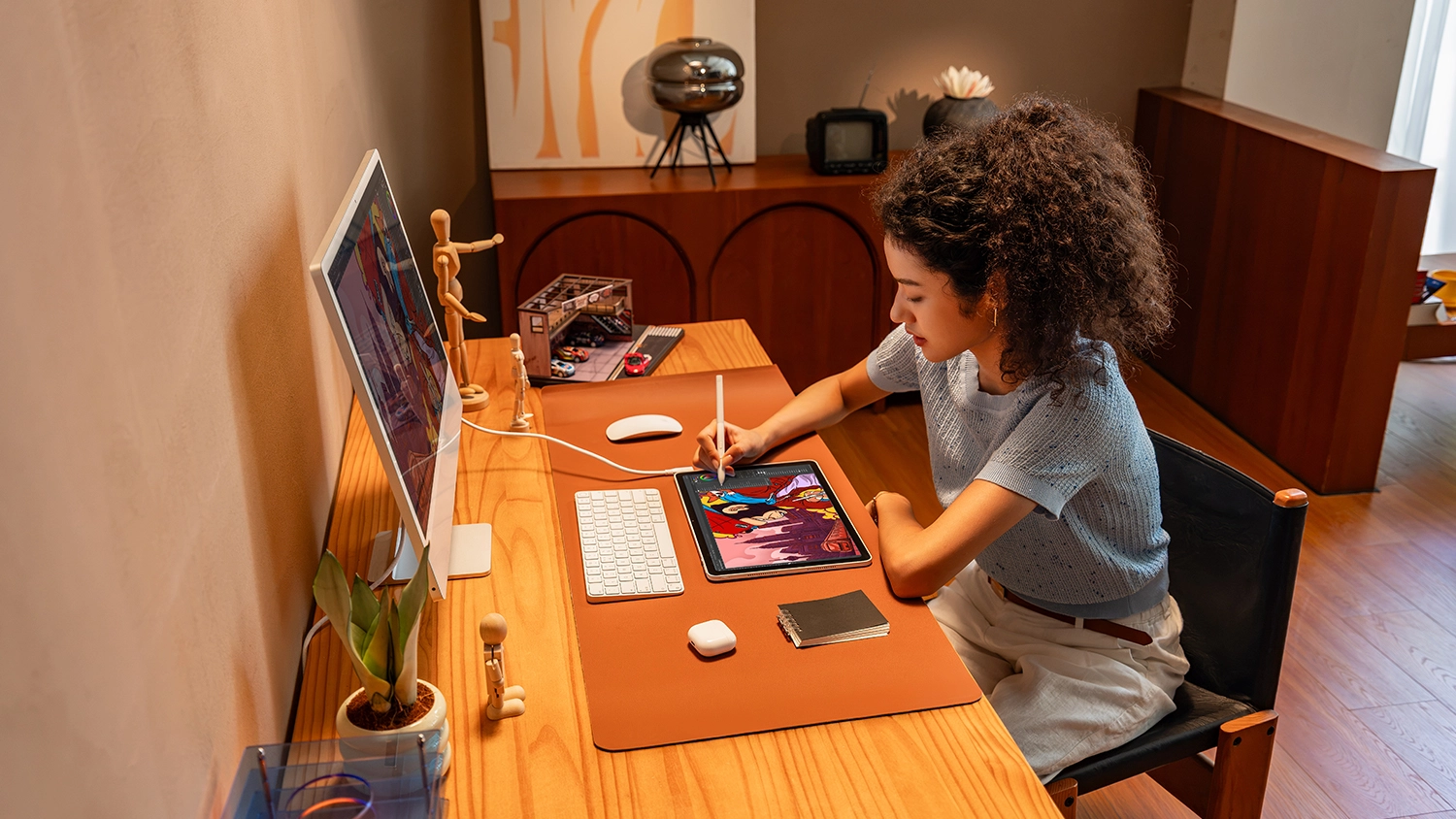
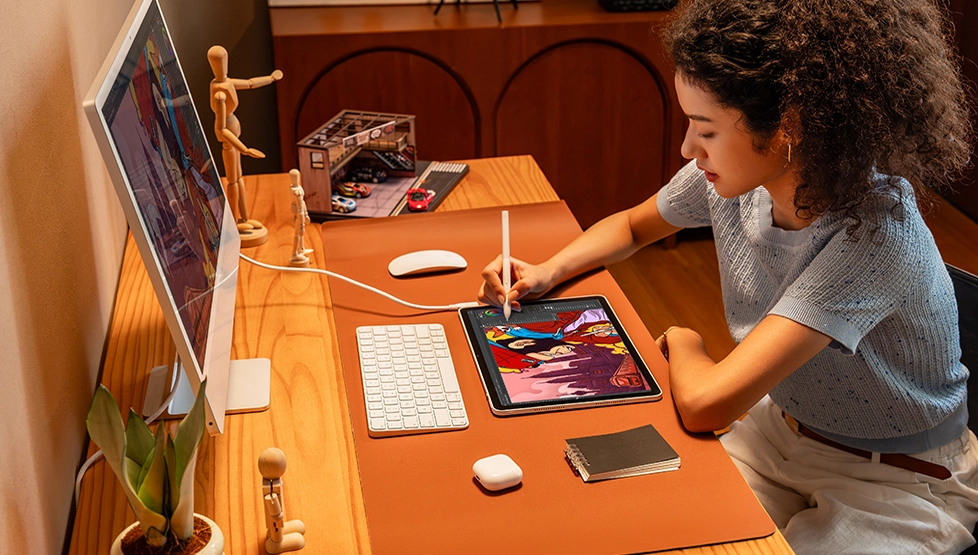
Illustration Creation
The 3K resolution pairs perfectly with the next-gen X4 smart chip stylus. What your eyes see is what your hand draws—with seamless precision.


Outdoor Creation
Lightweight at just 655g with 650 nits of brightness. Defy harsh sunlight and glare to sketch and color with ease.
Animation Creation
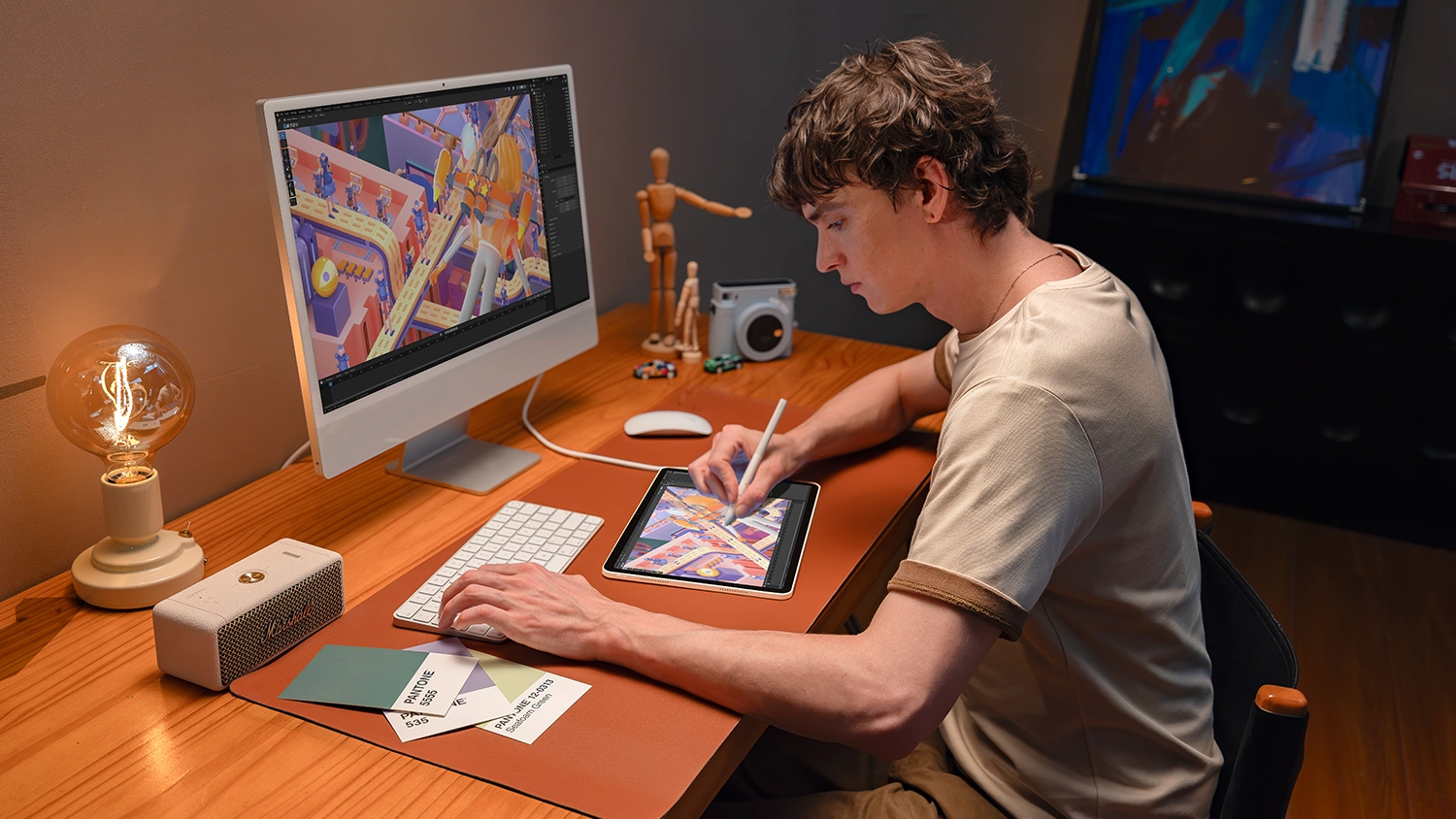
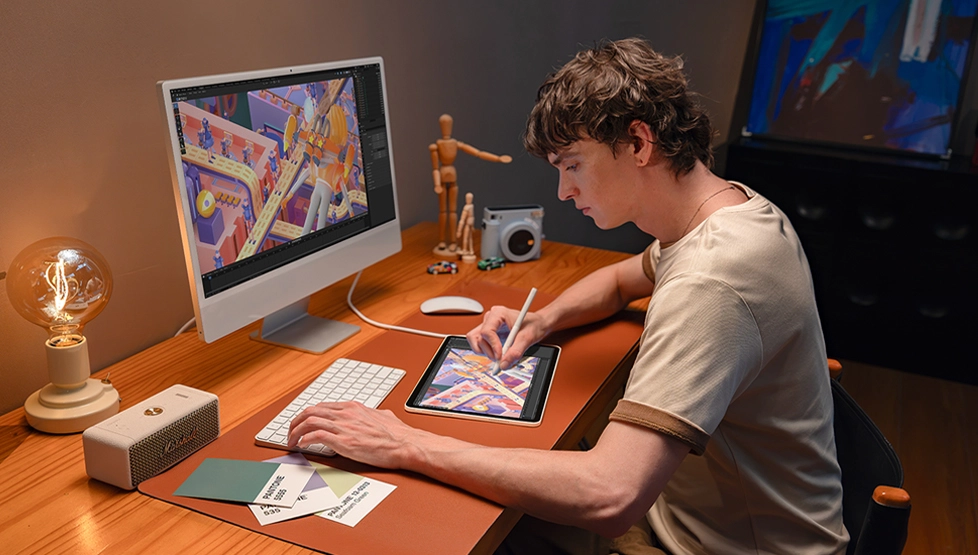
A 120Hz refresh rate reduces motion blur and ghosting during complex camera pans, delivering smoother dynamic previews.


Business Presentation
Pitch creative concepts and annotate key points on this 120Hz creative display with the all-new X4 smart chip stylus, making communication more efficient.
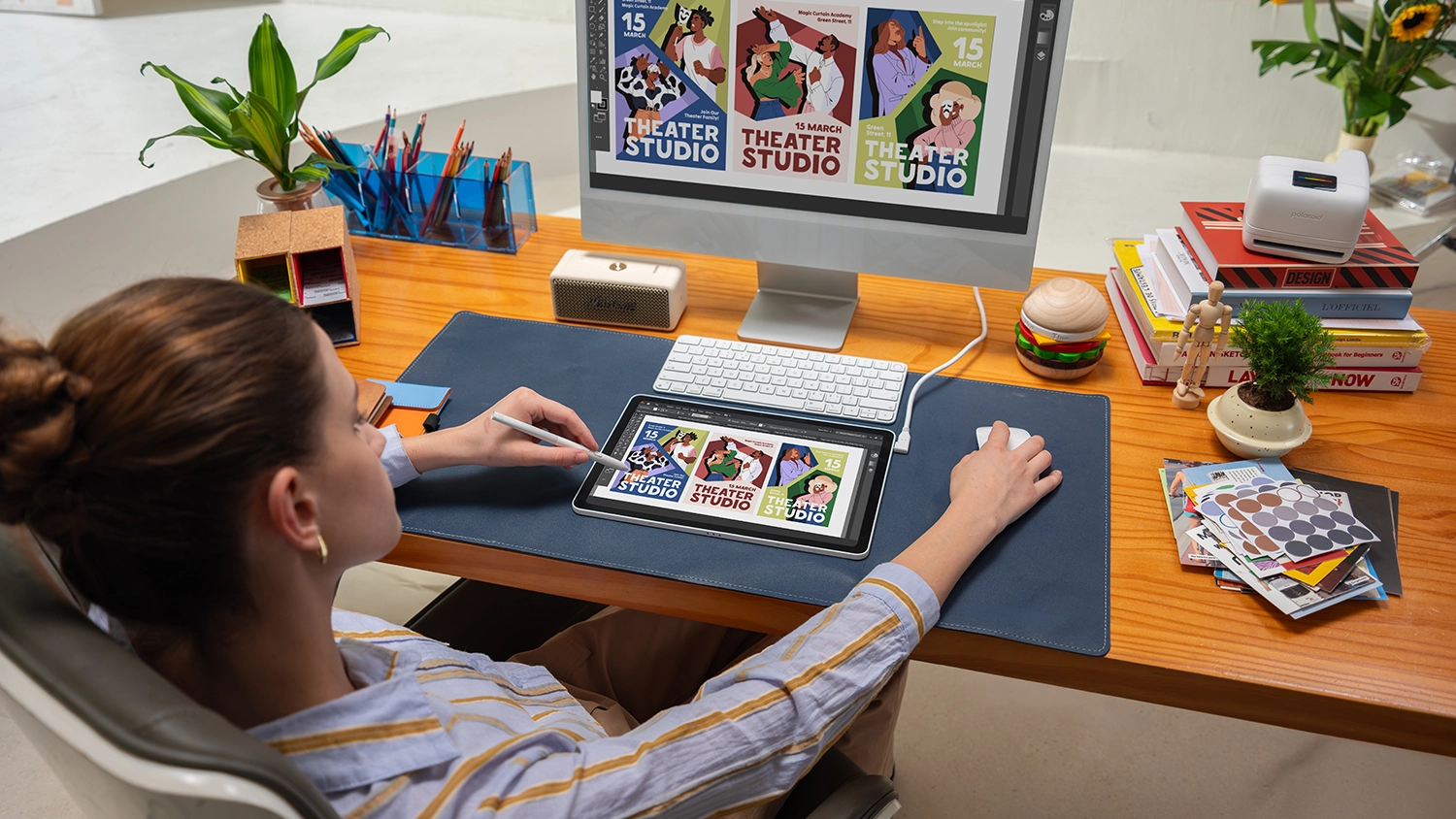
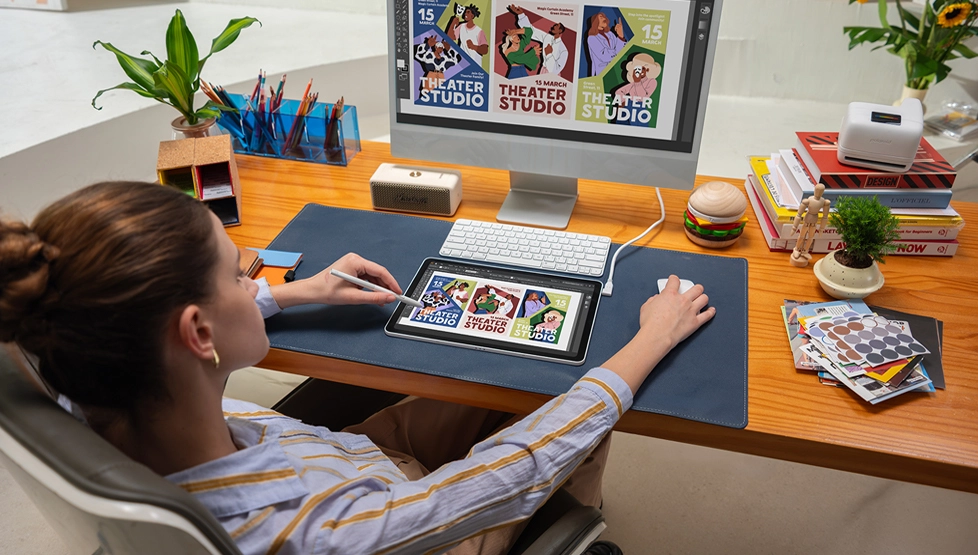
Graphic Design
Find inspiration in the Shelf app, then switch to Drawing Display Mode to bring professional layouts and color palettes to life.


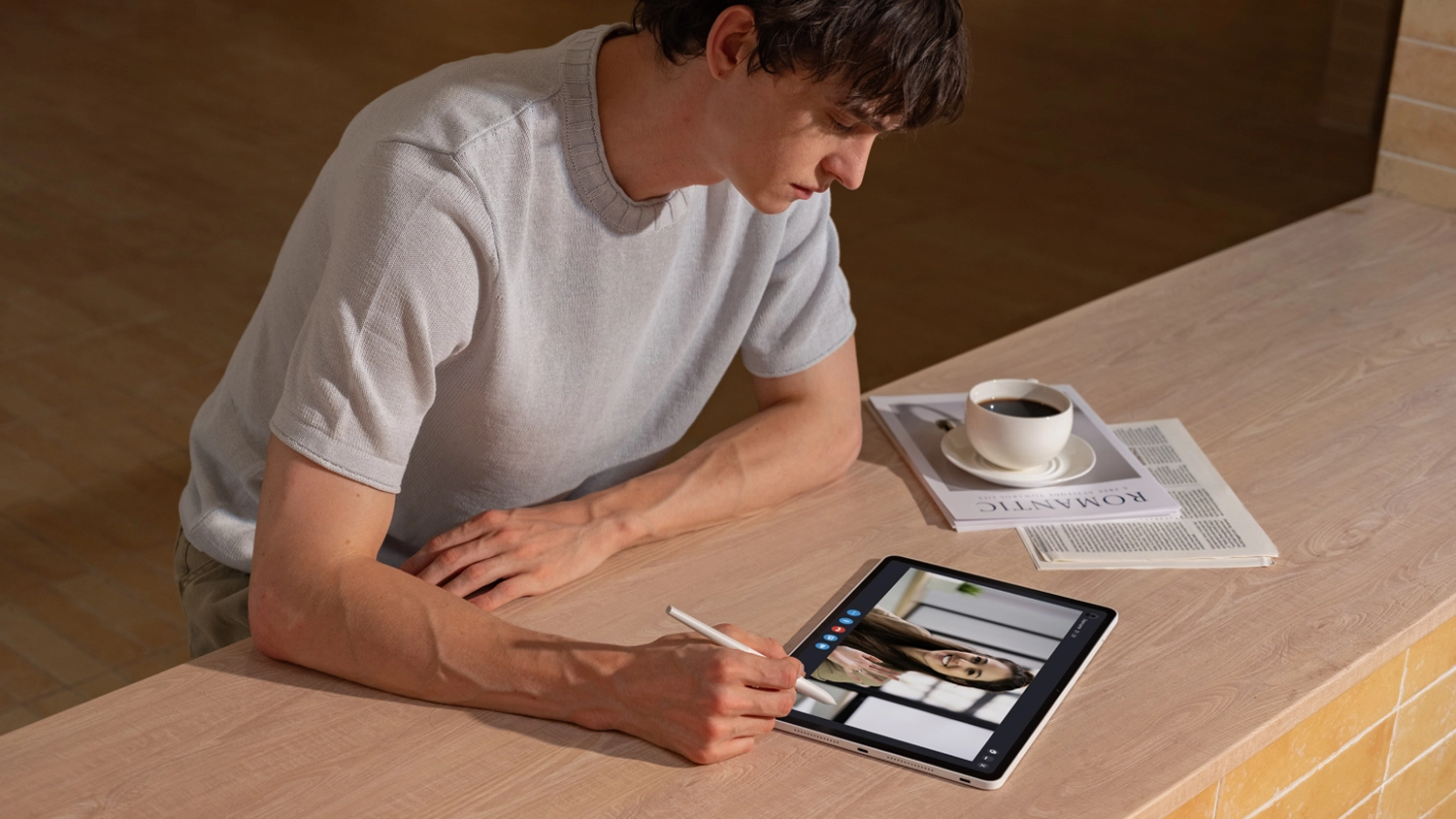
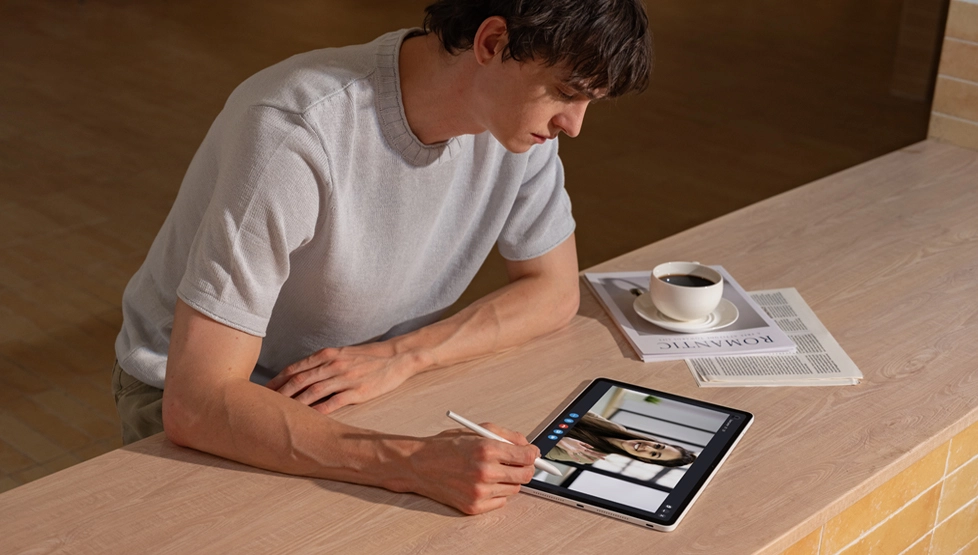
Digital Content Creation
Chase trends, brainstorm ideas, and livestream. The 4nm flagship chip powers smooth, lag-free multitasking.
Training & Education
The paper-like screen with AG+AF nano-etched technology ensures a familiar tactile feel, making the transition from paper to digital drawing effortless.
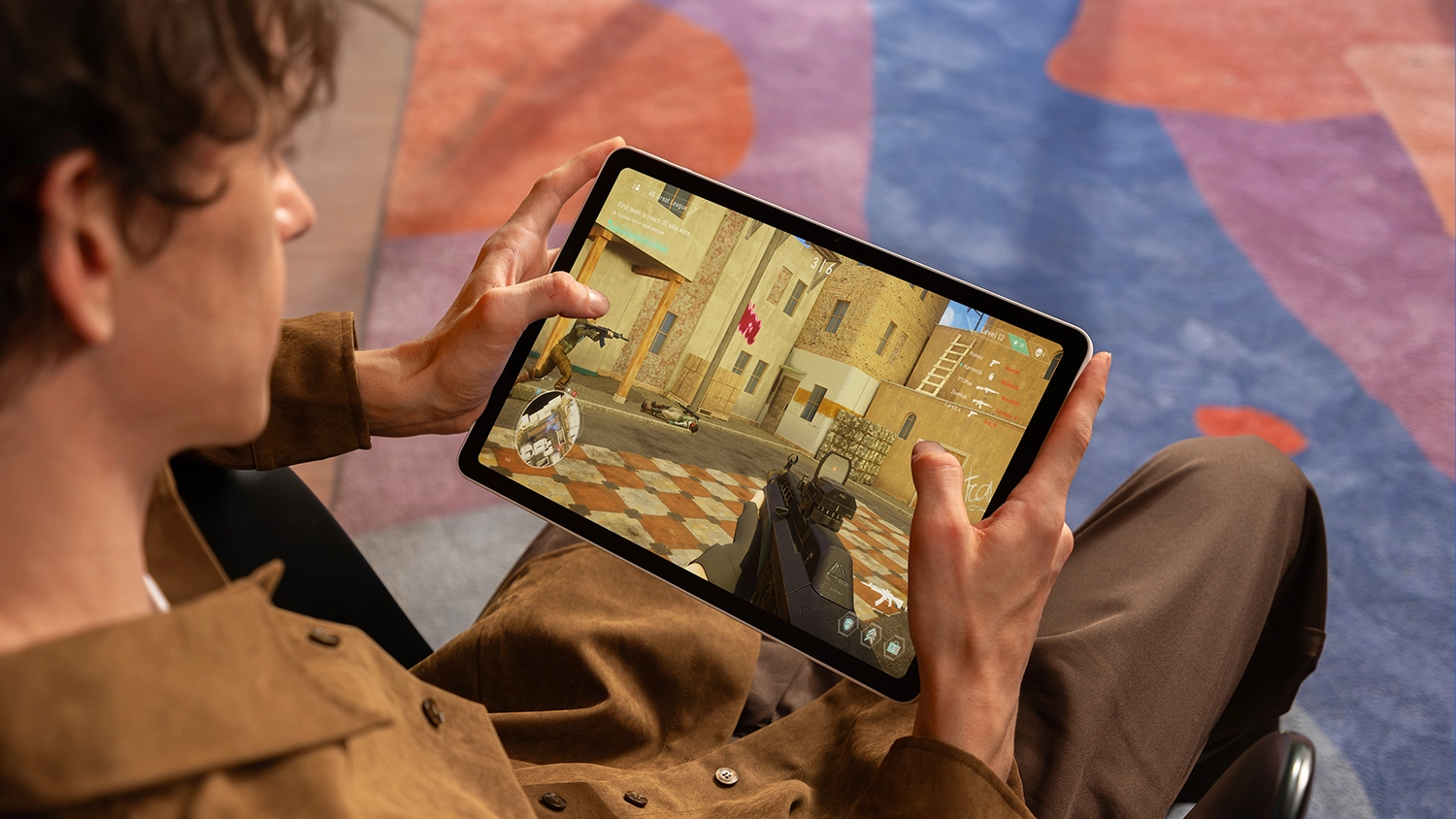
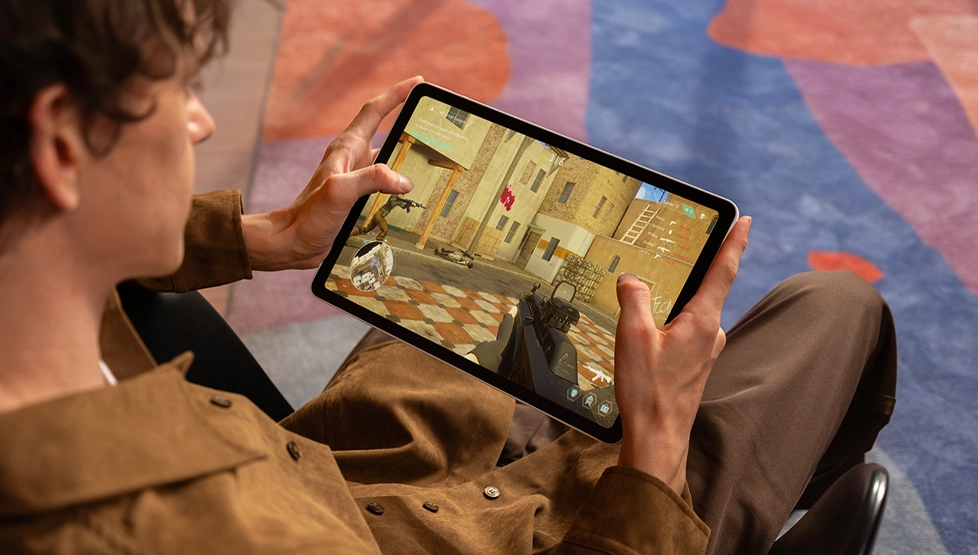
Gaming & Entertainment
Packed with a massive 10,200mAh battery and quad speakers, it delivers an immersive experience whether you're binge-watching or gaming.

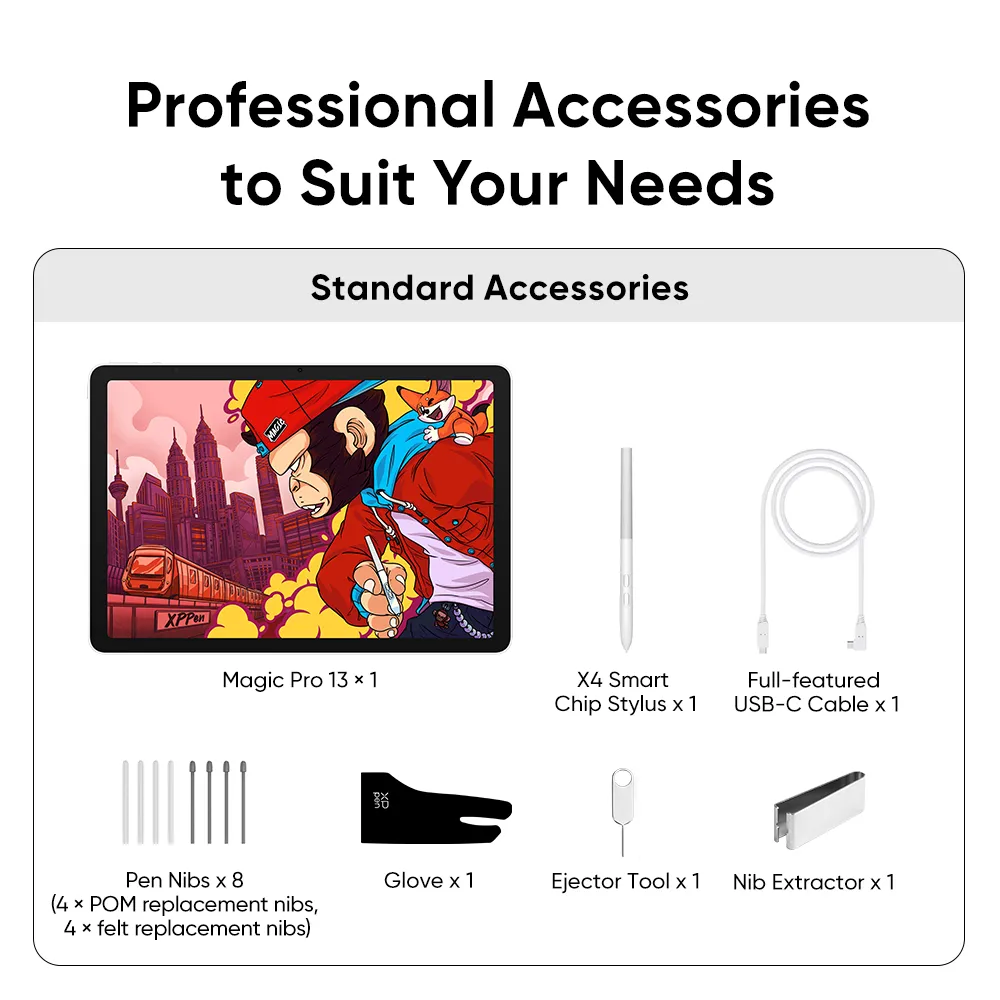
Magic Pro 13
comes with one free creative software.
Accessory
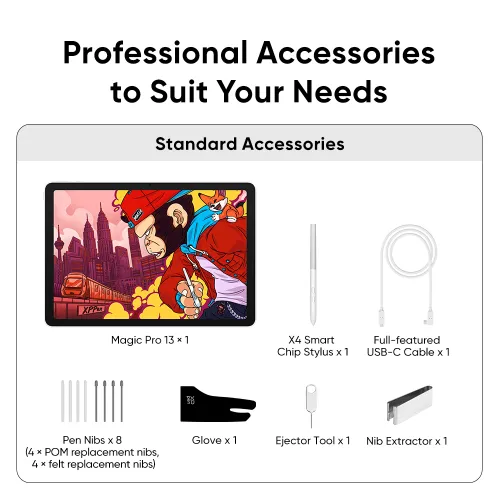
Drawing Pad x 1
X4 Smart Chip Stylus x 1
Full-featured USB-C Cable x1
Pen Nibs x 8 (4 × POM replacement nibs, 4 × felt replacement nibs)
Nib Extractor x 1
Glove x 1
Ejector Tool x 1
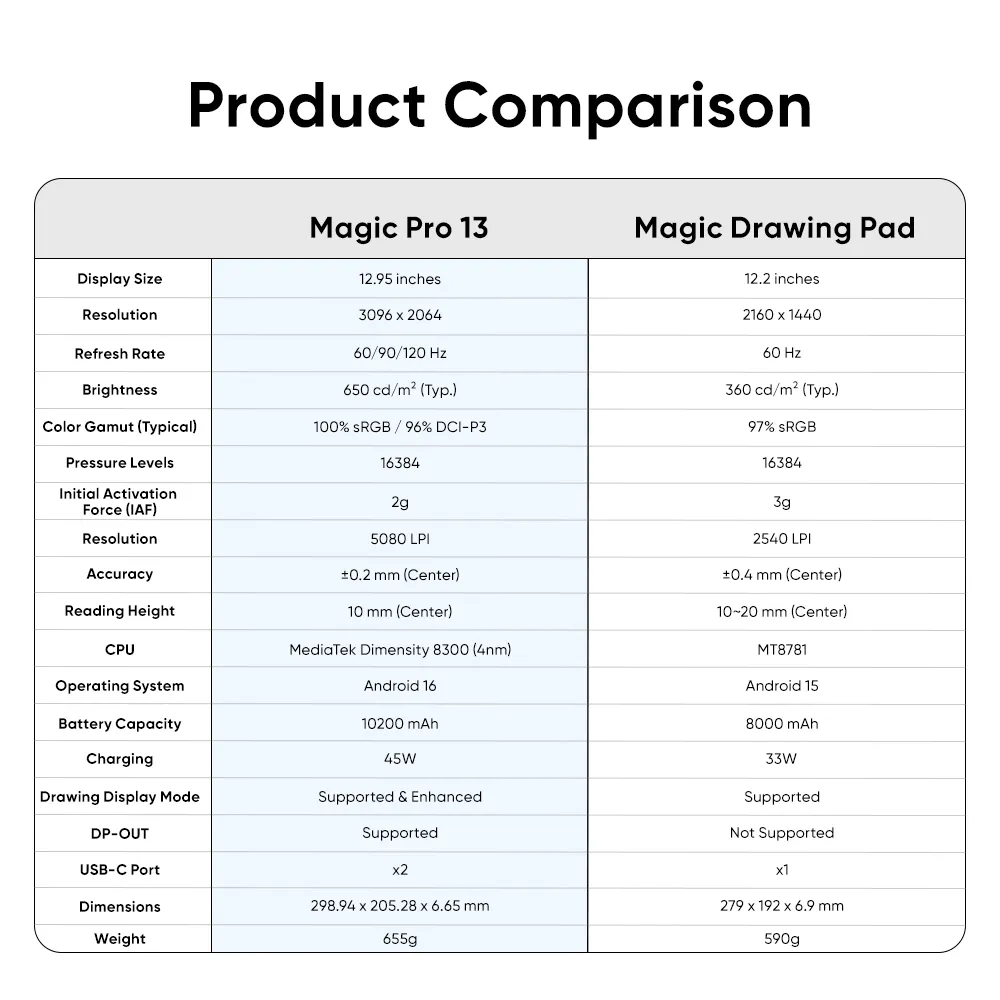
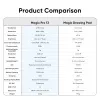
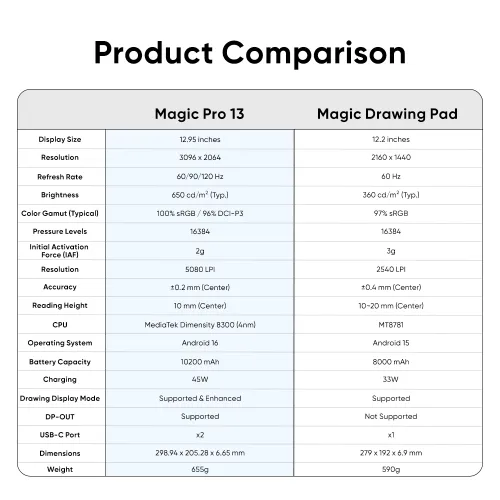
Product Comparison
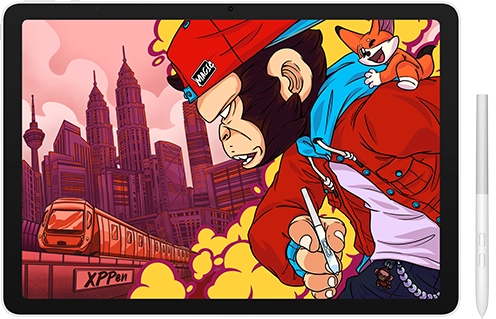
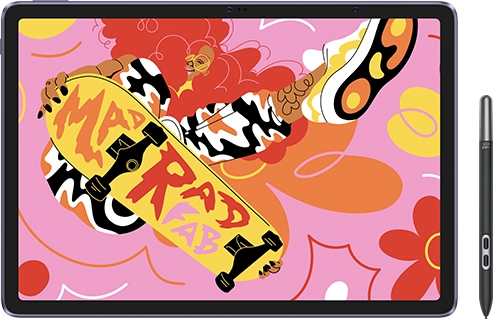
Display
Display Size
Display Size
12.95 inches
12.2 inches
Resolution
Resolution
3096 x 2064
2160 x 1440
Refresh Rate
Refresh Rate
60/90/120 Hz
60 Hz
Brightness
Brightness
650 cd/m² (Typ.)
360 cd/m² (Typ.)
Color Gamut (Typical)
Color Gamut (Typical)
100% sRGB
96% DCI-P3
97% sRGB
Stylus
Pressure Levels
Pressure Levels
16384
16384
Initial Activation Force (IAF)
Initial Activation Force (IAF)
2g
3g
Resolution
Resolution
5080 LPI
2540 LPI
Accuracy
Accuracy
±0.2 mm (Center)
±0.4 mm (Center)
Reading Height
Reading Height
10 mm (Center)
10~20 mm (Center)
Processor & OS
CPU
CPU
MediaTek Dimensity 8300 (4nm)
MT8781
Operating System
Operating System
Android 16
Android 15
Battery
Battery Capacity
Battery Capacity
10200 mAh
8000 mAh
Charging
Charging
45W
33W
Connectivity
Drawing Display Mode
Drawing Display Mode
Supported & Enhanced
Supported
DP-OUT
DP-OUT
Supported
Not Supported
USB-C Port
USB-C Port
x2
x1
Size
Dimensions
Dimensions
298.94 x 205.28 x 6.65 mm
279 x 192 x 6.9 mm
Weight
Weight
655g
590g


 No review No consulting