




Getting started with your
XP-Pen Artist display
1/10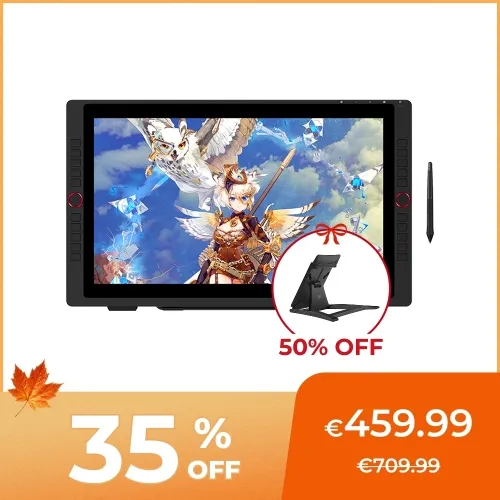
![https://resource.xp-pen.com/Uploads/goods/20240410/p7zs0TwlWO1LVhphRZ0J_500_500.webp]()
![https://resource.xp-pen.com/Uploads/eu/goods/20200131/65de52d6be3b0f994ee66efeb3f4d7c5_500_500.webp]()
![https://resource.xp-pen.com/Uploads/eu/goods/20200131/6a7566101bdfbdd8dfe7cb47644da101_500_500.webp]()
![https://resource.xp-pen.com/Uploads/eu/goods/20200131/8ae90531e4c9d2ed190295d438a34731_500_500.webp]()
![https://resource.xp-pen.com/Uploads/eu/goods/20200131/94df14dacb04dbc8de827674661d48d4_500_500.webp]()
![https://resource.xp-pen.com/Uploads/eu/goods/20200131/3b434fa0090be26e504361f1d6457736_500_500.webp]()
![https://resource.xp-pen.com/Uploads/goods/20240410/2MDEASaDS3Zxr4iIOE2w_500_500.webp]()
![https://resource.xp-pen.com/Uploads/eu/goods/20200131/51c7f7af2ae700f6cc432e0a6aa8a029_500_500.webp]()
![https://resource.xp-pen.com/Uploads/eu/goods/20200131/f4884a8e1dc6291822503311ab0c0ee2_500_500.webp]()
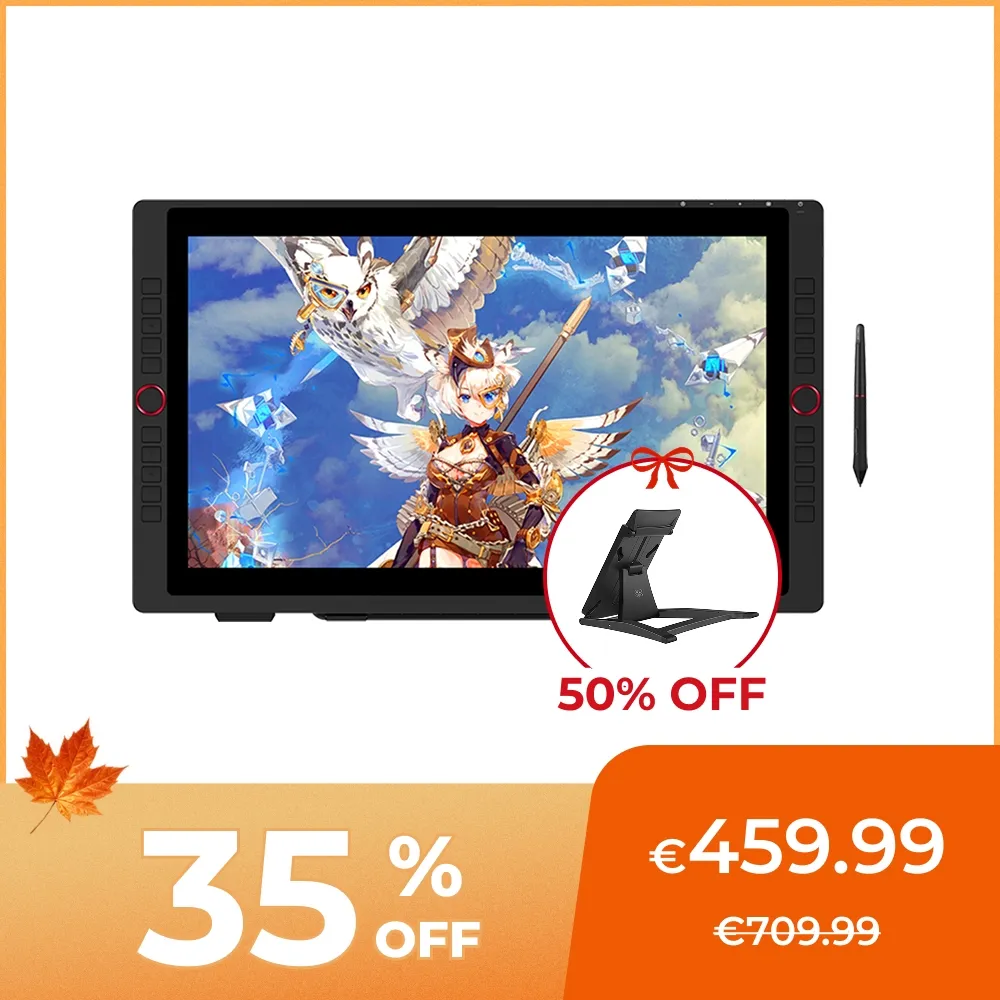
Artist 22R Pro
21.5 inch 1080P large display, 90% Adobe RGB color accuracy
battery-free stylus support 60 degrees tilt and 8192 pressure levels
support USB-C to USB-C connection, 2 red dial wheels and 20 shortcut keys
€459.99€709.99
❋24-Month Warranty❋
❋In Stock In EU Warehouse❋
Please remember to select 50% OFF Stand
Free Shipping (Except RS, NO, CY, MT, IS, MC, MK)
Secure payments (Your payment information is processed securely)
Contact (Monday to Friday 10:30am - 6:30pm( PST))
Professional Support (shopeu@xp-pen.com service@xp-pen.com)
Optional Products
Quantity:
Total
€459.99
 Log in and purchase to receive an estimated 531 X-Coins






Worry-Free Delivery® available with seel
Estimated:
Unleash your new
creative possibilities.
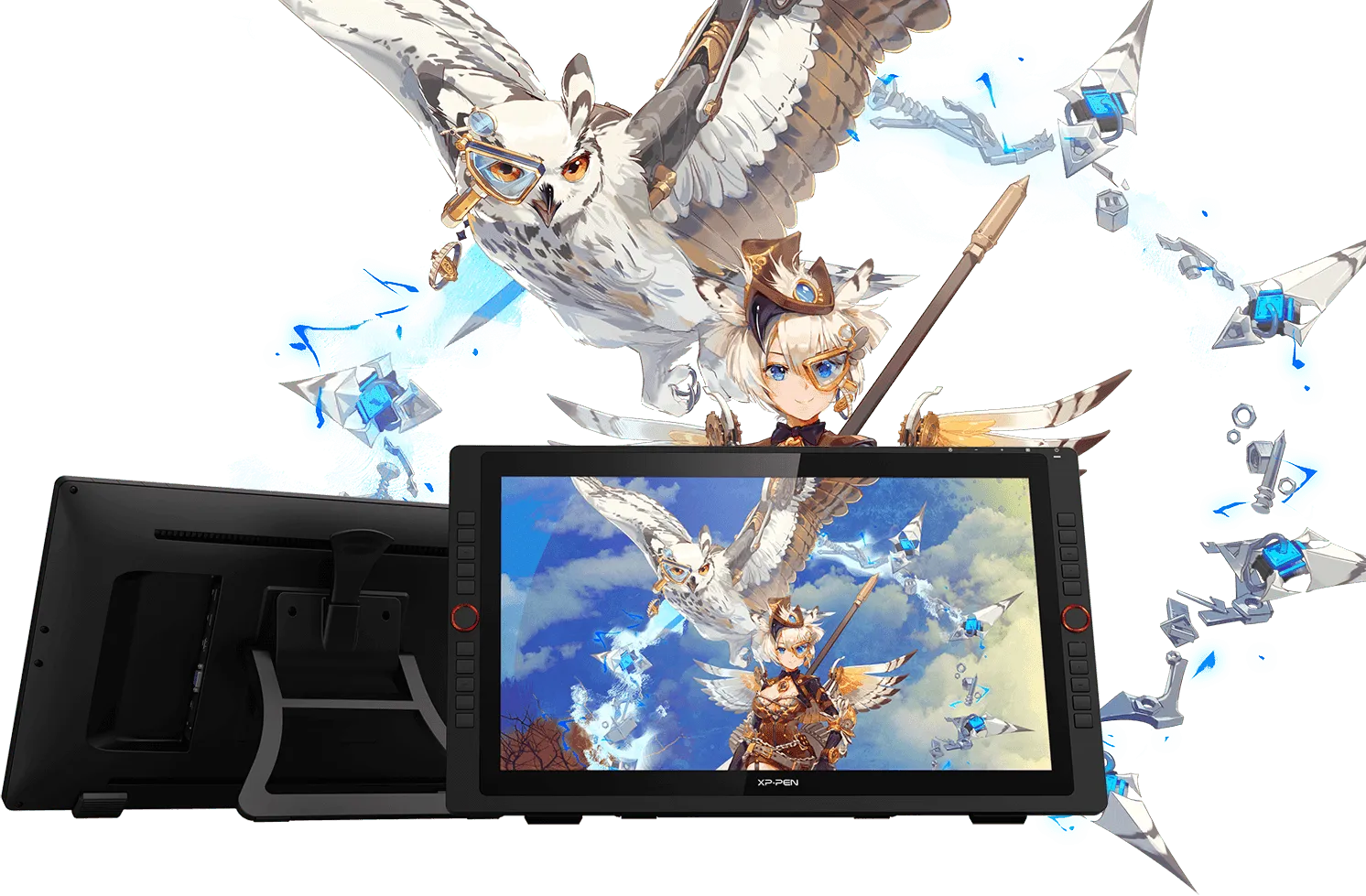
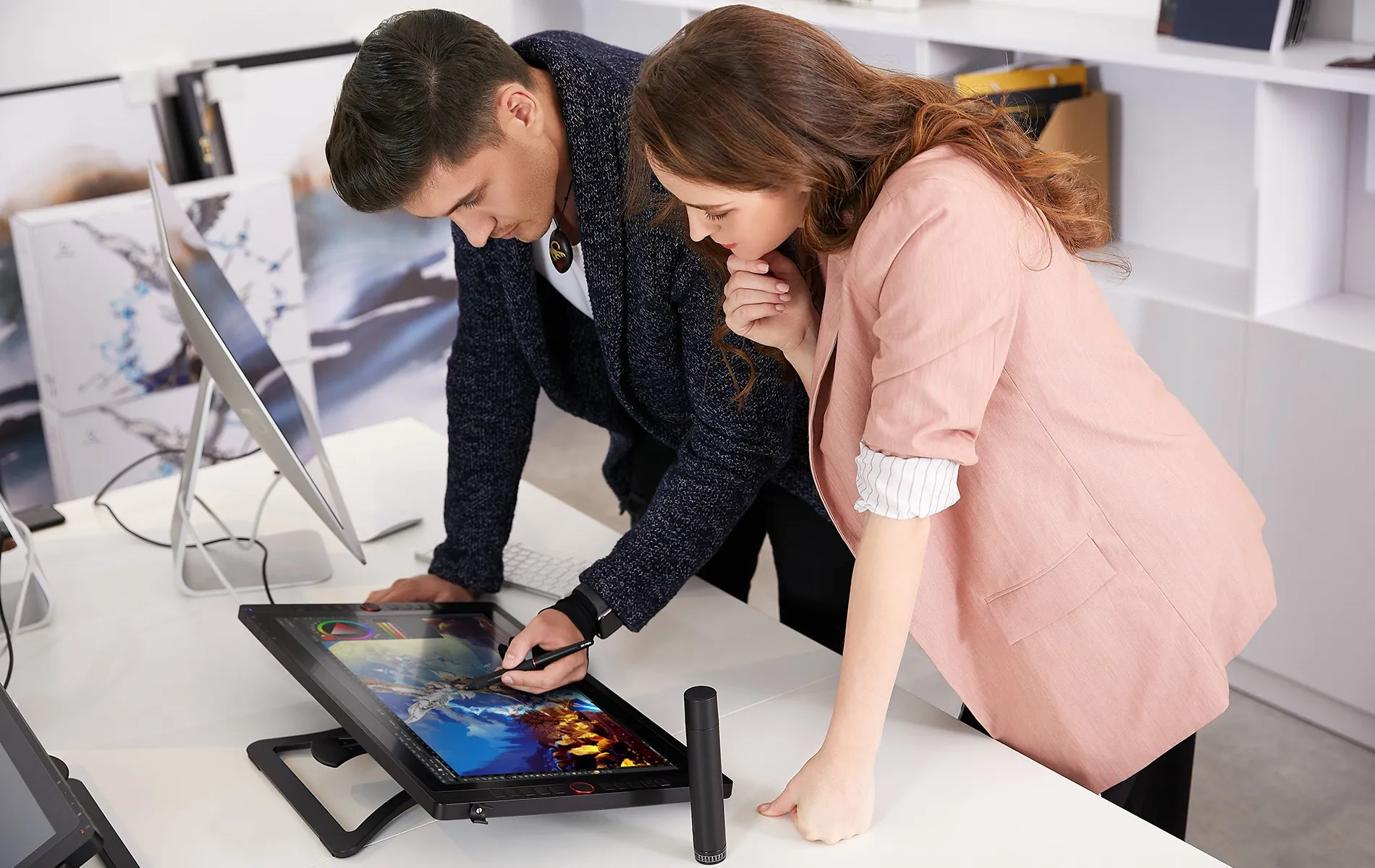
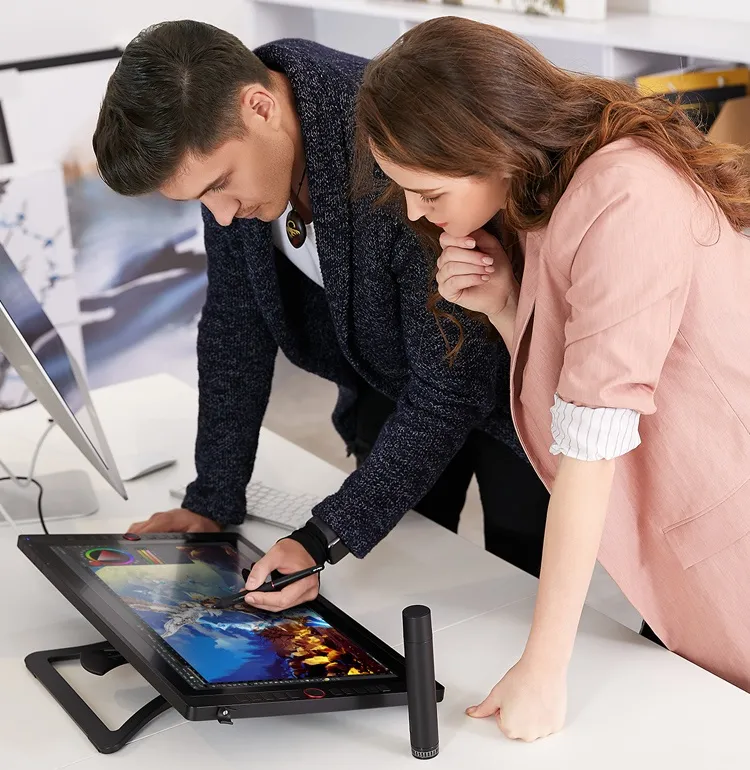
The XP-Pen Artist 22R Pro comes with a strikingly large 21.5-inch display and features 1080p resolution, allowing you draw, design, model and create directly onto the 22R Pro’s surface, letting you unleash new creative possibilities.

Design
Model
Draw
21.5
inch
1080P
resolution
Redefining the
professional standard.
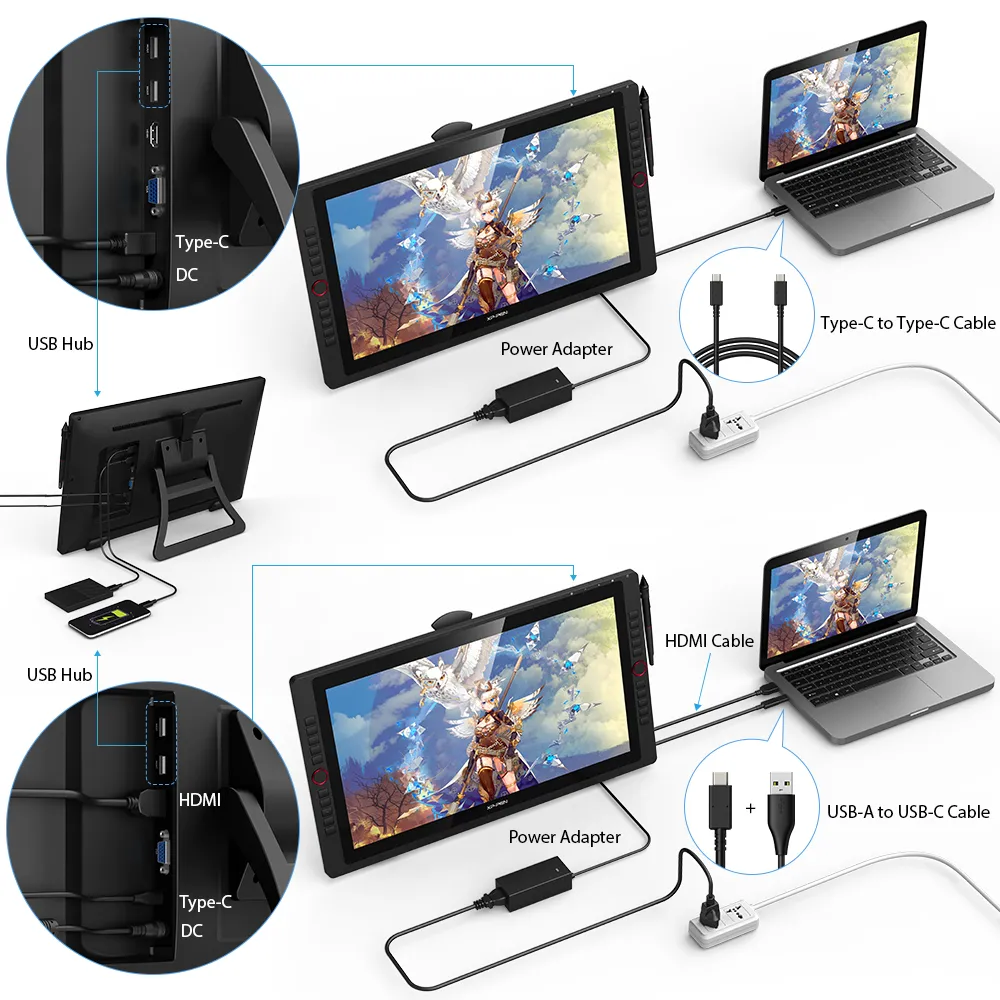
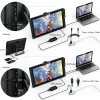
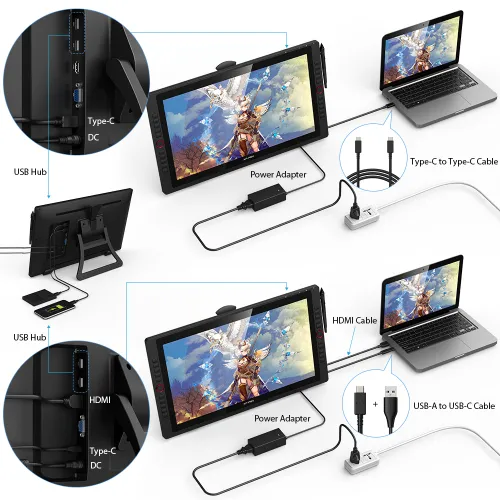
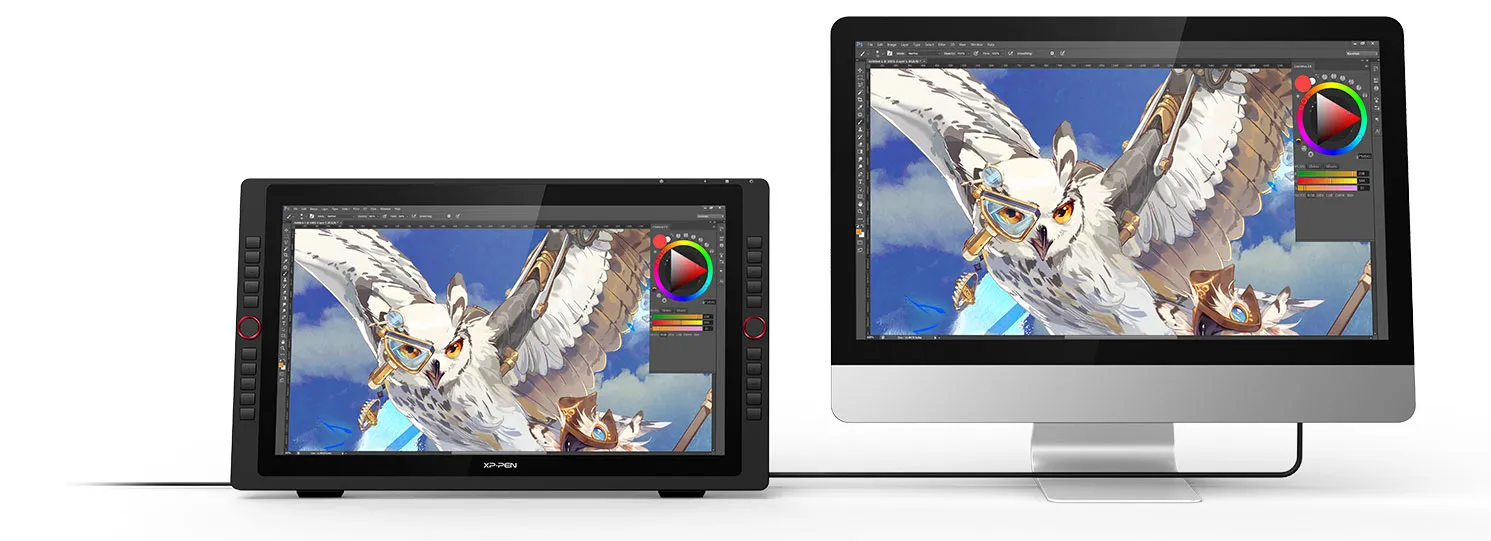
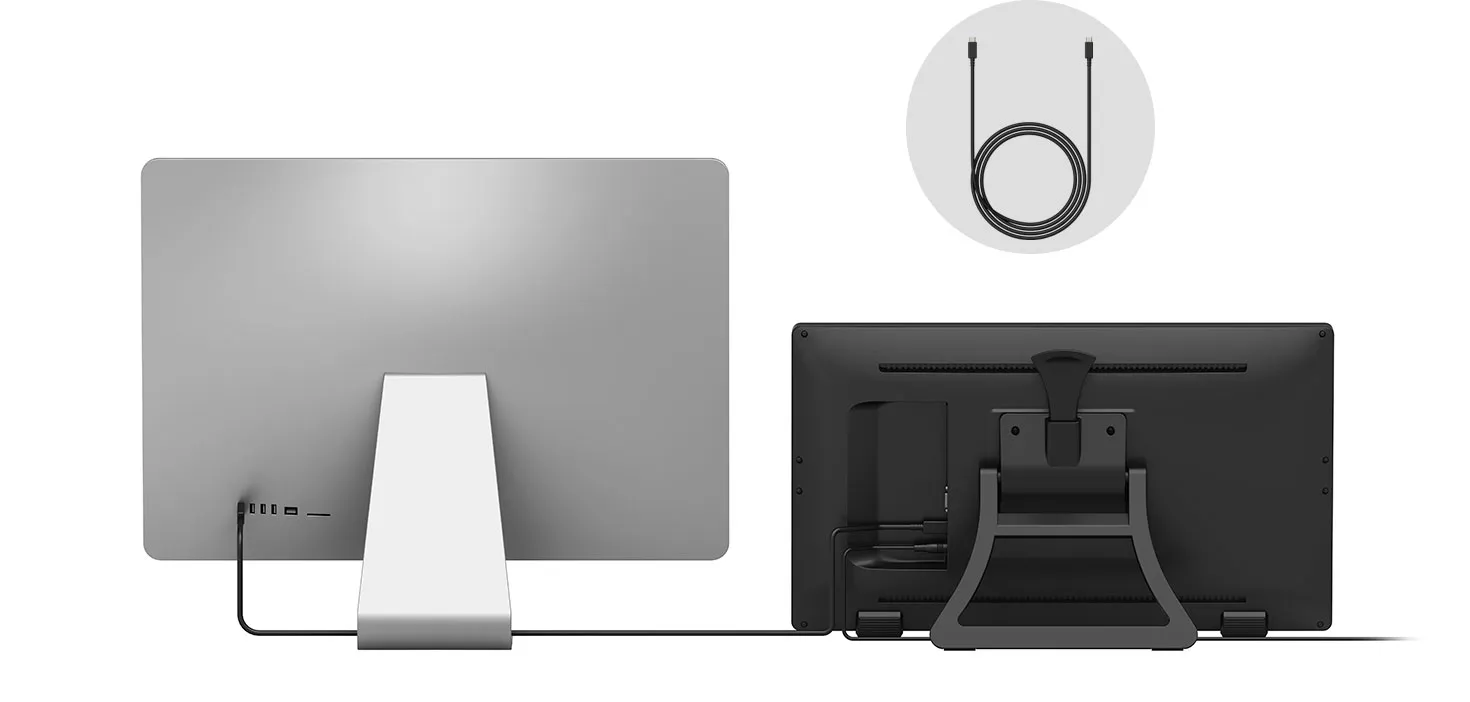
The Artist 22R Pro is the first graphics display that supports a USB-C to USB-C connection, letting you directly connect your iMac/Mac Book Pro and other Windows computers that support USB-C input to the 22R Pro without using a USB-C to HDMI &USB adapter.
USB-C to USB-C Cable
USB-C
USB-C
DC
A drastically improved
user experience.
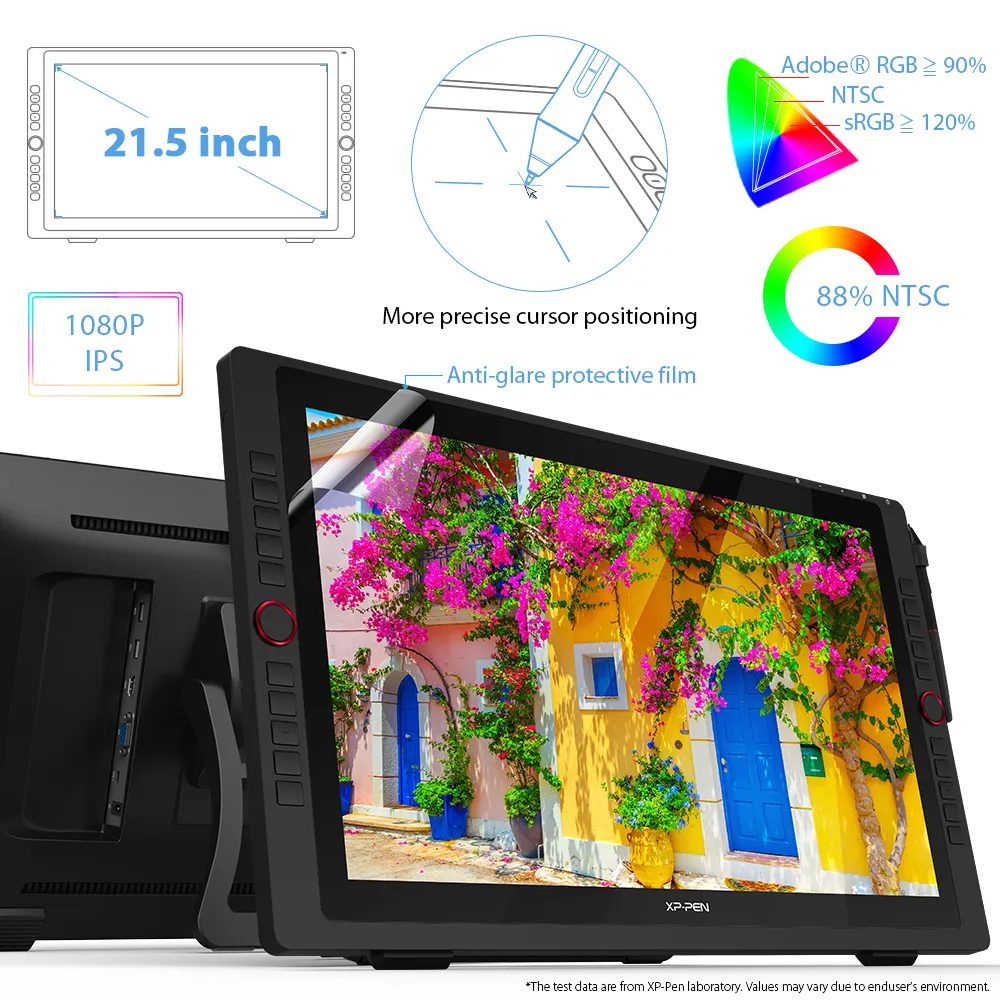
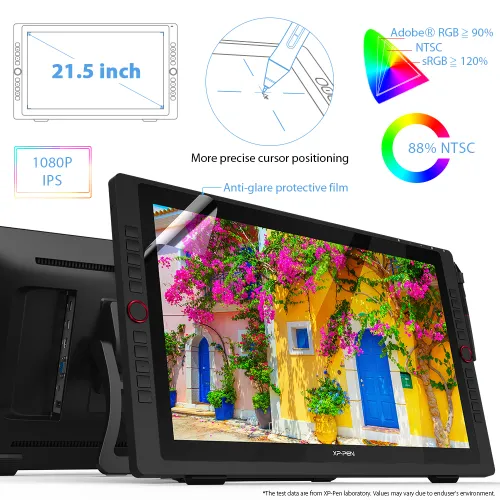
By applying the latest innovation and technology, the 22R Pro lets you draw with a more precise cursor positioning even at the four corners for an improved drawing experience.
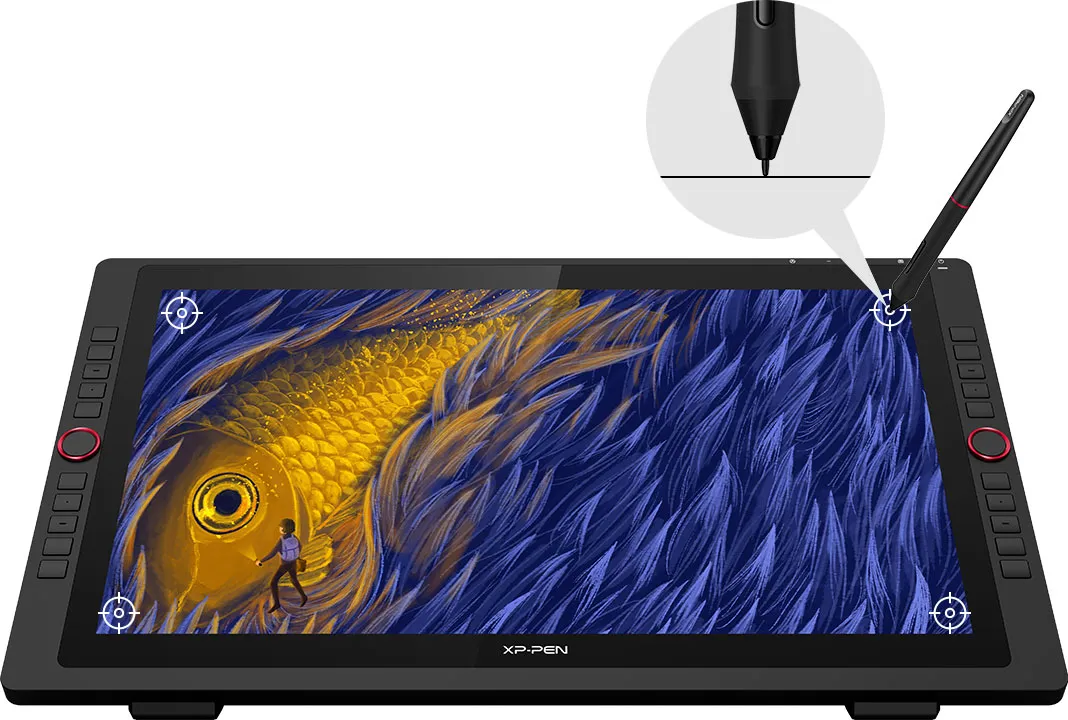
More precise cursor positioning
Redesigned to create more,
more naturally.
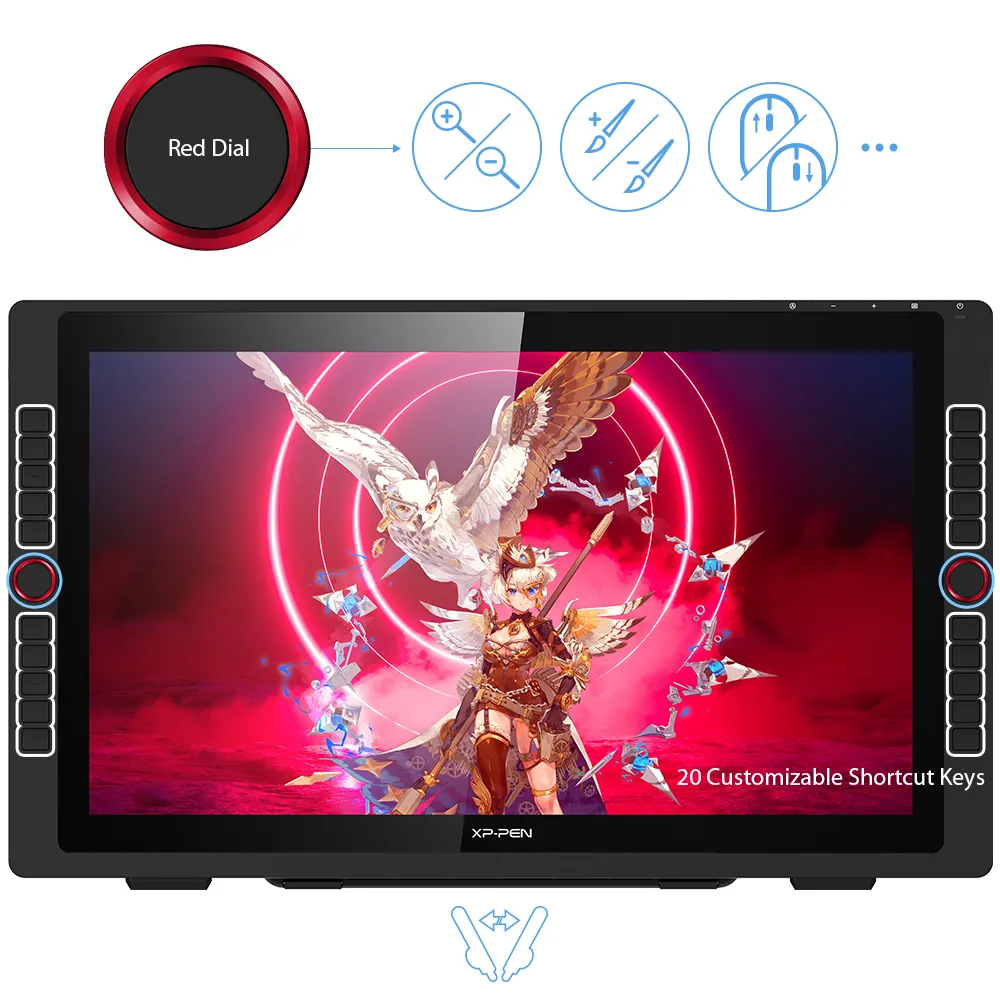
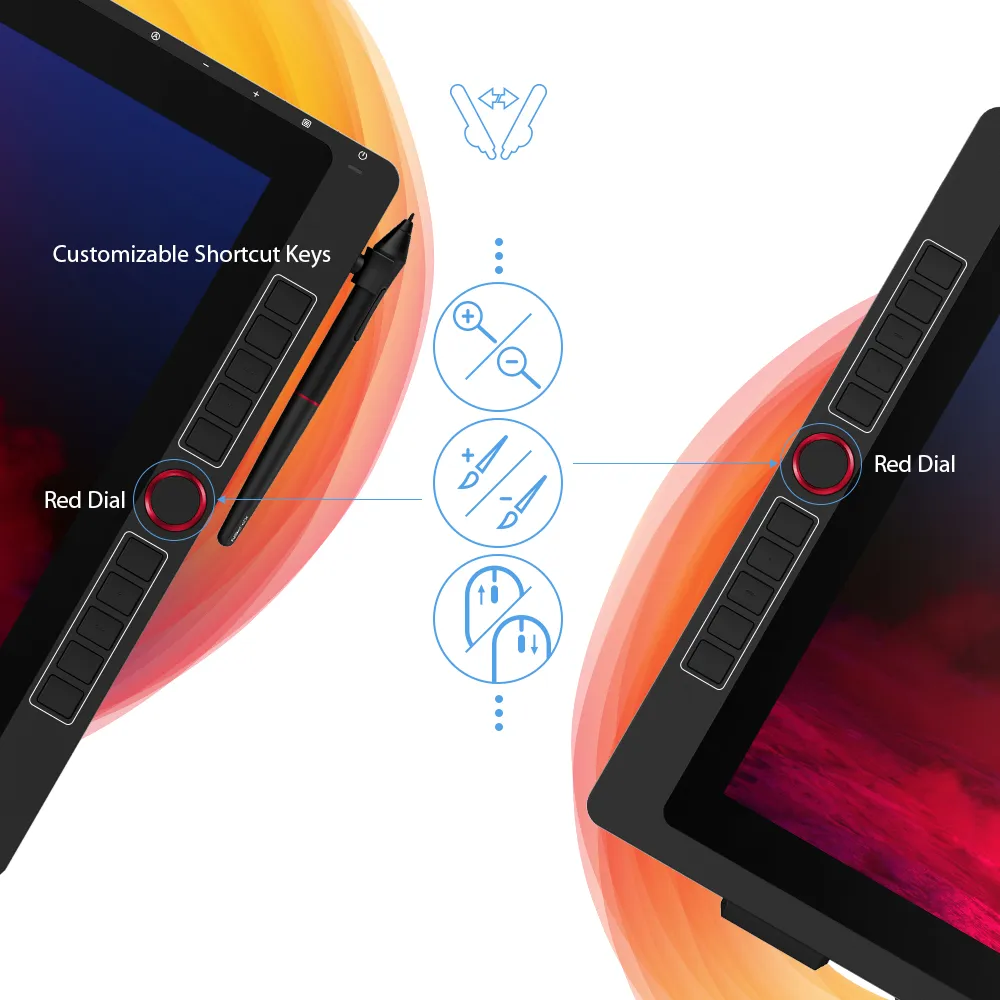
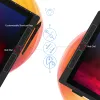
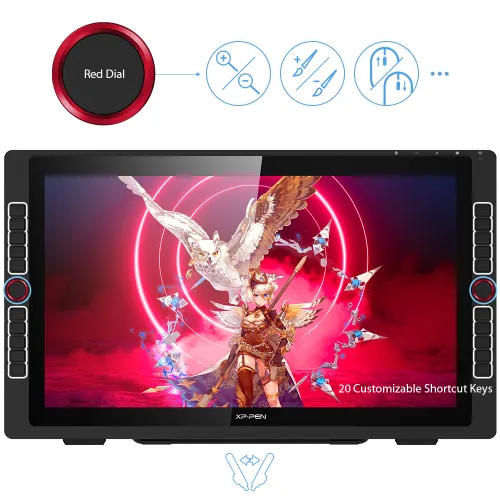
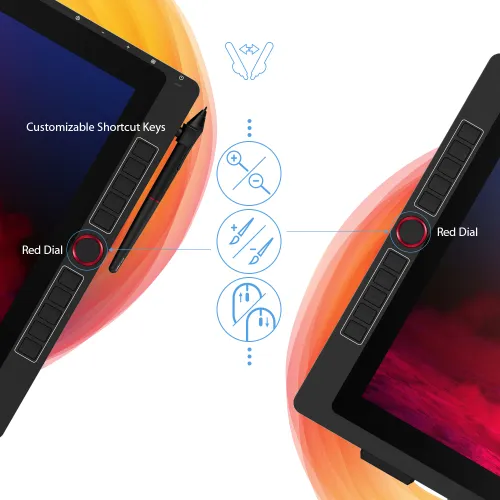
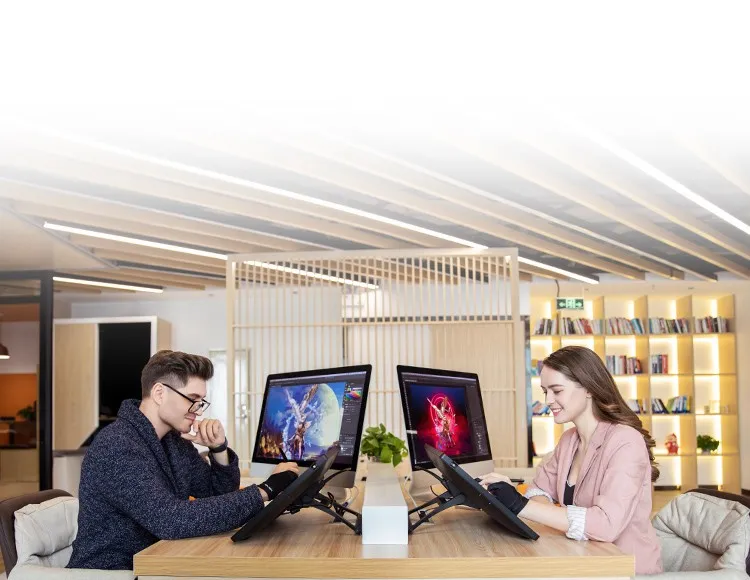
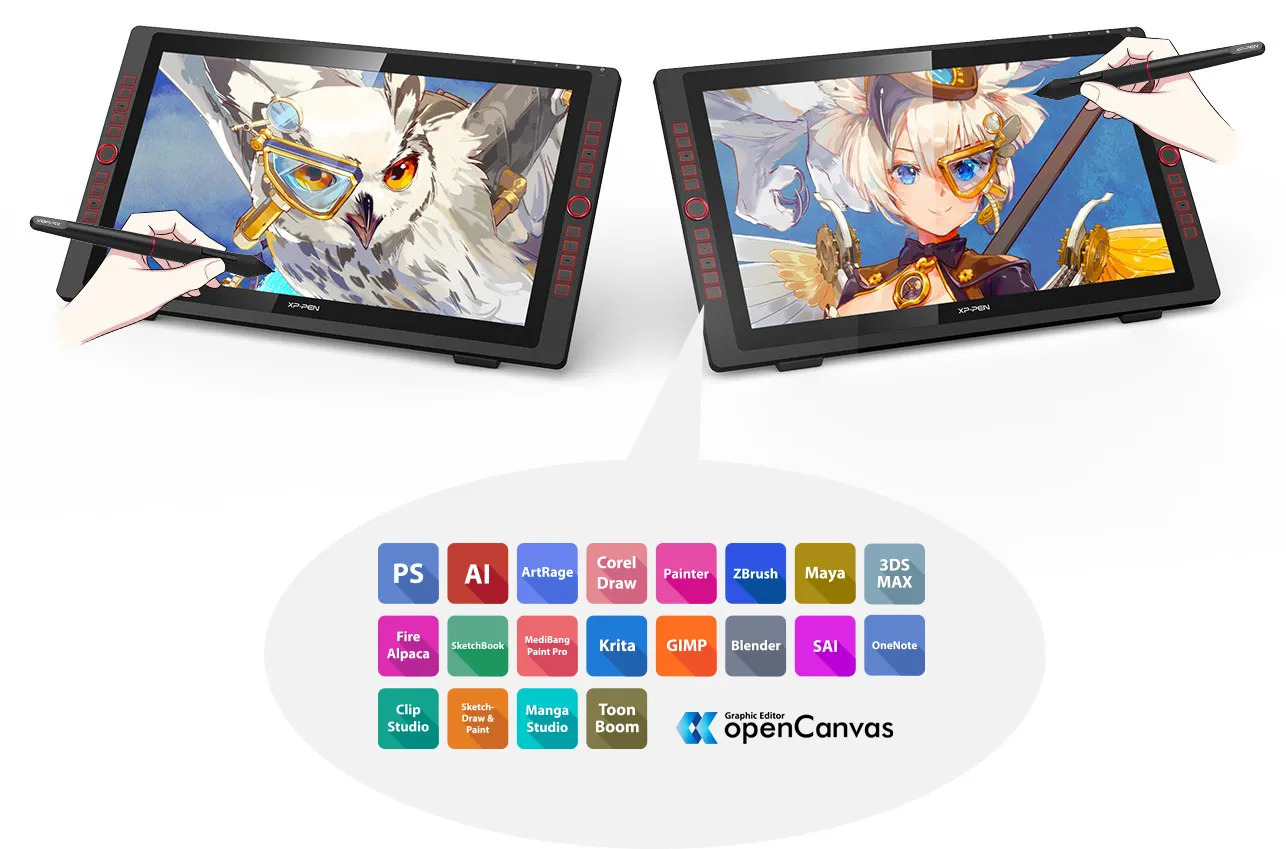
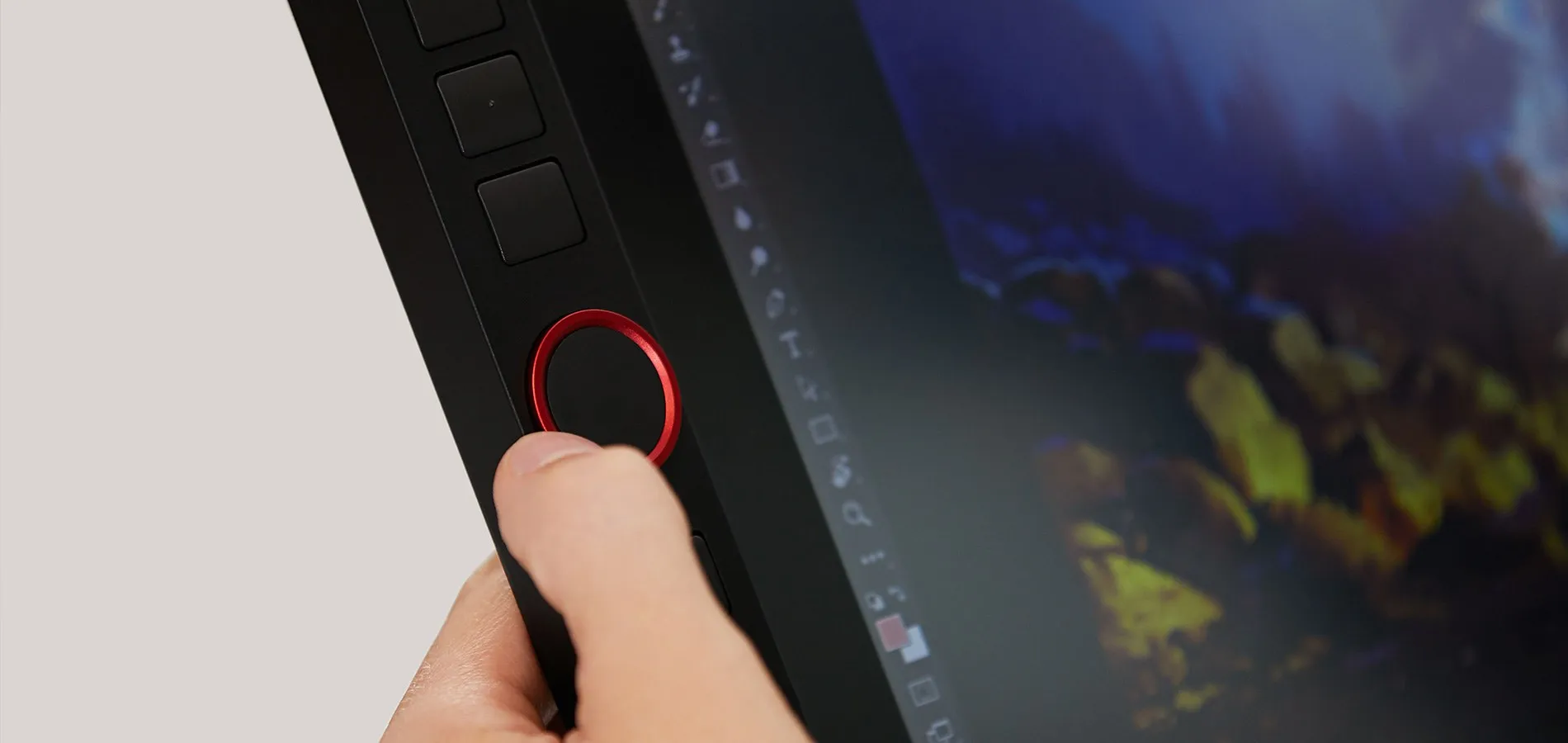
The XP-Pen Artist 22R Pro features two easy-to-control red dial wheels and 20 customizable shortcut keys that are conveniently placed on both sides, making it equally accessible for left and right-handed users.

2
red dial wheels
20
customizable shortcut keys
Let your ideas flow with
brilliant color.
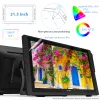
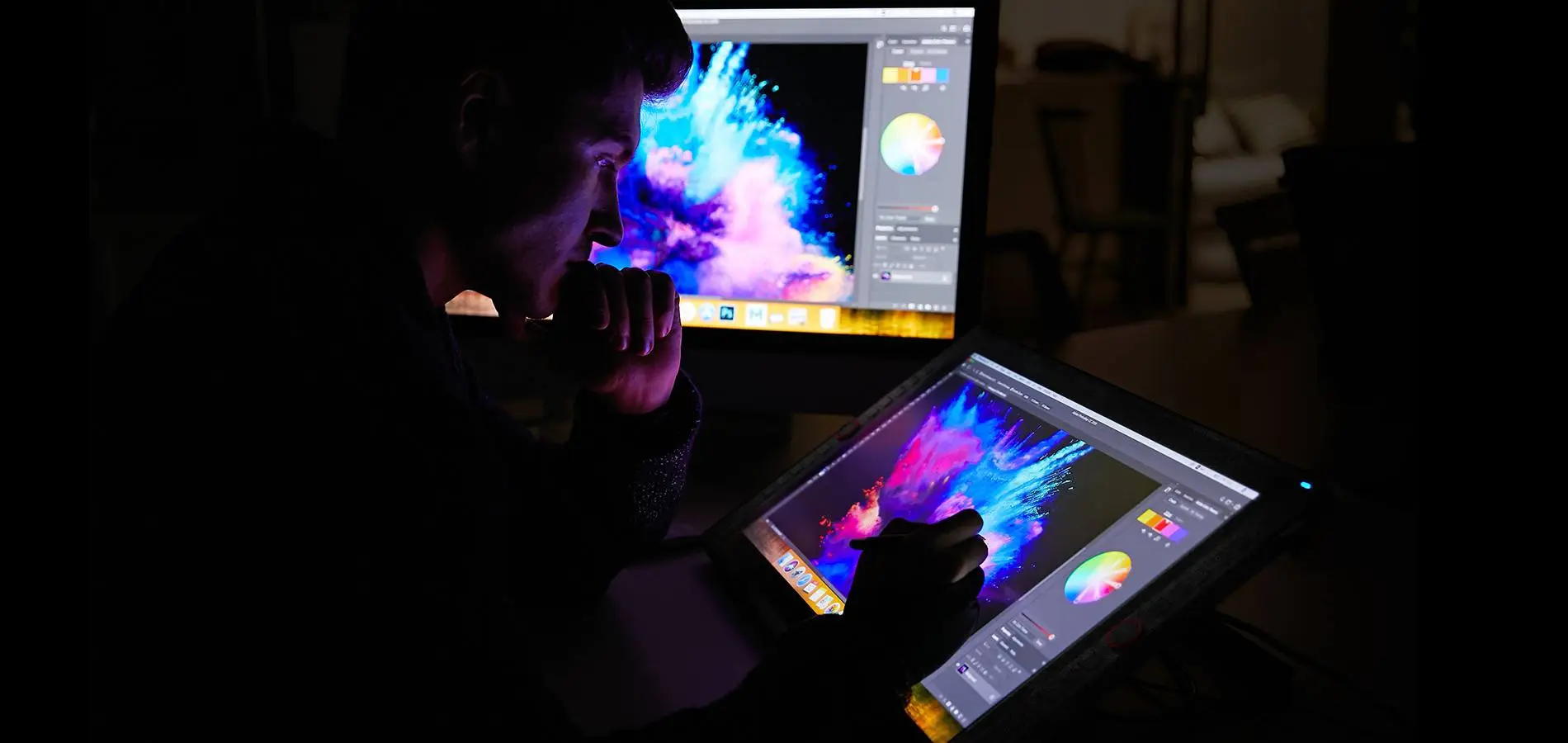
The 21.5 inch FHD Display pairs a superb color accuracy of 88% NTSC (Adobe® RGB≧90%,sRGB≧120%), adding brilliance to your creation with more exquisite details and vibrant colors.

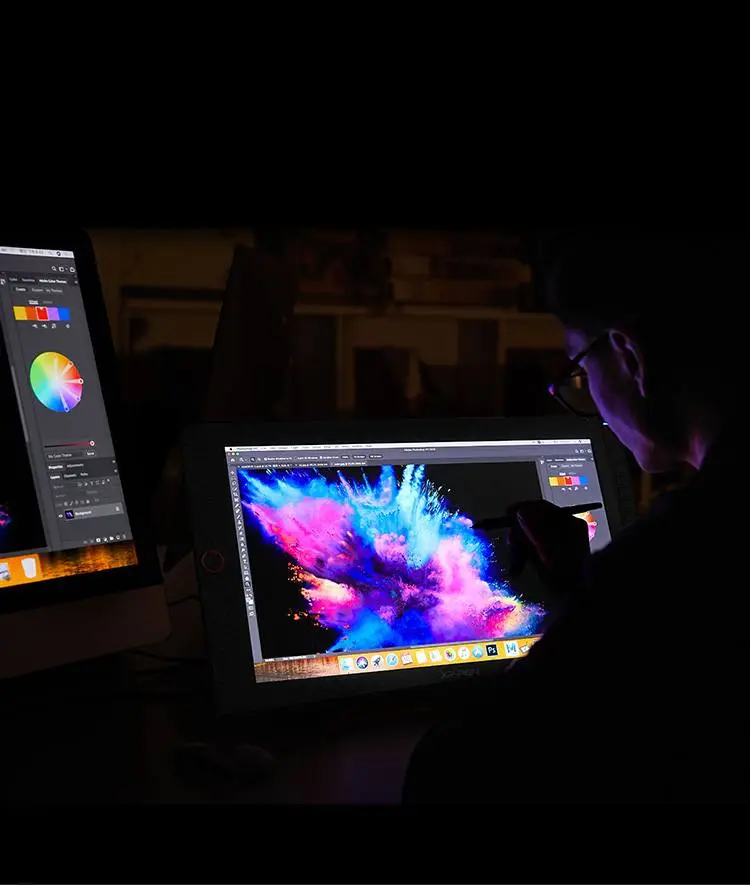

88% NTSC

More vibrant colors

More exquisite details
A fine stylus for even
finer expression.
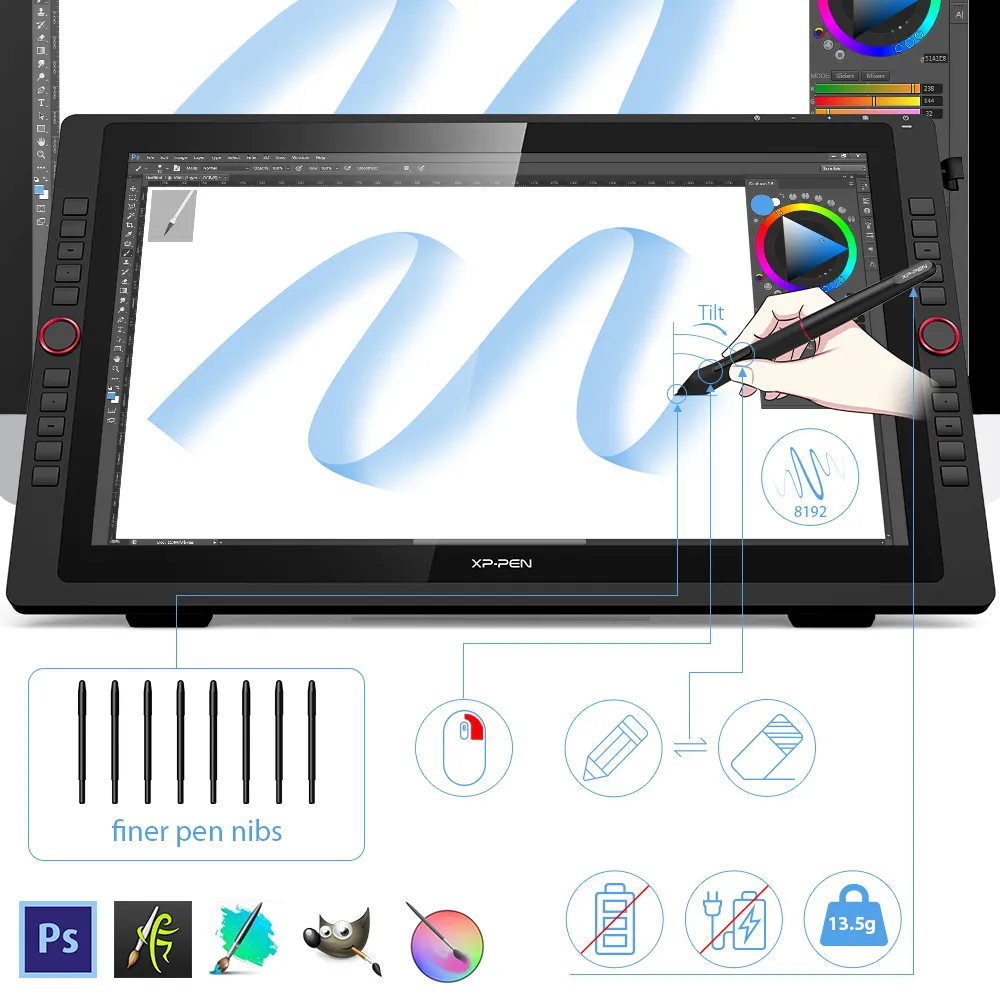
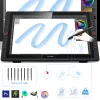
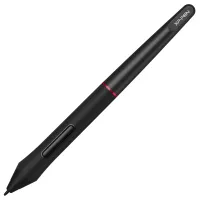
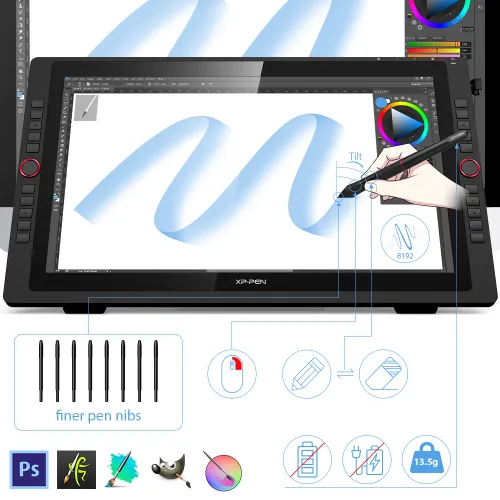
The PA2 battery-free Stylus supports up to 60 degrees of tilt function and provides superior line performance to create the finest sketches and lines.
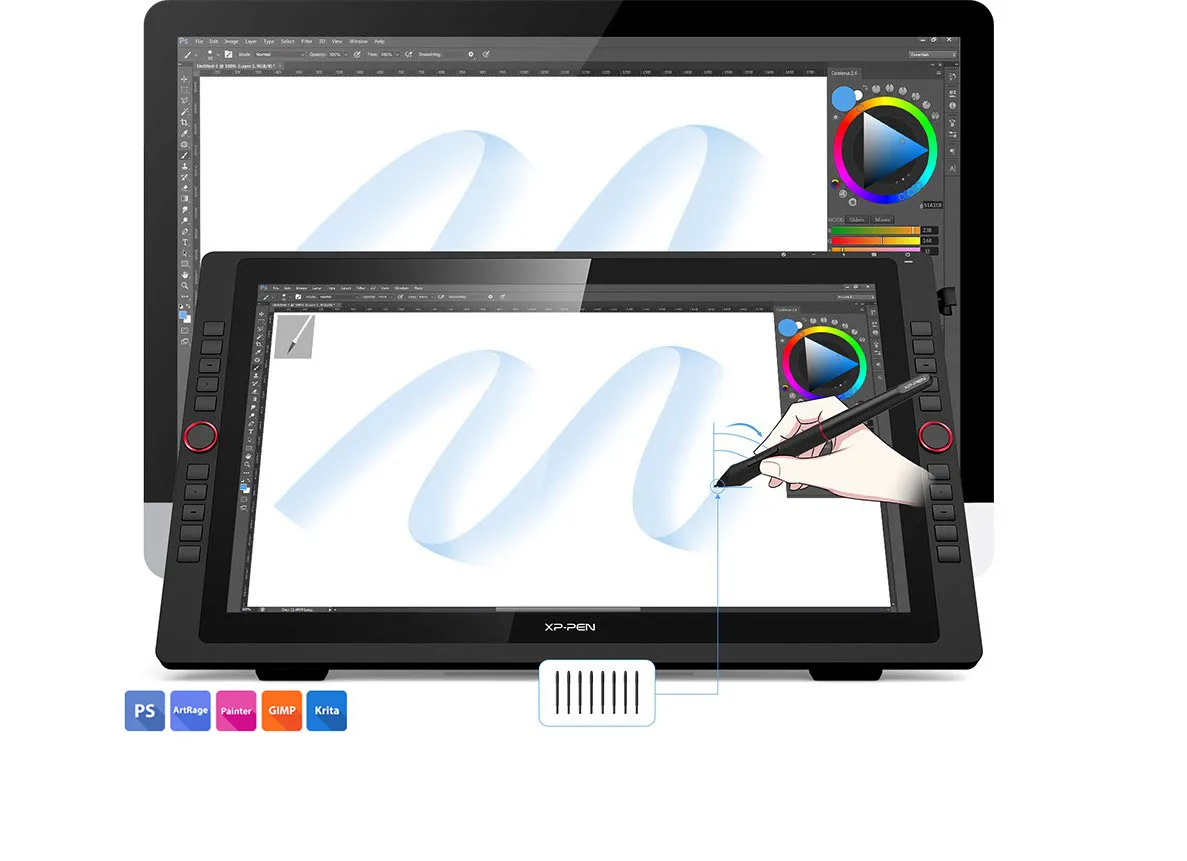
Finer pen nibs
Tilt
Small details that make
a big difference.
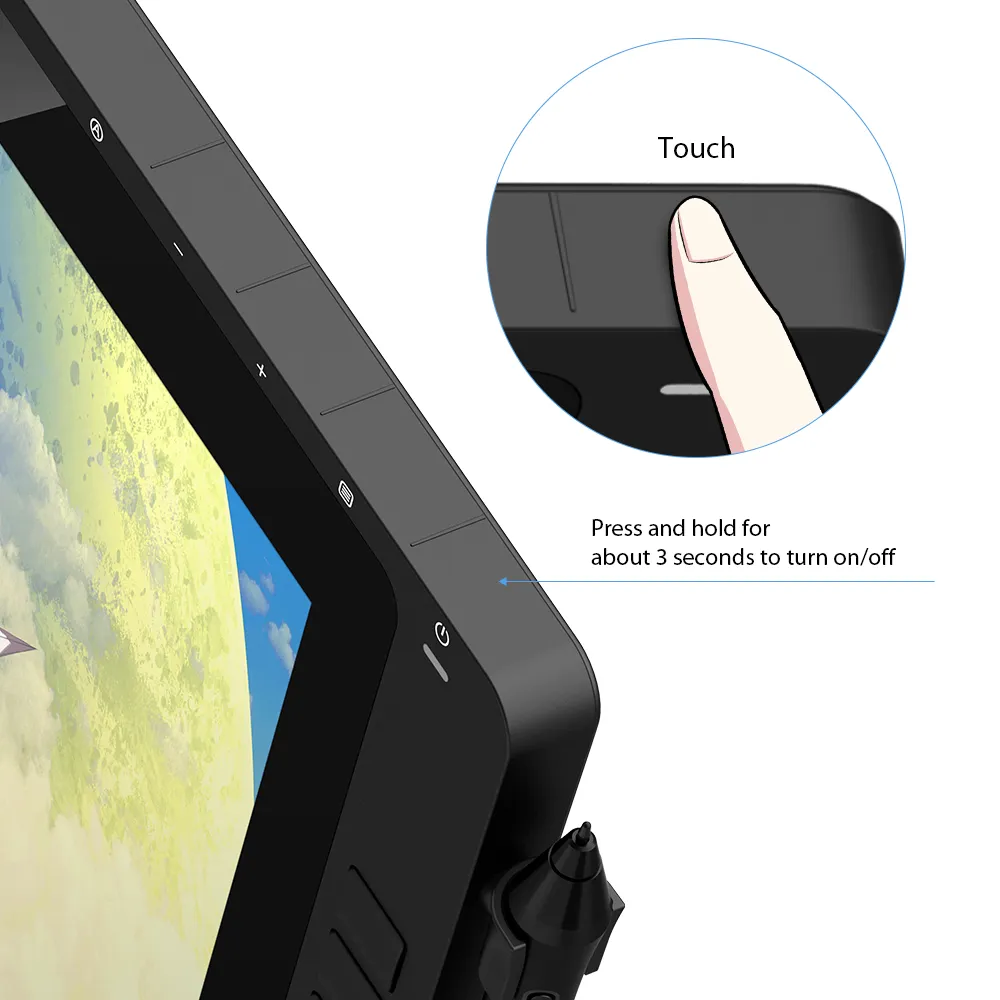
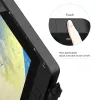
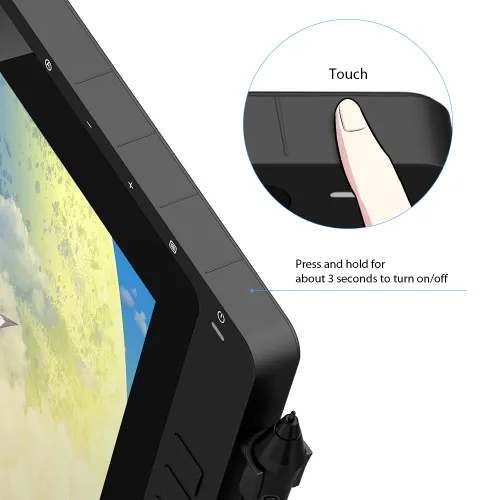
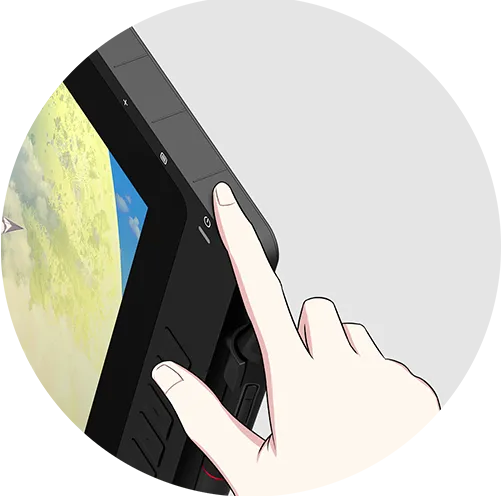
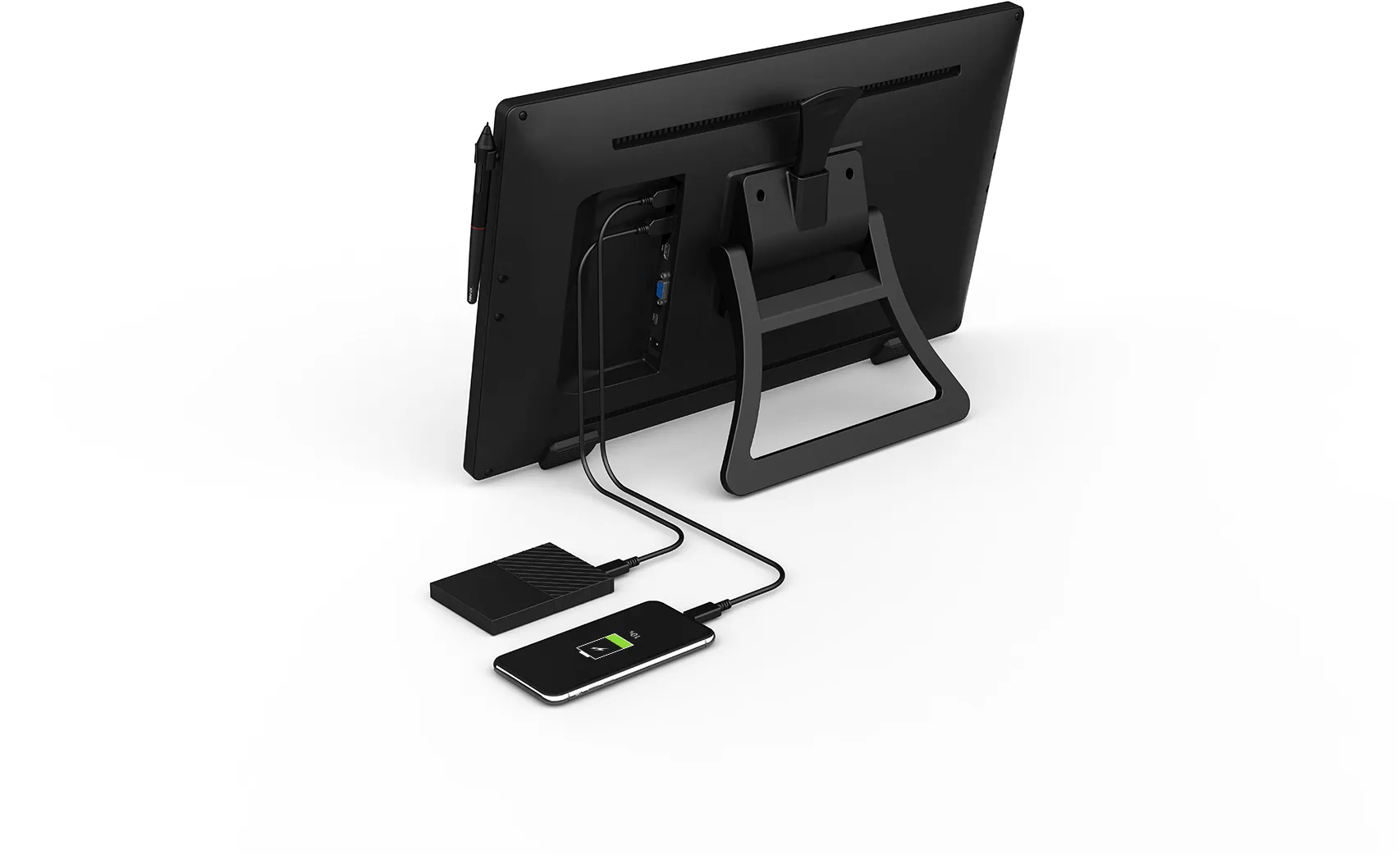
The Artist 22R Pro comes equipped with the USB Hub that can be used to connect your mouse or other devices. And the touch sensitive keys are specially designed to avoid sticking the way mechanical keys often do.
Click to see hardware compatibility for the USB-C interface.
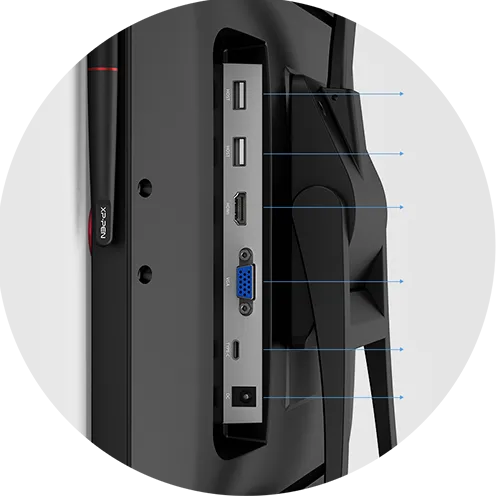
USB Hub
USB Hub
HDMI
VGA
USB-C
DC
Press for 3 sec. to turn on/off
Convenience at its finest.
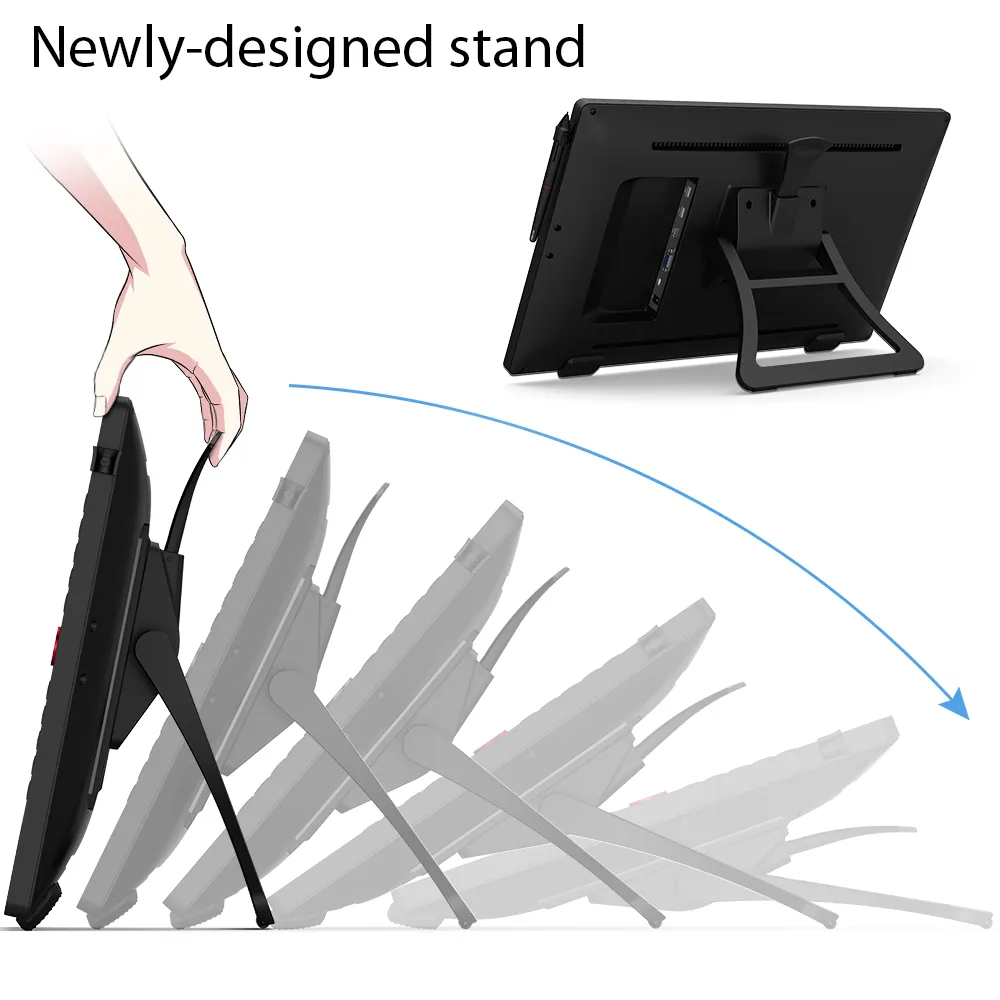
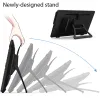
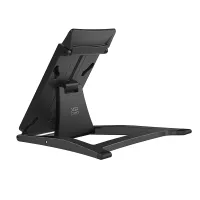
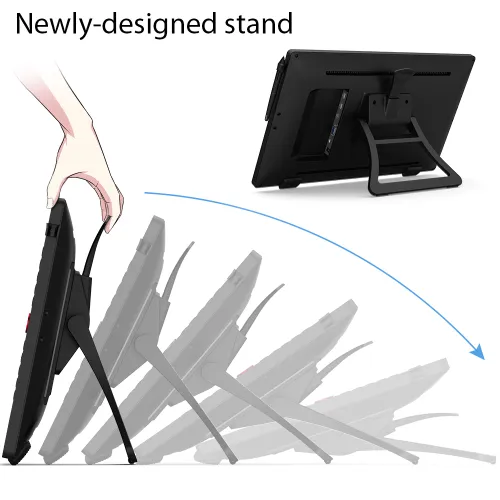
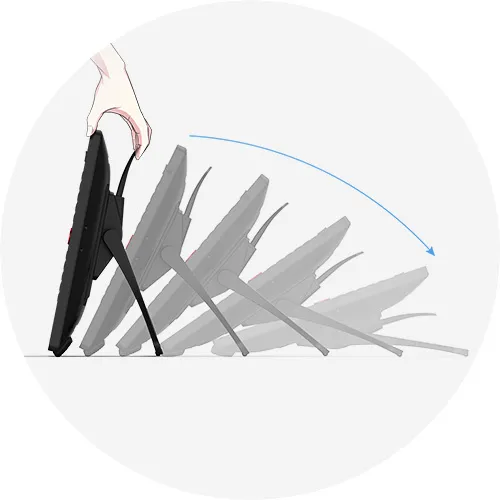
With the Artist 22R Pro’s integrated adjustable stand, you can change your working angle to suit your various needs of creating more easily and quickly. And the specially-designed pen slot on the front side provides quick and safe access to your pen.
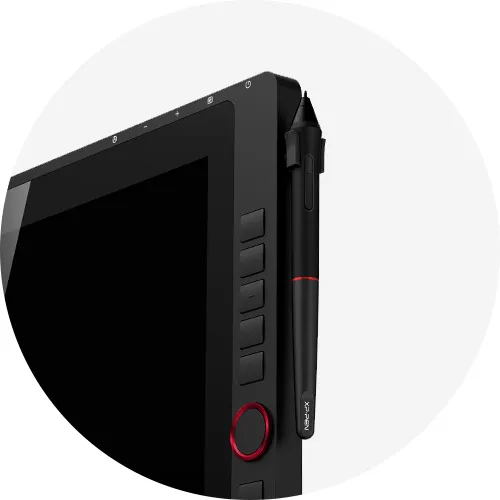
Pen slot
Accessories to match the
Artist 22R Pro.
The XP-Pen Artist 22R Pro comes with a protective film to help protect your screen and reduce glare while keeping your screen crisp and clear even bright light, while the pen holder keeps your pen and pen nibs safe and doubles as a pen stand or pen holder.
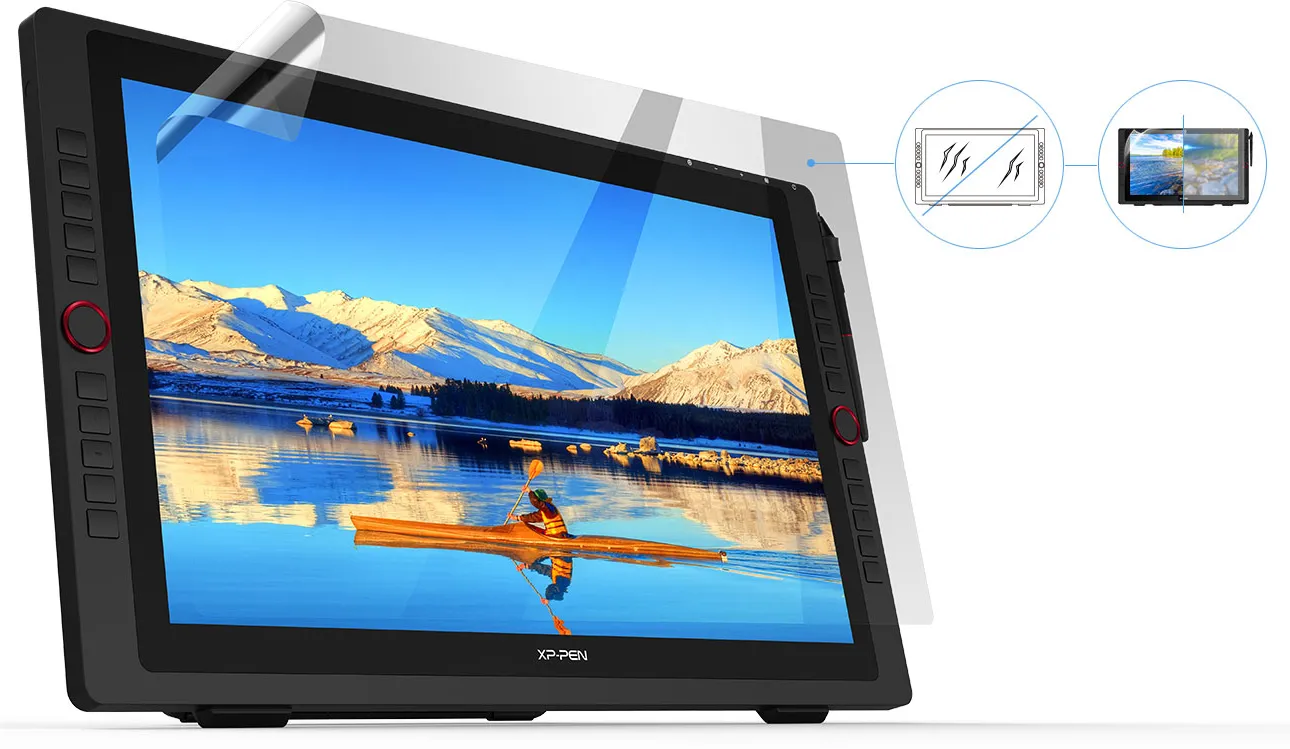
Scratch Resistance
Anti-glare
High Transparency

Incredibly versatile.
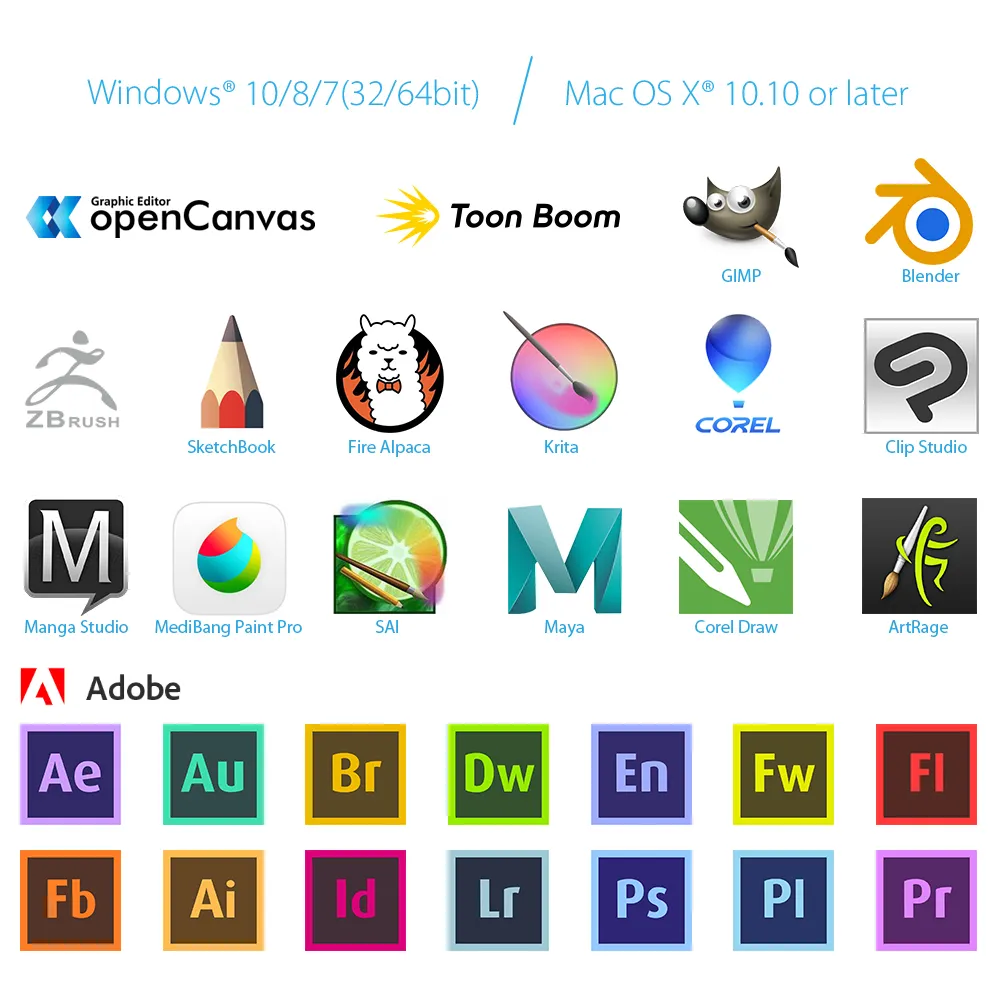
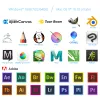
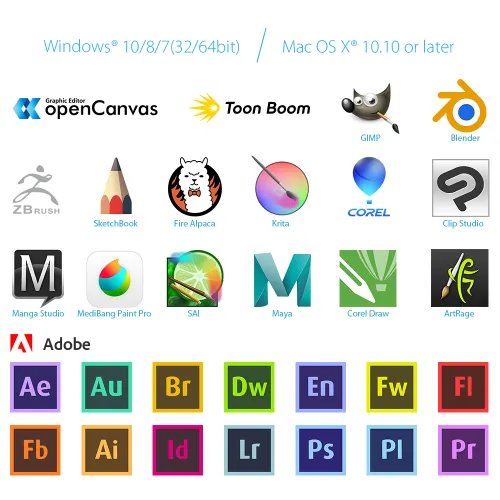
The XP-Pen Artist 22R Pro supports Windows® 10/8/7, Linux (Detailed versions), Mac OS X® 10.10 and higher. Compatible with popular digital art software such as Adobe® Photoshop®, Illustrator®, SAI®, CDR®, GIMP®, Krita®, Medibang®, Fire Alpaca®, Blender® 3D and more.
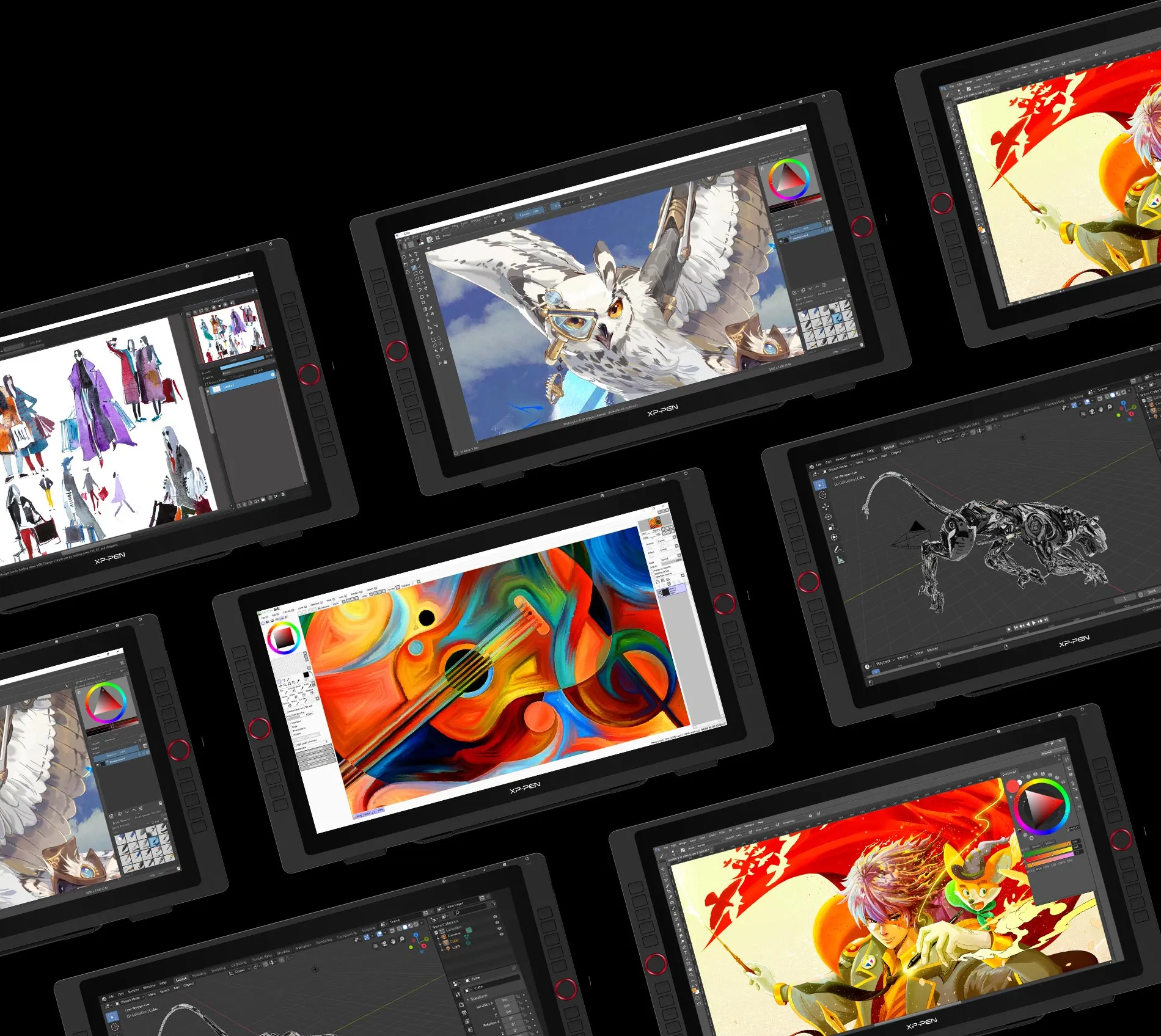

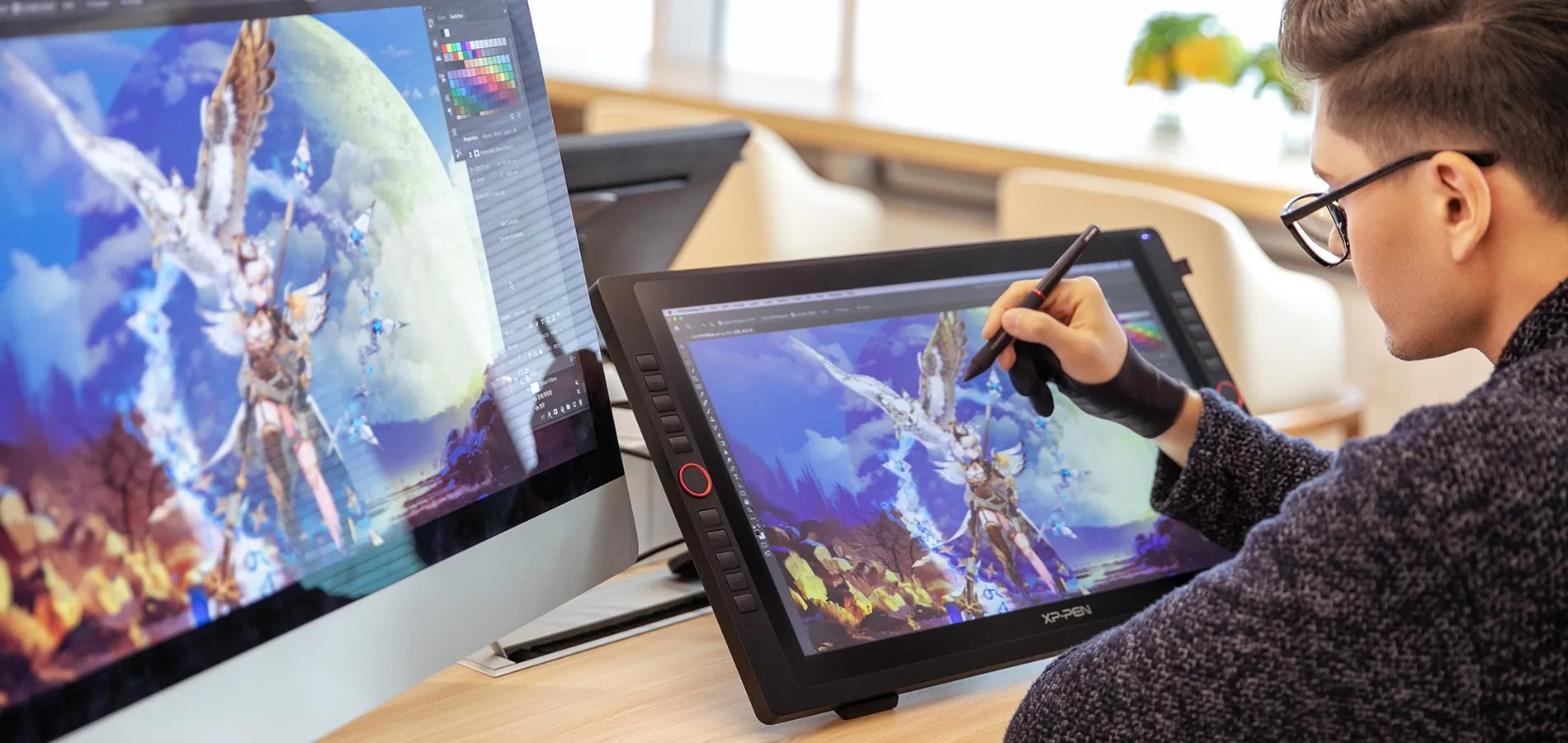



Specifications
| Dimension | 570*334.8*44.8mm |
| Display Area | 476.064*267.786mm |
| Color Gamut | about 88% NTSC, Adobe® RGB≧90%, sRGB≧120% |
| Display Resolution | 1920*1080Pixels |
| Red dial wheel | 2 |
| Shortcut keys | 20 |
| Stylus | Battery-free Stylus |
| Tilt | 60 Degrees |
| Pressure Sensitivity | 8192 Levels |
| Color Displays | 16.7M |
| Contrast | 1000:1 |
| Resolution | 5080LPI |
| Report Rate | Max≥ 200RPS |
| Accuracy | ±0.01 inch(Center) |
| Reading Height | 10mm |
| Interface support | 1x USB-C port, 2x USB Hub,1x HDMI port,1x VGA port,1x DC port |
| Response Time | 14ms |
| Viewing Angle | 178° |
| Aspect Ratio | 16:9 |
| Adjustable Angle of the stand | 16°~90° |
| Vesa Mount | 100x100mm |
| Power Consumption | 36W(12V/3A) |
| Compatibility | Windows® 10/8/7, Mac OS X® 10.10 and higher (This Product now fully Supports macOS Monterey and Windows 11.) |
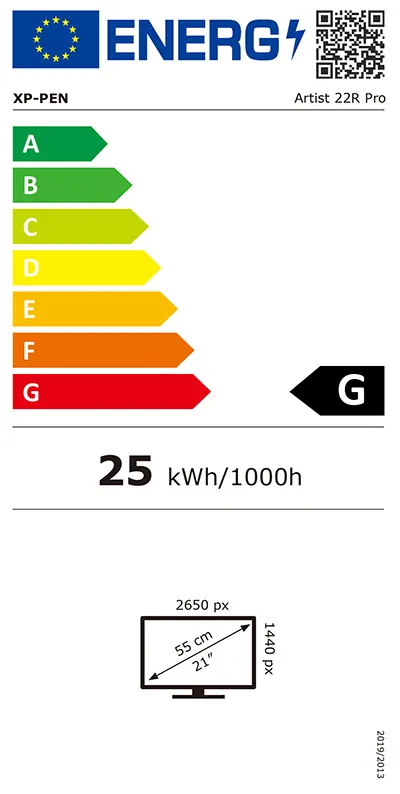
| EU Energy Label |  |
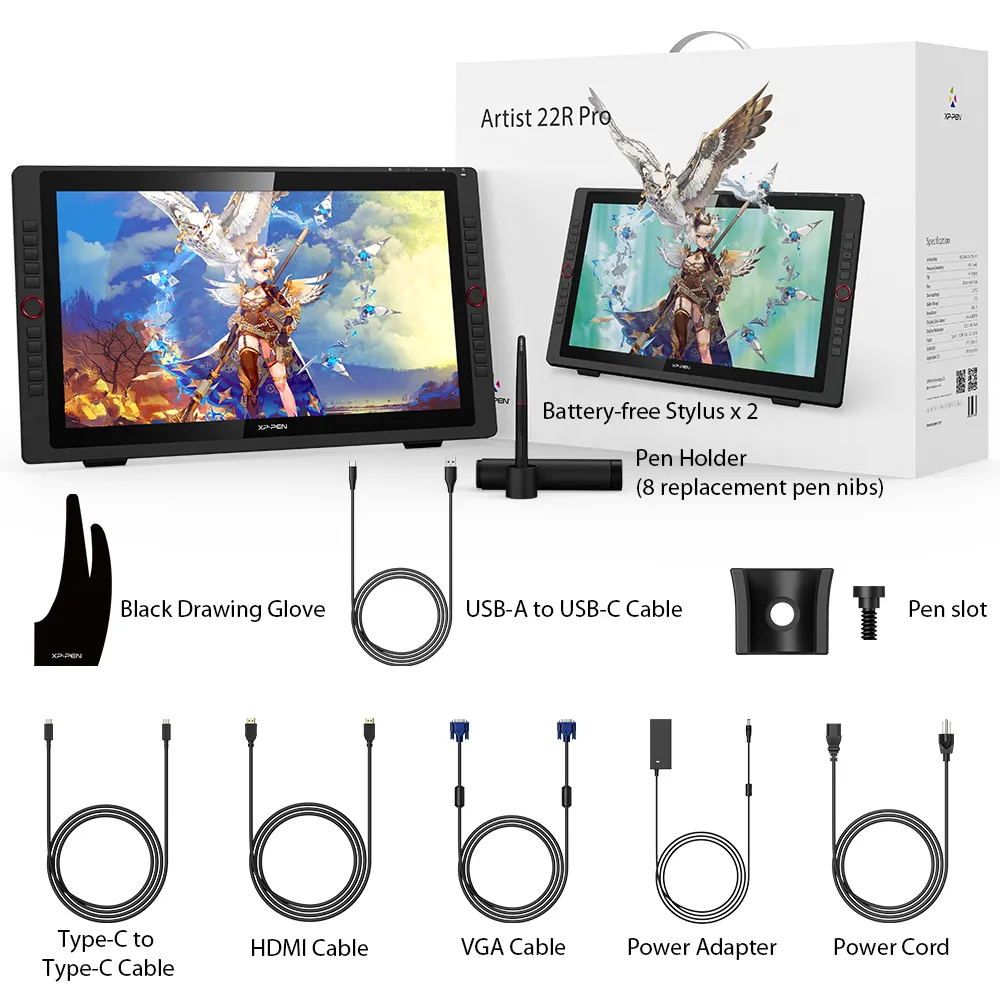
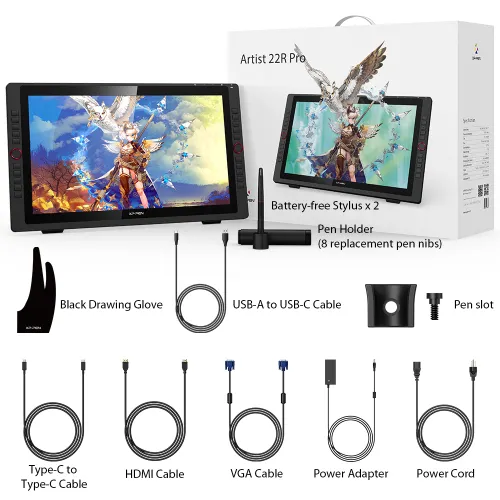
Package included
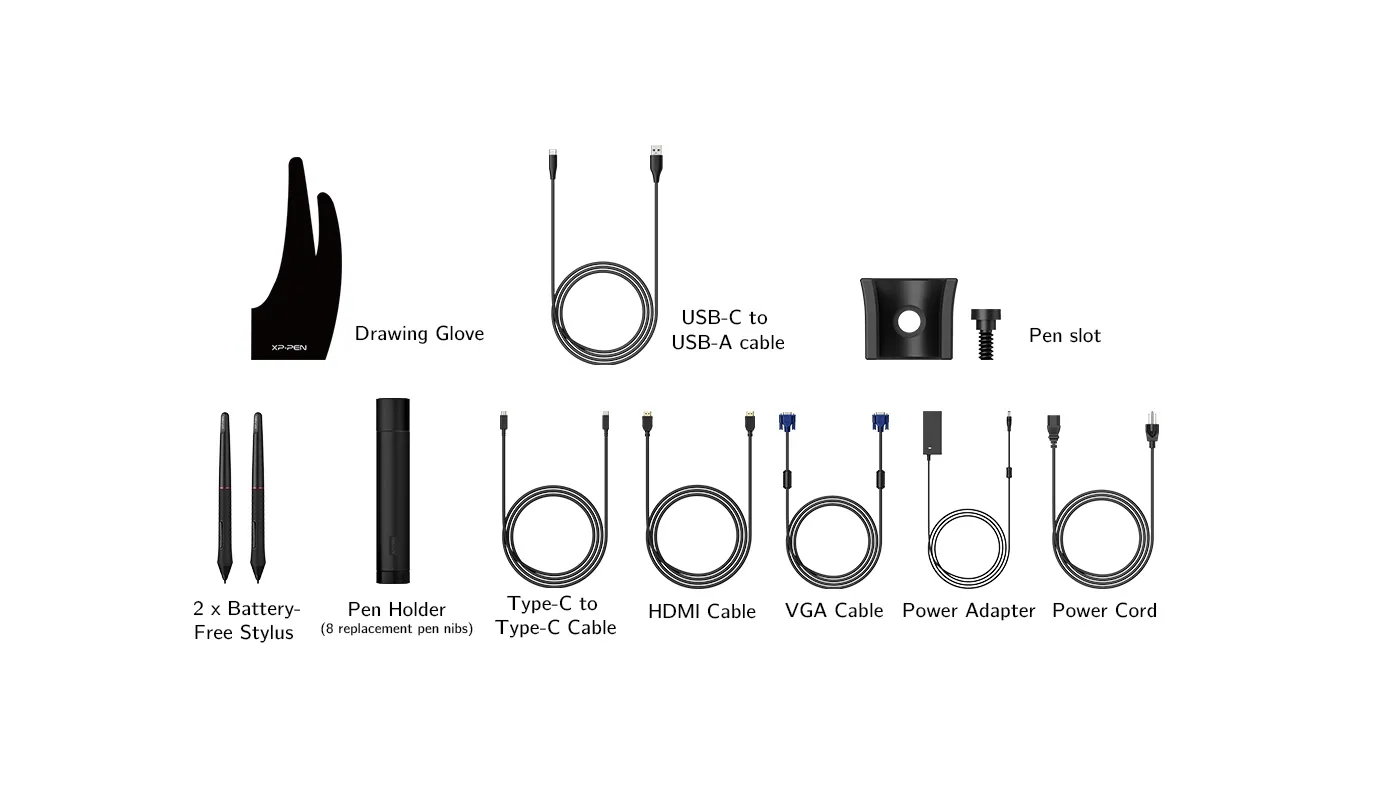
1 x XP-Pen 21.5” Graphics Display
2 x Battery-free Stylus
1 x USB-C to USB-C Cable
1 x VGA Cable
1 x HDMI Cable
1 x Power Adapter
1 x Power Cord
1 x Pen Holder (8 replacement pen nibs)
1 x Quick Guide
1 x Cleaning Cloth
1 x Black Drawing Glove
1 x Pen Slot

| Linux OS | Version | Package Format | Supported Software |
| Arch | Arch Linux2019.12.01(64-bit) | .deb, .sh | GIMP, Krita |
| Centos | Centos7.0(64-bit) | .rpm, .sh | GIMP |
| Centos8(64-bit) | .rpm, .sh | GIMP, Krita | |
| Debian | debian-9.5.0-amd64-netinst(64-bit) | .deb, .sh | GIMP, Krita |
| elementary OS | elementary OS 5.0(64-bit) | .deb, .sh | GIMP, Krita |
| ezgo Linux | ezgo14(64-bit) | .deb, .sh | GIMP, Krita |
| Fedora | Fedora32(64-bit) | .rpm, .sh | GIMP, Krita |
| Mageia | Mageia-7.1(64-bit) | .rpm, .sh | GIMP, Krita |
| Manjaro | manjaro-xfce-20.1.2-201019(64-bit) | .deb, .sh | GIMP |
| Mint | linuxmint-18.2-cinnamon-64bit | .deb, .sh | GIMP, Krita |
| OpenSUSE | openSUSE-Tumbleweed(64-bit) | .rpm, .sh | GIMP, Krita |
| Pop!_OS | pop-os_19.10(64-bit) | .deb, .sh | GIMP, Krita |
| Red Hat | Red Hat7(64-bit) | .rpm, .sh | GIMP |
| Ubuntu | Ubuntu14.04(64-bit) | .deb, .sh | GIMP, Krita |
| Ubuntu16.04(64-bit) | .deb, .sh | GIMP, Krita | |
| Ubuntu17.04(64-bit) | .deb, .sh | GIMP, Krita | |
| Ubuntu18.04(64-bit) | .deb, .sh | GIMP, Krita | |
| Ubuntu19.04(64-bit) | .deb, .sh | GIMP, Krita | |
| Ubuntu20.04(64-bit) | .deb, .sh | GIMP, Krita |
| Function | Krita 4.3.0 | Gimp 2.10.20 | Inkscape 0.92 |
| Pen Pressure Sensitivity | |||
| Tilt | |||
| Mouse Function | |||
| Eraser Button (Stylus:PH01, P06) | |||
| Switch between Pen and Eraser Modes | |||
| *If you have any further queries, please do not hesitate to contact us at service@xp-pen.com. | |||
Linux OS
Arch
Version
Arch Linux2019.12.01(64-bit)
Package Format
.deb, .sh
Supported Software
GIMP, Krita
Centos
Version
Centos7.0(64-bit)
Centos8(64-bit)
Centos8(64-bit)
Package Format
.rpm, .sh
.rpm, .sh
.rpm, .sh
Supported Software
GIMP
GIMP, Krita
GIMP, Krita
Debian
Version
debian-9.5.0-amd64-netinst(64-bit)
Package Format
.deb, .sh
Supported Software
GIMP, Krita
elementary OS
Version
elementary OS 5.0(64-bit)
Package Format
.deb, .sh
Supported Software
GIMP, Krita
ezgo Linux
Version
ezgo14(64-bit)
Package Format
.deb, .sh
Supported Software
GIMP, Krita
Fedora
Version
Fedora32(64-bit)
Package Format
.rpm, .sh
Supported Software
GIMP, Krita
Mageia
Version
Mageia-7.1(64-bit)
Package Format
.rpm, .sh
Supported Software
GIMP, Krita
Manjaro
Version
manjaro-xfce-20.1.2-201019(64-bit)
Package Format
.deb, .sh
Supported Software
GIMP
Mint
Version
linuxmint-18.2-cinnamon-64bit
Package Format
.deb, .sh
Supported Software
GIMP, Krita
OpenSUSE
Version
openSUSE-Tumbleweed(64-bit)
Package Format
.rpm, .sh
Supported Software
GIMP, Krita
Pop!_OS
Version
pop-os_19.10(64-bit)
Package Format
.deb, .sh
Supported Software
GIMP, Krita
Red Hat
Version
Red Hat7(64-bit)
Package Format
.rpm, .sh
Supported Software
GIMP
Ubuntu
Version
Ubuntu14.04(64-bit)
Ubuntu16.04(64-bit)
Ubuntu17.04(64-bit)
Ubuntu18.04(64-bit)
Ubuntu19.04(64-bit)
Ubuntu20.04(64-bit)
Ubuntu16.04(64-bit)
Ubuntu17.04(64-bit)
Ubuntu18.04(64-bit)
Ubuntu19.04(64-bit)
Ubuntu20.04(64-bit)
Package Format
.deb, .sh
.deb, .sh
.deb, .sh
.deb, .sh
.deb, .sh
.deb, .sh
.deb, .sh
.deb, .sh
.deb, .sh
.deb, .sh
.deb, .sh
Supported Software
GIMP, Krita
GIMP, Krita
GIMP, Krita
GIMP, Krita
GIMP, Krita
GIMP, Krita
GIMP, Krita
GIMP, Krita
GIMP, Krita
GIMP, Krita
GIMP, Krita
Function
Pen Pressure Sensitivity
Krita 4.3.0
Gimp 2.10.20
Inkscape 0.92
Tilt
Krita 4.3.0
Gimp 2.10.20
Inkscape 0.92
Mouse Function
Krita 4.3.0
Gimp 2.10.20
Inkscape 0.92
Eraser Button(Stylus:PH01, P06)
Krita 4.3.0
Gimp 2.10.20
Inkscape 0.92
Switch between Penand Eraser Modes
Krita 4.3.0
Gimp 2.10.20
Inkscape 0.92
*If you have any further queries, please do not hesitate to contact us at service@xp-pen.com.
4.7


Based on 18
78%(14)

17%(3)
6%(1)
0(0)
0(0)
Jan
Sep 08 ,2022 PM 20:57 Artist 22R Pro
Perfect
Everything perfect ! Works like a charm !
Useful(1)+1
Official mall
Sep 11 ,2022 PM 14:10
Dear customer,
Thanks for your feedback.
It\'s so great of you to share your experience with other customers.
If you have any questions, do not hesitate to contact us. We will provide professional help: service@xp-pen.com
Best wishes
XPPen
XFANSvlx31tjt
Dec 02 ,2022 PM 19:29 Artist 22R Pro
Awesome
It's been a year and still works fine
Useful(0)+1
Official mall
Apr 24 ,2023 PM 16:29
Dear customer,
Thanks for your feedback.
Any questions, do not hesitate to contact us.
Have a good day.
Best wishes
XPPen
XFANSbixog1a0
Jan 12 ,2023 AM 06:59 Artist 22R Pro
Artist 22R Pro
The delivery was very fast and without problems. The product was packed with quality and 100% safety. Well, let's start testing the Artist 22R Pro :)
Useful(0)+1
Official mall
Apr 24 ,2023 PM 16:11
Dear customer,
Thanks for your feedback.
Any questions, do not hesitate to contact us.
Have a good day.
Best wishes
XPPen
Learn More
XFANSya3kpo8b
Aug 31 ,2025 AM 05:09 Artist 22R Pro
Hello. How long does it take to deliver to Lithuania because if its 12 days might as well pay 100euro more and get it from shop in my country do keep in mind I haven't bought it just considering
Reply1
Official mall
Sep 04 ,2025 PM 18:12
Generally, it taks about 7-15 days. But the actual condition also depends on the logistics.
Reply to this review
XFANSi3jpsf31
Jun 27 ,2025 AM 02:46 Artist 22R Pro
Hello, how long it takes to deliver to Cyprus? Have a nice day!
Reply1
Official mall
Jul 28 ,2025 PM 15:00
Artist 22R Pro is in stock in EU warehouse. Usually, it takes 7-15 days to deliver to Cyprus.
Reply to this review
XFANS7e1d47pn
Apr 16 ,2025 AM 03:22 Artist 22R Pro
hello is there a service manual for this product? i dont think theres a repair service place specifically for drawing tablets in slovakia (people dont even do microsoldering here) and i have never repaired a drawing tablet before myself. i have experience in phone, regular tablet and computer repair. also what should i do if the product arrives damaged? a battery ive ordered recently has arrived damaged and now i dont know what to do.
Reply0
XFANSs6irlplp
Sep 14 ,2024 PM 20:47 Artist 22R Pro
Hello!
Can you please assure me that I will receive an USB-C to USB-A cable with this product? I saw it in one of the videos and in the photos, but it's missing from the package details.
Many thanks!
Reply0
XFANSozbsvjei
Mar 21 ,2024 AM 04:58 Artist 22R Pro
Hello Can I have an Invoice to a fim when I order the tablet. We have a valid VAT number in Bulgaria. Can you make an invoice with 0% VAT?
Reply1
Official mall
Apr 12 ,2024 PM 18:25
Dear customer,
If you order it as B2B, please tell us your VAT number and the product you need via our service email. shopeu@xp-pen.com
We would confirm if it could meet the request without VAT.
Best wishes
XPPen
Reply to this review
XFANSjpn9z1l8
Dec 28 ,2023 PM 18:31 Artist 22R Pro
Are the two rows of shortcut keys on the Artist 22R Pro usable at the same time or do I have to choose a row?
Reply1
Official mall
Feb 02 ,2024 PM 16:37
Dear customer,
You can set the different functions on the two rows of shortcut keys.
Best wishes
XPPen
Reply to this review
XFANSoljrbub9
Aug 07 ,2023 AM 04:37 Artist 22R Pro
I bought the artist 22R pro and so far I am very happy with the drawing tablet but I've run into a minor problem, when I draw a line and lift the pen off the screen the line still follows the pen (Once it's hovering slightly over the screen) for a little while creating this extra trail I didn't want there. It is a tad bit annoying and I don't know how to fix it, so I'd be very thankful if anyone could explain. Thank you!
Reply1
Official mall
Aug 07 ,2023 PM 12:21
Dear customer,
It seems the faulty pen.
1: Please change another nib to test it.
2: If it failed again, please use another pen to verify if the issue is fixed.
3: Please contact our service team and we will provide you with the solution. service@xp-pen.com
Best wishes
XPPen
Reply to this review
XFANS1tmwvru3
Jun 30 ,2023 PM 20:14 Artist 22R Pro
Hi, could you please tell me how long does it take to ship to Hungary?
Reply1
Official mall
Jul 04 ,2023 AM 09:27
Dear customer,
It is 6-12 business days.
Best wishes
XPPen
Reply to this review
XFANSrl574phy
Apr 13 ,2023 PM 21:04 Artist 22R Pro
Hello! I'm from Bulgaria I want to purchase xp pen artist 22r pro. Where should I pick it up after i order and receive it and what should I do if the product doesn't arrive or is damaged? Thank you!
Reply1
Official mall
Apr 17 ,2023 AM 11:39
Dear customer,
The parcel will be shipped door to door. If you need to pick it up, the notification will be sent to you by message or email. You can know where to pick it up.
If there is any problem with the parcel, please contact us by email. shopeu@xp-pen.com
We would help you solve it.
Best wishes
XPPen
Reply to this review
Ewerdena
Nov 28 ,2022 PM 20:06 Artist 22R Pro
Hello, I have ordered your product to Slovakia. When should it arrive? I cant wait to get my hands on it! :)
Reply1
Official mall
Nov 29 ,2022 PM 14:20
Dear customer,
Please send us your order number to our email. shopeu@xp-pen.com
After checking, we would provide you with the estimated delivery time.
Best wishes
XPPen
Reply to this review
Learn More