



Getting started with your
XP-PEN Artist Series Pen Display (2nd Gen)
1/9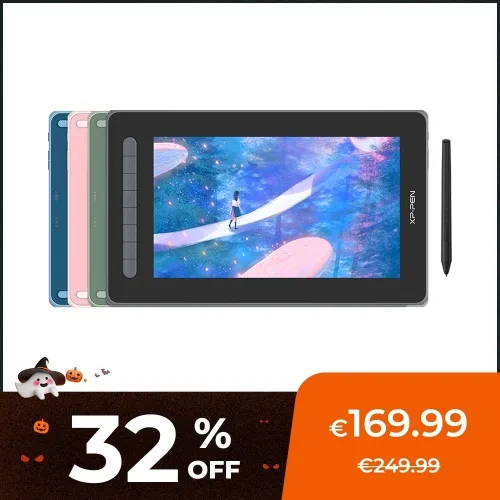
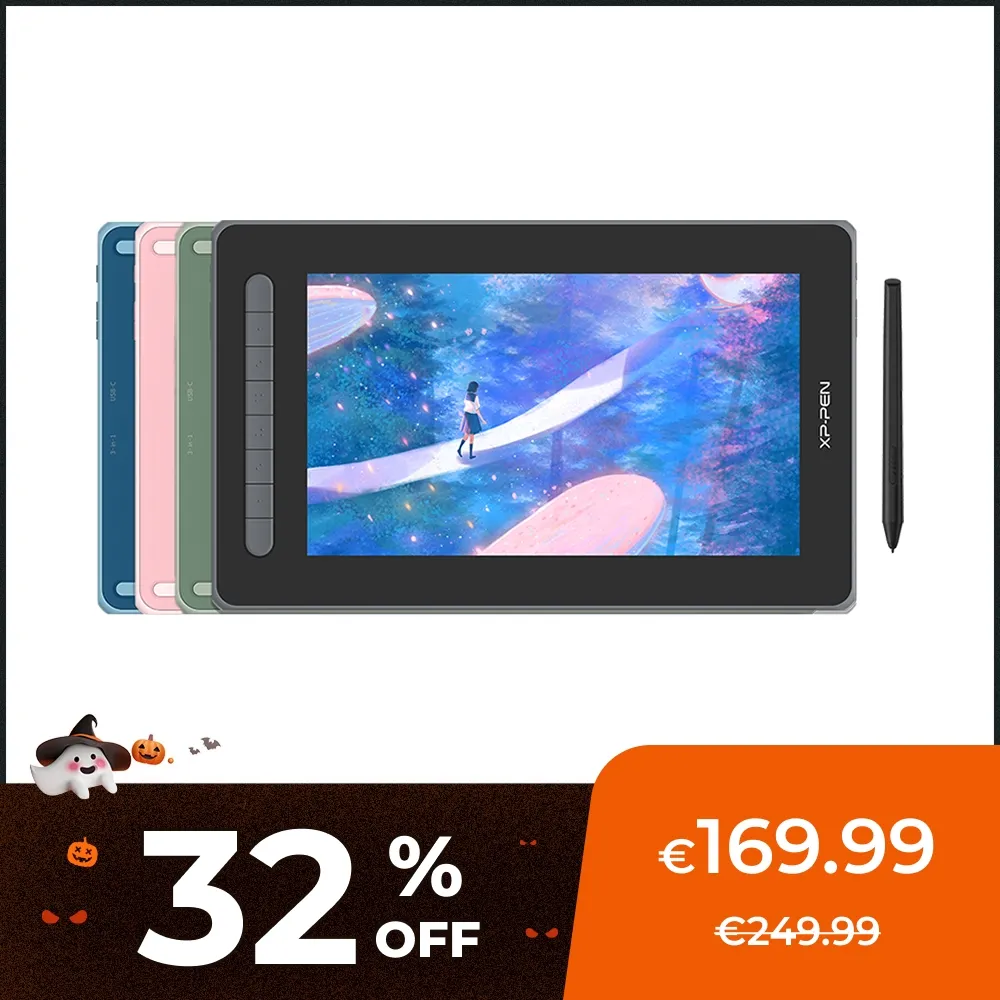
Artist 12 (2nd Gen)
X3 chip powered stylus , low activation force
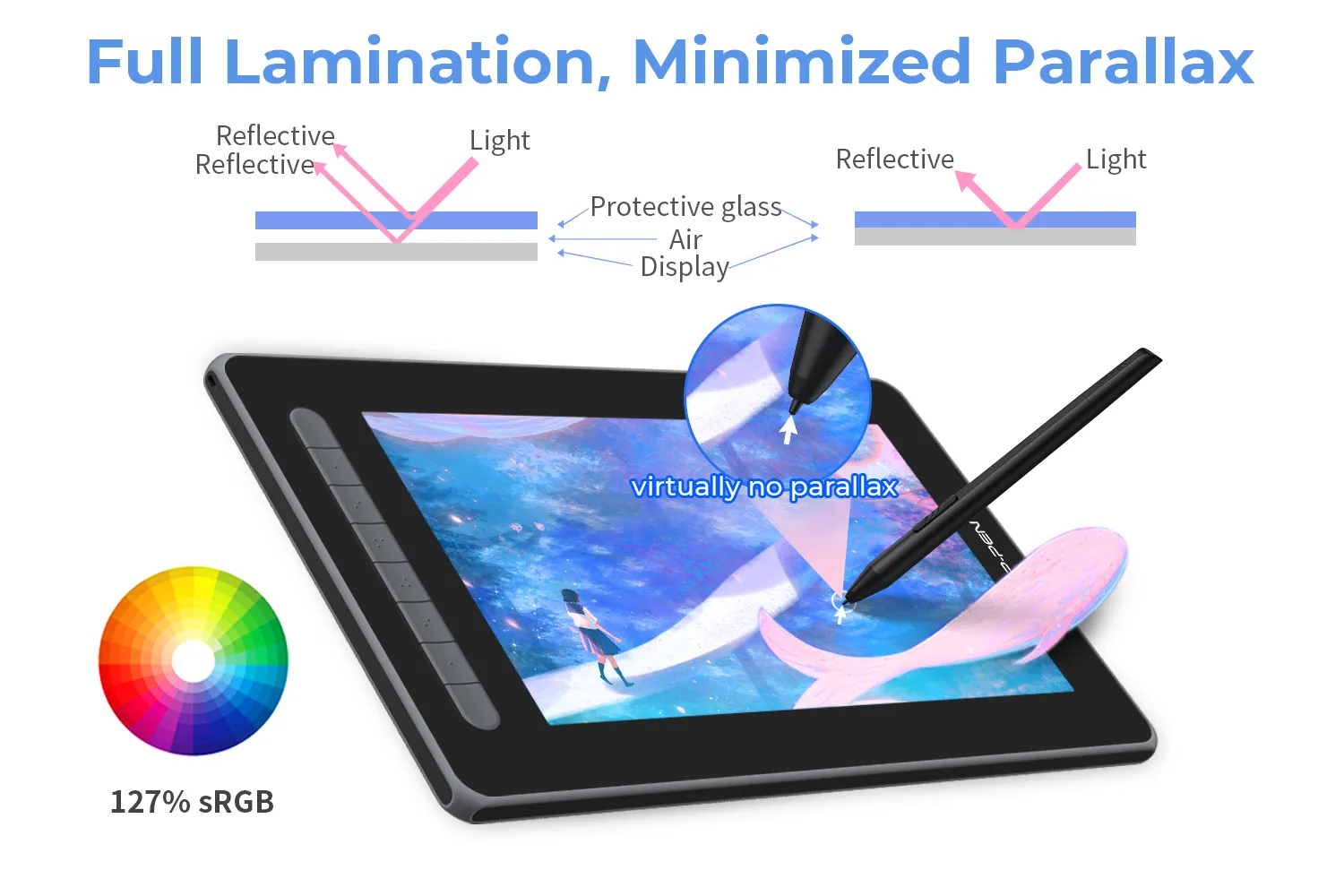
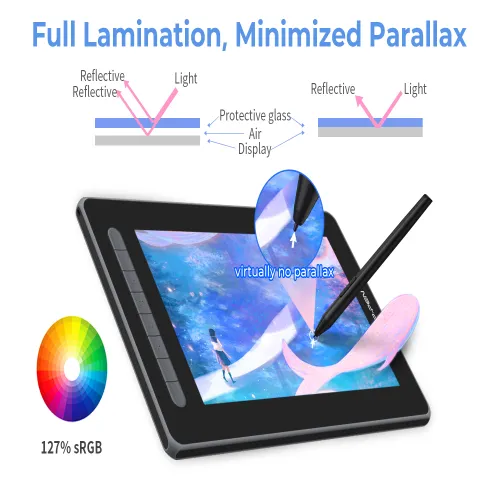
Fully laminated display, really reduces parallax
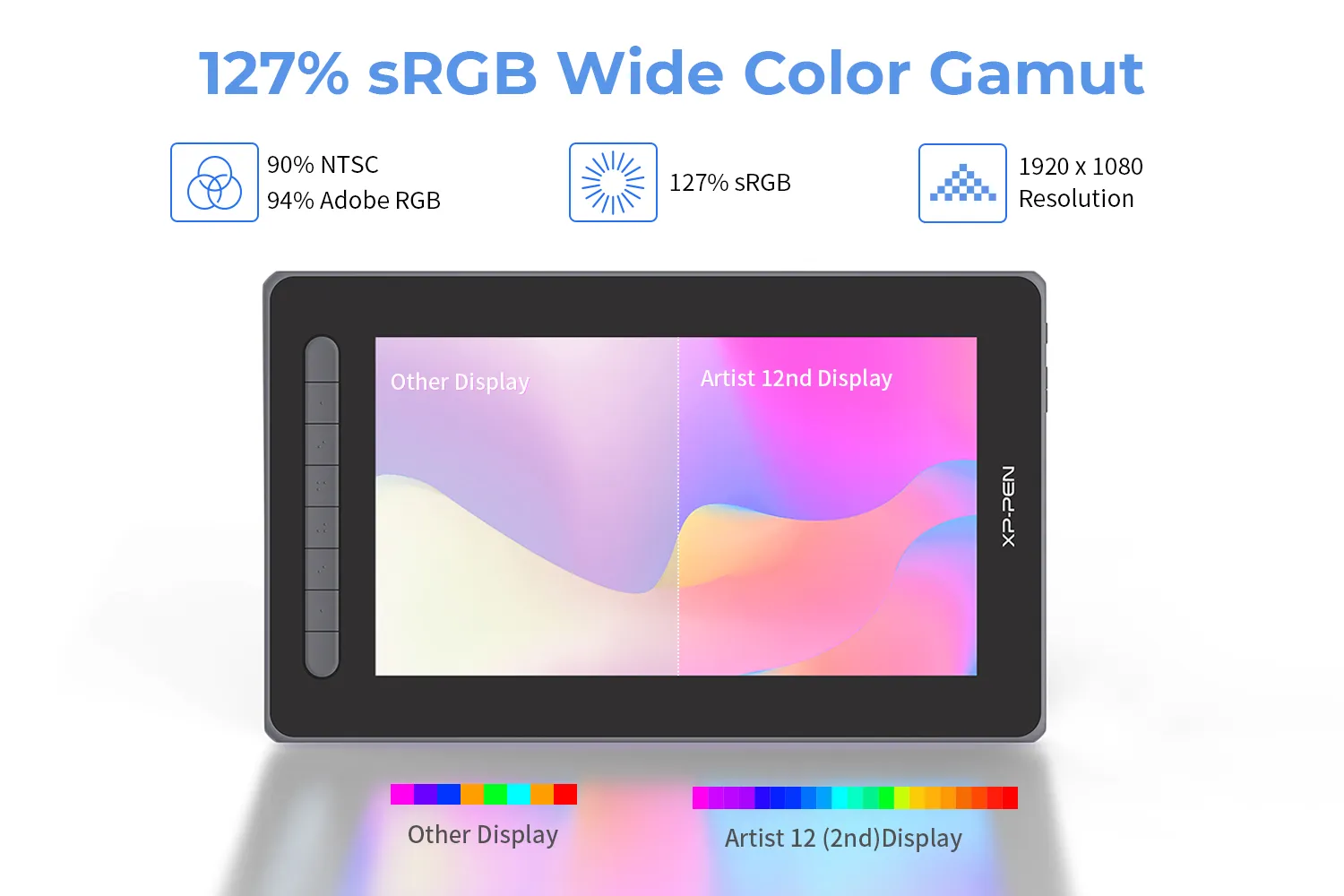
wider color gamut coverage, up to 94% Adobe RGB
€169.99€249.99
❋In stock in the EU warehouse❋
❋24-Month Warranty❋
Free Shipping (Except RS, NO, CY, MT, IS, MC, MK)
Secure payments (Your payment information is processed securely)
Contact (Monday to Friday 10:30am - 6:30pm( PST))
Professional Support (shopeu@xp-pen.com service@xp-pen.com)
Colour:
Black
Blue
Green
Pink
Option with cable:
Without USB-C to USB-C cable
With USB-C to USB-C cable
Optional Products
Quantity:
Total
€169.99
 Log in and purchase to receive an estimated 190 X-Coins






Worry-Free Delivery® available with seel
Estimated:

Artist Series Pen Display (2nd Gen)
Open mind, sense dreams.
Meet new Artist, dream new dreams.
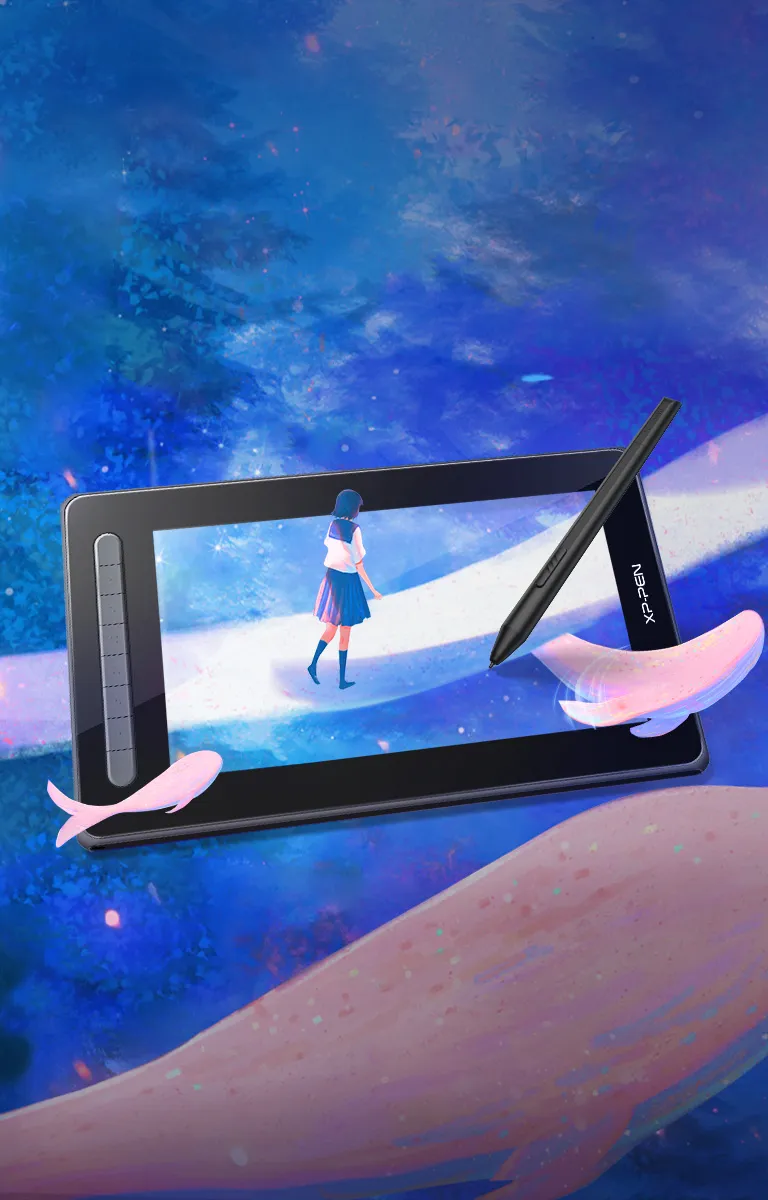
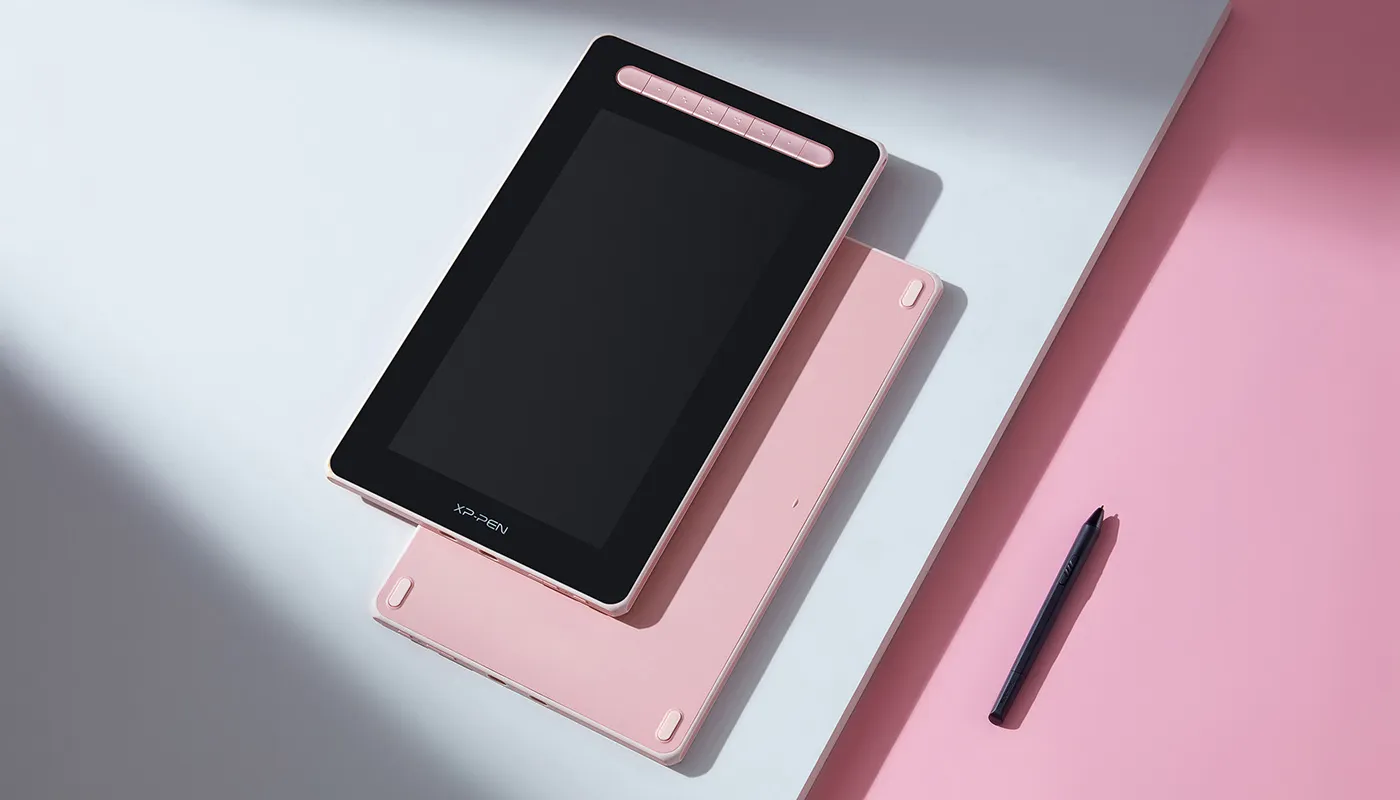
A new generation introduces a new chapter. The Artist Series Pen Display (2nd Gen) upholds our mission to support you to follow your dreams, be bold, and express your true self.
Multi-function, multi-size, multi-color, our new Artist comes with upgrades for an all-new experience.
Powered by X3-Smart-Chip technology, it also opens more possibilities for your inspiration to flow.
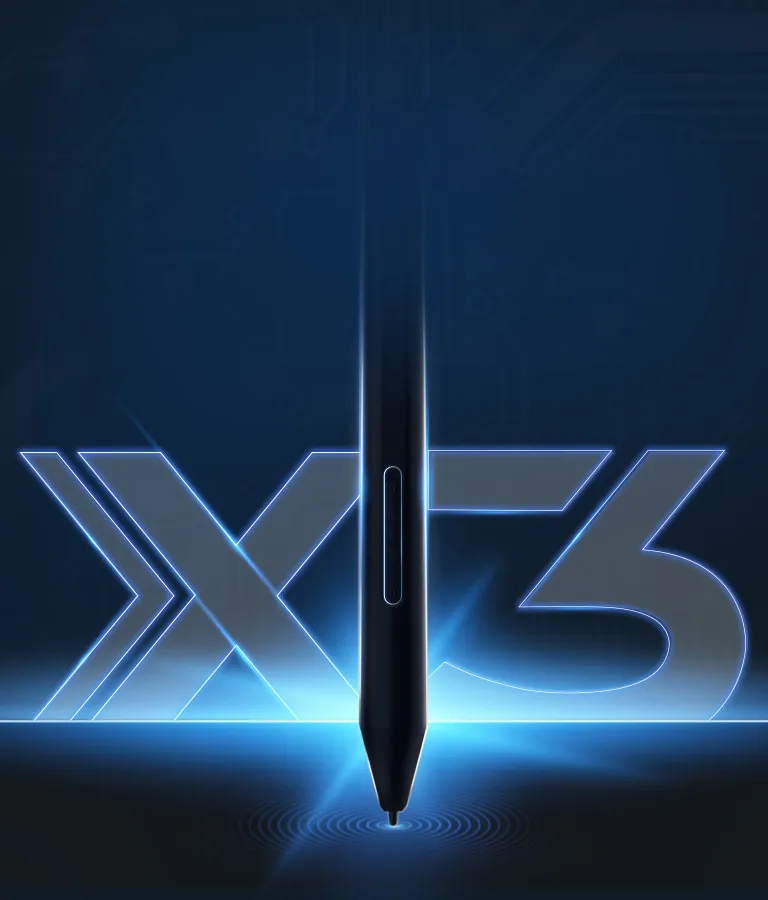
Smart chip technology
begins your CG dream.
Our X3-powered stylus will dramatically enhance your sensory experience,
delivering a familiar pen-like feeling and enabling you to explore your new CG world.
Learn more about the X3
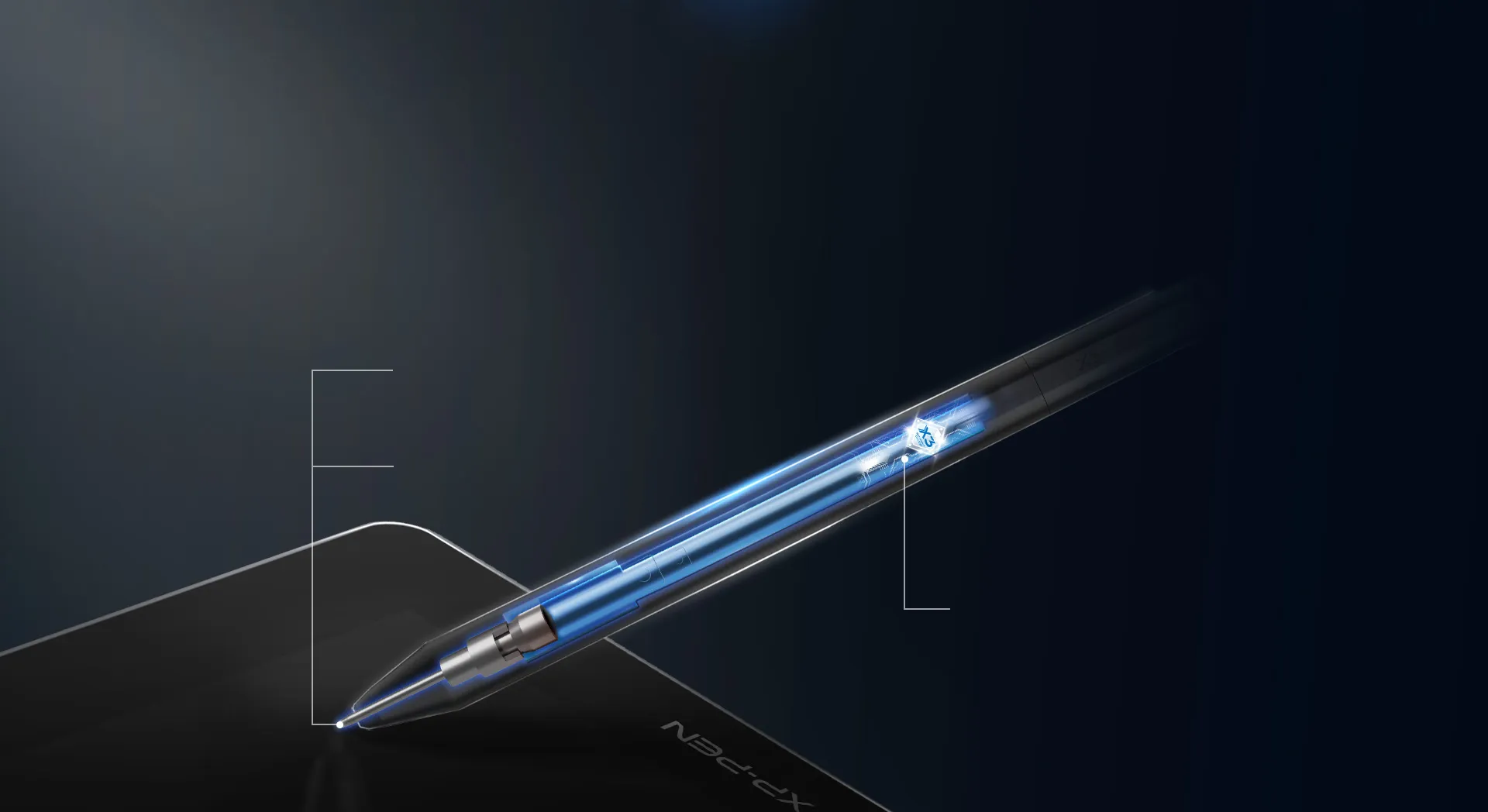
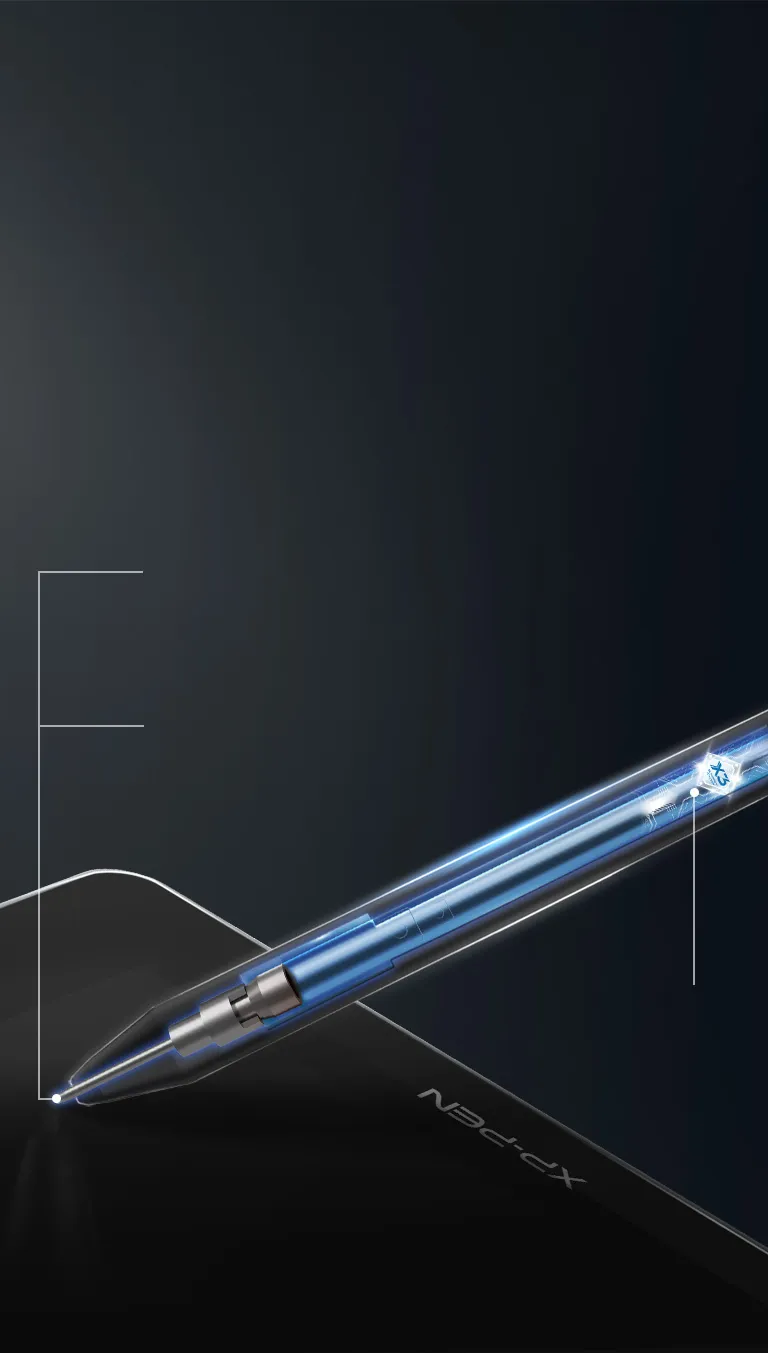
Smart chip stylus.
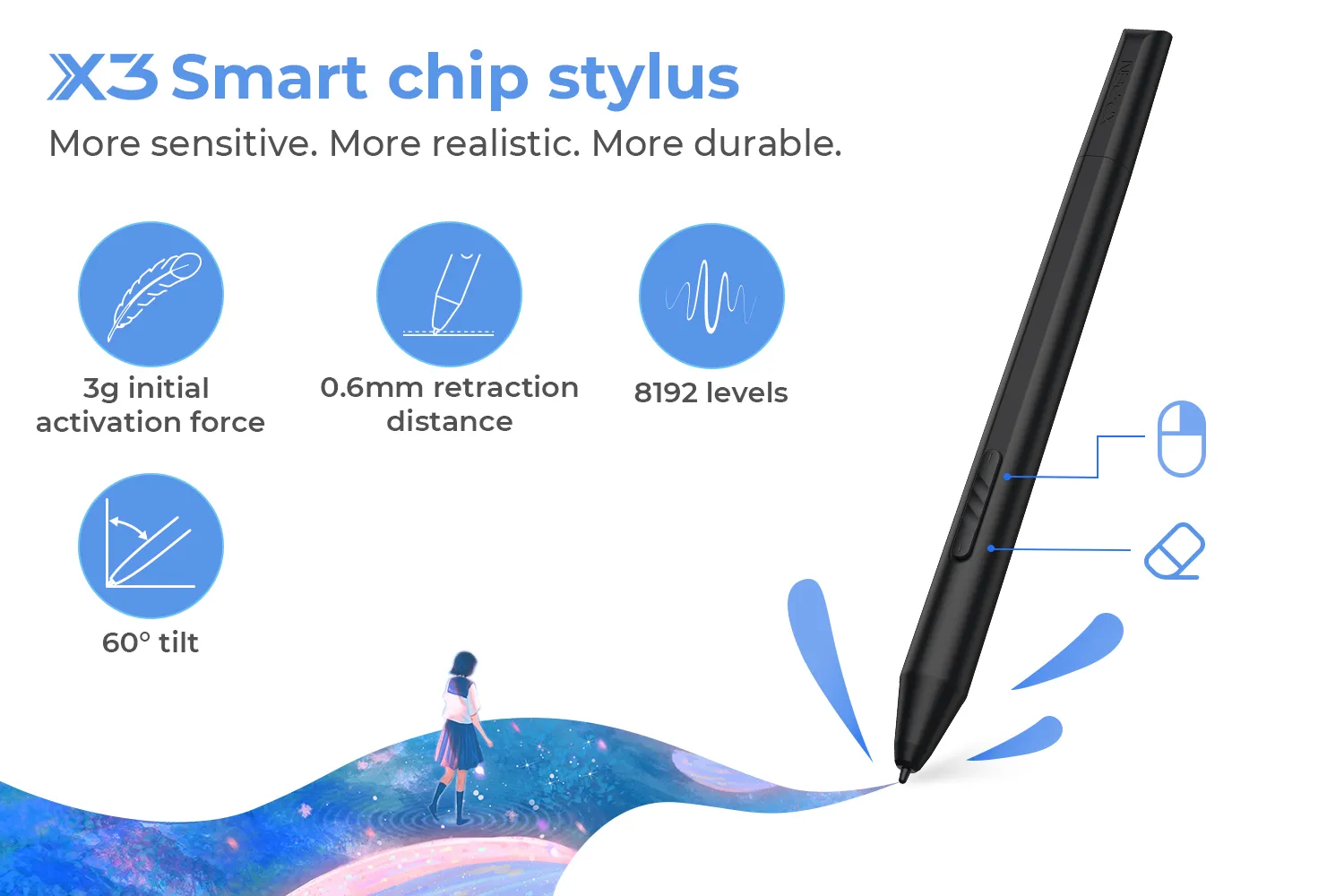
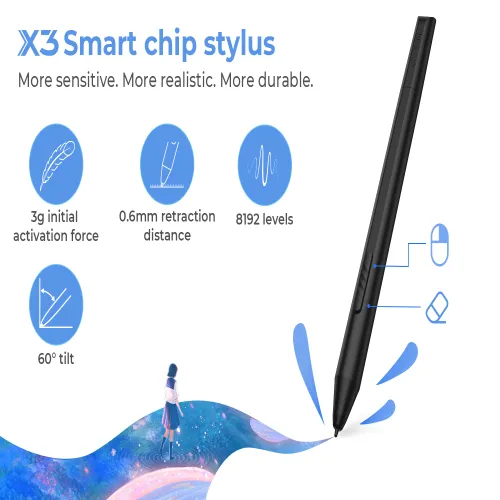
More sensitive. More realistic. More durable.
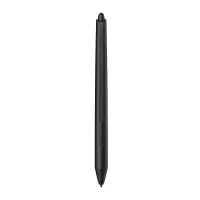
The stylus is battery-free and never needs charging, allowing for hours of uninterrupted drawing. With 8192 pressure sensitivity levels,
it allows you to create exquisite lines with ease. It supports up to 60 degrees of tilt, making shading easy and effective.
3 grams* initial activation force
10-fold* increase in sensitivity
0.6 mm* retraction distance
1/2* of our previous stylus
2-fold* increase in its lifetime
* This data was taken from a laboratory simulation test and may vary depending on the environment that the device is used in.
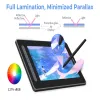
Full lamination.
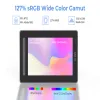
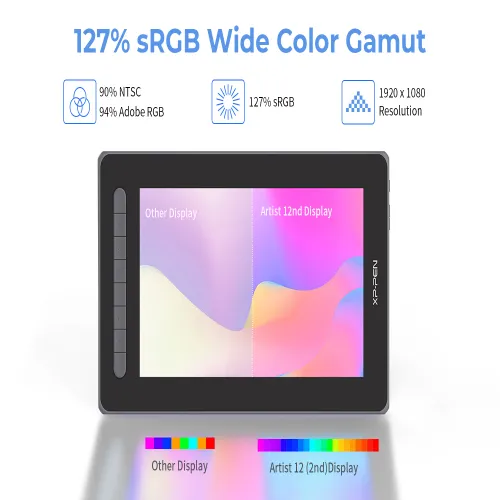
127% sRGB wide color gamut.
With a wide color gamut of 127% sRGB*, the new Artist brings a vivid visual experience with brilliant colors and delicate details even on a dark night. Full lamination is applied to the pen display to minimize parallax and provide more accuracy for a natural drawing experience.
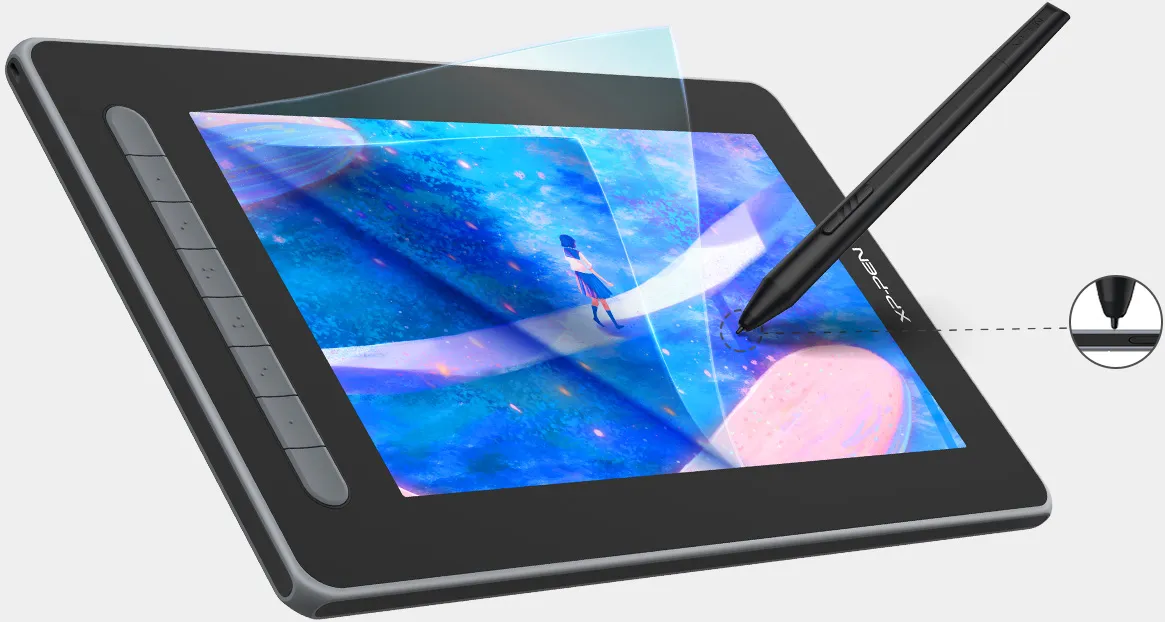
Full lamination
* Color gamut of the Artist 12 Pen Display (2nd Gen) is 127% sRGB.
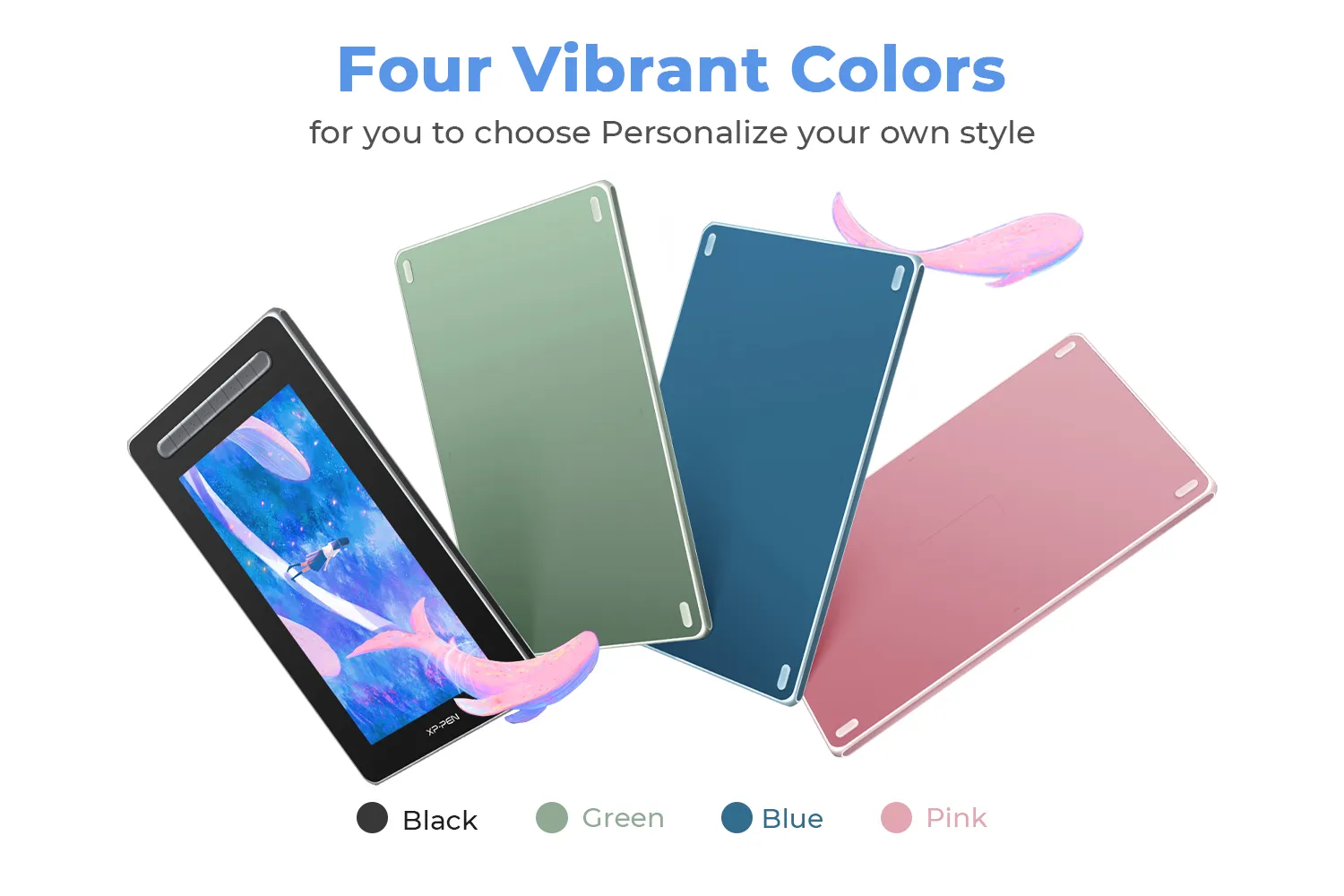
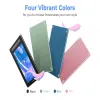
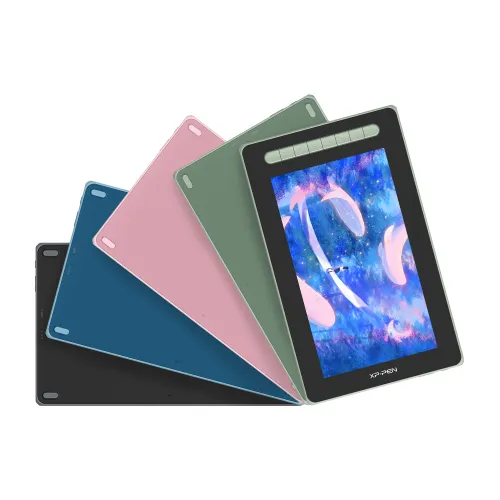
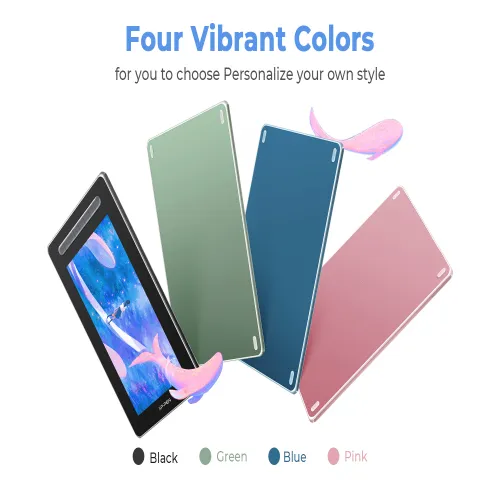
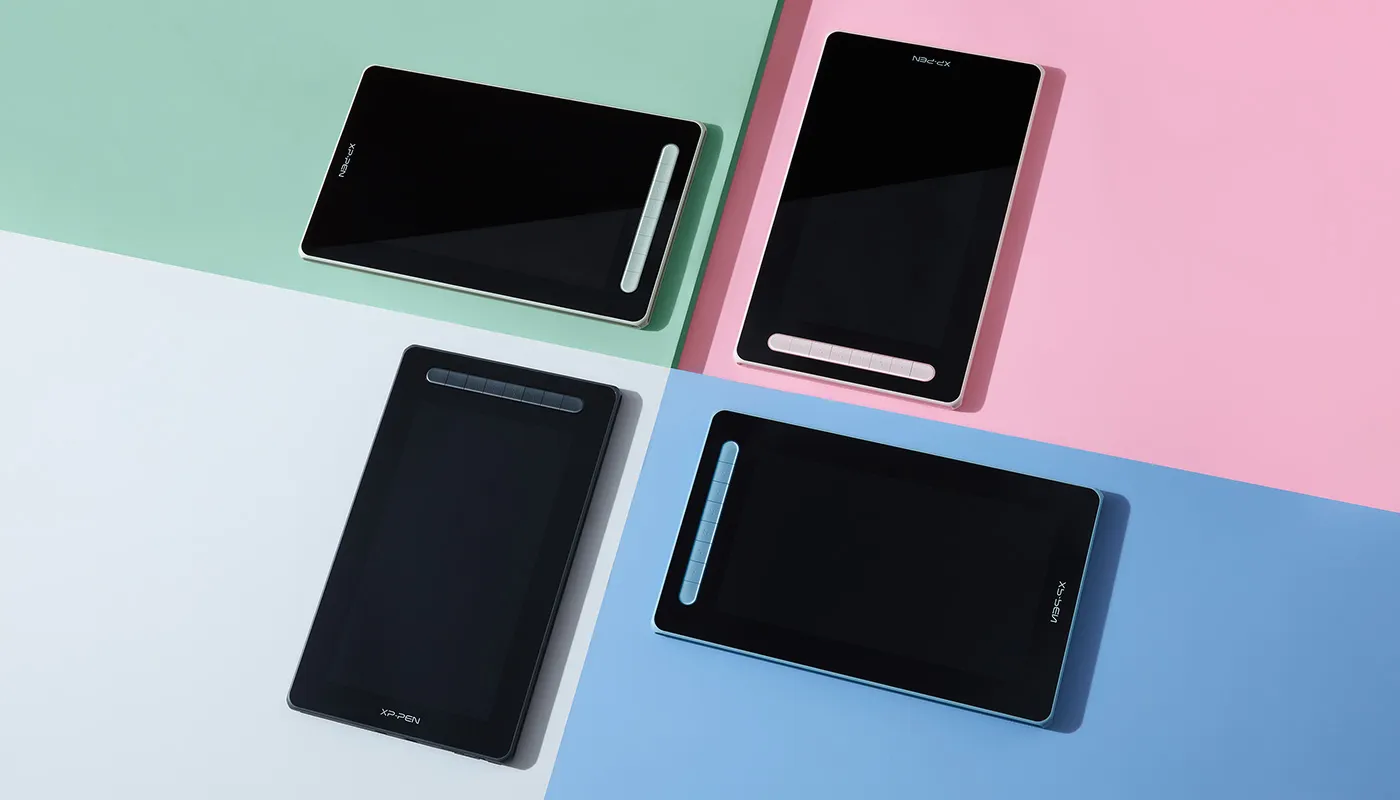
Four vibrant colors.
For creative inspiration.
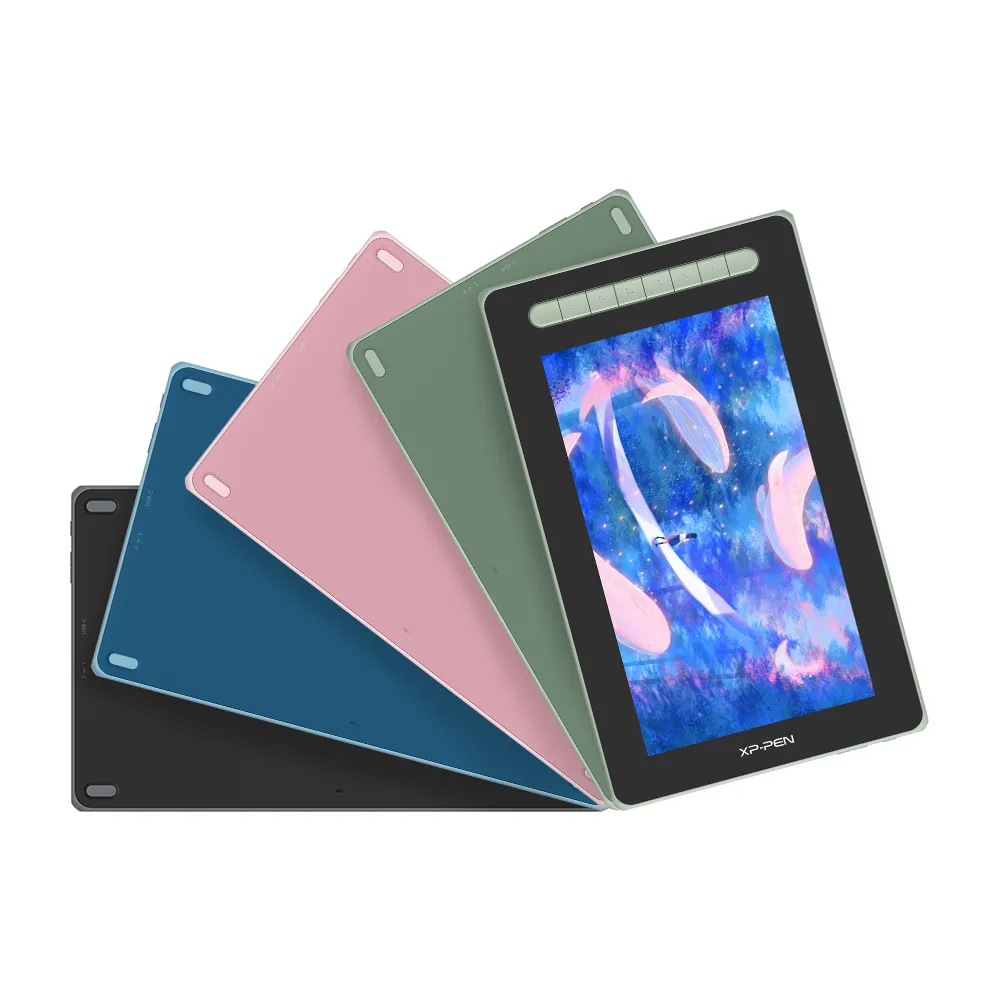
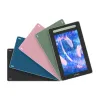
The new Artist Series is available in four vibrant colors, choose your color, personalize your style, and show your unique creativity. Thanks to the two-shot molding soft rubber design, your display will be nestled safely in its case.
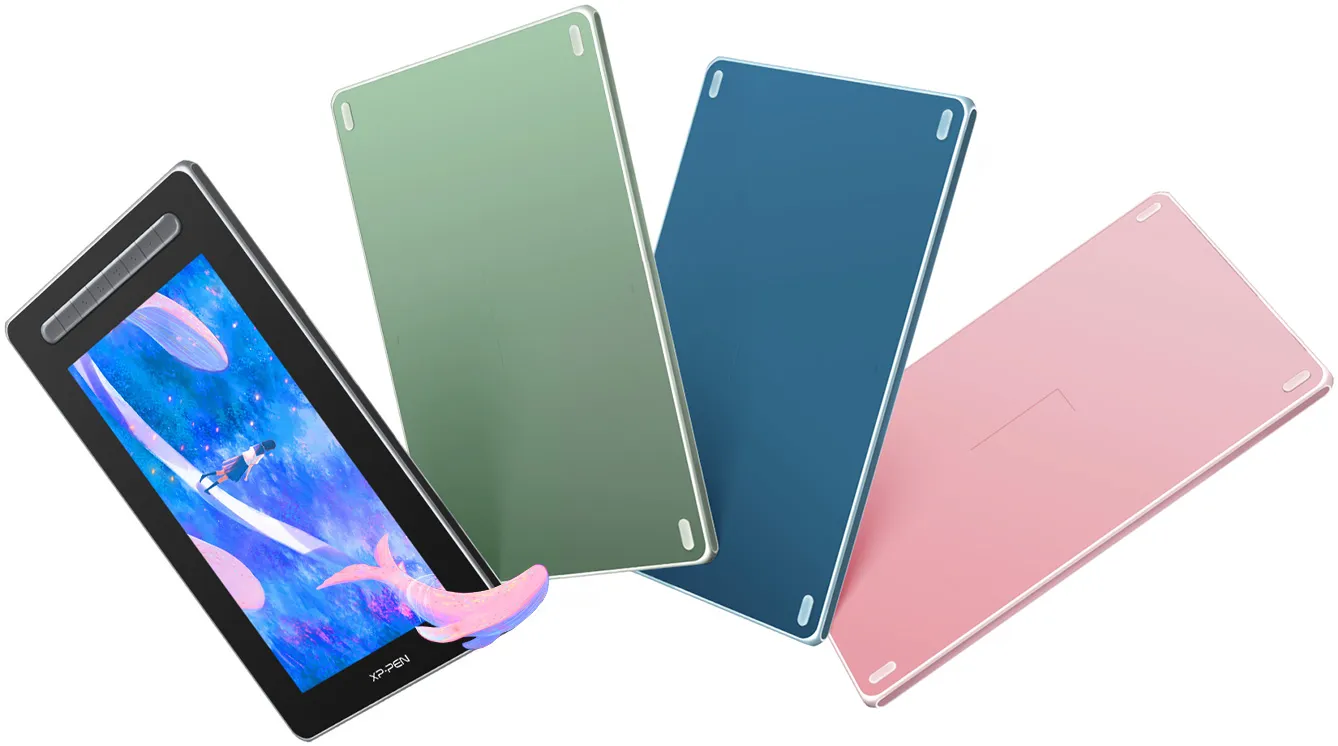
Black
Green
Blue
Pink
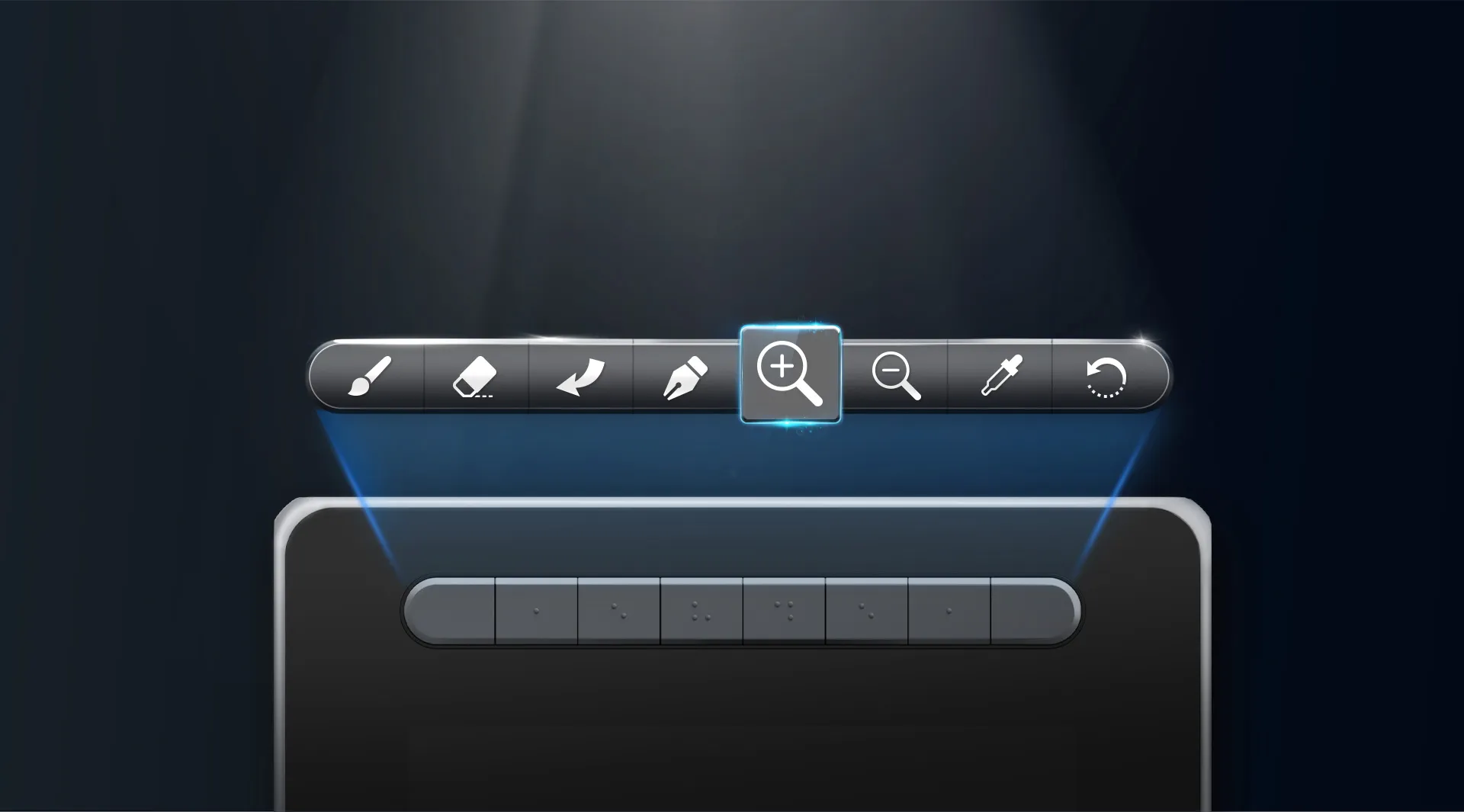
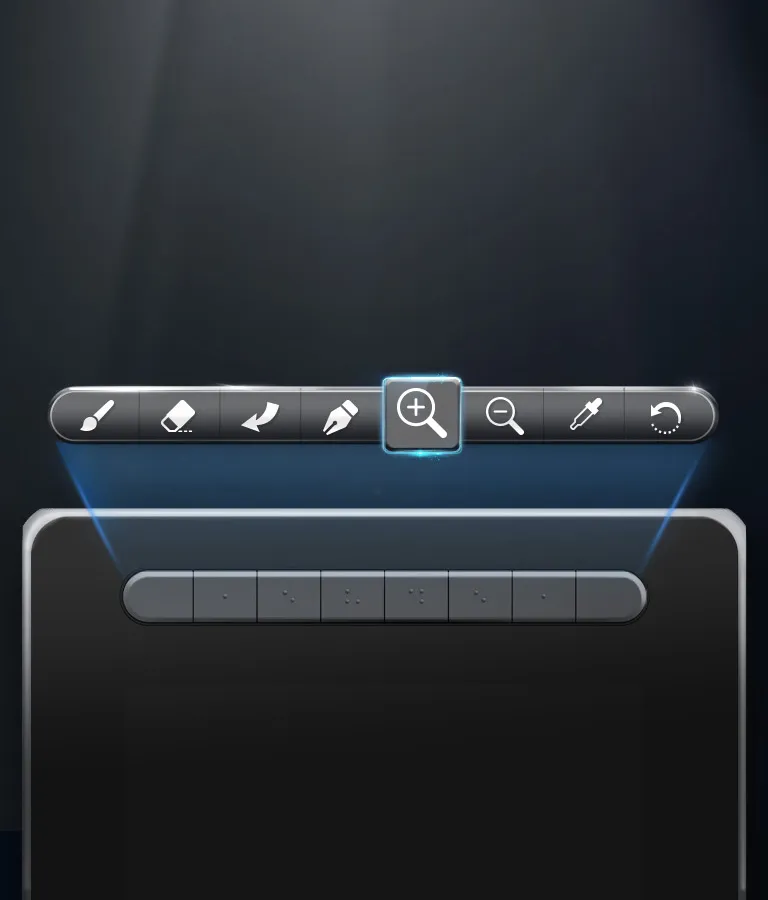
Versatile shortcut keys.
The Artist Series Pen Display (2nd Gen) features multi-customizable shortcut keys.
Customize your shortcut keys in your software application of choice to simplify your workflow and empower your productivity.
Flexible dual ports.
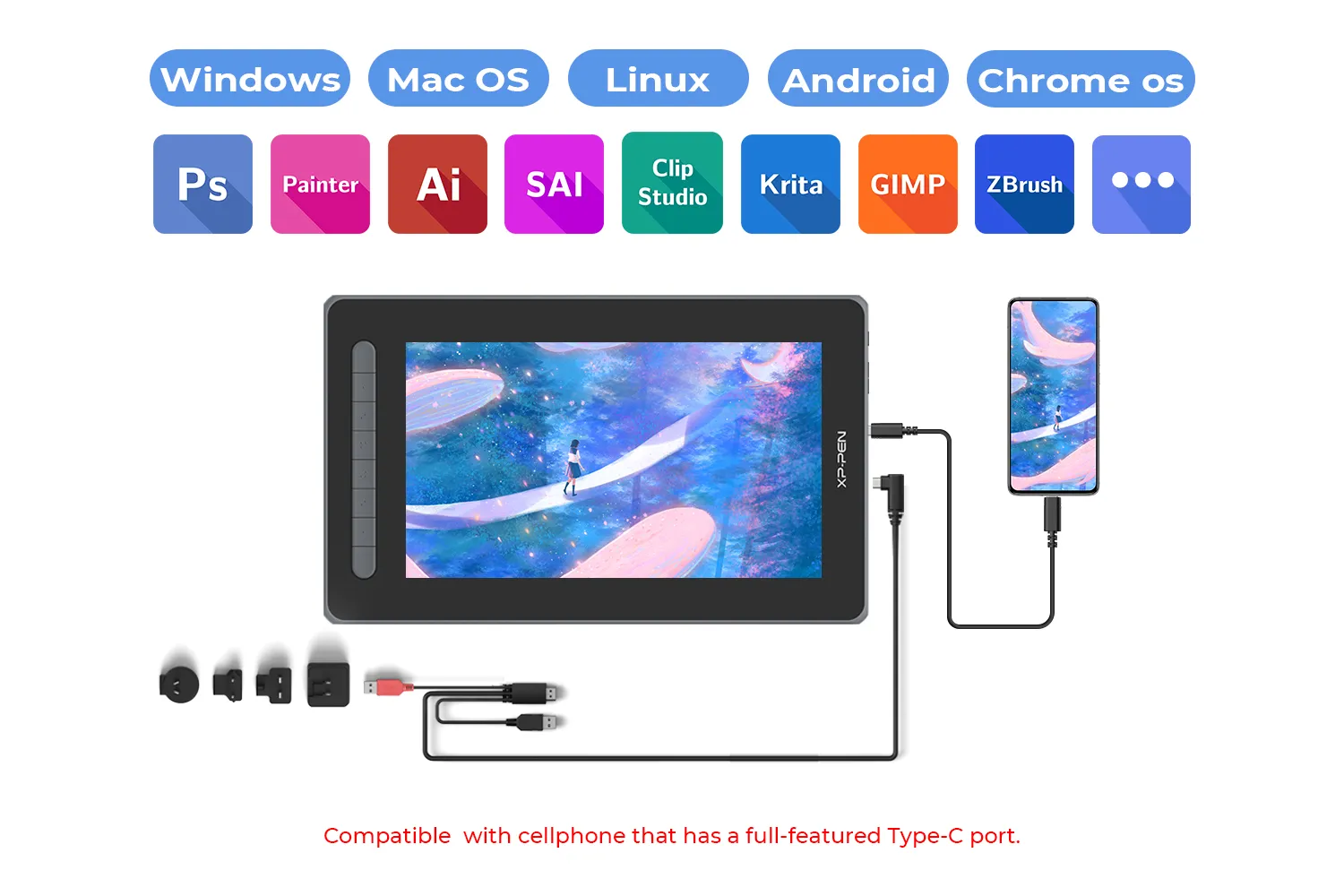
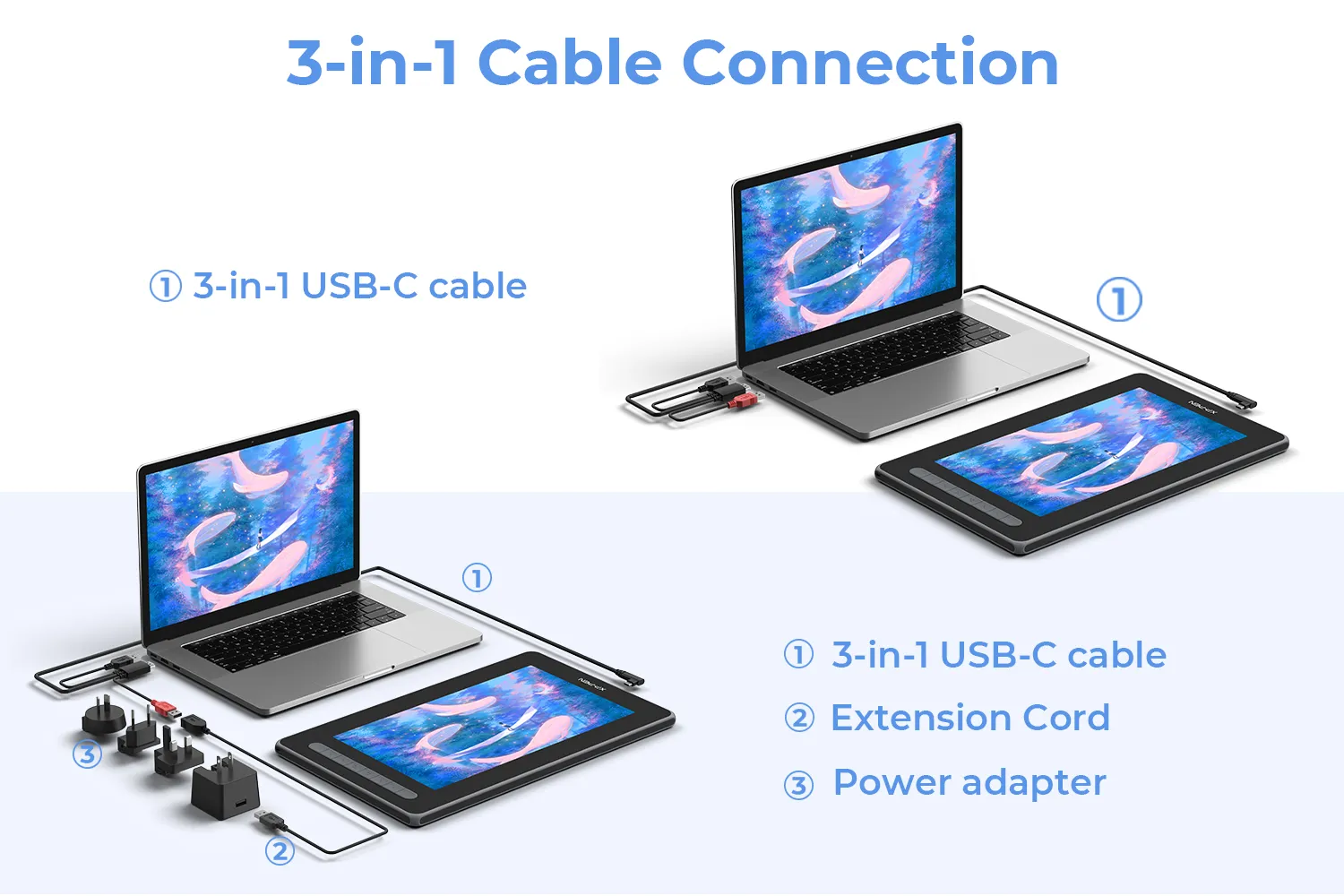
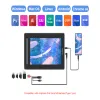
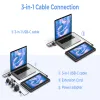
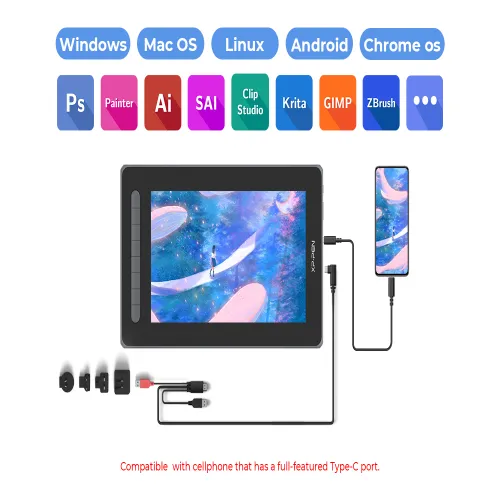
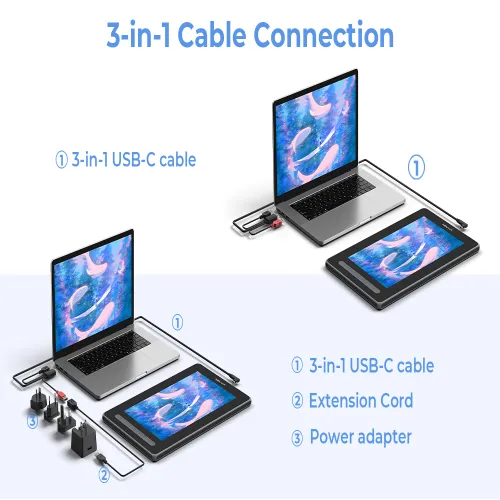
Dual ports. The 3-in-1 cable that supports HDMI signal transmission allows you to connect the pen display to a PC. The full-featured USB-C port makes connection easier with devices such as PCs, Android phones, and Switch, allowing for a tidy desktop.
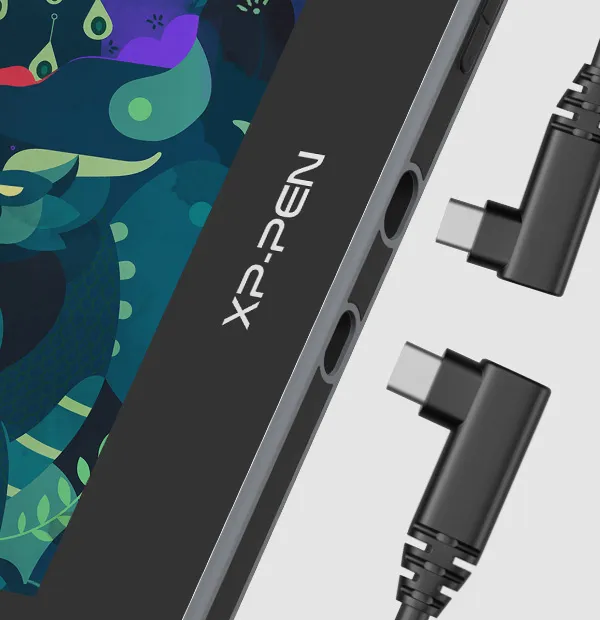

Full-featured USB-C cable connection
Full-featured USB-C port
* Supports connection with USB-C to USB-C cable (sold separately) only.
Watch the video >

3-in-1 USB-C cable connection
3-in-1 USB-C port
* Supports connection with the included 3-in-1 cable only.
Watch the video >
Extensive compatibility.
Works seamlessly with various systems and software.
The Artist Series Pen Display (2nd Gen) is compatible with Windows, Mac OS X, Chrome OS, Linux, and Android. Explore your creativity with the new Artist.
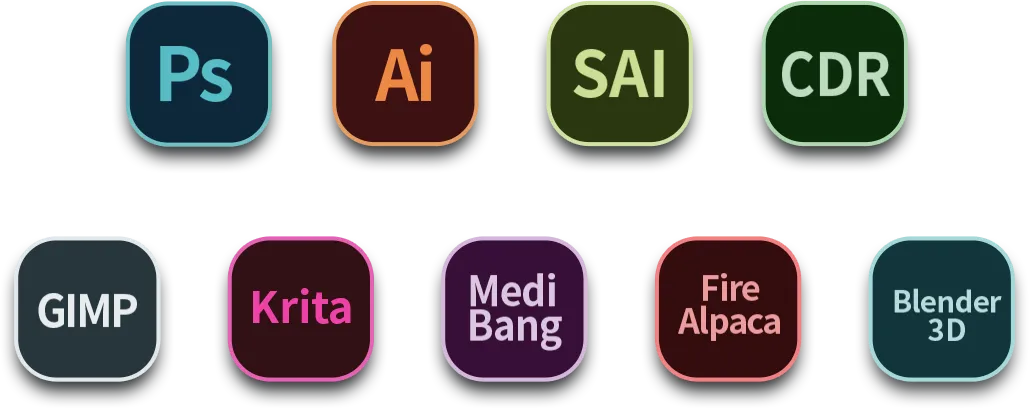
It is also works well with various popular digital art software applications, such as Adobe Photoshop, Illustrator, SAI, CDR, GIMP, Krita, and MediBang.
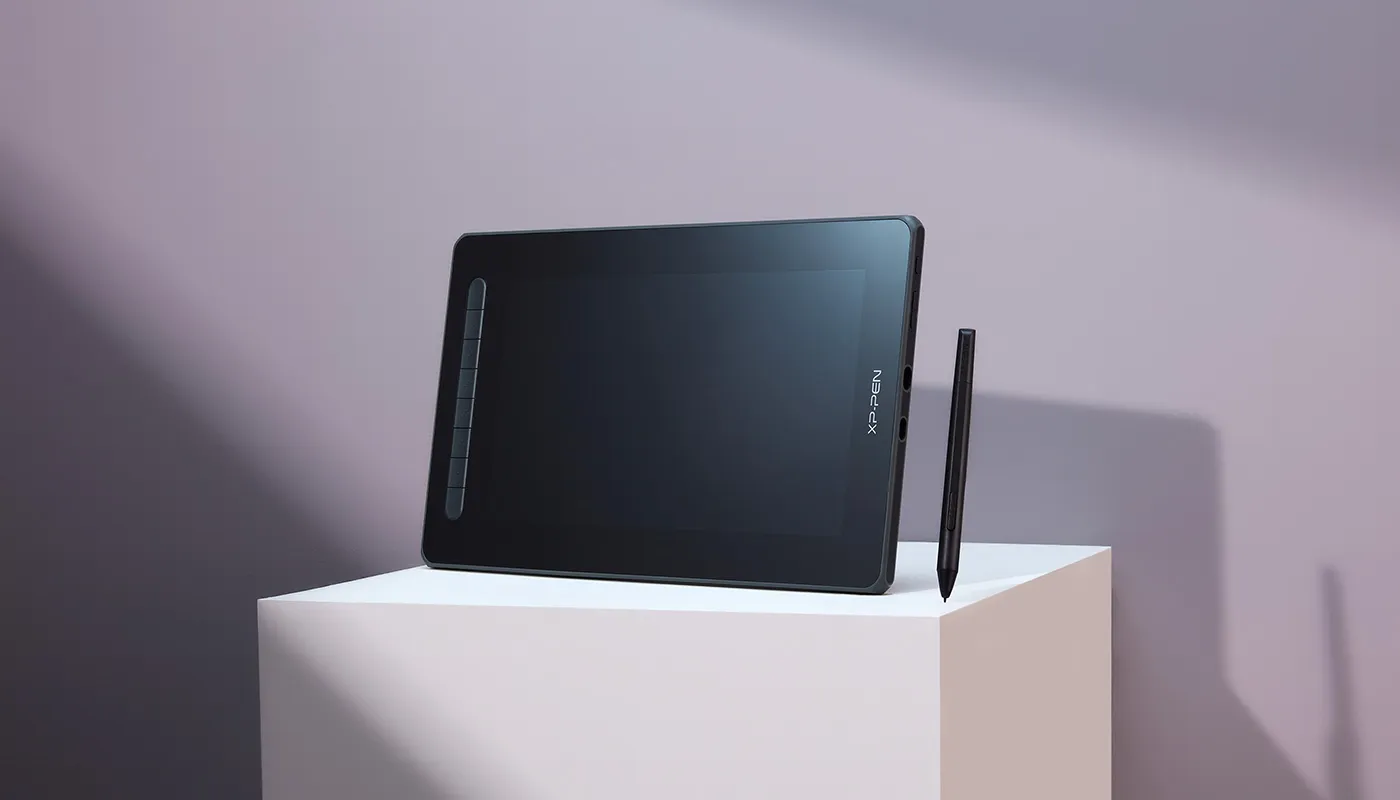
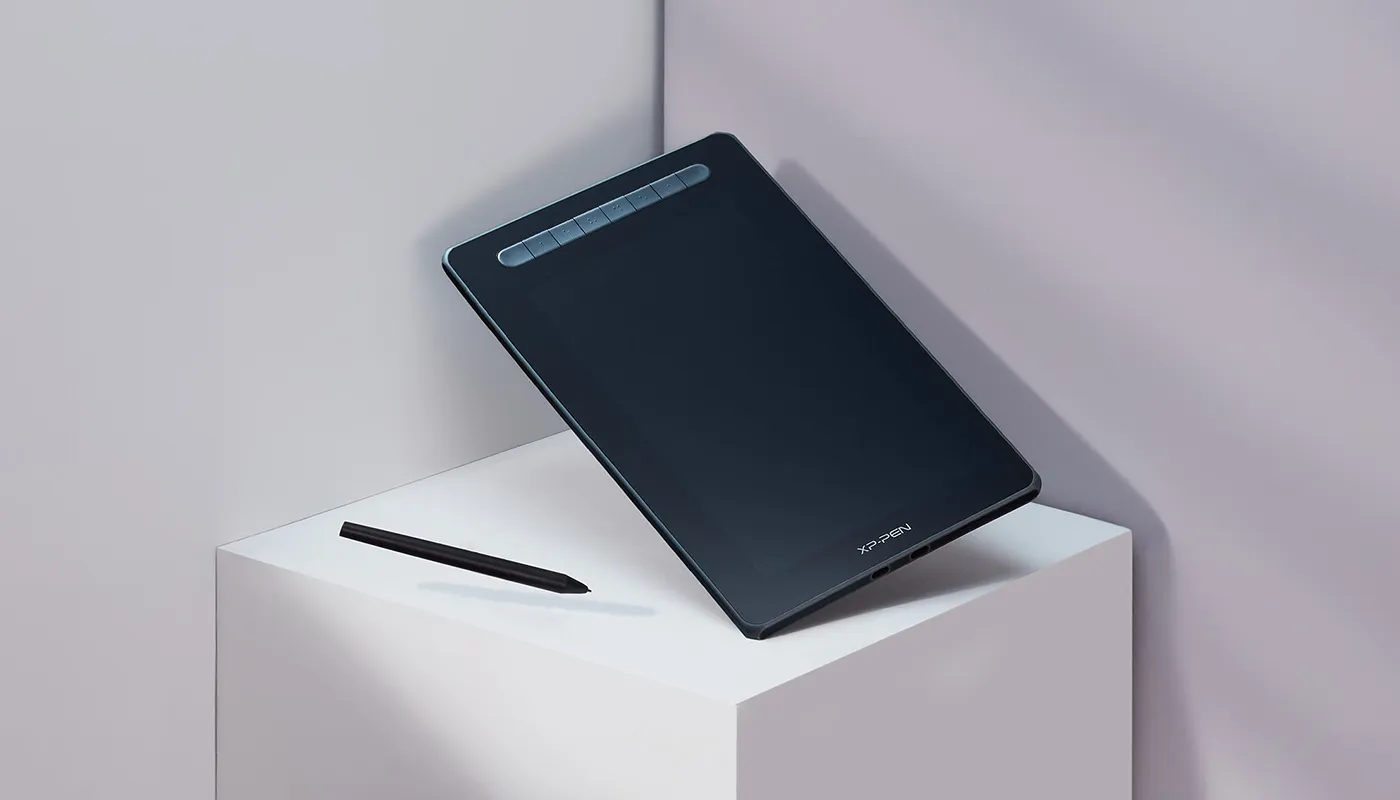
Product Gallery
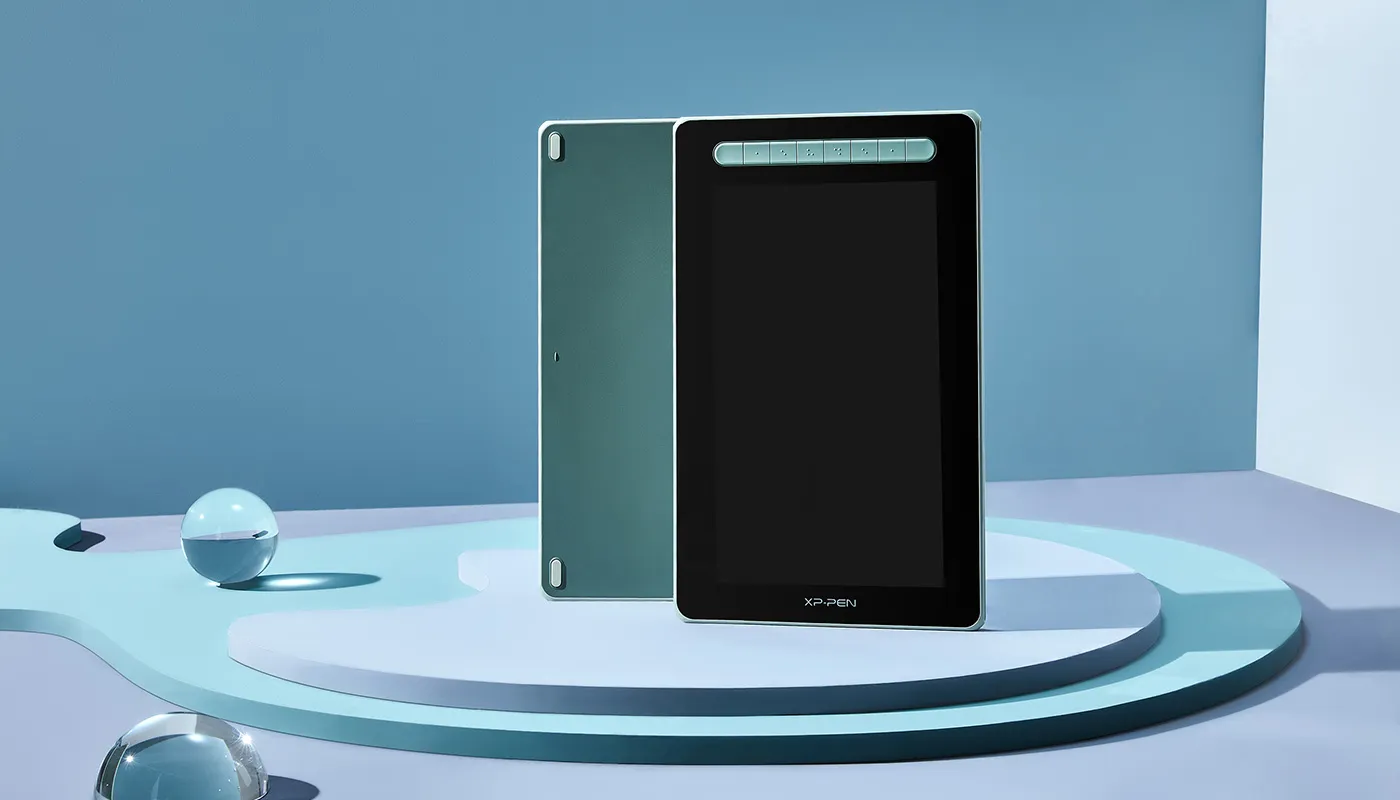
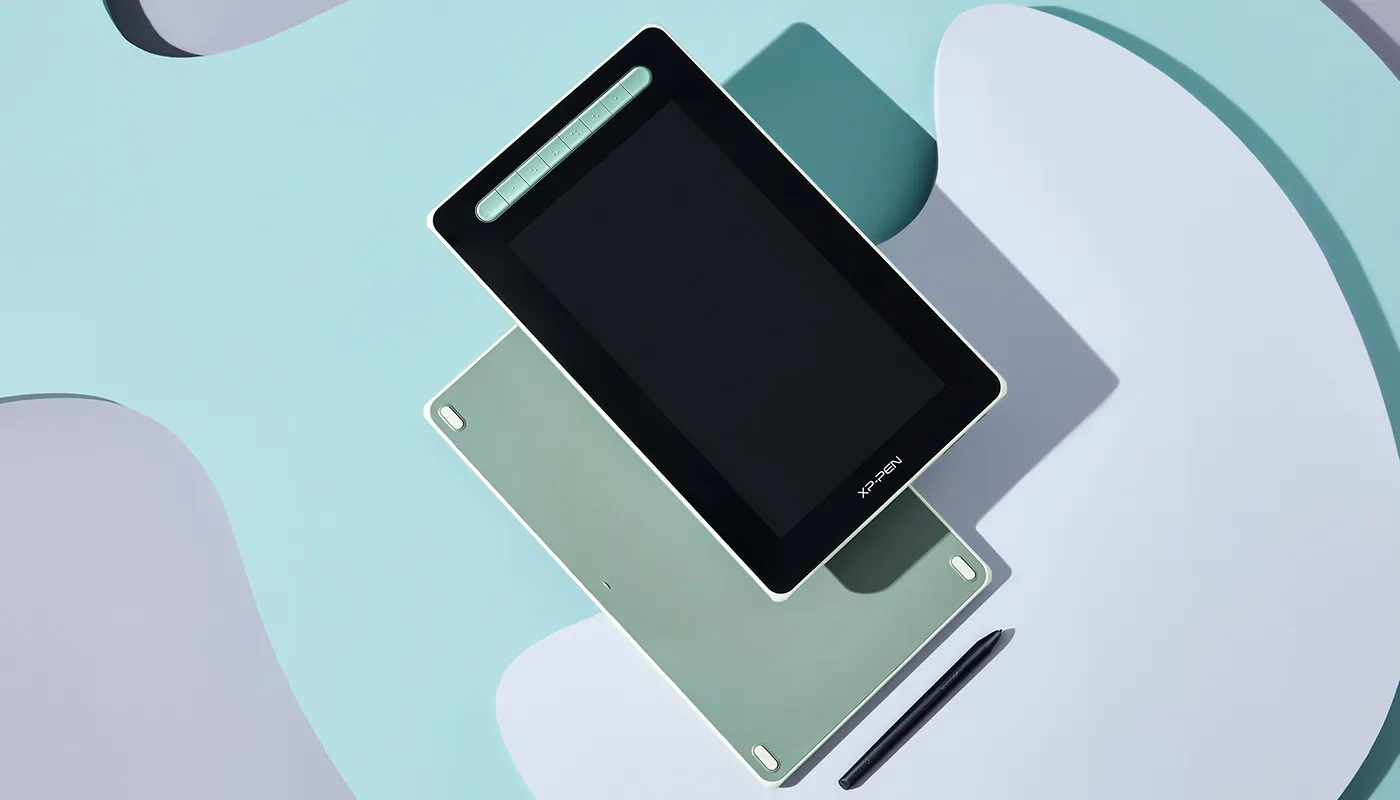
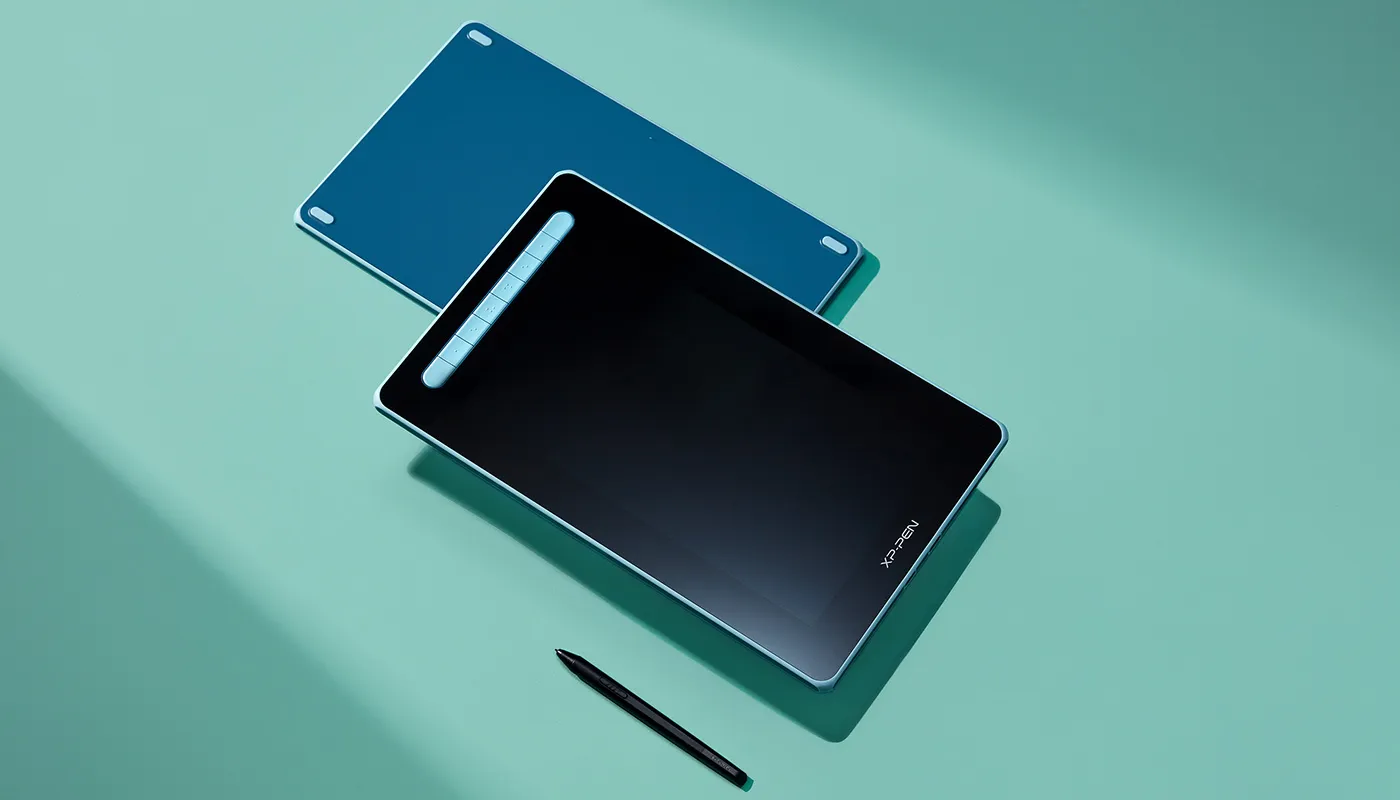
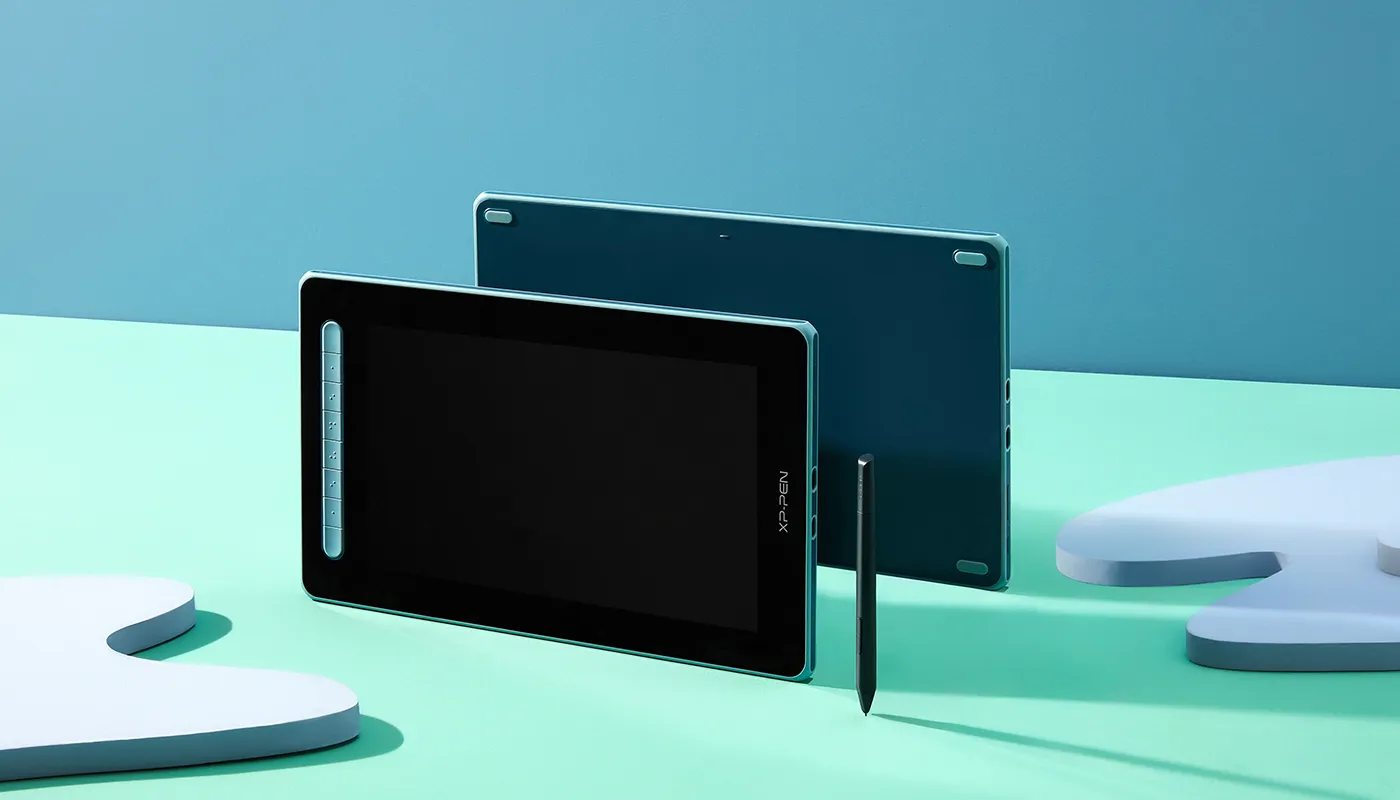


Multiple options.
More personalized solutions.
Available in four sizes, there is an Artist Series Pen Display (2nd Gen) for your specific needs and space requirements. Whether you desire a portable option or larger workspace, it's your adaptable partner. Meet our new Artist and dream your new dreams.
Artist 10 Pen Display (2nd Gen)
Not available yet
Artist 12 Pen Display (2nd Gen)
Dimensions: 346.2 x 209 x 12 mm
Work Area: 11.9”
Color Gamut (typical): 127% sRGB
Shortcut Keys: 8
Black
Green
Blue
Pink
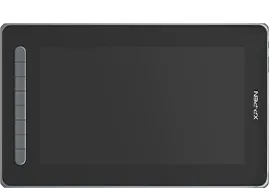
Artist 13 Pen Display (2nd Gen)
Not available yet
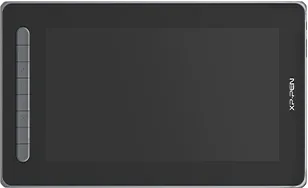
Artist 16 Pen Display (2nd Gen)
Dimensions: 434 x 255.8 x 13.99 mm
Work Area: 15.4”
Color Gamut (typical): 127% sRGB
Shortcut Keys: 10
Black
Green
Blue
Pink
Specifications
X3 Elite

60° tilt
8192 pressure levels

0.6 mm
Retraction distance

Full lamination
Customizable shortcuts

Battery-free

Windows / Mac / Android /
Chrome OS/ Linux
Specifications
X3 Elite
60° tilt
8192 pressure levels
0.6 mm
Retraction distance
Full lamination
Customizable shortcuts
Battery-free
Windows / Mac / Android /
Chrome OS / Linux
| Product Name | Artist 12 Pen Display (2nd Gen) |
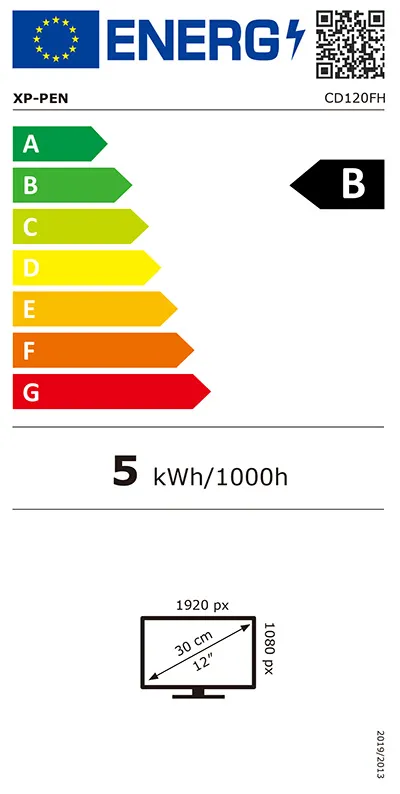
| Product Model | CD120FH |
| Color Options | Black, blue, green, and pink |
| Dimensions | 346.2 x 209 x 12 mm |
| Work Area | 263.23 x 148.07 mm |
| Shortcut Keys | 8 |
| Display Resolution | 1920 x 1080 |
| Color Gamut (typical) | 90% NTSC, 127% sRGB, 94% Adobe RGB |
| Full Lamination | Yes |
| Viewing Angle | 178° |
| Contrast (typical) | 1000:1 |
| Brightness | 220 cd/㎡ |
| Stylus | X3 Elite |
| Pressure Levels | 8192 |
| Tilt | 60° |
| Resolution | 5080 LPI |
| Reading Height | 10 mm |
| Accuracy | ±0.5 mm (center), ±1 mm (corner) |
| Ports Included | 1 x full-featured USB-C 1 x USB-C |
| Power Input | DC 5V/2A |
| Compatibility | Windows 7/8/10, Mac OS X 10.10 (or later), Android (USB3.1 DP1.2), Chrome OS 88 (or later), Linux |
| Certifications | CE/RoHS/WEEE/FCC /KC/PSE/BIS/UKCA/EAC/RCM/NOM |
| EU Energy Label |  |
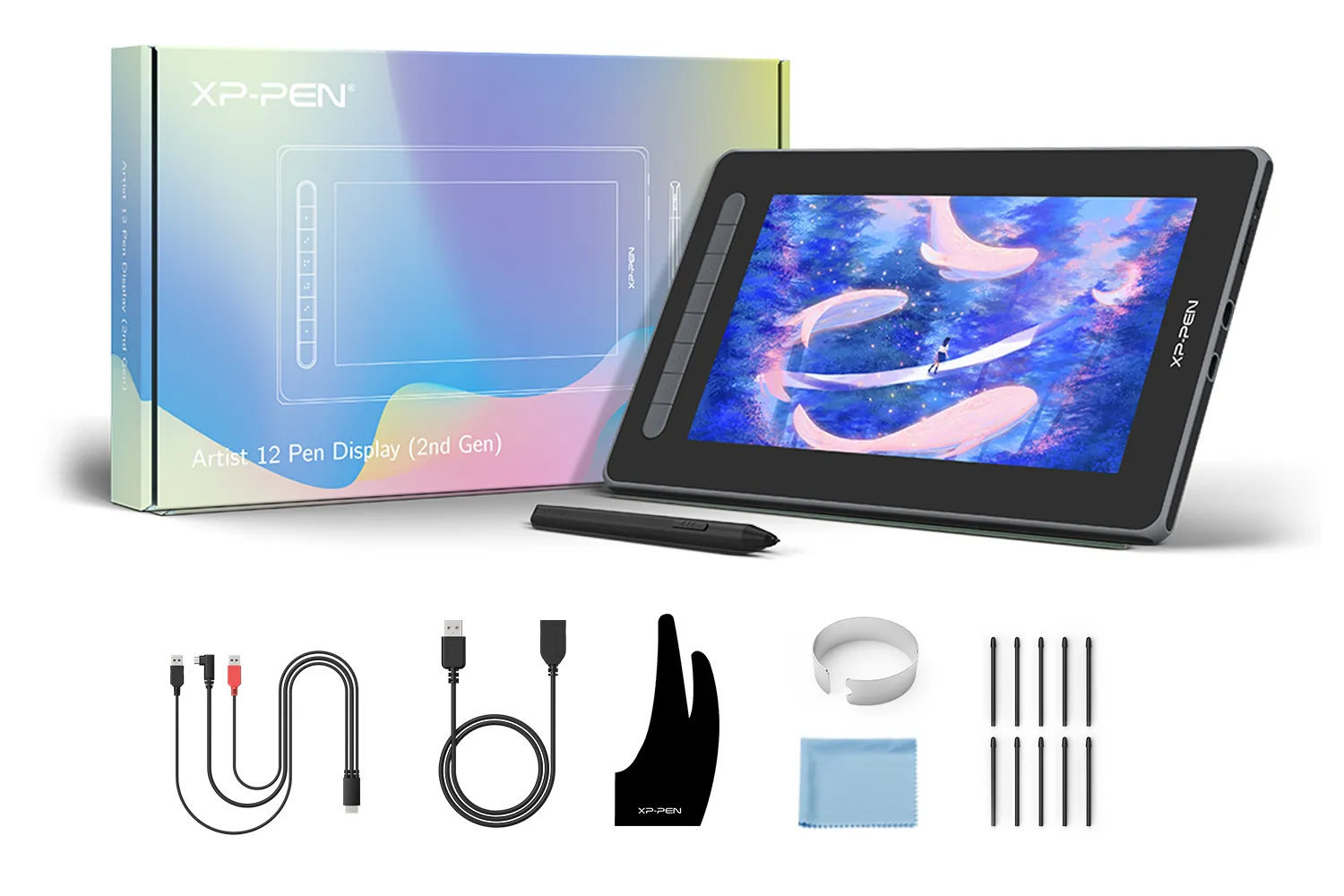
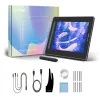
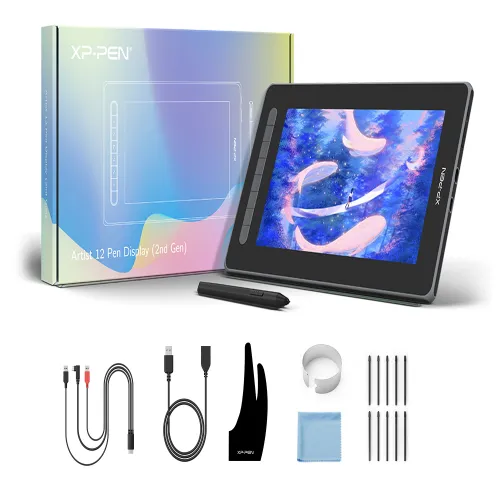
Package includes:
1 x Pen Display
1 x X3 Elite Stylus
1 x 3-in-1 USB Cable
1 x Extension Cord
10 x Pen Nibs
1 x Nib Extractor
1 x Cleaning Cloth
1 x Black Drawing Glove
1 x Quick Guide
1 x Warranty Card
| Linux OS | Version | Package Format | Supported Software |
| Arch | Arch Linux2019.12.01(64-bit) | .deb, .sh | GIMP, Krita |
| Centos | Centos7.0(64-bit) | .rpm, .sh | GIMP |
| Centos8(64-bit) | .rpm, .sh | GIMP, Krita | |
| Debian | debian-9.5.0-amd64-netinst(64-bit) | .deb, .sh | GIMP, Krita |
| elementary OS | elementary OS 5.0(64-bit) | .deb, .sh | GIMP, Krita |
| ezgo Linux | ezgo14(64-bit) | .deb, .sh | GIMP, Krita |
| Fedora | Fedora32(64-bit) | .rpm, .sh | GIMP, Krita |
| Mageia | Mageia-7.1(64-bit) | .rpm, .sh | GIMP, Krita |
| Manjaro | manjaro-xfce-20.1.2-201019(64-bit) | .deb, .sh | GIMP |
| Mint | linuxmint-18.2-cinnamon-64bit | .deb, .sh | GIMP, Krita |
| OpenSUSE | openSUSE-Tumbleweed(64-bit) | .rpm, .sh | GIMP, Krita |
| Pop!_OS | pop-os_19.10(64-bit) | .deb, .sh | GIMP, Krita |
| Red Hat | Red Hat7(64-bit) | .rpm, .sh | GIMP |
| Ubuntu | Ubuntu14.04(64-bit) | .deb, .sh | GIMP, Krita |
| Ubuntu16.04(64-bit) | .deb, .sh | GIMP, Krita | |
| Ubuntu17.04(64-bit) | .deb, .sh | GIMP, Krita | |
| Ubuntu18.04(64-bit) | .deb, .sh | GIMP, Krita | |
| Ubuntu19.04(64-bit) | .deb, .sh | GIMP, Krita | |
| Ubuntu20.04(64-bit) | .deb, .sh | GIMP, Krita |
| Function | Krita 4.3.0 | Gimp 2.10.20 | Inkscape 0.92 |
| Pen Pressure Sensitivity | |||
| Tilt | |||
| Mouse Function | |||
| Eraser Button (Stylus:PH01, P06) | |||
| Switch between Pen and Eraser Modes | |||
| *If you have any further queries, please do not hesitate to contact us at service@xp-pen.com. | |||
Linux OS
Arch
Version
Arch Linux2019.12.01(64-bit)
Package Format
.deb, .sh
Supported Software
GIMP, Krita
Centos
Version
Centos7.0(64-bit)
Centos8(64-bit)
Centos8(64-bit)
Package Format
.rpm, .sh
.rpm, .sh
.rpm, .sh
Supported Software
GIMP
GIMP, Krita
GIMP, Krita
Debian
Version
debian-9.5.0-amd64-netinst(64-bit)
Package Format
.deb, .sh
Supported Software
GIMP, Krita
elementary OS
Version
elementary OS 5.0(64-bit)
Package Format
.deb, .sh
Supported Software
GIMP, Krita
ezgo Linux
Version
ezgo14(64-bit)
Package Format
.deb, .sh
Supported Software
GIMP, Krita
Fedora
Version
Fedora32(64-bit)
Package Format
.rpm, .sh
Supported Software
GIMP, Krita
Mageia
Version
Mageia-7.1(64-bit)
Package Format
.rpm, .sh
Supported Software
GIMP, Krita
Manjaro
Version
manjaro-xfce-20.1.2-201019(64-bit)
Package Format
.deb, .sh
Supported Software
GIMP
Mint
Version
linuxmint-18.2-cinnamon-64bit
Package Format
.deb, .sh
Supported Software
GIMP, Krita
OpenSUSE
Version
openSUSE-Tumbleweed(64-bit)
Package Format
.rpm, .sh
Supported Software
GIMP, Krita
Pop!_OS
Version
pop-os_19.10(64-bit)
Package Format
.deb, .sh
Supported Software
GIMP, Krita
Red Hat
Version
Red Hat7(64-bit)
Package Format
.rpm, .sh
Supported Software
GIMP
Ubuntu
Version
Ubuntu14.04(64-bit)
Ubuntu16.04(64-bit)
Ubuntu17.04(64-bit)
Ubuntu18.04(64-bit)
Ubuntu19.04(64-bit)
Ubuntu20.04(64-bit)
Ubuntu16.04(64-bit)
Ubuntu17.04(64-bit)
Ubuntu18.04(64-bit)
Ubuntu19.04(64-bit)
Ubuntu20.04(64-bit)
Package Format
.deb, .sh
.deb, .sh
.deb, .sh
.deb, .sh
.deb, .sh
.deb, .sh
.deb, .sh
.deb, .sh
.deb, .sh
.deb, .sh
.deb, .sh
Supported Software
GIMP, Krita
GIMP, Krita
GIMP, Krita
GIMP, Krita
GIMP, Krita
GIMP, Krita
GIMP, Krita
GIMP, Krita
GIMP, Krita
GIMP, Krita
GIMP, Krita
Function
Pen Pressure Sensitivity
Krita 4.3.0
Gimp 2.10.20
Inkscape 0.92
Tilt
Krita 4.3.0
Gimp 2.10.20
Inkscape 0.92
Mouse Function
Krita 4.3.0
Gimp 2.10.20
Inkscape 0.92
Eraser Button(Stylus:PH01, P06)
Krita 4.3.0
Gimp 2.10.20
Inkscape 0.92
Switch between Penand Eraser Modes
Krita 4.3.0
Gimp 2.10.20
Inkscape 0.92
*If you have any further queries, please do not hesitate to contact us at service@xp-pen.com.
| List of compatible Android devices | |
| HUAWEI Mate 10 | HUAWEI Mate 10 Pro |
| HUAWEI Mate 20 | HUAWEI Mate 20 Pro |
| HUAWEI Mate 20 X | HUAWEI Mate 30 Pro |
| HUAWEI Mate 40 | HUAWEI Mate 40 pro |
| HUAWEI Mate 30E Pro 5G | HUAWEI P20 |
| HUAWEI P20 Pro | HUAWEI P30 |
| HUAWEI P30 Pro | HUAWEI P40 |
| HUAWEI P40 Pro | HUAWEI P40 Pro+ |
| HUAWEI Mate 50 | HUAWEI Mate 50 Pro |
| HUAWEI Mate 40E | HUAWEI Mate 40 Pro+ |
| HUAWEI P50 Pro | HUAWEI P50 |
| HUAWEI P50E | HUAWEI Mate X2 |
| HUAWEI Mate Xs2 | HUAWEI Mate 50E |
| HUAWEI Mate 40E Pro | HUAWEI Mate 40 RS |
| HUAWEI P50 Pocket | Honor Note10 |
| Honor V20 | Honor 30pro+ |
| Honor Magic4 | Honor Magic4 Pro |
| Samsung Galaxy A90 5G | Samsung Galaxy Note9 |
| Samsung Galaxy Note10 | Samsung Galaxy Note10+ 5G |
| Samsung Galaxy S8 | Samsung Galaxy S8+ |
| Samsung Galaxy S9 | Samsung Galaxy S9+ |
| Samsung Galaxy S10 | Samsung Galaxy S10+ |
| Samsung Galaxy S10e | Samsung Galaxy S20 |
| Samsung Galaxy S20+ | Samsung Galaxy S20 Ultra |
| Samsung Galaxy S20 FE 5G | Samsung Galaxy S21 |
| Samsung Galaxy S21 FE | Samsung Galaxy S21 ultra |
| Samsung Galaxy S22 | Samsung Galaxy S22 Ultra |
| Samsung Galaxy Note20 | Samsung Galaxy Note20 Ultra |
| Samsung Galaxy Tab S7 | Samsung Galaxy Tab S7 FE |
| Samsung Galaxy Tab S5e | Samsung Galaxy S21+ |
| Samsung Galaxy S22+ | Samsung Galaxy S23 |
| Samsung Galaxy S23+ | Samsung Galaxy S23 Ultra |
| Samsung Galaxy Z Fold4 | Samsung W23 |
| Samsung W22 | Samsung W21 |
| Samsung W20 | Samsung Galaxy Tab S8 |
| Samsung Galaxy Tab S8+ | Samsung Galaxy Tab S8 Ultra |
| Samsung Galaxy Tab S7+ | Samsung Galaxy Tab S6 |
| Samsung Galaxy Tab S6 Lite | |
4.8


Based on 11
82%(9)

18%(2)
0(0)
0(0)
0(0)
XFANSfd3cos27
Oct 31 ,2022 PM 23:26 Artist 12 (2nd Gen)
Very nice!
It arrived today, I can say it's a great product, very good quality build, easy install, it will be a little hard to get use to this one because I used an "Artist-12 Pro" one before with the red wheel, and the paper-protection filter on this one is a bit smooth, the pen slides fast on the screen, but is more of a "get use to it" for me, the product is very good!
Useful(0)+1
Official mall
Nov 02 ,2022 AM 10:44
Dear customer,
Thanks for your feedback.
It\'s so great of you to share your experience with other customers.
If you have any questions, do not hesitate to contact us. We will provide professional help: service@xp-pen.com
Best wishes
XPPen
XFANSdh0xz4gq
Nov 02 ,2022 PM 22:18 Artist 12 (2nd Gen)
A good purchase
A good purchase for my presentations and other sketches. Very light weight.
I'm sorry that my phone is not included in the list of phones that have a full-featured USB-C port
In 5 days I had the display - Bucharest RO - which made me very happy.
Useful(0)+1
Official mall
Nov 07 ,2022 AM 11:35
Dear customer,
Thanks for your feedback.
It is necessary to have a full-featured USB-C port for Android Connection.
Best wishes
XPPen
MoonBlize
Jan 03 ,2023 PM 22:06 Artist 12 (2nd Gen)
Loving
Today i got it. And i really loving it.
Useful(0)+1
Official mall
Apr 24 ,2023 PM 16:21
Dear customer,
Thanks for your feedback.
Any questions, do not hesitate to contact us.
Have a good day.
Best wishes
XPPen
Learn More
XFANSyd0h5rxr
Aug 08 ,2026 PM 23:14 Artist 12 (2nd Gen)
Would this work with an ROG ally using the usb-c to usb-c cable?
Reply0
XFANSi8a1jgcd
Jun 18 ,2026 PM 23:45 Artist 12 (2nd Gen)
I live in Finland and the only color option is black. Could I get to choose other colors like pink? And also what is the type c to type c cable for and if I use a laptop is it needed?
Reply0
XFANS87cib4sh
Aug 19 ,2025 AM 03:52 Artist 12 (2nd Gen)
Is it possible to connect the 12 pen tablet (2nd gen) via USB C cable to the Honor magic 6 pro mobile phone and Huawei p 30 pro?
Reply1
Official mall
Sep 04 ,2025 PM 18:19
I replied to you in the form of an email. Please check it.
Reply to this review
XFANSfbg11rt0
Jun 25 ,2025 AM 02:39 Artist 12 (2nd Gen)
Hi,
I would like to ask if in case the pen is lost, could one buy a new one, and if so, which model would you recommend?
Reply1
Official mall
Jul 28 ,2025 PM 15:18
You could buy a new stylus if the pen is lost. You could search "PH20B" to find the stylus that is suitable for Artist 12 2nd Gen.
Reply to this review
XFANSx94sbzws
Apr 26 ,2025 PM 14:30 Artist 12 (2nd Gen)
Hiii! I really want to buy this in black, but I am worried that it won't be able to connect to my current phone so I am asking: Will it connect to Xiaomi Redmi Note 12 Pro+ 5G?
Reply0
XFANSx94sbzws
Apr 15 ,2025 AM 01:36 Artist 12 (2nd Gen)
Hello! I want to buy this in pink, but my only question is: Will it connect to Xiaomi Redmi Note 12 Pro+ 5G?
Reply0
XFANS6p7qnha9
Jan 20 ,2025 PM 22:11 Artist 12 (2nd Gen)
i live in Sweden and this tablet only seems available in black and pink right now. will you be able to have the other colours later?
Reply1
Official mall
Jan 21 ,2025 PM 12:10
Dear customer,
The other colors will not be available.
Best wishes
XPPen
Reply to this review
XFANS5layins1
Oct 24 ,2024 AM 01:31 Artist 12 (2nd Gen)
Hello. Very strong stylus parallax on Artist 12 (2nd Gen). Can this be fixed somehow? Calibrate in some program?
Reply1
Official mall
Jan 10 ,2025 PM 18:40
Dear customer,
If the problem is still, please contact our tech team to fix it. service@xp-pen.com
Best wishes
XPPen
Reply to this review
XFANSqj5f0vfl
Nov 30 ,2023 PM 13:50 Artist 12 (2nd Gen)
Question in a bit of a hurry, because Black Friday offer ends today...
1) I'm mostly interested in this Artist 12 (2nd Gen). If I'm right, it's more advanced than Artis 12 Pro. Or is it?
2) Connection to Mac / PC requires 3 ports: HDMI and 2 x USB. Is that true? Now that I look my work PC laptop, won't be even possible, because HDMI port is on the other end of the laptop than USB ports.
3) This model doesn't have touch screen. If I'm working with Photoshop, for example, how do I zoom in/out while working?
Do you have models with touch screen feature?
I hope you'll see this question in time... :)
Thank you!
Reply2
See more answers(1)
XFANSqj5f0vfl
Nov 30 ,2023 PM 15:29
I see that my question is cut. I must have missed the maximum length of text. I also asked about touch screen (which this version doesn't have) and how do I zoom in/out while working with Photoshop, for example.
Reply to this review
XFANSxvv6xqgf
Oct 24 ,2023 PM 21:52 Artist 12 (2nd Gen)
Does Artist 12 2nd edition work with a mobile phone that has USB-C? Does it get enough power from it to run?
Reply1
Official mall
Oct 26 ,2023 PM 16:22
Dear customer,
Please confirm if the operating system of your phone is Android and make sure the port of the phone is Android 3.1 full-featured.
Best wishes
XPPen
Reply to this review
Learn More