



Getting started with your
XP-Pen Artist display
1/9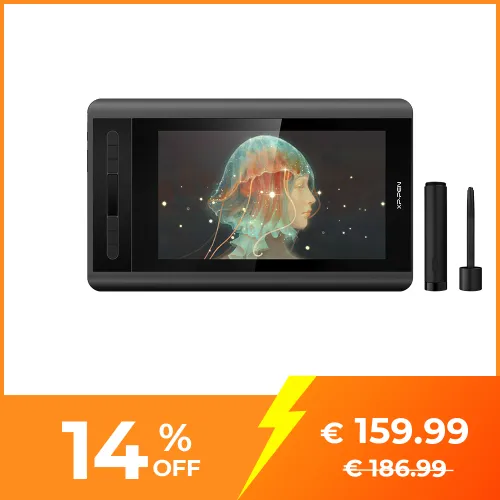
![https://resource.xp-pen.com/Uploads/eu/goods/20230713/05b47ab7f11e90e2ecc87694b83a182b_500_500.webp]()
![https://resource.xp-pen.com/Uploads/eu/goods/20200128/fe395819b49f5ab50ee8901c9d9f732a_500_500.webp]()
![https://resource.xp-pen.com/Uploads/eu/goods/20200128/ed7cb89ba709cc62b984dc7fc2331e67_500_500.webp]()
![https://resource.xp-pen.com/Uploads/eu/goods/20200128/3c48097a8ff1256b2bb20792b7c4242e_500_500.webp]()
![https://resource.xp-pen.com/Uploads/eu/goods/20200128/e7167f44481d29b480e0f14c19a0b3fd_500_500.webp]()
![https://resource.xp-pen.com/Uploads/eu/goods/20200128/e322c193847f4f8e7466095ed5867b6e_500_500.webp]()
![https://resource.xp-pen.com/Uploads/eu/goods/20200128/a18907b5ce4bad16e27242600a07287e_500_500.webp]()
![https://resource.xp-pen.com/Uploads/eu/goods/20220110/b48d2b3ef1f58f798bde4332b244ed63_500_500.webp]()
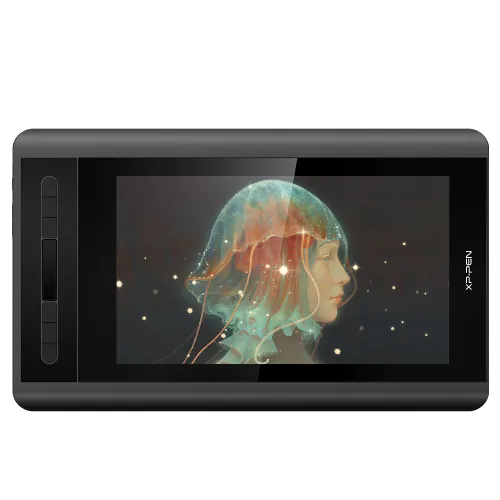
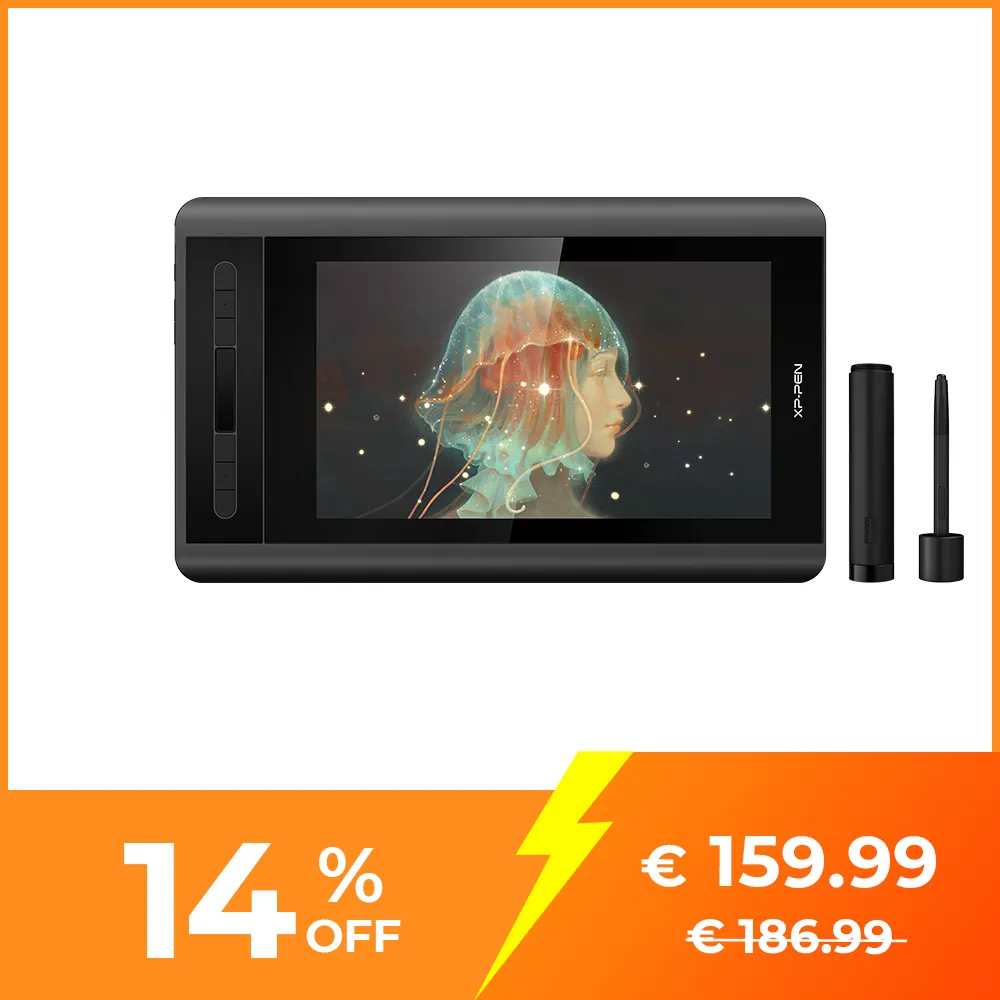
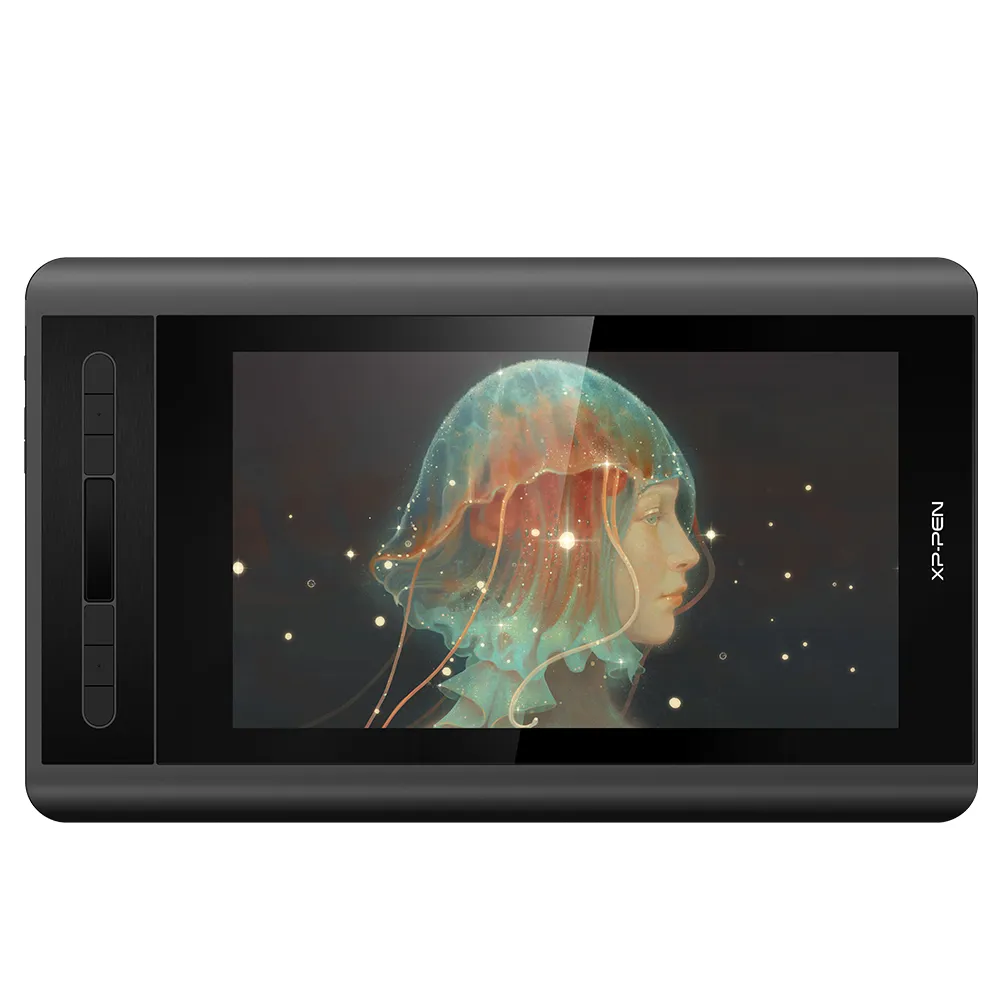
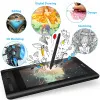
Artist 12
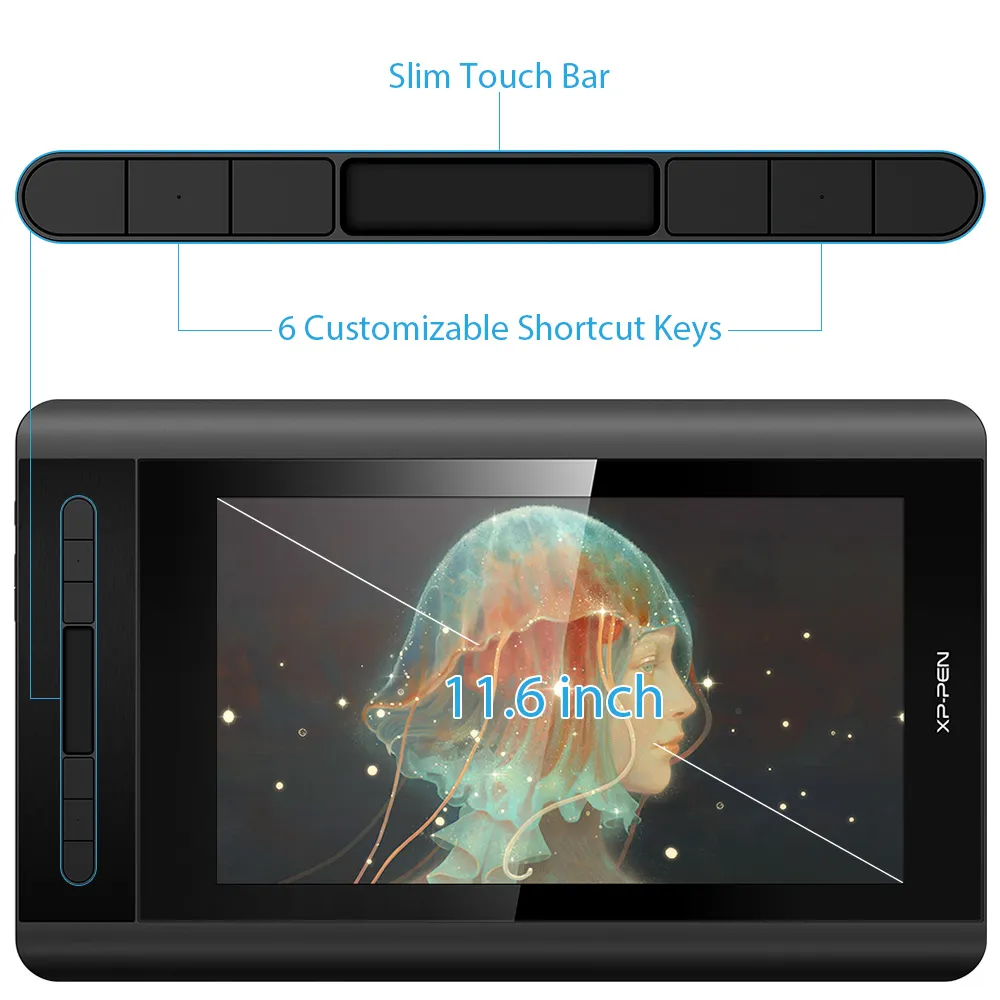
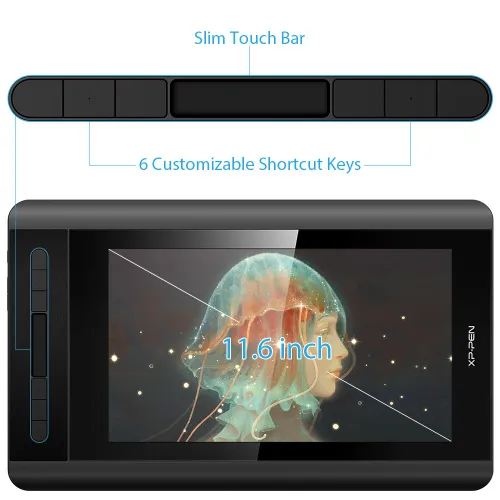
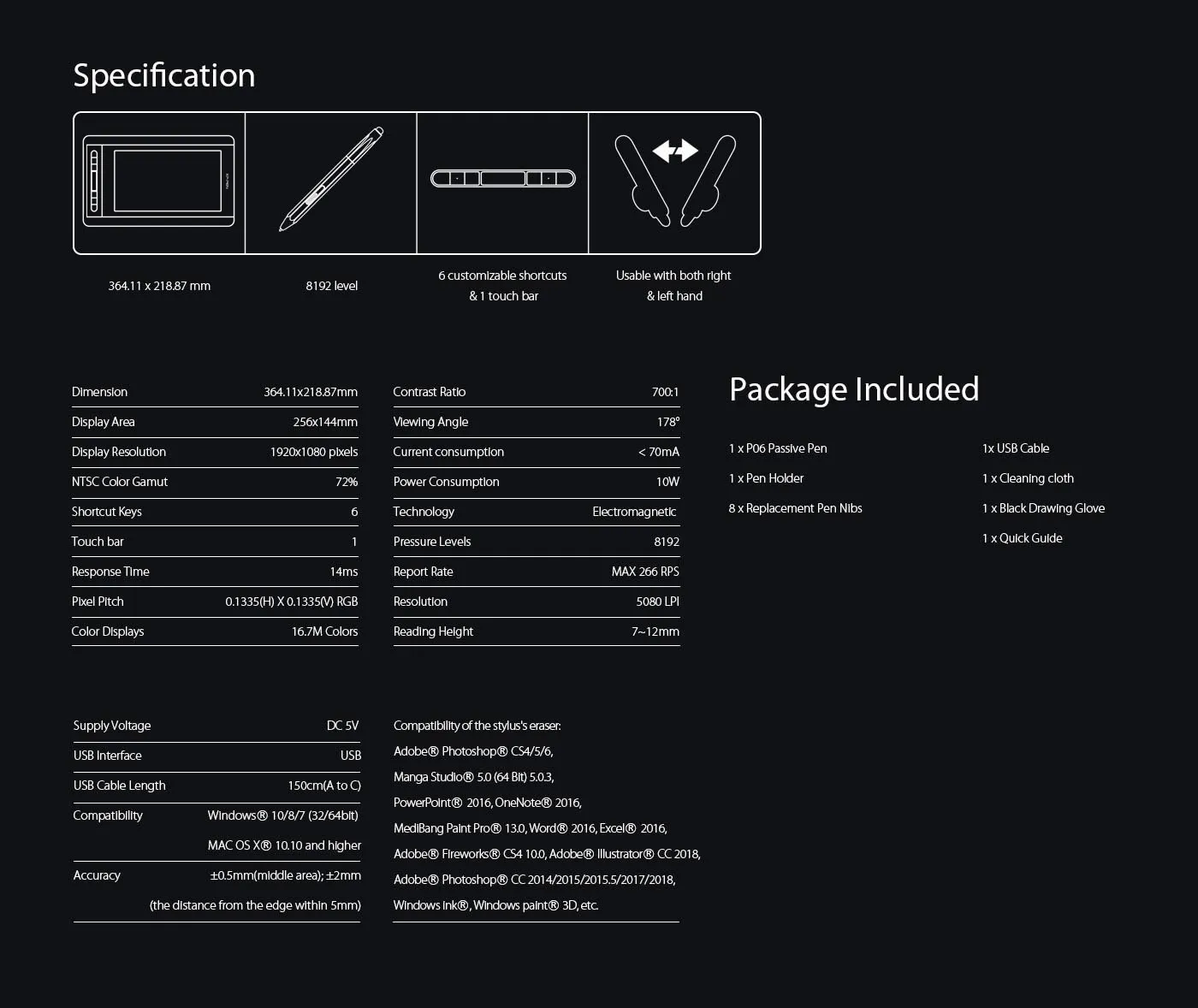
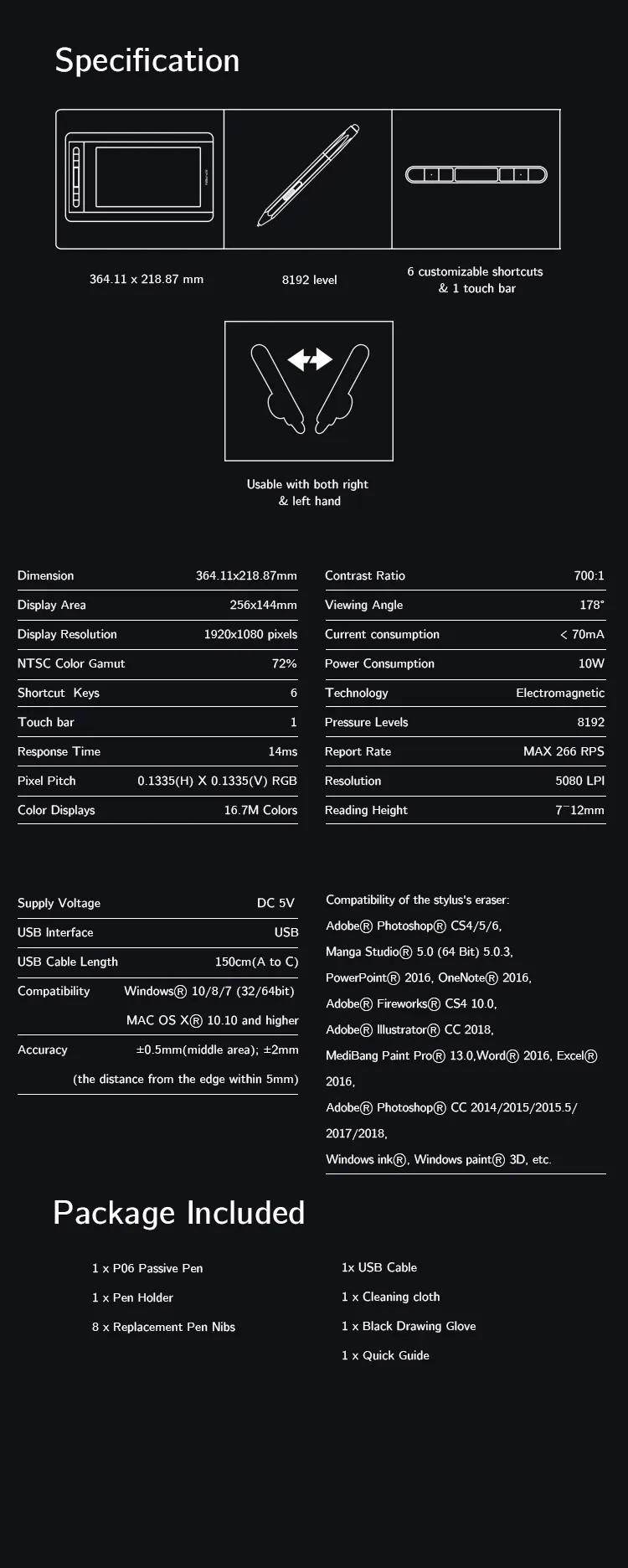
11.6 inch 1080P portable display, 72% NTSC Color Gamut
a touch bar and 6 shortcut keys
battery-free stylus with soft digital eraser
€159.99€186.99
❋In stock in the EU warehouse❋
❋24-Month Warranty❋
Free Shipping (Except RS, NO, CY, MT, IS, MC, MK)
Secure payments (Your payment information is processed securely)
Contact (Monday to Friday 10:30am - 6:30pm( PST))
Professional Support (shopeu@xp-pen.com service@xp-pen.com)
Optional Products
Quantity:
Total
€0.00
 Log in and purchase to receive an estimated 0 X-Coins






Worry-Free Delivery® available with seel
Estimated:
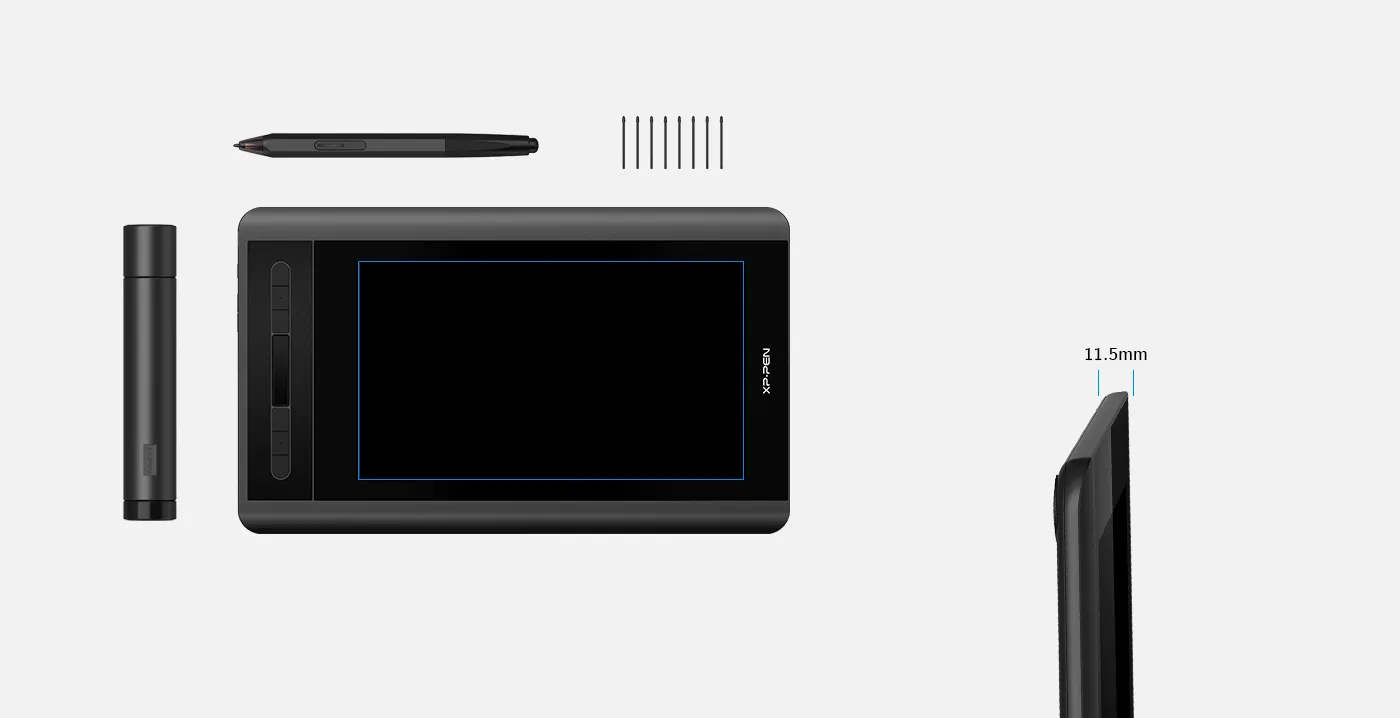
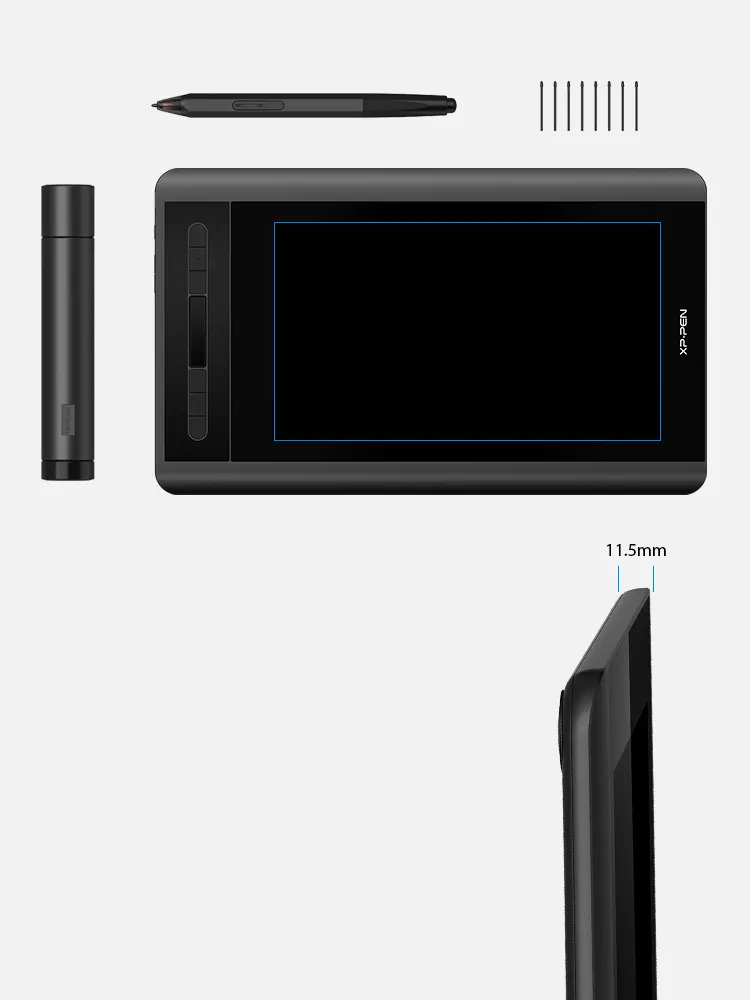
Small display screen, great creative freedom.
A super-portable screen with an 11.6 Inch display area, conveniently placed on your tabletop or anywhere as you like to simplify your work space.
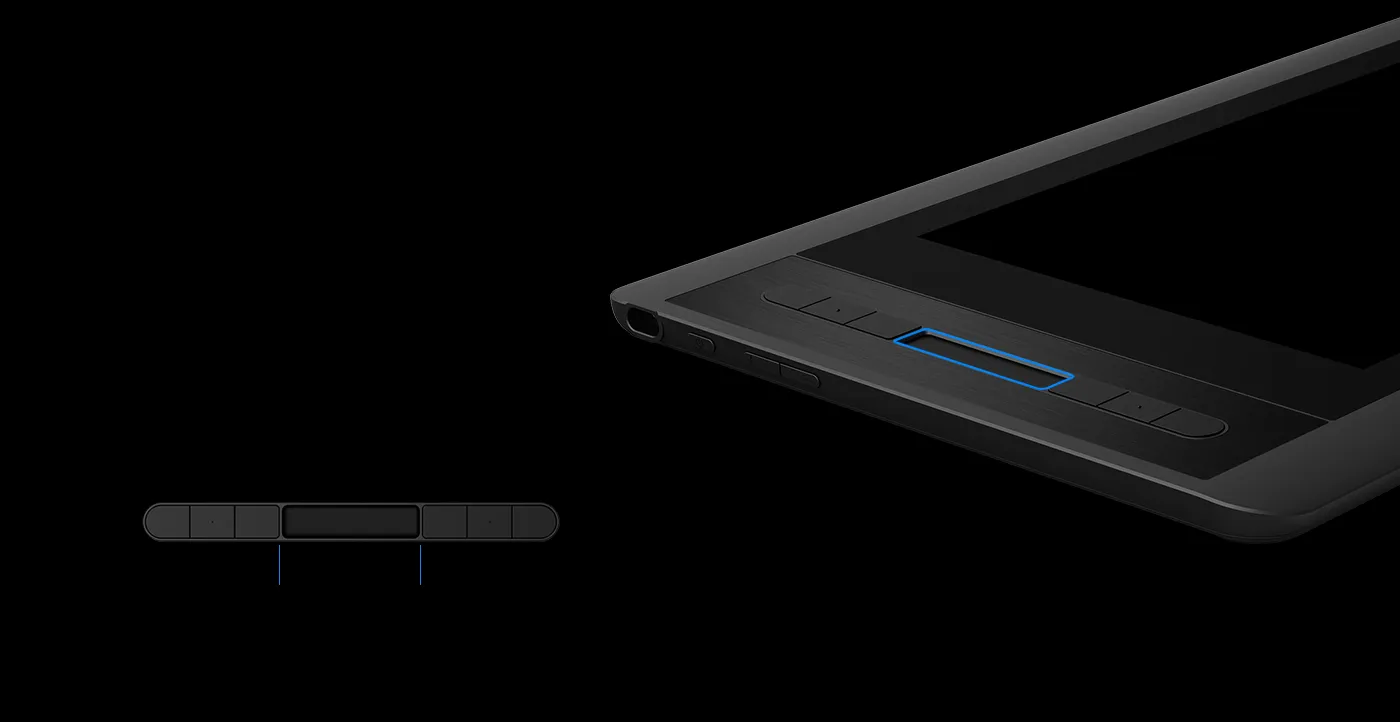
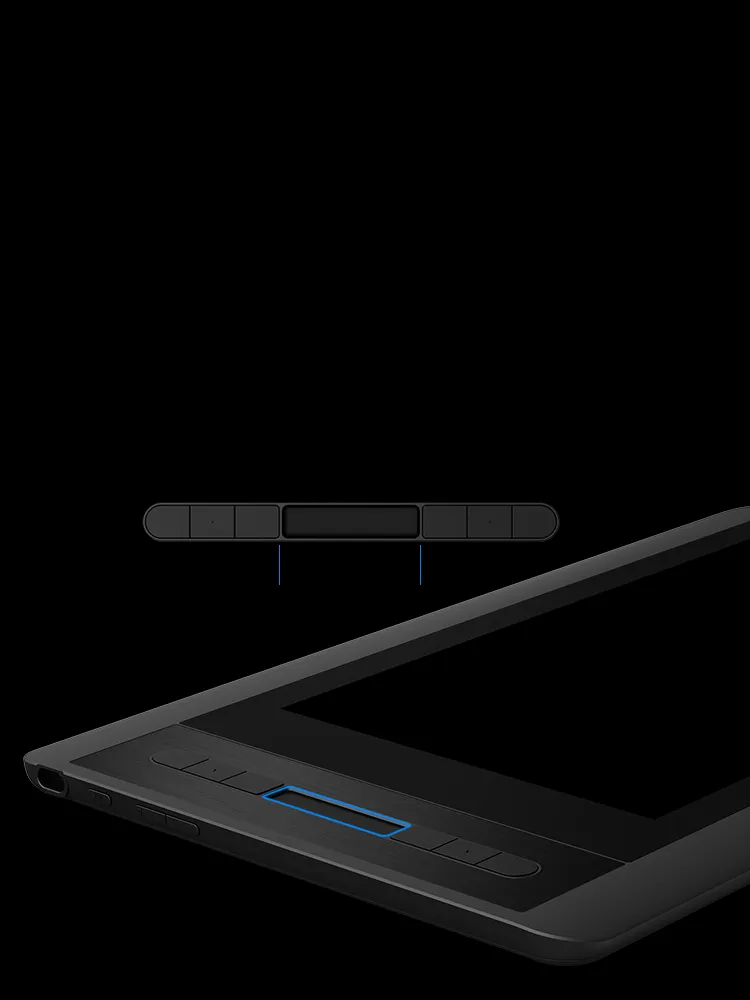
Easy access.
The Artist 12 features 6 handy shortcut keys with a slim touch pad. Each shortcut key can be customized as needed to fit you preferred tool while your touch bar can be programmed to zoom in and out on your canvas, scroll up and down, and more. These customization options allow you to optimize your workflow , to create your ideas faster and more efficiently.
Touch Bar
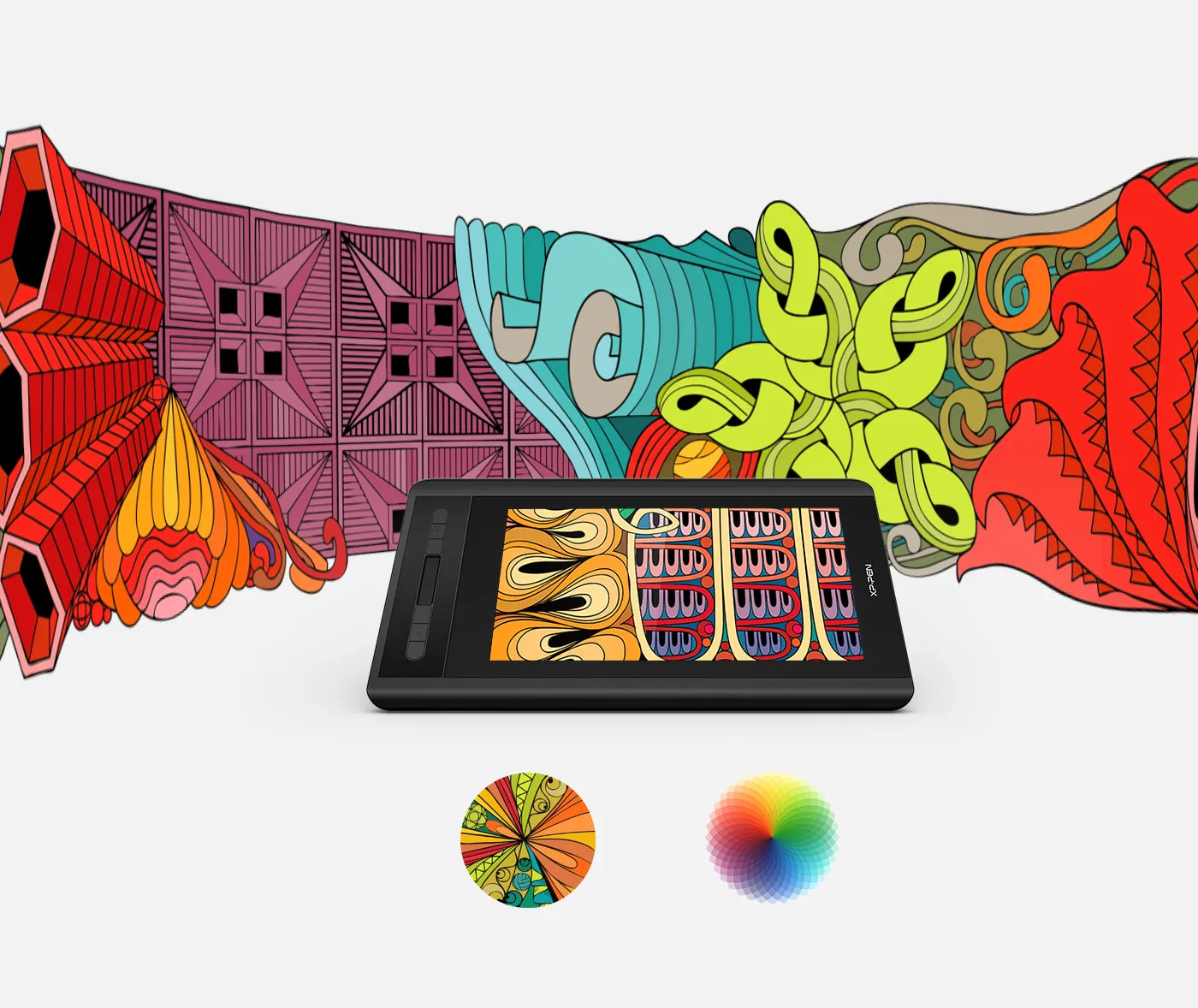
Stunning visuals.
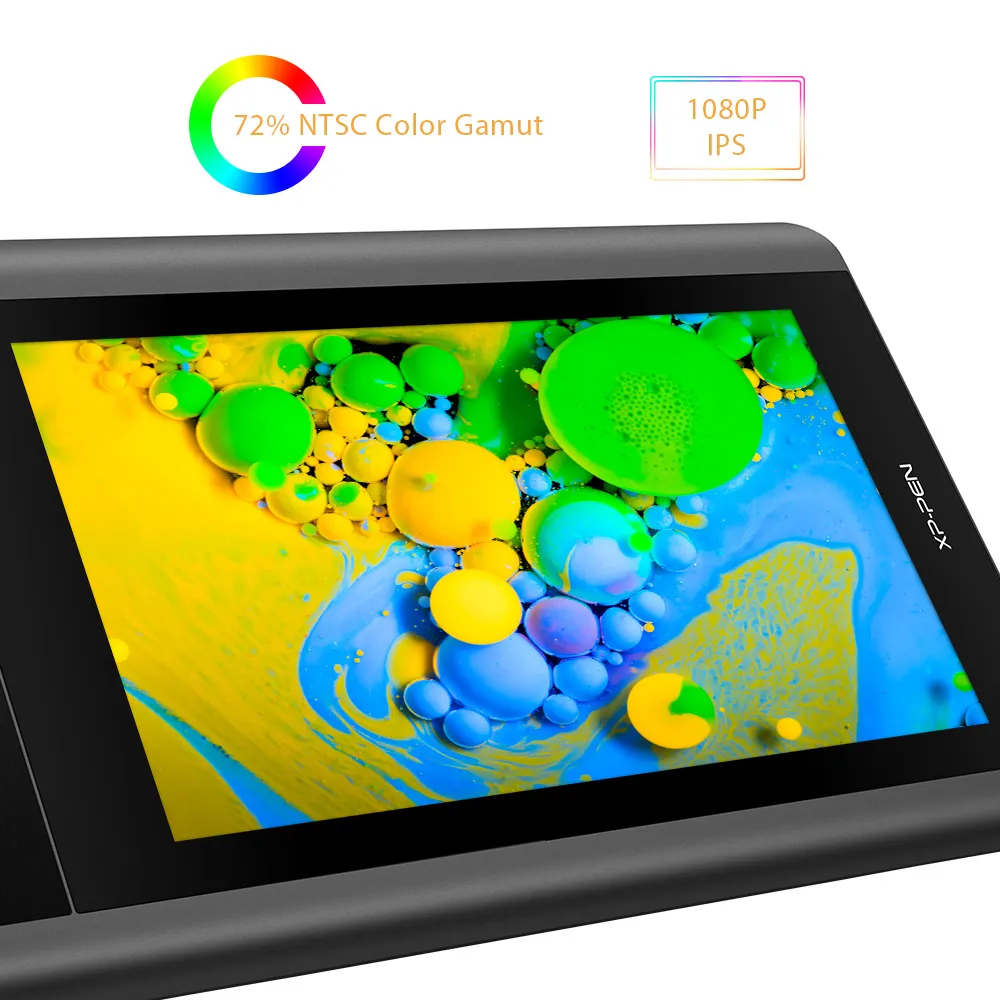
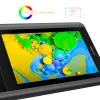
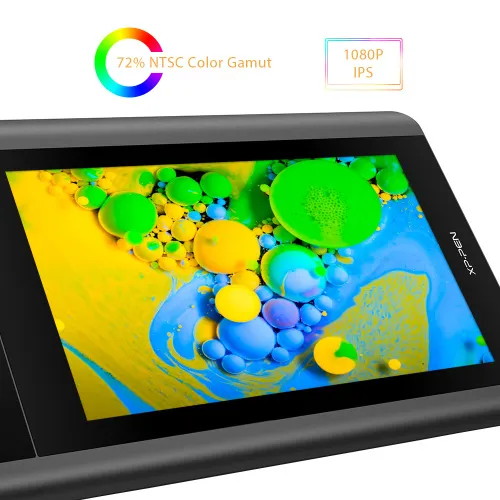
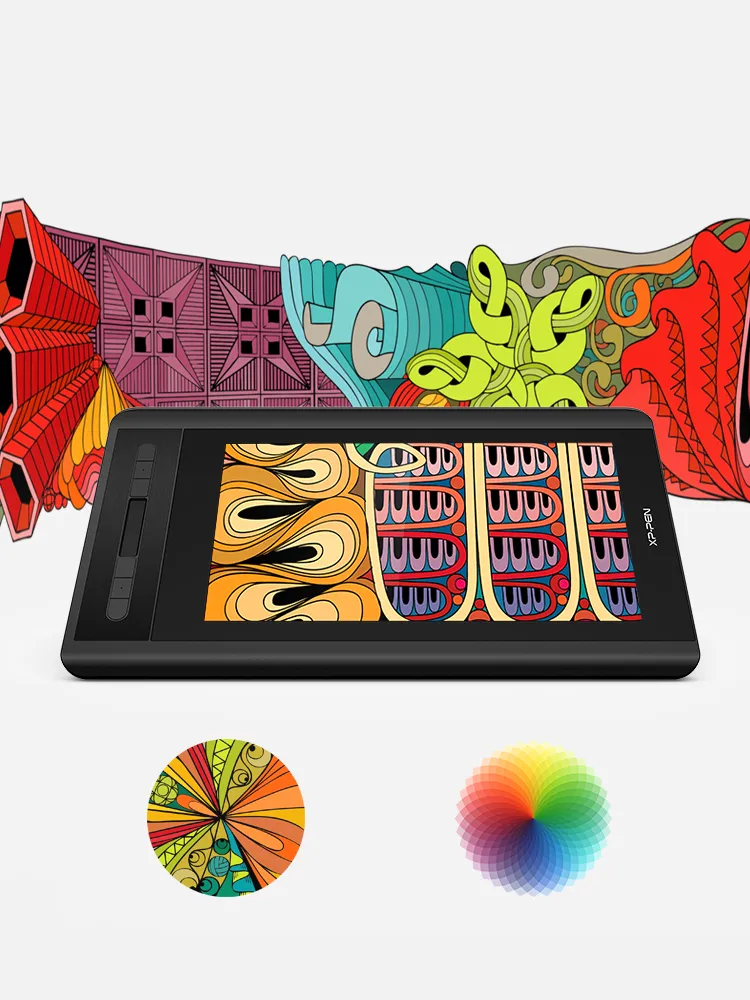
1920x1080 HD display resolution paired with 72% NTSC Color Gamut and 178° viewing angle, presenting vivid image, vibrant colors and extreme detail for a stunning visual of your artwork.
1920x1080 HD display
72% NTSC Color Gamut
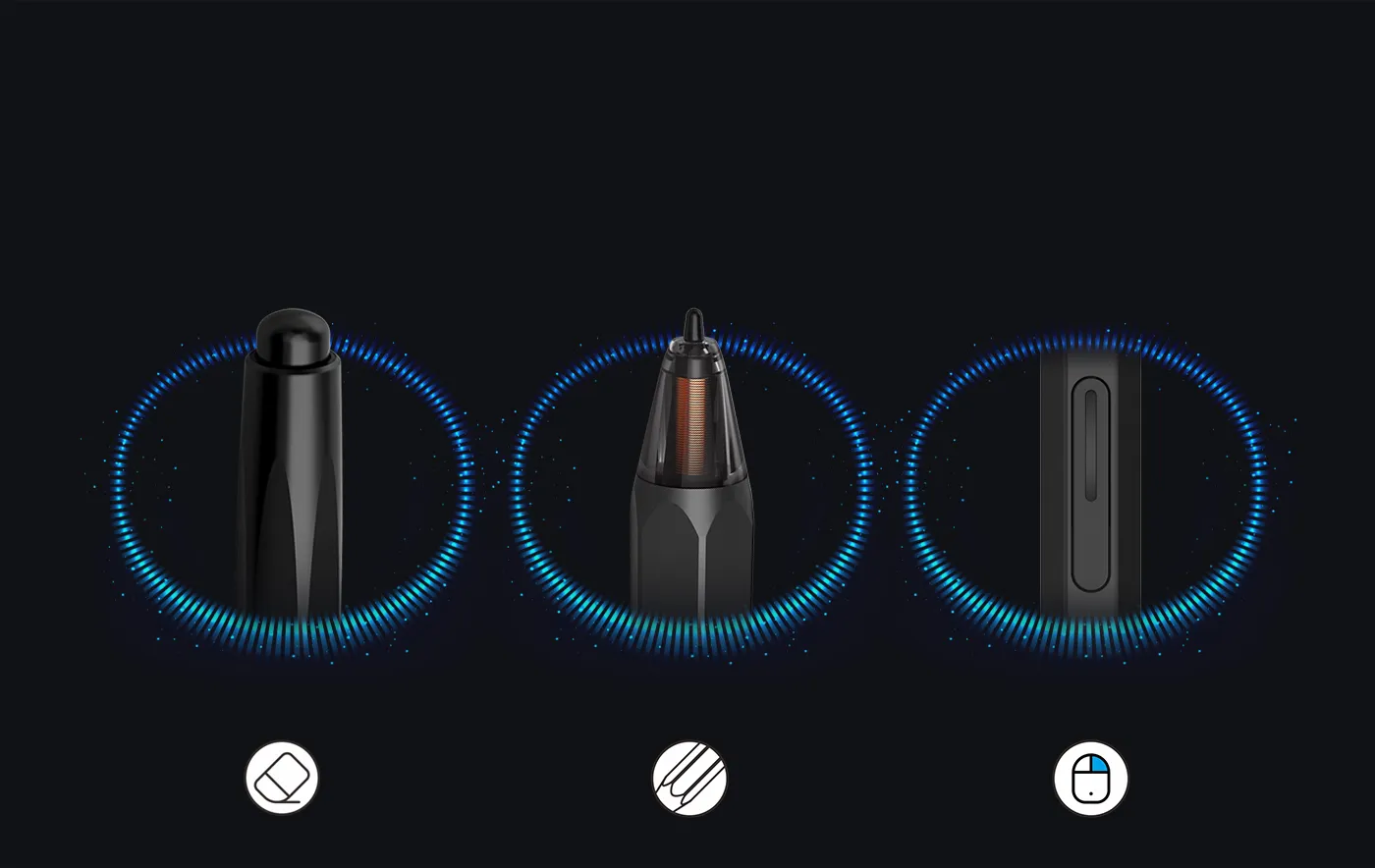
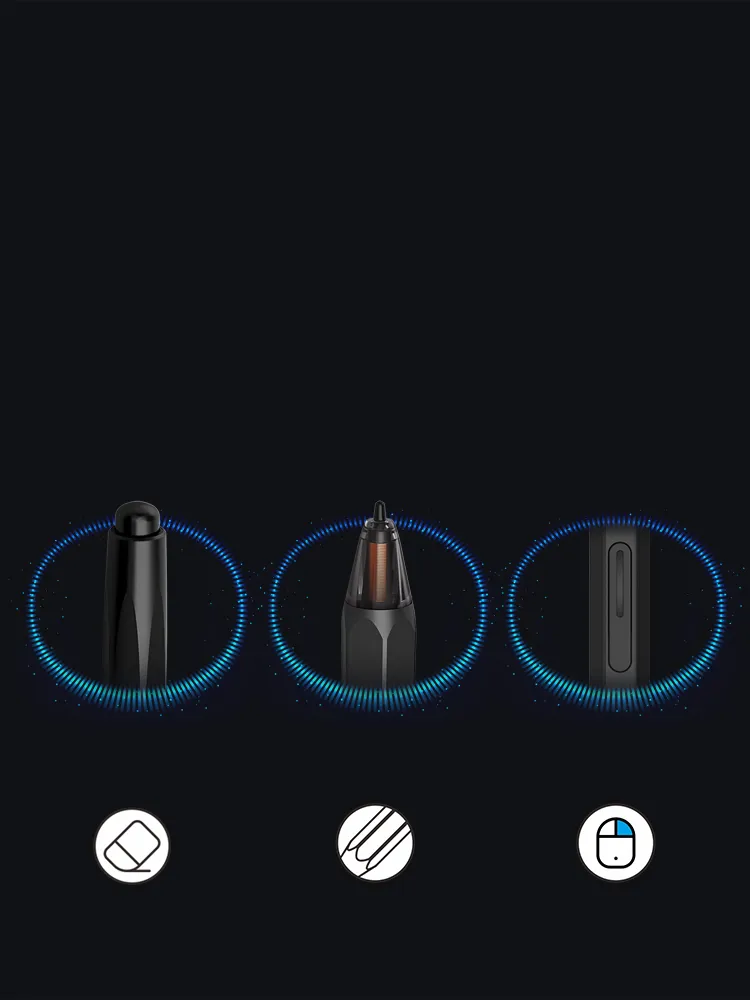
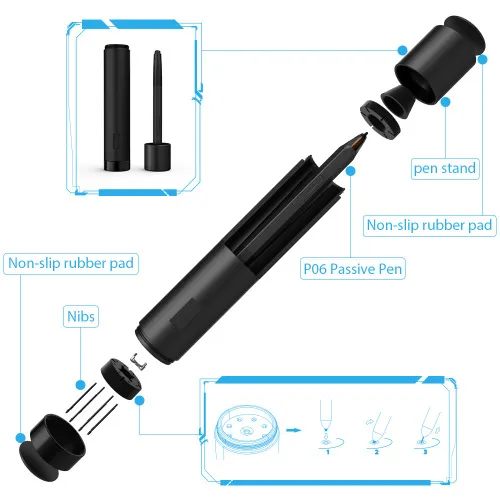
Advanced P06 passive pen for a traditional pencil-like feel!
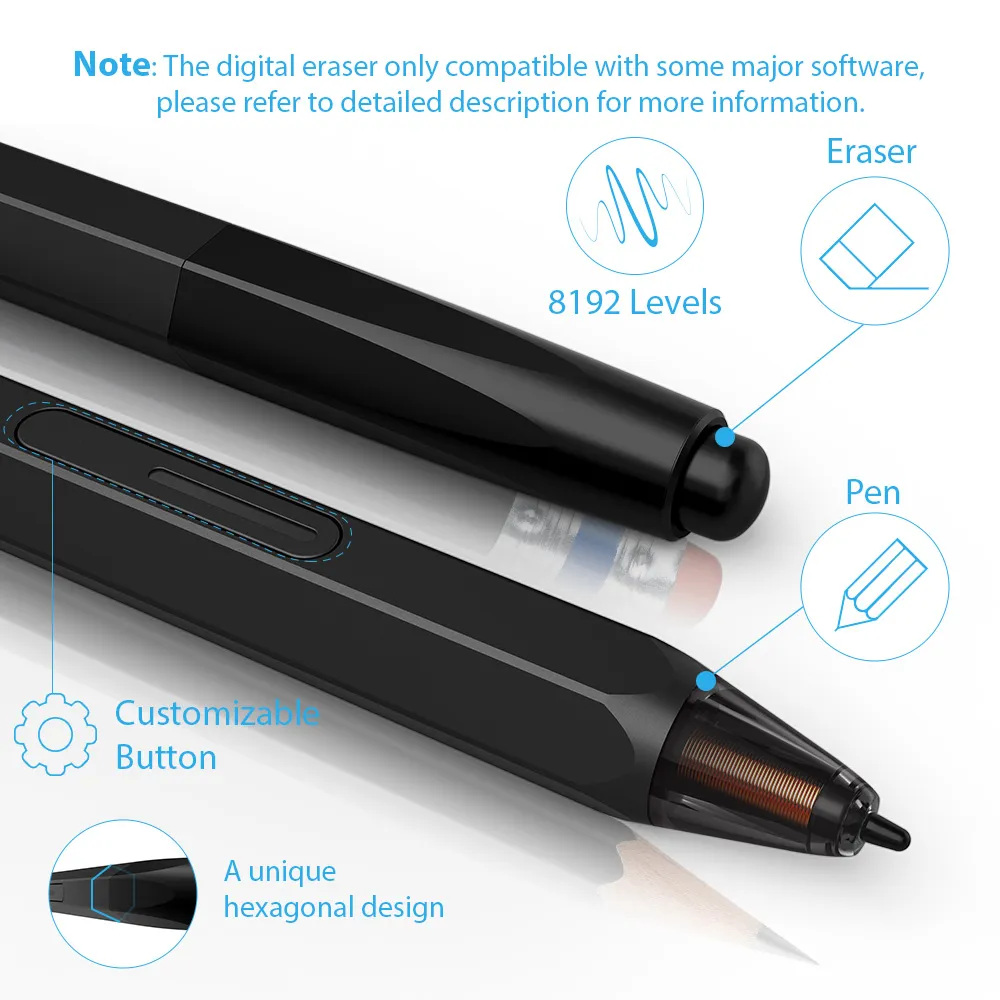
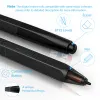
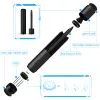
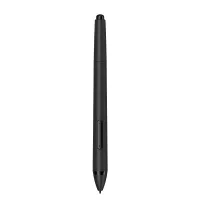
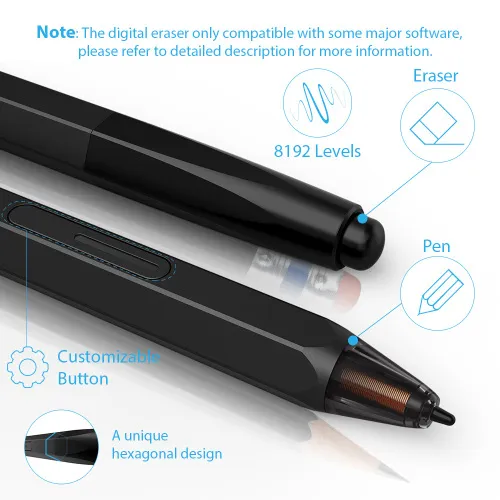
Latest battery-free P06 stylus, featuring a unique hexagonal design, non-slip & tack-free flexible glue grip, partial transparent pen tip, and an eraser at the end! Delivering technical sense, high efficiency, with a fashionable and comfortable grip!
Note: The digital eraser only compatible with some major software, please refer to "Specification" part for more information.
digital eraser
partially transparent pen tip
right mouse click
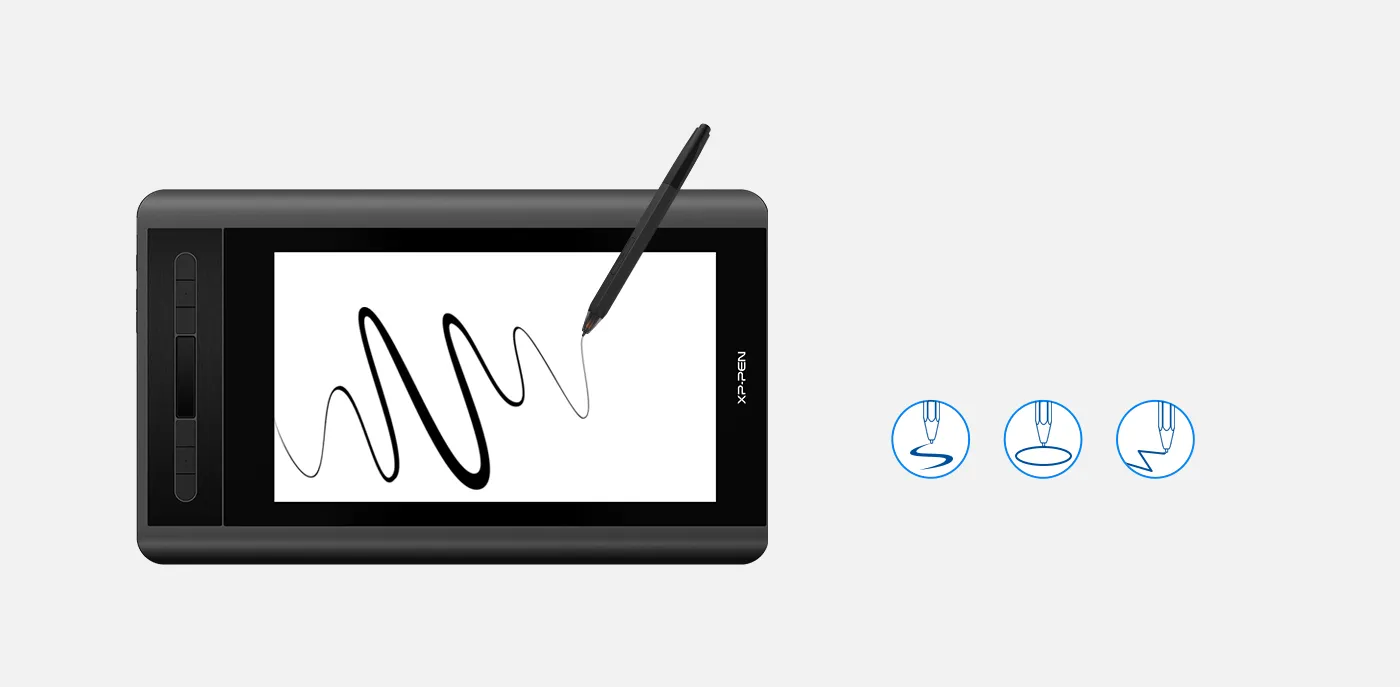
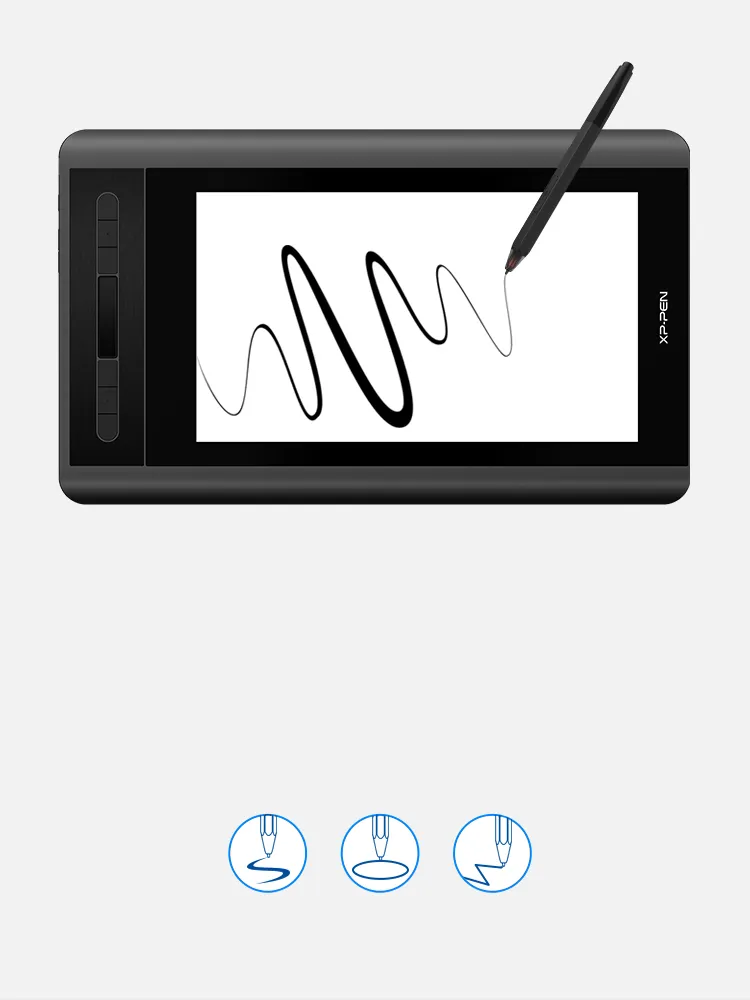
Enhancing performance.
Capable of reaching 8192-levels of pressure sensitivity, providing you with precise accuracy to draw and paint naturally with smooth, enhanced, performance.
8192 Levels
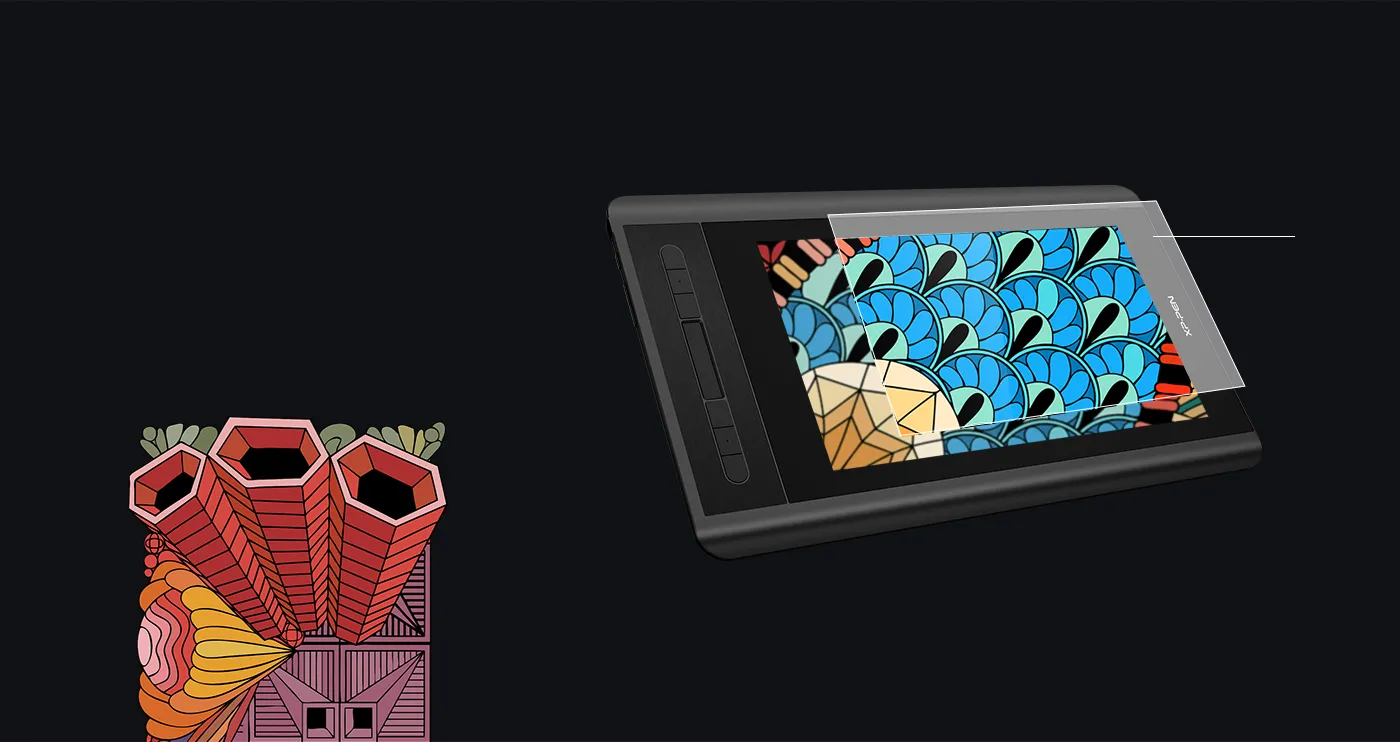
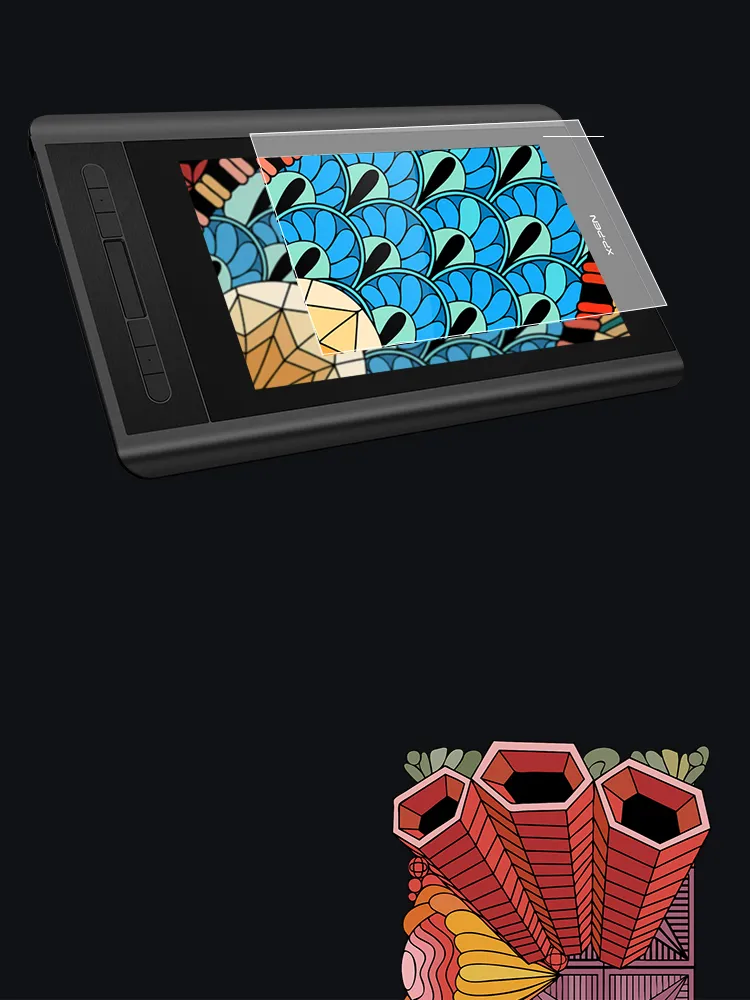
Thoughtfully Designed.
The anti-reflective coating greatly reduces glare for eyes protection. Making your screen look clear and beautiful, even if it’s bright out.
Anti-reflective coating
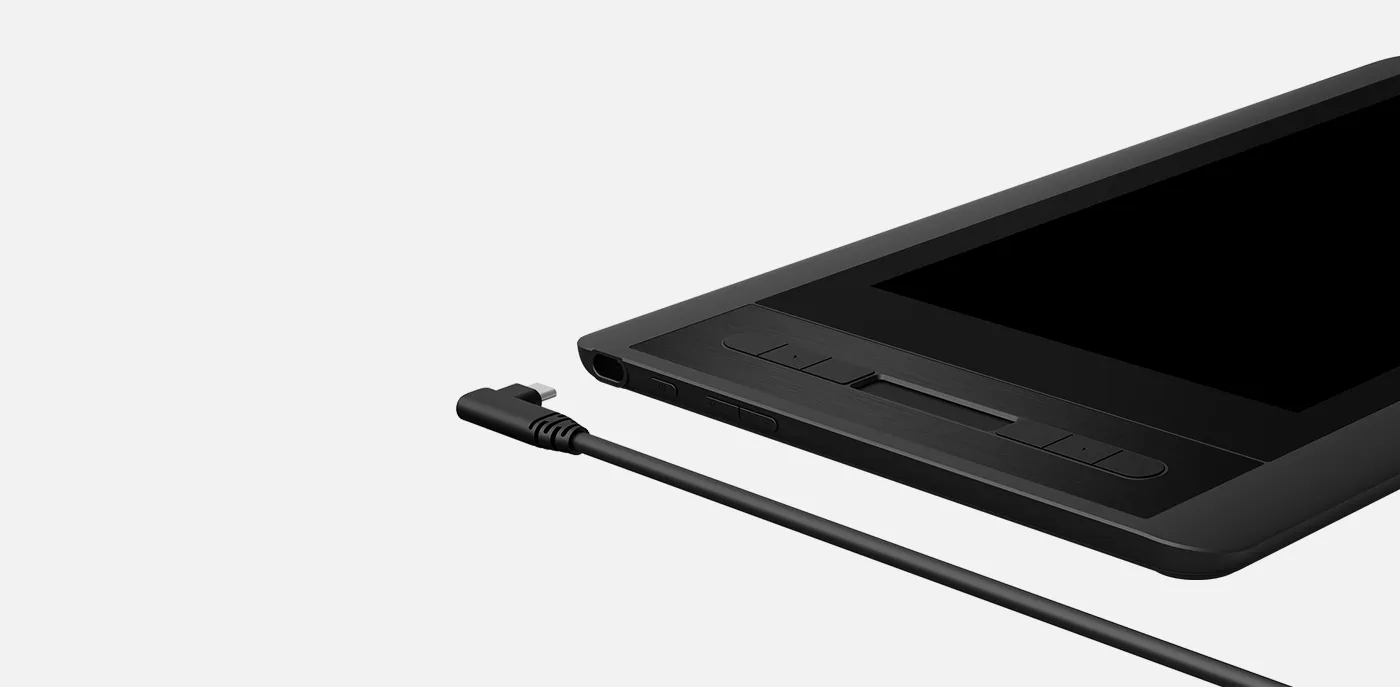
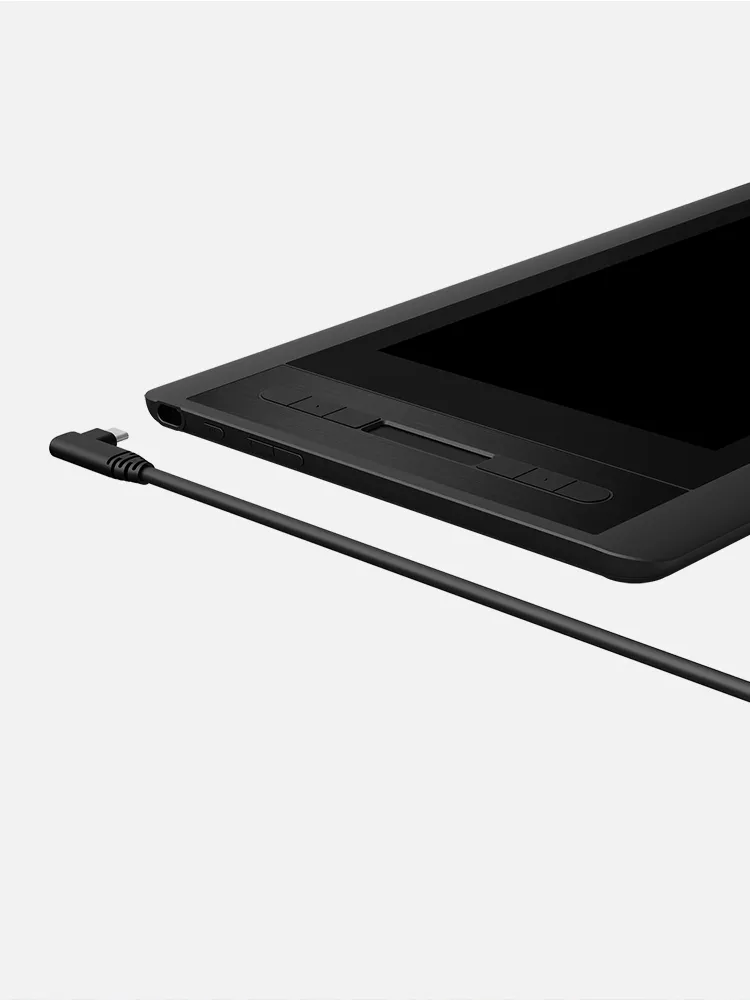
Smart connection.
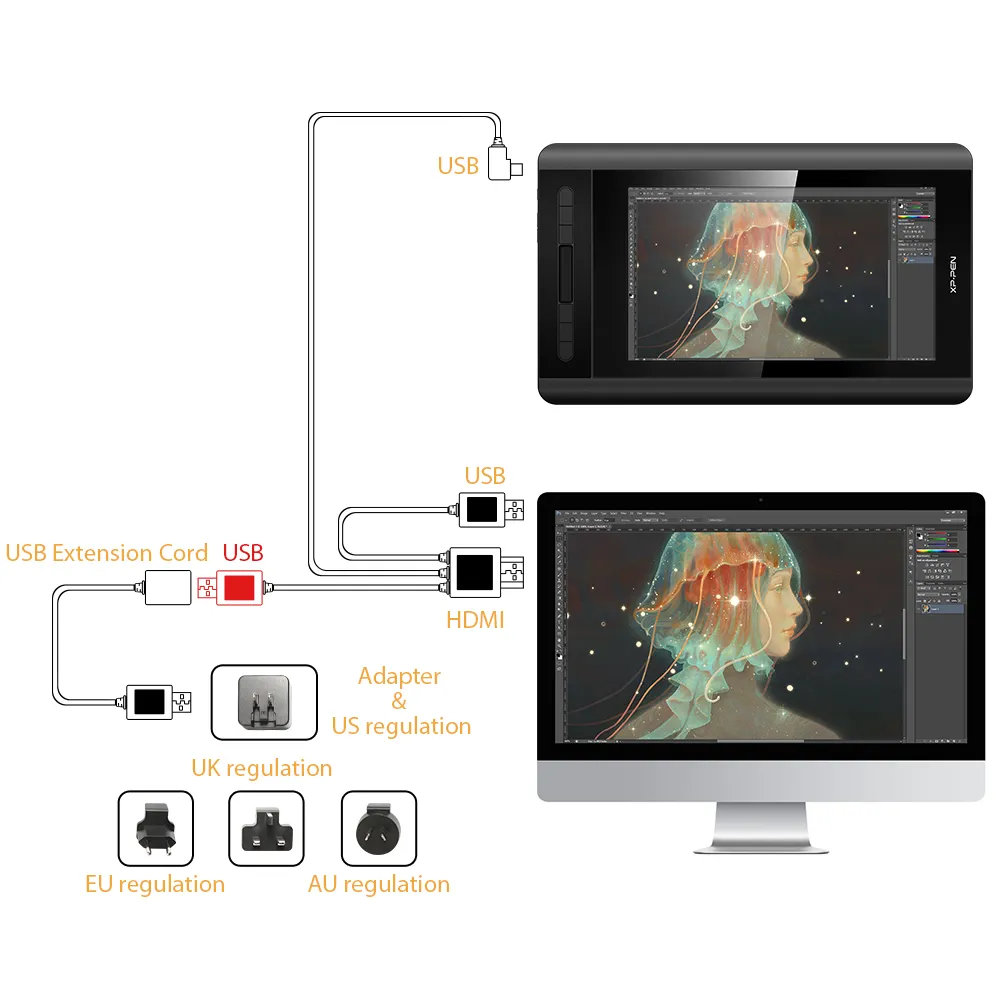
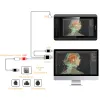
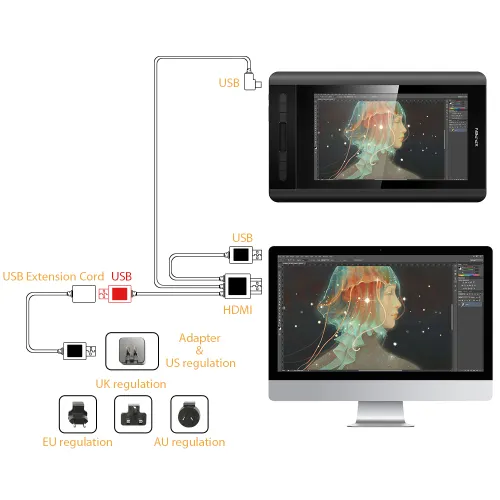
Convenient 3-in-1 design, easy to connect for convenience and efficiency.
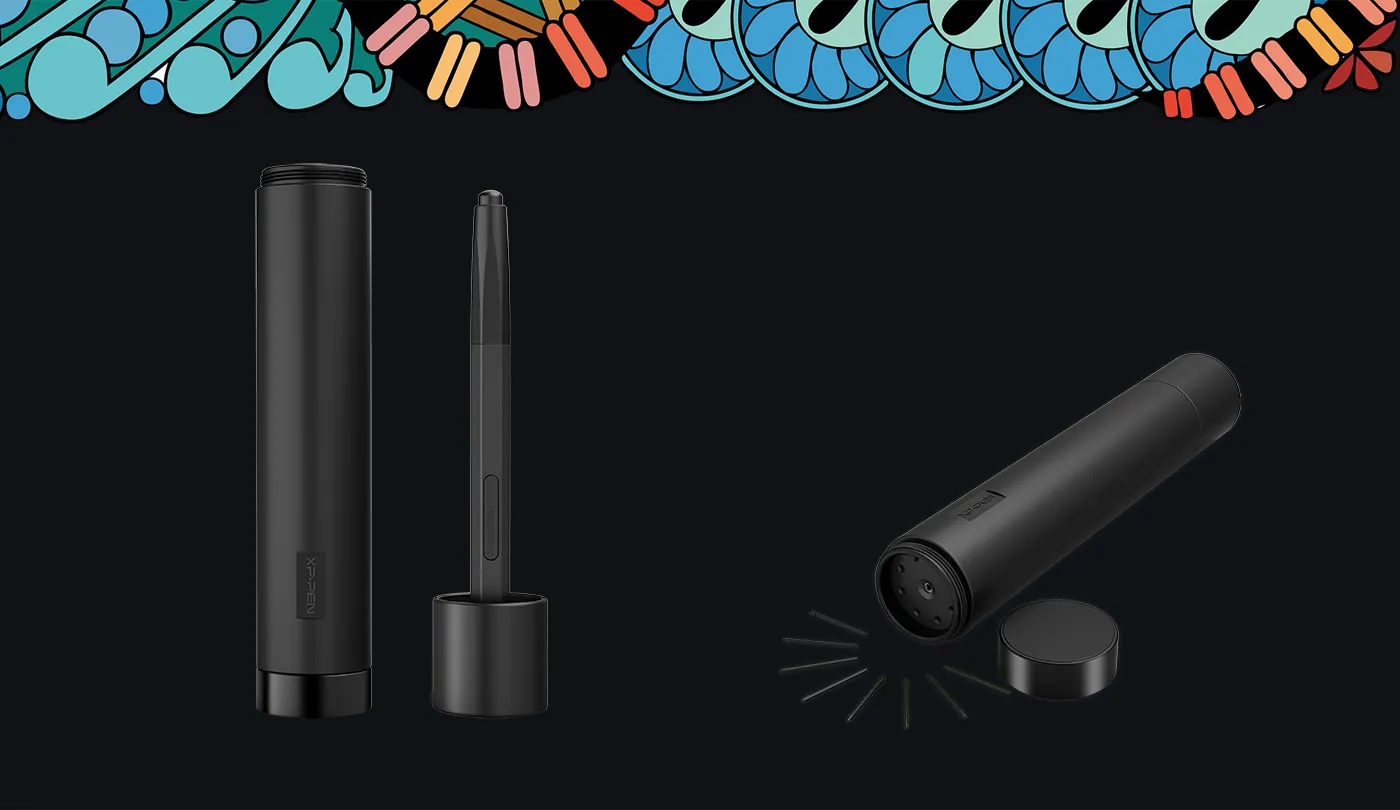
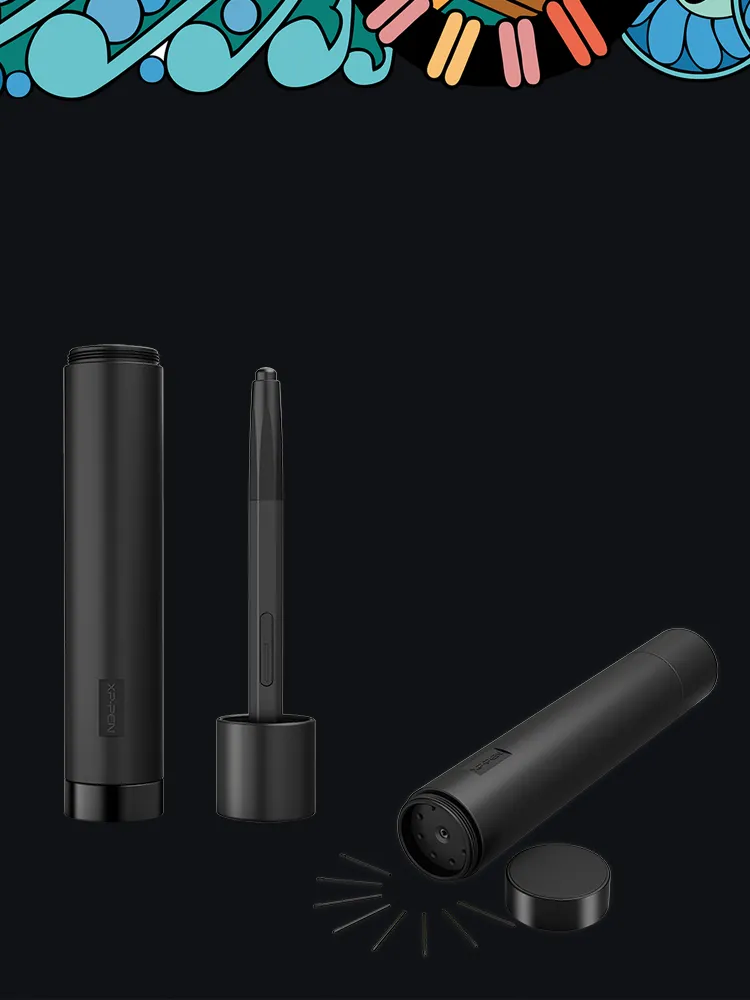
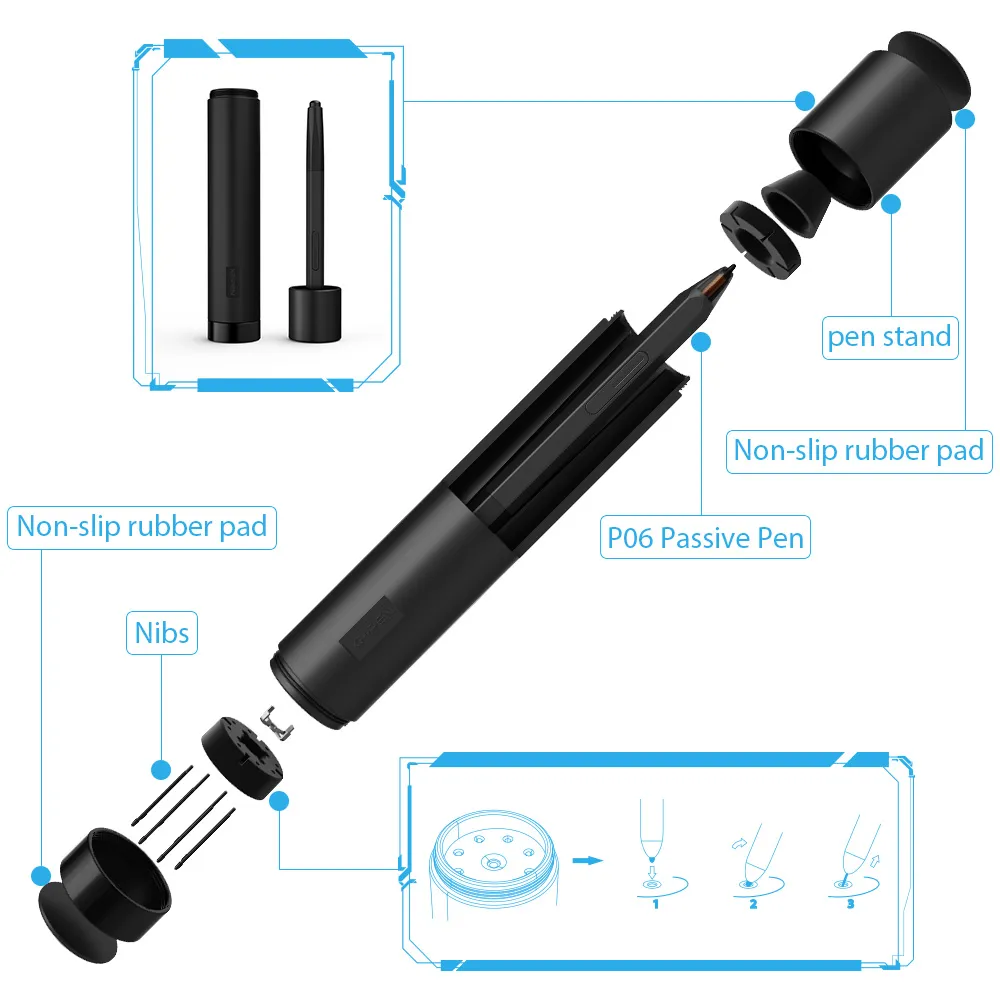
Multi-function Pen Holder.
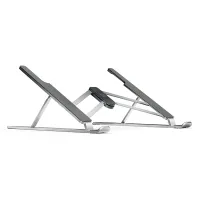
Our pen holder is included to keep your pen and pen nibs safe. It can be used as a pen stand or a pen holder as needed.
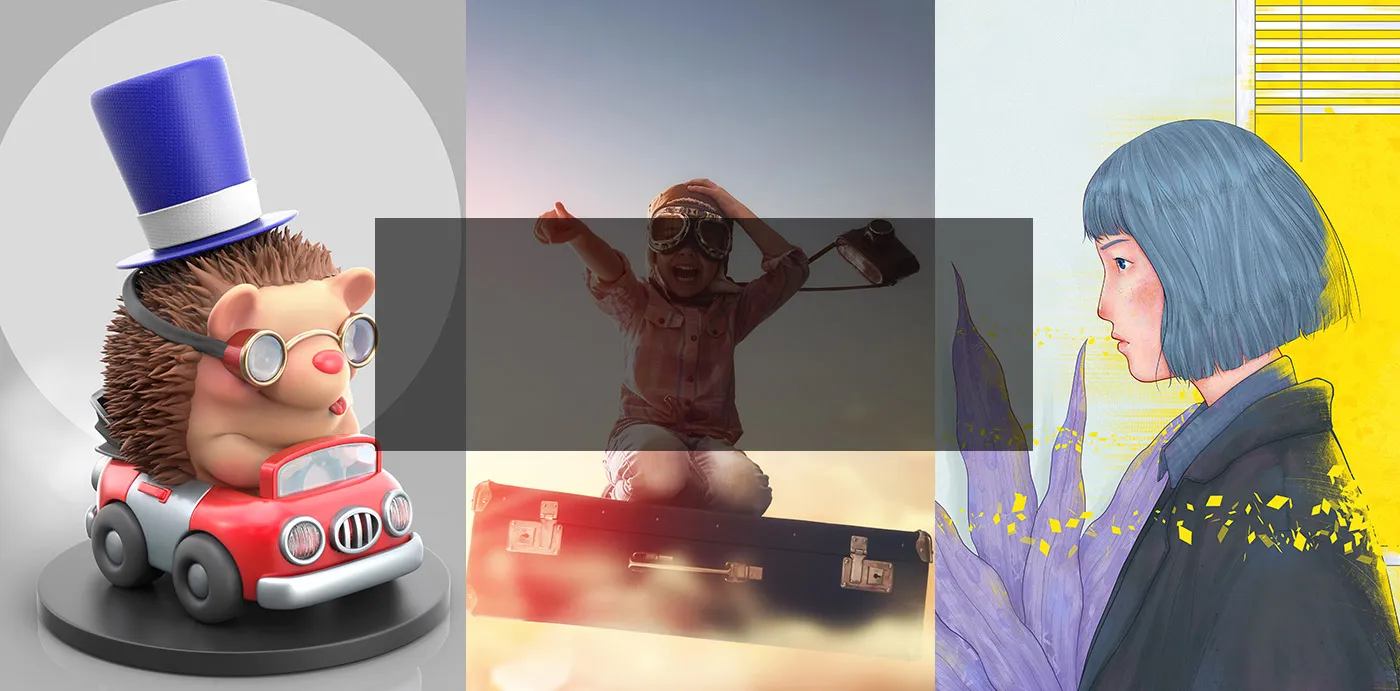

Diversify creative experience.
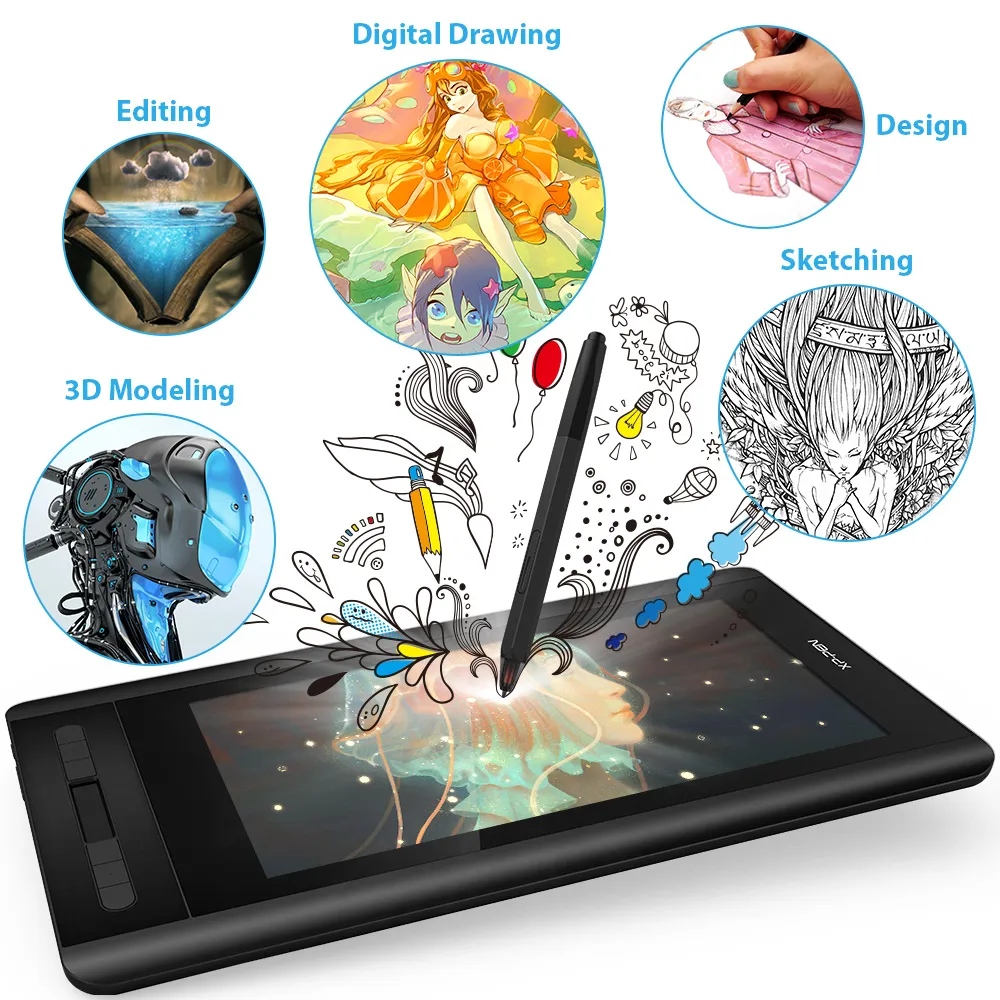
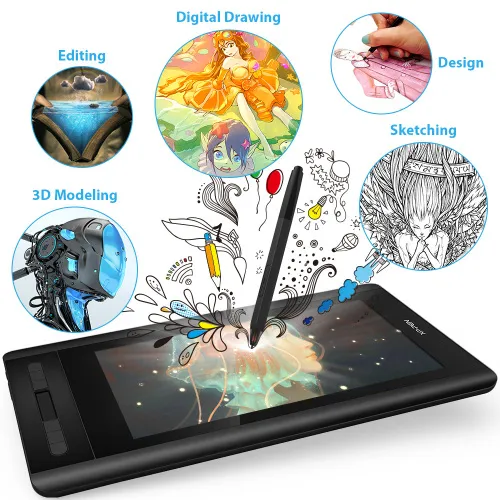
Enjoy creating directly on Artist 12's HD IPS display. It's ideal for drawing, photography, animation, fashion, architecture design and more!
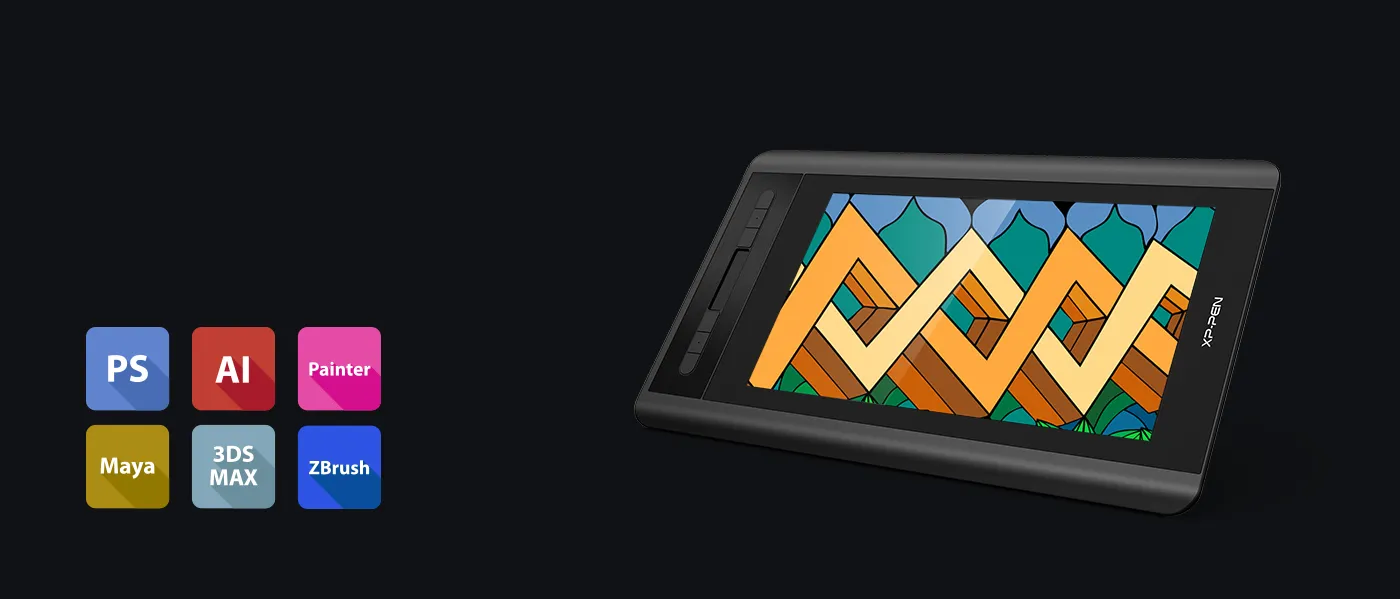
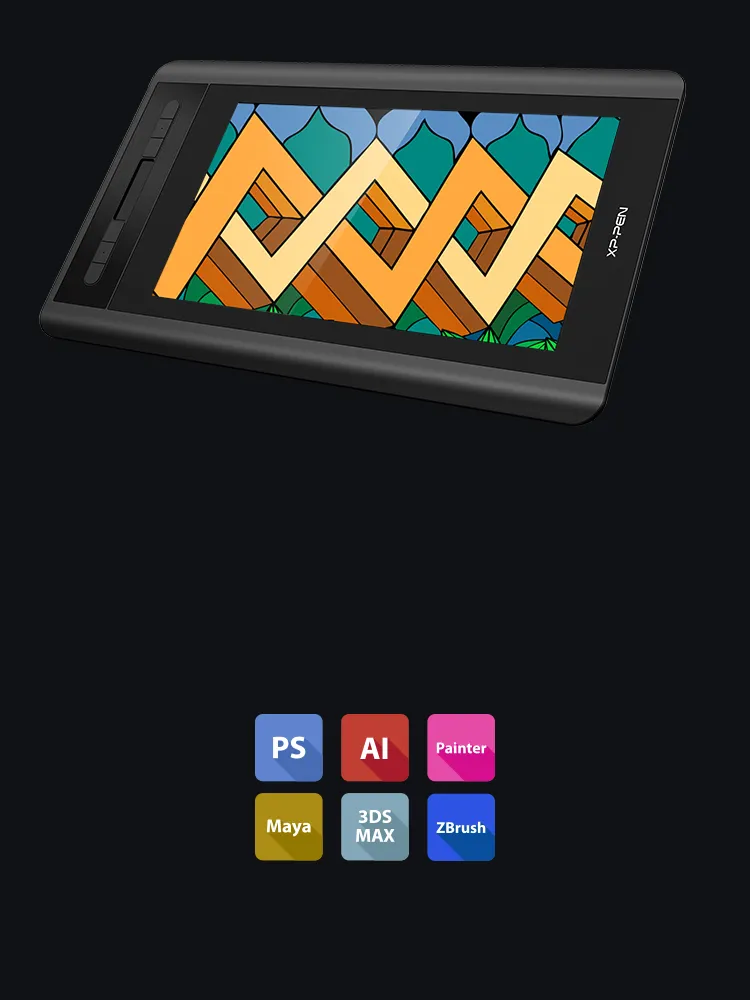
Versatility and Compatibility.
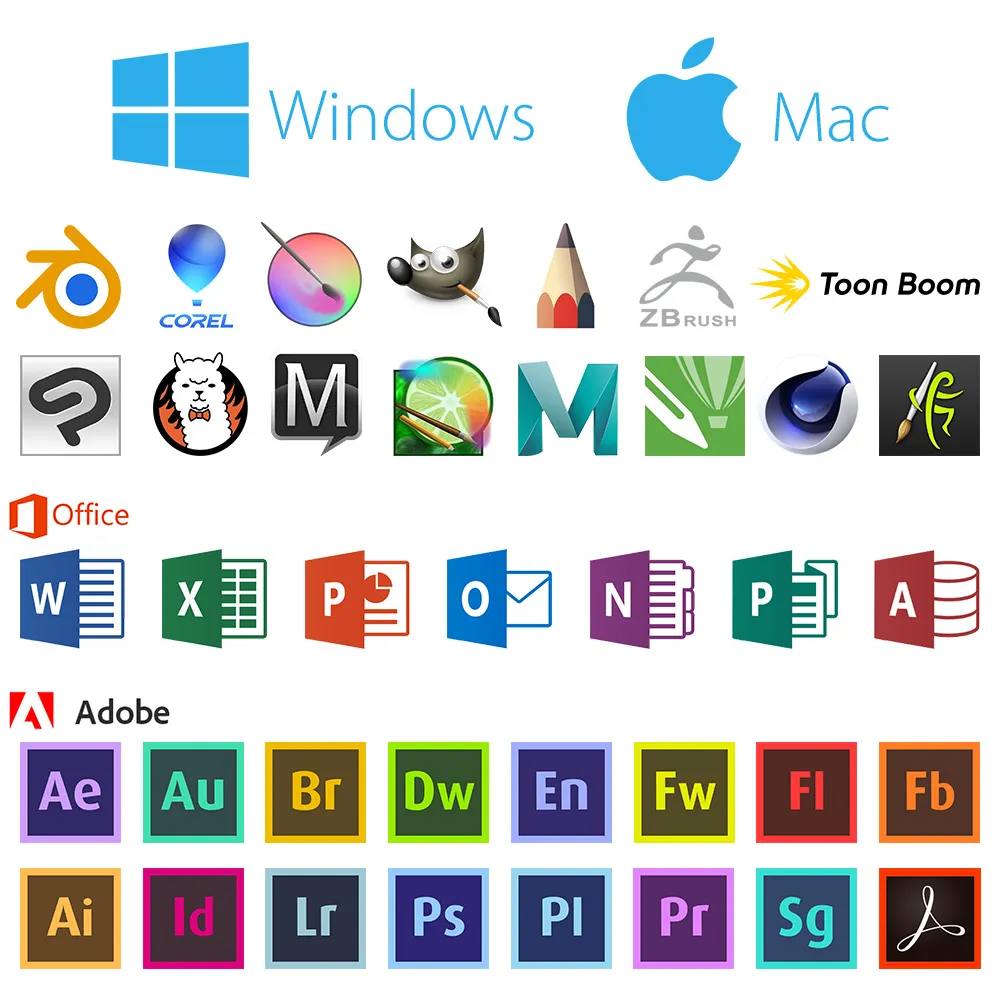
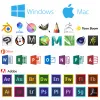
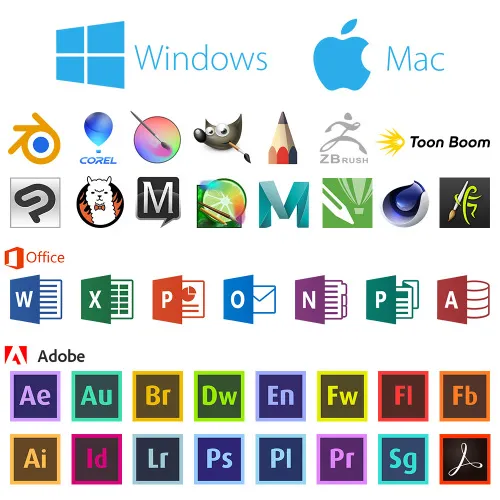
Supports Windows® 10/8/7(32/64bit), Linux (Detailed versions), MAC OS X® 10.10 and higher. Compatible with popular digital art software such as Adobe® Photoshop®, Illustrator®, SAI®, CDR®, and more.

| Linux OS | Version | Package Format | Supported Software |
| Arch | Arch Linux2019.12.01(64-bit) | .deb, .sh | GIMP, Krita |
| Centos | Centos7.0(64-bit) | .rpm, .sh | GIMP |
| Centos8(64-bit) | .rpm, .sh | GIMP, Krita | |
| Debian | debian-9.5.0-amd64-netinst(64-bit) | .deb, .sh | GIMP, Krita |
| elementary OS | elementary OS 5.0(64-bit) | .deb, .sh | GIMP, Krita |
| ezgo Linux | ezgo14(64-bit) | .deb, .sh | GIMP, Krita |
| Fedora | Fedora32(64-bit) | .rpm, .sh | GIMP, Krita |
| Mageia | Mageia-7.1(64-bit) | .rpm, .sh | GIMP, Krita |
| Manjaro | manjaro-xfce-20.1.2-201019(64-bit) | .deb, .sh | GIMP |
| Mint | linuxmint-18.2-cinnamon-64bit | .deb, .sh | GIMP, Krita |
| OpenSUSE | openSUSE-Tumbleweed(64-bit) | .rpm, .sh | GIMP, Krita |
| Pop!_OS | pop-os_19.10(64-bit) | .deb, .sh | GIMP, Krita |
| Red Hat | Red Hat7(64-bit) | .rpm, .sh | GIMP |
| Ubuntu | Ubuntu14.04(64-bit) | .deb, .sh | GIMP, Krita |
| Ubuntu16.04(64-bit) | .deb, .sh | GIMP, Krita | |
| Ubuntu17.04(64-bit) | .deb, .sh | GIMP, Krita | |
| Ubuntu18.04(64-bit) | .deb, .sh | GIMP, Krita | |
| Ubuntu19.04(64-bit) | .deb, .sh | GIMP, Krita | |
| Ubuntu20.04(64-bit) | .deb, .sh | GIMP, Krita |
| Function | Krita 4.3.0 | Gimp 2.10.20 | Inkscape 0.92 |
| Pen Pressure Sensitivity | |||
| Tilt | |||
| Mouse Function | |||
| Eraser Button (Stylus:PH01, P06) | |||
| Switch between Pen and Eraser Modes | |||
| *If you have any further queries, please do not hesitate to contact us at service@xp-pen.com. | |||
Linux OS
Arch
Version
Arch Linux2019.12.01(64-bit)
Package Format
.deb, .sh
Supported Software
GIMP, Krita
Centos
Version
Centos7.0(64-bit)
Centos8(64-bit)
Centos8(64-bit)
Package Format
.rpm, .sh
.rpm, .sh
.rpm, .sh
Supported Software
GIMP
GIMP, Krita
GIMP, Krita
Debian
Version
debian-9.5.0-amd64-netinst(64-bit)
Package Format
.deb, .sh
Supported Software
GIMP, Krita
elementary OS
Version
elementary OS 5.0(64-bit)
Package Format
.deb, .sh
Supported Software
GIMP, Krita
ezgo Linux
Version
ezgo14(64-bit)
Package Format
.deb, .sh
Supported Software
GIMP, Krita
Fedora
Version
Fedora32(64-bit)
Package Format
.rpm, .sh
Supported Software
GIMP, Krita
Mageia
Version
Mageia-7.1(64-bit)
Package Format
.rpm, .sh
Supported Software
GIMP, Krita
Manjaro
Version
manjaro-xfce-20.1.2-201019(64-bit)
Package Format
.deb, .sh
Supported Software
GIMP
Mint
Version
linuxmint-18.2-cinnamon-64bit
Package Format
.deb, .sh
Supported Software
GIMP, Krita
OpenSUSE
Version
openSUSE-Tumbleweed(64-bit)
Package Format
.rpm, .sh
Supported Software
GIMP, Krita
Pop!_OS
Version
pop-os_19.10(64-bit)
Package Format
.deb, .sh
Supported Software
GIMP, Krita
Red Hat
Version
Red Hat7(64-bit)
Package Format
.rpm, .sh
Supported Software
GIMP
Ubuntu
Version
Ubuntu14.04(64-bit)
Ubuntu16.04(64-bit)
Ubuntu17.04(64-bit)
Ubuntu18.04(64-bit)
Ubuntu19.04(64-bit)
Ubuntu20.04(64-bit)
Ubuntu16.04(64-bit)
Ubuntu17.04(64-bit)
Ubuntu18.04(64-bit)
Ubuntu19.04(64-bit)
Ubuntu20.04(64-bit)
Package Format
.deb, .sh
.deb, .sh
.deb, .sh
.deb, .sh
.deb, .sh
.deb, .sh
.deb, .sh
.deb, .sh
.deb, .sh
.deb, .sh
.deb, .sh
Supported Software
GIMP, Krita
GIMP, Krita
GIMP, Krita
GIMP, Krita
GIMP, Krita
GIMP, Krita
GIMP, Krita
GIMP, Krita
GIMP, Krita
GIMP, Krita
GIMP, Krita
Function
Pen Pressure Sensitivity
Krita 4.3.0
Gimp 2.10.20
Inkscape 0.92
Tilt
Krita 4.3.0
Gimp 2.10.20
Inkscape 0.92
Mouse Function
Krita 4.3.0
Gimp 2.10.20
Inkscape 0.92
Eraser Button(Stylus:PH01, P06)
Krita 4.3.0
Gimp 2.10.20
Inkscape 0.92
Switch between Penand Eraser Modes
Krita 4.3.0
Gimp 2.10.20
Inkscape 0.92
*If you have any further queries, please do not hesitate to contact us at service@xp-pen.com.
4.8


Based on 11
91%(10)

0(0)
9%(1)
0(0)
0(0)
XFANSgdw2z156
Jul 14 ,2022 AM 03:01 Artist 12
I\'m happy
It didn't take long to arrive (Sweden) and it's been working lovely! I just recently got into drawing digitally again and is using "sketchbook" app to work. I love being able to use the other side as eraser when drawing too, instead of switching tool
Official mall
Jul 14 ,2022 PM 16:17
Dear customer,
Thanks for your feedback.
It\'s so great of you to share your experience with other customers.
If you have any questions, do not hesitate to contact us. We will provide professional help: service@xp-pen.com
Best wishes
XPPen
Useful(1)+1
Alexander Asenov
May 11 ,2020 PM 19:38 Artist 12
Excellent
Easy order! Excellent delivery!
Official mall
May 12 ,2020 PM 14:25
Dear valuable customer,
Thanks for your support
It\'s so great of you sharing your experience to other customers. It is true that shipping delivery is effected by COVID-19.
If you have any questions, do not hesitate to contact us .We will provide professional help: service@xp-pen.com
Have a nice day : )
Useful(0)+1
Szabó Bálint
Jul 21 ,2020 AM 09:00 Artist 12
My first drawing tablet with a display, I\'m pleasantly surprised!
For the past 10 years I've been using my wacom drawing tablet, but due to physical issues I already had trouble with my hand coordination, and drawing on a completely different surface made it harder. That changed a week ago.
While I'm not familiar with other drawing monitors, the Artist 12 gave me an incredible experience! Every stroke feels smooth, the device is really responsive and comfortable! The settings also allow a wide variety of options for shortcuts or the option to disable them which (at least as a left handed artist) is really useful! There's a slight delay between the stylus and the screen sometimes, but when you're working on it for 3-4 hours, it's nearly impossible to notice
I guess the only thing I'm a bit bummed about is the lack of a concrete left handed mode, but given the variety of shortcut and display settings, it's not much of a problem!
I was hesitating to buy this item, since I only heard about the XP-Pen brand a year ago, assuming it's a rather young company, but their quality feels amazing!
Everything about this device feels professional for what it is, and I'm really happy with my purchase!
Official mall
Jul 21 ,2020 AM 10:57
Dear customer,
Thanks for your support
It\'s so great of you sharing your experience to other customers.
Here is FAQ for setting left hand model : https://www.xp-pen.com/faq-59-192.html. It will be helpful for you.
If you have any questions, do not hesitate to contact us .We will provide professional help: service@xp-pen.com
Have a nice day : )
Best wishes
Useful(0)+1
Learn More
XFANSbmru4a3f
Aug 03 ,2025 PM 20:04 Artist 12
Does it work with Clip Studio Paint?
Reply1
Official mall
Sep 04 ,2025 PM 17:48
The products is a display. It needs to connect with your computer to use. As long as your computer could install Clip Studio Paint, the product will work with it.
Reply to this review
XFANSvm7qq1dj
Mar 20 ,2025 PM 16:28 Artist 12
Will this product ever go on discount again?
Reply0
XFANS350xpd4w
Jan 15 ,2024 AM 06:24 Artist 12
Hello, will i recieve a pen with the pen display or do i need to buy it separately?
Reply1
Official mall
Feb 02 ,2024 PM 17:15
Dear customer,
There is a pen with a pen display.
Best wishes
XPPen
Reply to this review
XFANSrsncut3o
Dec 09 ,2023 PM 22:26 Artist 12
Hello, will I be able to indicate when buying that the parcel is delivered to the post office and not to my place of residence?
Reply1
Official mall
Dec 21 ,2023 PM 19:00
Dear customer,
It is up to the local service.
Some parcels will be delivered to the home or the local post office.
Best wishes
XPPen
Reply to this review
XFANS9znbvt8v
Dec 02 ,2023 AM 02:49 Artist 12
Does it support ibis paint?
Reply1
Official mall
Dec 06 ,2023 PM 12:30
Dear customer,
It can not support ibis Paint.
You can choose Deco Pro MW or Deco Pro SW, which is compatible with ibis Paint. https://www.storexppen.eu/buy/deco-pro-wireless.html
Best wishes
XPPen
Reply to this review
XFANSjfwaijpz
Jul 02 ,2023 PM 18:41 Artist 12
Does this product support Blender 3d
Reply1
Official mall
Jul 04 ,2023 AM 09:28
Dear customer,
Yes. It does.
Best wishes
XPPen
Reply to this review
XFANS8tz0it6s
Sep 26 ,2022 AM 01:12 Artist 12
How long does the discount last?
Reply1
Official mall
Sep 26 ,2022 PM 17:05
Dear customer,
The discount ended this morning.
Best wishes
XPPen
Reply to this review
XFANSi942bjwx
Jun 11 ,2022 PM 16:25 Artist 12
Can I connect it with Android or it works only on pc ?
Reply1
Official mall
Jun 11 ,2022 PM 20:29
Dear customer,
Thanks for your interest in our product.
Artist 12 only could work on PC.
If you need one, which also could connect Android device, we would recommend Artist 12 2nd. https://www.storexppen.eu/buy/artist12-2nd.html
Please kindly note that USB-C to USB-C cable should be bought separately.
Best wishes
XPPen
Reply to this review
BubyAnimates
Apr 30 ,2022 AM 04:18 Artist 12
Can i track my order?
Reply1
Official mall
Apr 30 ,2022 PM 21:49
Dear customer,
After shipping, the tracking number will be sent to your email and you could trace it with the trace link.
Or you could provide us with your order number to our service: shopeu@xp-pen.
We would reply to you with tracking number.
Best wishes
XPPen
Reply to this review
XFANSnbp1ot7n
Apr 22 ,2022 PM 16:19 Artist 12
What about the guarantee if our tablet brakes
Reply1
Official mall
Apr 22 ,2022 PM 18:14
Dear customer,
Thanks for your interest in our product.
The warranty is 2 years. If there are any problems with the product, please contact our tech team first to confirm it. service@xp-pen.com
We would provide you with the best solution. Here is the return/refund policy: https://www.storexppen.eu/article/9.html
Any questions, please let us know.
Best wishes
XPPen
Reply to this review
Learn More