



Getting started with your
XP-PEN Star Tablet
1/6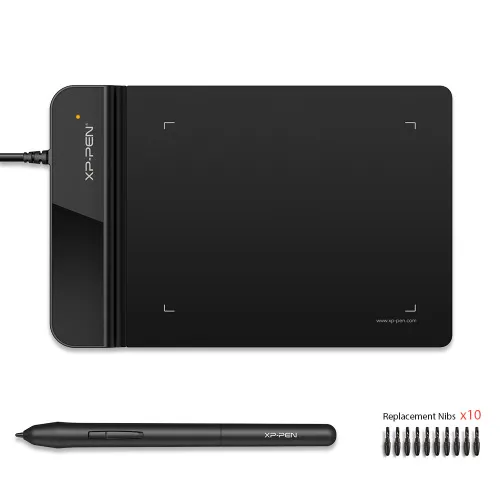
![https://resource.xp-pen.com/Uploads/eu/goods/20200128/c13f01ed5fa96a2e48960828fae1cc77_500_500.webp]()
![https://resource.xp-pen.com/Uploads/eu/goods/20200128/2602b3bb946d51eb22b604712e2689a0_500_500.webp]()
![https://resource.xp-pen.com/Uploads/eu/goods/20200128/59027983005e8264c3a2349b512ca28e_500_500.webp]()
![https://resource.xp-pen.com/Uploads/eu/goods/20200128/b57f6c2e402ad086710cf5b3367afe88_500_500.webp]()
![https://resource.xp-pen.com/Uploads/eu/goods/20200128/aa98857f43f45c018a1de4c9fee9b0c8_500_500.webp]()
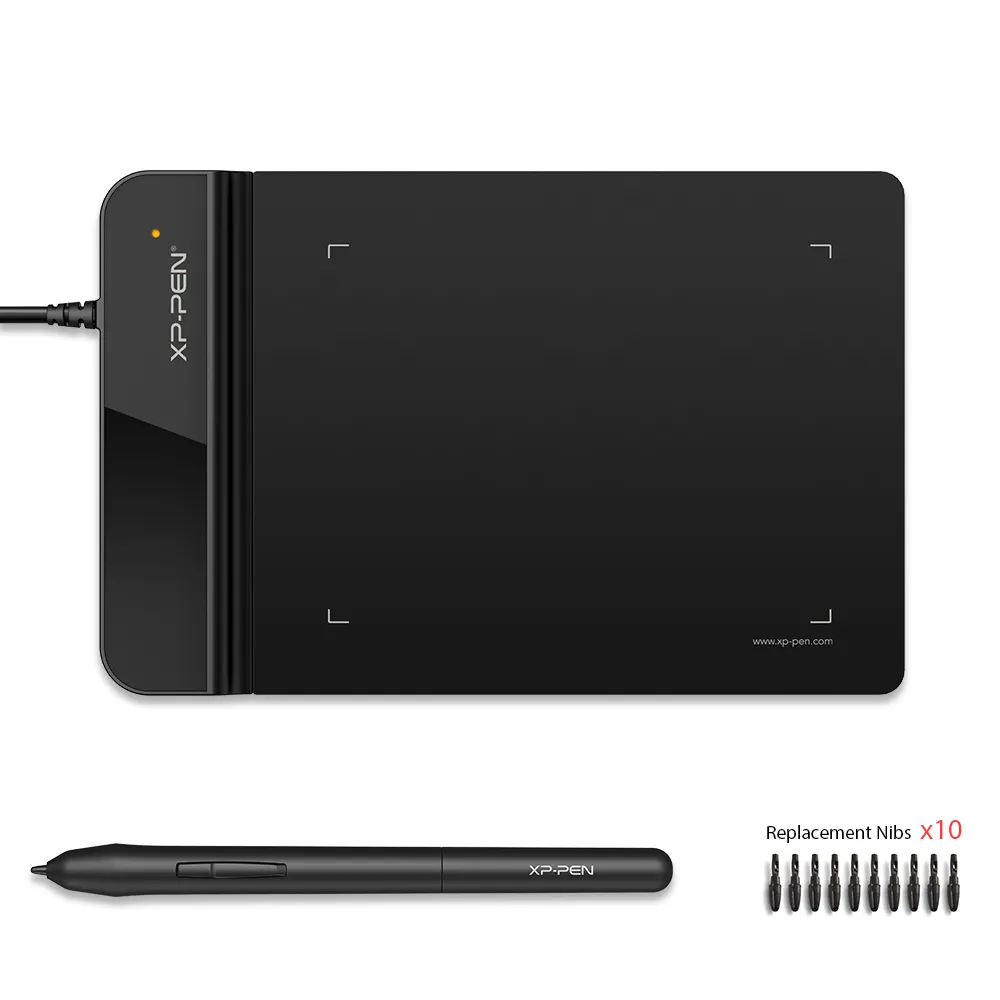
Star G430S
4 x 3 inches compact active area, 8192 levels battery-free stylus
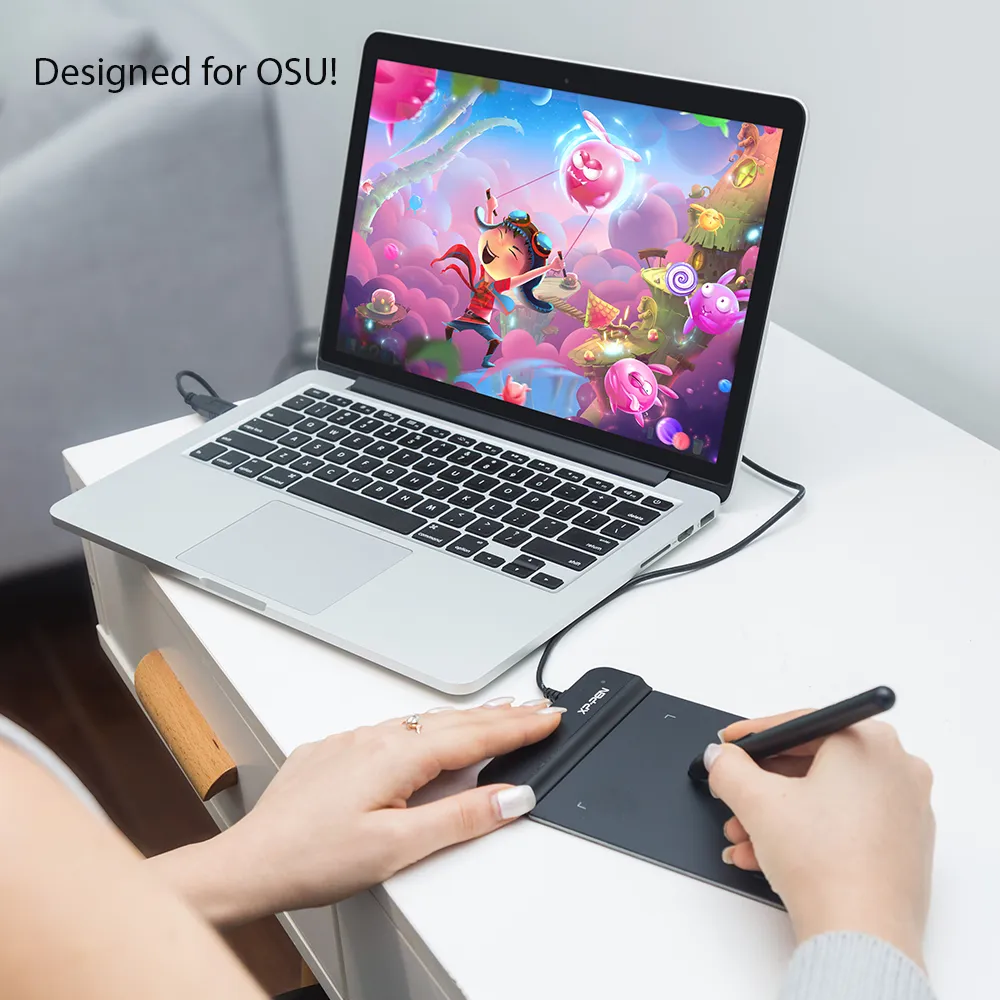
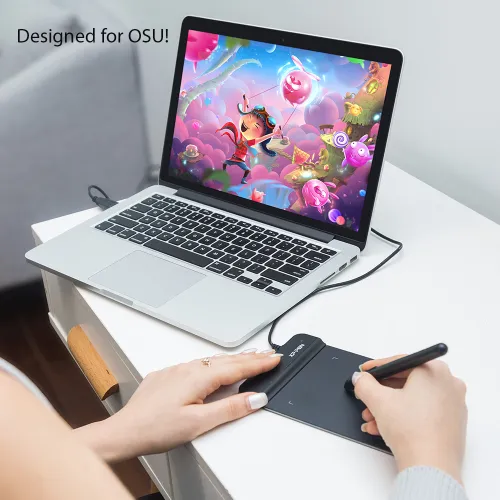
great for edit photos, OSU game play and input a digital signature
low cost option for teachers to create and present online classes
€29.49
❋In stock in the EU warehouse❋
❋24-Month Warranty❋
Free Shipping (Except RS, NO, CY, MT, IS, MC, MK)
Secure payments (Your payment information is processed securely)
Contact (Monday to Friday 10:30am - 6:30pm( PST))
Professional Support (shopeu@xp-pen.com service@xp-pen.com)
Optional Products
Quantity:
Total
€0.00
 Log in and purchase to receive an estimated 0 X-Coins






Worry-Free Delivery® available with seel
Estimated:
G430S
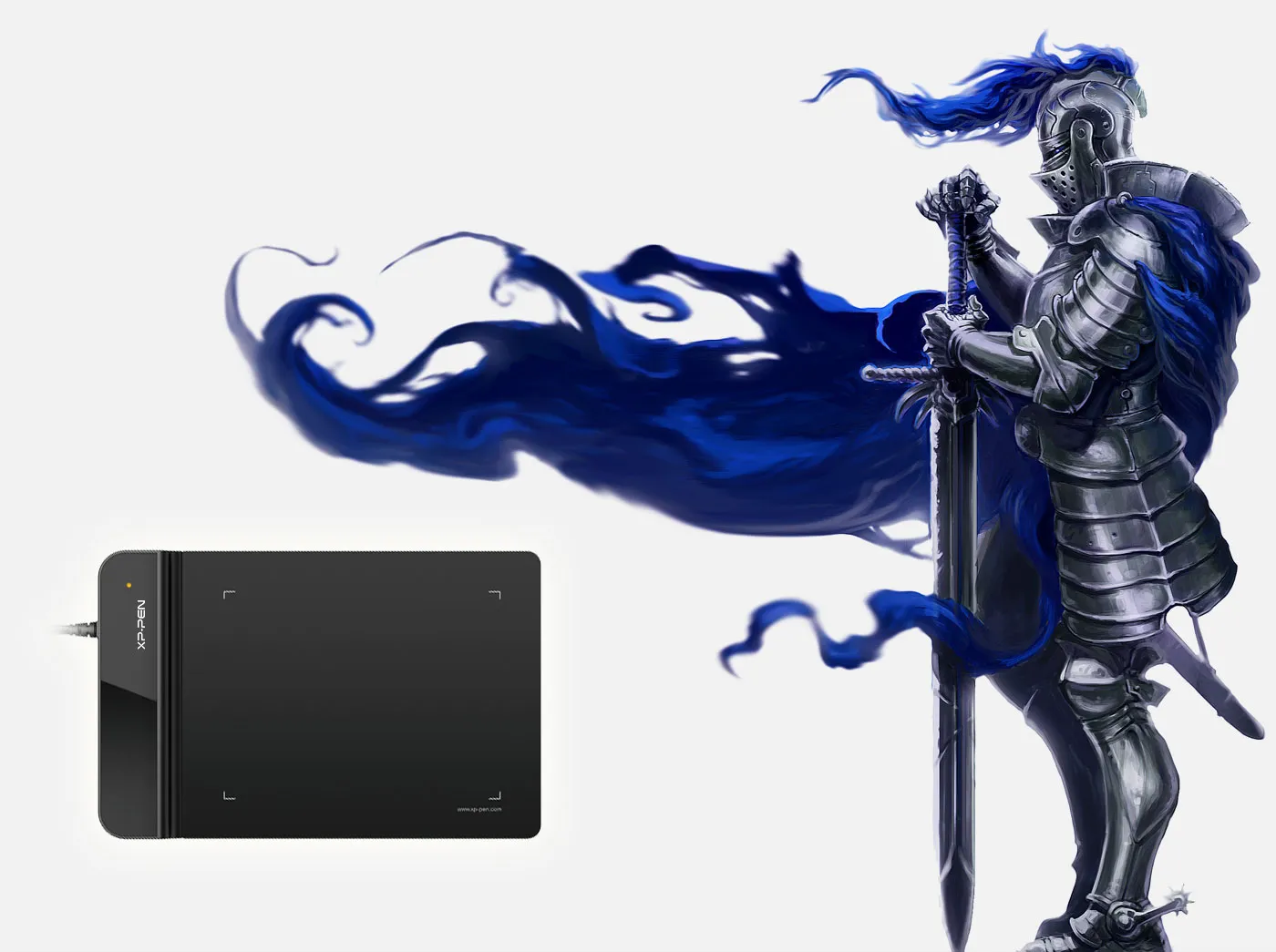
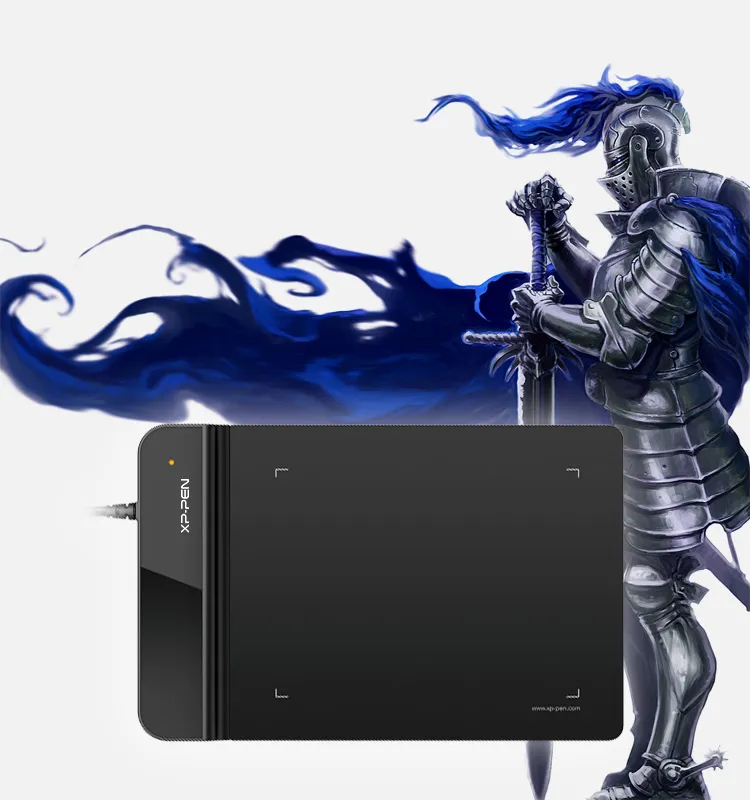
Compact size,
incomparable performance!
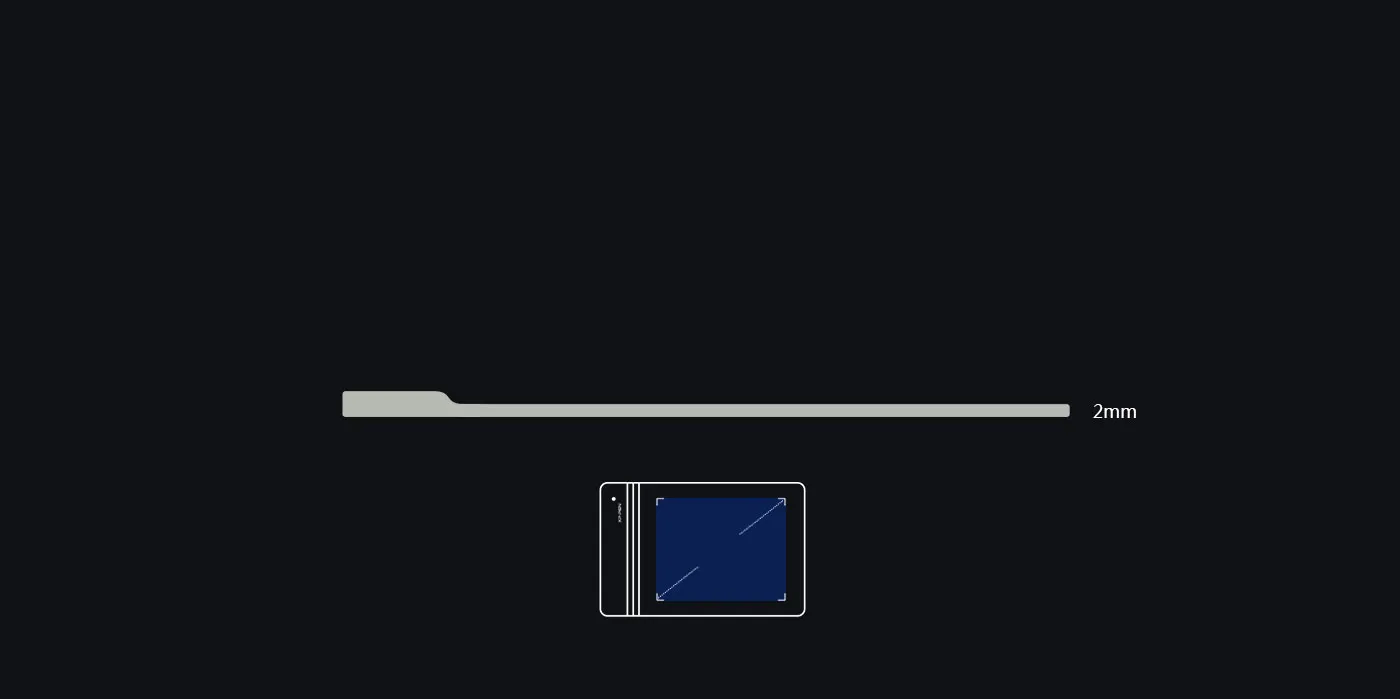
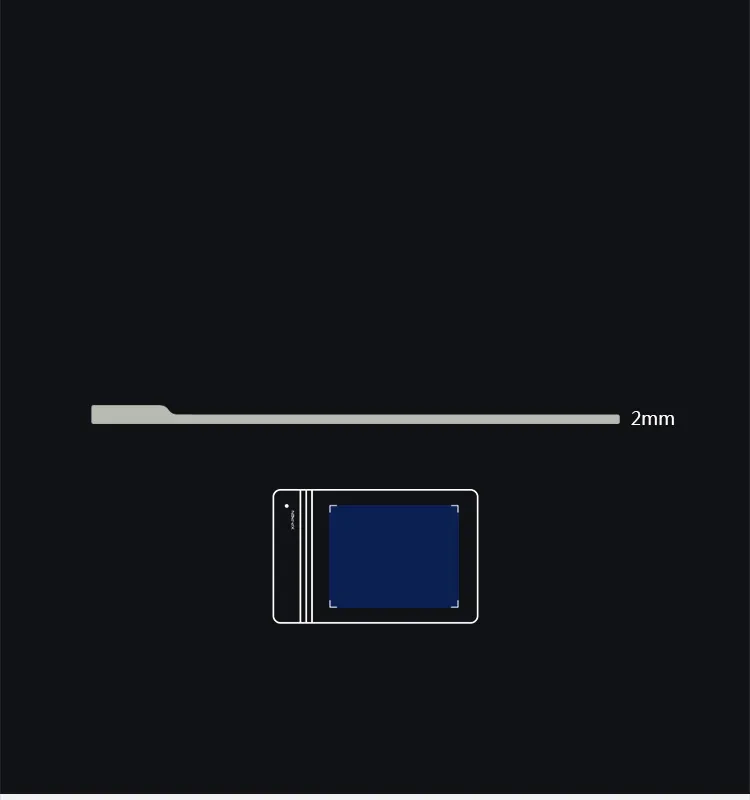
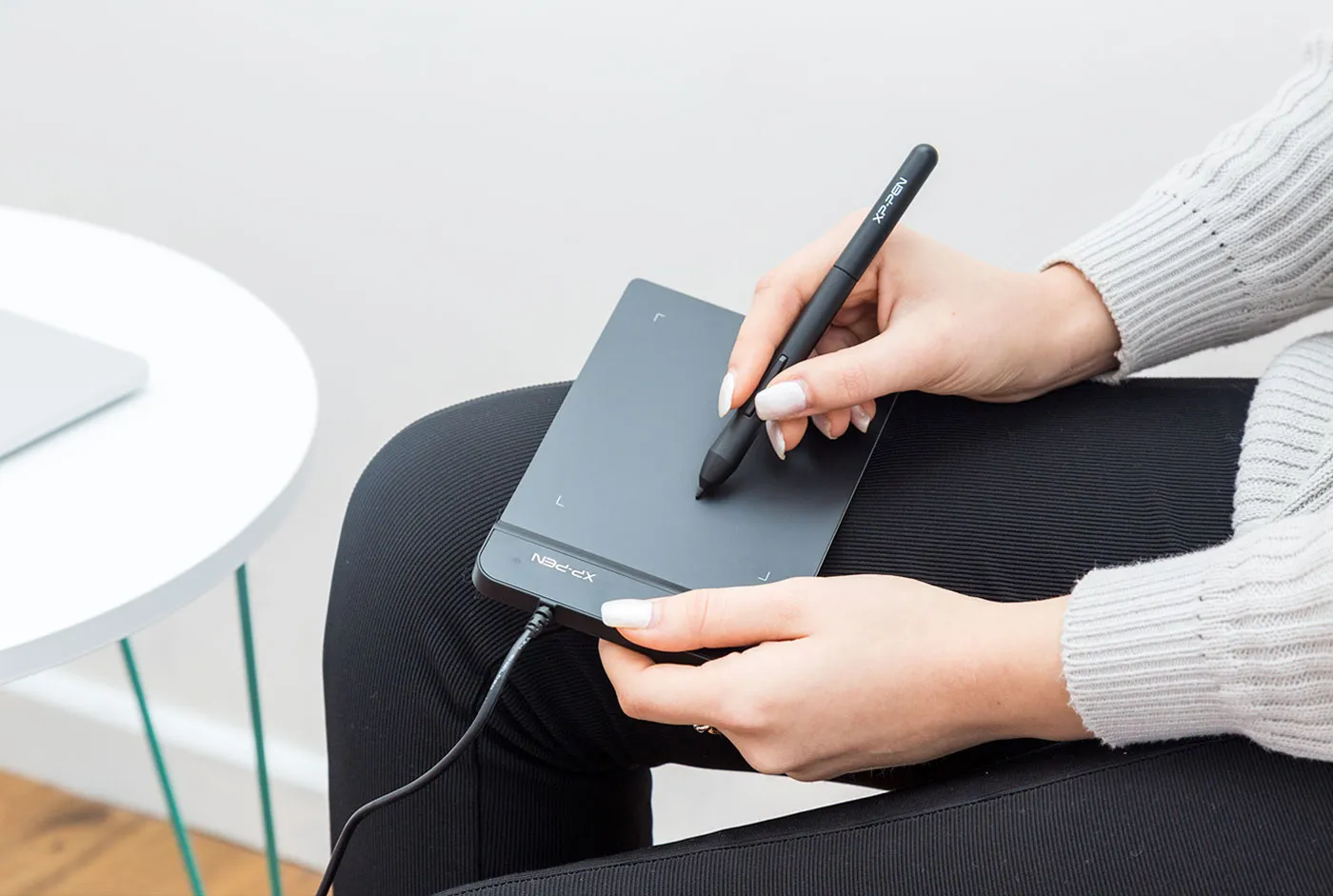
Hold it in one hand!
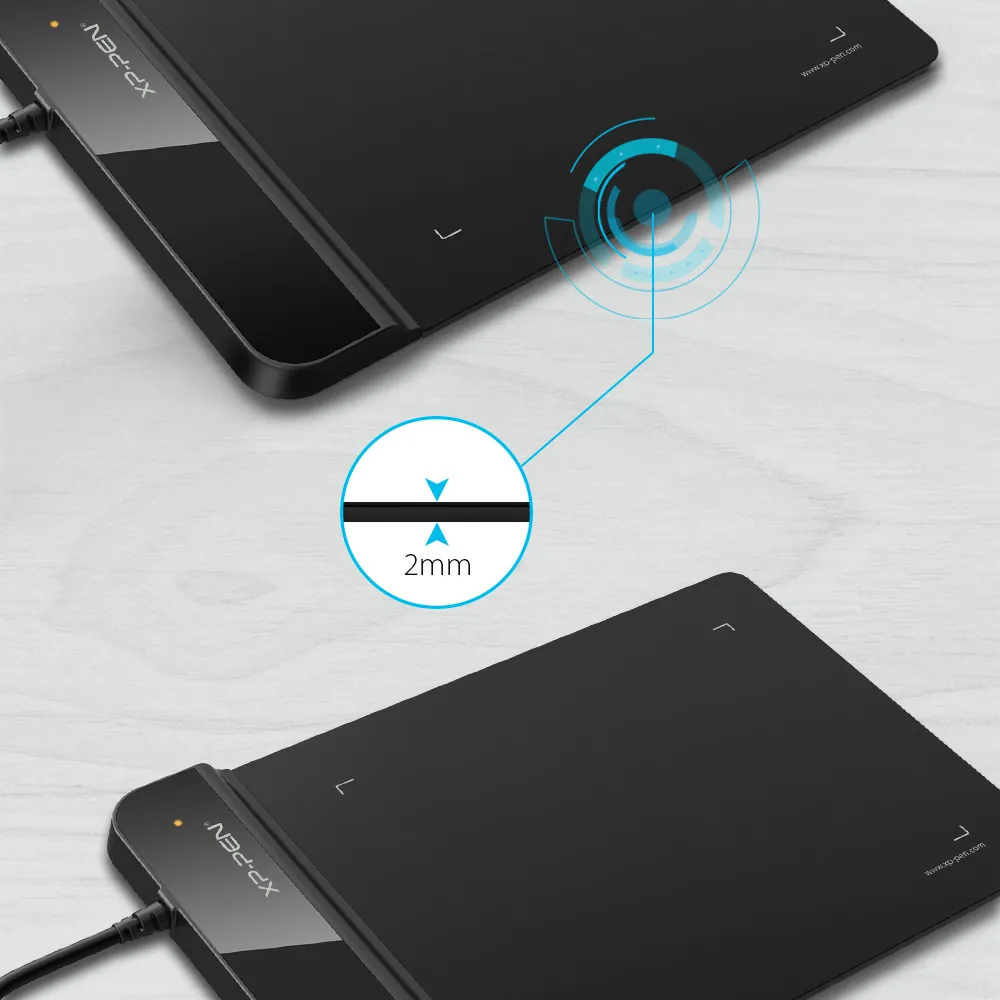
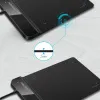
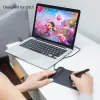
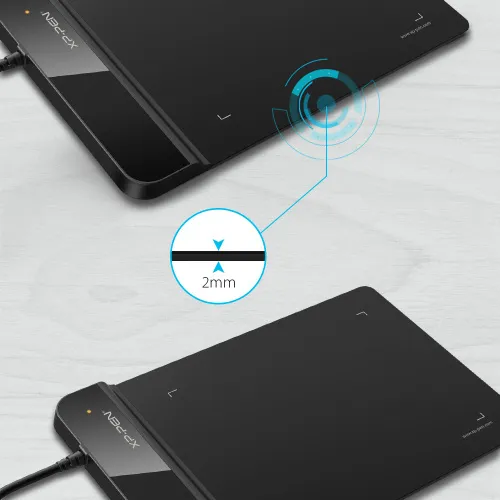
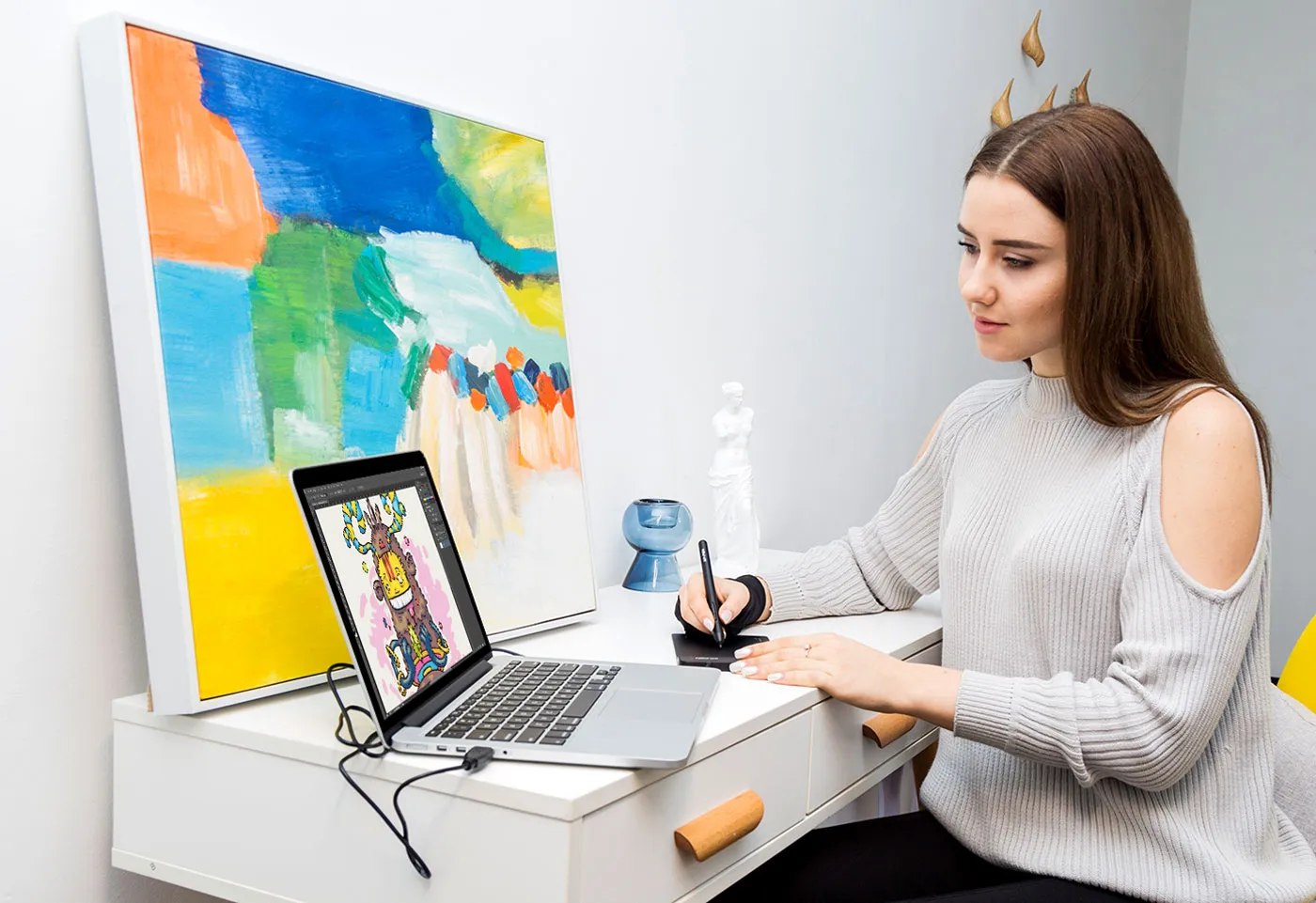
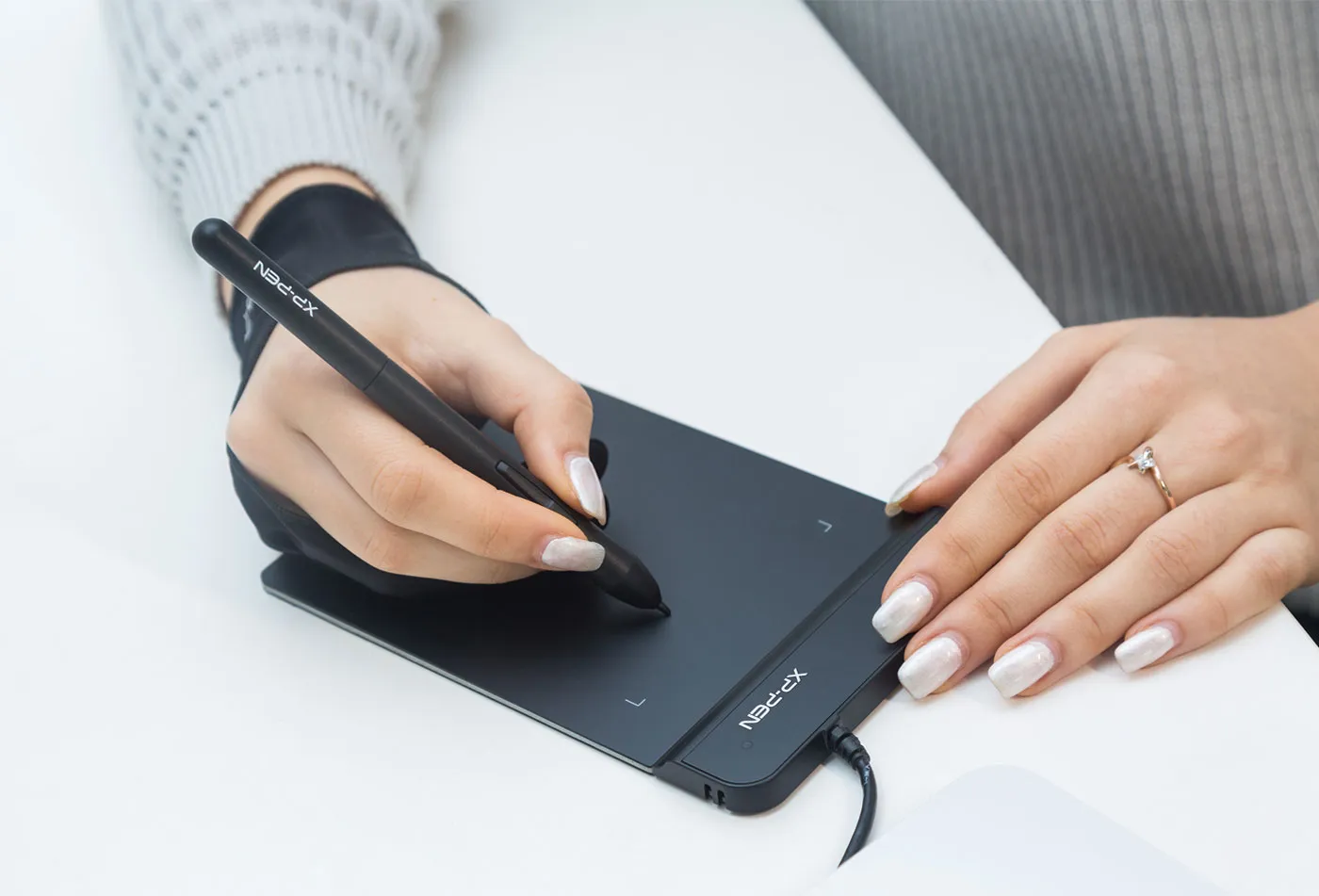
A 4x3” active area, only 2mm thick, the G430S is as slim as all primary level graphic tablets. Save space on your desk while keeping the same accuracy when playing OSU! Ultra-thin and portable, allowing you hold it in one hand and carry it on the go.
4x3 inch
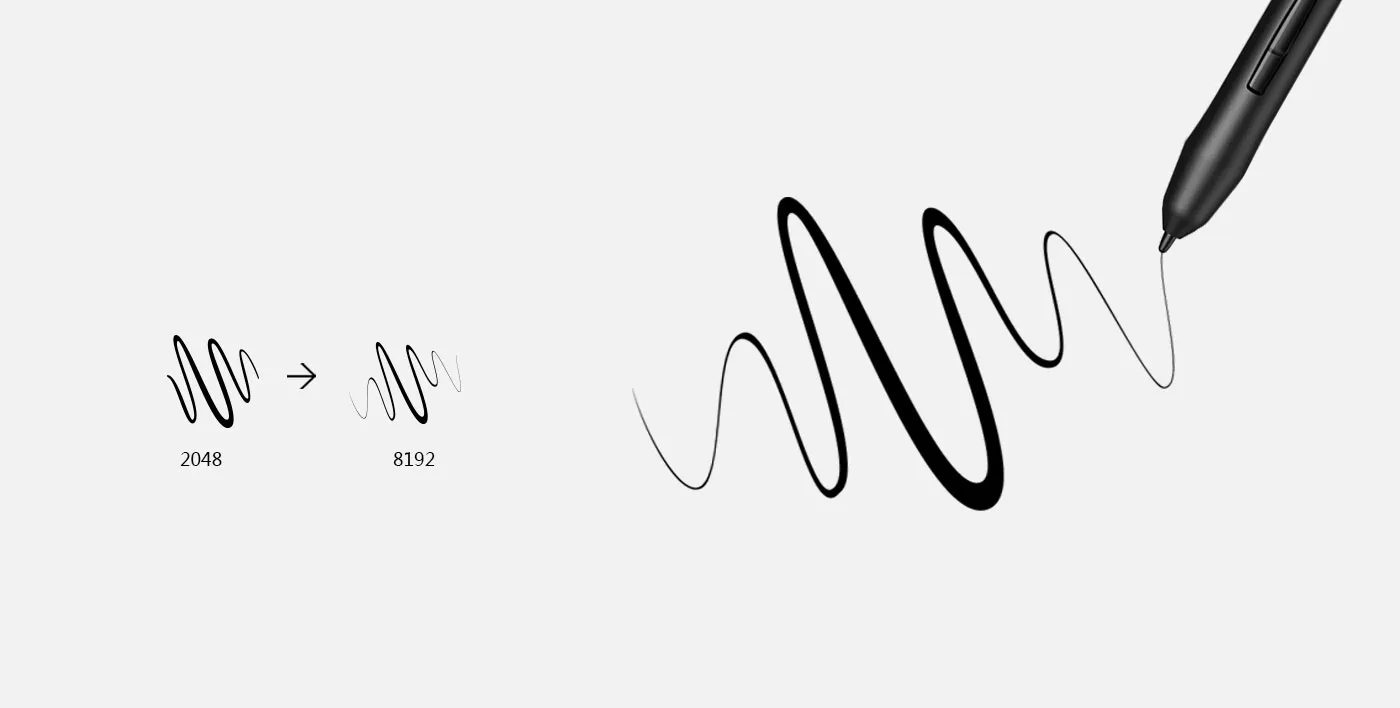
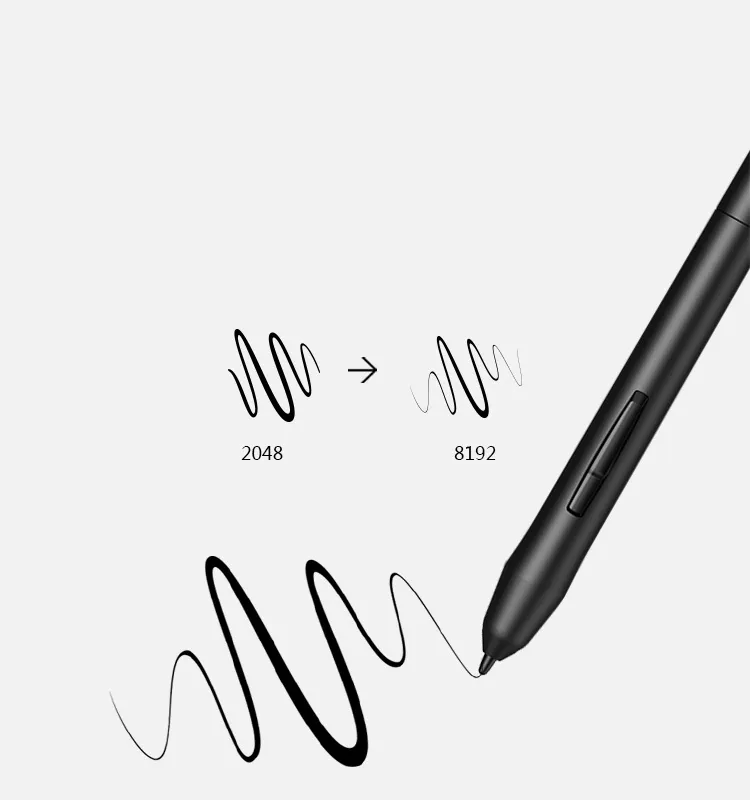
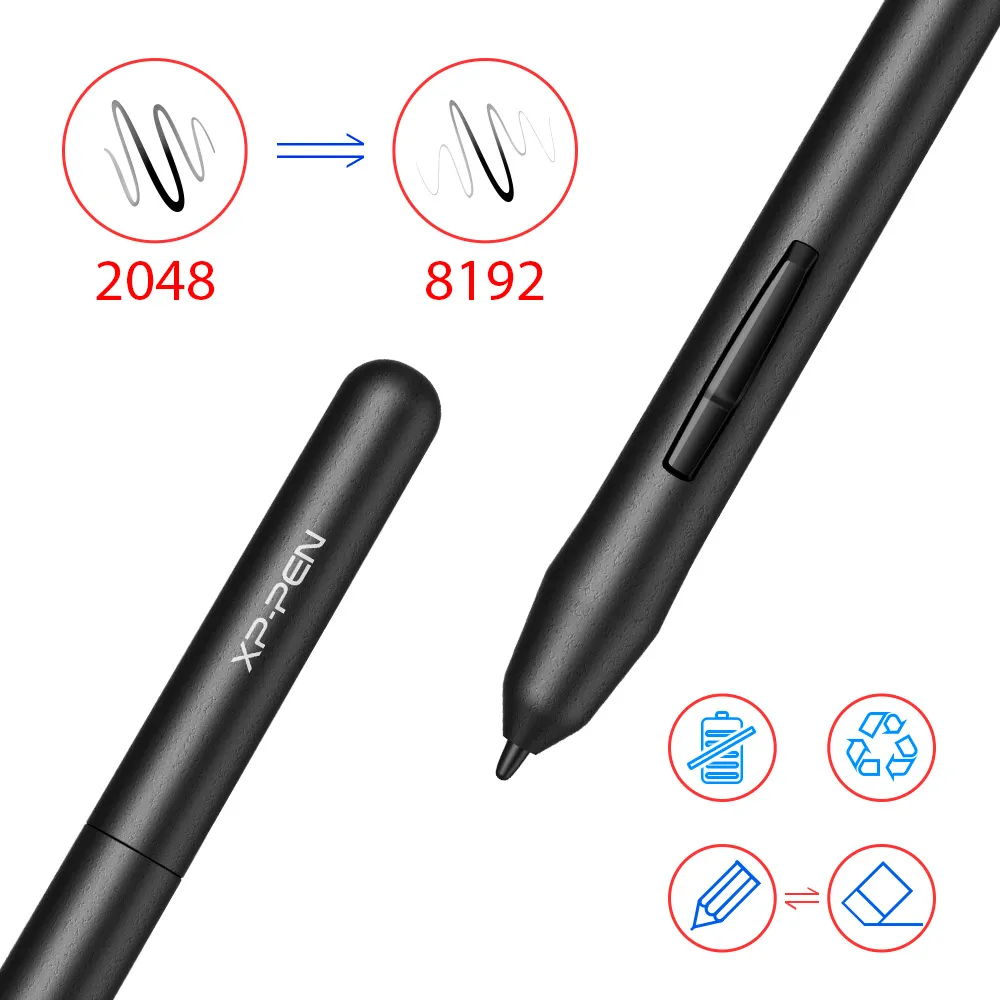
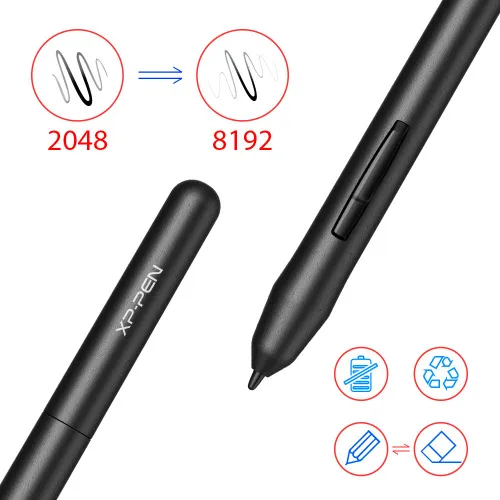
8192 levels of pressure sensitivity.
Capable of reaching 8192 levels of pressure sensitivity, allowing you to modify, navigate and create with a full pallet of brush and pens.
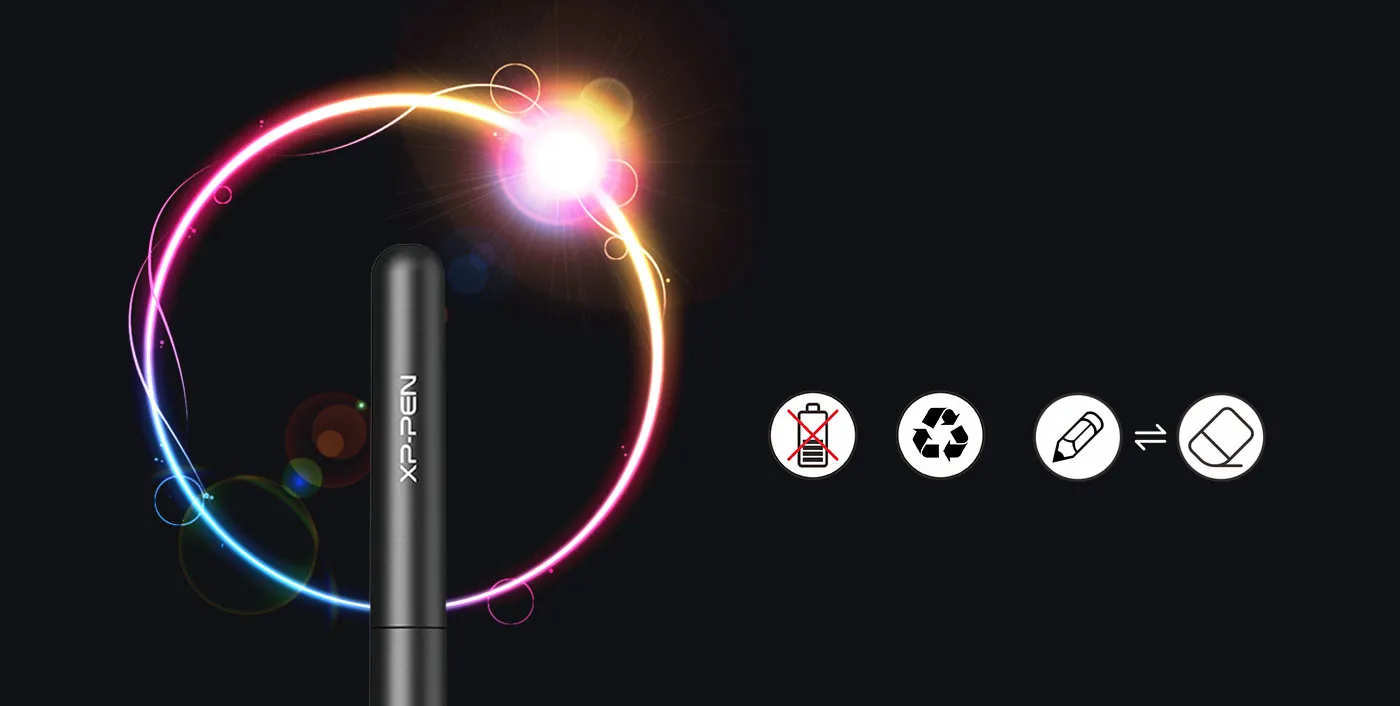
Battery-free stylus.
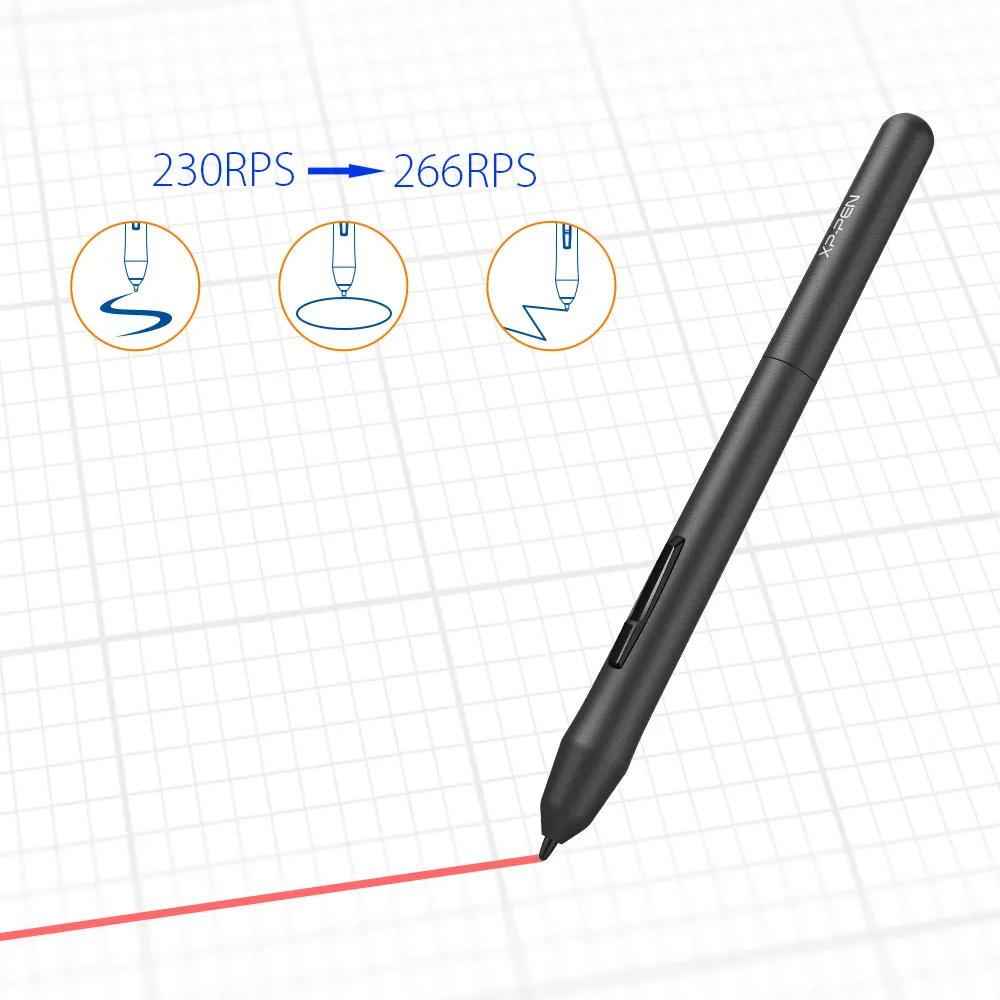
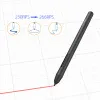
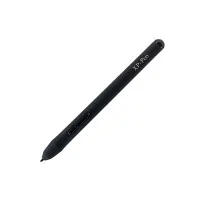
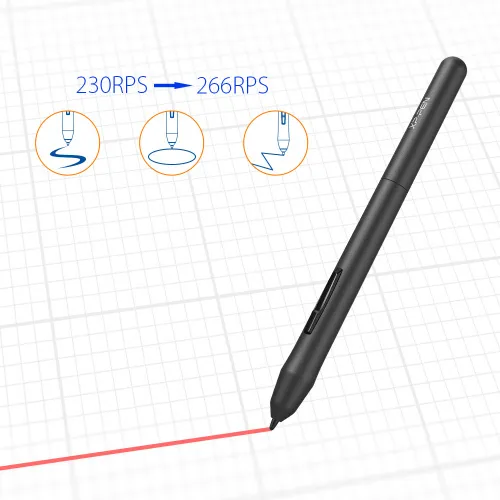
The P01 works just like a real pen, no battery and no charging required, allowing for constant uninterrupted use. Easy to operate and holds up to the tempo of the game.
No battery
Environmental Long life
one-click toggle
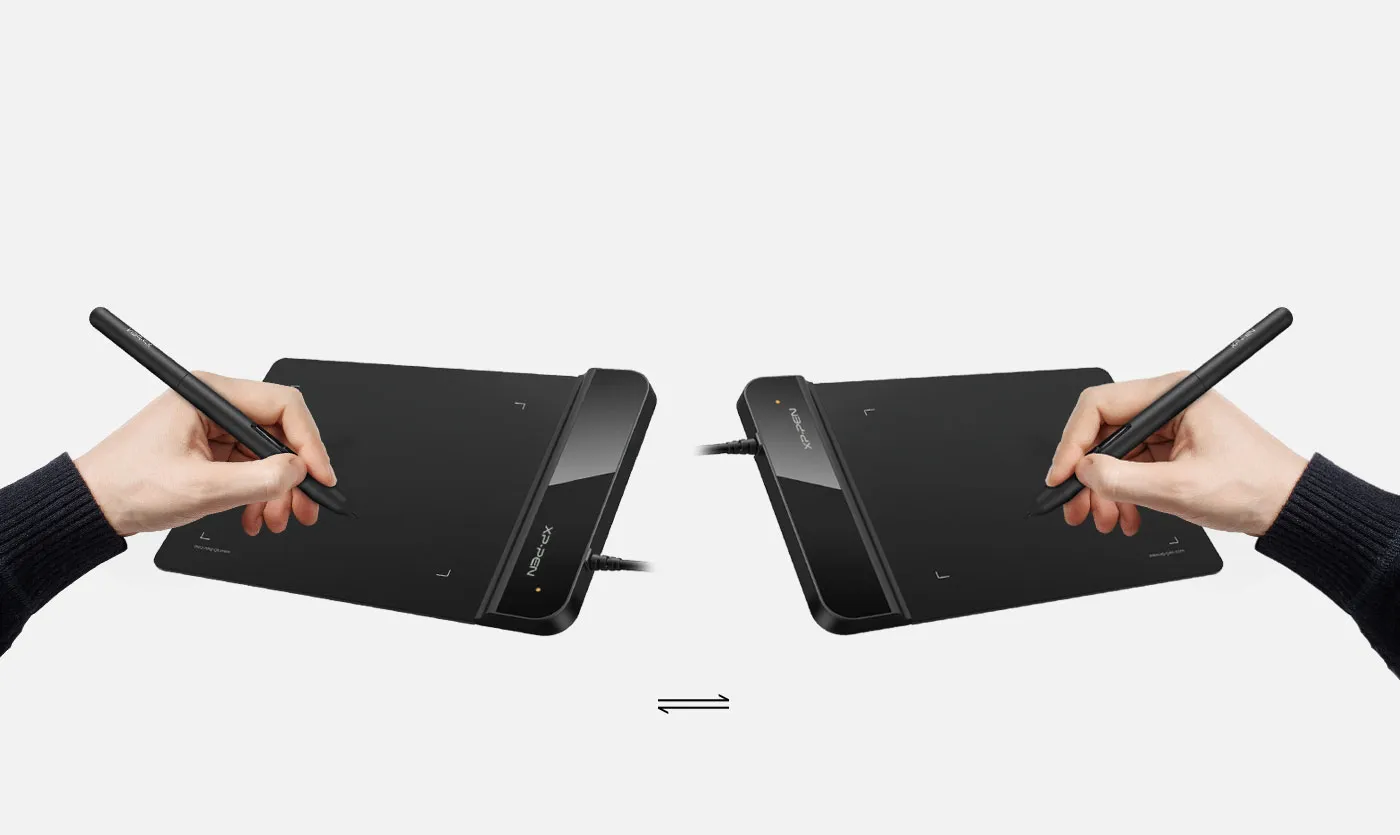
Both right and left hand use.
Designed for both right and left hand users, now you can set it to left hand or right hand mode through easy access. Remove all limitations and set out to what you want to be!
left
right
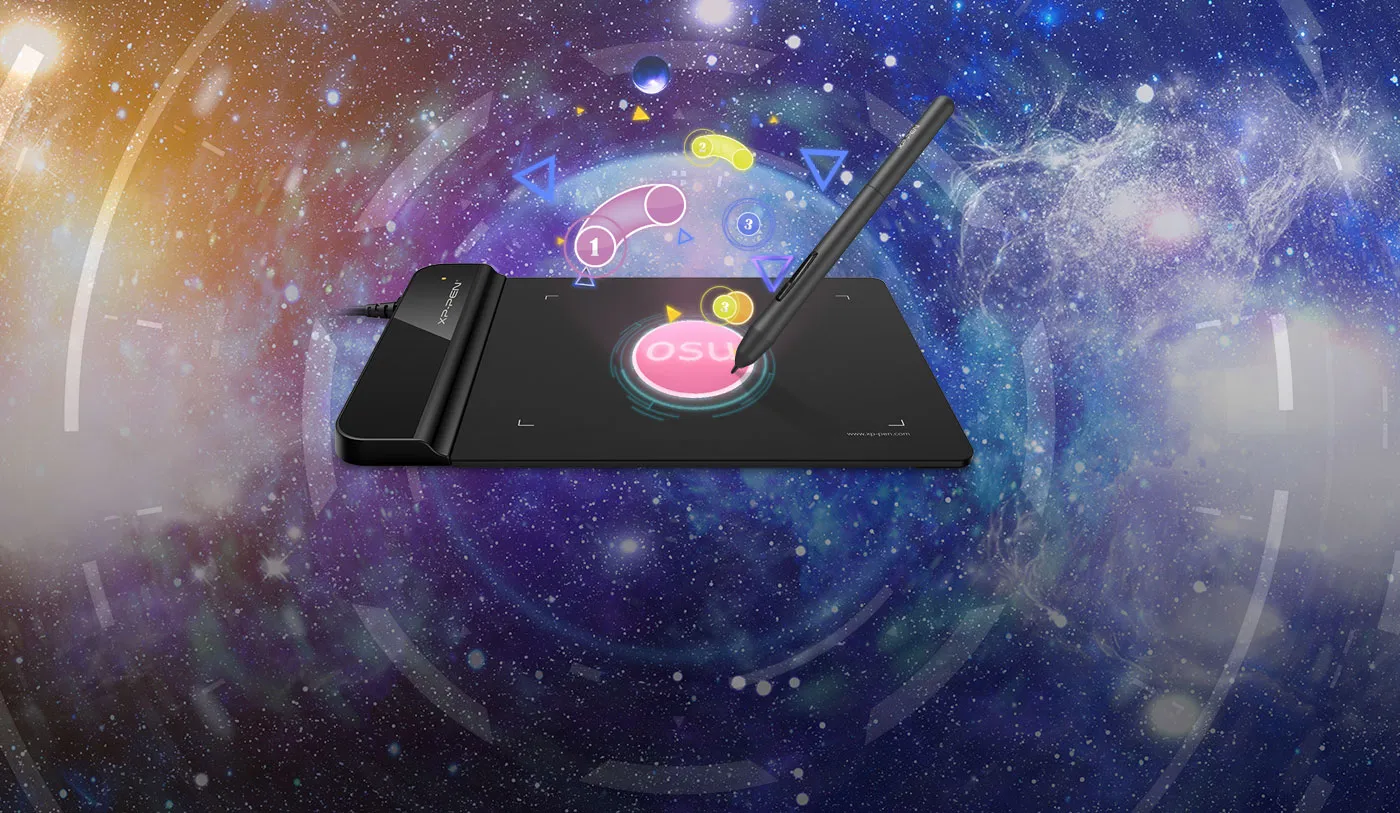
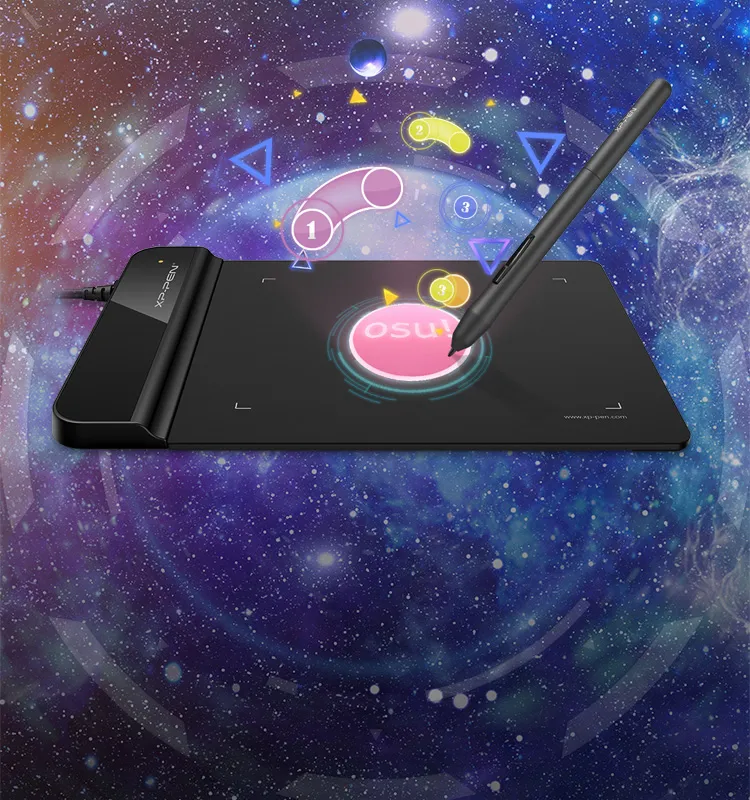
OSU! Assistant!
Designed for OSU! gamers! No need to install our driver software to use the tablet for OSU! Battery free, sensitive brush, allowing you to play with music and enjoy the game.
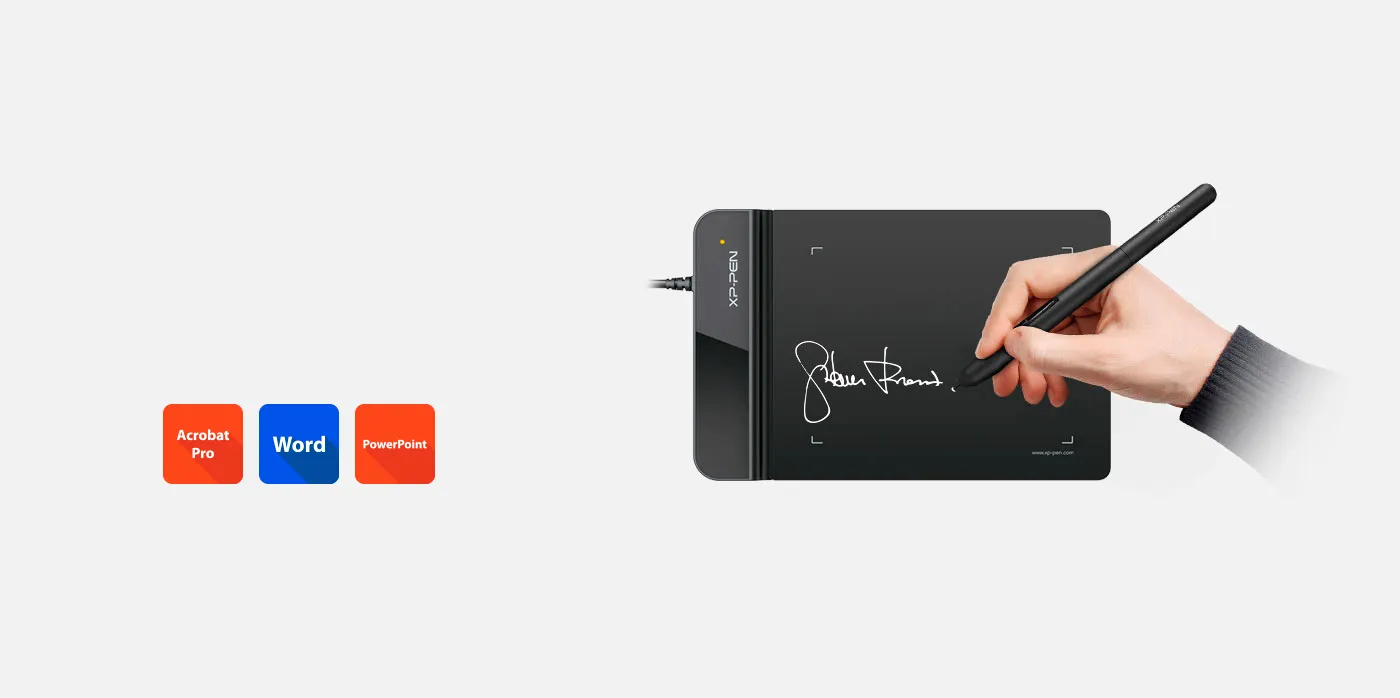
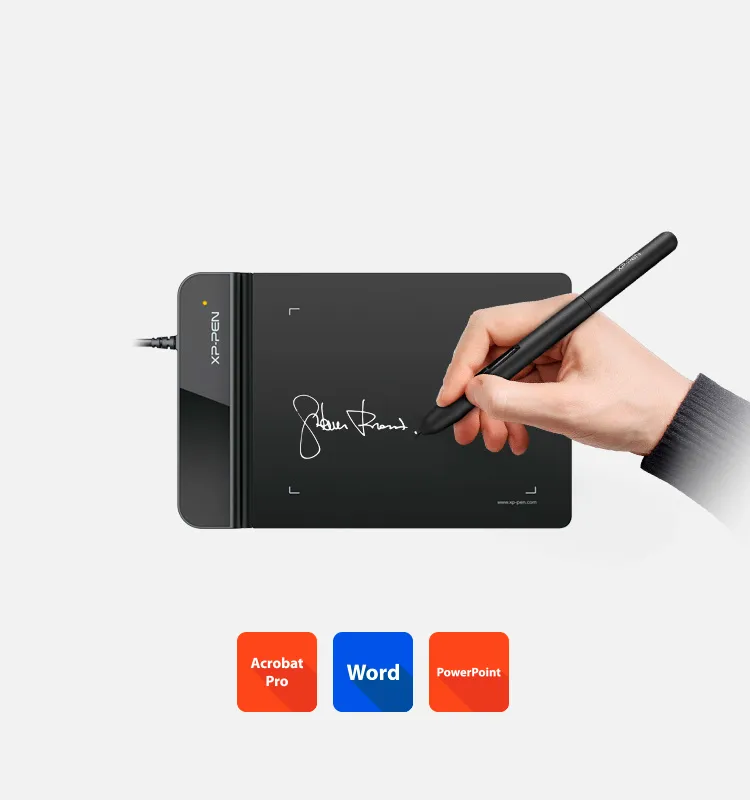
Business Signatures.
Synchronized with Adobe Acrobat Reader DC® signature Application.
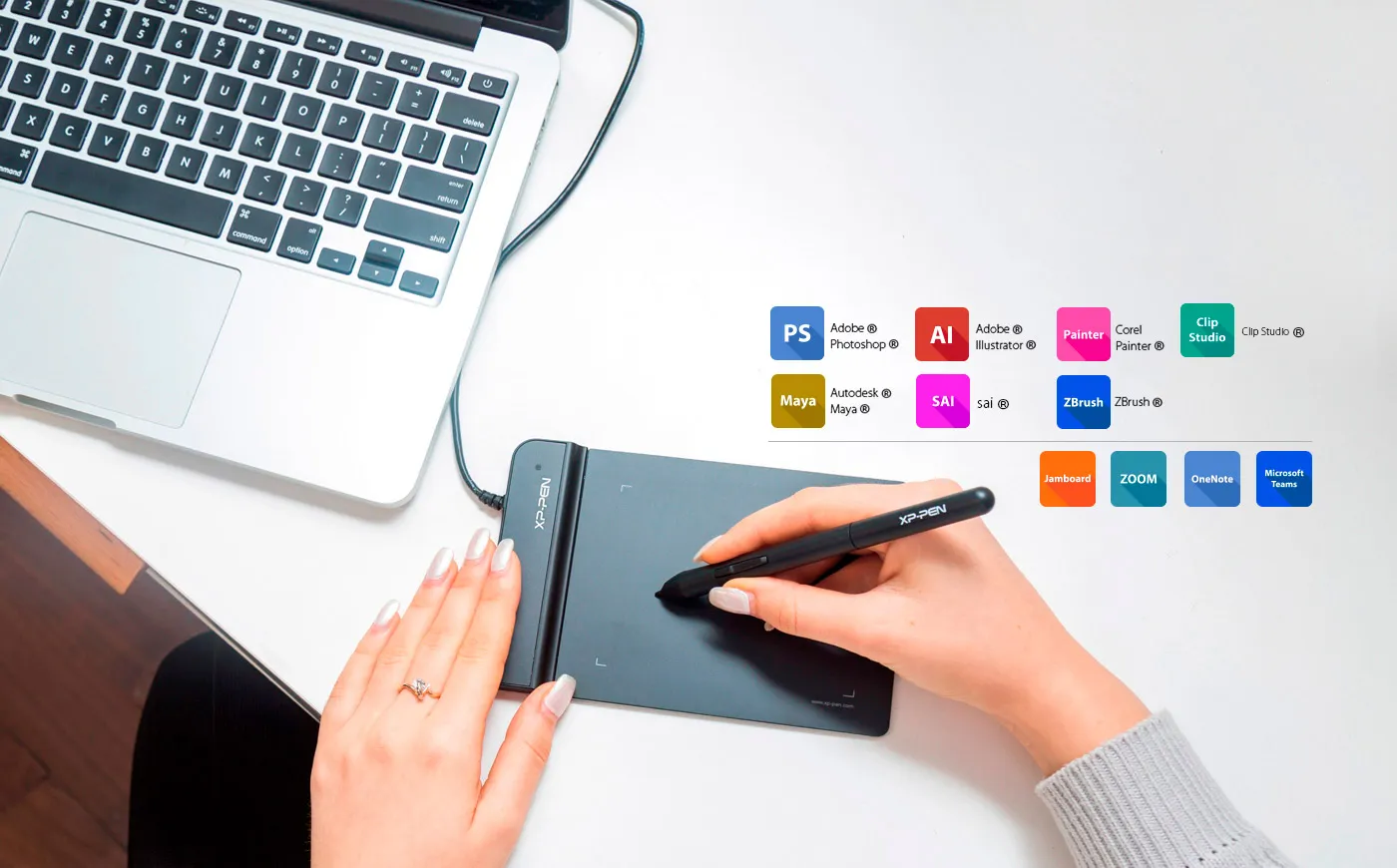
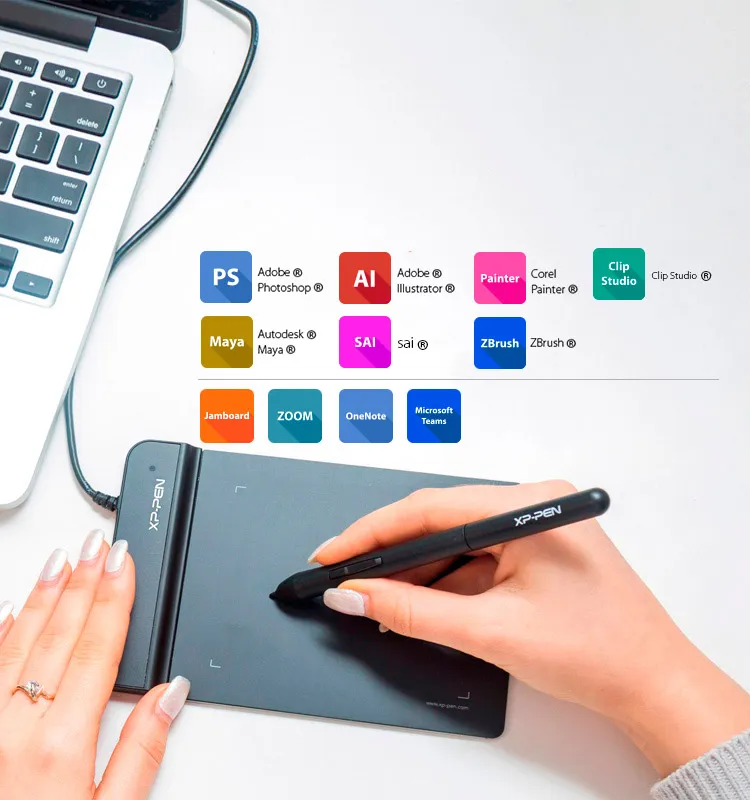
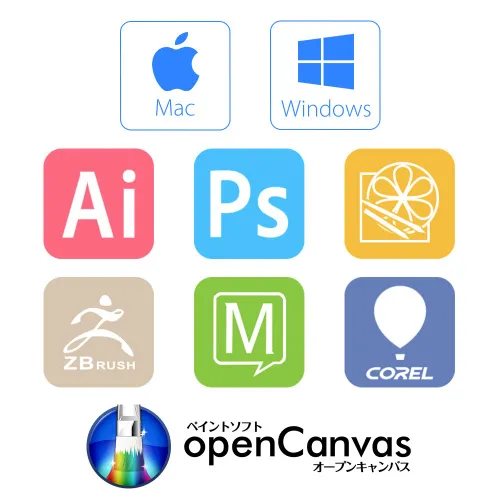
Compatible with Most Operating System and Applications.
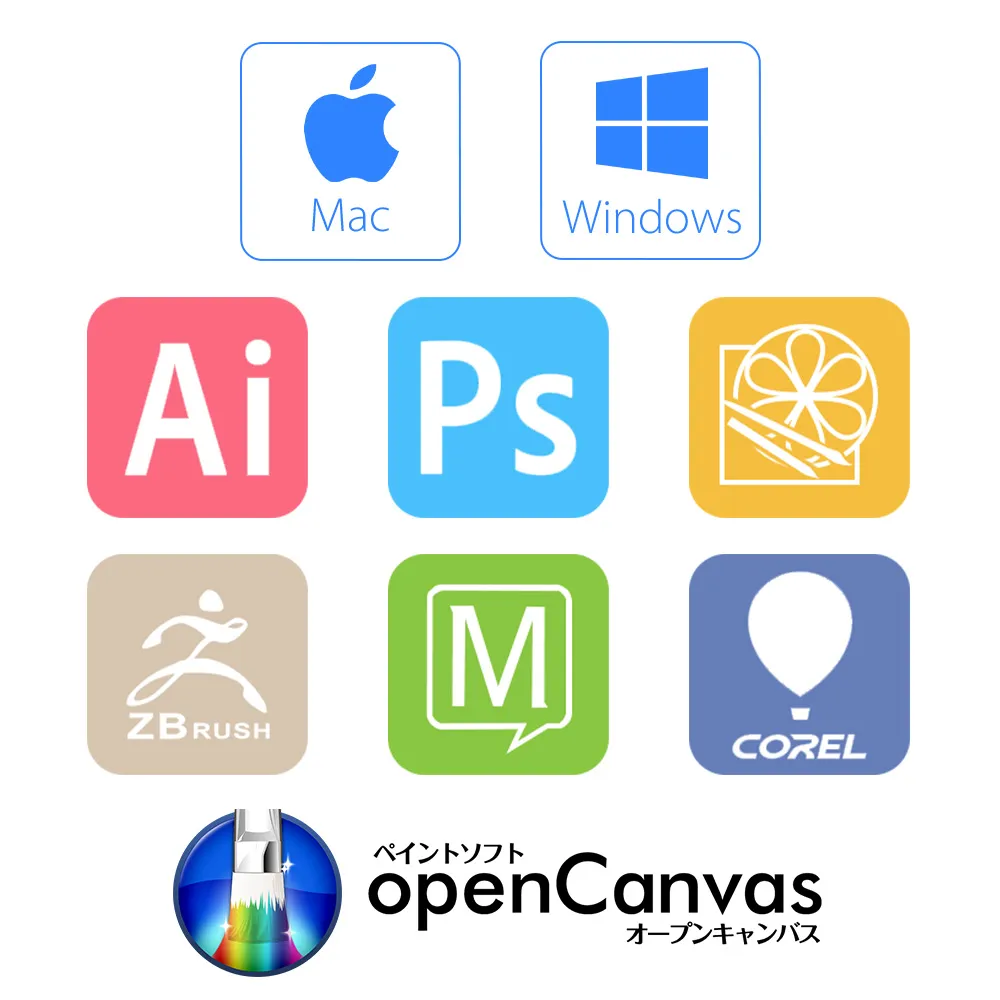
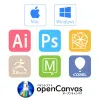
The G430S can be used with Windows® 10/8/7, Linux (Detailed versions), Mac OS X® 10.10 or above, and is compatible with all major graphic applications such as Photoshop®, Painter®, Adobe® Illustrator® etc.
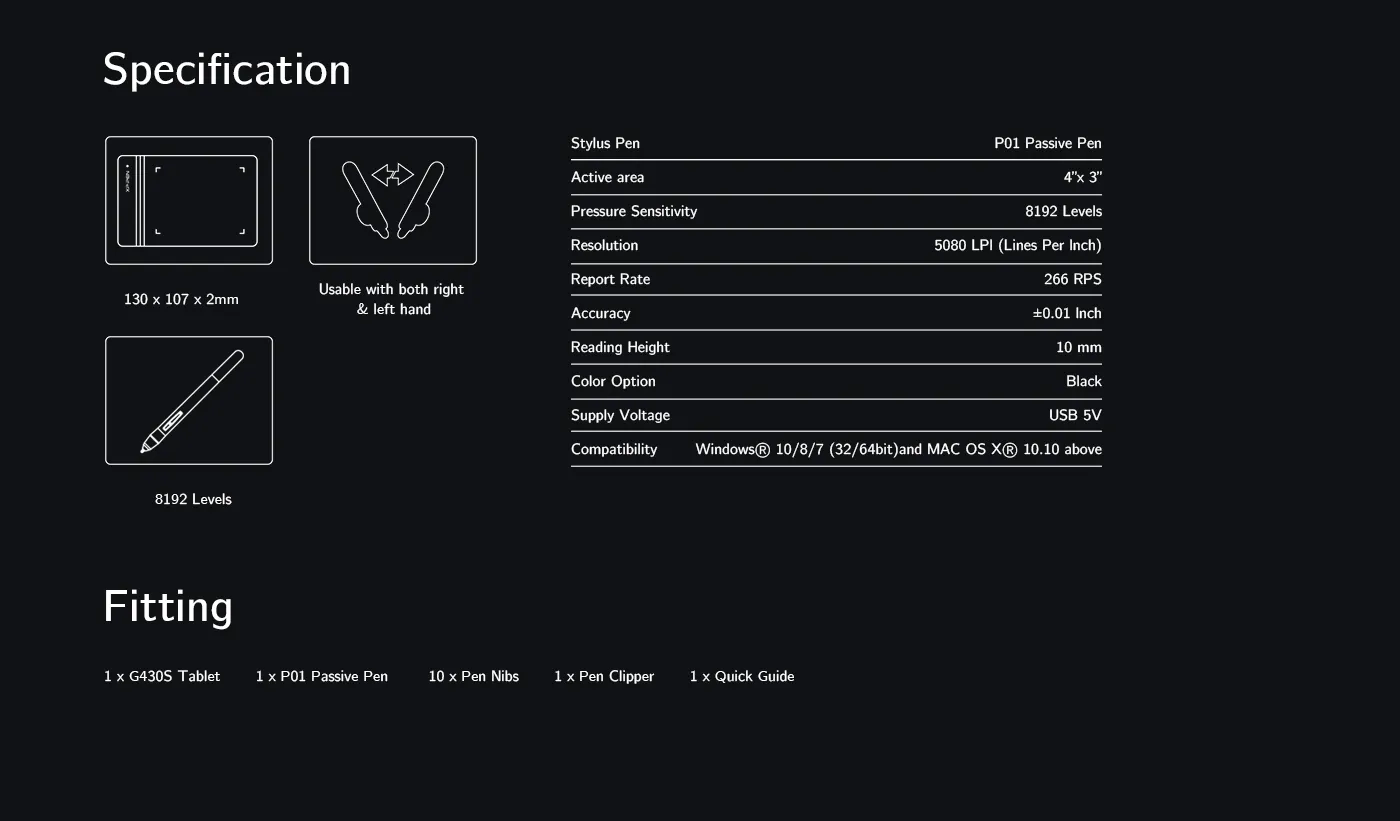
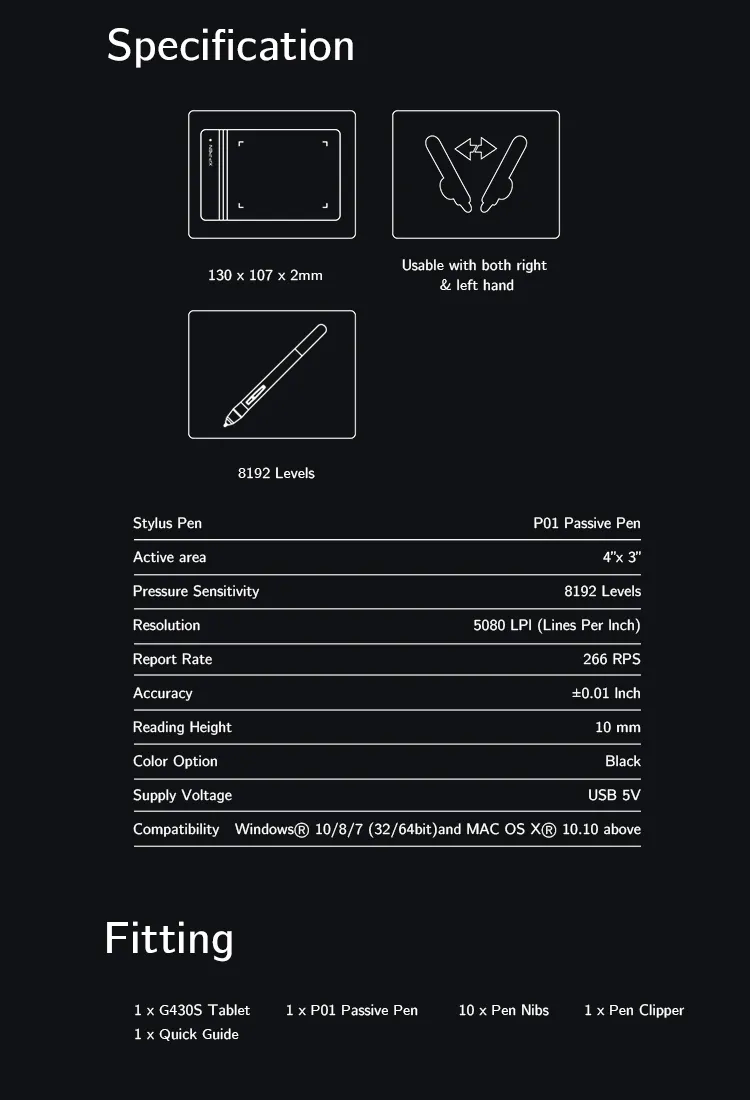
*The drawing glove not included,
should be purchased separately.


| Linux OS | Version | Package Format | Supported Software |
| Arch | Arch Linux2019.12.01(64-bit) | .deb, .sh | GIMP, Krita |
| Centos | Centos7.0(64-bit) | .rpm, .sh | GIMP |
| Centos8(64-bit) | .rpm, .sh | GIMP, Krita | |
| Debian | debian-9.5.0-amd64-netinst(64-bit) | .deb, .sh | GIMP, Krita |
| elementary OS | elementary OS 5.0(64-bit) | .deb, .sh | GIMP, Krita |
| ezgo Linux | ezgo14(64-bit) | .deb, .sh | GIMP, Krita |
| Fedora | Fedora32(64-bit) | .rpm, .sh | GIMP, Krita |
| Mageia | Mageia-7.1(64-bit) | .rpm, .sh | GIMP, Krita |
| Manjaro | manjaro-xfce-20.1.2-201019(64-bit) | .deb, .sh | GIMP |
| Mint | linuxmint-18.2-cinnamon-64bit | .deb, .sh | GIMP, Krita |
| OpenSUSE | openSUSE-Tumbleweed(64-bit) | .rpm, .sh | GIMP, Krita |
| Pop!_OS | pop-os_19.10(64-bit) | .deb, .sh | GIMP, Krita |
| Red Hat | Red Hat7(64-bit) | .rpm, .sh | GIMP |
| Ubuntu | Ubuntu14.04(64-bit) | .deb, .sh | GIMP, Krita |
| Ubuntu16.04(64-bit) | .deb, .sh | GIMP, Krita | |
| Ubuntu17.04(64-bit) | .deb, .sh | GIMP, Krita | |
| Ubuntu18.04(64-bit) | .deb, .sh | GIMP, Krita | |
| Ubuntu19.04(64-bit) | .deb, .sh | GIMP, Krita | |
| Ubuntu20.04(64-bit) | .deb, .sh | GIMP, Krita |
| Function | Krita 4.3.0 | Gimp 2.10.20 | Inkscape 0.92 |
| Pen Pressure Sensitivity | |||
| Tilt | |||
| Mouse Function | |||
| Eraser Button (Stylus:PH01, P06) | |||
| Switch between Pen and Eraser Modes | |||
| *If you have any further queries, please do not hesitate to contact us at service@xp-pen.com. | |||
Linux OS
Arch
Version
Arch Linux2019.12.01(64-bit)
Package Format
.deb, .sh
Supported Software
GIMP, Krita
Centos
Version
Centos7.0(64-bit)
Centos8(64-bit)
Centos8(64-bit)
Package Format
.rpm, .sh
.rpm, .sh
.rpm, .sh
Supported Software
GIMP
GIMP, Krita
GIMP, Krita
Debian
Version
debian-9.5.0-amd64-netinst(64-bit)
Package Format
.deb, .sh
Supported Software
GIMP, Krita
elementary OS
Version
elementary OS 5.0(64-bit)
Package Format
.deb, .sh
Supported Software
GIMP, Krita
ezgo Linux
Version
ezgo14(64-bit)
Package Format
.deb, .sh
Supported Software
GIMP, Krita
Fedora
Version
Fedora32(64-bit)
Package Format
.rpm, .sh
Supported Software
GIMP, Krita
Mageia
Version
Mageia-7.1(64-bit)
Package Format
.rpm, .sh
Supported Software
GIMP, Krita
Manjaro
Version
manjaro-xfce-20.1.2-201019(64-bit)
Package Format
.deb, .sh
Supported Software
GIMP
Mint
Version
linuxmint-18.2-cinnamon-64bit
Package Format
.deb, .sh
Supported Software
GIMP, Krita
OpenSUSE
Version
openSUSE-Tumbleweed(64-bit)
Package Format
.rpm, .sh
Supported Software
GIMP, Krita
Pop!_OS
Version
pop-os_19.10(64-bit)
Package Format
.deb, .sh
Supported Software
GIMP, Krita
Red Hat
Version
Red Hat7(64-bit)
Package Format
.rpm, .sh
Supported Software
GIMP
Ubuntu
Version
Ubuntu14.04(64-bit)
Ubuntu16.04(64-bit)
Ubuntu17.04(64-bit)
Ubuntu18.04(64-bit)
Ubuntu19.04(64-bit)
Ubuntu20.04(64-bit)
Ubuntu16.04(64-bit)
Ubuntu17.04(64-bit)
Ubuntu18.04(64-bit)
Ubuntu19.04(64-bit)
Ubuntu20.04(64-bit)
Package Format
.deb, .sh
.deb, .sh
.deb, .sh
.deb, .sh
.deb, .sh
.deb, .sh
.deb, .sh
.deb, .sh
.deb, .sh
.deb, .sh
.deb, .sh
Supported Software
GIMP, Krita
GIMP, Krita
GIMP, Krita
GIMP, Krita
GIMP, Krita
GIMP, Krita
GIMP, Krita
GIMP, Krita
GIMP, Krita
GIMP, Krita
GIMP, Krita
Function
Pen Pressure Sensitivity
Krita 4.3.0
Gimp 2.10.20
Inkscape 0.92
Tilt
Krita 4.3.0
Gimp 2.10.20
Inkscape 0.92
Mouse Function
Krita 4.3.0
Gimp 2.10.20
Inkscape 0.92
Eraser Button(Stylus:PH01, P06)
Krita 4.3.0
Gimp 2.10.20
Inkscape 0.92
Switch between Penand Eraser Modes
Krita 4.3.0
Gimp 2.10.20
Inkscape 0.92
*If you have any further queries, please do not hesitate to contact us at service@xp-pen.com.
4.7


Based on 3
67%(2)

33%(1)
0(0)
0(0)
0(0)
Aaron Komulainen
Jan 14 ,2021 PM 23:36 Star G430S
Very fast delivery!
Very fast delivery time even during covid!
ive tested the product for few hours now and its working just as intended!
Official mall
Jan 16 ,2021 PM 12:13
Dear customer,
Thanks for your feedback.
It\'s so great of you sharing your experience to other customers.
If you have any questions, do not hesitate to contact us .We will provide professional help: service@xp-pen.com
Best wishes
XP-Pen
Useful(0)+1
XFANSnt7x4y2h
May 12 ,2022 PM 19:24 Star G430S
Really good
I didnt even get it but i really want to try it. I feel it will be good, and i will play osu with it☃️
Official mall
May 14 ,2022 AM 10:34
Dear customer,
Thanks for your feedback.
It\'s so great of you to share your experience with other customers.
If you have any questions, do not hesitate to contact us. We will provide professional help: service@xp-pen.com
Best wishes
XPPen
Useful(1)+1
XFANSvxt53u48
May 24 ,2021 PM 16:06 Star G430S
Good service
Good service and no problems when receiving plus I got all the information I got and the help that I needed.
Official mall
May 24 ,2021 PM 18:12
Dear customer,
Thanks for your feedback.
It\'s so great of you to share your experience with other customers.
If you have any questions, do not hesitate to contact us. We will provide professional help: service@xp-pen.com
Best wishes
XP-Pen
Useful(0)+1
XFANSnc0yckap
Jan 02 ,2024 AM 01:37 Star G430S
Hello
Got question. It will be my first graphical tablet and I doesnt know almost anything so I wonder will this work on Windows 11? Thanks for answer in advance
Reply1
Official mall
Feb 02 ,2024 PM 16:46
Dear customer,
Yes. It is compatible with Windows 11.
Best wishes
XPPen
Reply to this review
XFANS89vy96qa
Mar 03 ,2023 AM 01:16 Star G430S
The model Star G430S can be use for online classes? I need it for my students.
Reply1
Official mall
Mar 03 ,2023 PM 16:32
Dear customer,
Yes. It could be used for online classes.
Best wishes
XPPen
Reply to this review
XFANSrb5jzjzz
Jan 17 ,2023 AM 02:26 Star G430S
Hello.
I'm from Greece. Do i pay customs duties for your products?
Best regards.
Reply2
See more answers(1)
Official mall
Jan 17 ,2023 PM 15:24
Dear customer,
You don\'t need to pay for it.
Best wishes
XPPen
Reply to this review