






Getting started with your
XP-PEN Star Tablet
1/6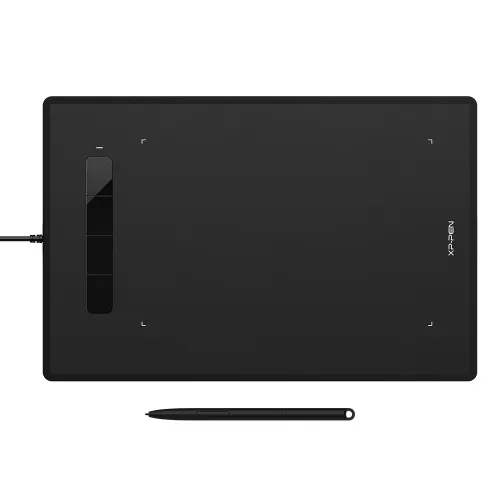
![https://resource.xp-pen.com/Uploads/eu/goods/20220402/5fdfa5a2c8f13e296c37f44b7adb0a03_500_500.webp]()
![https://resource.xp-pen.com/Uploads/eu/goods/20200313/a8f28a1206a26801256df91fe6470794_500_500.webp]()
![https://resource.xp-pen.com/Uploads/eu/goods/20200313/43ba79b872029fba1468aedd80078c28_500_500.webp]()
![https://resource.xp-pen.com/Uploads/eu/goods/20200313/9161653bfde986461ceeb4be17600721_500_500.webp]()
![https://resource.xp-pen.com/Uploads/eu/goods/20200313/59c0761bcf9db411f69a90a23b29af71_500_500.webp]()

Star G960
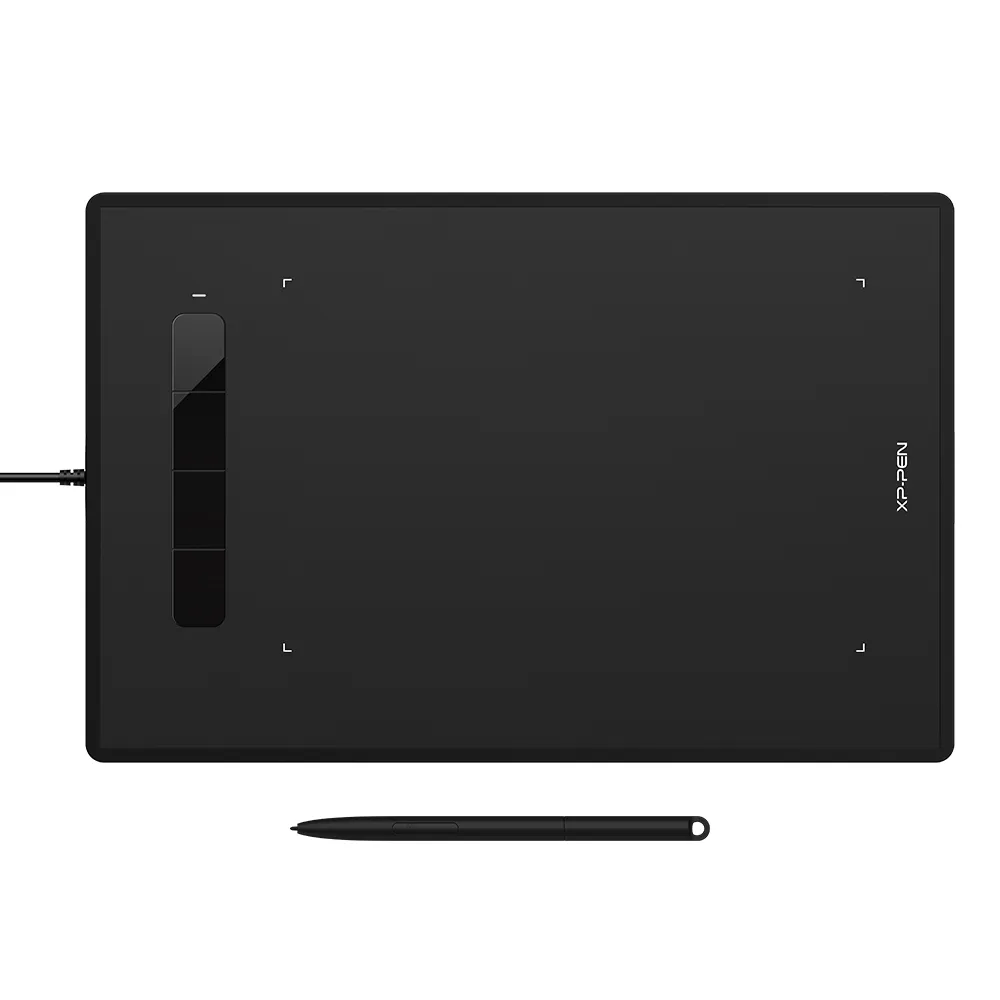
8.35 x5.33 inch work area, 8192 pressure sensitivity
battery-free stylus, 4 customizable shortcut keys
5080 LPI Resolution, 266 RPS Report Rate have no delay
€39.99
❋In stock in EU warehouse❋
❋Two-year Warrnty❋
Free Shipping (Except RS, NO, CY, MT, IS, MC, MK)
Secure payments (Your payment information is processed securely)
Contact (Monday to Friday 10:30am - 6:30pm( PST))
Professional Support (shopeu@xp-pen.com service@xp-pen.com)
Optional Products
Quantity:
Total
€0.00
 Log in and purchase to receive an estimated 0 X-Coins






Worry-Free Delivery® available with seel
Estimated:


Large enough to express your creative ideas
The XP-Pen Star G960 comes with an 8.35 x 5.33 inch working area, offering you more space and more freedom to express your creative ideas.
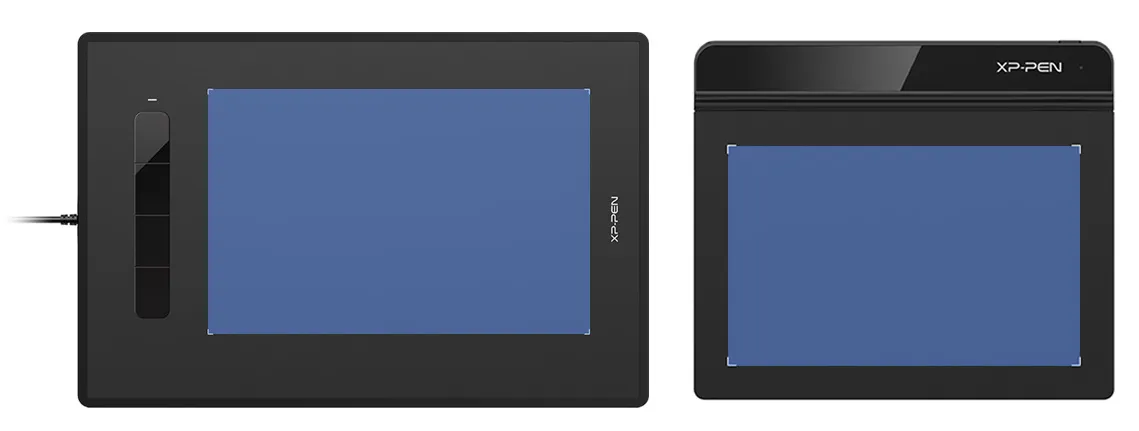
8.35 x 5.33 inch
6x4 inch
Star G960
Star G640
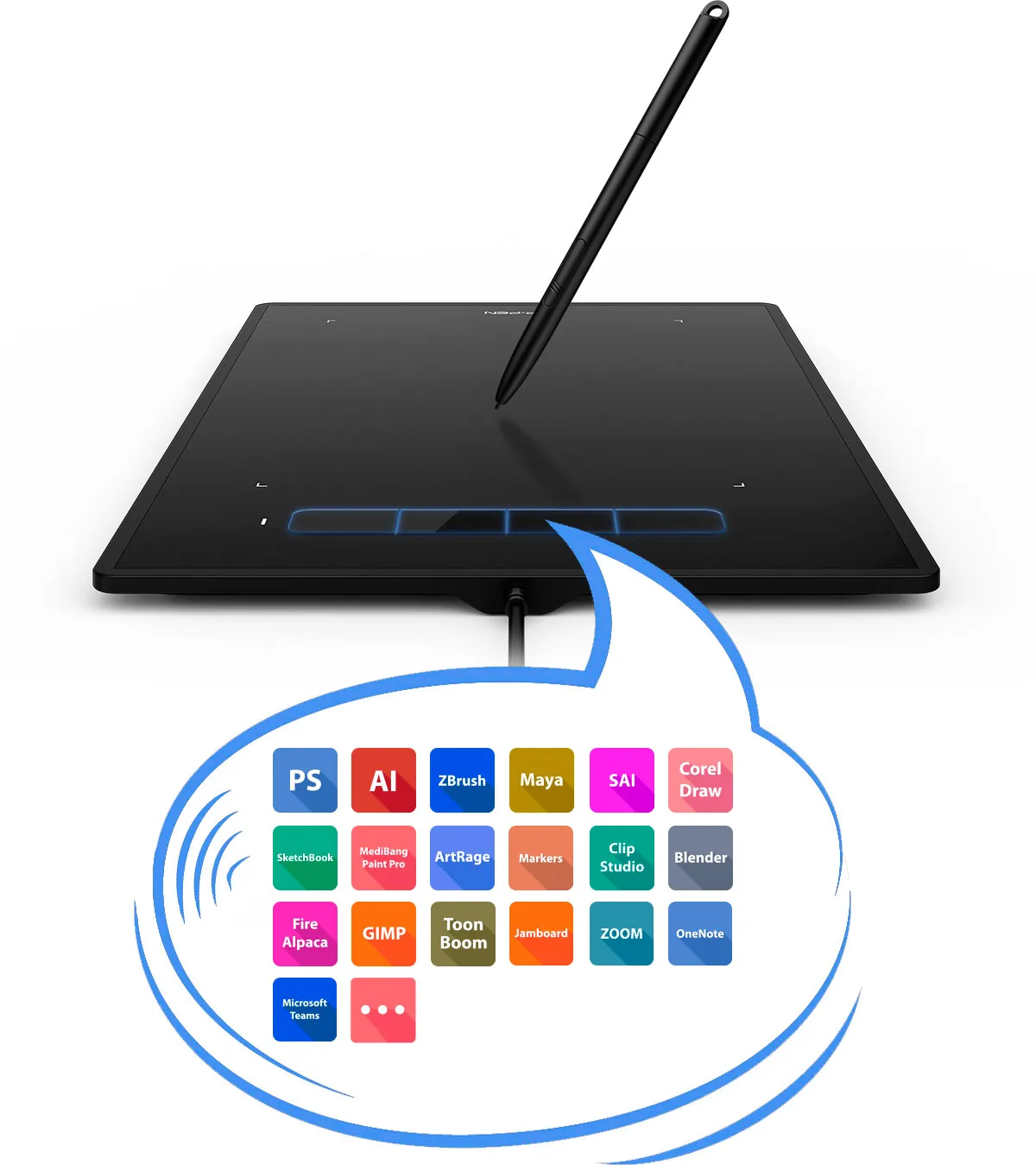
Shortcuts to your imagination
Features four customizable shortcut keys, allowing you to tailor your shortcuts to your preferences and create with maximum convenience and efficiency.
Free rotation, free creation
The XP-Pen Star G960 supports a rotation of 0, 90, 180, and 270 degrees. Now you can set out to what you want to be!
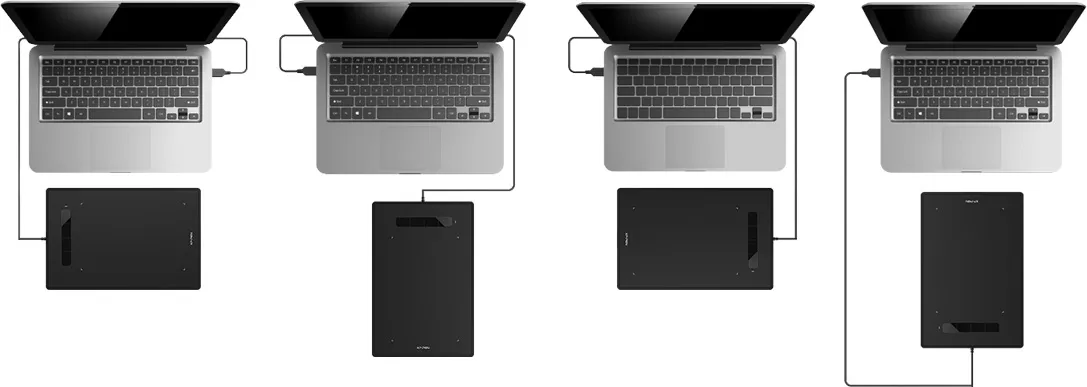
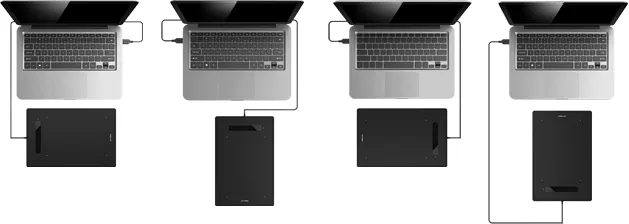
0 Degree
90 Degree
180 Degree
270 Degree
Power that lasts even longer
The Battery-Free Stylus Pen does not require batteries or charging and supports long hours of uninterrupted drawing, letting you focus on your creation for even longer.
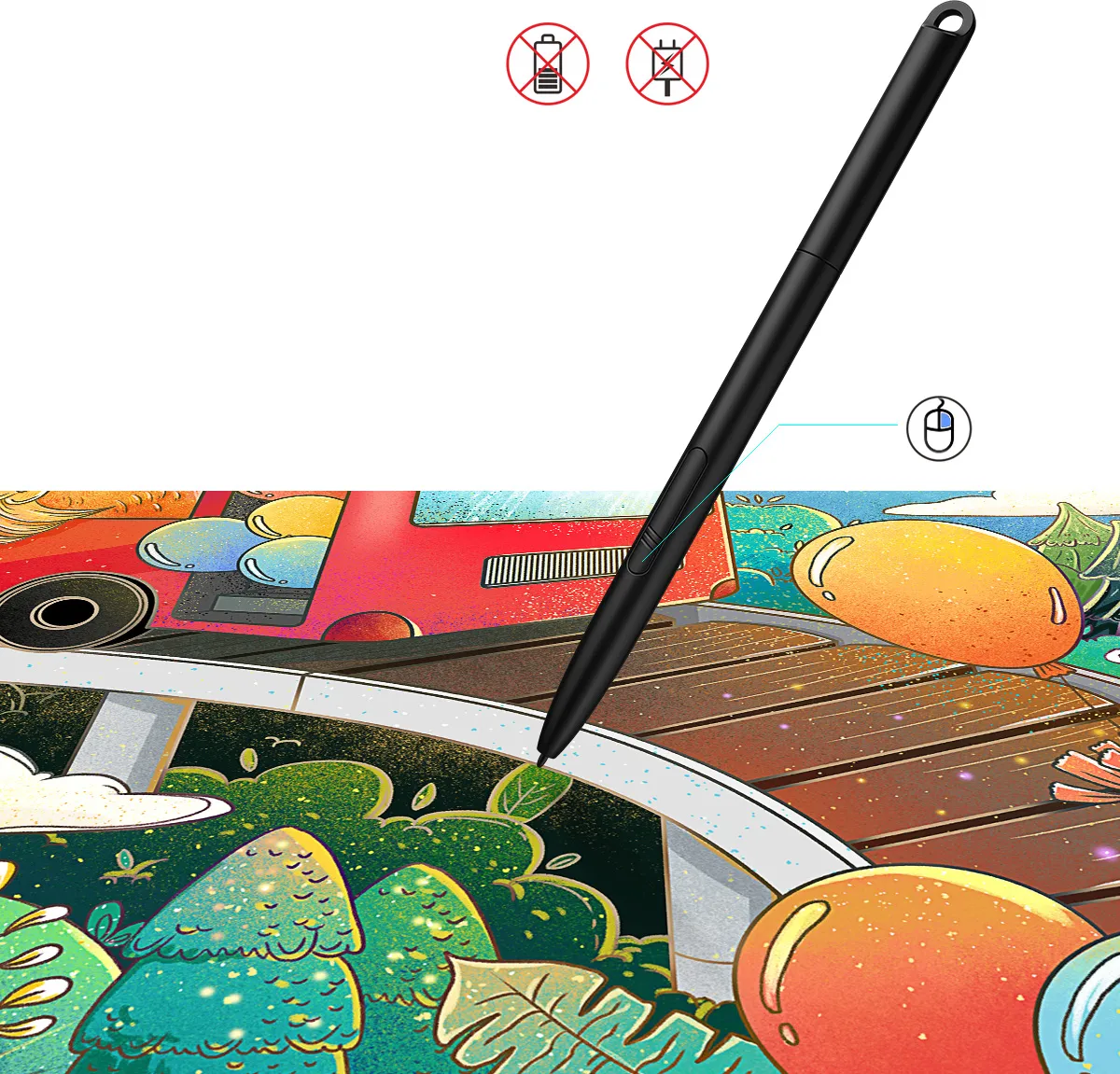
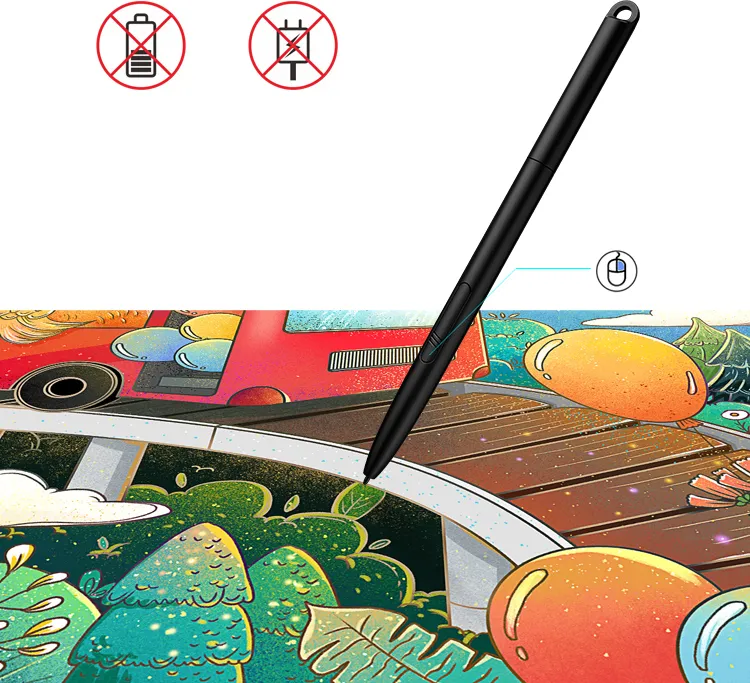
No battery
No need charging
Right Click
Bring your expressions to life
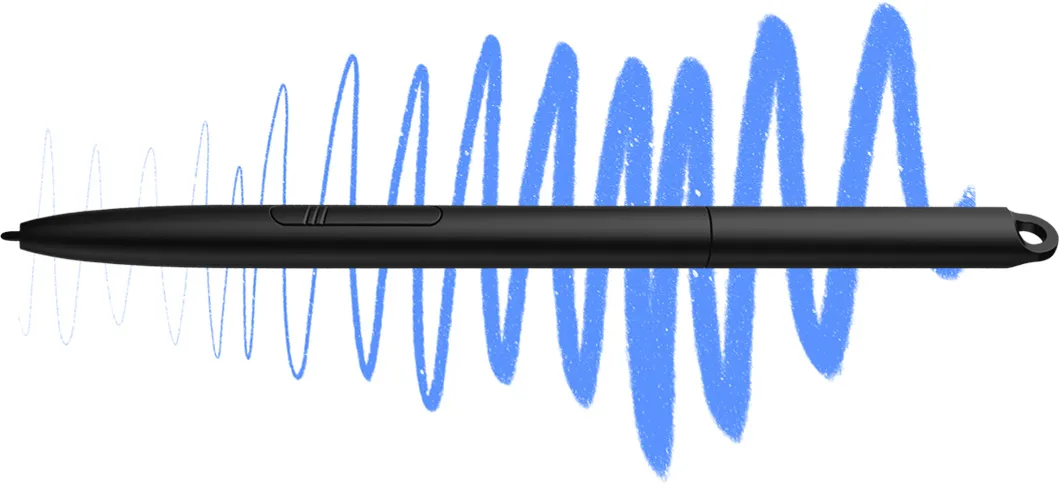
With 8,192 levels of pressure sensitivity, the stylus naturally presents lines of various widths and enables more exquisite expression of lines and strokes with ease.
Well-rounded versatility
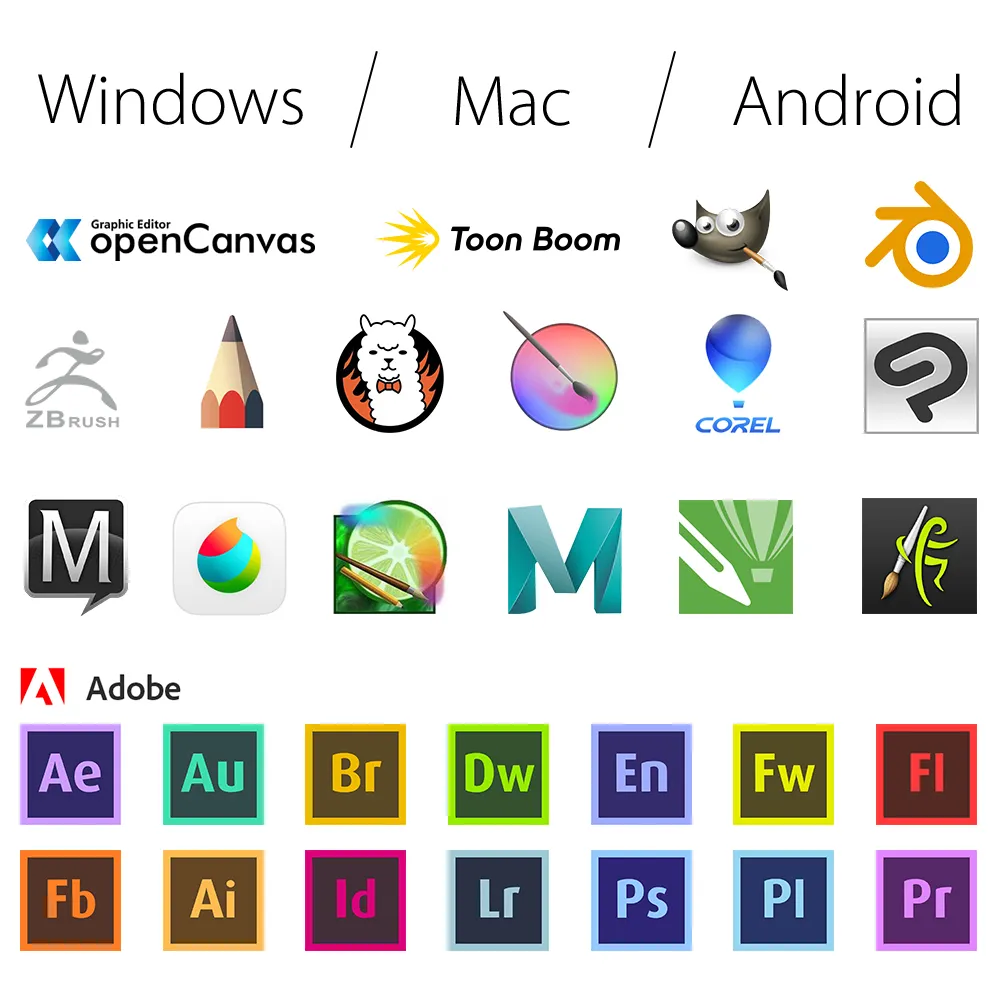
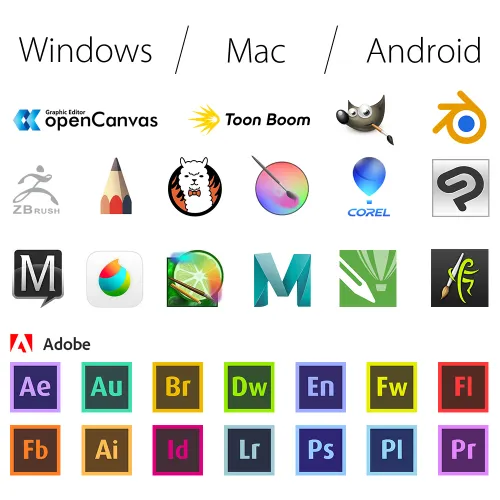
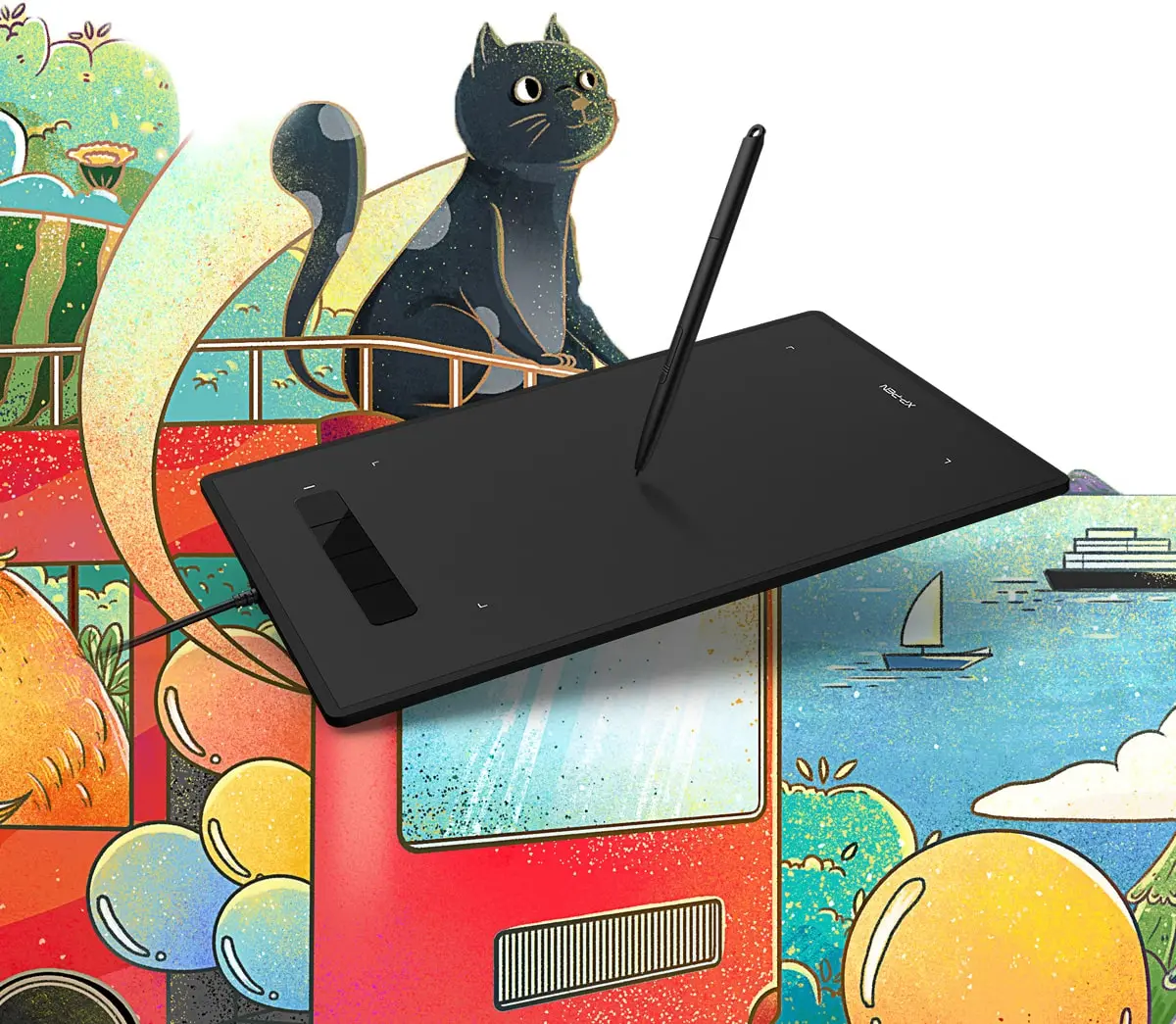
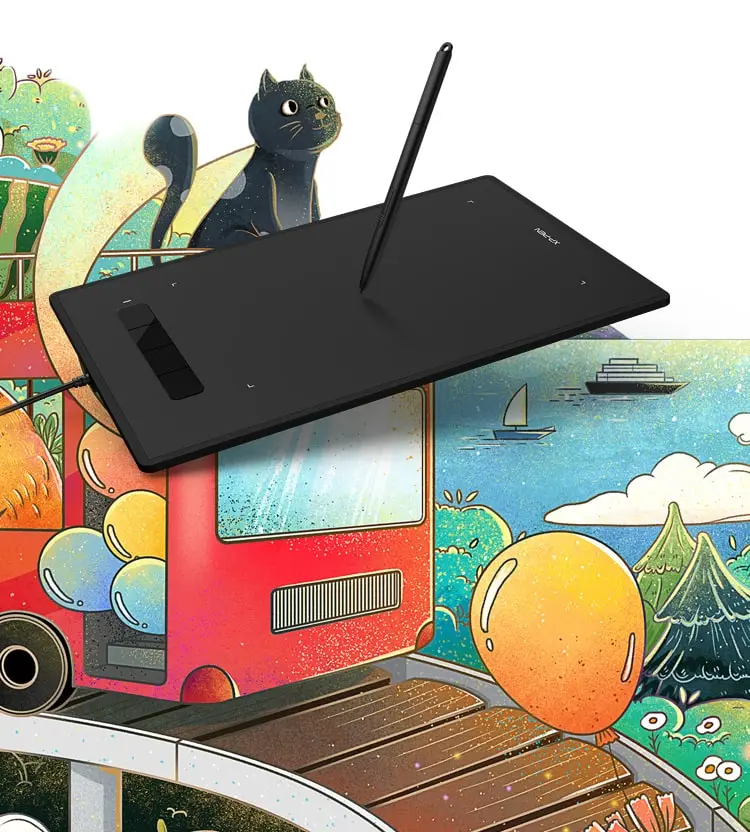
The XP-Pen Star G960 is compatible with Windows® 10/8/7, Linux (Detailed versions), Mac OS X® 10.10 and above. Also works with many major software such as Photoshop®, SAI®, Painter®, Illustrator®, Clip Studio®, GIMP®, Medibang®, Krita®, Fire Alpaca®, Blender® 3D and more.
Specifications:
| Dimensions | 319.5*209.5*10mm |
| Active area | 8.35”x5.33"(212*135mm) |
| Pen | Battery-free Stylus |
| Pressure Sensitivity | 8,192 Levels |
| Shortcut keys | 4 |
| Accuracy | ±0.4mm(Center) |
| Reading height | 10mm |
| Input | USB |
| Compatibility | Windows®7/8/10, Linux (Detailed versions), Mac OS X® 10.10 and higher |
Package included:
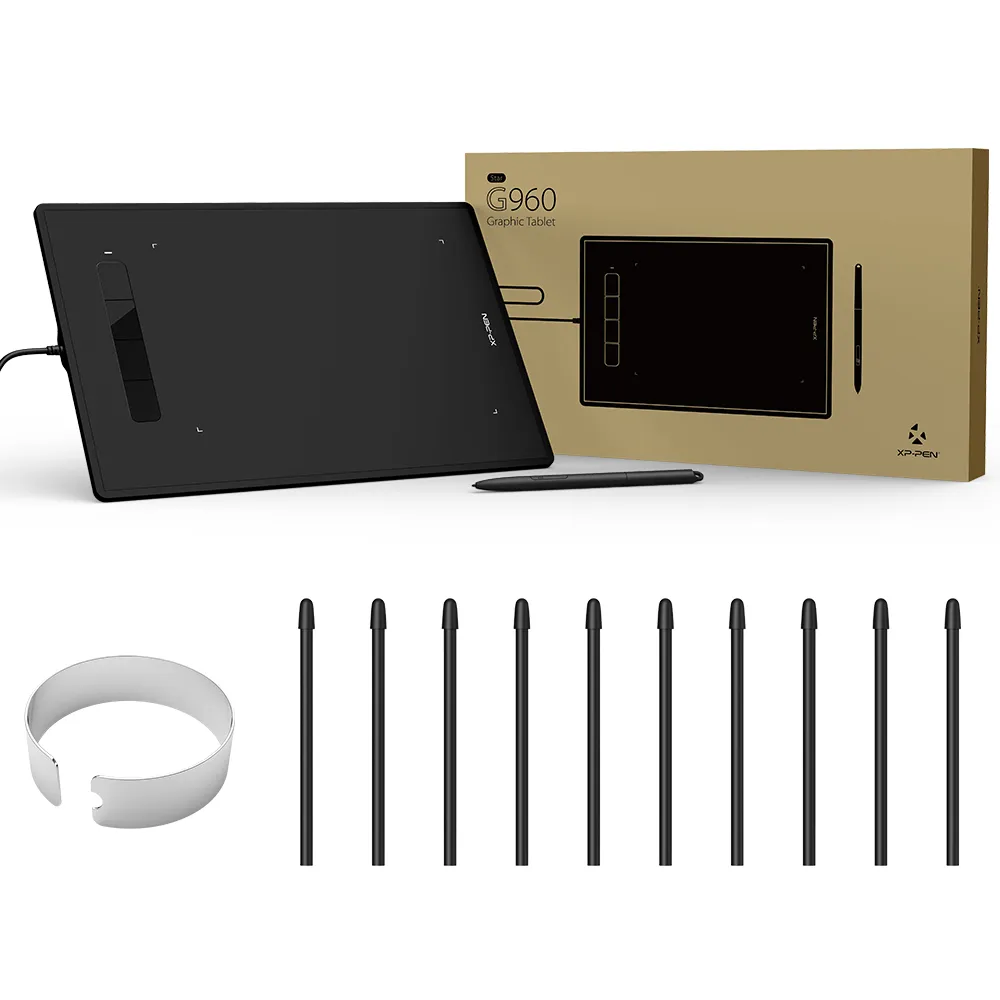
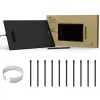
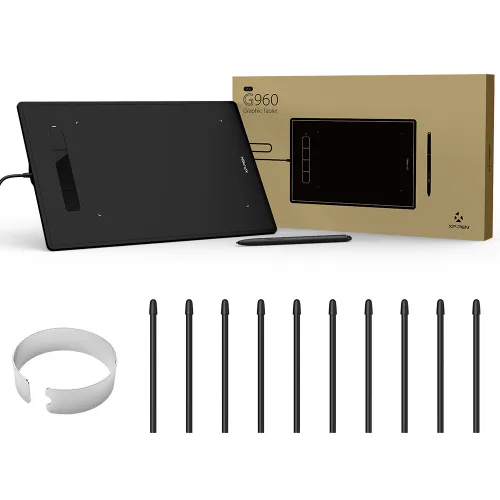
1x Pen Tablet
1x Battery-free Stylus
1x Pen-Clipper
1 x Quick Guide
10 x Replacement Pen Nibs

| Linux OS | Version | Package Format | Supported Software |
| Arch | Arch Linux2019.12.01(64-bit) | .deb, .sh | GIMP, Krita |
| Centos | Centos7.0(64-bit) | .rpm, .sh | GIMP |
| Centos8(64-bit) | .rpm, .sh | GIMP, Krita | |
| Debian | debian-9.5.0-amd64-netinst(64-bit) | .deb, .sh | GIMP, Krita |
| elementary OS | elementary OS 5.0(64-bit) | .deb, .sh | GIMP, Krita |
| ezgo Linux | ezgo14(64-bit) | .deb, .sh | GIMP, Krita |
| Fedora | Fedora32(64-bit) | .rpm, .sh | GIMP, Krita |
| Mageia | Mageia-7.1(64-bit) | .rpm, .sh | GIMP, Krita |
| Manjaro | manjaro-xfce-20.1.2-201019(64-bit) | .deb, .sh | GIMP |
| Mint | linuxmint-18.2-cinnamon-64bit | .deb, .sh | GIMP, Krita |
| OpenSUSE | openSUSE-Tumbleweed(64-bit) | .rpm, .sh | GIMP, Krita |
| Pop!_OS | pop-os_19.10(64-bit) | .deb, .sh | GIMP, Krita |
| Red Hat | Red Hat7(64-bit) | .rpm, .sh | GIMP |
| Ubuntu | Ubuntu14.04(64-bit) | .deb, .sh | GIMP, Krita |
| Ubuntu16.04(64-bit) | .deb, .sh | GIMP, Krita | |
| Ubuntu17.04(64-bit) | .deb, .sh | GIMP, Krita | |
| Ubuntu18.04(64-bit) | .deb, .sh | GIMP, Krita | |
| Ubuntu19.04(64-bit) | .deb, .sh | GIMP, Krita | |
| Ubuntu20.04(64-bit) | .deb, .sh | GIMP, Krita |
| Function | Krita 4.3.0 | Gimp 2.10.20 | Inkscape 0.92 |
| Pen Pressure Sensitivity | |||
| Tilt | |||
| Mouse Function | |||
| Eraser Button (Stylus:PH01, P06) | |||
| Switch between Pen and Eraser Modes | |||
| *If you have any further queries, please do not hesitate to contact us at service@xp-pen.com. | |||
Linux OS
Arch
Version
Arch Linux2019.12.01(64-bit)
Package Format
.deb, .sh
Supported Software
GIMP, Krita
Centos
Version
Centos7.0(64-bit)
Centos8(64-bit)
Centos8(64-bit)
Package Format
.rpm, .sh
.rpm, .sh
.rpm, .sh
Supported Software
GIMP
GIMP, Krita
GIMP, Krita
Debian
Version
debian-9.5.0-amd64-netinst(64-bit)
Package Format
.deb, .sh
Supported Software
GIMP, Krita
elementary OS
Version
elementary OS 5.0(64-bit)
Package Format
.deb, .sh
Supported Software
GIMP, Krita
ezgo Linux
Version
ezgo14(64-bit)
Package Format
.deb, .sh
Supported Software
GIMP, Krita
Fedora
Version
Fedora32(64-bit)
Package Format
.rpm, .sh
Supported Software
GIMP, Krita
Mageia
Version
Mageia-7.1(64-bit)
Package Format
.rpm, .sh
Supported Software
GIMP, Krita
Manjaro
Version
manjaro-xfce-20.1.2-201019(64-bit)
Package Format
.deb, .sh
Supported Software
GIMP
Mint
Version
linuxmint-18.2-cinnamon-64bit
Package Format
.deb, .sh
Supported Software
GIMP, Krita
OpenSUSE
Version
openSUSE-Tumbleweed(64-bit)
Package Format
.rpm, .sh
Supported Software
GIMP, Krita
Pop!_OS
Version
pop-os_19.10(64-bit)
Package Format
.deb, .sh
Supported Software
GIMP, Krita
Red Hat
Version
Red Hat7(64-bit)
Package Format
.rpm, .sh
Supported Software
GIMP
Ubuntu
Version
Ubuntu14.04(64-bit)
Ubuntu16.04(64-bit)
Ubuntu17.04(64-bit)
Ubuntu18.04(64-bit)
Ubuntu19.04(64-bit)
Ubuntu20.04(64-bit)
Ubuntu16.04(64-bit)
Ubuntu17.04(64-bit)
Ubuntu18.04(64-bit)
Ubuntu19.04(64-bit)
Ubuntu20.04(64-bit)
Package Format
.deb, .sh
.deb, .sh
.deb, .sh
.deb, .sh
.deb, .sh
.deb, .sh
.deb, .sh
.deb, .sh
.deb, .sh
.deb, .sh
.deb, .sh
Supported Software
GIMP, Krita
GIMP, Krita
GIMP, Krita
GIMP, Krita
GIMP, Krita
GIMP, Krita
GIMP, Krita
GIMP, Krita
GIMP, Krita
GIMP, Krita
GIMP, Krita
Function
Pen Pressure Sensitivity
Krita 4.3.0
Gimp 2.10.20
Inkscape 0.92
Tilt
Krita 4.3.0
Gimp 2.10.20
Inkscape 0.92
Mouse Function
Krita 4.3.0
Gimp 2.10.20
Inkscape 0.92
Eraser Button(Stylus:PH01, P06)
Krita 4.3.0
Gimp 2.10.20
Inkscape 0.92
Switch between Penand Eraser Modes
Krita 4.3.0
Gimp 2.10.20
Inkscape 0.92
*If you have any further queries, please do not hesitate to contact us at service@xp-pen.com.
4.3


Based on 3
67%(2)
0(0)
33%(1)
0(0)
0(0)
Stefan Filip
Oct 29 ,2020 PM 13:13 Star G960
Great
Supeeer!
Official mall
Oct 29 ,2020 PM 14:23
Dear customer,
Thanks for your feedback.
It\'s so great of you sharing your experience to other customers.
If you have any questions, do not hesitate to contact us .We will provide professional help: service@xp-pen.com
Have a nice day : )
Best wishes
XP-Pen
Useful(0)+1
Shivam Arzare
Dec 23 ,2020 PM 17:28 Star G960
Awesome product!
Sent this tablet to my friend as a Christmas present. Delivered within 7 days (in Romania). Customer service is really good too, replied to my queries very fast. As for the tablet itself, it works well, quoting my friend who received the present "This Sh*t is so cool!!" haha. This is my second purchase from XP pen, and I'm satisfied with products and services!
Official mall
Dec 23 ,2020 PM 22:09
Dear customer,
Thanks for your feedback.
It\'s so great of you sharing your experience to other customers.
If you have any questions, do not hesitate to contact us .We will provide professional help: service@xp-pen.com
Merry Christmas and Happy New Year!
Best wishes
Useful(1)+1
Mohamad Kdimate
Sep 24 ,2020 AM 01:29 Star G960
gstar 920
it was very good but the penis very light
Official mall
Sep 24 ,2020 PM 15:11
Dear customer,
Thanks for your feedback.
It\'s so great of you sharing your experience to other customers.
If you have any questions, do not hesitate to contact us .We will provide professional help: service@xp-pen.com
Have a nice day : )
Best wishes
XP-Pen
Useful(1)+1
XFANSudv4p15d
Oct 17 ,2024 PM 14:46 Star G960
will the product work on Windows 11?
Reply0
XFANSk5198t9z
Dec 31 ,2023 AM 05:08 Star G960
How long woud it take to ship to Lithuania?
Reply1
Official mall
Feb 02 ,2024 PM 16:39
Dear customer,
The estimated delivery is 6-12 business days.
Best wishes
XPPen
Reply to this review
Theodora Vasilescu
Feb 26 ,2021 PM 19:06 Star G960
Hello! Where I can find nibs for buy them separately?
Reply1
Official mall
Feb 26 ,2021 PM 19:27
Dear customer,
Thanks for your interest in our product.
Please choose the nibs for PH06,PH03 ,PH02. https://www.storexppen.eu/buy/48.html
Best wishes
XP-Pen
Reply to this review
Rotaru Calin Ștefan
Dec 30 ,2020 PM 16:44 Star G960
Hello! I d like to know what is the delivery time for Romania, pls.
Reply1
Official mall
Dec 30 ,2020 PM 18:06
Dear customer,
Thanks for your interest in our product.
The shipping time is about 15-20 business days.
Best wishes
XP-Pen
Reply to this review
Pham Thi Hong Hanh
Dec 17 ,2020 AM 07:28 Star G960
Hello, I would like to ask how many days to deliver to Czech Republic, can I pay in cash at delivery in Czech korun?
Thank you,
Reply1
Official mall
Dec 17 ,2020 PM 22:26
Dear customer,
Thanks for your interest in our product.
The item is in stock in EU warehouse.
The shipping time will be about 8-16 business days. It is a pity that we don\'t support cash.
You could pay it by Paypal, Credit card. Debit card
Sorry that we would not provide a specific time on special time.
We would try our best to speed it up.
Best wishes
XP-Pen
Reply to this review
Konstantinos Manthos
Dec 06 ,2020 PM 21:14 Star G960
Hi! is the product avaliable?
How many days until it ships to Greece?
Reply1
Official mall
Dec 07 ,2020 PM 18:09
Dear customer,
It is in stock in EU warehouse.
The shipping time will be about 15-20 business days.
Best wishes
XP-Pen
Reply to this review
Mario Cvek
Nov 24 ,2020 PM 23:58 Star G960
From what country do you ship? Need to know for custom duties
Reply1
Official mall
Nov 25 ,2020 PM 15:00
Dear customer,
Thanks for your interest in our product.
Could you tell us what country you are from?
We would check the stock in different warehouses and delivery way for you.
Best wishes
XP-Pen
Reply to this review
Grigore Diana
Nov 23 ,2020 PM 17:54 Star G960
What is the maximum of days for the product to be delivered in Romania?
Reply1
Official mall
Nov 24 ,2020 PM 15:57
Dear customer.
Thanks for your interest in our product.
The shipping time will be about 10-20 business days.
Best wishes
XP-Pen
Reply to this review
Ειρήνη Αθητάκη
Apr 27 ,2020 AM 11:40 Star G960
What is the maximum of days for the product to be delivered in Greece?
Reply1
Official mall
Apr 27 ,2020 PM 14:36
Dear customer,
It is about 30 business days.
Best wishes
Melody
Reply to this review