




















Getting started with your
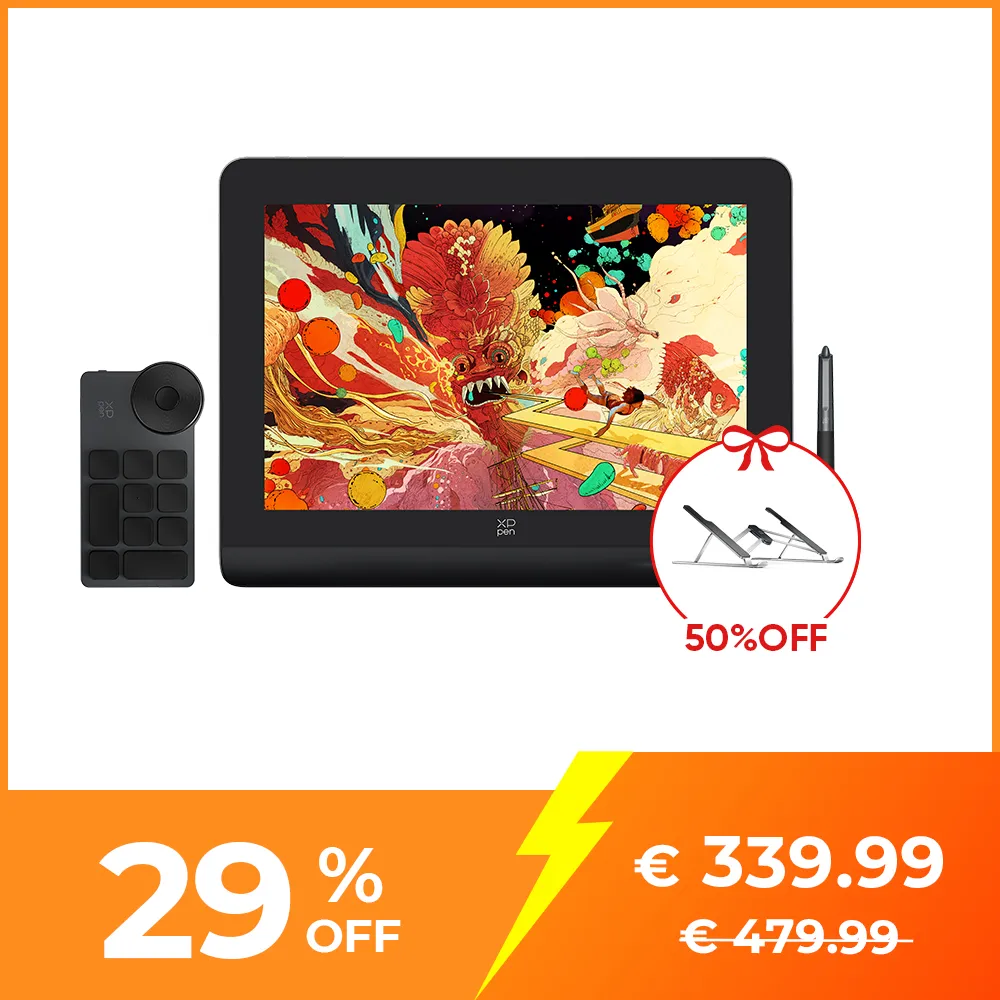
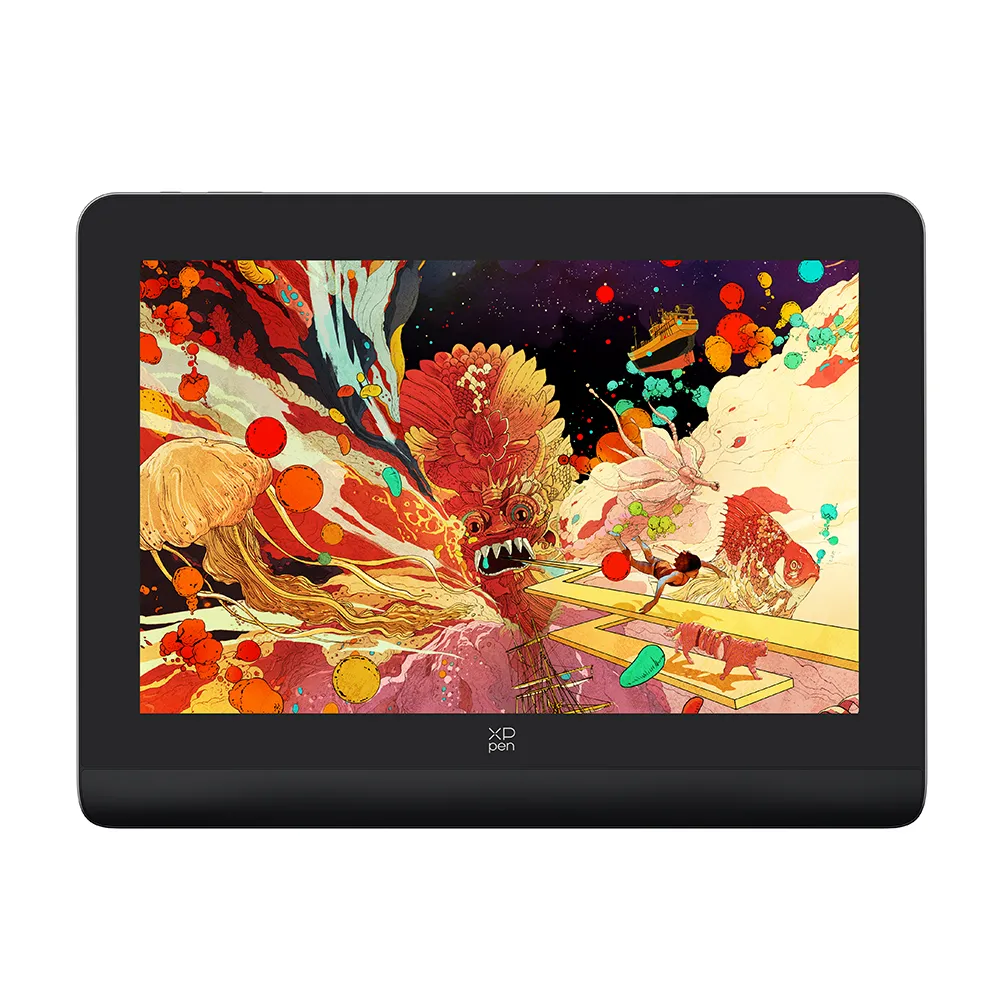
XPPen Artist Pro 14 (Gen 2)
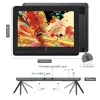
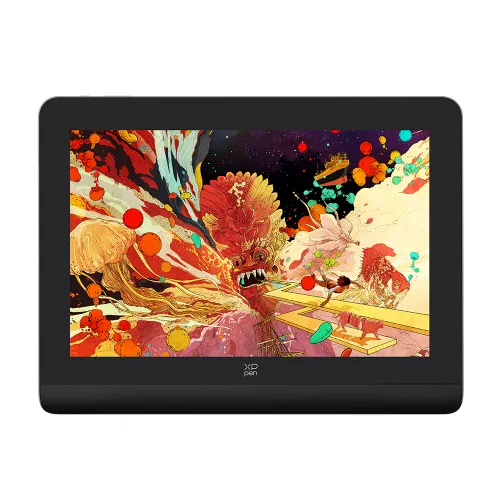
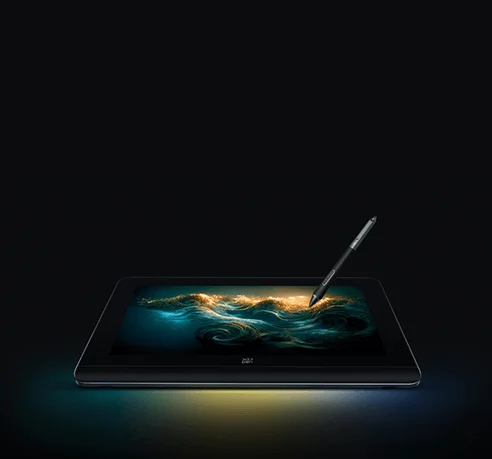
Artist Pro 14 (Gen 2)
16K Pressure Levels — World First
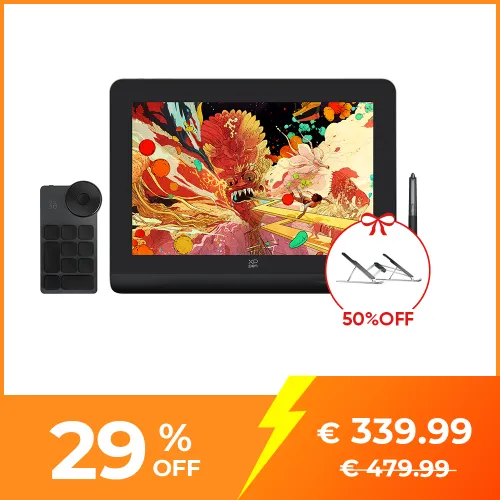
16K pressure levels, 123% sRGB color gamut area ratio
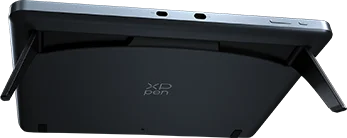
fully laminated screen, built-in foldable stand
❋In stock in the EU warehouse❋
❋24-Month Warranty❋
ESSENTIAL_ACCESSORIES
QUANTITY:

Worry-Free Delivery® available with seel
Shan Jiang
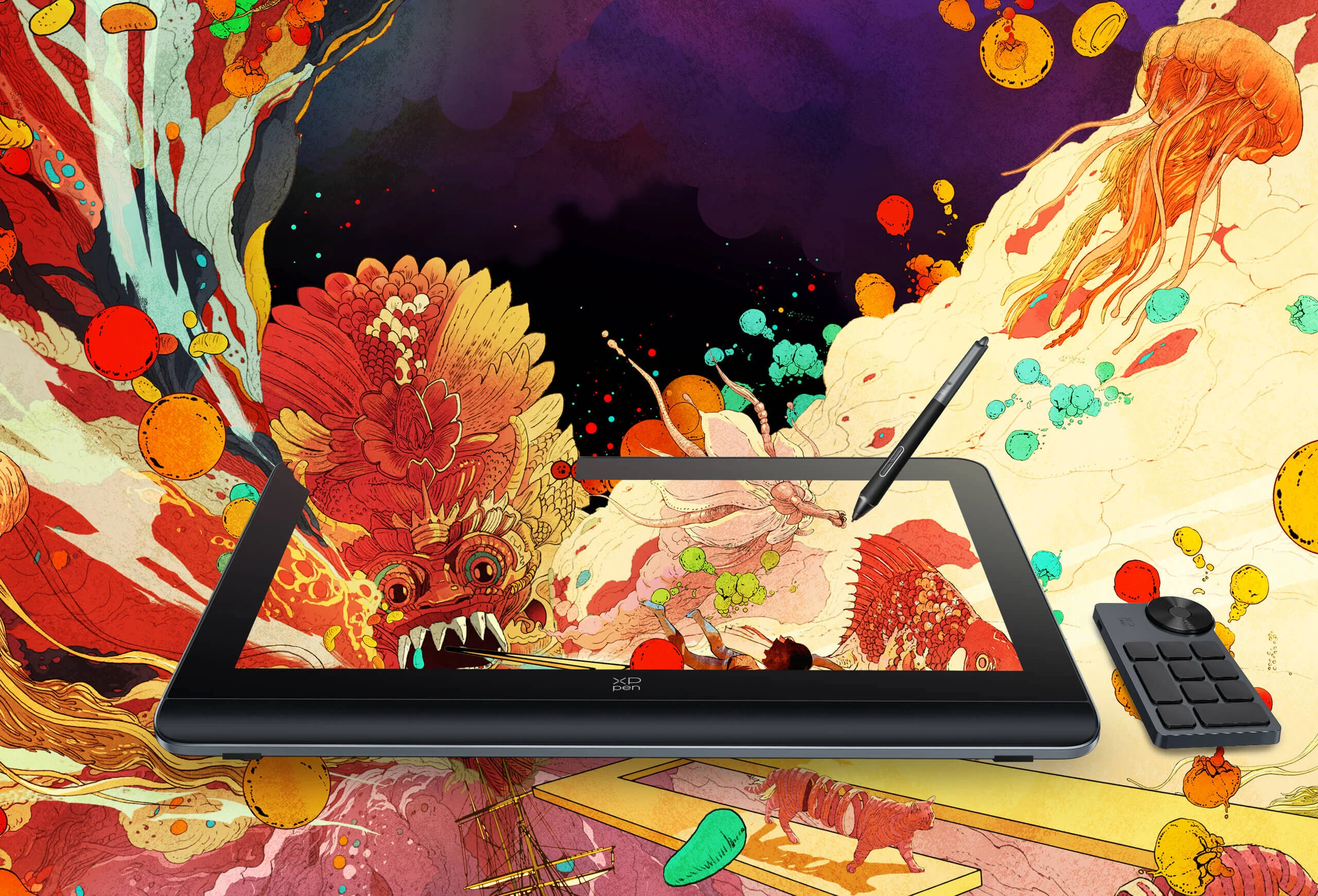
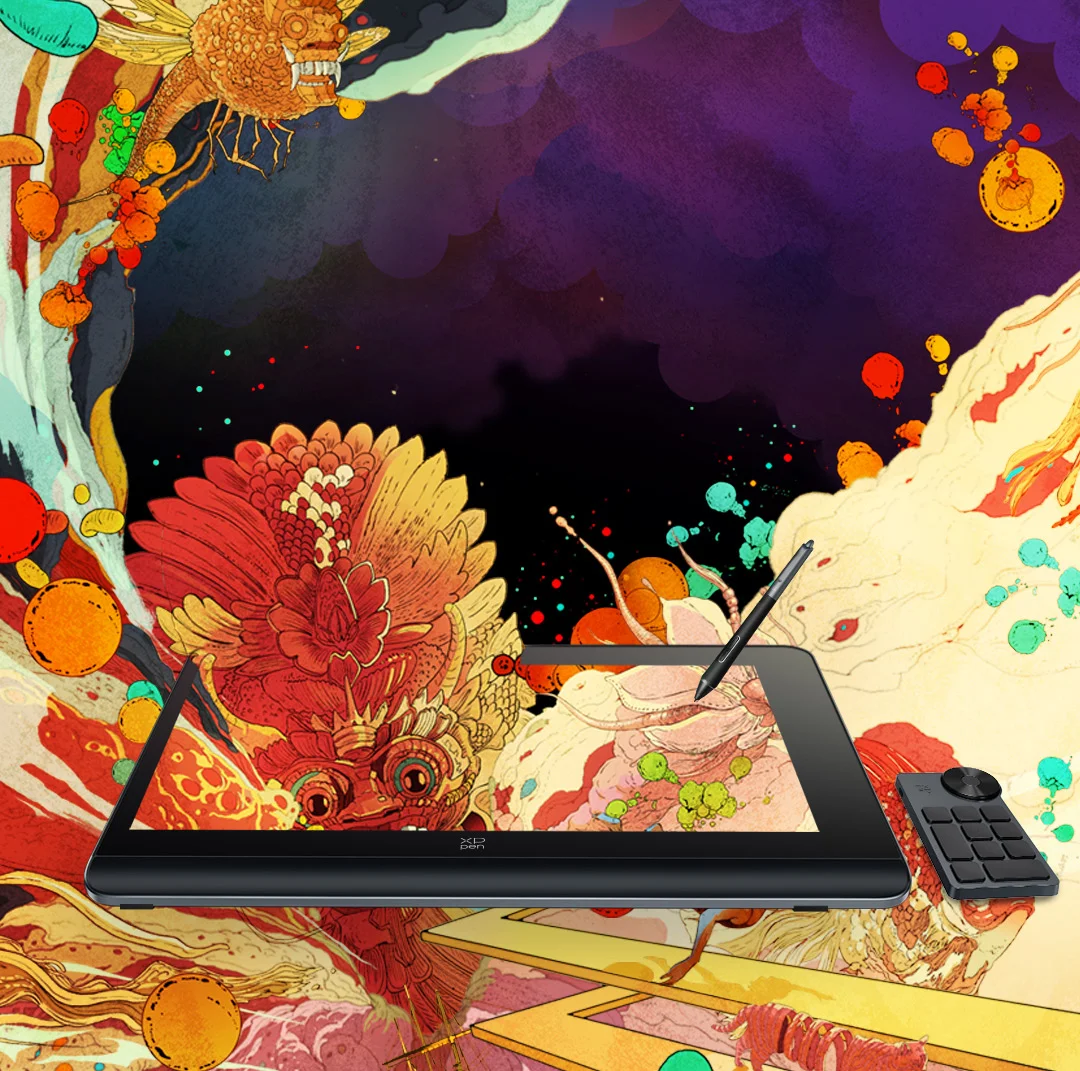
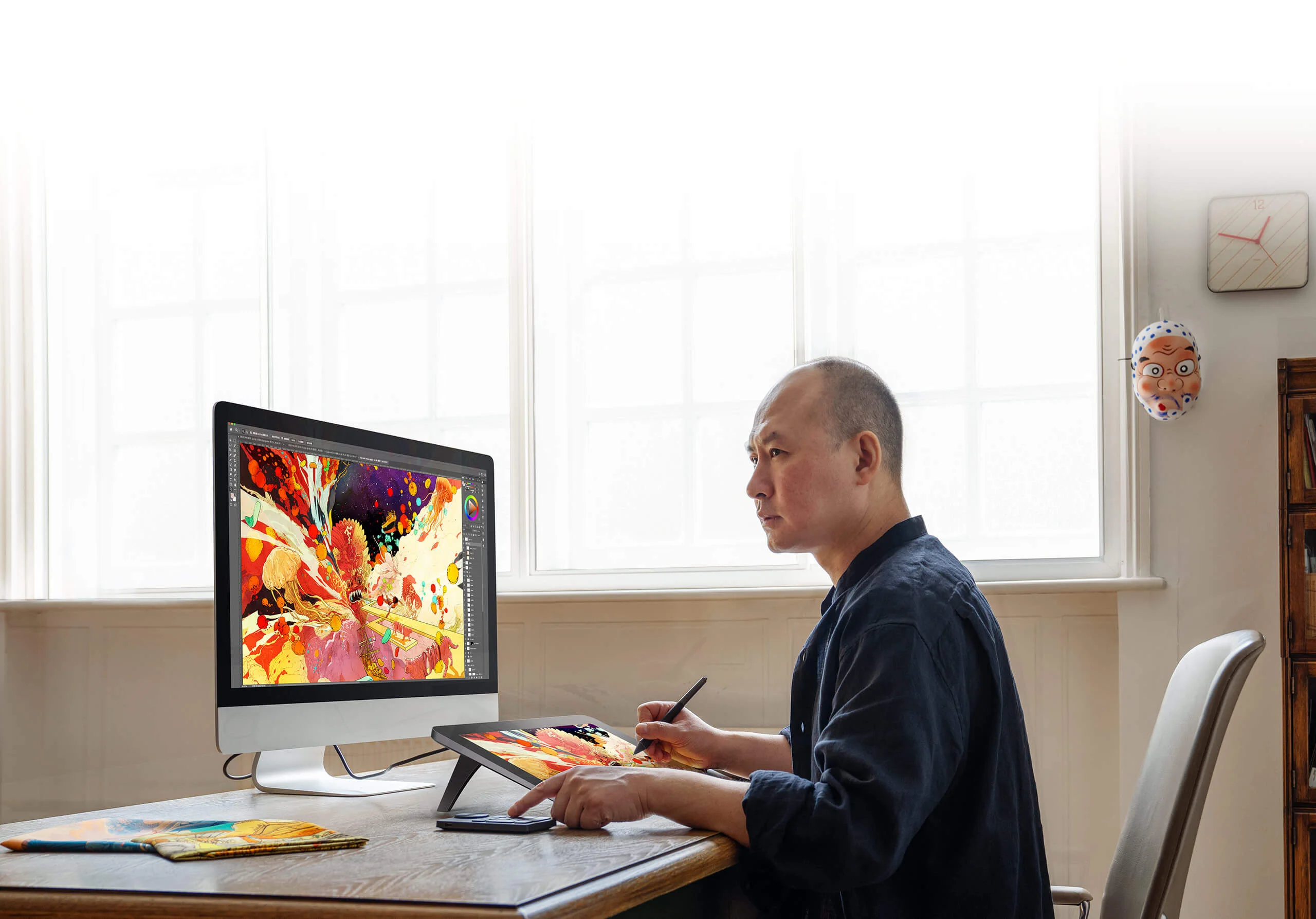
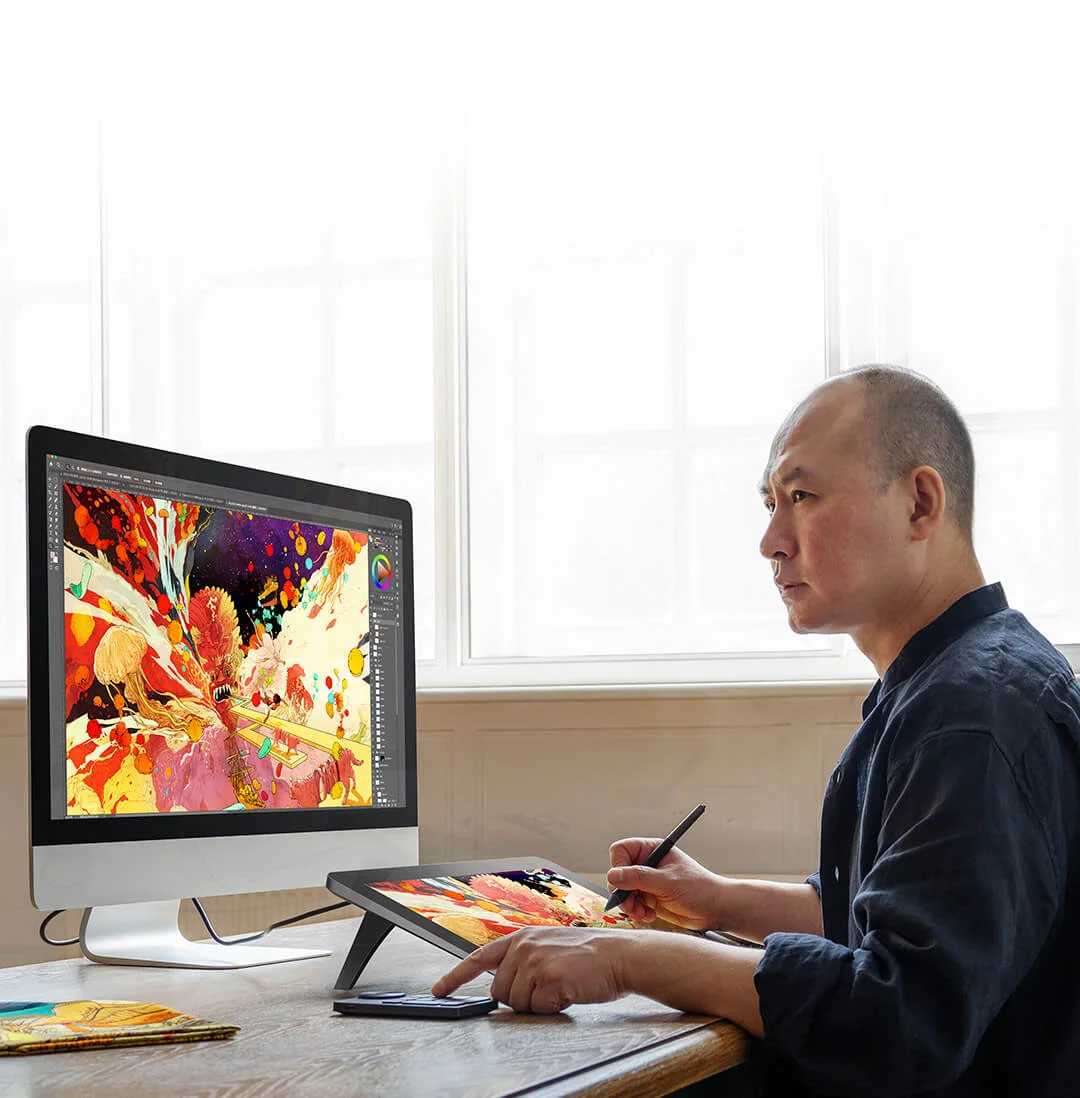
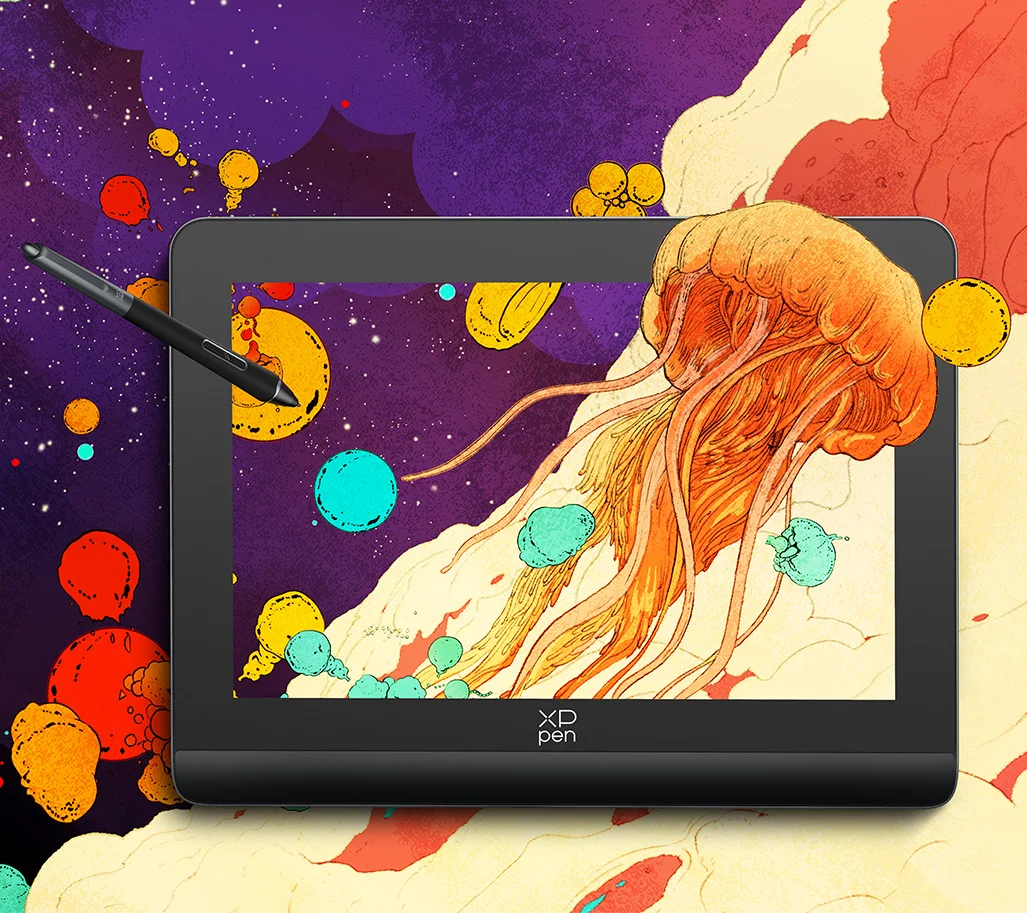
A world-renowned artist, illustrator, and designer who once cooperated with Apple and illustrated for Hermès in a global contest. And a Lion-winner of the Cannes Lions International Festival of Creativity 2014. His illustrations are a burst of emotions and boldness, packed with international cultural diversity and profound creative techniques, taking the audience to a spectacular imaginative world.
XPPen is honored to collaborate with Shan Jiang to break the boundary of art and technology as it launches the all-new
Artist Pro Drawing Display (Gen 2).
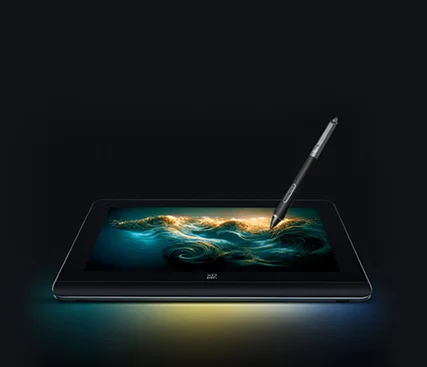
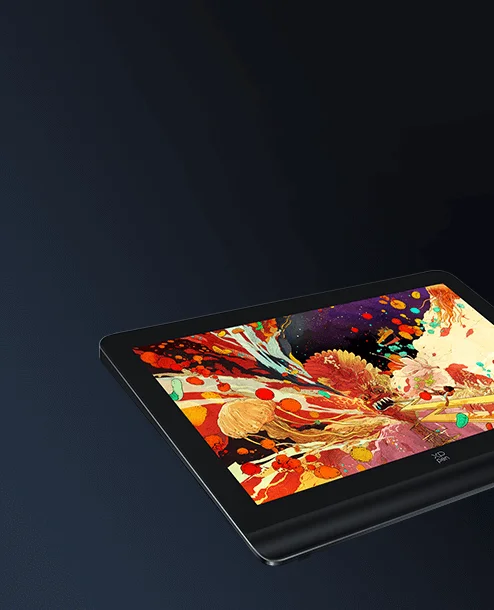
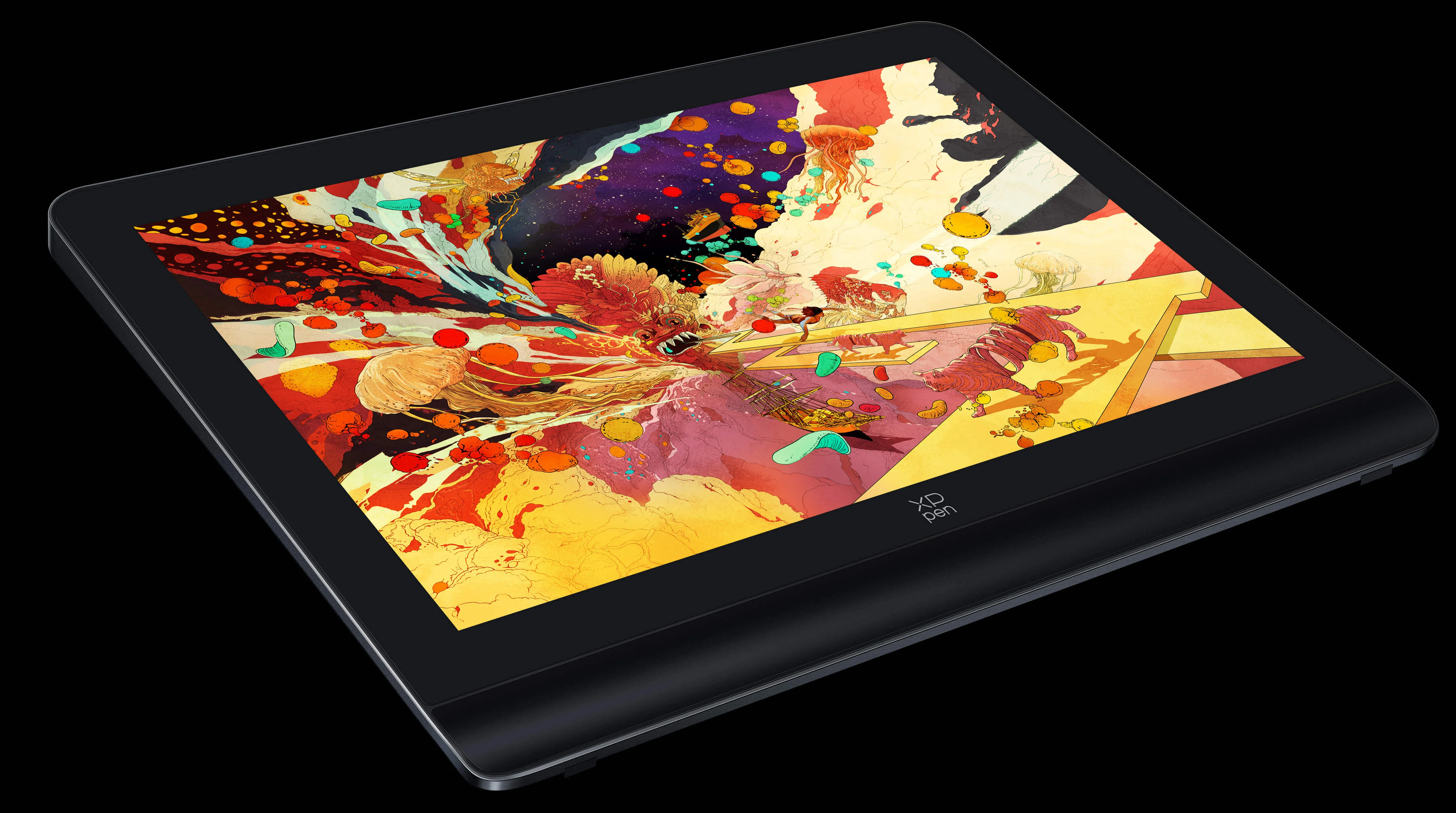
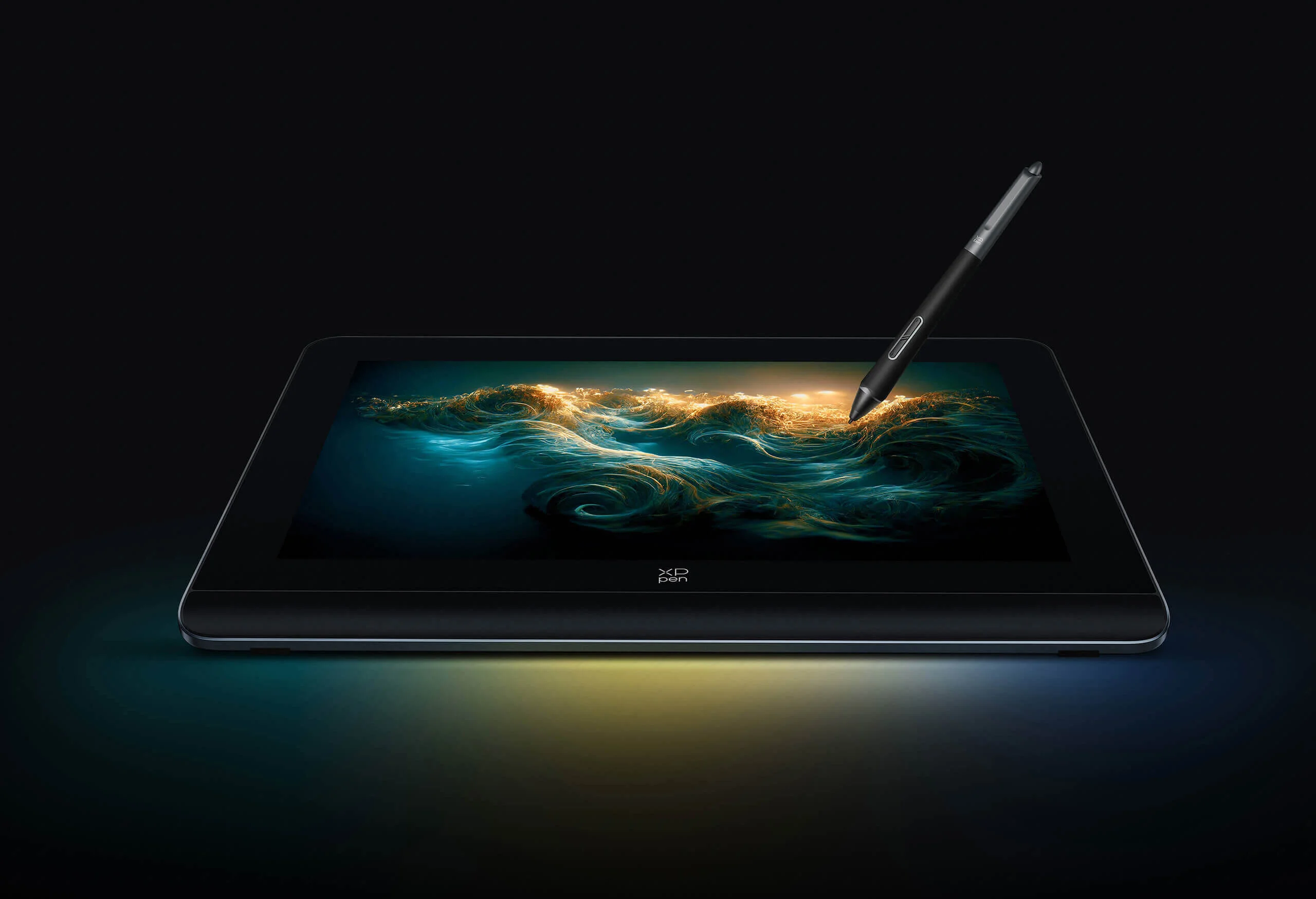
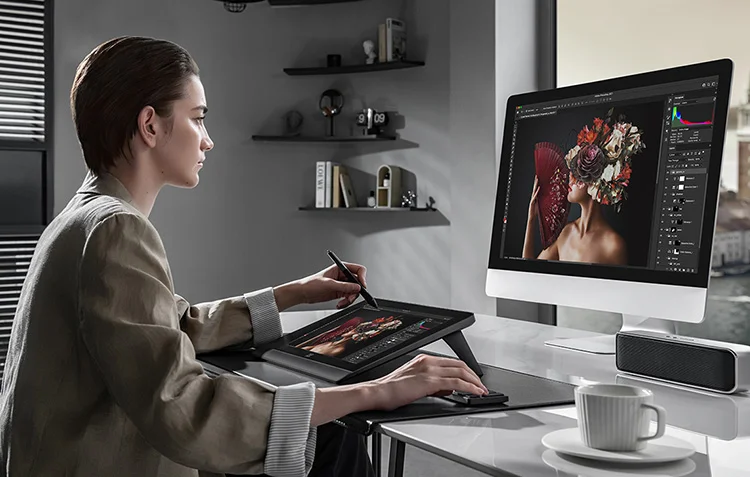
Meet the new Artist Pro 14 Drawing Display (Gen 2), armed with an
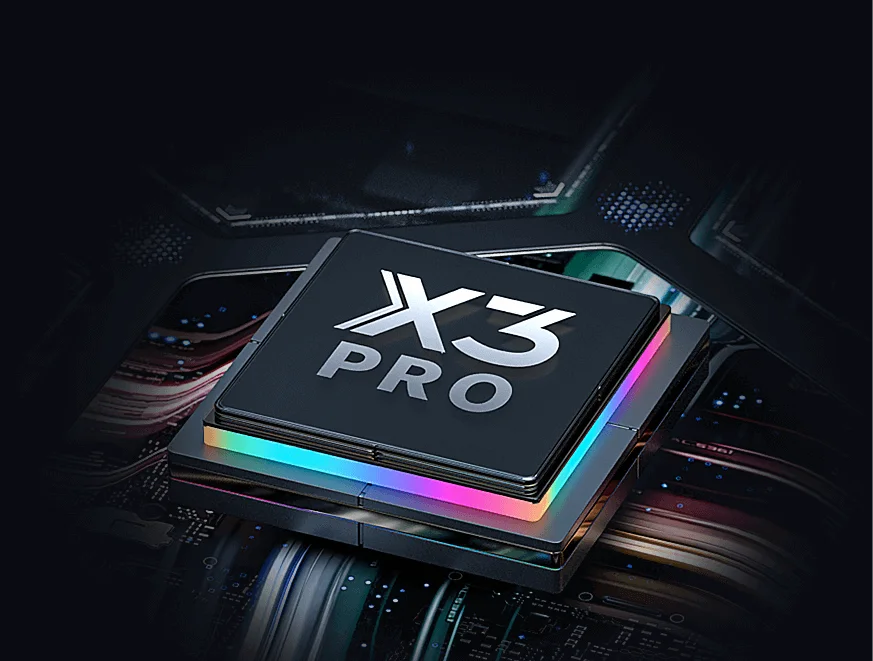
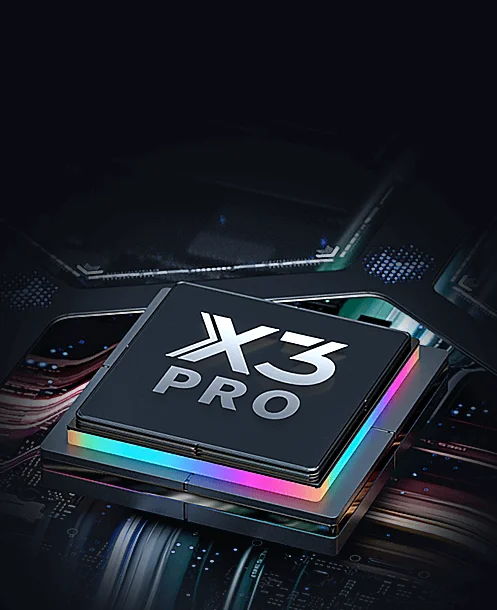
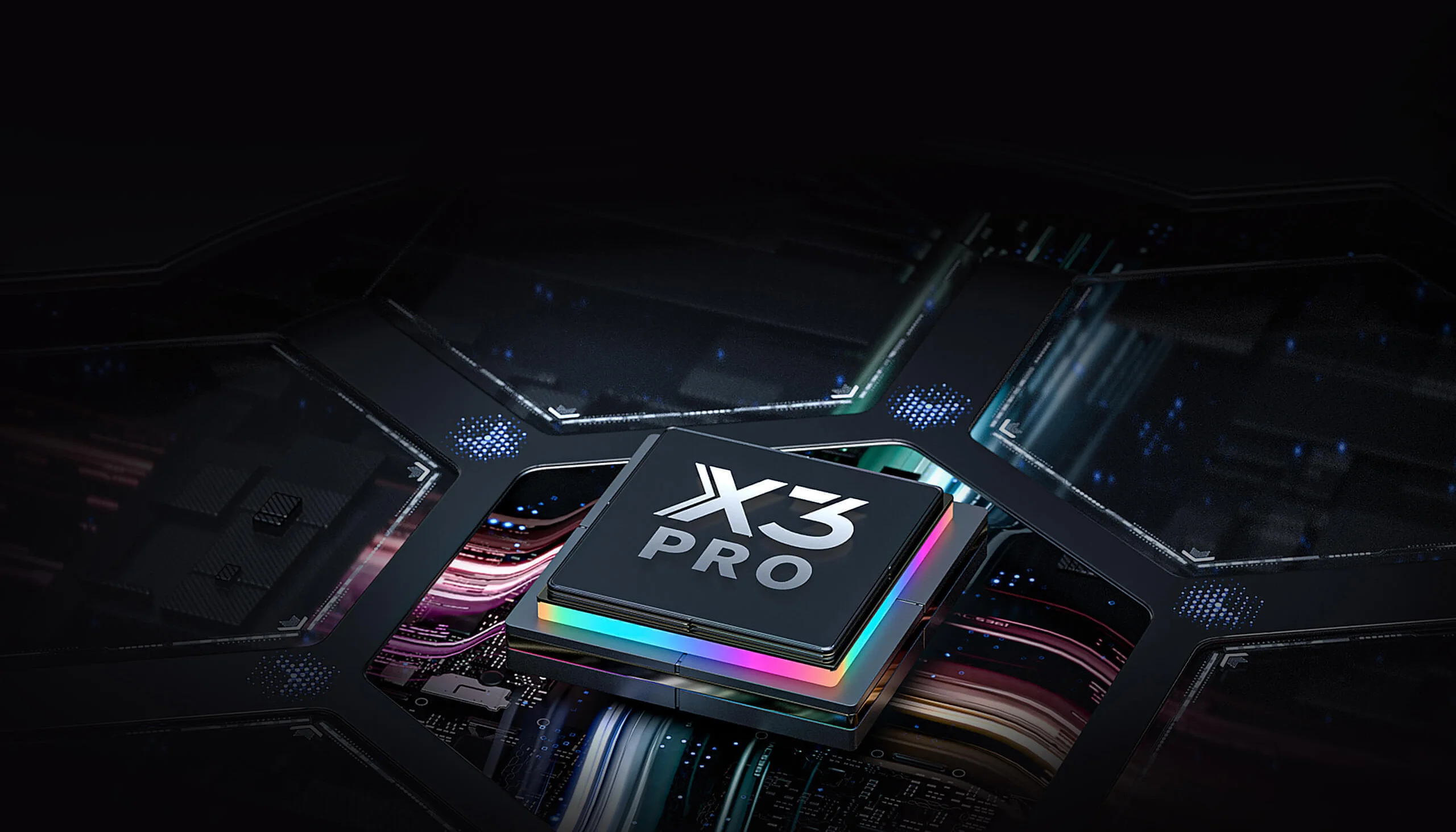
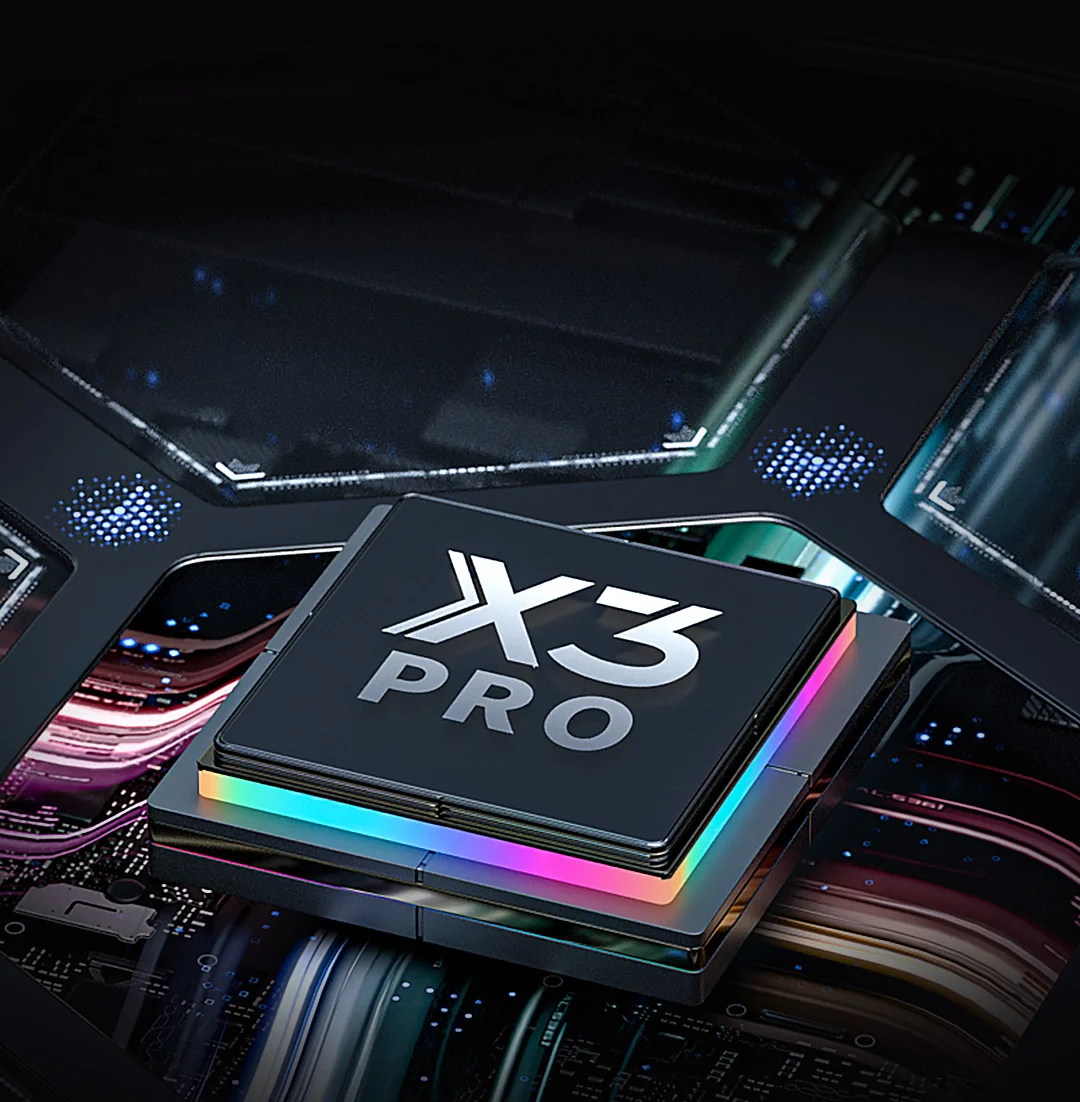
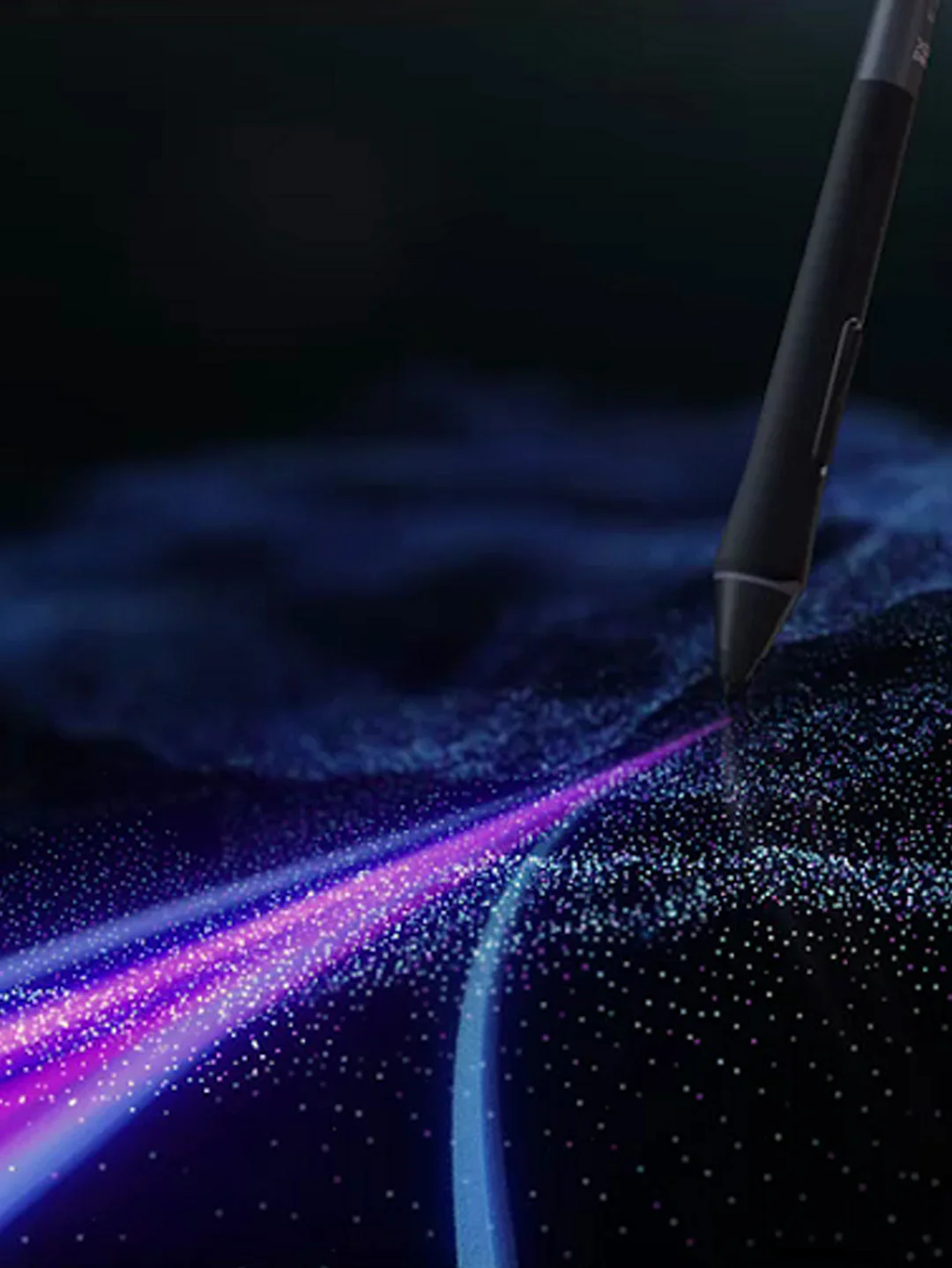
X3 Pro Smart Chip Stylus. Painstakingly developed by the X-Innovation Laboratory under XPPen, this state-of-the-art combo is a huge leap forward in CG technology to liberate your inspiration and let your fingers fly over pieces of artwork.
X3 Pro Smart Chip Stylus
16K pressure levels, industry-first innovation.
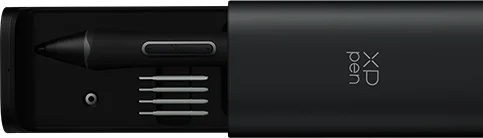
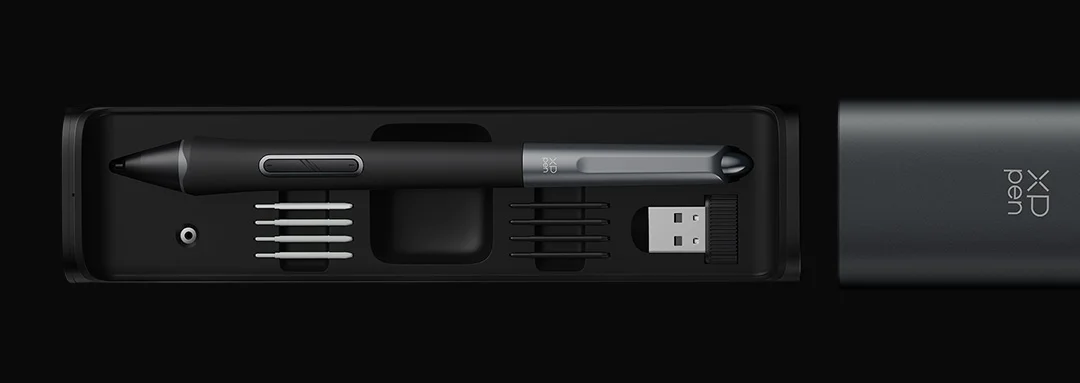
Pen Case
Keep the stylus available and organized.
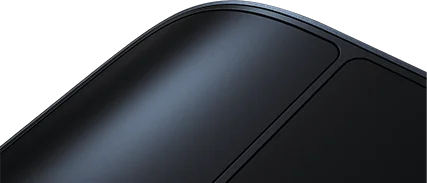
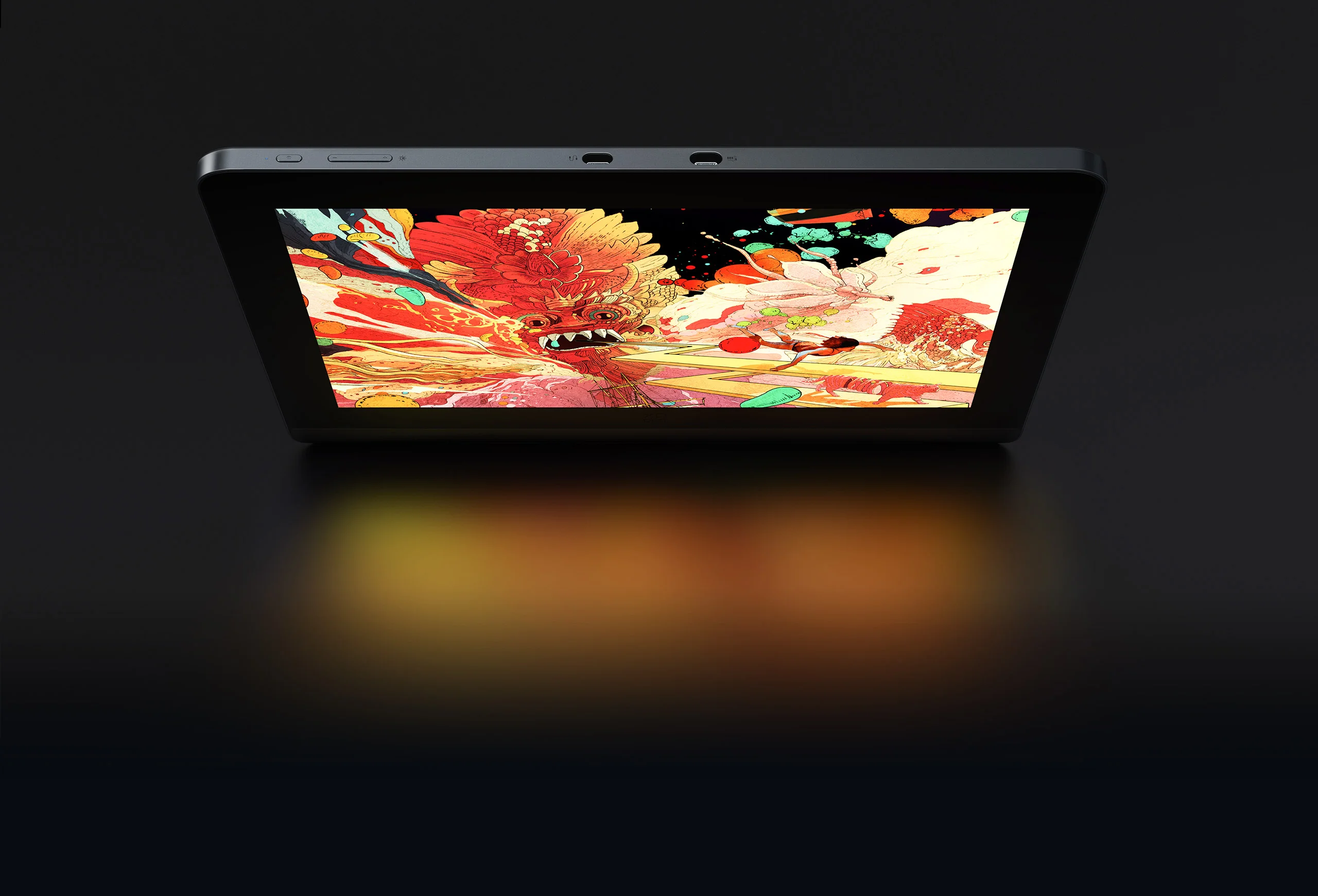
Futuristic streamlined design
Perfect blending of tech and art.
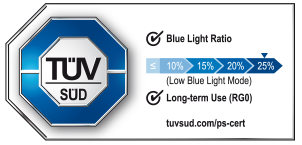
TÜV SÜD certified
Low blue light. Easy for eyes.
Simulation X-Nature
Display
Life-like colors and exceptional details.
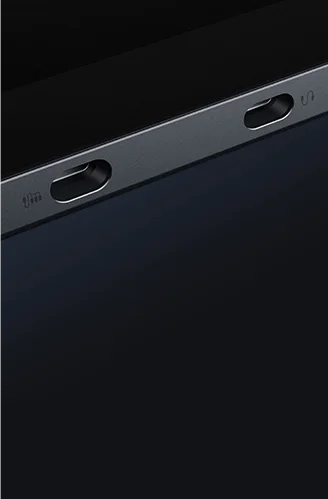
X-Remote Control
Control handily.
Create efficiently.
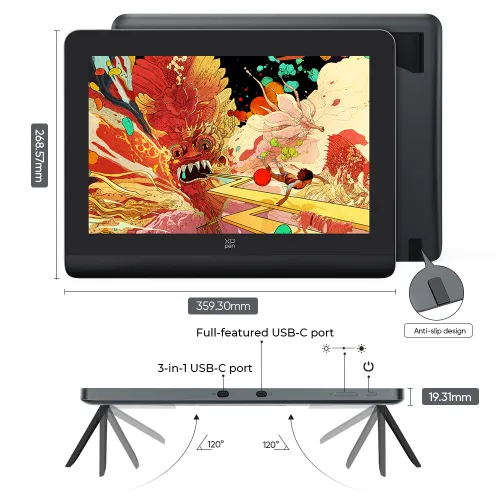
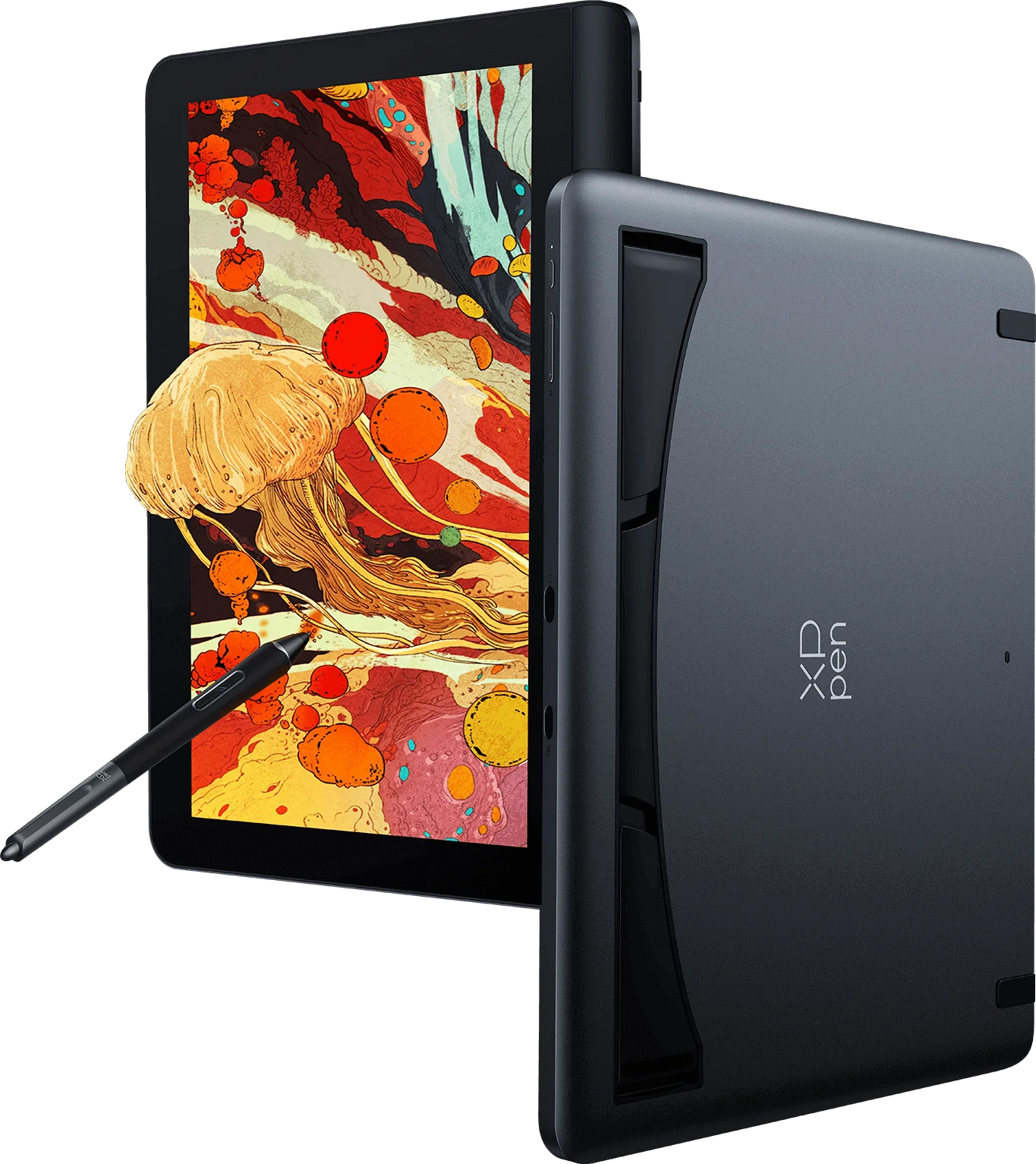
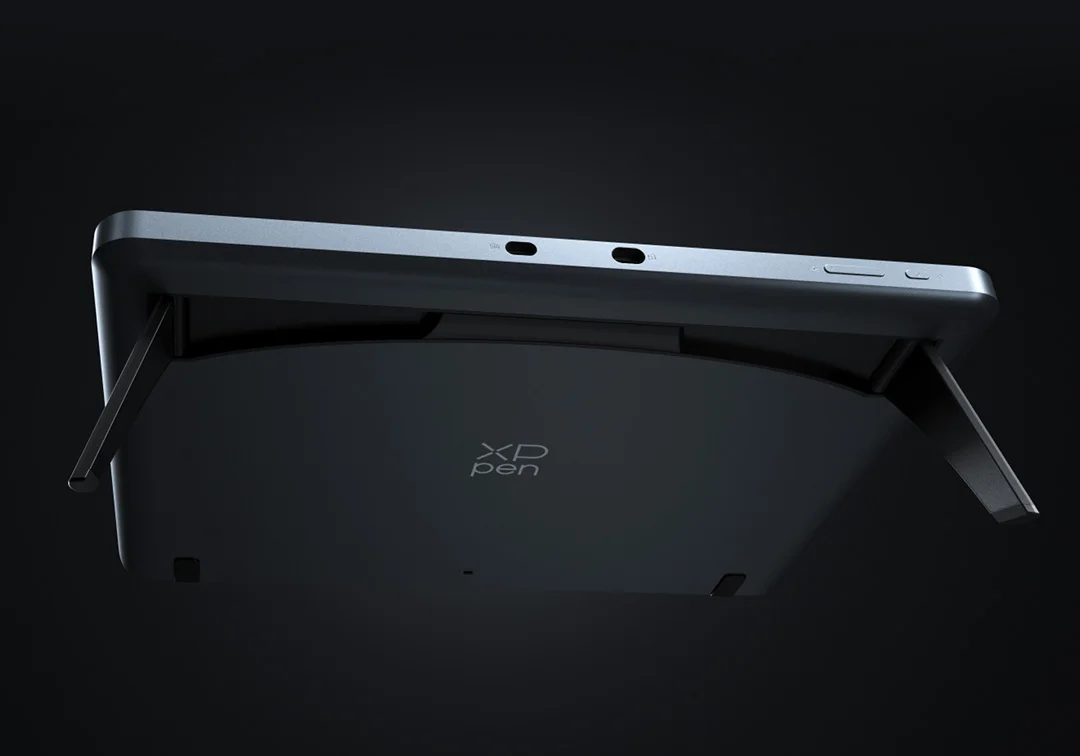
Built-in foldable stand
Get a preferred work posture anytime, anywhere.
X-Edge Wrist Rest
Ergonomic and smooth. Create in comfort.
USB-C cable
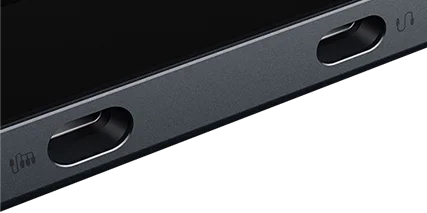
Flexible dual ports without hassle.
X3 Pro Smart Chip Stylus
16K pressure levels, industry-first innovation.
Simulation X-Nature Display
Life-like colors and exceptional details.
Pen Case
Keep the stylus available and organized.
X-Remote Control
Control handily. Create efficiently.
Built-in foldable stand
Get a preferred work posture anytime, anywhere.
Futuristic streamlined design
Perfect blending of tech and art.
TÜV SÜD certified
Low blue light. Easy for eyes.
X-Edge Wrist Rest
Ergonomic and smooth. Create in comfort.
USB-C cable
Flexible dual ports without hassle.
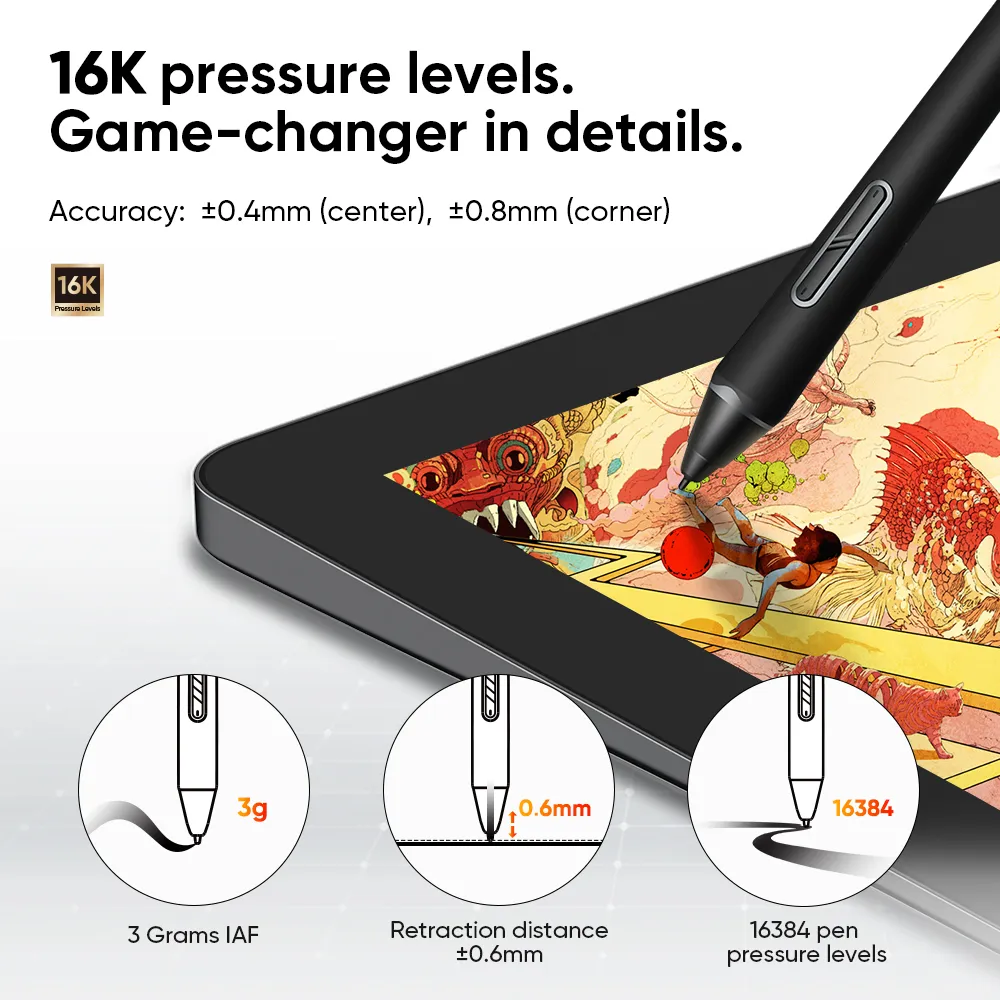
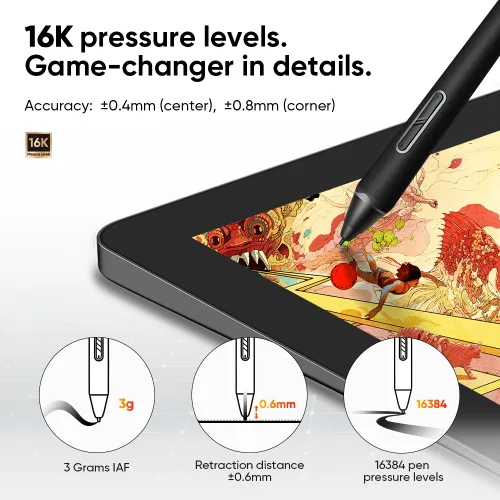
16K pressure levels.
Game-changer in details.
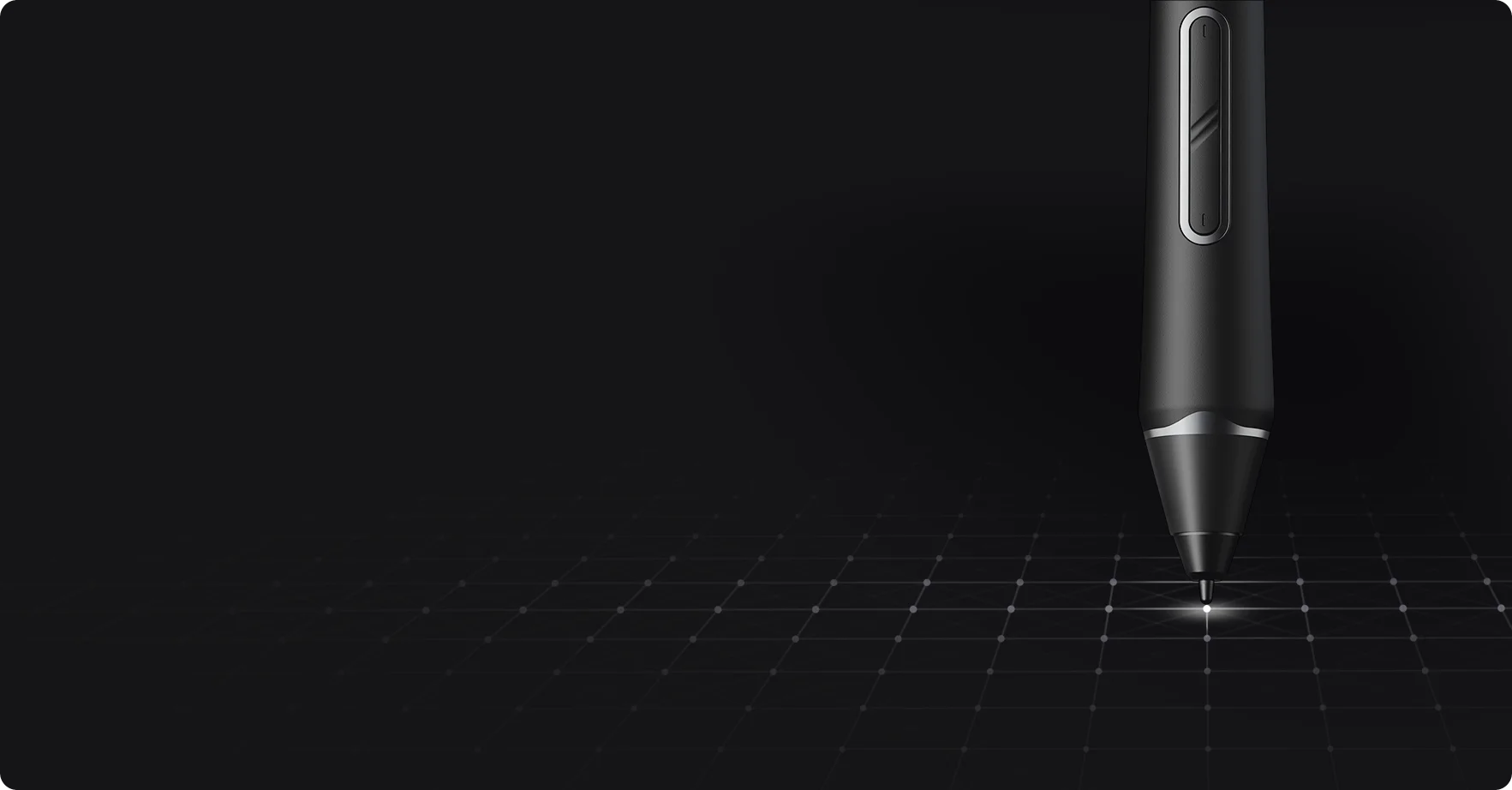
Introducing X3 Pro Smart Chip Stylus, a truly breakthrough innovation that boasts industry-first 16K pressure levels, 100%* higher than that of its peers. It delivers much more precise and smooth lines than ever before — excelling at hyper-nuanced creation and beyond.
More responsive.
More accurate.
Initial response rate decreases to 90ms*, 1.5x* faster than ever. Accuracy increases by 20%* to bring out every art project precisely what you want. Virtually no lag or broken lines.
IAF
retraction distance
tilt
Accuracy: ±0.4mm* (center), ±0.8mm* (corner)
100% higher pressure levels
20% higher accuracy
* The data were taken from laboratory simulation tests and may vary depending on the operating environment.
Works like magic over
the X-Nature Display.
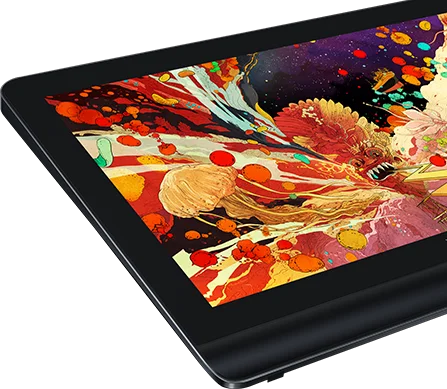
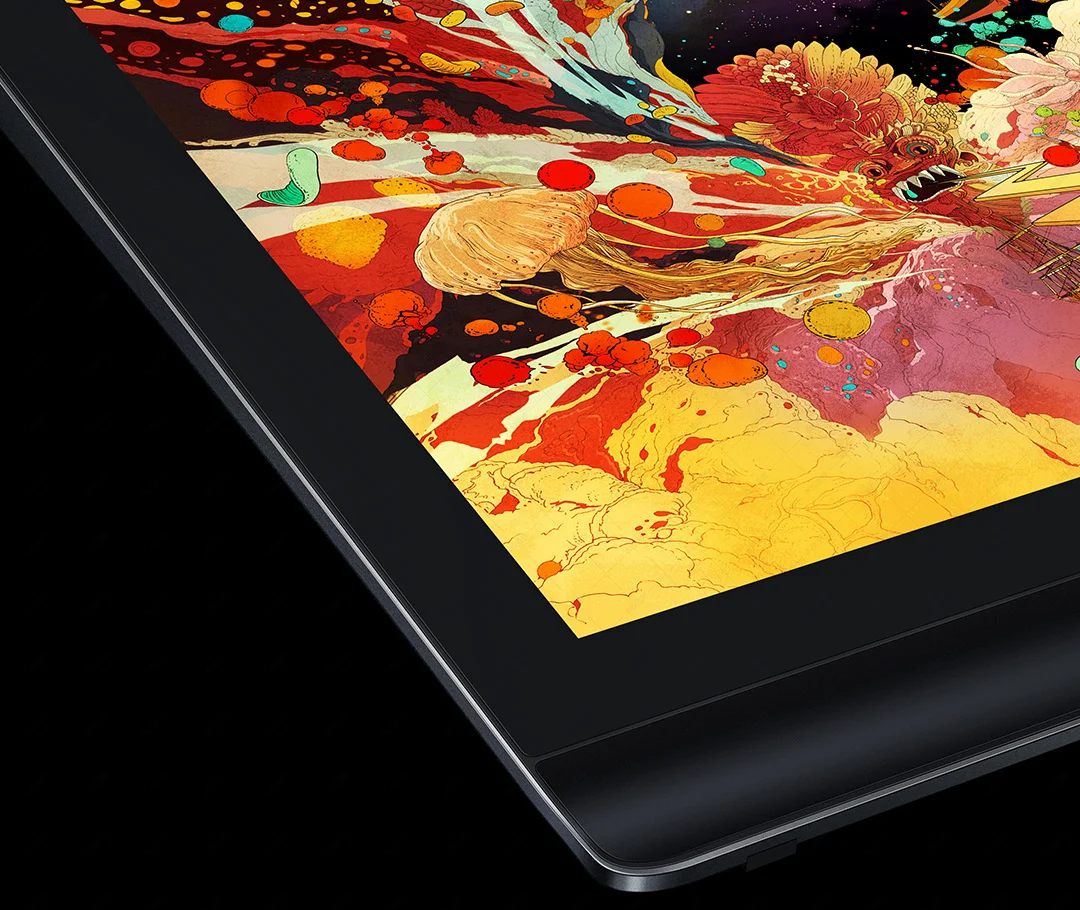
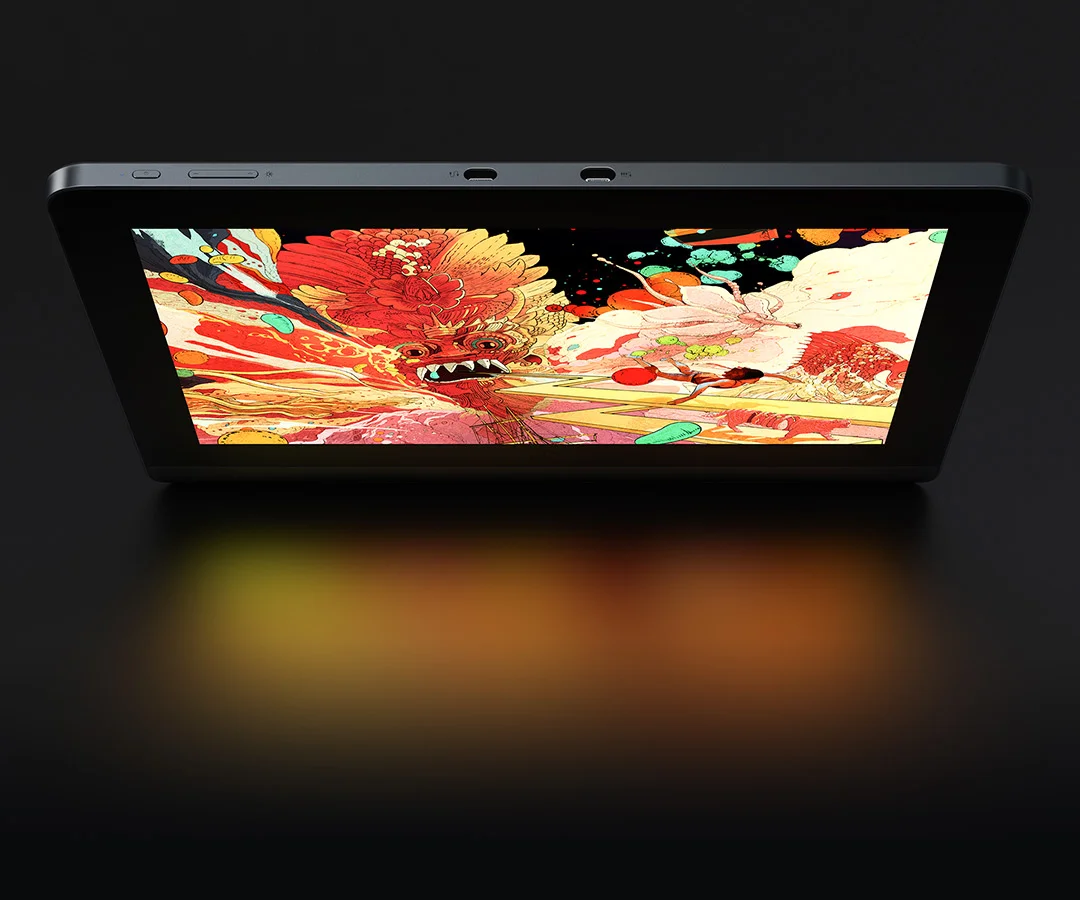
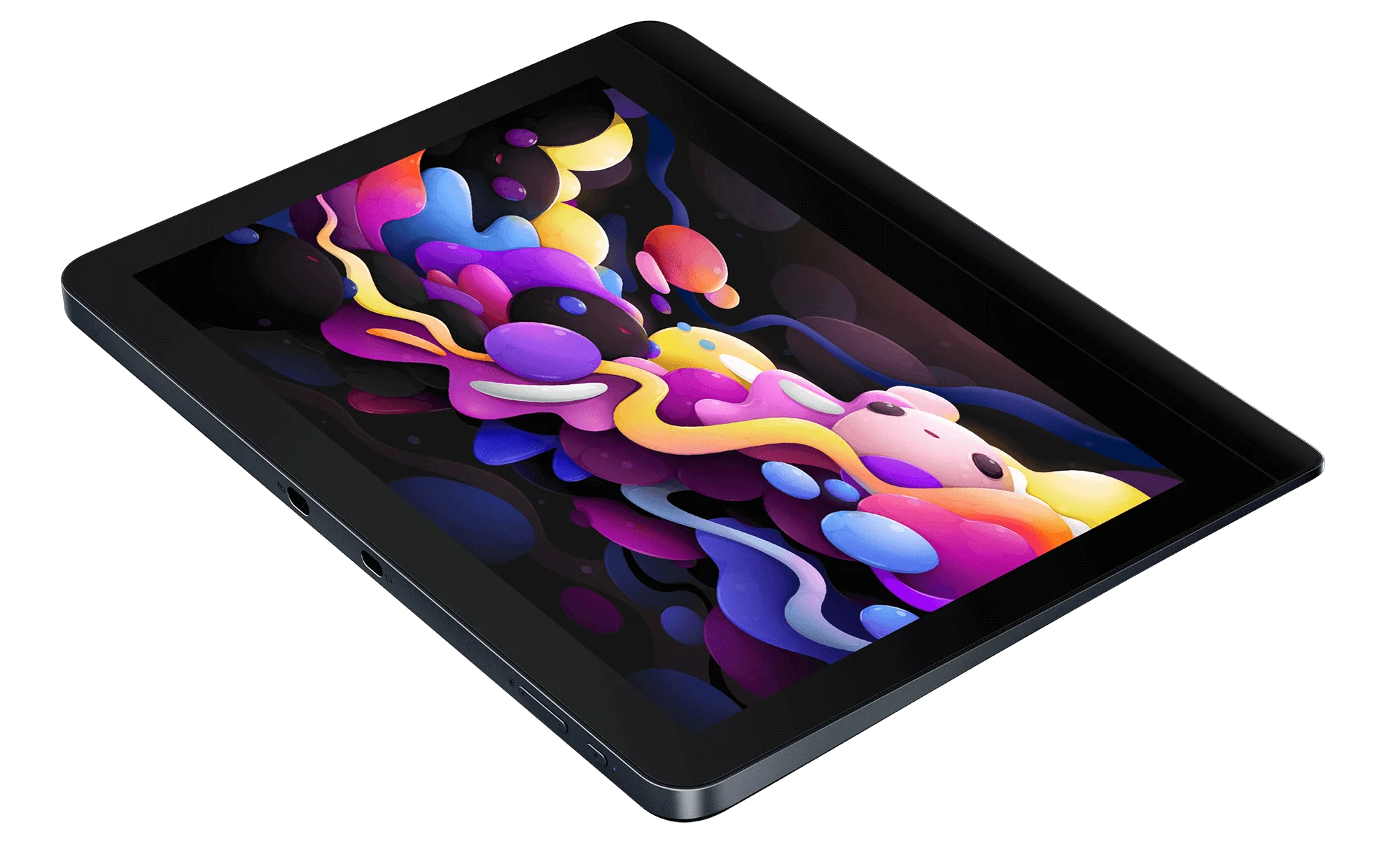
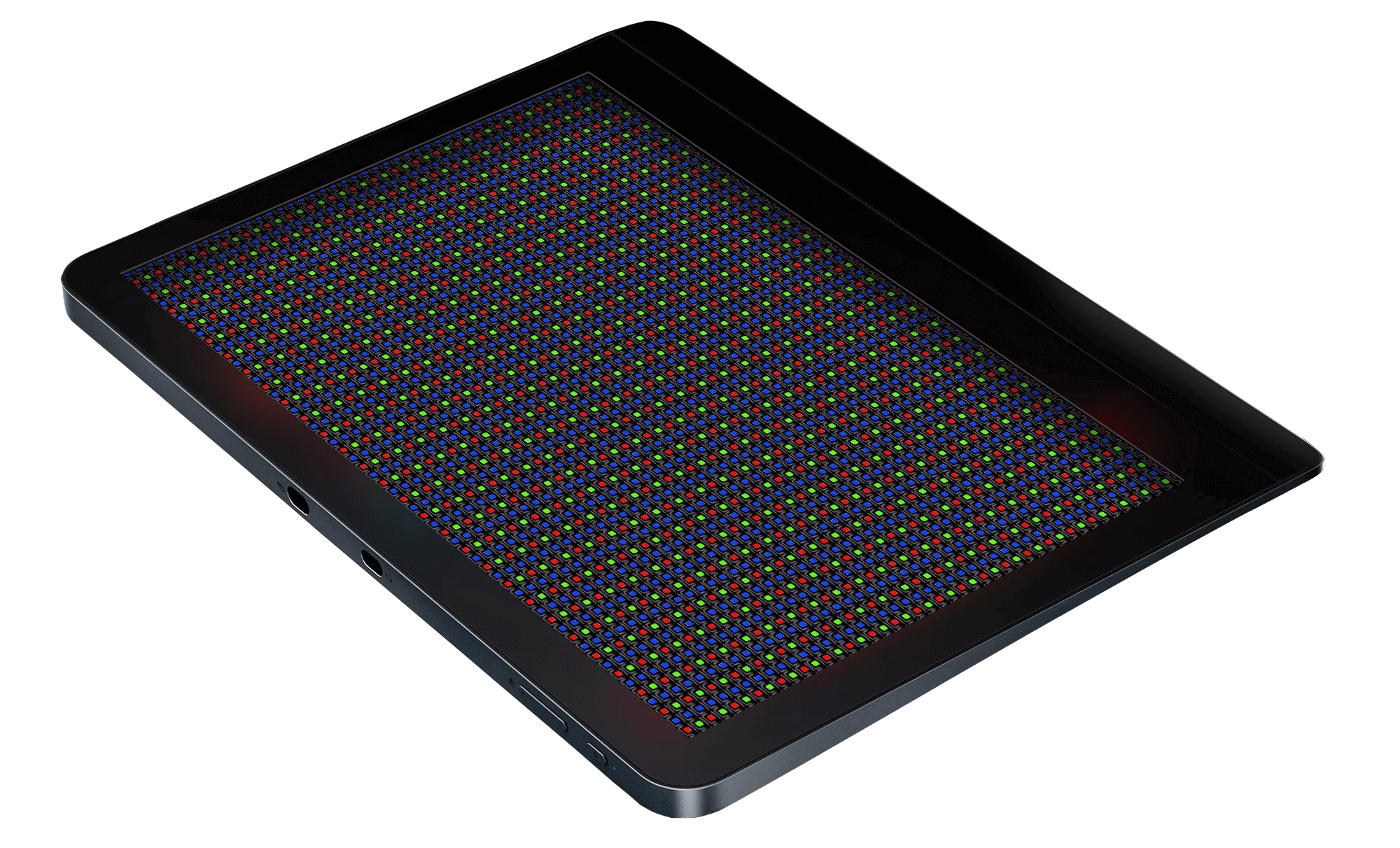
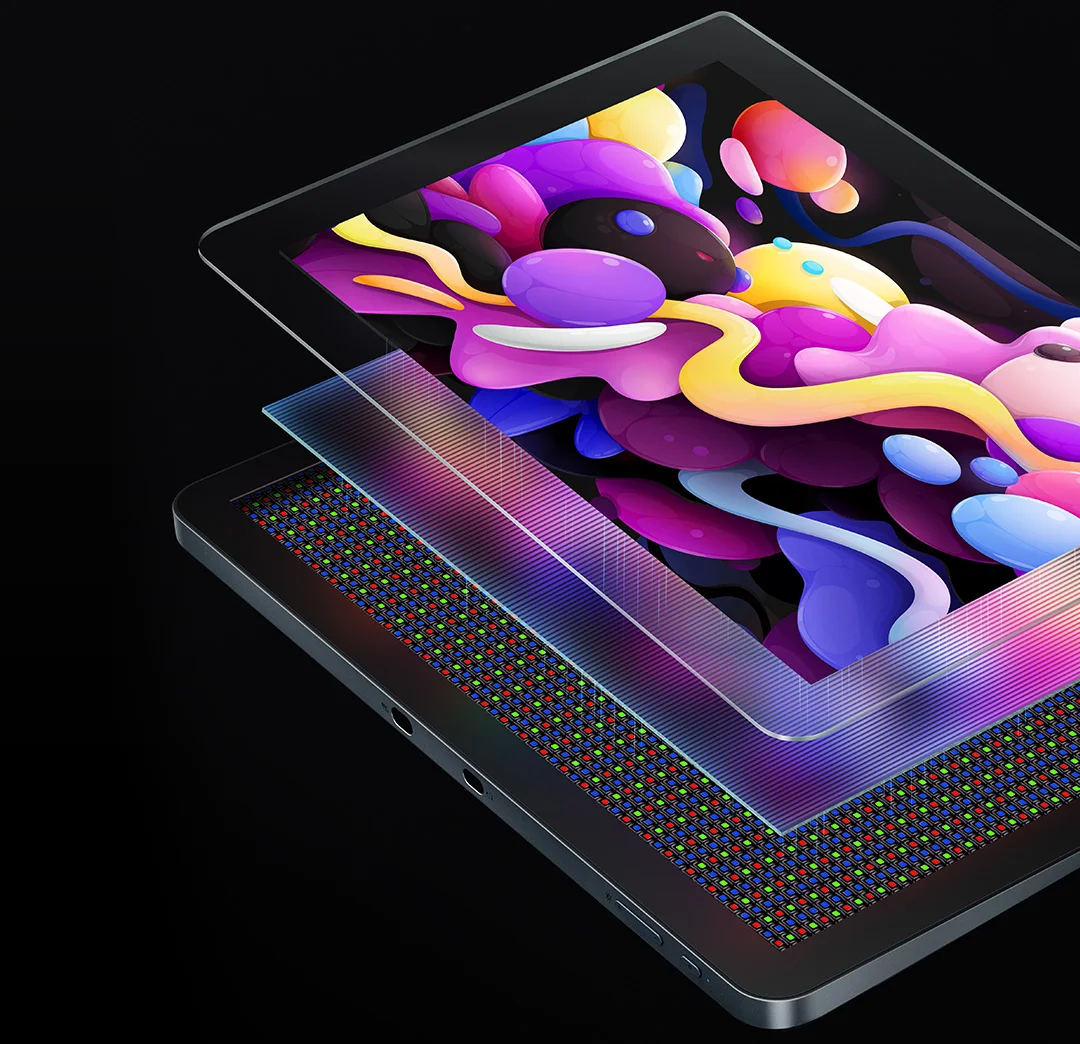
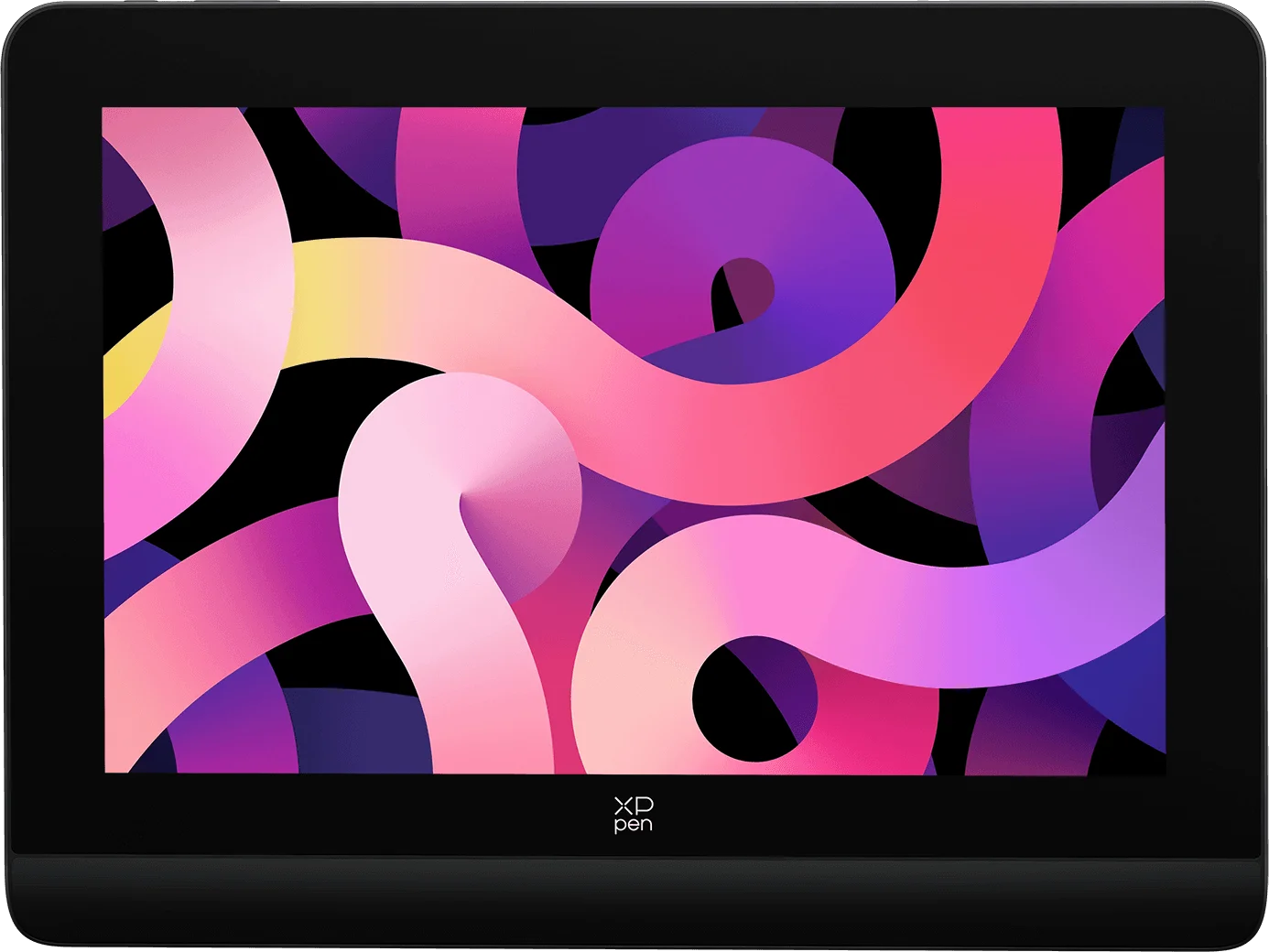
Everything looks vivid and fascinating on this simulation X-Nature Display. Uncover every detail with maximum clarity at 1920x1200 high resolution. Switch easily among several professional color space* for different display needs.
WUXGA
1920x1200
resolution
* Support the color space switching among sRGB, Adobe RGB, DCI-P3, USER (operate in the driver).
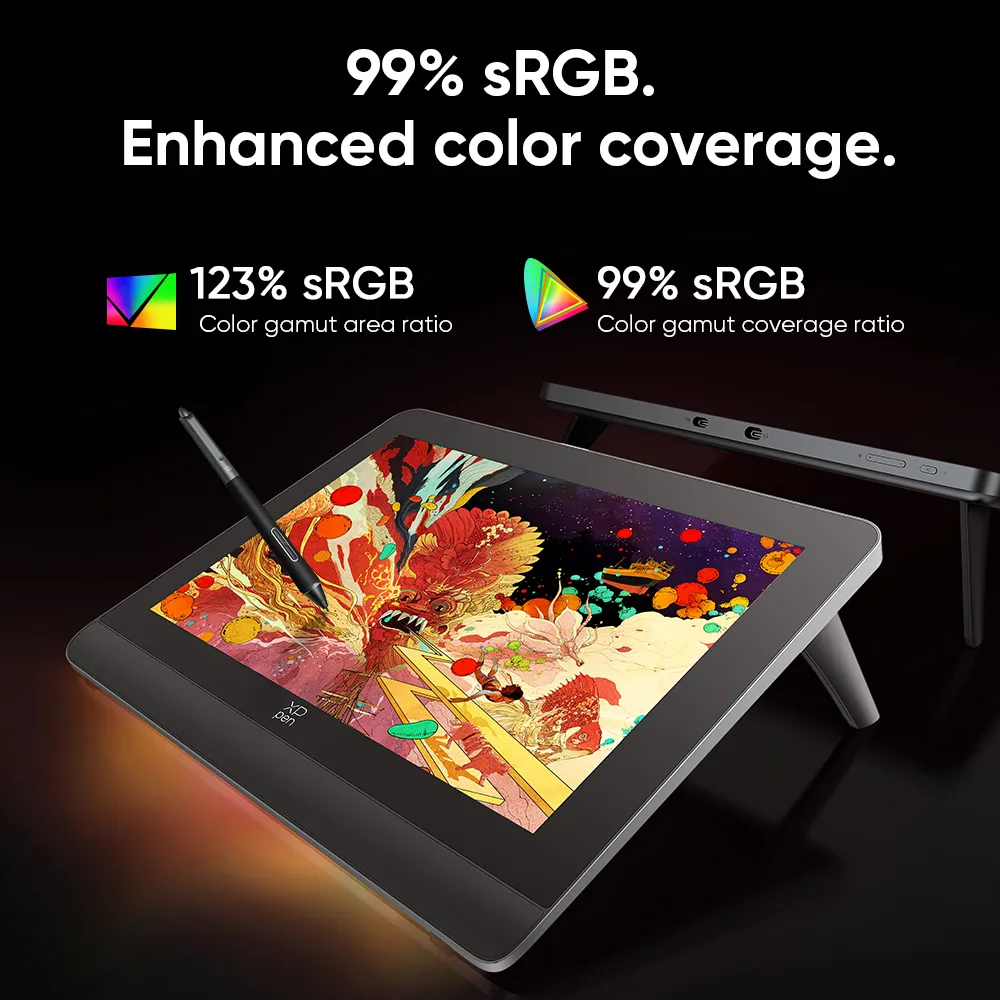
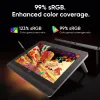
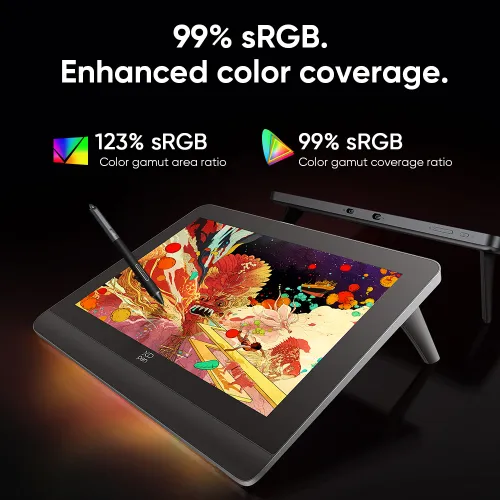
99% sRGB.
Enhanced color coverage.
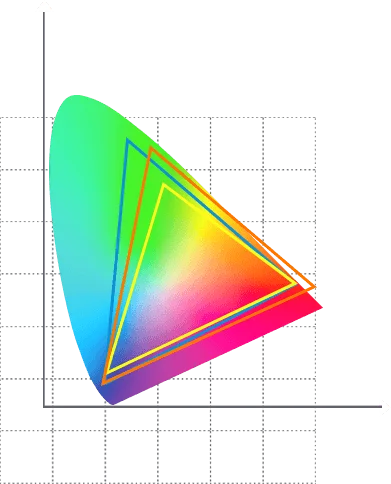
A wide color gamut coverage ratio of 99% sRGB lets you create boldly in stunning color accuracy and detail. Every piece of content becomes a feast to look at and comes to life exactly what you imagine.
123% sRGB
color gamut area ratio
99% sRGB
color gamut coverage ratio
123% sRGB
color gamut area ratio
99% sRGB
color gamut coverage ratio
DCI - P3
wide color gamut
sRGB
color gamut
Adobe RGB
color gamut
Color gamut area ratio ≠ Color gamut coverage ratio
The area ratio describes the maximum range of colors that a display presents. The coverage ratio refers to the overlap rate with the color standard. It can be misleading when some displays label its color gamut as greater than 100% sRGB while it actually refers to the area ratio instead of the coverage ratio (the coverage ratio can reach 100% sRGB at maximum). Professional art monitors have a high coverage ratio for great color accuracy.
Wide color gamut ≠ High quality
Colors that are generated by a wide color gamut tend to be overly bright and barely present accurate images of the sRGB color gamut. It's paramount to switch among different color spaces to produce precise color of sRGB, Adobe RGB, DCI-P3 color gamut in applications like web design, photo retouching, and film creation.
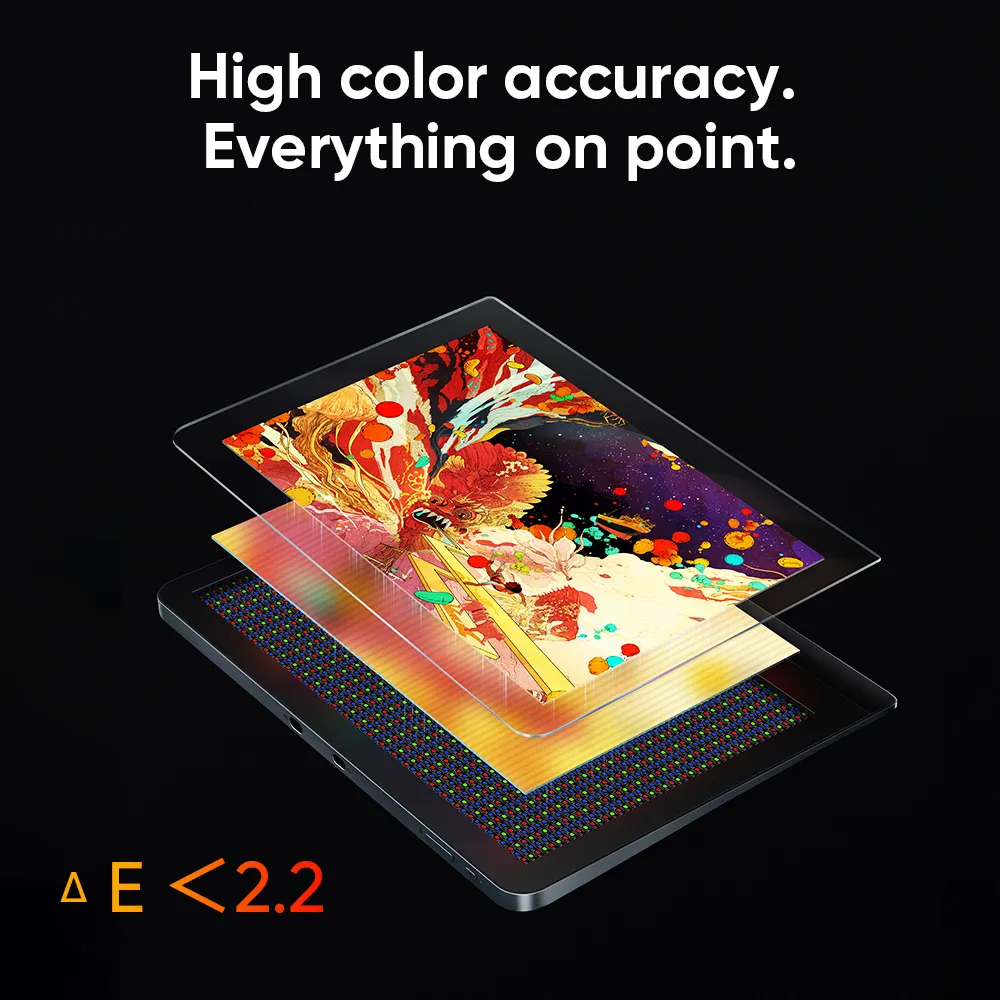
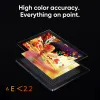
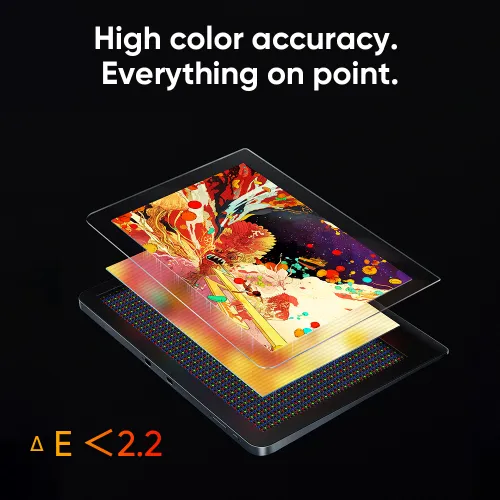
High color accuracy.
Everything on point.
X-Nature Display presents accurate color that lines up with what you exactly imagine. Color-precise alignment makes it effortless for high-class creations and brings your wildest ideas to life.
△E <2.2
Bigger vision.
Wilder creation.
Enjoy a more natural visual and creative experience over the 14-inch expansive artspace with an ideal 16:10 aspect ratio. Now, you’re free to release your boundless imagination and draw comfortably for hours.
Fully laminated screen.
No parallax error.
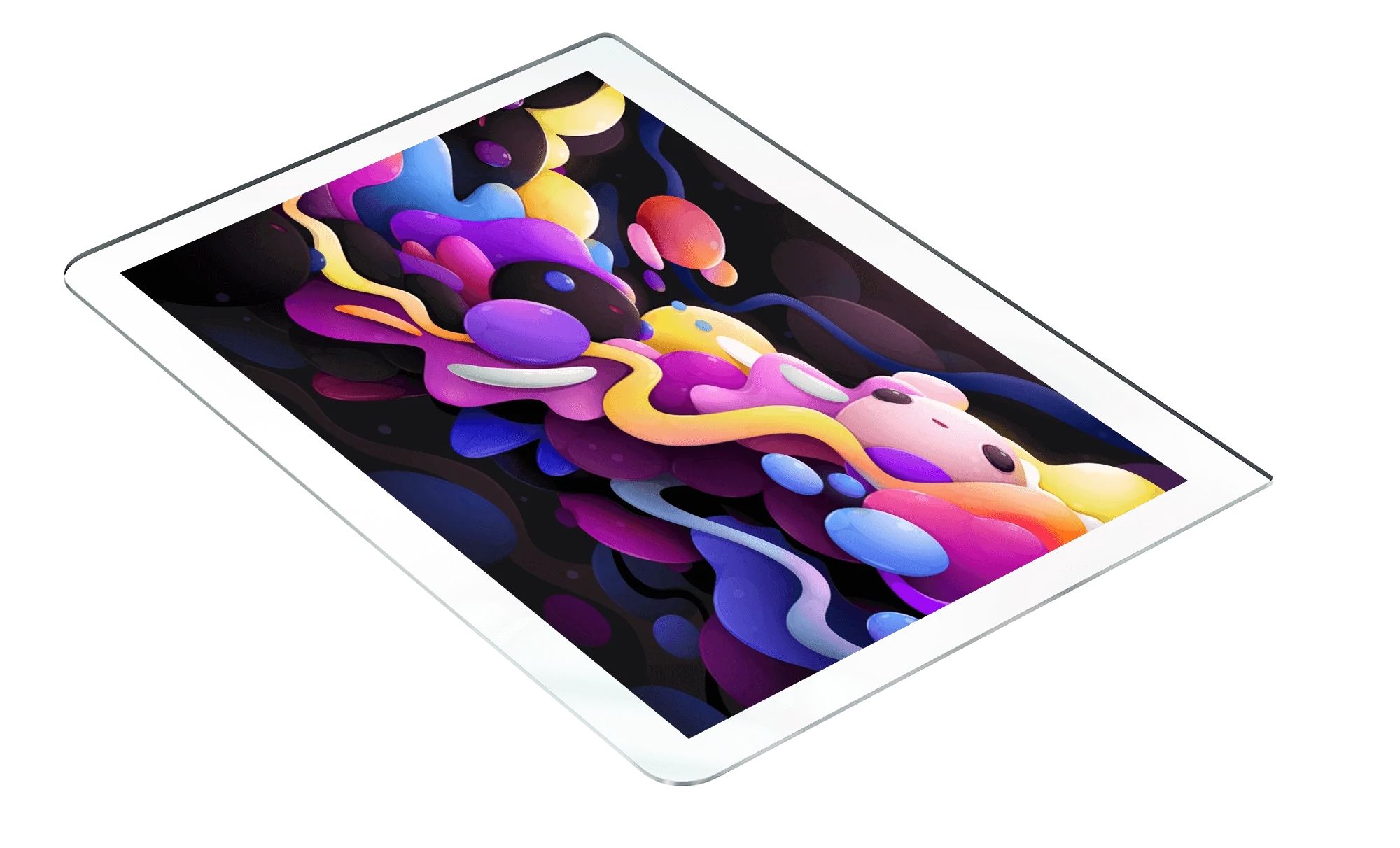
The screen and display are seamlessly laminated to avoid parallax errors between the stylus nib and cursor, precisely positioning every single one of your strokes.
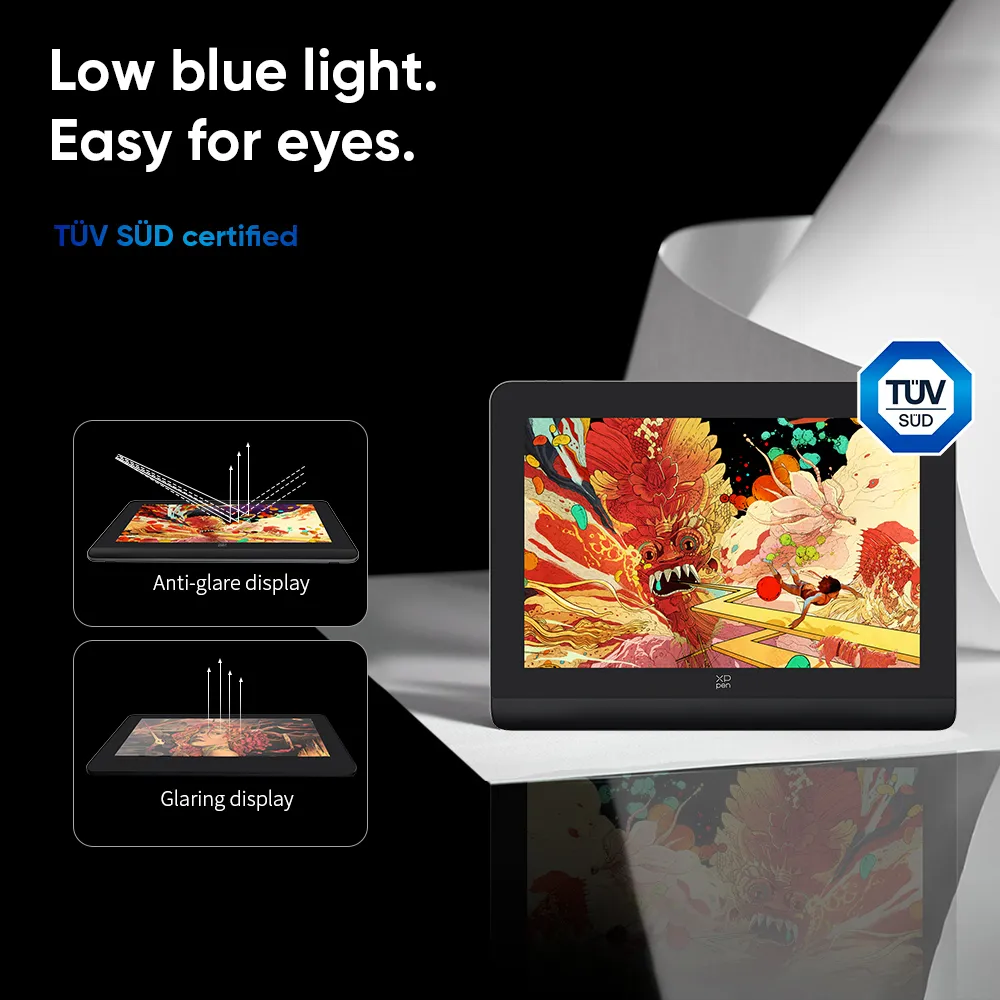
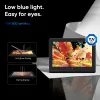
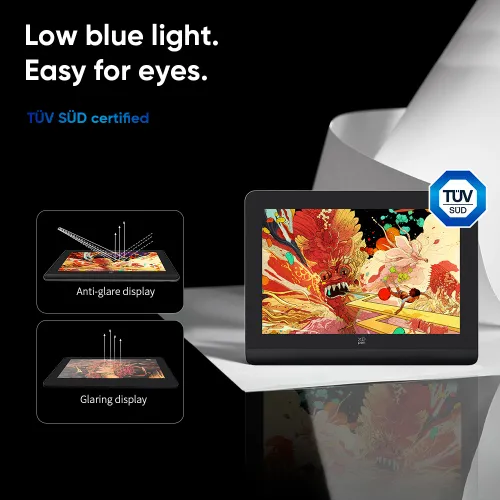
Low blue light.
Easy for eyes.
TÜV SÜD certified. The X-Nature Display optimizes eye comfort by reducing potentially harmful blue light emissions while delivering excellent color accuracy.
Ultimate X-Paper Surface for immersive creation.
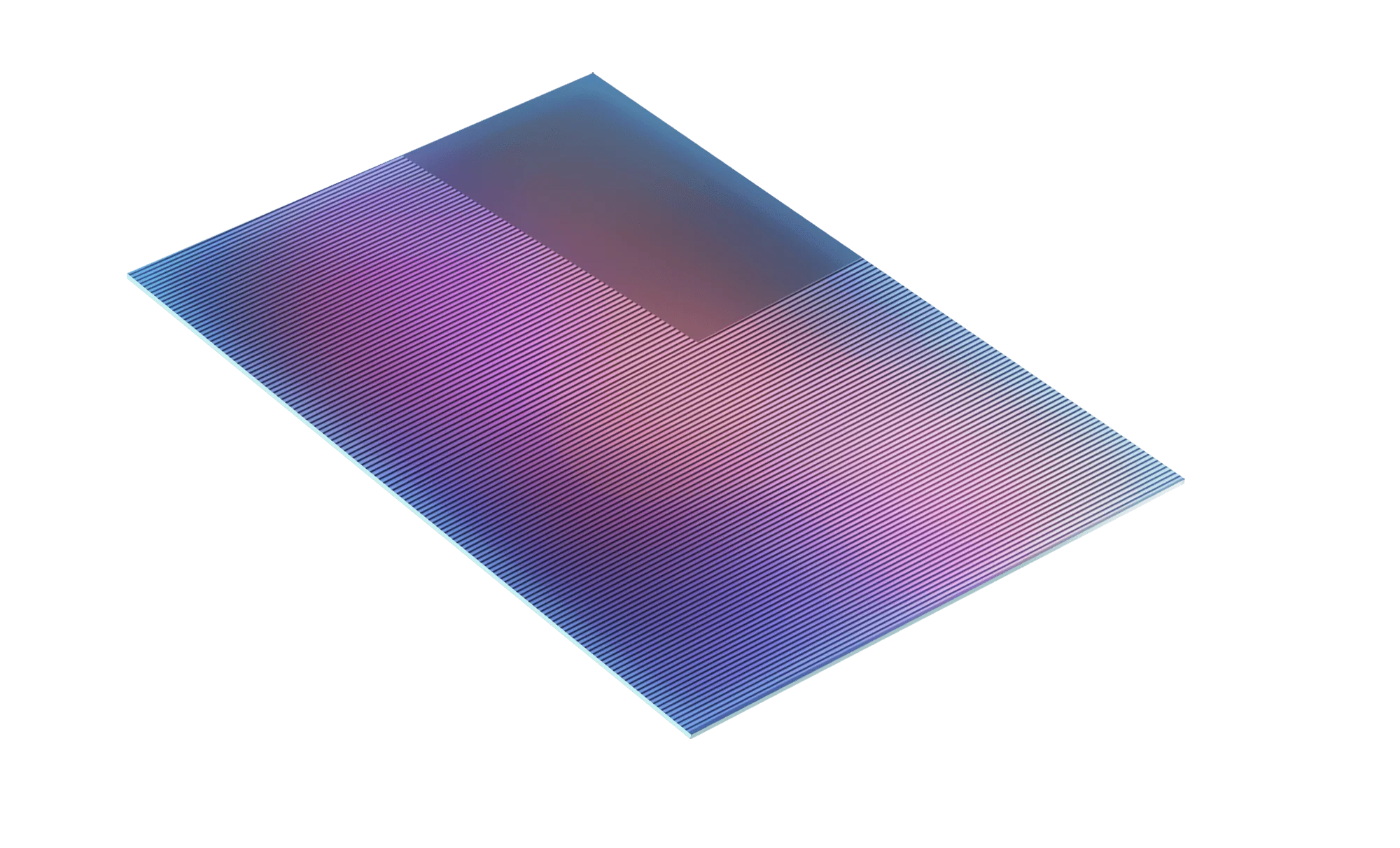
Look like a display. Feel like a paper. Draw intuitively on this anti-glare, anti-fingerprint etched glass screen and with a stylus of felt nib to offer perfect tactile simulation to pens or pencils. Scribble, doodle or sketch in a way that's so familiar.
Anti-glare
Anti-fingerprint
AG etched glass
Felt nib
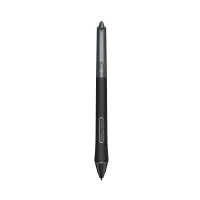
A stylus that can do more.
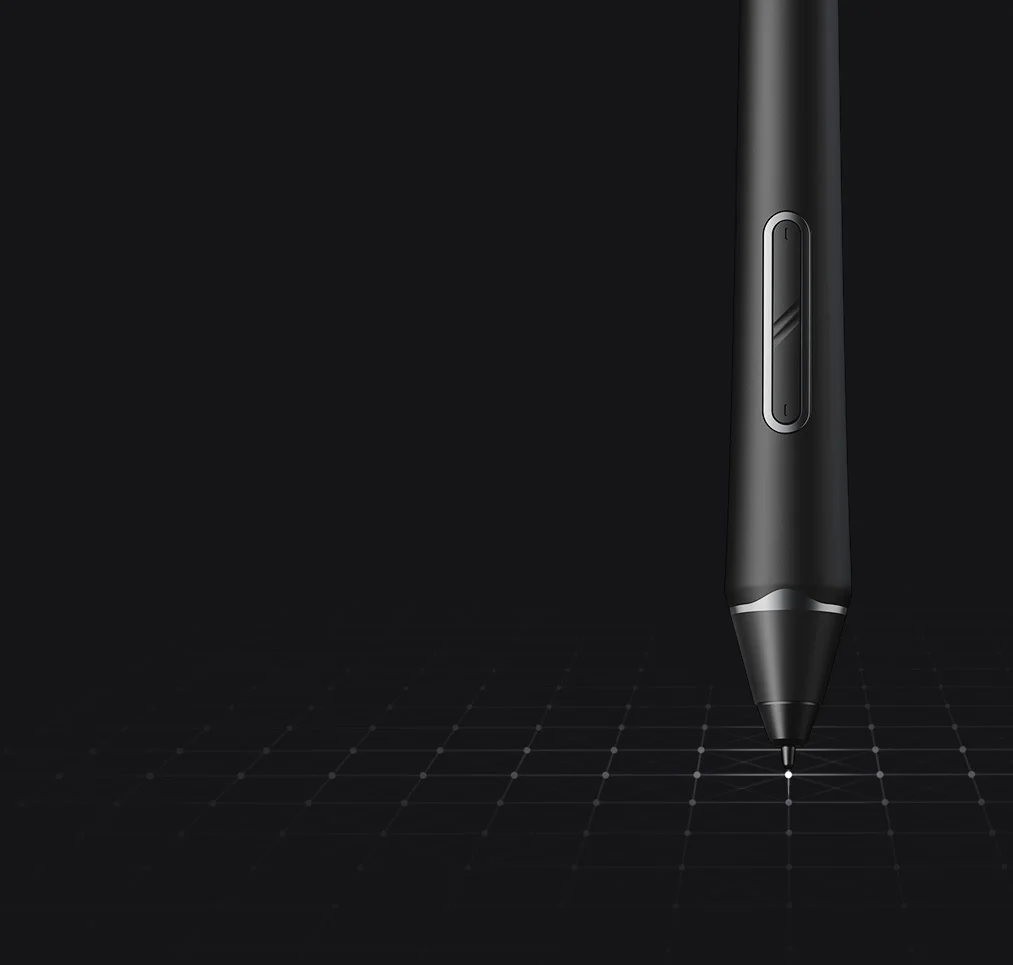
Dual shortcut keys make switching functions so easy with just a click. A digital eraser in the tail removes unwanted marks effortlessly. Look chic in black-and-grey color.
Dimension: 14.45x156.27mm
Designed to fit your grip.
The cone shape delivers a balanced in-hand feel, with a replaceable silica-gel grip to suit your personal needs. Stay on top of every single stroke.
A stylus that can do more.
Dual shortcut keys make switching functions so easy with just a click. A digital eraser in the tail removes unwanted marks effortlessly. Look chic in black-and-grey color.
Dimension: 14.45x156.27mm
Designed to fit your grip.
The cone shape delivers a balanced in-hand feel, with a replaceable silica-gel grip to suit your personal needs. Stay on top of every single stroke.
Tech meets art — this is where masterpiece happens.
Complement your splendid artwork with this futuristic streamlined design. Elegant and refined — down to the last detail.
Space gray color
Demonstrate your high artistic taste and accomplishment with this futuristic streamlined design. Chic color, metal body, futuristic appearance — there’s power in silence.
Create in comfort on X-Edge Wrist Rest.
Ergonomic and smooth. Designed to combat the tension and fatigue of the wrist that could be produced due to hours of work on end.
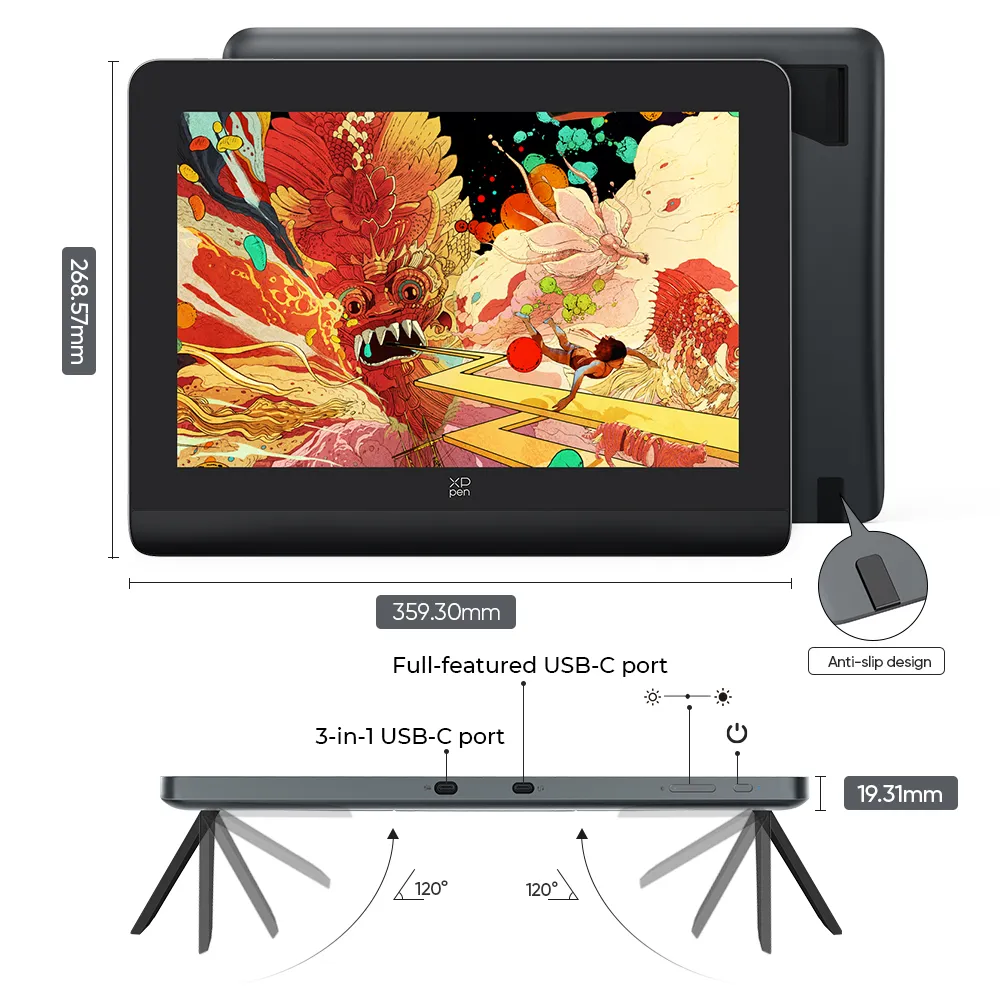
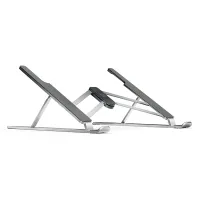
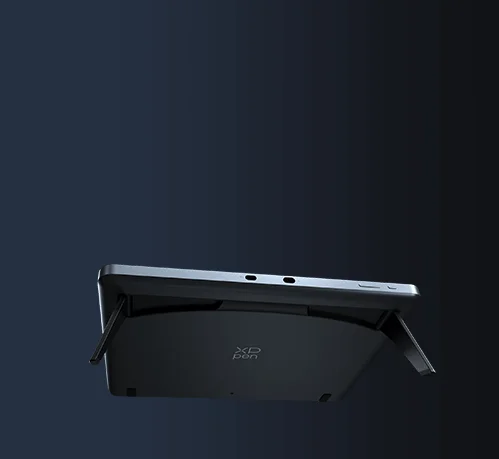
Foldable stand.
Work your way.
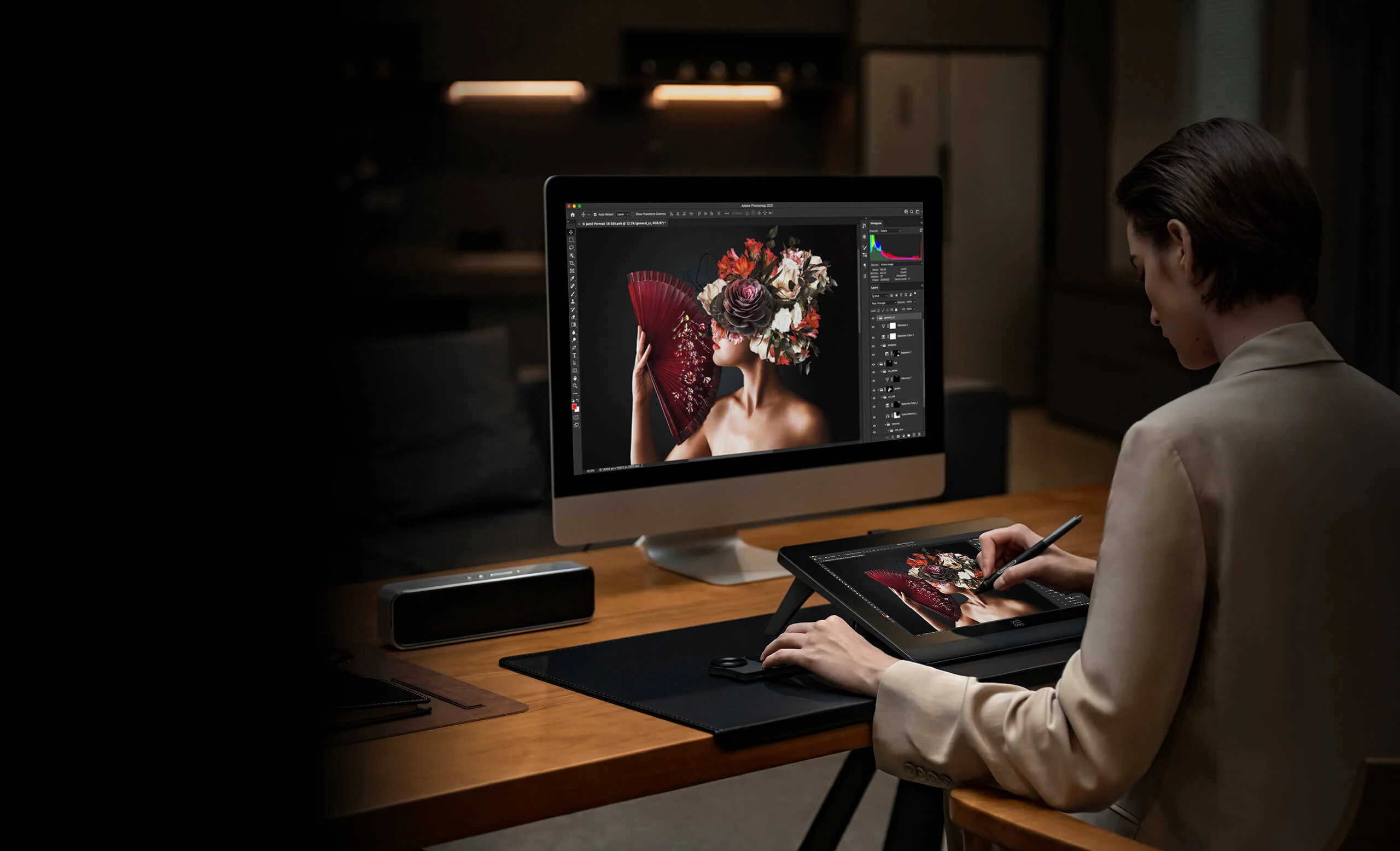
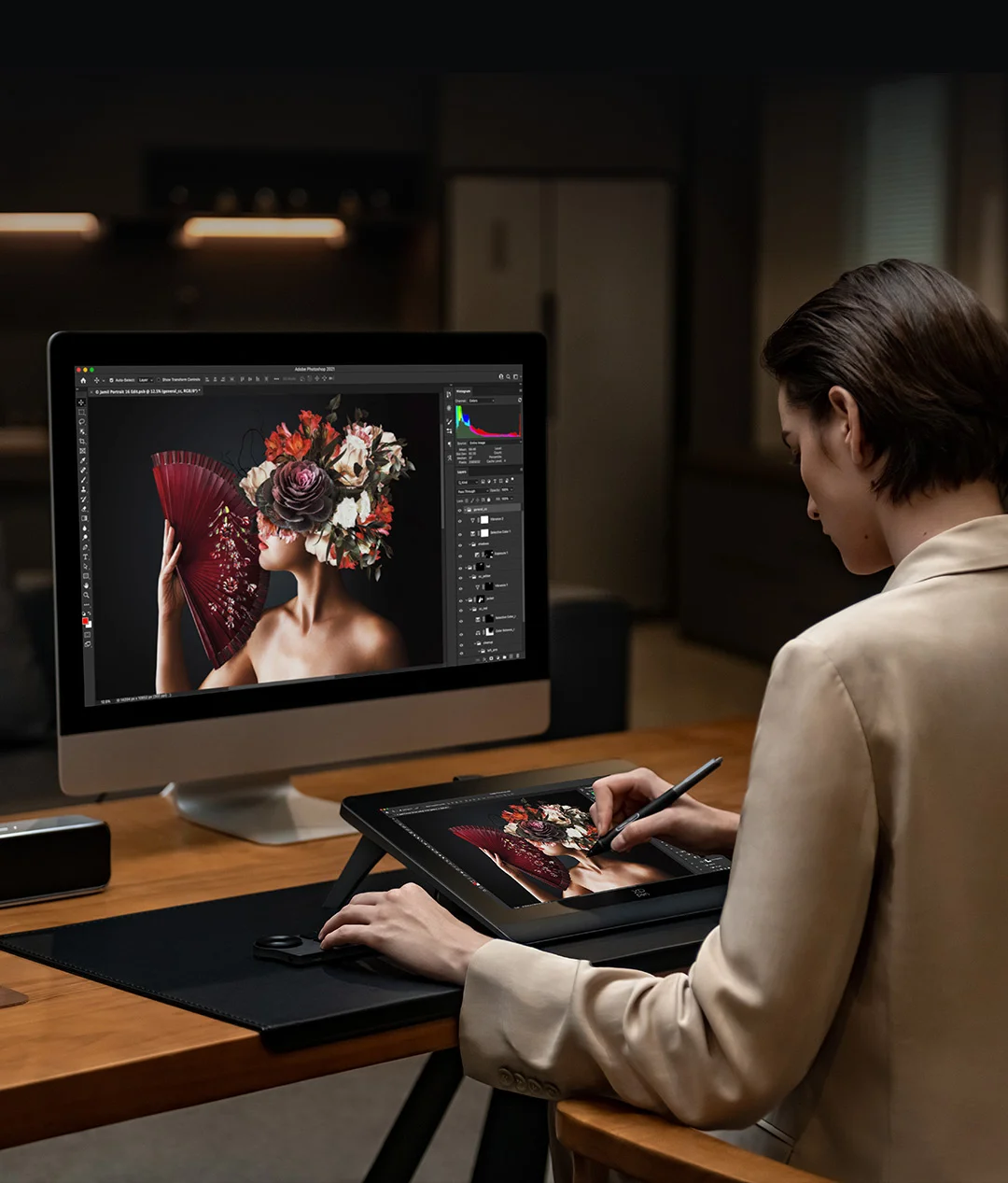
Get a preferred working posture by spreading the built-in foldable stand. Digitally draw, sketch, take notes, capture ideas and more in high comfort and with precise control, at home or on the go.
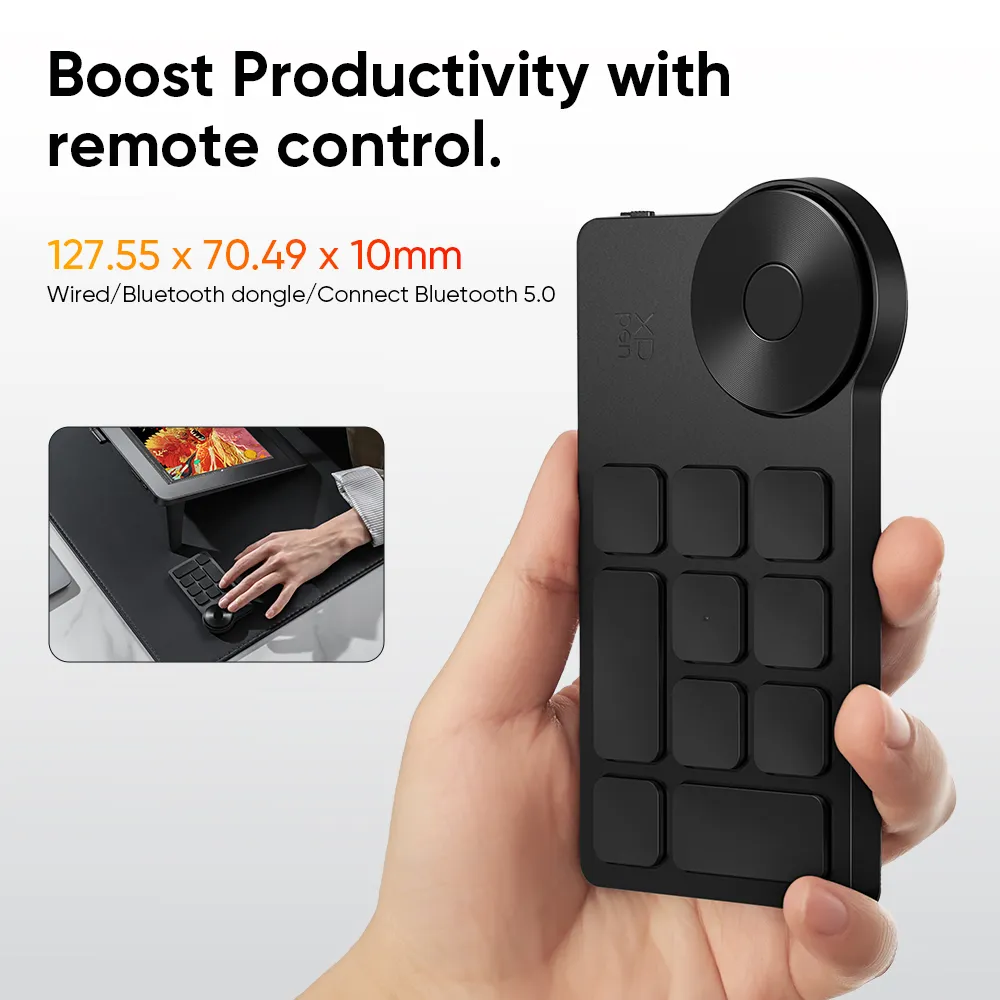
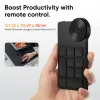
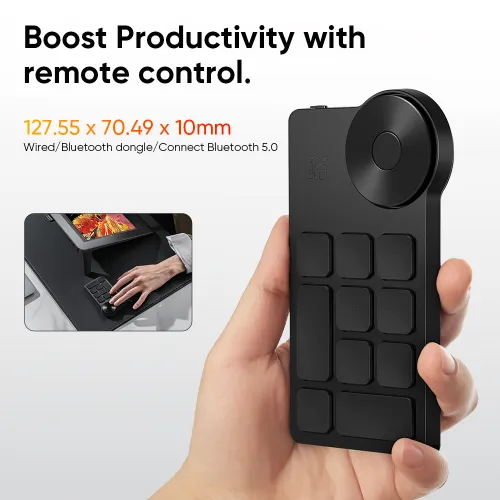
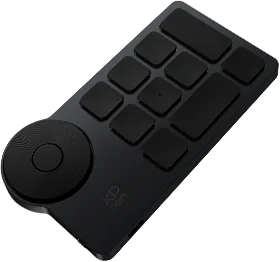
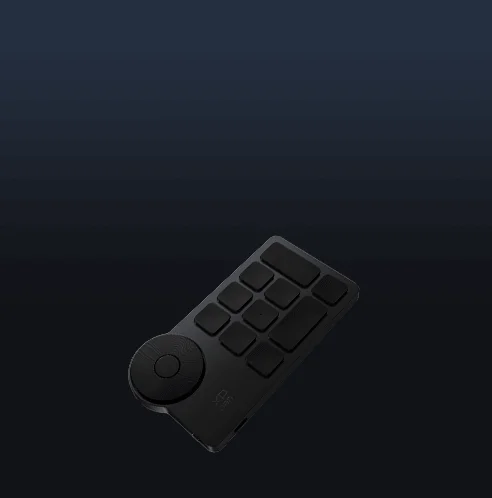
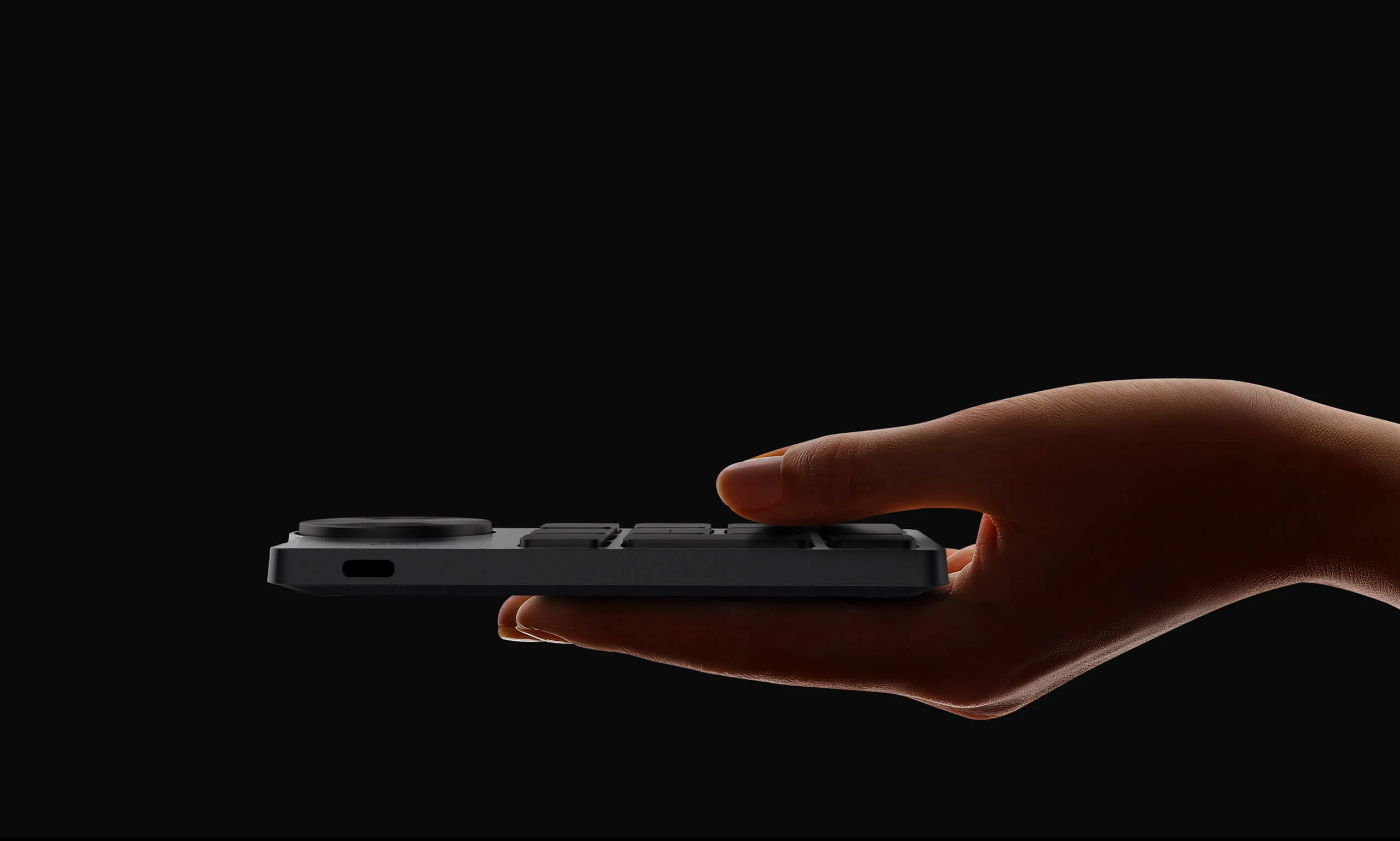
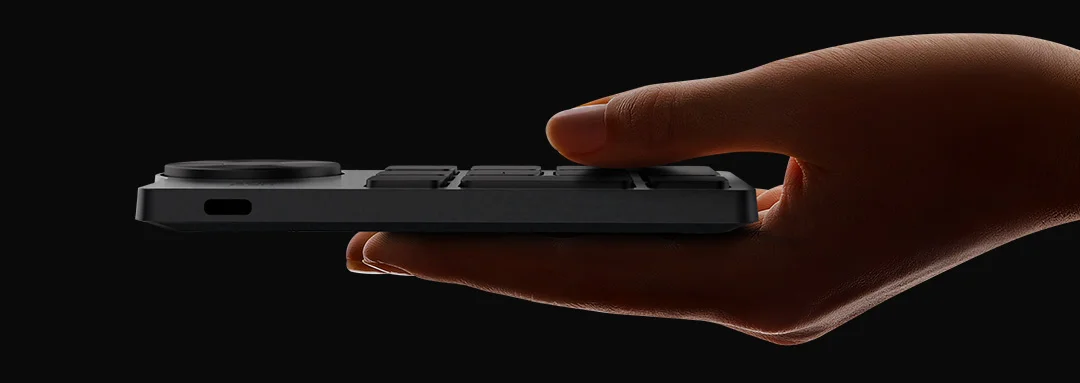
Boosted productivity with X-Remote Control*.
Handy and portable. Support both wired and Bluetooth connectivity to seamlessly adapt to different workspace setups. Get easier access to functions to make quick changes.
* Included with the Artist Pro 14 (Gen 2). Sold separately for other models in the name of Wireless Shortcut Remote.
Dimension: 127.55 × 70.49 × 10mm
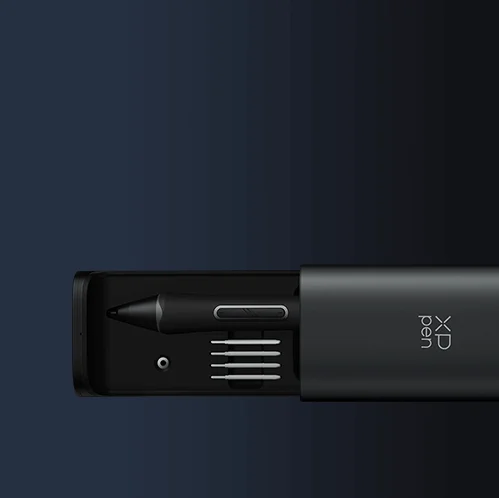
Stay organized with the Pen Case.
Streamlined design. Push to use. Keep the stylus available and organized in this space-gray pen holder, and keep your workstation neat and travel with you in style.
One display for infinite possibility.
The Artist Pro 14 (Gen 2) has extended functions like screen split and screen projection. Great for creation, games, movies and entertainment, etc.
One click to switch from display to tablet.
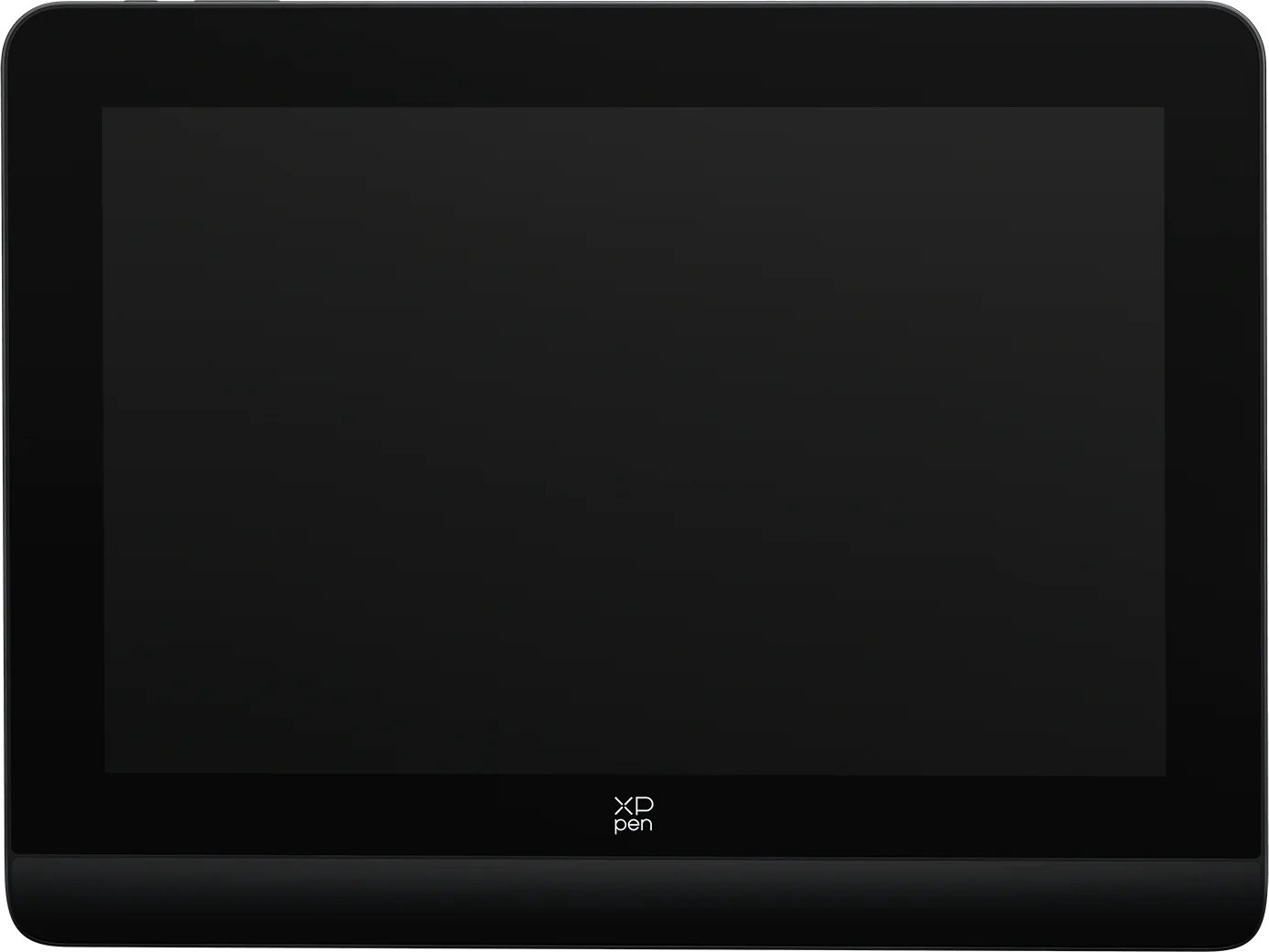
Supports drawing tablet mode: long press the power button for 3 seconds, and it will flash in blue and orange alternately. When the screen is off, you're getting a drawing tablet.
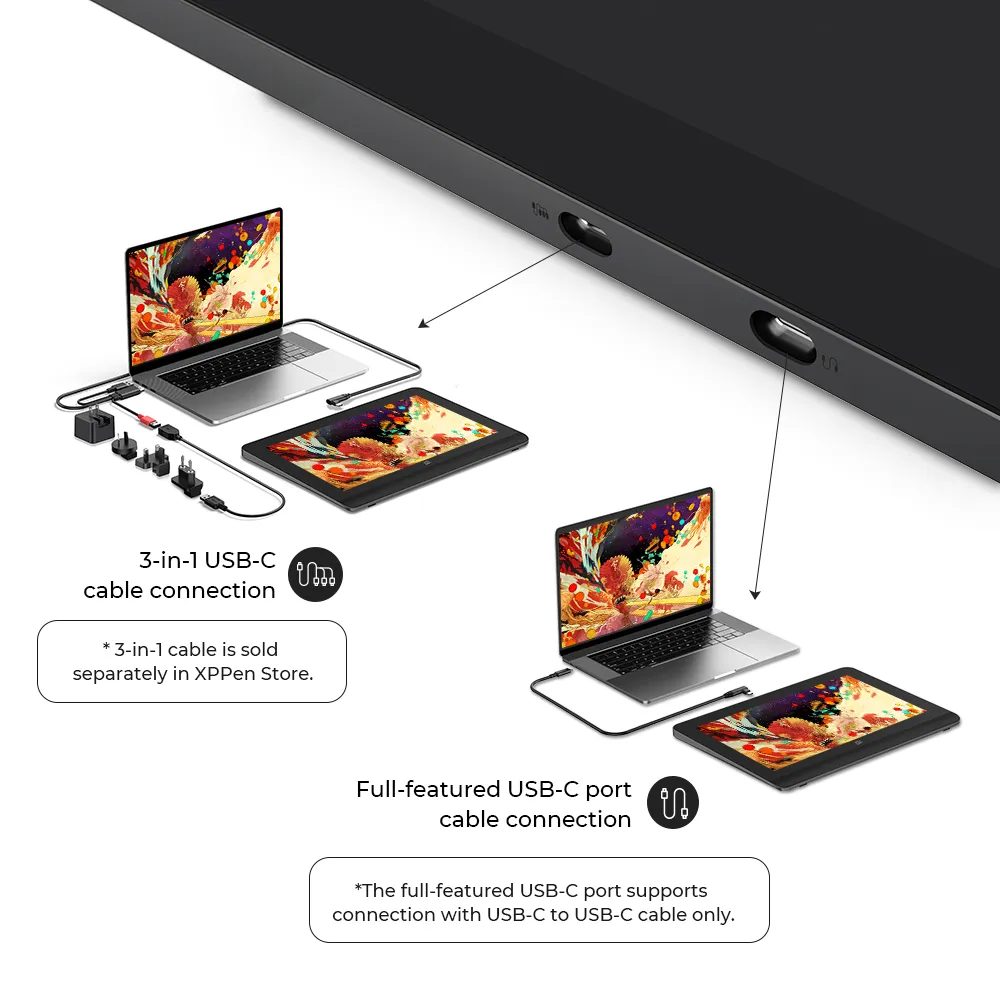
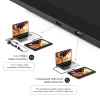
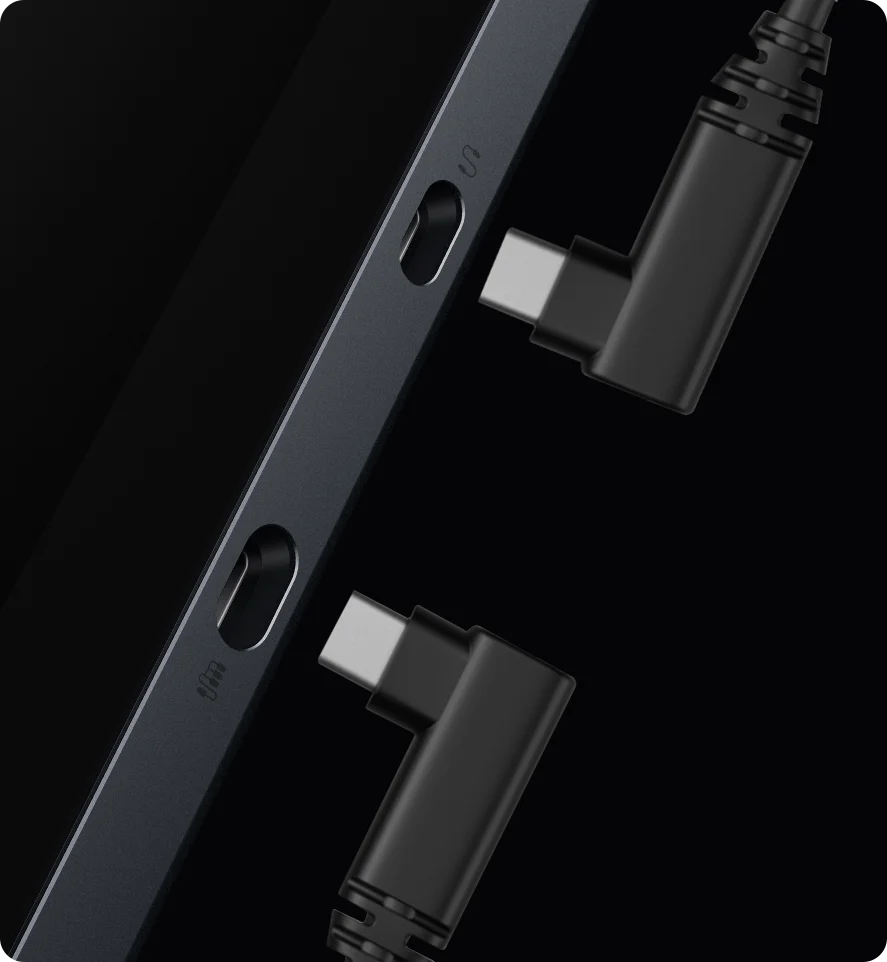
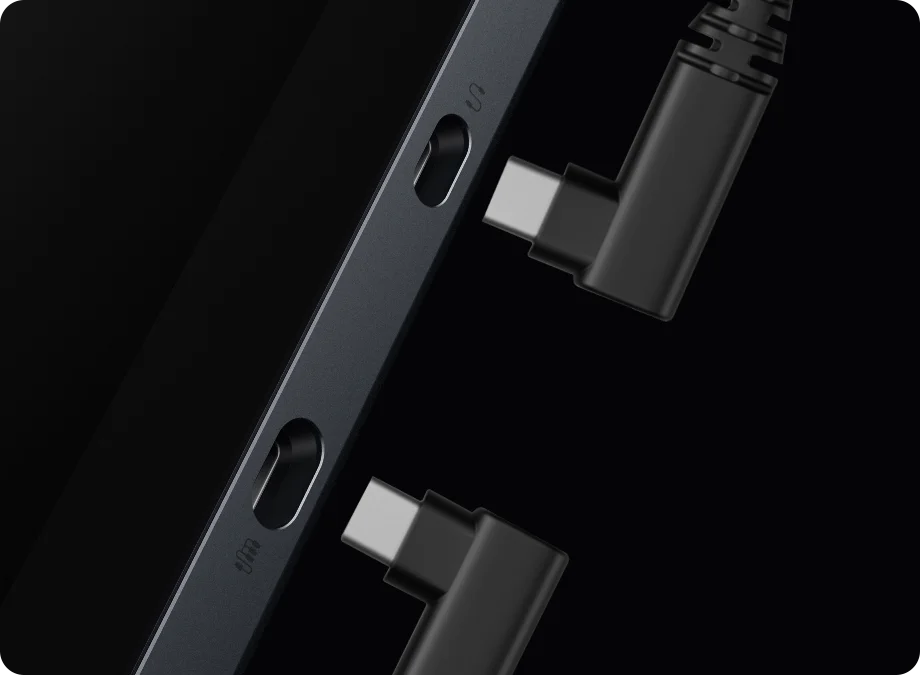
Flexible dual ports
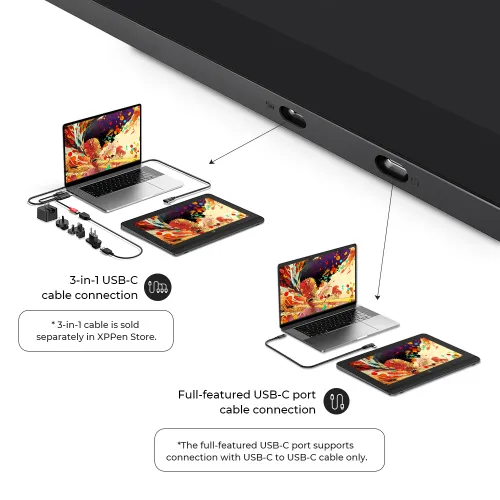
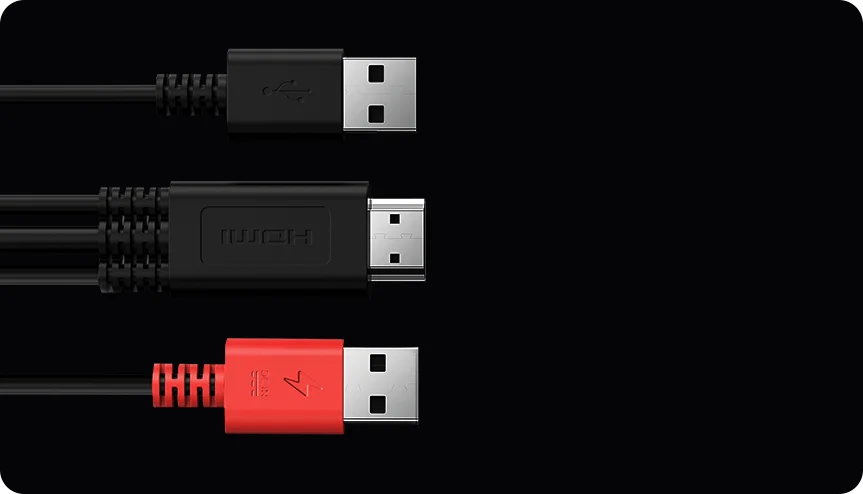
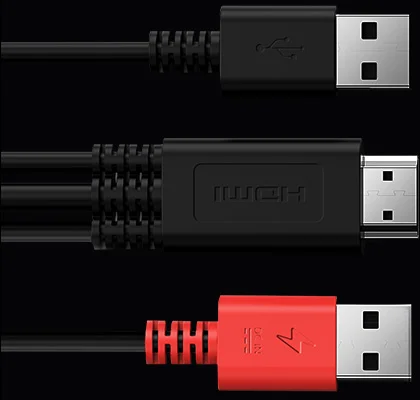
Dual reversible ports can be connected to a PC either way — up or down, via HDMI 3-in-1 cable* or full-featured USB-C cable. Charging and data transmission at once. Ditch the clutter and keep connected.
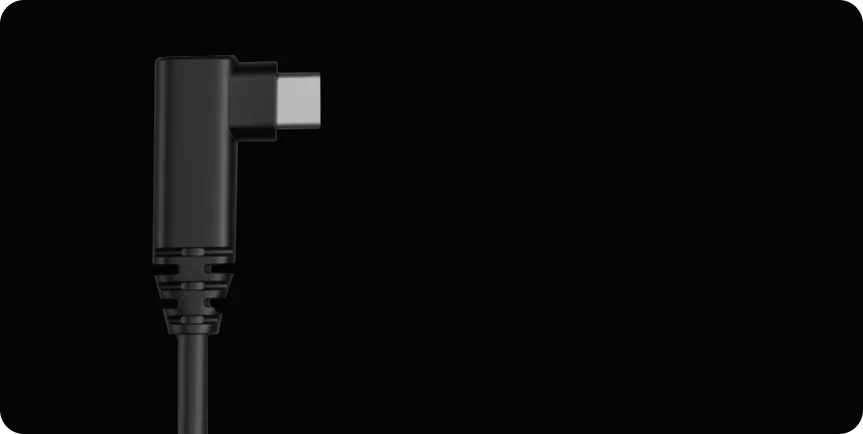
Full-featured USB-C cable connection
Full-featured USB-C port supports connection with USB-C to USB-C cable only.
3-in-1
cable connection
* 3-in-1 cable is included in package.
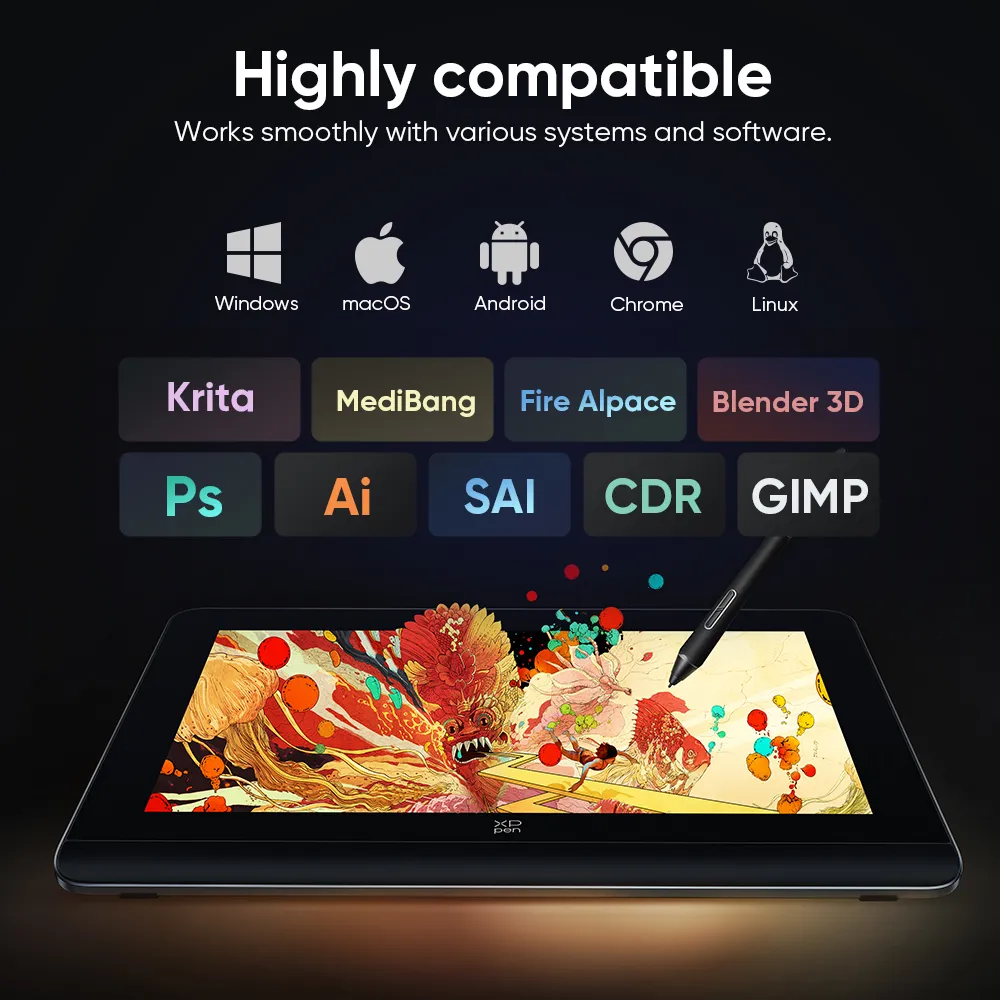
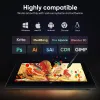
Highly compatible
Works smoothly with various systems and software.
Windows
macOS
Android
ChromeOS
Linux
Compatible with Windows 7 (or later), macOS 10.10 (or later), Android (USB3.1 DP1.2),
Chrome OS 88 (or later), Linux. Bring more possibilities to your creation.
Support popular digital art software such as Adobe Photoshop, Illustrator, SAI,
CDR, GIMP, Krita, MediBang, FireAlpaca, Toonboom, Maya, and Blender3D, etc.
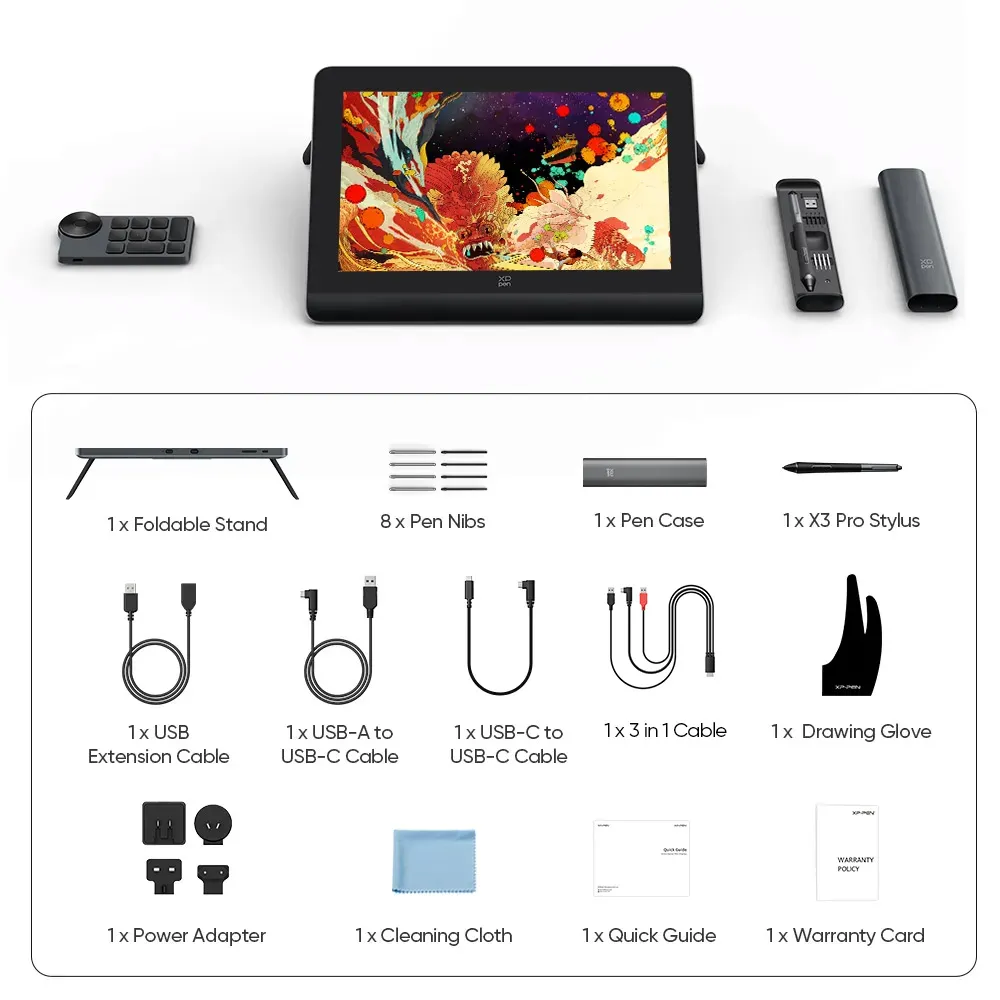
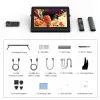
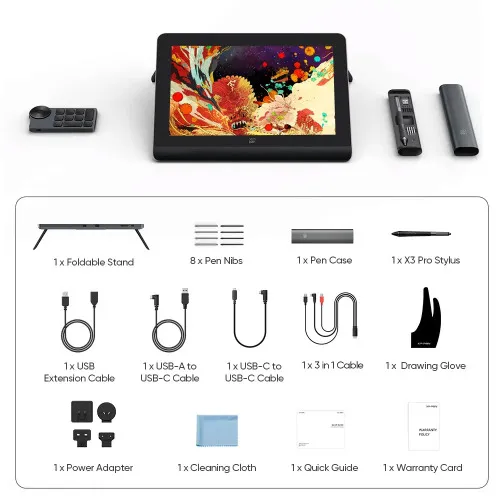
1 x Drawing Display
1 x X3 Pro Smart Chip Stylus
1 x Pen Case (Includes 9 Pen Nibs)
1 x Wireless Shortcut Remote
1 x USB-C to USB-C Cable
1 x Extension Cable
1 x Power Adapter
1 x 3 in 1 Cable
1 x Power Cable
1 x Drawing Glove
1 x Cleaning Cloth
1 x Customer Service Card
1 x Quick Guide
1 x Warranty Card
Specifications
Show More
| List of compatible Android devices | |
| HUAWEI Mate 10 | HUAWEI Mate 10 Pro |
| HUAWEI Mate 20 | HUAWEI Mate 20 Pro |
| HUAWEI Mate 20 X | HUAWEI Mate 30 Pro |
| HUAWEI Mate 40 | HUAWEI Mate 40 pro |
| HUAWEI Mate 30E Pro 5G | HUAWEI P20 |
| HUAWEI P20 Pro | HUAWEI P30 |
| HUAWEI P30 Pro | HUAWEI P40 |
| HUAWEI P40 Pro | HUAWEI P40 Pro+ |
| HUAWEI Mate 50 | HUAWEI Mate 50 Pro |
| HUAWEI Mate 40E | HUAWEI Mate 40 Pro+ |
| HUAWEI P50 Pro | HUAWEI P50 |
| HUAWEI P50E | HUAWEI Mate X2 |
| HUAWEI Mate Xs2 | HUAWEI Mate 50E |
| HUAWEI Mate 40E Pro | HUAWEI Mate 40 RS |
| HUAWEI P50 Pocket | Honor Note10 |
| Honor V20 | Honor 30pro+ |
| Honor Magic4 | Honor Magic4 Pro |
| Samsung Galaxy A90 5G | Samsung Galaxy Note9 |
| Samsung Galaxy Note10 | Samsung Galaxy Note10+ 5G |
| Samsung Galaxy S8 | Samsung Galaxy S8+ |
| Samsung Galaxy S9 | Samsung Galaxy S9+ |
| Samsung Galaxy S10 | Samsung Galaxy S10+ |
| Samsung Galaxy S10e | Samsung Galaxy S20 |
| Samsung Galaxy S20+ | Samsung Galaxy S20 Ultra |
| Samsung Galaxy S20 FE 5G | Samsung Galaxy S21 |
| Samsung Galaxy S21 FE | Samsung Galaxy S21 ultra |
| Samsung Galaxy S22 | Samsung Galaxy S22 Ultra |
| Samsung Galaxy Note20 | Samsung Galaxy Note20 Ultra |
| Samsung Galaxy Tab S7 | Samsung Galaxy Tab S7 FE |
| Samsung Galaxy Tab S5e | Samsung Galaxy S21+ |
| Samsung Galaxy S22+ | Samsung Galaxy S23 |
| Samsung Galaxy S23+ | Samsung Galaxy S23 Ultra |
| Samsung Galaxy Z Fold4 | Samsung W23 |
| Samsung W22 | Samsung W21 |
| Samsung W20 | Samsung Galaxy Tab S8 |
| Samsung Galaxy Tab S8+ | Samsung Galaxy Tab S8 Ultra |
| Samsung Galaxy Tab S7+ | Samsung Galaxy Tab S6 |
| Samsung Galaxy Tab S6 Lite | |
| Linux OS | Version | Package Format | Supported Software |
| Arch | Arch Linux2019.12.01(64-bit) | .deb, .sh | GIMP, Krita |
| Centos | Centos7.0(64-bit) | .rpm, .sh | GIMP |
| Centos8(64-bit) | .rpm, .sh | GIMP, Krita | |
| Debian | debian-9.5.0-amd64-netinst(64-bit) | .deb, .sh | GIMP, Krita |
| elementary OS | elementary OS 5.0(64-bit) | .deb, .sh | GIMP, Krita |
| ezgo Linux | ezgo14(64-bit) | .deb, .sh | GIMP, Krita |
| Fedora | Fedora32(64-bit) | .rpm, .sh | GIMP, Krita |
| Mageia | Mageia-7.1(64-bit) | .rpm, .sh | GIMP, Krita |
| Manjaro | manjaro-xfce-20.1.2-201019(64-bit) | .deb, .sh | GIMP |
| Mint | linuxmint-18.2-cinnamon-64bit | .deb, .sh | GIMP, Krita |
| OpenSUSE | openSUSE-Tumbleweed(64-bit) | .rpm, .sh | GIMP, Krita |
| Pop!_OS | pop-os_19.10(64-bit) | .deb, .sh | GIMP, Krita |
| Red Hat | Red Hat7(64-bit) | .rpm, .sh | GIMP |
| Ubuntu | Ubuntu14.04(64-bit) | .deb, .sh | GIMP, Krita |
| Ubuntu16.04(64-bit) | .deb, .sh | GIMP, Krita | |
| Ubuntu17.04(64-bit) | .deb, .sh | GIMP, Krita | |
| Ubuntu18.04(64-bit) | .deb, .sh | GIMP, Krita | |
| Ubuntu19.04(64-bit) | .deb, .sh | GIMP, Krita | |
| Ubuntu20.04(64-bit) | .deb, .sh | GIMP, Krita |
| Function | Krita 4.3.0 | Gimp 2.10.20 | Inkscape 0.92 |
| Pen Pressure Sensitivity | |||
| Tilt | |||
| Mouse Function | |||
| Eraser Button (Stylus:PH01, P06) | |||
| Switch between Pen and Eraser Modes | |||
| *If you have any further queries, please do not hesitate to contact us at service@xp-pen.com. | |||
Linux OS
Function
*If you have any further queries, please do not hesitate to contact us at service@xp-pen.com.


Subscribe XPPen
Get the latest on XPPen products and more