

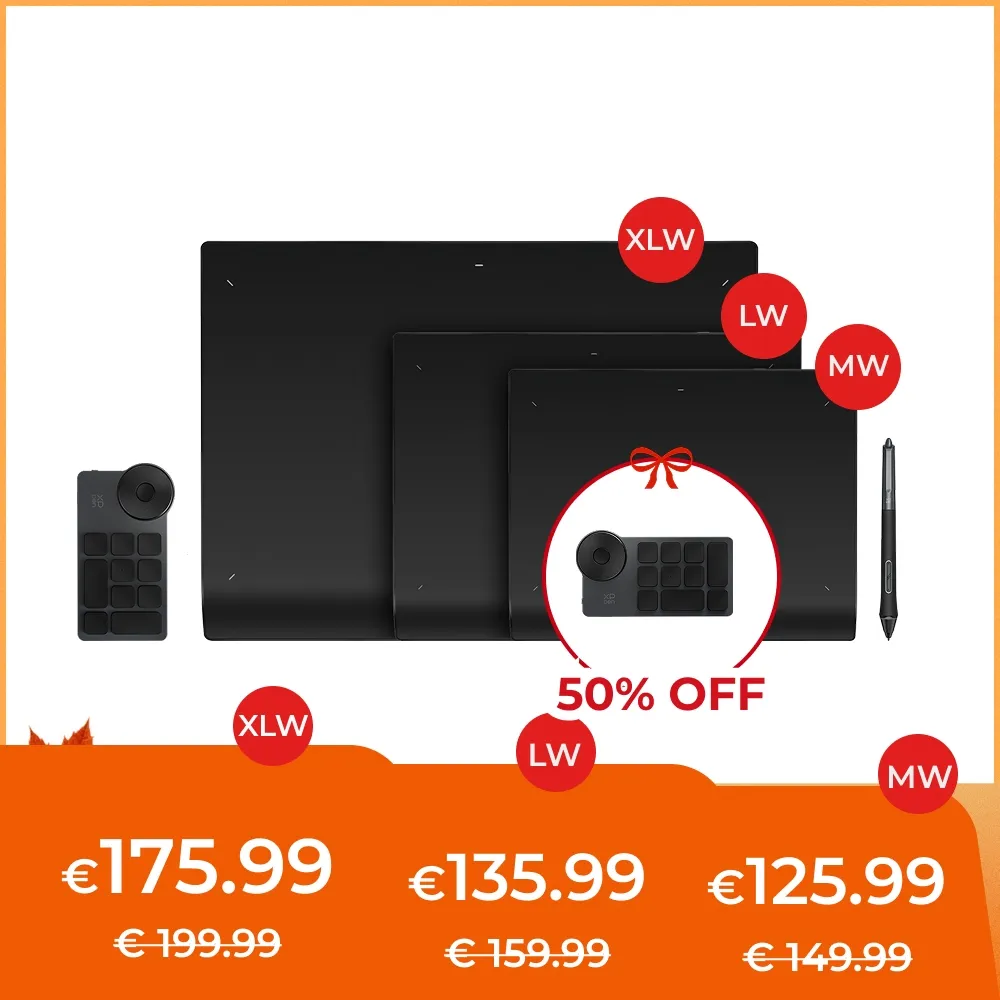

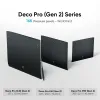
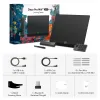








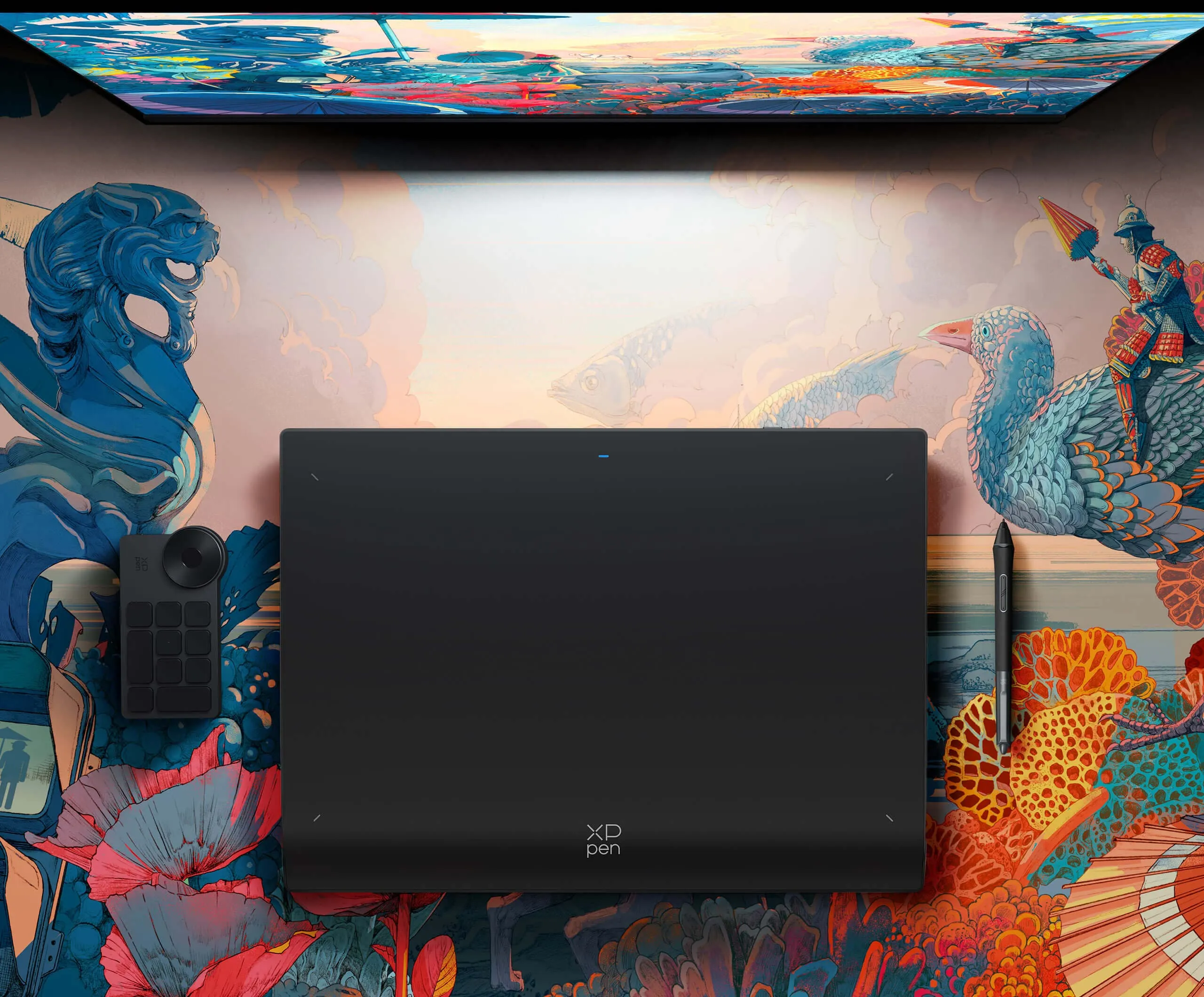



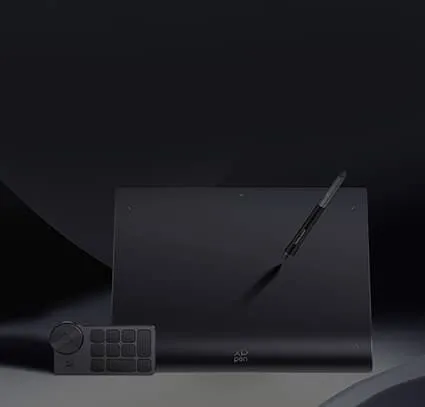
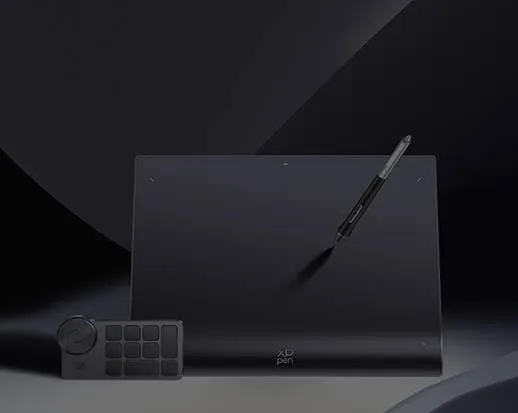
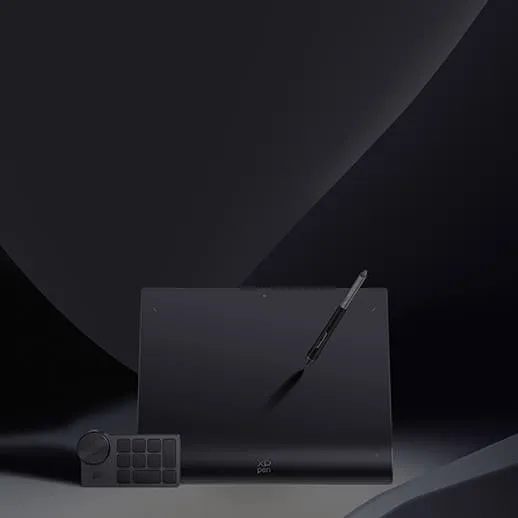



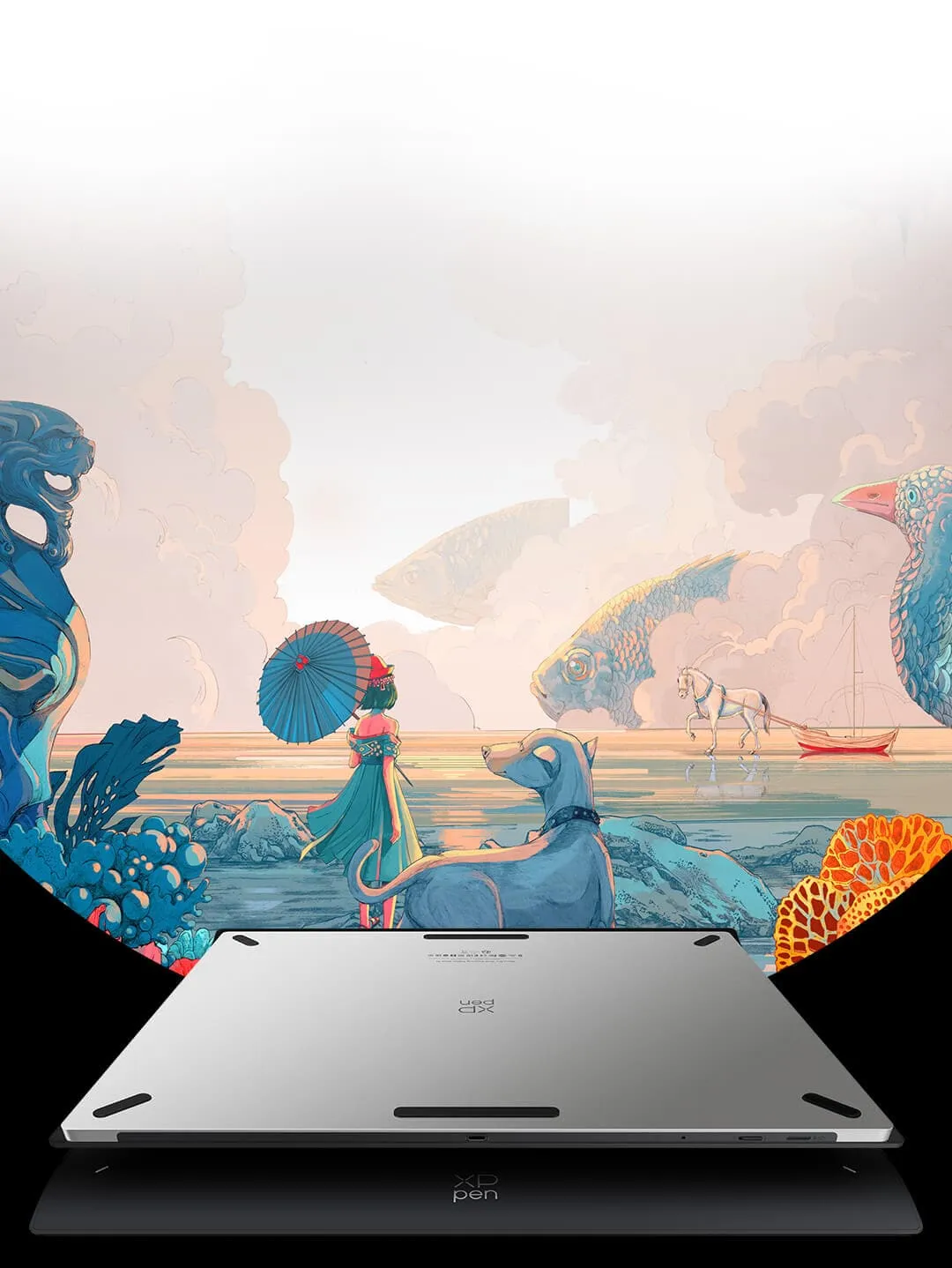

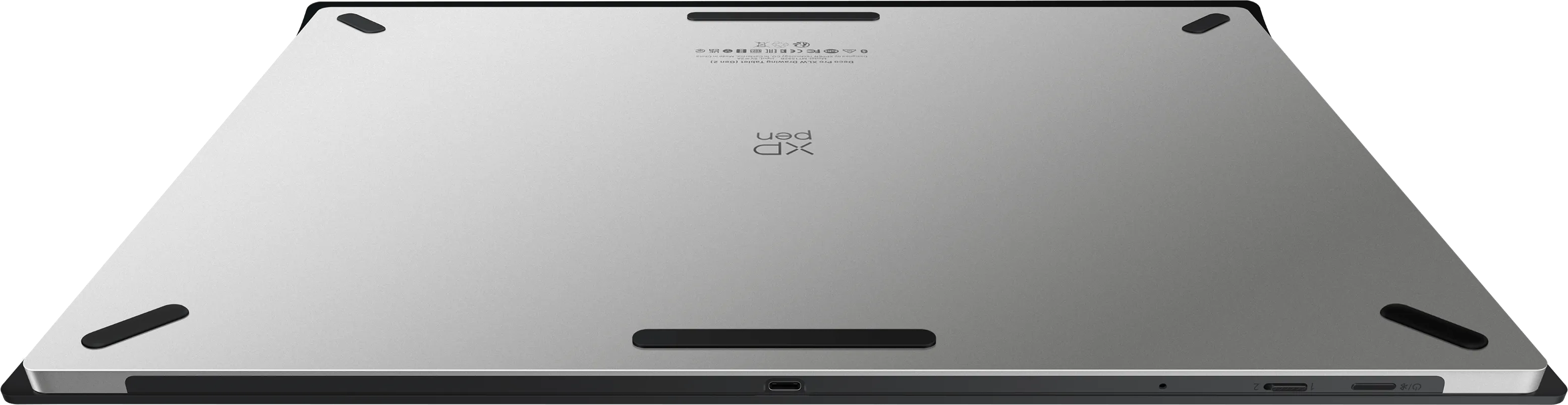






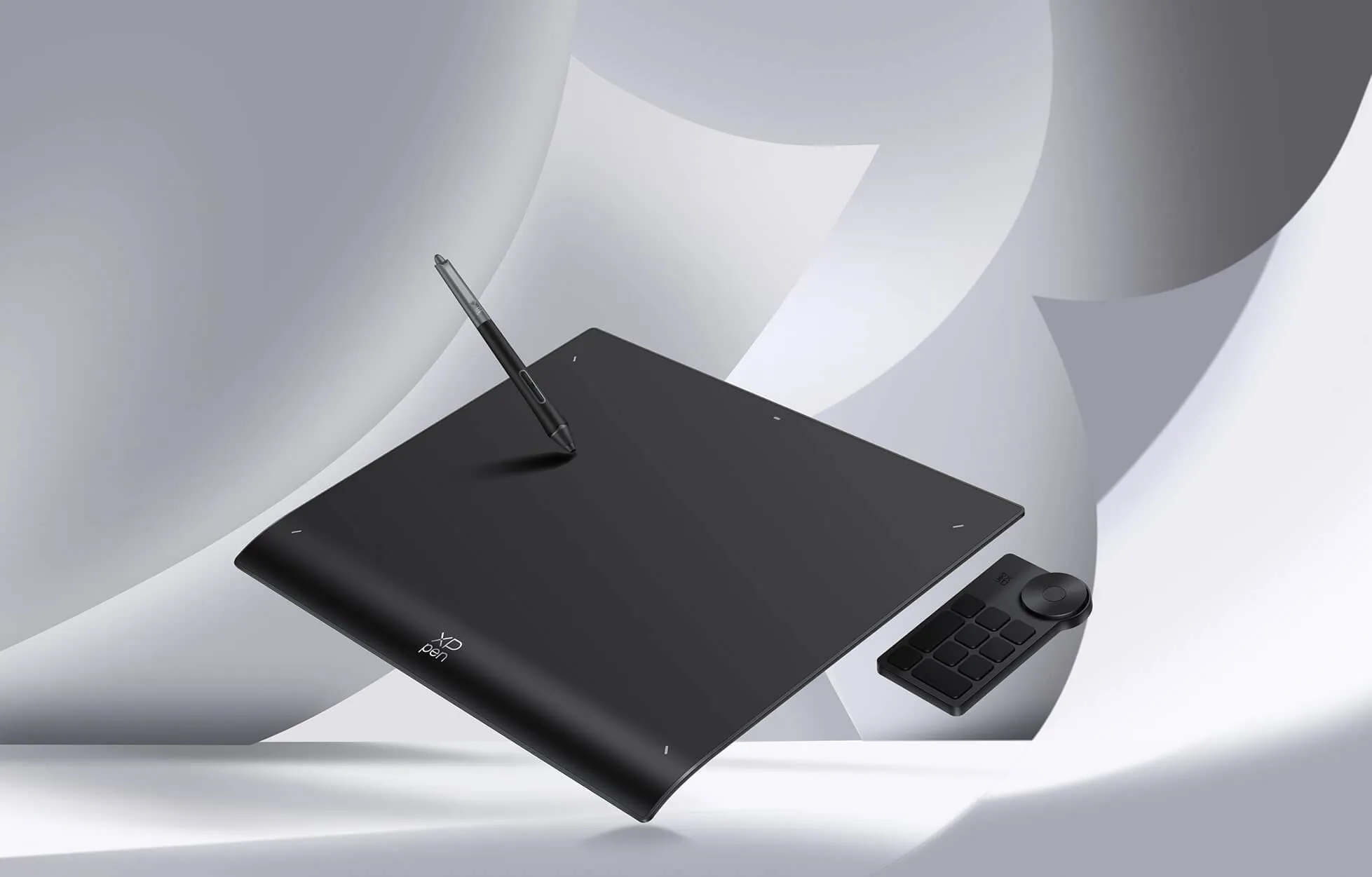
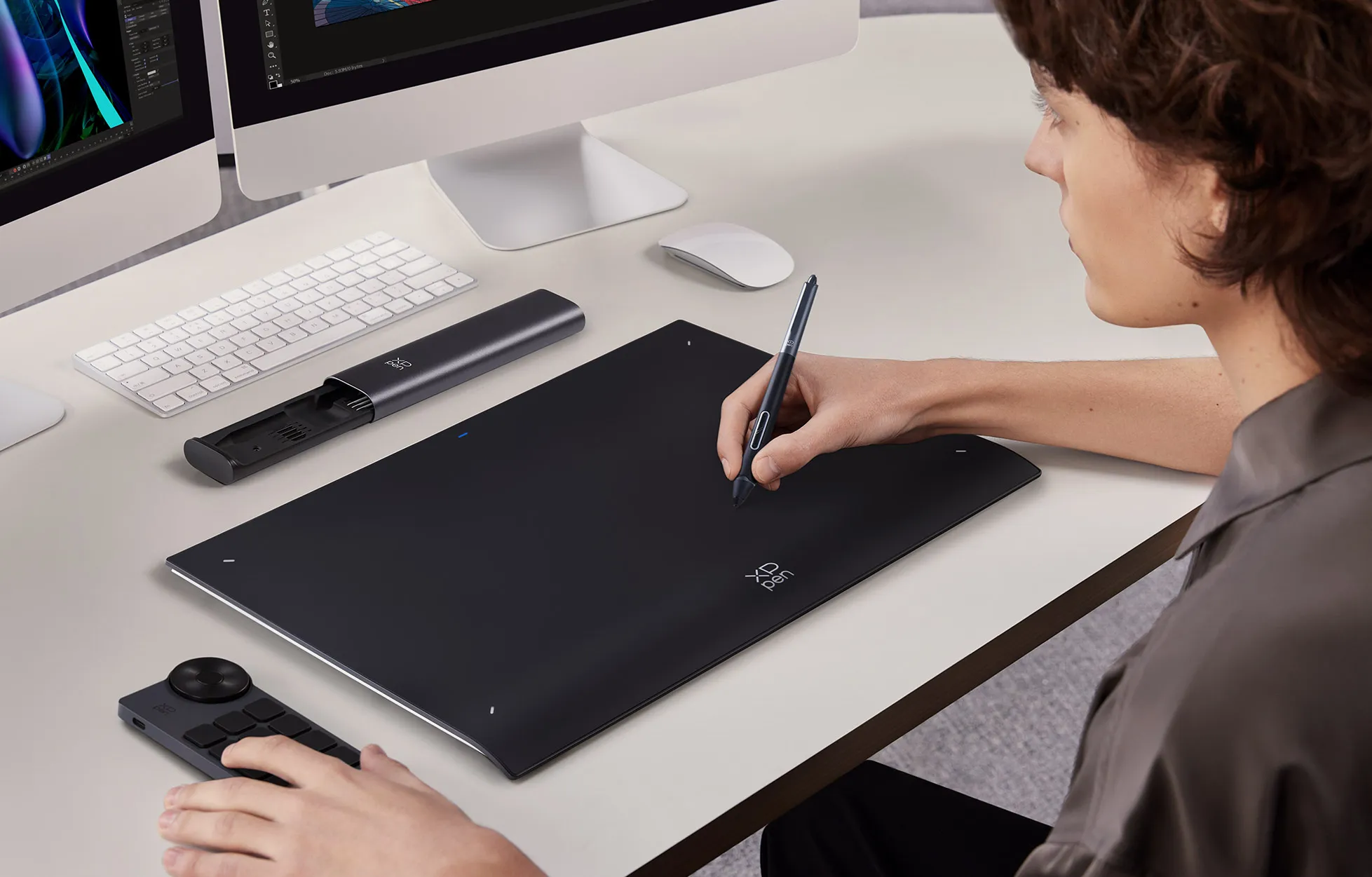
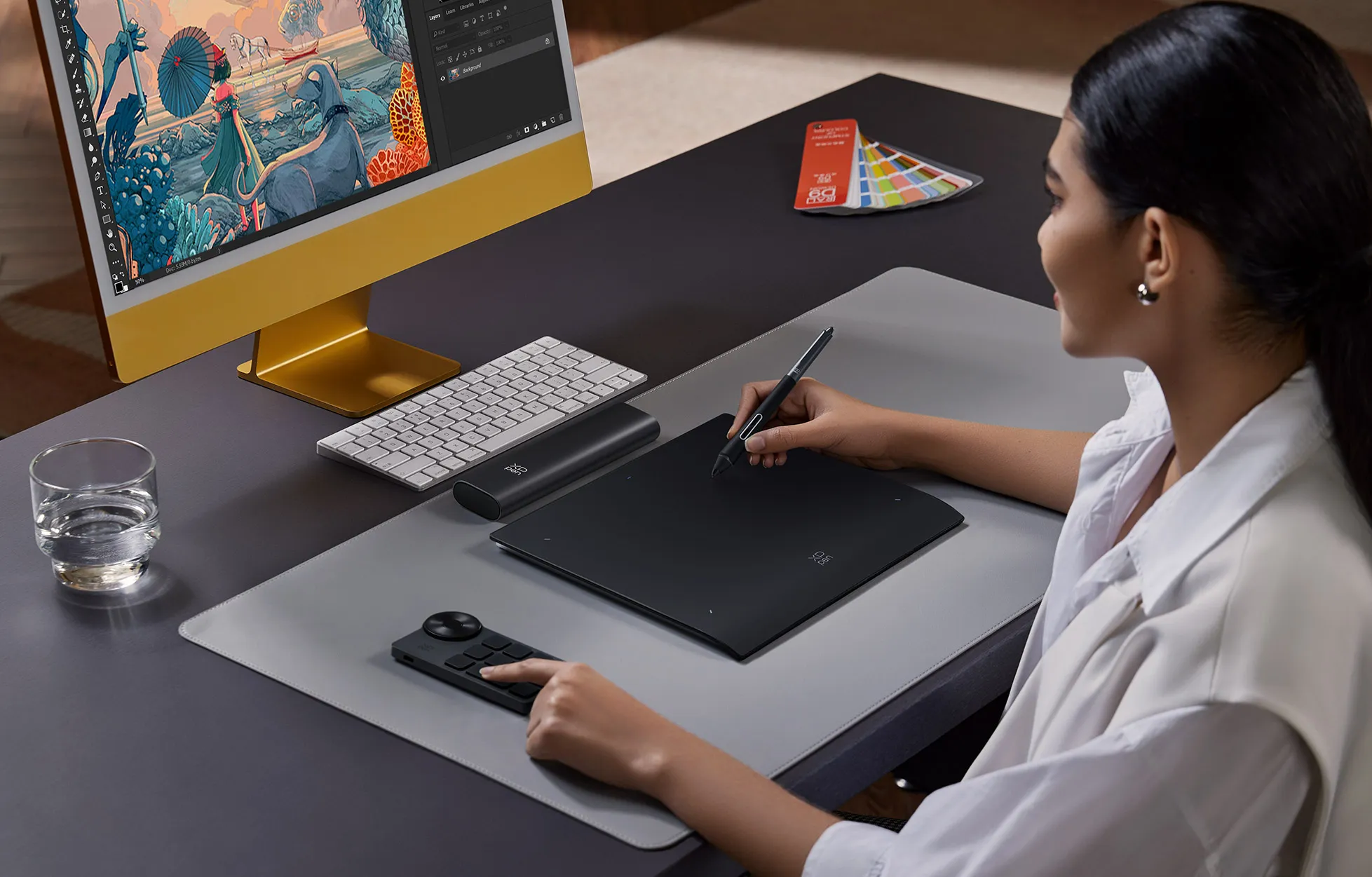

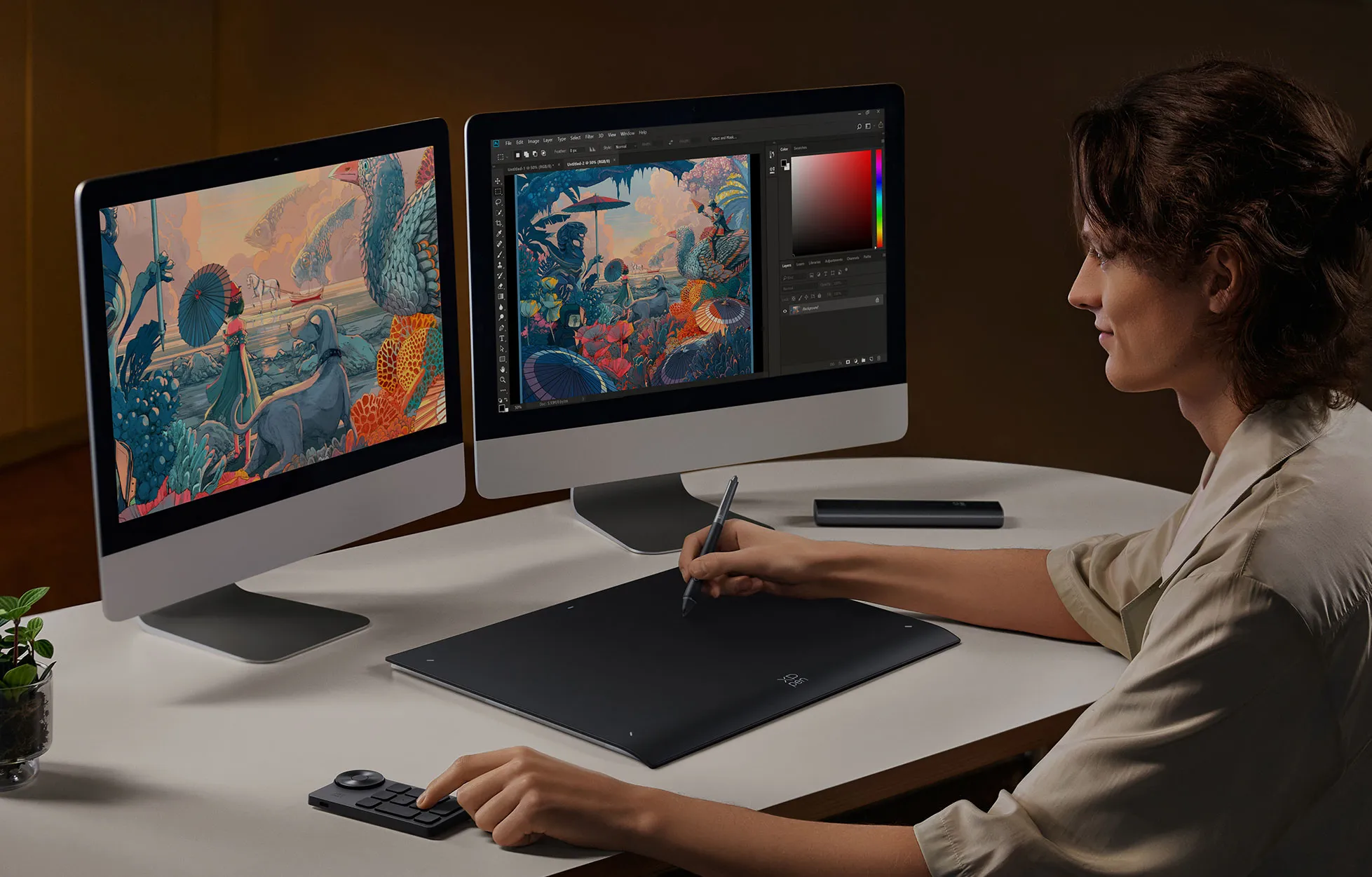

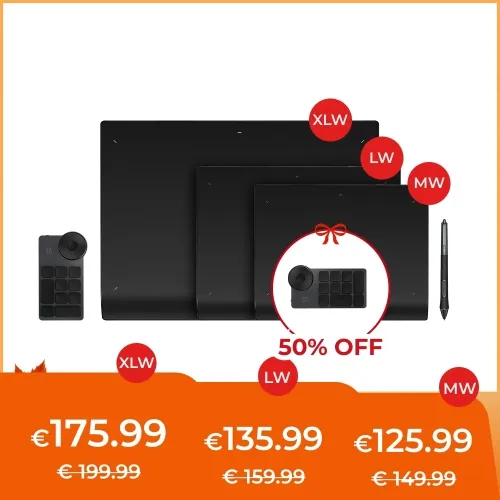
Deco Pro (Gen 2) with ACK05 shortcut remote

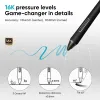
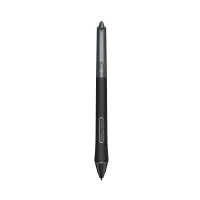
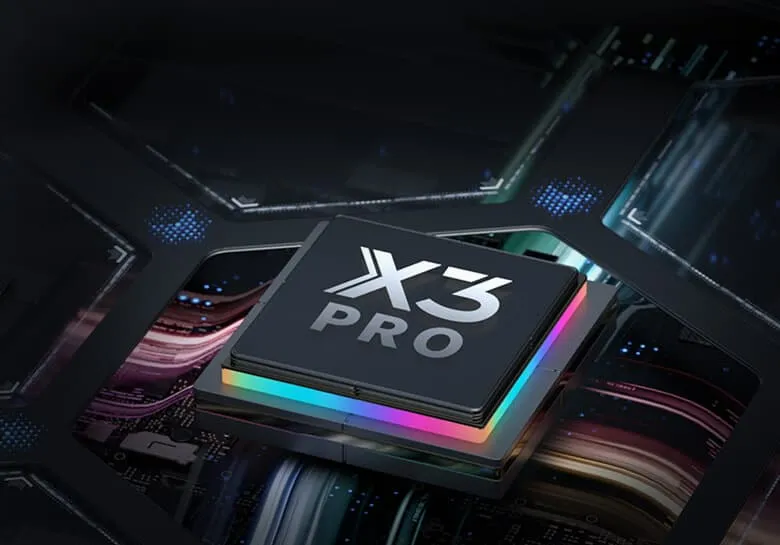
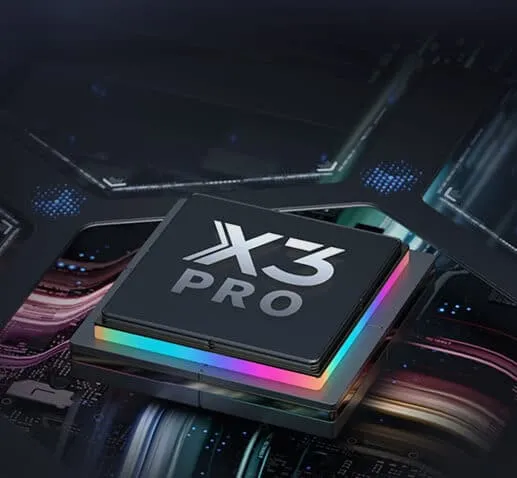
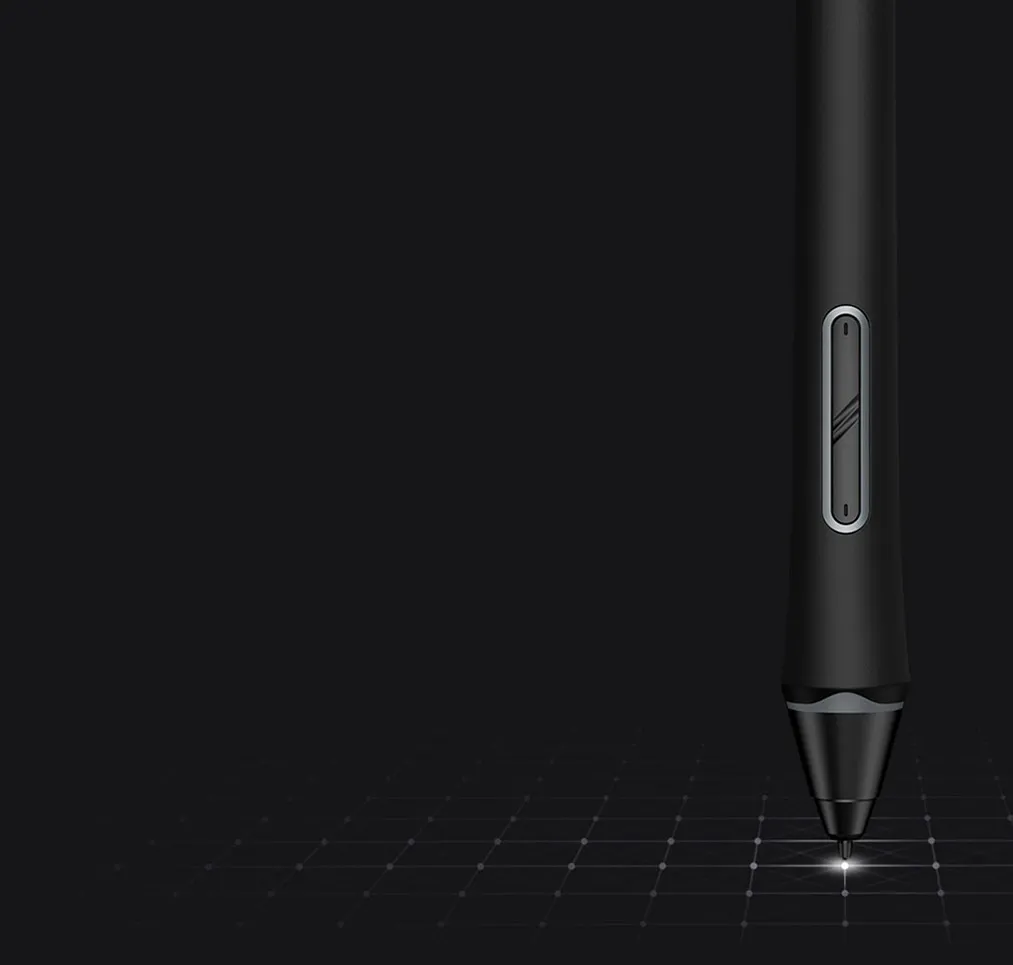
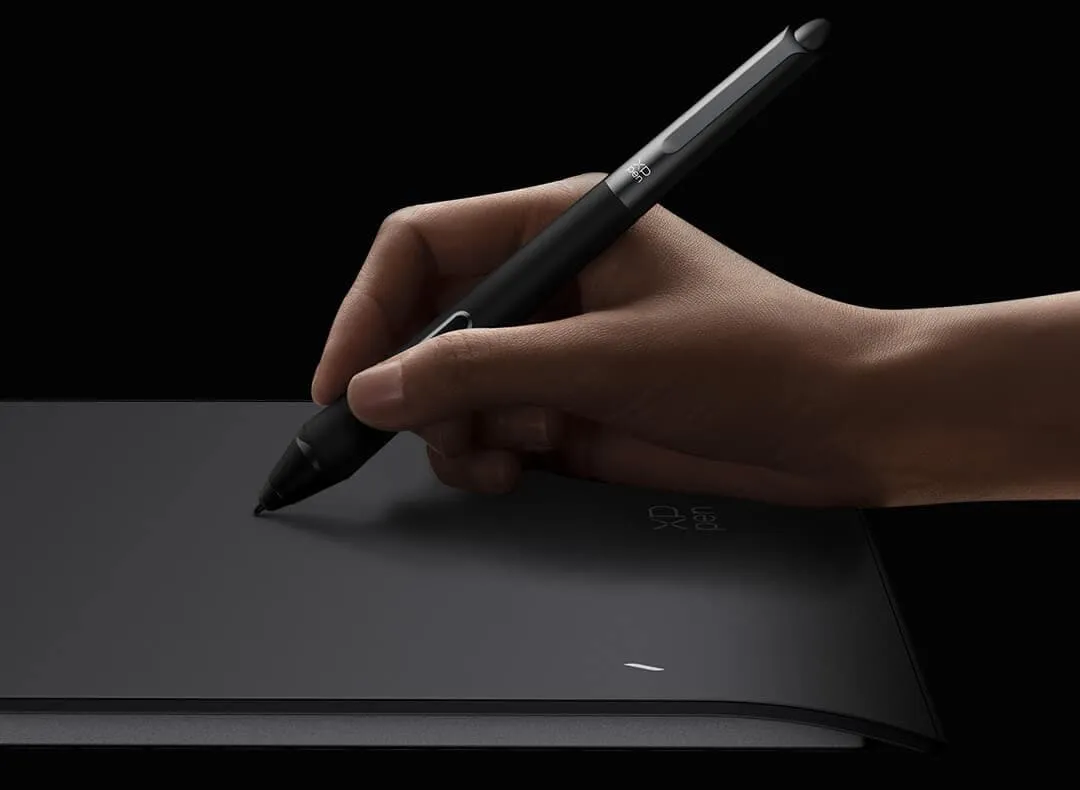
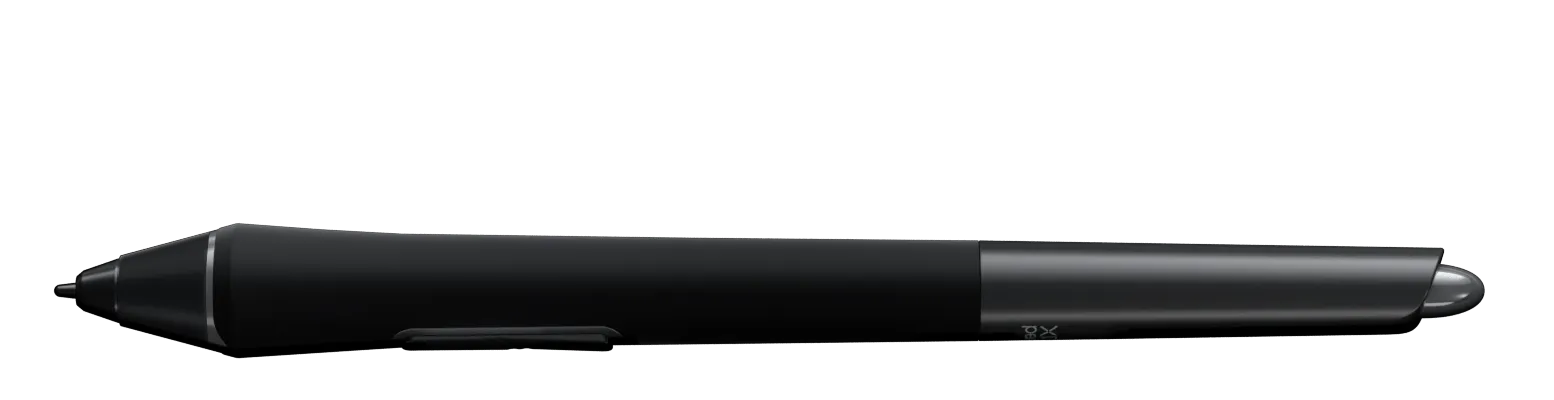
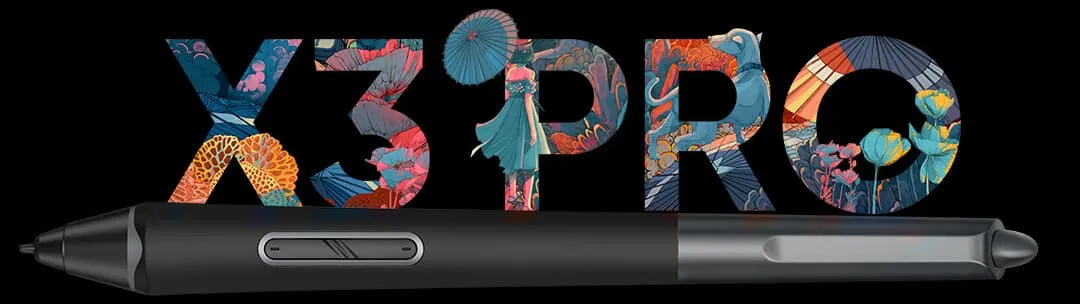
X3 Pro Smart Chip Stylus, 16K Pressure Sensitivity, Three Sizes
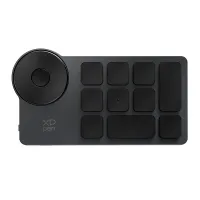
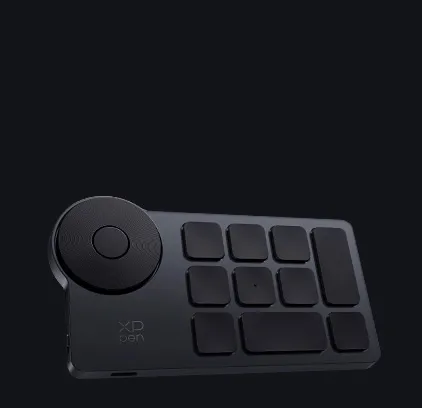
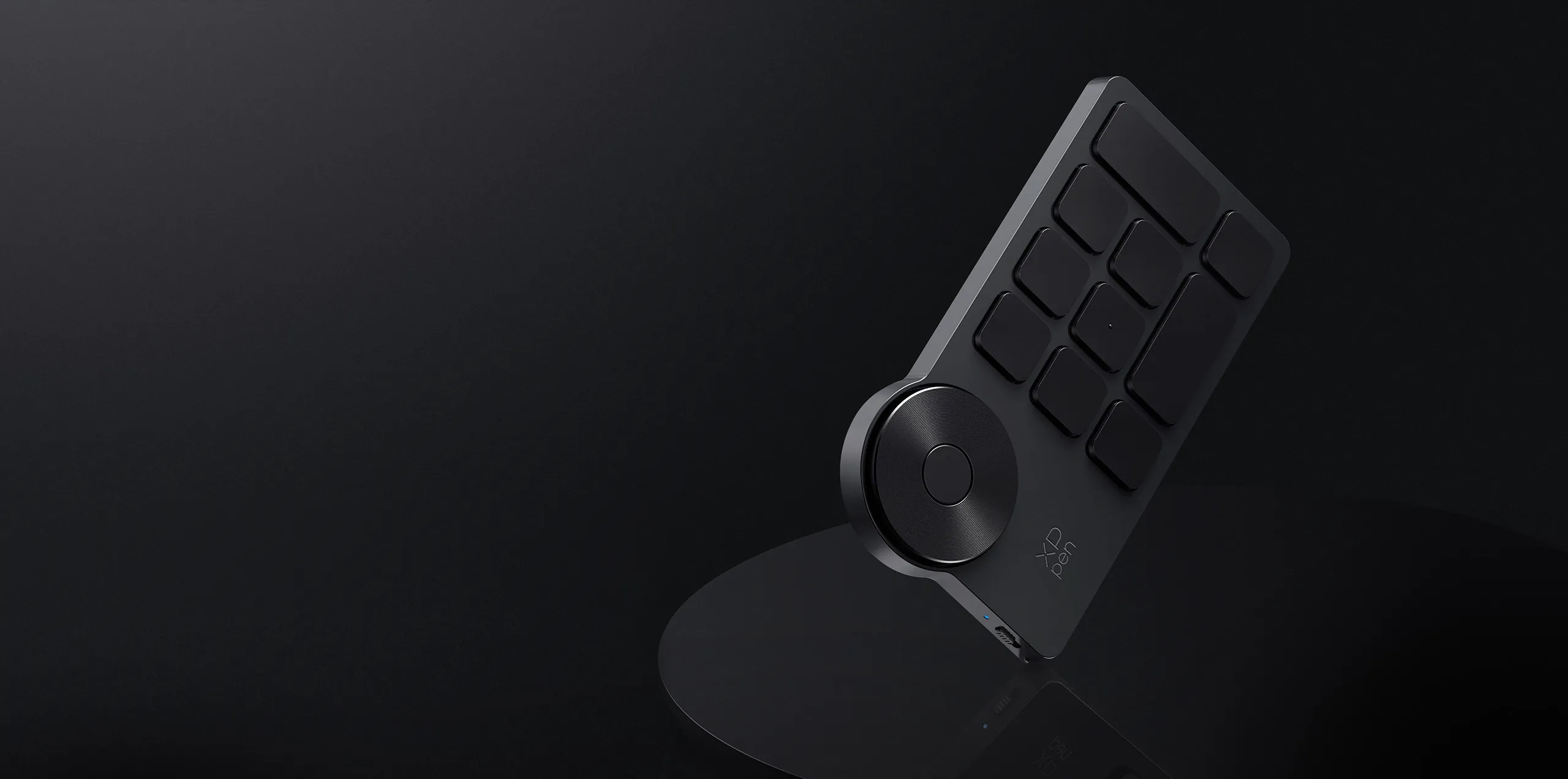
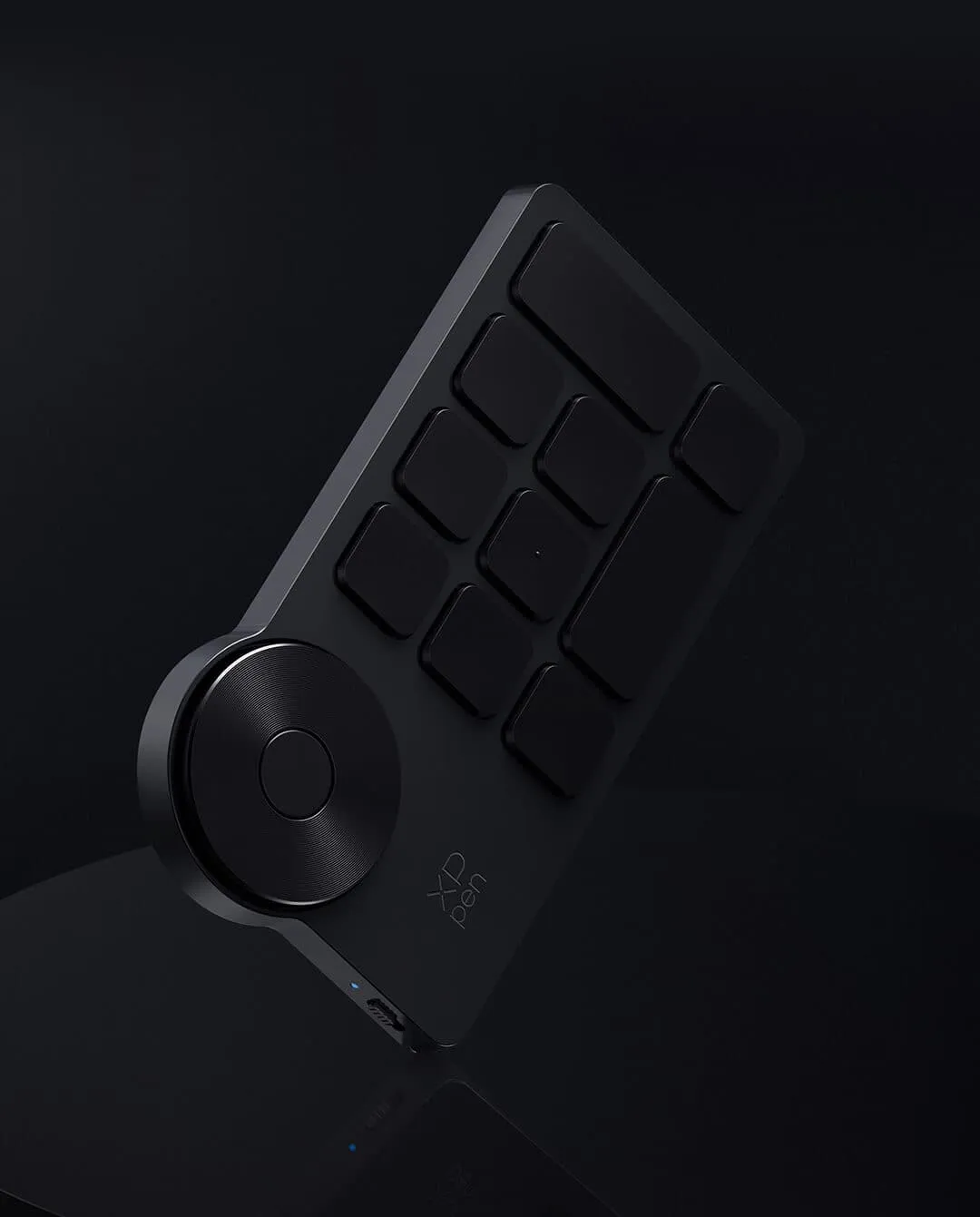
Wired and Bluetooth connection, Wireless Shortcut Remote

€134.99€149.99
Ends in
❋In stock in the EU warehouse❋
 
❋24-Month Warranty❋

Free Shipping (Except RS, NO, CY, MT, IS, MC, MK)

Secure payments (Your payment information is processed securely)

Contact (Monday to Friday 10:30am - 6:30pm( PST))

Professional Support (shopeu@xp-pen.com service@xp-pen.com)

Size:
XLW
LW
MW

Quantity:

Payment icon 0Payment icon 1Payment icon 2Payment icon 3Payment icon 4
seel-icon

Worry-Free Delivery® available with seel

Estimated:

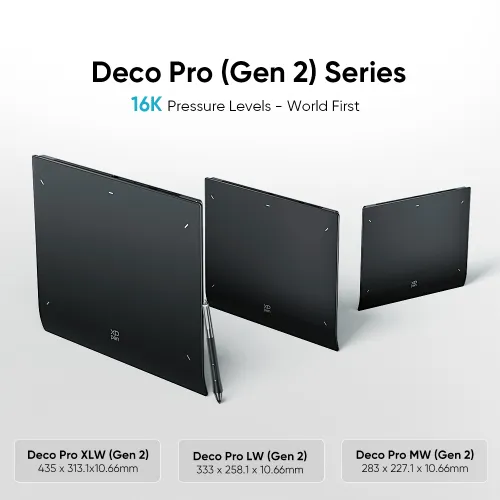
Deco Pro (Gen 2) Series

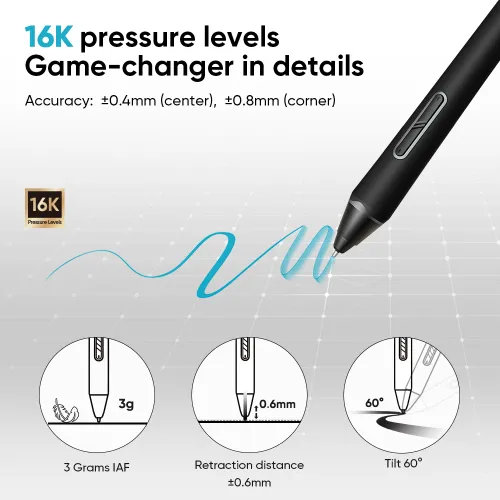
16K Pressure Levels — World First
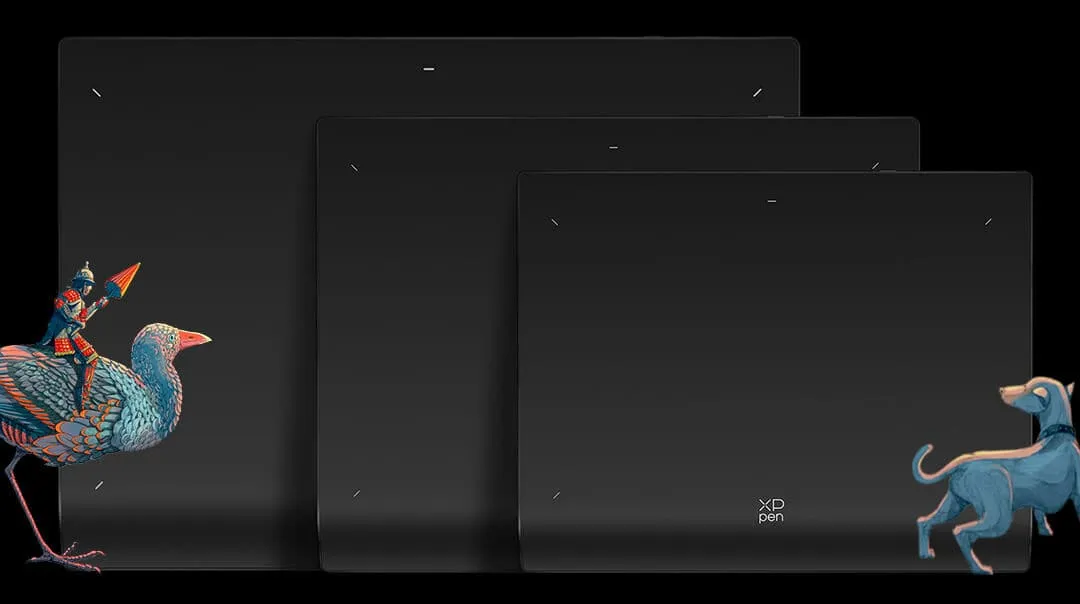
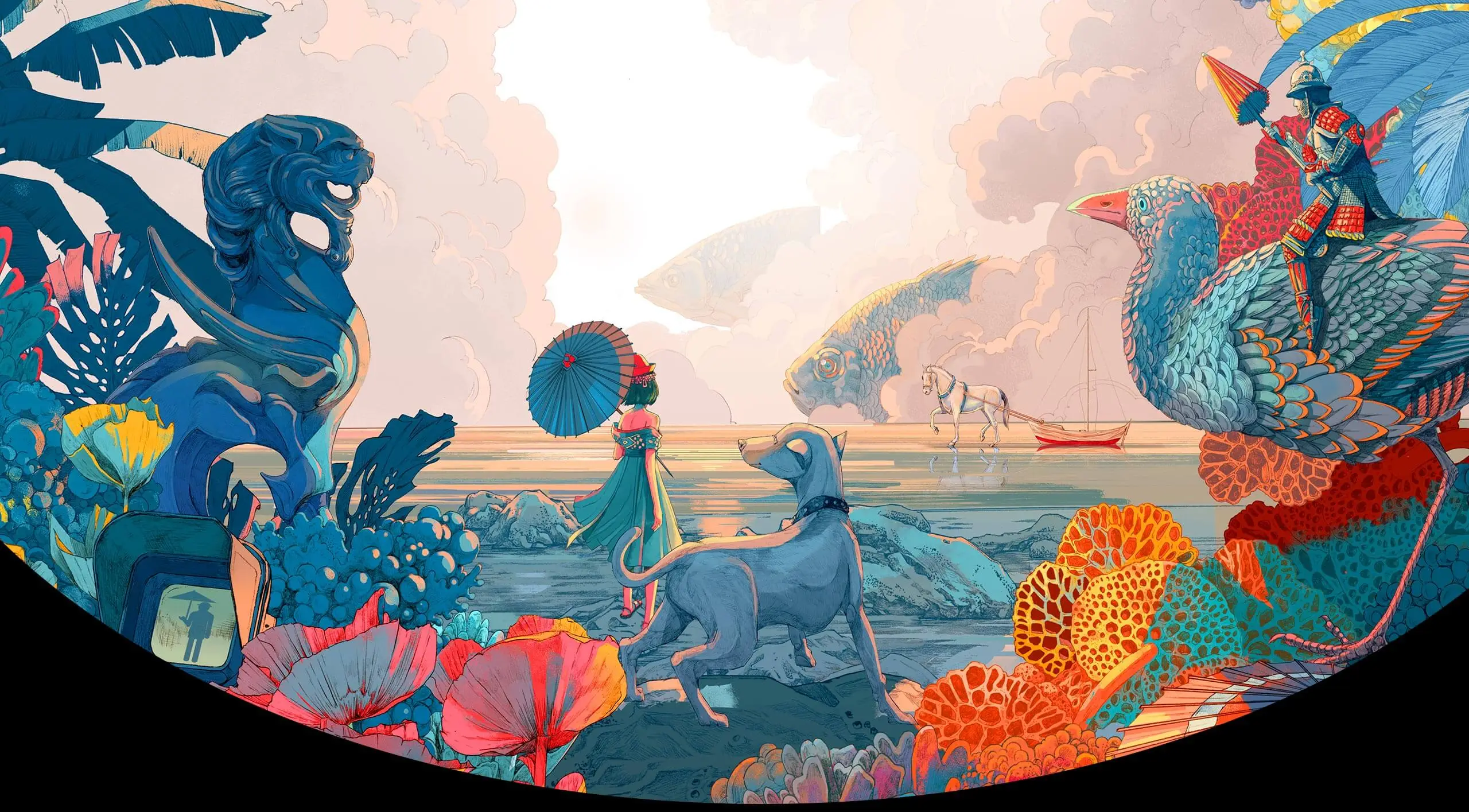
Shan Jiang

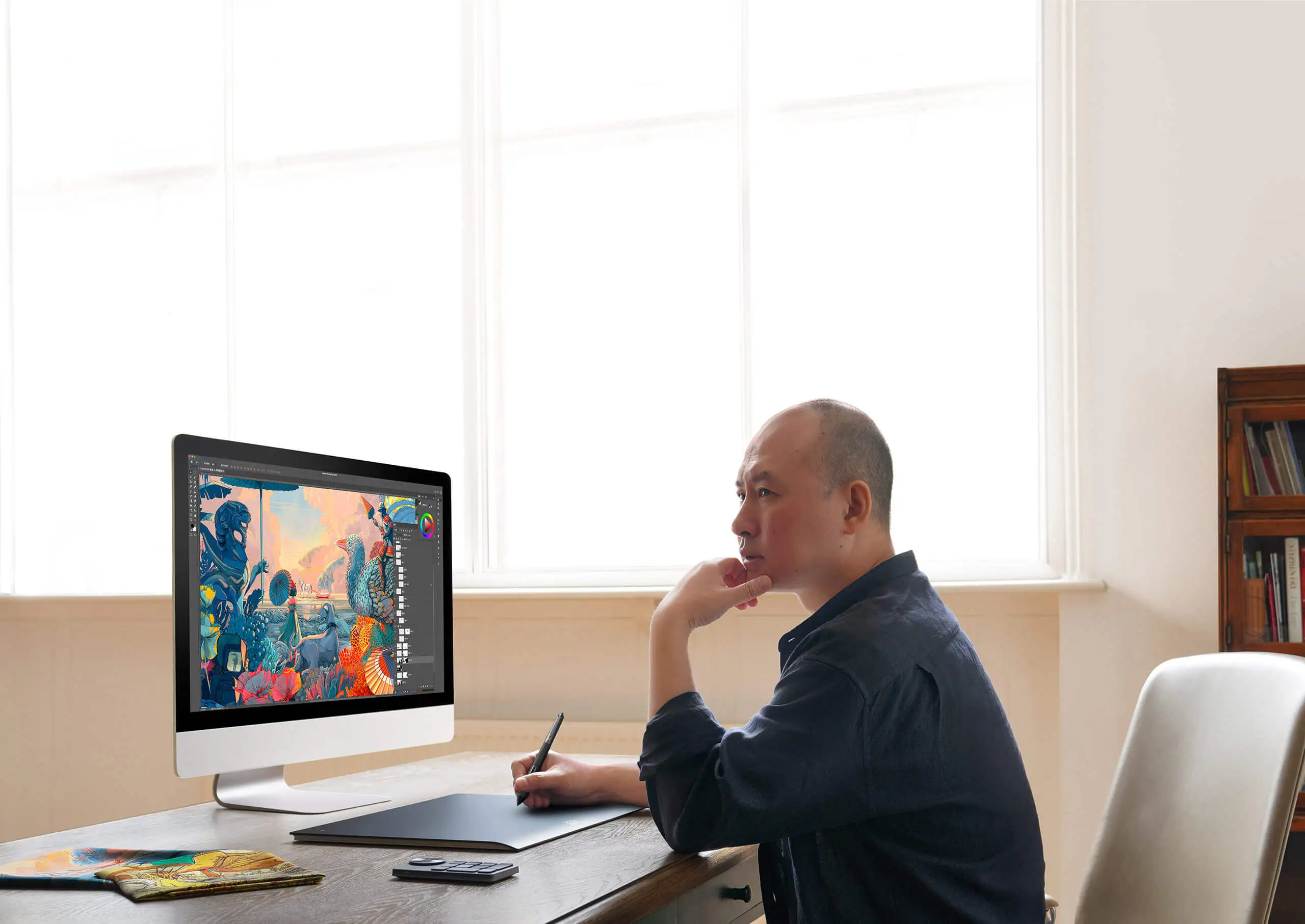
A world-renowned artist, illustrator, and designer who once cooperated with Apple and illustrated for Hermès in a global contest. And a Lion-winner of the Cannes Lions International Festival of Creativity 2014. His illustrations are a burst of emotions and boldness, packed with international cultural diversity and profound creative techniques, taking the audience to a spectacular imaginative world.

XPPen is honored to collaborate with Shan Jiang to break the boundary of art and technology as it launches the all-new
Deco Pro Drawing Tablet (Gen 2) Series.

image
imageimage

Meet the new Deco Pro Drawing Tablet (Gen 2) Series, armed with an X3 Pro Smart Chip Stylus. Painstakingly developed by the X-Innovation Laboratory under XPPen, this state-of-the-art combo is a huge leap forward in CG technology to liberate your inspiration and let your fingers fly over pieces of artwork.

imageimage

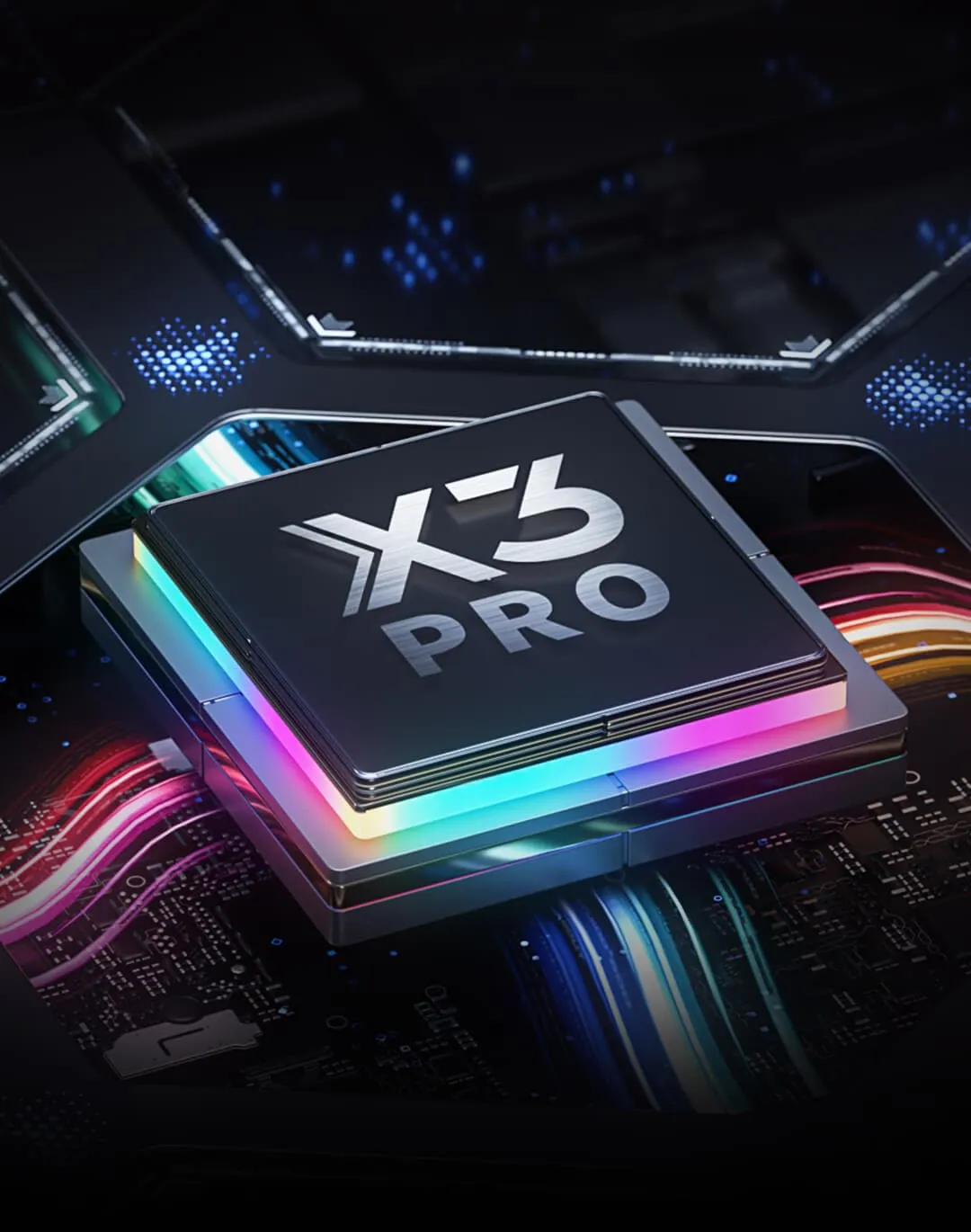
X3 Pro chip technology

Industry-first 16K pressure levels.

image

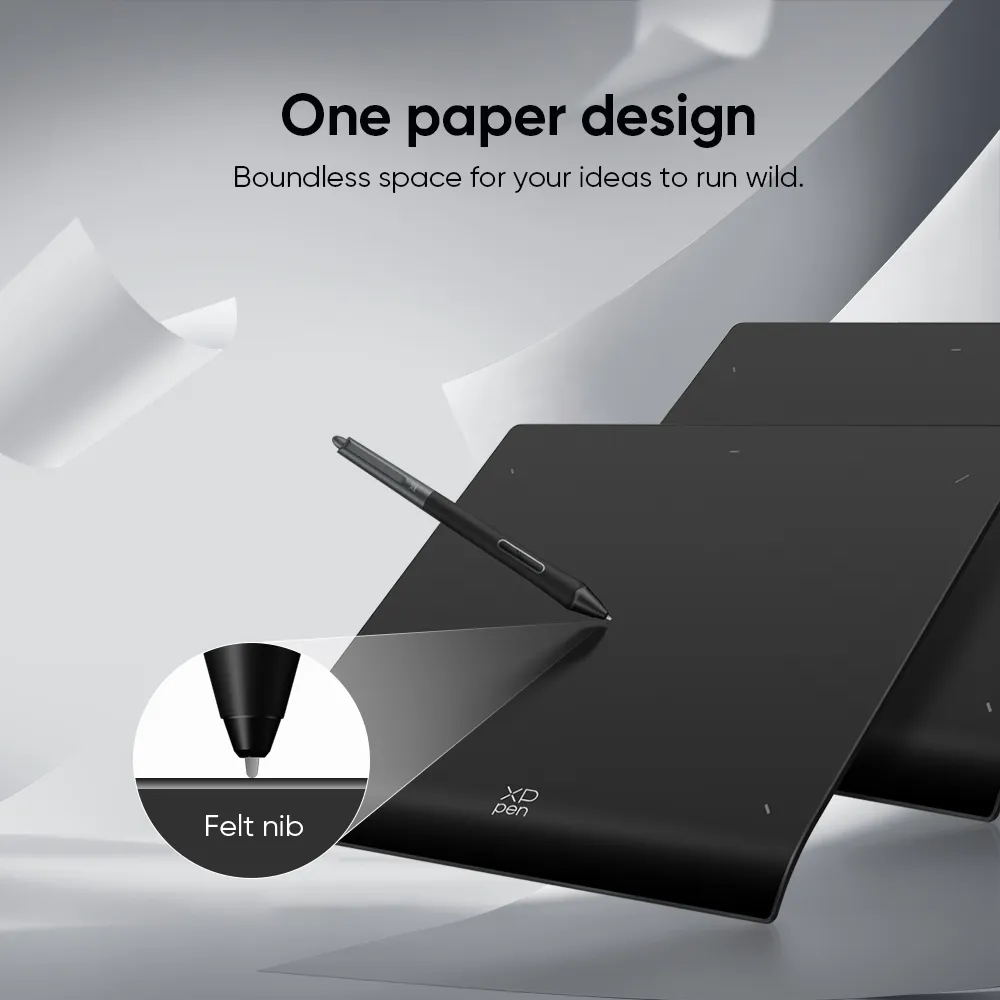
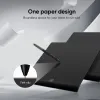
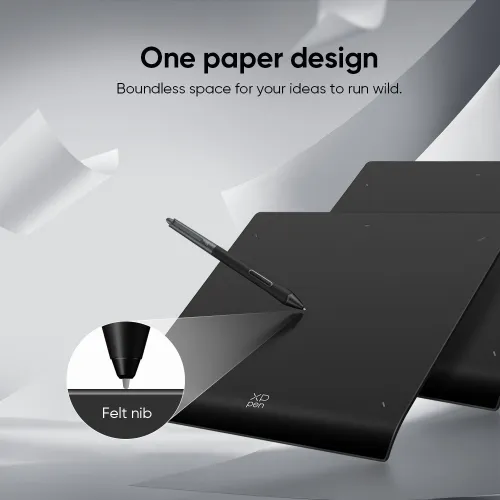
One Paper surface

Break the creation limits.

image

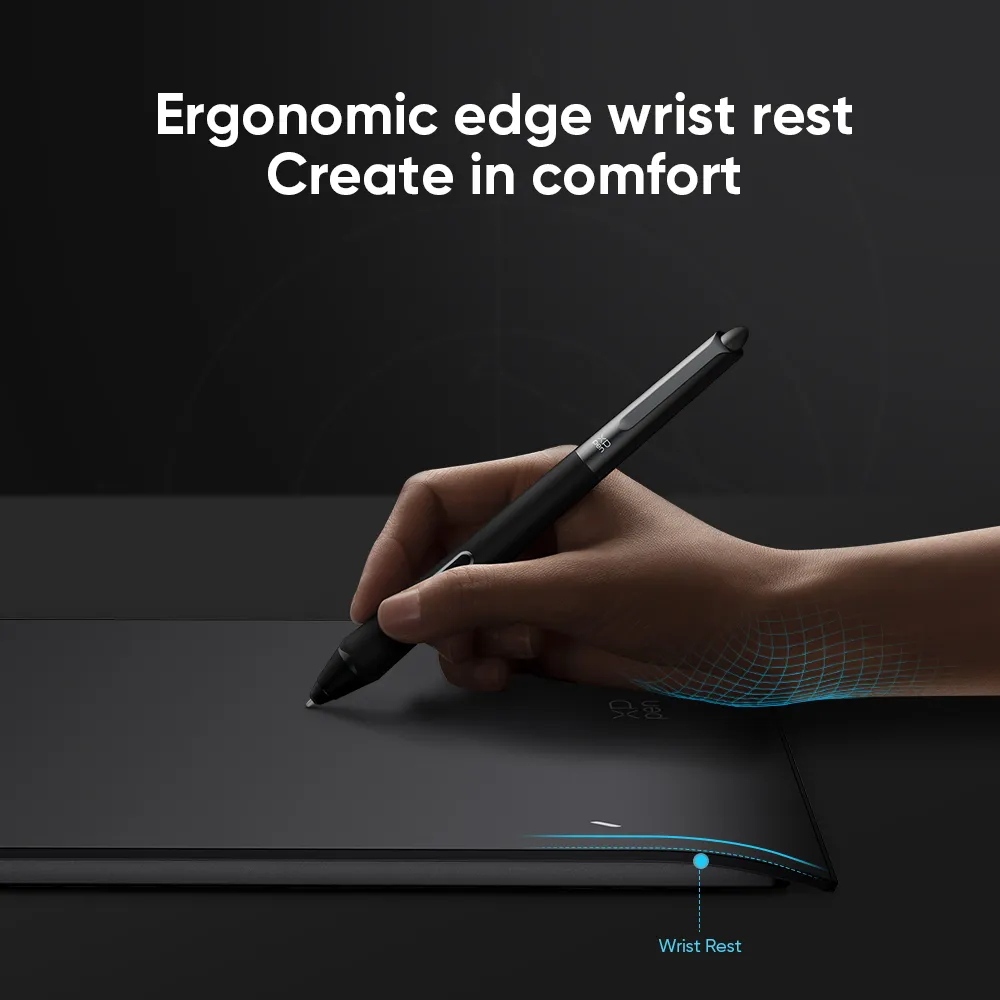
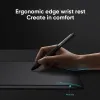
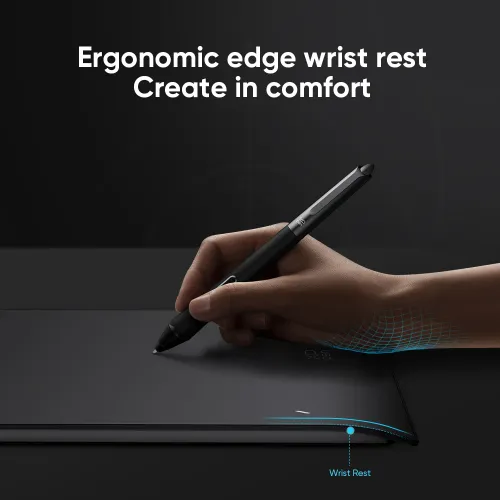
Ergonomic design

Combat high-intensity work fatigue.

image

Personalized configuration

Work your way.

image

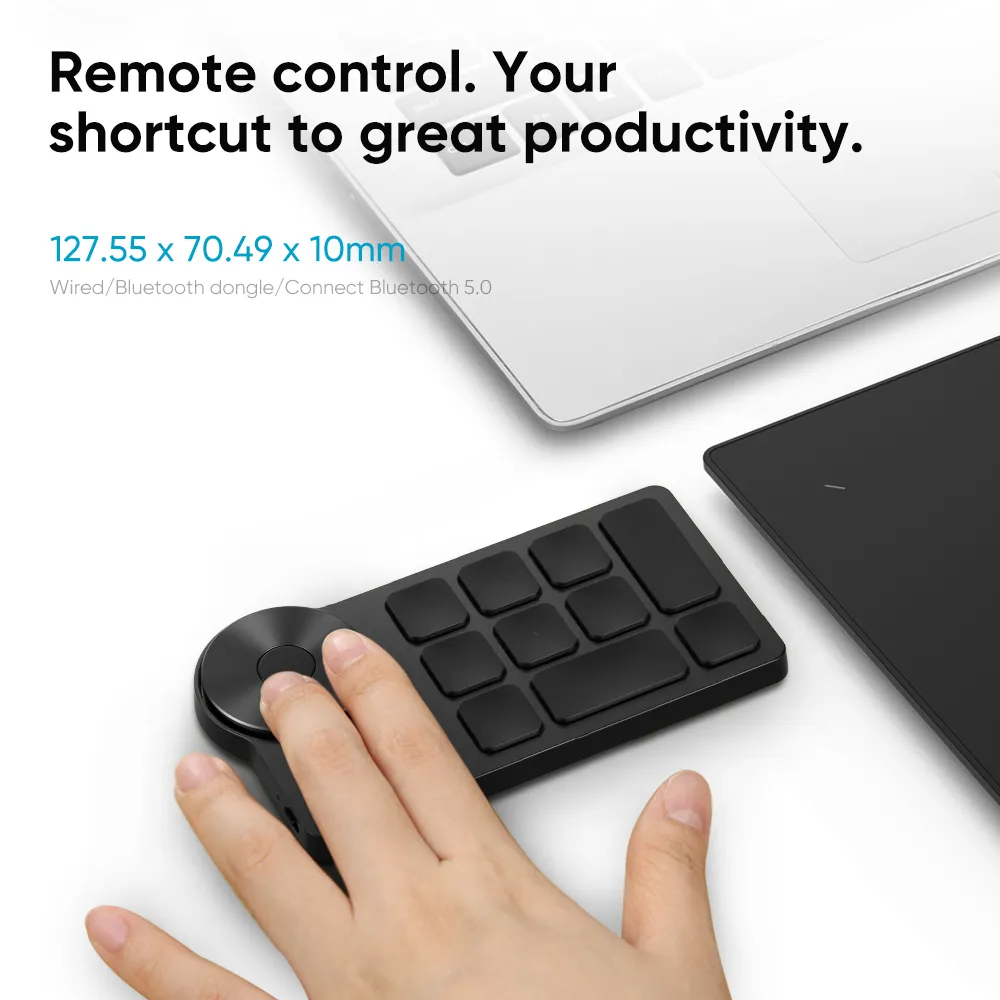
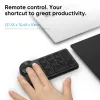
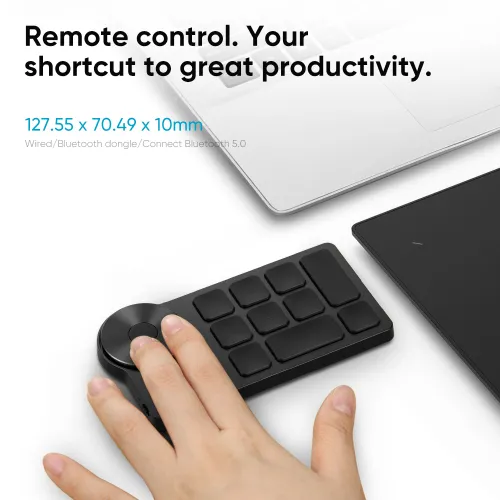
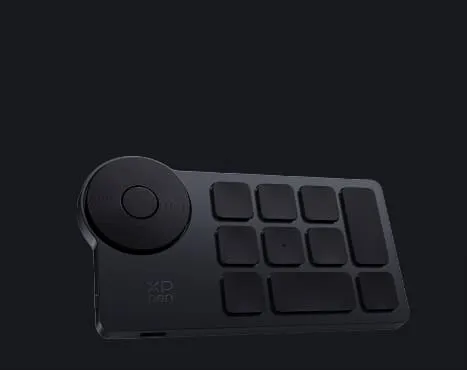
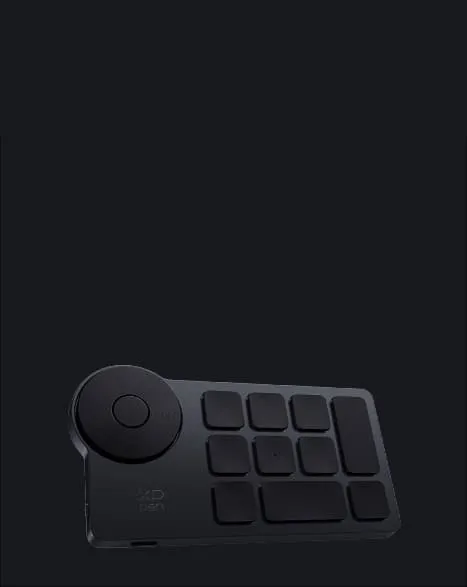
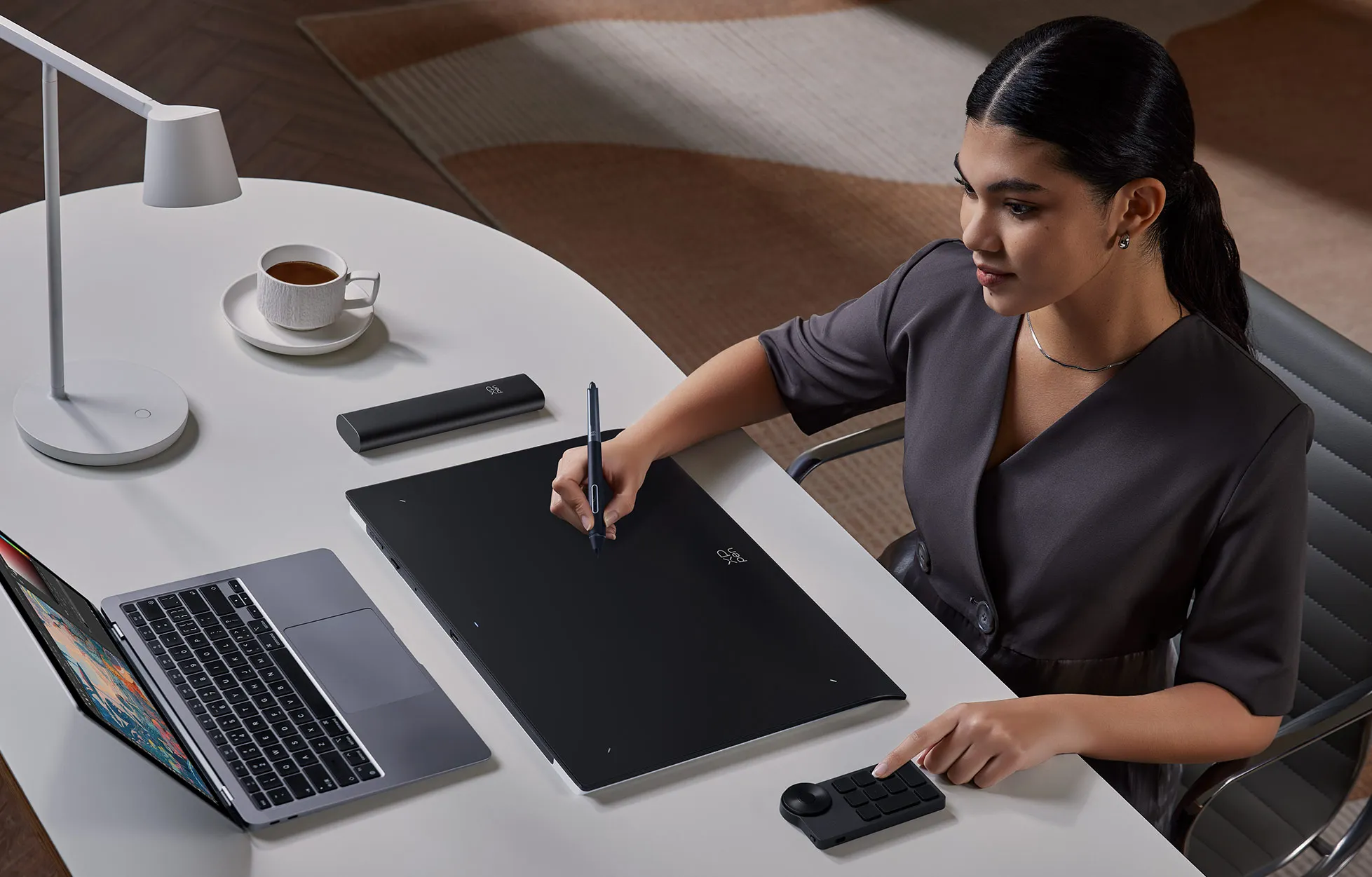
X-Remote Control

Boost your work efficiency.

image

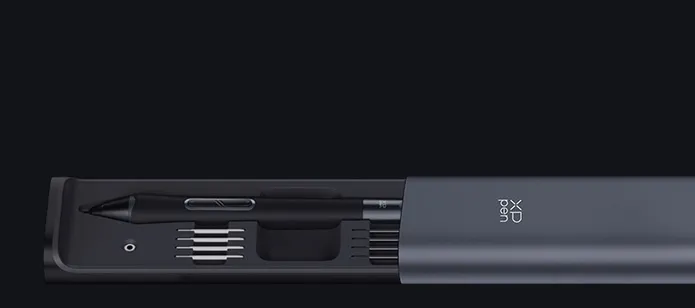
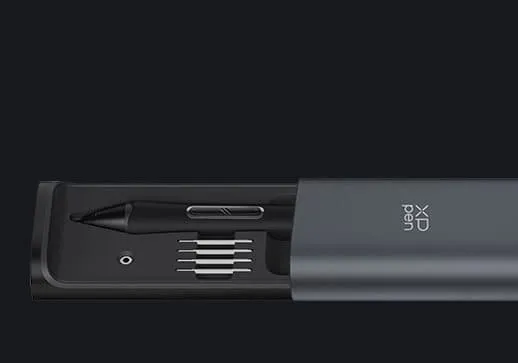
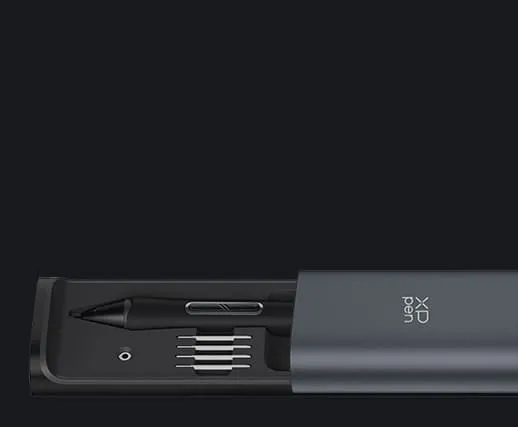
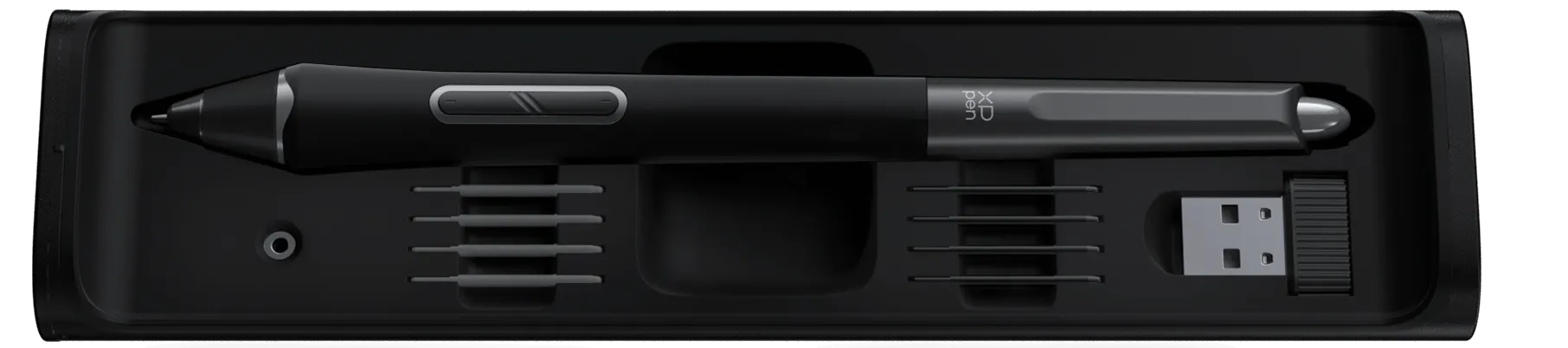
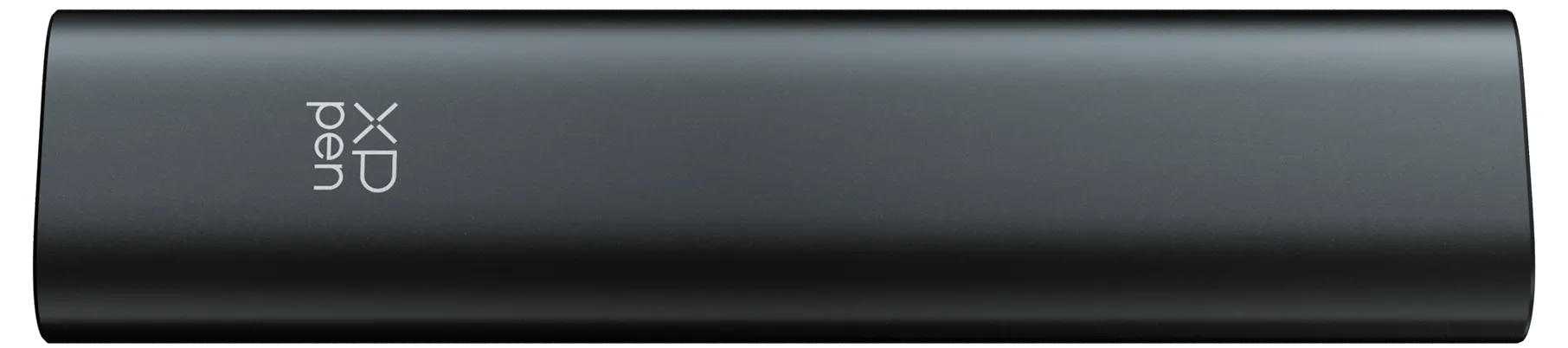
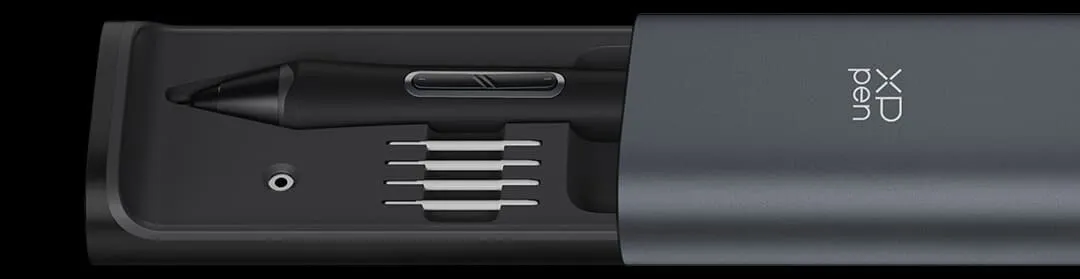
Metal Pen Case

Keep the stylus organized.

image

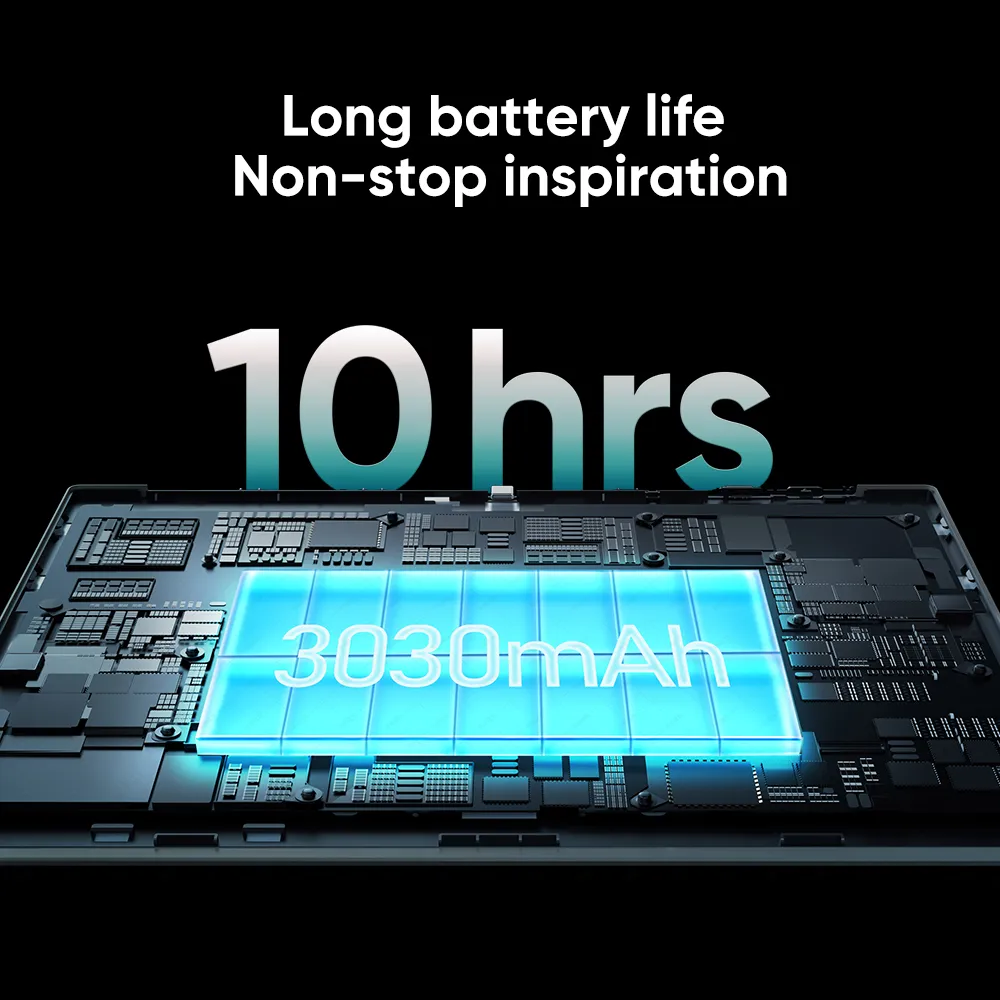
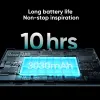
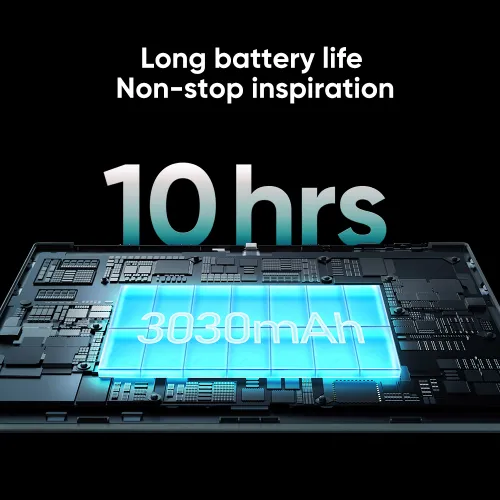
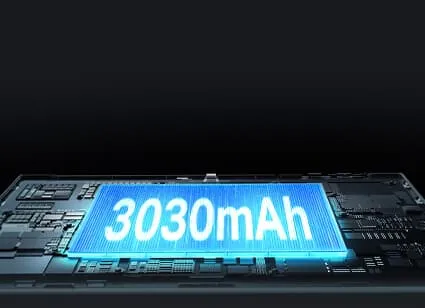
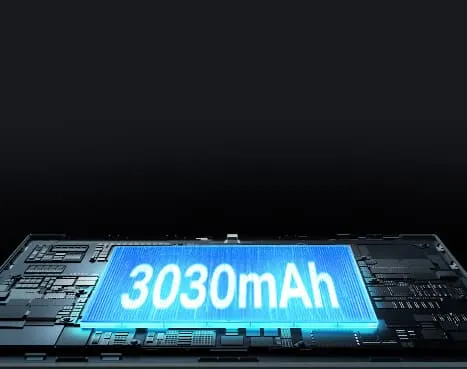
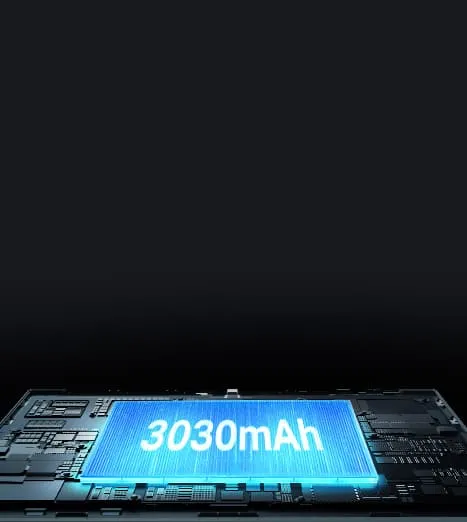
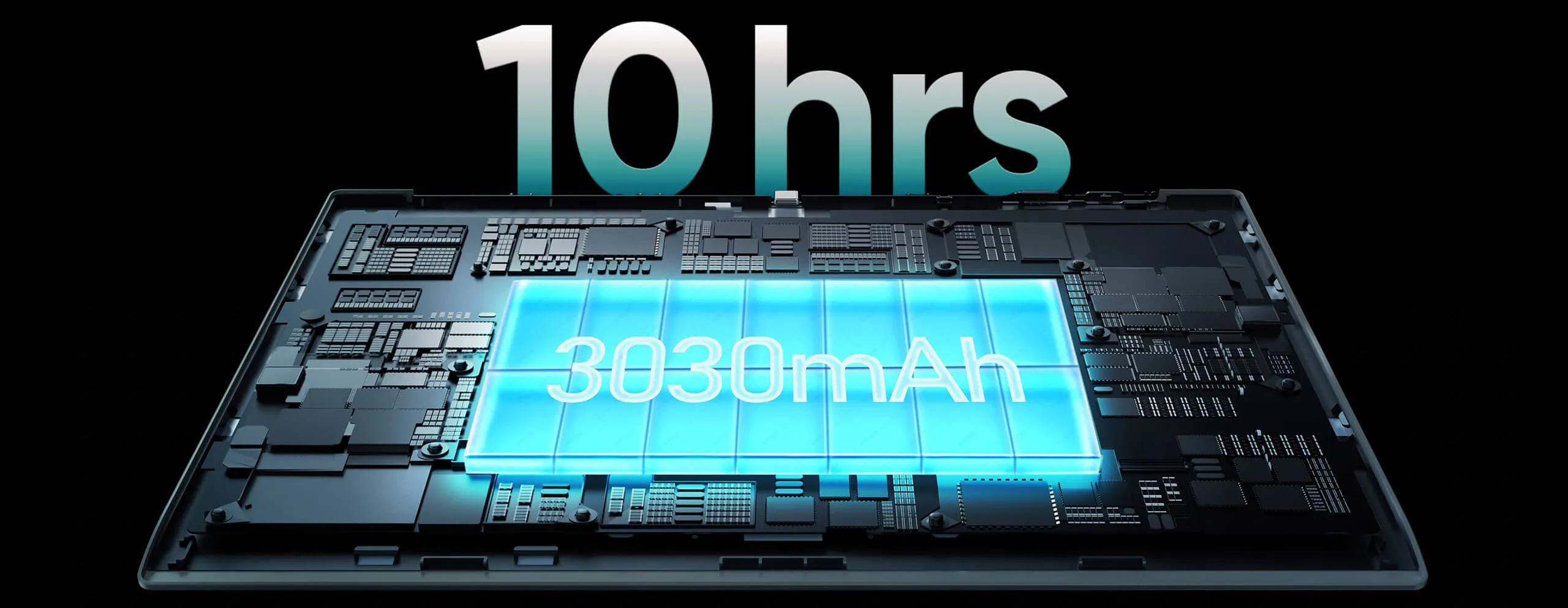
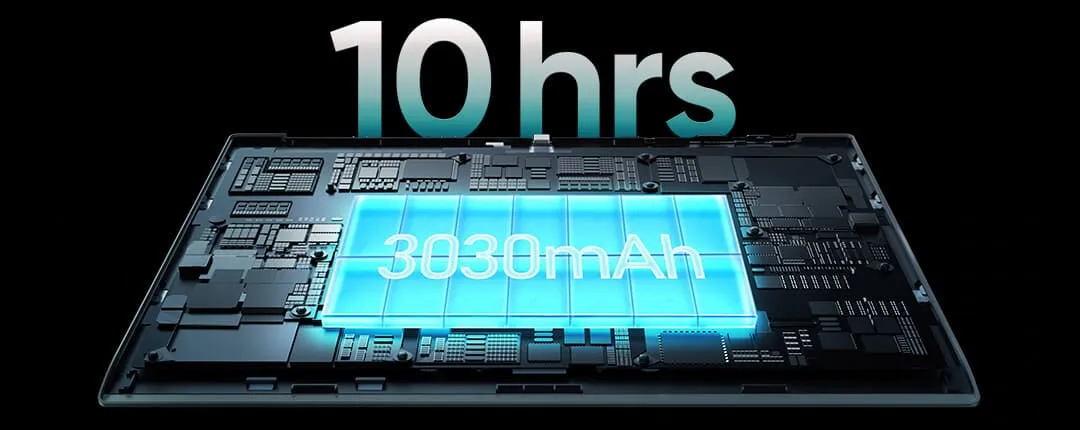
≥10 hrs* of battery life

3030mAh for long-lasting inspiration.

image

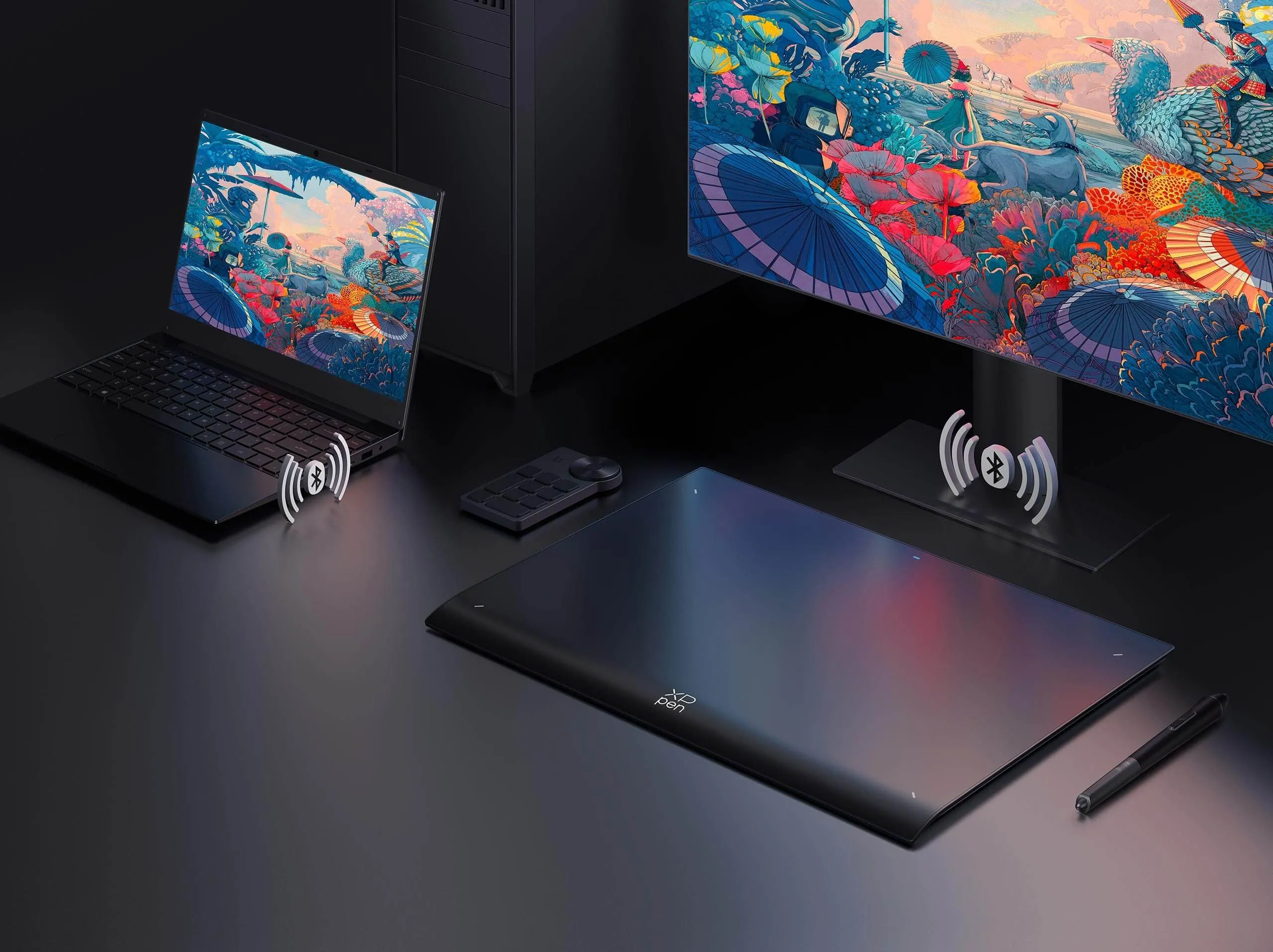
Bluetooth 5.0

Wireless connection
without hassle.

image
imageimage

X3 Pro chip technology

Industry-first 16K pressure levels.

imageimage

Personalized configuration

Work your way.

imageimage

Metal Pen Case

Keep the stylus organized.

imageimage

Bluetooth 5.0

Wireless connection
without hassle.

imageimage

One Paper surface

Break the creation limits.

imageimage

Ergonomic design

Combat high-intensity work fatigue. 

imageimage

≥10 hrs* of battery life

3030mAh for long-lasting inspiration.

imageimage

X-Remote Control

Boost your work efficiency.

More responsive.
More accurate.

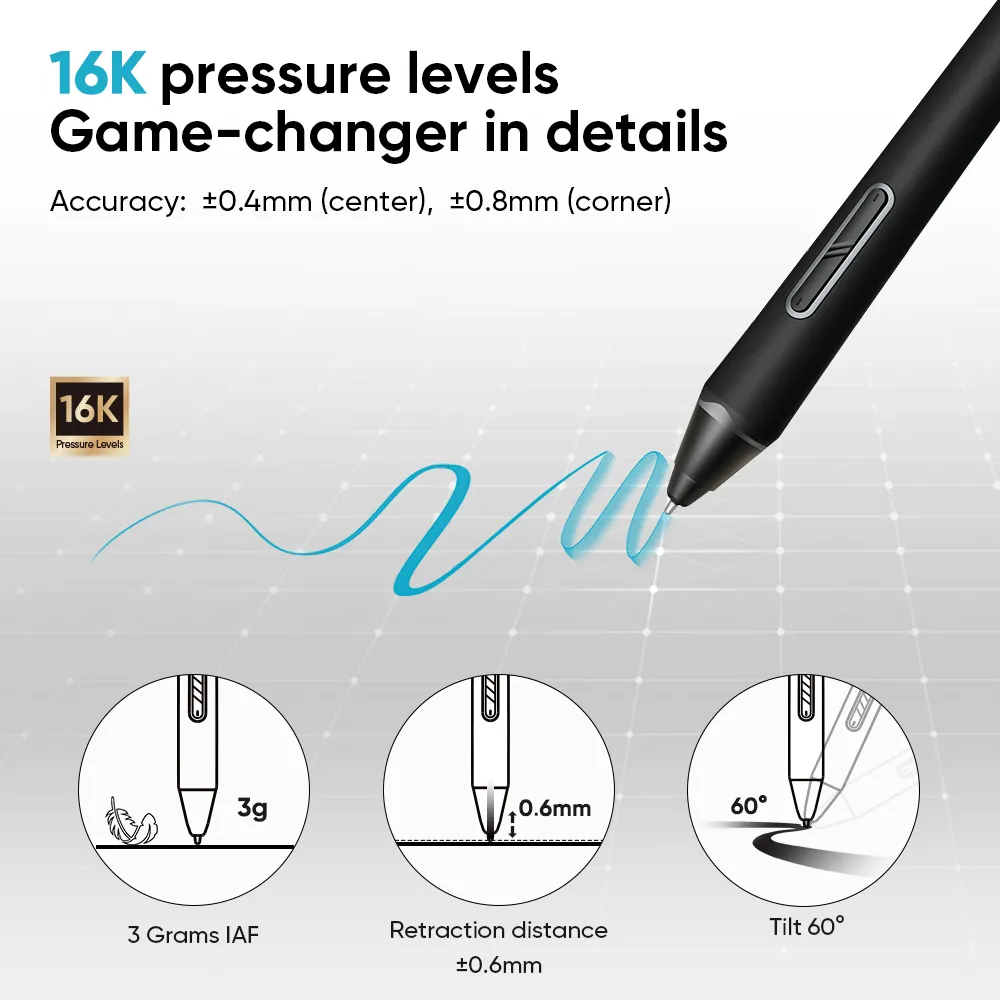
Initial response rate decreases to 90ms*, 1.5x* faster than ever. Accuracy increases by 20%* to bring out every art project precisely what you want. Virtually no lag or broken lines.

3gimage

IAF

0.6mmimage

retraction distance

60image

tilt

Accuracy: ±0.4mm* (center), ±0.8mm* (corner)

imageimage

100% higher pressure levels

16384

X3 Pro Smart Chip Stylus

8192

X3 Smart Chip Stylus

20% higher accuracy

±0.4mm

(center)

X3 Pro Smart Chip Stylus

±0.5mm (center)

X3 Smart Chip Stylus

* The data were taken from laboratory simulation tests and may vary depending on the operating environment.

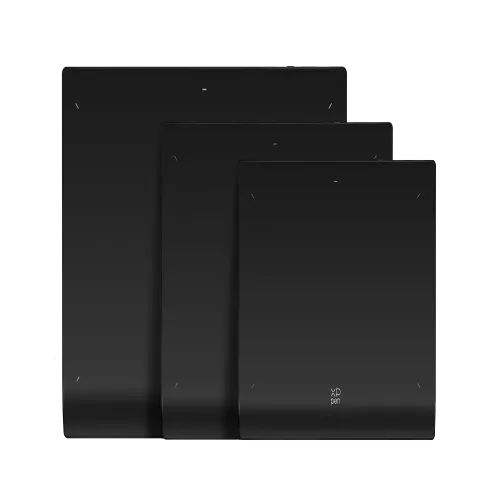
Expansive canvas for the most daring creation.

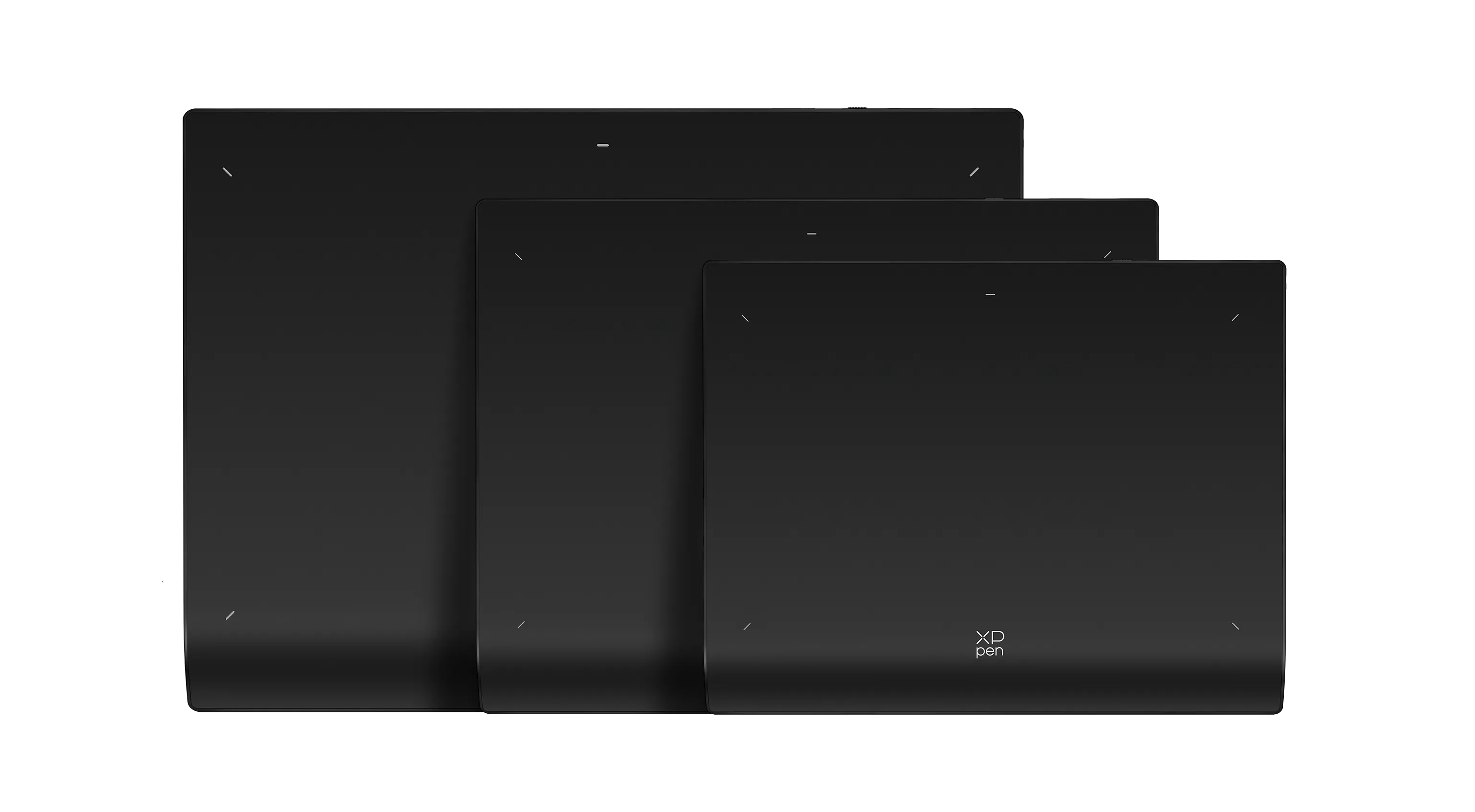
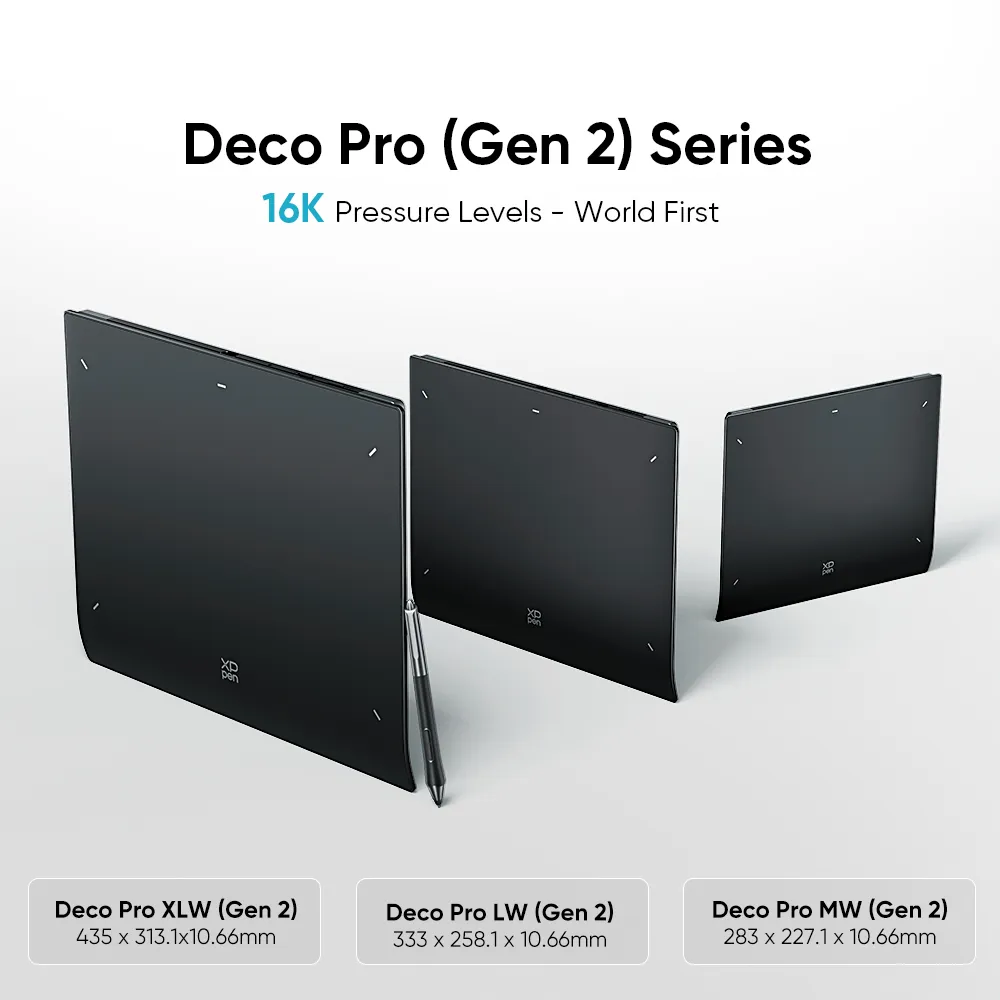
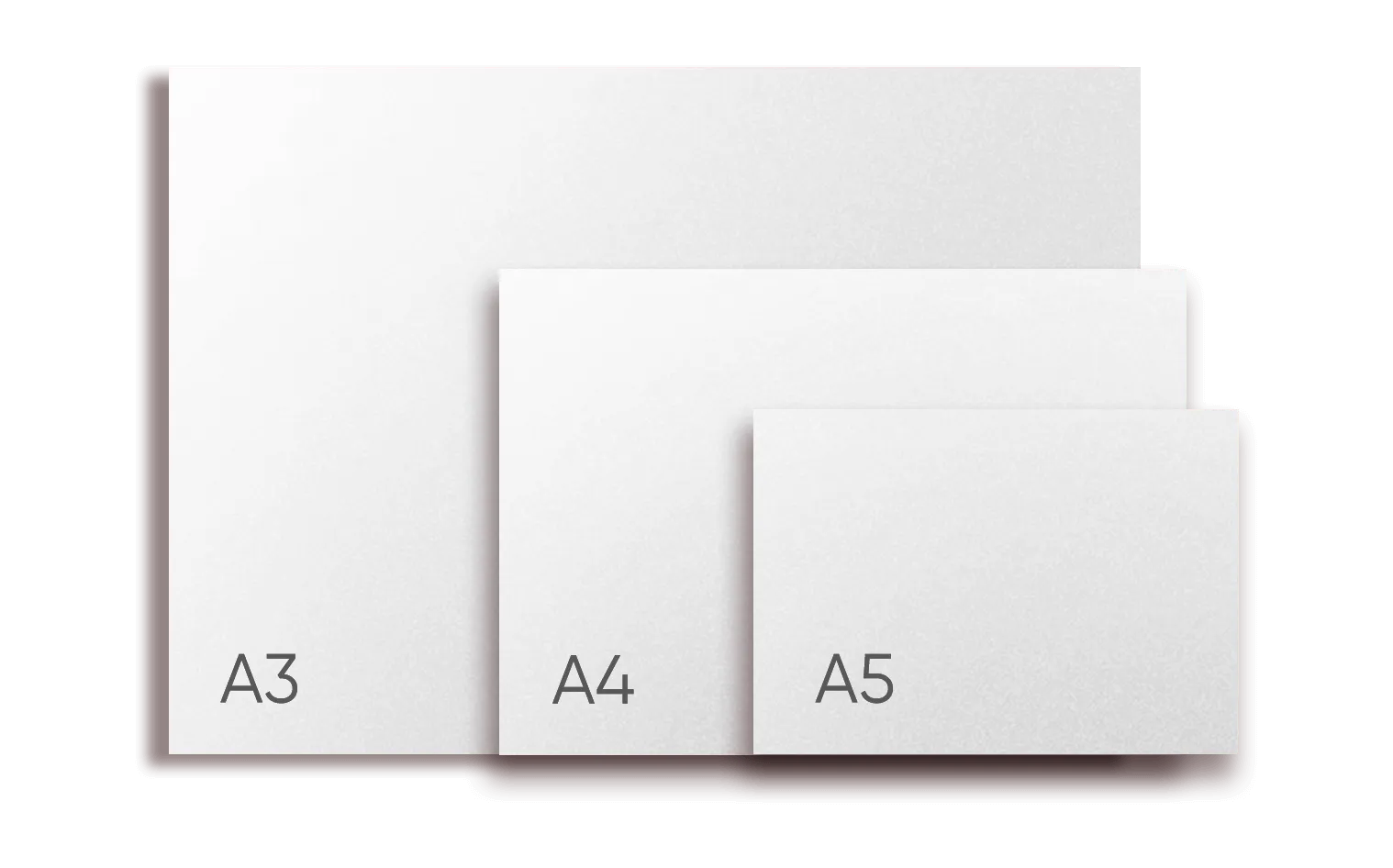
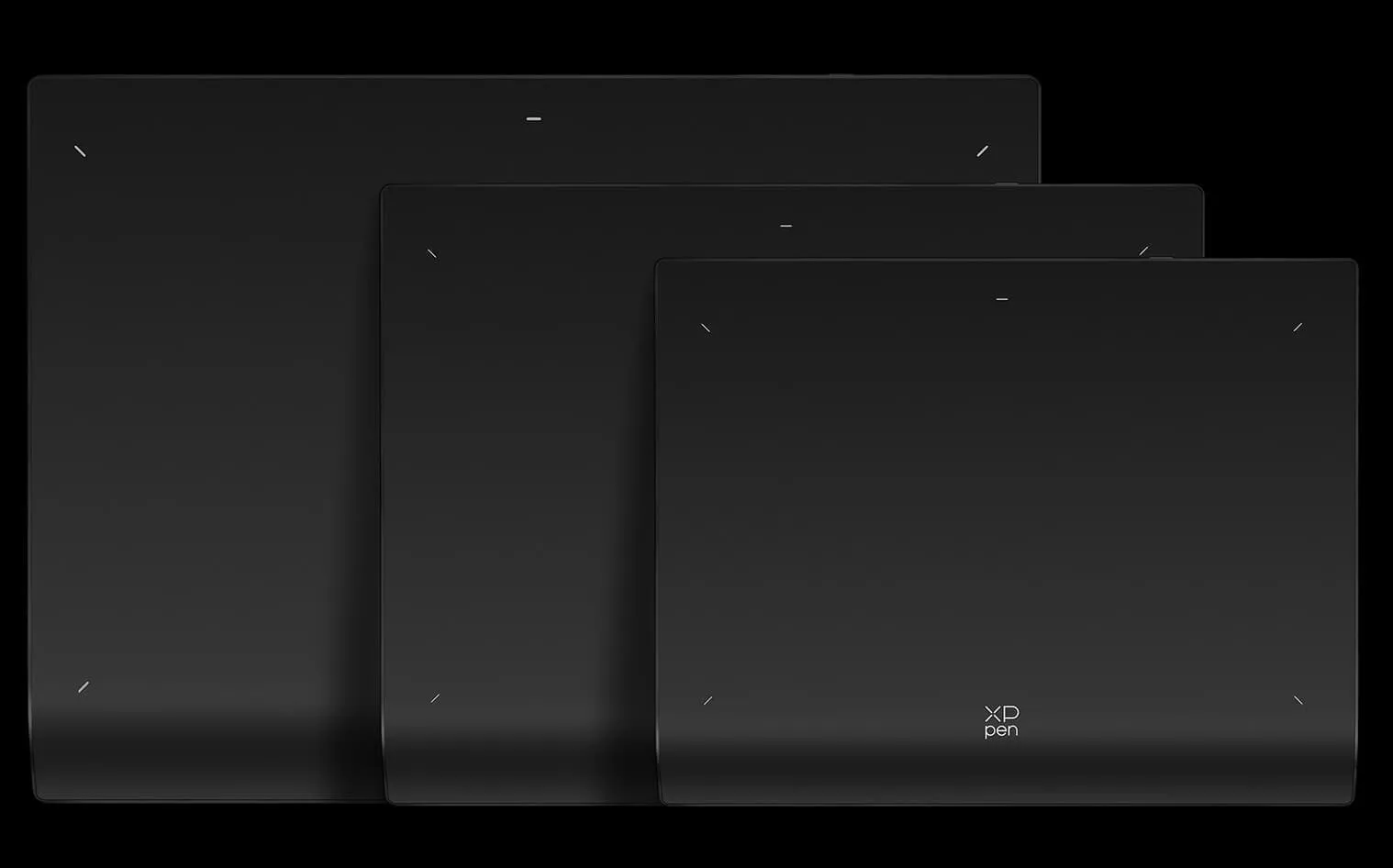
The Deco Pro (Gen 2) lineup gives more room to move freely as you create. 3 sizes of standard drawing paper dimensions are provided to make your ideas come to life intuitively.

image
imageimage
image
image

Deco Pro XLW (Gen 2)

435 x 313.1 x 10.66mm

Deco Pro LW (Gen 2)

333 x 258.1 x 10.66mm

Deco Pro MW (Gen 2)

283 x 227.1 x 10.66mm

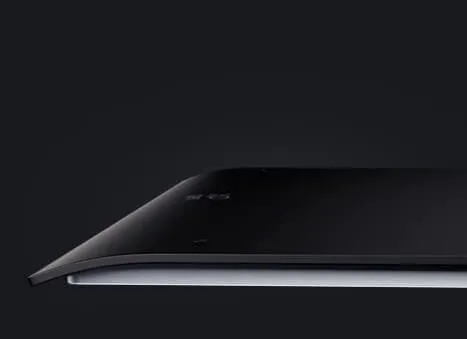
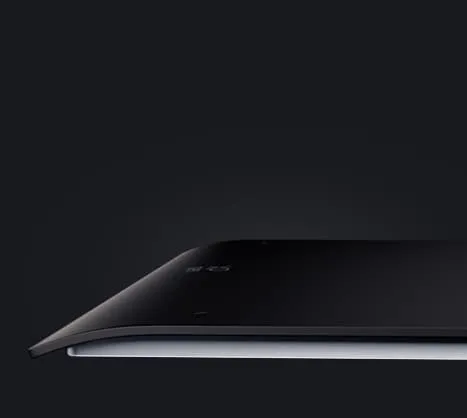
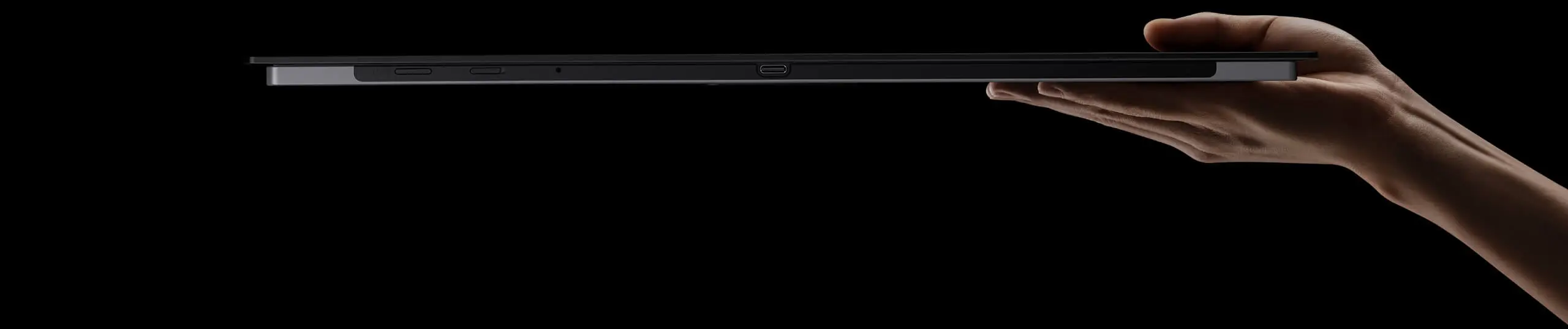
Lightweight and portable.

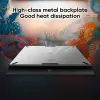
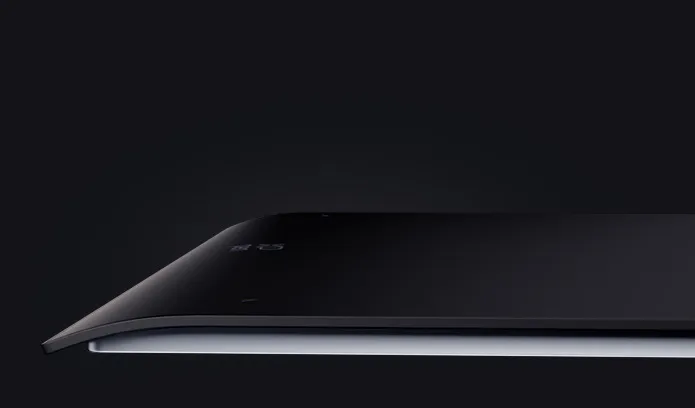
The Deco Pro (Gen 2) Series packs incredible capability into a surprisingly slim body.
So it's easy to be held by one hand and be carried around effortlessly.

imageimage

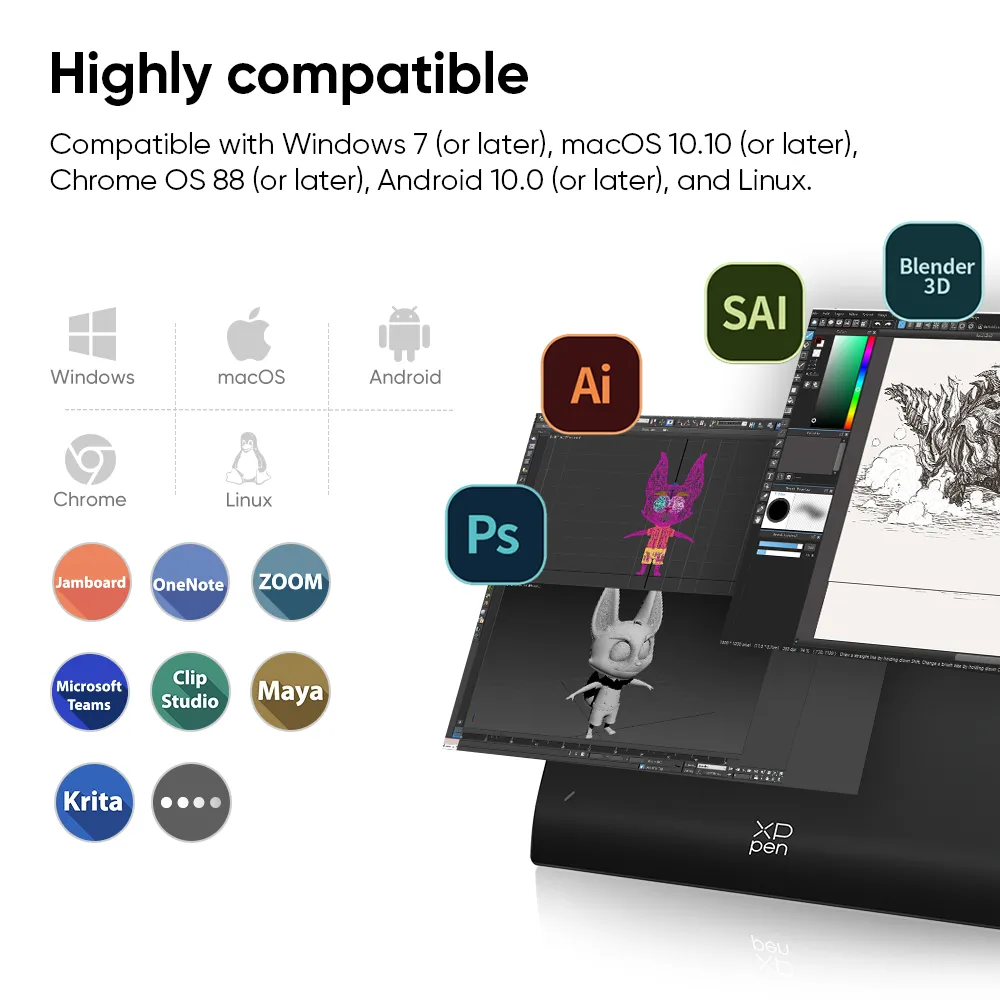
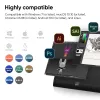
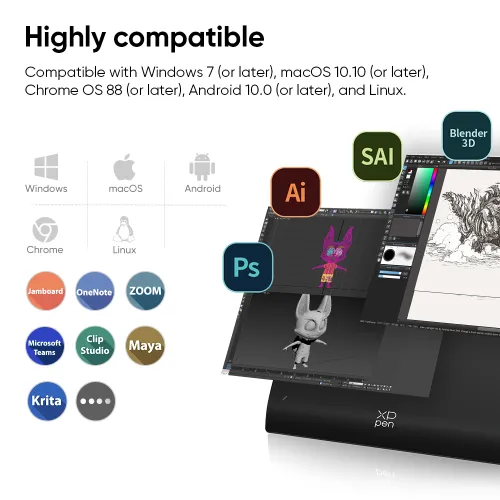
Highly compatible.
Works smoothly with various systems and software.

image

Windows

image

macOS

image

Android

image

ChromeOS

image

Linux

Wired connection

Compatible with Windows 7 (or later), macOS 10.10 (or later),
Chrome OS 88 (or later), Android 10.0 (or later), and Linux.

Bluetooth connection

Compatible with Windows 10 (or later), macOS 10.10 (or later).

image

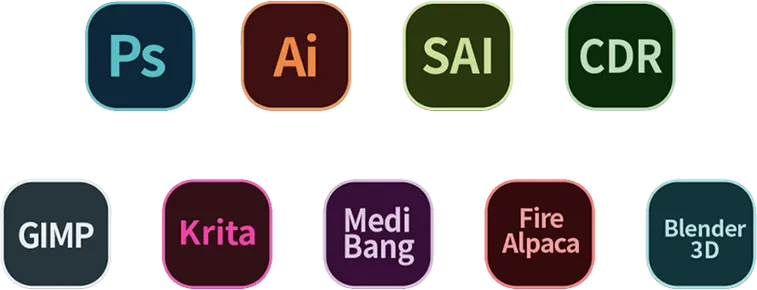
Support popular digital art software such as Adobe Photoshop, Illustrator, SAI,
CDR, GIMP, Krita, MediBang, FireAlpaca, Toonboom, Maya, and Blender3D, etc.

Show more
image
image
image
image
image
image
image
image
image
Getting started with your
XPPen Deco Pro (Gen 2) Series Pen Tablet
Learn more >
image
Deco Pro (Gen 2) Series Pen Tablet comes
with one free creative software.
Learn more >

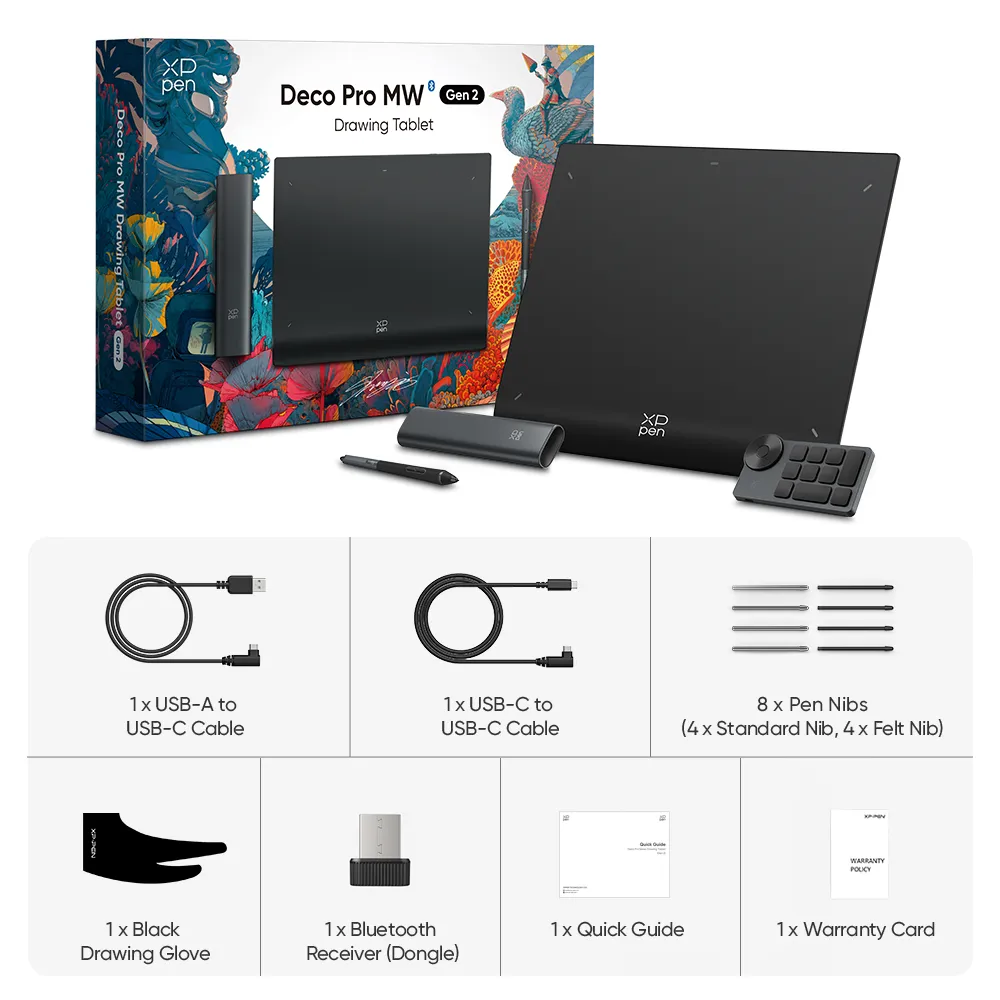
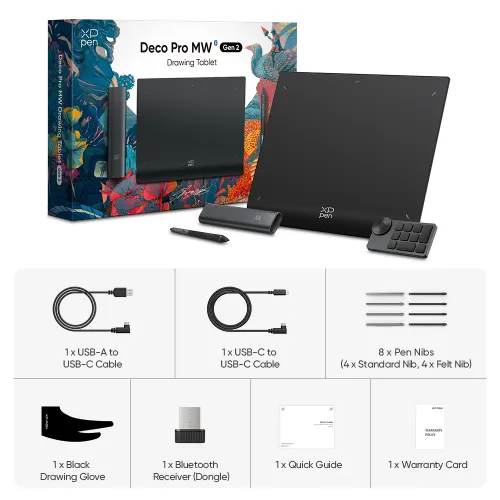
Package Includes:

1 x Drawing Tablet

1 x X3 Pro Smart Chip Stylus

1 x Pen Case

4 x Standard Nib

4 x Felt Nib

1 x Wireless Shortcut Remote

1 x Bluetooth Receiver (Dongle)

1 x USB-C to USB-C Cable

1 x USB-A to USB-C Cable

1 x Drawing Glove

1 x Quick Guide

1 x Warranty Card

  • Specifications

  • Show More

Linux OSVersionPackage FormatSupported Software
ArchArch Linux2019.12.01(64-bit).deb, .shGIMP, Krita
CentosCentos7.0(64-bit).rpm, .shGIMP
Centos8(64-bit).rpm, .shGIMP, Krita
Debiandebian-9.5.0-amd64-netinst(64-bit).deb, .shGIMP, Krita
elementary OSelementary OS 5.0(64-bit).deb, .shGIMP, Krita
ezgo Linuxezgo14(64-bit).deb, .shGIMP, Krita
FedoraFedora32(64-bit).rpm, .shGIMP, Krita
MageiaMageia-7.1(64-bit).rpm, .shGIMP, Krita
Manjaromanjaro-xfce-20.1.2-201019(64-bit).deb, .shGIMP
Mintlinuxmint-18.2-cinnamon-64bit.deb, .shGIMP, Krita
OpenSUSEopenSUSE-Tumbleweed(64-bit).rpm, .shGIMP, Krita
Pop!_OSpop-os_19.10(64-bit).deb, .shGIMP, Krita
Red HatRed Hat7(64-bit).rpm, .shGIMP
UbuntuUbuntu14.04(64-bit).deb, .shGIMP, Krita
Ubuntu16.04(64-bit).deb, .shGIMP, Krita
Ubuntu17.04(64-bit).deb, .shGIMP, Krita
Ubuntu18.04(64-bit).deb, .shGIMP, Krita
Ubuntu19.04(64-bit).deb, .shGIMP, Krita
Ubuntu20.04(64-bit).deb, .shGIMP, Krita
FunctionKrita 4.3.0Gimp 2.10.20Inkscape 0.92
Pen Pressure Sensitivity
Tilt
Mouse Function
Eraser Button
(Stylus:PH01, P06)
Switch between Pen
and Eraser Modes
*If you have any further queries, please do not hesitate to contact us at service@xp-pen.com.

Linux OS

Arch
Version
Arch Linux2019.12.01(64-bit)
Package Format
.deb, .sh
Supported Software
GIMP, Krita
Centos
Version
Centos7.0(64-bit)
Centos8(64-bit)
Package Format
.rpm, .sh
.rpm, .sh
Supported Software
GIMP
GIMP, Krita
Debian
Version
debian-9.5.0-amd64-netinst(64-bit)
Package Format
.deb, .sh
Supported Software
GIMP, Krita
elementary OS
Version
elementary OS 5.0(64-bit)
Package Format
.deb, .sh
Supported Software
GIMP, Krita
ezgo Linux
Version
ezgo14(64-bit)
Package Format
.deb, .sh
Supported Software
GIMP, Krita
Fedora
Version
Fedora32(64-bit)
Package Format
.rpm, .sh
Supported Software
GIMP, Krita
Mageia
Version
Mageia-7.1(64-bit)
Package Format
.rpm, .sh
Supported Software
GIMP, Krita
Manjaro
Version
manjaro-xfce-20.1.2-201019(64-bit)
Package Format
.deb, .sh
Supported Software
GIMP
Mint
Version
linuxmint-18.2-cinnamon-64bit
Package Format
.deb, .sh
Supported Software
GIMP, Krita
OpenSUSE
Version
openSUSE-Tumbleweed(64-bit)
Package Format
.rpm, .sh
Supported Software
GIMP, Krita
Pop!_OS
Version
pop-os_19.10(64-bit)
Package Format
.deb, .sh
Supported Software
GIMP, Krita
Red Hat
Version
Red Hat7(64-bit)
Package Format
.rpm, .sh
Supported Software
GIMP
Ubuntu
Version
Ubuntu14.04(64-bit)
Ubuntu16.04(64-bit)
Ubuntu17.04(64-bit)
Ubuntu18.04(64-bit)
Ubuntu19.04(64-bit)
Ubuntu20.04(64-bit)
Package Format
.deb, .sh
.deb, .sh
.deb, .sh
.deb, .sh
.deb, .sh
.deb, .sh
Supported Software
GIMP, Krita
GIMP, Krita
GIMP, Krita
GIMP, Krita
GIMP, Krita
GIMP, Krita

Function

Pen Pressure Sensitivity
Krita 4.3.0
Gimp 2.10.20
Inkscape 0.92
Tilt
Krita 4.3.0
Gimp 2.10.20
Inkscape 0.92
Mouse Function
Krita 4.3.0
Gimp 2.10.20
Inkscape 0.92
Eraser Button(Stylus:PH01, P06)
Krita 4.3.0
Gimp 2.10.20
Inkscape 0.92
Switch between Penand Eraser Modes
Krita 4.3.0
Gimp 2.10.20
Inkscape 0.92

*If you have any further queries, please do not hesitate to contact us at service@xp-pen.com.

Reviews
4.9
starstarstarstarstar
Based on 7
starstarstarstarstar
86%(6)
starstarstarstarstar
14%(1)
starstarstarstarstar
0(0)
starstarstarstarstar
0(0)
starstarstarstarstar
0(0)
XFANSwrl9xs55
starstarstarstarstar
Nov 26 ,2023 AM 03:29 Deco Pro (Gen 2) with ACK05 shortcut remote
excellent product at competitive price
I don't usually leave a review when purchasing a product unless my expectations are far from just met to it.. Delivered in time in greece with no additional transfer costs, the package was sturdy and waterproof, which is not the most common among competition. My scope of work has to do with distant learning, teaching and presentations, I'm not a digital artist so I cannot review these features of the product but most propably excells in that area too.. I was using for a month a much more expensive mainstream competitor product ( borrowed from a friend of mine just to have a personal opinion of what to purchase and decided to give a go to xp-pen gen2 mostly because of its much more connectivity pros even though I was not so sure about quality and compatibility based on reviews). After I installed all the drivers for BOTH remote and tablet AND UNCHECKED Windows Ink at xp-pen software all working flawlesly. Pen, tablet and remote work wirelessly with no lag, the handwriting feel is like on paper, beware to peel off the foil on the working area before usage, it may work even with that but i didn't test it. I'm so glad I made this decision and didn't stick with overpriced products or under-featured products or a combination of these. I can't review the ongoing support and the durability of the product as I haven't it in my possession for more than a week, but my first impression is that it will be much more than I have expected for, if otherwise I will update accordingly.
Useful(1)+1
XFANSnhmbr06d
starstarstarstarstar
Feb 12 ,2024 PM 21:37 Deco Pro (Gen 2) with ACK05 shortcut remote
Excellent!
I have to say I am really impressed. Really great value for your money with all the goods you receive in the package, plus it arrived within a week given where I live ((Greece))...that's fast! As an cartoon animator and illustrator it ticks all the boxes for me...Large working area and smooth pressure sensitivity. Driver needs some minor adjustments...make sure to dissable windows ink and uninstall other tablet drivers for it to work flawlessly. Highly recommend!!
Useful(1)+1
Valters Alksnis
starstarstarstarstar
Nov 22 ,2025 AM 07:34 Deco Pro (Gen 2) with ACK05 shortcut remote
Excellent product
When a tiny light peeks through the curtains and you smell a faint breeze of fresh air, smells like a monday morning without coffee which reminds you of the late night walk at the beach last night. Looking at how the moon shines a bright light into the water to reveal a city underneath. That is when you realize you have been drawing all night trying to imitate this same feeling through beautiful pixels on screen and it is already the next morning. Soon the world will wake up, but you, my friend, are going to sleep. This tablet makes you believe that you can create. And create I did.
Useful(0)+1
Learn More
Q & A
XFANSayslk0c7
Nov 25 ,2024 PM 23:06 Deco Pro (Gen 2) with ACK05 shortcut remote
Hello, I'm thinking of purchasing the Deco Pro LargeW. Does it come with the remote control? Why is there only one toggle for BT connection, since there are two devices that have to be connected (the tablet plus the remote) ? I do distant teaching and I've been using windows Ink workspace. I read above that it does not sync with this windows app. Is it correct? Does XPPen plan to fix it?
Reply0
XFANSc2qqc9wo
Nov 06 ,2024 PM 20:28 Deco Pro (Gen 2) with ACK05 shortcut remote
Hi, I want to use this for notes taking - is it possible? Basically it will be writing down on some notepad/word/one-notes like application, hilighting / editing PDFs, and sometimes some drawing etc. on MS-paint on shared-screen...basically whatever a mouse can do. Is this all possible with this or any of the other XP-pens? Do you have some specific sofwares for this? Also to use it on Ubuntu and Windows (10/11) do I have to install some driver or is it plug and play? Thanks.
Reply0
XFANS8avl1xad
Jul 11 ,2024 PM 20:50 Deco Pro (Gen 2) with ACK05 shortcut remote
Hello! I am looking into changing my current tablet to this, but there is one big detail that I can't find the proper answer to. Does the surface of the tablet have paper like texture? or is it JUST with the felt nib?
Reply1
Official mall
Jul 12 ,2024 PM 17:41
Dear customer, There is no protective film on the surface. it is with a seamless simulated paper surface. Best wishes XPPen
Reply to this review
XFANSkeslk81o
Nov 04 ,2023 PM 17:08 Deco Pro (Gen 2) with ACK05 shortcut remote
I just want to give a heads up to others who may have loved the Dual Dial on the previous version. This one seemingly does not come with it and therefore I will not be purchasing it as it was the most useful feature for me on the previous version.
Reply0
XFANSrzgdjad6
Oct 20 ,2023 PM 15:46 Deco Pro (Gen 2) with ACK05 shortcut remote
Is there a way to get an invoice for my purchase? Also does the LW size include the remote ? Also why isn't that product on Amazon Europe yet?! It's so much easier to buy as a business from Amazon.
Reply1
Official mall
Oct 26 ,2023 PM 16:17
Dear customer, Three sizes include a remote shortcut. You can contact us to get the invoice by email. shopeu@xp-pen.com About Amazon stock, we don\'t have access to see it so please contact the Amazon service. Best wishes XPPen
Reply to this review
XFANS8hm7wntt
Oct 19 ,2023 PM 15:55 Deco Pro (Gen 2) with ACK05 shortcut remote
Hello, I want to order the LW size to Czech Republic. Can you confirm to me that it would be shipped from withen EU? I do not want to deal with czech customs office... Thank you!
Reply1
Official mall
Oct 26 ,2023 PM 16:13
Dear customer, Thanks for your interest in our product. Currently, it is in stock in EU and you don\'t need to pay an extra fee. Best wishes XPPen
Reply to this review
XFANShjkks9zp
Oct 13 ,2023 PM 17:46 Deco Pro (Gen 2) with ACK05 shortcut remote
Can the Deco Pro XLW Drawing Tablet (Gen 2) be used with multiple monitors? I do not want to switch, I want to use them simultanuously.
Reply1
Official mall
Oct 16 ,2023 PM 18:28
Dear customer, Yes. You can be used with multiple monitors. Best wishes XPPen
Reply to this review
leza
Oct 02 ,2023 AM 03:11 Deco Pro (Gen 2) with ACK05 shortcut remote
I ordered "Deco XLW" from XP-pen European site. After ordering I gave a message that my order will be send from Chine, not from Europe. Does that mean that I will need to pay ALL custom fees an VAT when my ordered DECO will arrive to my address in Europe?
Reply2
See more answers(1)
Official mall
Oct 08 ,2023 PM 17:59
Dear customer, Please send us your order number to our service email and we will check the status. shopeu@xp-pen.com Not all parcels from China need to be paid more fees. It is related to the shipment method, destination, local customs policy, or other factors. Best wishes XPPen
Reply to this review
XFANScn7r0dz5
Sep 28 ,2023 PM 22:36 Deco Pro (Gen 2) with ACK05 shortcut remote
Hey! Does any of the protective cases offered on the European site fit the XLW size Deco Pro (Gen 2) and which one?
Reply1
Official mall
Oct 08 ,2023 PM 17:54
Dear customer, It is a pity that there is no protective case for XLW size currently. Best wishes XPPen
Reply to this review
XFANS9ajprolg
Sep 20 ,2023 PM 16:19 Deco Pro (Gen 2) with ACK05 shortcut remote
Hello, is the Wireless Shortcut Remote included in the package of the Deco Pro MW Drawing Tablet (Gen 2)?
Reply1
Official mall
Oct 08 ,2023 PM 17:29
Dear customer, Yes. It includes the wireless shortcut remote. Best wishes XPPen
Reply to this review
Learn More
Payment icon 0Payment icon 1Payment icon 2Payment icon 3Payment icon 4

Copyright©2025 HANVON UGEE (HK) TECHNOLOGY CO., LIMITED All Rights Reserved.

Payment icon 0Payment icon 1Payment icon 2Payment icon 3Payment icon 4