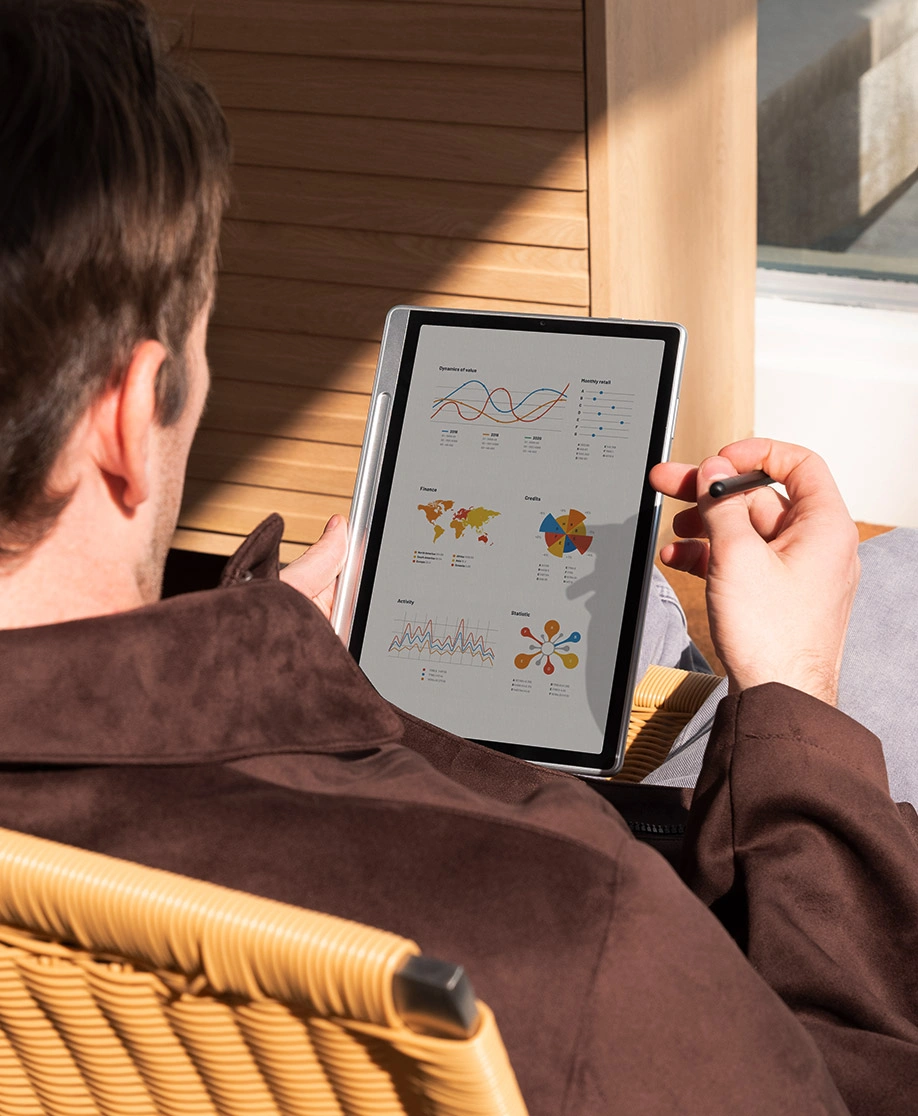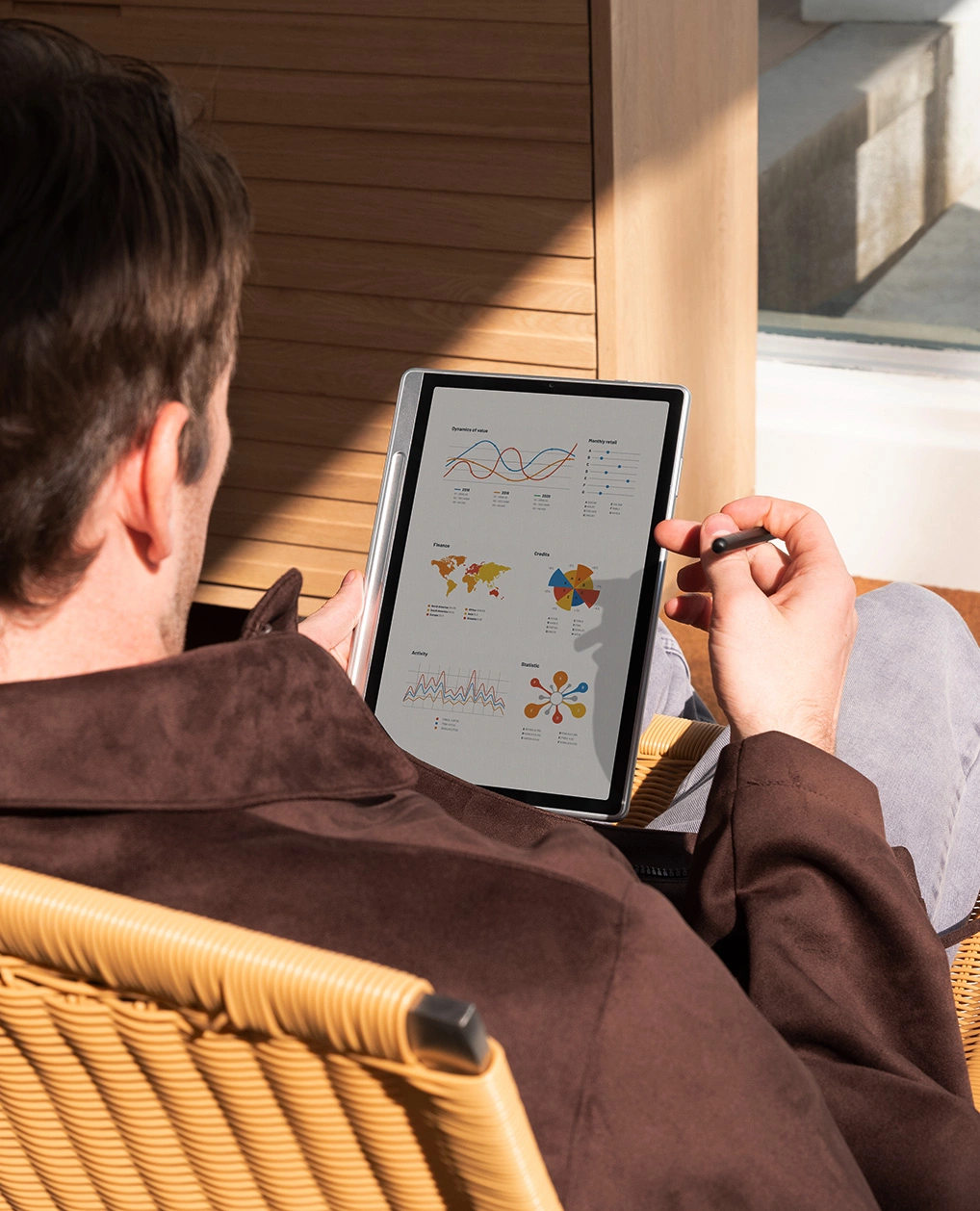








Magic Note Pad

4.8
|Q & A

3-in-1 Color Note Pad
3-in-1 X-Paper | 16K Pressure Leves | XPPen Notes App

Android 15 System

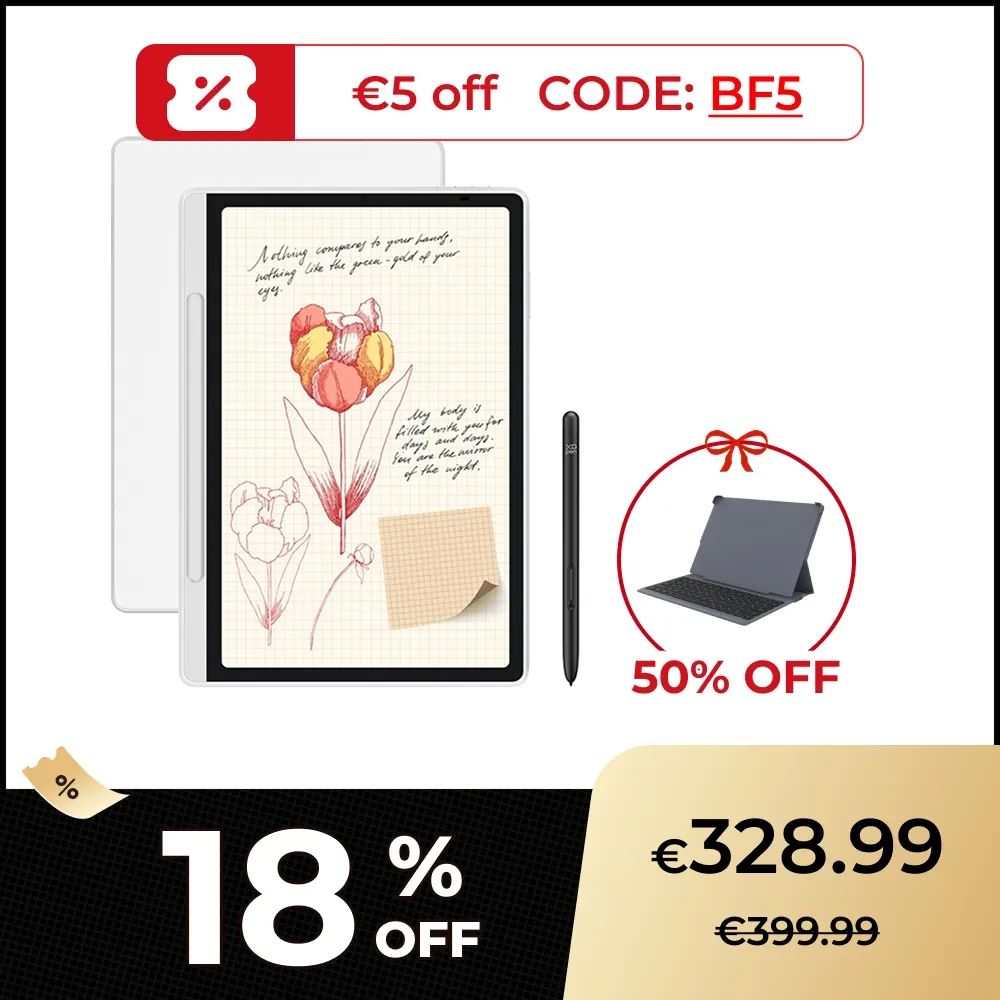
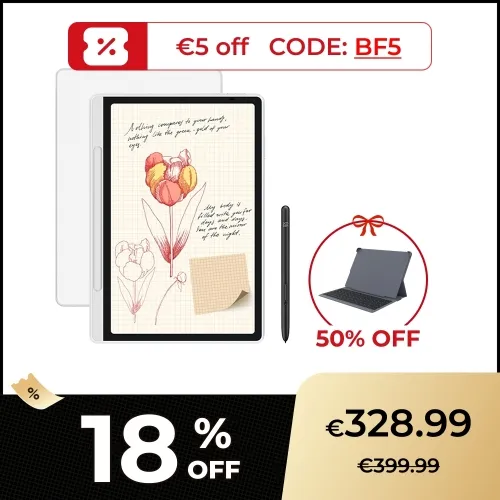
€328.99 / €399.99

Extra €5 discount (CODE BF05)

Free Shipping (Except RS, NO, CY, MT, IS, MC, MK)

Secure payments (Your payment information is processed securely)

Contact (Monday to Friday 10:30am - 6:30pm( PST))

Professional Support (shopeu@xp-pen.com service@xp-pen.com)

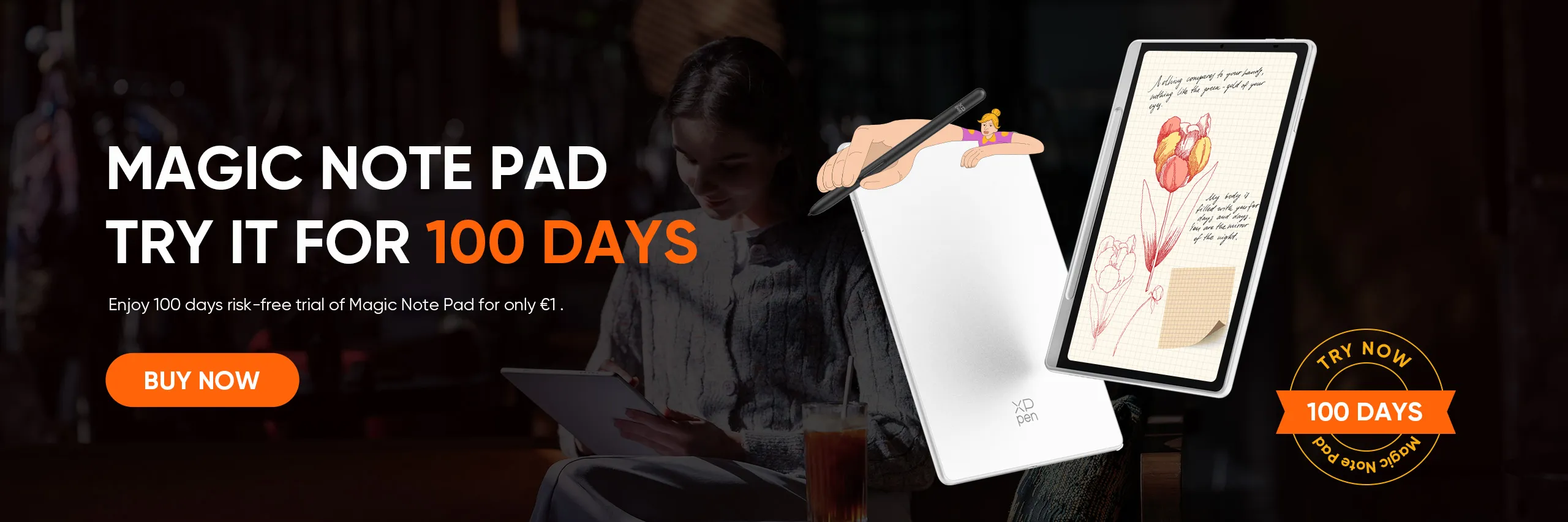
Satisfaction Guarantee:

100-Day Trial
Normal, No Charge

Optional Products

https://resource.xp-pen.com/Uploads/goods/20251201/hmPTFSmbL2uAGWZYqy9v_200_200.webp

Magic Note Pad Folio Keyboard

€42.49 /€84.99
50% Off
https://resource.xp-pen.com/Uploads/goods/20250815/kD9cUr1DlUs2GlO1DzEl_200_200_200_200.webp

XPPen Fenix Pen Holder

€6.49 /€12.99
50% Off
https://resource.xp-pen.com/Uploads/eu/goods/20220920/b21d6118bde321edbdc771339a7f41f4_200_200.webp

ACS05 Foldable Tablet Stand

€28.79 /€35.99
20% Off
https://resource.xp-pen.com/Uploads/goods/20251118/Dor0zOiMgbxO9H9lHl4L_200_200.webp

Magic Note Pad (X3 Pro Pencil 2)

€29.59 /€36.99
20% Off
https://resource.xp-pen.com/Uploads/eu/goods/20220407/8bfd20ab1f3e22c72ca5a38cc9a3c32f_200_200.webp

ACJ09 Protective Case For Magic Note Pad

€19.99
Learn More

Quantity

€328.99€399.99
X-CoinsLog in and purchase to receive an estimated 365 X-Coins
seel-icon

Worry-Free Delivery® available with seel

Payment icon 0Payment icon 1Payment icon 2Payment icon 3Payment icon 4Payment icon 5
Estimated:
Videos you may like

image

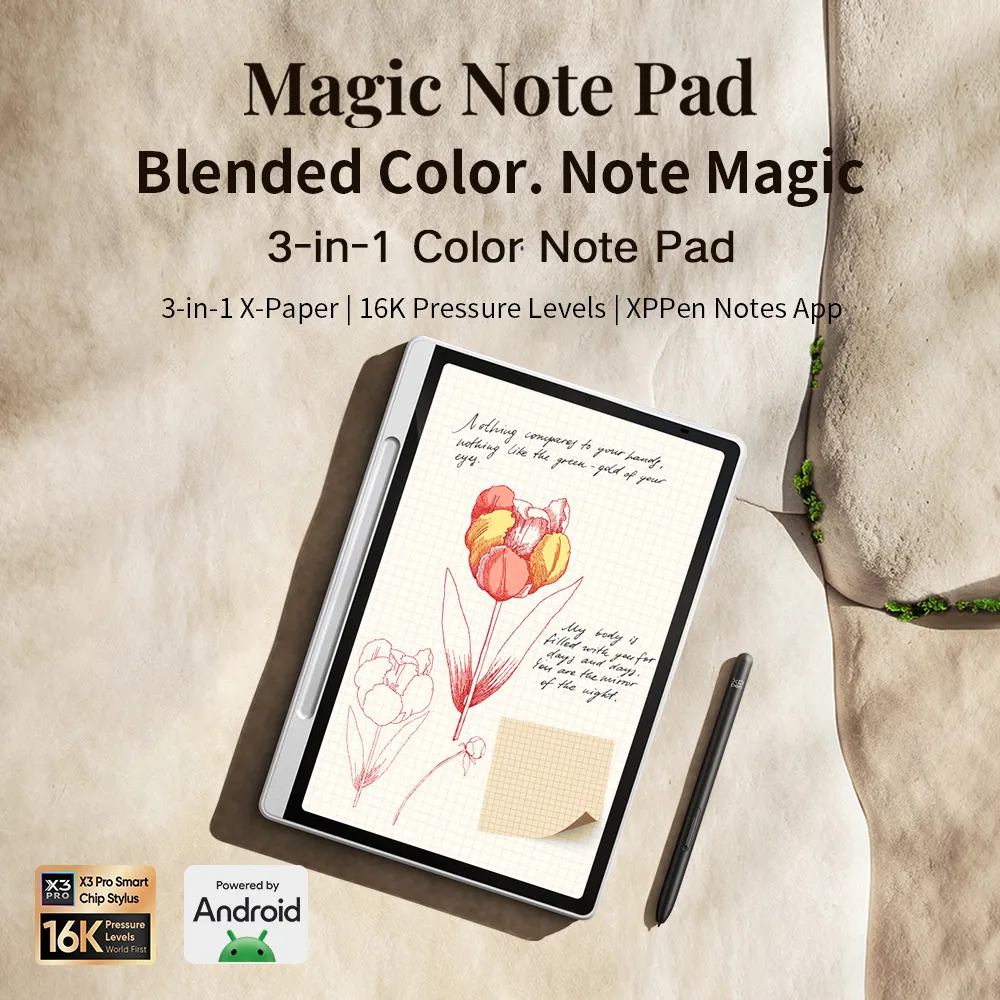
Magic Note Pad

Blended Color. Note Magic.

3-in-1 X-Paper | 16K Pressure Levels | Custom Notes App

It is the color note pad you
have been waiting for a long time.

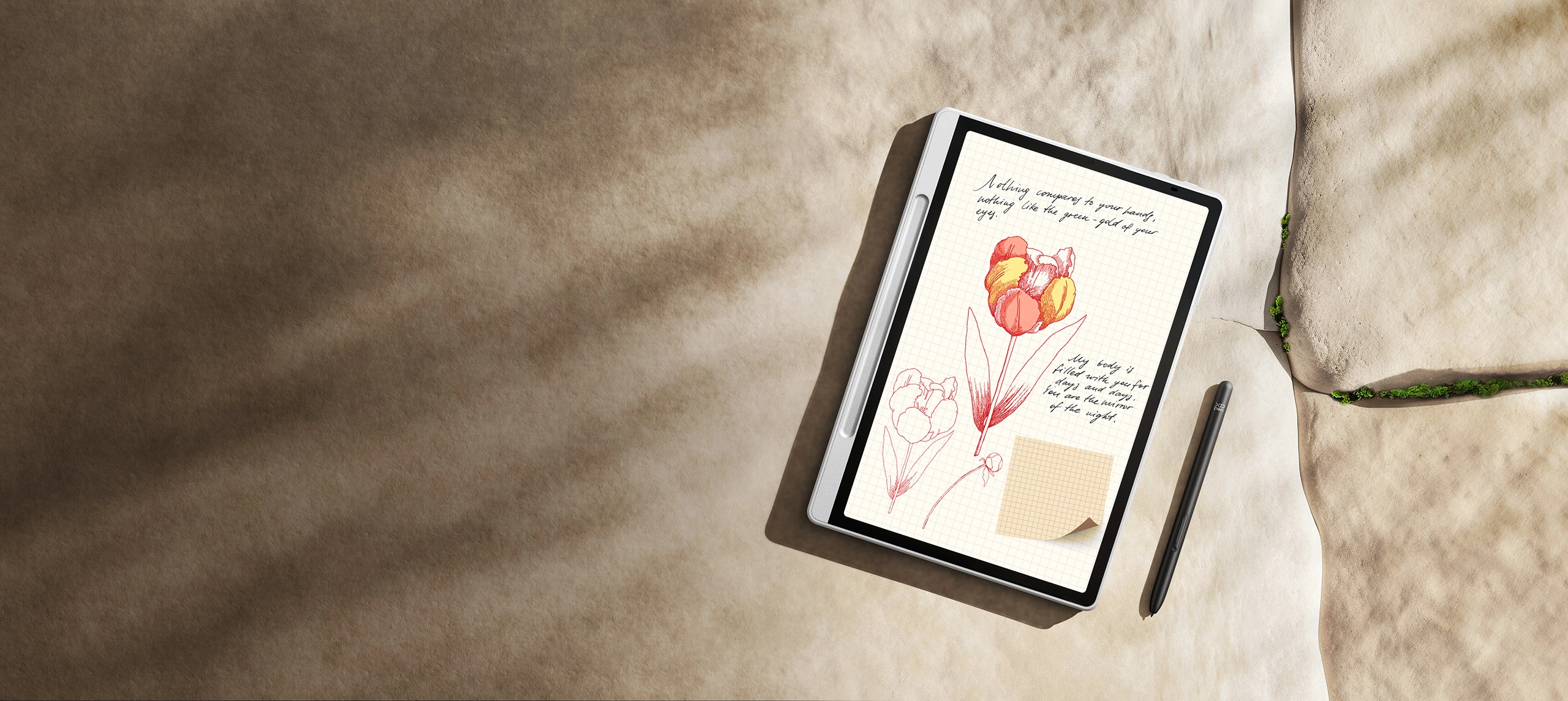
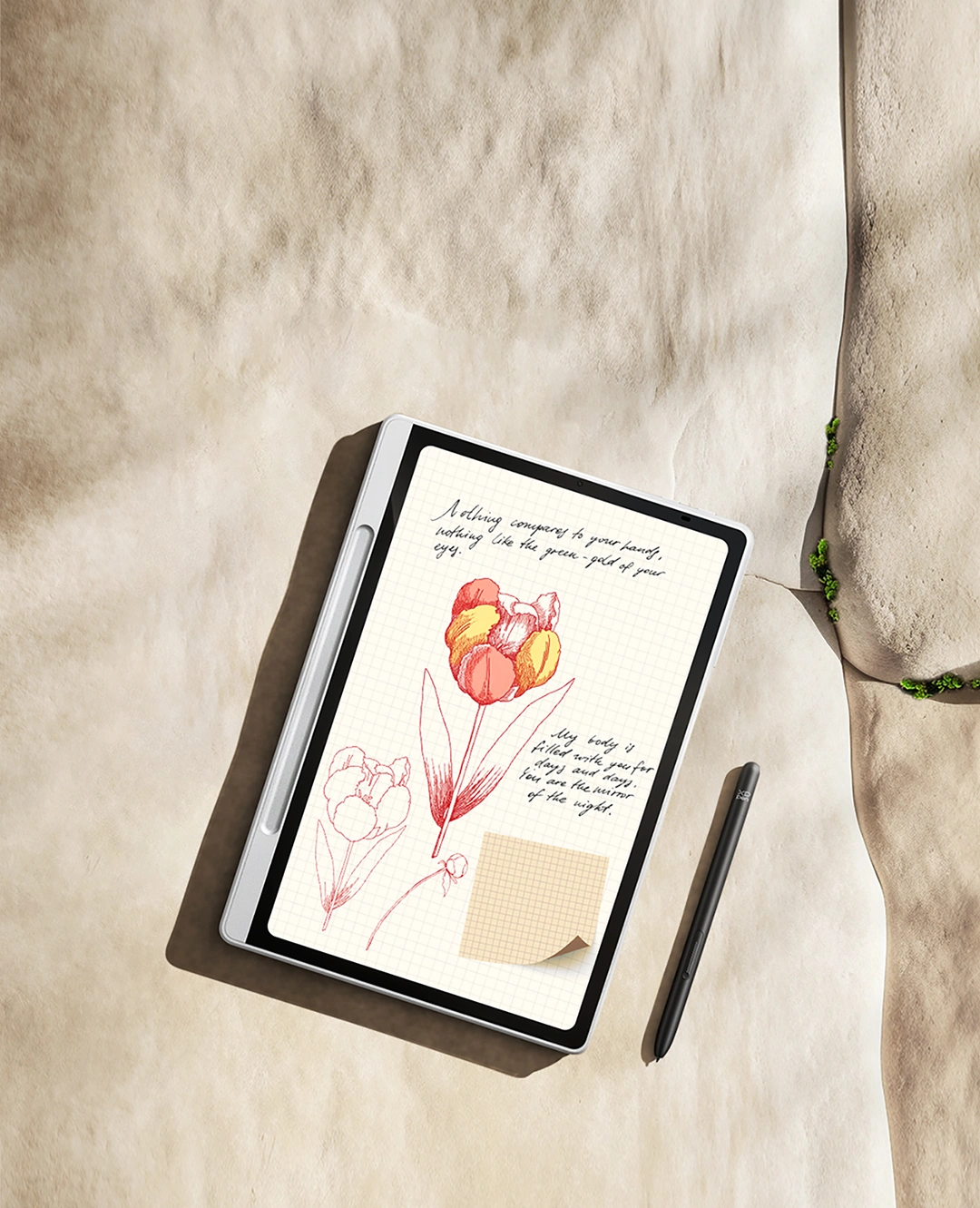
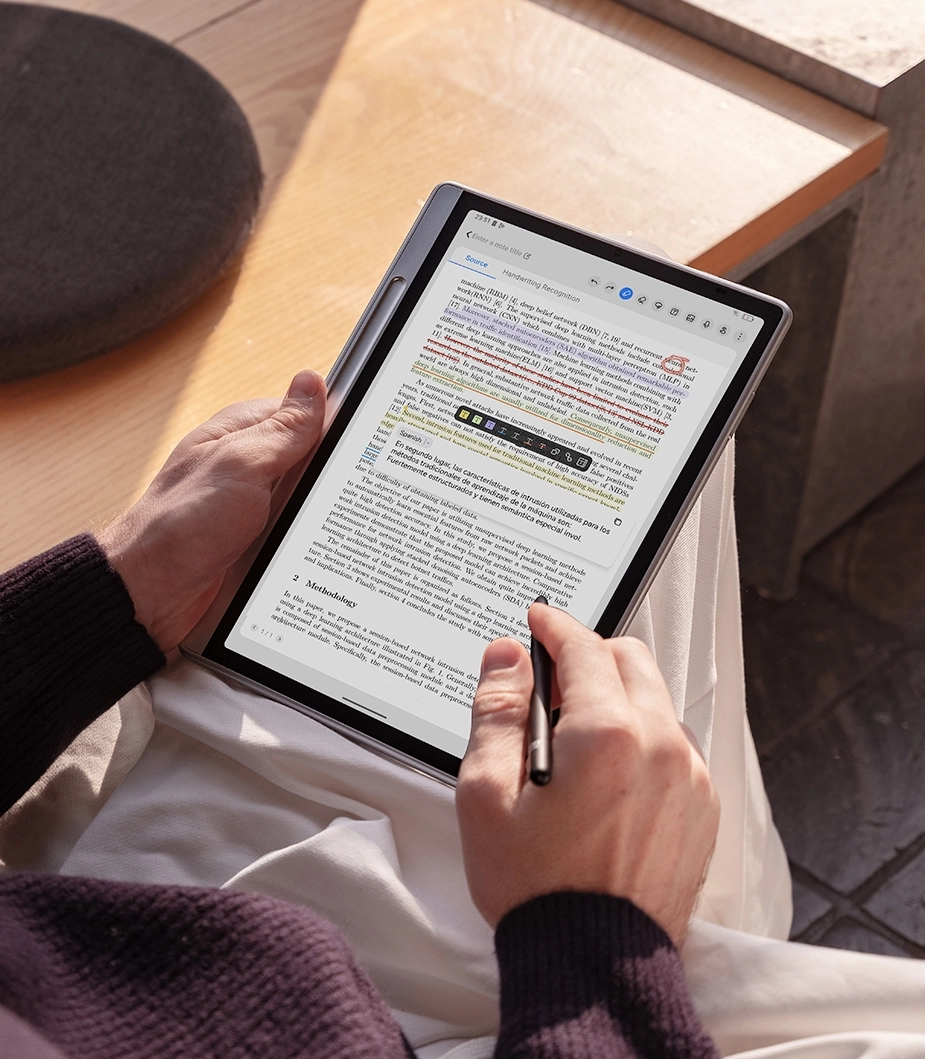
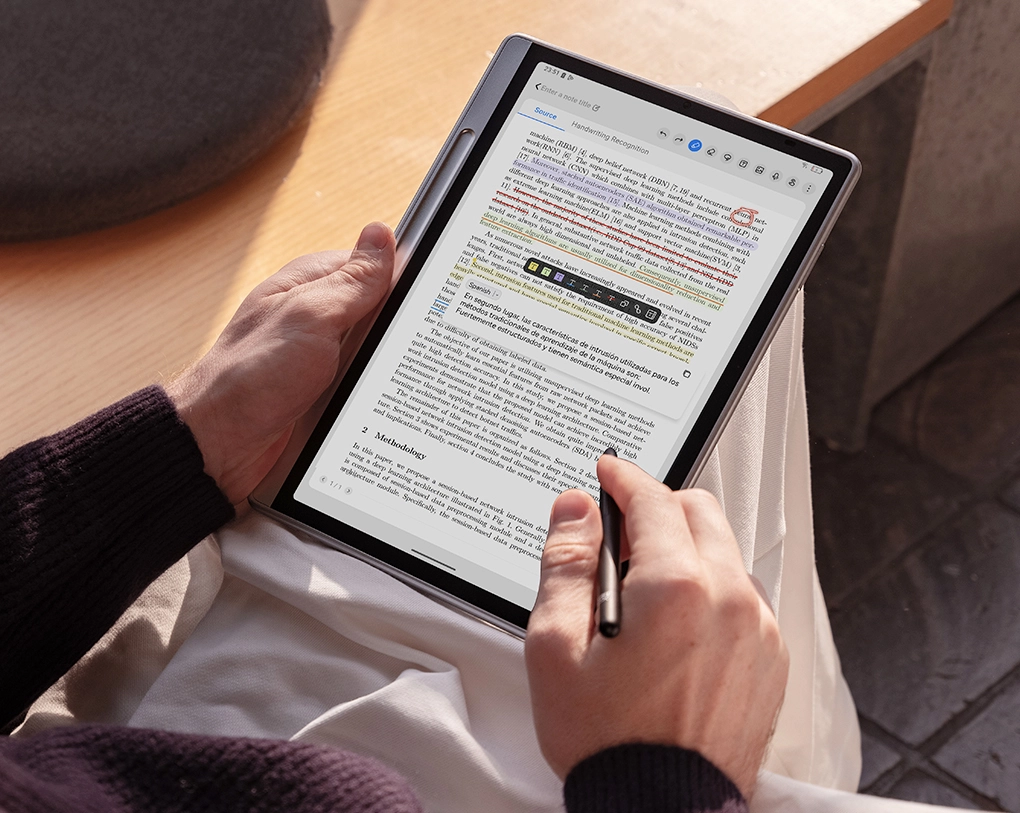
The Magic Note Pad transforms the way you read, write, and create with the amazing X-Paper Display.

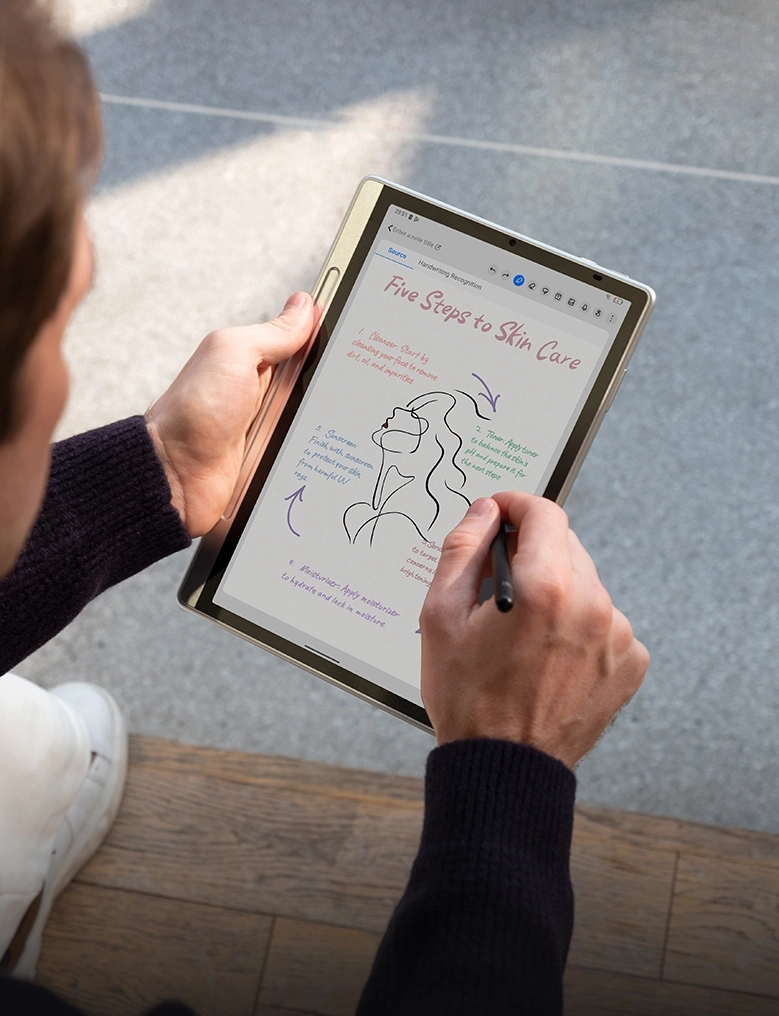
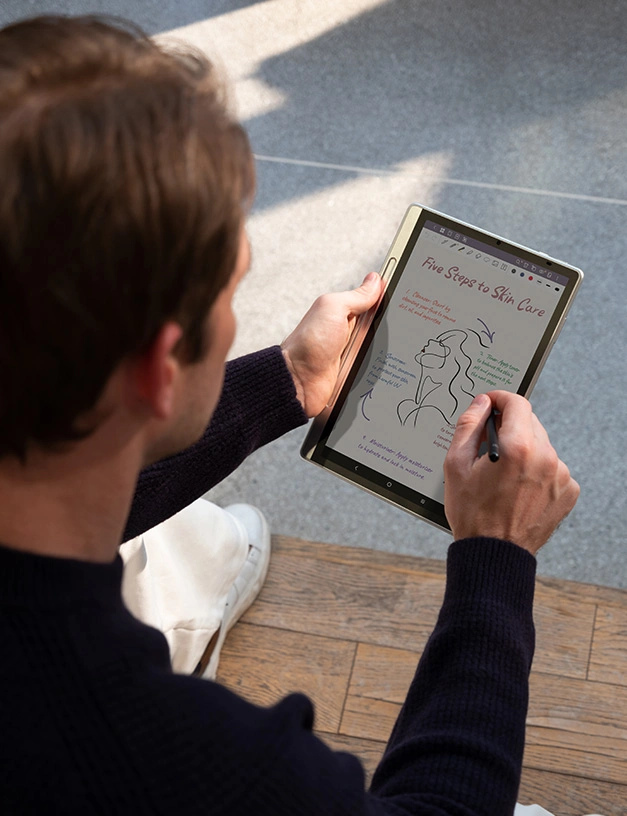
Combined with the 16K ultrasensitive X3 Pro Pencil 2 and  custom Notes app, you can capture your inspiration with remarkable smoothness and efficiency.

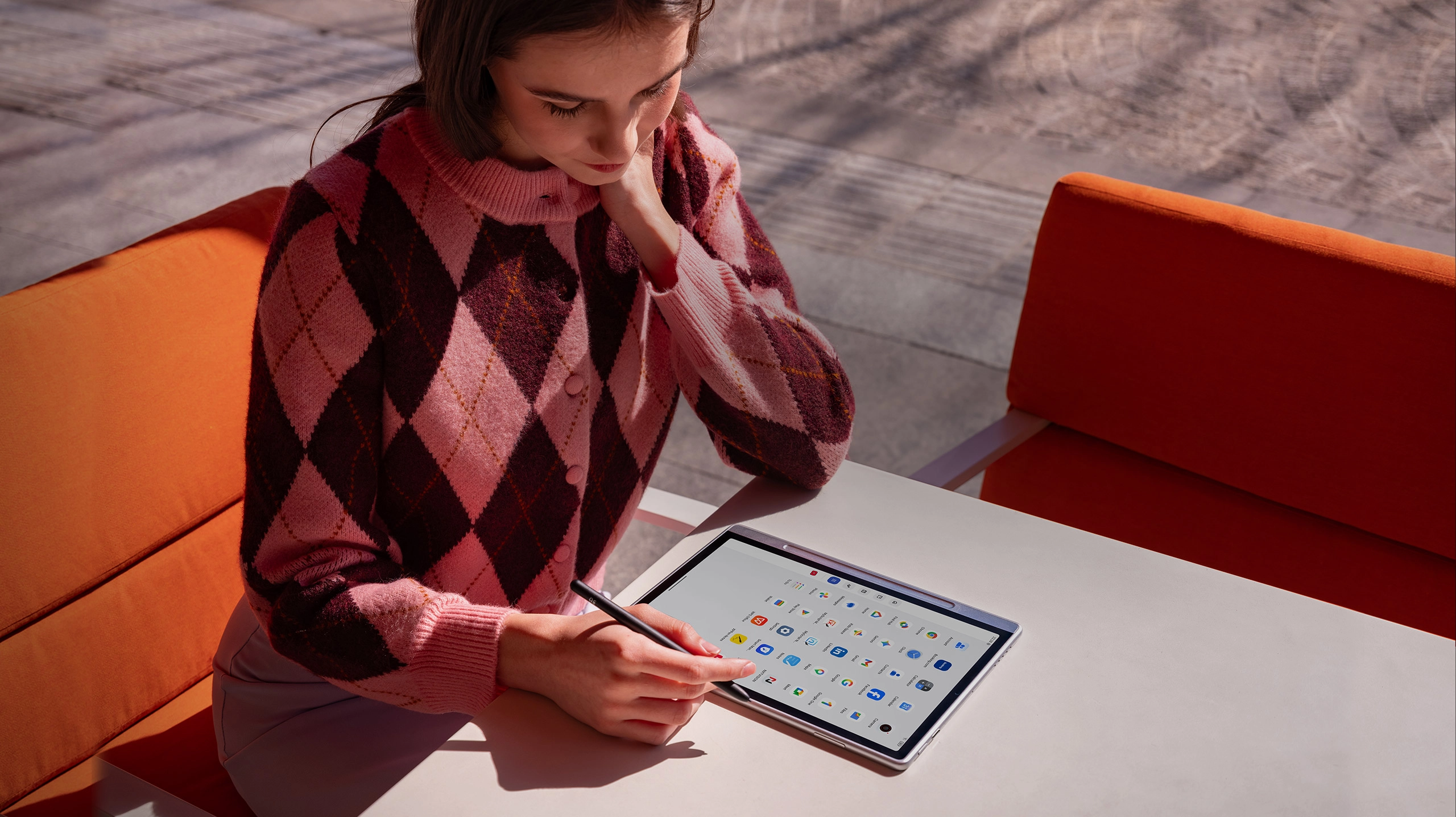
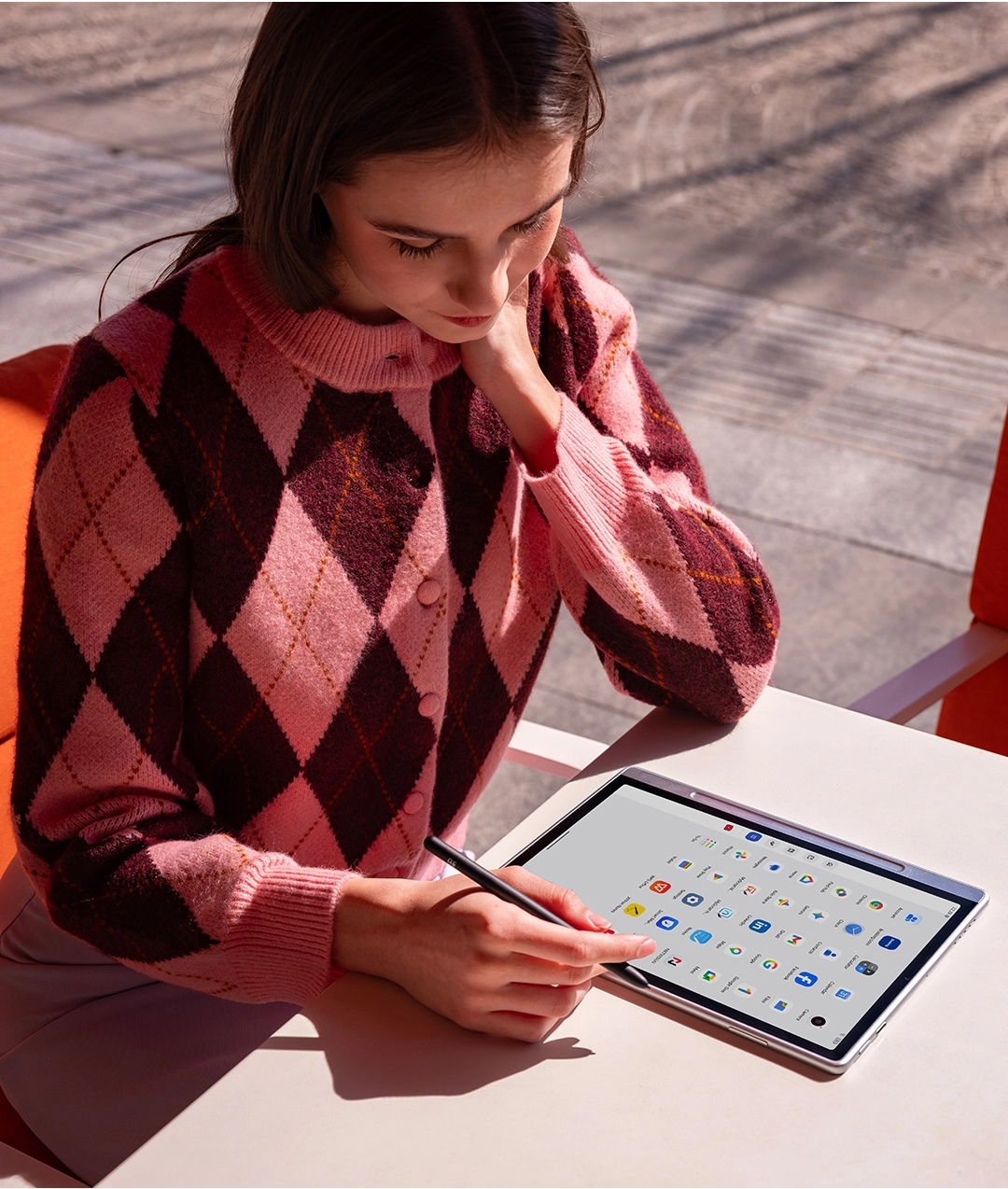
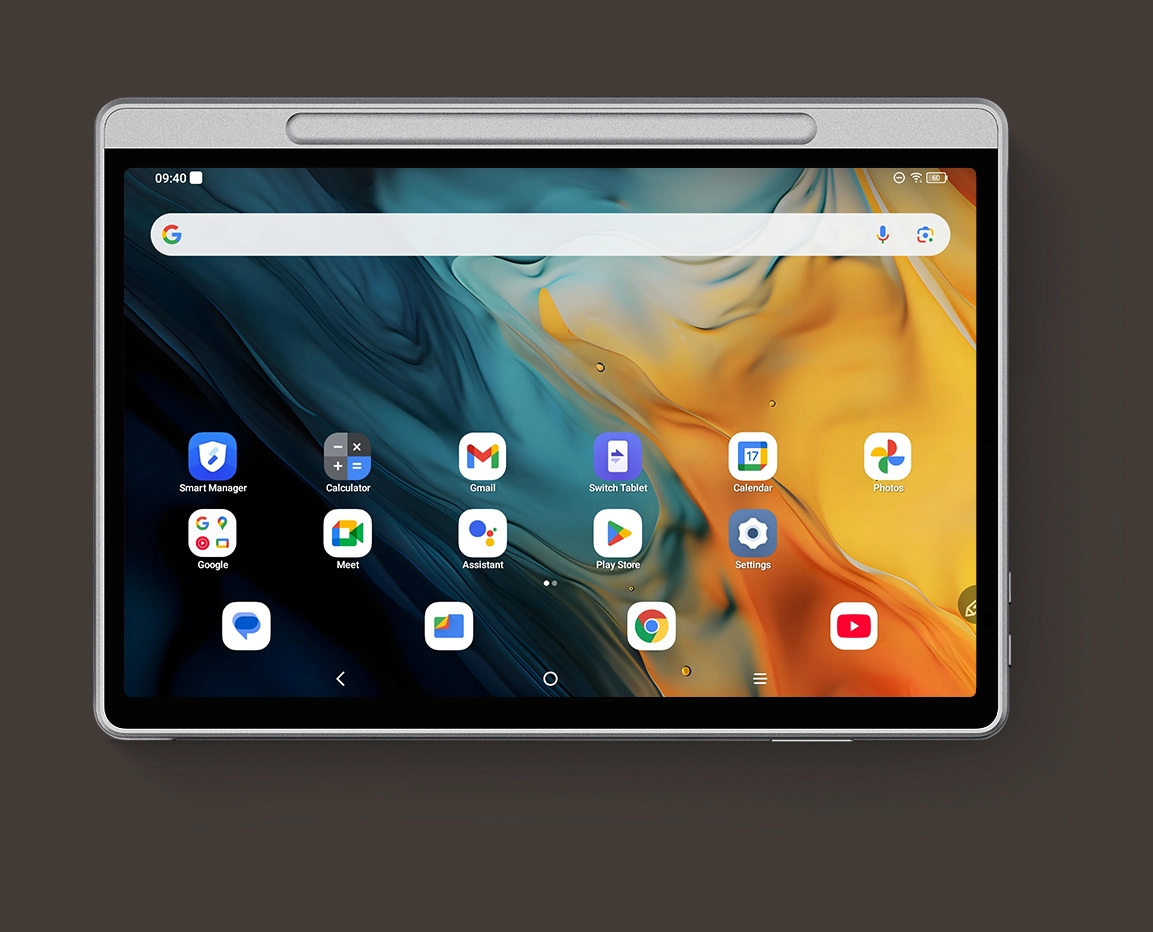
Not only is it proud of its powerful functionality, but the slim and stylish Magic Note Pad is also your best productivity partner. Thanks to its native Android system, you can download various apps for office, education, and entertainment.

X-Paper Display

Read and Write As If On the Paper

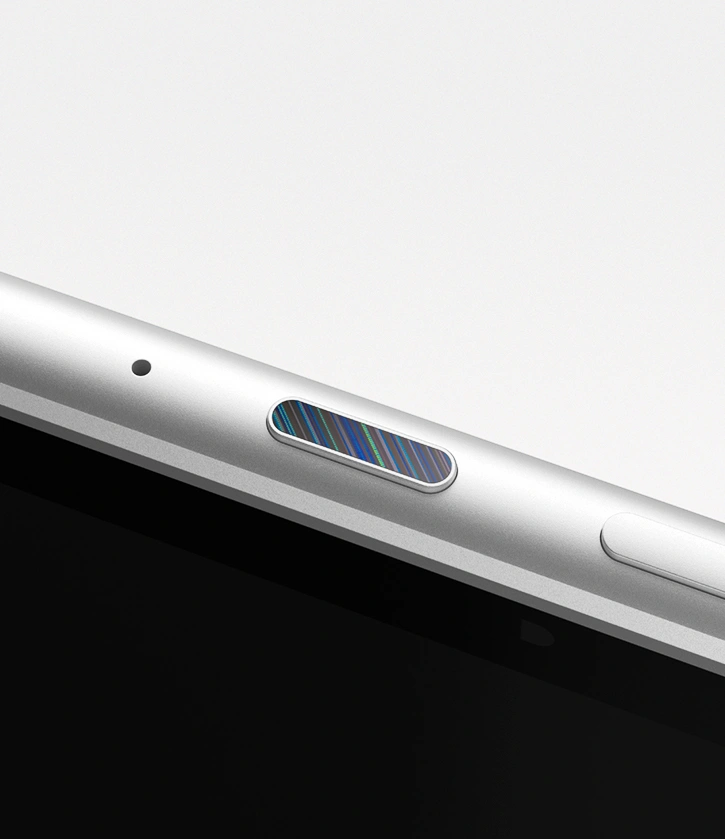
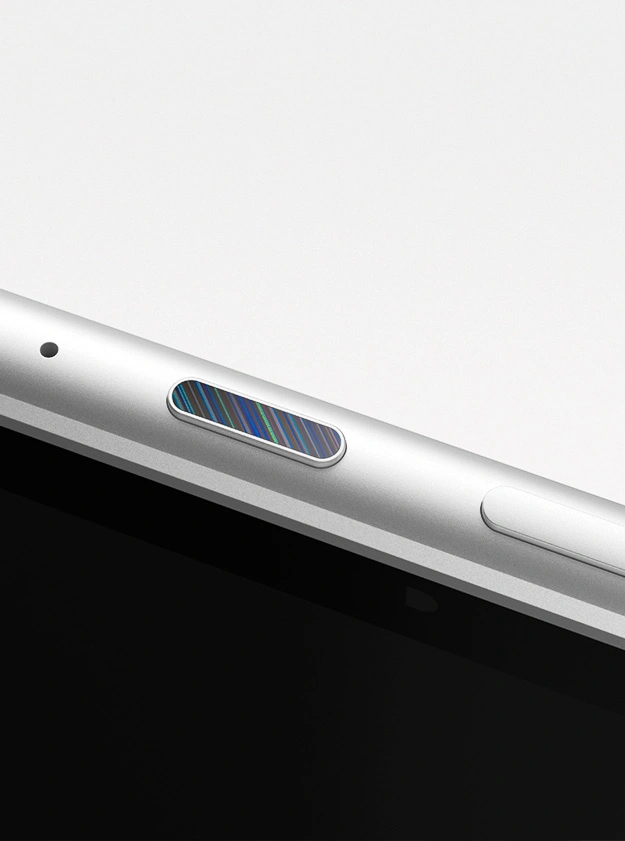
X-Paper Key

One Press to Switch Between Three Color Modes

16.7 Million Colors

Restore the Original Color

90Hz Refresh Rate

Present Clear and Dynamic Contents

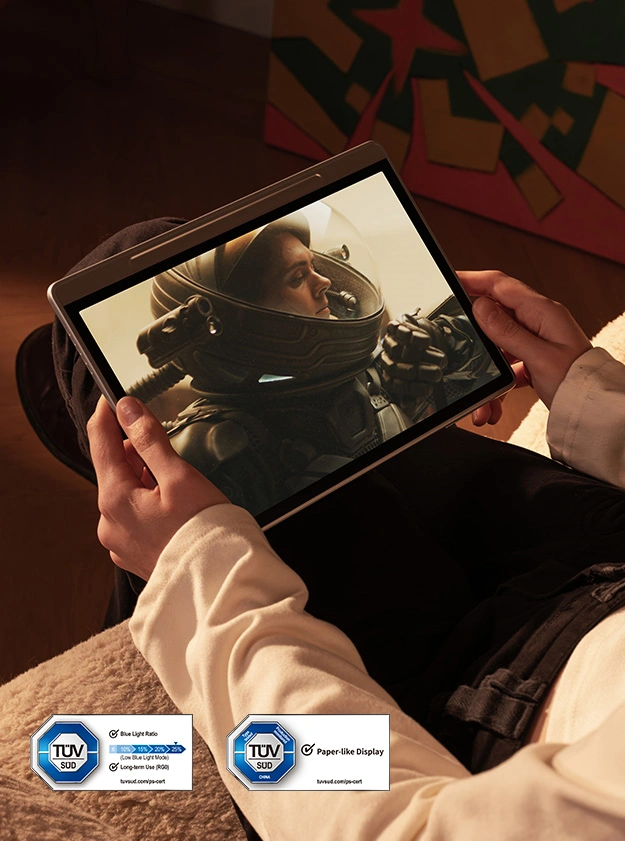
TÜV SÜD Certification

Low Blue Light, Easy on the Eyes

X3 Pro Pencil 2

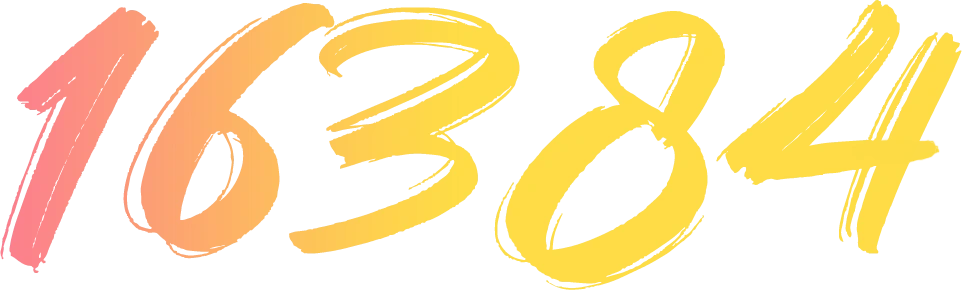
16K Ultrasensitive Pressure Levels

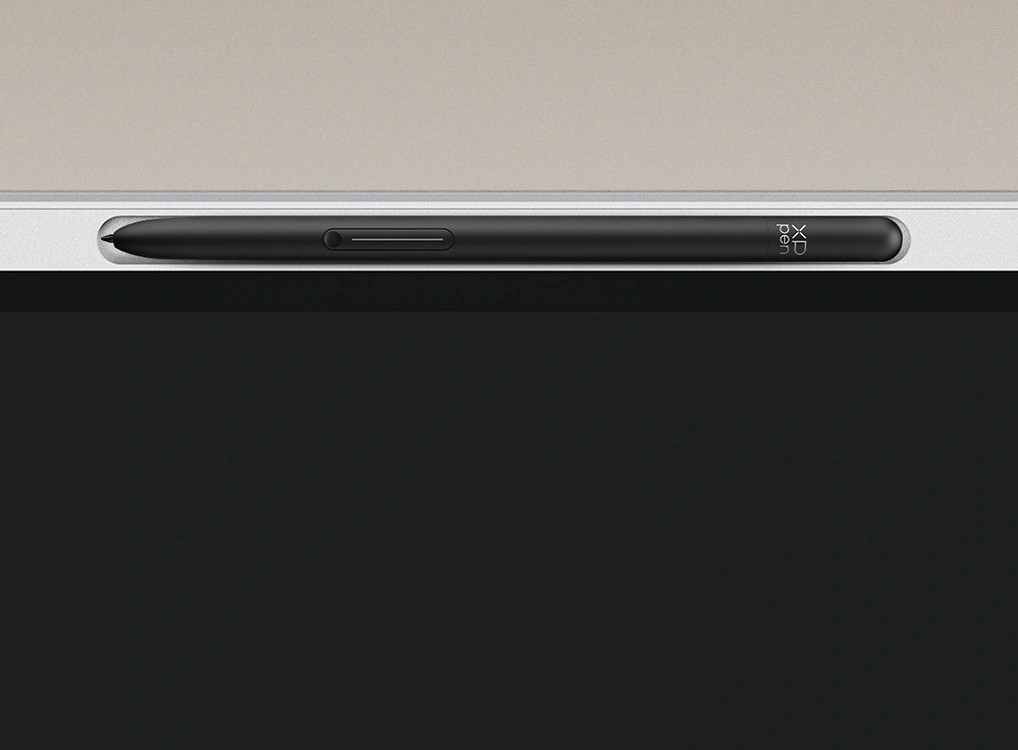
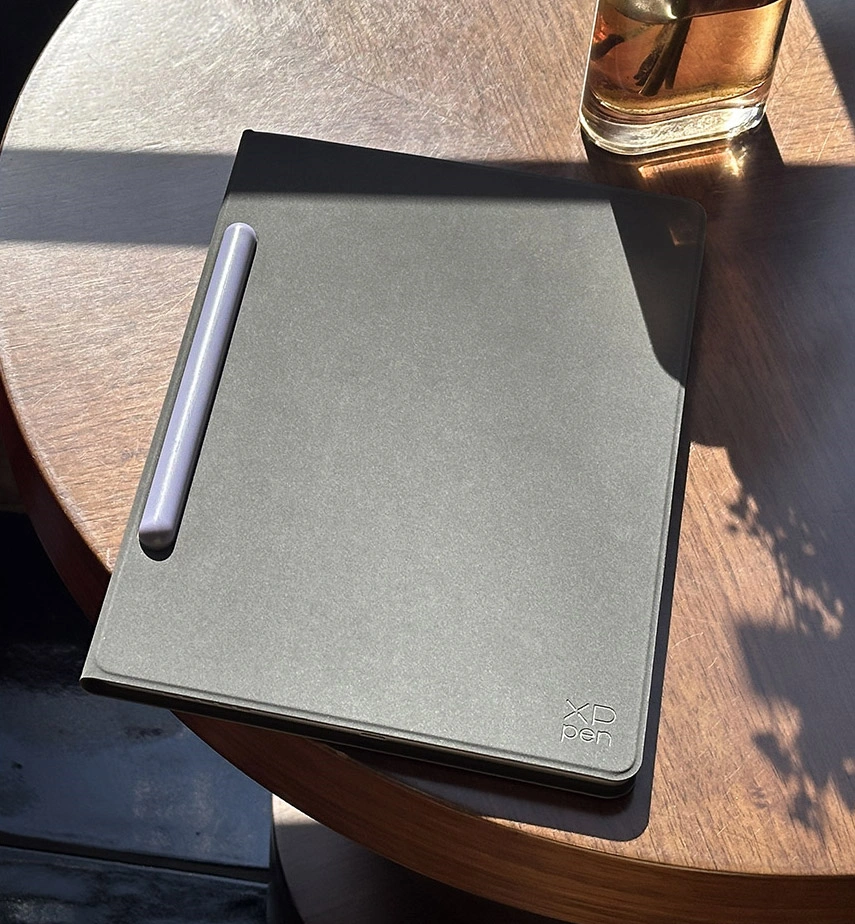
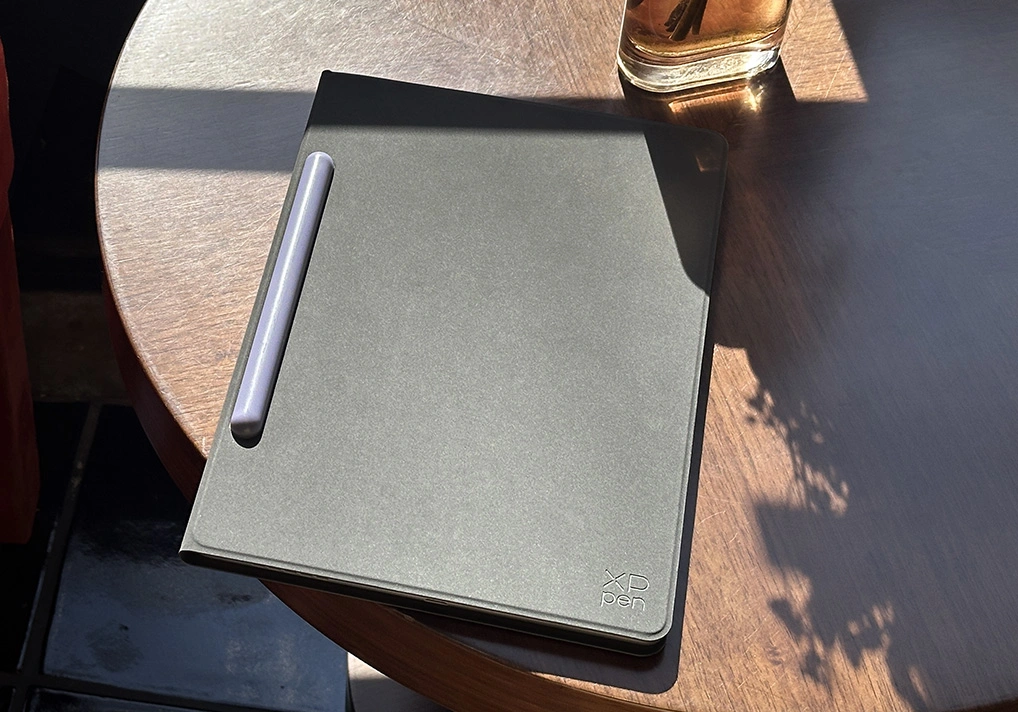
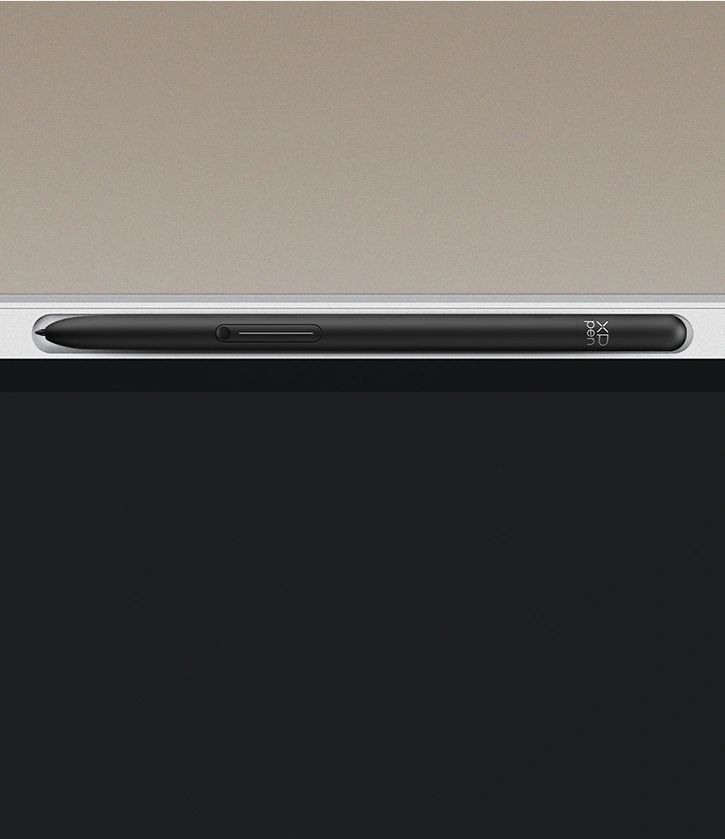
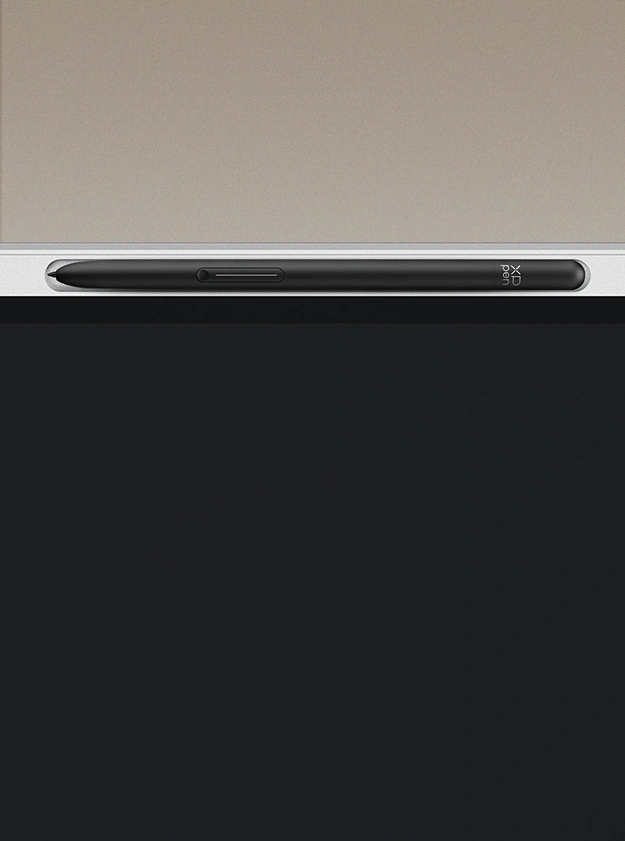
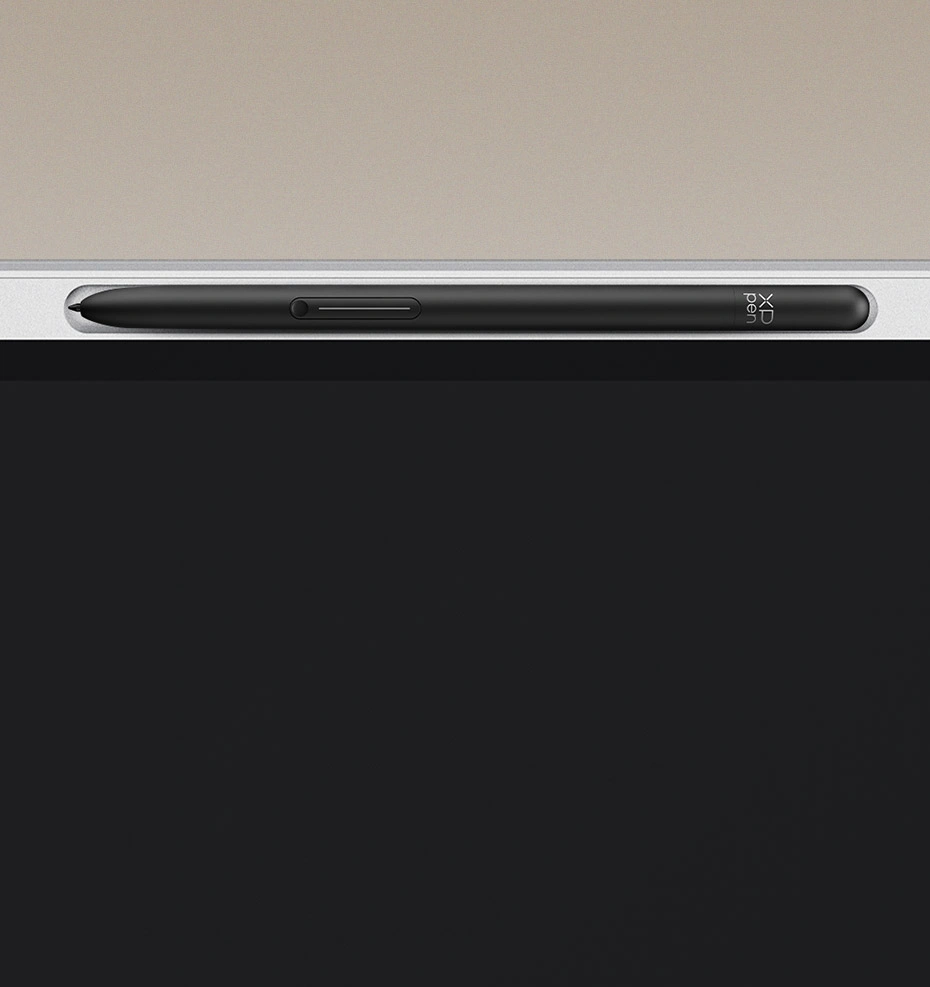
Magnetic Pen Slot

Store Your Pencil Easily

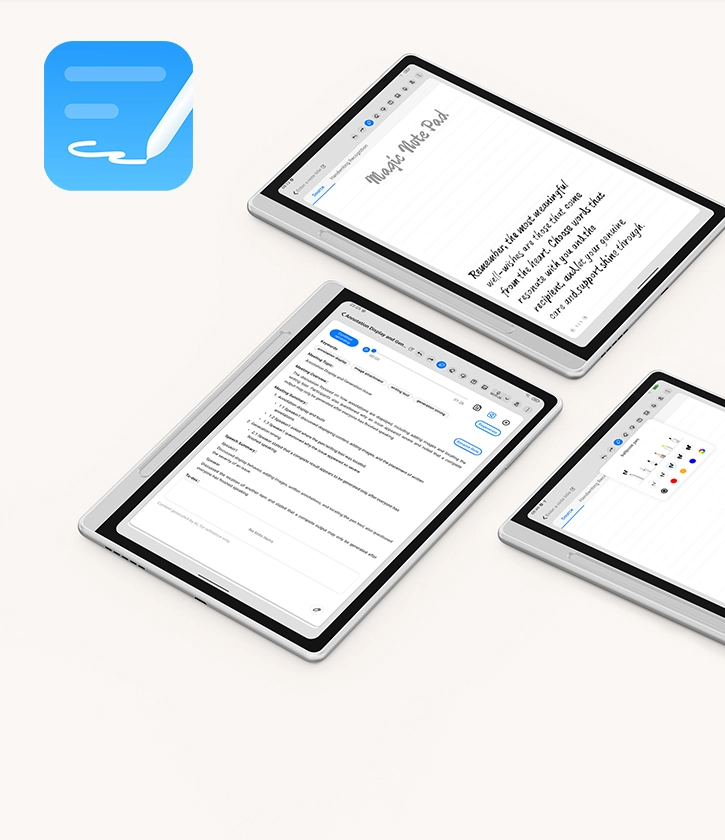
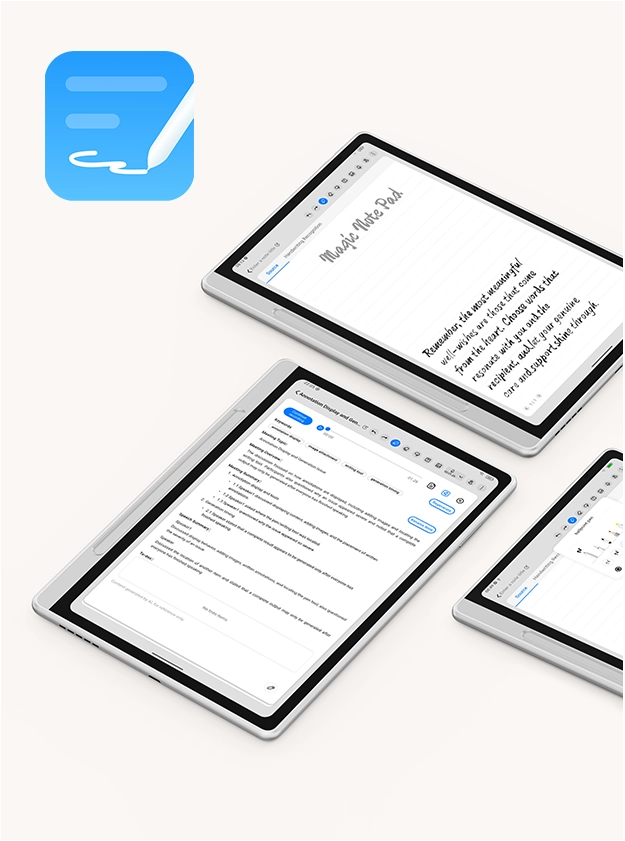
Custom Notes App

Write, Record and Export with Efficiency

Android 15 System

Open System, Countless Android Apps

No Limits
on Display

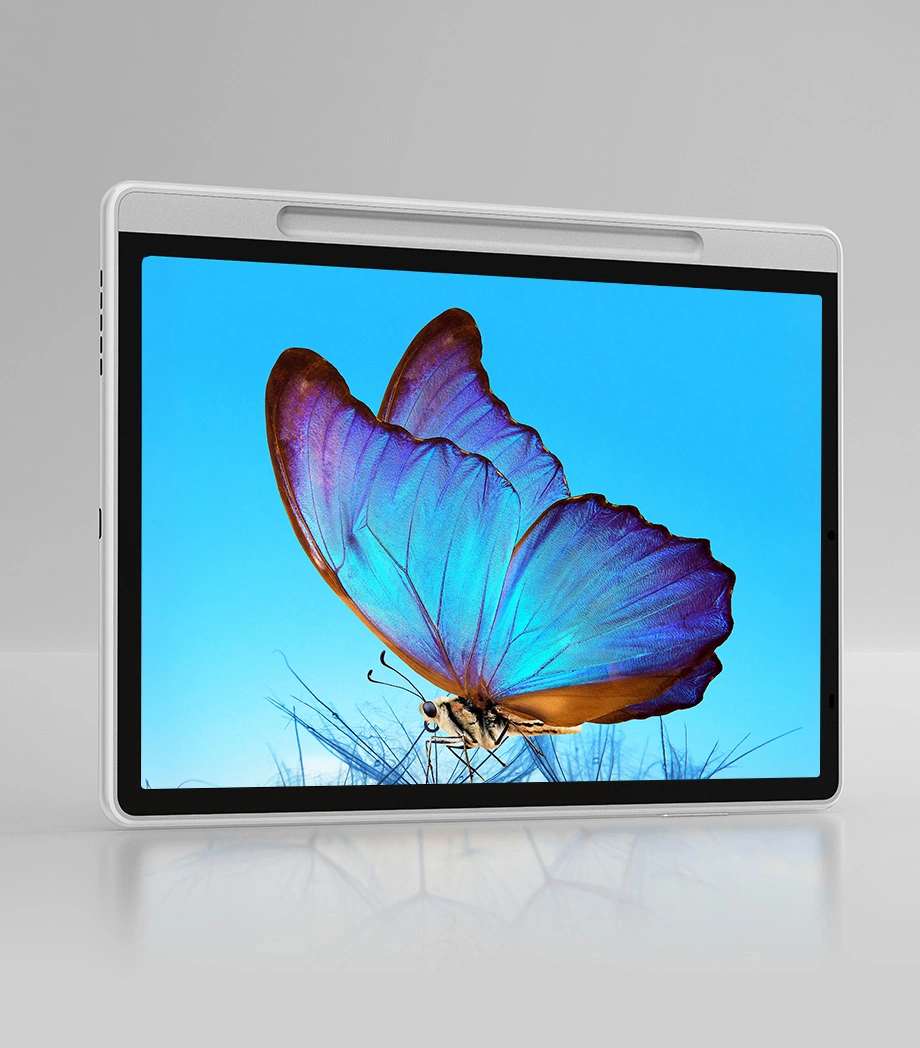
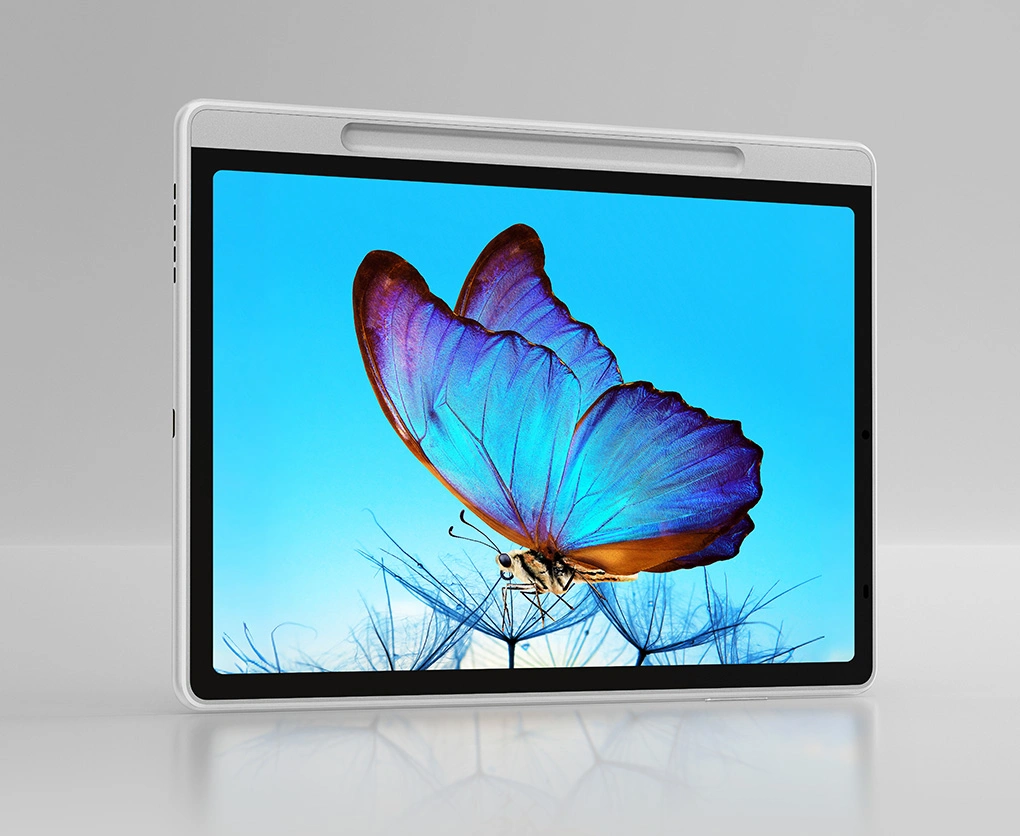
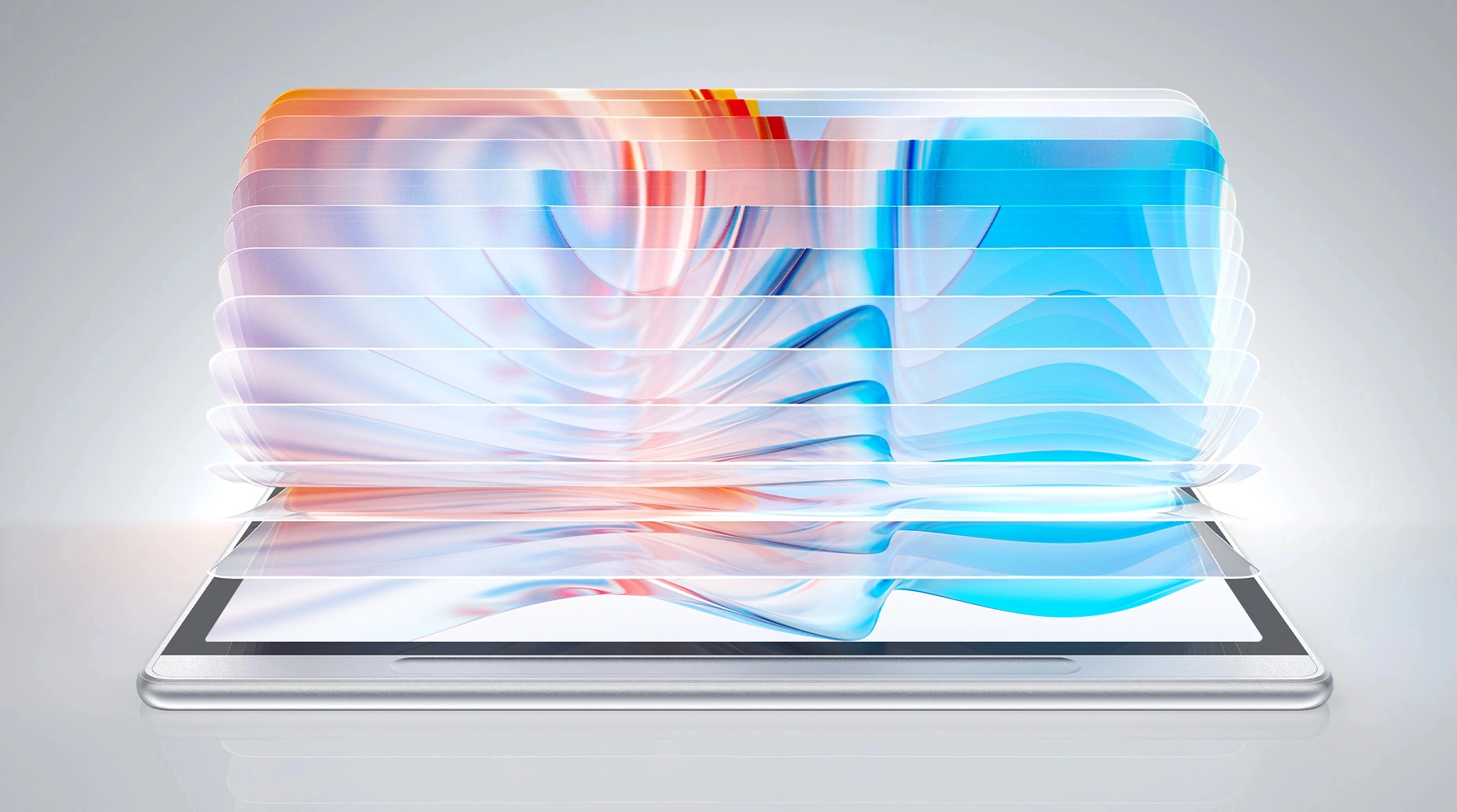
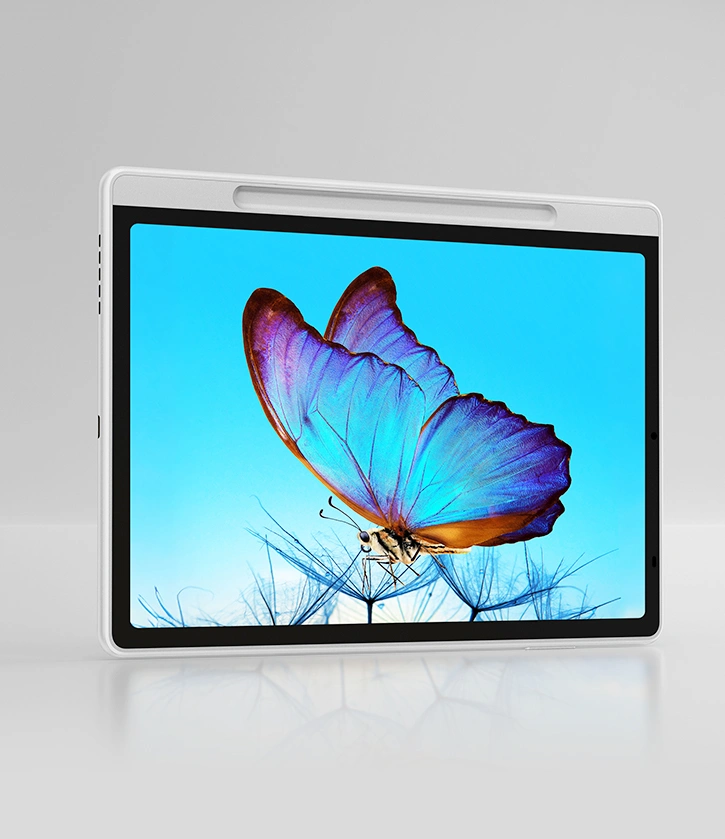
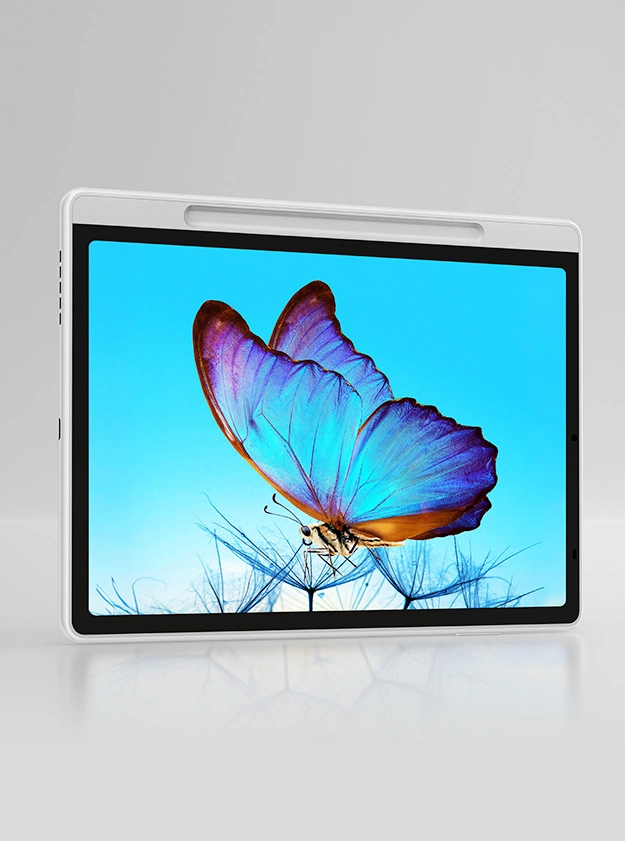
The brand-new 3-in-1 X-Paper display elevates overall picture quality to a remarkable level, providing a paper-like visual experience with authentic colors, smooth motion, and distinct details.

Read or Write,
Just Like On Paper

The AG nano-etched display significantly reduces reflection and glare. Every letter you read or write appears as if it is on paper. The visual and tactile comfort of the Magic Note Pad makes it an exceptional tool for your creative process.
Three Color Modes for
Immersive Reading

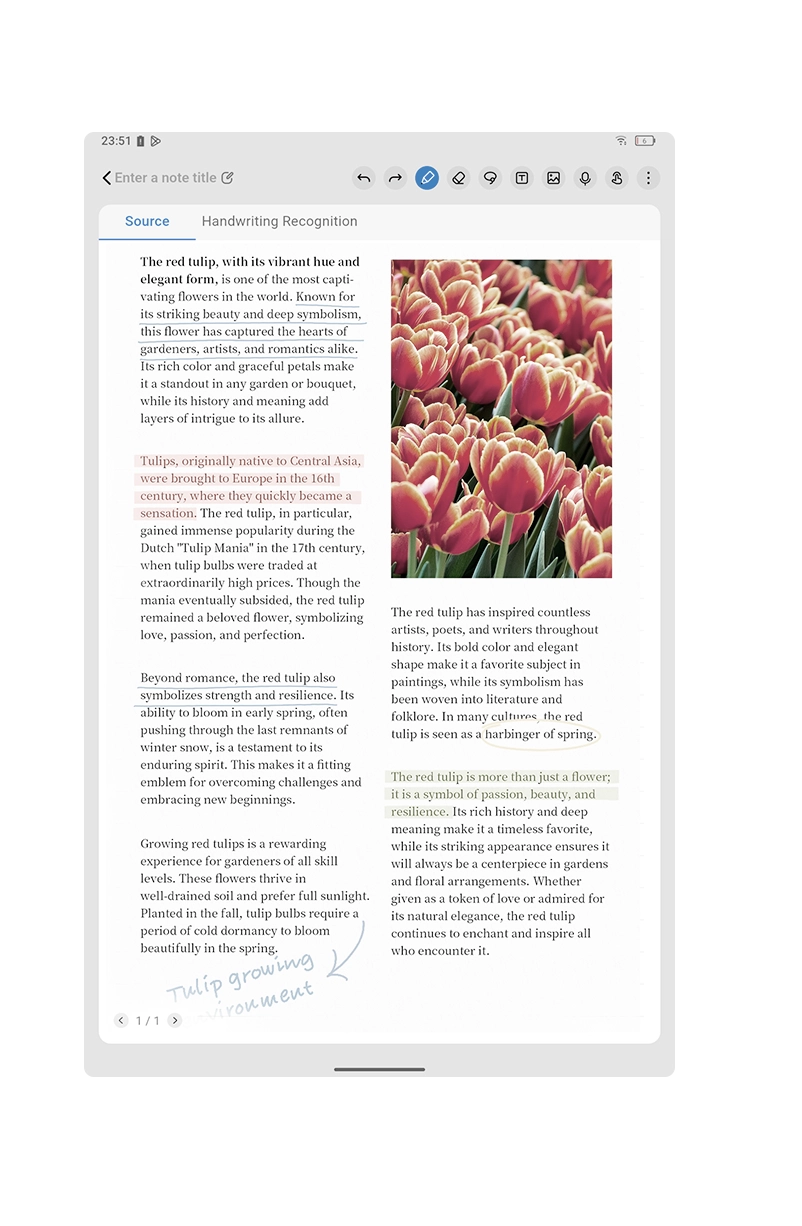
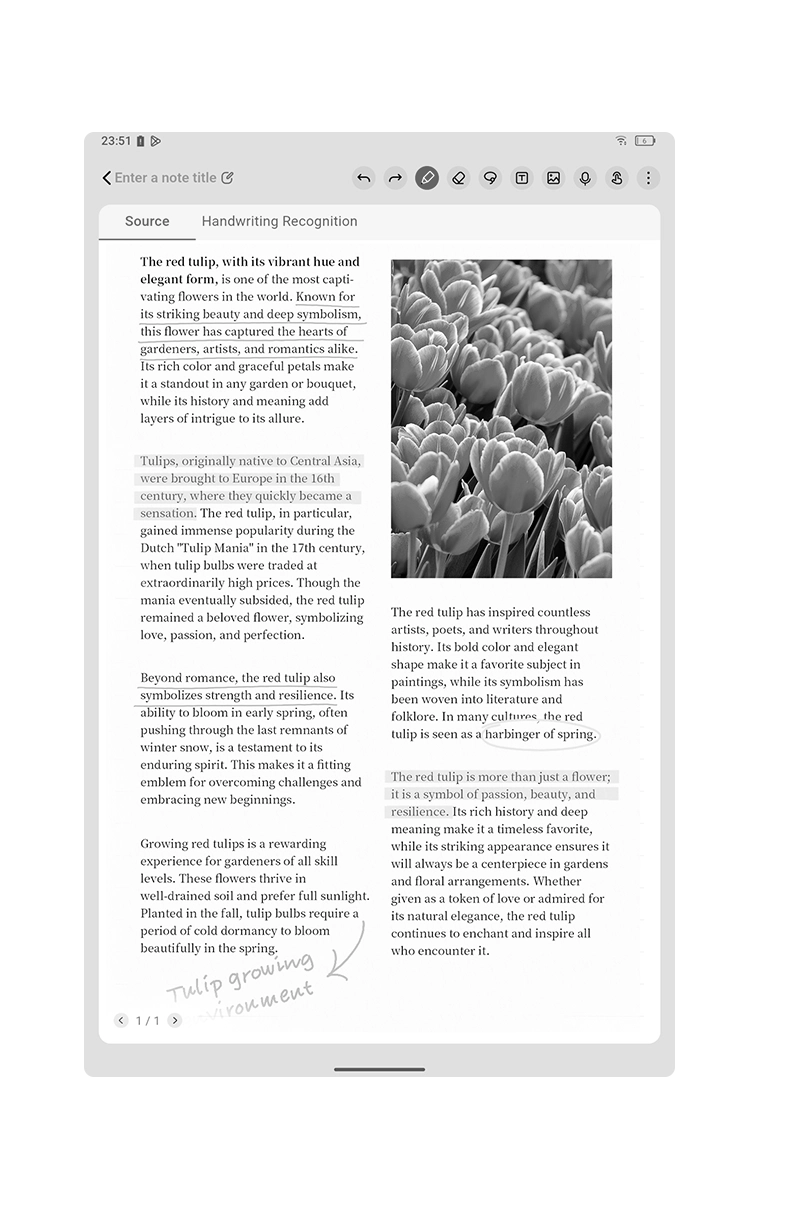
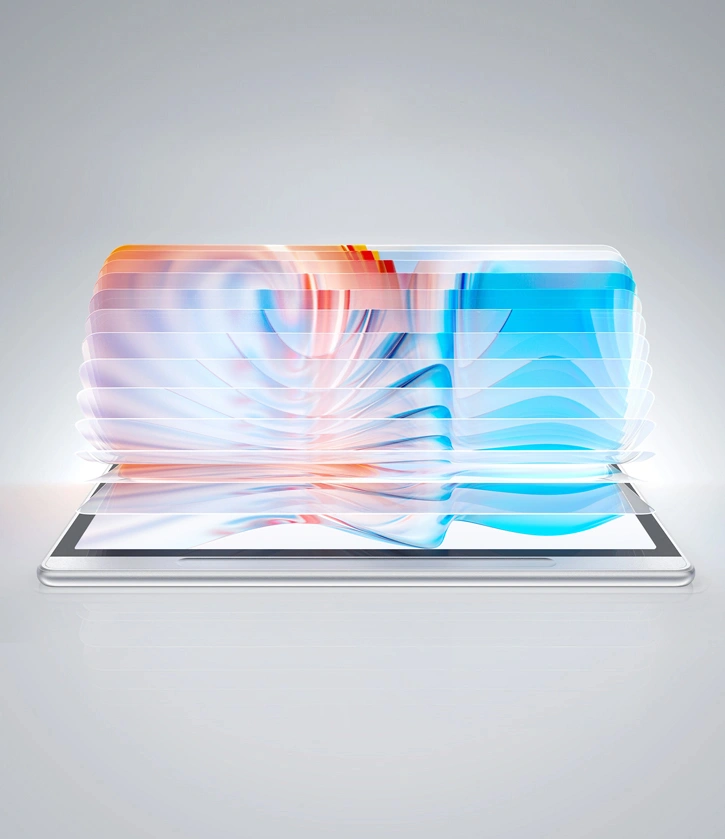
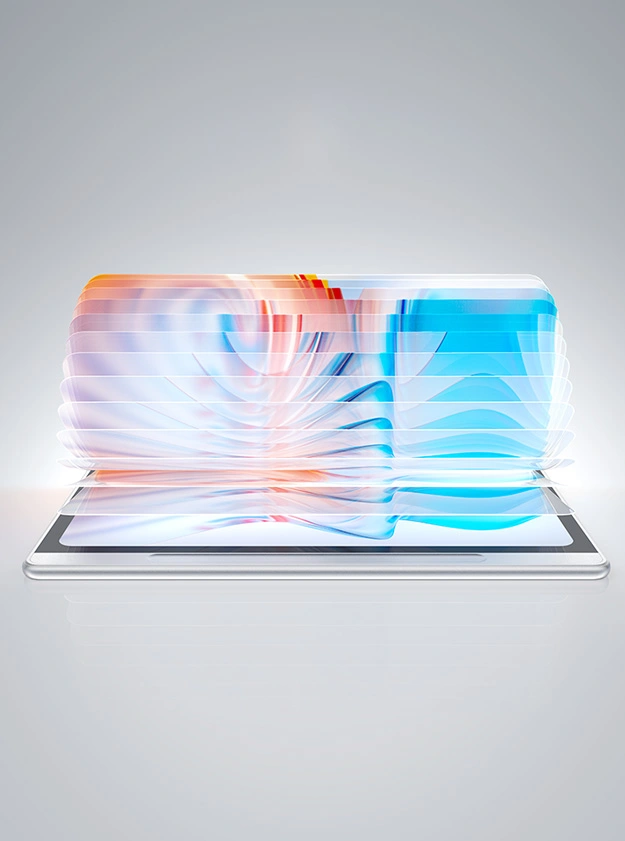
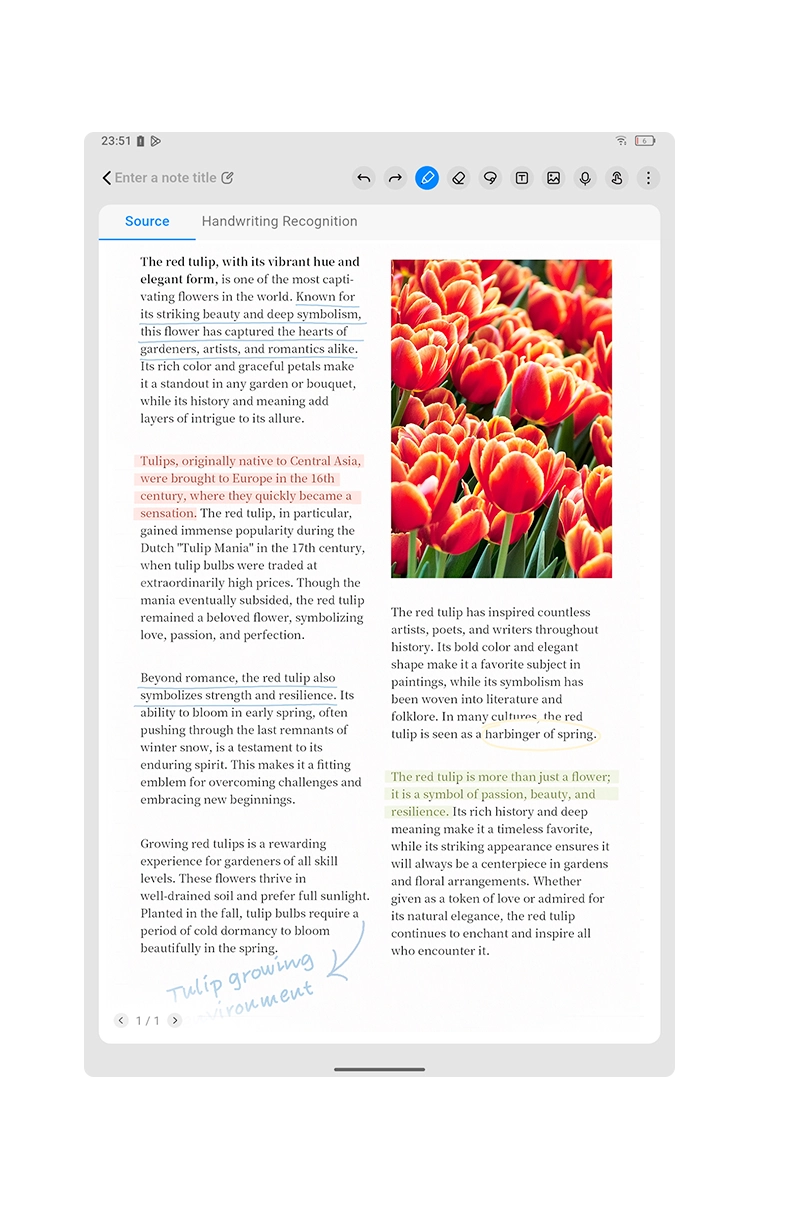
Forget about the limited color of e-ink. Simply press the X-Paper Key, and you can easily switch between three color modes to meet different needs.

Nature Color ModePresent the original colors vividly and delicately

Light Color modeLow saturation color display, release eye fatigue

Ink Paper ModePaper-like black-and-white display for immersive reading

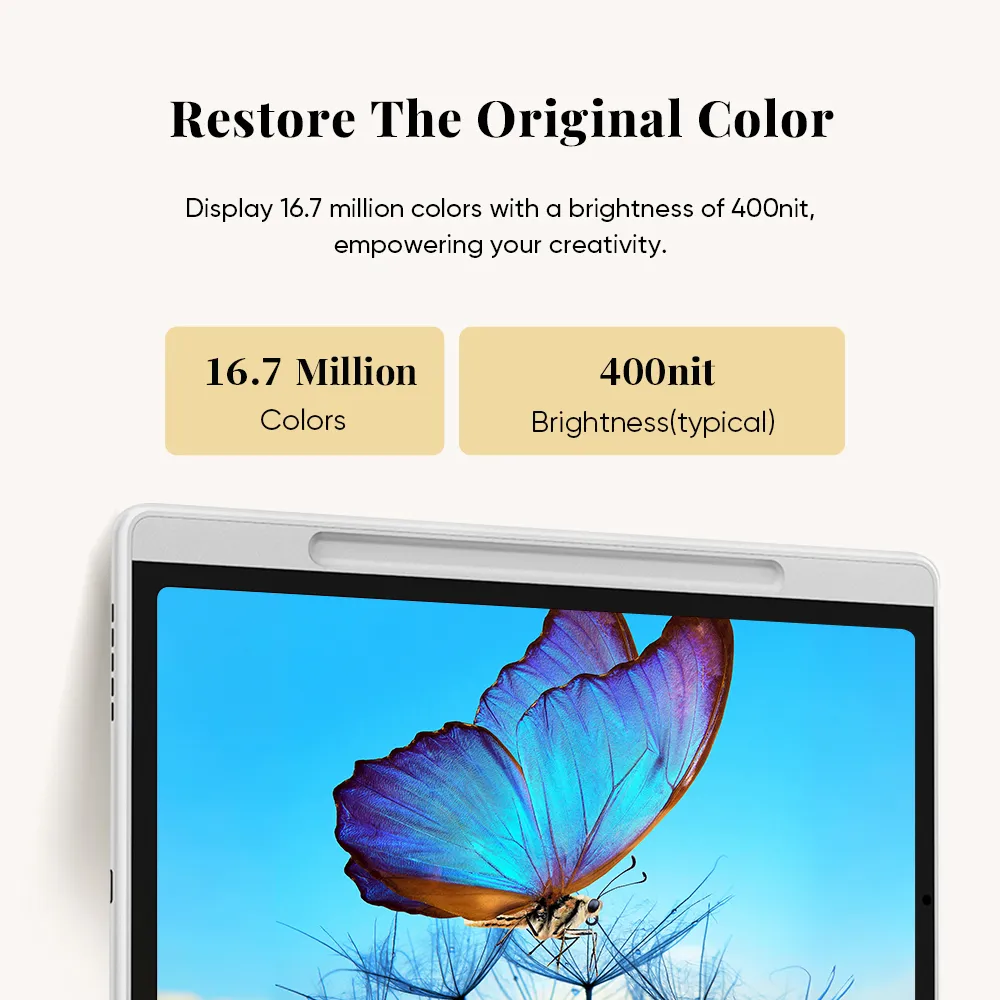
Restore The
Original Color

Color matters for your creative process. The Magic Note Pad supports the display of 16.7 million colors with a brightness of 400nit. Its industry-leading color rendition capabilities not only enhance your reading and note-taking experience but also empower your creativity.
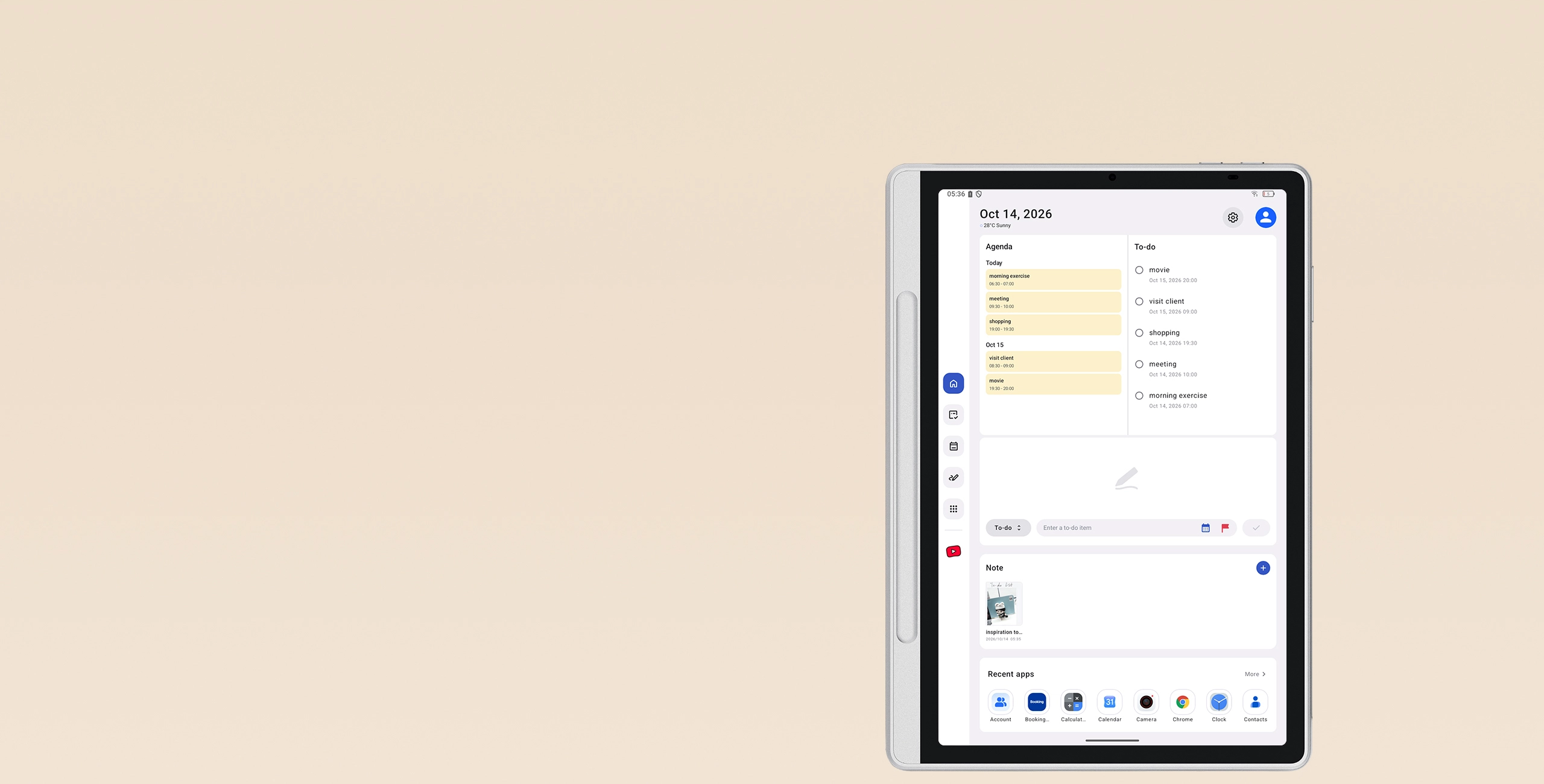
16.7 Million

Colors

400nit

Brightness(typical)

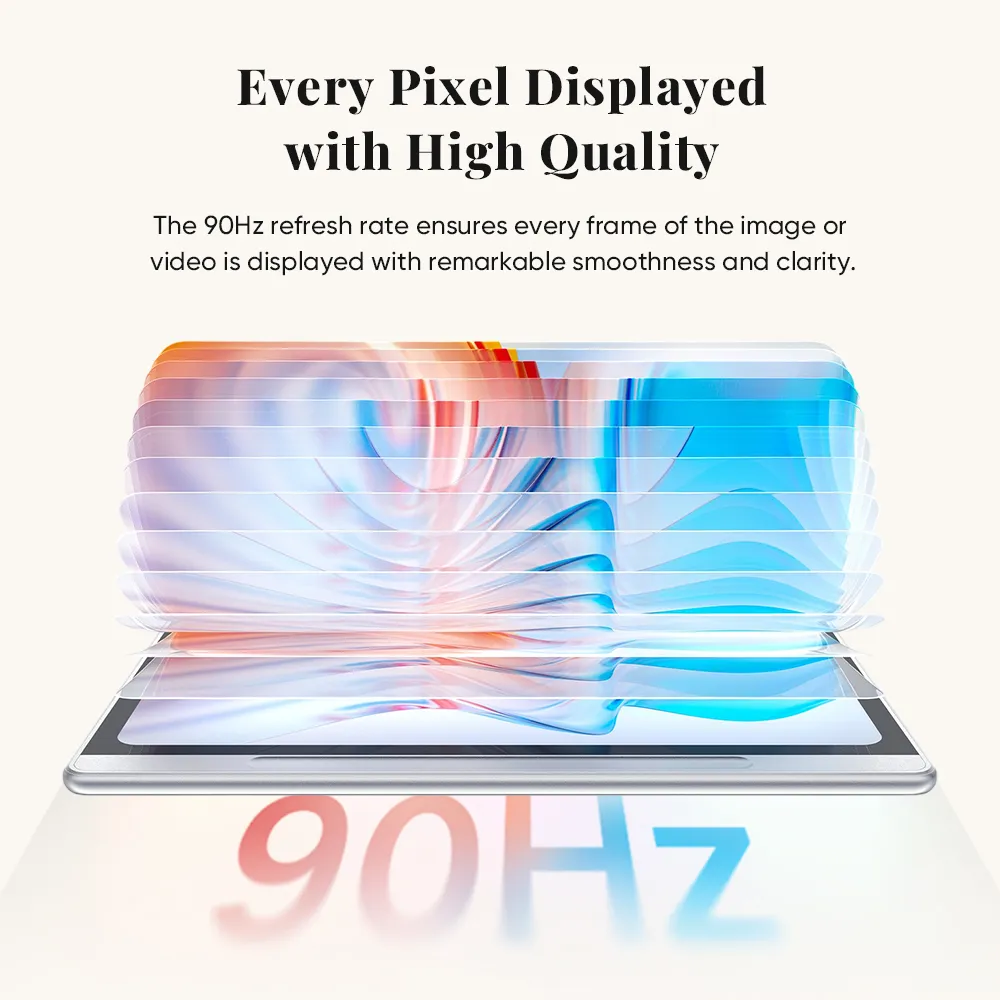
Every Pixel Displayed
with High Quality

The display's refresh rate has reached 90Hz, a new benchmark for note pad. Each frame of the image is displayed with remarkable smoothness and clarity, greatly minimizing motion blur when watching fast-moving content.

90Hz

Refresh Rate

Low Blue Light,
Easy on Eyes

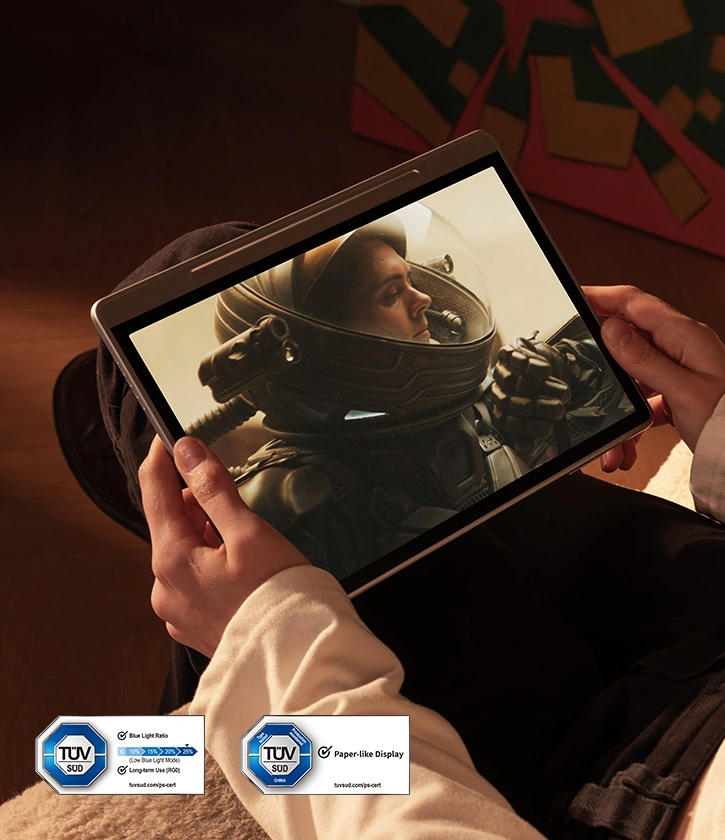
Magic Note Pad cares for your eyes. It has gained TÜV SÜD Low Blue Light Certification and Paper-like Display Certification. The display eliminates image flicker and minimizes harmful blue light as much as possible, making it more comfortable for your eyes.

TÜV SÜD Low Blue Light Certification

TÜV SÜD Paper-like Display Certification

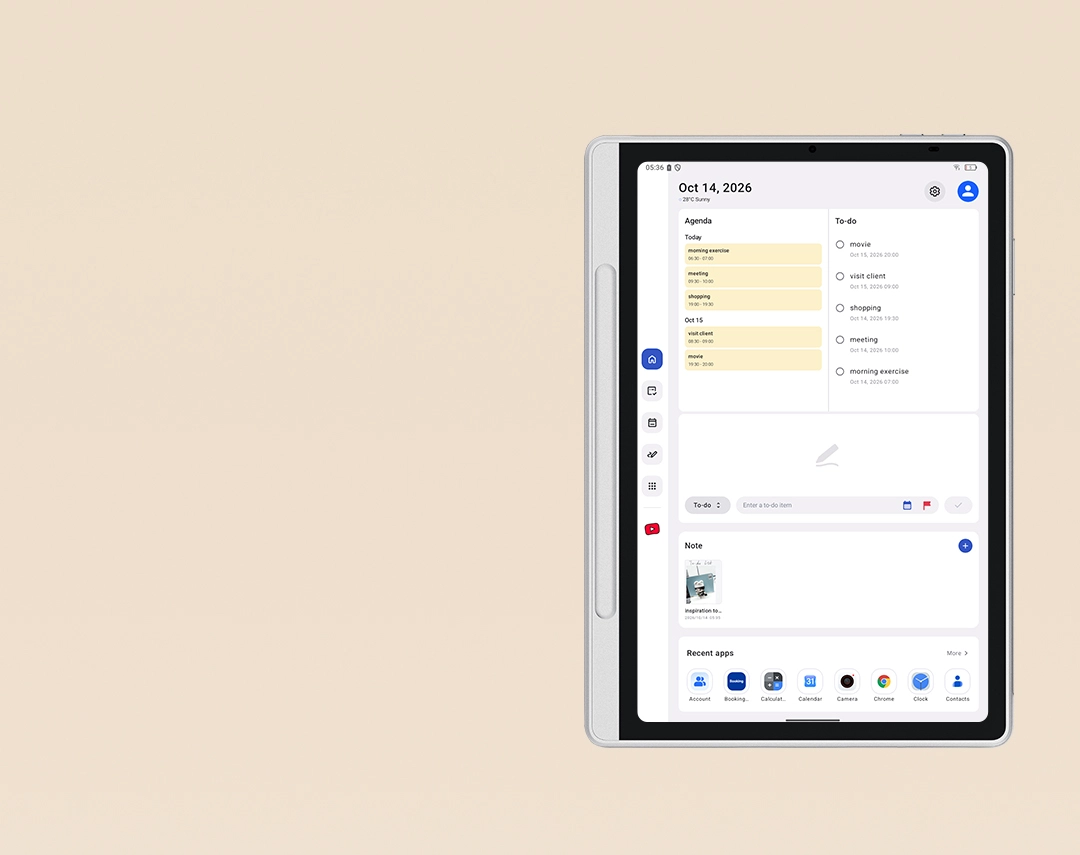
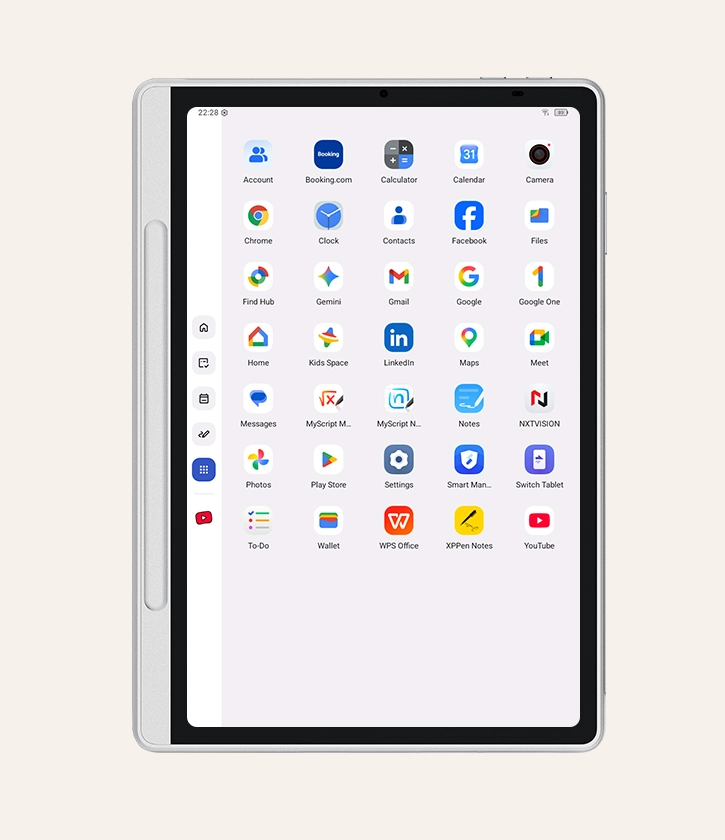
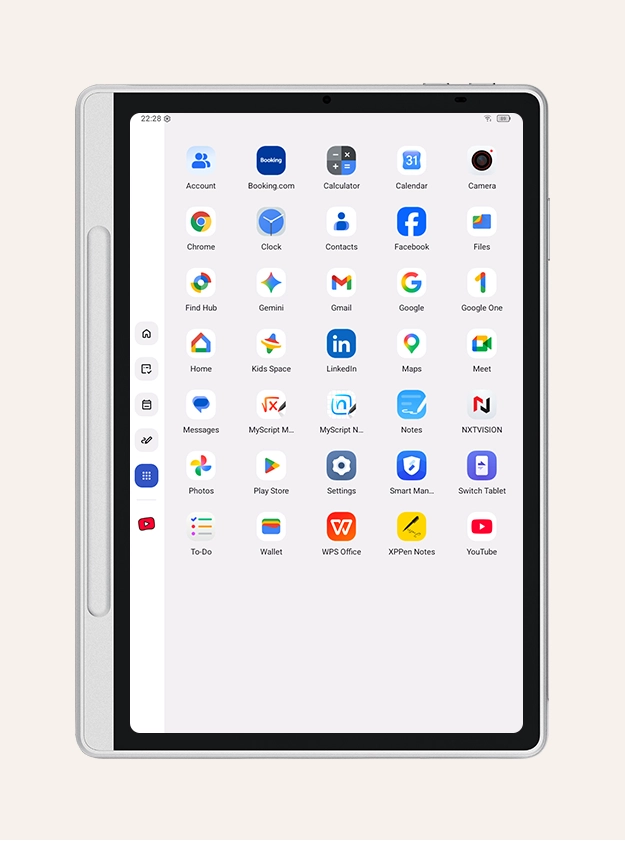
Launcher: A New Homescreen for Productivity

Place your frequently used apps in the sidebar and tap them to run natively, with no full-screen switching required. Embed your Calendar and to-do lists directly into the Launcher to keep your key events front and center.

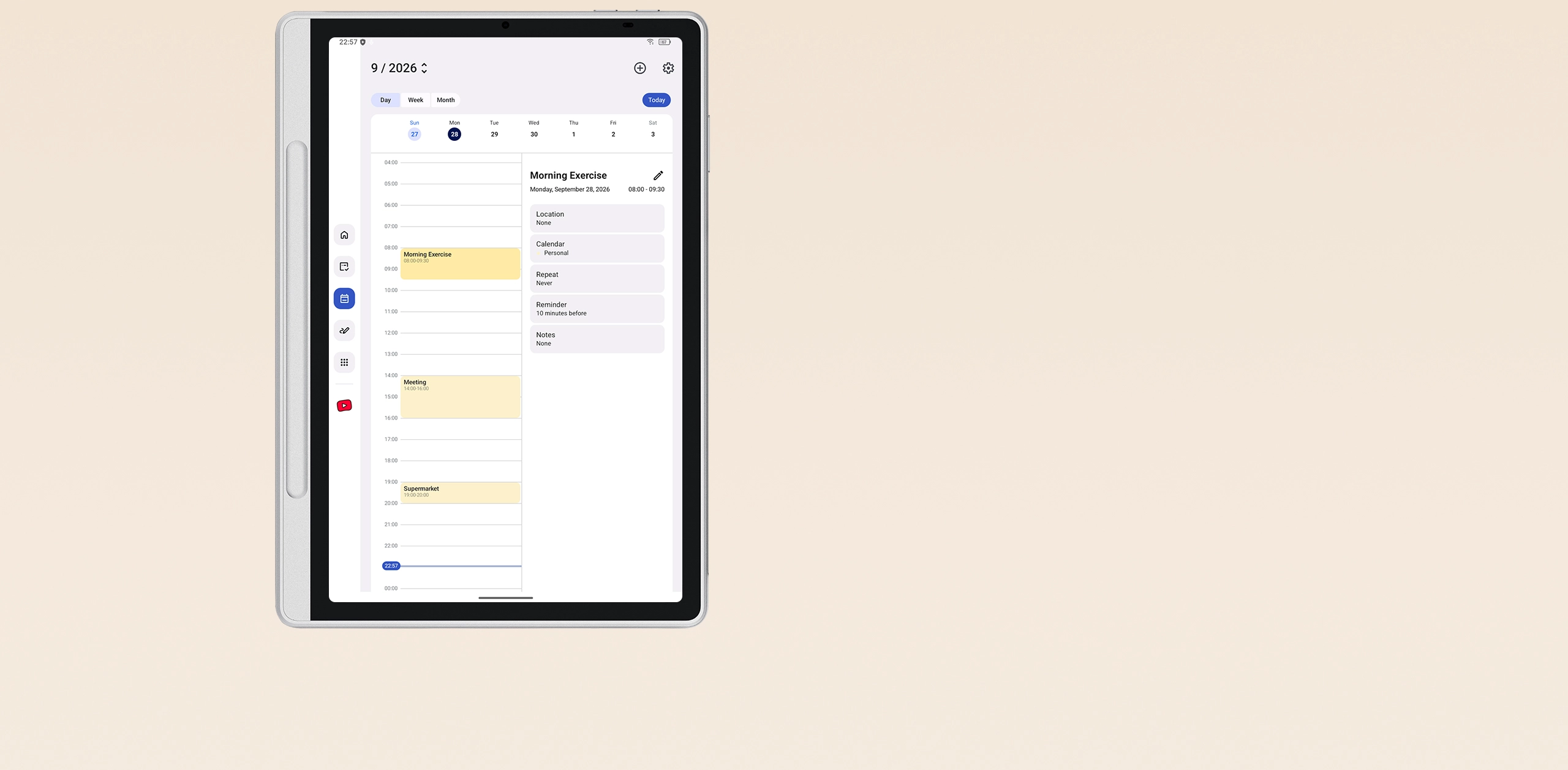
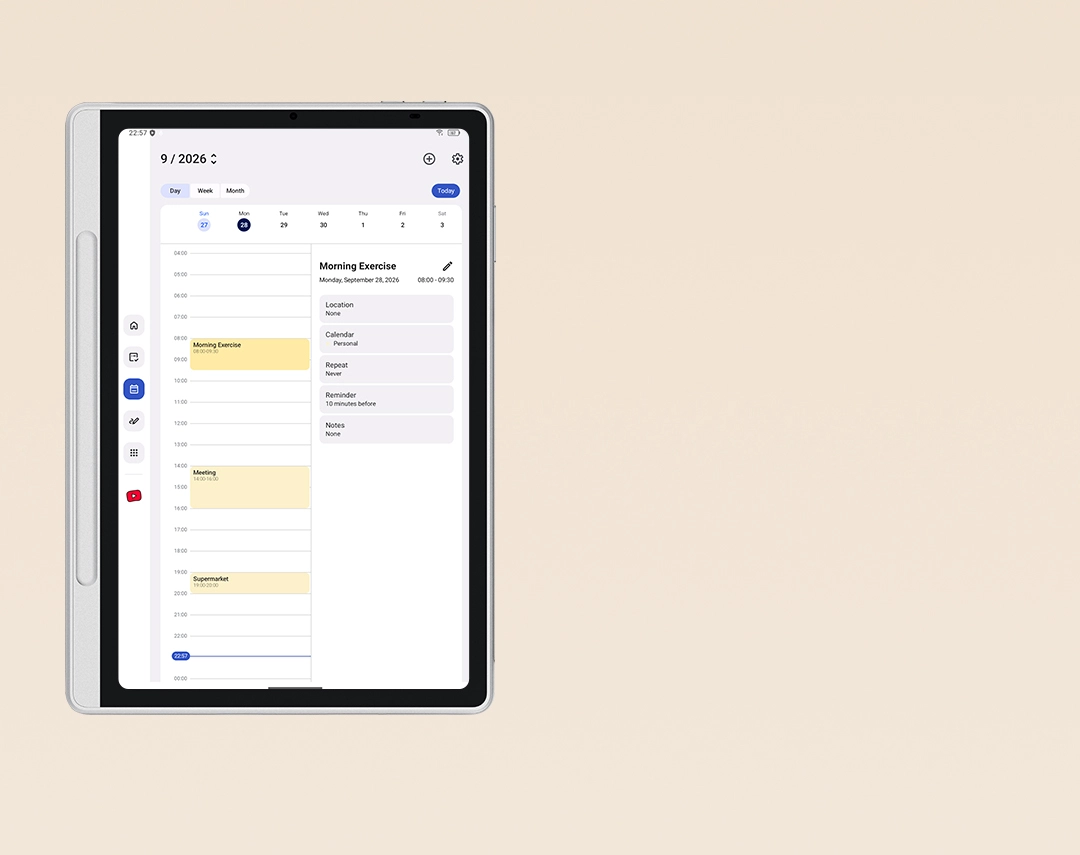
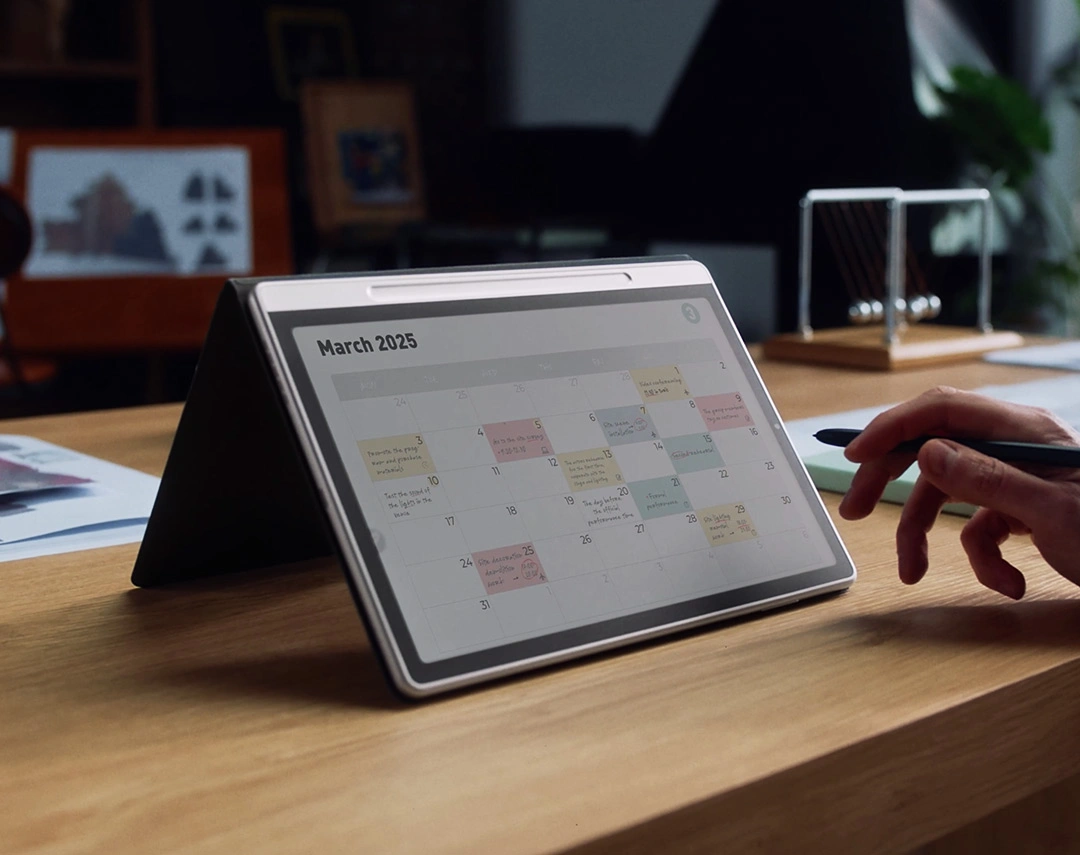
Calendar: Manage Your Schedule Effortlessly

Calendar integrates deeply with Launcher, To-Do, and Notes App to give you total control over daily schedules. Switch between Day, Week, and Month views with automatic portrait and landscape adaptation. Importing schedules via ICS files or web links is also supported.

No Limits On Record

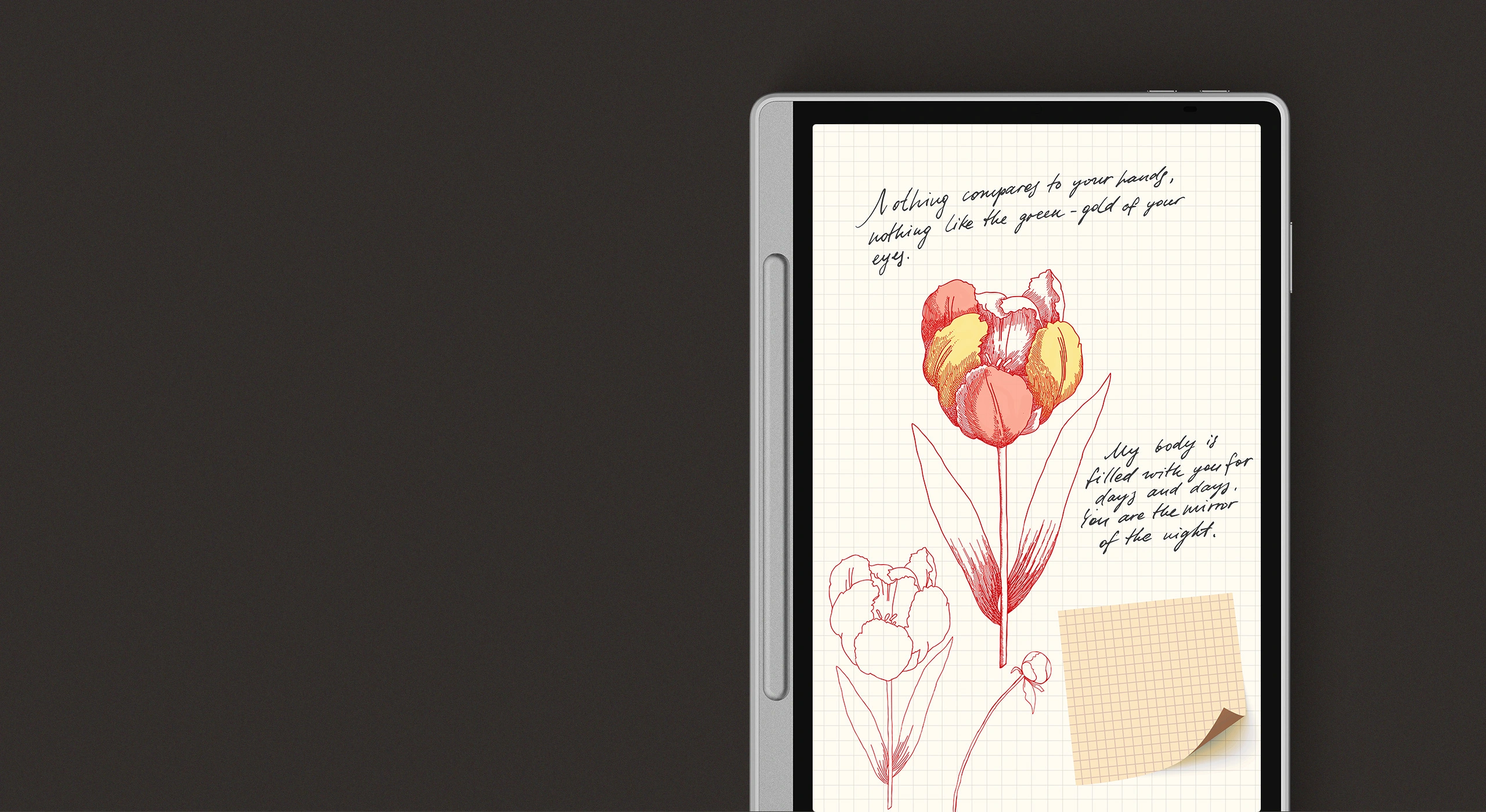
Notes is a versatile native app built to streamline your workflow and
seamlessly support all your daily note-taking and creation needs.

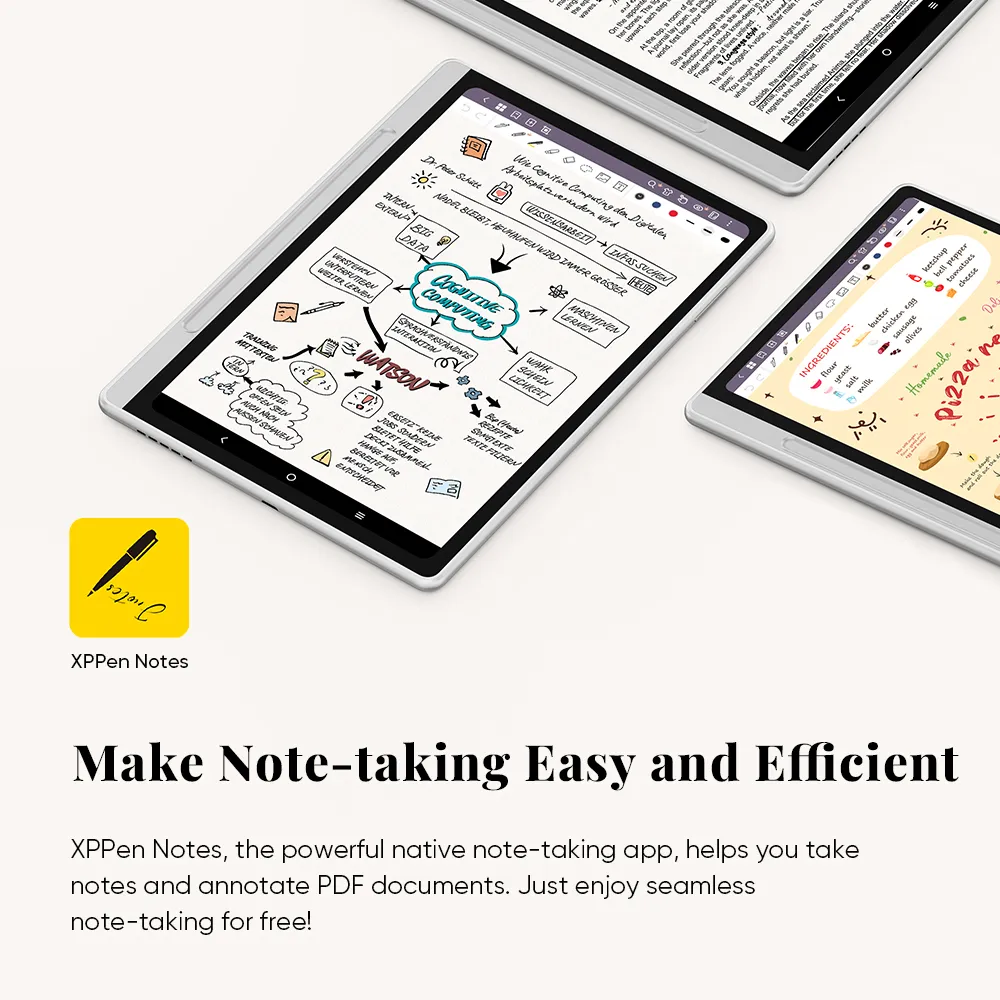
Make Note-taking Easy
and Efficient

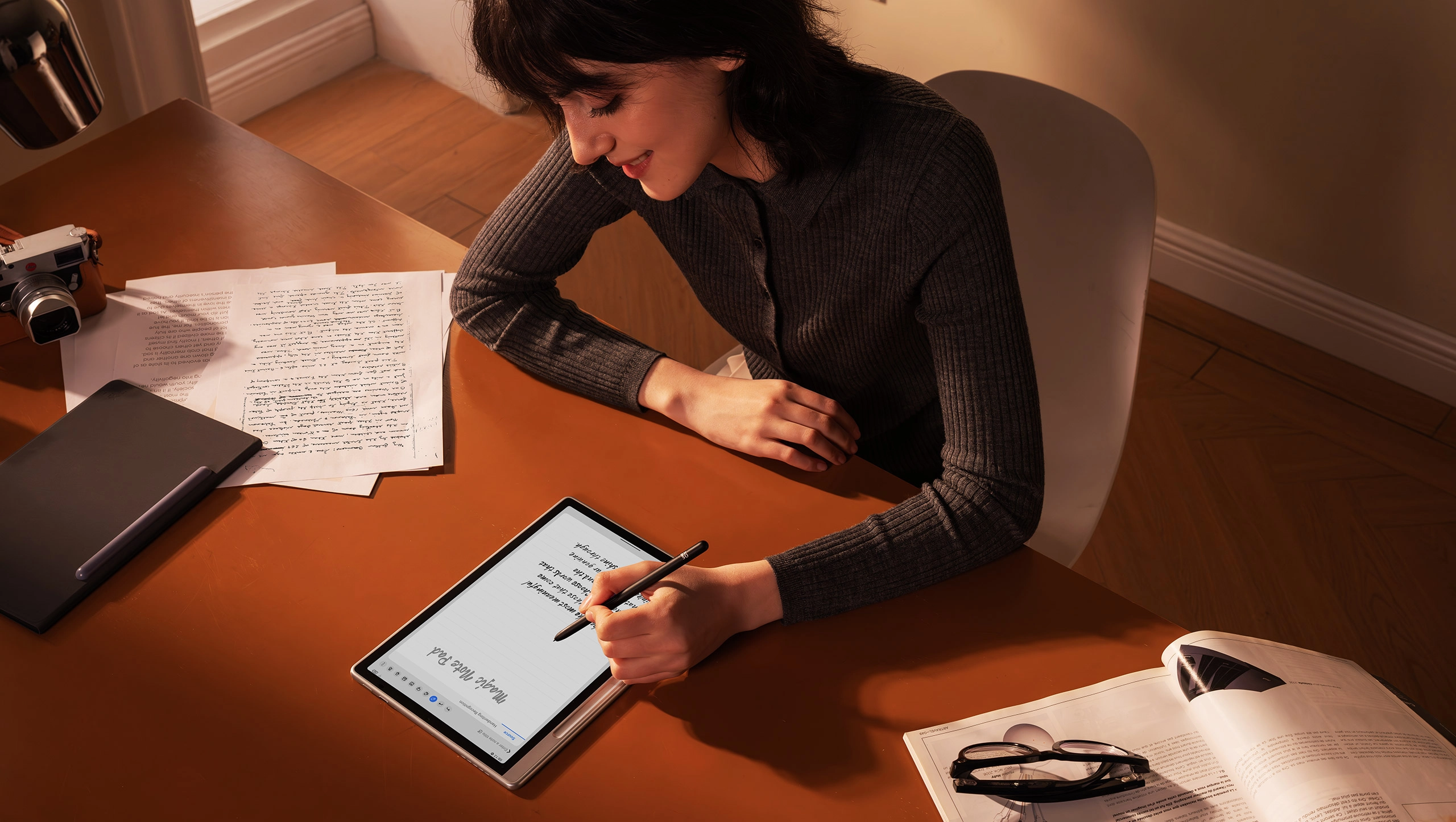
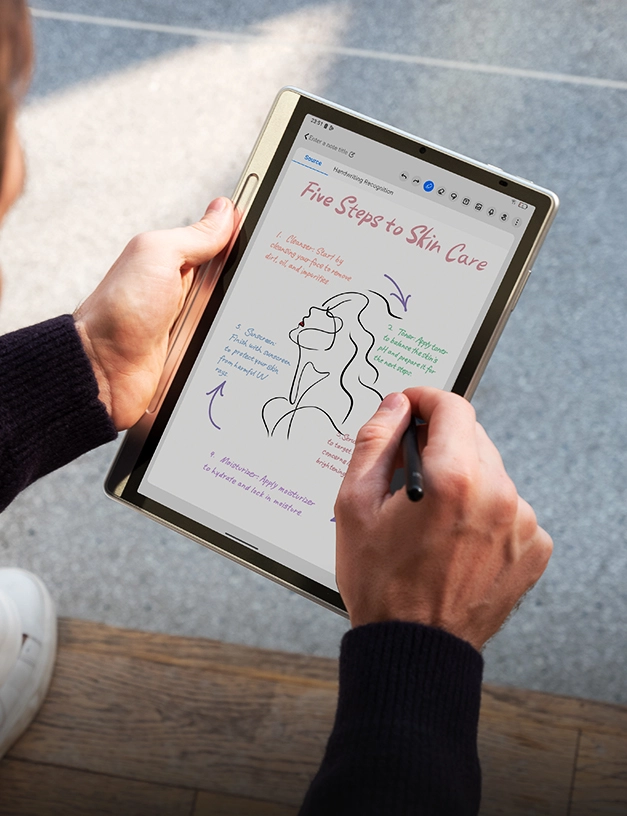
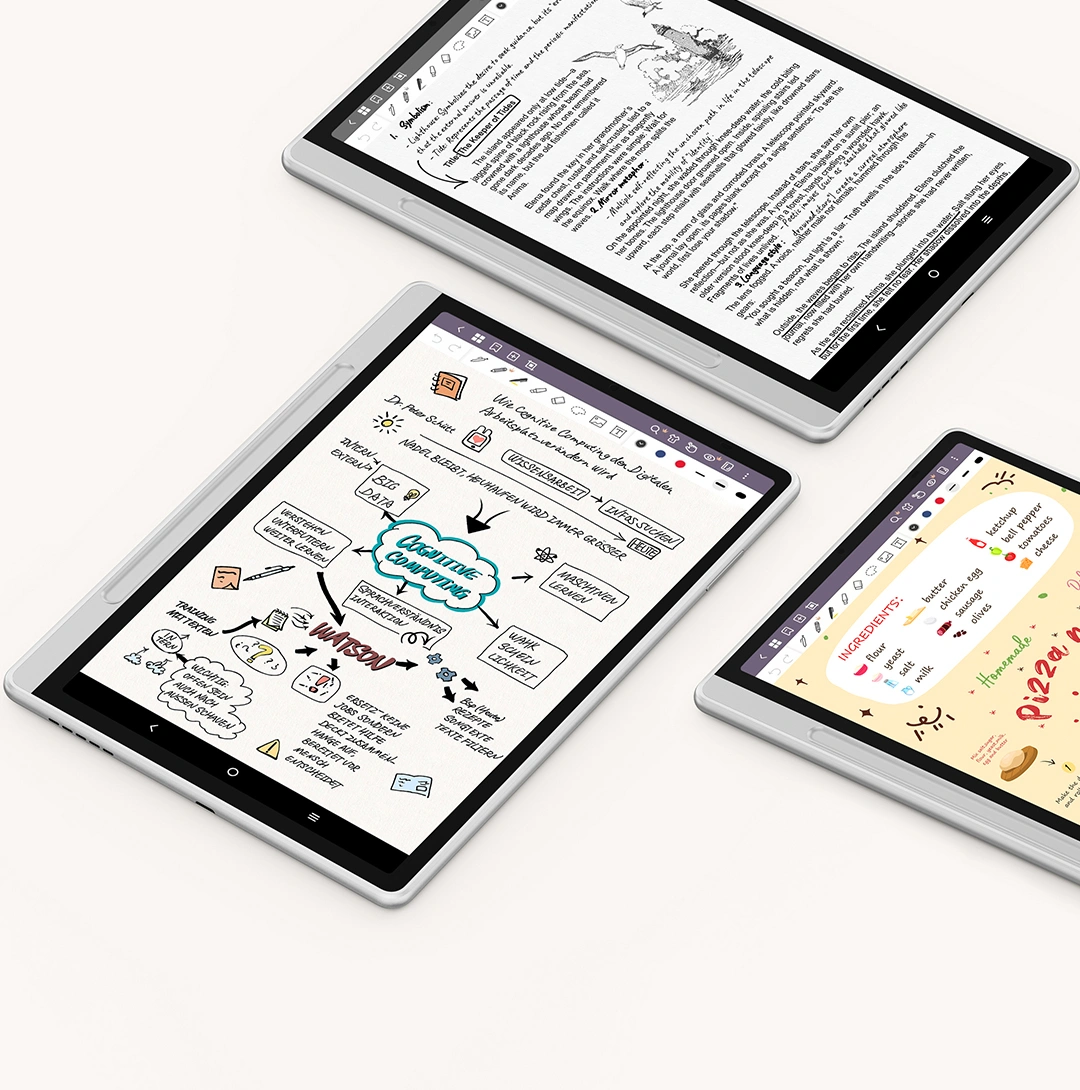
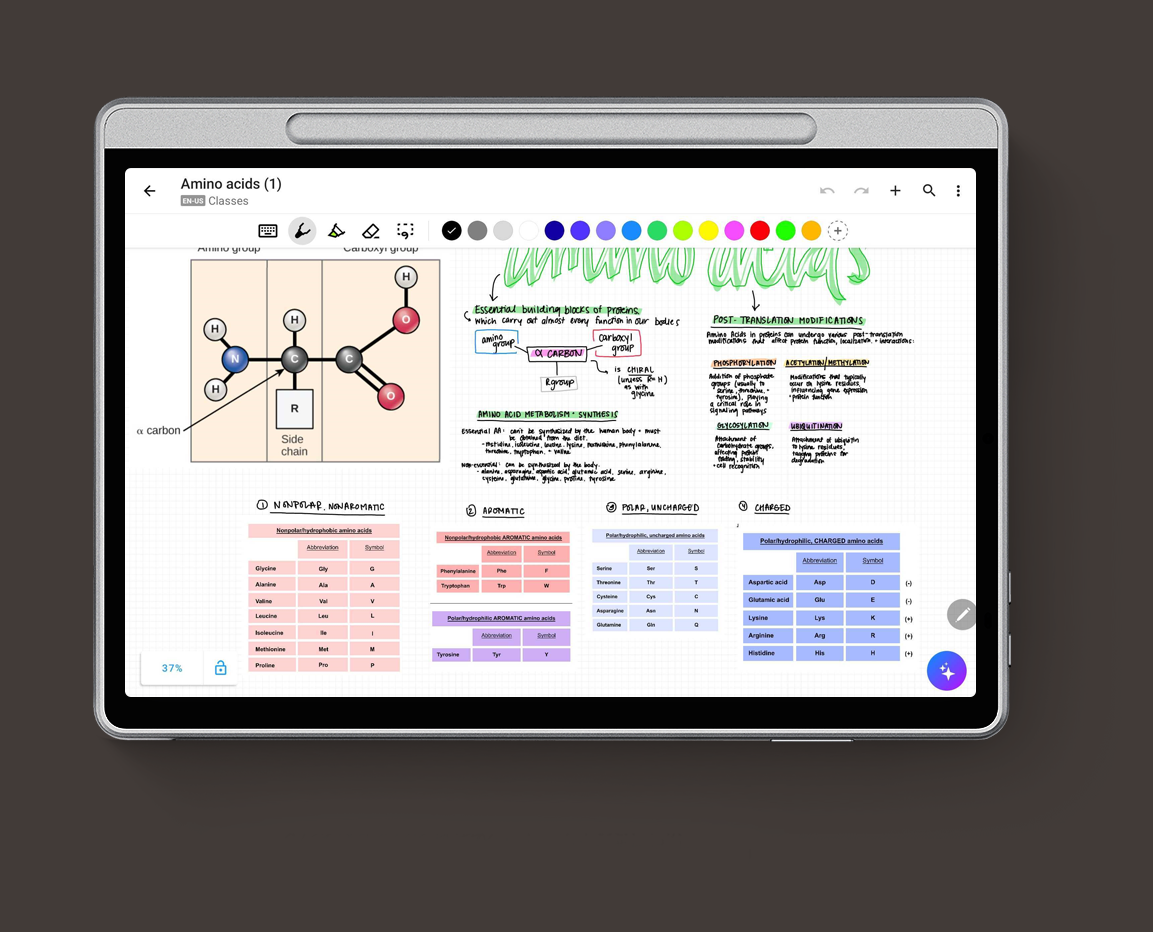
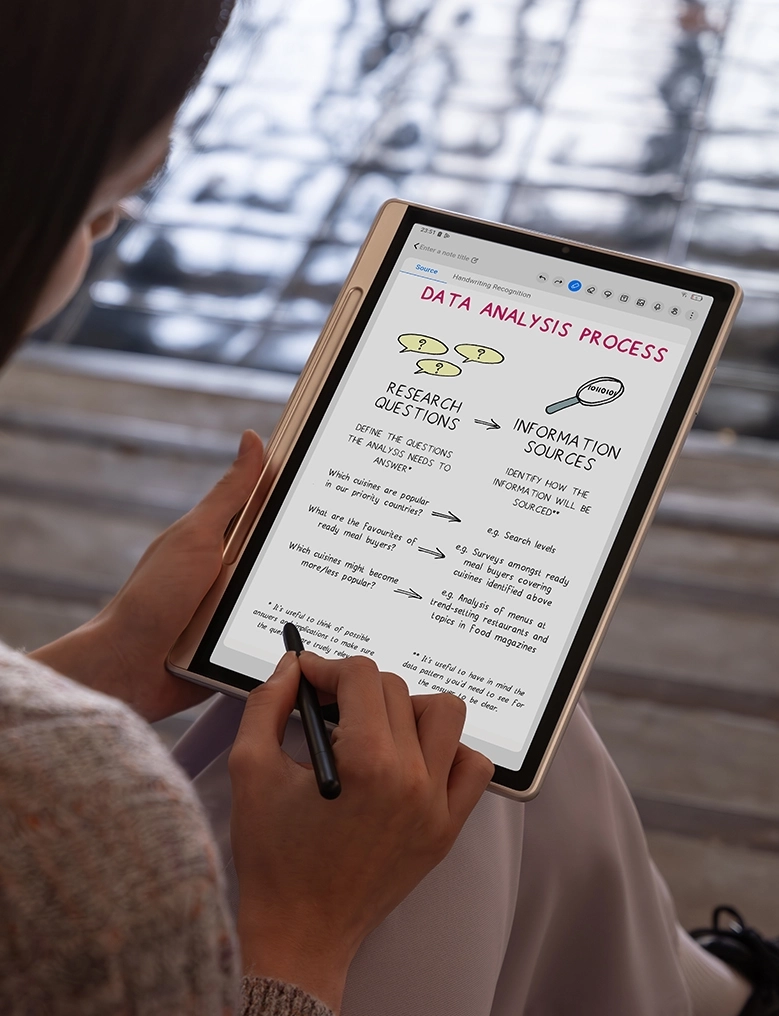
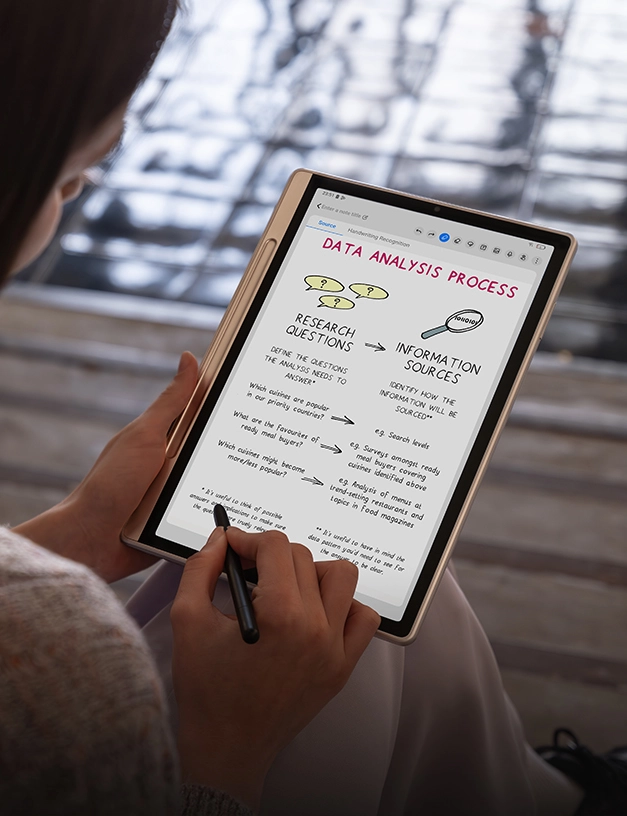
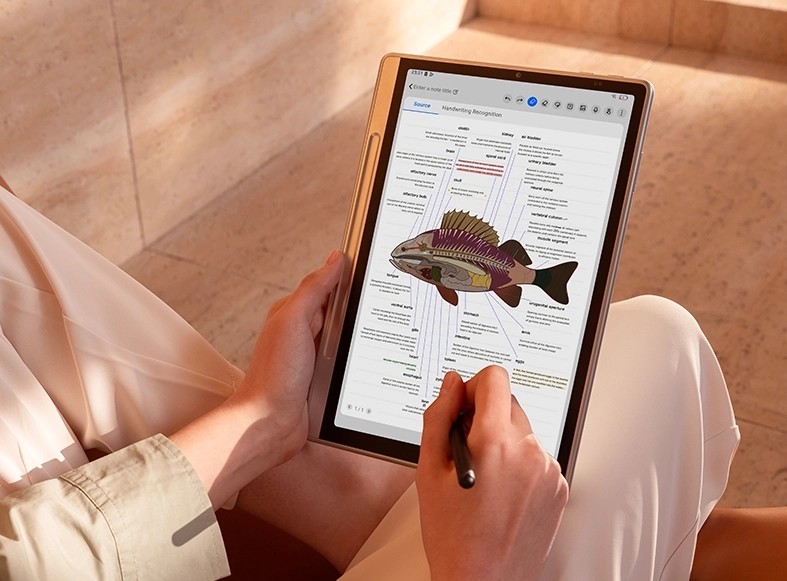
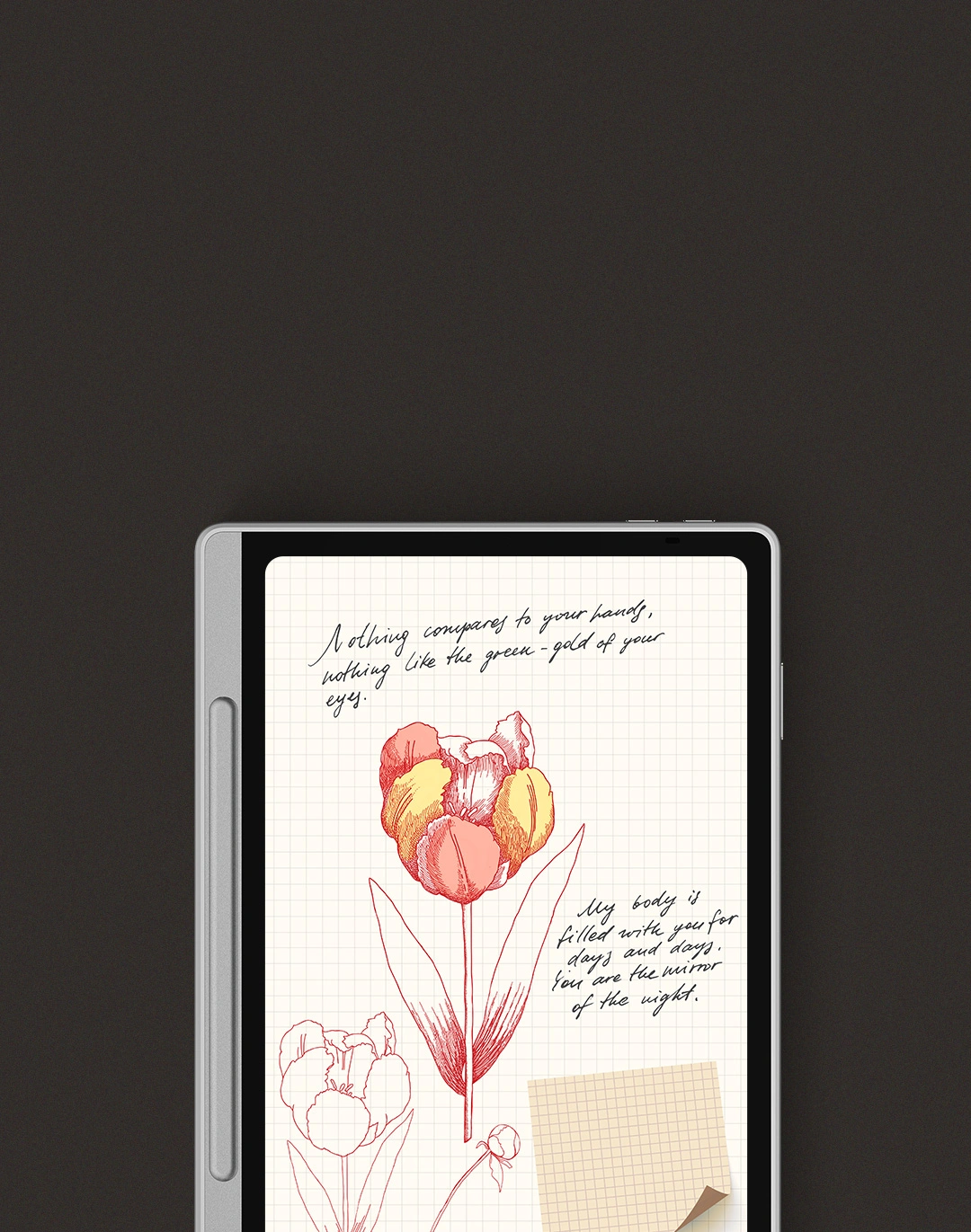
With Notes App, you can effortlessly capture ideas, digitize handwriting, and record or export meeting summaries for hassle-free editing. Every function is designed to capture your bursts of inspiration, in-depth thinking, and creative expression at any time.

Notes App

Special Functions to Level
Up Your Efficiency

A variety of special functions have been developed to enhance your daily productivity and convenience.

Wake Inspiration by One Click

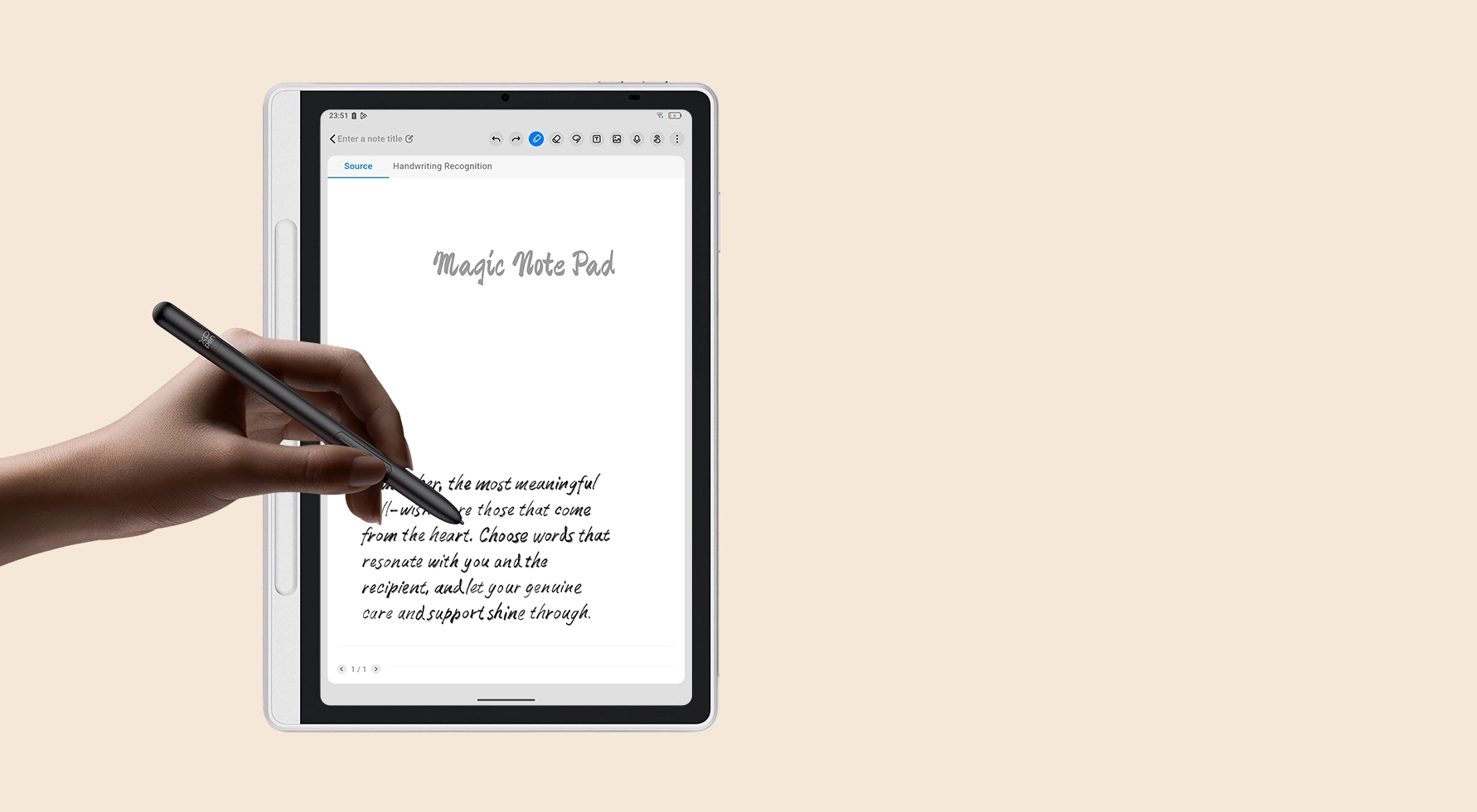
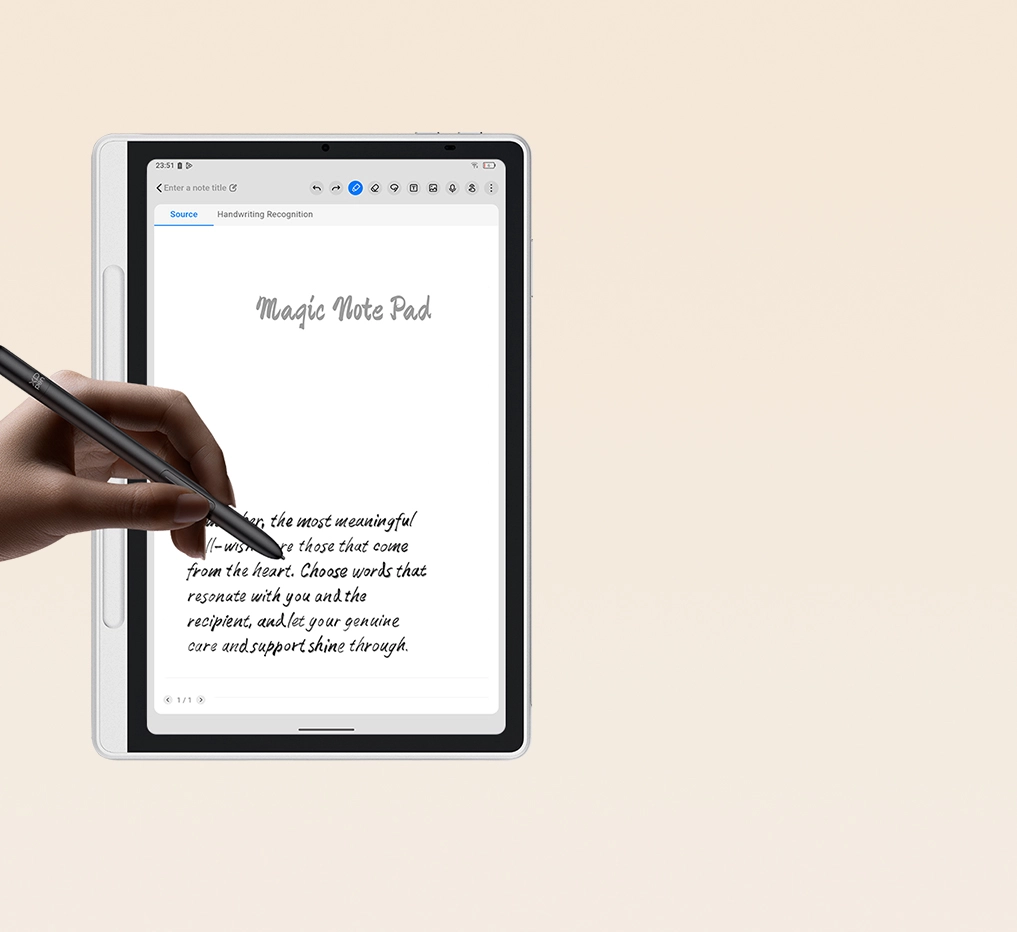
When inspiration strikes, you can hold the button on the pen while tapping the screen, the device will immediately wake up and open Notes App for you to record ideas.

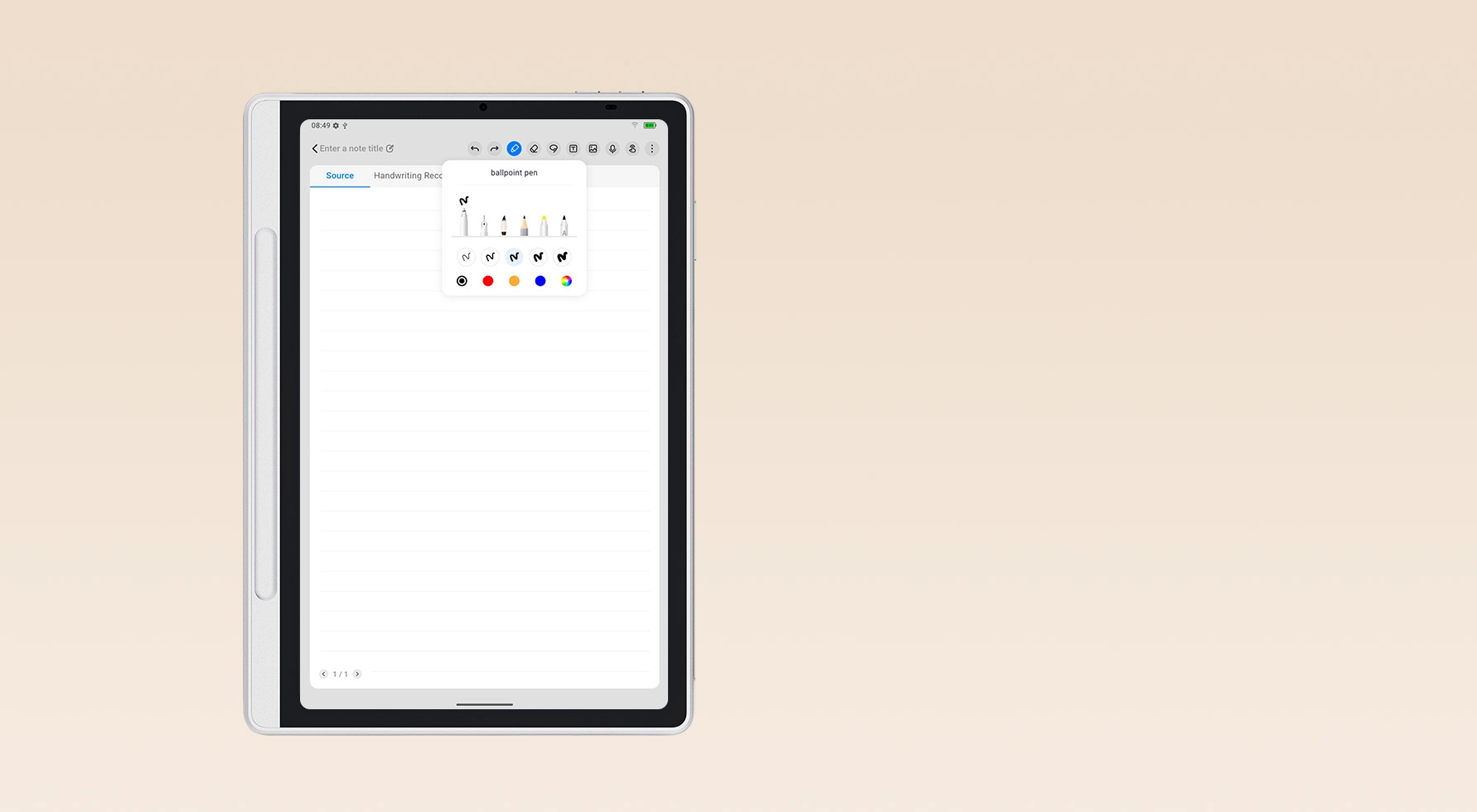
Multiple Pen Brushes Selection

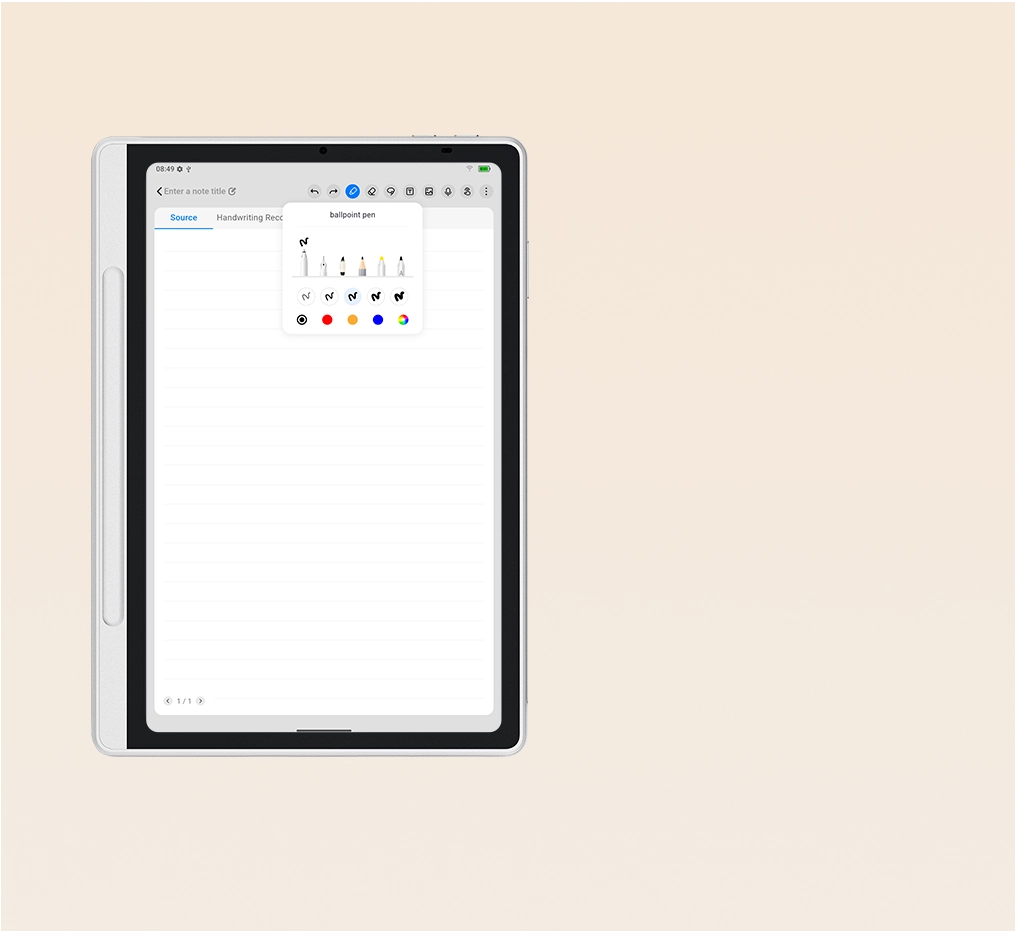
Our app provides six brush types to suit various writing and drawing scenarios, including ballpoint pen, fountain pen, calligraphy brush, pencil, watercolor brush, and smart pen.

Recording Follows Handwriting

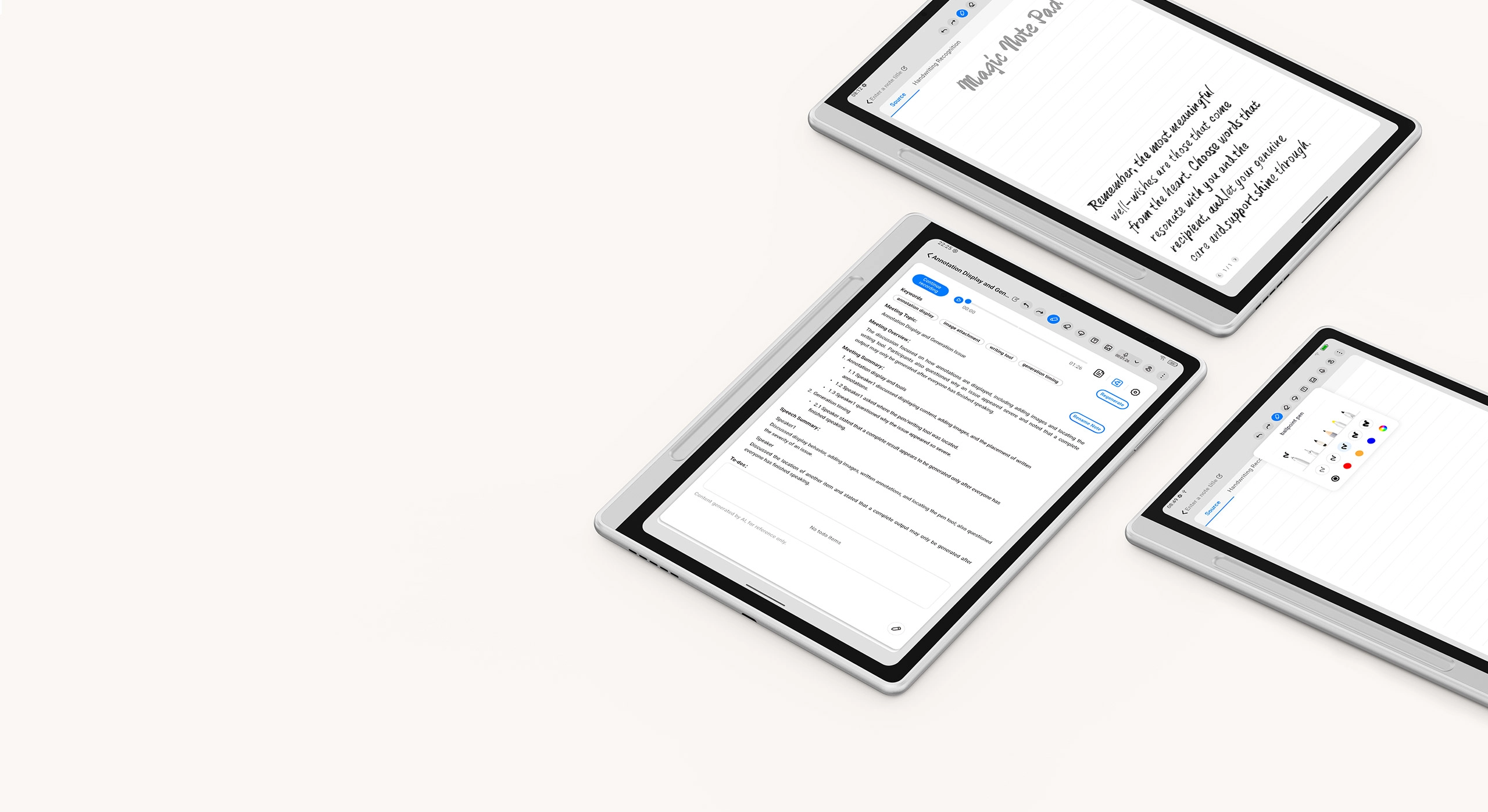
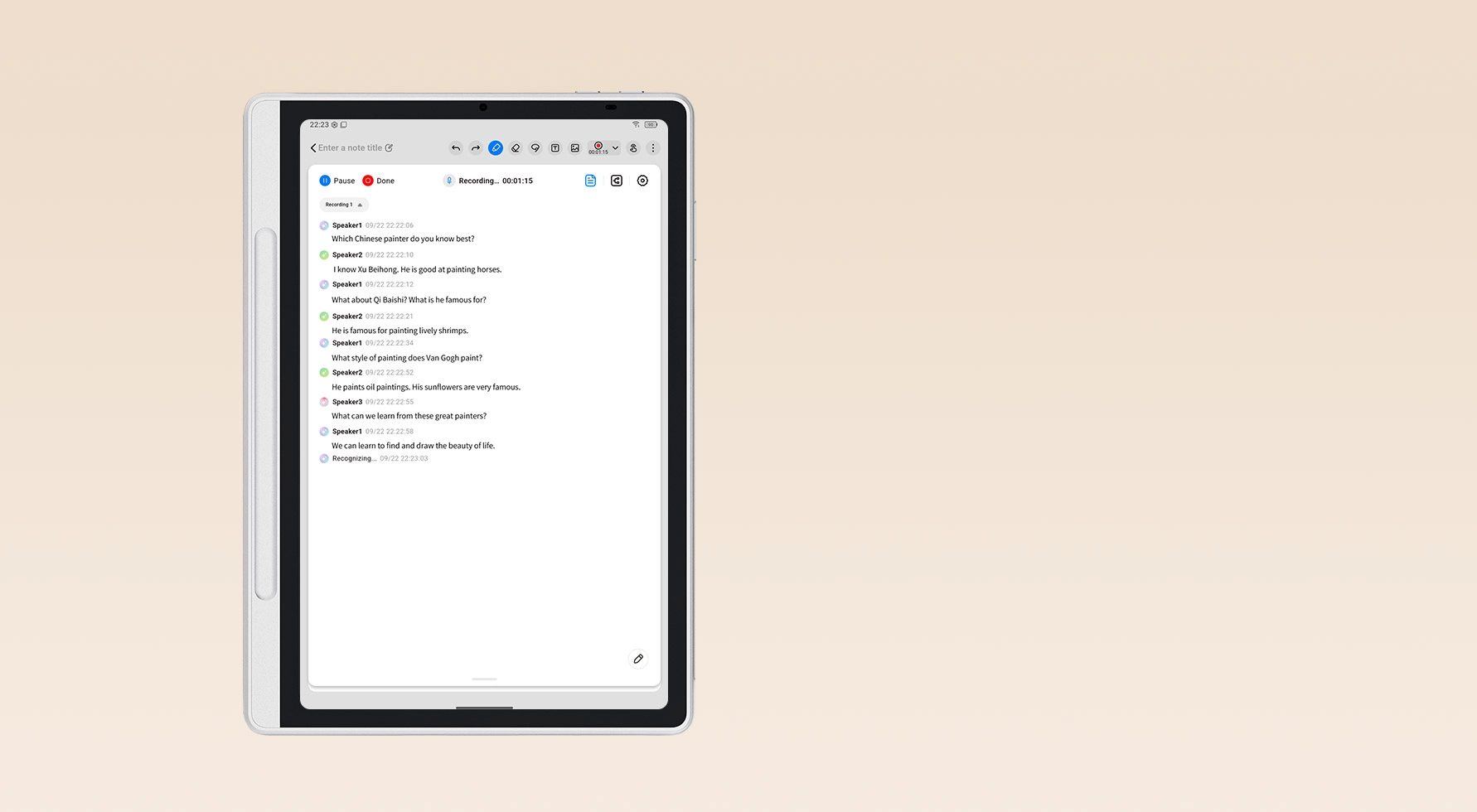
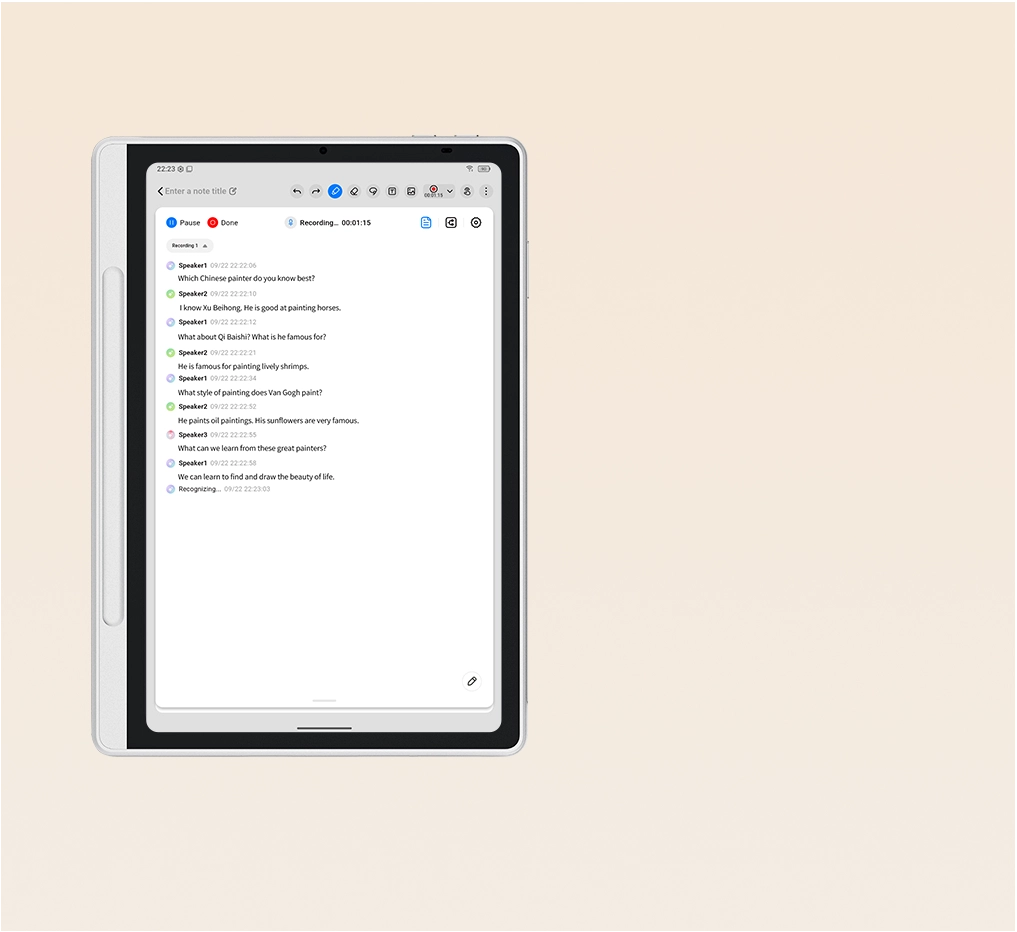
The app supports audio recording feature to ensure that no important information is missed in class or meetings. It automatically transcribes audio into text across 13 languages* with speaker recognition, making reviews effortless.
*The supported languages include simplified/traditional Chinese, Cantonese, English, French, Japanese, German, Spanish, Russian, Korean, Italian, Portuguese and Polish.

Automated Notes and Effortless Sharing

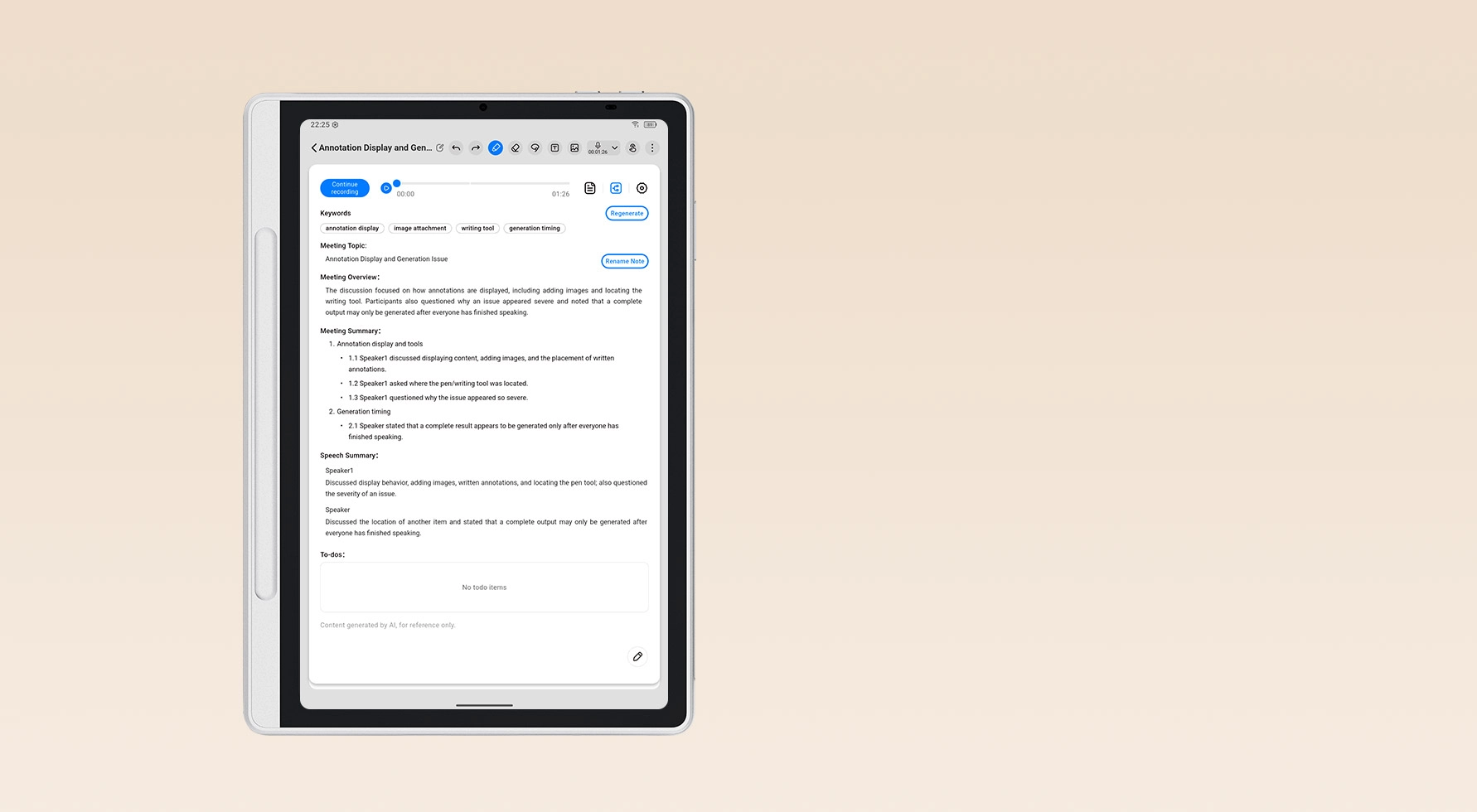
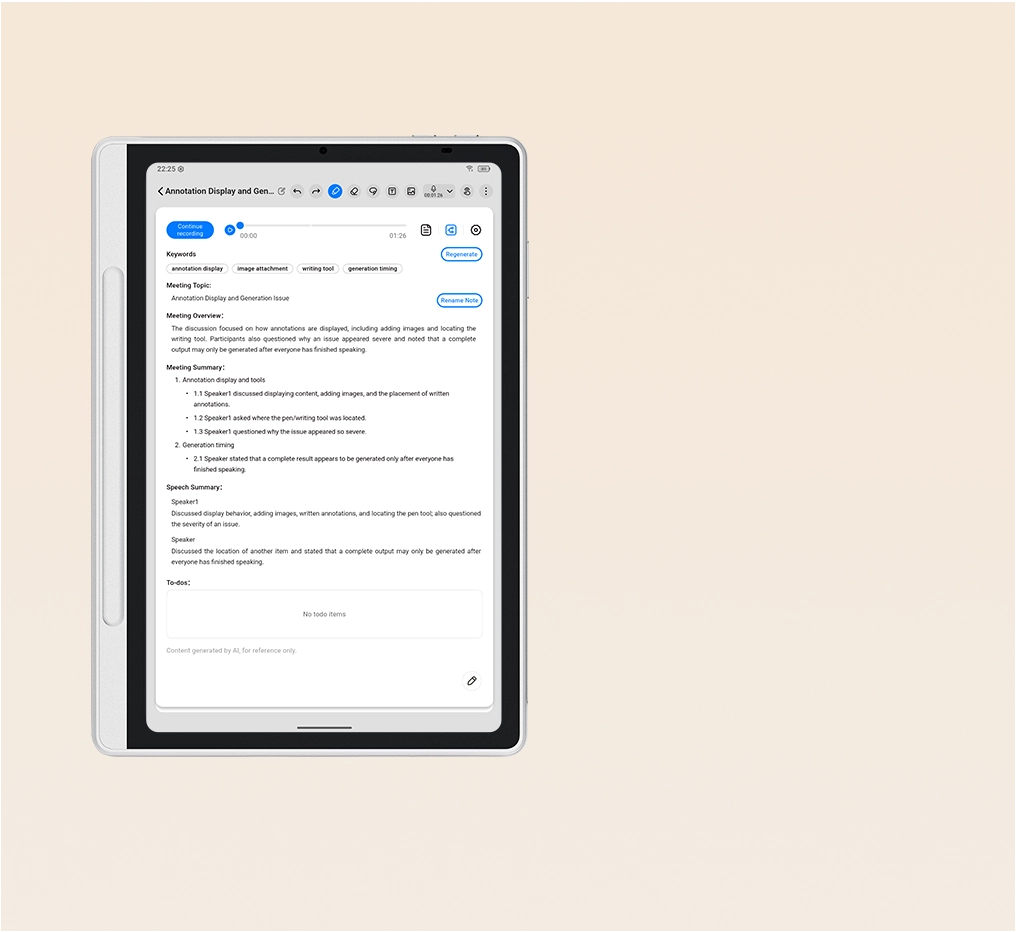
Transform recordings into organized meeting notes. Automatically generate keywords, summaries, and to-do lists for a quick glance. Easily export and share notes, recordings, handwritten notes, and transcriptions for further editing.
No Limits on Strokes

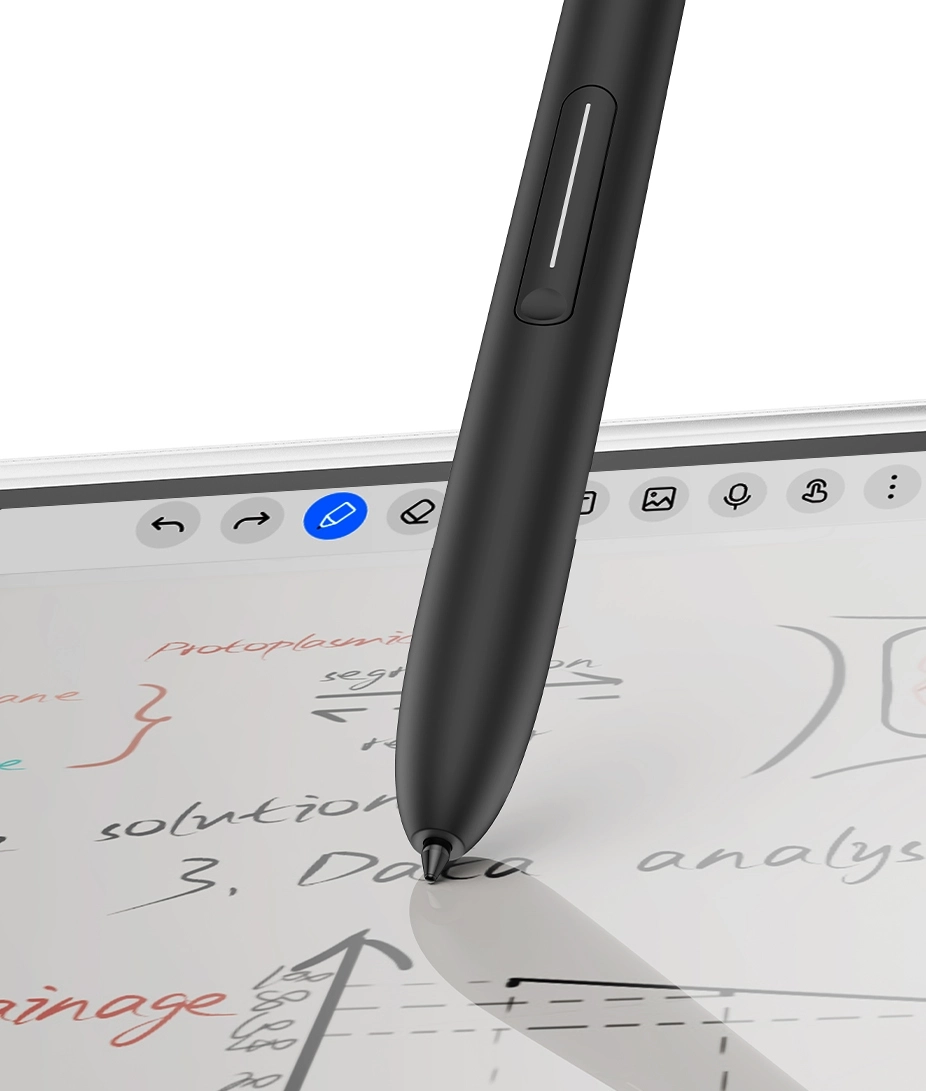
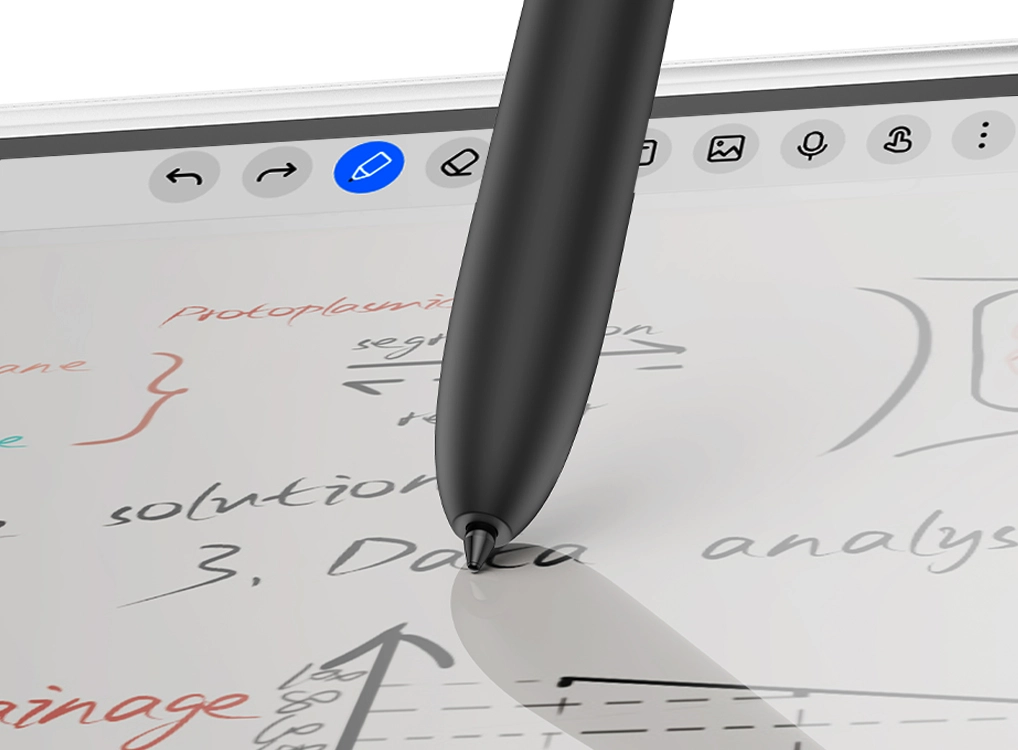
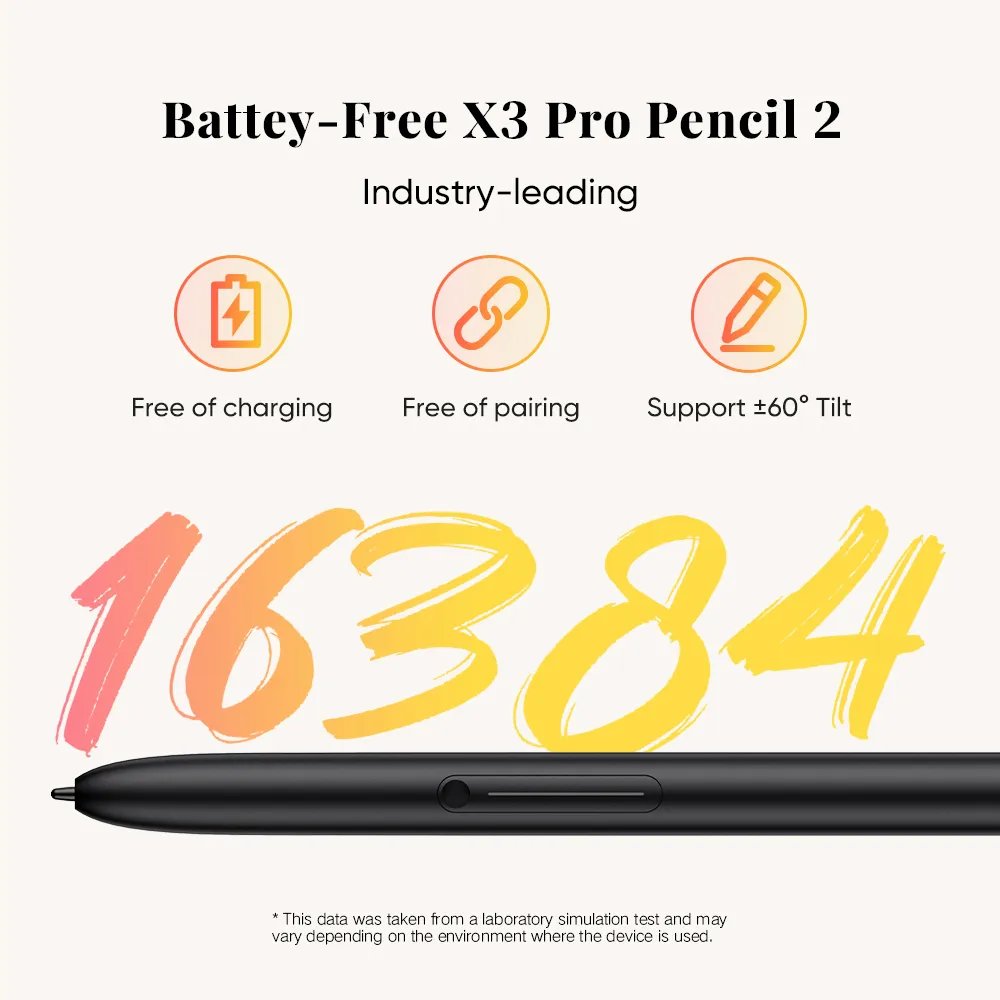
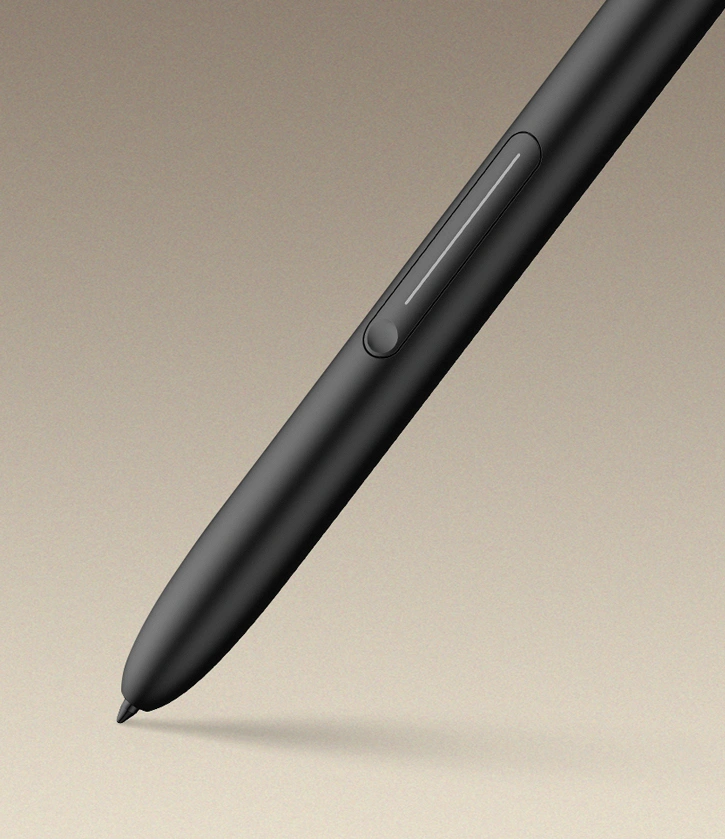
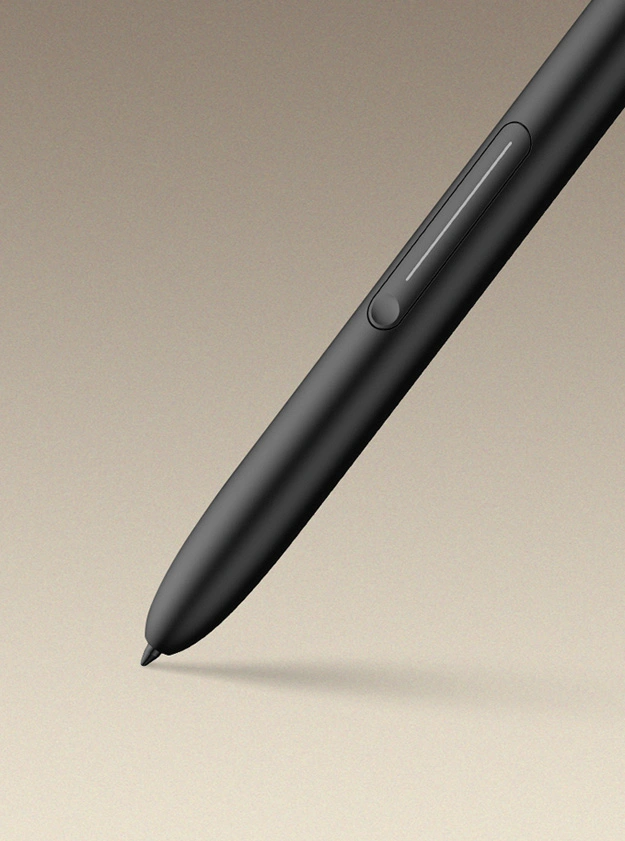
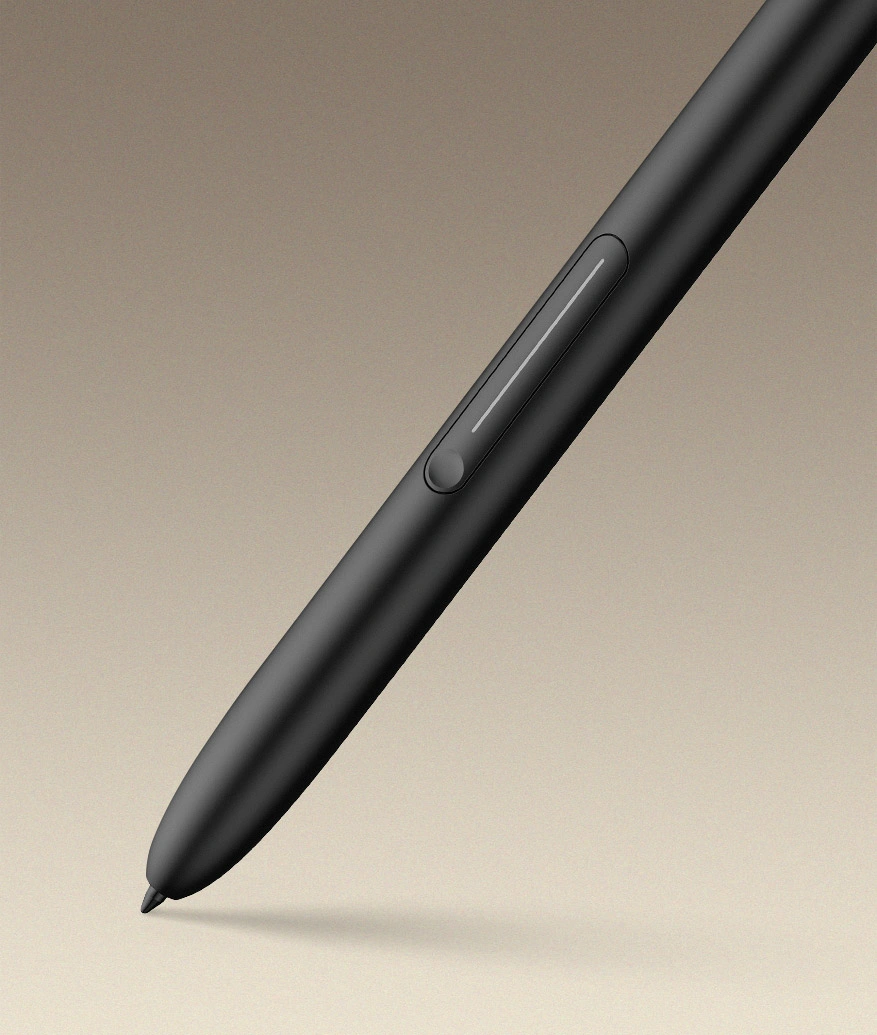
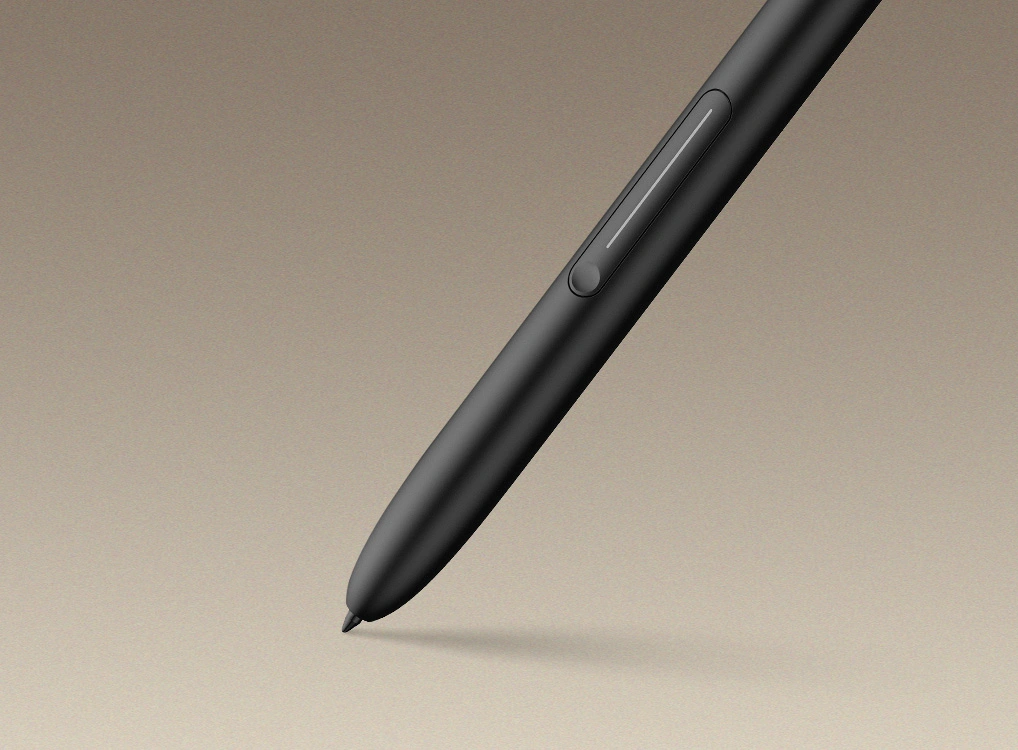
Here comes the newly upgraded X3 Pro Pencil 2. With its soft nib and shortcut keys, the whole writing experience will be more tailored.

Industry-leading 16K
Pressure Levels

The pressure levels of the note pad have reached a new peak. Powered by the X3 Pro smart chip, the X3 Pro Pencil 2 features ultra-sensitive 16K pressure levels, ensuring that every stroke you write is smooth and delicate.

X3 Pro Pencil 2

16384

Pen of Other Brands

4096

* This data was taken from a laboratory simulation test and may vary depending on the environment where the device is used.

Soft Pen Nib,
Smoother Than Ever

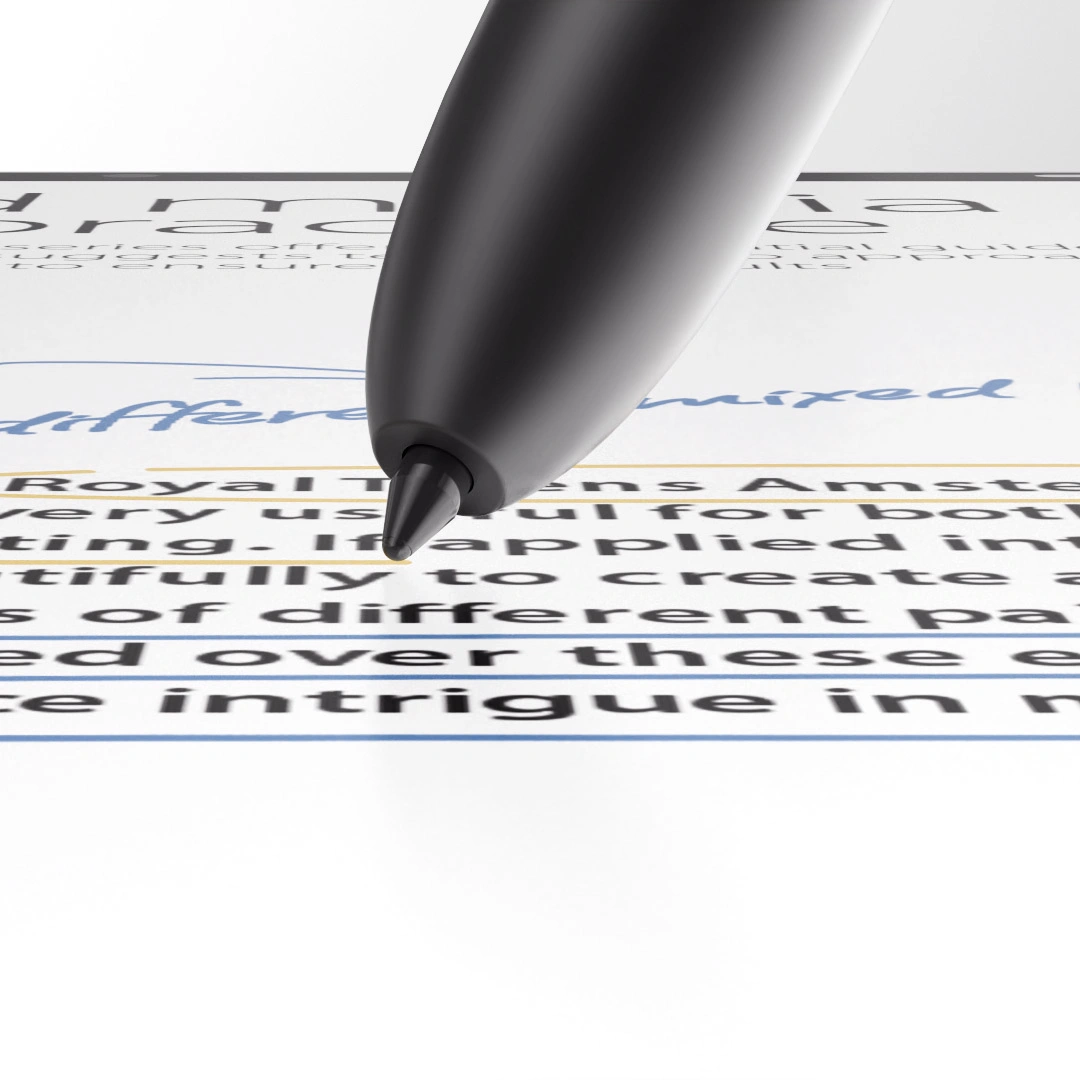
You've got a new soft pen nib. Its shape is similar to that of a gel pen, making it suitable for writing. The soft pen nib also fits better to the display surface, achieving a paper-like writing experience.

Magnetic Slot,
Easy Packing and Storing

The X3 Pro Pencil 2 supports magnetic suction. You can put the pencil in the pen slot. There is no need for charging or pairing. You can capture your inspiration or take a break immediately.

Customized Shortcut Keys,
Boost Your Efficiency

The shortcut keys on the pencil allow for customization. You can quickly switch to the eraser function or set up additional functions, making your creative process more efficient.

No Limits on Experience

The Magic Note Pad features an Android 15 system, a compact size, ample storage space and a magnet folio, making it your portable creativity powerhouse.

New Feature Highlights in Android 15

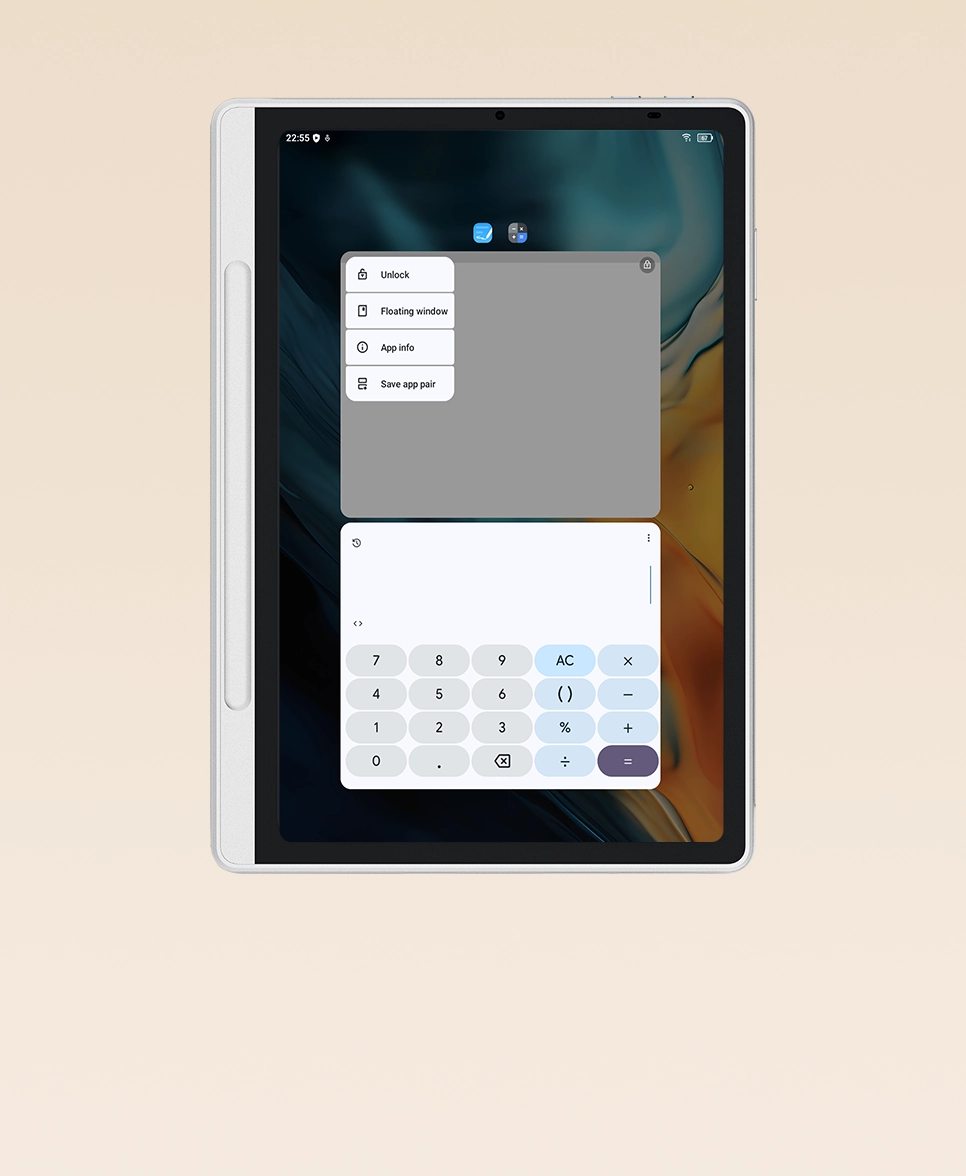
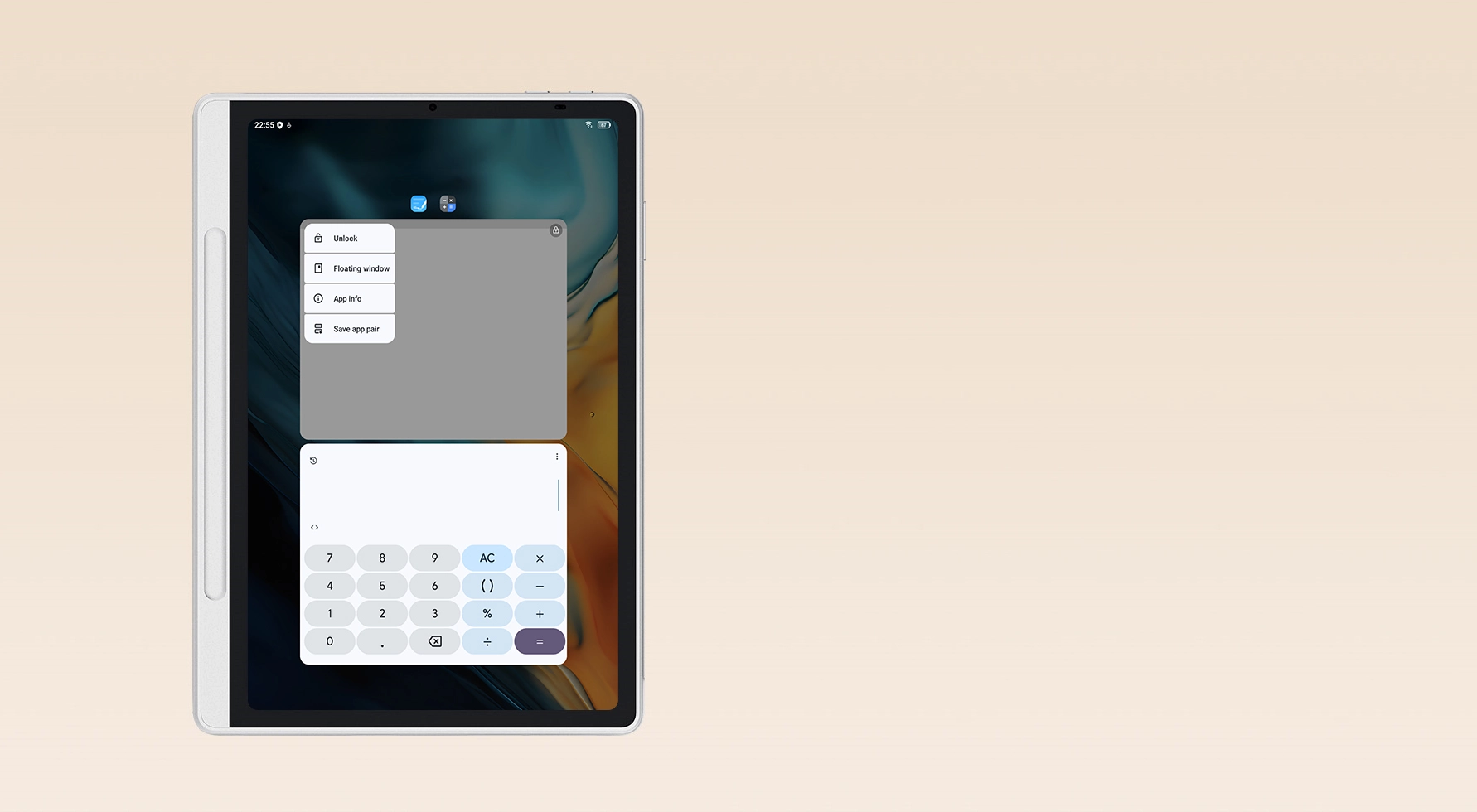
Save App Pairs

Save your favorite app pairs on the homescreen and launch them together in split-screen mode for seamless multitasking.

New Feature Highlights in Android 15

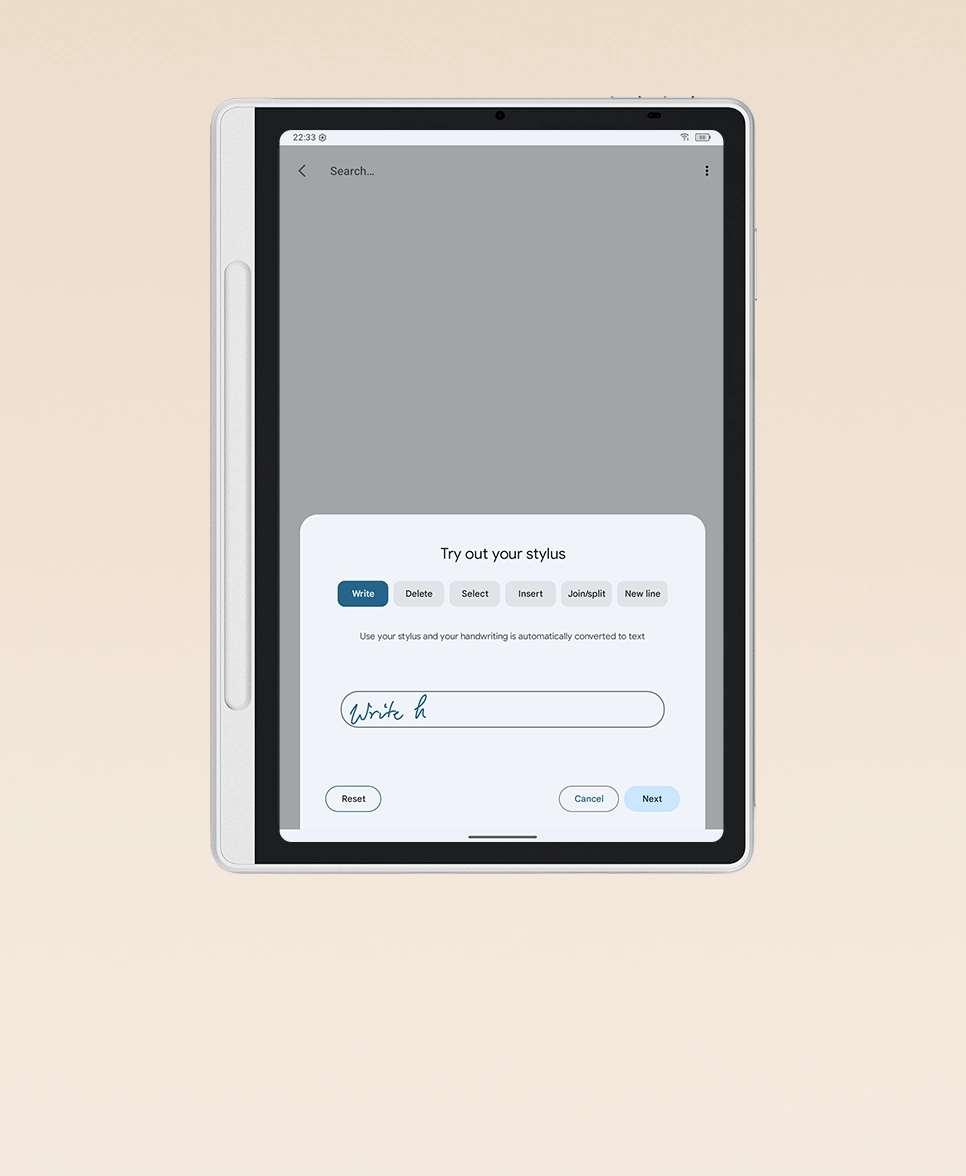
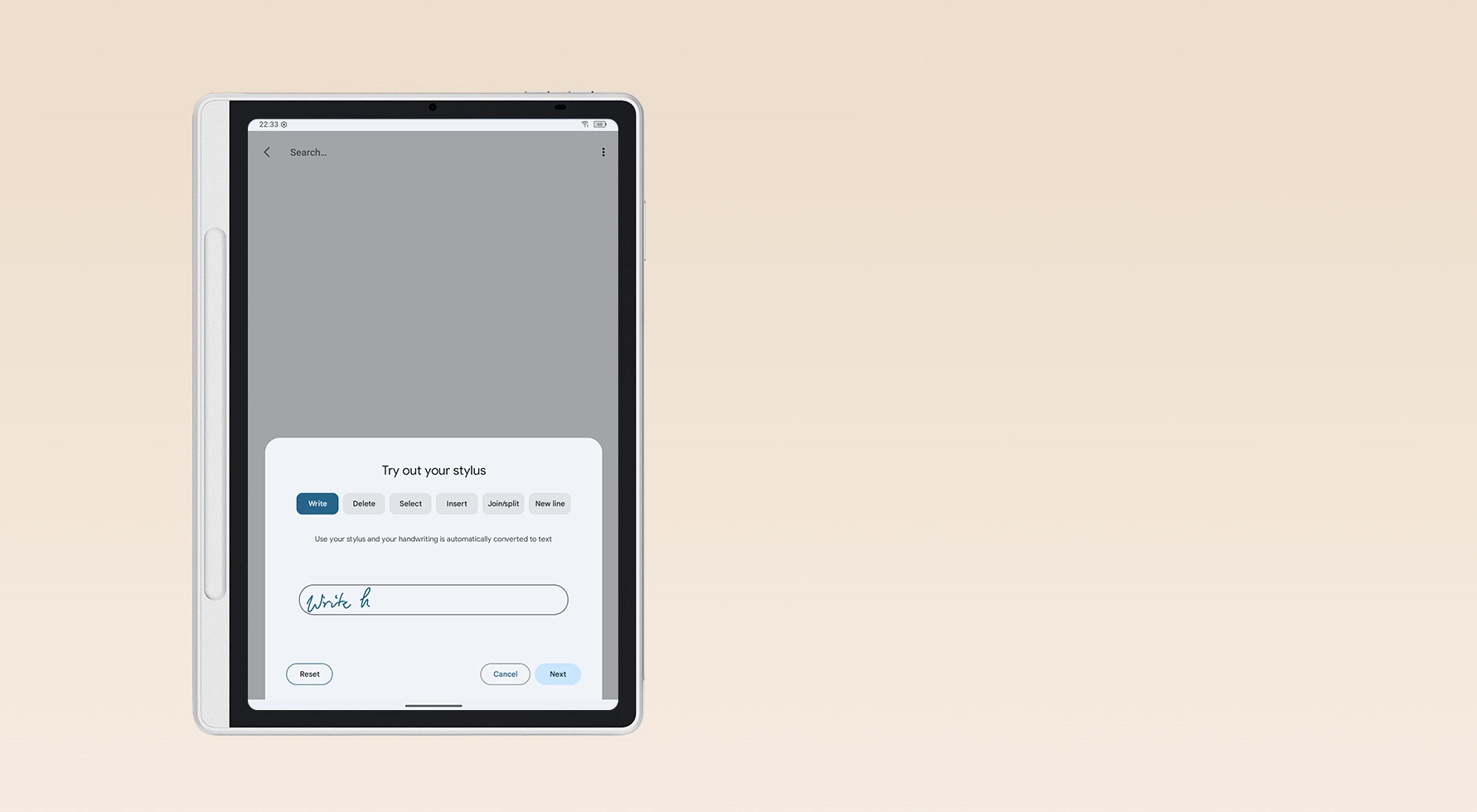
Gboard Handwriting Input

Gboard, Google's virtual keyboard, supports handwriting recognition in over 100 languages. You can use it in any input box to write naturally and boost your efficiency.

New Feature Highlights in Android 15

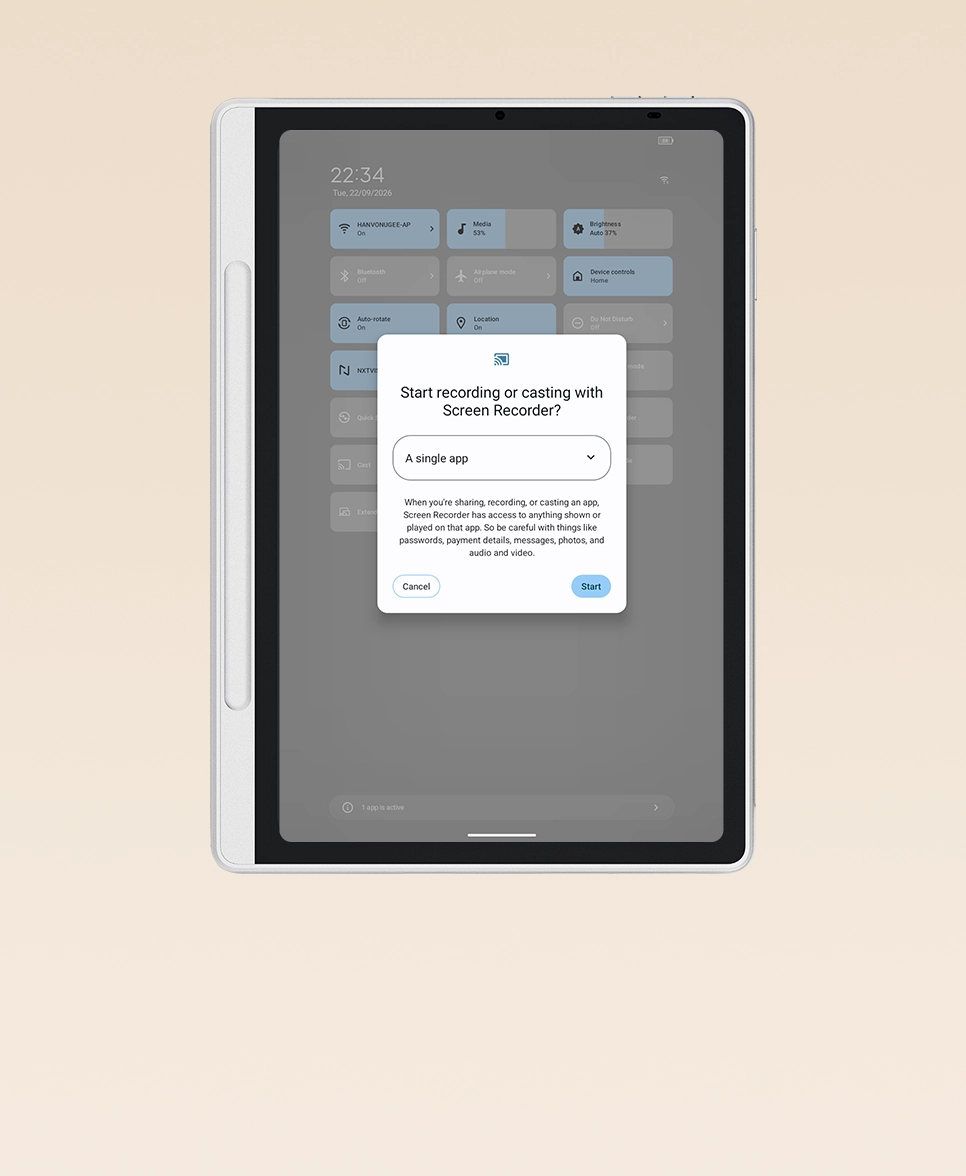
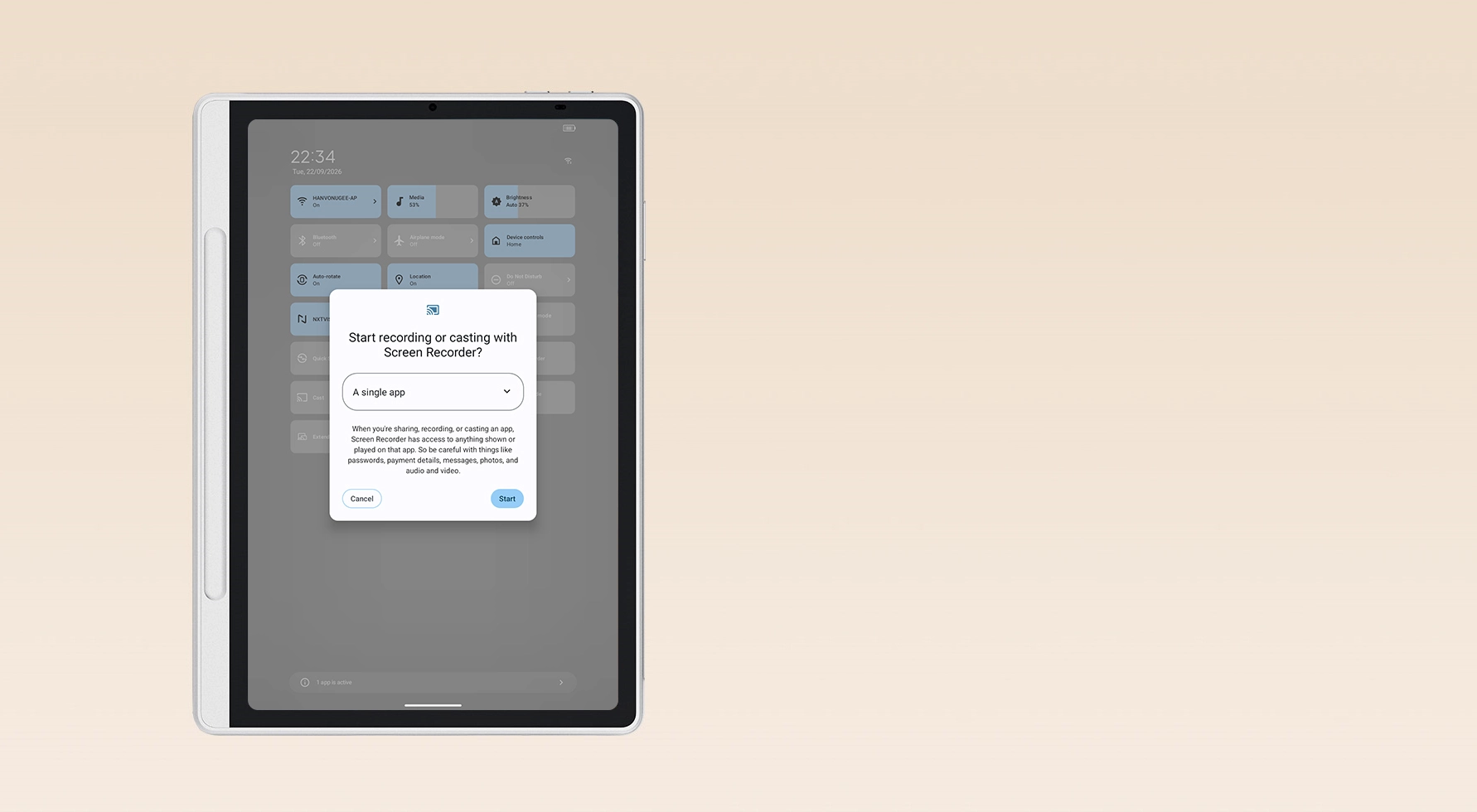
Single-App Recording & Screencasting

Record or cast a single app instead of the entire screen to protect your privacy. Personal notifications and home screen activities remain strictly hidden.

New Feature Highlights in
Android 15

Save App Pairs

Save your favorite app pairs on the homescreen and launch them together in split-screen mode for seamless multitasking.

Gboard Handwriting Input

Gboard, Google's virtual keyboard, supports handwriting recognition in over 100 languages. You can use it in any input box to write naturally and boost your efficiency.

Single-App Recording & Screencasting

Record or cast a single app instead of the entire screen to protect your privacy. Personal notifications and home screen activities remain strictly hidden.

System Update Version: v8.0.2MA9

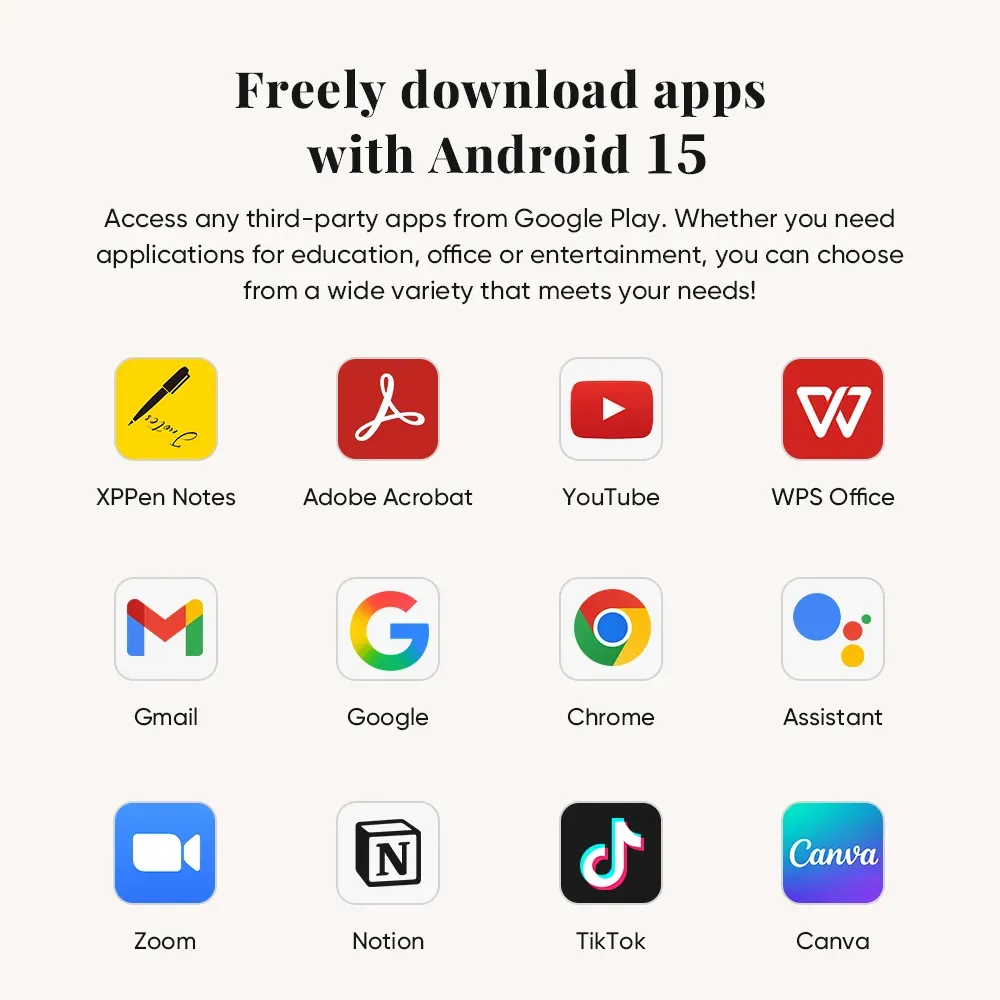
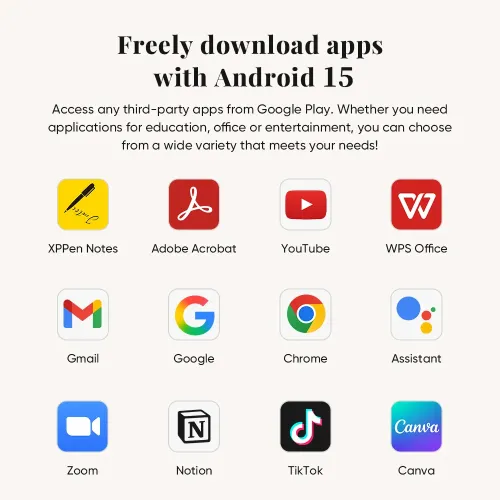
Download Countless
Apps in Google Play

Thanks to the native Android system, millions of apps from the Google Play are readily availablefor you. Whether you need applications for education, office, or entertainment, you can choose from a wide variety that meets your needs!

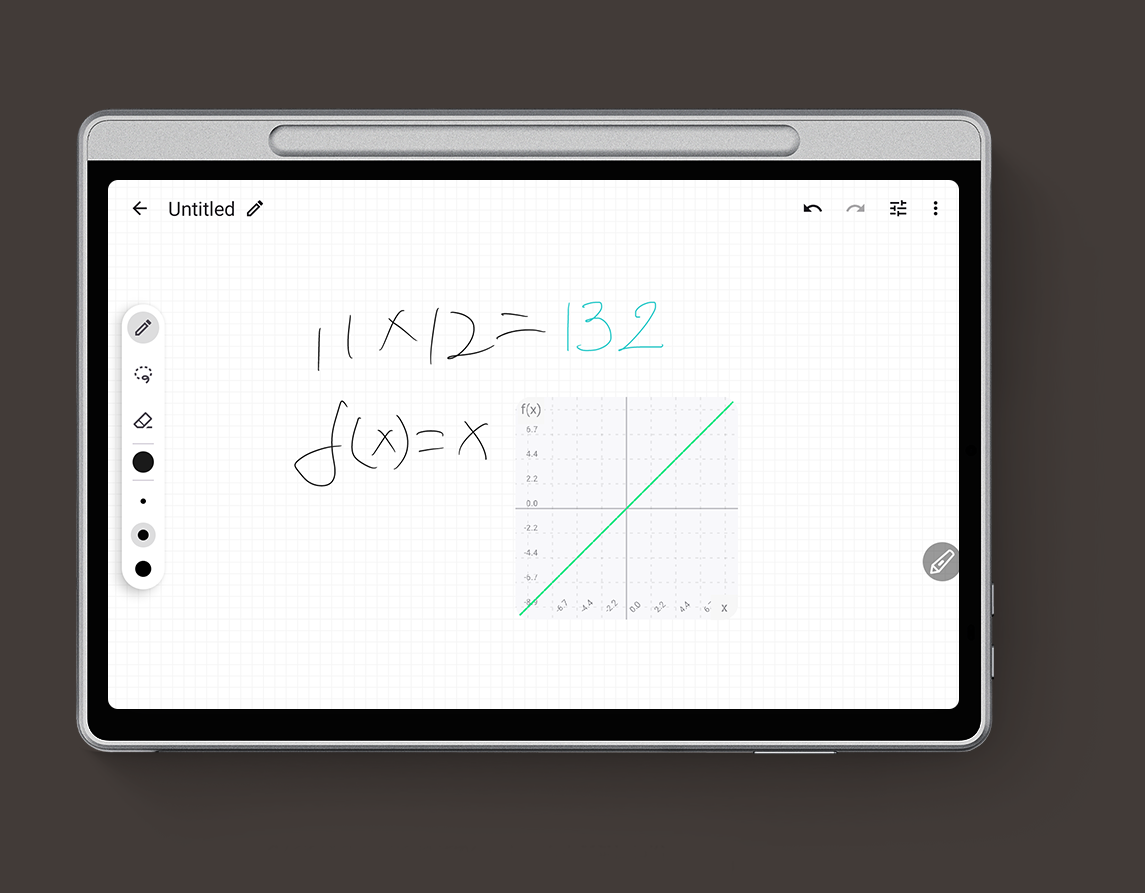
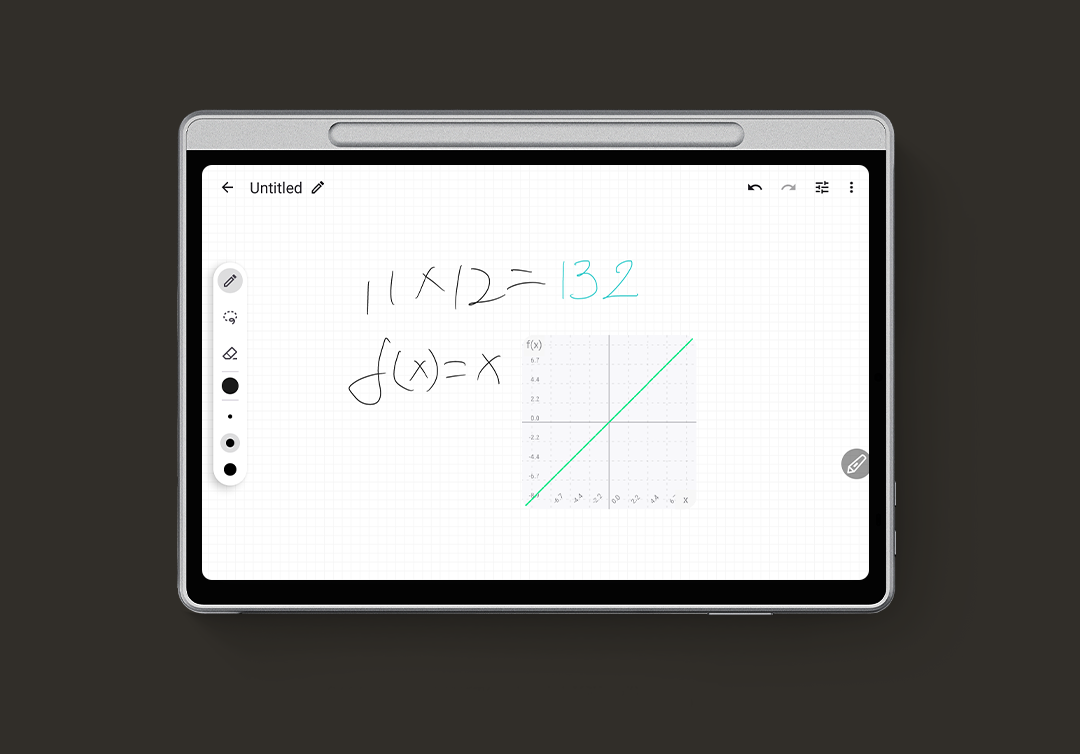
Solve Math Problems
with Ease

Write and solve math with your pen, plot functions, use variables, and edit with a simple scratch-out. With its advanced recognition engine, MyScript Math* recognizes your handwritten equations accurately for reliable results and easy edits.

*Three months of free membership is provided for Magic Note Pad users.
Please upgrade the system to 1PAE to claim the benefit inside the app.

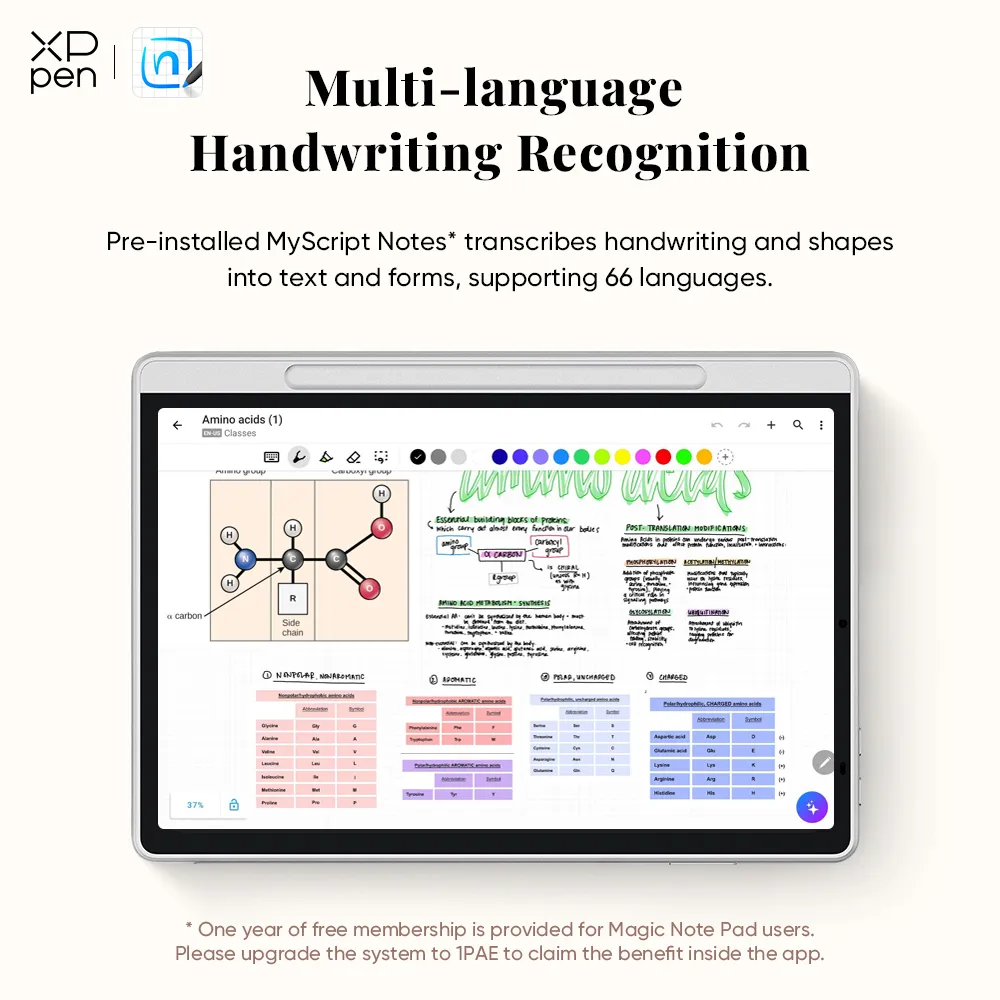
Multi-language Handwriting
Recognition

The pre-installed MyScript Notes * converts your handwriting and shapes into typed text and precise form, supporting 66 languages recognition with generative AI to boost learning efficiency.

* One year of free membership is provided for Magic Note Pad users.
Please upgrade the system to 1PAE to claim the benefit inside the app.

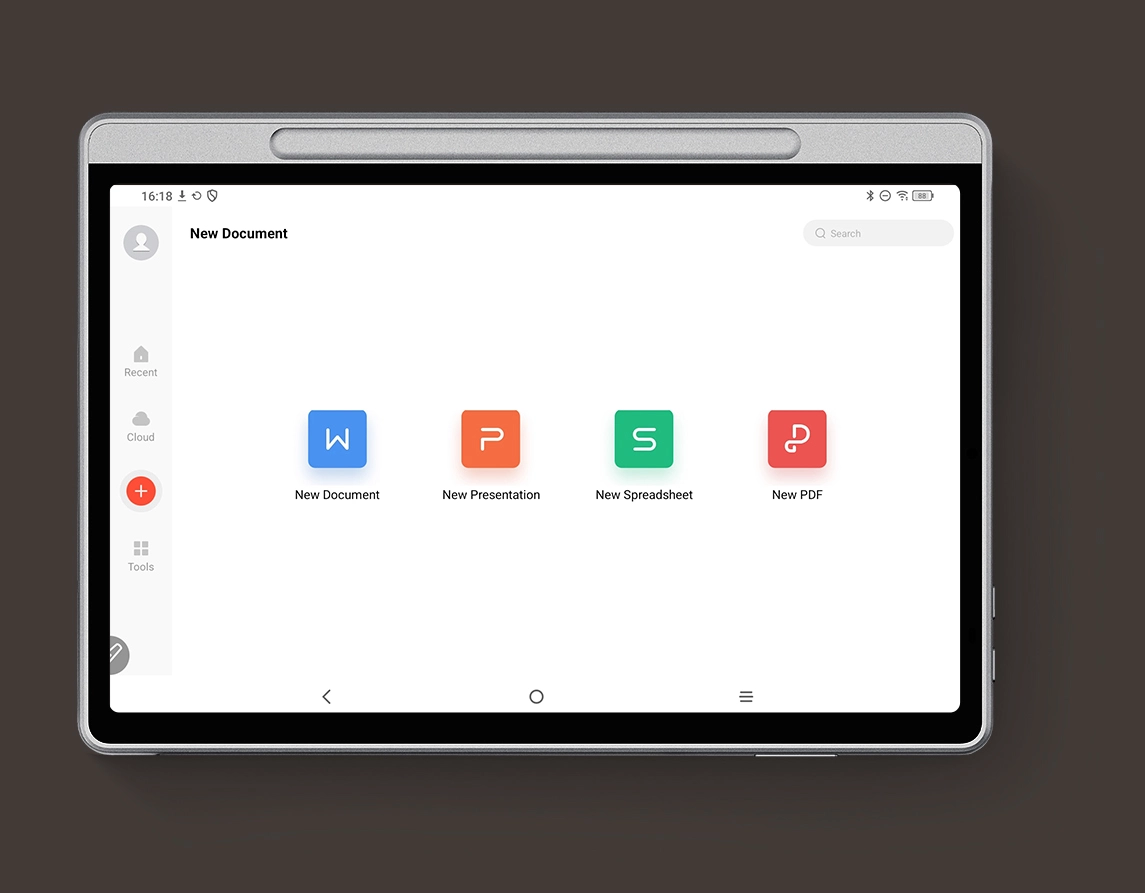
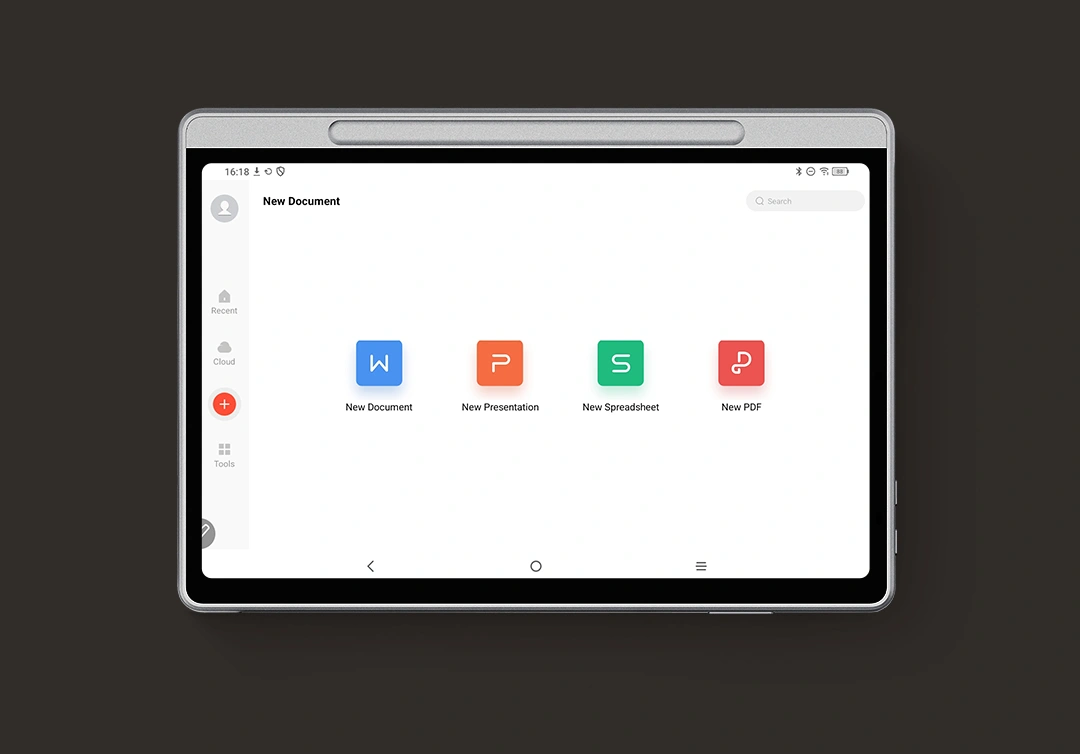
WPS Office, Boost Your
Office Productivity

WPS Office has been pre-installed on your device to meet your mobile office needs. You can easily read and edit your PPT, Word or Excel files and enjoy the convenience of office collaboration. We also provide a one-month free membership* for access to more advanced features.

*Choose the 30-day free trial package the first time you open the app. You can cancel the subscription at any time within the 30 days for free. If you do not cancel, the subscription fee will be billed after the trial period ends.

Smoother Operation,
Larger Storage Space

Coming with 128GB of ROM for its storage capacity, it ensures smooth performance and can store various documents. Let it be your portable bookshelf!

Carry the Inspiration
with You

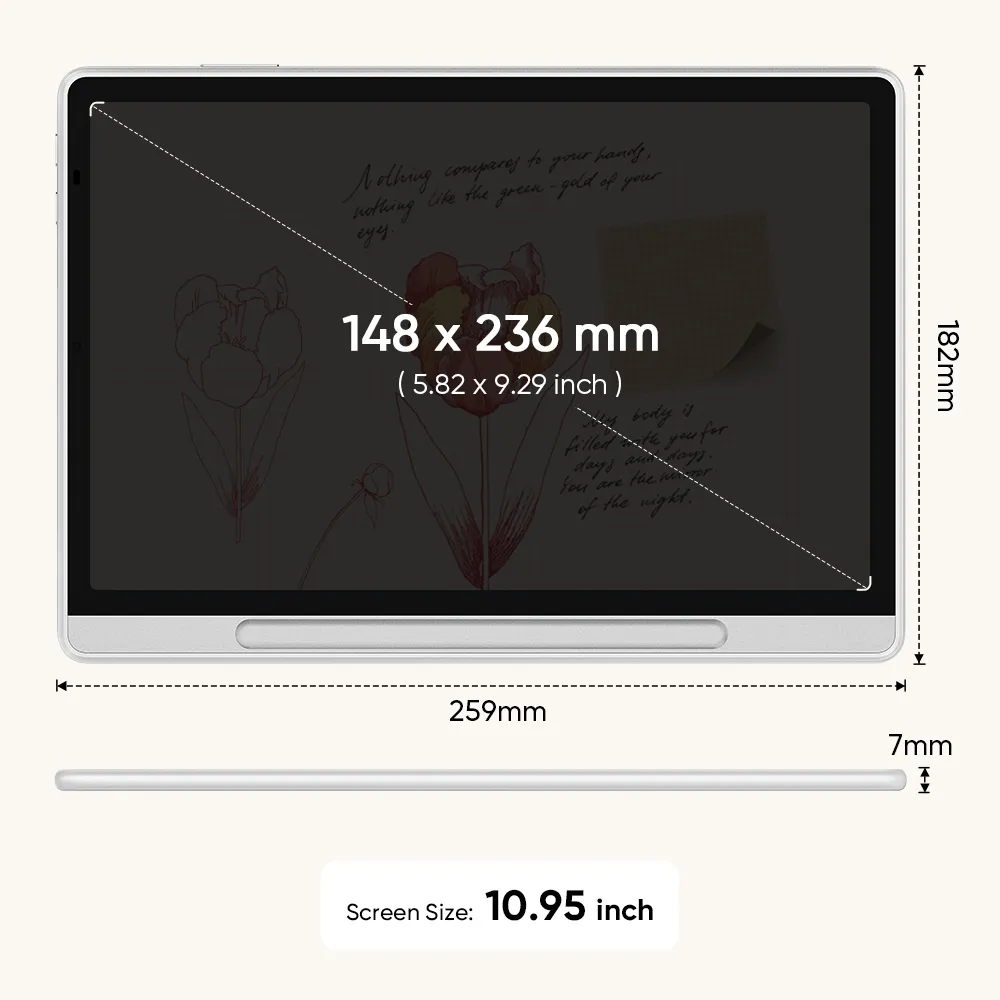
Weighing only 495g and measuring 7mm thick, Magic Note Pad fits perfectly into the magnet folio. It offers a comfortable hand feeling and strong magnetic adhesion. The magnet folio also protects your device from scratches and crash, making it your best partner for mobile creation.

495g

7mm

Strong Battery, Stay
All-time Active

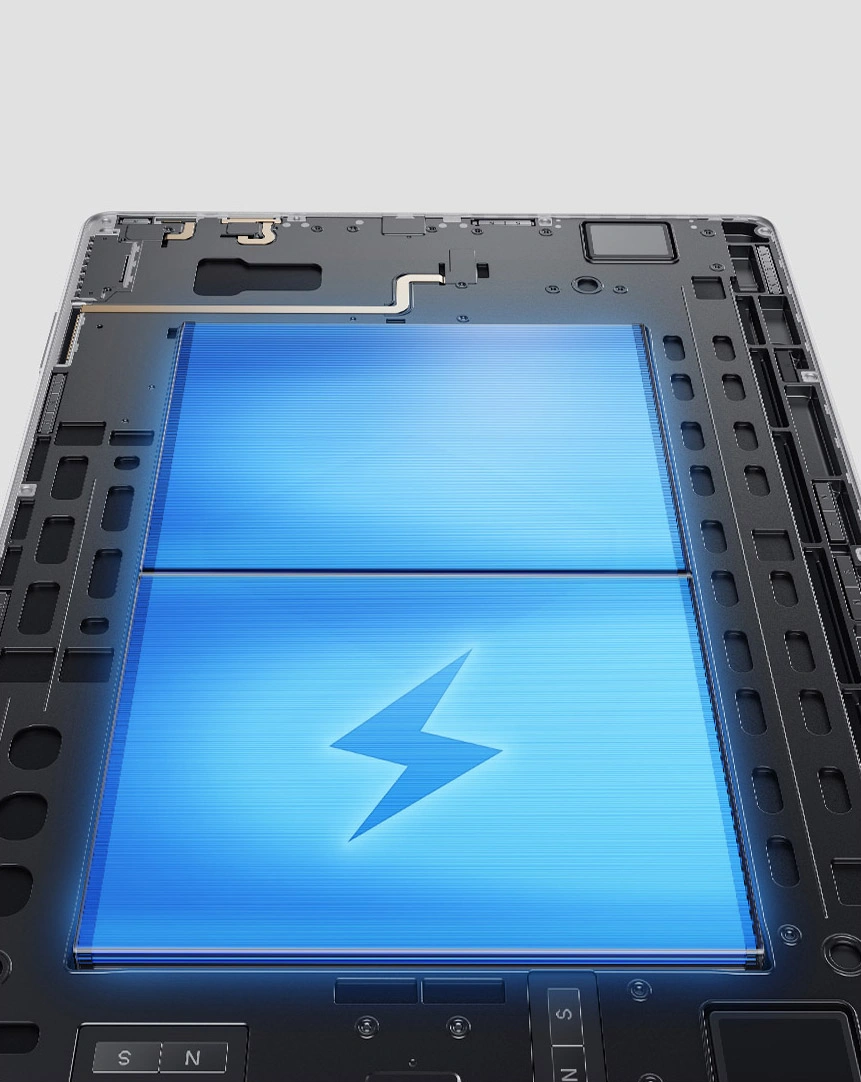
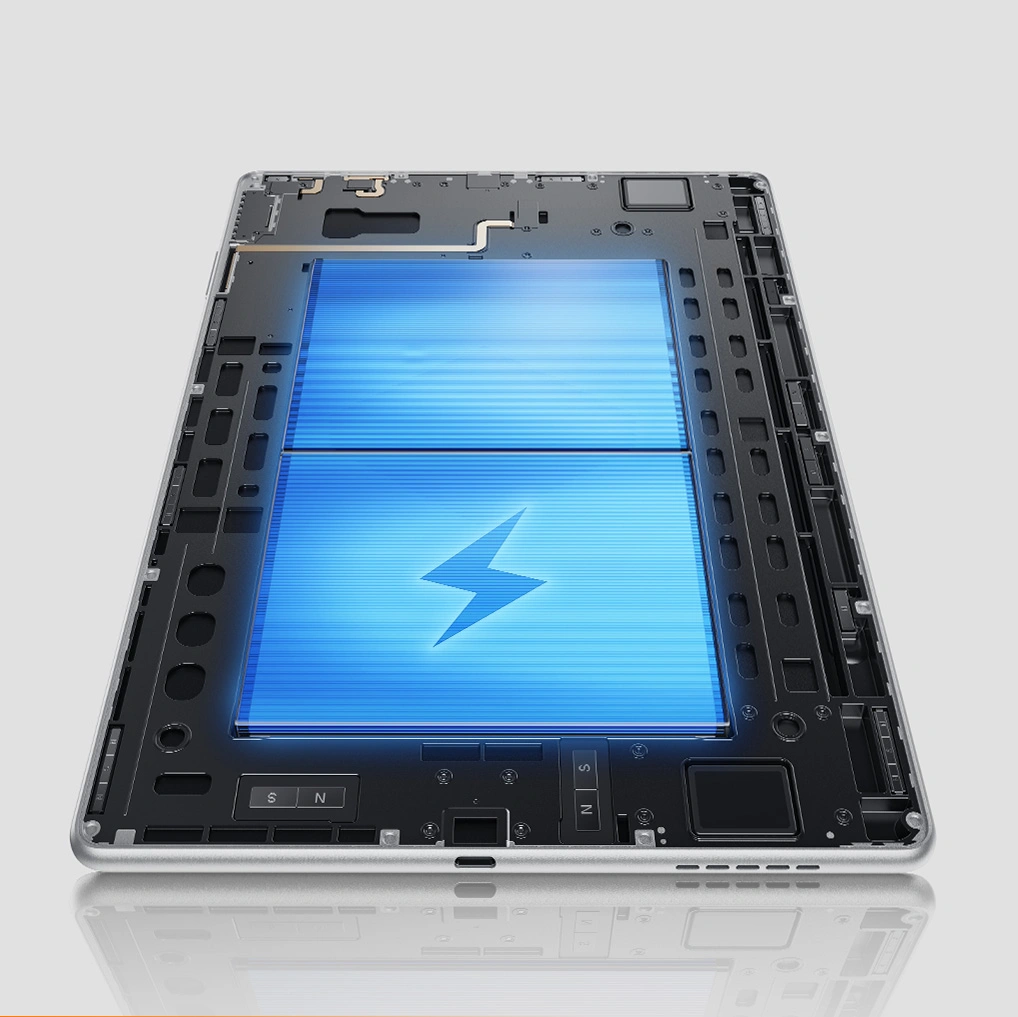
The 8000mAh battery is powerful enough to support the Magic Note Pad for one week*. With a 20W charger, you can recharge the device quickly and efficiently. Say goodbye to battery anxiety from now on!

8000mAh

*Normal-saving mode, 50% brightness, daily usage time 3-4 hours.The battery life is based on test data. Actual battery life may vary depending on individual usage habits.

Gears For Remote Meeting

Here are more gears for your remote meeting.The device features a 13-megapixel front camera, two speakers, and two microphones. Take it with you on your business trip and start your remote meetings from anywhere.

Discover More Magic with Magic Note Pad

The Magic Note Pad is designed to meet the diverse note-taking needs of business and acadamics, aiming to enhance the work and study efficiency with comprehensive performance.

Instant Note-Taking

Whenever inspiration strikes, wake up the product with the X3 Pro Pencil 2 and write down your thoughts immediately.

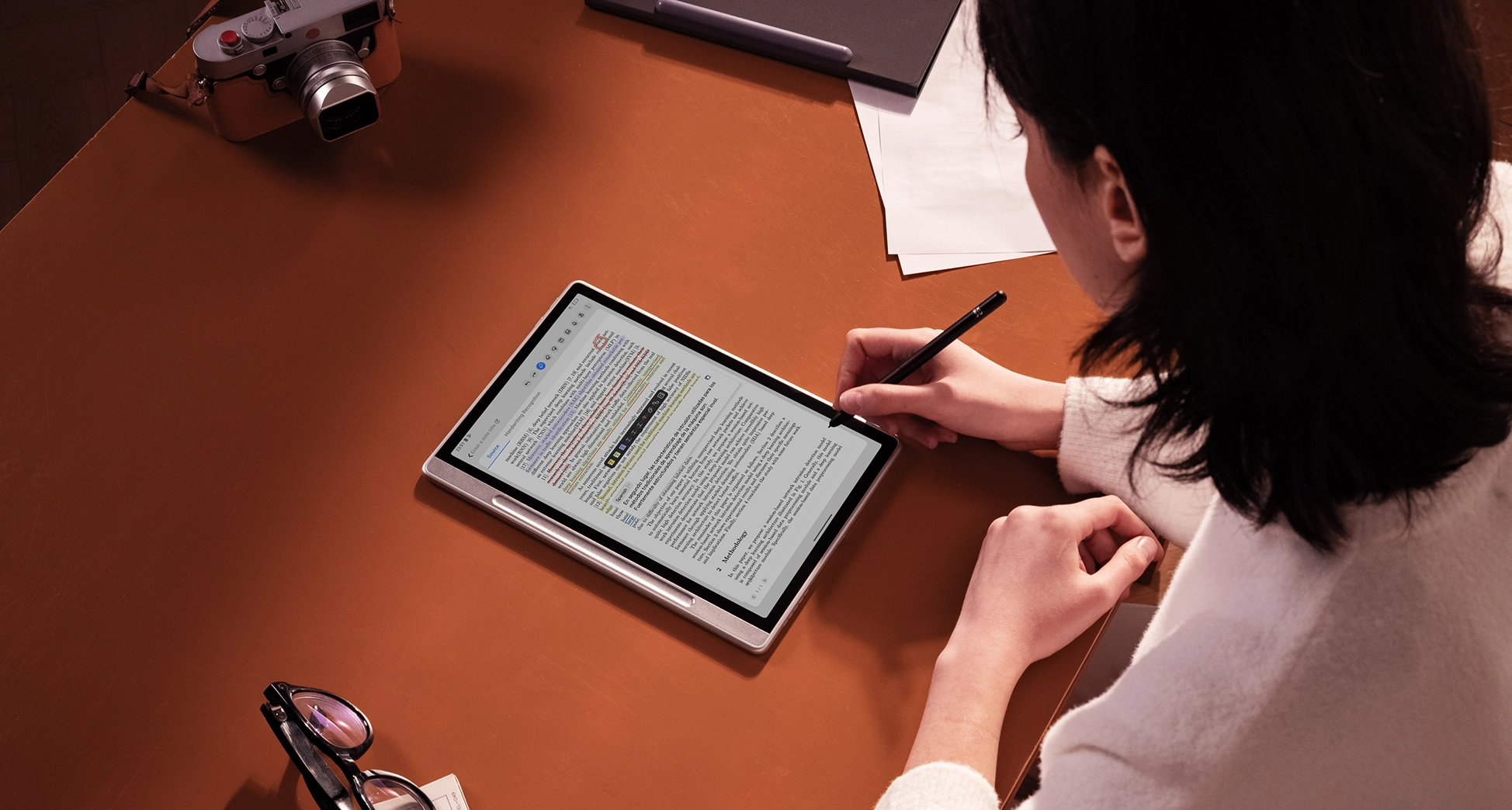
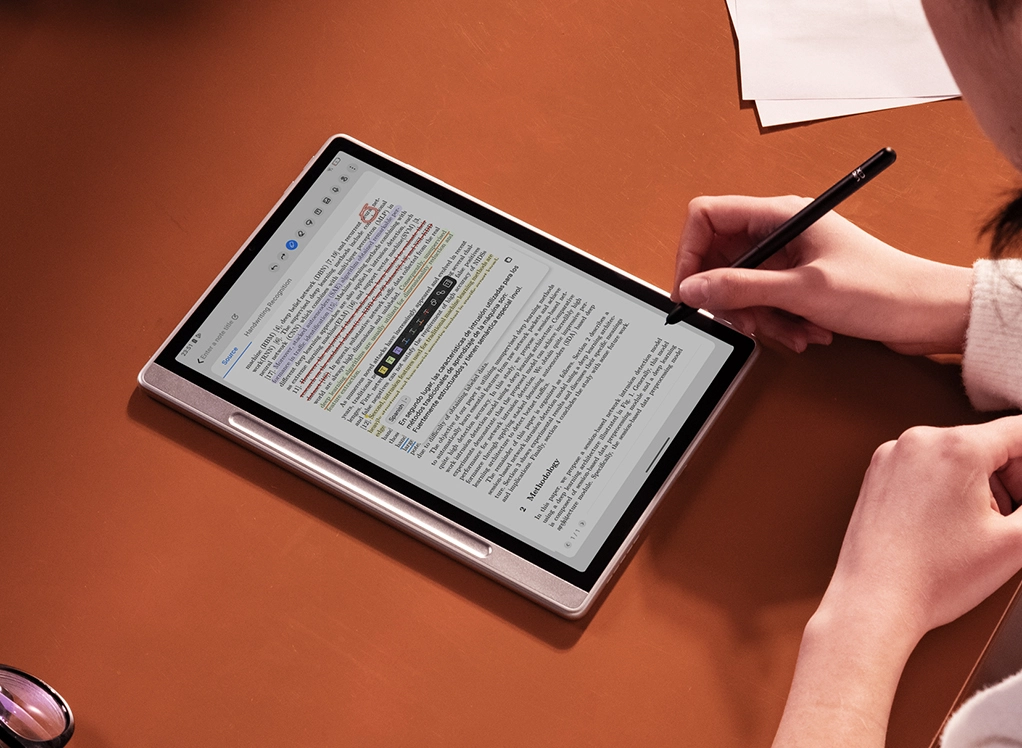
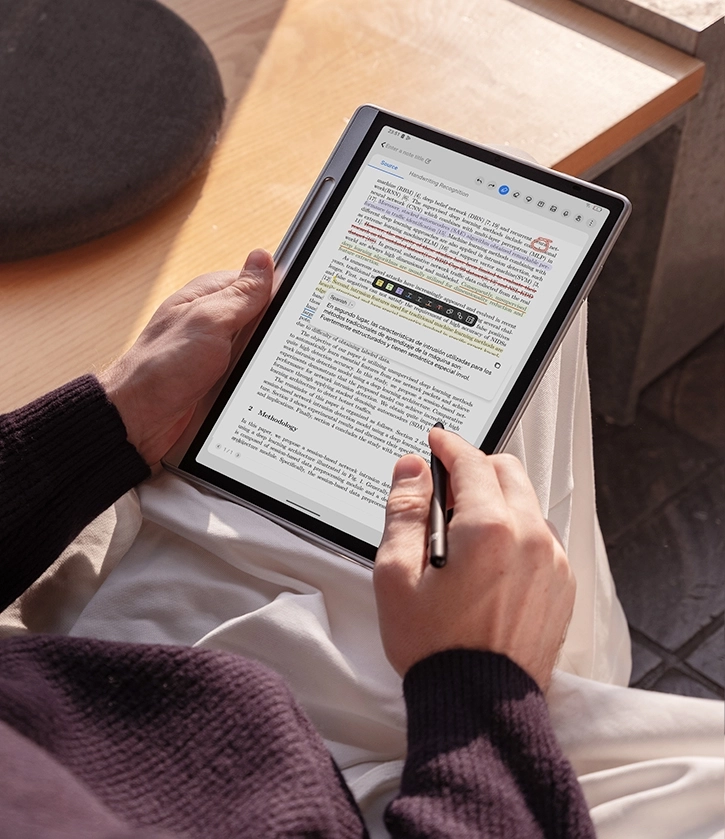
Document Annotation

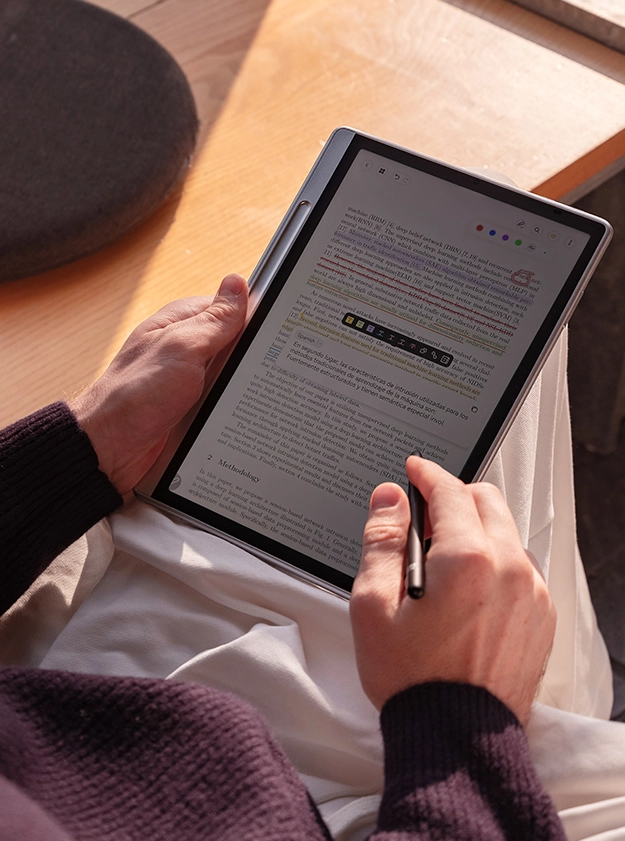
Whether it is office documents, lecture content or e-books, you can annotate using various functions.

Digital Reading

The X-Paper display and three different color modes provide an immersive paper-like reading experience.

Meeting Minutes

During meeting or discussion, you can use Notes app to record the voice and write down the bullet points.

Creative Draft

Rich graphic templates and stickers are provided and you can use them to create more inspirational ideas.

Movie & Entertainment

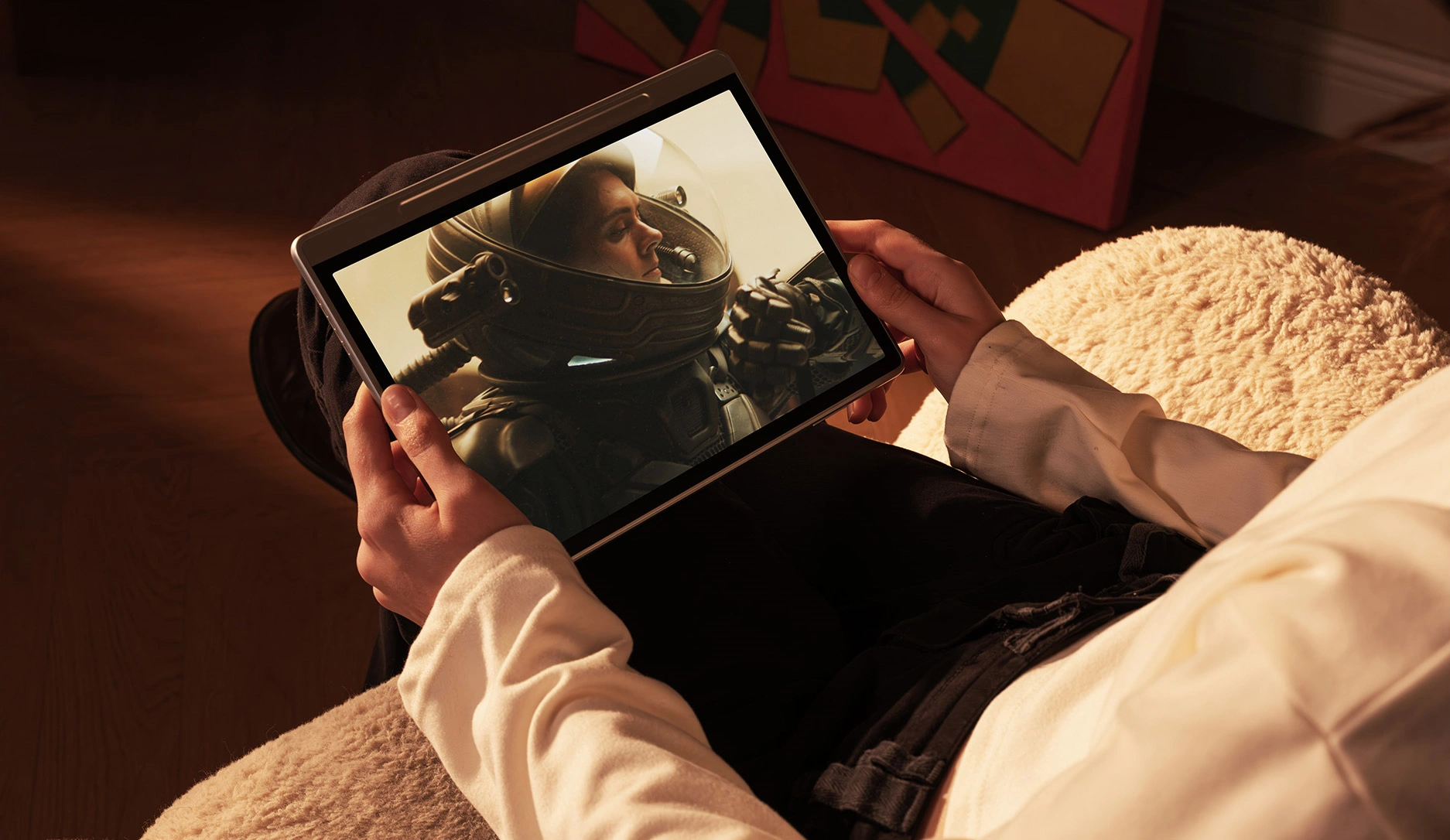
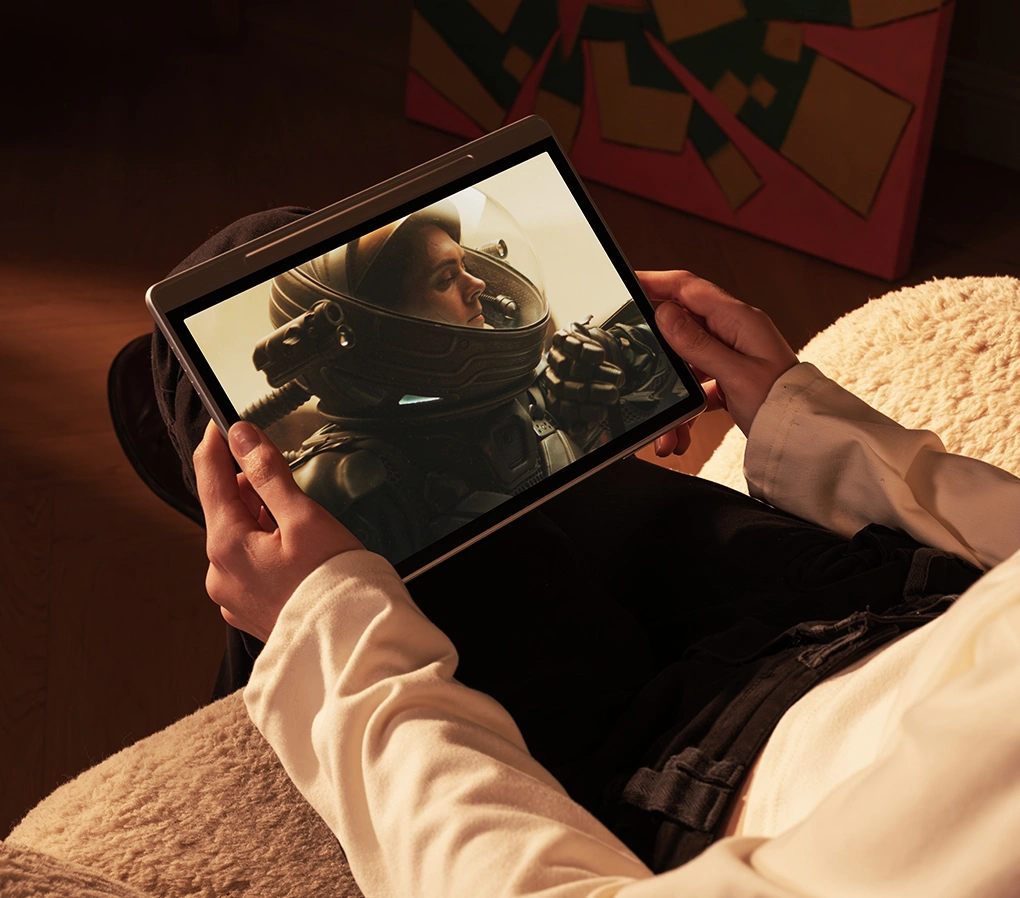
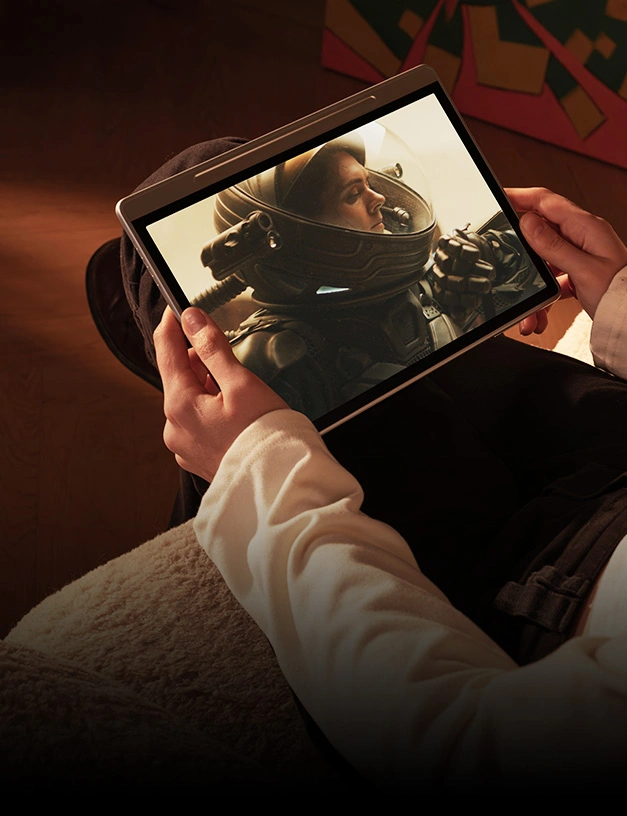
With 90Hz high refresh rates, you can smoothly enjoy your leisure time for movie, game and entertainment.

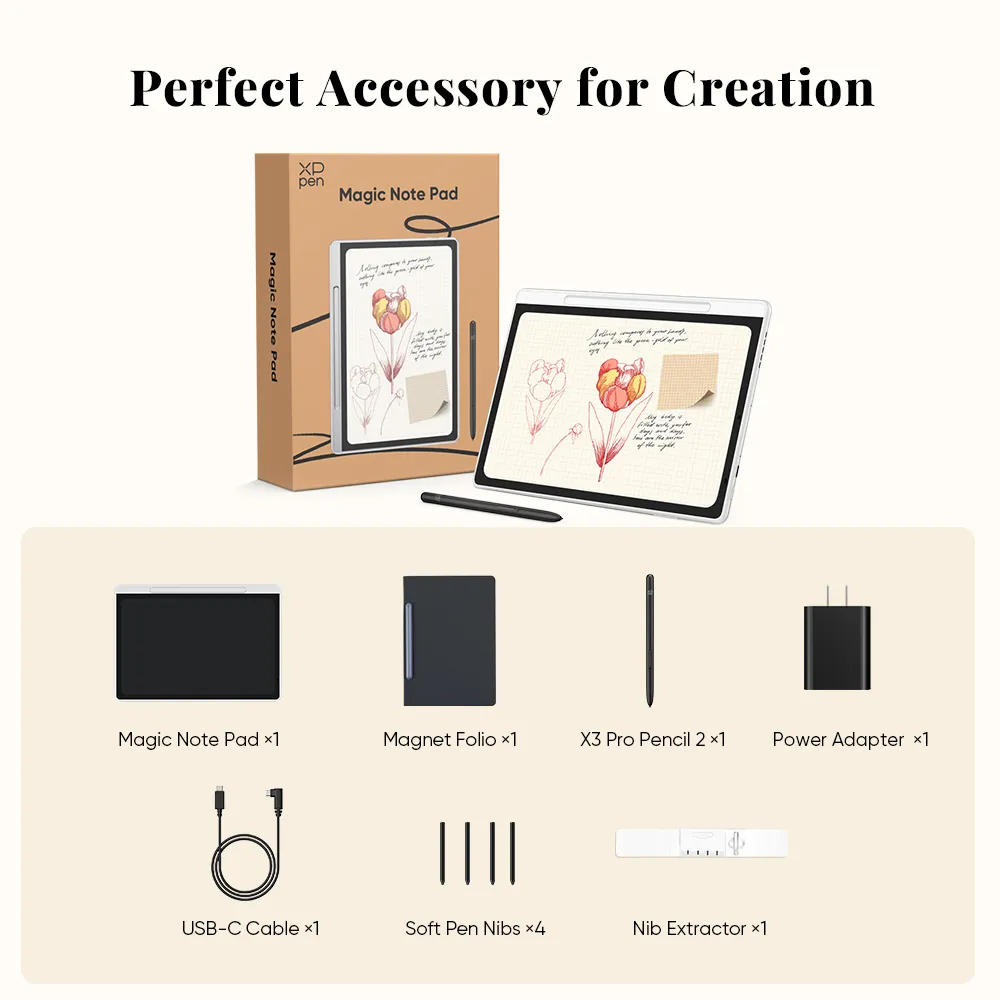
Package Includes

1 x Magic Note Pad

1 x Magnet Folio

1 x X3 Pro Pencil 2

4 x Soft Pen Nibs

1 x Nib Extractor

1 x USB-C Cable

1 x Power Adapter

  • Specifications

Reviews
4.8
Based on 22
Steven
Jun 09 ,2025 PM 17:49Magic Note Pad
convenient
I use about one month. I take it to classroom, using it when I take nots. Don't worried without pens and paper. Everything will take on the pad. I don't care dismiss something. Recommended.
+1
William
Jun 23 ,2025 PM 18:01Magic Note Pad
Good for taking notes
I use it to take notes. The pad has its own notes app. Free for its customer. We could use it free forever. I love it don't charge from me
+1
Alan
Jul 25 ,2025 PM 19:12Magic Note Pad
Satisfied
Full access to Google Play apps. The factory-installed app XPPen Notes (free lifetime premium version) smoothly handles the conversion of handwriting to text. It is 7 mm thick and weighs 495 g, making it lighter than most tablets. The 8,000 mAh battery lasts for 2 days with mixed use (reading notes).
+1
Learn More

Common problem

Q1: How many languages does the XPPen Magic Note Pad handwriting conversion feature support?
Q2: Does the Magic Note Pad support the DP-IN function allowing it to be used as an additional laptop screen?
Q3: Can some of my favourite software applications be used on the Magic Note Pad?
Q & A
XFANSjfgcc52c
Nov 11 ,2025 PM 15:16Magic Note Pad
Can the Magic Note Pad be used as a drawing tablet or drawing display if it is connected to a Windows PC? Also, can the Magic Note Pad be used with ACK05 Wireless Shortcut Remote?
XFANSapeftjbp
Oct 12 ,2025 PM 18:04Magic Note Pad
Can this product be used entirely without being connected to another device? For example, if I were to use this as a drawing tablet, could I use it on the go without having to also bring my laptop with me?
XFANSmvw9qno1
Oct 08 ,2025 PM 22:54Magic Note Pad
Hello, I was wondering if the tablet has microSD card slot?
XFANS3bxk39sh
Sep 21 ,2025 PM 23:04Magic Note Pad
Dear Support! Does the Handwriting to Text feature of the Magic Note Pad support the Hungarian language? Thank you!
Reply(1)
XFANSjk15yvcd
Oct 27 ,2025 PM 17:04
Yes. It could support Hungarian language.
XFANSujmw8o25
Aug 30 ,2025 AM 02:09Magic Note Pad
Any Matte screen covers for this anytime soon? The screen is slick like ice!
Reply(1)
Official mall
Sep 04 ,2025 PM 18:09
It's screen not like ice. Magic Note Pad equipped with a matte screen. You could check it in the detail page. It has a video to introduce the screen.
XFANSxaftyh4p
Jul 29 ,2025 PM 23:41Magic Note Pad
Will there be a keyboard accessory for the Magic Note Pad?
Reply(1)
Official mall
Sep 04 ,2025 PM 17:45
Magic Note Pad's keyboard under development, it will release in the near future. And sell it in our store. You could follow our store to get the lastest news on keyboard listings.
XFANSl9vbyg7m
Jul 21 ,2025 PM 23:01Magic Note Pad
Can one add pictures to notification
XFANSo4bnj2if
Apr 01 ,2025 AM 01:55Magic Note Pad
Will the original case that you offer on the US website also be available?
Reply(2)
XFANSeh7x691p
May 19 ,2025 PM 15:07
Is that the case available if you order in Hungary?
XFANSl7m7qfyu
Mar 29 ,2025 PM 18:40Magic Note Pad
hello! can you edit the levels of pressure you use while drawing? or can you deactivate the pressure?
Reply(1)
Official mall
Jul 28 ,2025 PM 14:25
Magic Note Pad support 16384 level. The pressure is different depending on the pressure you have when you use the pen.
XFANS4fksfmfj
Mar 26 ,2025 PM 18:05Magic Note Pad
Hi, I am hasnain Ahmad. I am really intrigued to buy Magic Note Pad. I am wondering, if you allow payment in installments? KR, Hasnain
Reply(1)
Official mall
Jul 28 ,2025 PM 14:20
Sorry! We don't support installments currently. You could pay by Paypal, Credit card, Debit card.