




Enhance The
Efficiency of Your
E-learning with XP-PEN
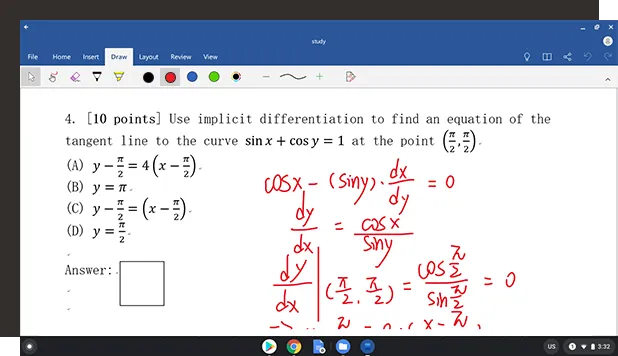
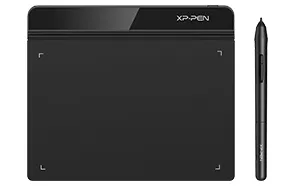
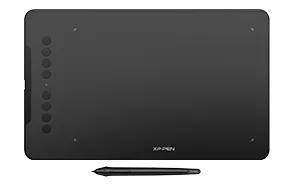
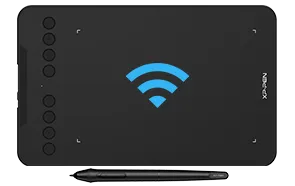
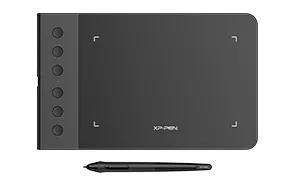
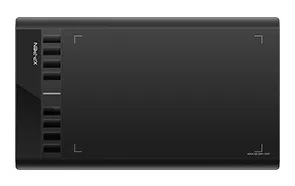
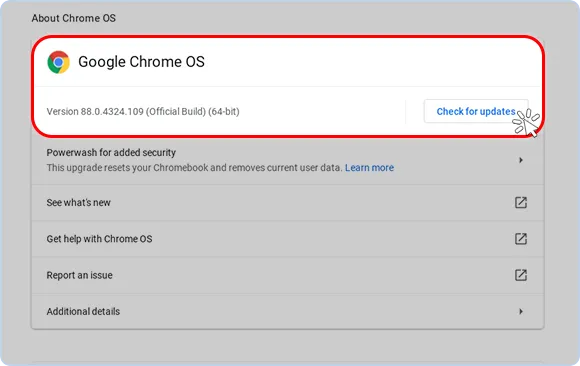
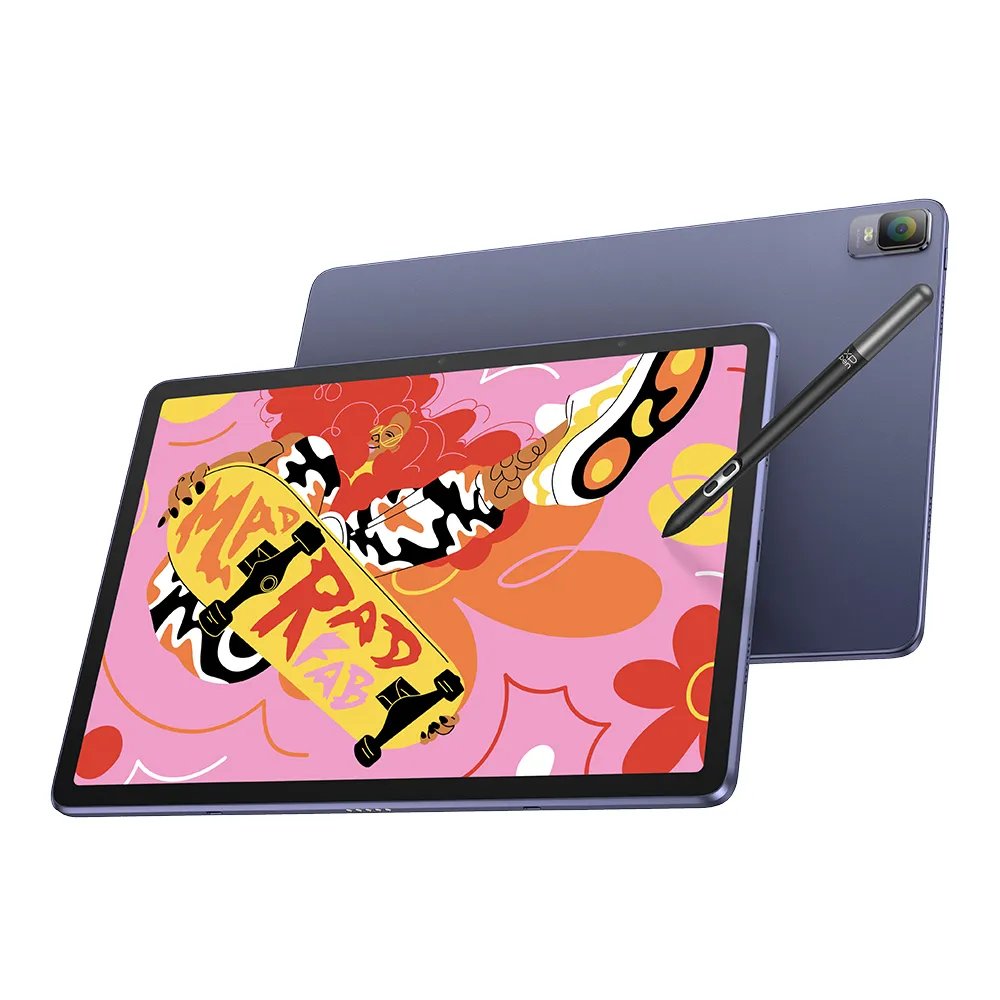
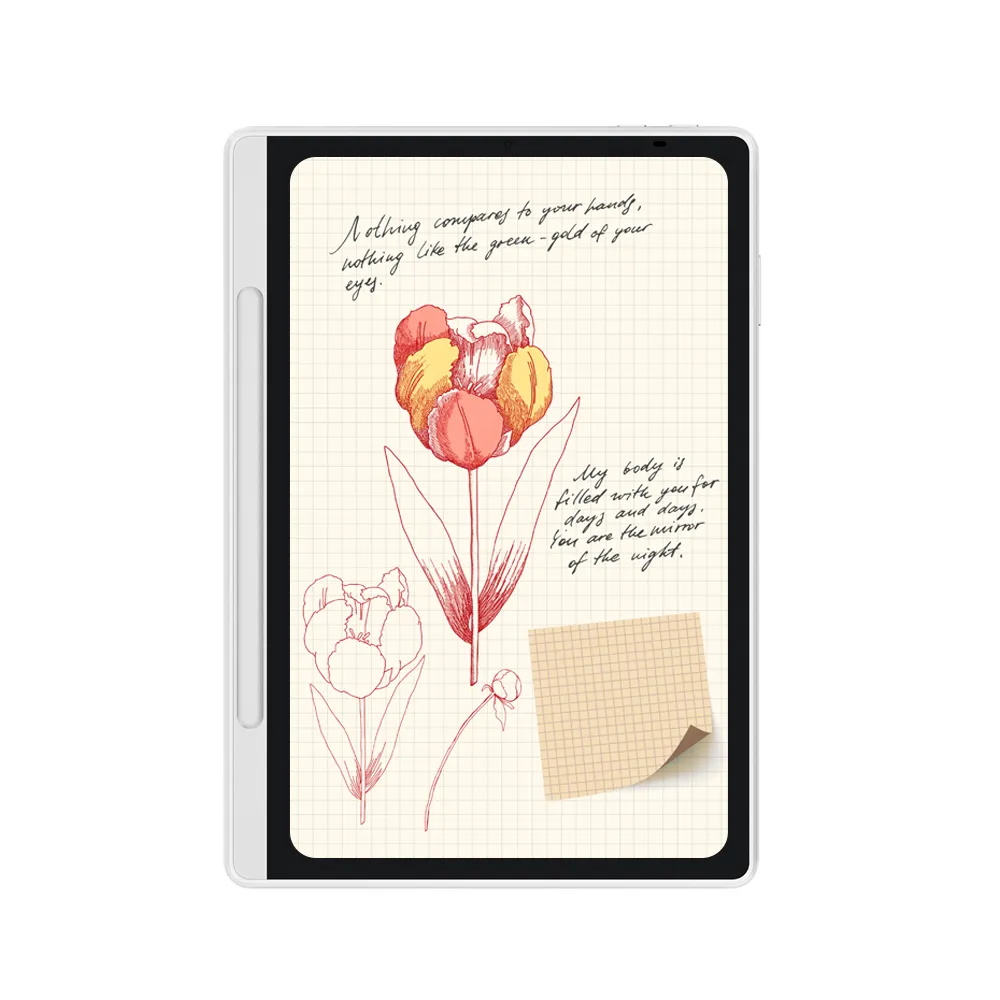
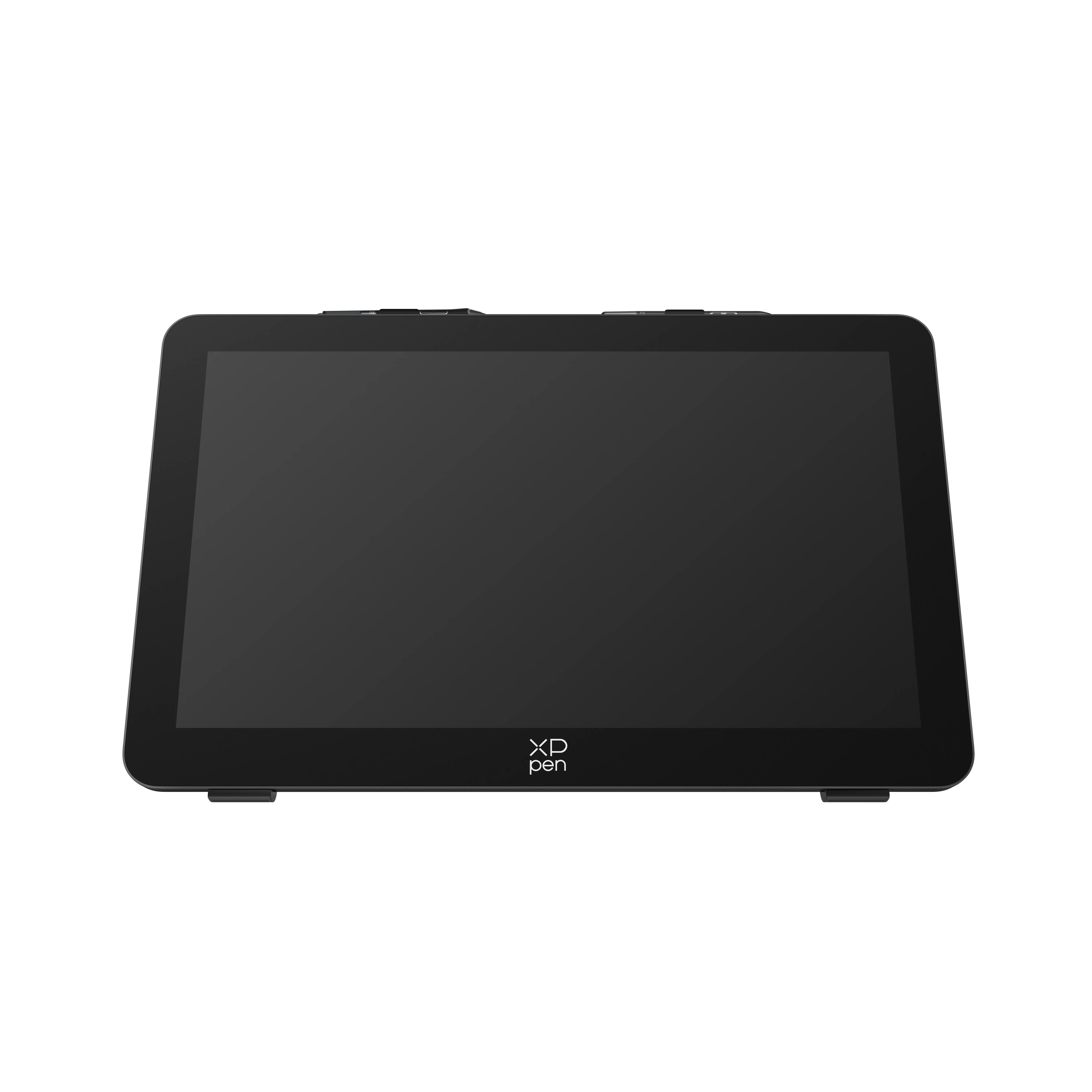
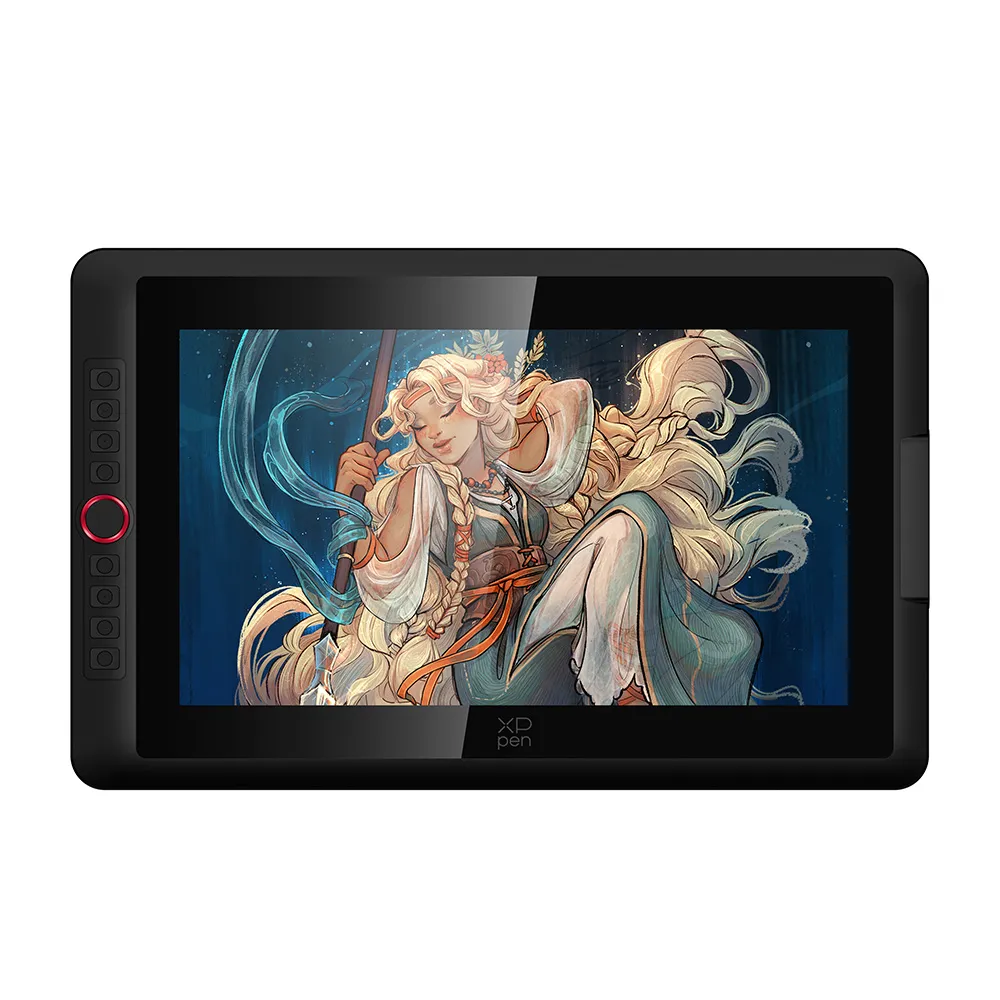
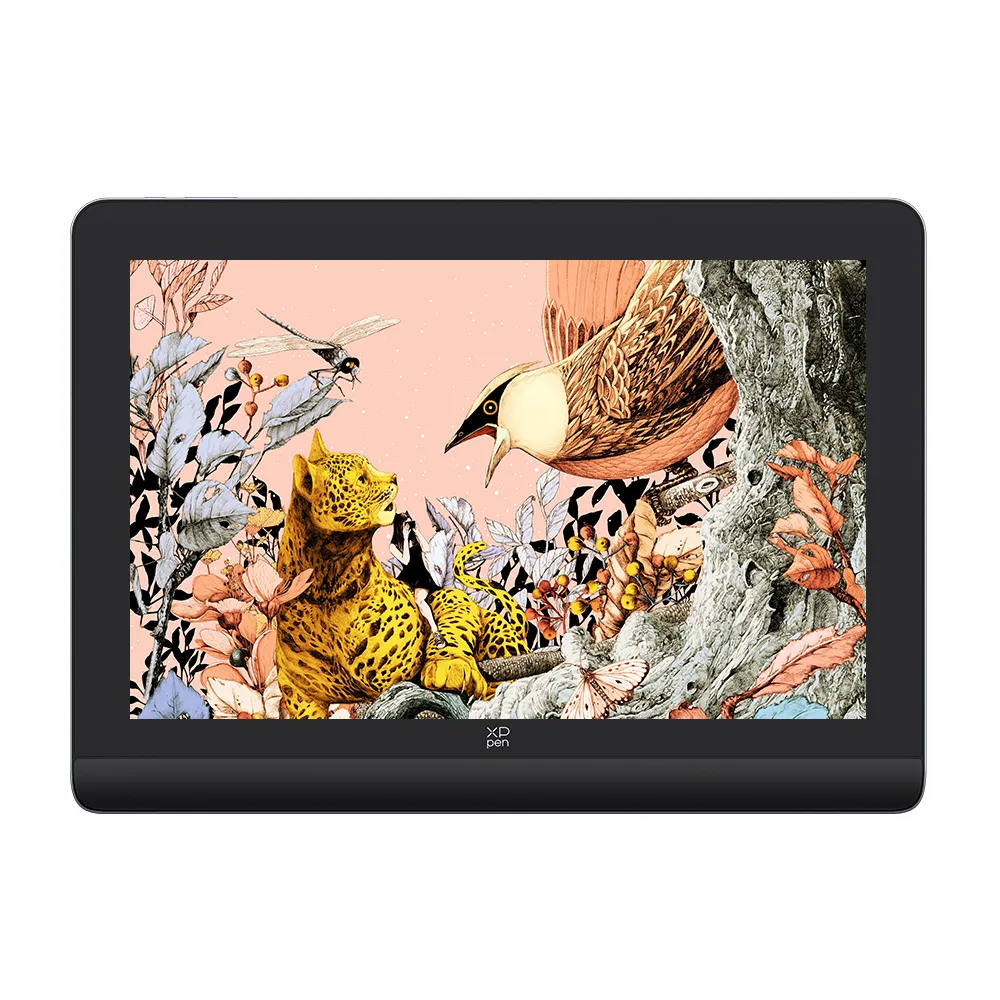
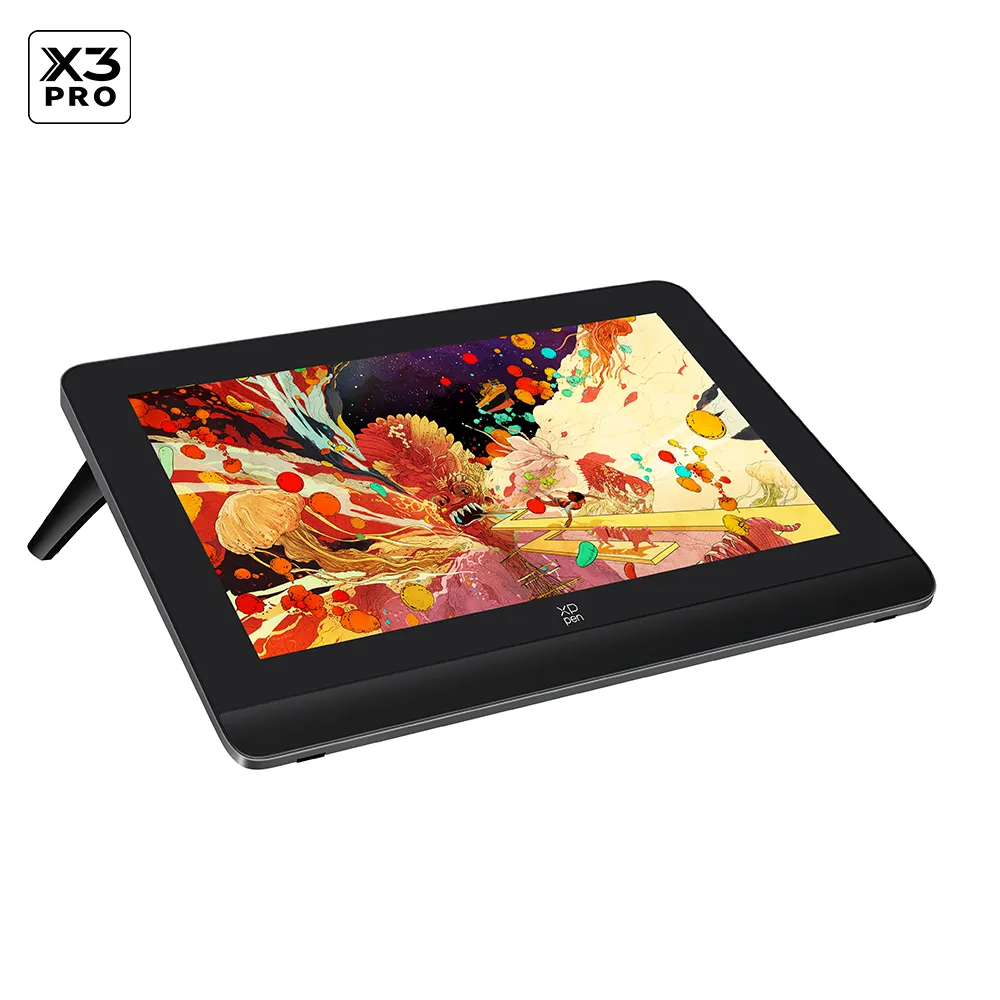
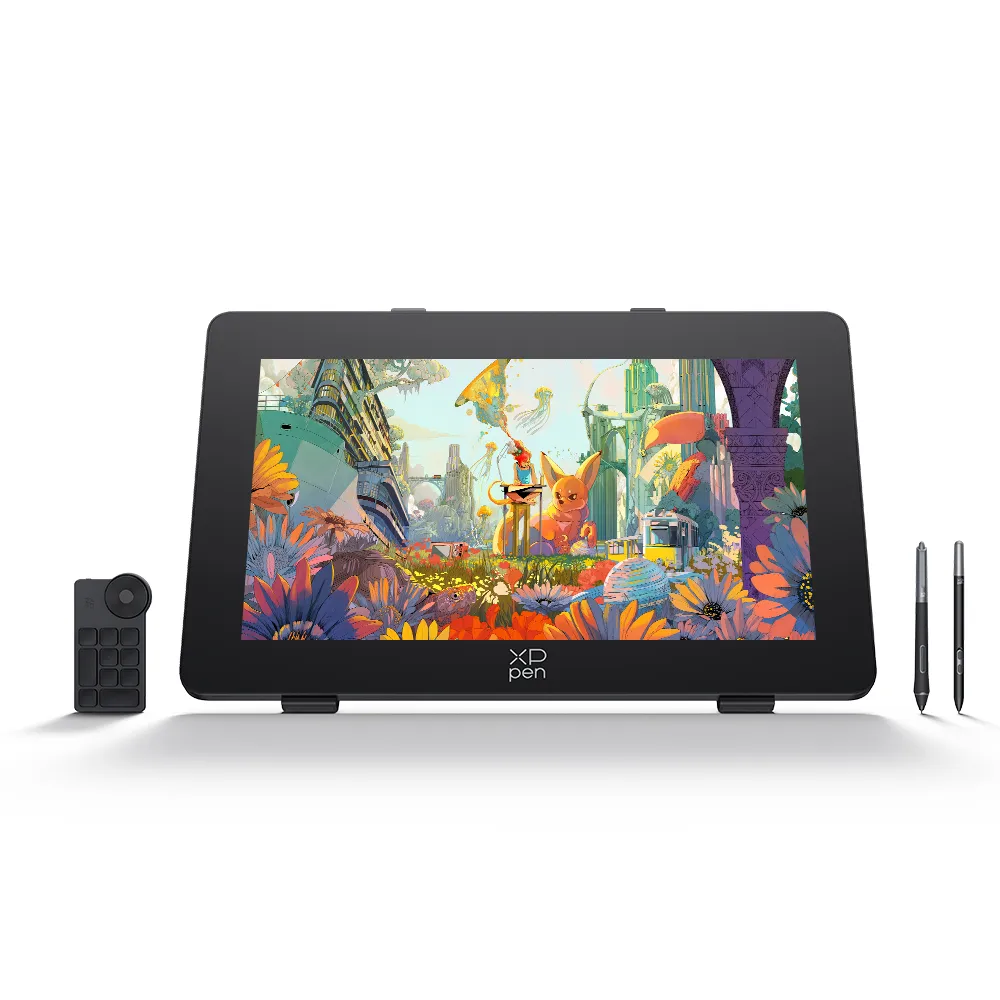
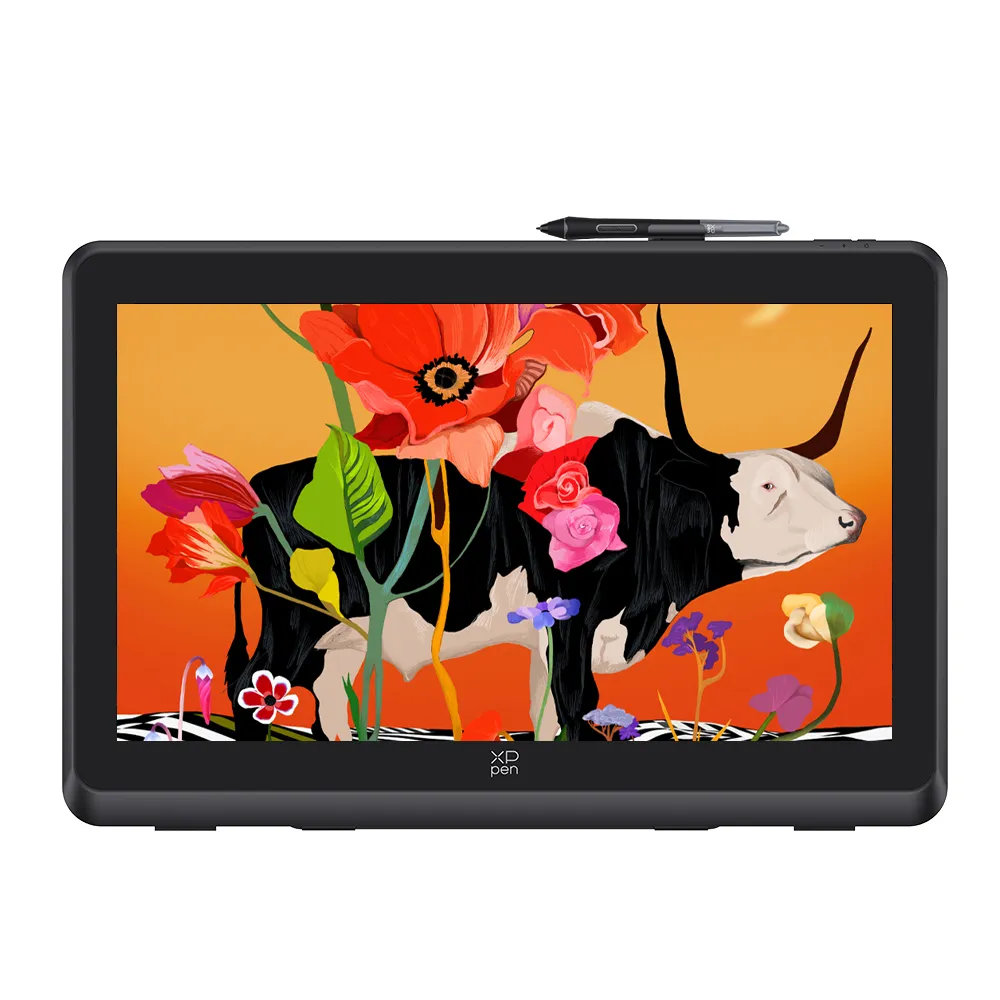
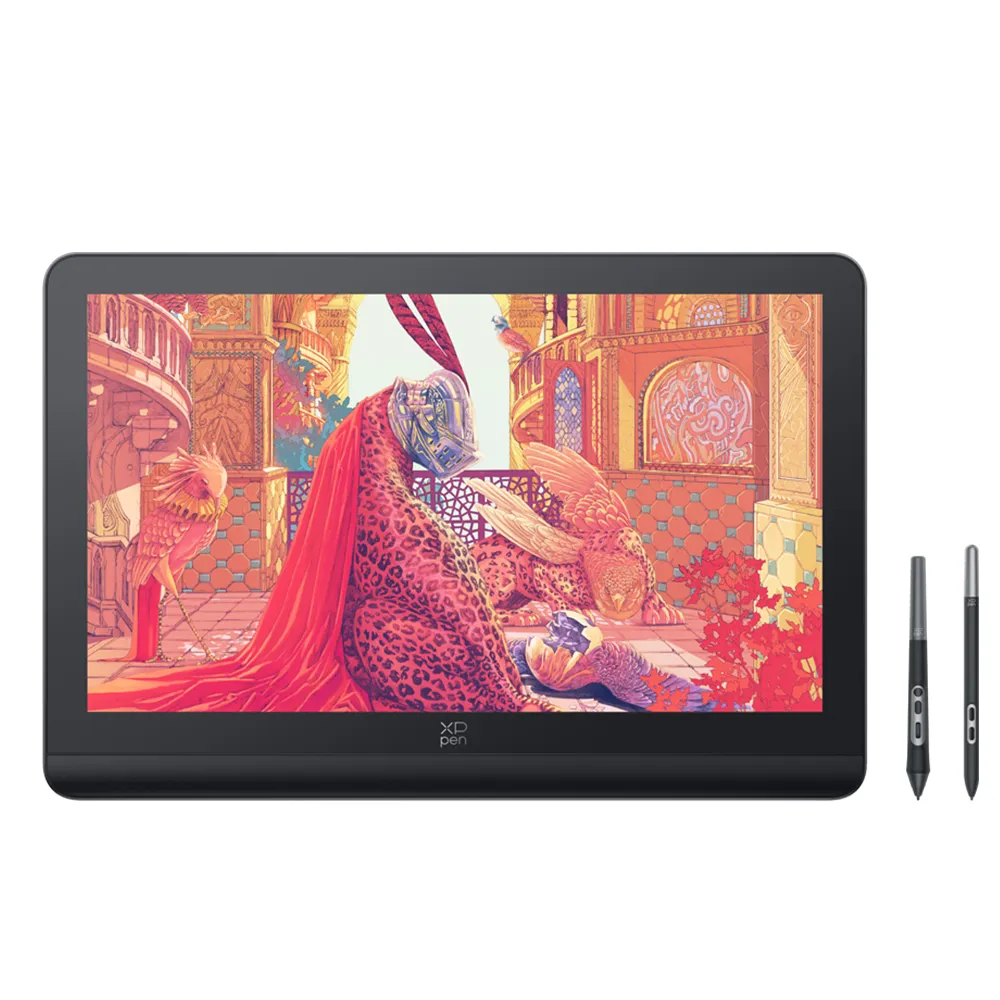
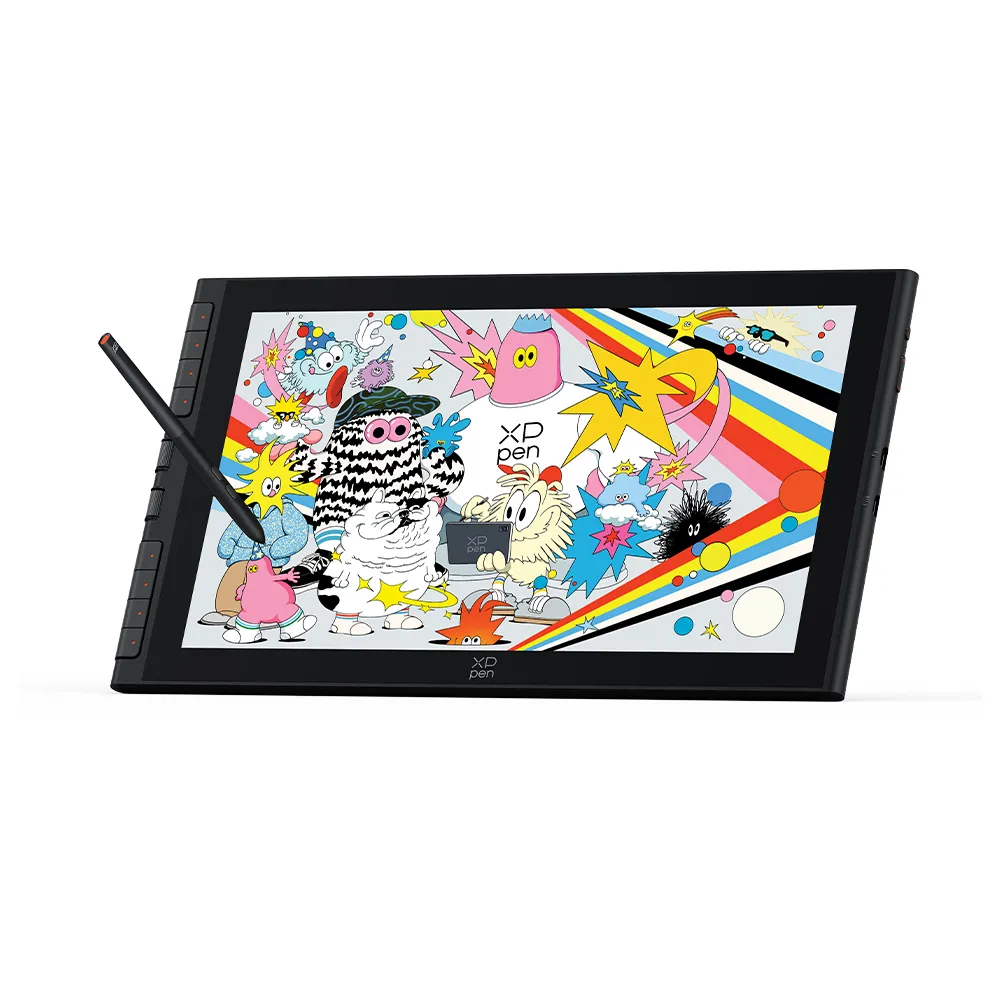
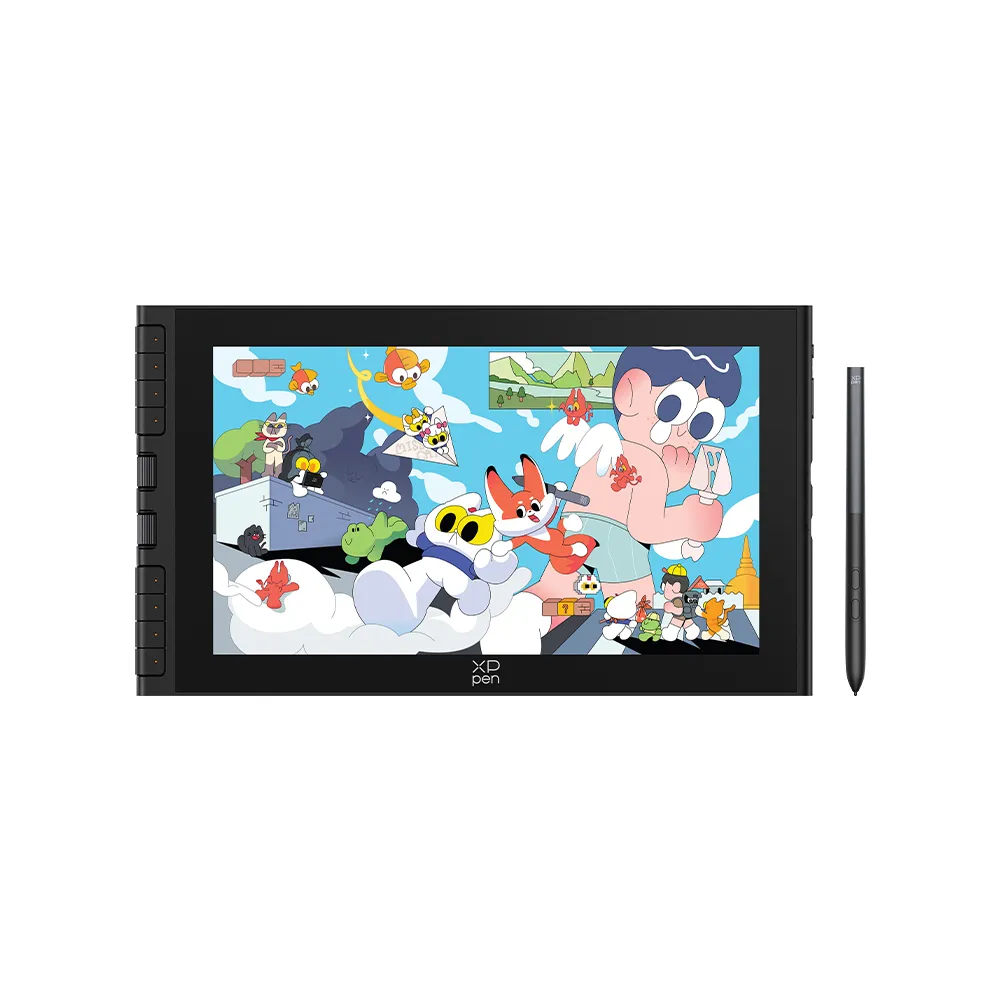
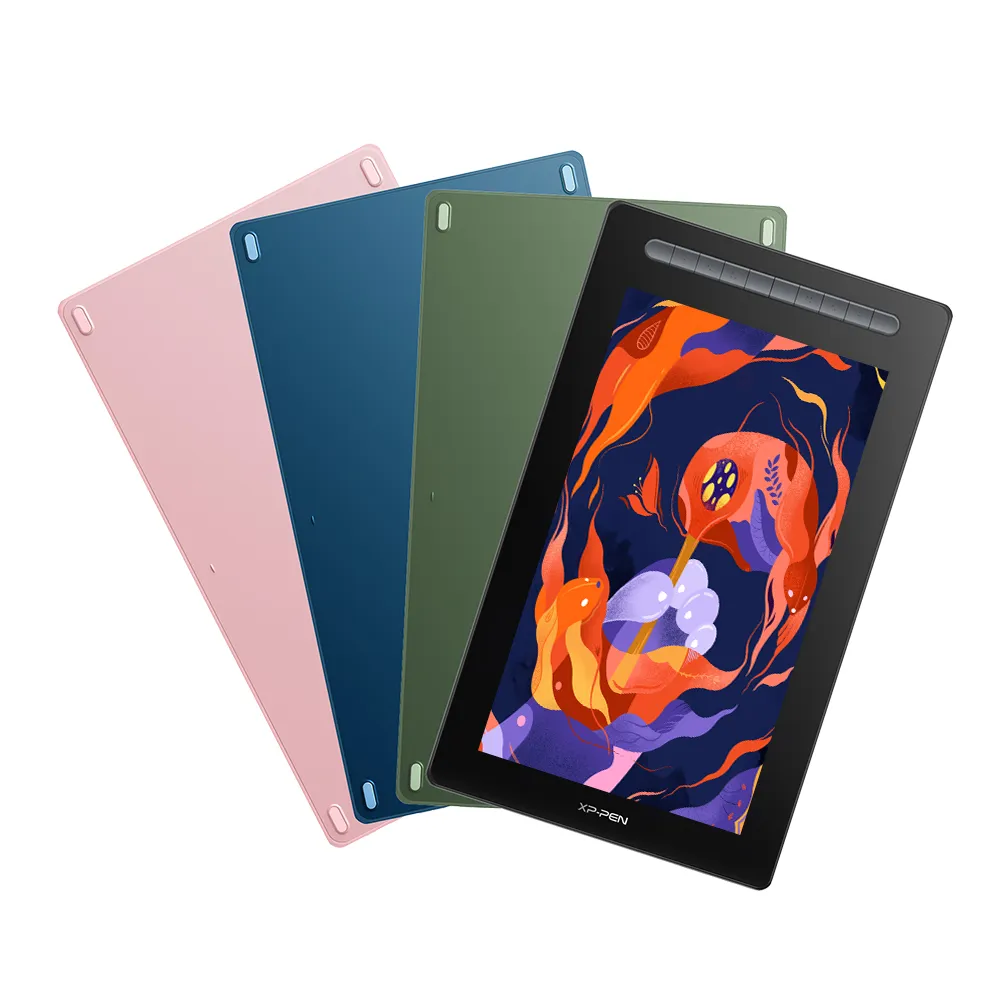
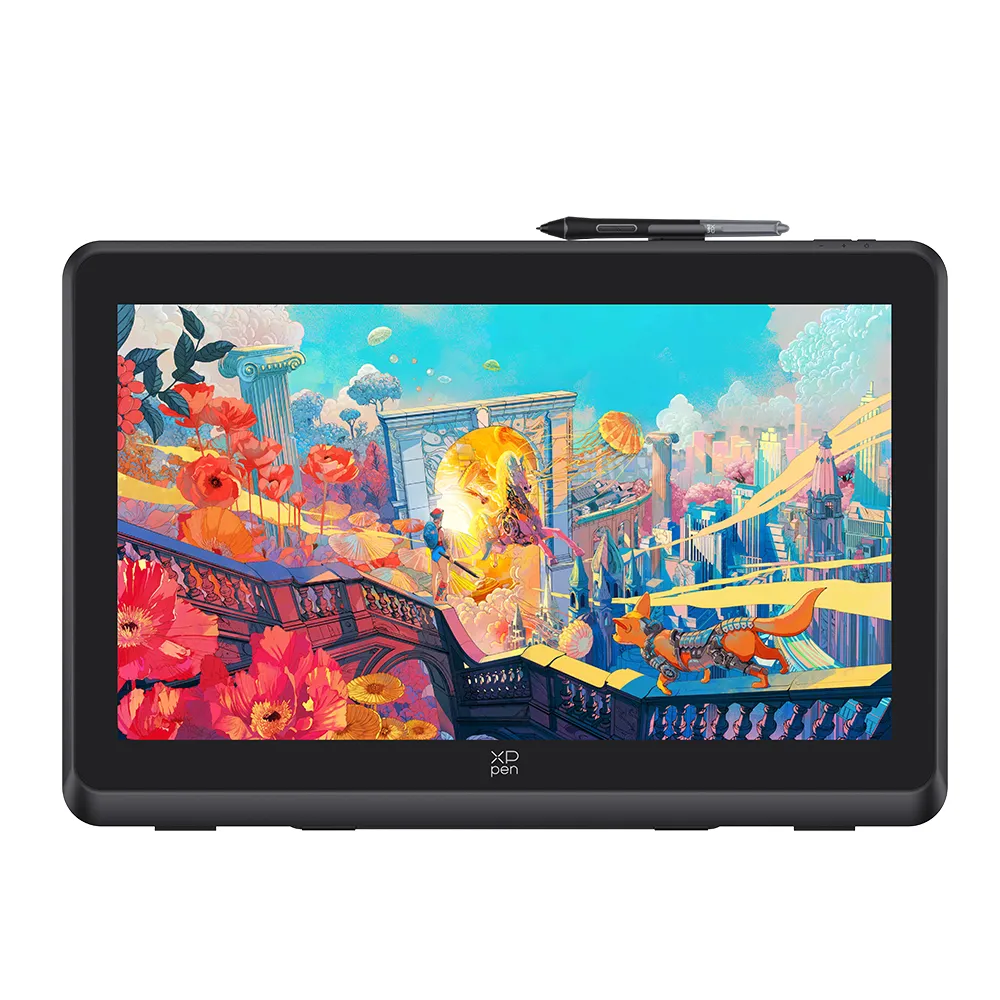
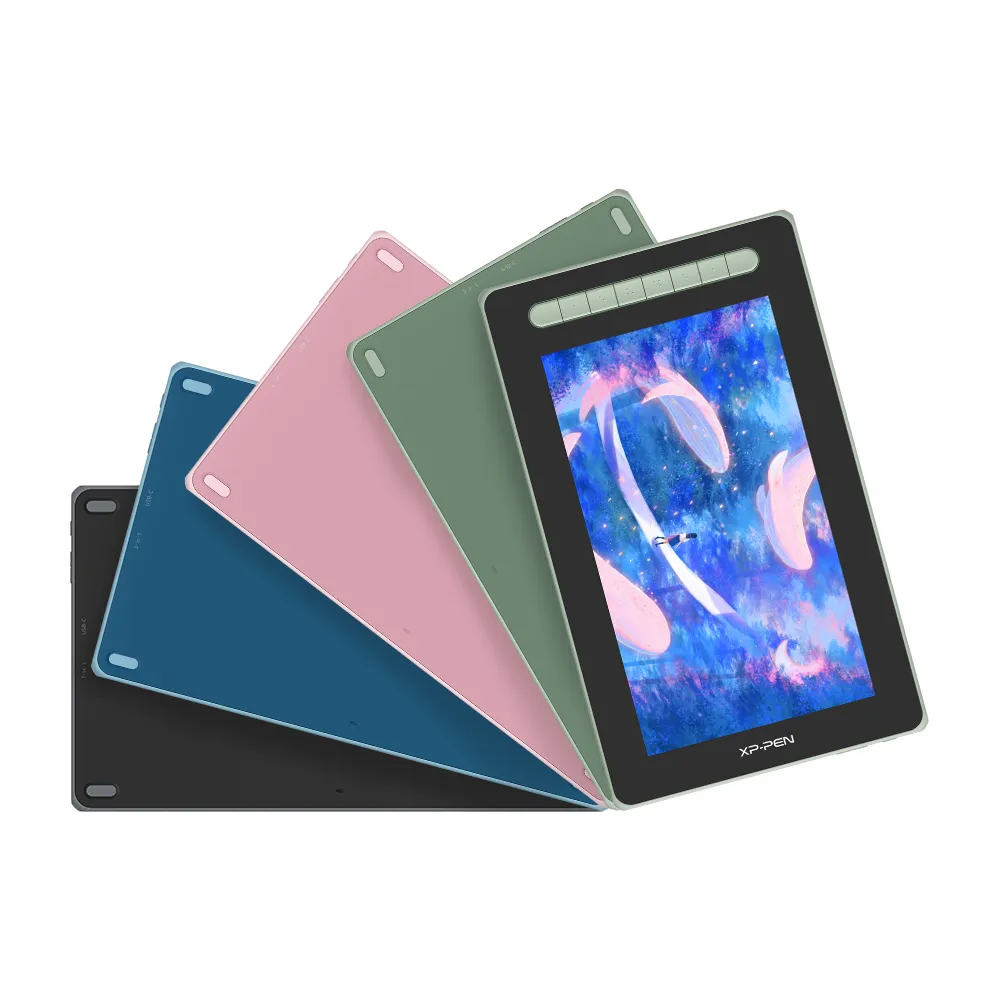
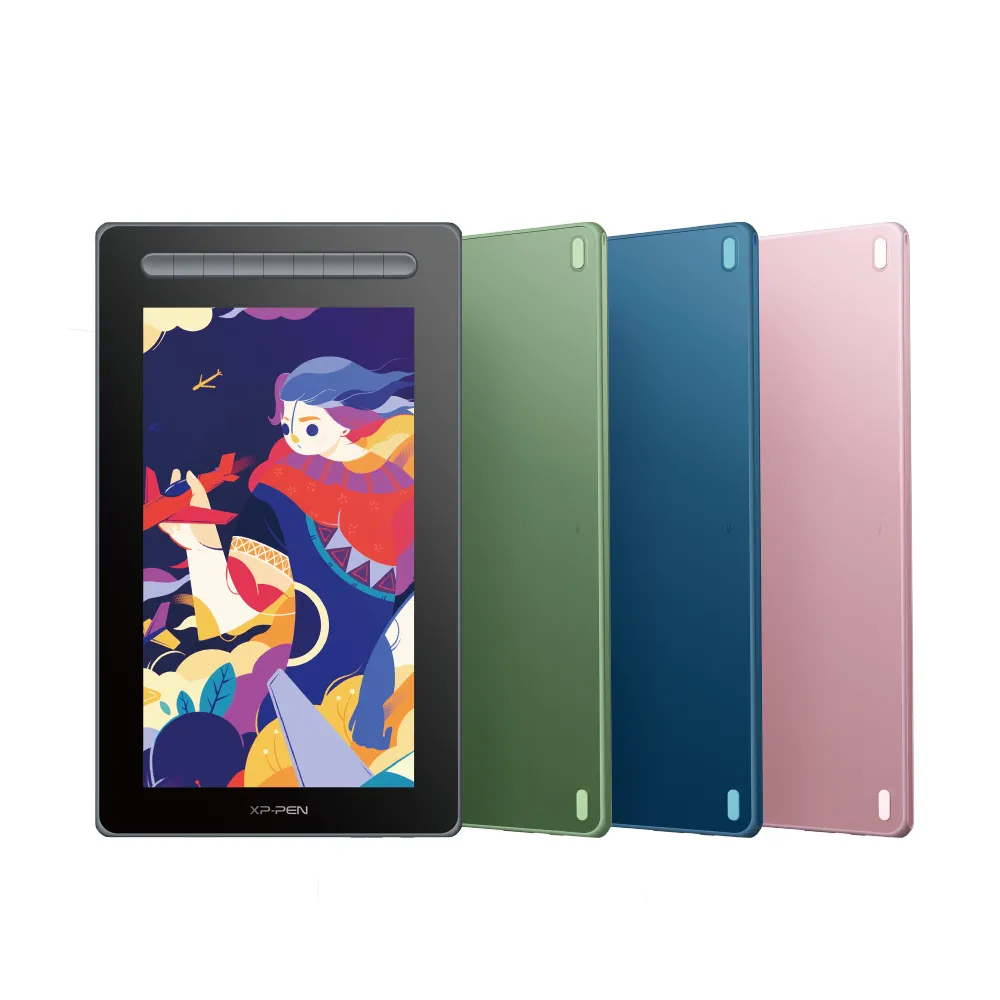
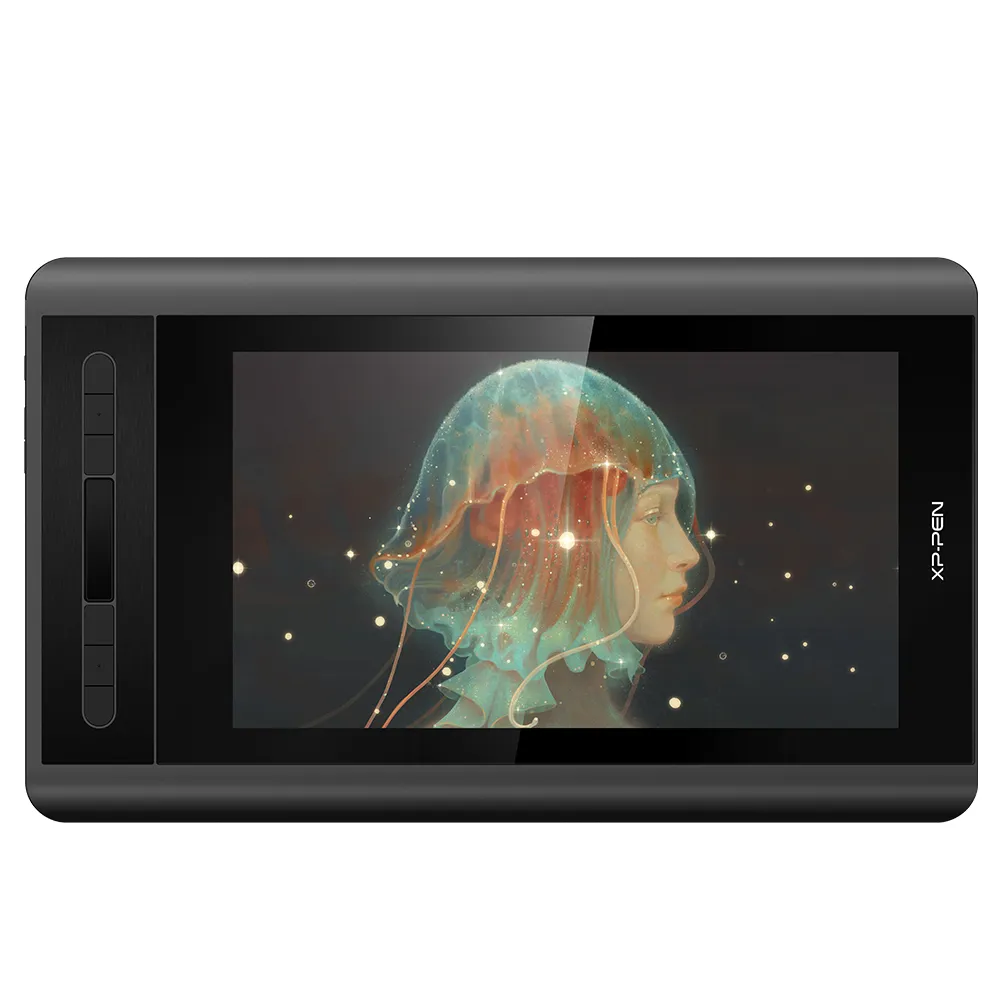
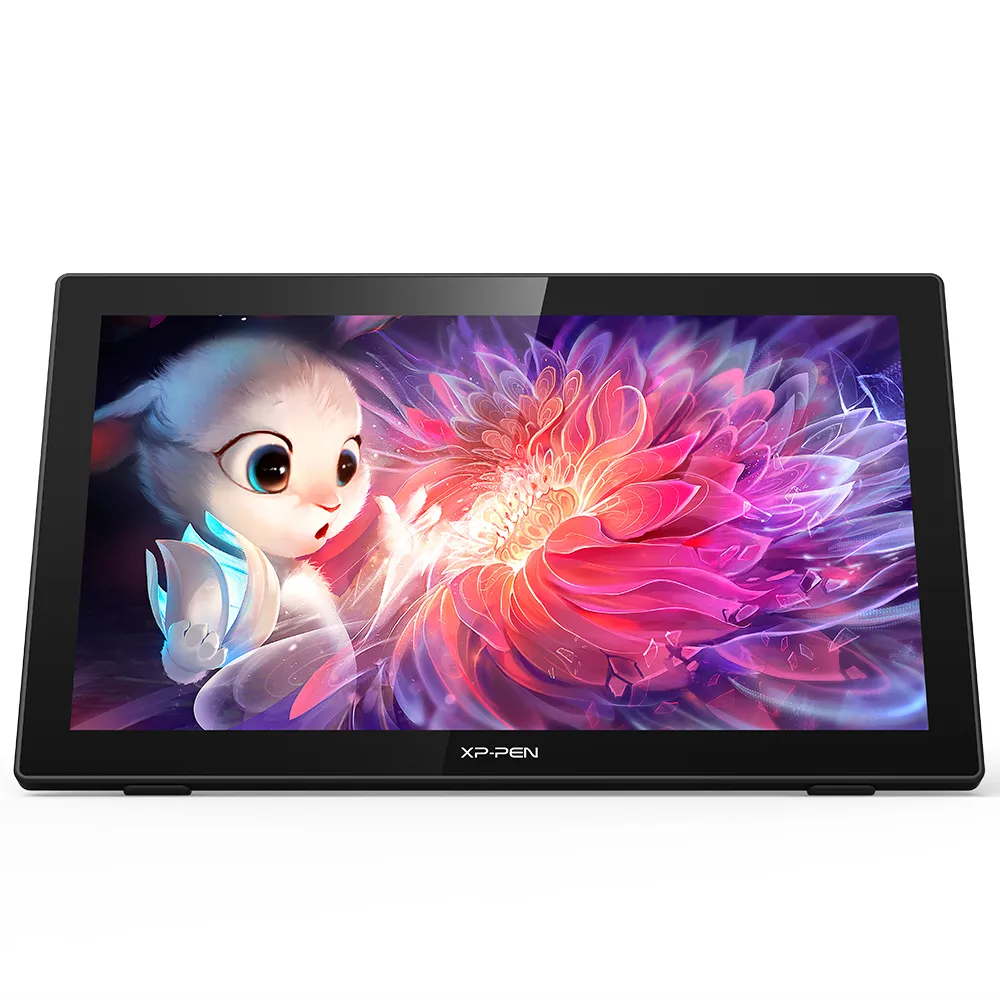
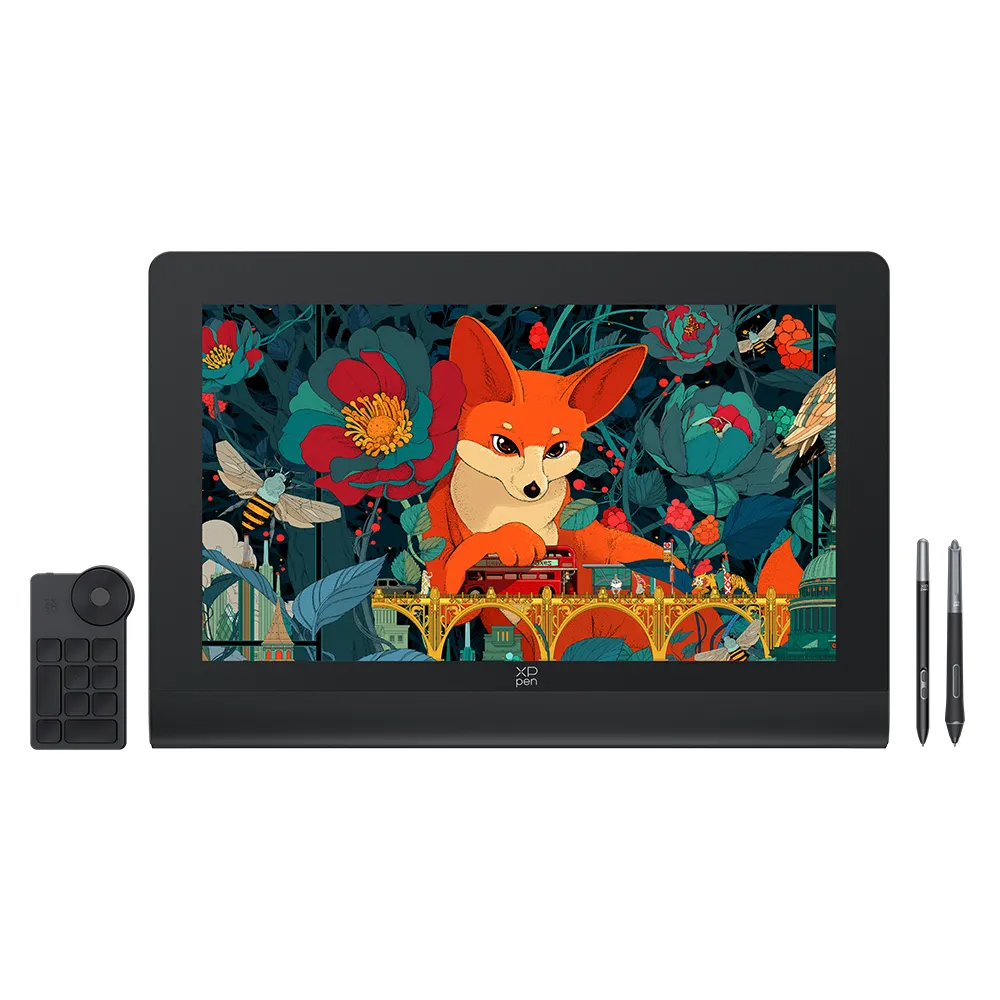
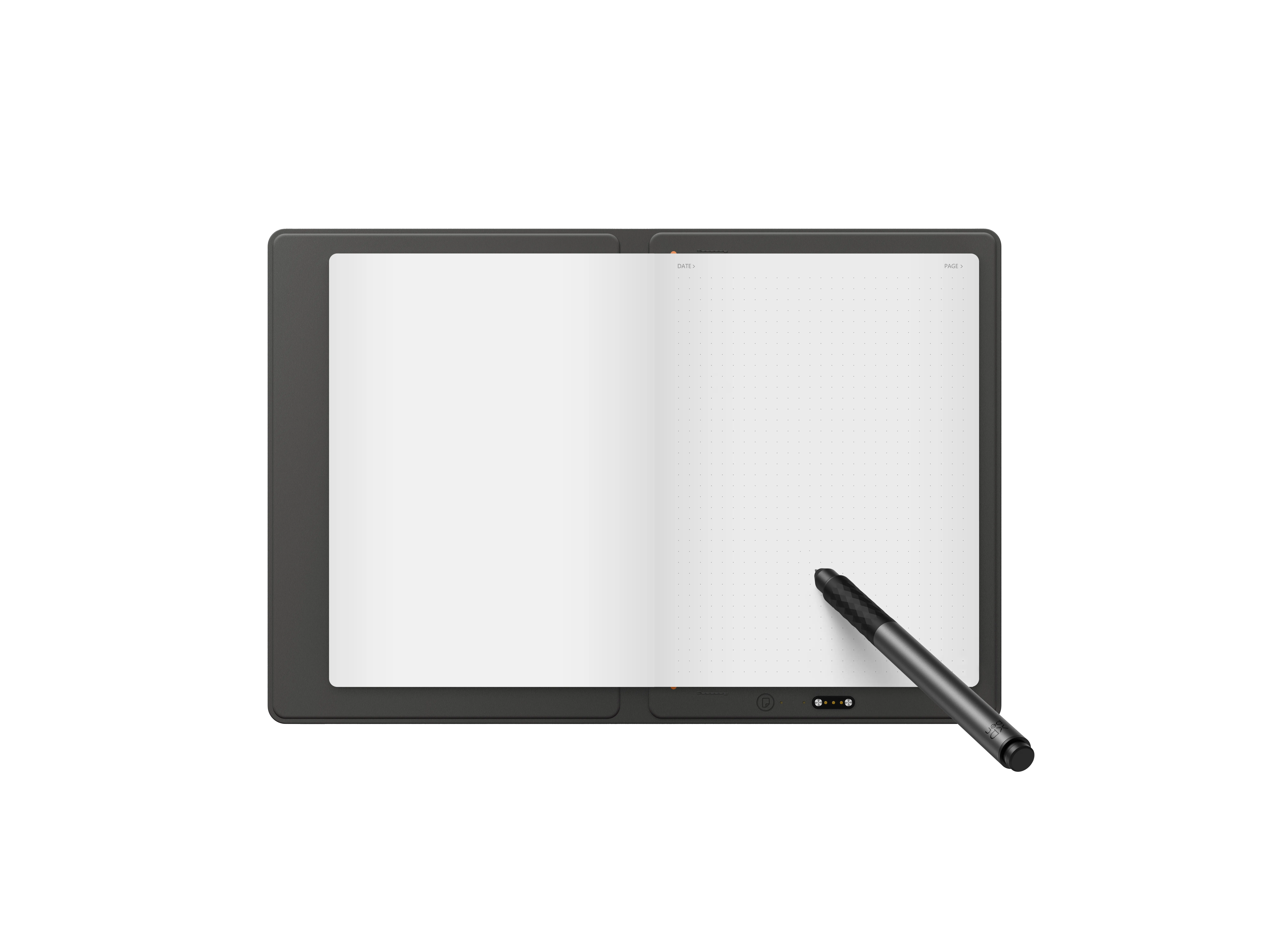
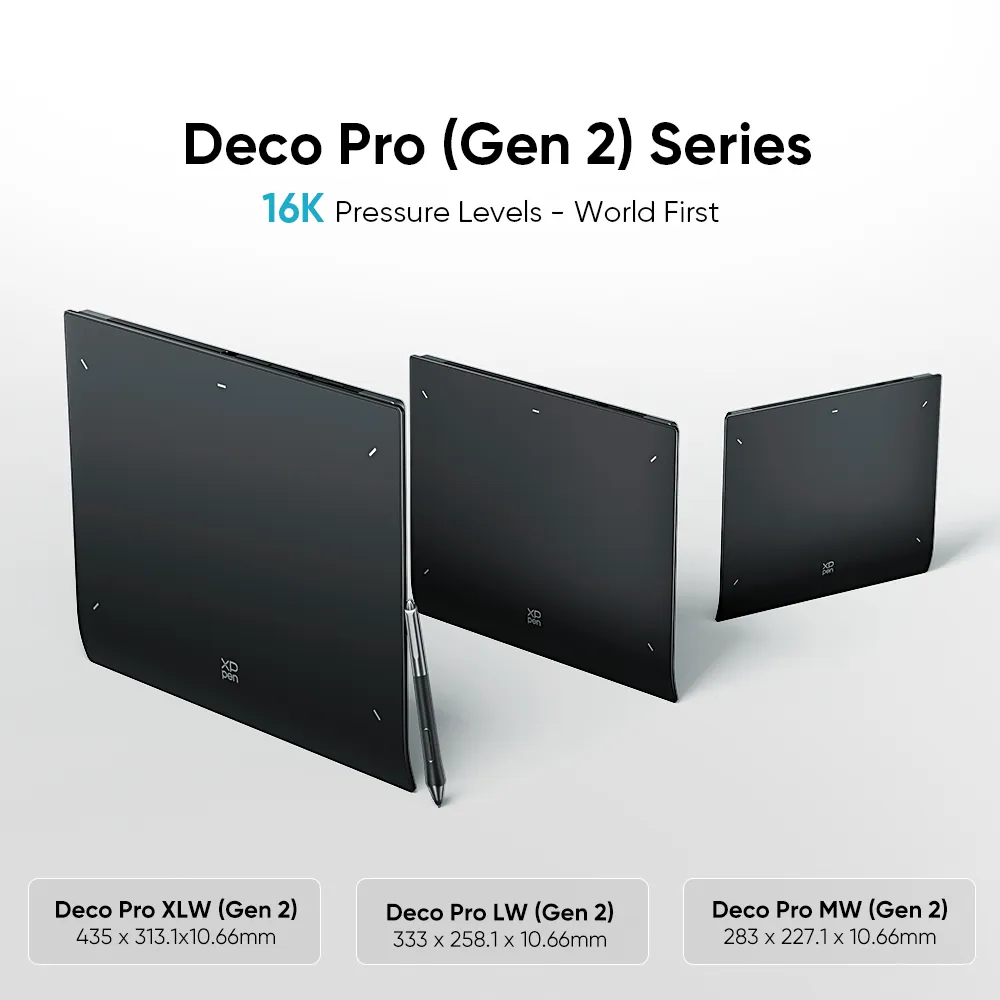
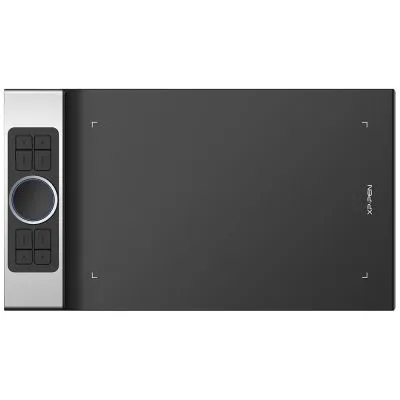
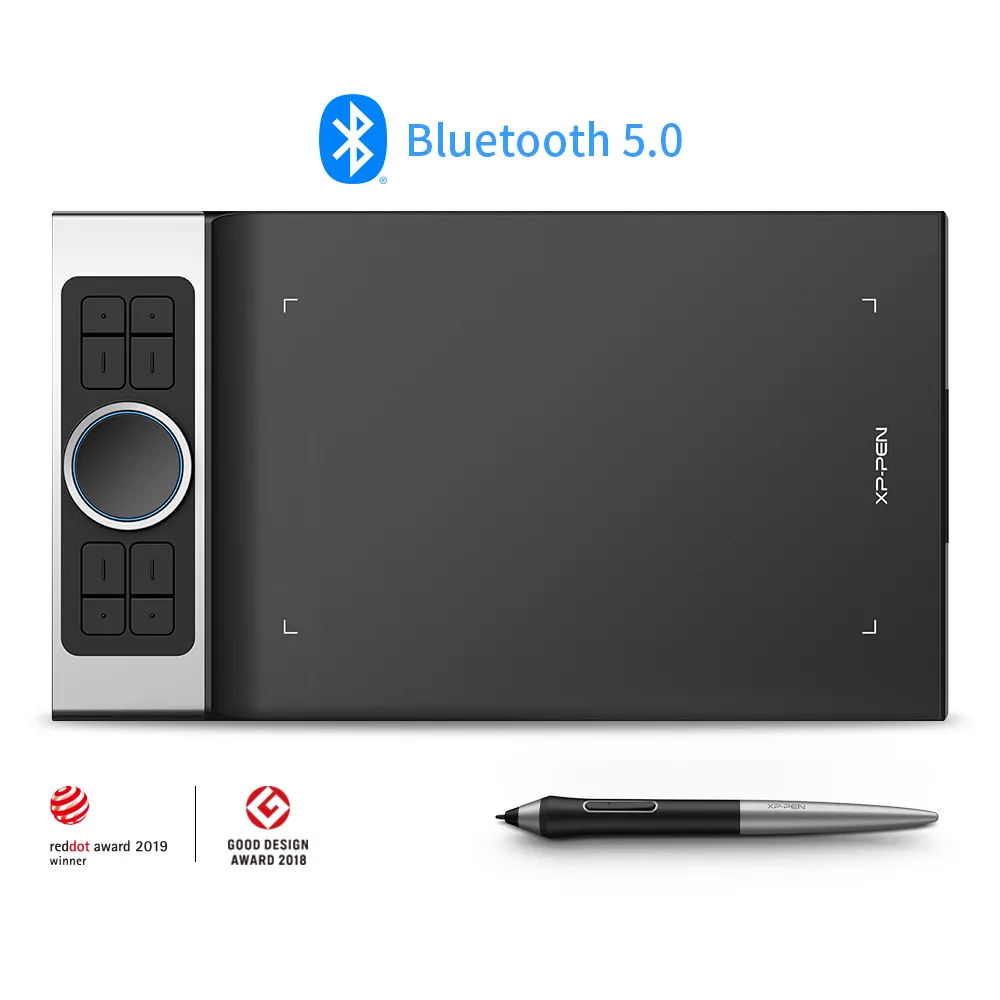
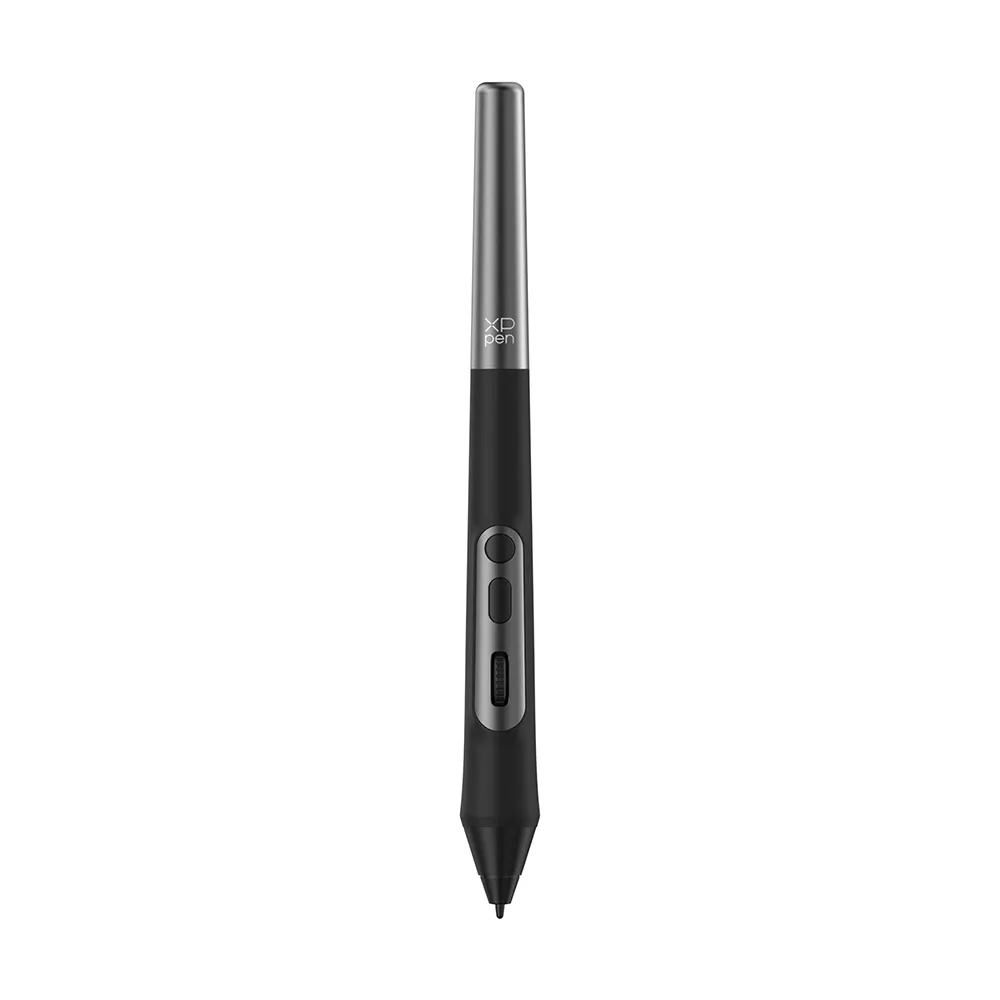
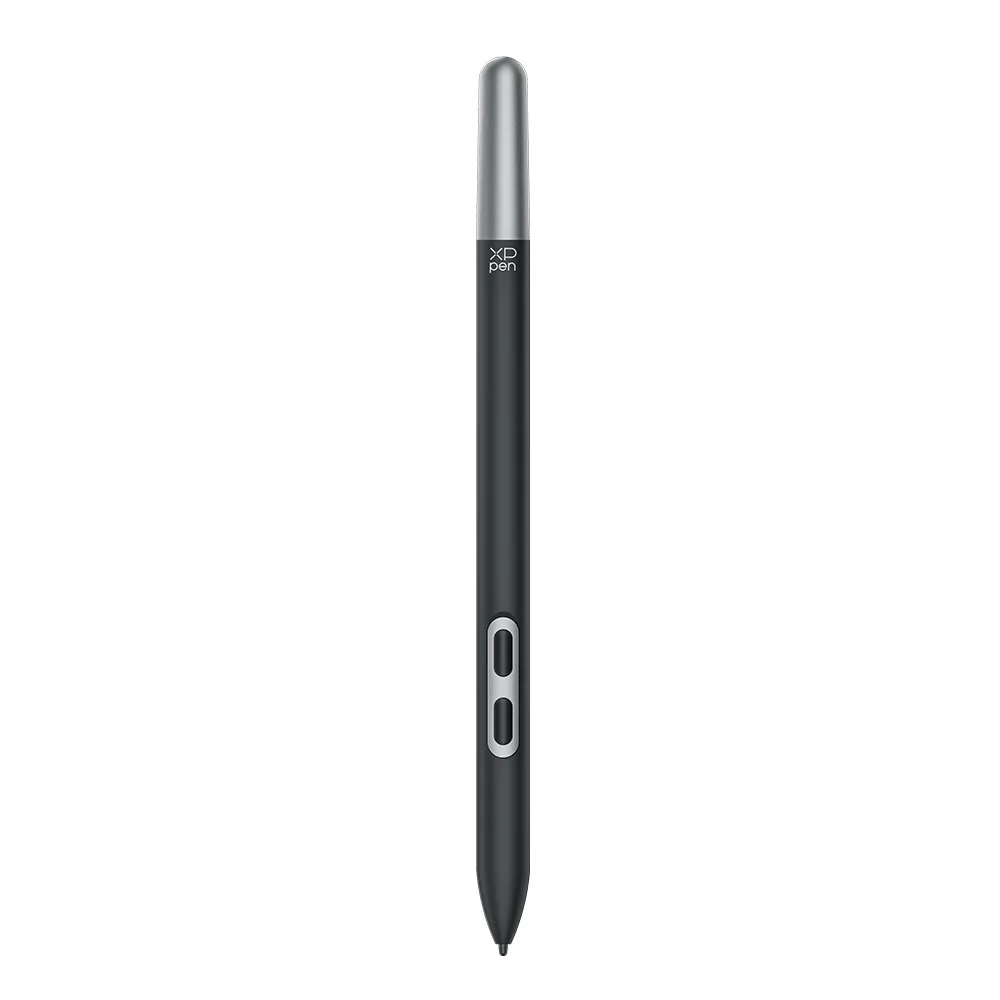
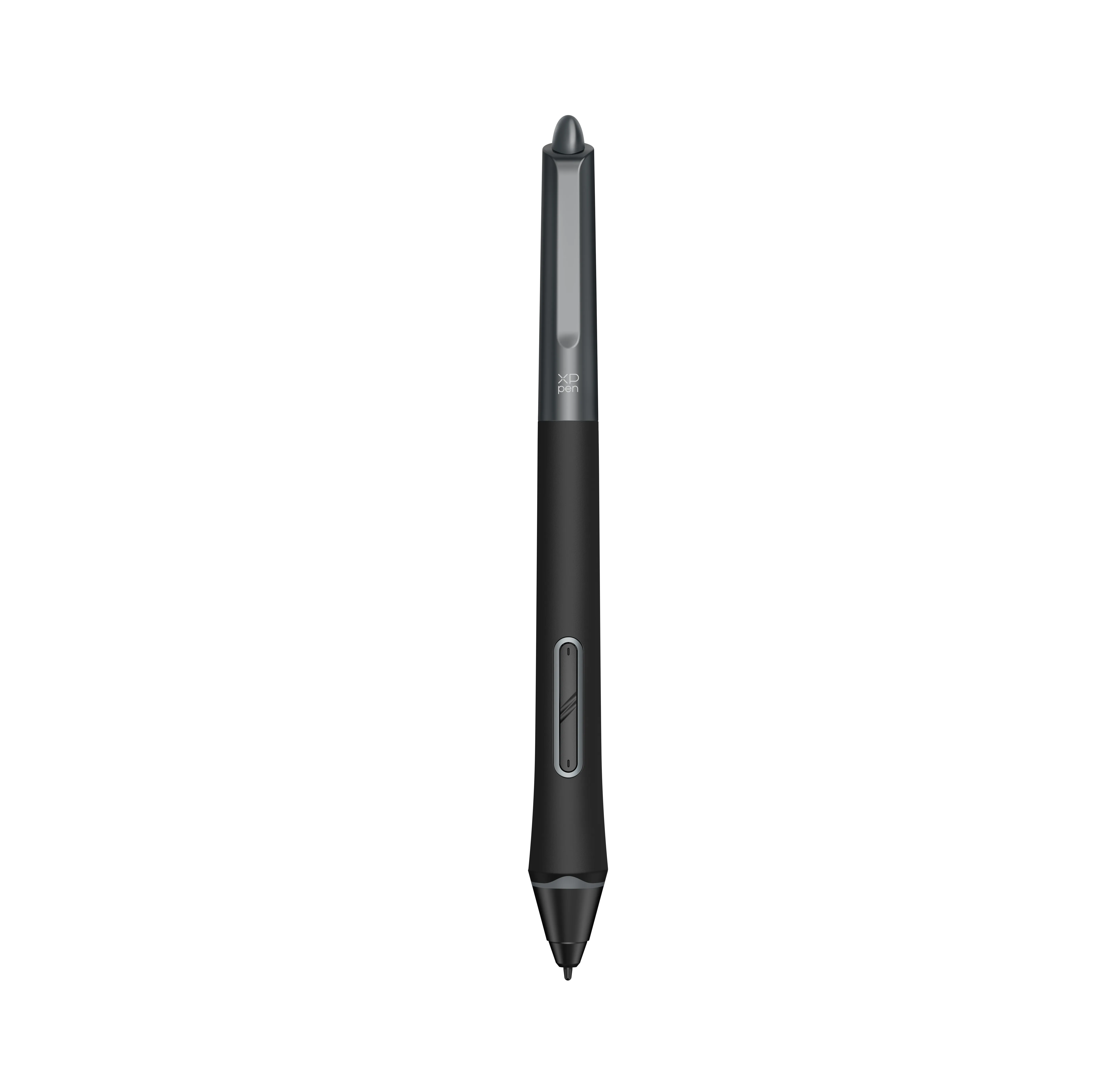
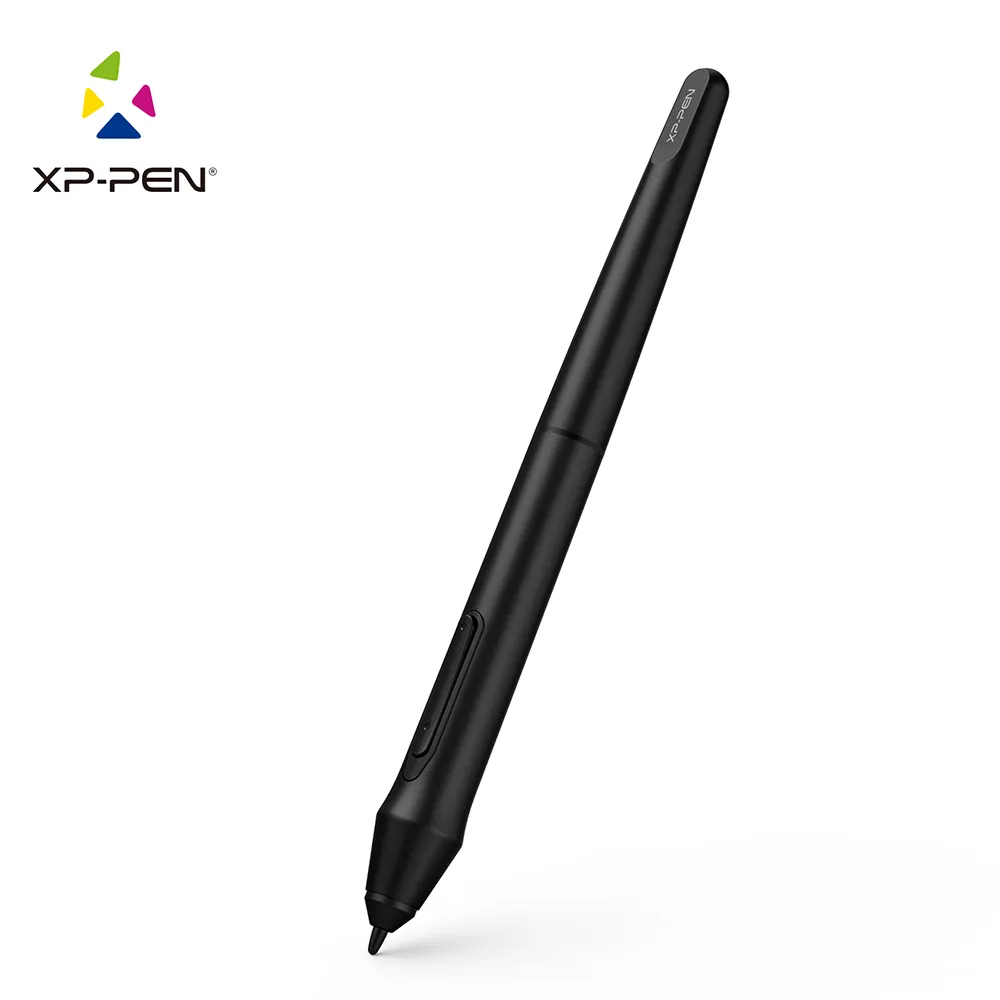
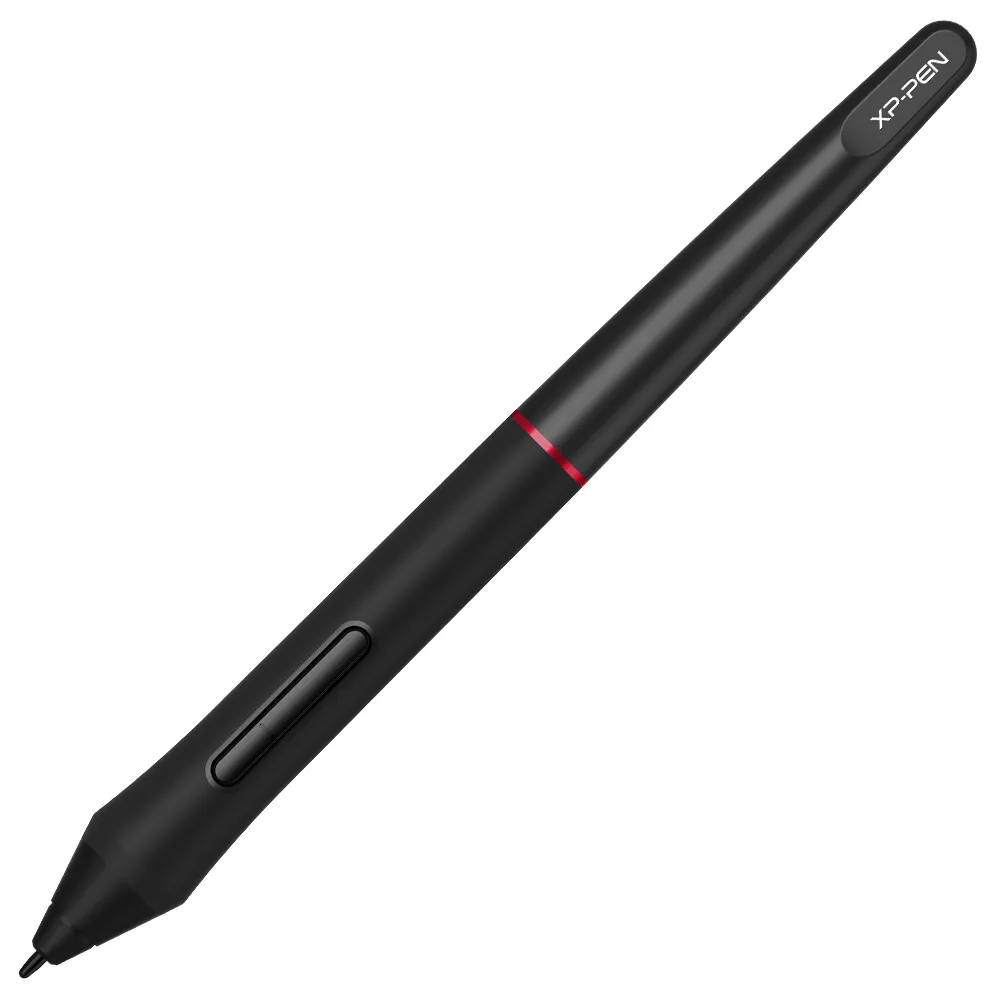
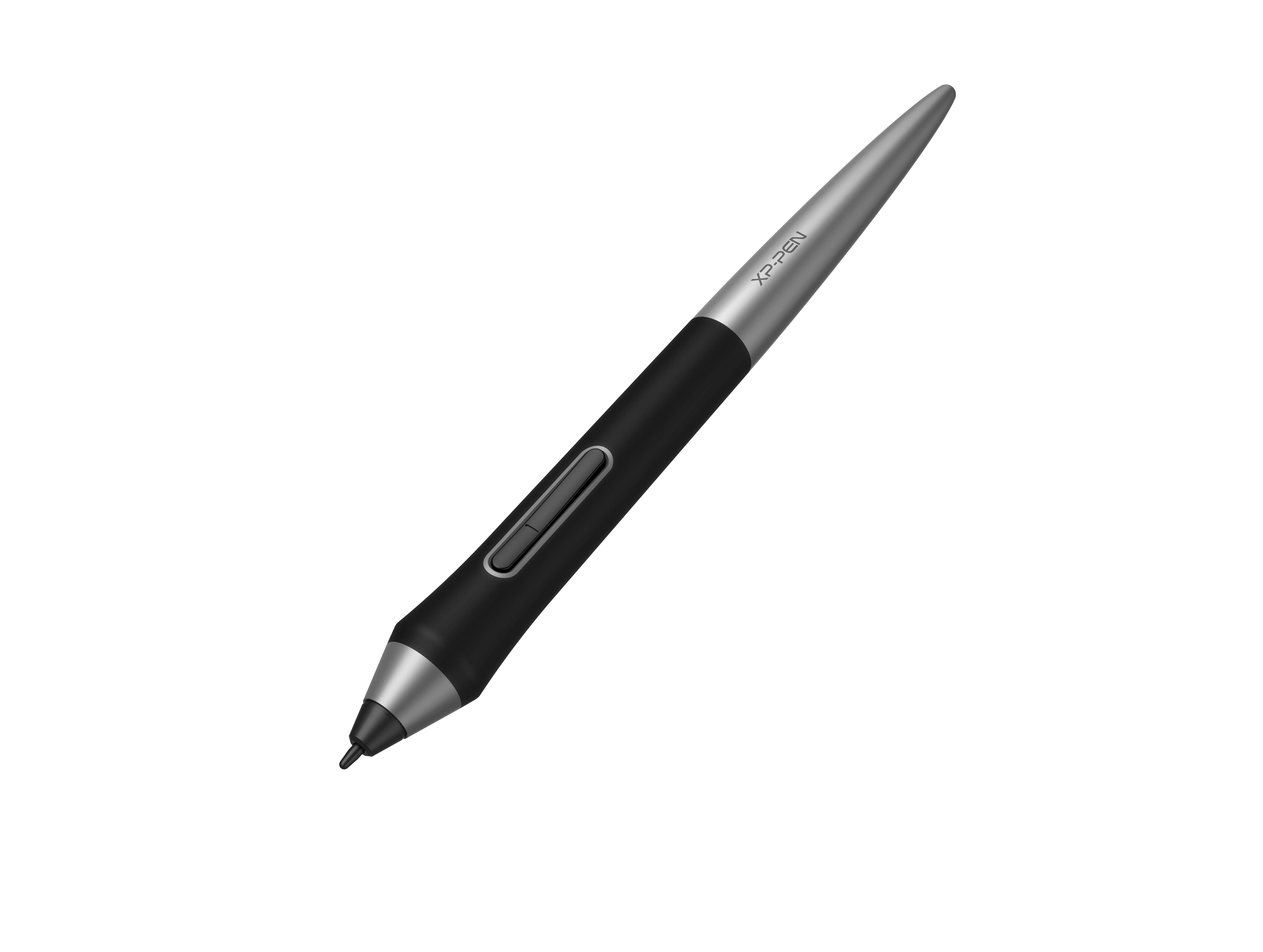
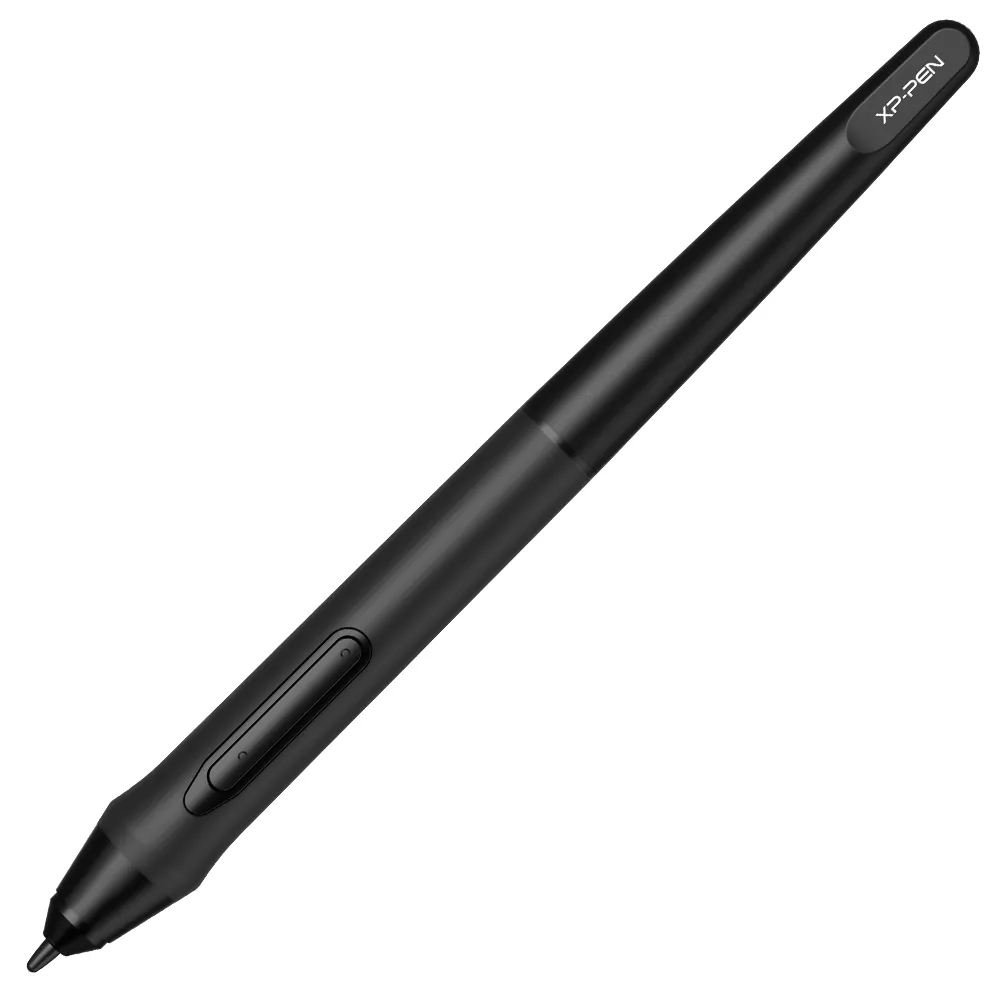
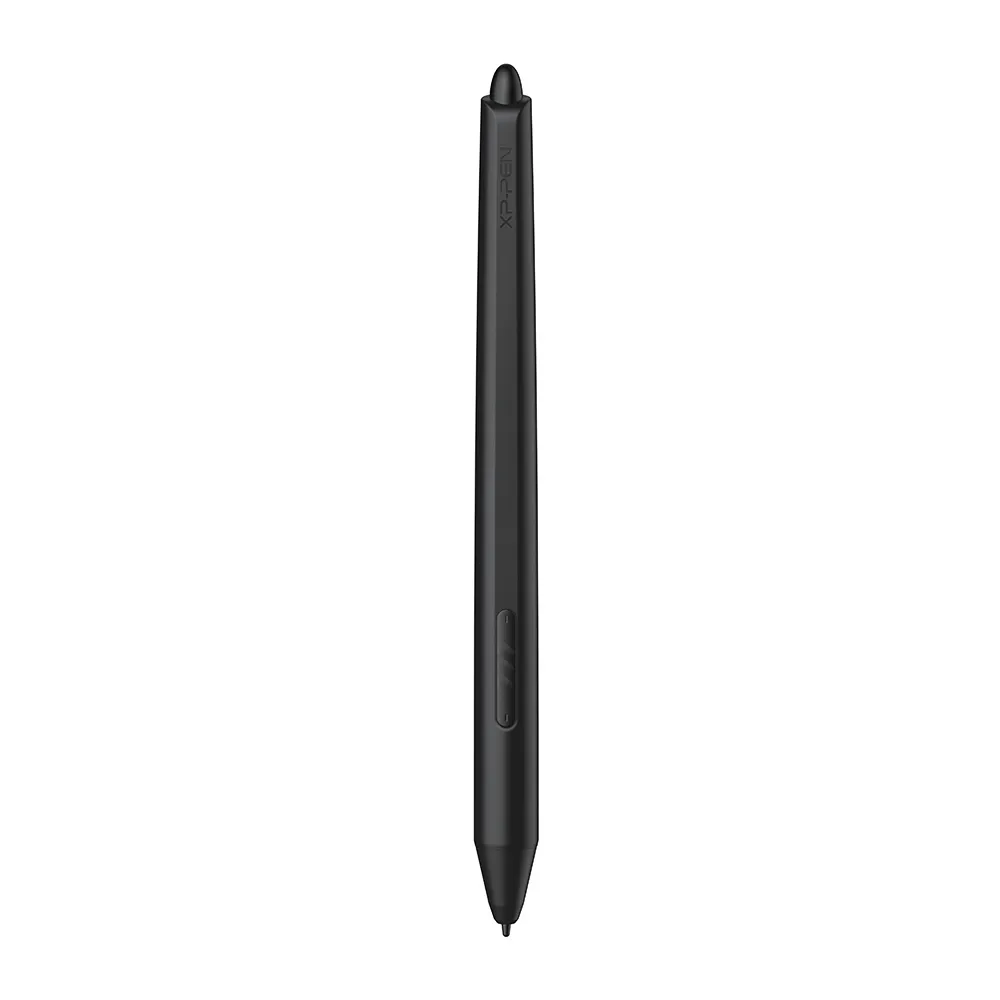
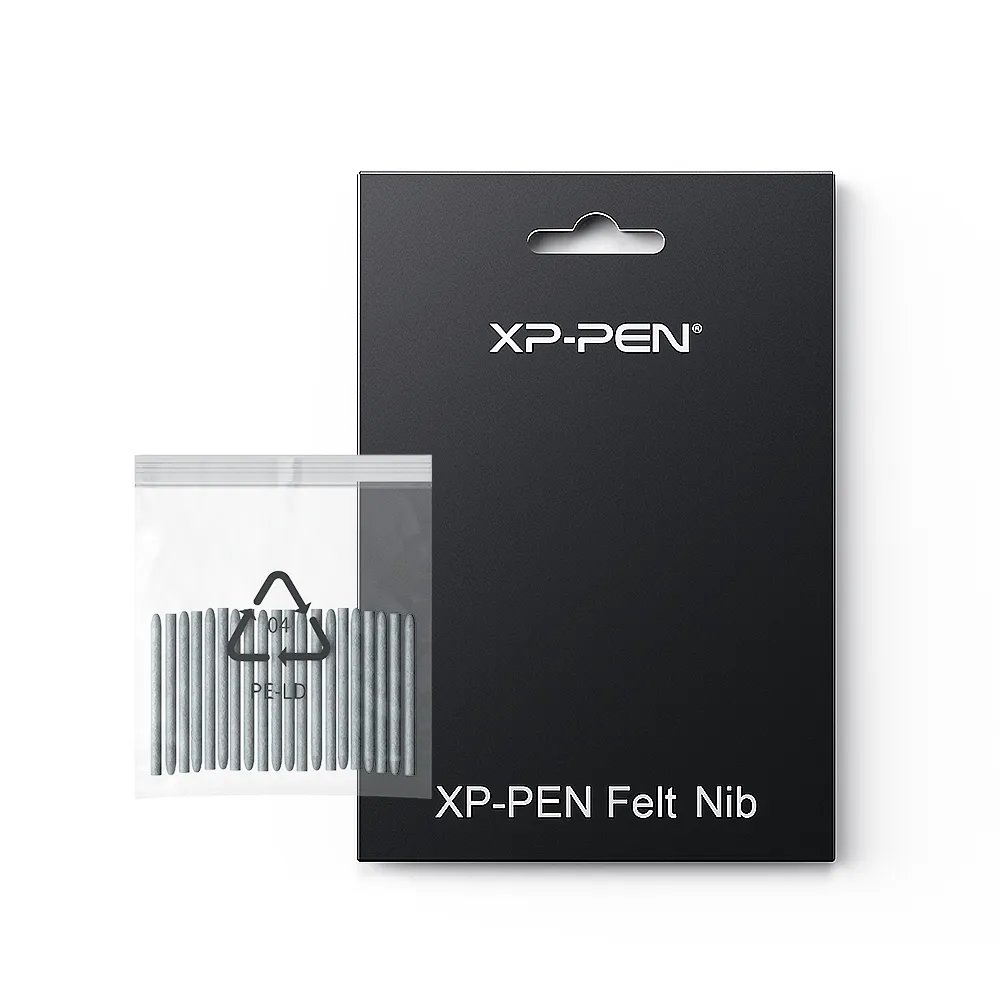
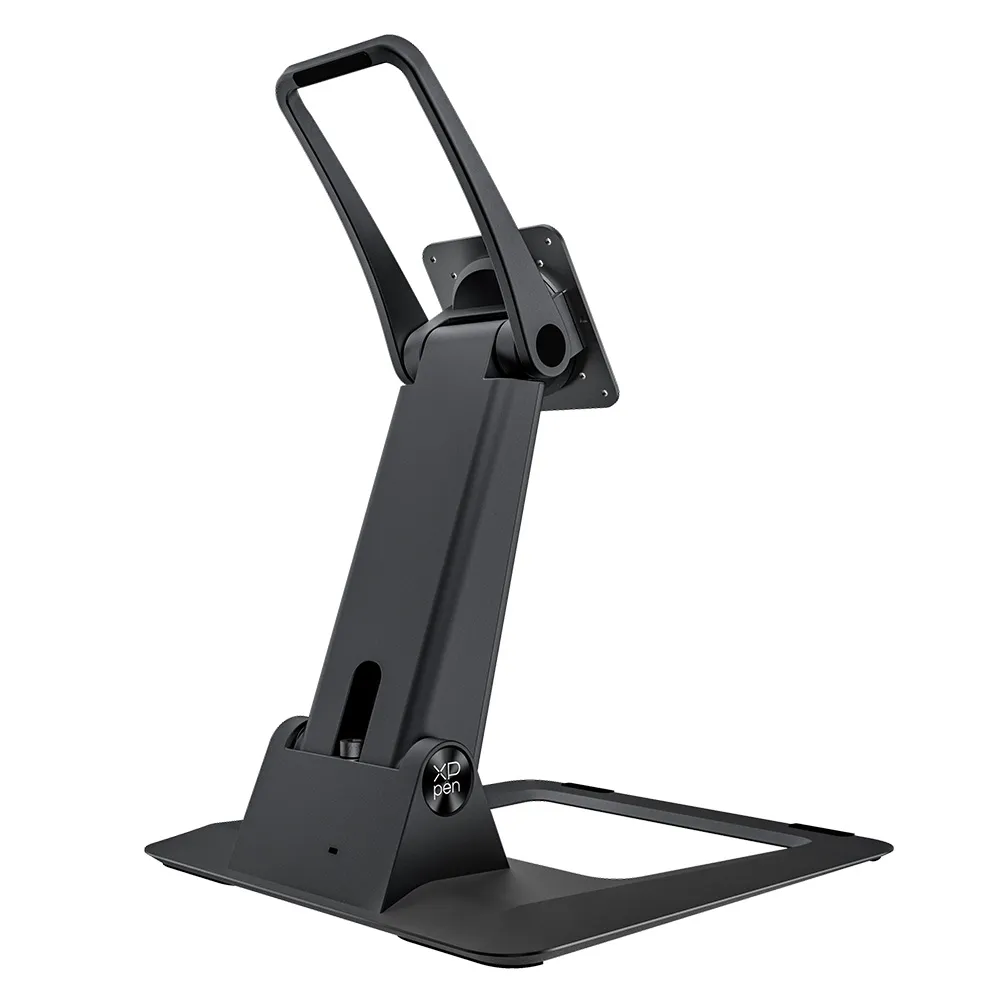
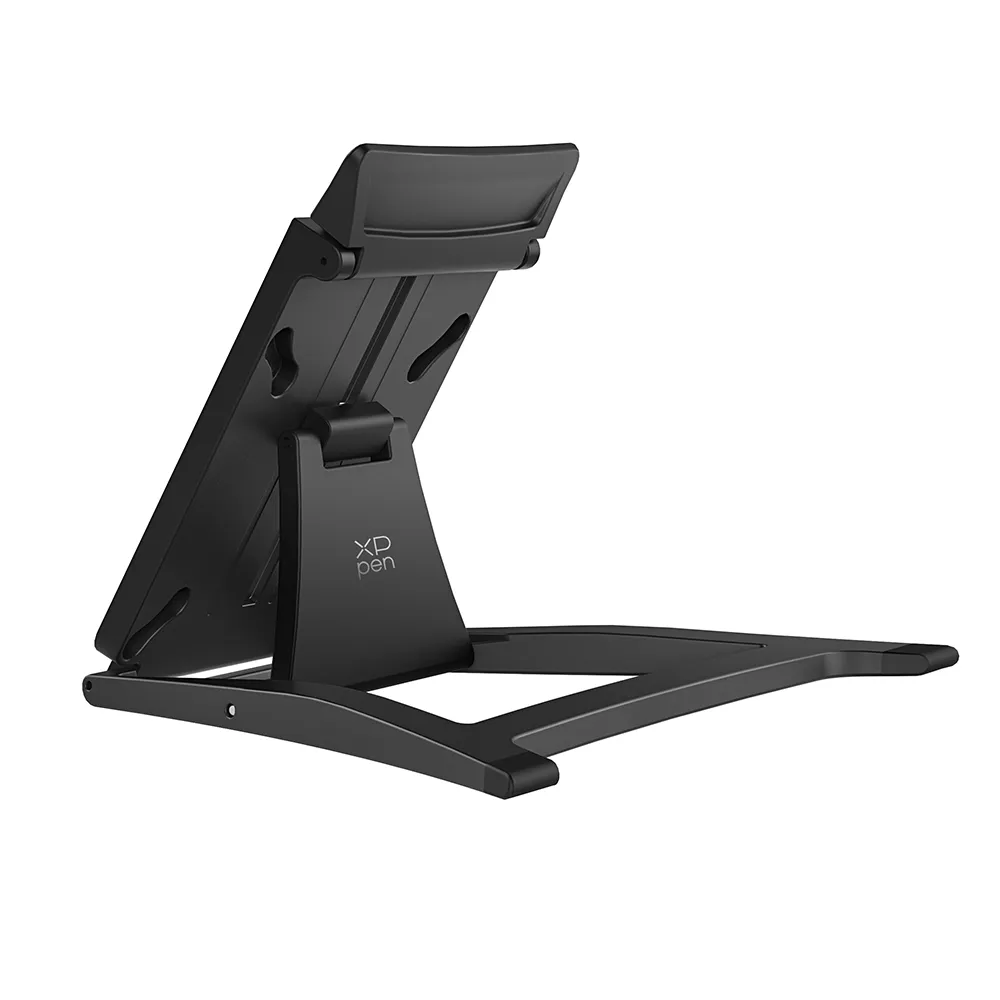
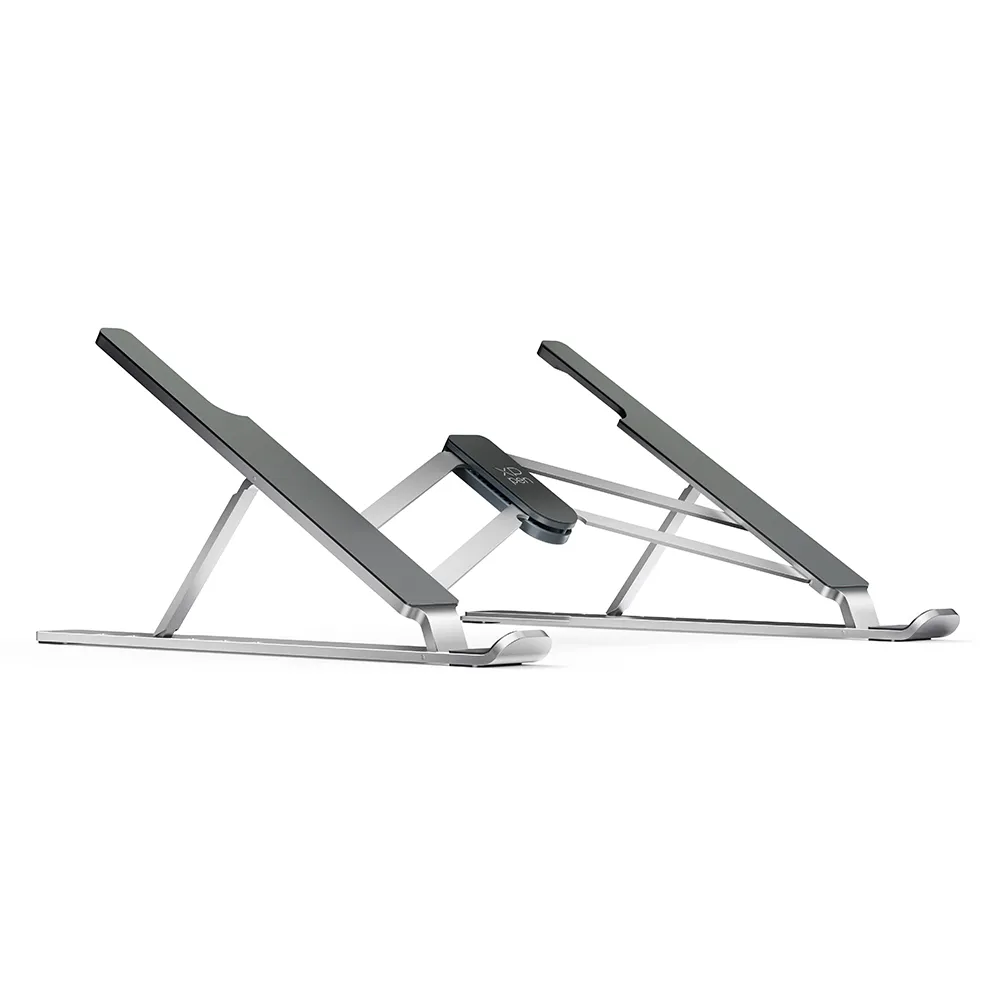
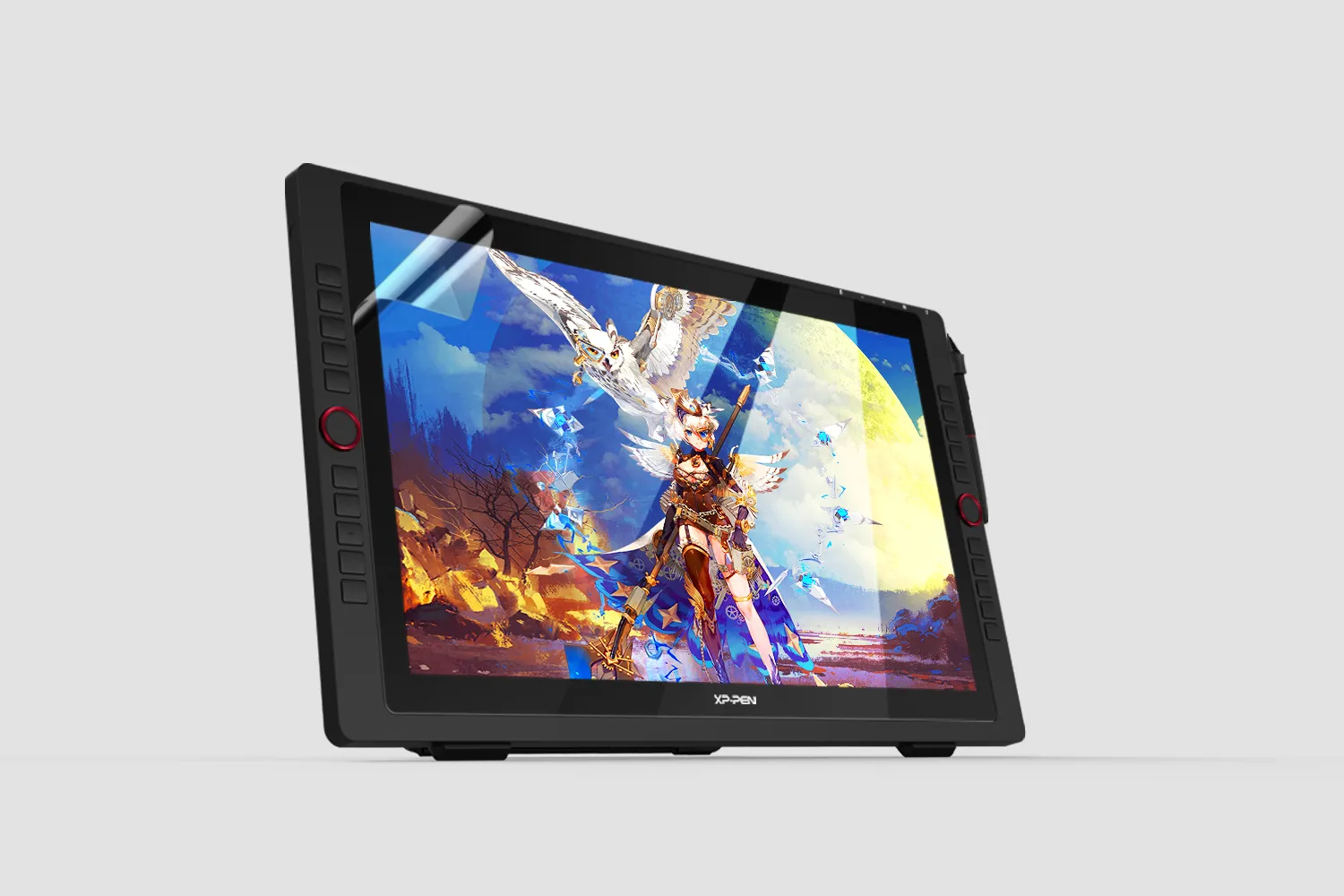
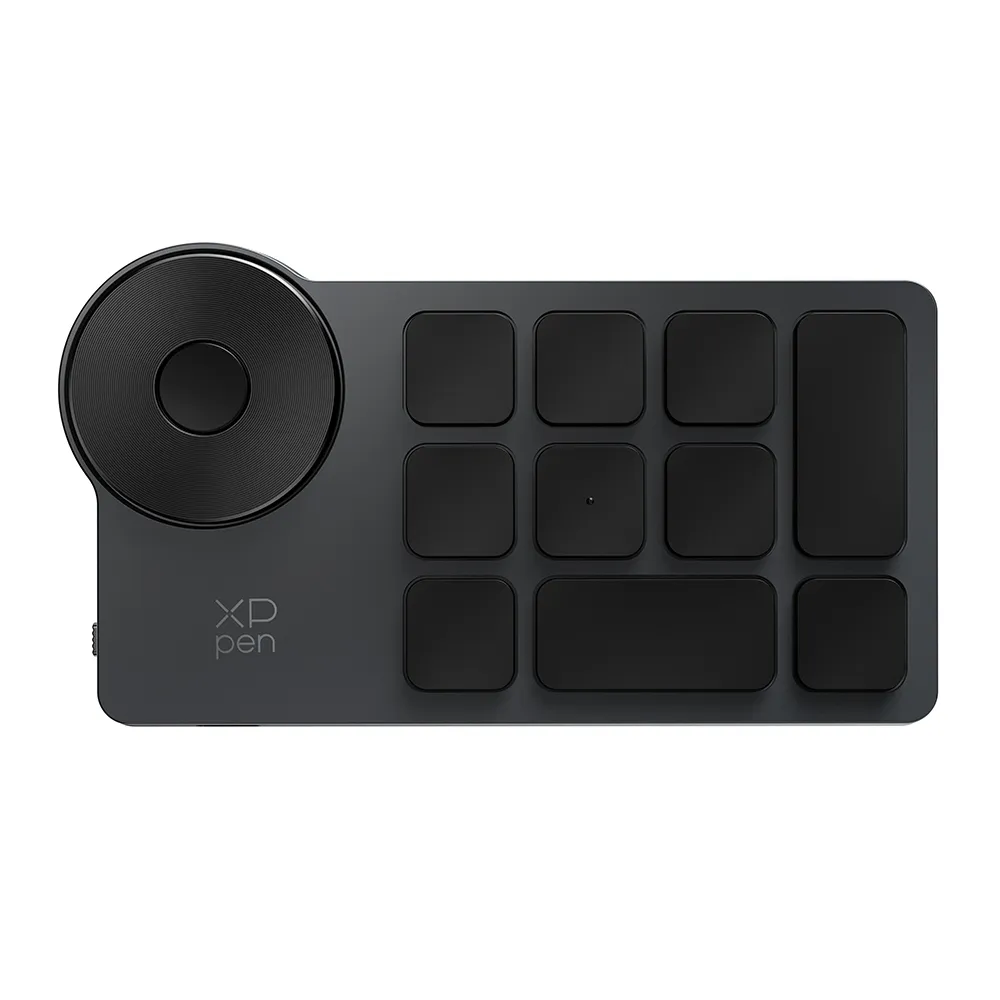
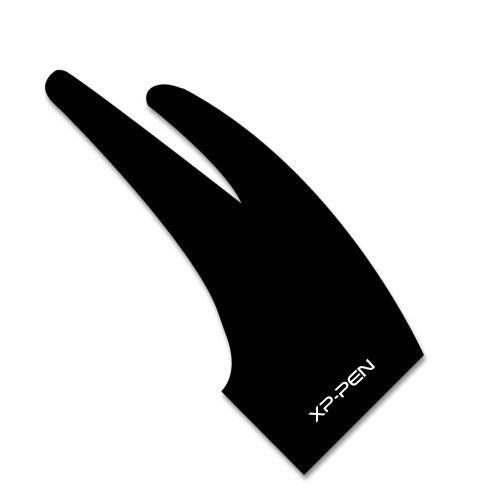
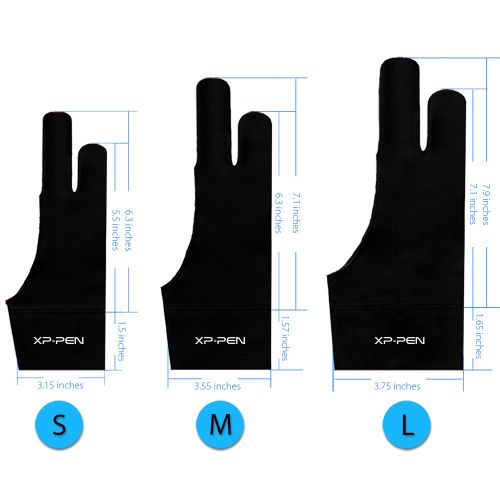
You can use the following XP-PEN products on Chrome OS (88.0.4324.109 and above) now, allowing you to write, draw, and so much more on your Chromebook


Enhance The
Efficiency of Your
E-learning with XP-PEN
You can use the following XP-PEN products on Chrome OS (88.0.4324.109 and above) now, allowing you to write, draw, and so much more on your Chromebook
Support The Following Chromebook Version
88.0.4324.109 and above
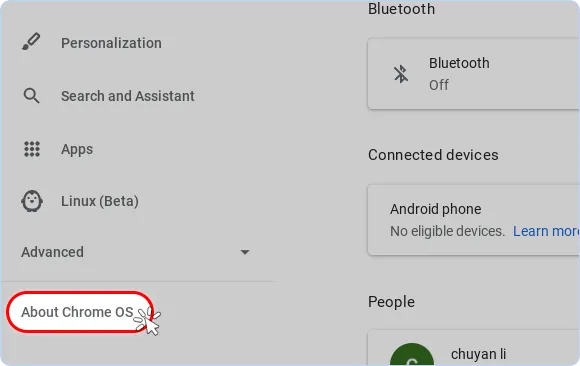
How to update Chromebooks:
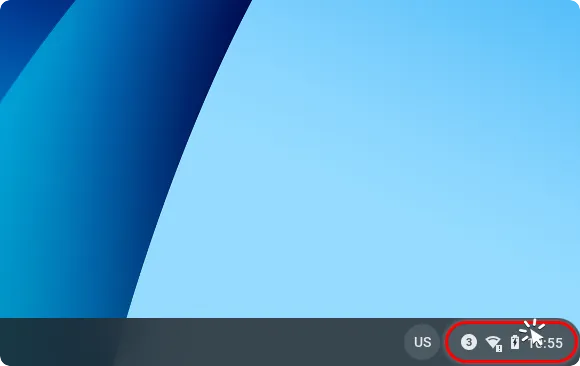
1.Click the bottom right corner of the Chrome OS desktop.
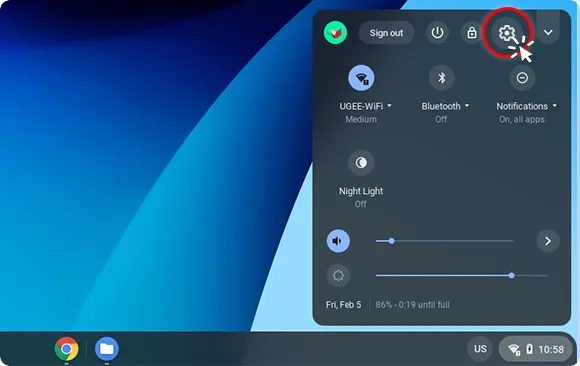
2. Solcet the Sttins icon.
3. Click About Chrome.
4. Click Check for updates.
5. To apply the update, click the arrow icon and select Restart to Update.
Free Shipping (Except RS, NO, CY, MT, IS, MC, MK)
Secure payments (Your payment information is processed securely)
Contact (Monday to Friday 10:30am - 6:30pm( PST))
Professional Support (shopeu@xp-pen.com service@xp-pen.com)
Copyright©2025 HANVON UGEE (HK) TECHNOLOGY CO., LIMITED All Rights Reserved.
Europe Official Store